Cyber Monday Deals Coming Soon

Our Cyber Monday Sale returns in December 2026. In the meantime, shop our current top deals below.

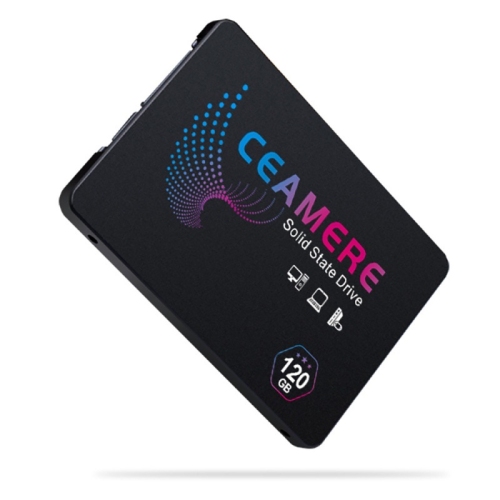
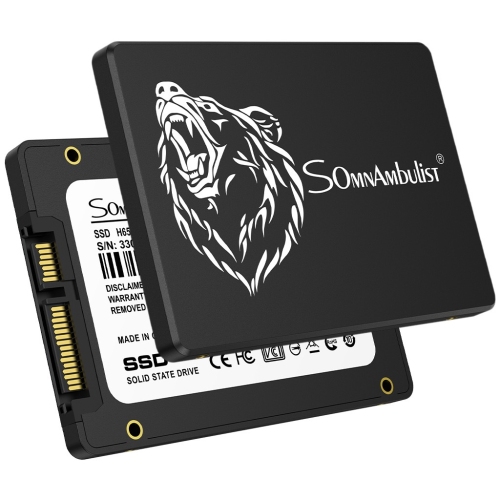
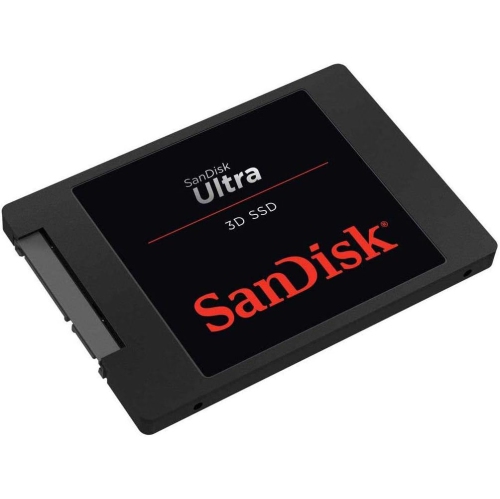
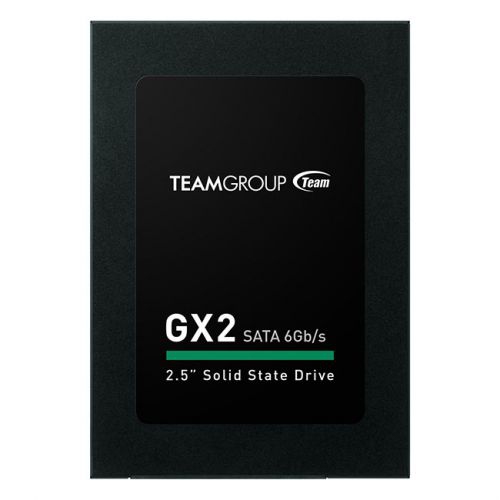
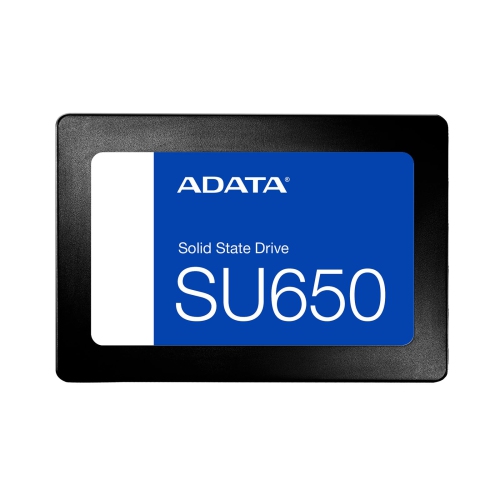
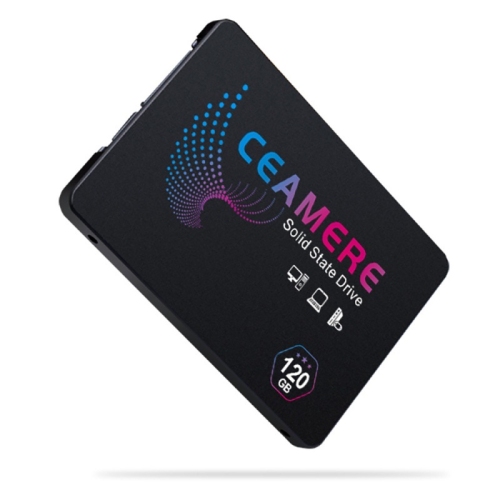
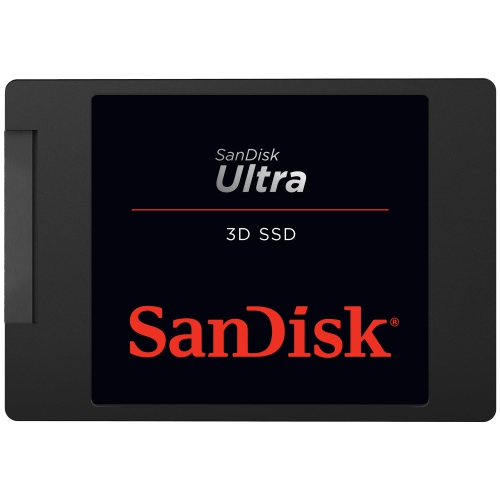
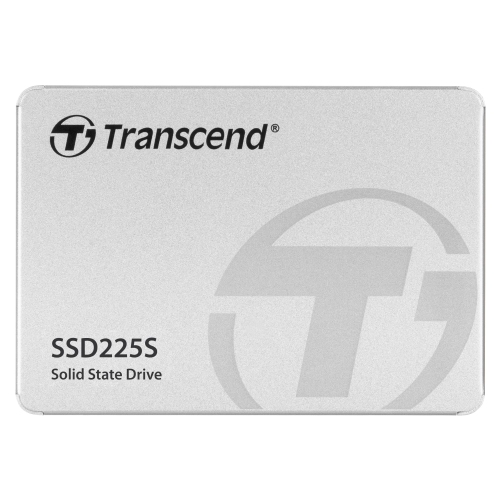
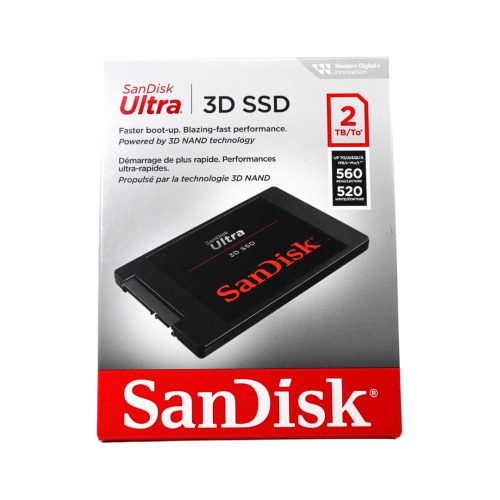
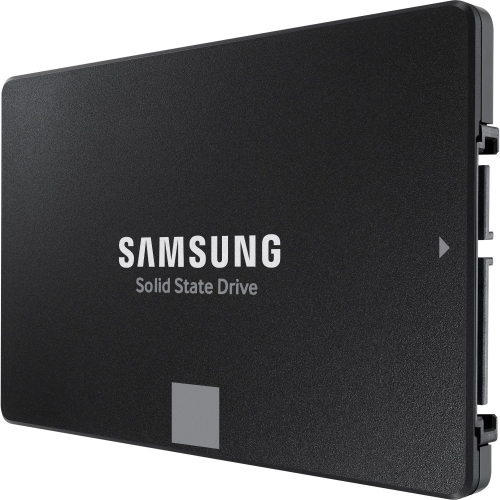
Cyber Monday 2.5-inch SATA SSD Deals

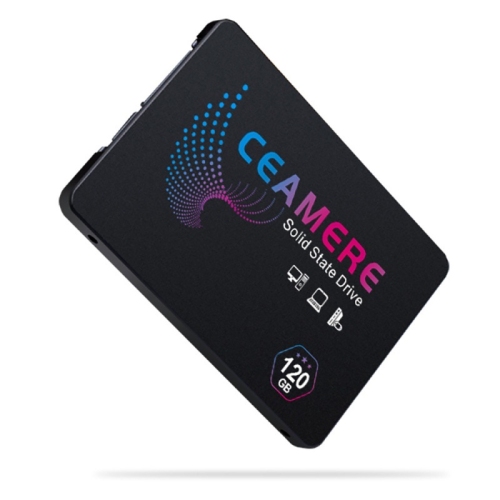
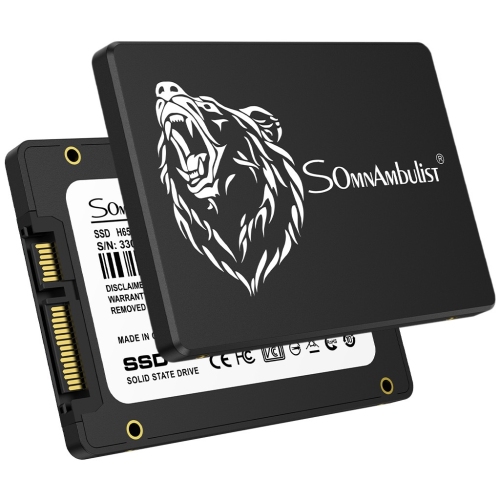
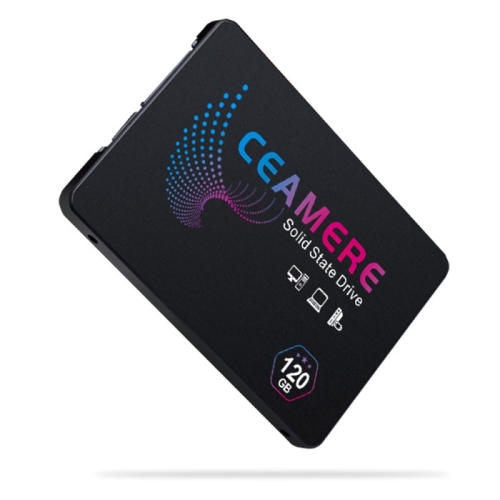
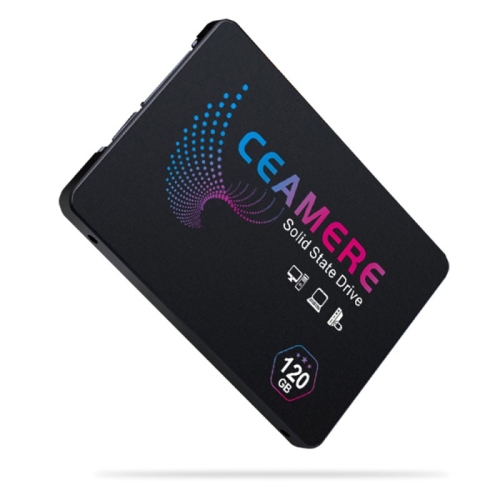
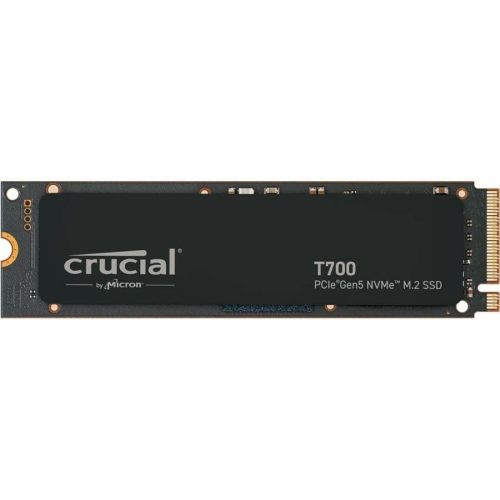
Shop Cyber Monday 2.5-inch SATA SSD deals for a storage upgrade to a compatible laptop or desktop. Compare solid-state drives by capacity, read and write speeds, and price to find the right fit for your files and budget. Before choosing, check that your computer supports a 2.5-inch SATA drive rather than an M.2 SSD. Remember, our Low Price Guarantee means you can shop confidently knowing that you'll find the best price at Best Buy, all year round. We encourage you to check our website frequently for the most up-to-date information on our latest offers and savings opportunities.
Sort

How SATA SSDs can make everyday computing feel faster

Cyber Monday shopping for 2.5-inch SATA SSDs often starts with a familiar frustration: a computer that still handles everyday work but takes too long to start, open applications, or retrieve files. A solid-state drive stores data in flash memory rather than on spinning magnetic platters, so it can access scattered files without waiting for a mechanical read head to move into position. That difference can make an otherwise capable laptop or desktop feel more responsive when opening a browser, loading a large spreadsheet, or switching between several applications. The 2.5-inch format is especially relevant to computers with a traditional SATA drive bay, including many systems originally fitted with a hard disk drive. These SSDs can serve as the main drive for an operating system and applications, or as secondary storage for documents, photos, games, and creative projects. A student working between lectures, a home-office user juggling video calls and presentations, or a family sharing a desktop may all appreciate quicker access to the files they use most. Gamers can benefit from shorter loading times in some titles, although replacing a drive does not automatically improve graphics performance or frame rates. For photographers and hobbyist video editors, an SSD can make browsing folders and opening project files smoother, while the computer’s processor, memory, and graphics hardware still influence demanding tasks. Because there are no spinning platters or moving read heads, the drive itself operates without mechanical disk noise. That can be a welcome change in a quiet workspace, though fans and other components may still be audible. A 2.5-inch SATA SSD is not intended to match the peak transfer speeds of newer NVMe storage, but it remains a practical fit for a computer designed around SATA connections. Its appeal is less about chasing a benchmark and more about making routine moments feel less interrupted: signing in, launching an application, and getting straight to the task at hand.

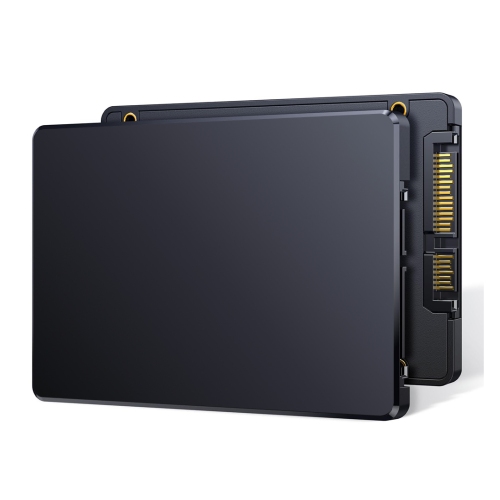
Physical fit and connection type matter as much as capacity. The term “2.5-inch” identifies the drive’s form factor, while SATA describes the interface used to connect it to the computer. A 2.5-inch SATA SSD is different from a slim M.2 module, and an M.2 slot does not provide a place to install a 2.5-inch drive. Many SATA SSDs have a thin enclosure, commonly around 7 mm thick, but the computer’s bay dimensions, mounting hardware, and connector arrangement still need to match. A laptop may use a drive caddy, retaining screws, or a model-specific cable, while a desktop typically needs both a SATA data connection to the motherboard and a SATA power connection from the power supply. Some desktop cases also require a mounting bracket to secure a 2.5-inch drive in a larger bay. Checking the computer manufacturer’s specifications helps distinguish a straightforward replacement from an upgrade that needs additional hardware or is not supported at all. Capacity shapes the usefulness of that upgrade over time. A computer used mainly for web browsing, school assignments, and a modest document library has different storage needs from one holding large game installations, high-resolution photos, or several video projects. Space is needed not only for personal files but also for the operating system, applications, updates, and temporary working files. Leaving some free space gives the system room to manage those tasks and helps avoid the constant reshuffling that comes with an almost-full drive. Advertised capacity and the space shown by the operating system can differ because of measurement conventions and system formatting. Performance also varies between SSD designs, particularly when copying large folders or writing files for extended periods. Flash memory type, the controller, cache design, and the amount of free space can all influence how a drive behaves beyond a short burst of activity. For everyday use, a compatible drive with suitable capacity and dependable performance is often more useful than choosing solely by the highest quoted speed.

A 2.5-inch SATA SSD is built for installation inside a computer, with an enclosure that protects its circuit board and provides mounting points. Enclosures may be metal or plastic; either can be suitable when the drive is properly secured in the intended bay. The absence of moving mechanical parts makes solid-state storage less vulnerable to the kinds of knocks that can disrupt a spinning hard drive, but it does not make the drive indestructible or eliminate the possibility of data loss. Careful handling, protection from static discharge during installation, and avoiding pressure on the connectors all help protect the hardware. A loose drive resting inside a desktop case is not a substitute for proper mounting, particularly if the computer is moved. For daily care, there is little to clean or maintain on the drive itself, and the computer’s normal ventilation should remain unobstructed. Modern operating systems generally provide SSD-aware storage maintenance, including TRIM support where the hardware and software allow it; traditional hard-drive defragmentation is not a performance routine an SSD needs. Reliability is also worth considering beyond the enclosure. Endurance ratings, often expressed as total bytes written, describe a rated amount of writing rather than a promise that every drive will last for a particular number of years. Warranty terms and workload suitability help put those figures in context, especially for someone regularly moving large media files. Important photos, coursework, business records, and saved projects still need a separate backup, because an internal SSD is working storage rather than a complete backup plan. When replacing a main drive, transferring files and preserving access to applications are part of the overall upgrade, whether handled through cloning software or a fresh operating-system installation. An SSD can also be a thoughtful gift for a technically confident recipient with a compatible computer, although confirming the connection type and storage needs matters more than guessing. For a broader selection of internal storage, Cyber Monday Deals on Internal SSDs offers a related place to browse. The right 2.5-inch SATA SSD fits the machine, accommodates its everyday workload, and provides room for the files that make that computer useful.

FAQ

Some products may be subject to Environmental Handling Fees (EHF) depending on your province. Learn more about EHFs.