Cyber Monday Deals Coming Soon
Our Cyber Monday Sale returns in December 2026. In the meantime, shop our current top deals below.

Cyber Monday Deals On Apple iMac
Get ready to snag incredible deals on Cyber Monday for the latest Apple iMac models. Whether you're a creative professional, a student, or simply someone who appreciates top-notch technology, this is the perfect opportunity to upgrade your computing experience. From stunning displays and powerful processors to sleek designs and innovative features, the Apple iMac offers unmatched performance and style. Don't miss out on these limited-time discounts and get ready to elevate your productivity and entertainment with the best Cyber Monday deals on Apple iMac at Best Buy. Remember, our Low Price Guarantee means you can shop confidently knowing that you'll find the best price at Best Buy, all year round. We encourage you to check our website frequently for the most up-to-date information on our latest offers and savings opportunities.
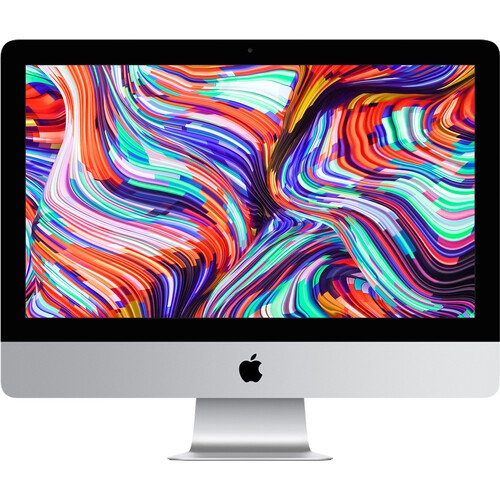
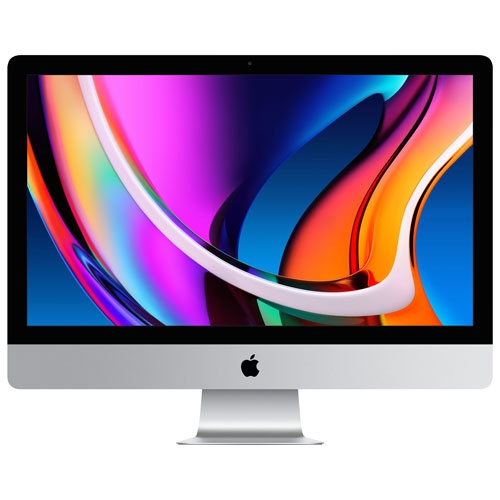
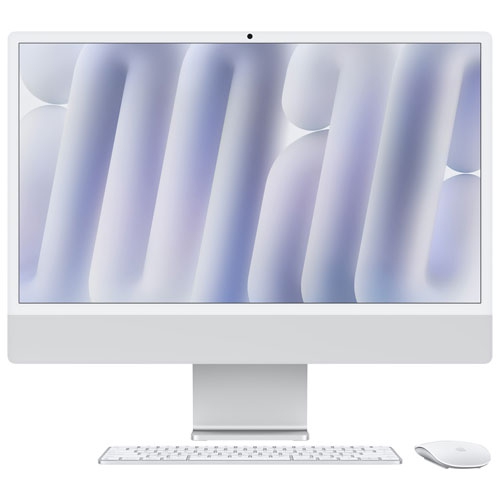
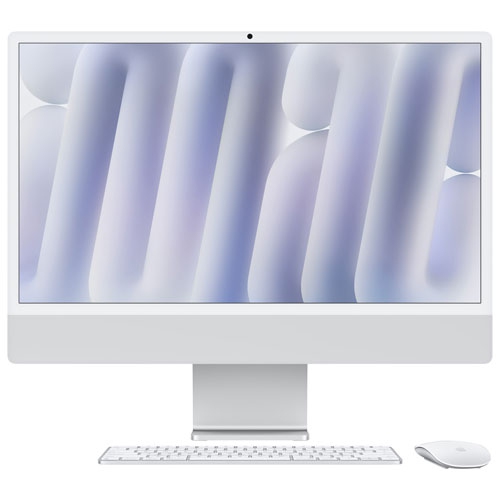
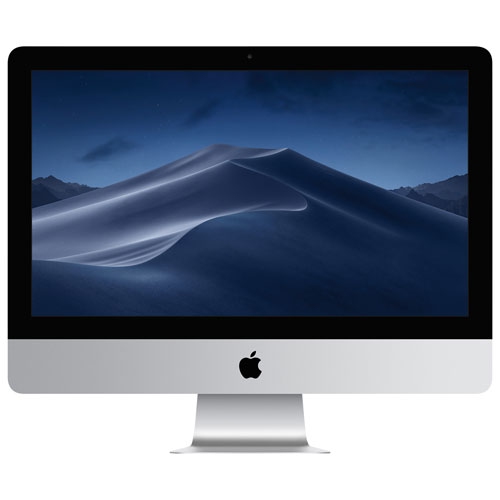

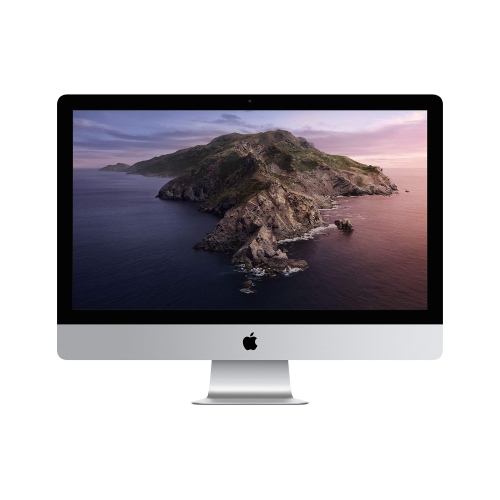
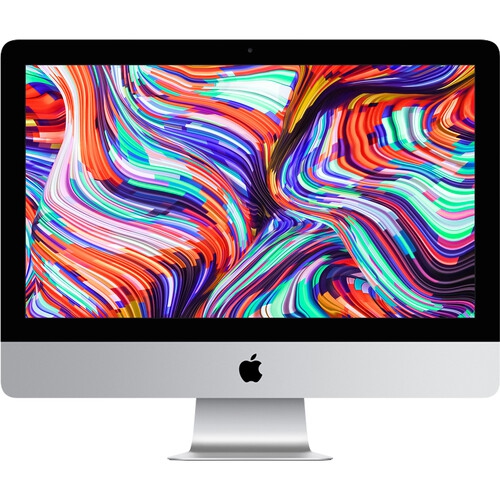
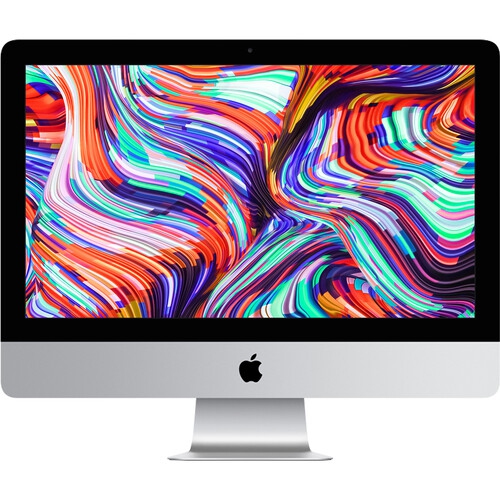
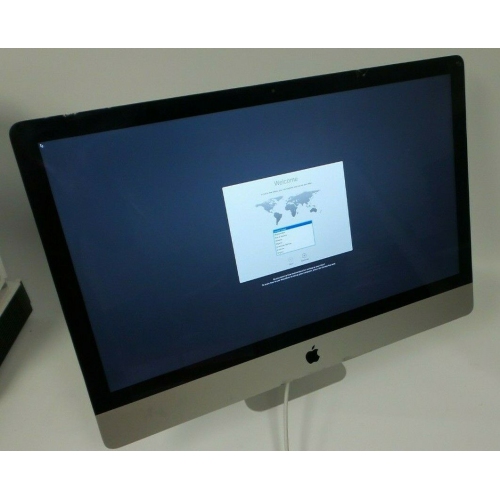
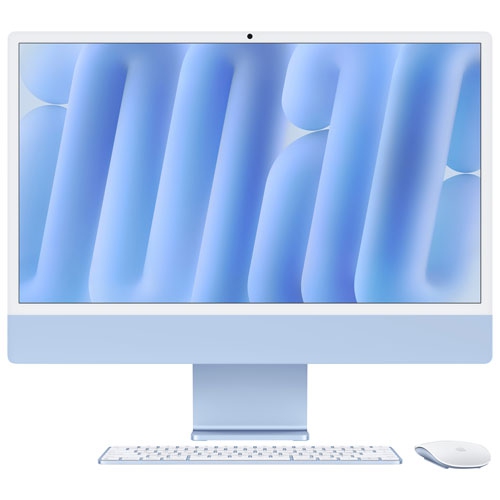
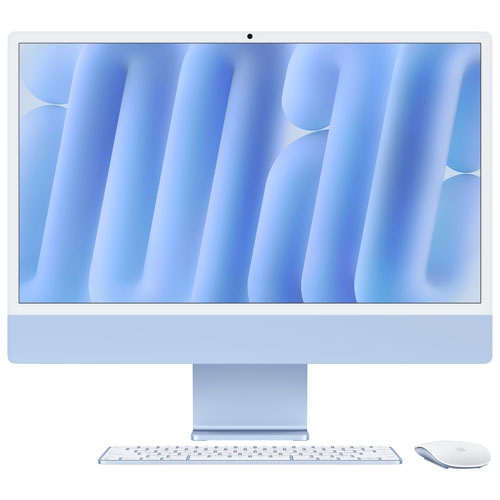
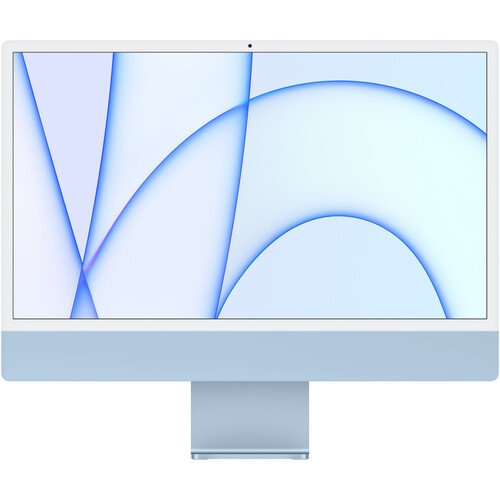
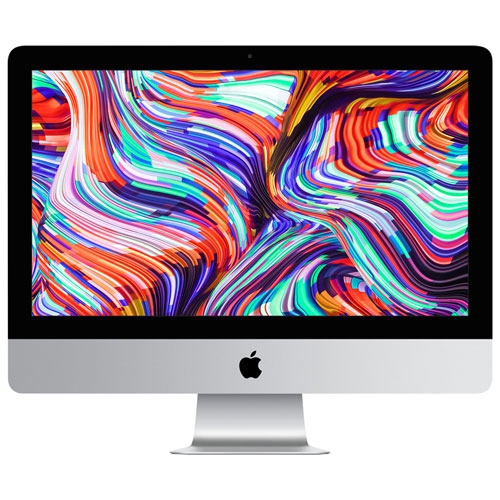
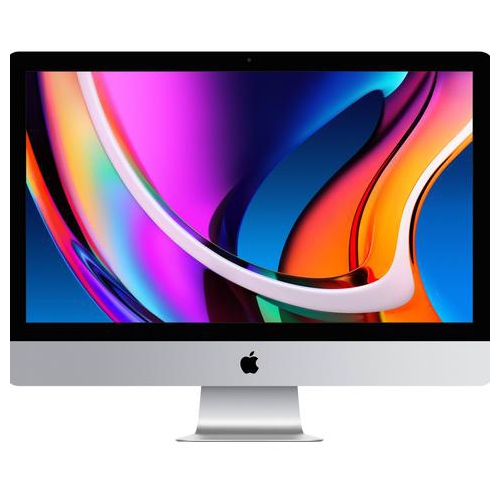
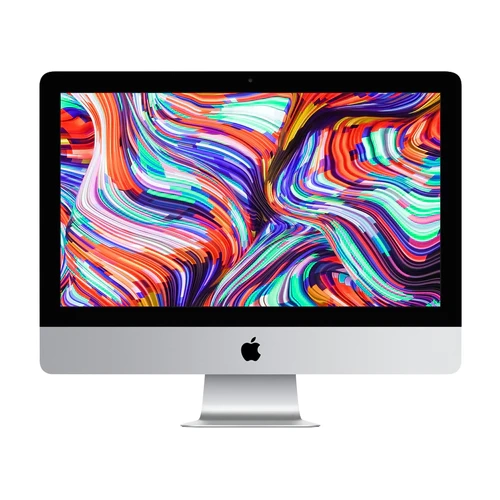
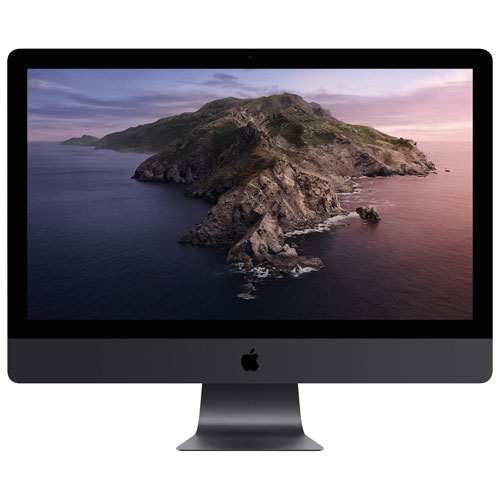


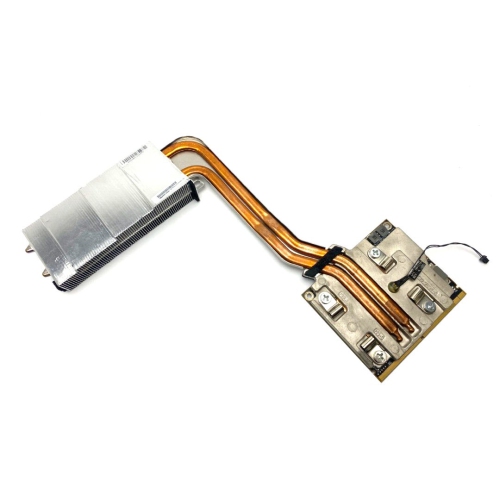
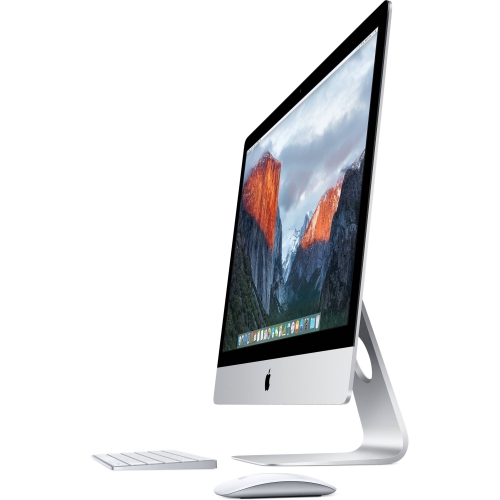
A spacious screen without a tower beside your desk
The most useful configuration depends on the work that will happen at the desk, not simply on the largest number in a specification list. Web browsing, document editing, video calls, and household administration place different demands on a computer than editing high-resolution footage or building complex music projects. Processor capability influences how quickly demanding tasks finish, while memory helps the system keep applications and active projects accessible as work moves between them. A typical afternoon might involve a browser full of research tabs, a presentation, a messaging app, and a video meeting running together; that pattern makes multitasking capacity relevant even when no single task seems especially intensive. Storage has a different role, holding applications, downloads, photographs, and project files over time. A household that keeps years of video locally will have different needs from someone who works mainly with online documents. Memory and internal storage in many slim all-in-one designs are not intended for straightforward upgrades after purchase, so the original configuration can have a lasting effect on usefulness. Connections deserve the same practical attention. An external drive, a wired headset, a camera card reader, and an additional display may each need a suitable port, cable, or adapter, and a connector’s shape does not by itself establish its transfer speed or display support. Wi-Fi performance also depends partly on the router and the position of the desk, while a wired network connection may be useful for a fixed workspace when supported. Software compatibility is especially important for school assignments, professional tools, games, and older accessories. A familiar application may have different requirements across operating systems, and specialist programs can depend on particular hardware features. Built-in cameras, microphones, and speakers can simplify calls and casual listening, but their presence does not remove the need to consider room lighting, background noise, or privacy. For a shared computer, separate user accounts help keep schoolwork, personal files, and preferences organized without turning every login into a search through someone else’s desktop.
Long-term satisfaction with an all-in-one computer comes from the details surrounding daily use as much as from processing power. A well-proportioned keyboard, a comfortable mouse or trackpad, and a chair that supports a relaxed working position can make lengthy sessions more pleasant. Display tilt and stand height vary by design, so someone who needs a higher screen may need a stable riser or a compatible mounting arrangement rather than assuming the stand adjusts in every direction. The housing, screen surface, and stand each have different care needs. Metal finishes can show scratches, glossy surfaces can collect fingerprints, and display coatings may be damaged by unsuitable cleaners. Following the manufacturer’s cleaning directions, using an appropriate soft cloth, and keeping liquid away from openings help preserve the finish without unnecessary abrasion. Clear ventilation space is important even in a tidy setup; papers stacked against vents or a tight enclosure can interfere with airflow. A fixed desktop is not designed to be carried around like a portable computer, and moving one between rooms calls for a secure grip and careful handling of the screen and stand. Durability also includes the less visible habits that protect work: regular software updates, secure sign-in settings, and a separate backup for important files. An external drive or suitable backup service can help protect family photographs and unfinished projects if the main storage fails, although synchronization alone is not always a substitute for a recoverable backup. For shoppers exploring the wider device family around Cyber Monday, Cyber Monday deals on Apple provides a related place to continue browsing. Within a desktop setup, compatibility with an existing phone, tablet, or accessories may support convenient file sharing and a more familiar routine, but individual features can depend on software versions and account settings. The strongest fit is a computer that supports the way its owner actually spends time: a clear display for focused work, enough capacity for ongoing projects, dependable connections for essential equipment, and a physical design that remains comfortable to use day after day.
Top selling and popular products
-
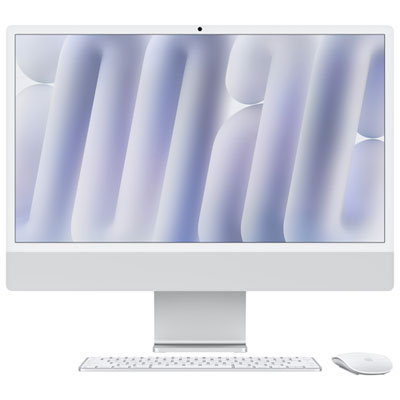 Your price for this item is $2099.99
 -
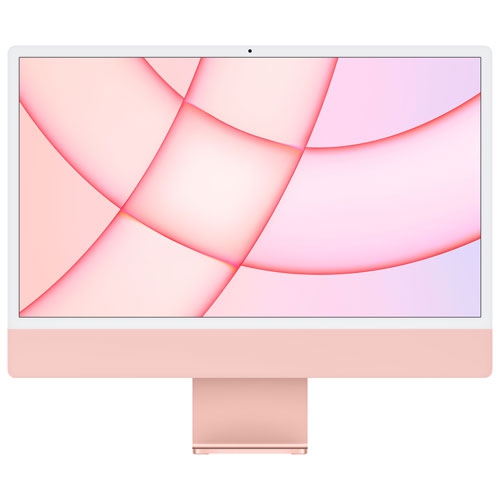 Your price for this item is $1529.97
 -
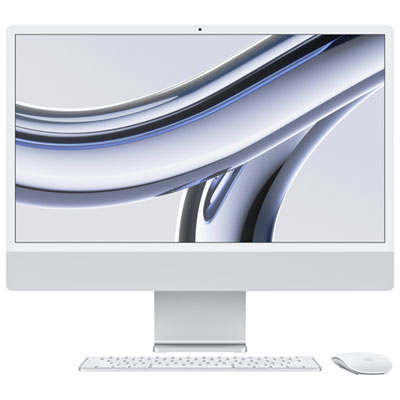 Your price for this item is $1799.99
 -
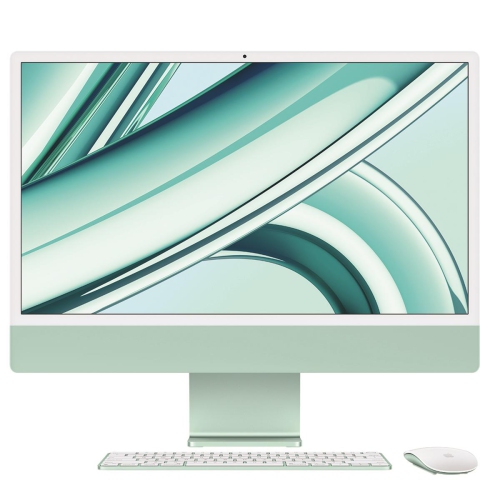 Your price for this item is $1804.05
 -
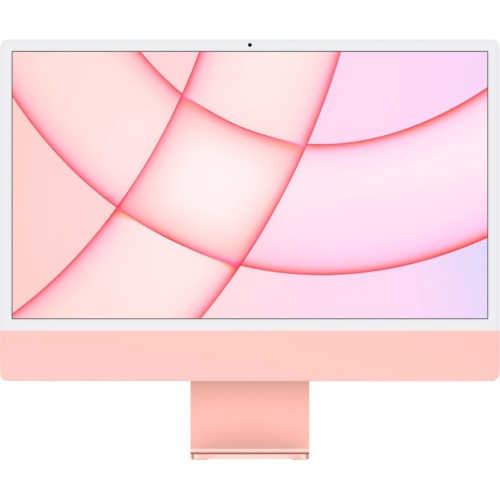 Your price for this item is $1299
 -
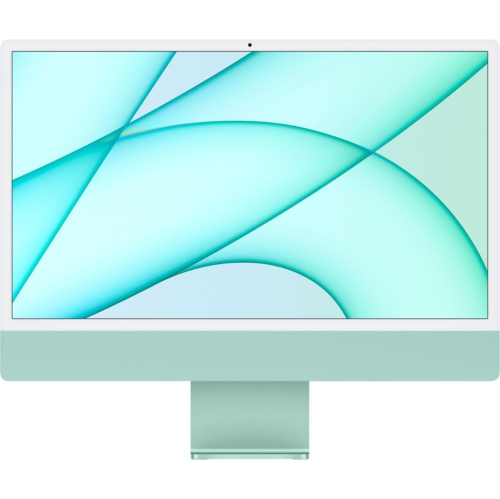 Your price for this item is $1499
 -
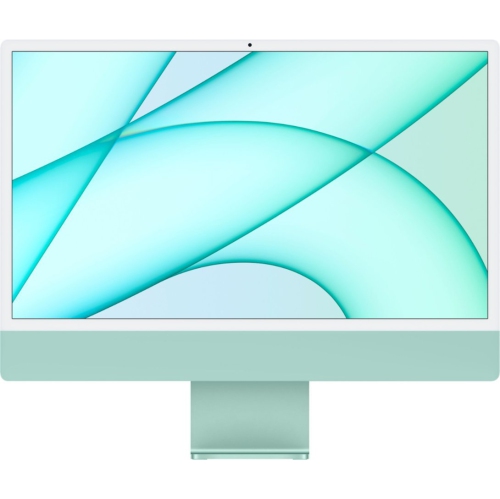 Your price for this item is $1199
 -
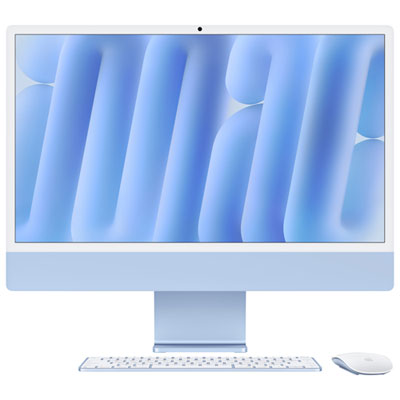 Your price for this item is $2299.99

