Cyber Monday Deals Coming Soon
Our Cyber Monday Sale returns in December 2026. In the meantime, shop our current top deals below.

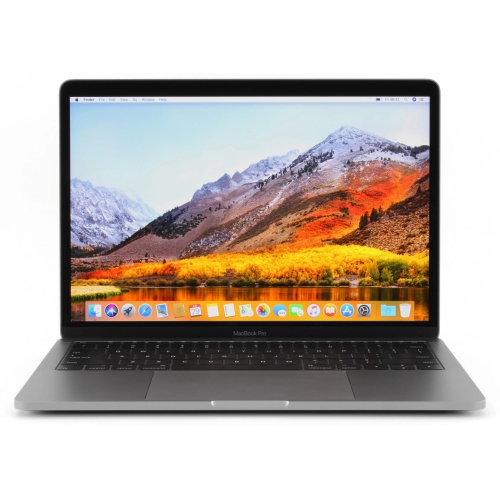
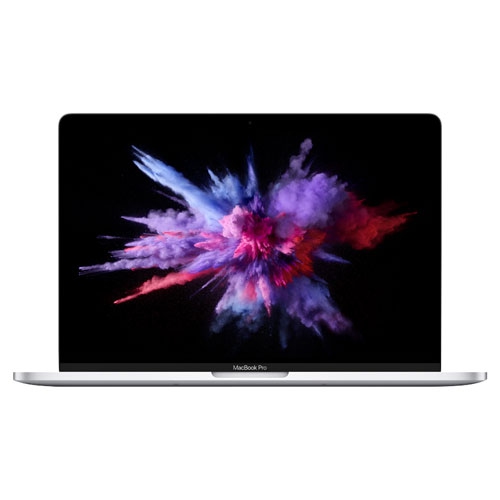
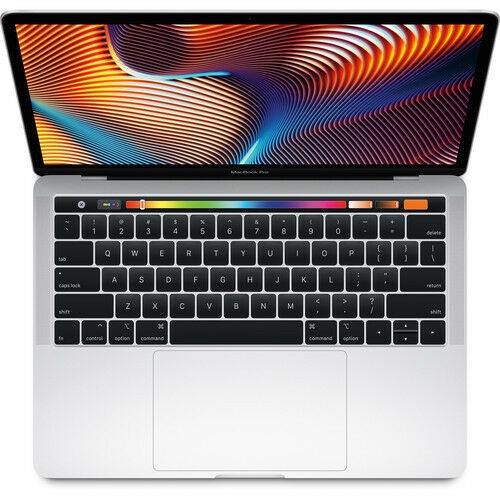
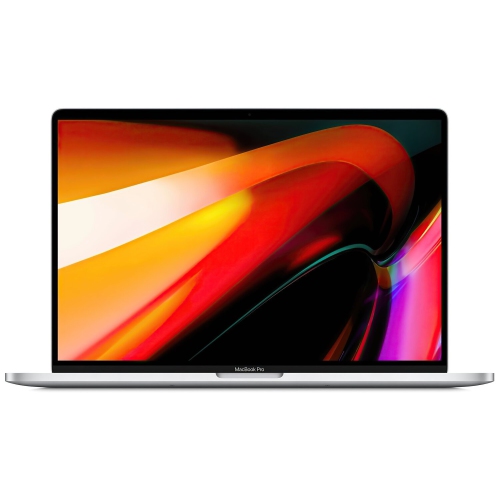
Cyber Monday Deals On Apple MacBook Pro
Looking for incredible deals on high-performance laptops this Cyber Monday? Look no further! At Best Buy Canada, we are thrilled to bring you a wide selection of discounted Apple MacBook Pro models. Whether you're a student, a creative professional, or simply someone who appreciates top-notch technology, our Cyber Monday deals on Apple MacBook Pro are sure to impress. Don't miss out on the opportunity to snag your dream MacBook Pro at an unbeatable price this Cyber Monday! Remember, our Low Price Guarantee means you can shop confidently knowing that you'll find the best price at Best Buy, all year round. We encourage you to check our website frequently for the most up-to-date information on our latest offers and savings opportunities.

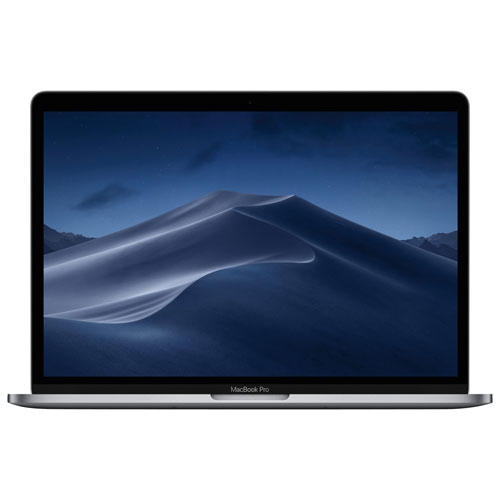
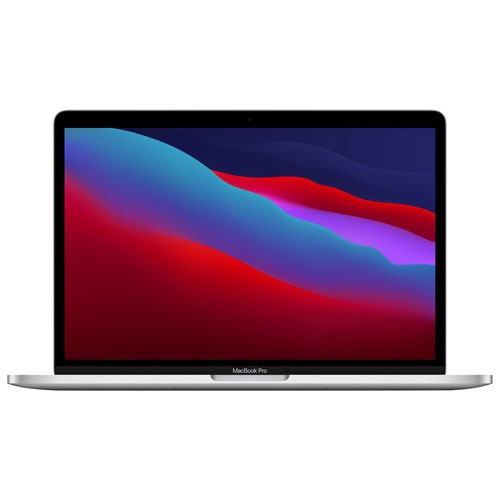
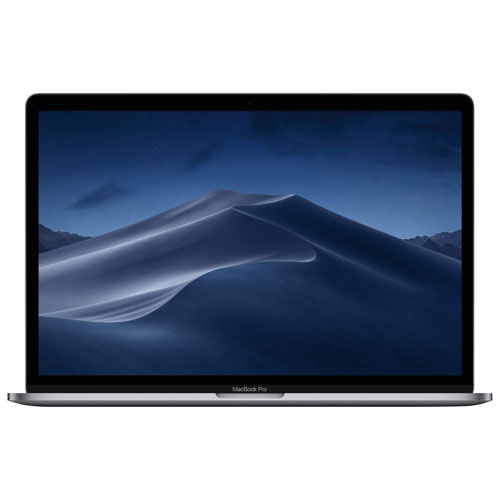
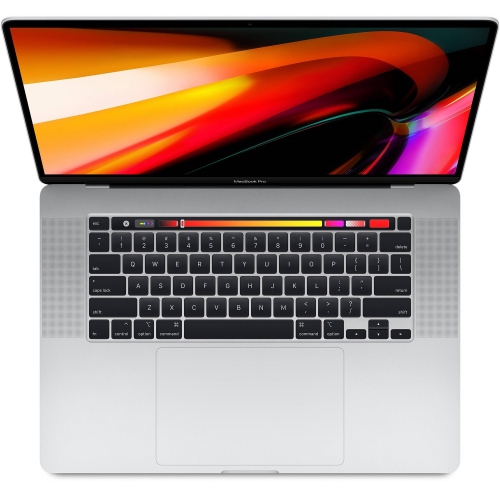

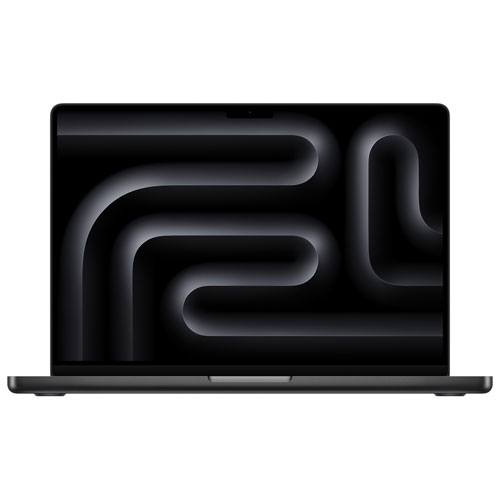


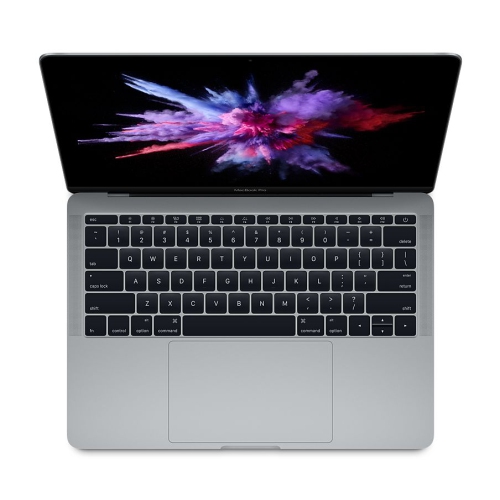
Laptop performance for demanding work beyond the desk
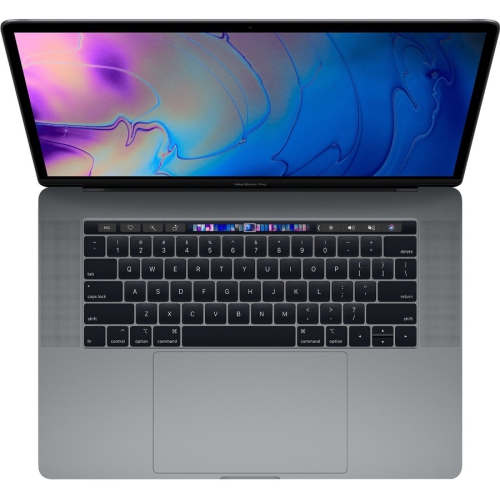
The screen, keyboard and physical proportions shape how a laptop feels over hours of use. A larger display gives a video timeline, spreadsheet or page layout more breathing room, while a smaller chassis can be easier to carry through a commute or fit onto a compact work surface. Neither approach suits every routine. Someone who edits mainly at a desk may prefer a portable computer paired with an external monitor, while someone presenting work in different locations may place greater importance on the built-in display. Resolution helps determine how much detail a screen can show, but brightness, contrast, colour reproduction and software scaling also influence comfort and usefulness. For colour-sensitive work, display settings, calibration requirements and the viewing conditions used for final approval remain important. A higher refresh rate can make supported movement and scrolling appear smoother, although its value depends on the tasks being performed. Keyboard spacing, trackpad size and palm-rest depth are equally practical details for anyone writing reports, entering shortcuts or navigating a complex editing interface throughout the day. Physical fit extends beyond the laptop itself: a sleeve should match the computer’s dimensions, and a travel bag needs enough room for the charger without pressing accessories against the lid. Battery life varies with screen brightness, wireless activity, connected devices and workload, so light document work and intensive rendering should not be expected to draw power at the same rate. Connections also determine how easily the laptop settles into an existing setup. External displays, storage drives, audio equipment, memory cards and wired networks may require particular ports, cables or adapters. A connector’s shape does not guarantee every charging, data-transfer or display function, making its supported capabilities worth checking. Wi-Fi and Bluetooth support wireless connections, while a compatible dock can simplify the move between a mobile setup and a desk with several peripherals. Charger size, cable length and the placement of power outlets can also affect how comfortably that setup works in practice, particularly in shared offices or teaching spaces.
Materials and day-to-day care influence how well a frequently carried laptop holds up. Metal housings are common in premium notebooks and can provide a rigid feel, but no finish makes a computer immune to dents, scratches or pressure damage. A padded sleeve or dedicated laptop compartment helps separate the chassis from keys, charging plugs and other hard objects in a bag. Carrying the computer with the lid closed, keeping food and drinks away from the keyboard, and leaving ventilation openings unobstructed are straightforward habits that protect an important work tool. A hard, stable surface is generally more suitable for sustained use than soft bedding or cushions that may interfere with airflow. For cleaning, a soft, lint-free cloth and the manufacturer’s care directions are a safer starting point than household sprays or abrasive materials; liquids should not be applied directly to the computer. Care also includes the files stored inside. Regular backups, appropriate account security and organized project folders help reduce disruption if a device is damaged, misplaced or needs service. An external drive can be useful for additional copies, but working files and backups should not all depend on a single device. For a gift recipient, suitability usually has more to do with established habits than appearance alone. A student may need compatibility with course software, a musician may rely on a particular audio interface, and a designer may already have a carefully arranged monitor and peripheral setup. Confirming those needs helps make a substantial gift useful from the start. Portability is not essential for every workflow, either. Those comparing a mobile computer with a fixed workstation can also explore Cyber Monday Deals on Mac Pros for a desktop-focused alternative. Whether the computer travels daily or spends most of its time connected at a desk, the strongest fit balances the work being done, the equipment already in use and the practical details that make long sessions comfortable.
Top selling and popular products
-
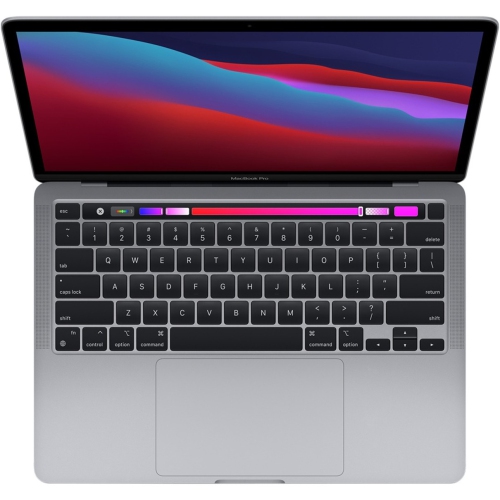 Your price for this item is $1500
-
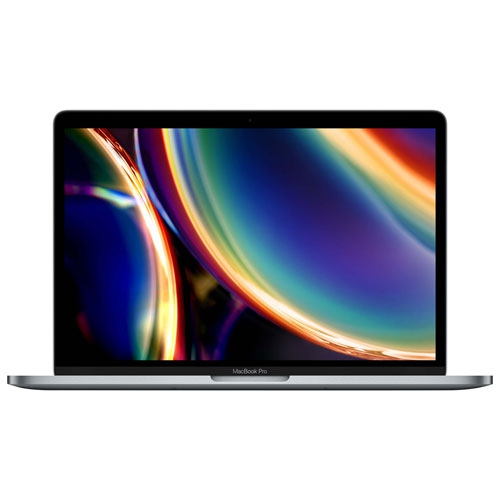 Your price for this item is $749.77
-
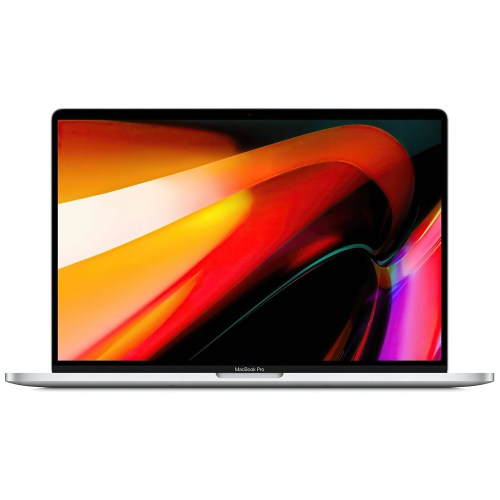 Your price for this item is $659.99
-
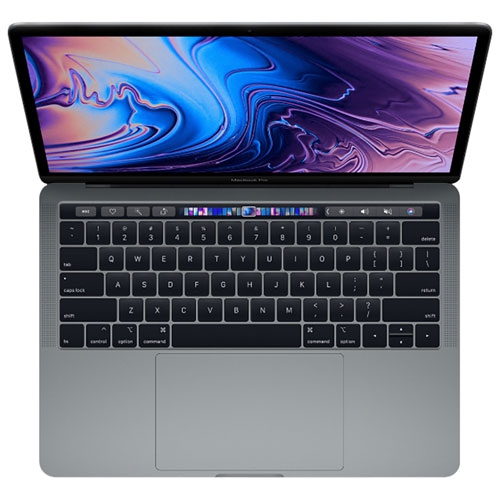 Your price for this item is $499.96
-
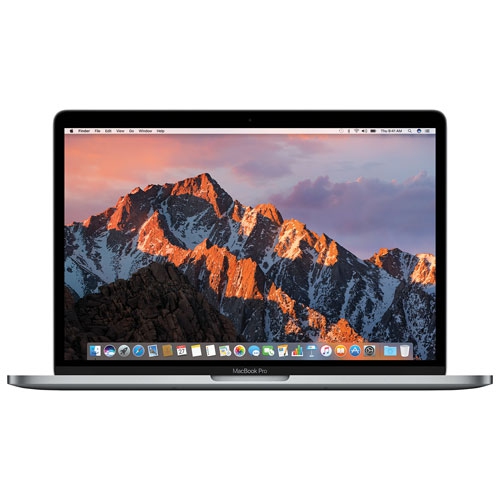 Your price for this item is $549.77
-
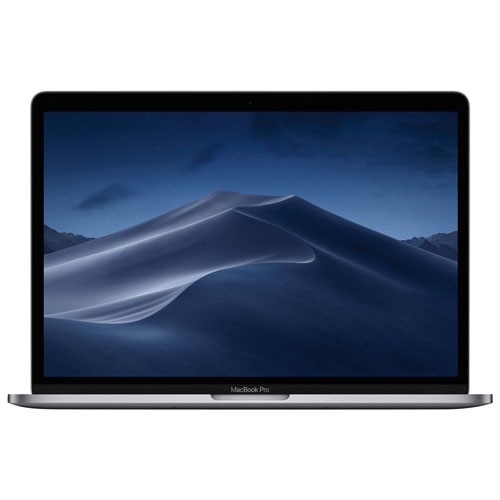 Your price for this item is $629.77
-
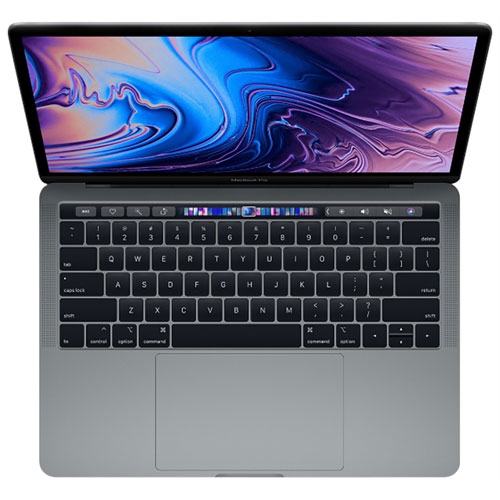 Your price for this item is $629.77
-
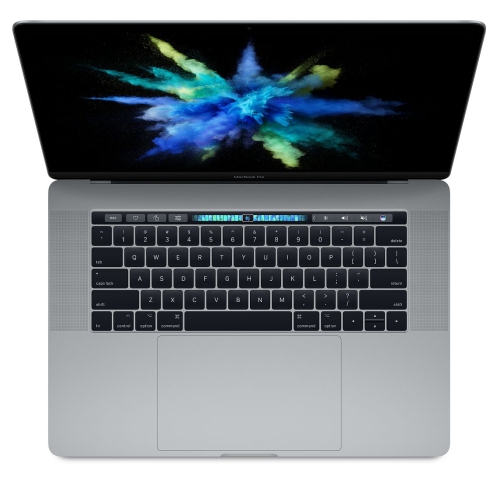 Your price for this item is $519.99