Cyber Monday Deals Coming Soon
Our Cyber Monday Sale returns in December 2026. In the meantime, shop our current top deals below.

Cyber Monday Deals on Hard Drives
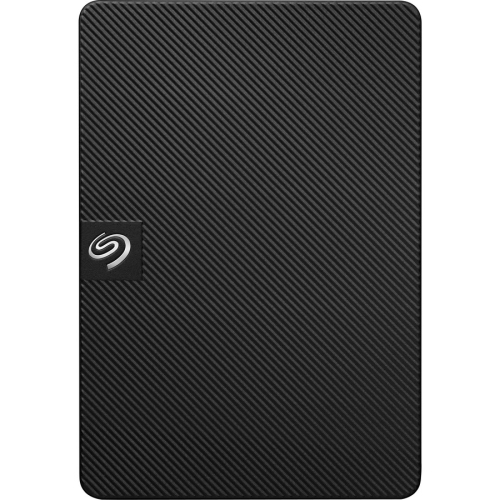
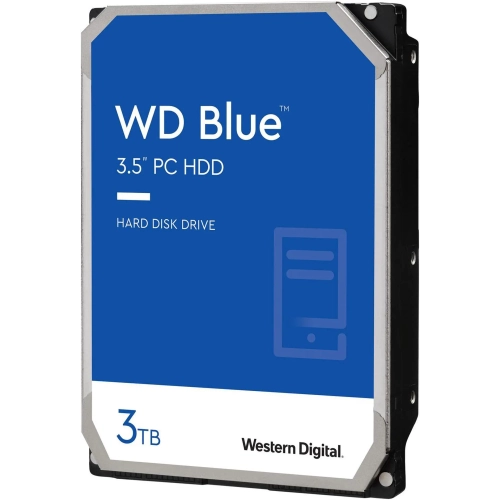
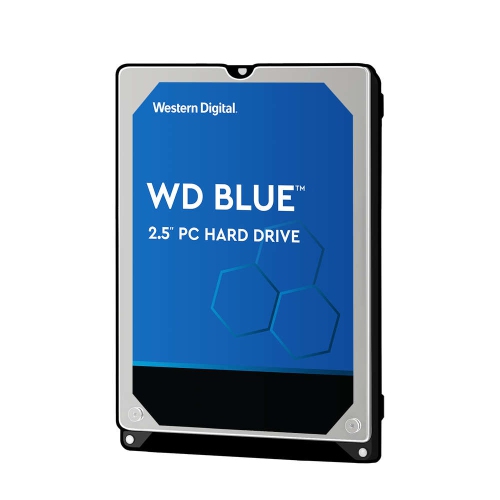
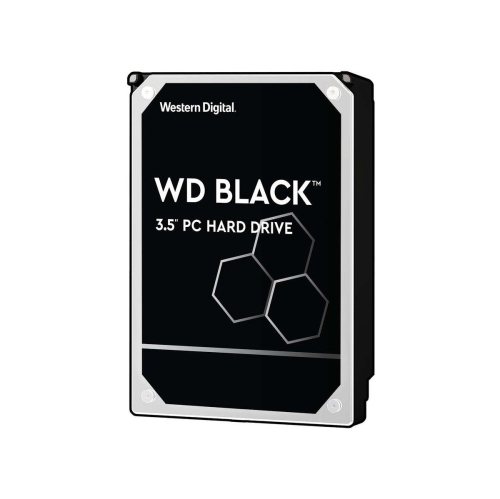
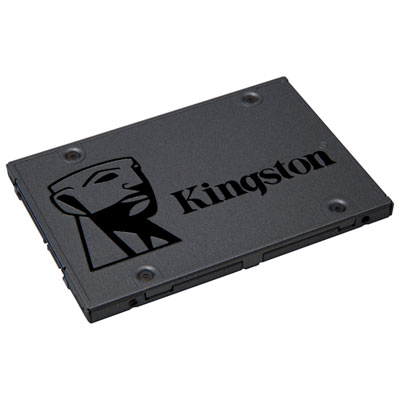
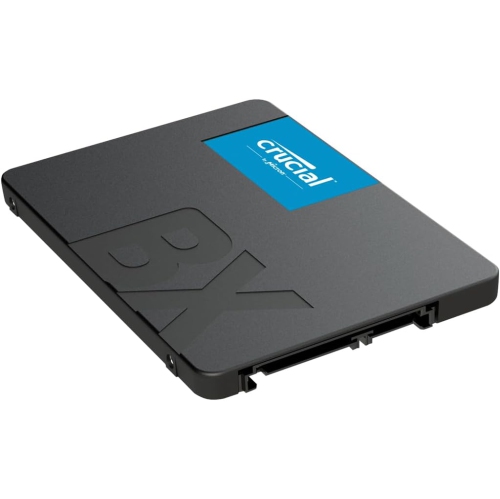
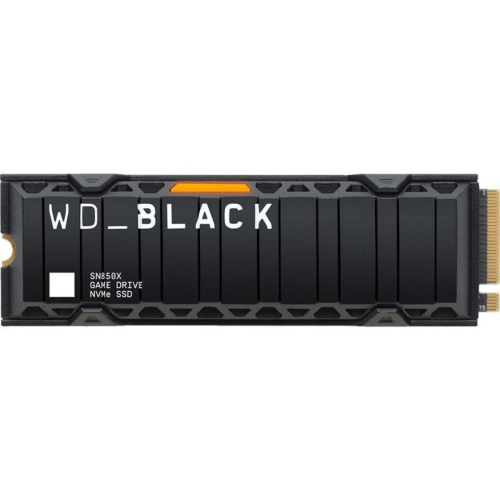
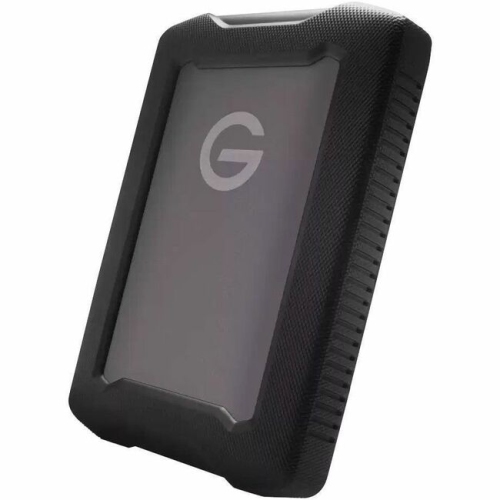
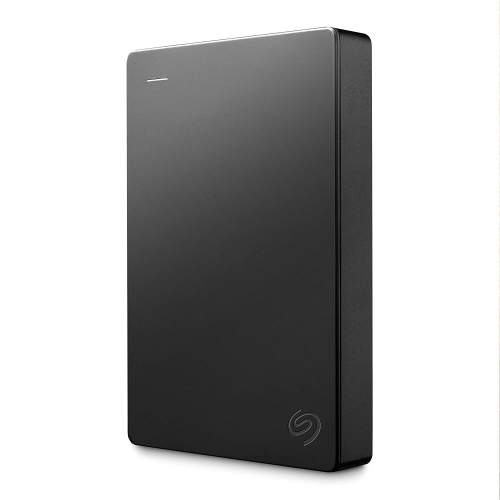
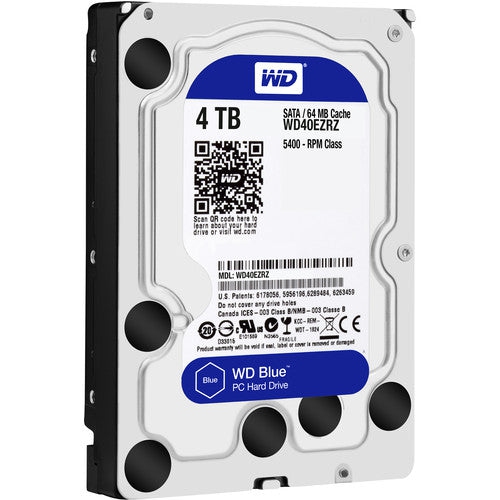
Browse Cyber Monday deals on hard drives to find storage for backups, large files, and everyday use. Compare internal drives for a compatible computer upgrade with external hard drives for portable or desktop storage, and consider capacity, connection type, and device compatibility when choosing the right fit. Remember, our Low Price Guarantee means you can shop confidently knowing that you'll find the best price at Best Buy, all year round. We encourage you to check our website frequently for the most up-to-date information on our latest offers and savings opportunities.


FAQ
An internal hard drive is installed inside a computer and connects directly to its internal hardware. An external hard drive sits outside the computer and connects through a port such as USB. External drives are commonly used for file storage and moving files between compatible devices.
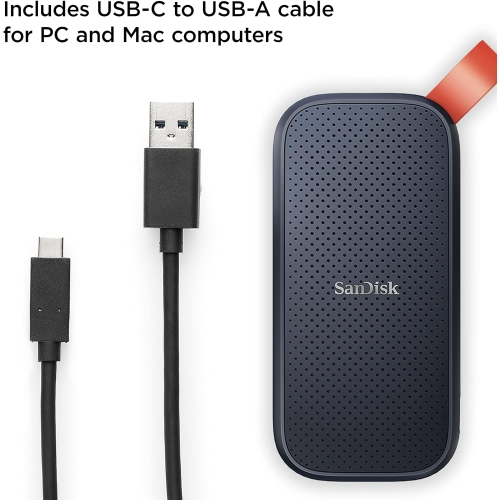
Check the drive’s supported operating systems, connection type and power requirements. For an internal drive, confirm that your computer supports its interface. For an external drive, check whether the included cable matches your computer’s ports or requires an adapter.
A hard disk drive, or HDD, stores data on spinning magnetic platters using a mechanical read/write head. A solid-state drive, or SSD, stores data on flash memory without moving parts. Both are available as internal and external storage devices.
Yes, provided its connection and file system are supported by both computers. Windows and macOS both support exFAT, making it a common format for sharing files between the two. Drives formatted with other file systems may require additional software or reformatting.
Some external hard drives draw power directly from a computer’s USB port, while others use a separate adapter plugged into an electrical outlet. Check the drive’s power requirements to understand which connections your setup will need.
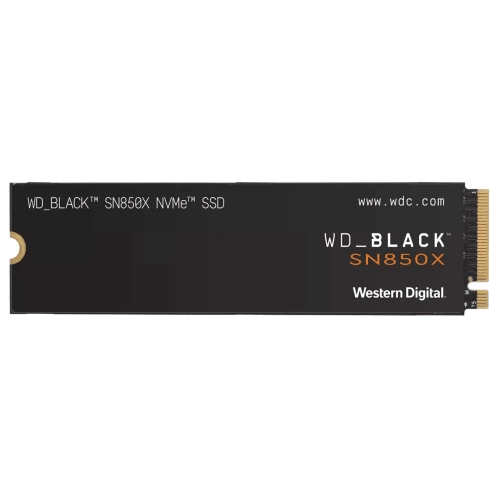
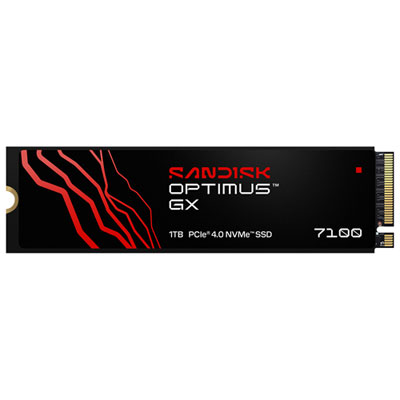
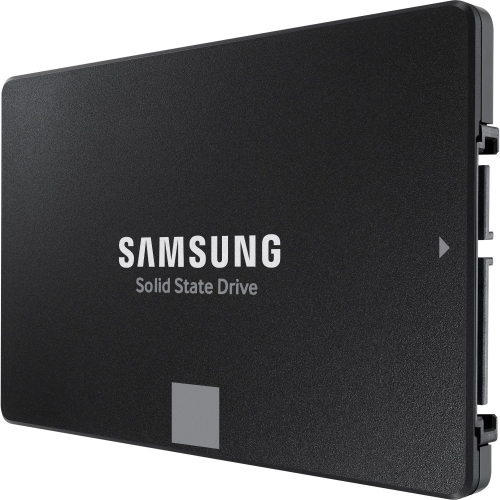
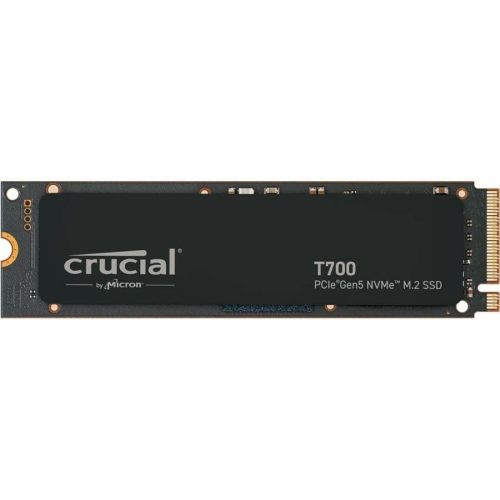
Top selling and popular products
Discover more categories related to Cyber Monday Deals on Hard Drives
Some products may be subject to Environmental Handling Fees (EHF) depending on your province. Learn more about EHFs.