Cyber Monday Deals Coming Soon

Our Cyber Monday Sale returns in December 2026. In the meantime, shop our current top deals below.

Cyber Monday Internal Hard Drive Deals

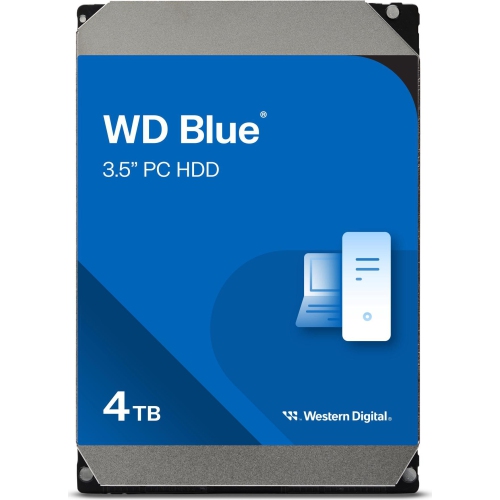
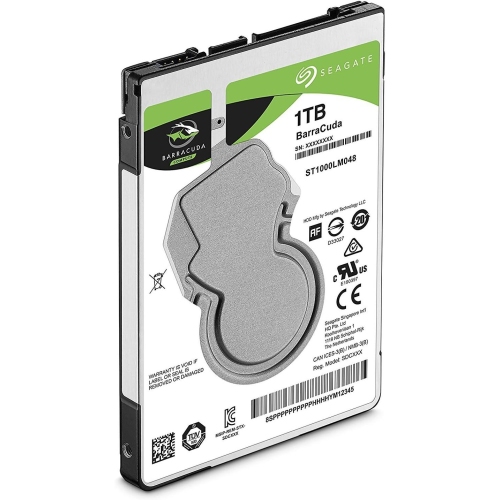
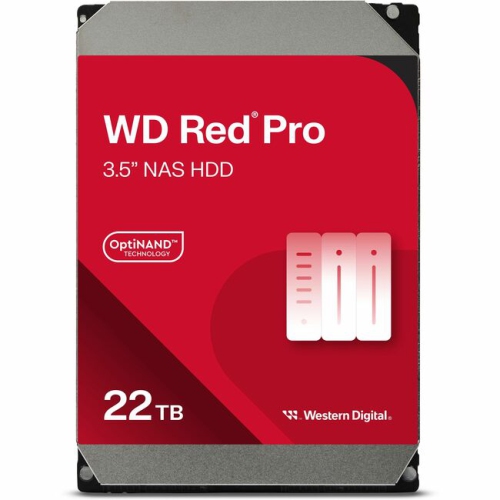
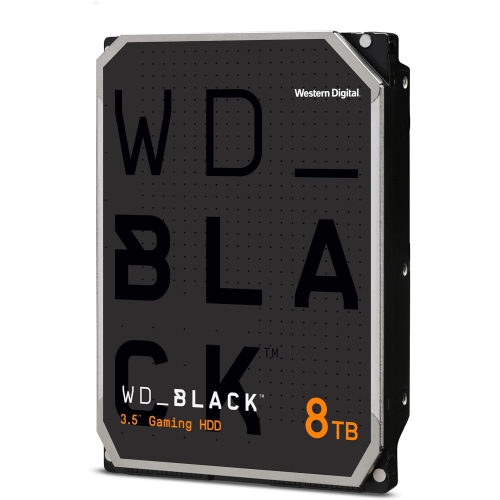
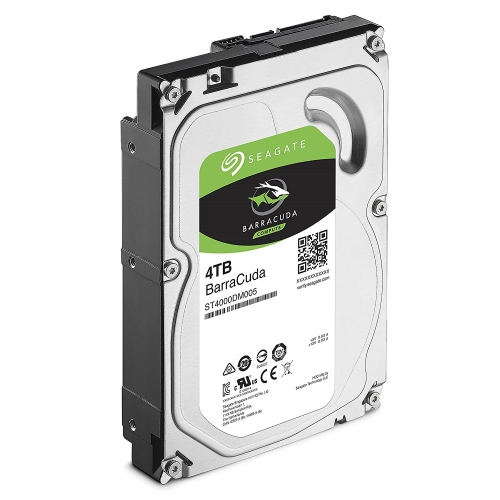
Shop Cyber Monday internal hard drive deals to add storage or replace an existing drive in your desktop or laptop. Compare capacities, form factors, and connection types to find an internal HDD that fits your computer and offers enough space for your files, games, and applications. Remember, our Low Price Guarantee means you can shop confidently knowing that you'll find the best price at Best Buy, all year round. We encourage you to check our website frequently for the most up-to-date information on our latest offers and savings opportunities.
Read More

Sort

Room for growing file libraries inside your computer

Internal hard drives provide room for the files that make a computer personal and useful, from a family’s photo library to a growing collection of games, music projects, and video footage. Their appeal is straightforward: generous storage capacity inside the computer, without another device taking up desk space or needing a separate cable whenever files are needed. A desktop used for everyday tasks may need space for documents, downloads, and household records, while a shared family computer can accumulate years of photos and videos. Creative work adds another layer, with original camera files, audio recordings, and completed projects often occupying separate folders that continue to grow. Capacity is therefore about more than the amount of data already on the computer; it also determines how comfortably the storage can accommodate future additions. A little breathing room makes it easier to keep active projects together rather than constantly moving folders between devices. Traditional internal hard disk drives use magnetic platters and moving read heads, making them well suited to holding substantial libraries of files that do not all need the fastest possible access. In a desktop with more than one drive bay, a hard drive can serve as dedicated storage alongside a faster system drive, keeping large media collections separate from the operating system and frequently used applications. This arrangement can suit students saving coursework, photographers retaining original images, and households organizing digital keepsakes. Gamers may also use a hard drive for compatible game libraries, although individual games can have storage requirements that call for an SSD. For anyone choosing storage around a particular hobby or routine, the most useful capacity is the one that leaves room for that activity to develop. A folder of occasional snapshots grows differently from a collection of high-resolution video projects, and the right internal drive reflects those everyday habits rather than capacity alone.

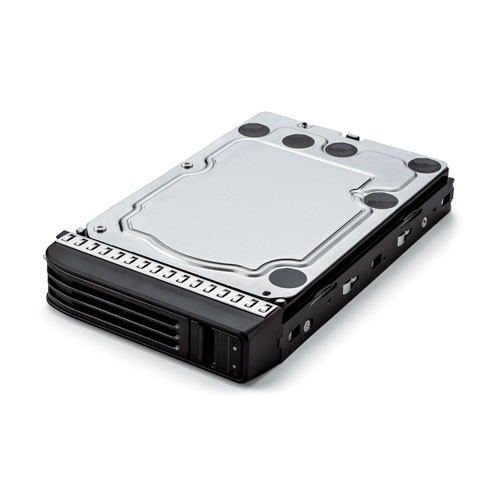
Physical fit and connection type are just as important as storage space. Internal hard drives commonly come in 3.5-inch and 2.5-inch formats, but those measurements describe drive formats rather than a guarantee that any computer will accept them. Desktop towers often have bays for 3.5-inch drives, while some smaller systems use 2.5-inch bays or have no space for a hard disk drive at all. Many recent laptops do not support internal hard drives, even when older models from a similar range did. The computer’s specifications establish the supported format, interface, mounting arrangement, and, where relevant, drive thickness. SATA hard drives need both a data connection and power, and a vacant bay does not necessarily mean that spare cables or suitable mounting hardware are already present. In a compact desktop, cable routing and clearance around other components can also affect installation. Once fitted, performance depends on more than a single specification. Rotational speed influences how a mechanical drive behaves, but file size, recording technology, and the pattern of reading and writing matter too. Transferring a large video file is different from opening thousands of small documents scattered across a drive. Conventional magnetic recording and shingled magnetic recording also handle repeated writes differently, which can matter for workloads involving frequent changes or sustained transfers. Drives intended for everyday desktop use, continuous operation in network storage, or heavier workloads are not automatically interchangeable simply because they share a connector. A multi-drive storage enclosure may have its own compatibility requirements, including supported capacities and recording methods. Sound can matter as well: spinning platters and head movement may be noticeable in a quiet study or recording space. For a computer used beside a microphone, or a shared desktop positioned close to a seating area, those mechanical sounds are part of the ownership experience. A suitable internal hard drive balances capacity, fit, workload, and acoustics within the computer where it will actually be used.

Long-term use also brings practical considerations beyond the initial installation. An internal hard drive’s enclosure protects its working parts during normal use, but it does not make the drive resistant to careless handling. Mechanical drives are particularly vulnerable to shocks while operating, so secure mounting and a stable computer position matter. Clear airflow around the installed drive supports normal operation, and keeping the computer’s vents free of dust helps the whole system function as intended. Storage intended for regular daily use should match that workload, especially in a household server or a system that remains switched on for extended periods. Even a well-matched drive is only one part of protecting important files. Family videos, tax documents, and unfinished creative work benefit from a separate backup, because an internal drive can fail and accidental deletion can happen on healthy hardware. Two folders on the same drive do not provide the protection of an independent copy, and a multi-drive array is not a substitute for a backup. Replacing an existing drive also involves the files and software already in place: adding a secondary storage drive is a different task from moving an operating system, installed applications, and personal settings to a new primary drive. The latter may involve compatible cloning software or a fresh installation, depending on the computer and its configuration. For systems where responsiveness and faster access to frequently used files are the main priorities, Cyber Monday deals on internal SSDs offers a related storage category with no moving parts. Hard drives remain useful where the emphasis is on spacious storage for media libraries, project collections, and compatible desktop systems. They can also make a thoughtful gift for a computer-building enthusiast or someone who regularly works with large files, provided the recipient’s hardware and intended use are known. The best match is storage that fits neatly into an existing setup and makes everyday file management less of a compromise.
Read More

FAQ

Some products may be subject to Environmental Handling Fees (EHF) depending on your province. Learn more about EHFs.