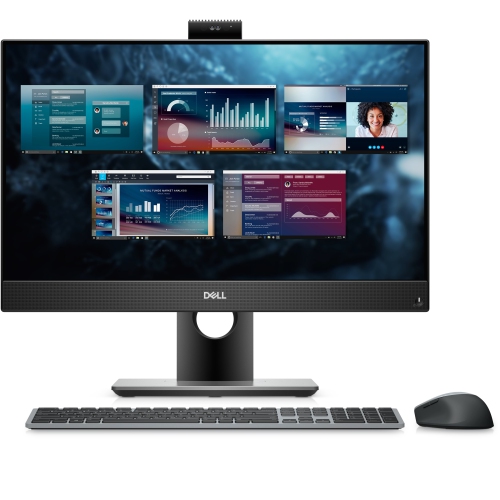
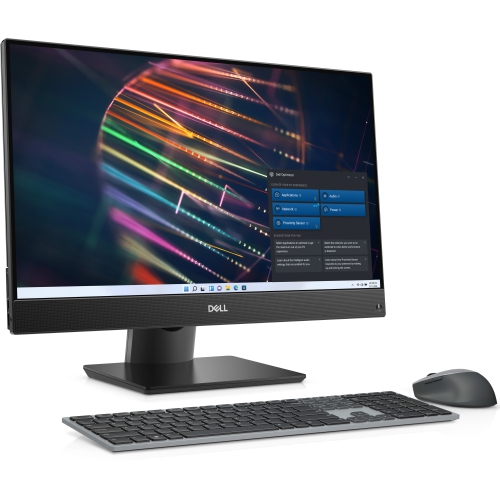
Dell PC Full Sets

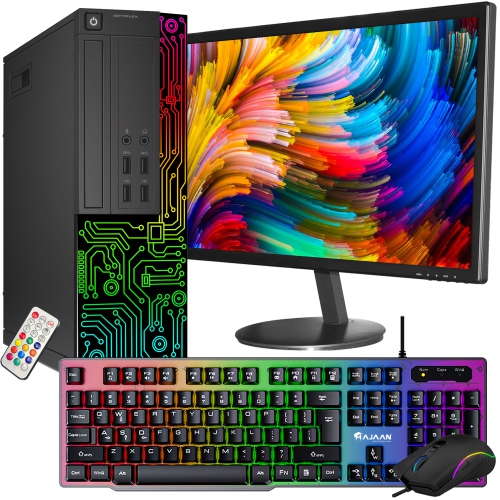
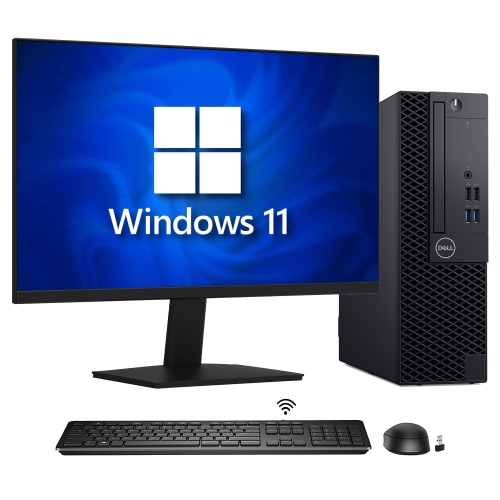
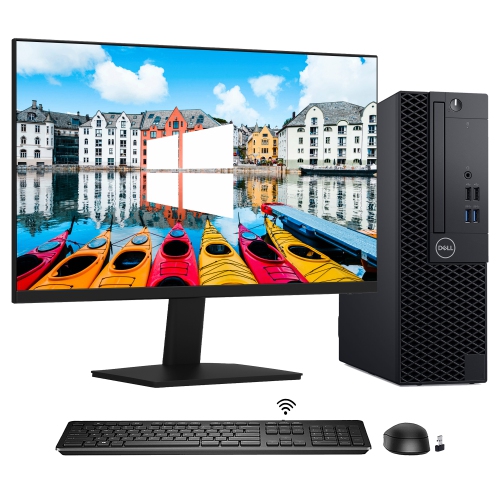
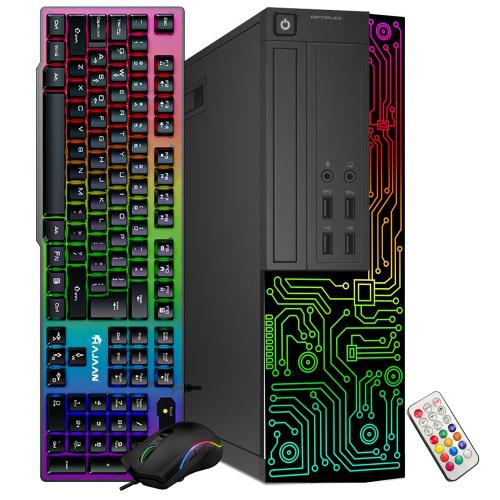
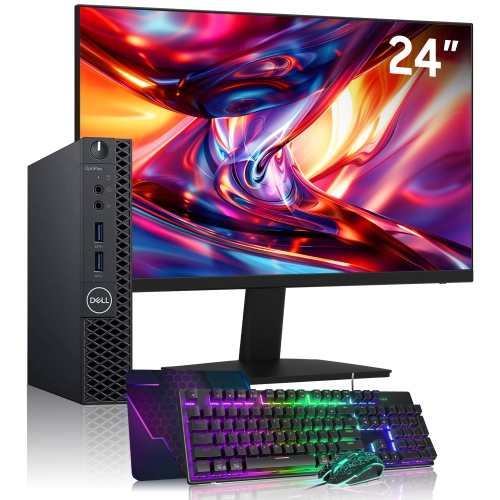
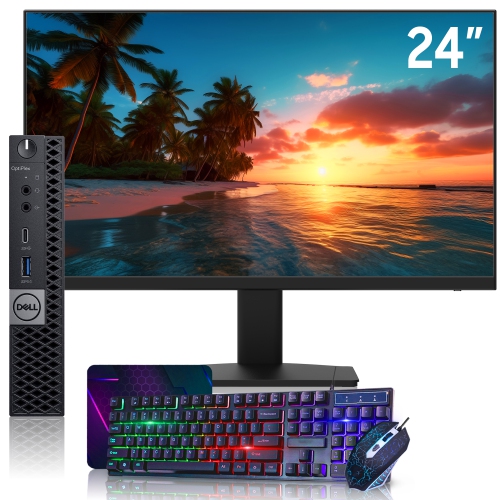
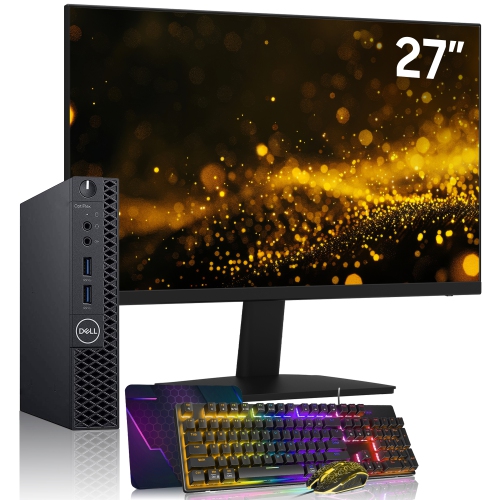
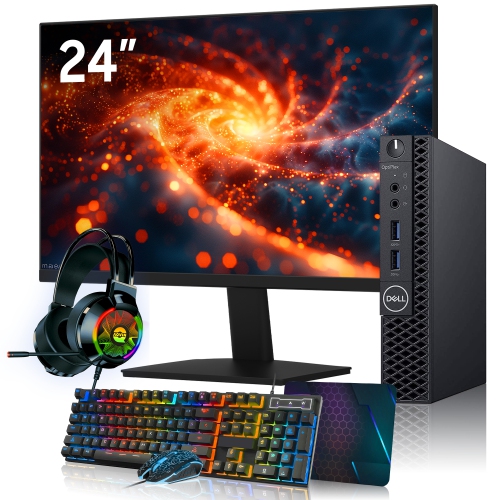
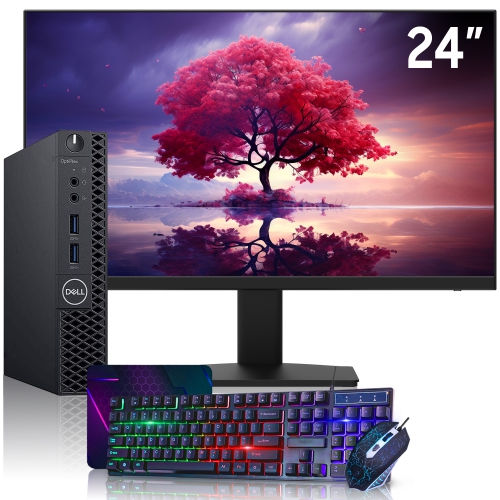
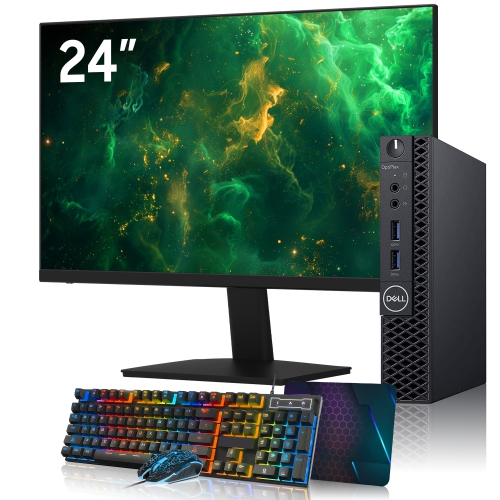
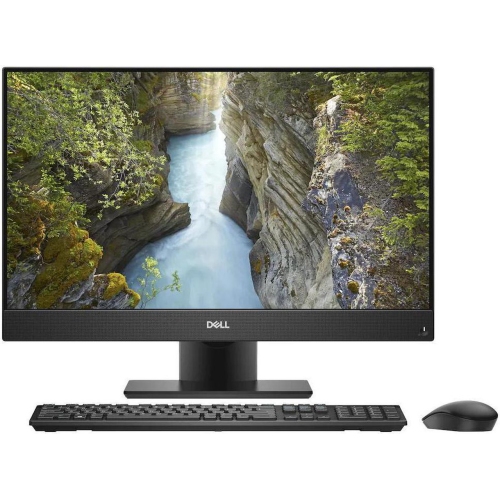
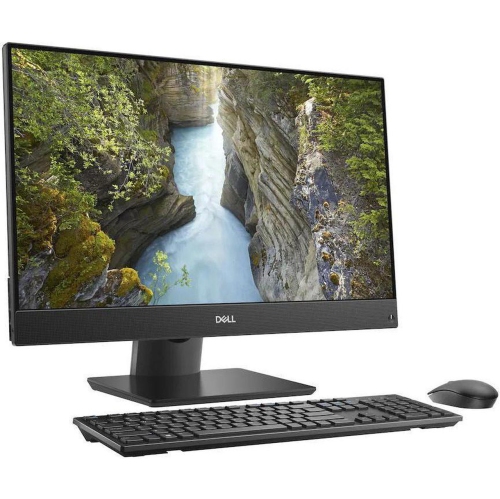
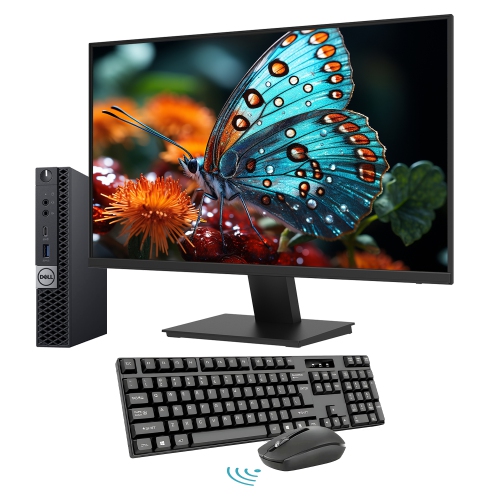
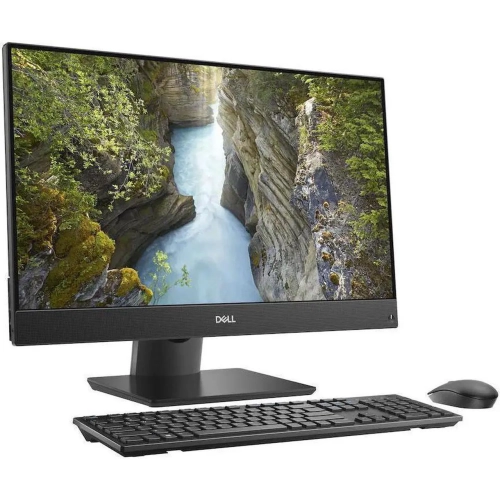
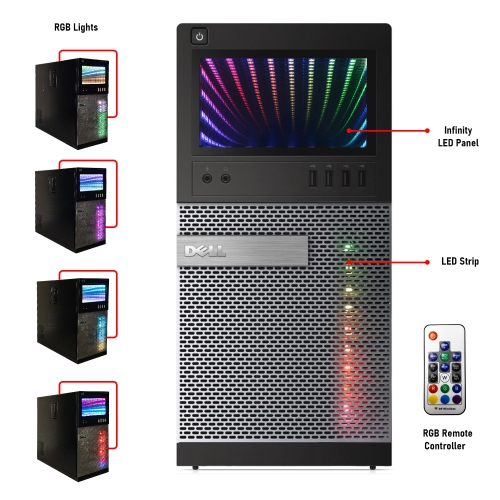
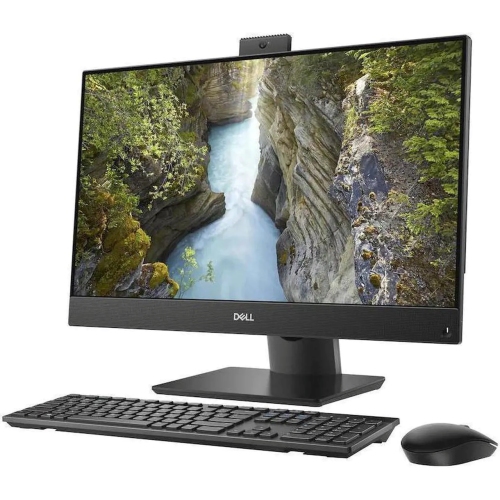
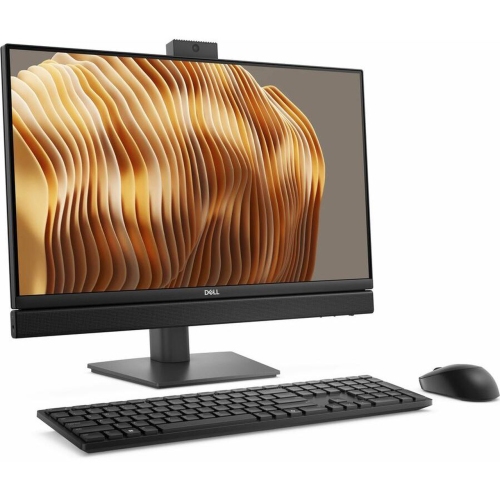
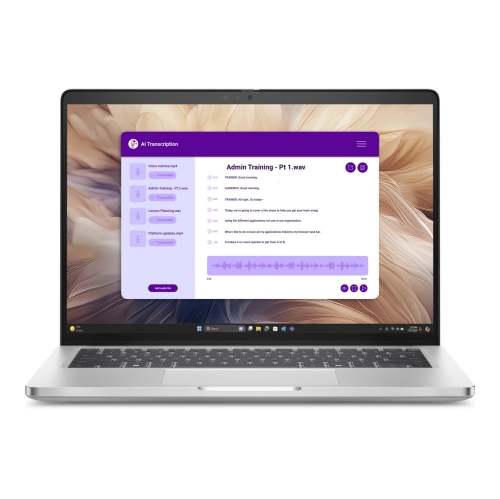
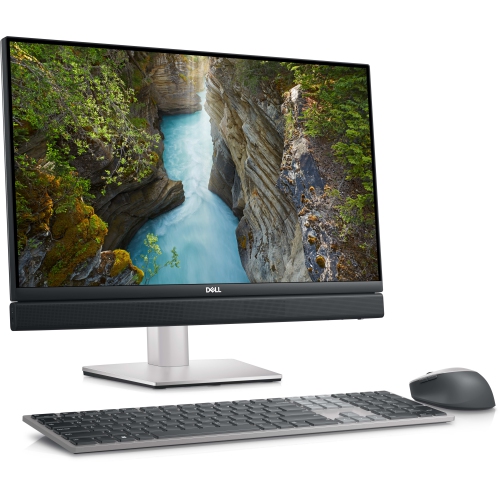
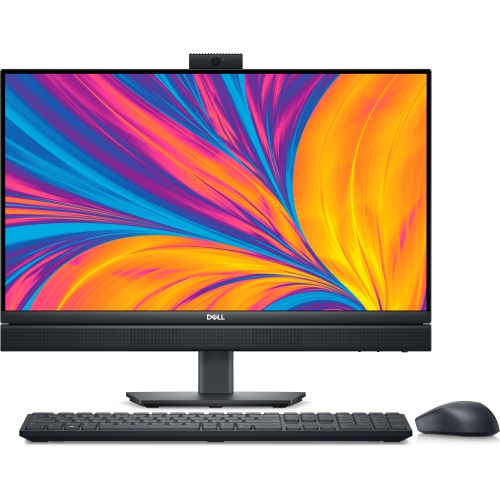
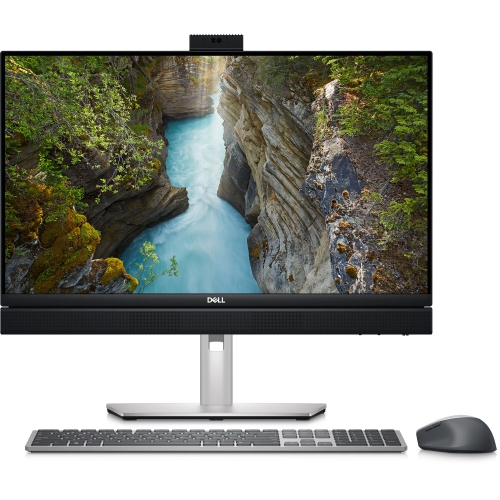
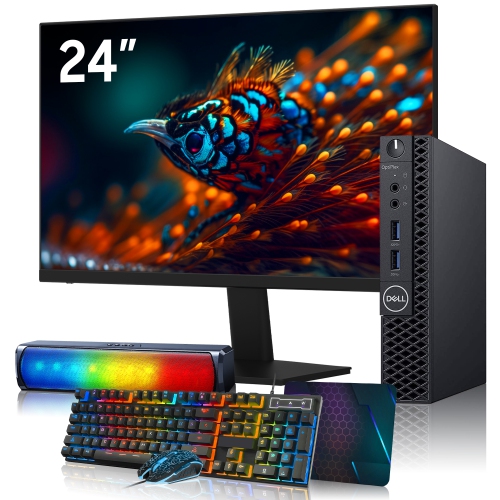
Shop Dell PC full sets for a desktop setup that suits your home, work or study needs. Compare computer specifications and check each bundle’s contents to see whether a monitor, keyboard and mouse are included, so you can choose a set that fits your workspace and daily tasks.
Read More

Sort

What a desktop package includes and why it matters

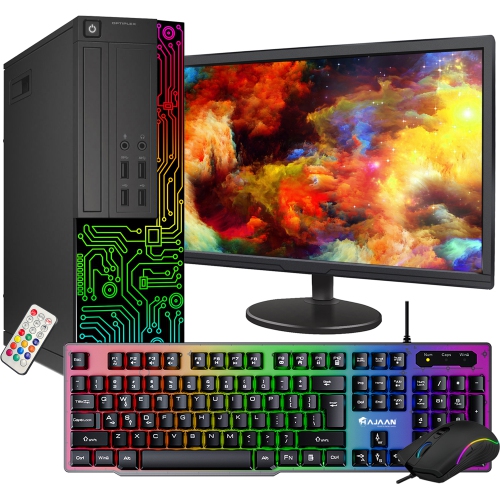
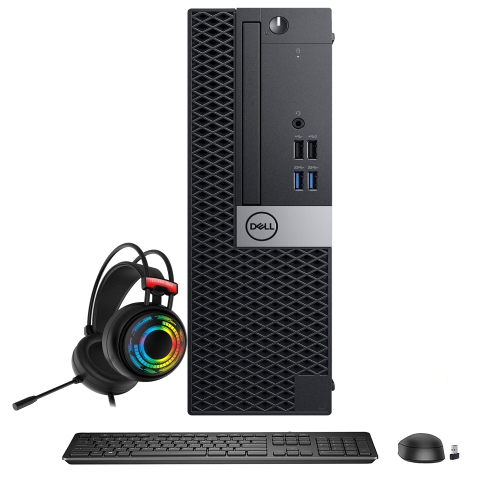
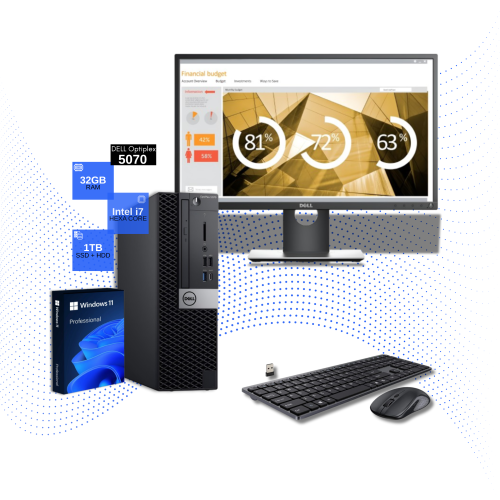
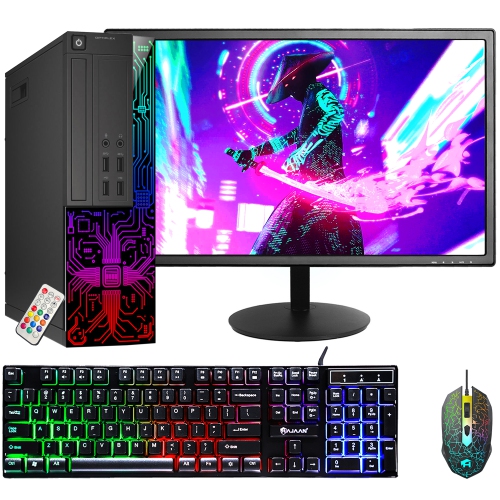
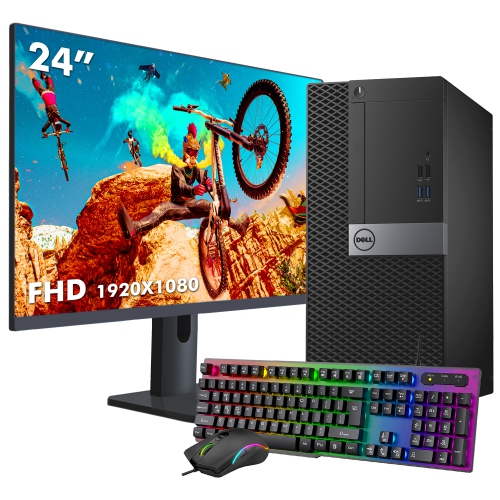
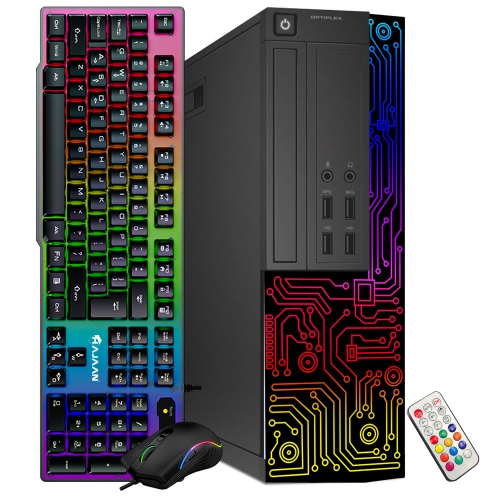
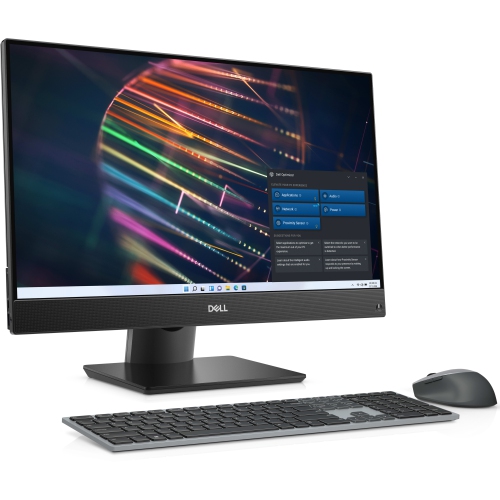
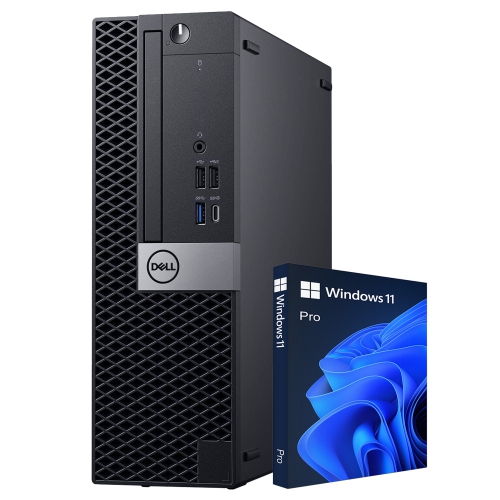
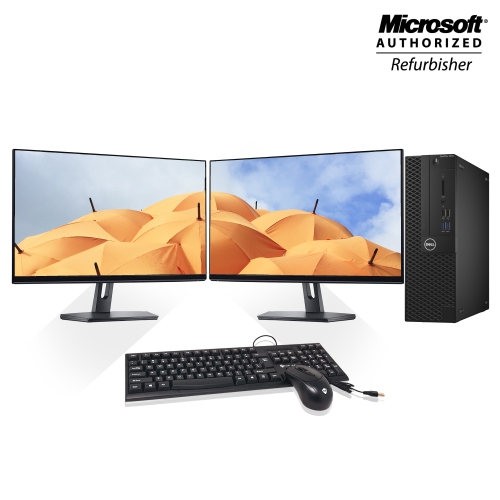
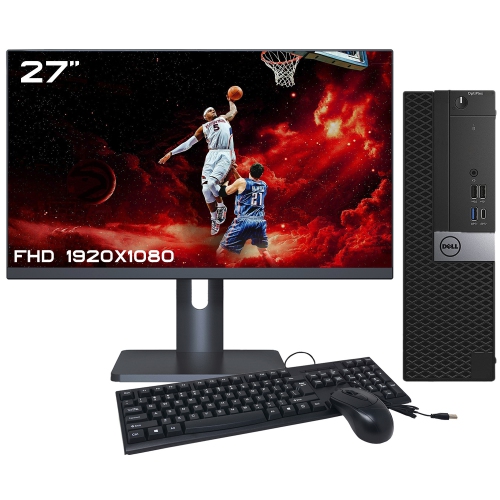
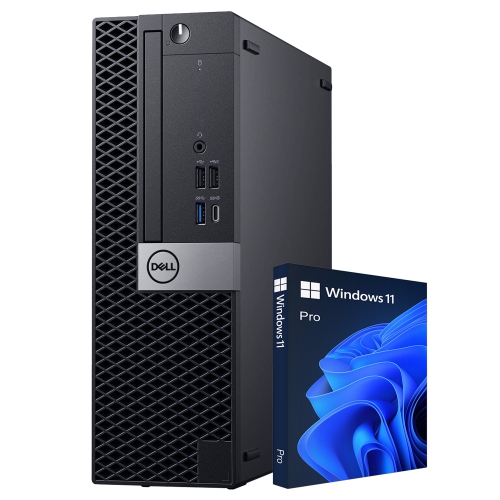
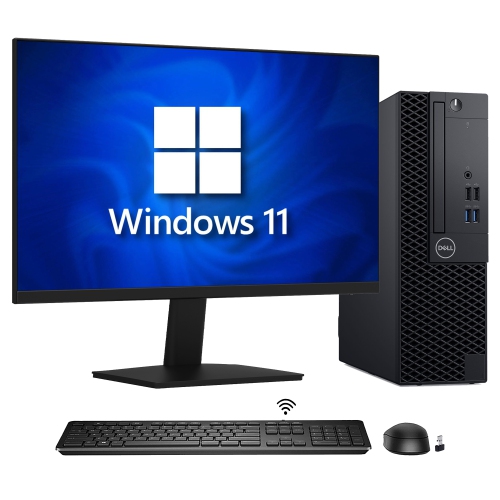
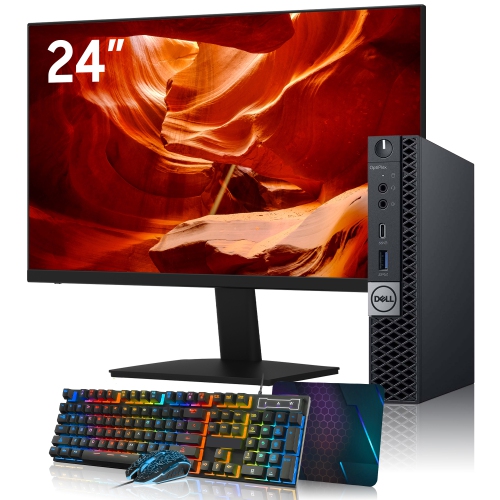
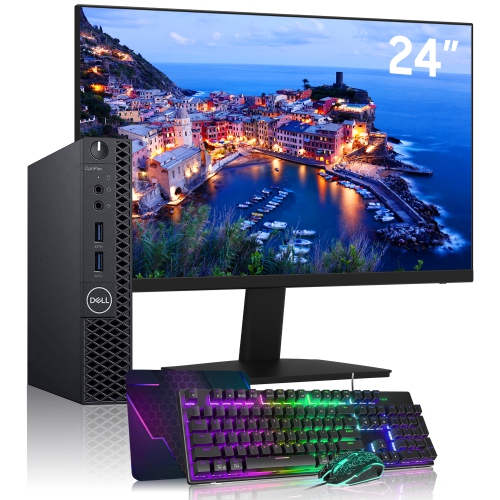
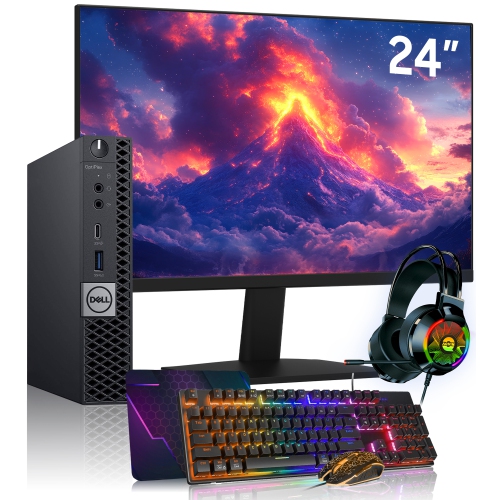
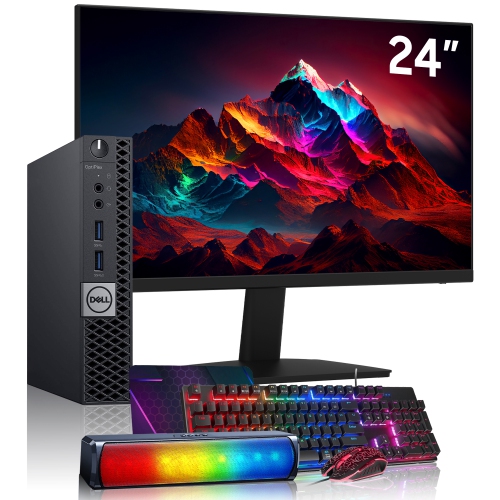
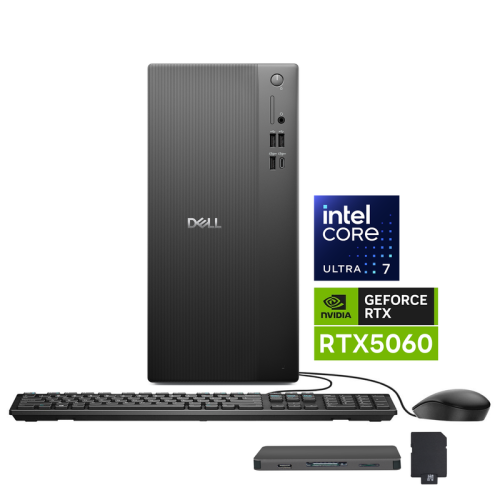
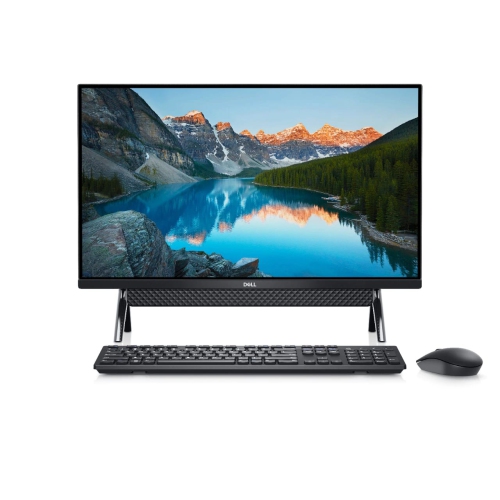
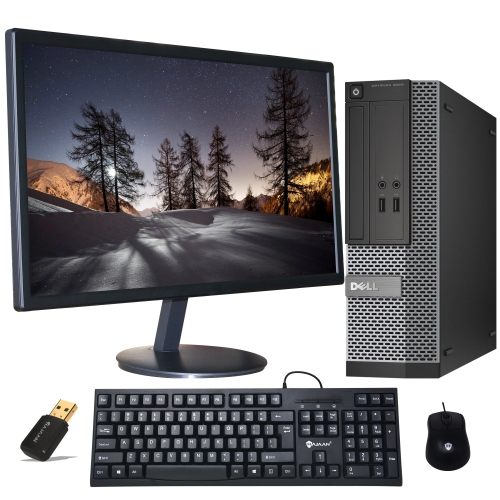
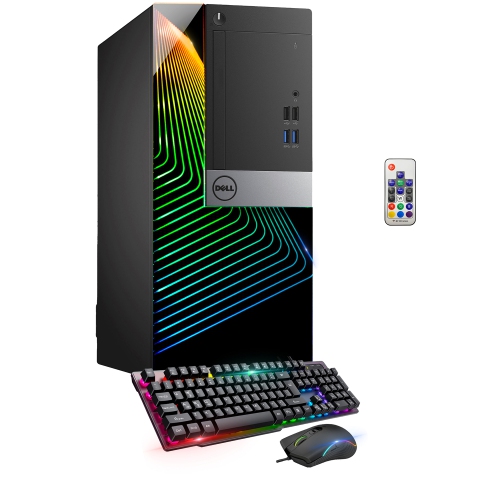
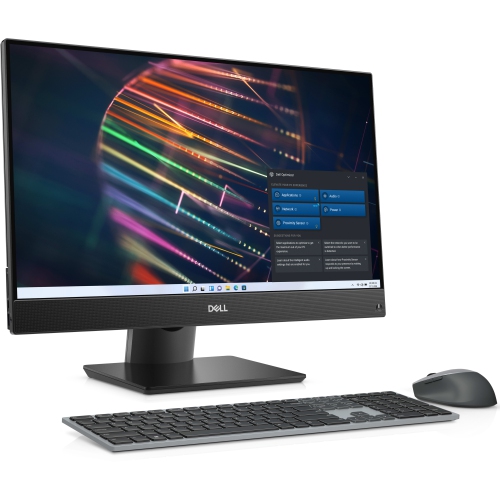
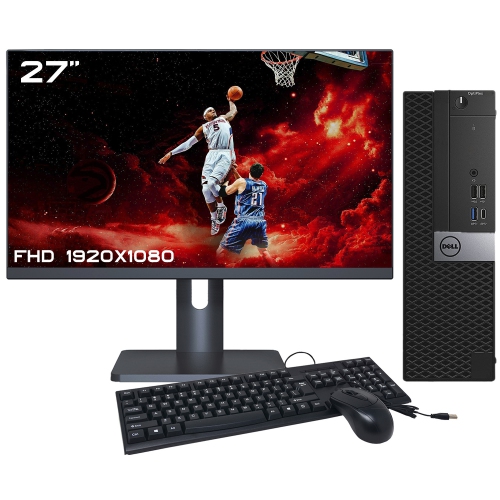
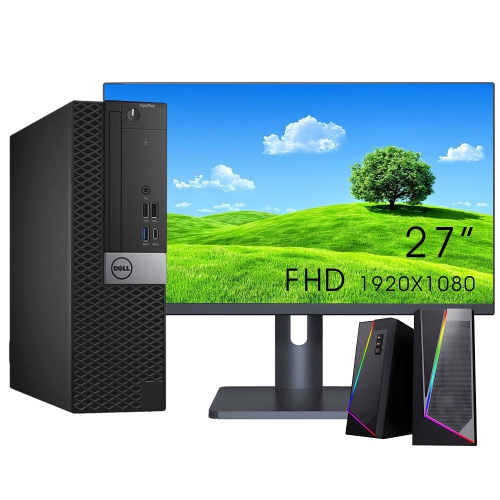
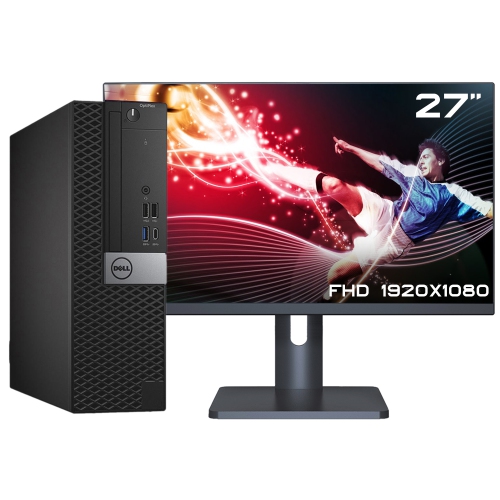
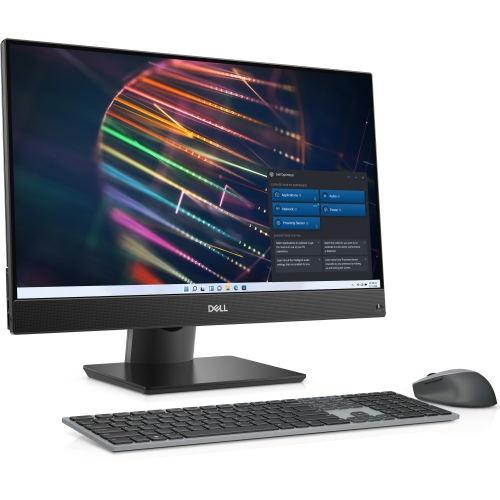
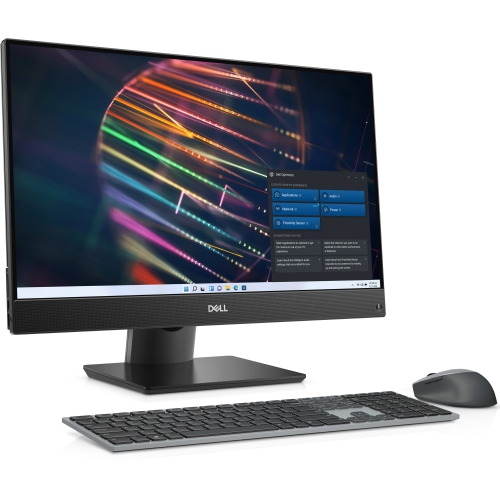
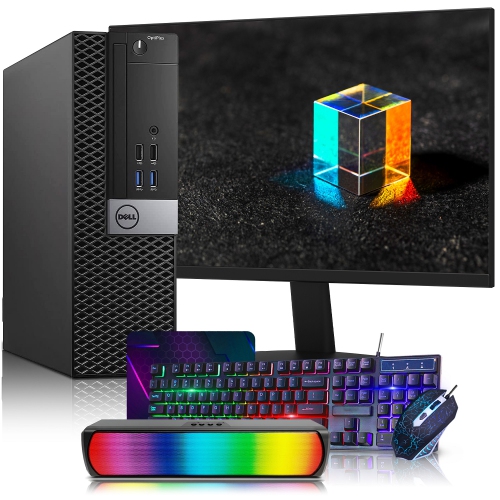
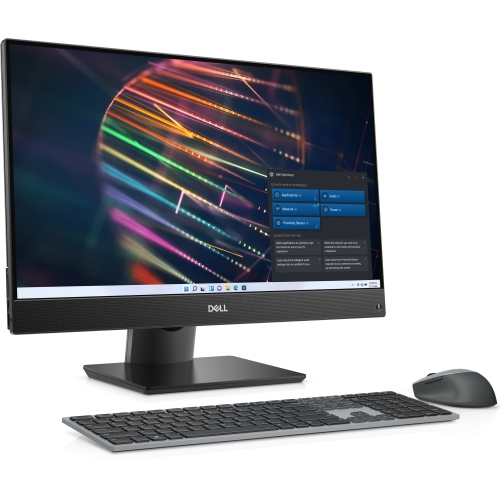
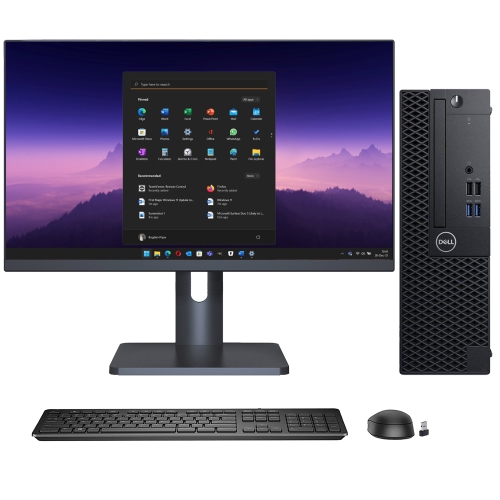
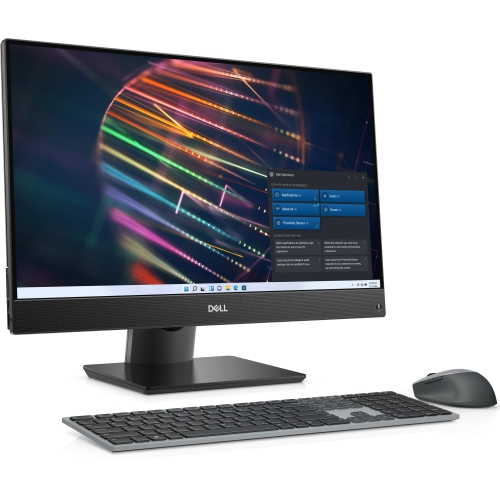
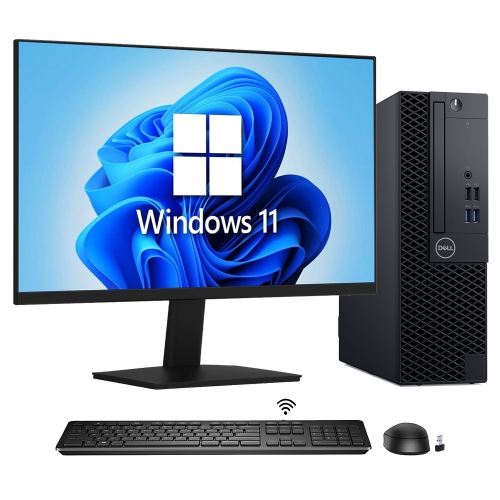
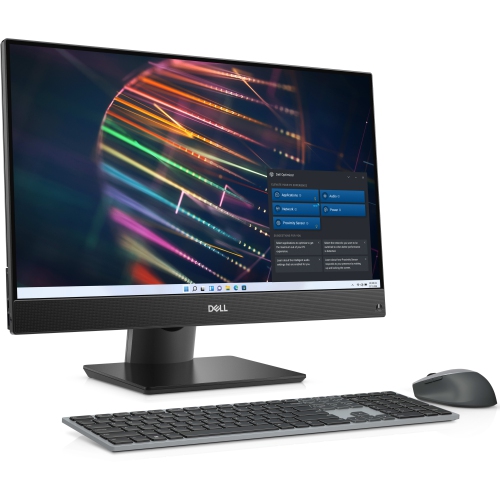
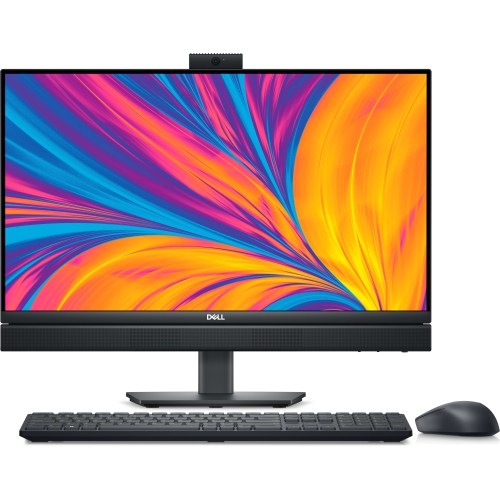
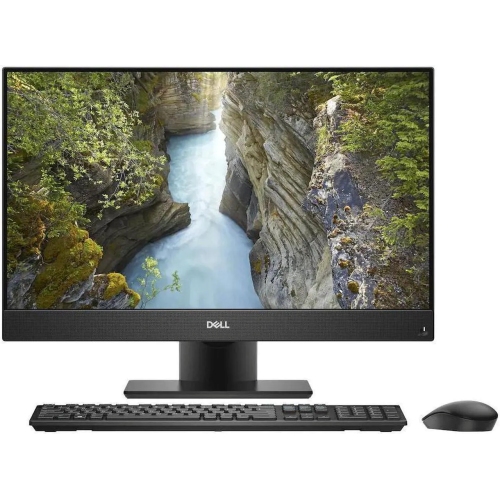
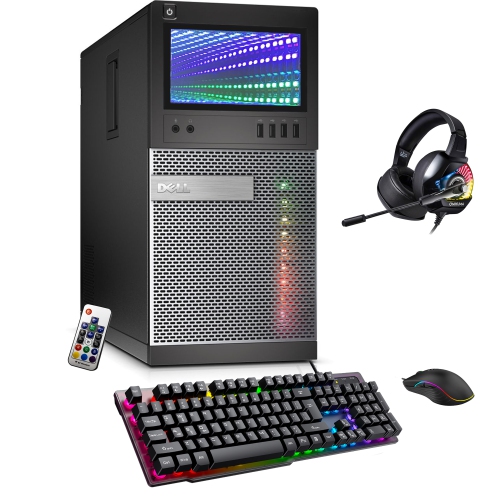
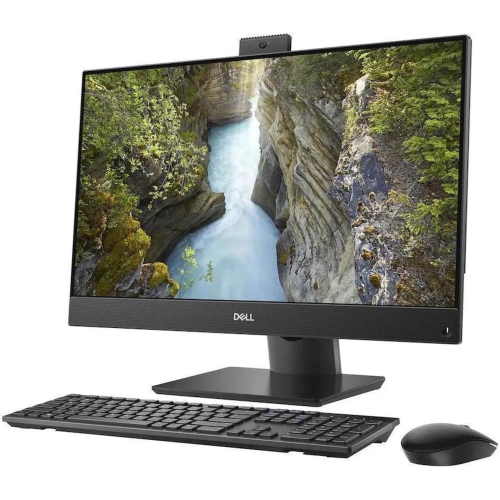
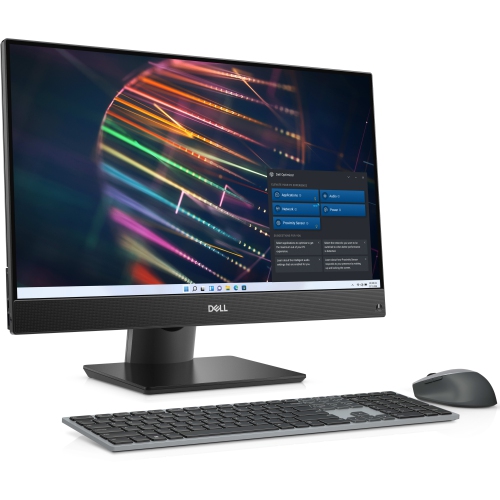
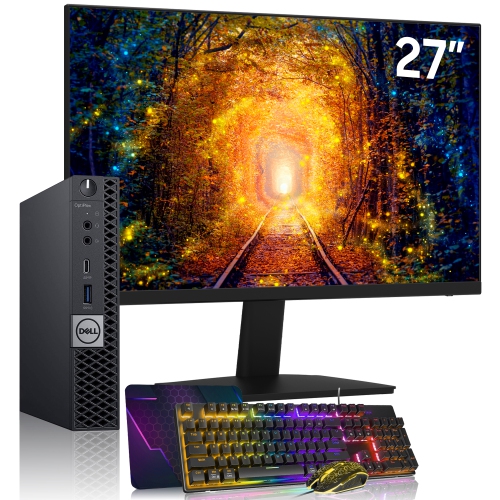
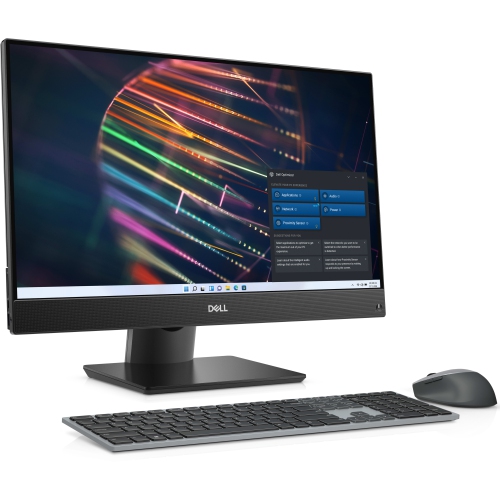
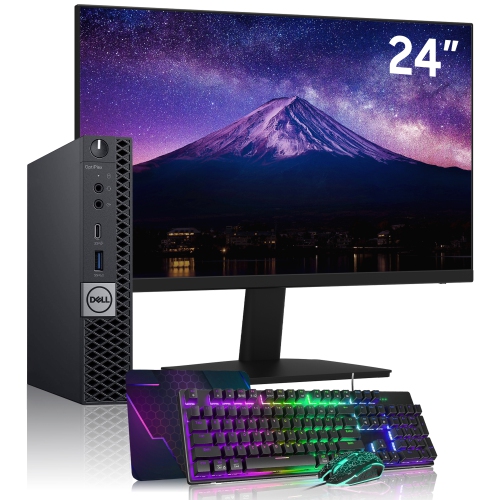
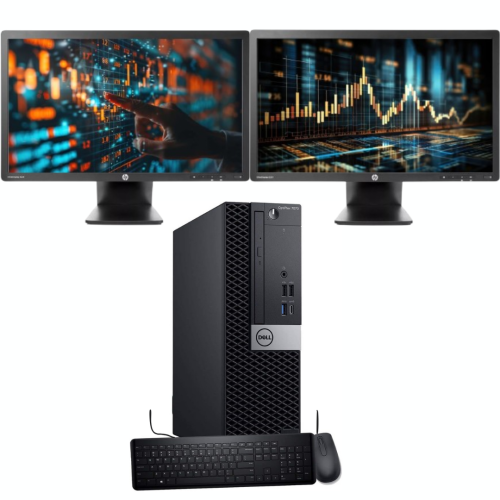
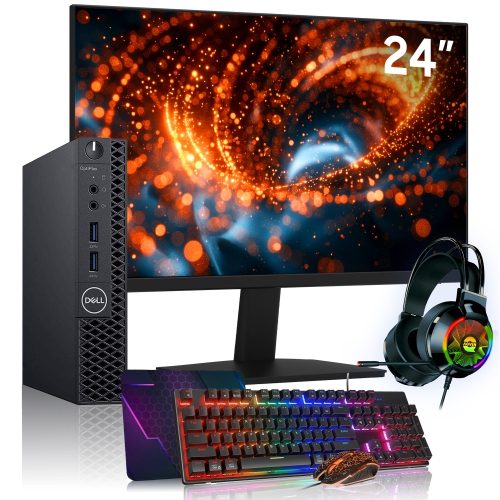
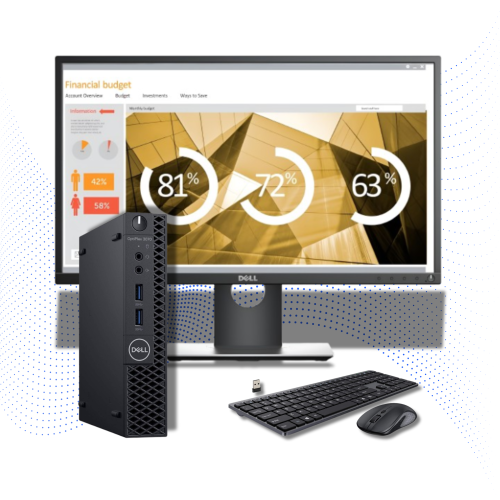
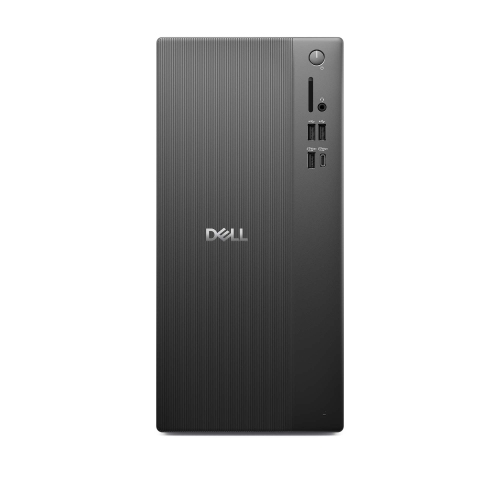
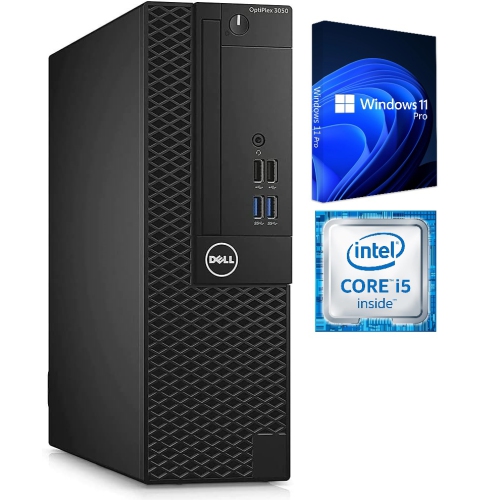
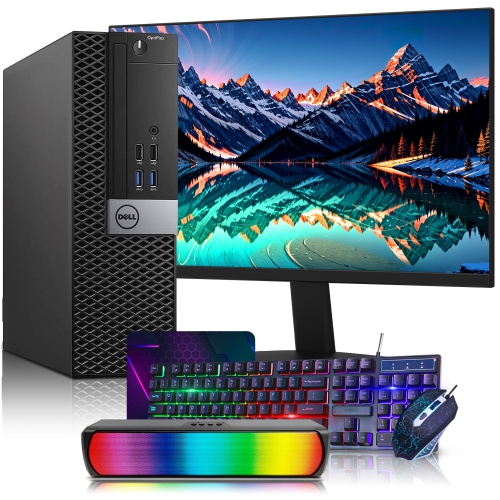
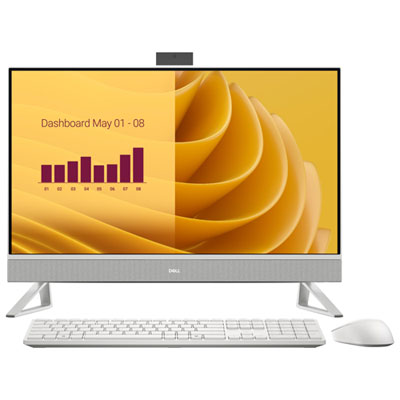
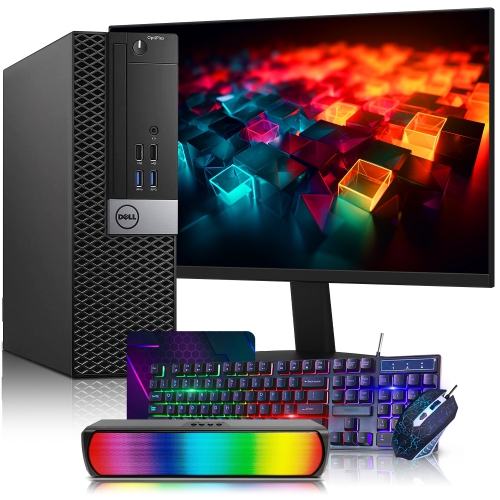
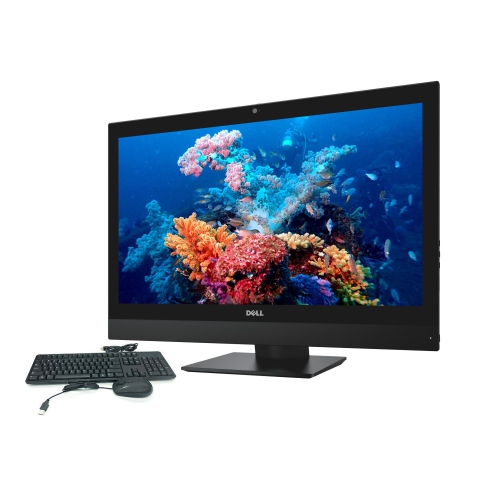
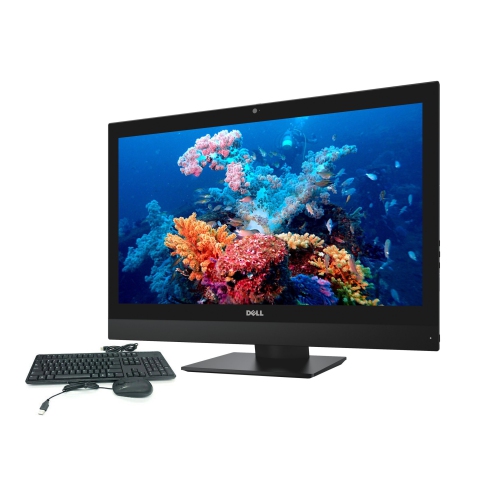
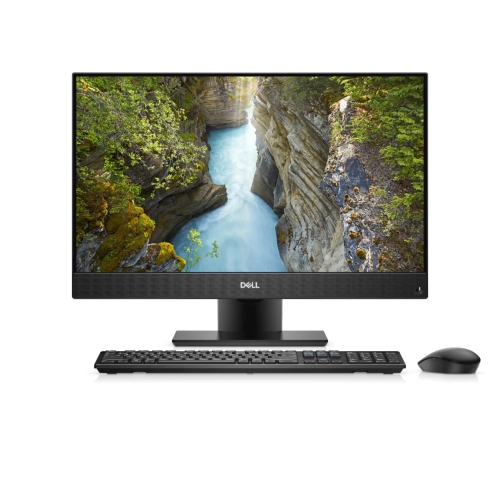
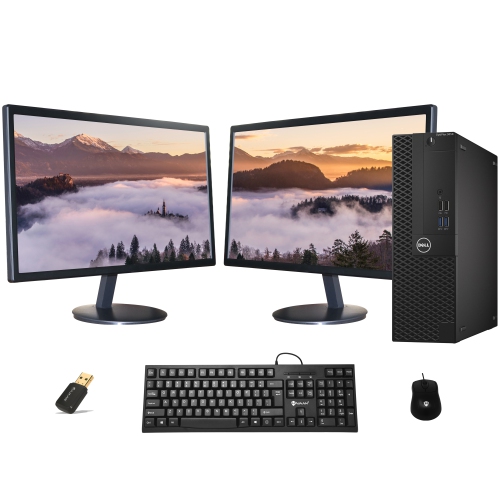
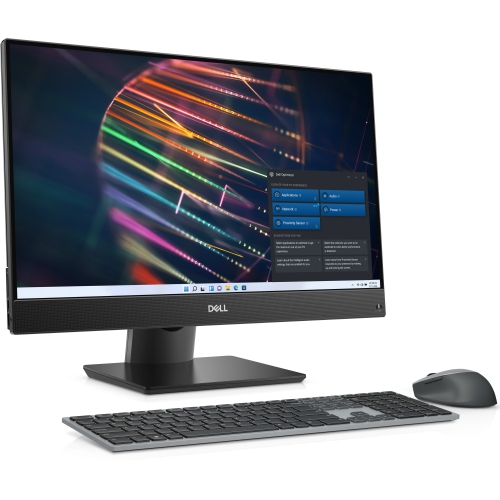
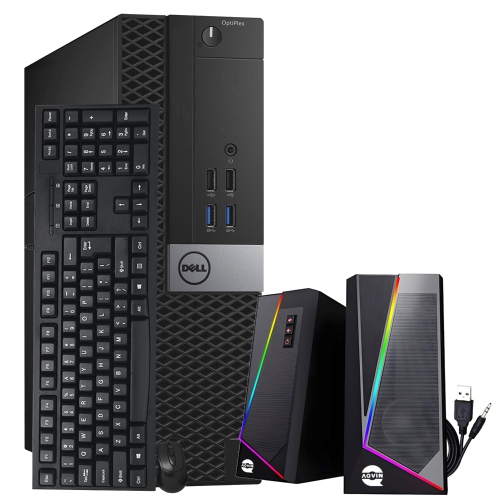
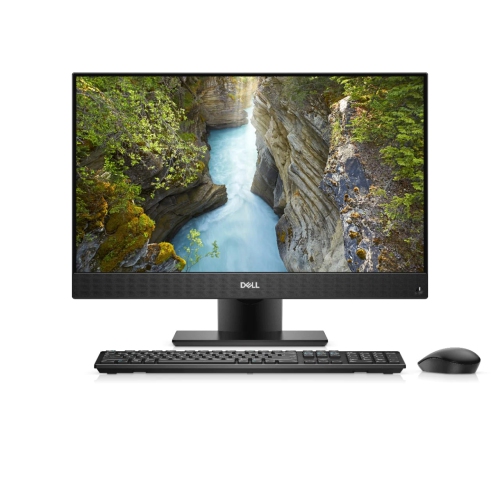
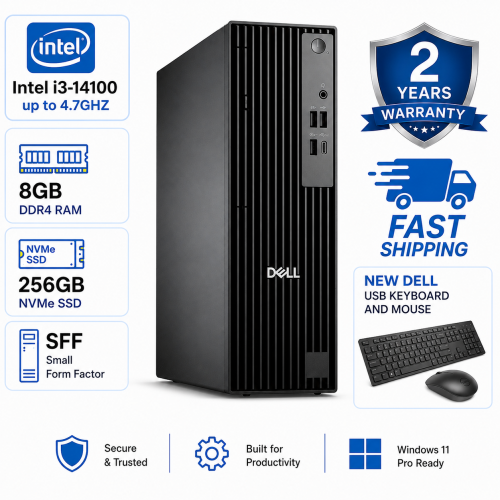
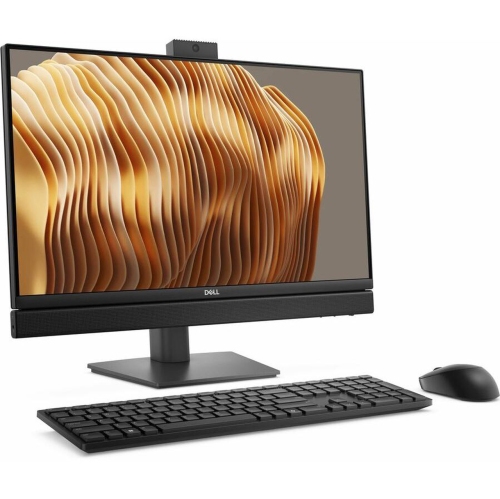
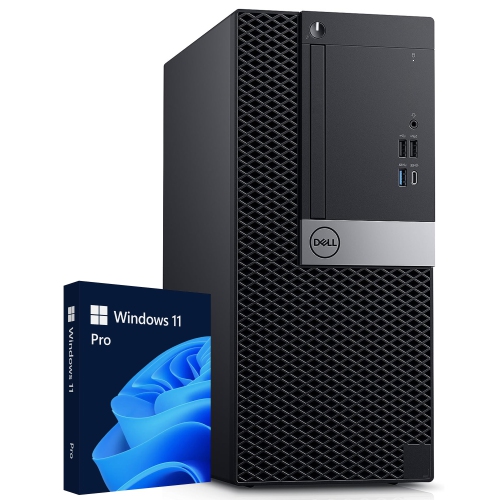
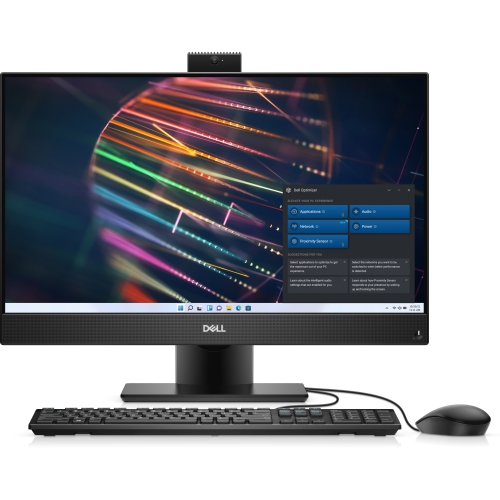
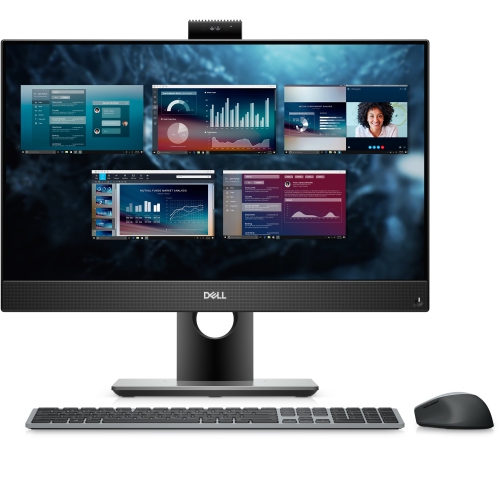
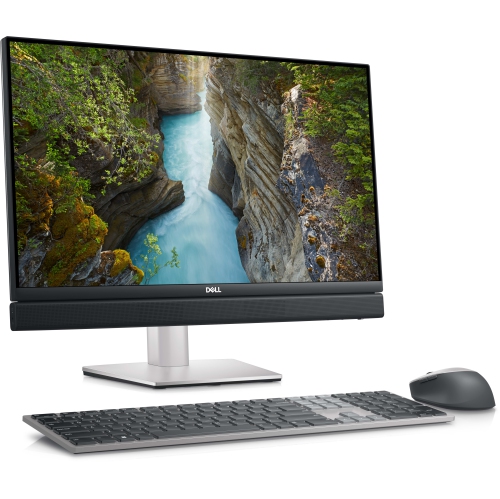
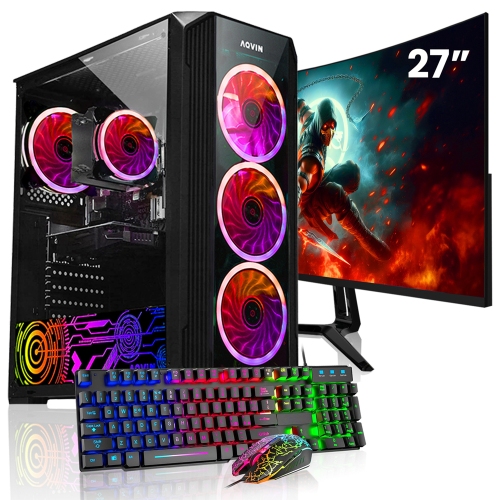
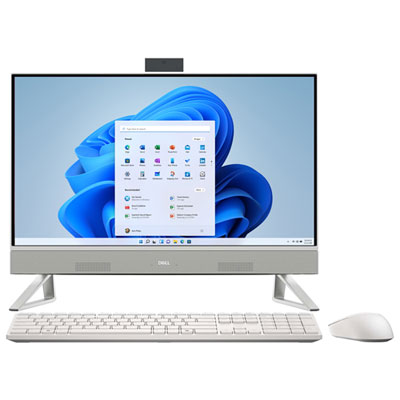
Desktop PC full sets generally combine a desktop computer, keyboard, and mouse, with some packages also including a monitor. The exact contents vary, so a full set should be understood as the components listed together rather than a guarantee that every accessory is included. This format brings the main parts of a workstation into one package, making it useful for a home office, a student’s study area, or a shared family desk. A computer used for documents, email, video calls, and online learning has different demands from one used for editing large photographs, working with detailed drawings, or playing games. Processor capability, memory, storage, and graphics all contribute to how comfortably a desktop handles those tasks. Memory is particularly relevant when several browser tabs, a spreadsheet, and a video meeting need to stay open together. Solid-state storage helps with starting the computer, opening programs, and accessing files, while storage capacity determines how much room is available for documents, photographs, and other saved content. A larger capacity does not, by itself, mean a faster computer. Integrated graphics can suit everyday productivity, while some creative applications and games call for a dedicated graphics card with capabilities that match their requirements. The monitor and accessories also shape the experience: a comfortable keyboard matters during a long assignment, and a clear display makes dense spreadsheets easier to read. Operating system details and software licences deserve attention, since a desktop package does not automatically include every program needed for work or school. For households replacing an older workstation, the appeal of a full set is having the main pieces considered together. For a first computer, it provides a starting point, while leaving room to add accessories suited to particular routines. A webcam, headset, speakers, printer, or network cable may still be separate, depending on the package and how the desk will be used.
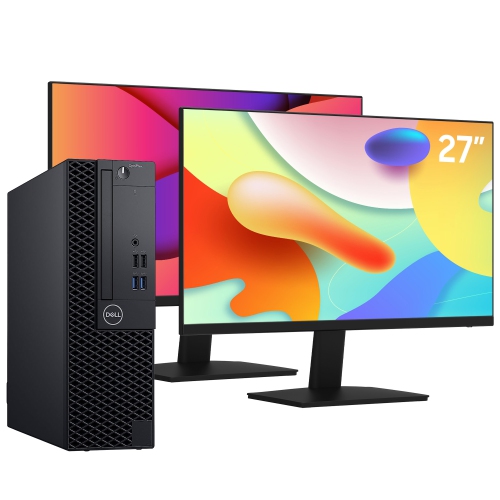
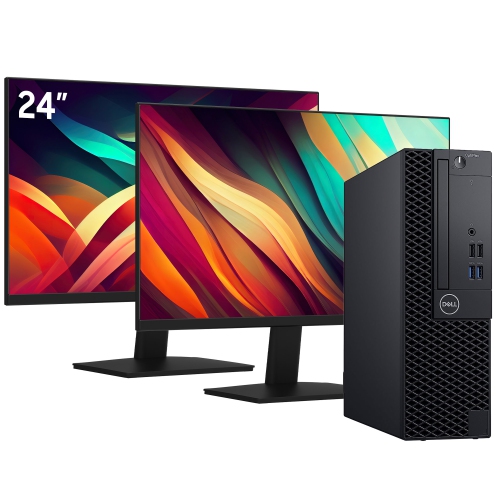
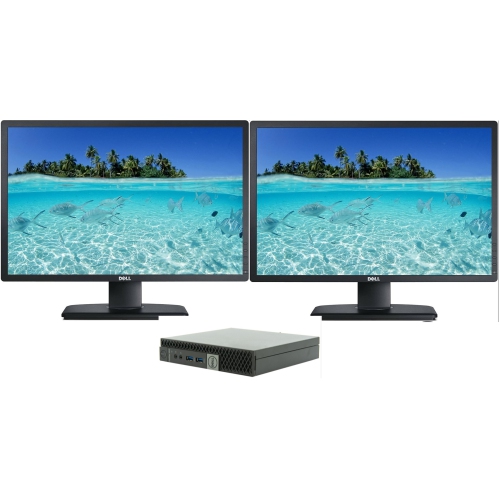
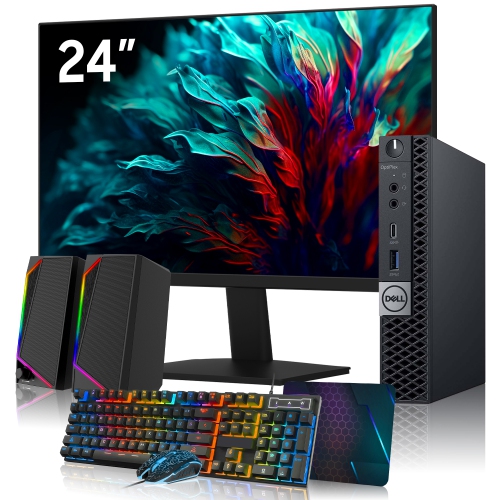
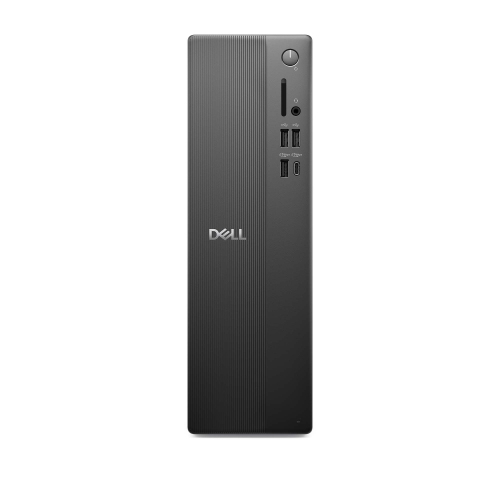
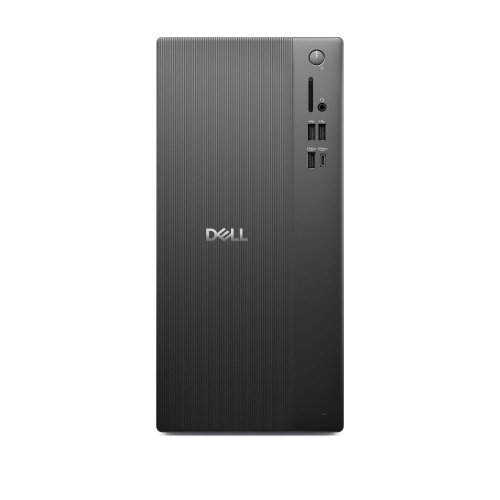
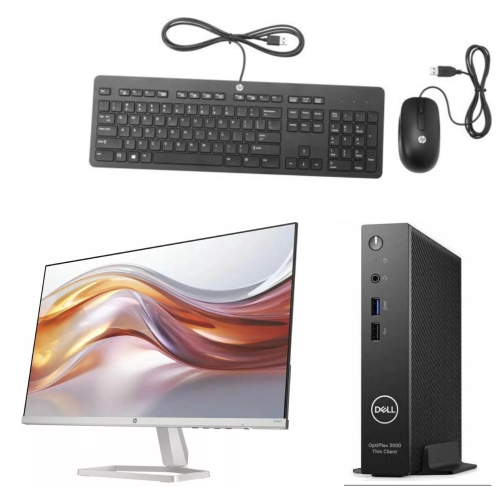
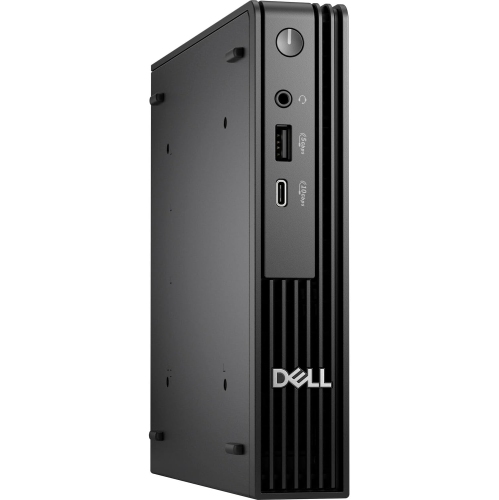
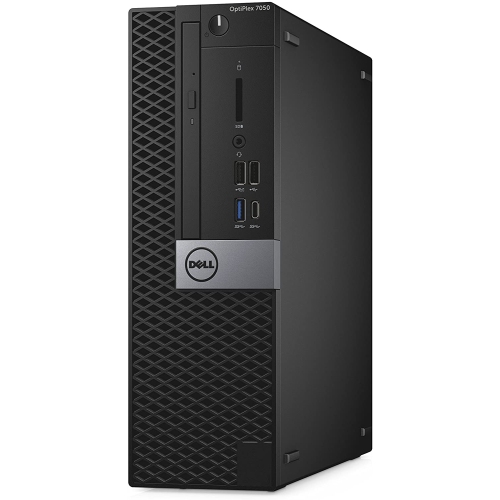
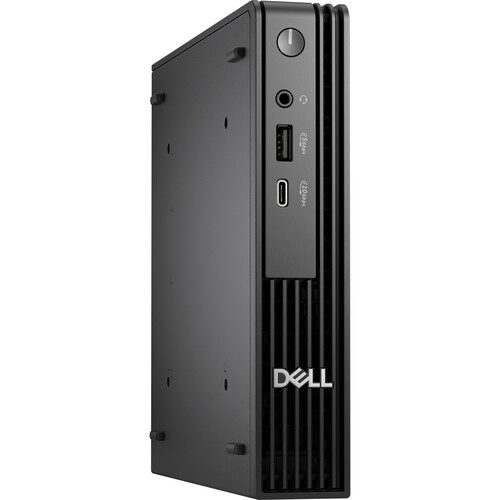
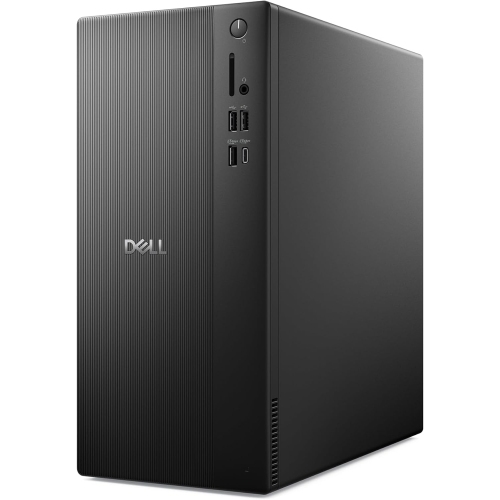
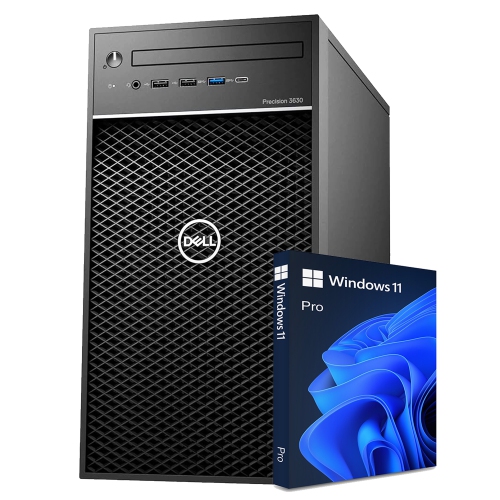
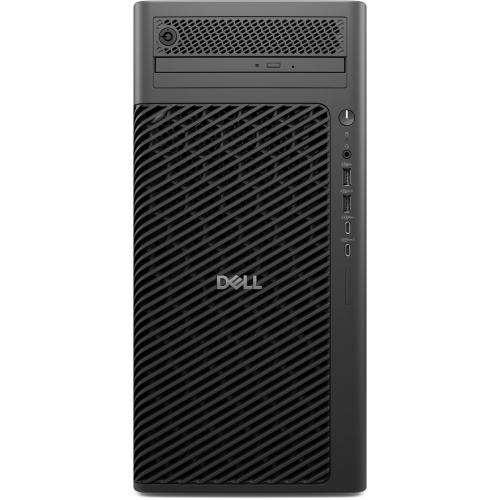
The physical fit of a desktop set matters as much as its specifications. A tower needs a stable position with room around its ventilation openings, while the monitor, keyboard, and mouse need enough desktop space for comfortable daily use. Placing a computer inside a tightly enclosed cabinet can restrict airflow, and setting a tower where chair wheels or feet repeatedly strike it can put its case and connections at risk. Compact formats are useful where the work surface must also accommodate notebooks, reference books, or a drawing tablet. For smaller work areas, Dell Mini PCs provide another desktop format to consider, although the included peripherals still depend on the individual package. Screen size, resolution, and positioning affect how that space feels in practice. A larger display can make side-by-side documents more comfortable to view, but a shallow desk may leave too little viewing distance. Higher resolution provides more detail and workspace, although text size may need adjustment for comfortable reading. An adjustable monitor stand can help place the screen at a suitable height without relying on a stack of books. Connections are equally important: the computer’s display outputs must work with the monitor’s inputs, and the required cable needs to be included or supplied separately. Multiple-monitor setups also depend on the computer’s supported outputs and graphics capabilities, not simply the number of screens that fit on the desk. USB ports serve keyboards, mice, external drives, and other accessories, while Wi-Fi, Bluetooth, and Ethernet support vary between configurations. A wired network connection can be useful at a permanent workstation, particularly when the router is nearby. Wireless accessories reduce cable clutter but may require batteries, charging, or a compatible receiver. Front-facing ports can make occasional connections easier, while careful cable routing behind the desk keeps everyday essentials within reach without crowding the keyboard area.
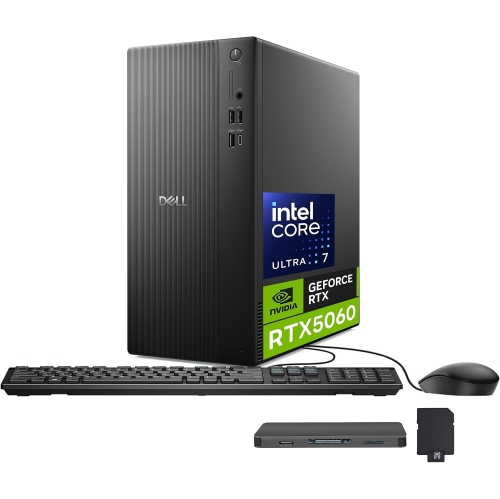
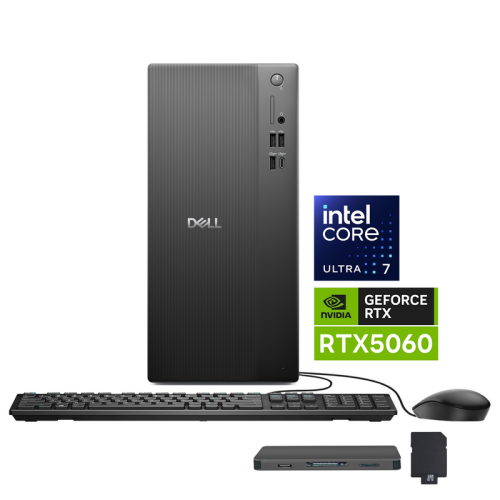
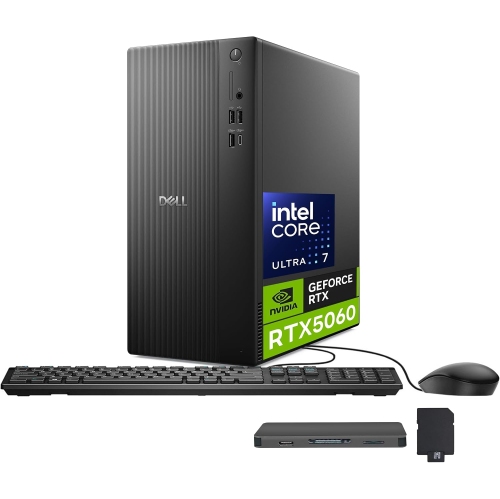
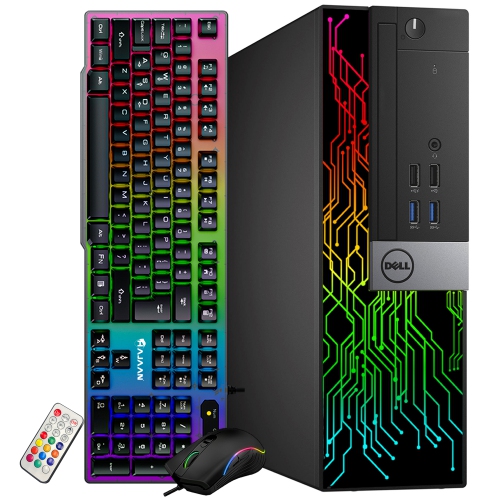
Desktop computers are built for repeated use, but their durability depends partly on their construction, placement, and care. Cases commonly combine metal panels with moulded plastic sections, while keyboards and mice use surfaces designed for frequent handling. A rigid case, secure connections, and unobstructed cooling help support dependable operation; decorative styling alone says little about performance or service life. Dust can collect around vents and fans, especially near floor level, so accessible placement makes routine cleaning easier. Powering down and following the manufacturer’s cleaning directions helps protect the equipment, and liquid cleaners should not be sprayed directly into a keyboard, screen, or computer case. A soft cloth appropriate for the display helps remove fingerprints without damaging its finish. Keeping drinks away from the keyboard and leaving cables free from sharp bends are simple habits that prevent avoidable damage. For a shared family computer, separate user accounts can keep schoolwork, personal files, and browser settings organized. Regular software updates and a separate backup of important files are useful parts of ownership, whether the computer holds business records or years of family photographs. Longer-term flexibility also differs between desktop formats. Some towers allow memory, storage, or other components to be replaced or expanded, while smaller systems may have more limited space and compatibility. Supported components, access requirements, and warranty terms are more informative than assuming every desktop can be upgraded in the same way. Where a set is refurbished, its stated condition, warranty, and included accessories help establish what to expect from its appearance and coverage. A full desktop set can also be a practical gift for a student or someone setting up a home workspace, provided it suits the recipient’s software, accessibility needs, and available desk space. The most useful combination is one that feels comfortable through ordinary tasks: reading a document without leaning forward, joining a call with the necessary accessories, and keeping frequently used files and programs easy to reach.

Read More

FAQ

Some products may be subject to Environmental Handling Fees (EHF) depending on your province. Learn more about EHFs.