FireWire Cables for iMac
FireWire Cables for iMac provide a reliable connection solution for transferring data between your iMac and compatible devices. Designed to support seamless connectivity, these cables help you link external hard drives, camcorders, and other peripherals with ease. Explore a variety of options to find the right FireWire Cables for iMac that fit your setup and keep your workflow smooth and efficient.
Sort


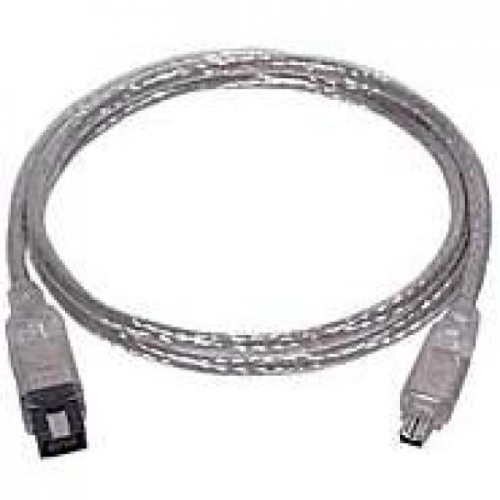
FireWire Cables for iMac
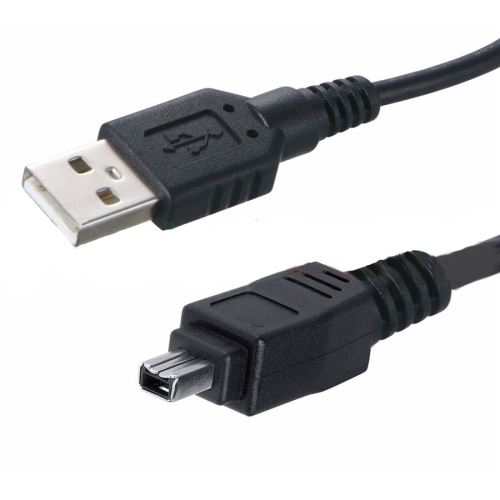
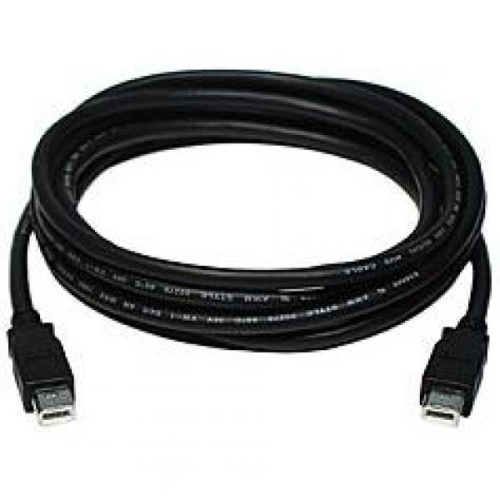
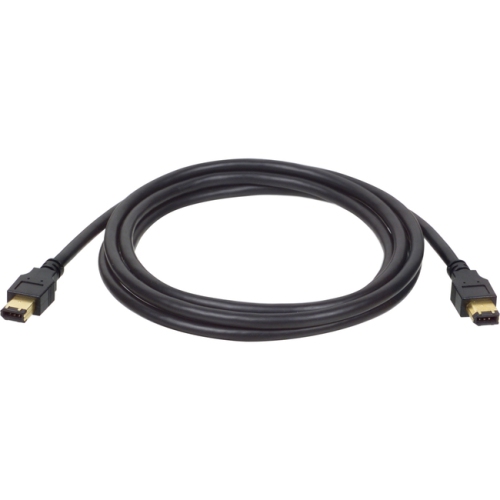
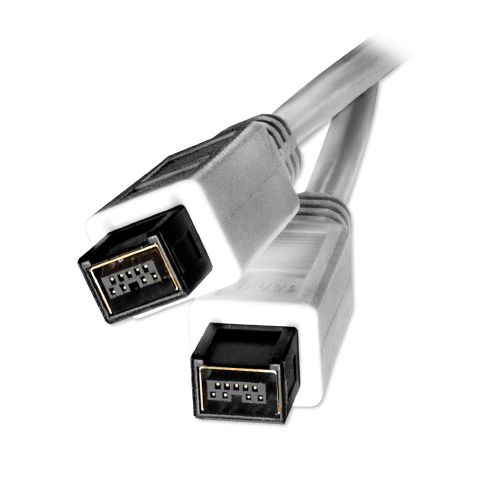
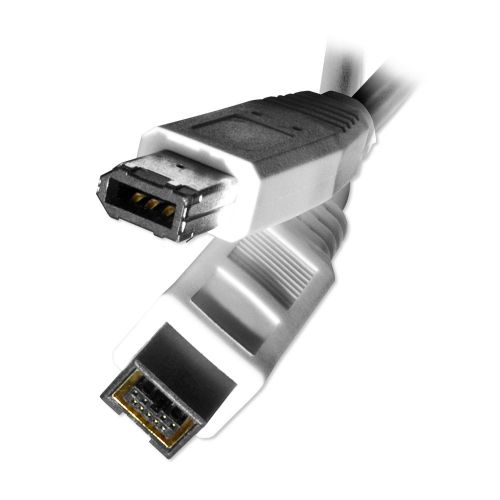
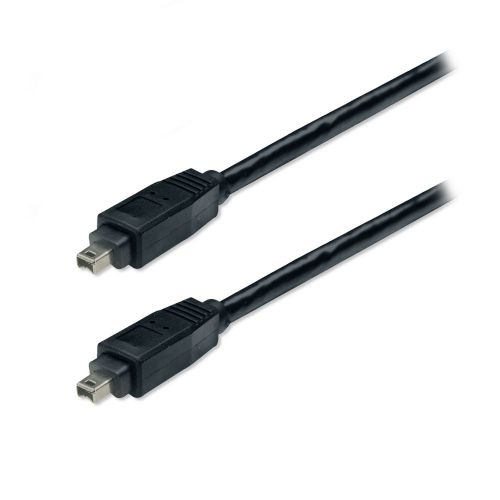
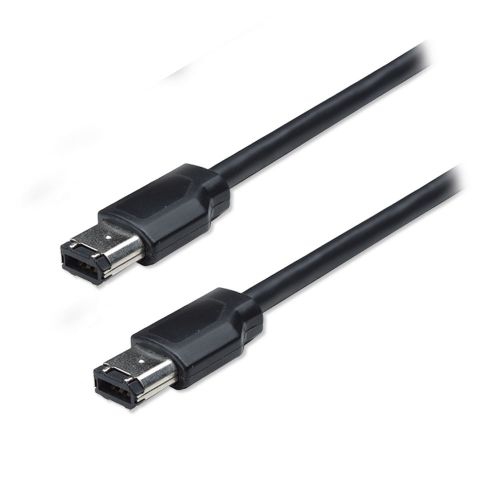
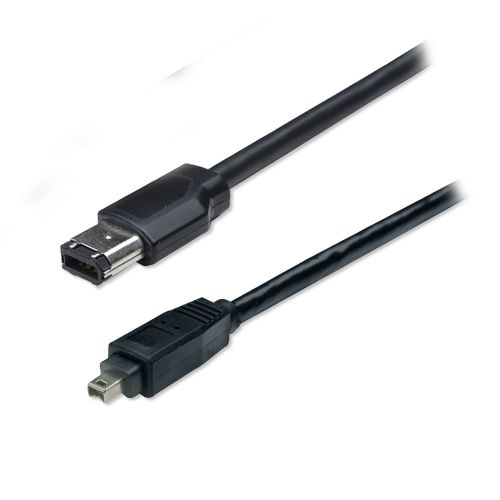
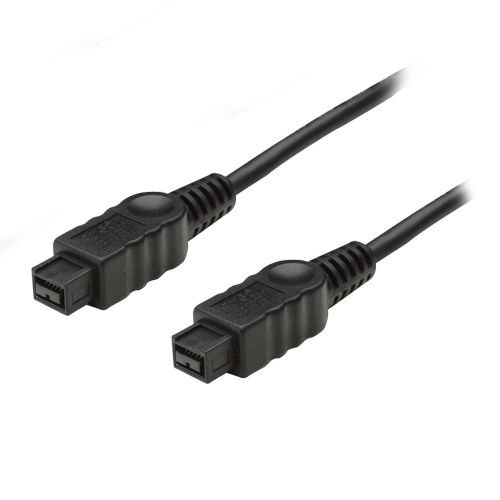
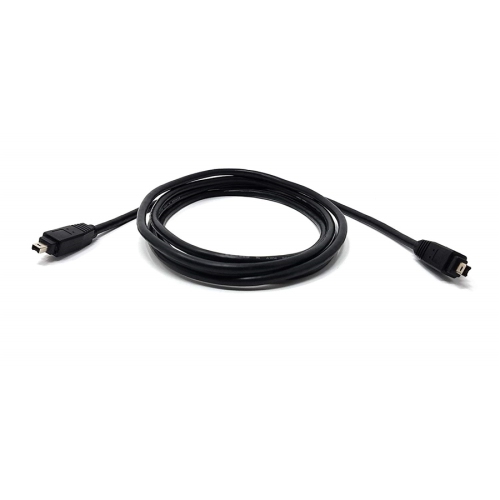
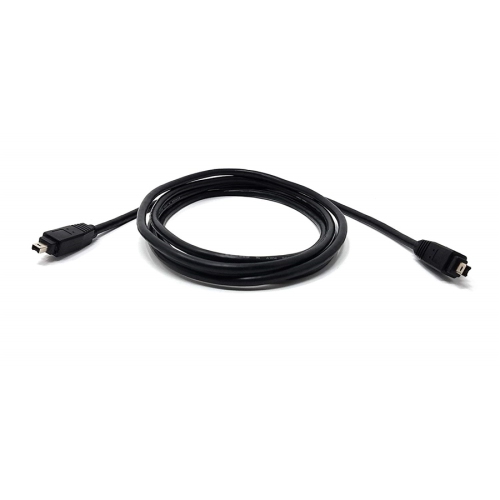
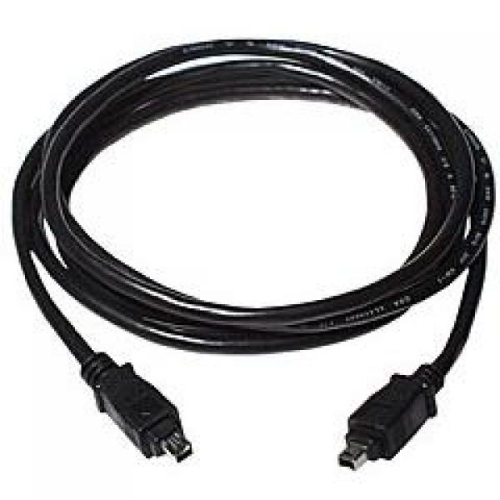
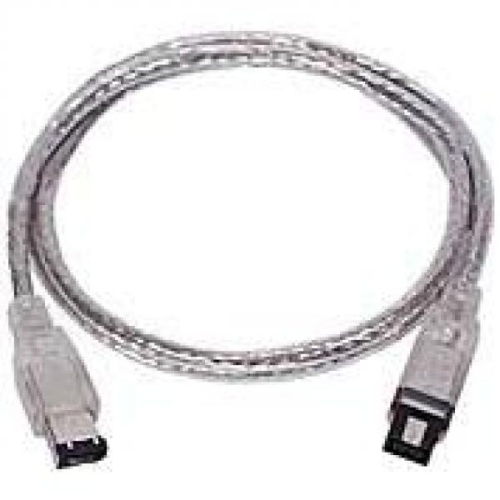
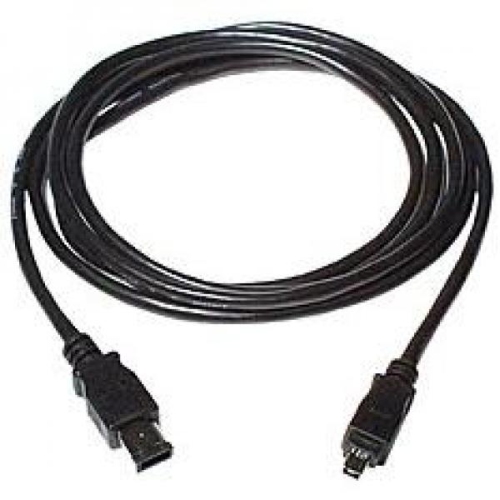
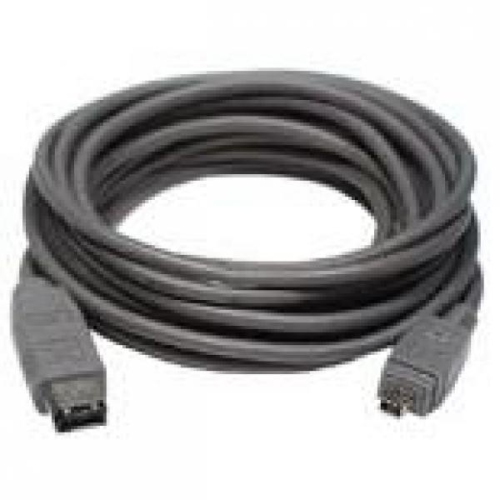
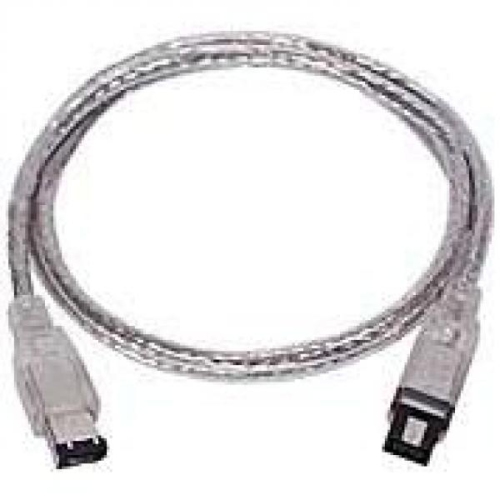
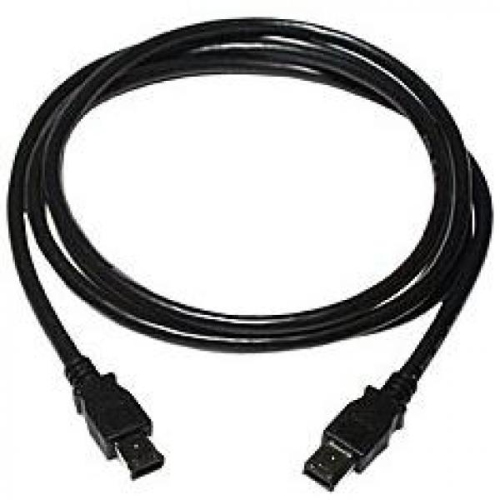
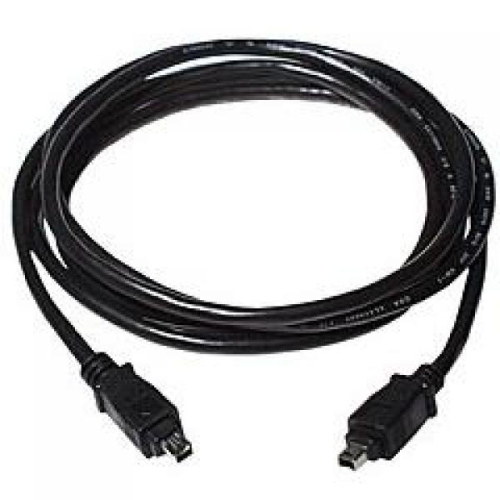
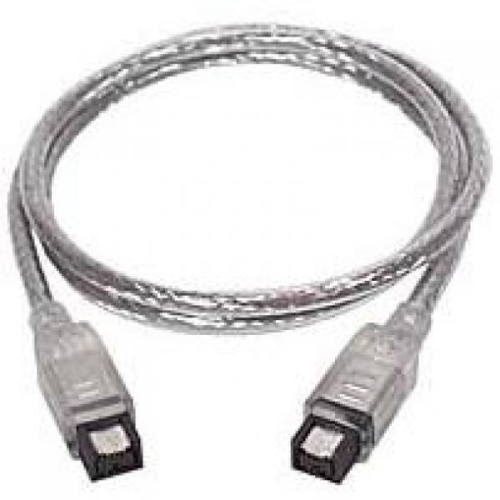
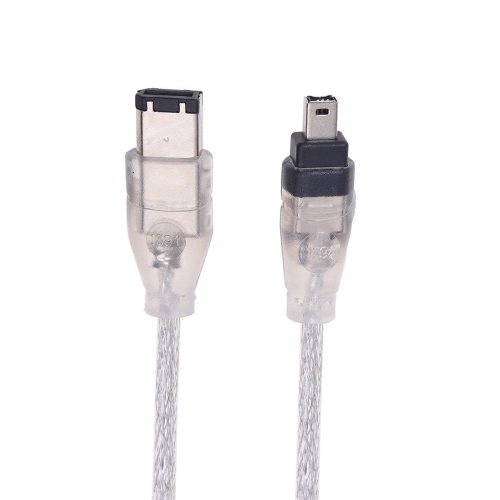
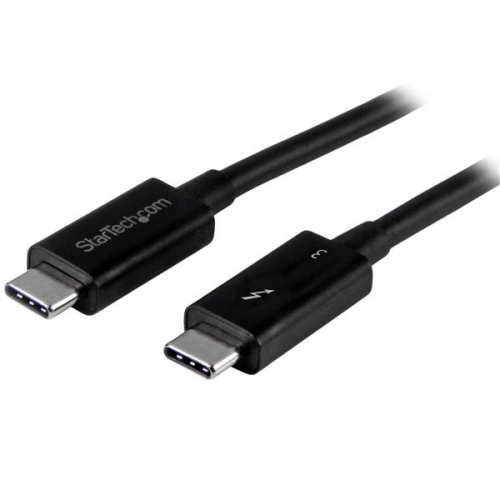
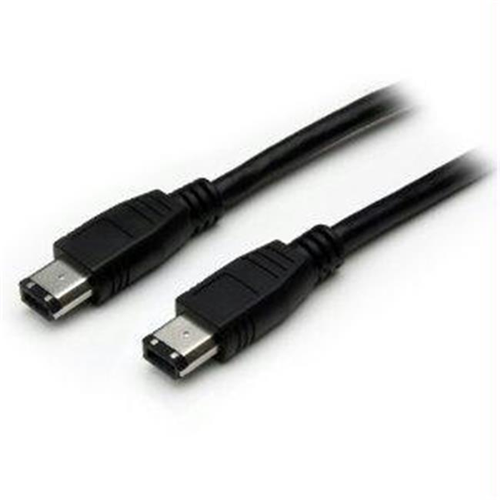
FireWire cables for iMac have long served as a reliable solution for connecting a wide range of devices, from external hard drives and professional audio interfaces to digital video cameras and legacy peripherals. Whether you’re a creative professional managing a collection of archived footage, a musician working with classic recording gear, or simply someone with older storage devices, having the right FireWire connection can make all the difference in maintaining access to your data and equipment. As technology evolves, many users find themselves blending new and old hardware, especially when working with an iMac that may have transitioned from dedicated FireWire ports to Thunderbolt or USB-C interfaces. This is where FireWire cables and compatible adapters become essential, allowing you to bridge the gap between generations of devices. For those with newer iMac models, connecting FireWire devices often requires a thoughtful combination of adapters—such as a FireWire 800 to Thunderbolt 2 adapter paired with a Thunderbolt 2 to Thunderbolt 3 (USB-C) adapter—ensuring compatibility and seamless data transfer. Meanwhile, users with legacy iMacs featuring built-in FireWire 800 ports can often rely on standard 9-pin to 9-pin cables, or use 9-pin to 6-pin or 4-pin cables if connecting older FireWire 400 devices. This flexibility means that, with the right cable or adapter, you can continue to make the most of your trusted peripherals, even as your workstation evolves.
Selecting the appropriate FireWire cable for your iMac setup involves a few important considerations. First, identify the ports available on your iMac—newer models may require adapters to convert Thunderbolt or USB-C ports for FireWire use, while older models might offer direct FireWire 800 or 400 connections. If you’re connecting multiple types of devices, such as audio interfaces, external drives, or video equipment, pay attention to the connector types (9-pin, 6-pin, or 4-pin) to ensure compatibility. Many creative professionals and tech enthusiasts keep a variety of these cables on hand, especially during periods of transition between old and new equipment. As the weather warms and projects ramp up—whether you’re digitizing old home videos, backing up important files, or setting up a home studio—having reliable FireWire connectivity can help keep your workflow uninterrupted. These cables also make thoughtful gifts for anyone in your life who works with legacy Mac hardware, such as photographers, videographers, or musicians who rely on tried-and-true gear. For those seeking a broader selection of connectivity solutions, including adapters and other cable types, explore the full range available on the iMac Cables page for more options tailored to your needs. With the right FireWire cable or adapter, you can ensure your iMac remains a versatile and powerful hub for both modern and classic devices throughout the seasons.
Selecting the appropriate FireWire cable for your iMac setup involves a few important considerations. First, identify the ports available on your iMac—newer models may require adapters to convert Thunderbolt or USB-C ports for FireWire use, while older models might offer direct FireWire 800 or 400 connections. If you’re connecting multiple types of devices, such as audio interfaces, external drives, or video equipment, pay attention to the connector types (9-pin, 6-pin, or 4-pin) to ensure compatibility. Many creative professionals and tech enthusiasts keep a variety of these cables on hand, especially during periods of transition between old and new equipment. As the weather warms and projects ramp up—whether you’re digitizing old home videos, backing up important files, or setting up a home studio—having reliable FireWire connectivity can help keep your workflow uninterrupted. These cables also make thoughtful gifts for anyone in your life who works with legacy Mac hardware, such as photographers, videographers, or musicians who rely on tried-and-true gear. For those seeking a broader selection of connectivity solutions, including adapters and other cable types, explore the full range available on the iMac Cables page for more options tailored to your needs. With the right FireWire cable or adapter, you can ensure your iMac remains a versatile and powerful hub for both modern and classic devices throughout the seasons.
Top selling and popular products
-
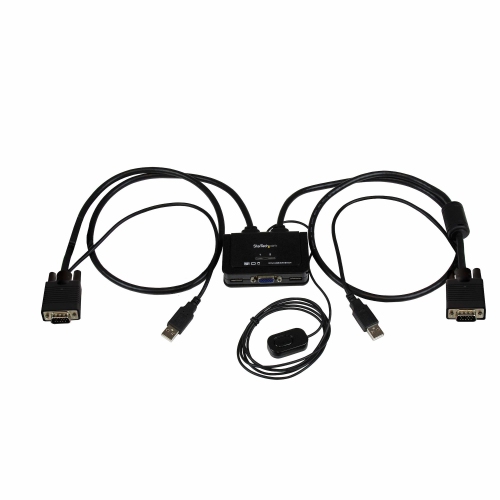 Your price for this item is $88.91
 -
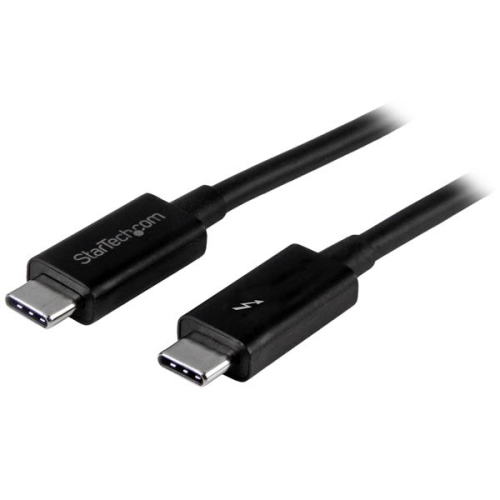 Your price for this item is $81.99
 -
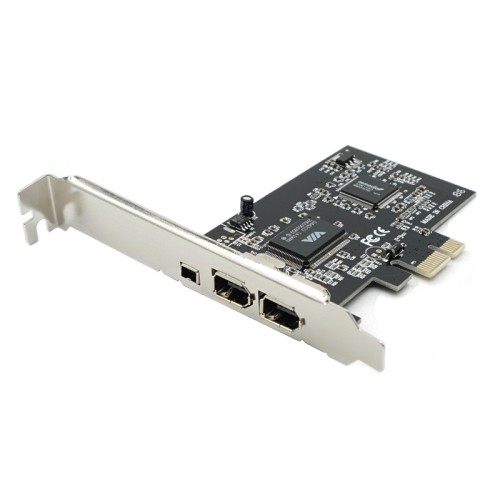 Your price for this item is $15.99
 -
 Your price for this item is $6.99
 -
 Your price for this item is $20.99
 -
 Your price for this item is $54.99
 -
 Your price for this item is $61.28
 -
 Your price for this item is $37.99
Discover more categories related to FireWire Cables for iMac

Top Collections:
RAM Upgrades for PC, Best Laptops for Home Use, Best Vacuum Cleaners, Top Laptops for University Students, Best Fridges, Best Noise Cancelling Headphones, Best Wi-Fi Routers, Good Android Phones, Best Quality Doorbell Cameras, Best Type C Hub
Some products may be subject to Environmental Handling Fees
(EHF) depending on your province.
Learn more about EHFs.