Keyboards With Headphone Jack
Explore our collection of keyboards with headphone jacks, designed to elevate your playing experience to the next level. Whether you're a beginner looking to practice in private or a seasoned musician wanting to dive deep into your compositions without disturbing others, these keyboards offer versatility and convenience. With a headphone jack feature, you can immerse yourself in your music without any distractions, making it perfect for late-night jam sessions or focused practice sessions. Discover the perfect keyboard that suits your style and preferences while enjoying the freedom to play anytime, anywhere.
Sort
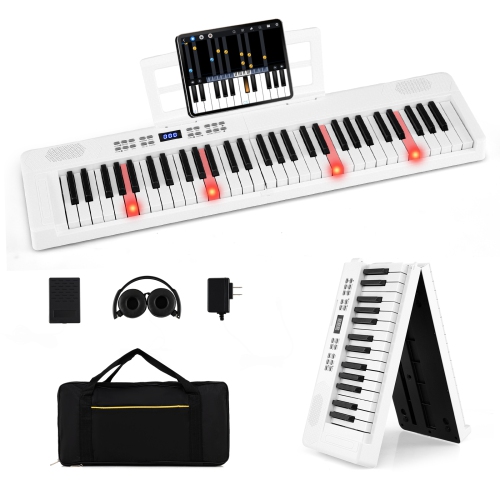
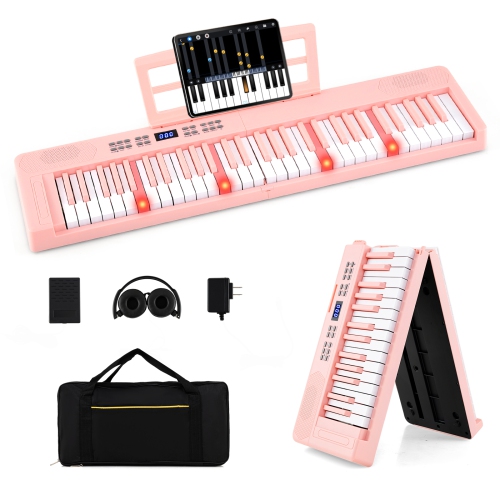
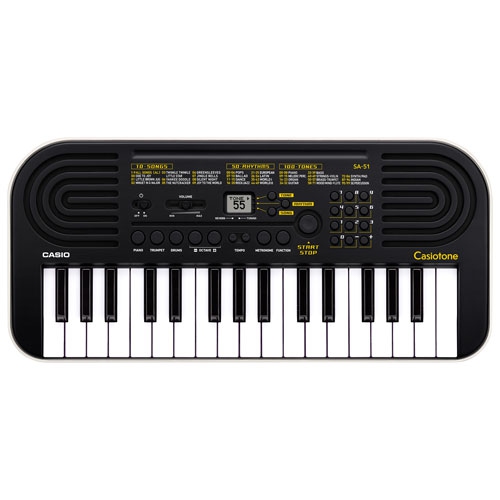
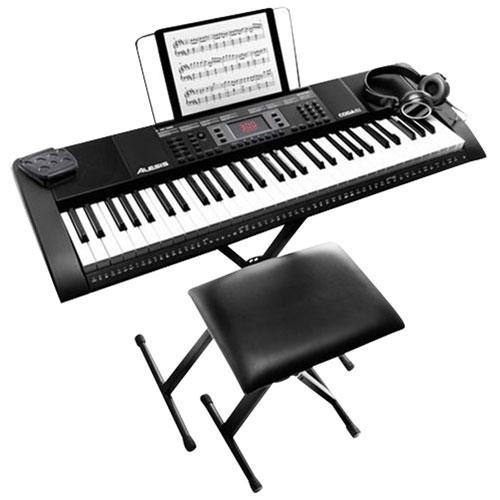
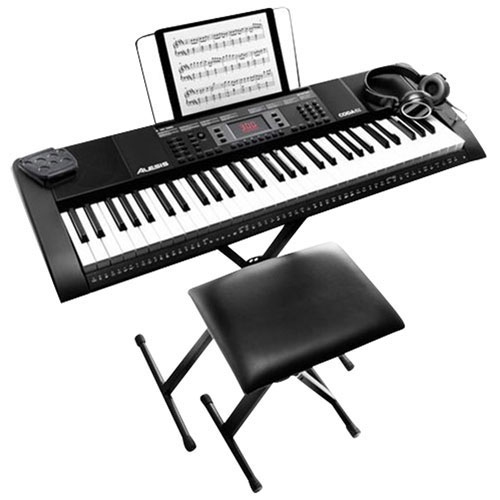

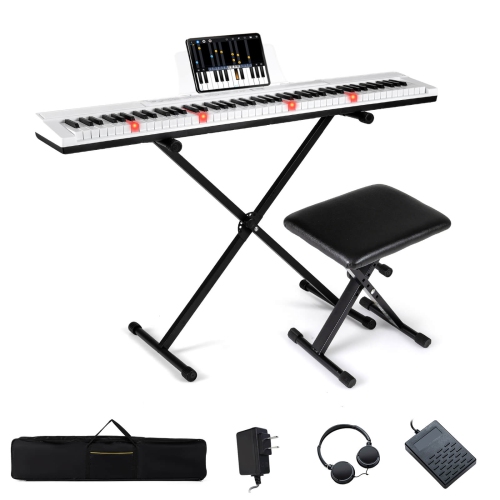
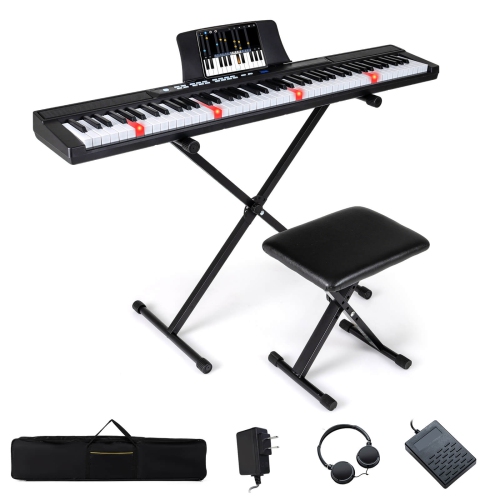
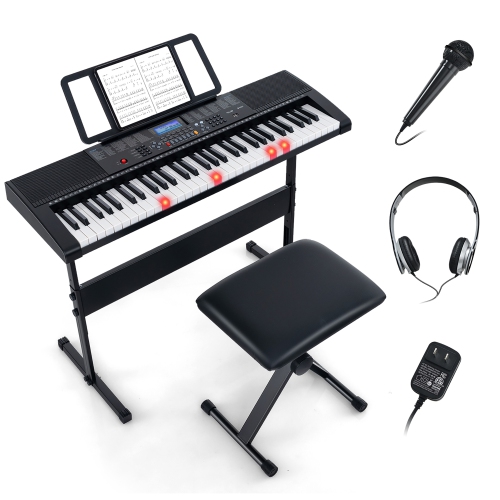
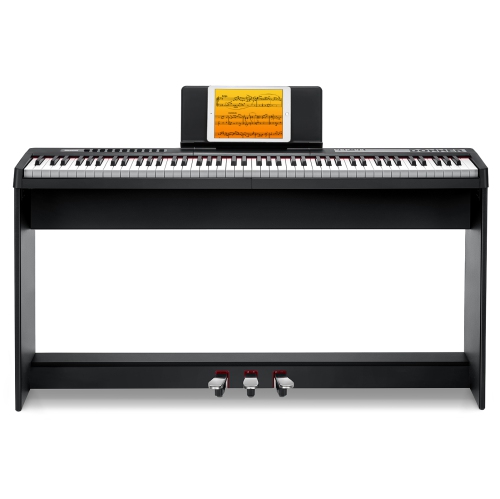
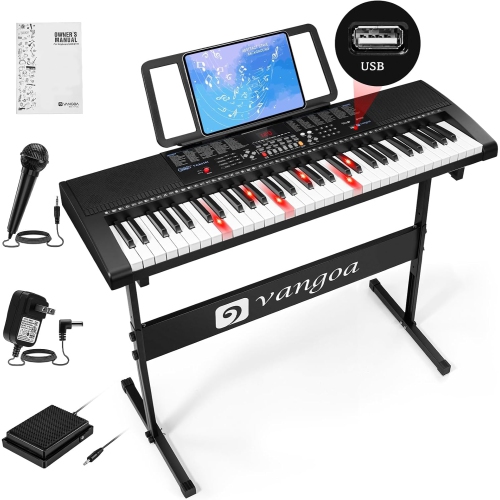
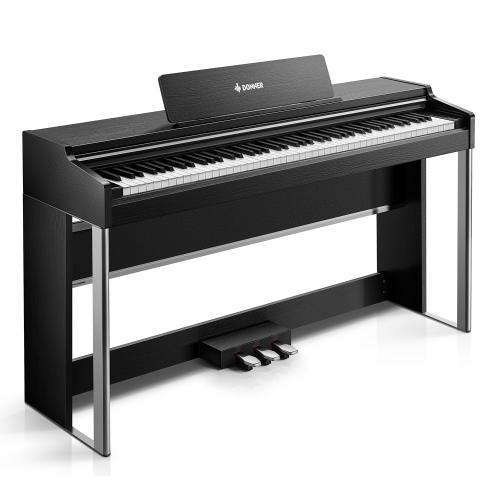
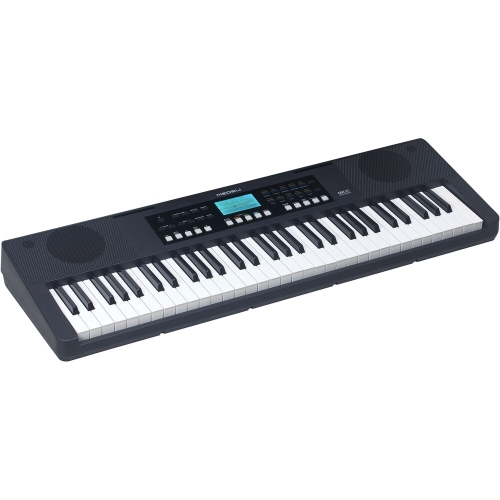
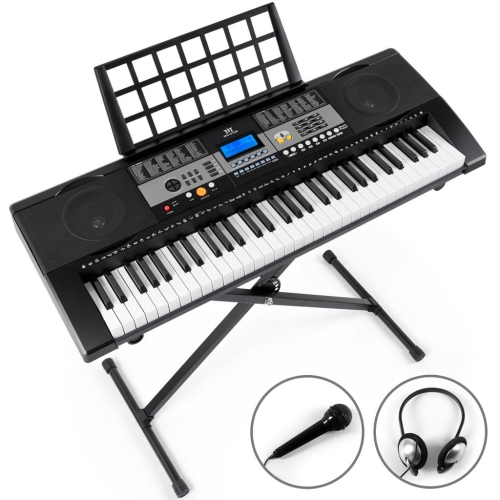
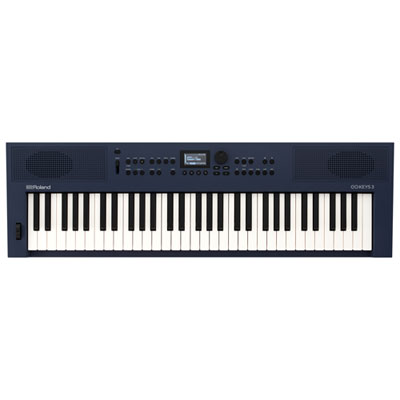

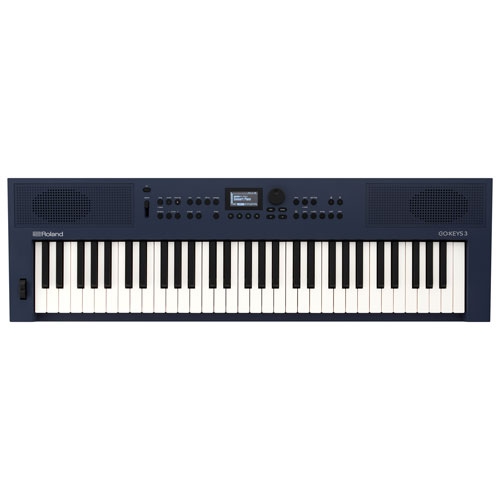

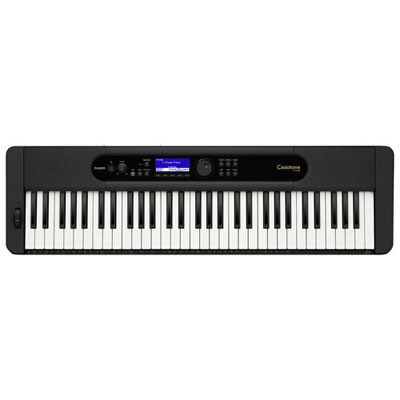
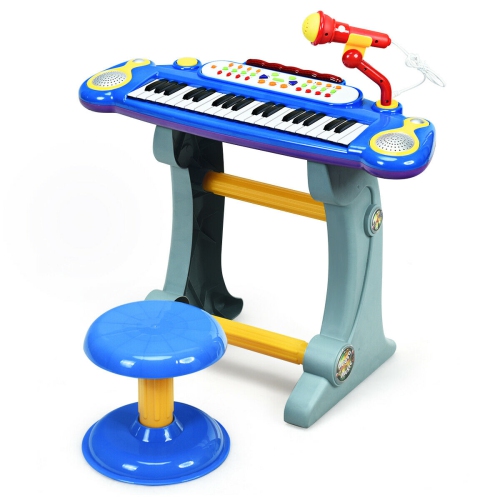
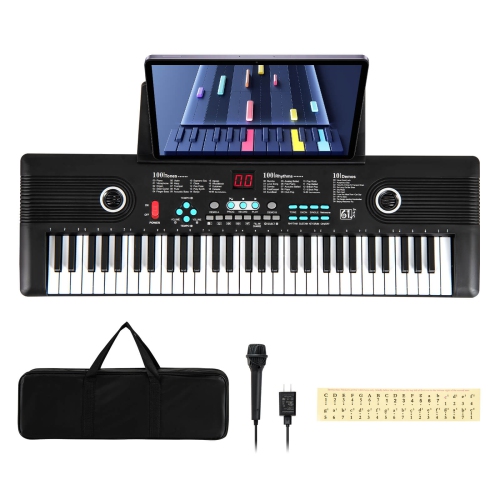
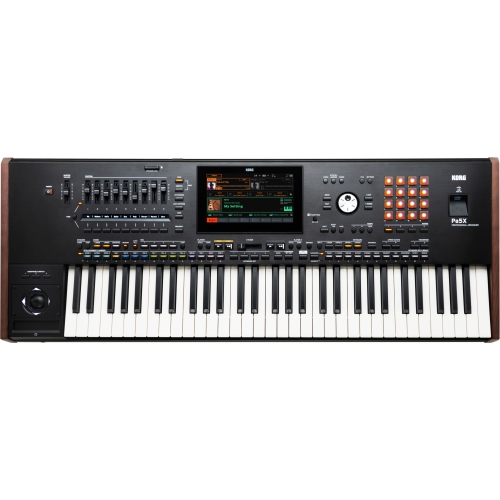
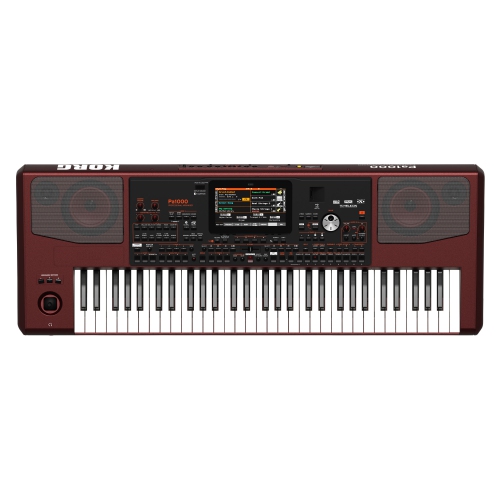
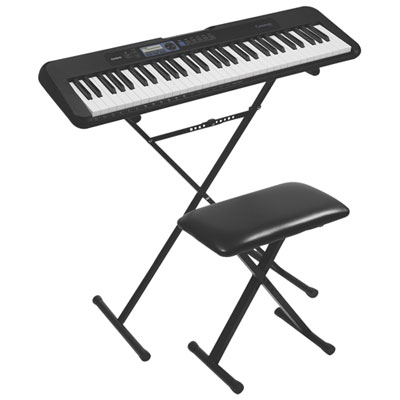
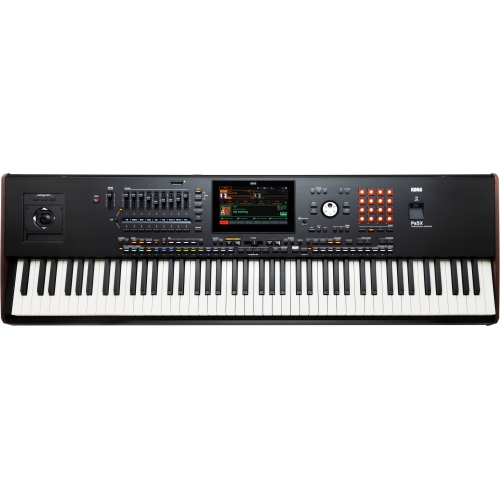
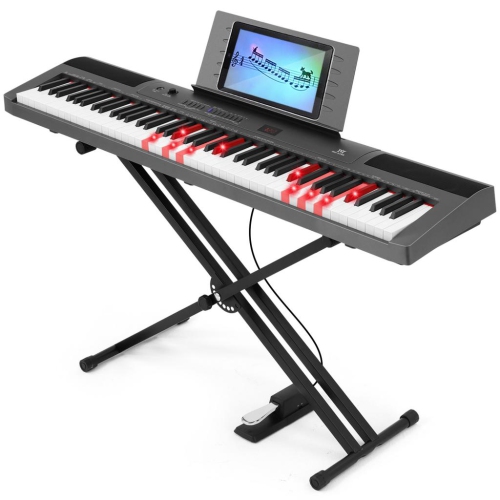
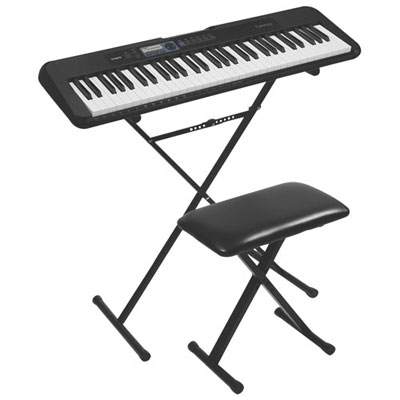
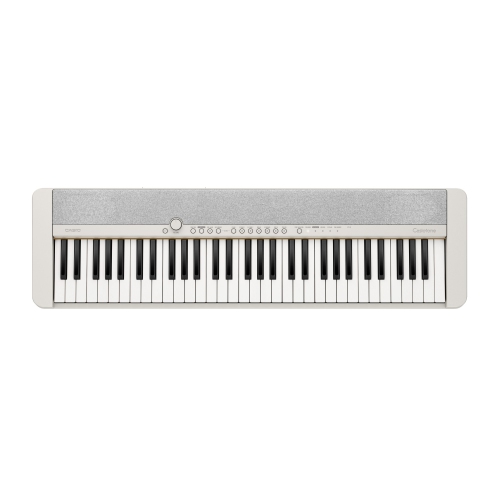
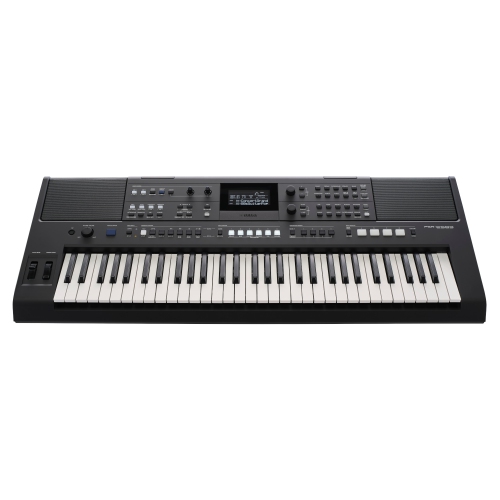
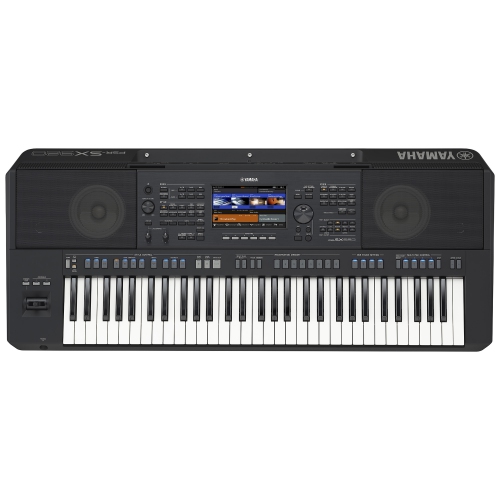
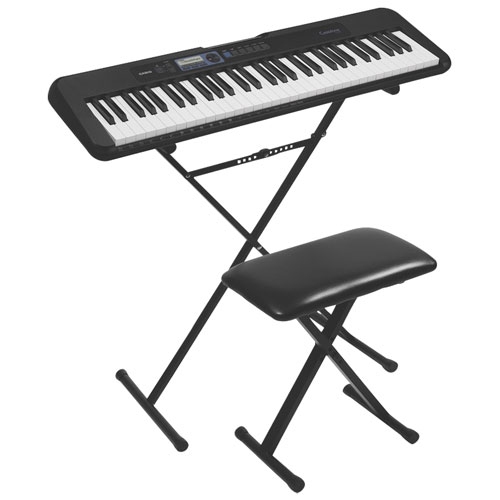
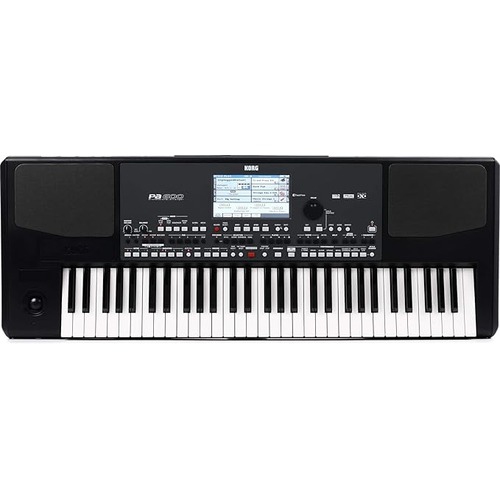
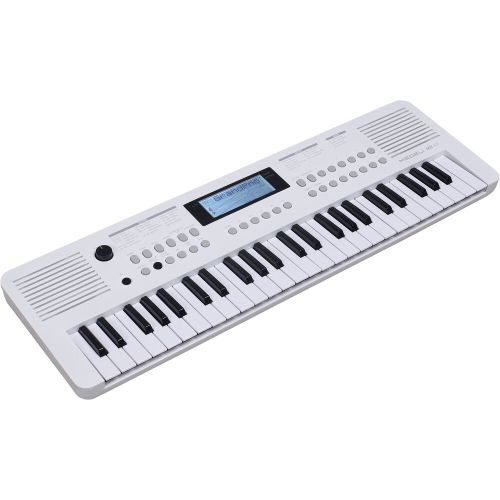
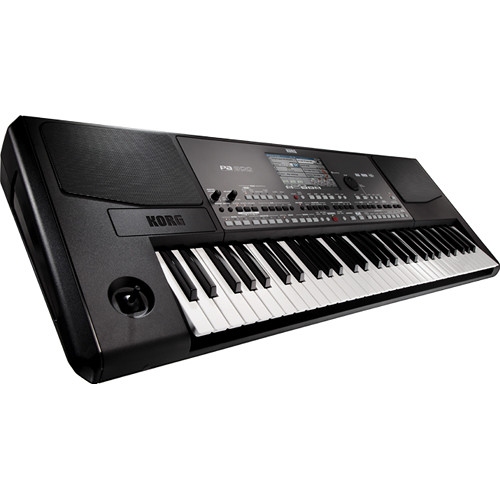
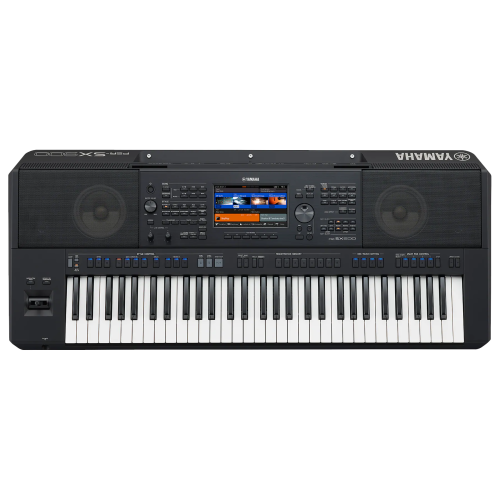
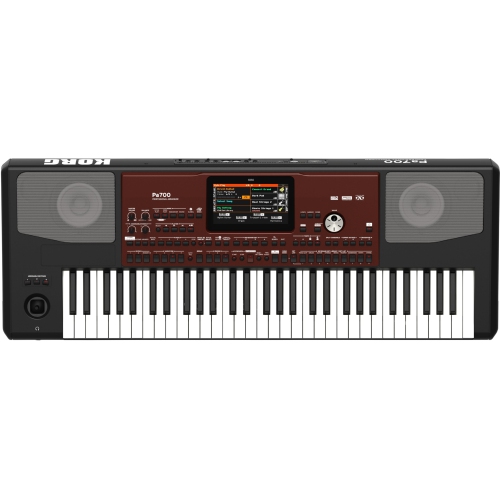
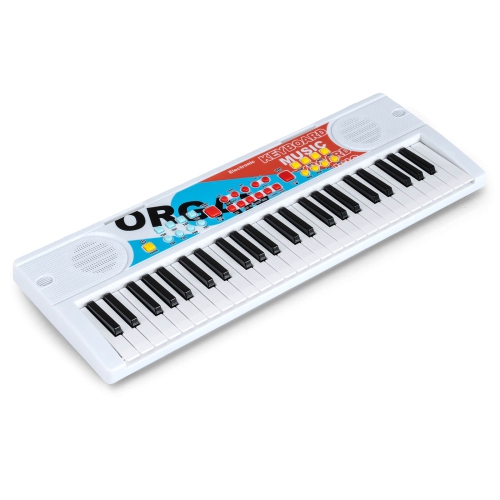
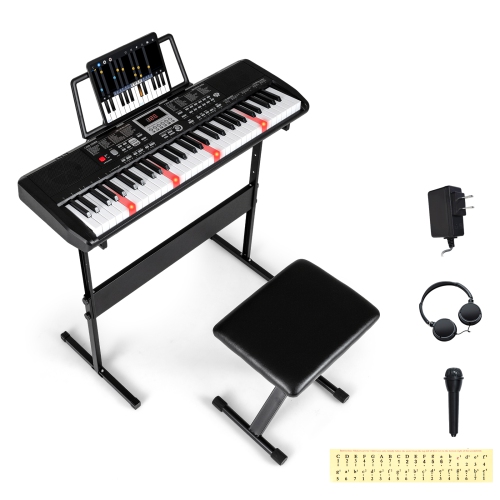
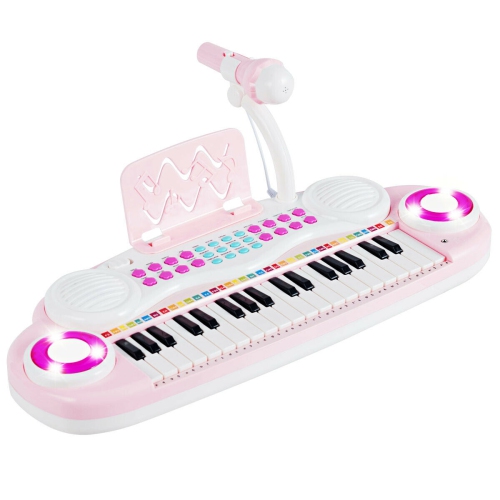
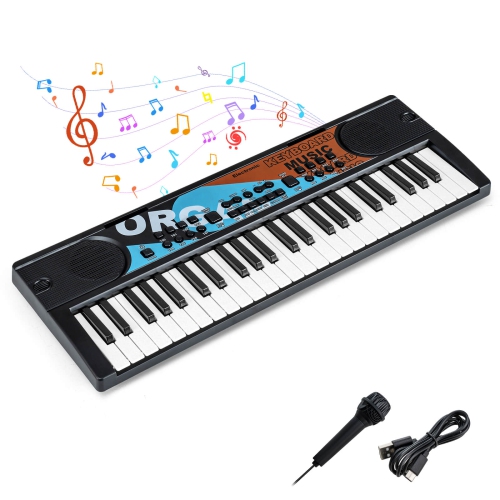
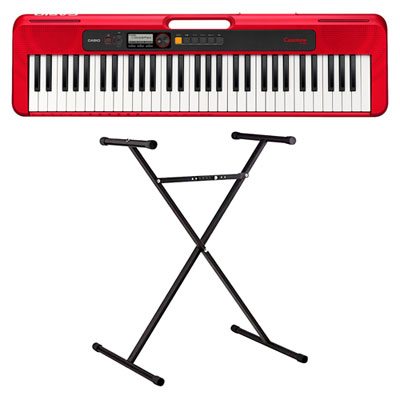
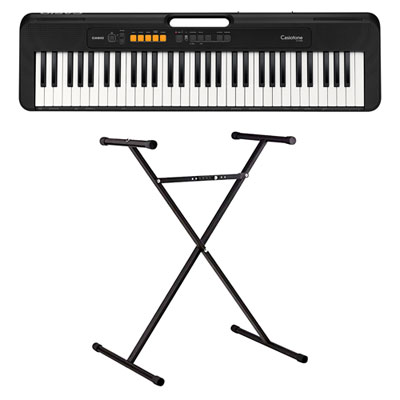
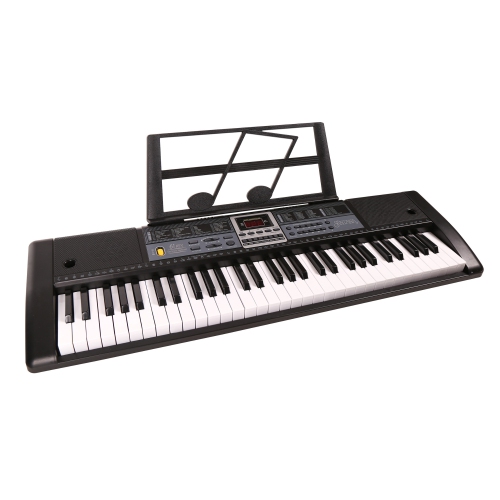
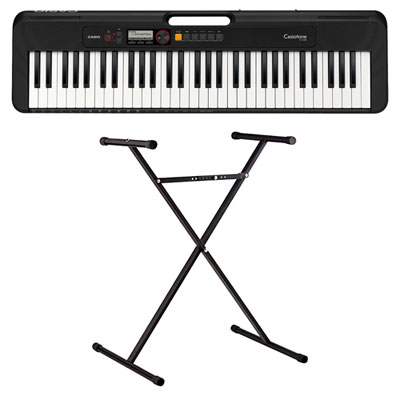
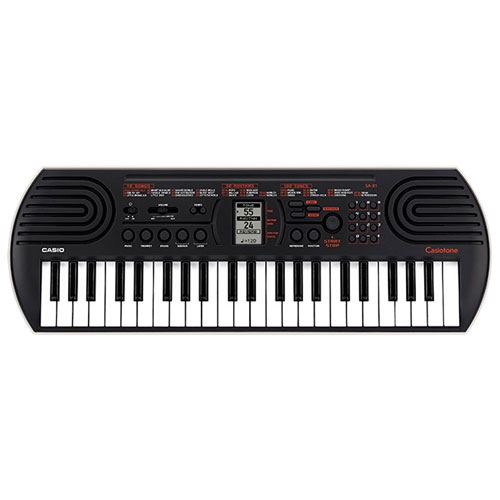
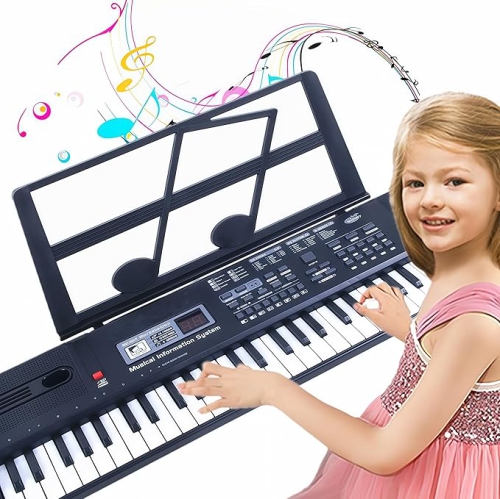
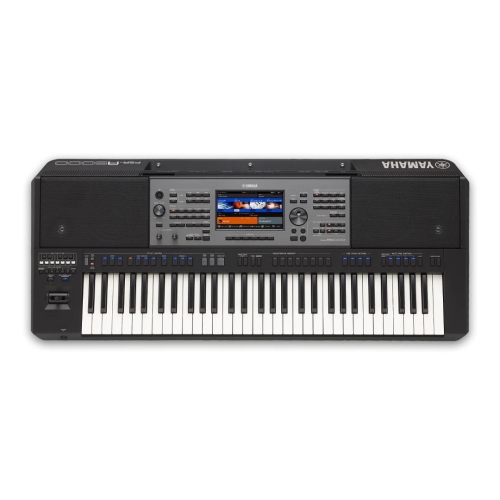
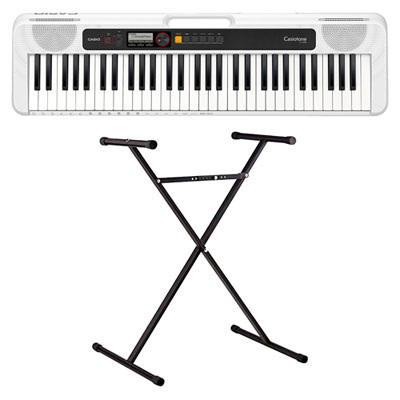
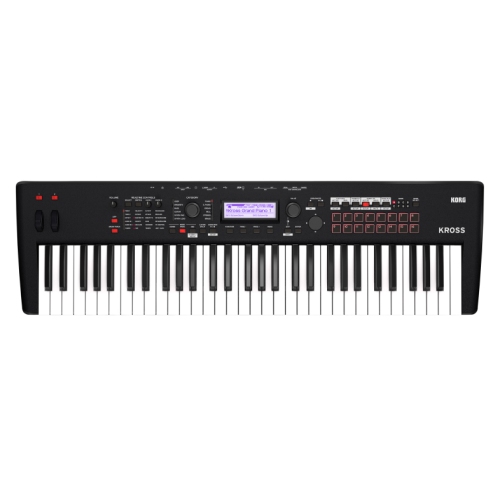
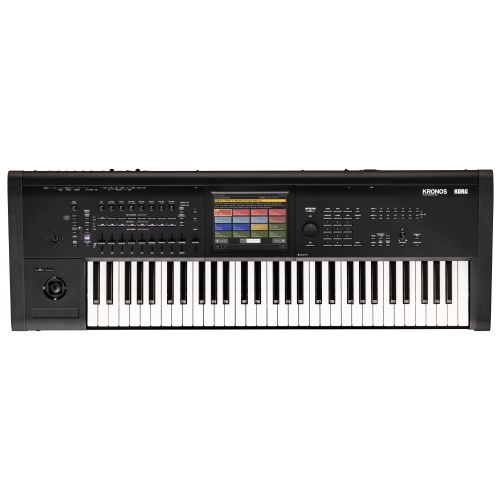
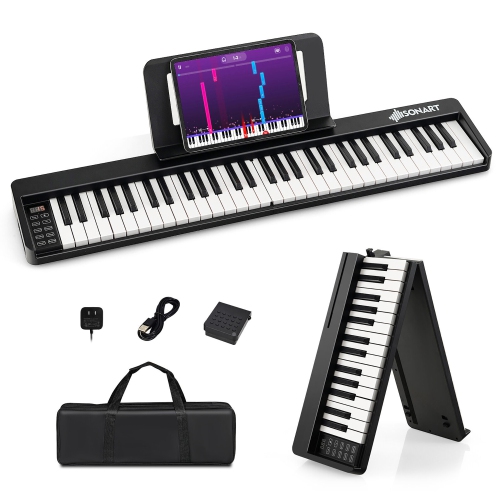
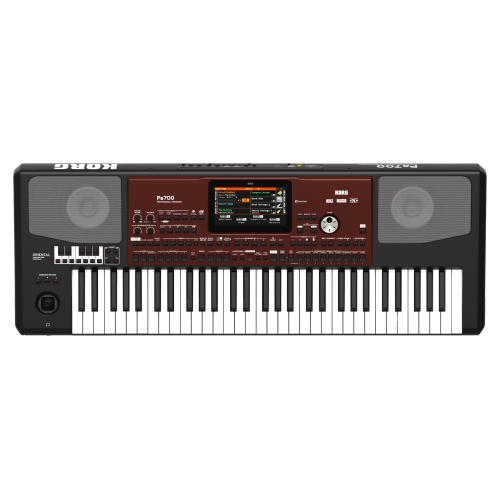
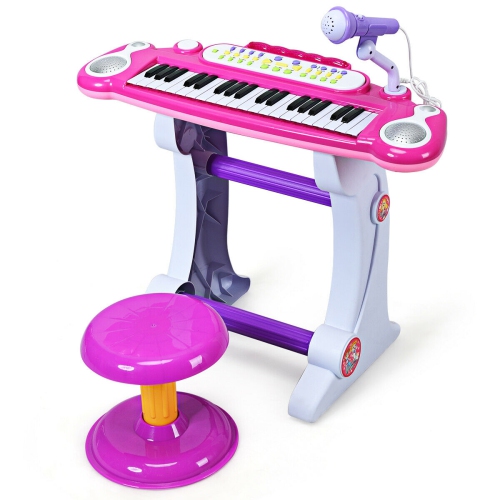
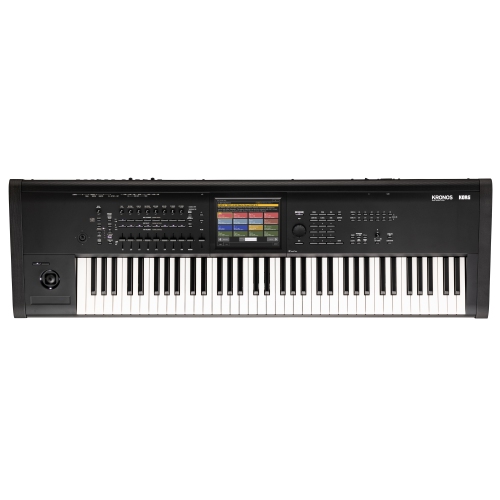
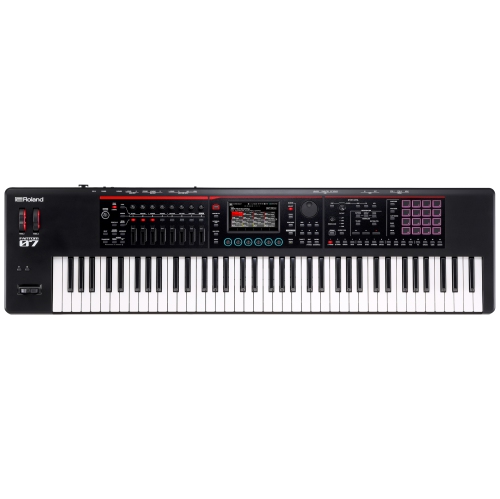
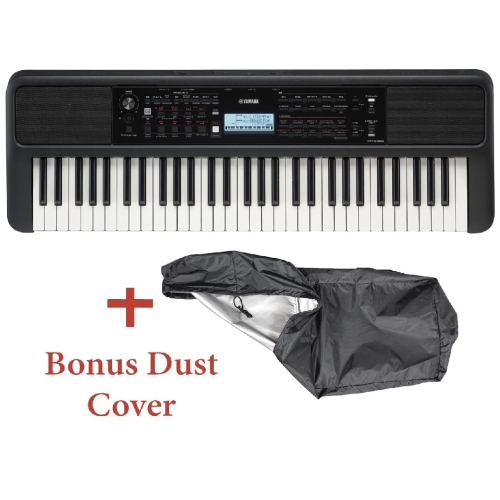
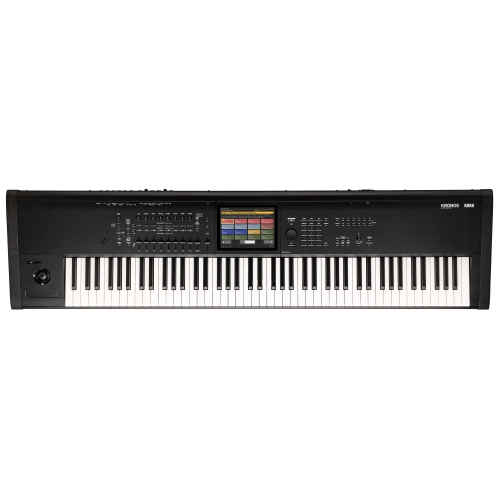

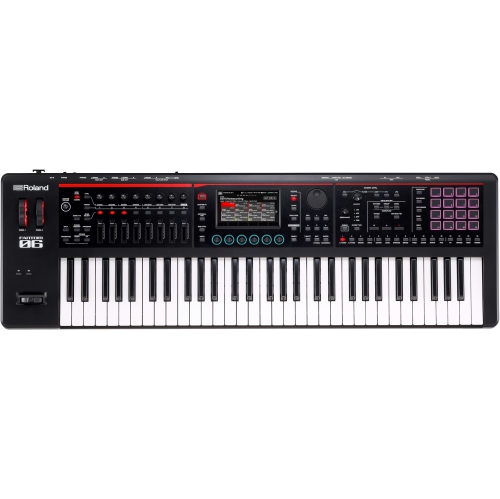
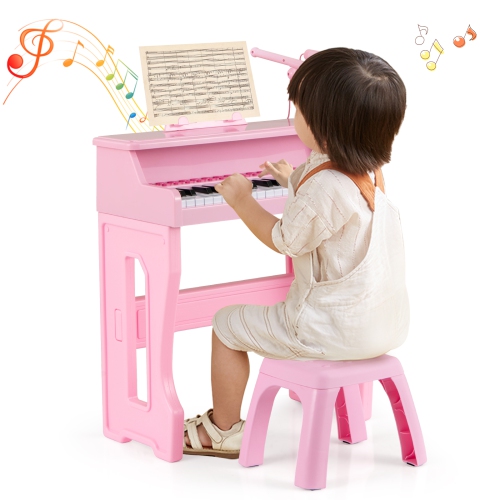
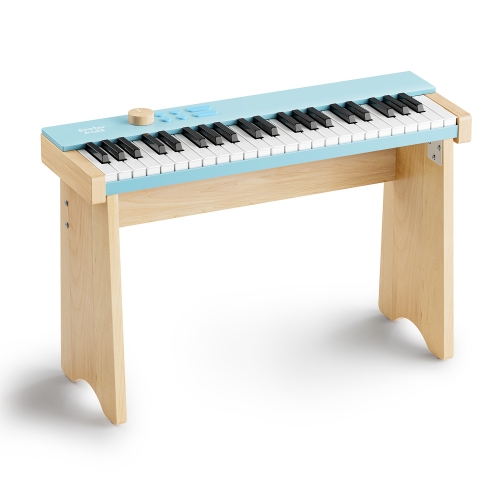
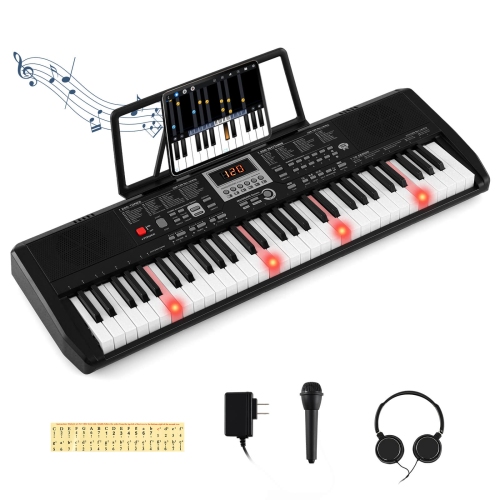
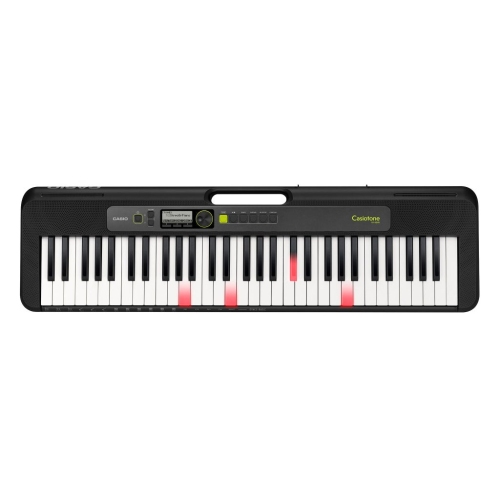
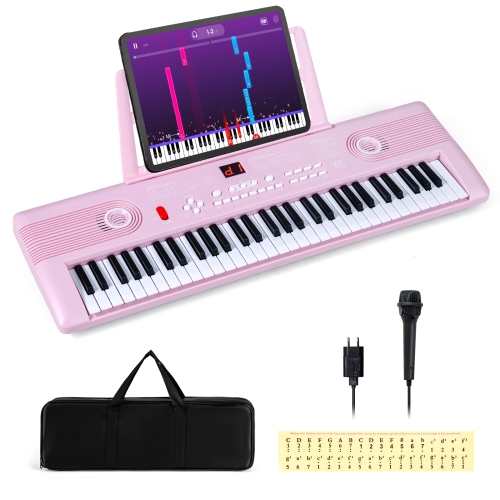
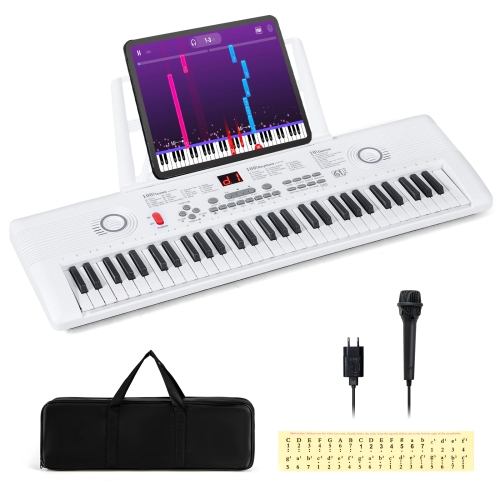
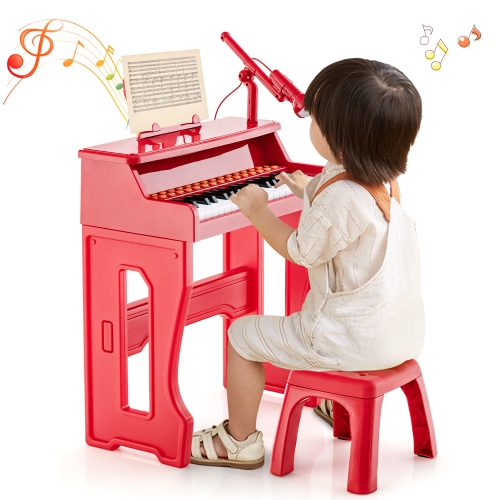
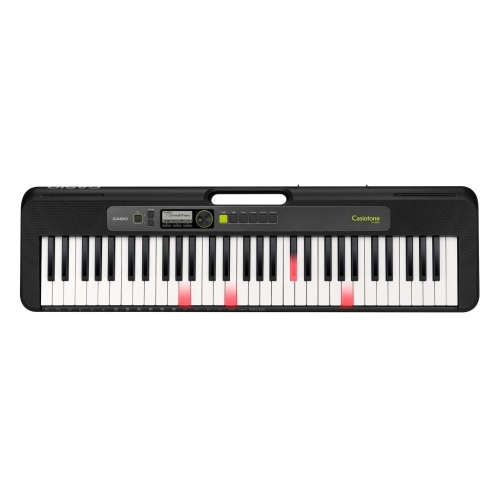
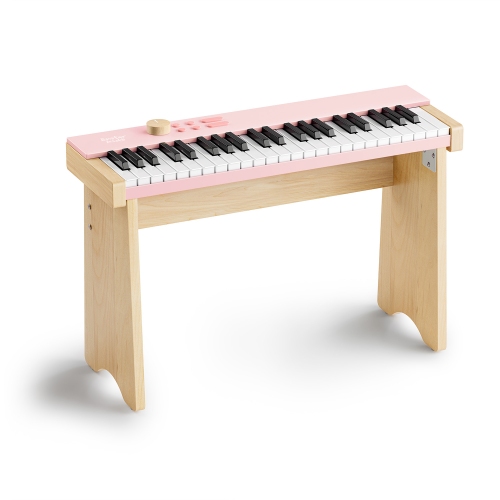
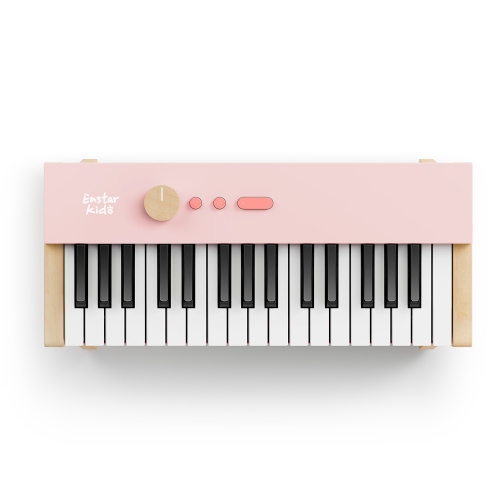
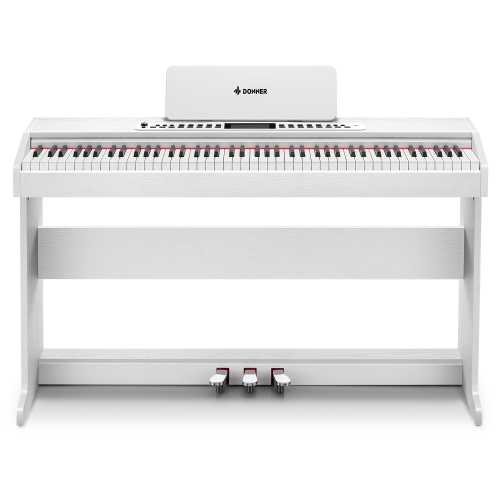
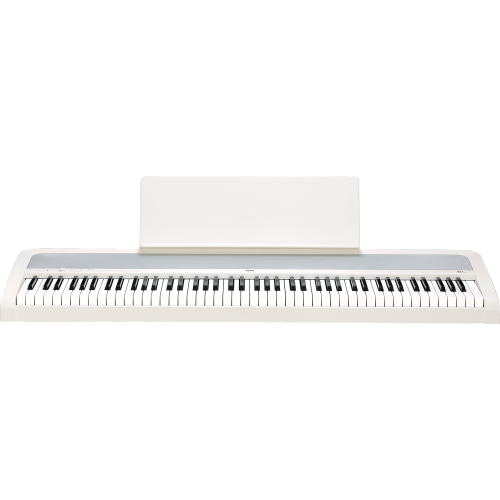
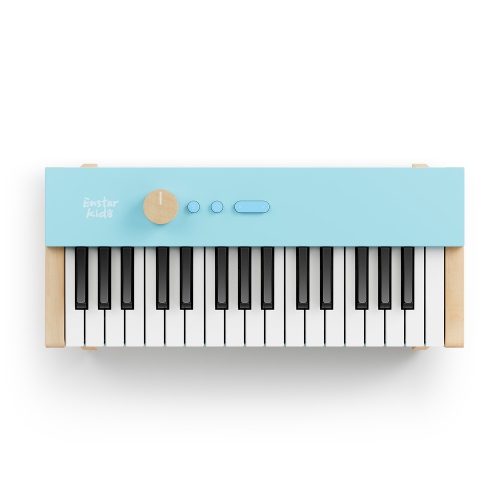
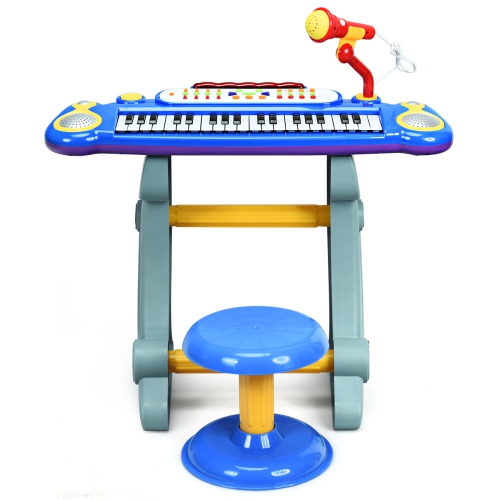
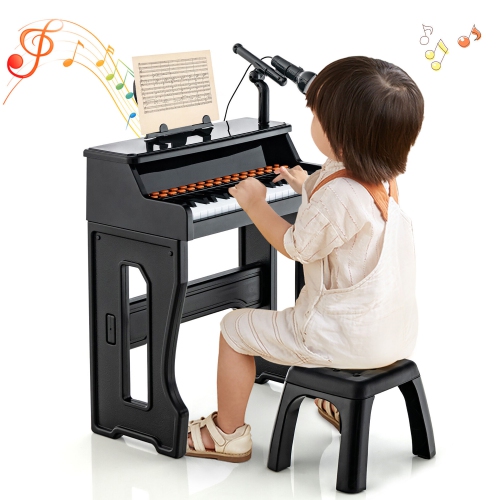
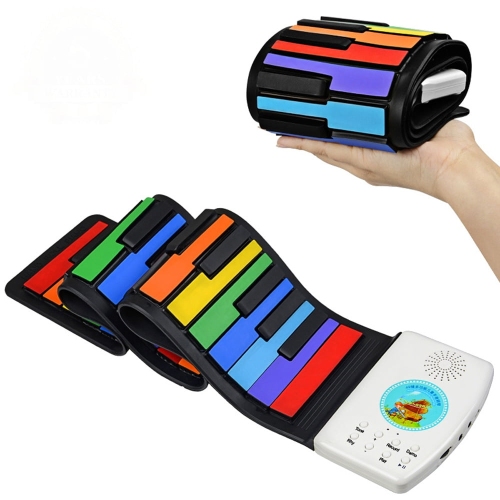
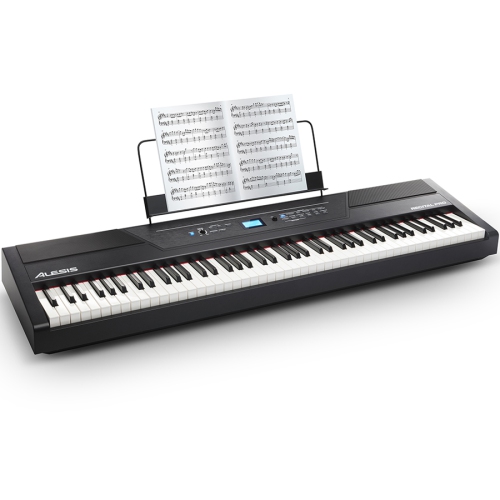
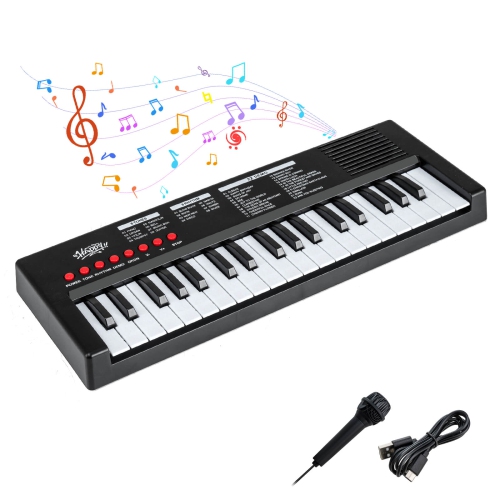
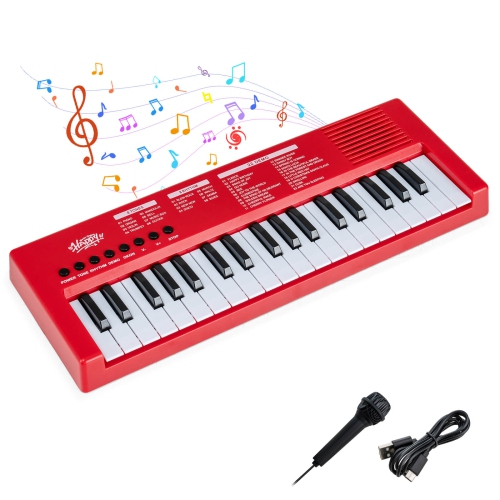
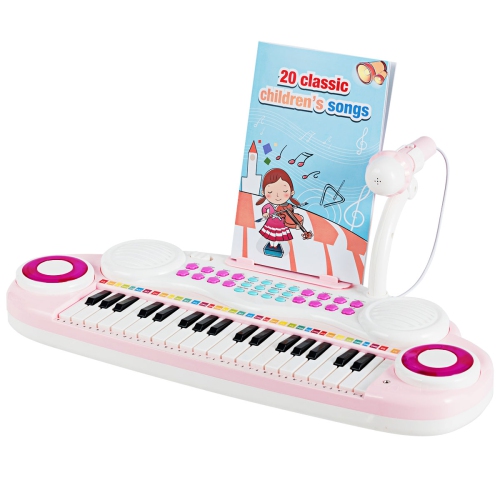
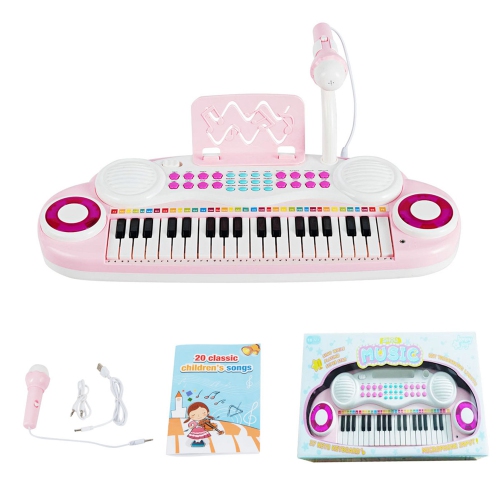
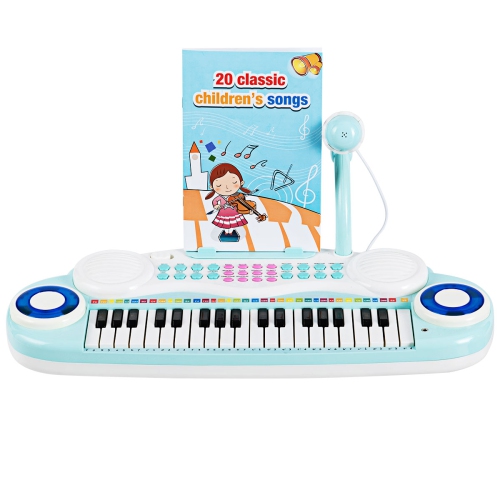
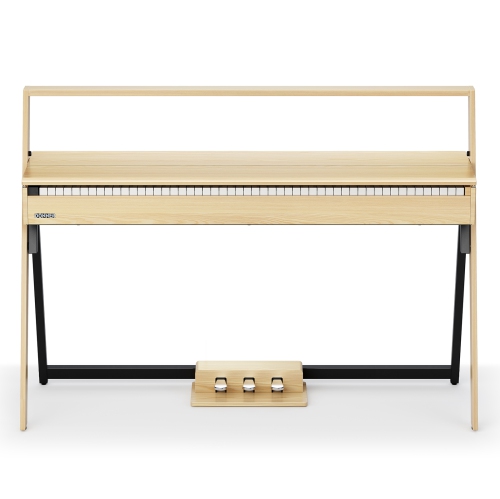
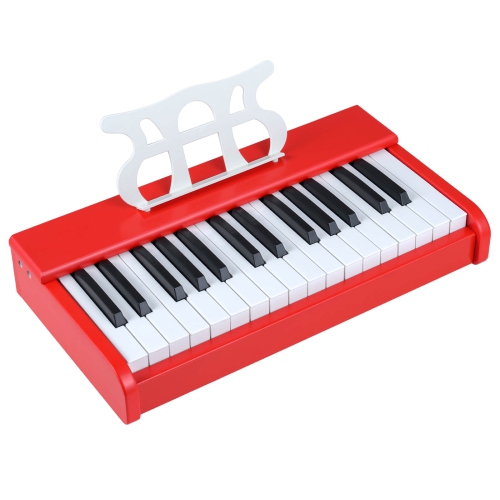
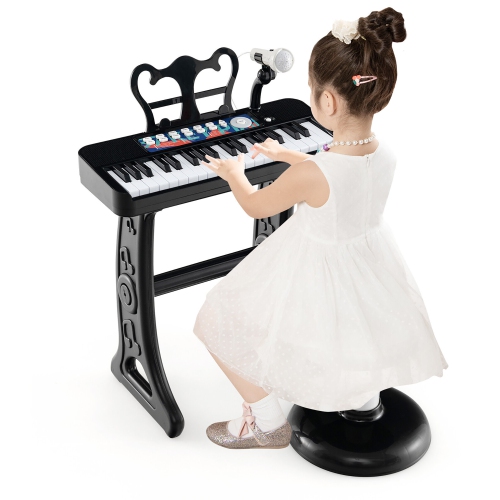
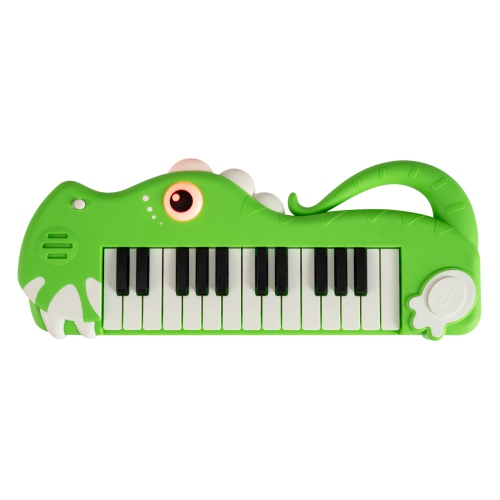
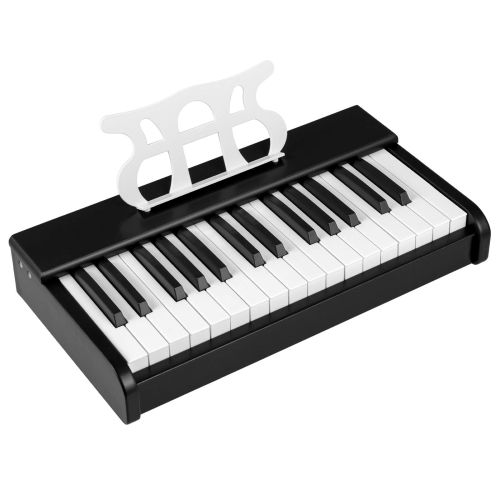
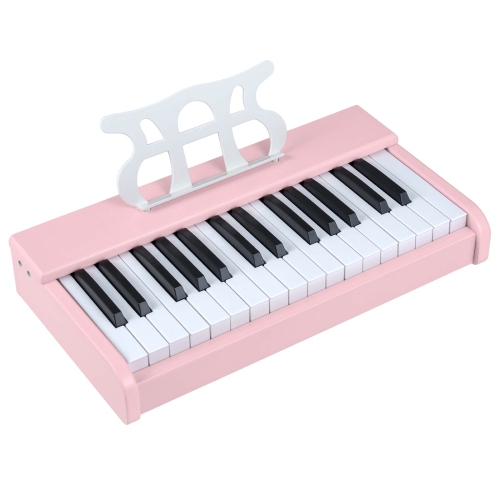

Quieter music practice and computer audio within reach
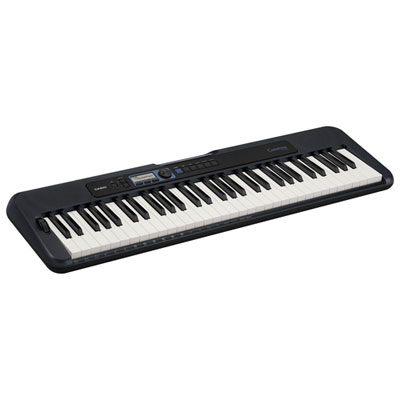
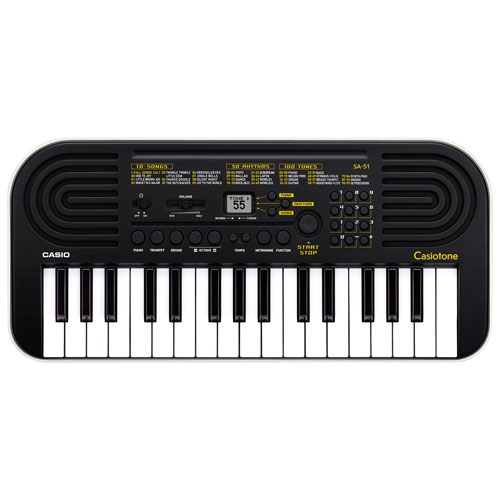
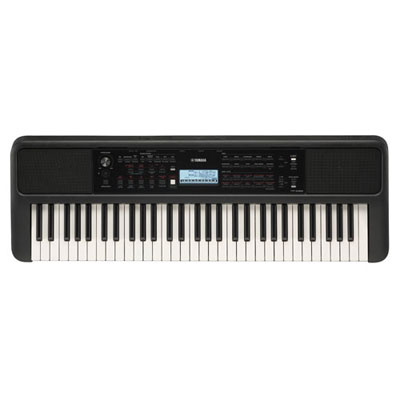
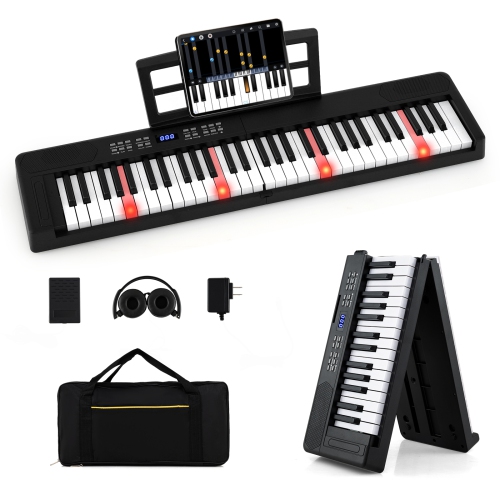
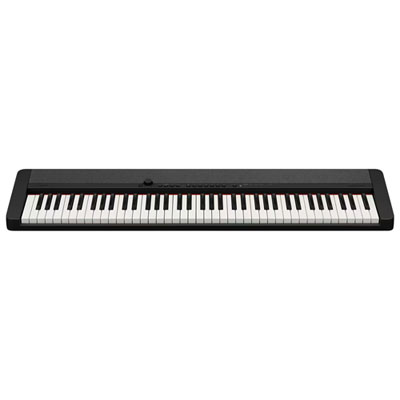
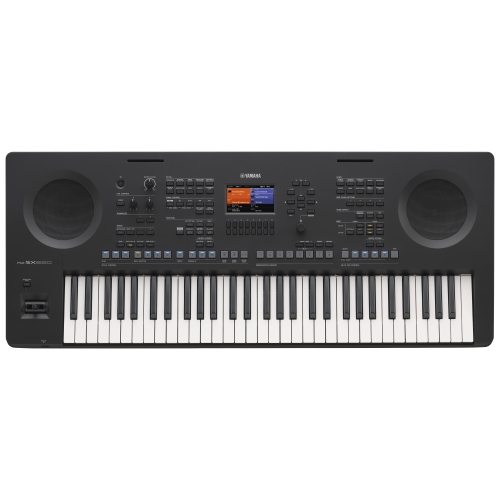
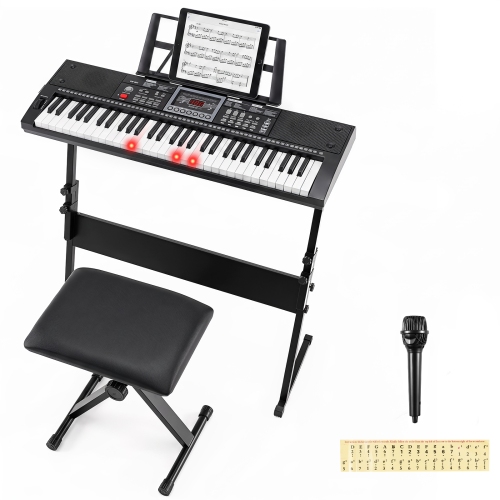
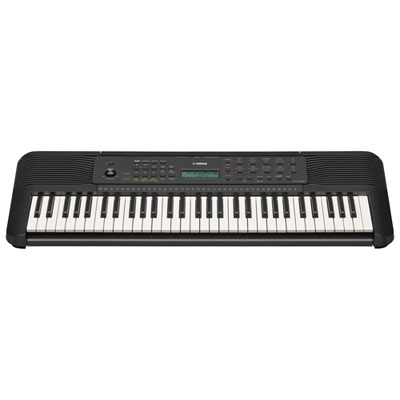
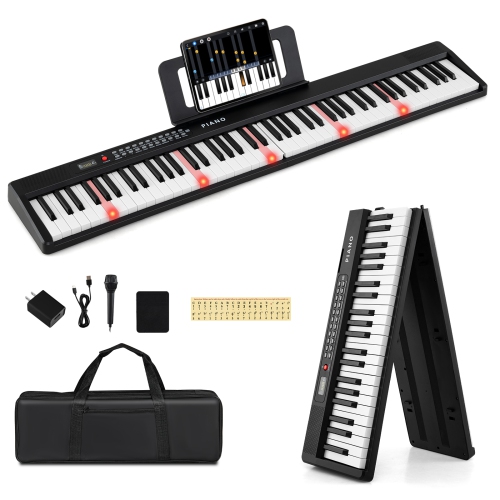
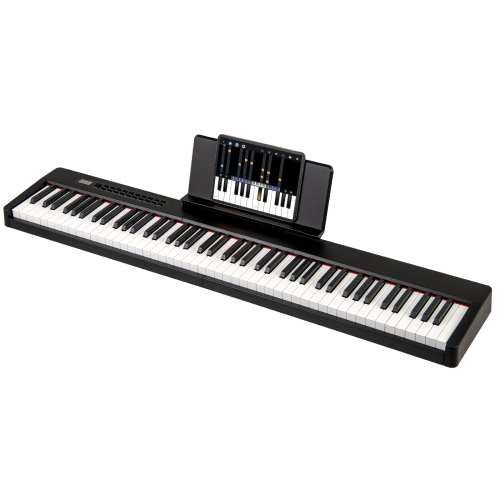
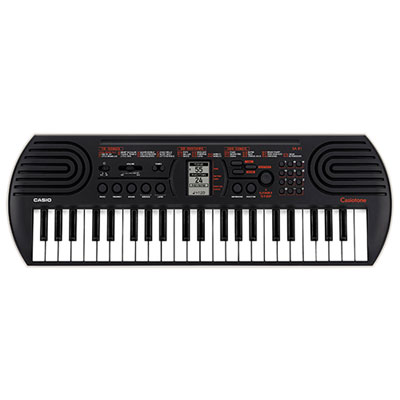
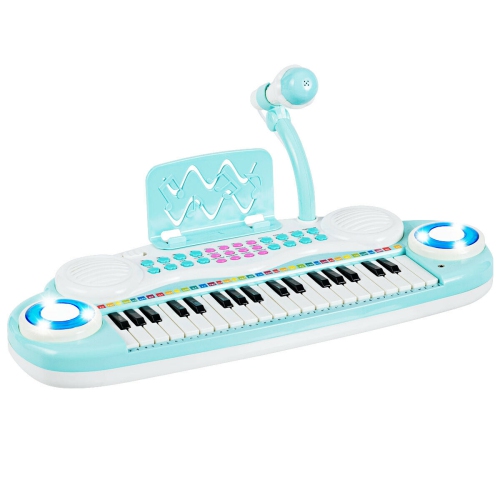
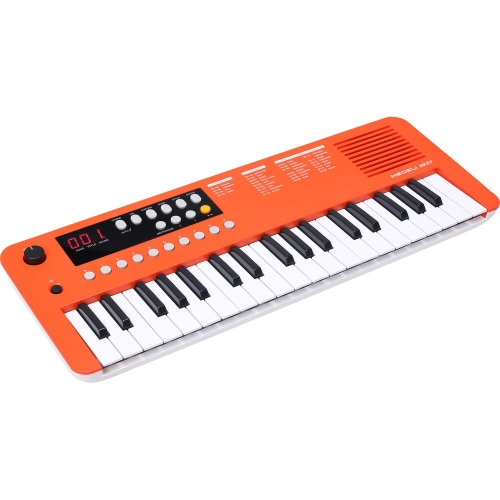
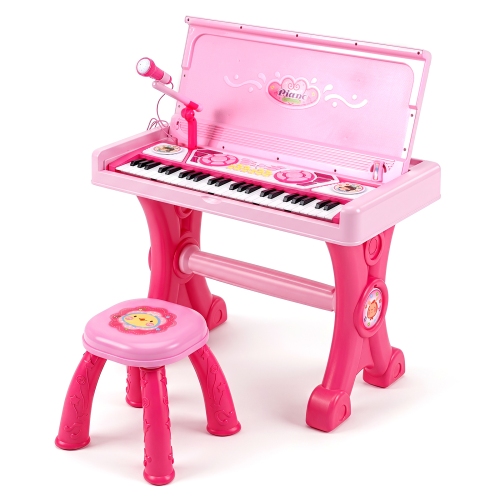
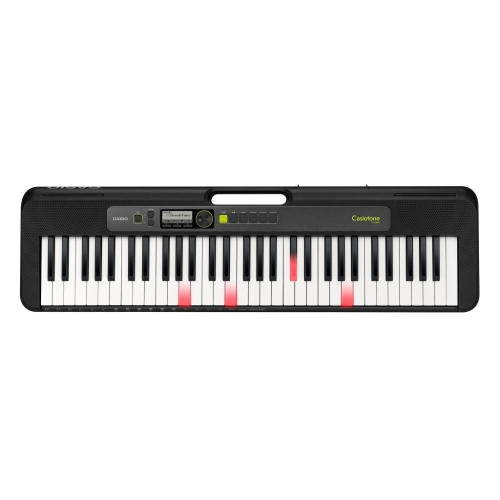
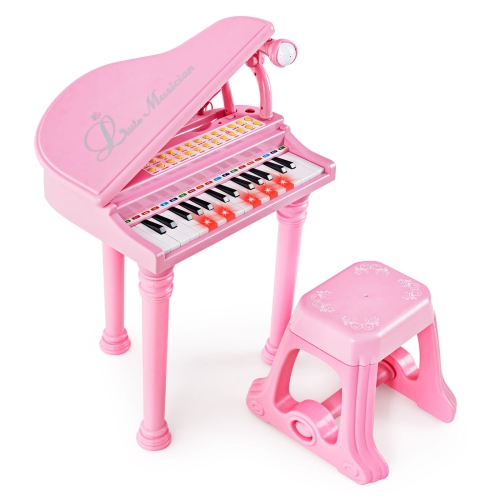
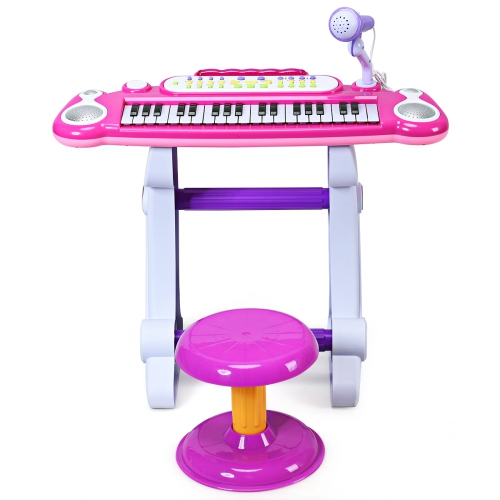
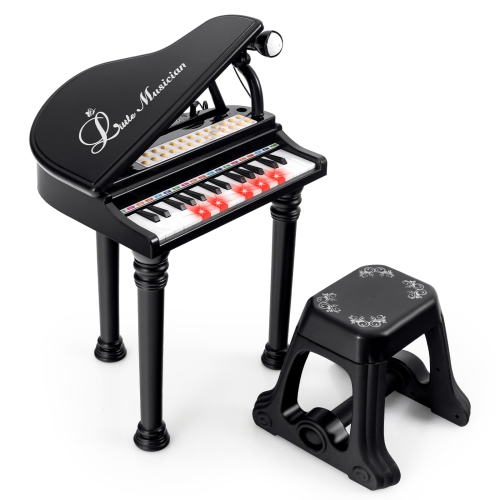
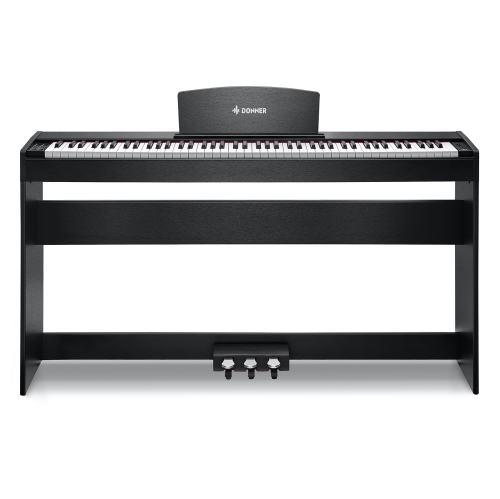
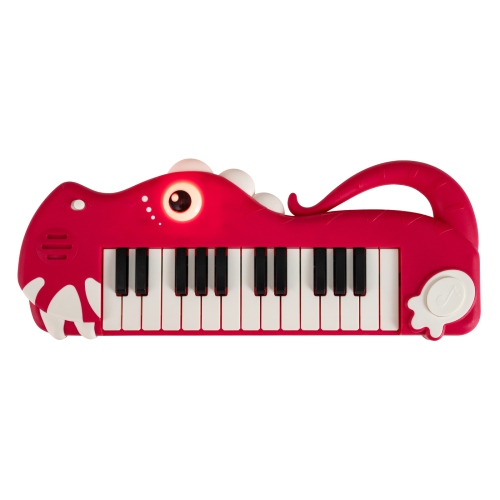
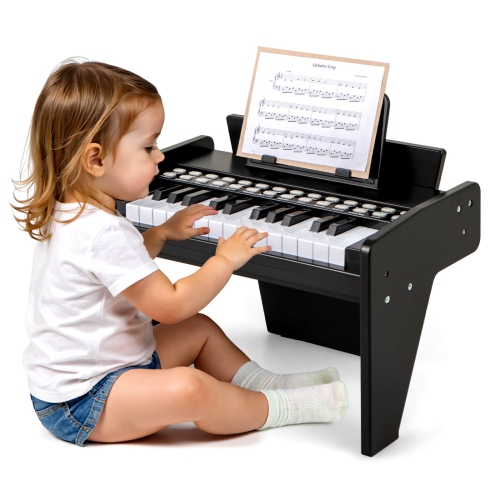
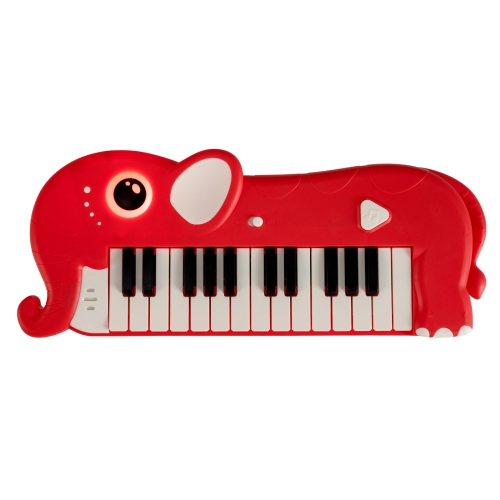
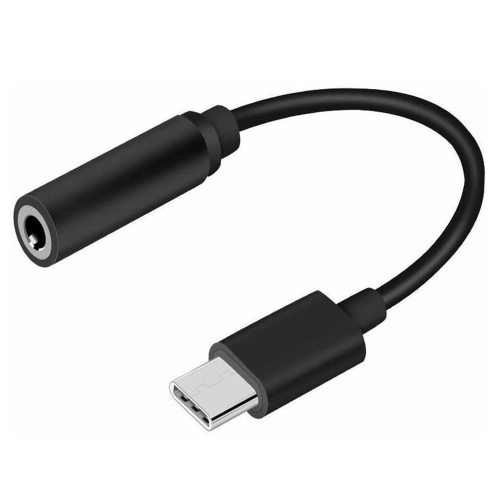
Keyboards with a headphone jack include musical keyboards, digital pianos, and some computer or gaming keyboards, but the connection serves a different purpose in each category. On a musical keyboard, the jack sends the instrument’s sound directly to wired headphones for personal listening and quieter practice. On a computer keyboard, it may provide convenient access to audio from the connected computer through an audio passthrough connection or built-in USB audio hardware. For playing music, a headphone connection is especially useful in shared homes, apartments, and lesson spaces, where a melody can stay close to the player rather than fill the room. Many musical keyboards mute their built-in speakers when headphones are connected, although this behaviour depends on the instrument. Portable keyboards commonly have 61 or 76 keys, while full-size digital pianos generally have 88. A shorter keyboard can suit simple melodies, chord accompaniment, and a compact practice space; a full-size keyboard provides the range needed for piano pieces with widely spaced bass and treble parts. Key size and action also shape the experience. Full-size keys offer spacing similar to an acoustic piano, while smaller keys can make an instrument easier to carry but feel different under the hands. Touch-sensitive keys respond to playing strength by changing volume or tone, and weighted actions add resistance that helps develop control for piano playing. These features are separate from the headphone connection: having a headphone jack does not necessarily mean an instrument has weighted or touch-sensitive keys. Built-in rhythms, instrument sounds, and recording functions can support experimentation, while sustain pedal compatibility adds expressive control. Headphone sockets are commonly 3.5 mm or 6.35 mm, so the plug size matters when pairing an instrument with existing headphones. A suitable stereo adapter can bridge those sizes, provided it fits securely without putting strain on the socket. Some digital pianos have two headphone connections, allowing a student and teacher, or two players sharing the keyboard, to listen together.
For computer use, a keyboard with a headphone jack brings the audio connection within reach, which can be helpful when the computer tower sits beneath a desk or behind a monitor. Instead of reaching around the computer whenever headphones are needed, the cable can connect near the typing position. The underlying connection still matters: an analogue passthrough jack usually requires the keyboard’s audio cable to connect to the computer’s corresponding audio port, while a keyboard with integrated USB audio uses a compatible USB connection to carry sound. A USB port on a keyboard does not, by itself, indicate that the keyboard supports headphone audio. Separate headphone and microphone sockets also work differently from a single headset socket that combines both functions. A headset with one four-contact plug may need a compatible splitter when the keyboard provides separate audio and microphone connections. These distinctions affect whether a setup supports listening only or also carries the microphone signal for calls and multiplayer chat. Keyboard layout deserves equal attention because the audio jack is only one part of the everyday experience. A full-size layout includes a number pad for frequent data entry, while a more compact layout leaves additional room for mouse movement and can help keep the hands closer together. Key travel, switch resistance, and wrist position influence comfort during long writing sessions, workdays, or games. Mechanical and membrane designs offer different typing feels, and neither type is defined by the presence of an audio socket. Headphones can keep computer audio private, but they do not reduce the physical sound of typing. Durable housings, stable feet, and securely fitted keycaps help a keyboard handle repeated use, while sensible cable routing keeps the headphone lead away from the mouse and reduces accidental tugs. A jack positioned along the rear or side may also affect how comfortably the cable reaches the listener.
For musical use, the most comfortable arrangement brings the instrument, seating, and headphones together as a complete practice space. A stable stand or suitably sized surface should support the keyboard without rocking, with enough room for the player’s legs and any pedals. The keys should sit at a height that allows relaxed shoulders and a comfortable forearm position rather than forcing the player to reach upward. Lightweight plastic housings make portable instruments easier to move between lessons and home, while furniture-style digital pianos create a more permanent setup and may require more floor space. Headphone fit matters during repeated practice: adjustable headbands, comfortable ear cushions, and a cable long enough to allow natural movement can make it easier to concentrate on phrasing and timing. Closed-back headphones generally limit sound escaping into the room, while open-back designs allow more sound to travel outward. Listening at a moderate level supports comfortable practice, and turning the volume down before connecting headphones helps avoid an unexpectedly loud first note. Headphones used with devices featured on Headphone Jack Phones may also suit a musical keyboard when the plug, adapter, and electrical requirements are compatible, although a headset microphone is not normally supported by an instrument’s headphone output. Recording is another separate consideration: a headphone socket provides sound for listening, whereas USB MIDI sends performance information rather than audio unless the keyboard also supports USB audio. For routine care, a soft, dry cloth removes dust from keys and accessible surfaces, and drinks are best kept away from sockets and controls. Cleaning liquids should not be sprayed into gaps, and cables should be disconnected by the plug rather than pulled by the lead. A protective cover or padded carrying case can help guard against dust and knocks between uses. As a gift, a musical keyboard with headphone listening can suit a beginner building a regular practice habit, a returning player rediscovering familiar pieces, or a songwriter working through ideas without broadcasting every repetition. Matching the key range, playing feel, and physical footprint to that person’s intended use gives the headphone connection a practical role rather than making it the only deciding feature.
For computer use, a keyboard with a headphone jack brings the audio connection within reach, which can be helpful when the computer tower sits beneath a desk or behind a monitor. Instead of reaching around the computer whenever headphones are needed, the cable can connect near the typing position. The underlying connection still matters: an analogue passthrough jack usually requires the keyboard’s audio cable to connect to the computer’s corresponding audio port, while a keyboard with integrated USB audio uses a compatible USB connection to carry sound. A USB port on a keyboard does not, by itself, indicate that the keyboard supports headphone audio. Separate headphone and microphone sockets also work differently from a single headset socket that combines both functions. A headset with one four-contact plug may need a compatible splitter when the keyboard provides separate audio and microphone connections. These distinctions affect whether a setup supports listening only or also carries the microphone signal for calls and multiplayer chat. Keyboard layout deserves equal attention because the audio jack is only one part of the everyday experience. A full-size layout includes a number pad for frequent data entry, while a more compact layout leaves additional room for mouse movement and can help keep the hands closer together. Key travel, switch resistance, and wrist position influence comfort during long writing sessions, workdays, or games. Mechanical and membrane designs offer different typing feels, and neither type is defined by the presence of an audio socket. Headphones can keep computer audio private, but they do not reduce the physical sound of typing. Durable housings, stable feet, and securely fitted keycaps help a keyboard handle repeated use, while sensible cable routing keeps the headphone lead away from the mouse and reduces accidental tugs. A jack positioned along the rear or side may also affect how comfortably the cable reaches the listener.
For musical use, the most comfortable arrangement brings the instrument, seating, and headphones together as a complete practice space. A stable stand or suitably sized surface should support the keyboard without rocking, with enough room for the player’s legs and any pedals. The keys should sit at a height that allows relaxed shoulders and a comfortable forearm position rather than forcing the player to reach upward. Lightweight plastic housings make portable instruments easier to move between lessons and home, while furniture-style digital pianos create a more permanent setup and may require more floor space. Headphone fit matters during repeated practice: adjustable headbands, comfortable ear cushions, and a cable long enough to allow natural movement can make it easier to concentrate on phrasing and timing. Closed-back headphones generally limit sound escaping into the room, while open-back designs allow more sound to travel outward. Listening at a moderate level supports comfortable practice, and turning the volume down before connecting headphones helps avoid an unexpectedly loud first note. Headphones used with devices featured on Headphone Jack Phones may also suit a musical keyboard when the plug, adapter, and electrical requirements are compatible, although a headset microphone is not normally supported by an instrument’s headphone output. Recording is another separate consideration: a headphone socket provides sound for listening, whereas USB MIDI sends performance information rather than audio unless the keyboard also supports USB audio. For routine care, a soft, dry cloth removes dust from keys and accessible surfaces, and drinks are best kept away from sockets and controls. Cleaning liquids should not be sprayed into gaps, and cables should be disconnected by the plug rather than pulled by the lead. A protective cover or padded carrying case can help guard against dust and knocks between uses. As a gift, a musical keyboard with headphone listening can suit a beginner building a regular practice habit, a returning player rediscovering familiar pieces, or a songwriter working through ideas without broadcasting every repetition. Matching the key range, playing feel, and physical footprint to that person’s intended use gives the headphone connection a practical role rather than making it the only deciding feature.
Top selling and popular products
-
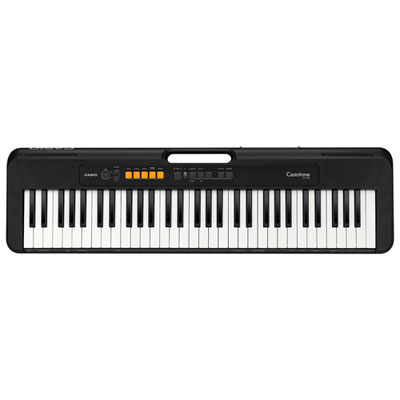 Your price for this item is $149.99
 -
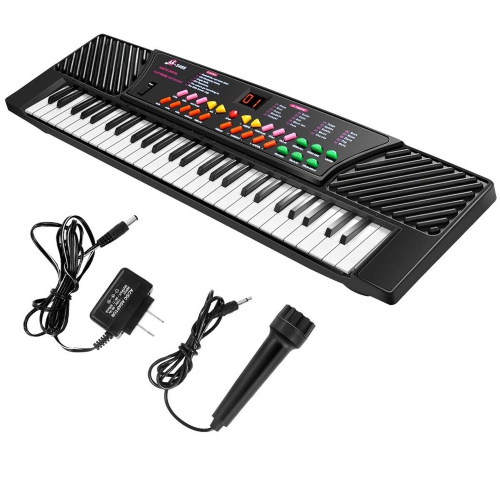 Your price for this item is $69.99
 -
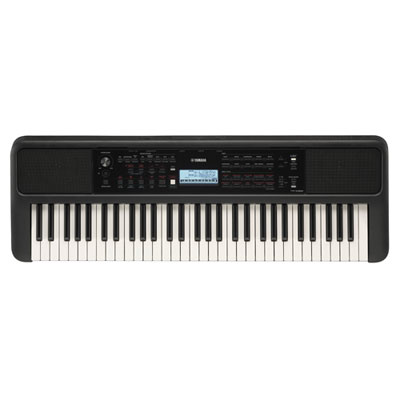 Your price for this item is $289.99
 -
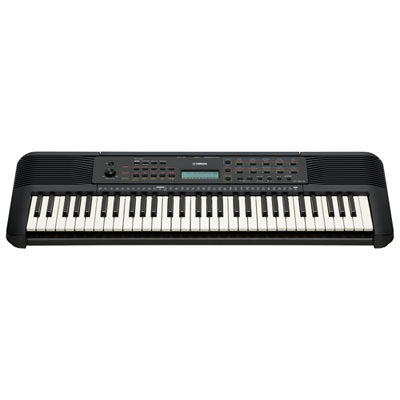 Your price for this item is $119.95
 -
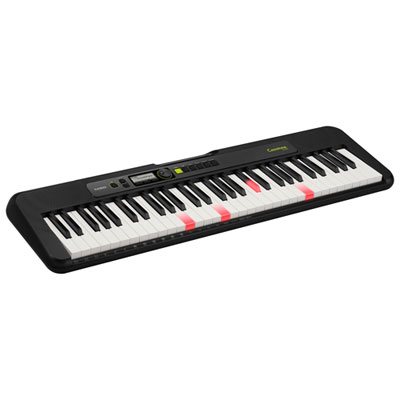 Your price for this item is $229.95
 -
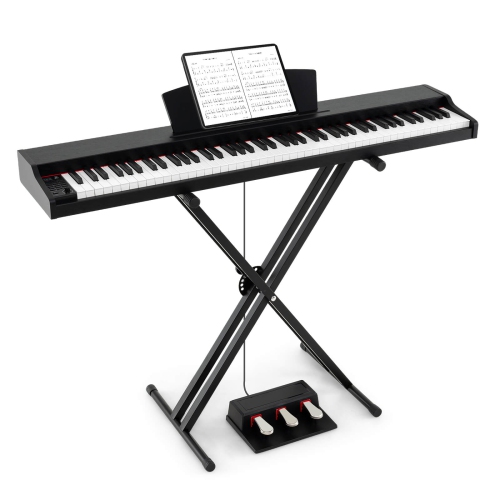 Your price for this item is $236.99
 -
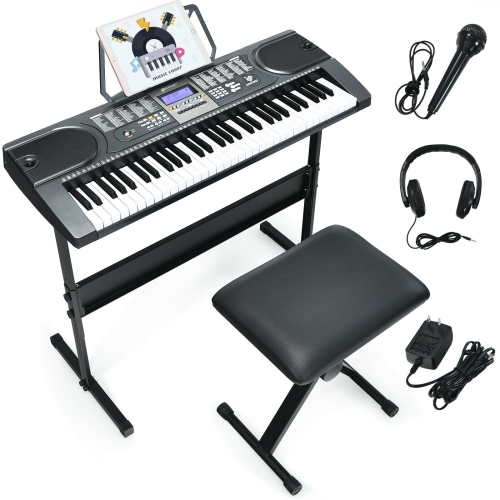 Your price for this item is $199.99
 -
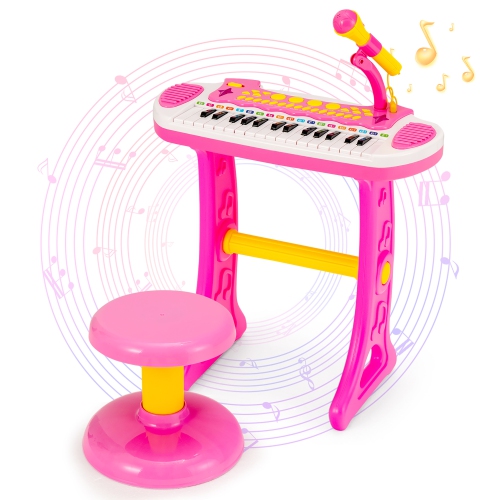 Your price for this item is $74.99
Discover more categories related to Keyboards With Headphone Jack
Top Collections:
Pokemon Centers, Kindle Devices, Best Budget Office Chairs, Canon G7X Cameras, Apple iPhones 16, Samsung Galaxy Phones, Refurbished Apple Laptops, Laptops for Students, iPhone 15 Apple, Budget Smartphones
Some products may be subject to Environmental Handling Fees
(EHF) depending on your province.
Learn more about EHFs.