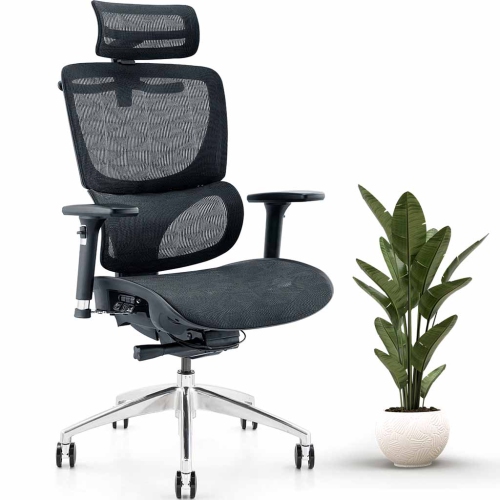
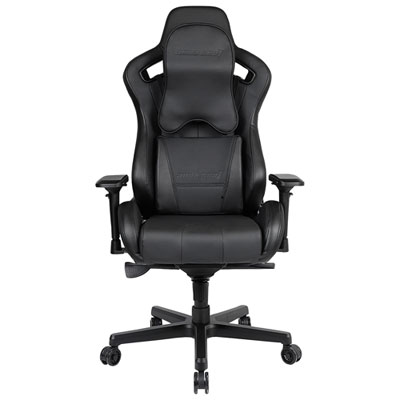
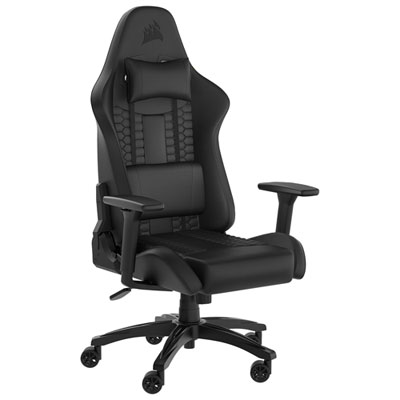
Gaming Chairs for PC Setups
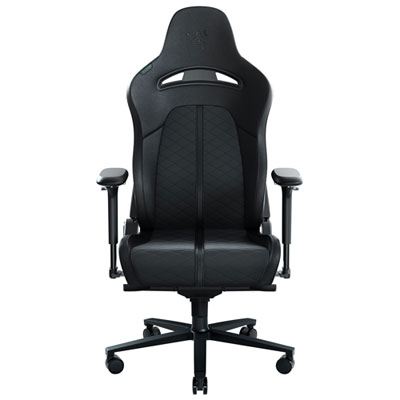
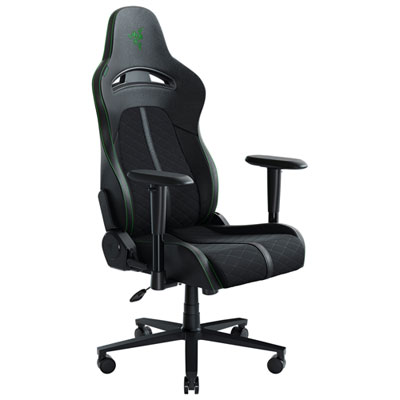
Browse gaming chairs for PC setups to find seating that fits your desk, space, and preferred sitting position. Compare dimensions, backrest designs, and available adjustments in each model’s product details, paying attention to seat height and armrest clearance to help you choose a chair that works with your setup.
Read More

Sort

Gaming Chairs for PC Setups
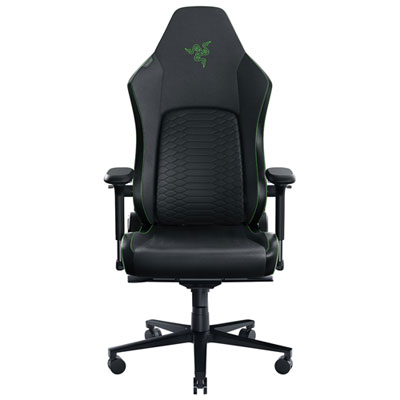
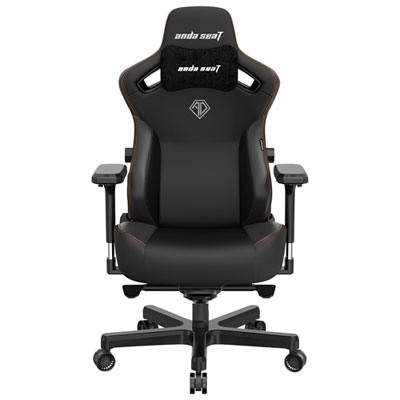
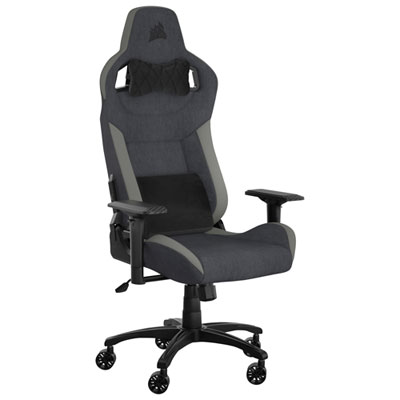
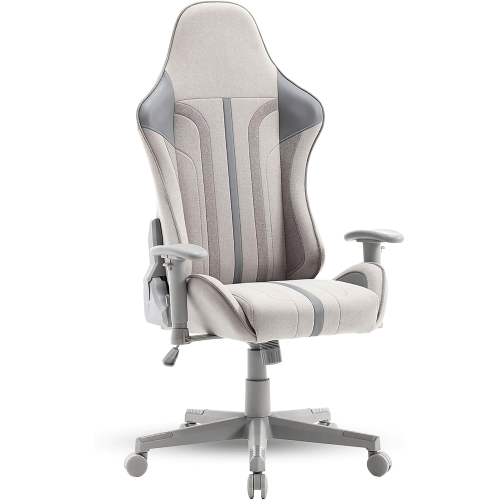
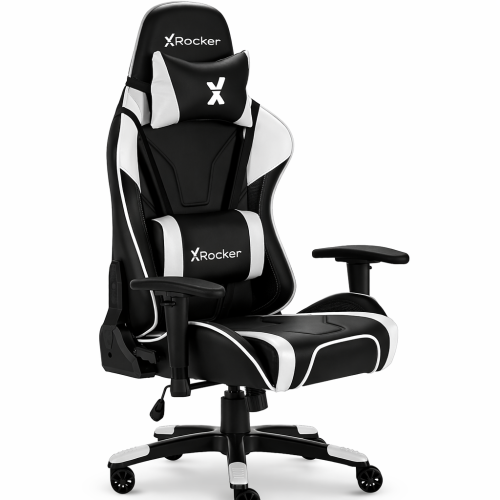
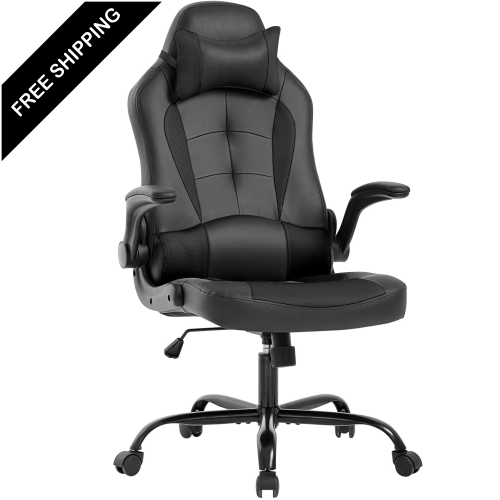
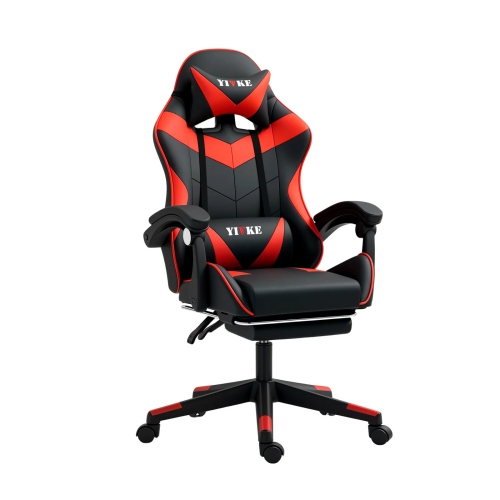
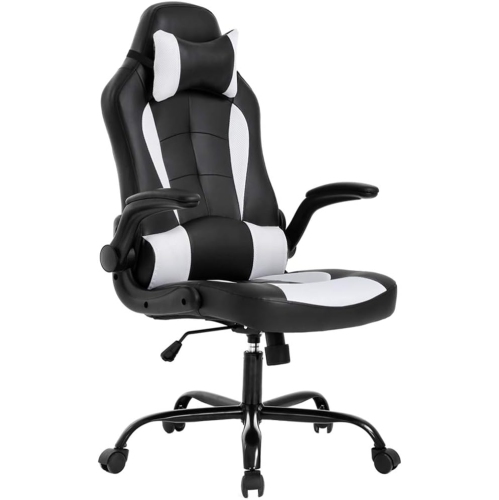
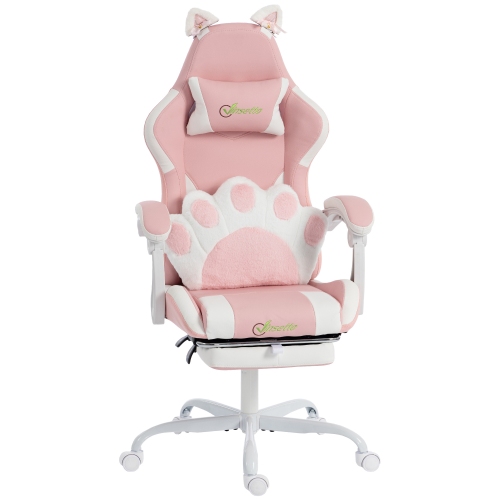
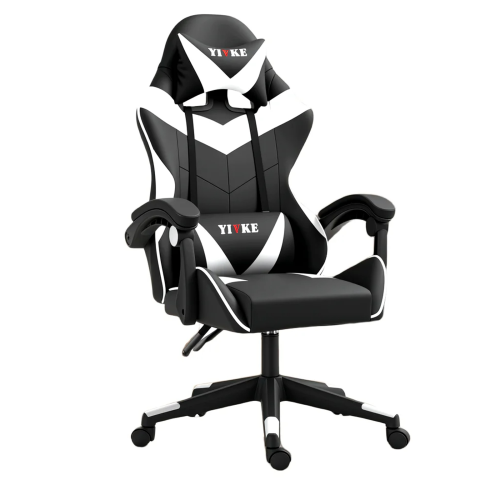
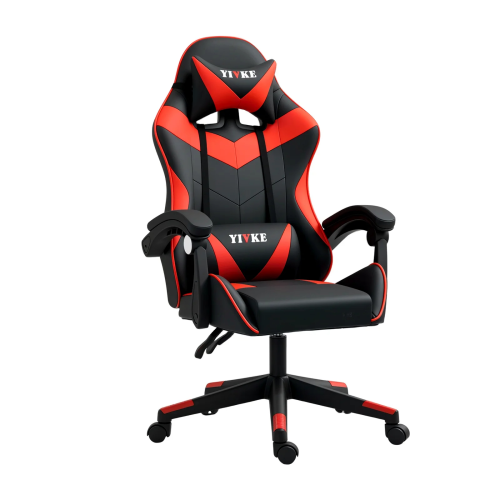
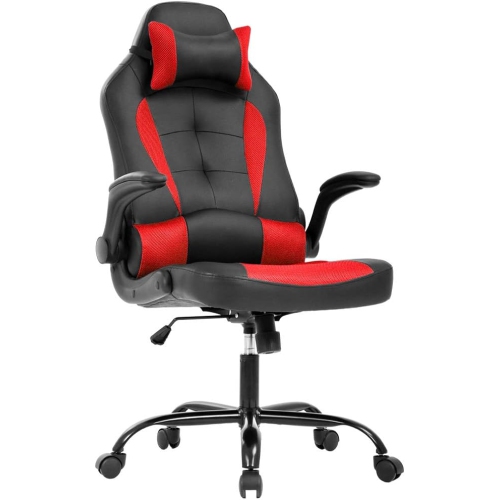
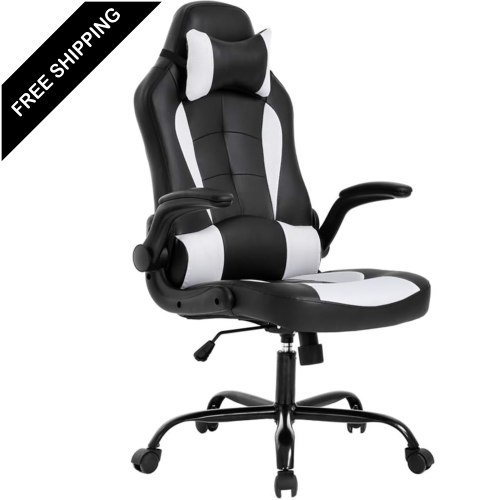
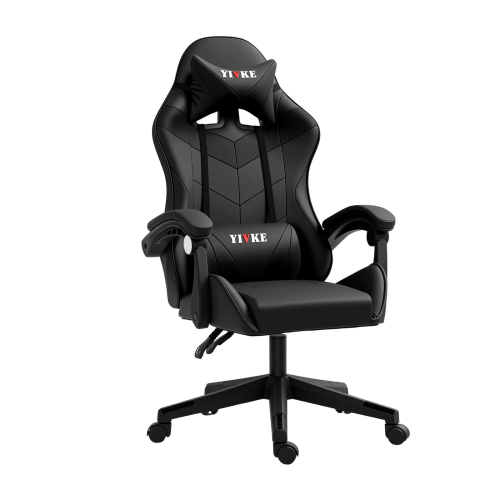
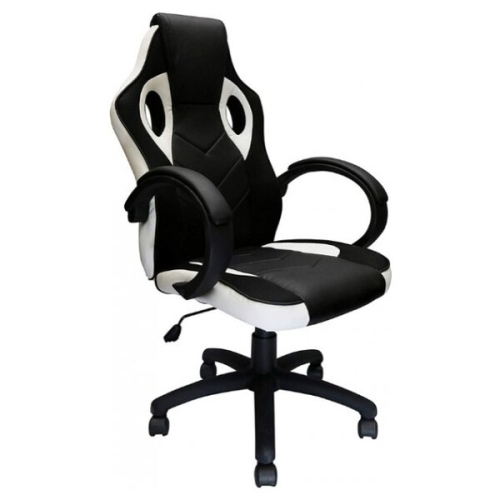
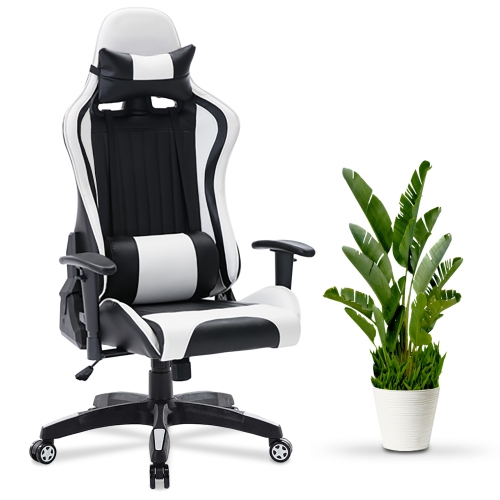
Gaming chairs for PC setups bring supportive seating and a coordinated look to spaces used for gaming, streaming, studying, and everyday computer tasks. The right fit depends on both the person using the chair and the desk it sits beside, with seat height, usable seat width, seat depth, and backrest shape all influencing comfort. A generously padded chair can feel quite different from one with a firmer seat, while raised side bolsters create a more enclosed feel than flatter seat designs. High backrests and head supports may appeal to players who like to lean back between matches, while a less sculpted design can suit a setup that doubles as a home office. Published chair dimensions and weight capacity are useful comparison points, particularly for taller users, smaller spaces, or shared gaming stations. A seat that allows your feet to rest on the floor or a footrest, with enough room behind your knees, helps establish a comfortable position at the keyboard without relying on appearance alone.

Adjustability makes a meaningful difference when a PC setup serves several purposes throughout the day. Seat-height adjustment helps position the chair relative to the desktop, while adjustable armrests can support the forearms without forcing the shoulders upward or preventing the chair from moving closer to the desk. Depending on the design, armrests may adjust in height, width, angle, or forward-and-back position, offering different ways to accommodate keyboard and mouse use. Lumbar support may be built into the backrest, adjustable within the chair, or provided by a separate cushion, and each approach has a different feel. Recline and tilt also serve different purposes: a reclining backrest changes the angle between the seat and back, while a tilt mechanism allows the chair to rock or lean as a unit. Locking positions and tension controls add flexibility for those who alternate between upright play and more relaxed breaks. These features are most useful when their adjustment ranges suit your proportions and preferred sitting positions.

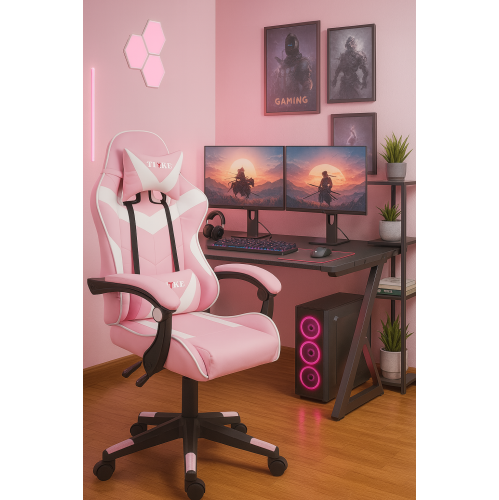
Upholstery, construction, and styling help distinguish gaming chairs that otherwise look similar. Fabric offers a textured feel, mesh sections allow airflow, and leather-look finishes provide a smooth surface with a bold gaming-room appearance. Each material has its own care requirements, so cleaning instructions matter in spaces where snacks, drinks, or pets are part of daily life. Stitching, cushion shape, frame construction, and the chair’s base are also worth comparing alongside the overall design. Colour choices range from understated tones that blend into a shared room to contrasting accents that complement a gaming desk and accessories. Practical details matter just as much: the base needs room to move, a reclining backrest needs clearance behind it, and armrests need to fit beneath the desk if the chair will be tucked away. Caster suitability for your flooring, assembly requirements, and access to adjustment controls can also influence everyday use. For a gift or a shared setup, fit and adjustable features are especially valuable considerations, helping match the chair to its user rather than choosing solely by style.
Read More

FAQ

Some products may be subject to Environmental Handling Fees (EHF) depending on your province. Learn more about EHFs.