Productivity Tools for Entrepreneurs
Productivity tools for entrepreneurs are essential for streamlining daily operations, managing tasks efficiently, and staying organized in a fast-paced business world. Whether you're launching a startup or scaling your company, having the right tools can make a significant difference in your workflow. Discover an array of options designed to help entrepreneurs maximize time, boost efficiency, and maintain focus on what matters most. Equip your workspace with productivity solutions that support your goals and drive success every step of the way.
Sort


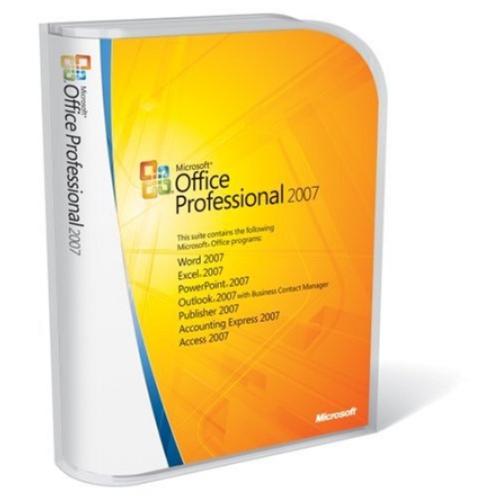
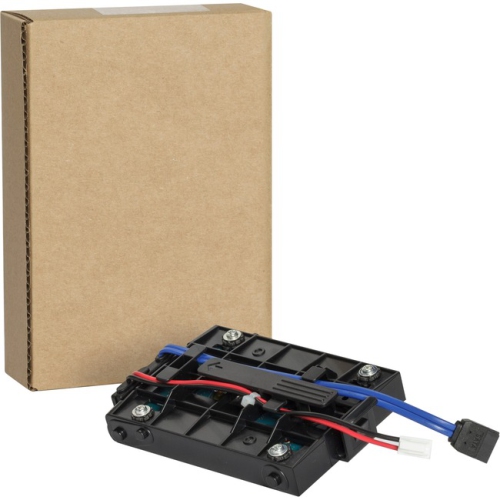
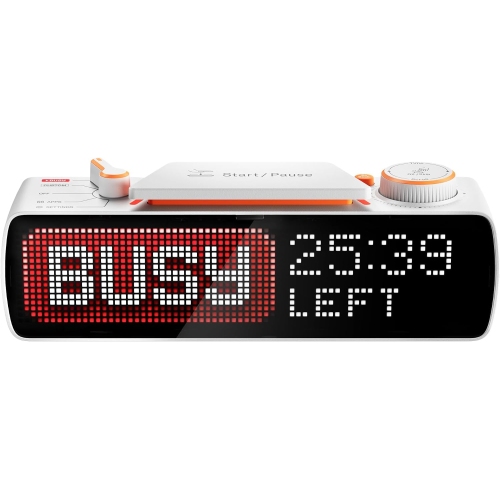
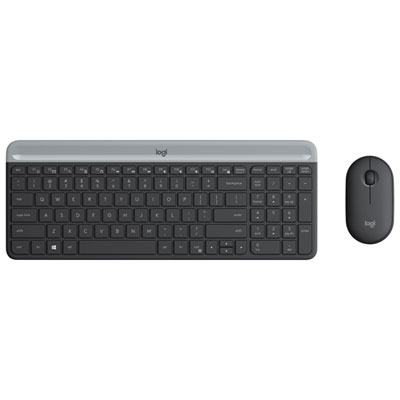








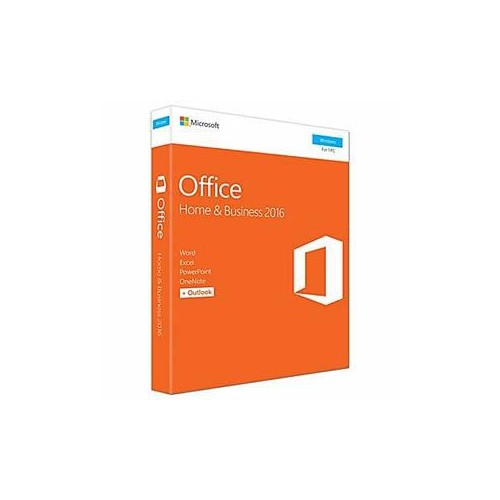
Hardware and software that work together for your business
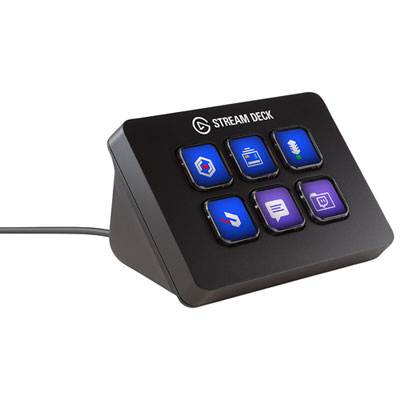
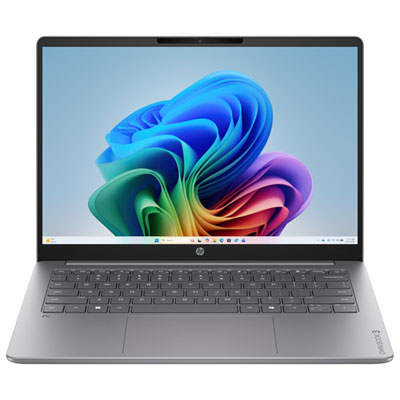
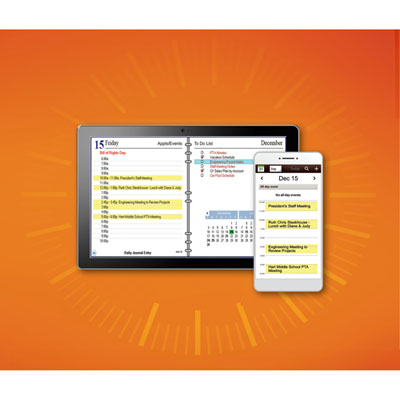
Productivity tools for entrepreneurs include computers, task management software, digital calendars, time-tracking tools, and connected accessories that help turn daily responsibilities into manageable work. Their value comes from how well they support the tasks a business actually handles: preparing proposals, booking appointments, tracking project progress, answering customers, and keeping financial records organized. For a solo consultant, an all-in-one digital workspace can keep meeting notes, deadlines, and client documents together. For a small team, shared task lists and calendars can make ownership and handoffs clearer without adding another meeting. Time-tracking software can reveal whether revisions, administration, or client calls are taking longer than expected, while workflow automation can reduce repetitive steps such as copying appointment details between compatible applications. These tools are most useful when they connect reliably and serve distinct purposes; several applications doing the same job can leave information scattered rather than accessible. The computer supporting that work matters just as much. A laptop suits entrepreneurs who move between a home office, client meetings, and a shared workspace, while a desktop can provide a consistent base for a dedicated office. Memory helps keep multiple applications responsive, storage capacity determines how much can be kept locally, and processor performance becomes particularly important for demanding work such as editing video or handling complex calculations. A comfortable display, readable text, and a keyboard that feels natural can make everyday administration less tiring. Battery life, device weight, and charging requirements matter for work away from a desk, although actual battery performance varies with settings and workload. Compatibility deserves attention, too: business software, operating systems, peripherals, and file formats need to work together without awkward workarounds. An entrepreneur preparing a presentation shortly before a client call benefits more from dependable connections and familiar tools than from features that add complexity. A focused combination of hardware and software supports that kind of dependable routine, leaving fewer interruptions between an idea and the work needed to carry it forward.
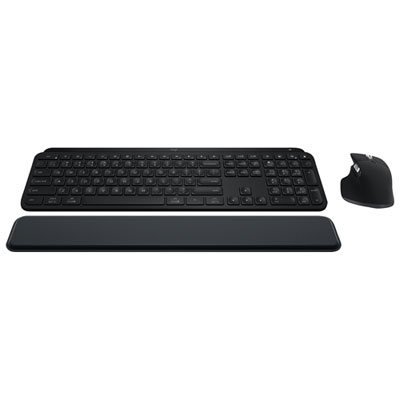
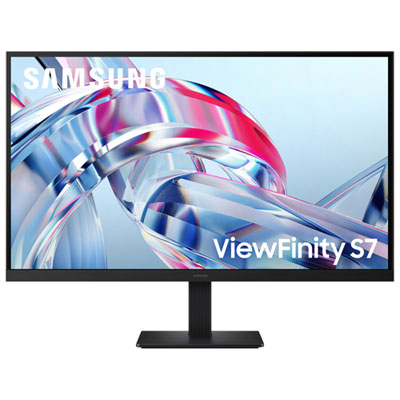
A productive workspace also depends on how its physical pieces fit together. Monitors can give spreadsheets, customer messages, and reference documents enough room to remain visible at the same time, reducing the need to repeatedly switch between windows. Screen size should suit both the work and the available desk depth; a large display that crowds a shallow surface may be less comfortable than a smaller screen positioned at a suitable viewing distance. Resolution affects the clarity of text and detailed images, while an adjustable stand can help position the screen without relying on improvised supports. Keyboards and mice are everyday contact points, so layout, hand position, button placement, and connection type deserve consideration alongside appearance. Compact designs can leave more space for notes, while a separate number pad may be useful for frequent data entry. A headset with a well-positioned microphone can make client conversations clearer, and comfortable ear cushions matter when calls fill much of the day. Speakerphones can suit a private office, whereas shared spaces often call for a more contained audio setup. Docks and hubs can simplify the transition from mobile work to a desk by connecting compatible displays, input devices, and other accessories through fewer cables. Port types, supported display configurations, and power requirements still need to match the computer. Furniture and small organizational accessories help the setup function as a whole: a stable desk, an adjustable chair, and accessible cable routing can keep working space clear for paperwork or a notebook. Materials influence both feel and upkeep. Smooth, wipeable surfaces make routine cleaning easier, fabric finishes may need more attention around spills, and hinges, seams, and adjustment mechanisms can affect how well frequently handled equipment holds up. The broader range of Productivity Tech Tools can support different workspace layouts, from a compact corner used for invoicing to a dedicated office with room for collaborative projects. The most practical setup fits the person, the room, and the work rather than filling every available surface.
For entrepreneurs who work across several locations, portability and continuity become especially important. A well-fitting laptop bag or sleeve helps limit scratches and minor knocks during everyday travel, with padded compartments, secure closures, and reinforced stitching offering useful details to assess. Internal dimensions matter more than an outer size label, particularly when a computer has a thicker chassis or travels with a charger and accessories. Organized pockets can keep adapters from pressing against a screen and make frequently used cables easier to find before a meeting. Reliable connectivity supports access to shared documents and communication tools, while Wi-Fi performance depends on the router, service connection, building layout, and the devices using the network. Local storage and cloud-based storage serve different needs; keeping a separate backup can help protect important work if a device is lost or fails. Password management tools, multi-factor authentication, and appropriate access permissions add practical safeguards around client information and business accounts. Equipment care supports reliability as well. Clear ventilation openings, liquids kept away from electronics, and cleaning methods suited to each surface help reduce avoidable wear. Manufacturer care directions are particularly important for screens, coated surfaces, and upholstered accessories. Durable construction, replaceable components where supported, and compatible accessories can also make a setup easier to maintain as business needs change. These considerations apply across many working styles, whether a freelancer is balancing several deadlines, a shop owner is handling orders after closing, or a founder is coordinating a small remote team. Productivity accessories can also make thoughtful gifts for someone starting a business, especially when they solve a familiar frustration such as an uncomfortable typing position or a cluttered charging area. Device dimensions, connector requirements, personal preferences, and workspace measurements help determine whether that gift will be useful. Across all these situations, the strongest contribution is practical: tools that keep information accessible, communication clear, and routine work moving with fewer unnecessary steps.
Top selling and popular products
-
 Your price for this item is $199.99
-
 Your price for this item is $189.99
-
 Your price for this item is $144.99
-
 Your price for this item is $39.99
-
 Your price for this item is $45.59
-
 Your price for this item is $209.99
-
 Your price for this item is $129.99
-
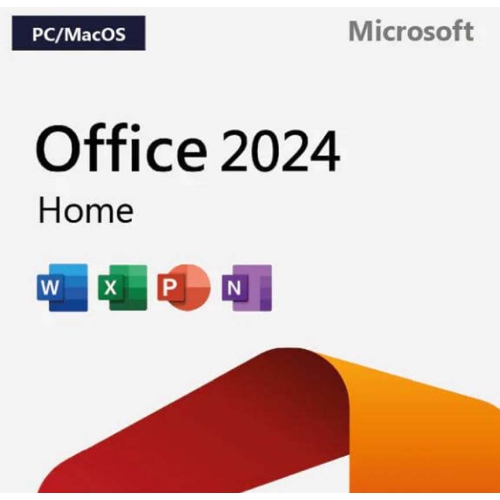 Your price for this item is $163.99
Discover more categories related to Productivity Tools for Entrepreneurs
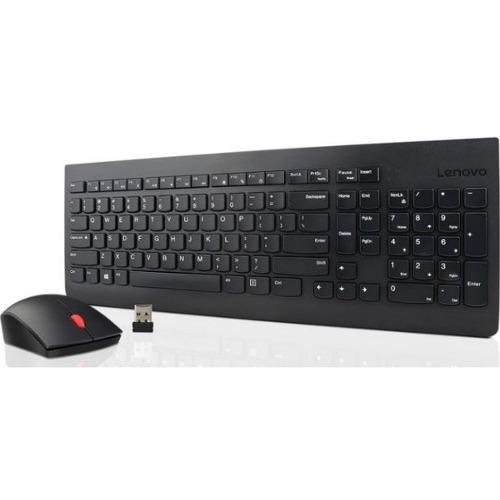
Top Collections:
Best Black Friday Deals This Year, Best Black Friday Deals On Electronics, Kindle Devices, Dyson Airwrap, Best Cameras for Sports Photography, Best Budget Office Chairs, Canon G7X Cameras, PS5 Pro Consoles, Best Black Friday Deals On Apple Products, XBOX One S Consoles
Some products may be subject to Environmental Handling Fees
(EHF) depending on your province.
Learn more about EHFs.