Wireless Home Printer Scanner Copiers
A wireless home printer, scanner, and copier can be a great convenience for anyone who needs to print documents from their home or office. These devices are easy to set up and use, and they make it possible to print from anywhere in your home or office. Here are some great options on the market.
Sort
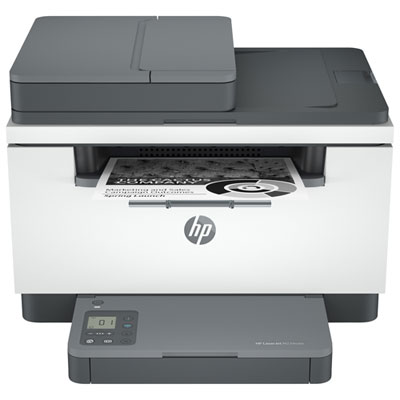
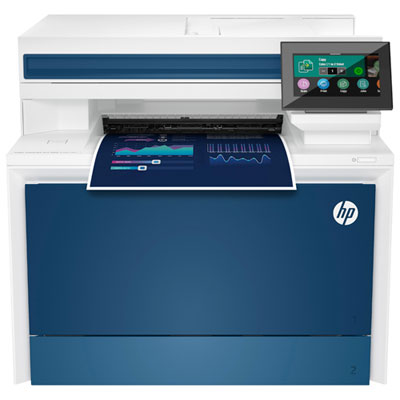
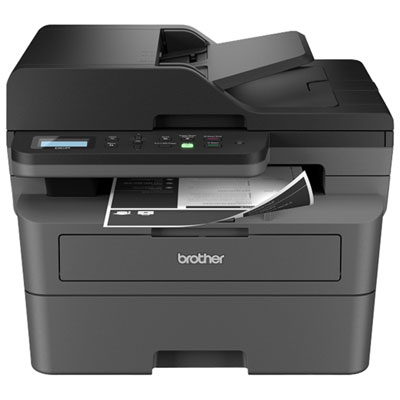
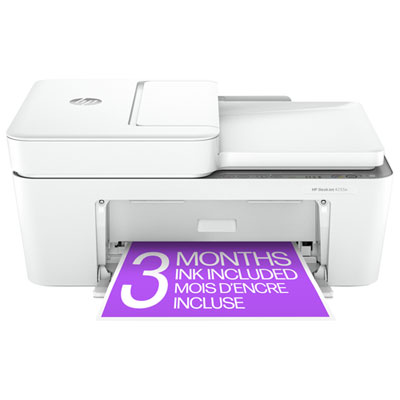
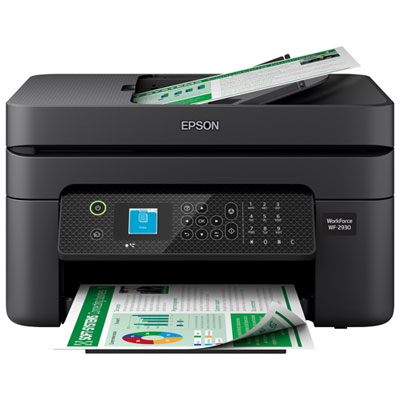
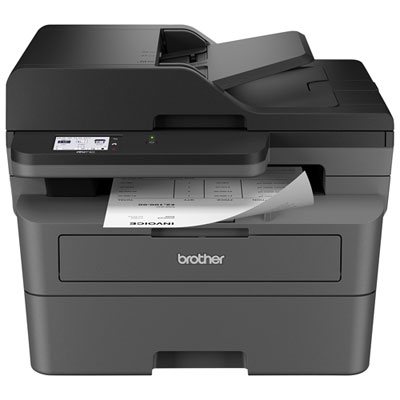
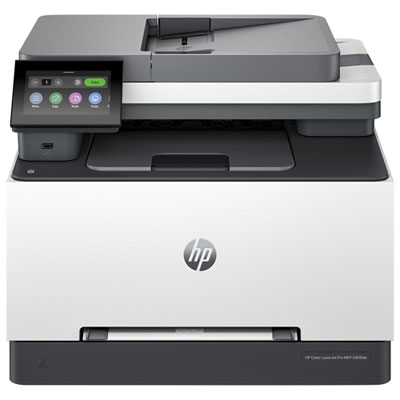
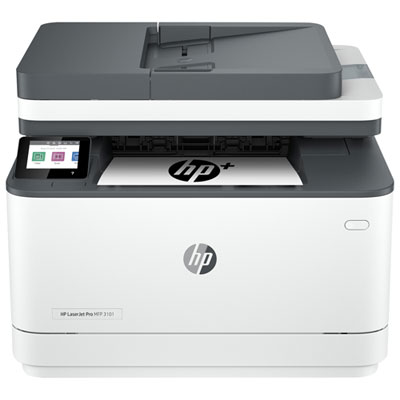
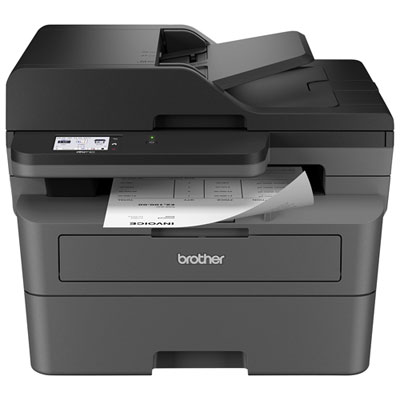
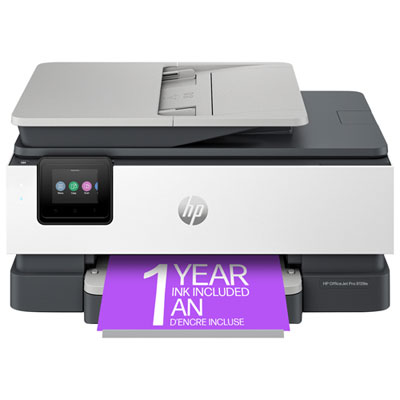
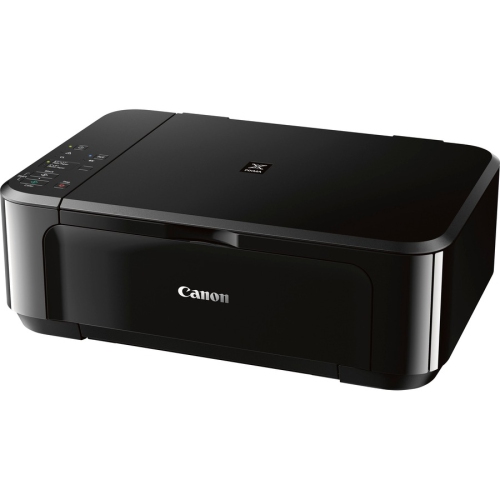
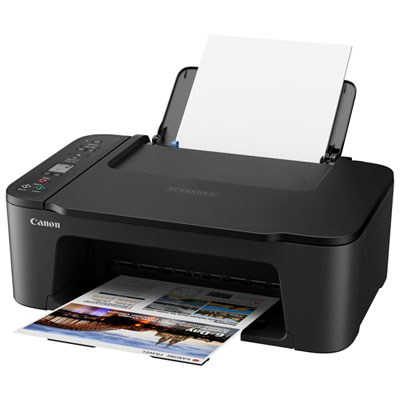
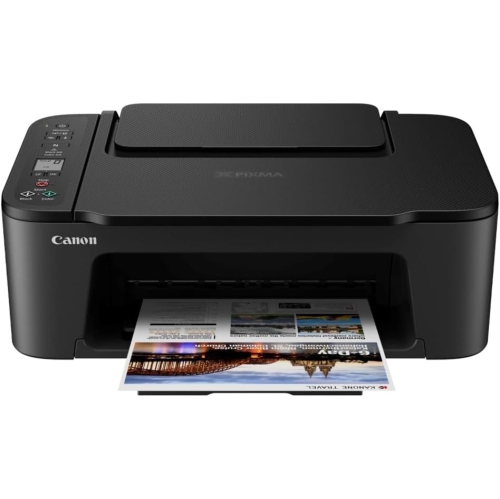
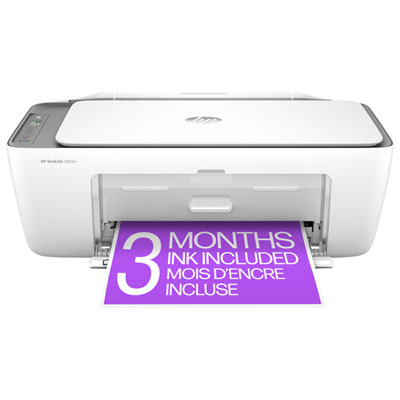
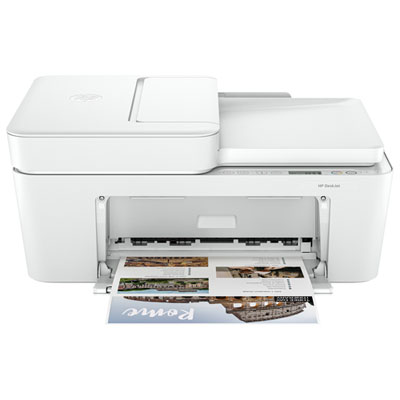
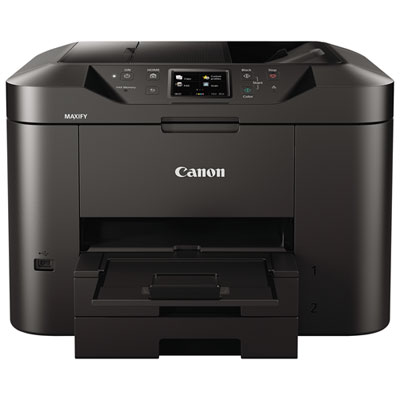
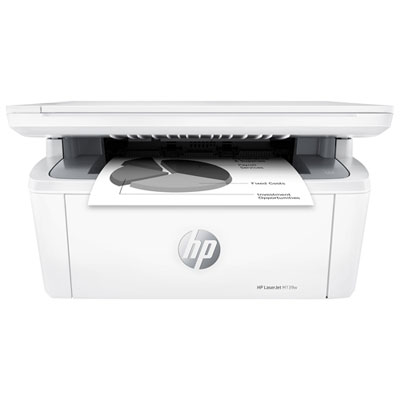
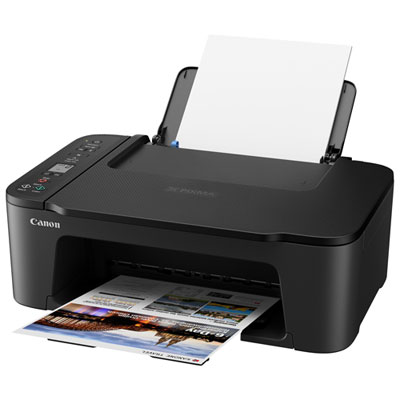
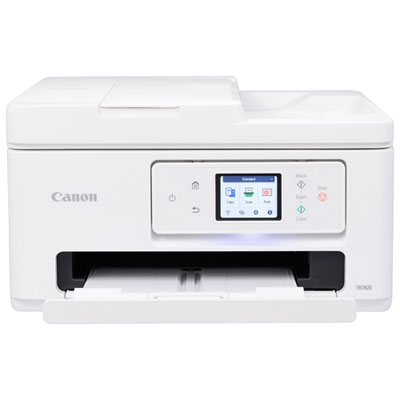
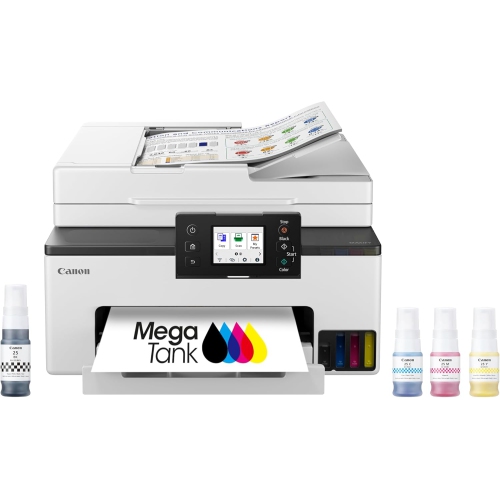
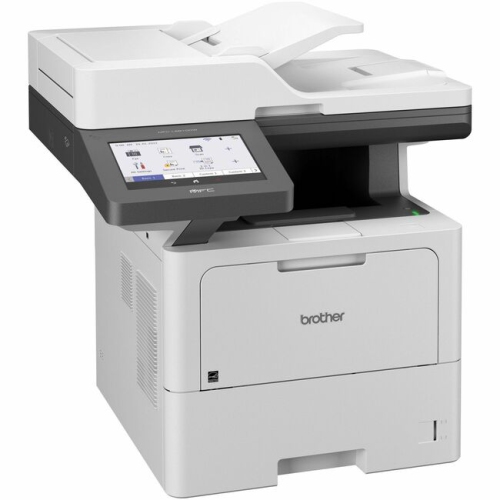
Features that simplify everyday paperwork in a connected home
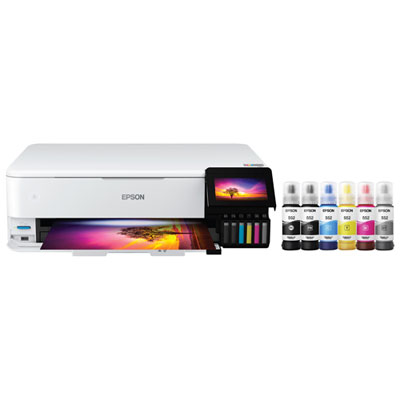
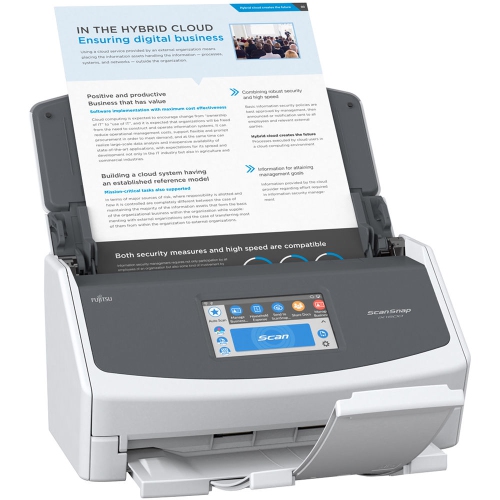
Wireless home printer scanner copiers, also known as all-in-one printers, bring several useful functions together in one convenient device. A single unit can print school assignments, work documents, recipes, travel confirmations, forms and photographs, while its scanner and copier make it easy to digitize or duplicate paperwork. Wireless connectivity is especially helpful in a busy home because the printer can be placed near a desk, shelf or shared workspace without running a cable directly to every computer. Once connected to a home Wi-Fi network, it can receive print jobs from laptops, desktop computers, tablets and smartphones. Many models also support Wi-Fi Direct, which allows a compatible device to connect to the printer without going through a home network, as well as Apple AirPrint and Mopria for straightforward mobile printing. When choosing a wireless home printer scanner copier, consider how much space is available, how often the printer will be used and which types of documents matter most. Compact inkjet all-in-one printers are well suited to occasional printing, colourful school projects, household forms and everyday family use. They generally offer a lower upfront cost and can print both black-and-white and colour pages, making them practical for a home office, student bedroom or shared family workstation. A flatbed scanner is useful for copying identification, photographs, book pages and delicate documents, while an automatic document feeder, often called an ADF, can handle a stack of pages for multi-page scanning or copying. This is a particularly valuable feature when organizing receipts, submitting forms, copying notes or preparing paperwork that would be tedious to place on the scanner glass one sheet at a time. Some all-in-one printers also include fax capability, which may be useful for home businesses, administrative tasks or organizations that still require faxed documents. Before making a selection, check the printer’s dimensions, paper capacity, supported paper sizes and whether it can print envelopes, labels or borderless photos. A small printer may fit neatly beside a monitor, but a larger model with a deeper paper tray and automatic document feeder may be more comfortable for frequent use. Browsing Wireless Printers for Home Use can help narrow the choices by focusing on printers designed for the needs of a connected household.
Ink management is another important part of comparing wireless home printer scanner copiers. Traditional cartridge-based printers are often affordable to purchase and can be a good match for light or occasional printing. Replacement cartridges are widely available in black and colour options, and some printers use separate colour cartridges so that one depleted colour does not require replacing every colour at once. If a household prints regularly, look at the estimated page yield of each cartridge and compare the cost of replacement ink rather than judging a printer only by its purchase price. Families that print worksheets, forms, lesson materials and colour projects throughout the school year may prefer a model with high-capacity ink tanks. Ink tank printers typically use refillable bottles instead of standard cartridges, and their larger ink reservoirs can reduce the frequency of refills when printing volumes are higher. They may require a greater initial investment, but the running cost can be attractive for users who print many pages over time. It is also worth checking whether the printer includes an ink-level display, spill-resistant filling system or easily accessible ink compartments. Automatic two-sided printing, known as duplex printing, is another practical feature. It can print on both sides of a page without requiring the user to turn sheets manually, which is handy for lengthy reports, homework, meeting materials and household records. Some printers offer an automatic duplexing feature for printing only, while others can scan or copy both sides of a document, so review the specifications carefully if double-sided paperwork is part of the routine. Print speed may matter to a home office or a family sharing one printer, but a clear first page and dependable connection can be just as important for occasional use. A wireless printer that reconnects easily after sleep mode and provides clear status notifications can make everyday tasks feel less like a technical project. Mobile apps may also support setup, ink monitoring, scanning to a phone and direct printing from cloud storage or photo libraries. These features are useful when a document arrives by email on a phone or when a quick copy is needed from the kitchen table rather than the main computer.
These printers can serve a wide range of people and routines. Students may use them for assignments, reference material, permission forms and creative projects, while parents can print calendars, activity sheets, labels, invitations and registration documents without visiting a library or office supply counter. In a home office, an all-in-one printer can scan signed paperwork, copy invoices, print shipping documents and keep important records close at hand. Remote workers may appreciate the ability to send a document from a laptop while the printer sits in another room, and small business owners can benefit from an automatic document feeder when processing several pages at once. They can also be a thoughtful practical gift for someone moving into a first apartment, setting up a study area or starting a home-based business. A wireless printer scanner copier is useful during the cooler months when more activities and administrative tasks happen indoors, and it remains handy as the weather warms for travel documents, event forms and family projects. For a household that prints only a few pages at a time, a compact cartridge model with simple wireless setup may be all that is needed. For a busy family, frequent student or home office user, a printer with an ADF, automatic duplex printing, larger paper capacity and high-yield ink may provide a smoother experience. Check compatibility with the computers and mobile devices in the home, confirm that the printer supports the preferred operating systems and review the available paper and ink options before ordering. It is also sensible to think about where printed pages will land, whether the scanner lid can open fully in that location and how easily paper and ink can be loaded. With the right combination of wireless connectivity, print quality, scanning features and ink capacity, an all-in-one printer can become a quiet but dependable part of the household routine, ready for everything from a single signed form to a full stack of documents.
Ink management is another important part of comparing wireless home printer scanner copiers. Traditional cartridge-based printers are often affordable to purchase and can be a good match for light or occasional printing. Replacement cartridges are widely available in black and colour options, and some printers use separate colour cartridges so that one depleted colour does not require replacing every colour at once. If a household prints regularly, look at the estimated page yield of each cartridge and compare the cost of replacement ink rather than judging a printer only by its purchase price. Families that print worksheets, forms, lesson materials and colour projects throughout the school year may prefer a model with high-capacity ink tanks. Ink tank printers typically use refillable bottles instead of standard cartridges, and their larger ink reservoirs can reduce the frequency of refills when printing volumes are higher. They may require a greater initial investment, but the running cost can be attractive for users who print many pages over time. It is also worth checking whether the printer includes an ink-level display, spill-resistant filling system or easily accessible ink compartments. Automatic two-sided printing, known as duplex printing, is another practical feature. It can print on both sides of a page without requiring the user to turn sheets manually, which is handy for lengthy reports, homework, meeting materials and household records. Some printers offer an automatic duplexing feature for printing only, while others can scan or copy both sides of a document, so review the specifications carefully if double-sided paperwork is part of the routine. Print speed may matter to a home office or a family sharing one printer, but a clear first page and dependable connection can be just as important for occasional use. A wireless printer that reconnects easily after sleep mode and provides clear status notifications can make everyday tasks feel less like a technical project. Mobile apps may also support setup, ink monitoring, scanning to a phone and direct printing from cloud storage or photo libraries. These features are useful when a document arrives by email on a phone or when a quick copy is needed from the kitchen table rather than the main computer.
These printers can serve a wide range of people and routines. Students may use them for assignments, reference material, permission forms and creative projects, while parents can print calendars, activity sheets, labels, invitations and registration documents without visiting a library or office supply counter. In a home office, an all-in-one printer can scan signed paperwork, copy invoices, print shipping documents and keep important records close at hand. Remote workers may appreciate the ability to send a document from a laptop while the printer sits in another room, and small business owners can benefit from an automatic document feeder when processing several pages at once. They can also be a thoughtful practical gift for someone moving into a first apartment, setting up a study area or starting a home-based business. A wireless printer scanner copier is useful during the cooler months when more activities and administrative tasks happen indoors, and it remains handy as the weather warms for travel documents, event forms and family projects. For a household that prints only a few pages at a time, a compact cartridge model with simple wireless setup may be all that is needed. For a busy family, frequent student or home office user, a printer with an ADF, automatic duplex printing, larger paper capacity and high-yield ink may provide a smoother experience. Check compatibility with the computers and mobile devices in the home, confirm that the printer supports the preferred operating systems and review the available paper and ink options before ordering. It is also sensible to think about where printed pages will land, whether the scanner lid can open fully in that location and how easily paper and ink can be loaded. With the right combination of wireless connectivity, print quality, scanning features and ink capacity, an all-in-one printer can become a quiet but dependable part of the household routine, ready for everything from a single signed form to a full stack of documents.
Top selling and popular products
-
 Your price for this item is $249.99
 -
 Your price for this item is $173.68
 -
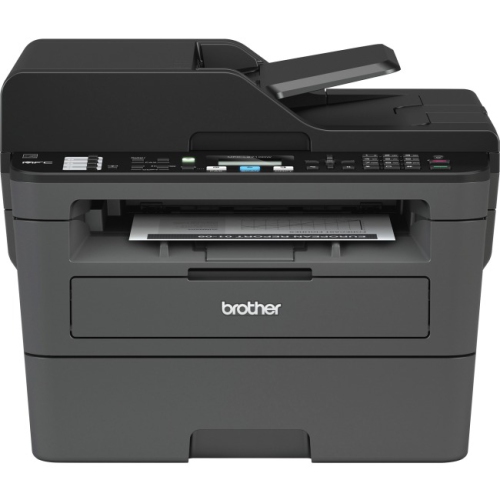 Your price for this item is $309.47
 -
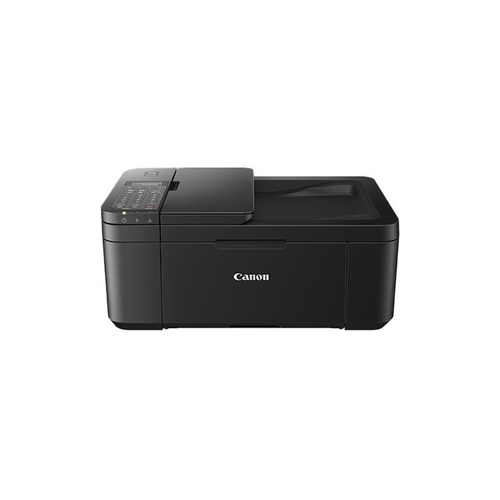 Your price for this item is $247.92
 -
 Your price for this item is $79.99
 -
 Your price for this item is $214.99
 -
 Your price for this item is $199.99
 -
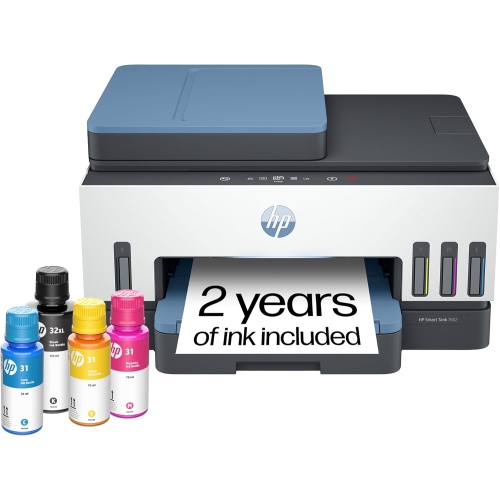 Your price for this item is $569.89
Discover more categories related to Wireless Home Printer Scanner Copiers
Top Collections:
Pokemon Centers, Kindle Devices, Best Budget Office Chairs, Apple iPhones 16, Best Laptops for Writers, iPhone 15 Apple, Canon G7X Cameras, Refurbished Apple Laptops, Alarm Clock, Motorola Razr Phones
Some products may be subject to Environmental Handling Fees
(EHF) depending on your province.
Learn more about EHFs.