Wireless Printers for Home Office
Wireless printers for home office make it easy to print, scan, and copy documents without the hassle of tangled cords or limited placement options. Perfect for remote workspaces and home offices of any size, these printers offer the flexibility to connect from multiple devices throughout your space. Explore a range of wireless printers for home office that help you stay productive and organized, all while enjoying a streamlined setup that suits your workflow. Find the ideal solution to keep your business running smoothly from the comfort of your home.
Sort
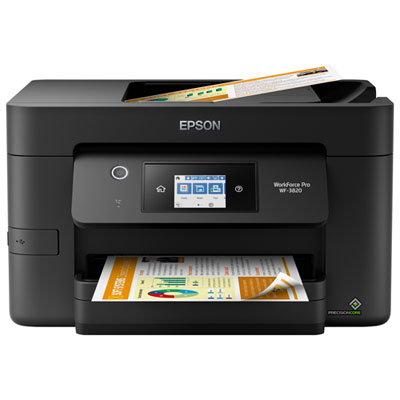
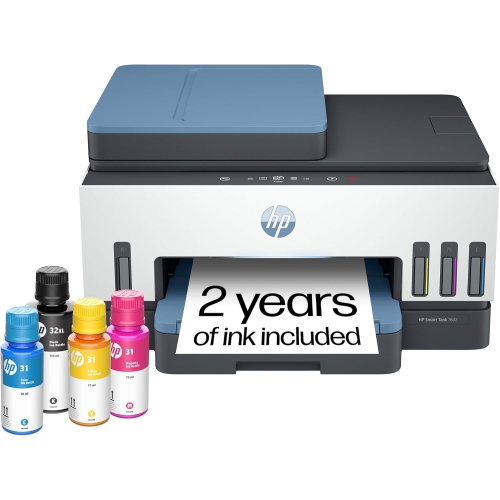
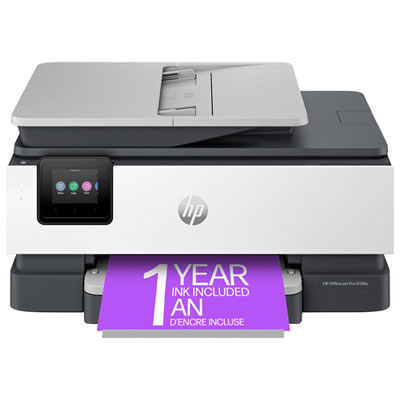
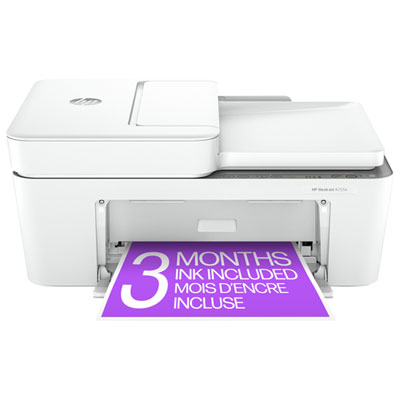
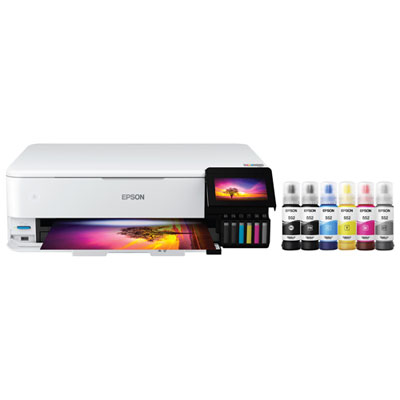
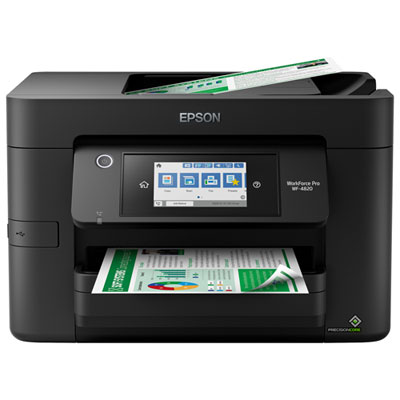
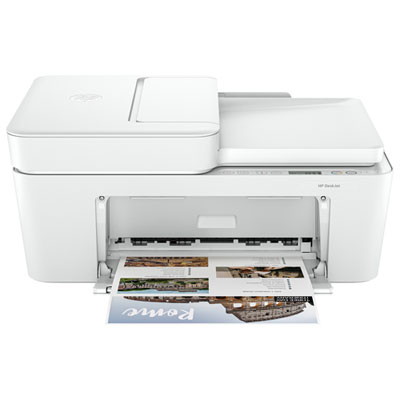
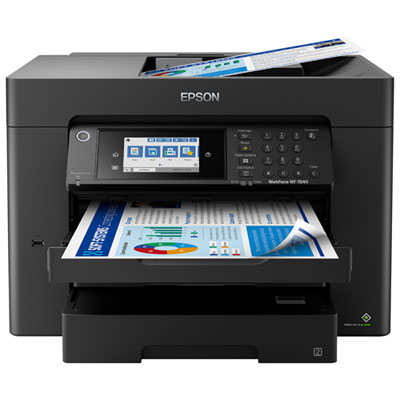
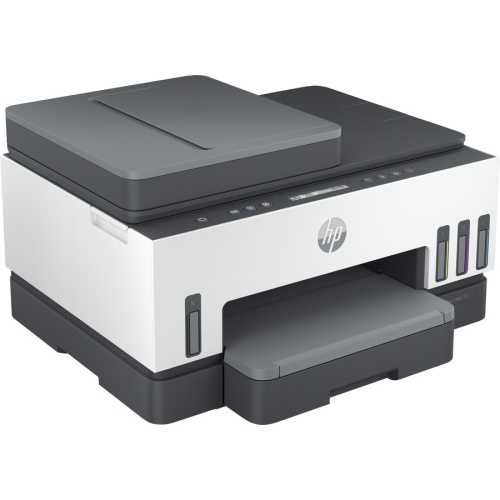
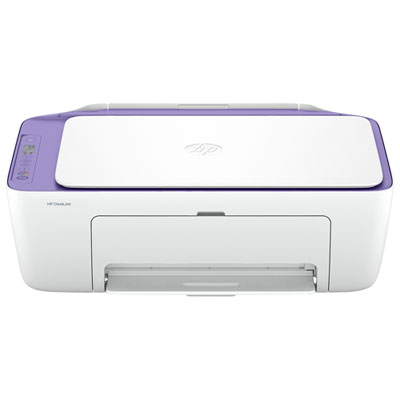
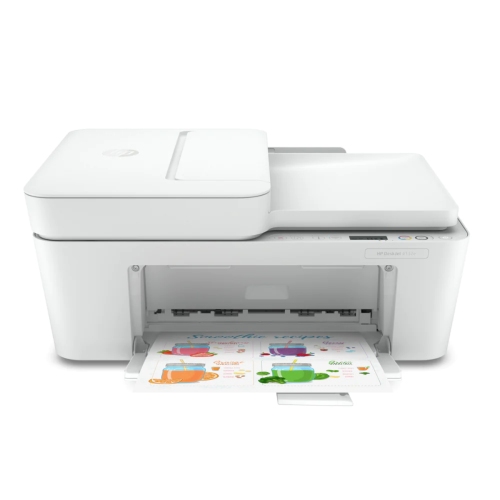
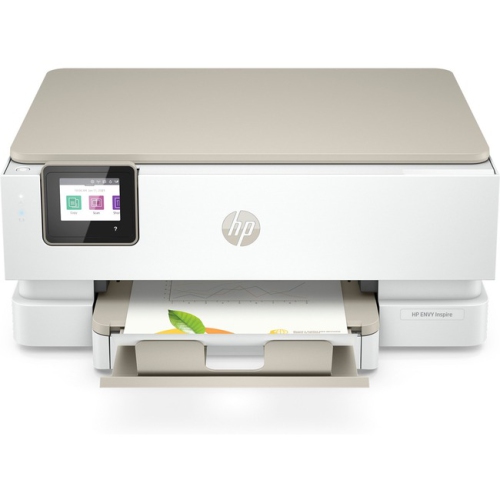
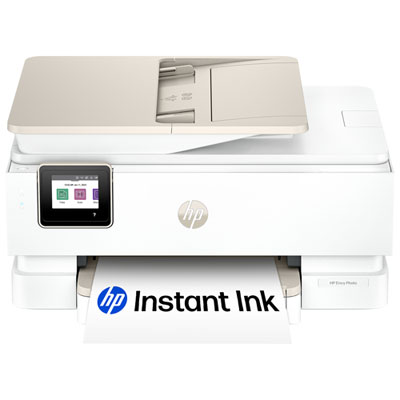
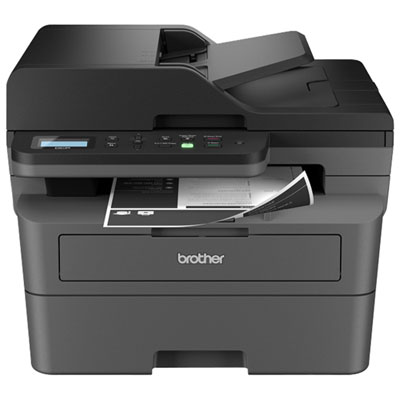
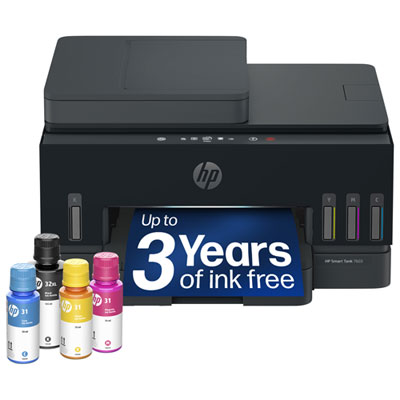
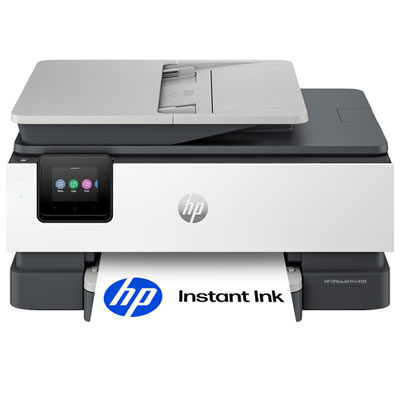
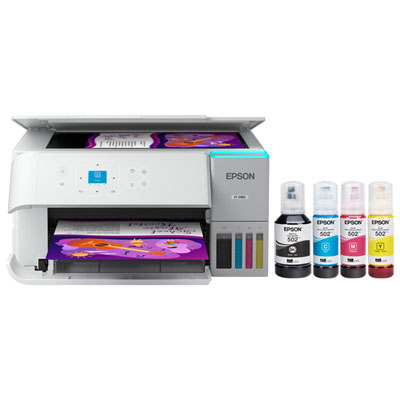
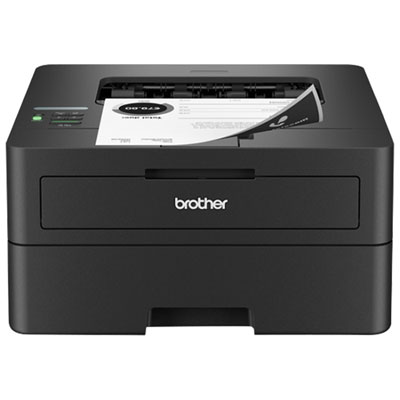
The right printer depends on more than print speed
Wireless printers for home office use make it possible to print from a compatible computer, phone, or tablet without running a printer cable across the desk. The right fit depends mainly on print volume, the need for colour, and whether scanning or copying is part of the workday. Inkjet printers suit a mix of text, colour graphics, and occasional photos, while monochrome laser printers are well suited to crisp black-and-white documents and longer print runs. Laser toner does not dry out like liquid ink, making it a practical option for households that go stretches without printing. Colour laser printers can also handle business graphics, although photo reproduction depends on the printer, paper, and image settings. For a consultant printing contracts, clear text and automatic two-sided printing may matter most. Someone preparing illustrated lesson plans or presentation handouts may place greater emphasis on colour quality and paper compatibility. An all-in-one wireless printer adds scanning and copying to the same footprint, which is useful for signed forms, receipts, and documents that need a digital copy. An automatic document feeder handles stacks of loose pages, while a flatbed scanner accommodates bound pages, small receipts, and other originals that cannot travel through a feeder. Two-sided scanning is a separate capability from two-sided printing, so the distinction matters when digitizing documents with information on both sides. Physical fit also extends beyond the dimensions of the closed printer. A paper tray may extend from the front, a rear feed may need clearance behind the unit, and a scanner lid needs space to open. On a compact desk or shelving unit, those details can determine whether daily tasks feel straightforward or cramped. A sturdy, level surface helps keep the printer stable, while accessible trays and controls make it easier to collect a finished document without disturbing a keyboard, monitor, or nearby paperwork.
Wireless connectivity is especially useful in a home office shared by several people or used with more than one device. A laptop at the main desk, a phone holding a shipping label, and a second computer in another room may all be able to send jobs to the same printer, depending on compatibility and network settings. Wi-Fi printing usually relies on the printer and device being connected to the same local network; a guest network or separated network settings can prevent them from finding each other. Supported wireless bands also vary, with some printers using 2.4 GHz and others supporting both 2.4 GHz and 5 GHz. Clear compatibility information matters more than assuming that every printer supports every router configuration. Placement within dependable Wi-Fi range helps maintain a steady connection, particularly when the printer sits inside a cabinet or far from the router. Certain models offer direct wireless printing without a router, while others include Ethernet or USB connections for additional flexibility. These are distinct features rather than automatic inclusions. Mobile printing support, compatible apps, and operating system requirements determine how easily documents move from a device to paper. Scanning to a computer, email, or an online storage service can also depend on software, account access, or the printer’s controls. A readable display and clearly labelled buttons are useful when several household members share the machine. For a busy workspace, print speed is only part of the experience: the time it takes to produce the first page can matter more than a high pages-per-minute figure when most jobs are single-page forms. Larger input trays reduce interruptions during longer batches, and an output tray with enough capacity keeps finished sheets contained. Security features, supported updates, and control over remote printing access are also relevant when the same printer handles client documents, personal records, and everyday household paperwork.
Paper handling, maintenance, and construction influence how comfortably a wireless printer fits into regular home office routines. Standard letter-size documents are common in Canadian workplaces, but legal-size forms, envelopes, labels, cardstock, and photo paper each have their own feed and media requirements. A printer that accepts a particular paper size may not support that size for automatic two-sided printing or scanning. Likewise, heavier paper needs to fall within the supported weight range, and labels must be suitable for the printing technology being used. Laser printers apply heat during printing, so compatible label sheets and specialty media are important. Inkjet photo paper has a surface designed to receive ink, helping colours and fine details reproduce as intended. Keeping paper flat and dry, with sheets aligned neatly in the tray, helps support consistent feeding. Durability is not simply a matter of a solid outer casing; tray hinges, paper guides, feeder rollers, and access to replaceable parts all affect everyday handling. A printer’s suggested monthly print volume is useful context for matching it to regular workloads, while its maximum duty cycle is an upper limit rather than a target for routine use. Maintenance differs by technology. Inkjets may need printhead cleaning after periods of inactivity, while laser printers may require toner, drum, or other component replacement according to their design. Routine care includes removing dust from accessible exterior surfaces, keeping scanner glass clean, and following the supplied instructions for clearing paper jams. Easy access to ink or toner and clearly visible status information can make upkeep less disruptive. Noise levels and quiet-print settings may also matter when a desk shares space with calls or focused work. For households balancing administrative tasks with more frequent business printing, Office Wireless Printers brings the focus to connected printing for office workloads. A well-matched home office printer supports the documents, devices, and working space used every day, whether that means an occasional signed form or a steady flow of reports.
Wireless connectivity is especially useful in a home office shared by several people or used with more than one device. A laptop at the main desk, a phone holding a shipping label, and a second computer in another room may all be able to send jobs to the same printer, depending on compatibility and network settings. Wi-Fi printing usually relies on the printer and device being connected to the same local network; a guest network or separated network settings can prevent them from finding each other. Supported wireless bands also vary, with some printers using 2.4 GHz and others supporting both 2.4 GHz and 5 GHz. Clear compatibility information matters more than assuming that every printer supports every router configuration. Placement within dependable Wi-Fi range helps maintain a steady connection, particularly when the printer sits inside a cabinet or far from the router. Certain models offer direct wireless printing without a router, while others include Ethernet or USB connections for additional flexibility. These are distinct features rather than automatic inclusions. Mobile printing support, compatible apps, and operating system requirements determine how easily documents move from a device to paper. Scanning to a computer, email, or an online storage service can also depend on software, account access, or the printer’s controls. A readable display and clearly labelled buttons are useful when several household members share the machine. For a busy workspace, print speed is only part of the experience: the time it takes to produce the first page can matter more than a high pages-per-minute figure when most jobs are single-page forms. Larger input trays reduce interruptions during longer batches, and an output tray with enough capacity keeps finished sheets contained. Security features, supported updates, and control over remote printing access are also relevant when the same printer handles client documents, personal records, and everyday household paperwork.
Paper handling, maintenance, and construction influence how comfortably a wireless printer fits into regular home office routines. Standard letter-size documents are common in Canadian workplaces, but legal-size forms, envelopes, labels, cardstock, and photo paper each have their own feed and media requirements. A printer that accepts a particular paper size may not support that size for automatic two-sided printing or scanning. Likewise, heavier paper needs to fall within the supported weight range, and labels must be suitable for the printing technology being used. Laser printers apply heat during printing, so compatible label sheets and specialty media are important. Inkjet photo paper has a surface designed to receive ink, helping colours and fine details reproduce as intended. Keeping paper flat and dry, with sheets aligned neatly in the tray, helps support consistent feeding. Durability is not simply a matter of a solid outer casing; tray hinges, paper guides, feeder rollers, and access to replaceable parts all affect everyday handling. A printer’s suggested monthly print volume is useful context for matching it to regular workloads, while its maximum duty cycle is an upper limit rather than a target for routine use. Maintenance differs by technology. Inkjets may need printhead cleaning after periods of inactivity, while laser printers may require toner, drum, or other component replacement according to their design. Routine care includes removing dust from accessible exterior surfaces, keeping scanner glass clean, and following the supplied instructions for clearing paper jams. Easy access to ink or toner and clearly visible status information can make upkeep less disruptive. Noise levels and quiet-print settings may also matter when a desk shares space with calls or focused work. For households balancing administrative tasks with more frequent business printing, Office Wireless Printers brings the focus to connected printing for office workloads. A well-matched home office printer supports the documents, devices, and working space used every day, whether that means an occasional signed form or a steady flow of reports.
Top selling and popular products
-
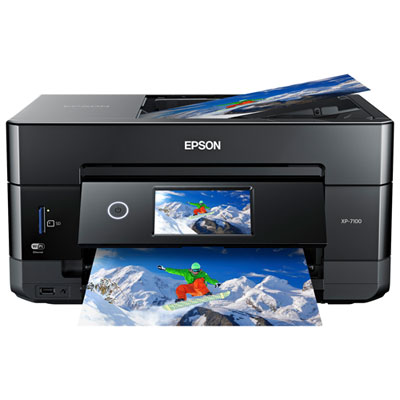 Your price for this item is $199.99
-
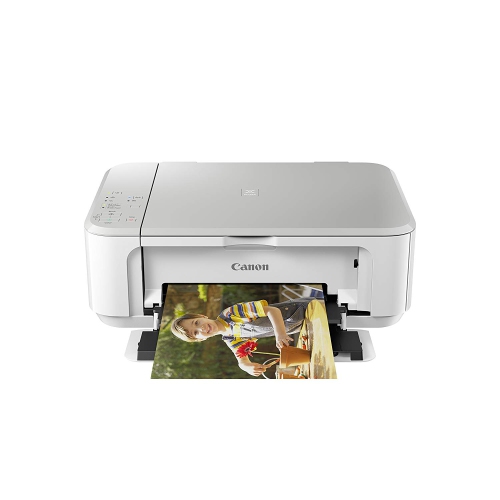 Your price for this item is $75
-
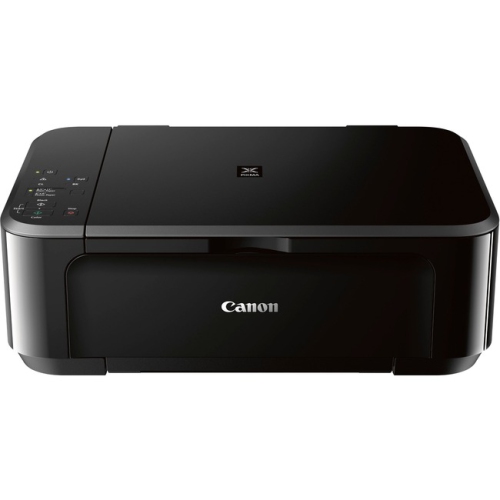 Your price for this item is $65
-
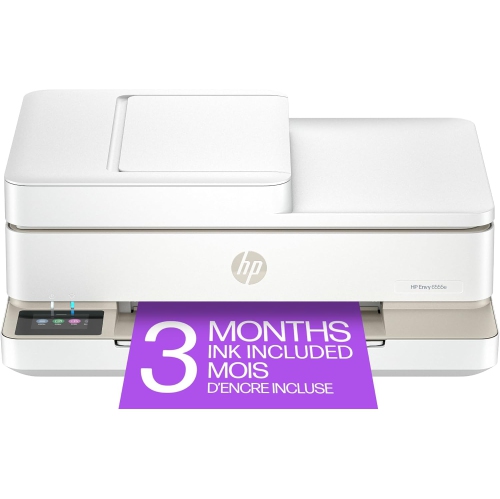 Your price for this item is $214.79
-
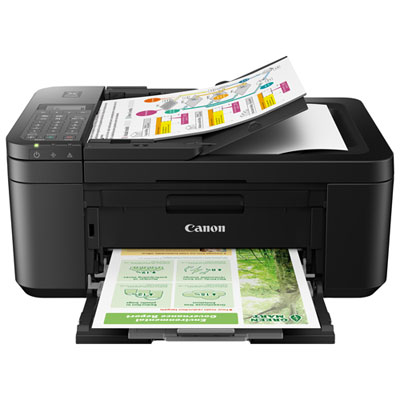 Your price for this item is $79.99
-
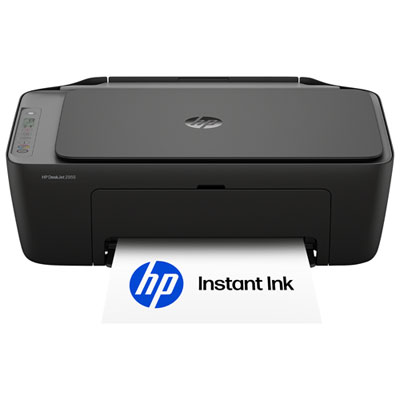 Your price for this item is $49.99
-
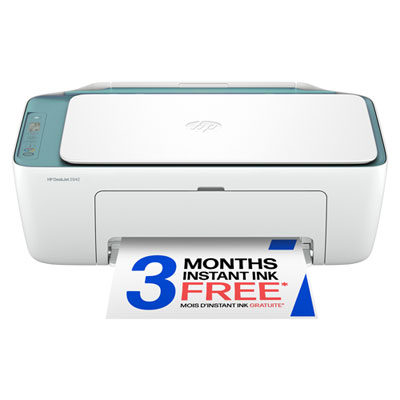 Your price for this item is $49.99
-
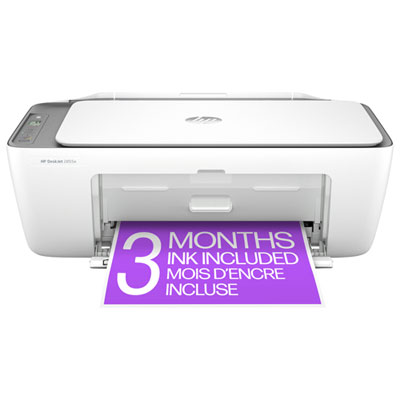 Your price for this item is $59.97
Discover more categories related to Wireless Printers for Home Office
Top Collections:
Pokemon Centers, Pokémon 30th Celebration Cards, Best Budget Office Chairs, Kindle Devices, Best Cameras for Sports Photography, Canon G7X Cameras, Best Black Friday Deals On Electronics, Best Laptops for Writers, iPhone 15 Apple, Jackery Power Stations
Some products may be subject to Environmental Handling Fees
(EHF) depending on your province.
Learn more about EHFs.