Lenovo Laptops for Video Editing
If you're a video editor, you need a laptop that can handle the job. It would be best if you had a laptop that could run multiple programs at once, store lots of footage, and still have enough power to play back your projects smoothly. You also want a laptop that's portable so you can take it from shoot to finish without having to swap out hard drives or plug in an external monitor. Here are some of the best laptops for video editing made by Lenovo.
Sort
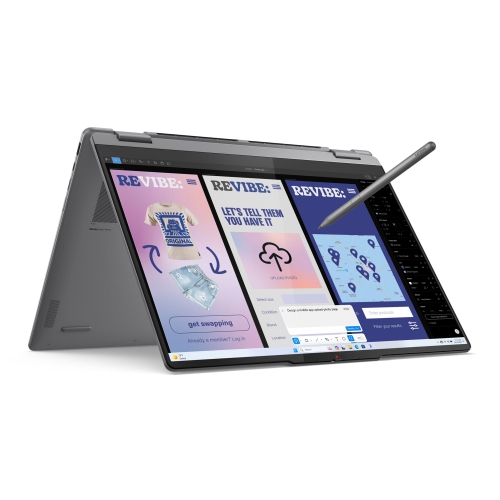
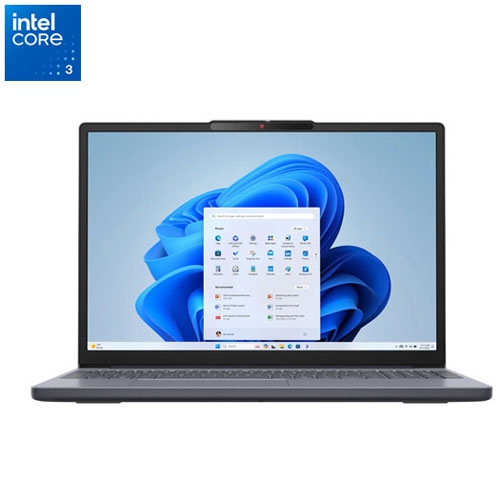
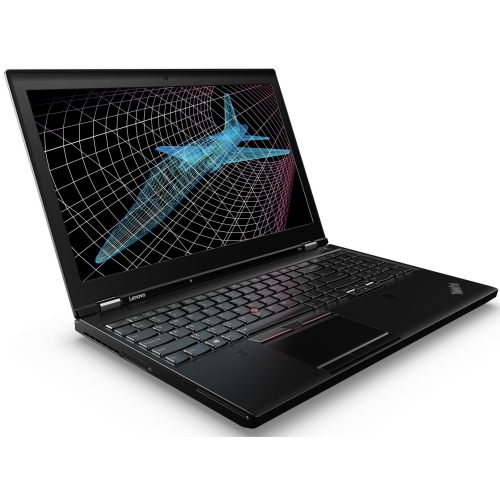

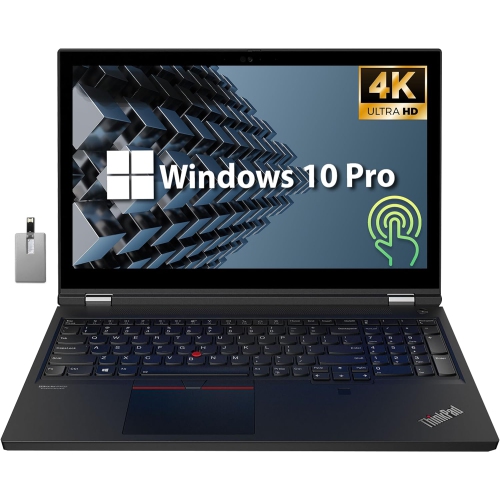
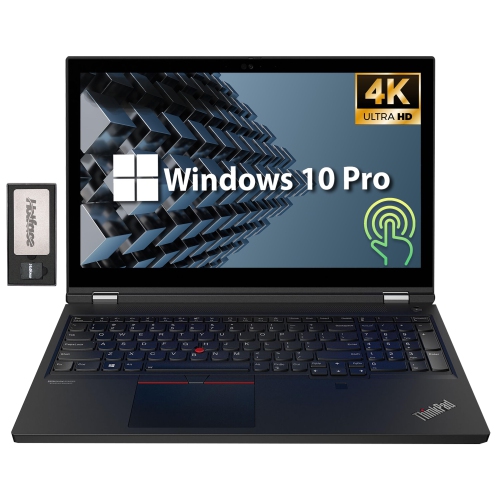
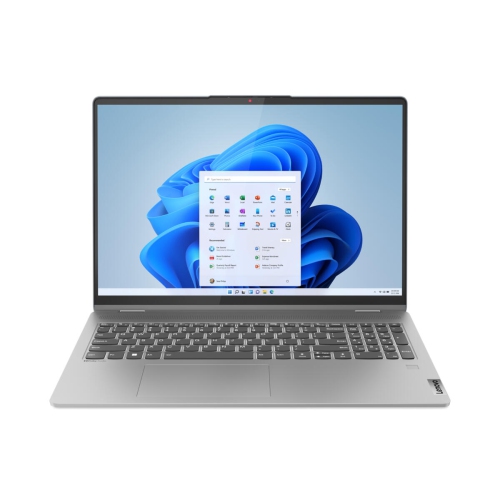
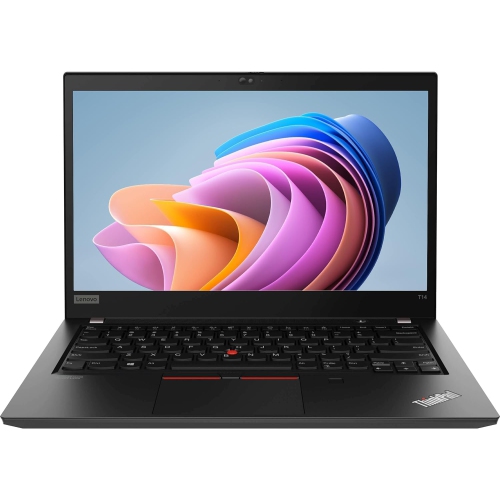
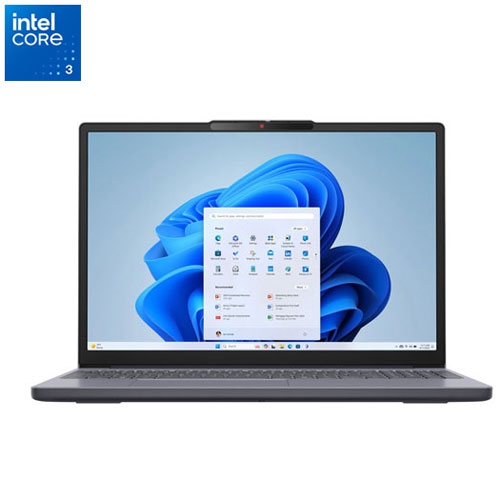
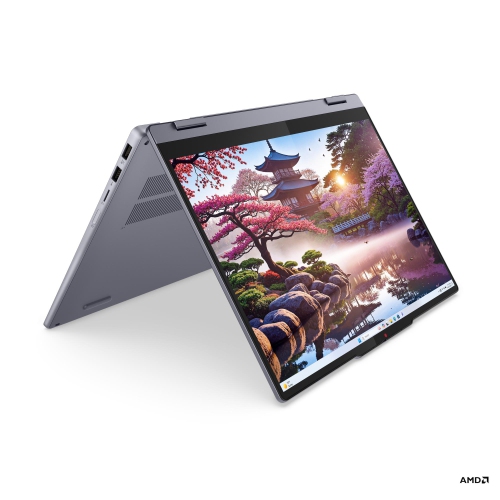
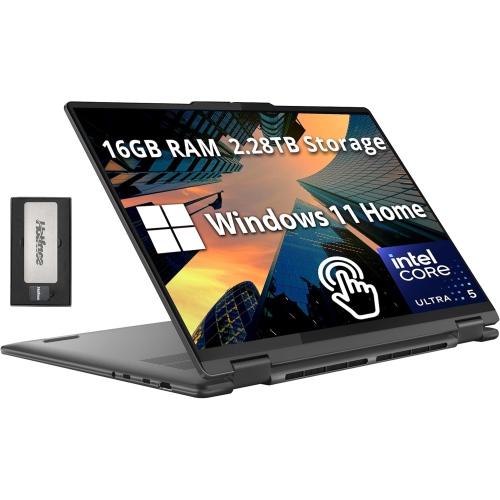
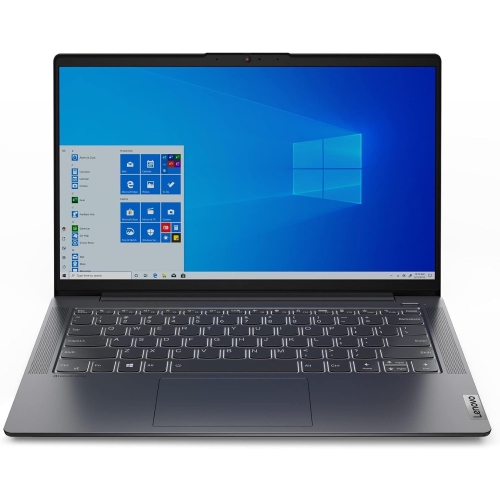
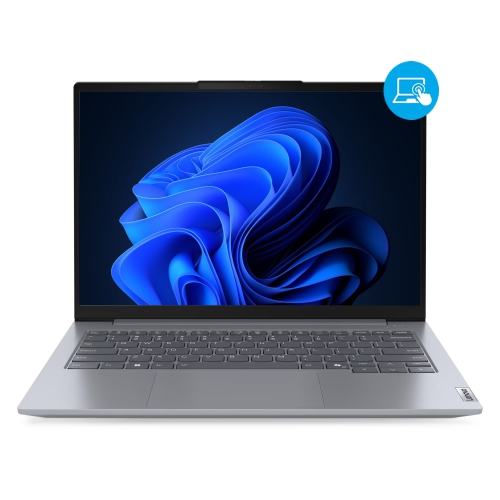
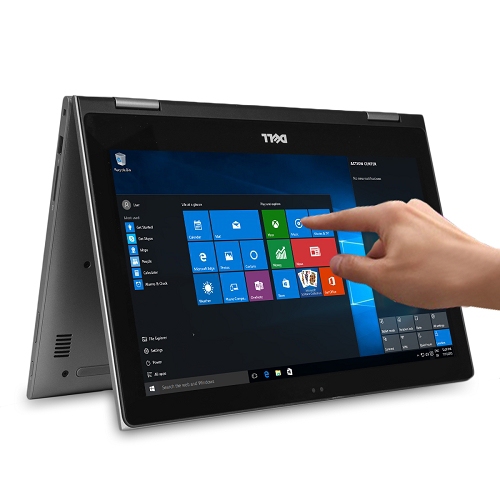

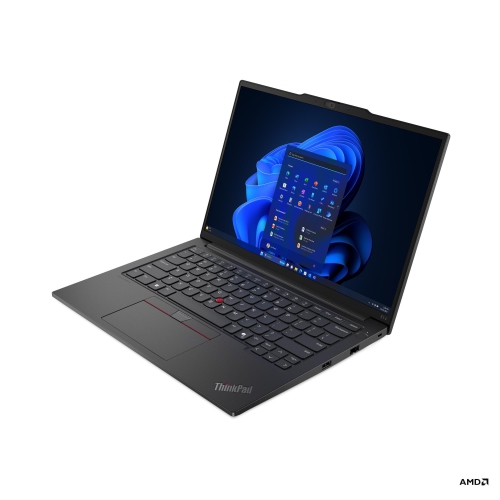
Powerful Lenovo performance for smoother edits anywhere
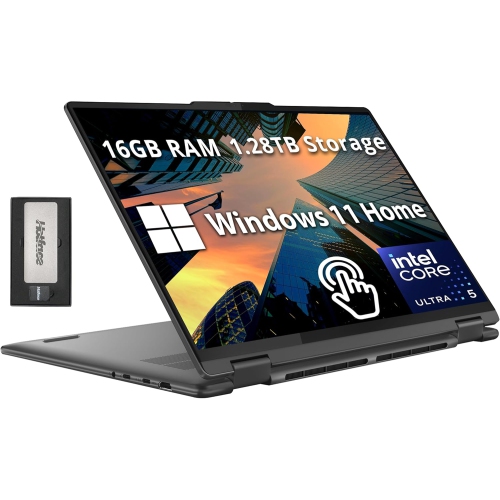
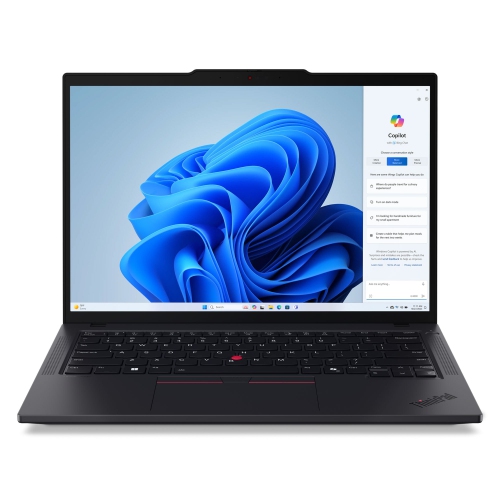
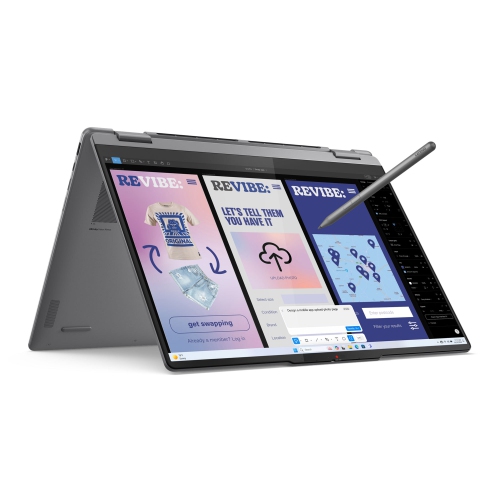
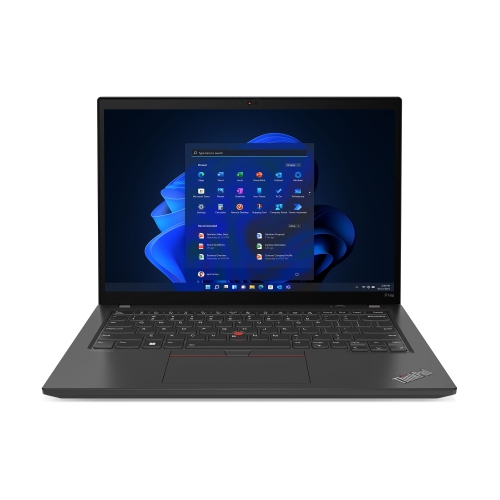
For creators, filmmakers, and content professionals, choosing the right laptop for video editing can make all the difference between a seamless workflow and hours lost to slow rendering or lagging timelines. Lenovo laptops are known for their performance, reliability, and versatility, making them a popular choice for those who demand consistent power and vibrant visuals. Whether you’re an experienced video editor working on high-resolution 4K footage or a student piecing together your first short film, the right Lenovo video editing laptop offers the speed, graphics capabilities, and display quality you need to bring your creative vision to life. As the weather warms and projects move from indoor studios to sunlit patios or bustling cafes, portability and battery life become even more important. Many users appreciate how these laptops balance robust performance with slim, lightweight designs, allowing you to edit on the go without sacrificing power or screen quality.
A thinkpad for video editing is often chosen by professionals who value dependable performance and advanced features like high-end GPUs, ample RAM, and colour-accurate displays. These features are essential for editing complex timelines, working with multiple video layers, or colour grading footage for a polished final product. For those just starting out or looking for a more budget-friendly option, there are models that still offer fast processors and dedicated graphics, ensuring smooth playback and efficient exporting. Lenovo laptops for video editing are also a thoughtful gift for aspiring filmmakers, digital media students, or anyone looking to upgrade their creative toolkit as they take on new projects during the busier spring and summer months. With the right laptop, you can collaborate remotely, share drafts with clients or classmates, and keep your edits organized—whether you’re working from home, travelling, or setting up at a local co-working space.
When selecting a Lenovo video editing laptop, consider your specific needs: the resolution and frame rate of your typical projects, the software you prefer, and how often you’ll need to work away from a desk. Features like high refresh rate displays, advanced cooling systems, and plenty of storage make a big difference for editors working with demanding footage or tight deadlines. Many users find that investing in a device with the latest graphics cards and processors pays off in saved time and frustration, especially during those long editing sessions that stretch from cool spring evenings into the bright days of summer. For more tips on choosing the best device for your workflow, explore our curated list of Recommended Laptops for Video Editing, where you’ll find options tailored to a wide range of creative needs and budgets.
A thinkpad for video editing is often chosen by professionals who value dependable performance and advanced features like high-end GPUs, ample RAM, and colour-accurate displays. These features are essential for editing complex timelines, working with multiple video layers, or colour grading footage for a polished final product. For those just starting out or looking for a more budget-friendly option, there are models that still offer fast processors and dedicated graphics, ensuring smooth playback and efficient exporting. Lenovo laptops for video editing are also a thoughtful gift for aspiring filmmakers, digital media students, or anyone looking to upgrade their creative toolkit as they take on new projects during the busier spring and summer months. With the right laptop, you can collaborate remotely, share drafts with clients or classmates, and keep your edits organized—whether you’re working from home, travelling, or setting up at a local co-working space.
When selecting a Lenovo video editing laptop, consider your specific needs: the resolution and frame rate of your typical projects, the software you prefer, and how often you’ll need to work away from a desk. Features like high refresh rate displays, advanced cooling systems, and plenty of storage make a big difference for editors working with demanding footage or tight deadlines. Many users find that investing in a device with the latest graphics cards and processors pays off in saved time and frustration, especially during those long editing sessions that stretch from cool spring evenings into the bright days of summer. For more tips on choosing the best device for your workflow, explore our curated list of Recommended Laptops for Video Editing, where you’ll find options tailored to a wide range of creative needs and budgets.
Top selling and popular products
-
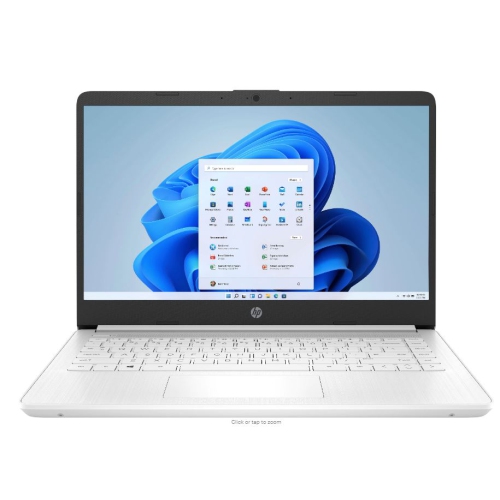 Your price for this item is $449
 -
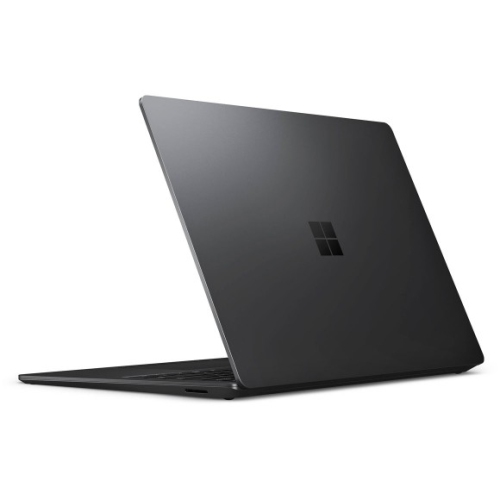 Your price for this item is $3099
 -
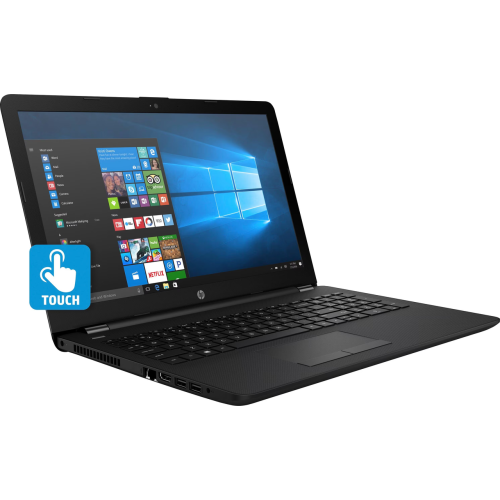 Your price for this item is $299.95
 -
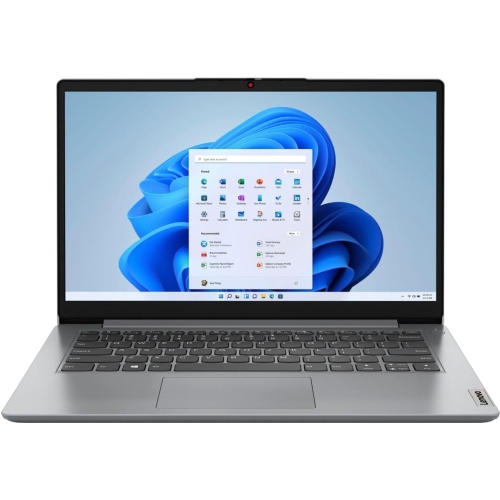 Your price for this item is $664.05
 -
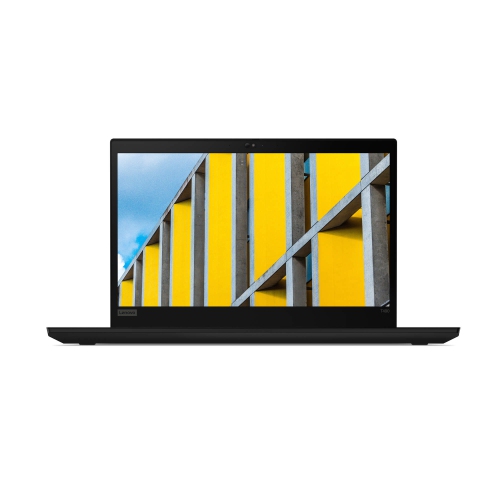 Your price for this item is $599.68
 -
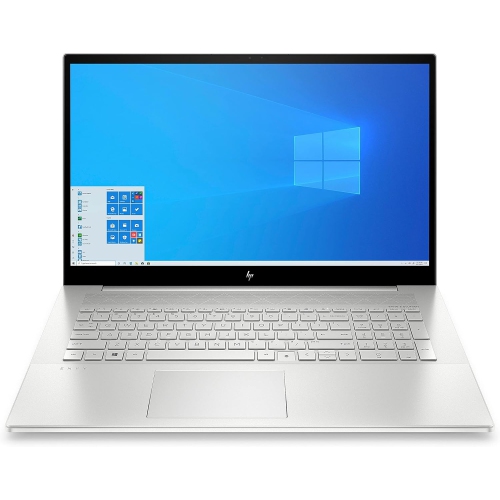 Your price for this item is $869.99
 -
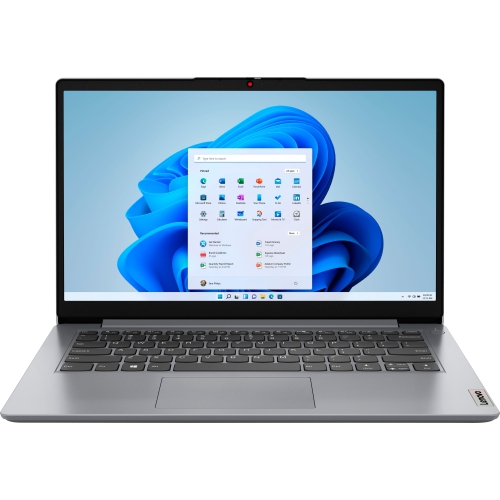 Your price for this item is $259
 -
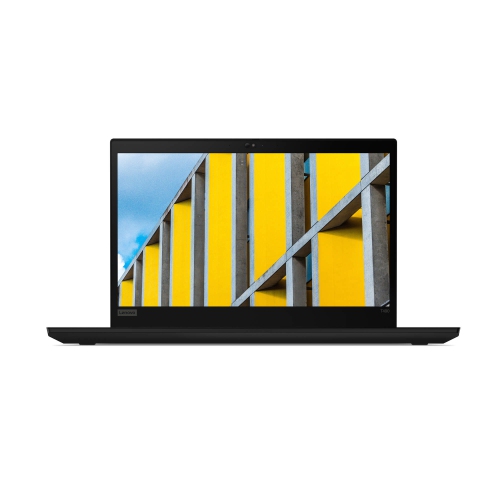 Your price for this item is $418.98
Discover more categories related to Lenovo Laptops for Video Editing
Top Collections:
Pokemon Centers, Kindle Devices, Best Budget Office Chairs, Apple iPhones 16, Best Laptops for Writers, iPhone 15 Apple, Canon G7X Cameras, Refurbished Apple Laptops, Alarm Clock, Motorola Razr Phones
Some products may be subject to Environmental Handling Fees
(EHF) depending on your province.
Learn more about EHFs.