Widescreen Monitors for Work
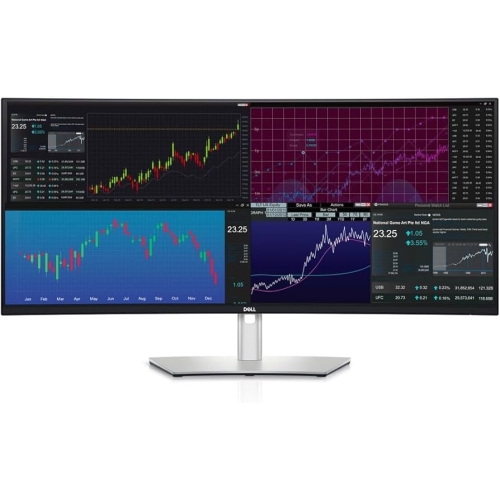
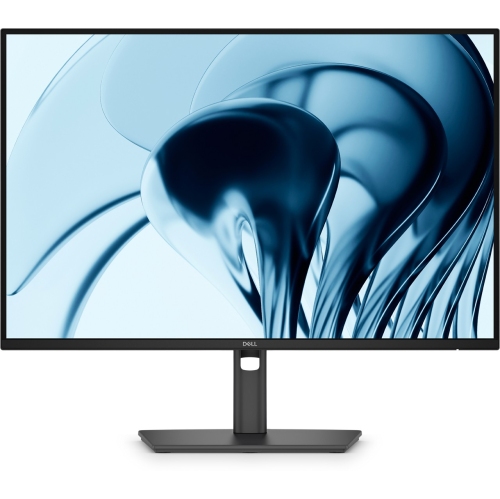
Widescreen monitors for work offer space to view documents, spreadsheets, and multiple windows side by side. Compare screen sizes, resolutions, and connection options to find a monitor that fits your desk, connects to your computer, and keeps text clear and comfortable to read during daily tasks.

















FAQ
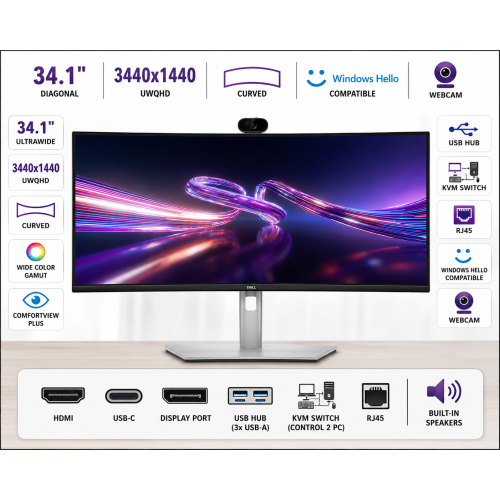
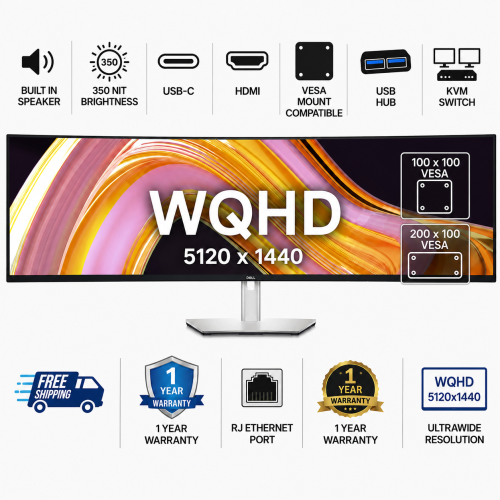
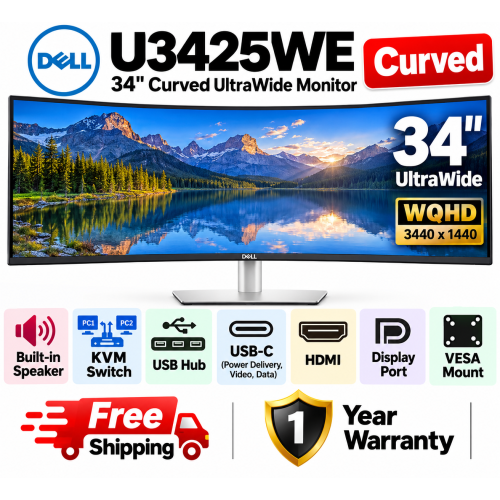
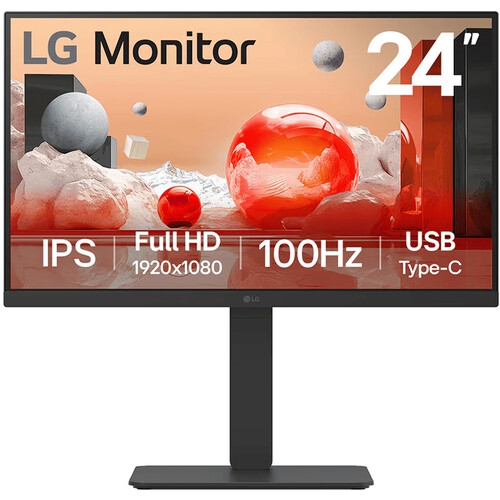
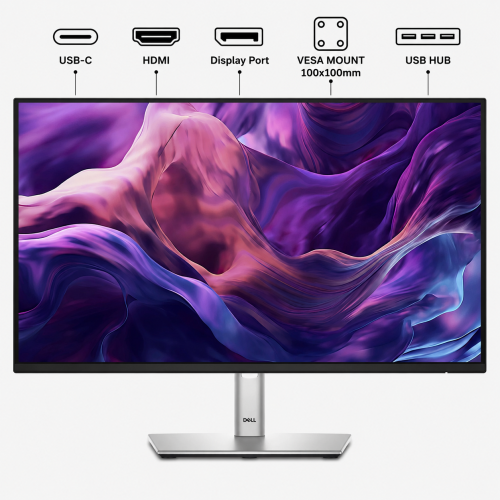
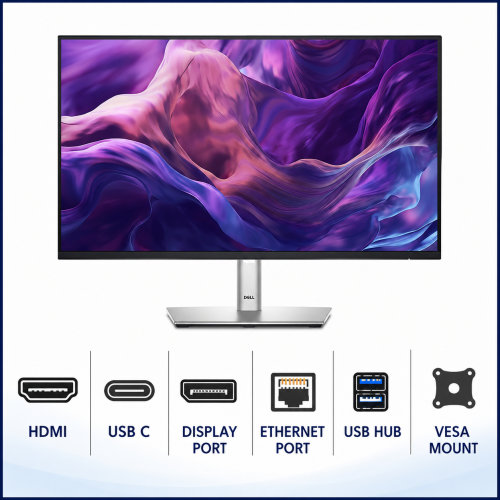
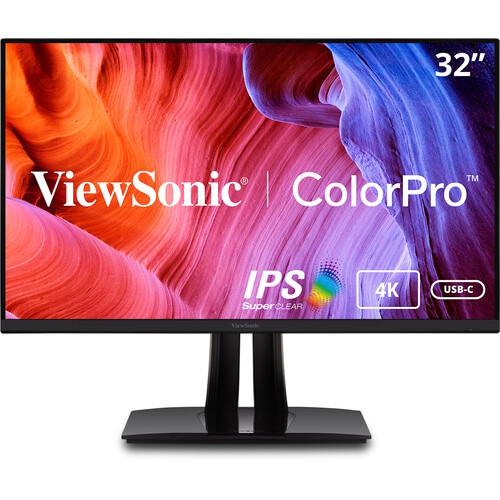
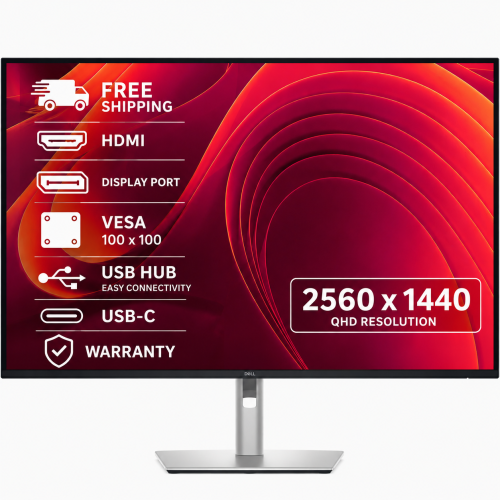
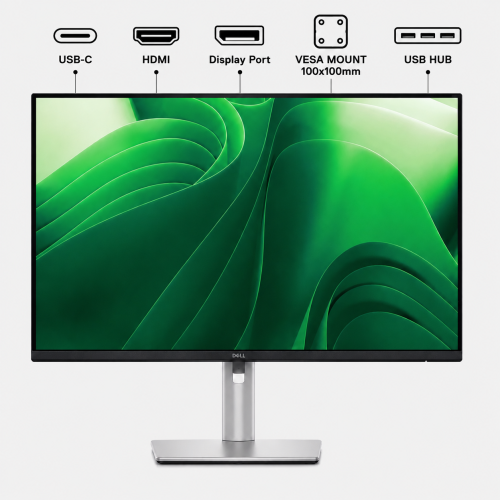
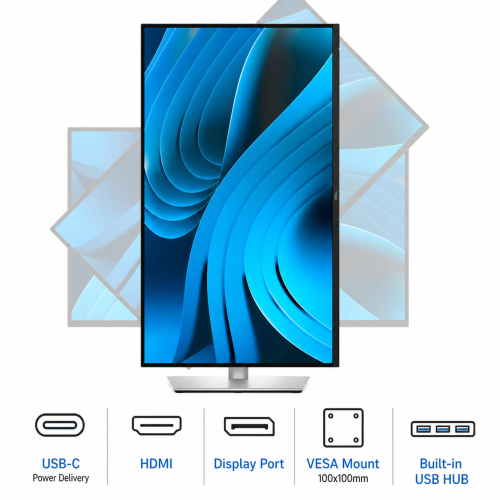
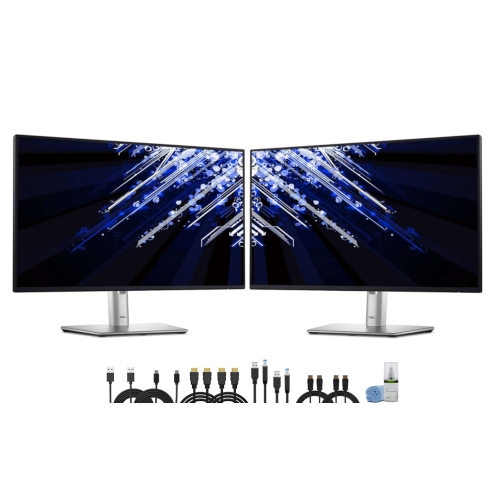
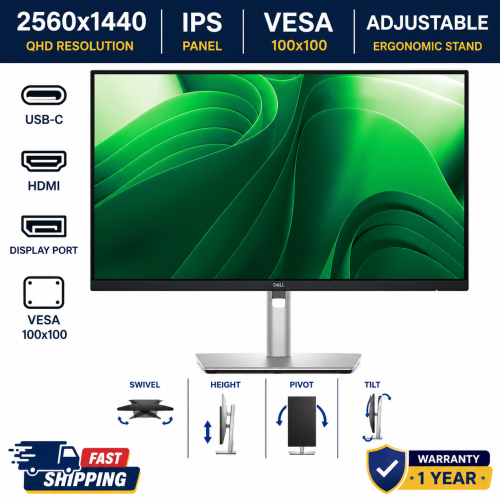
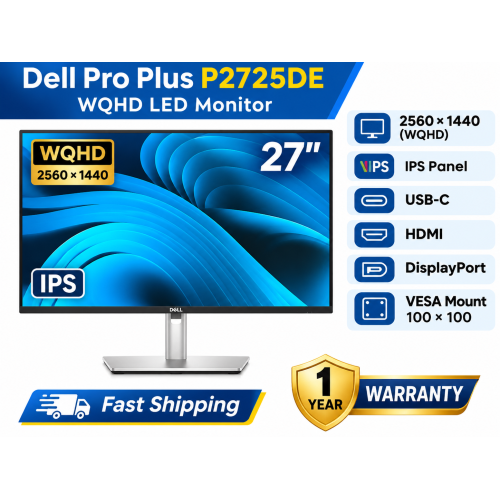
Common connections include HDMI, DisplayPort and USB-C, though the available ports vary by monitor. Check that your computer and monitor support the same video connection, or use a compatible adapter. USB-A ports generally connect accessories rather than carry video.
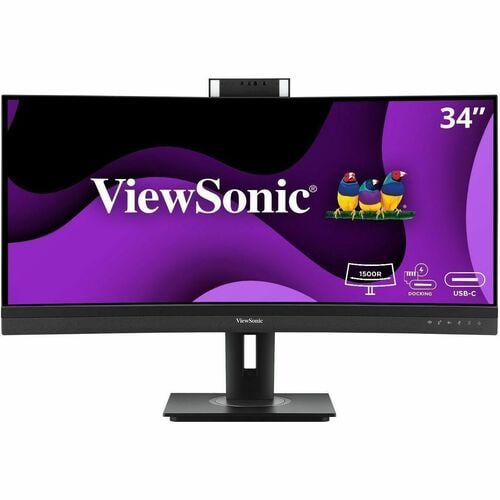
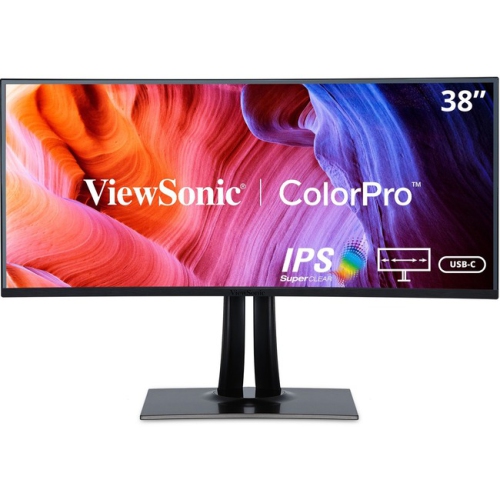
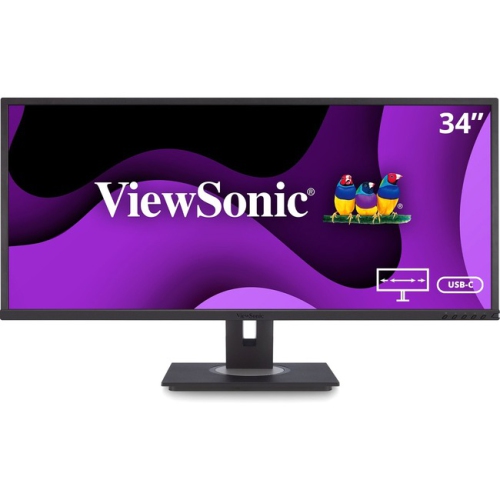
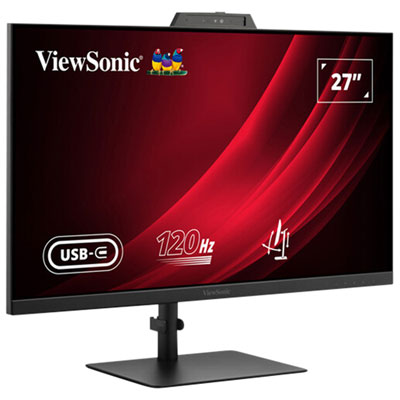
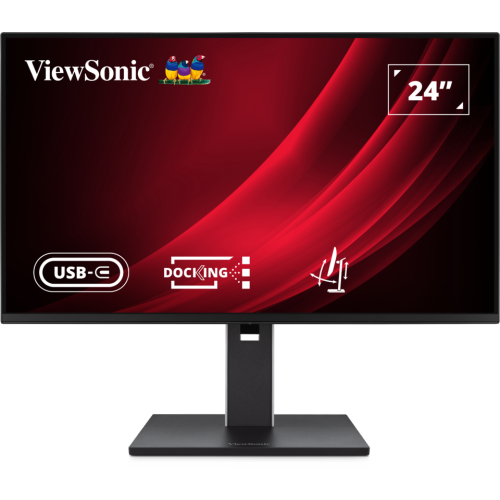
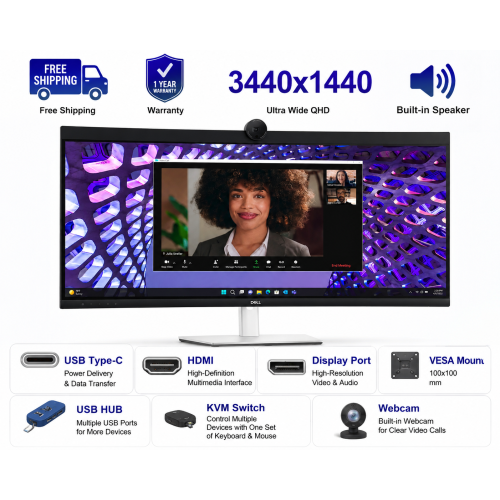
Some widescreen monitors include USB-C docking features, allowing one cable to carry video, connect USB accessories and charge a compatible laptop. Check the monitor’s USB Power Delivery rating and confirm that your laptop’s USB-C port supports video output. Features such as Ethernet connectivity depend on the monitor.
Picture-by-picture displays two connected video sources beside each other, while picture-in-picture places one source in a smaller window over the other. These features are available on select monitors and are different from arranging application windows within your computer’s operating system.
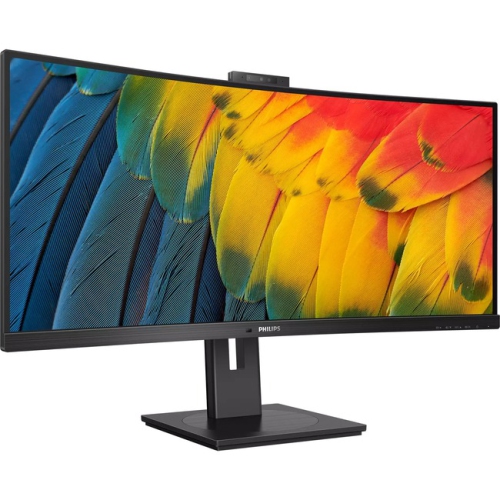
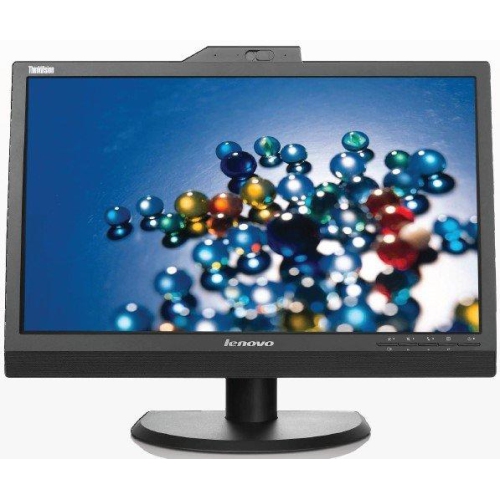
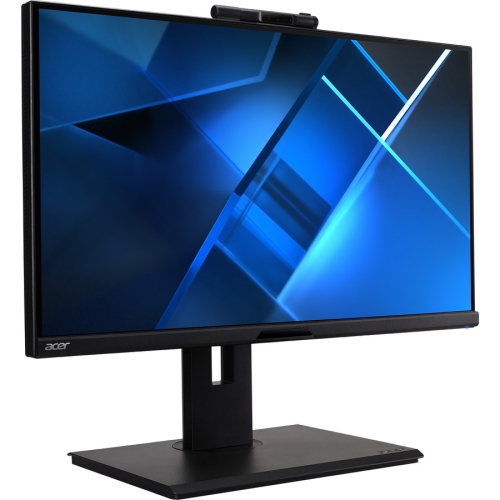
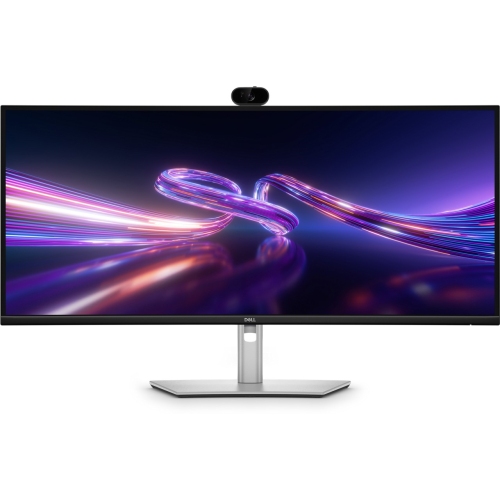
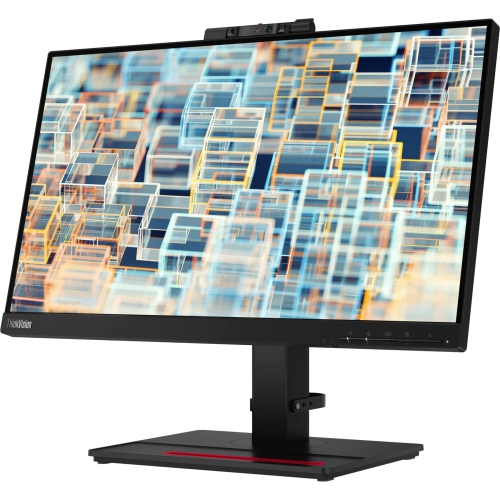
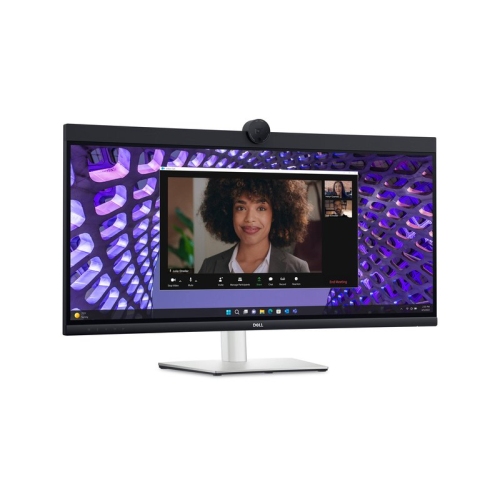
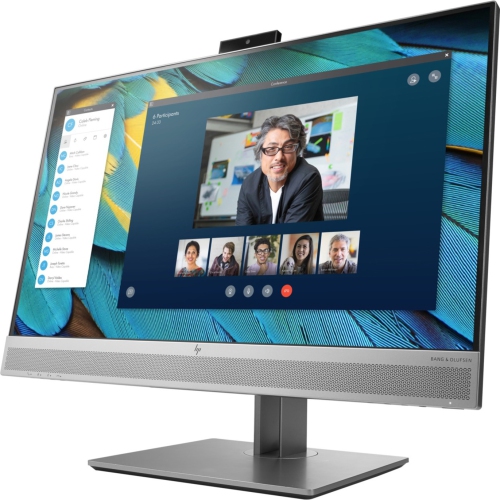
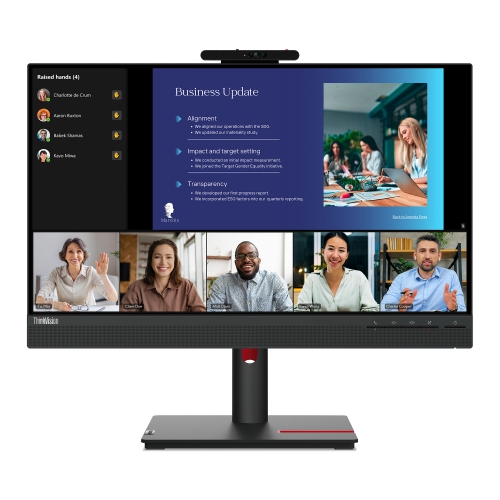
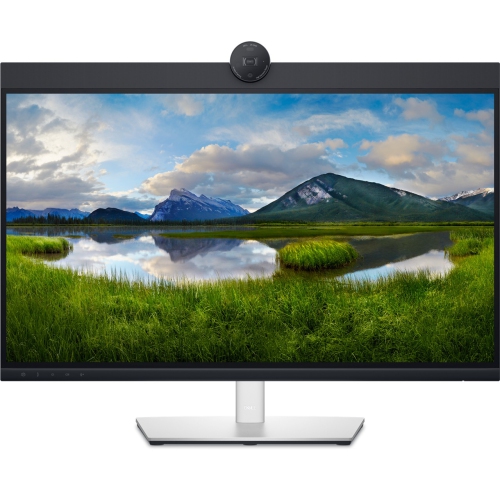
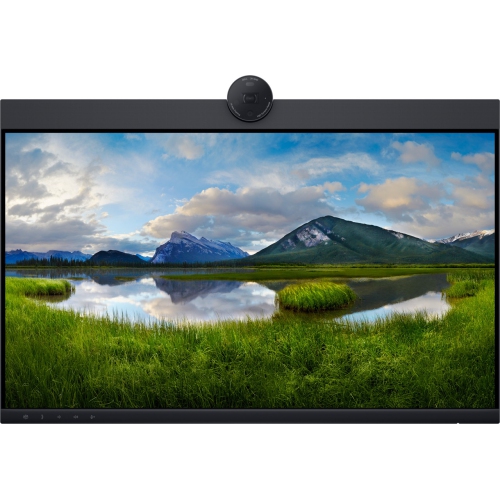
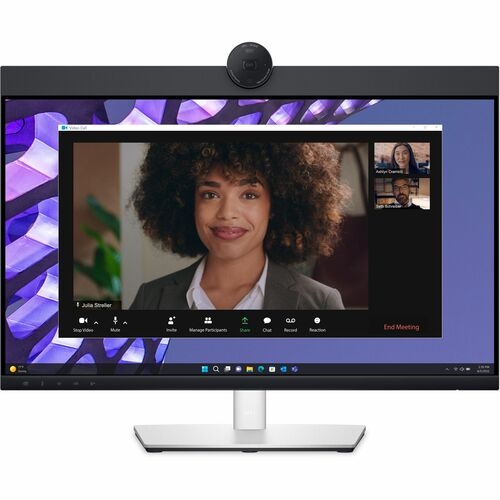
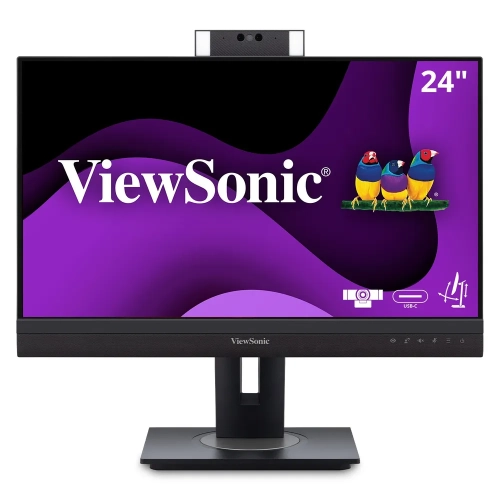
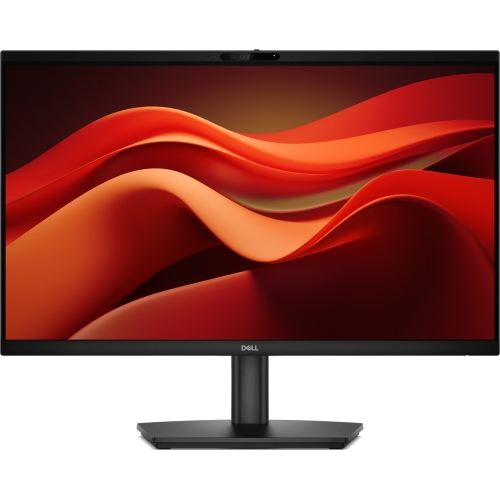
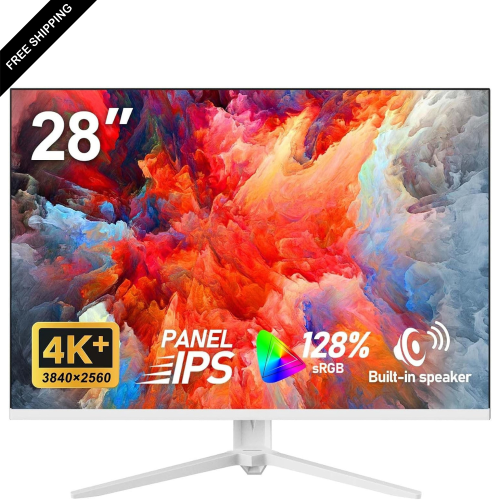
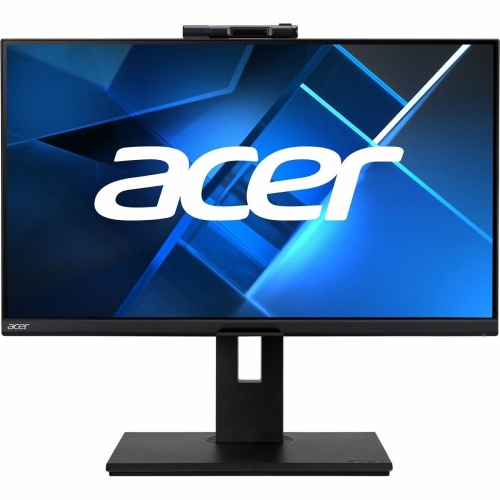
Some models include built-in speakers, microphones or webcams, while others require separate accessories. An integrated webcam or USB audio feature may require a USB connection to your computer in addition to the video cable. Check the listed features and connection requirements before choosing a monitor.
Many widescreen monitors can connect to either platform through a compatible video port or adapter. Available resolutions, refresh rates and external display support depend on your computer’s hardware and operating system. Optional monitor software and docking features may have separate compatibility requirements.
Top selling and popular products
Discover more categories related to Widescreen Monitors for Work
Some products may be subject to Environmental Handling Fees (EHF) depending on your province. Learn more about EHFs.