Mac Mini Home Office Technology Hub
Transform your workspace into an efficient and organized area with the Mac Mini Home Office Technology Hub. Discover a curated selection of accessories and devices designed to enhance productivity, streamline connectivity, and support your daily tasks. Whether you’re setting up a new office or upgrading your current setup, find everything you need to complement your Mac Mini and create a seamless home office experience.

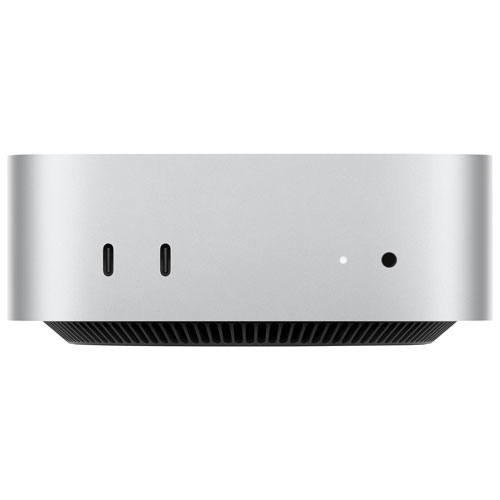
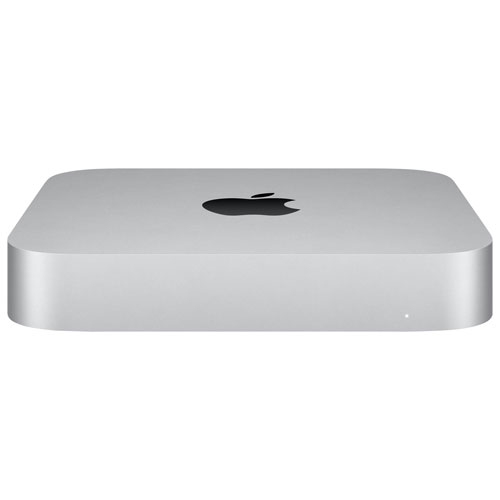
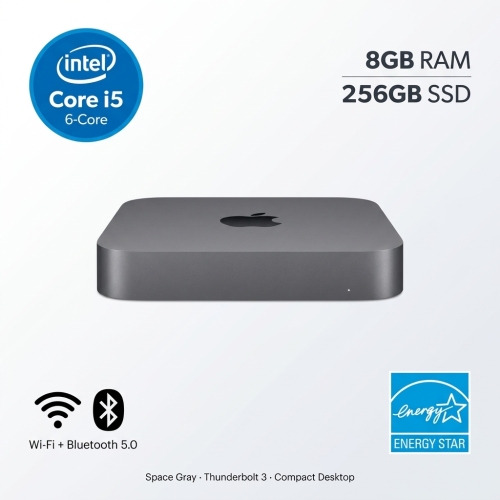
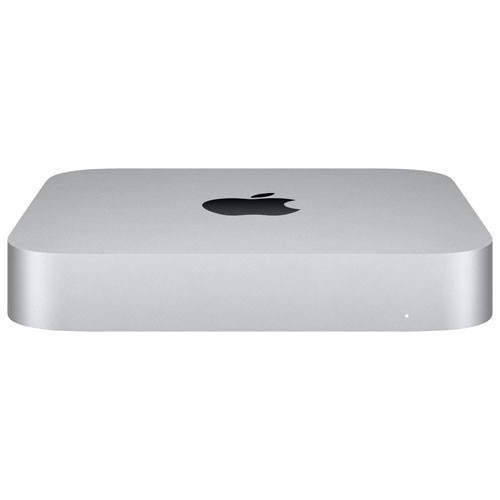

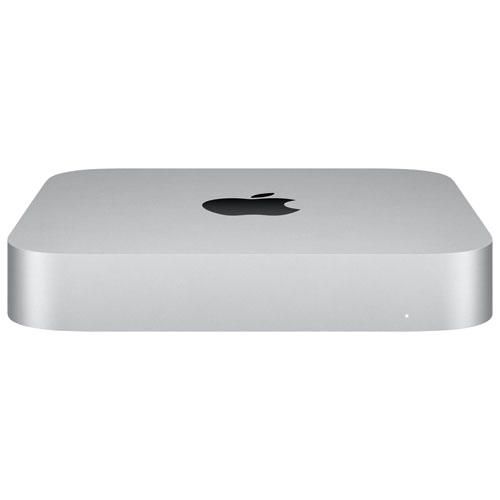
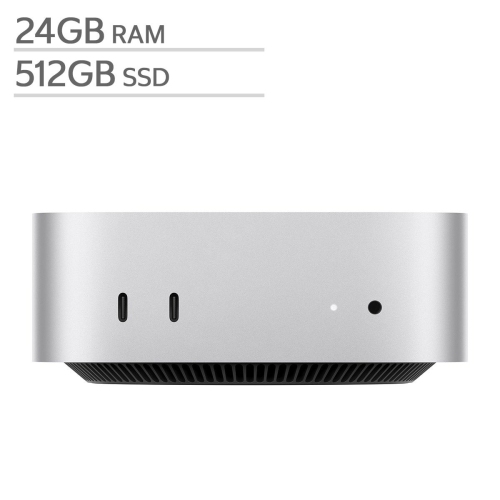


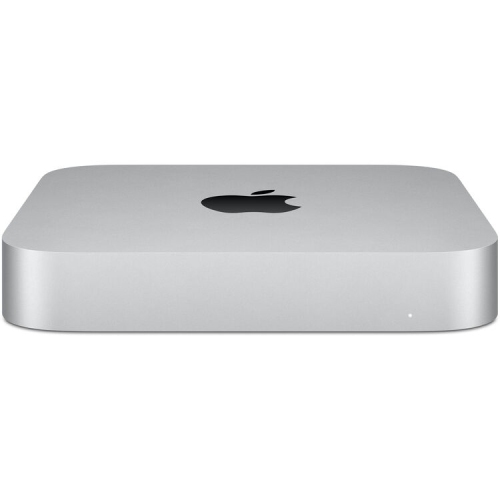


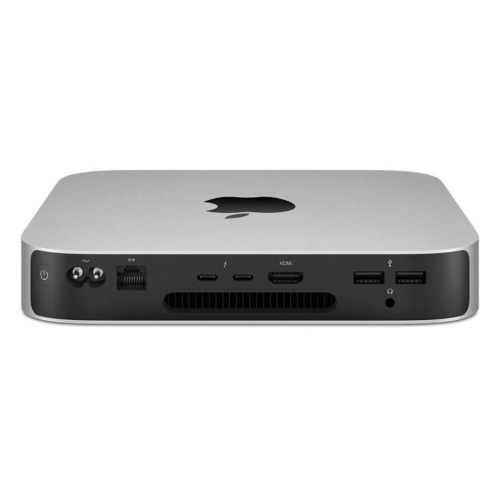
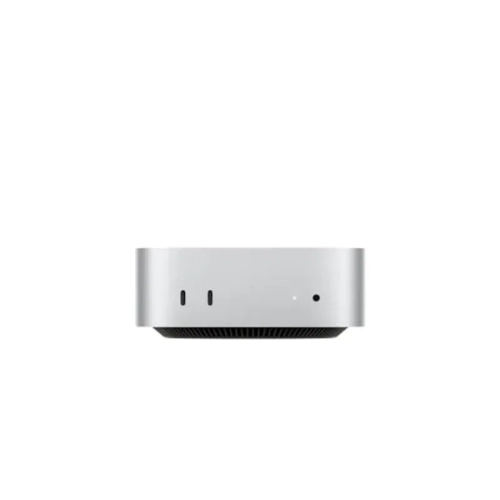
A flexible technology hub built around Mac mini power
When curating a Mac Mini home office technology hub, it’s important to consider both the immediate needs and the potential to grow your setup over time. Ergonomics play a key role in maintaining comfort during long work sessions, so investing in adjustable monitors, supportive chairs, and well-designed lighting can make a noticeable difference in daily productivity. As cooler months approach and time spent indoors increases, a well-equipped workspace becomes even more valuable. Accessories such as wireless keyboards, precision mice, and high-quality speakers can enhance the overall experience, whether you’re crunching numbers or enjoying music during a break. For those who thrive on organization, adding storage solutions and cable management tools helps keep the space tidy and efficient. Families may find that a shared technology hub encourages collaboration and learning, while individuals working from home can customize their setup for maximum focus and creativity. For more inspiration and to explore a curated selection of options, visit the Mac Mini For Home Office page, where you’ll find ideas to help build a workspace that supports your goals through every season.
FAQ
What makes the Mac Mini a good choice for a home office technology hub?
The Mac Mini is compact, energy-efficient, and powerful enough to handle most productivity tasks. Its multiple ports allow you to connect monitors, external drives, and other peripherals, making it an excellent centerpiece for a home office setup.
Can I connect multiple monitors to a Mac Mini for my home office?
Yes, the Mac Mini supports multiple monitor setups. Depending on the model, you can connect two or more displays using Thunderbolt and HDMI ports, which is ideal for multitasking in a home office.
What accessories should I consider pairing with a Mac Mini for my home office?
Popular accessories include wireless keyboards and mice, external monitors, USB hubs, webcams, and speakers. These additions can help create a more efficient and comfortable workspace.
How does the Mac Mini integrate with other Apple devices in a home office?
The Mac Mini works seamlessly with other Apple devices through features like Handoff, AirDrop, Universal Clipboard, and Sidecar. This integration allows you to easily share files, extend your desktop to an iPad, and answer calls or texts from your computer.
Is the Mac Mini suitable for video conferencing and remote work?
Absolutely. The Mac Mini provides reliable performance for video conferencing apps like Zoom or Microsoft Teams. Pairing it with a high-quality webcam and microphone ensures clear communication during remote meetings.
Top selling and popular products
-
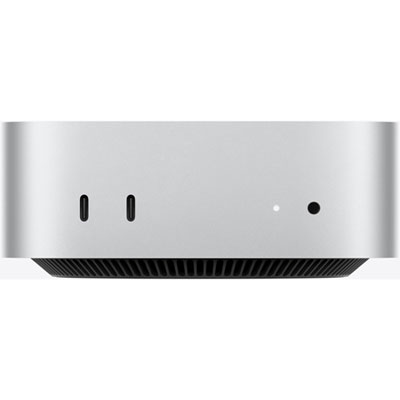 Your price for this item is $1199.99
-
 Your price for this item is $999.77
-
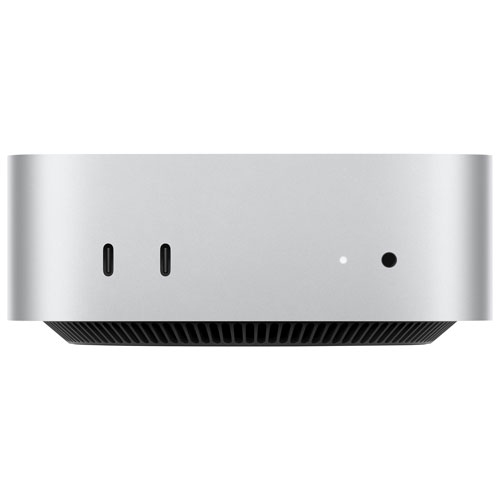 Your price for this item is $1199.99
-
 Your price for this item is $1494.9
-
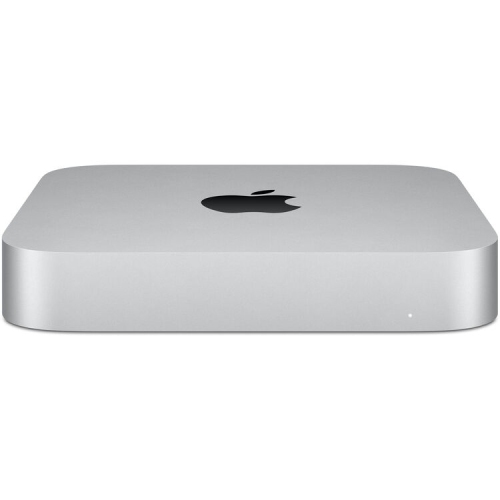 Your price for this item is $999.77
-
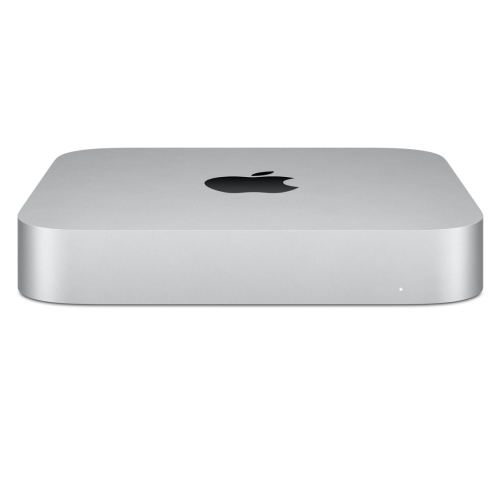 Your price for this item is $688
-
 Your price for this item is $555
-
 Your price for this item is $1094.99