Mouse Price Under $100
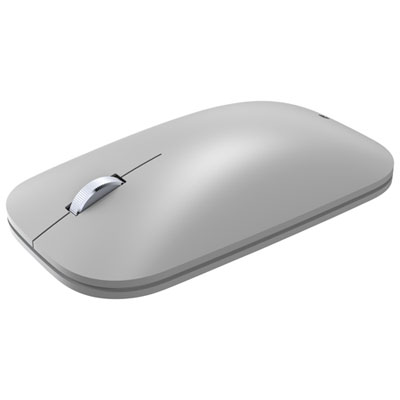
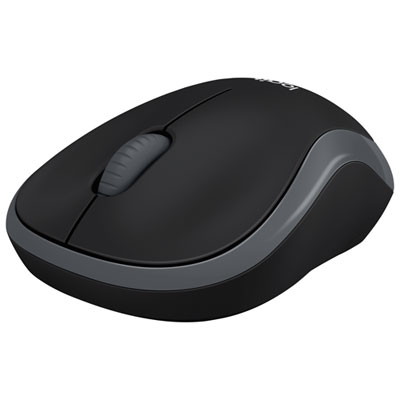
A mouse is a pointing device that functions by detecting two-dimensional motion relative to its supporting surface. The mouse's motion typically translates into the motion of a pointer on a display, which allows for precise control of the graphical user interface. Here are some of the best mice on the market today.
Sort
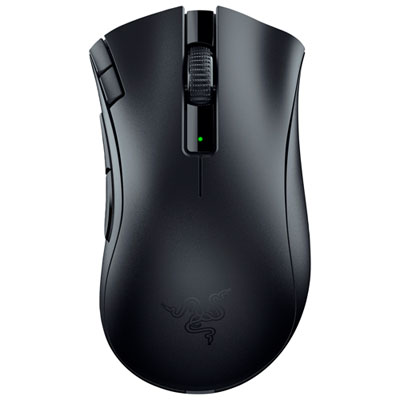

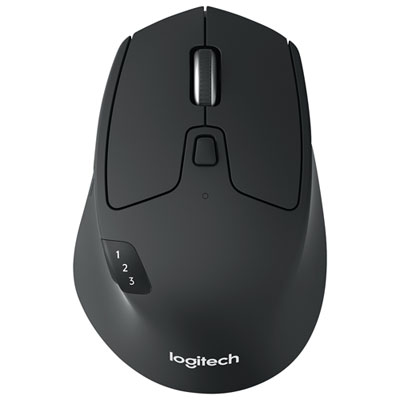
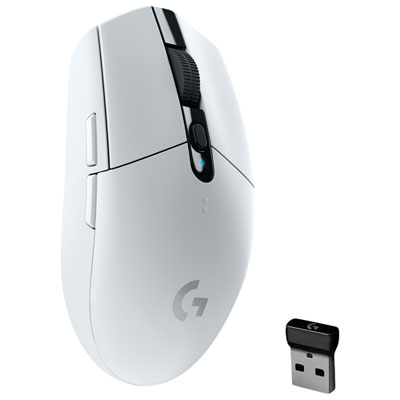
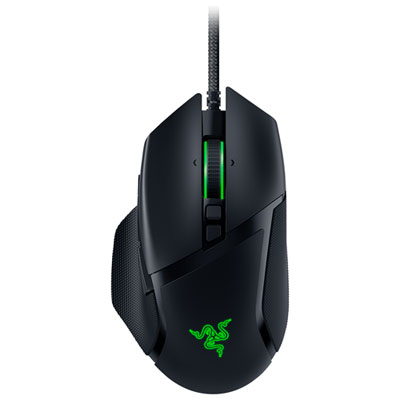

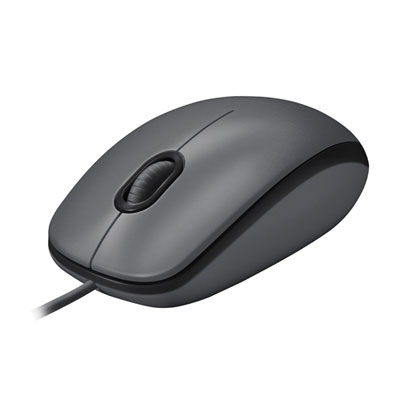
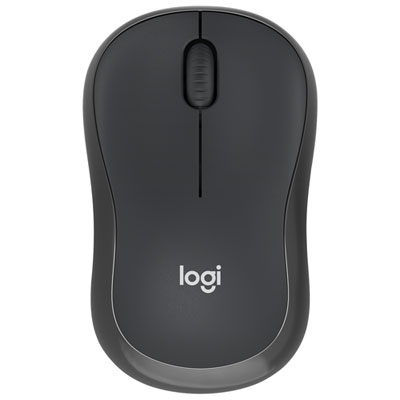
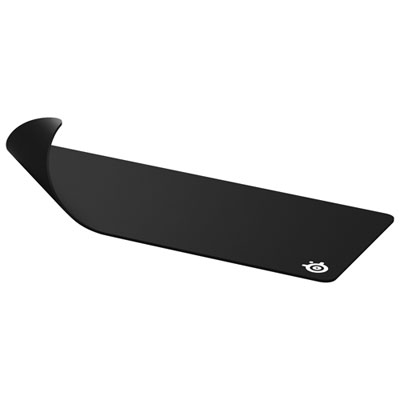
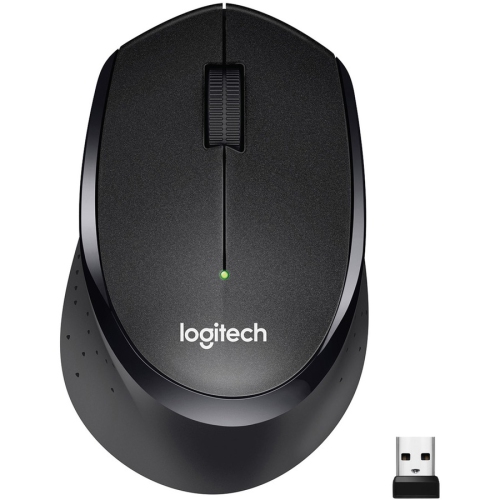
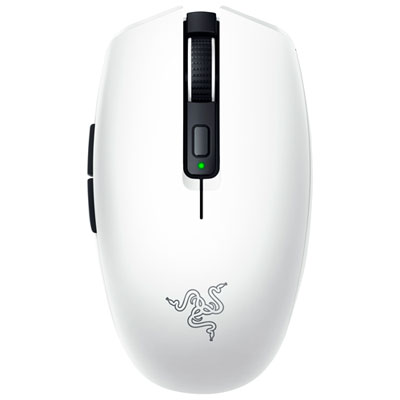
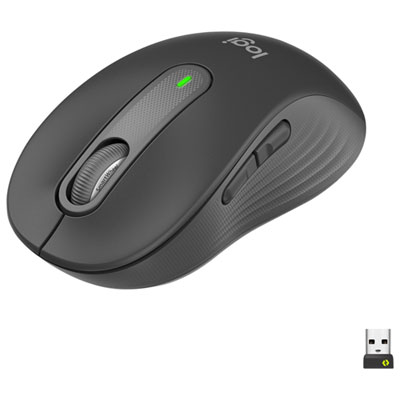
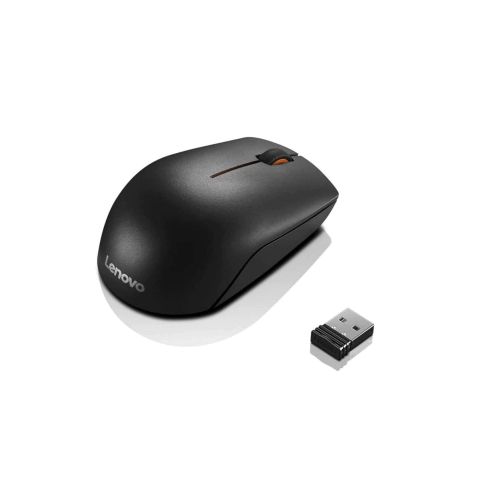
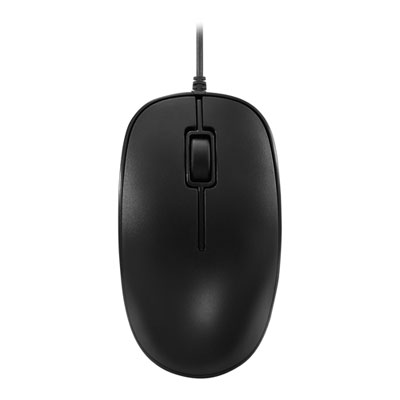
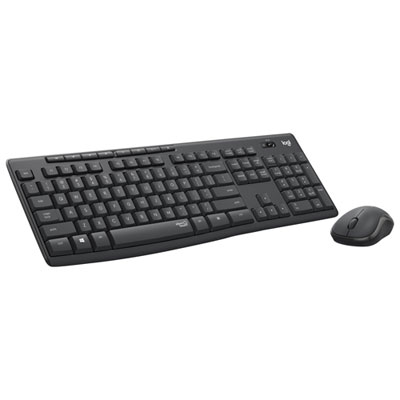
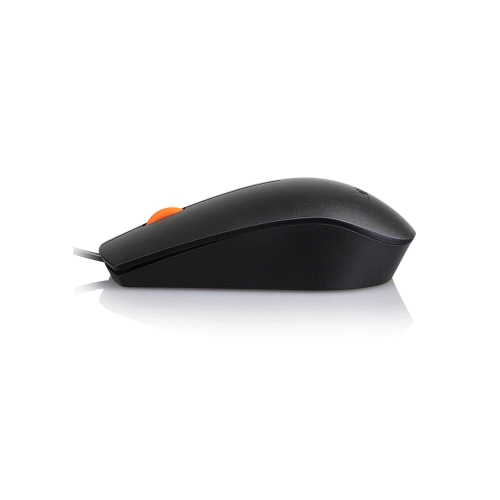
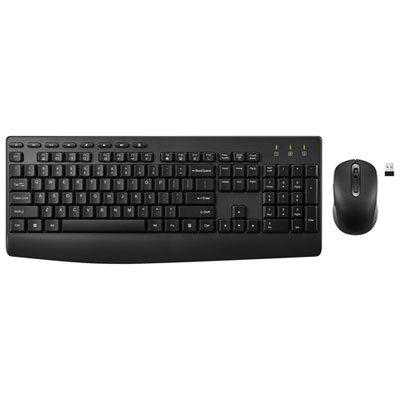
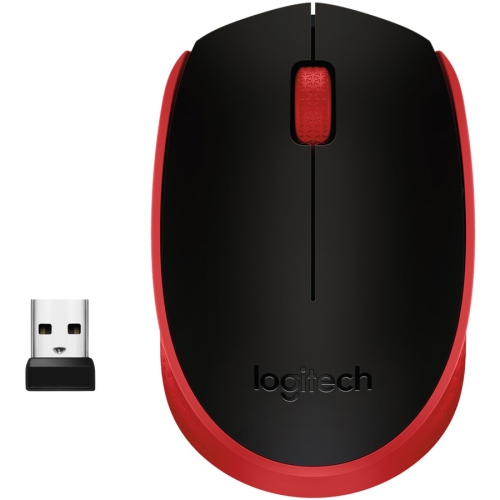
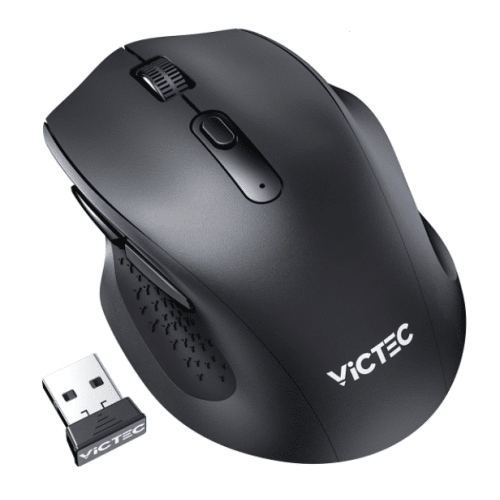
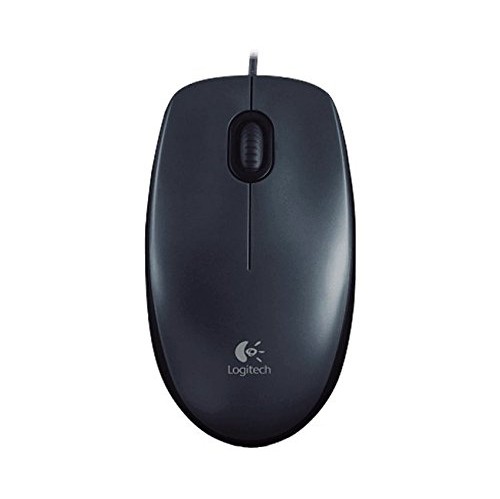
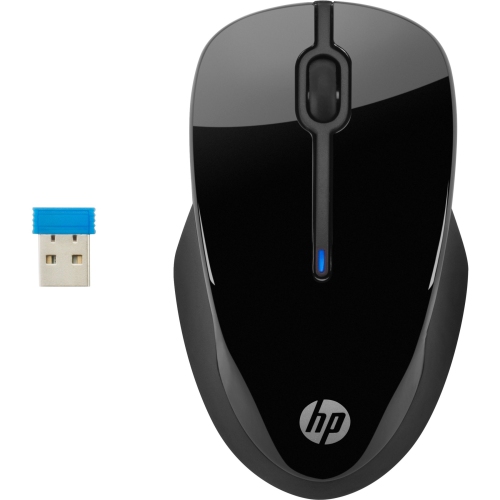
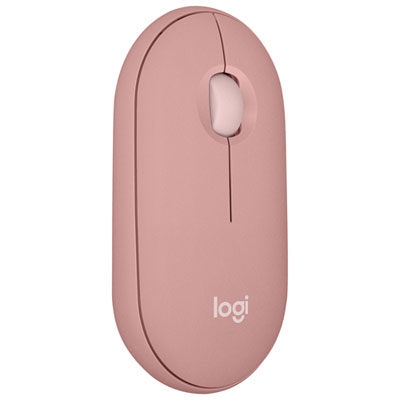
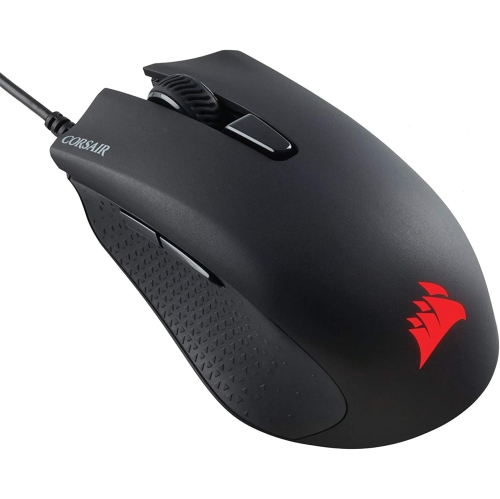

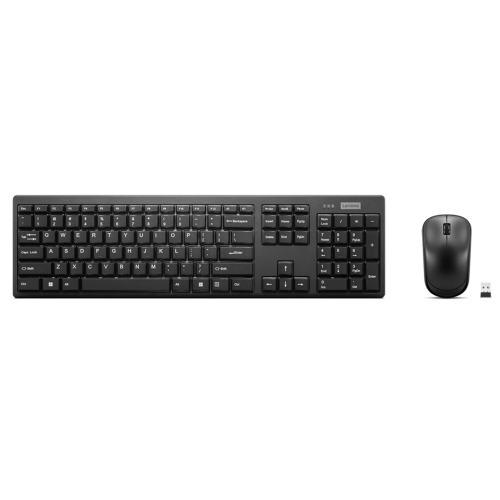
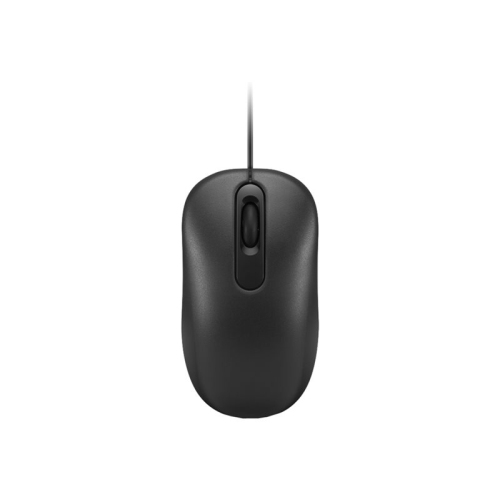
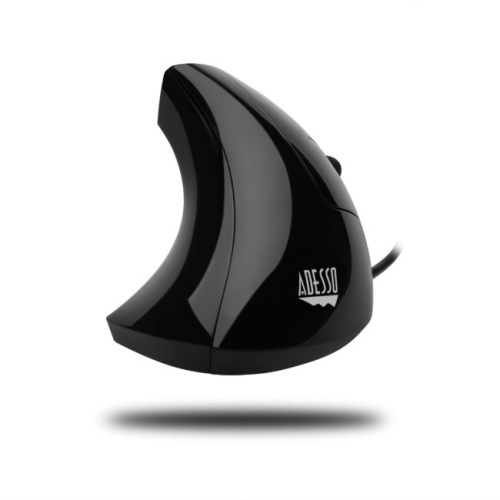
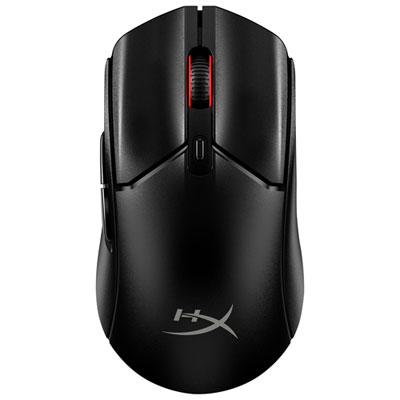
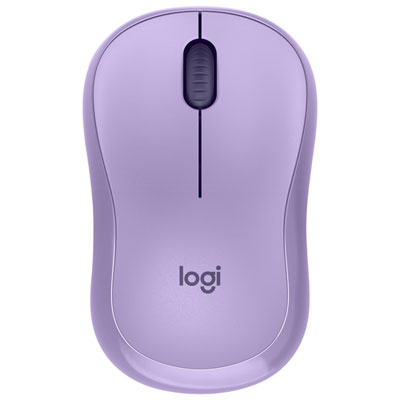
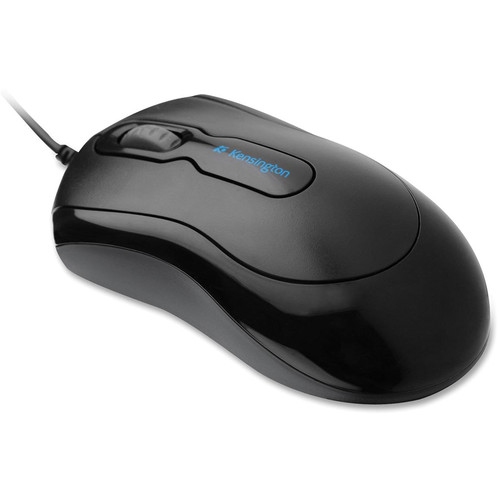
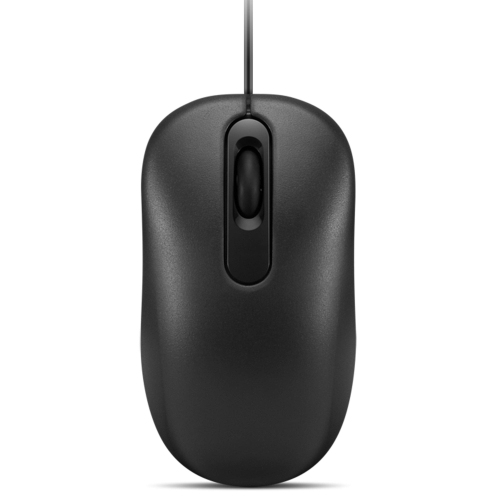
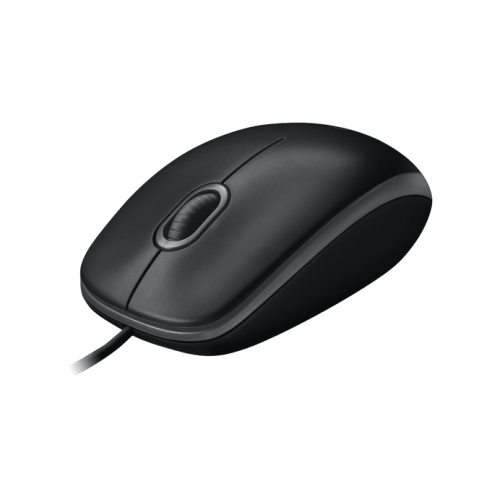
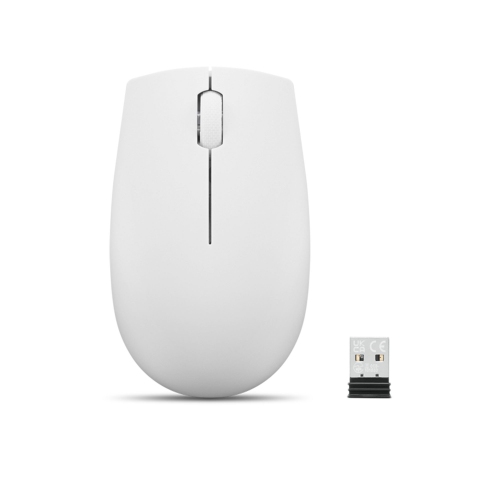
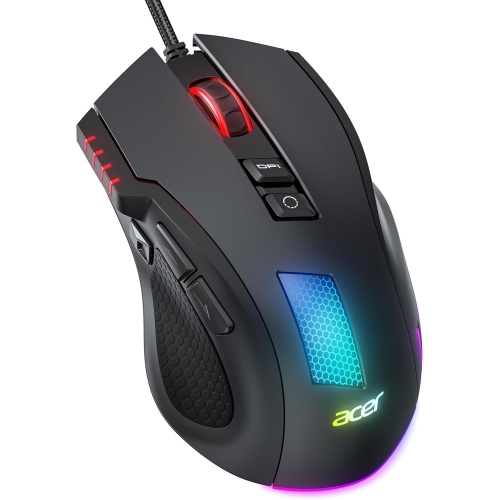
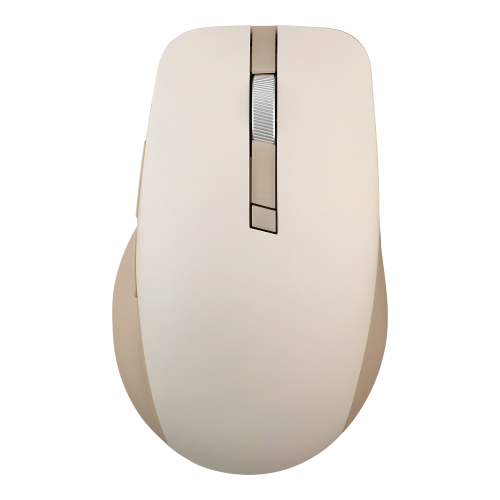
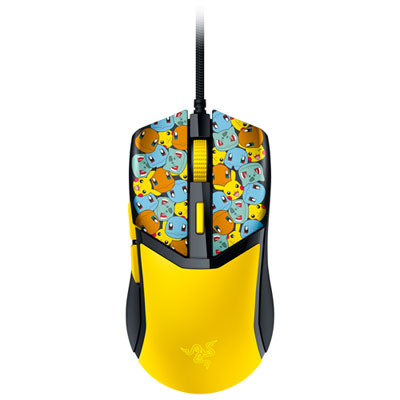
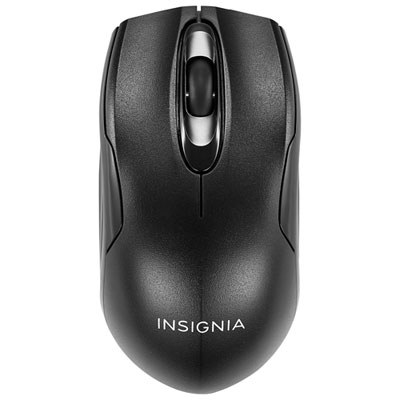

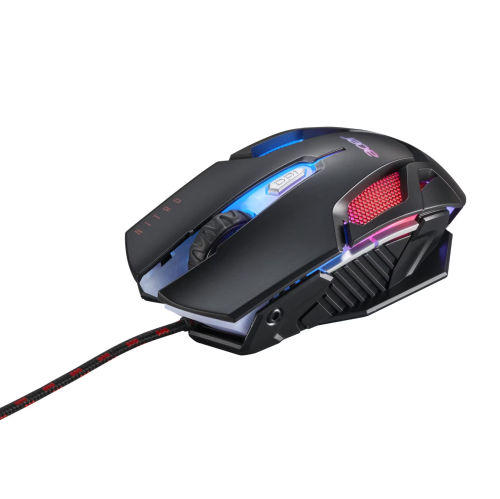
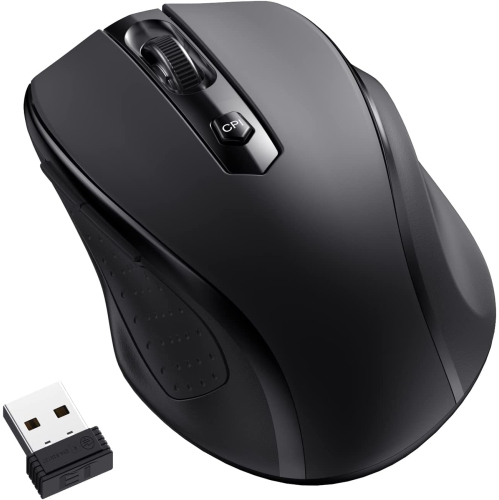
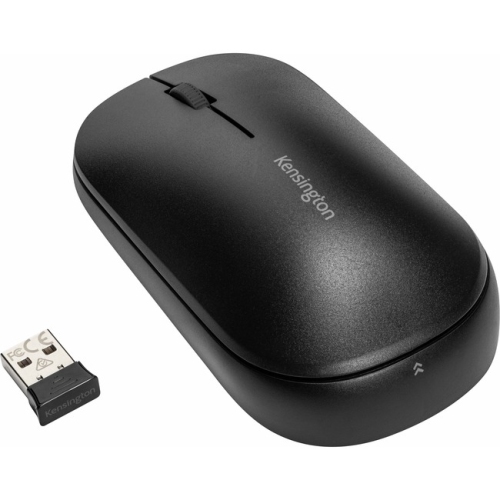
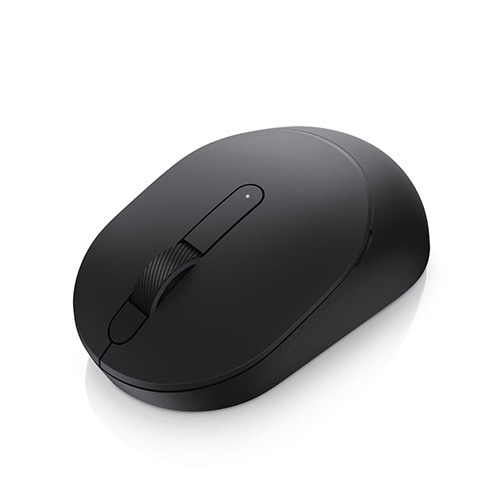
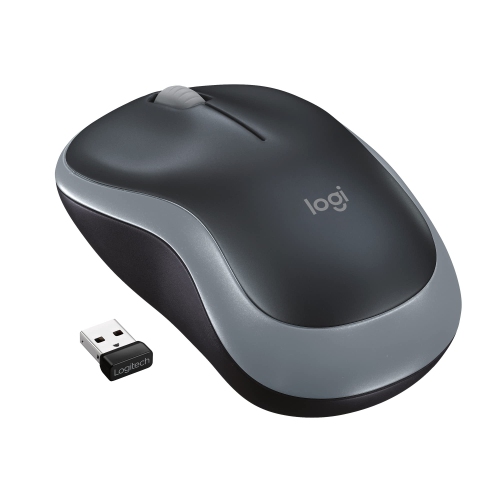
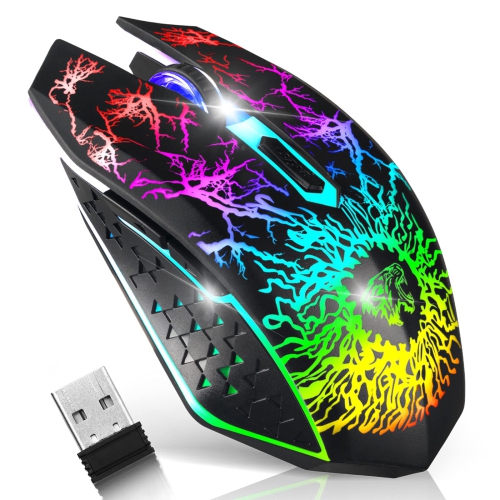
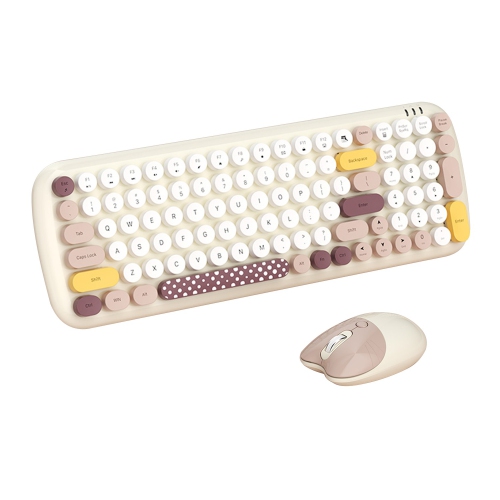
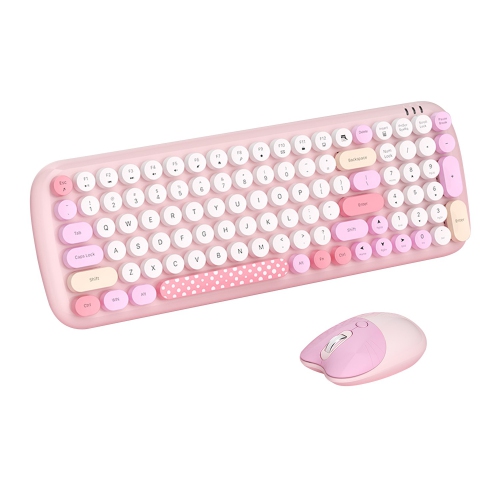
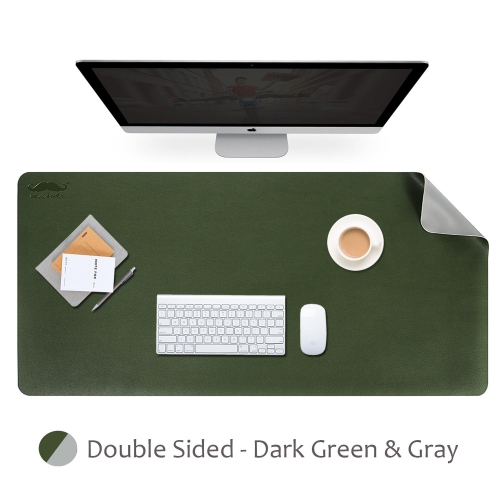
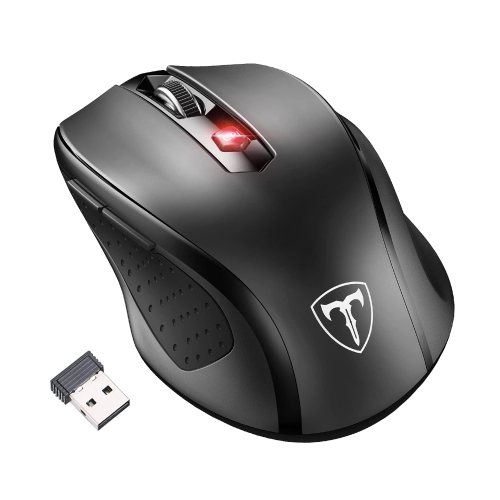
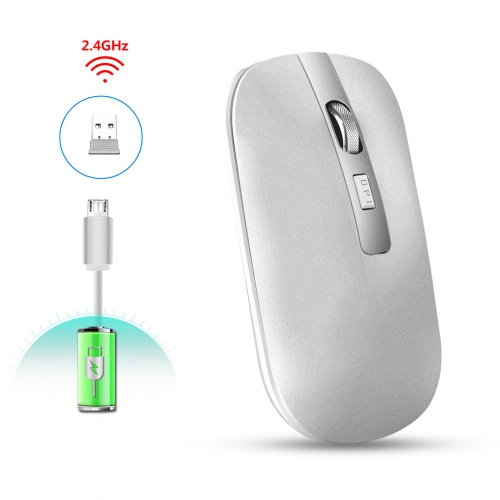
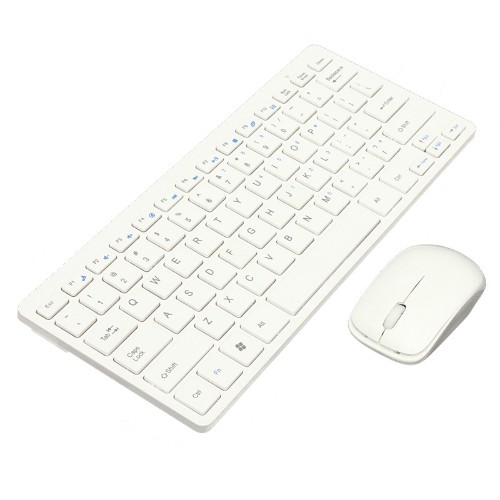
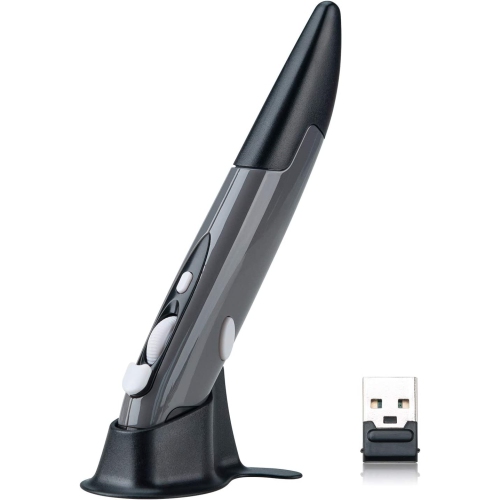
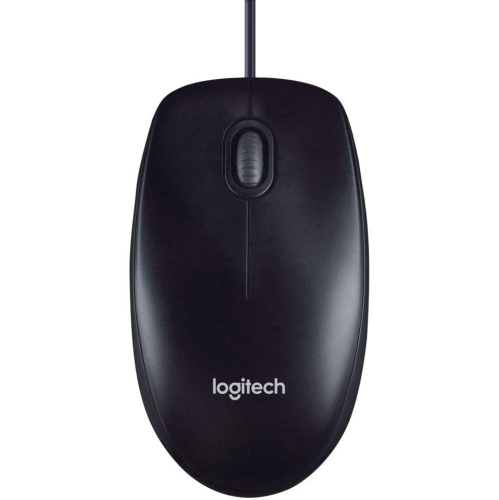
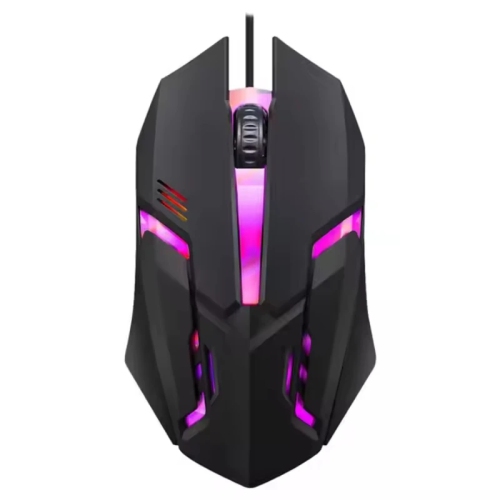
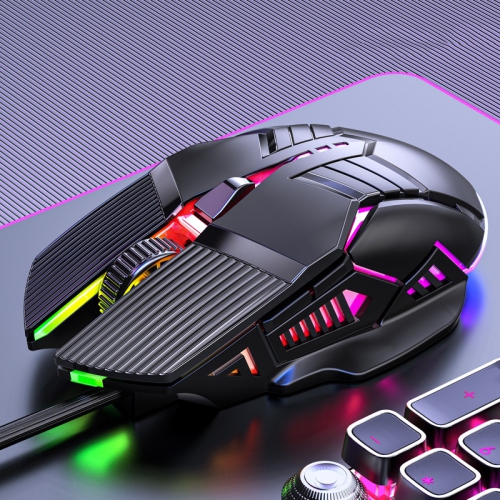
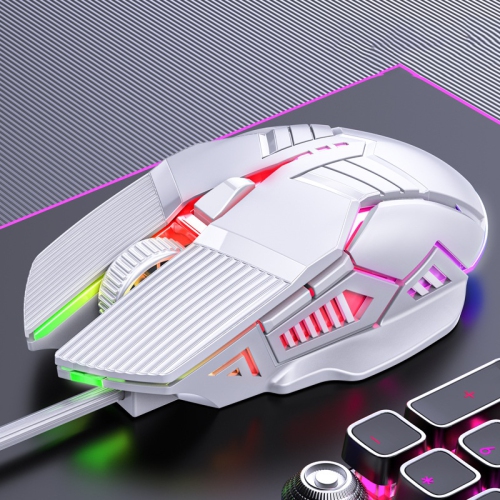
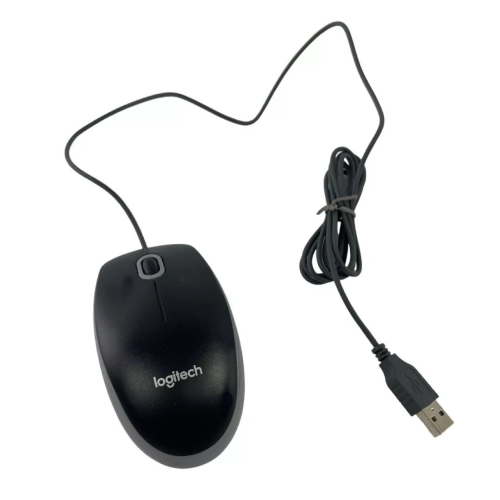
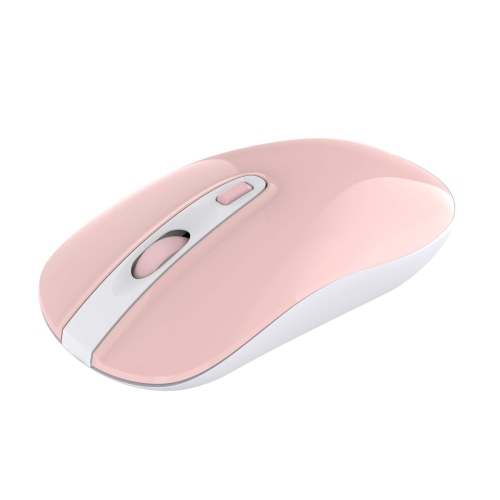

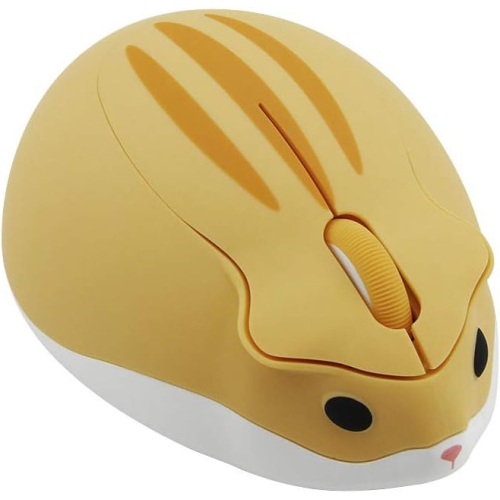

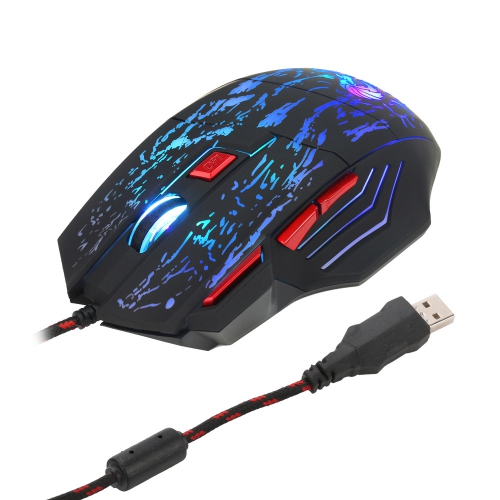
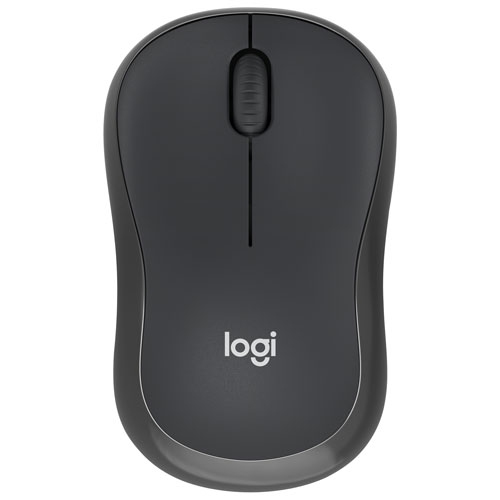

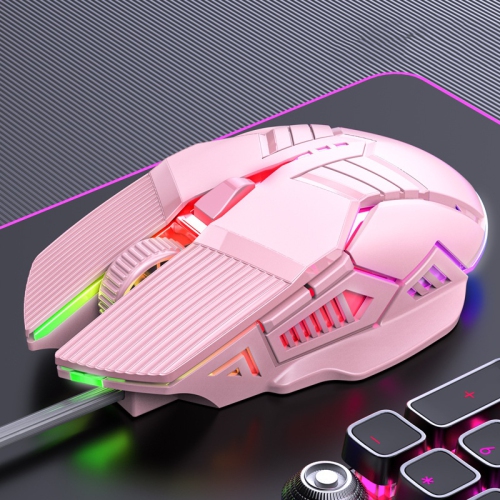
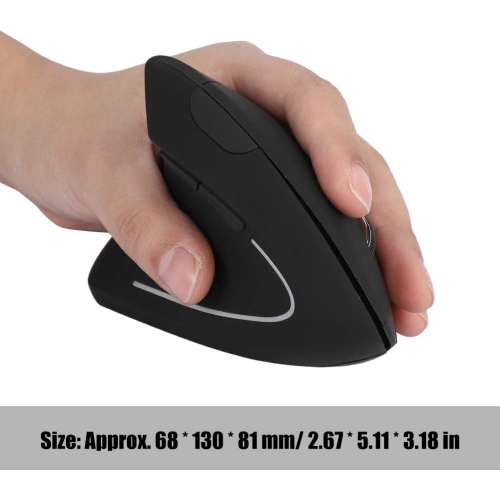
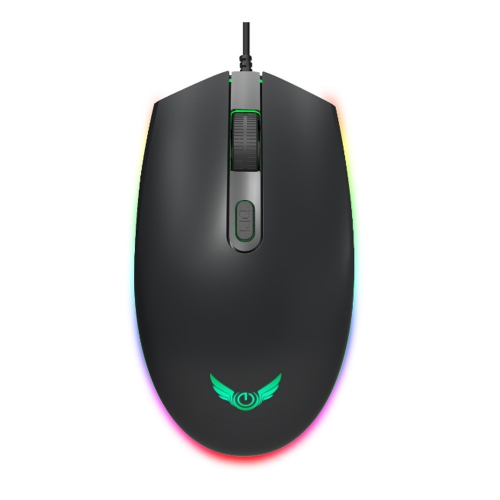
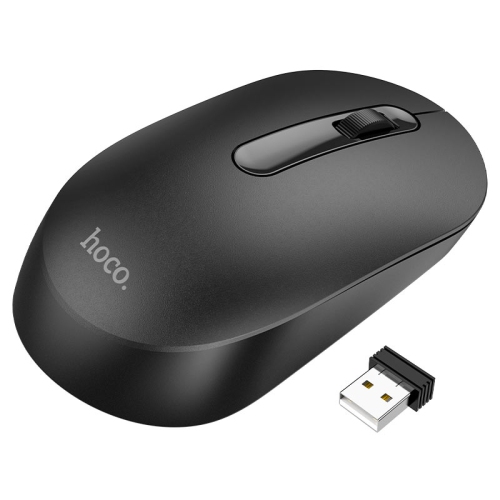
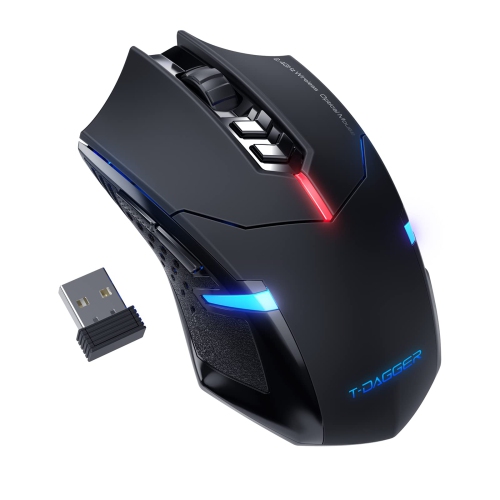
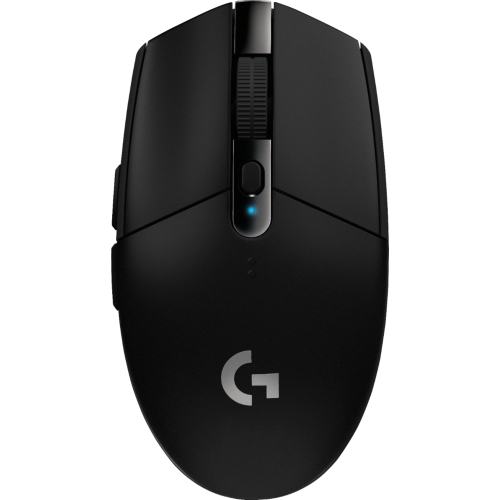
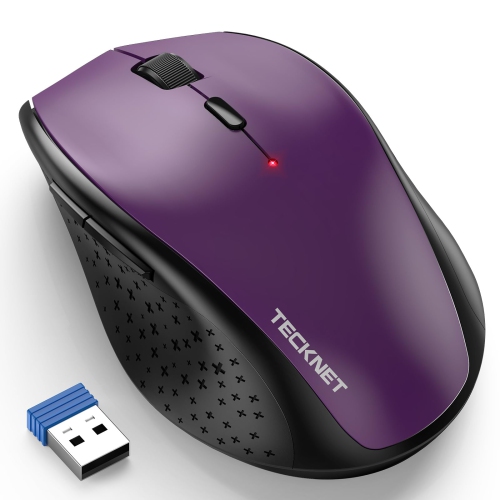
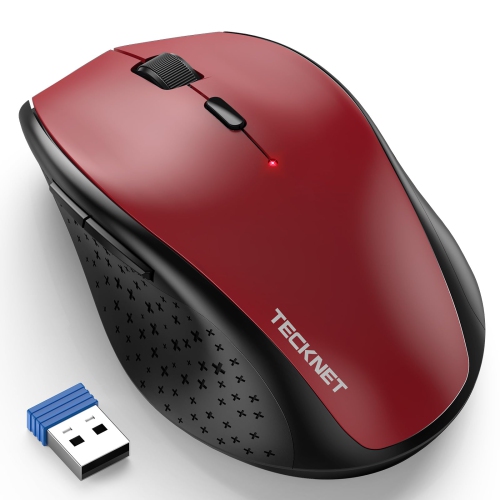
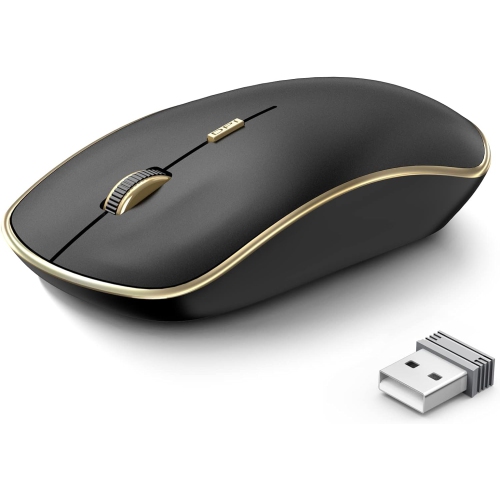
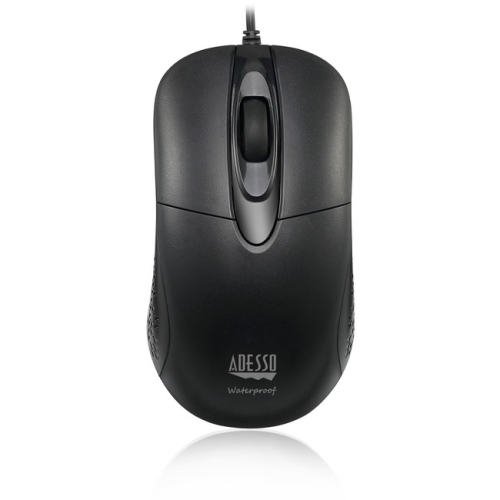
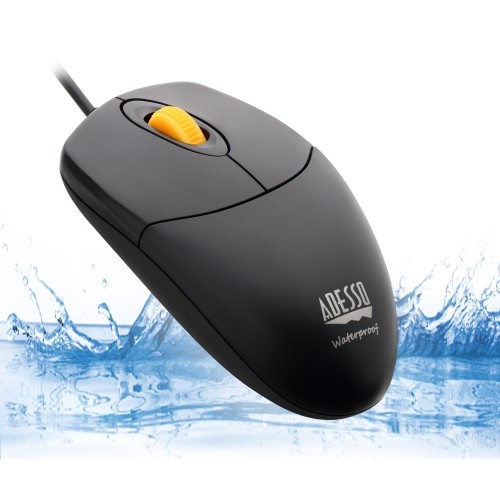
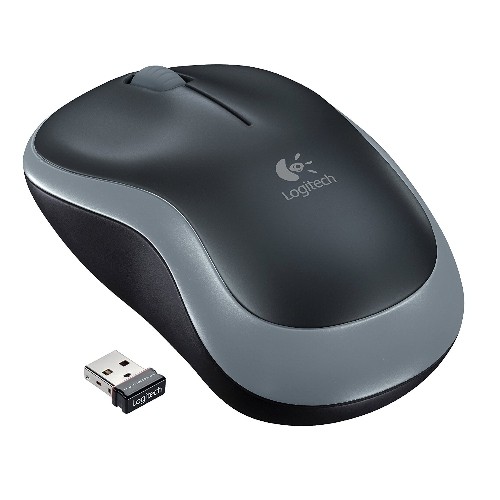
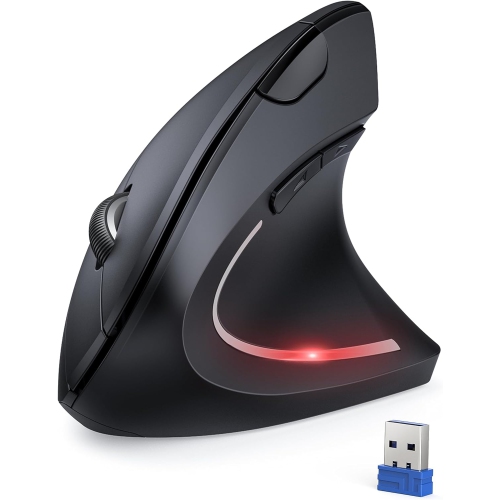
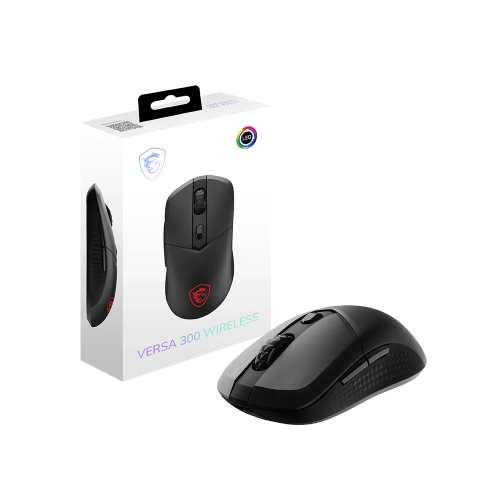
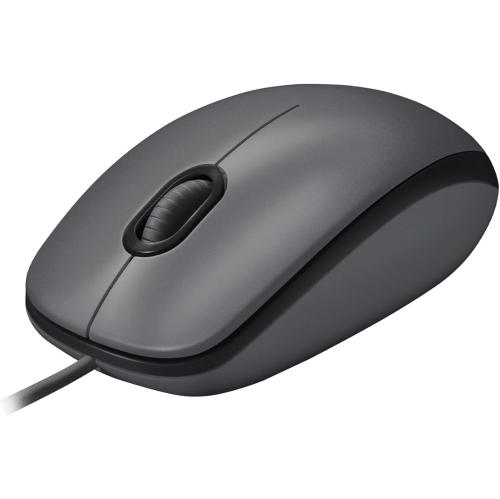
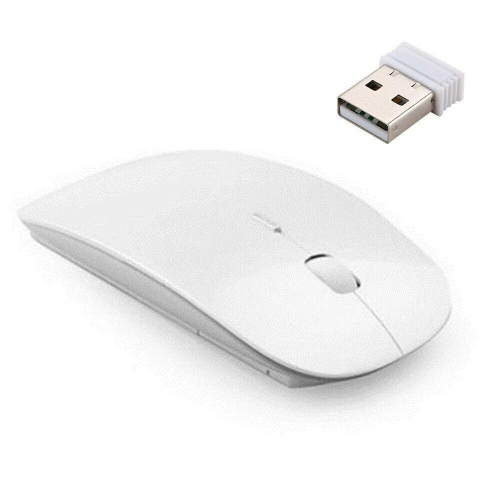
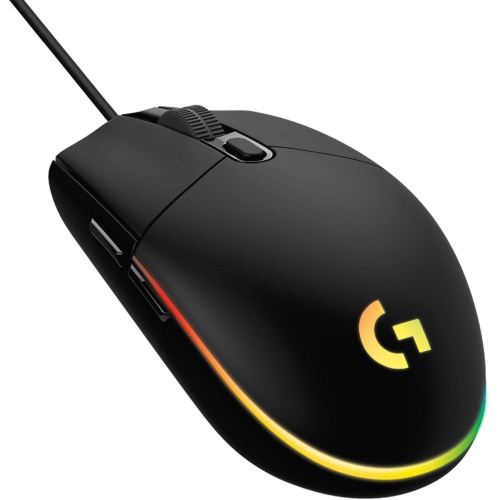
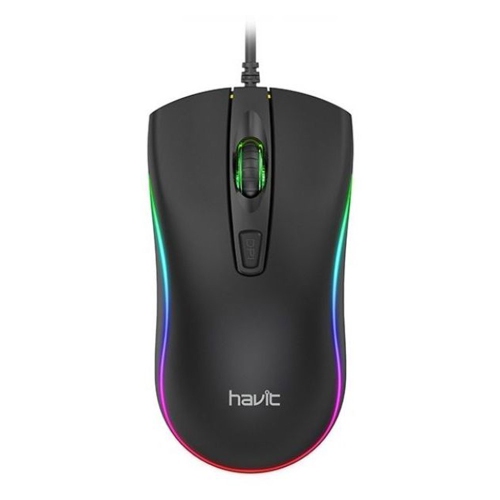
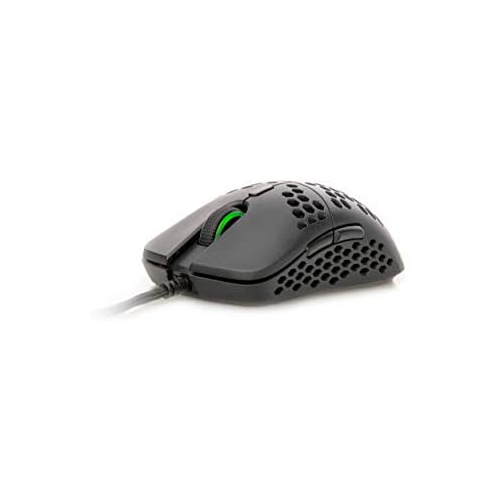
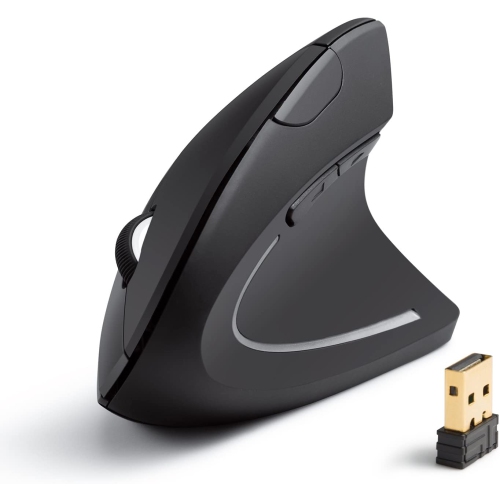
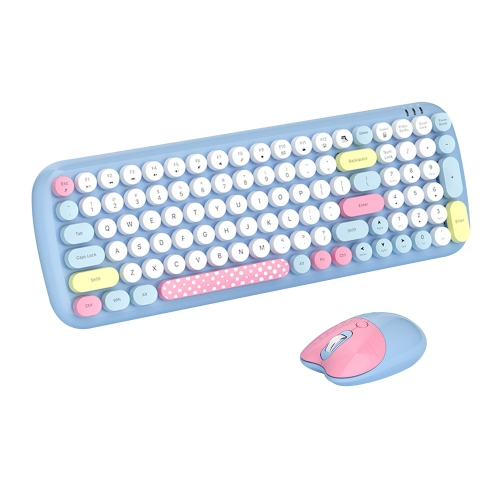
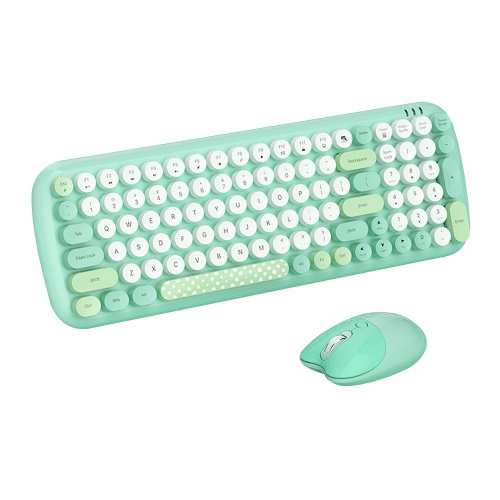
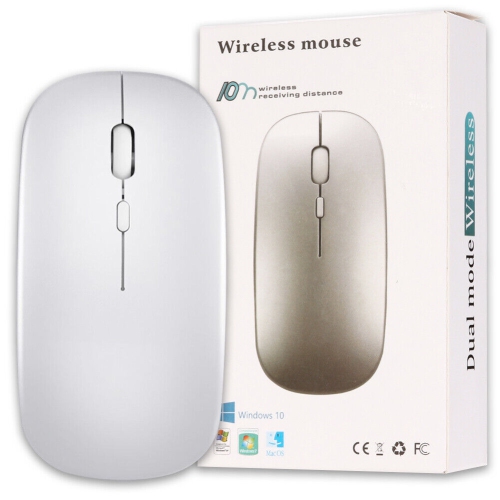
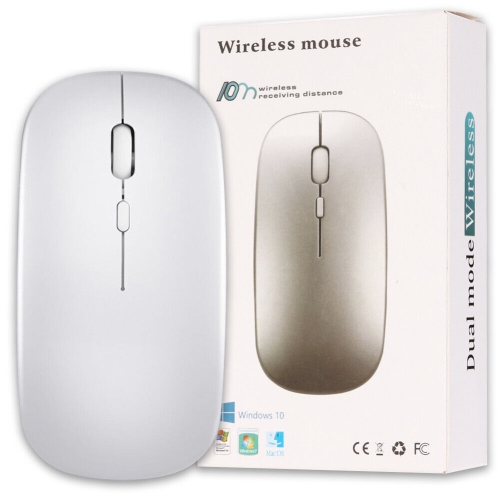
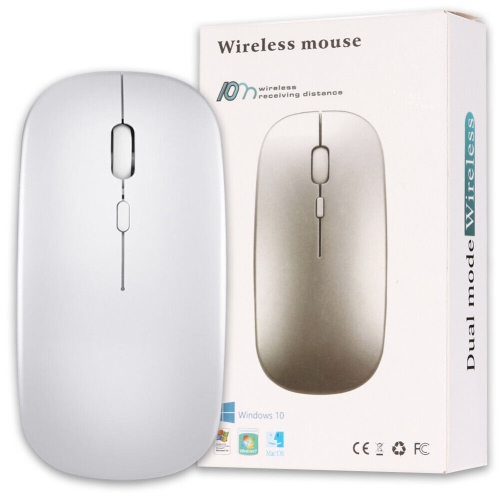
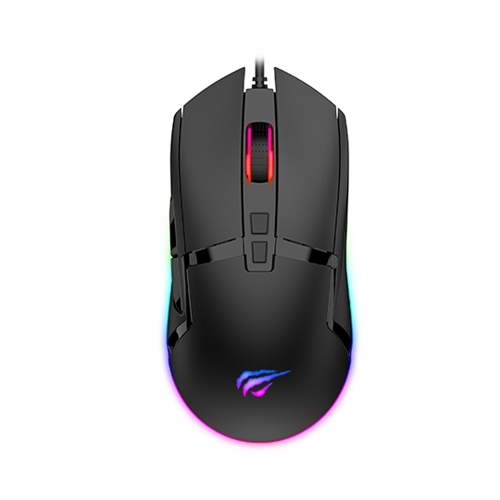
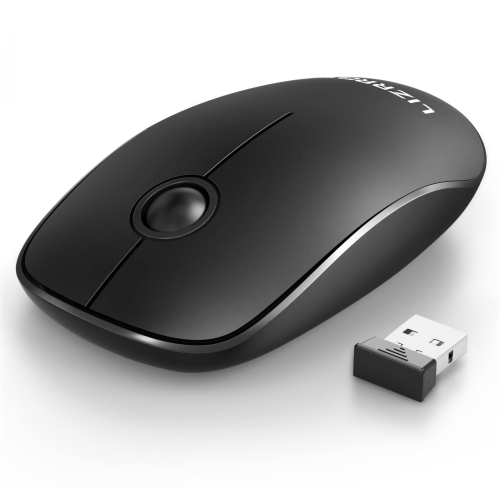
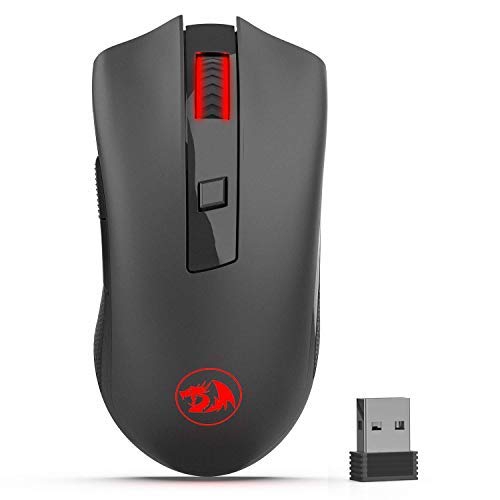
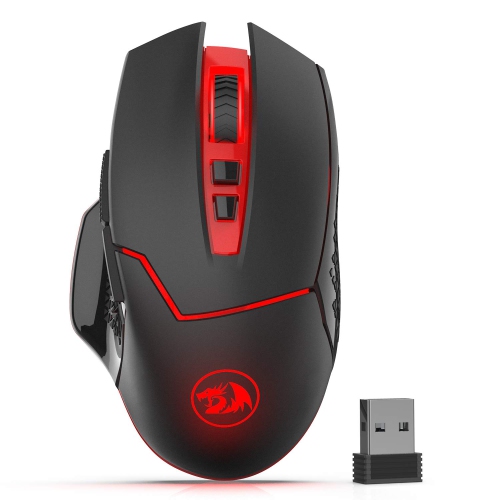
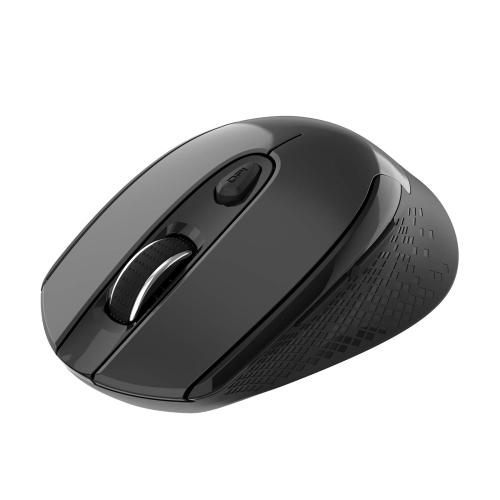
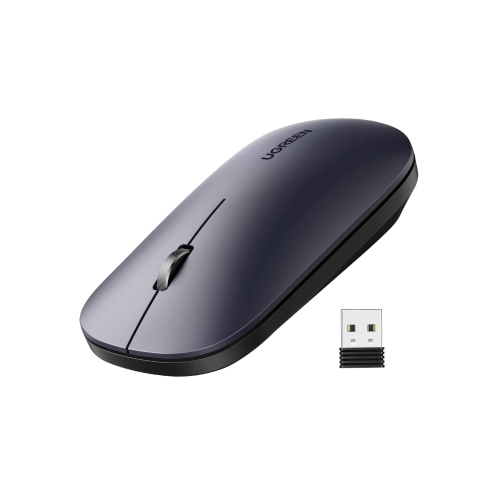
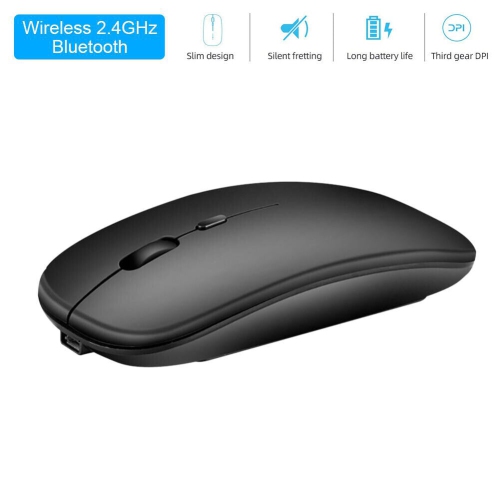
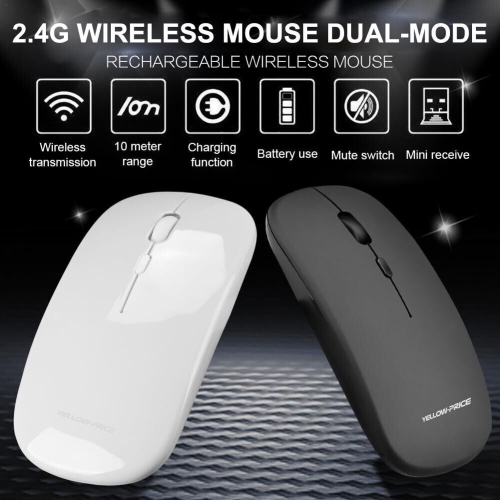
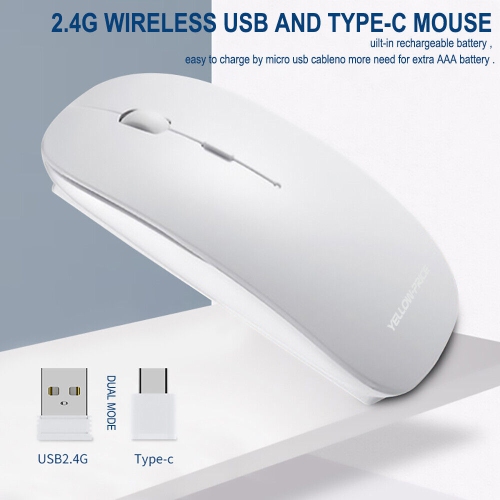
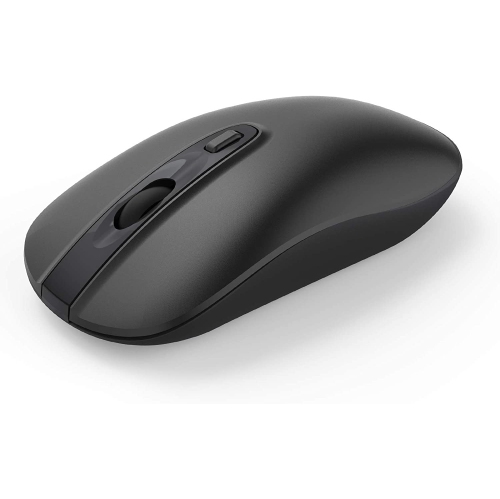
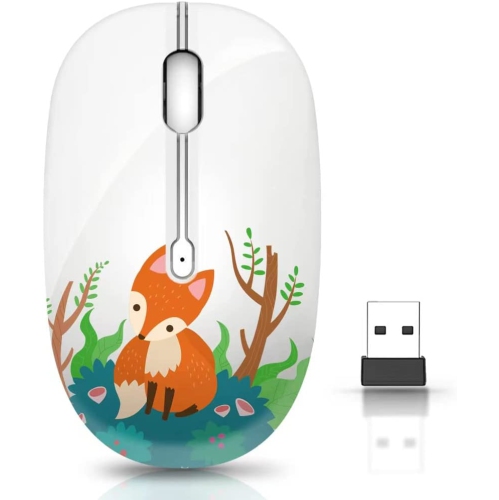

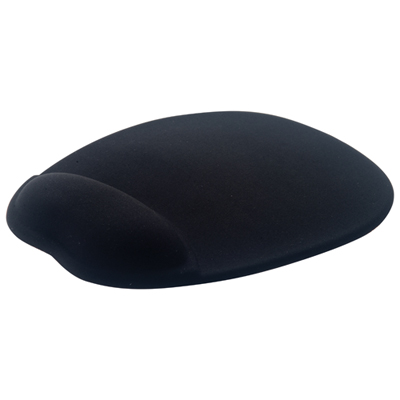

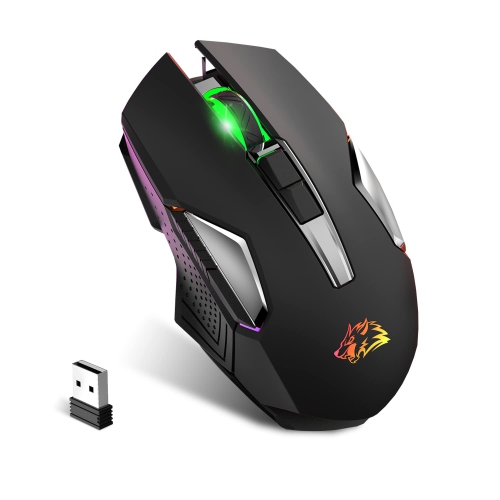
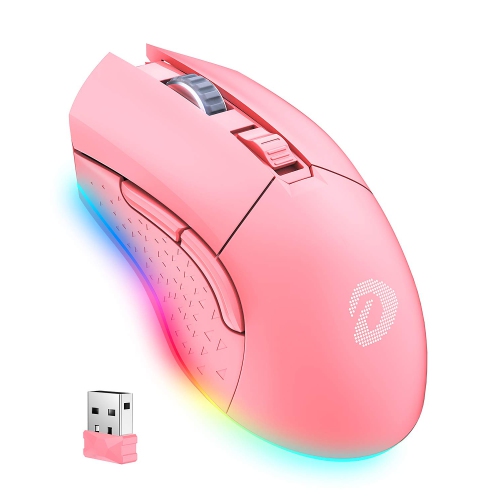
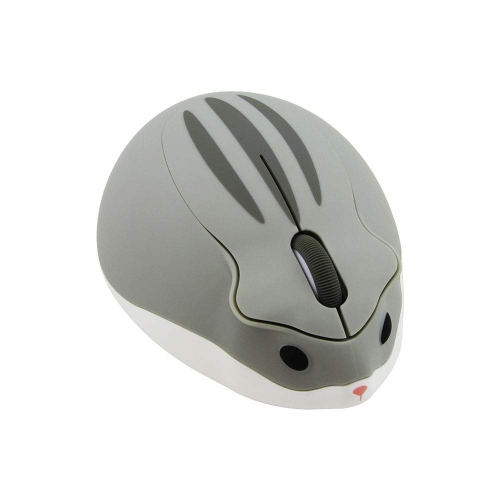
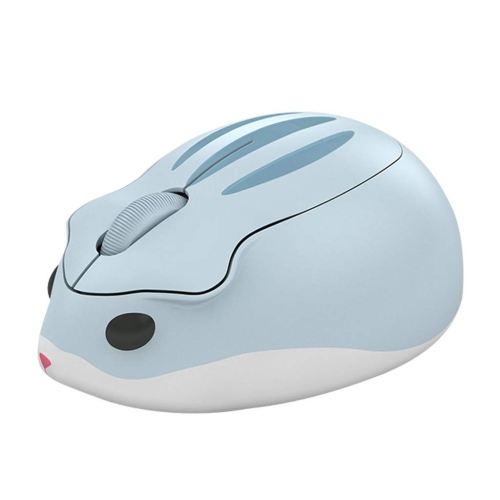

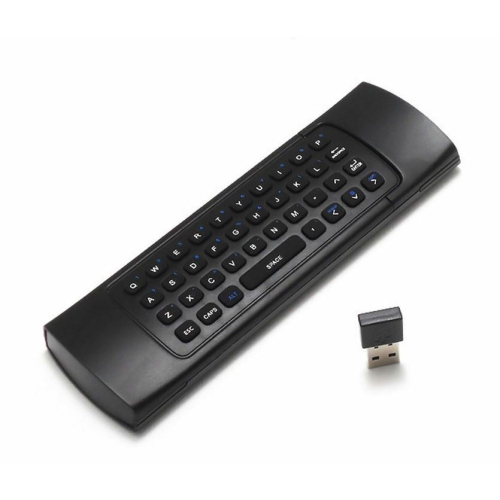

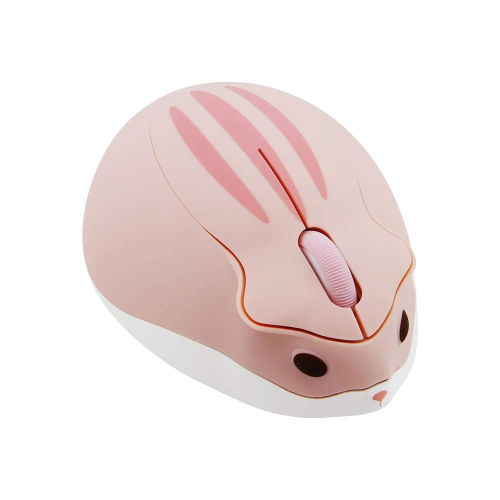
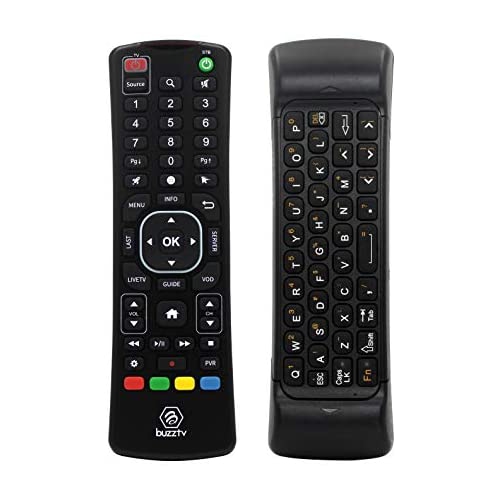
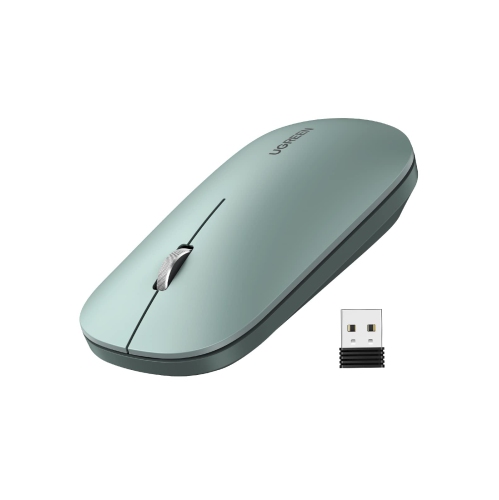
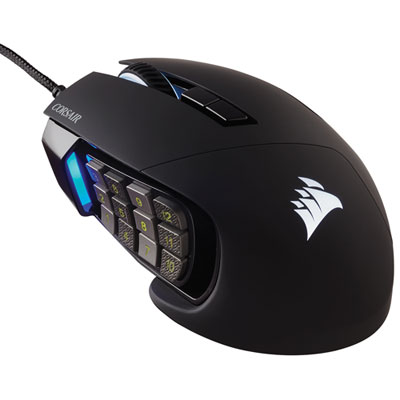
Comfort, connectivity, and control for work, study, and gaming
Finding a capable computer mouse for under $100 is easier when you consider how you use your computer rather than focusing on appearance alone. This price range includes straightforward wired mice for everyday office tasks, responsive gaming mice with enhanced sensors, and wireless designs that help keep a desk tidy. A wired connection can be a practical choice for a home office, classroom, shared workstation, or first computer setup because it does not require charging or battery replacement. Wireless mice offer more freedom of movement and can be especially convenient with laptops, compact desks, and workspaces that serve more than one purpose. For a closer look at cordless options, browse Best Wireless Mice Under $100. When comparing models, look at the connection type, sensor performance, shape, weight, button layout, and compatibility with your computer. A mouse that feels comfortable after a few minutes in a shop or at a desk may feel very different after several hours of spreadsheets, creative work, studying, or gaming, so pay attention to how your palm, fingers, and wrist naturally rest. Full-size shapes can provide more support for a relaxed grip, while compact mice may be easier to carry with a laptop. Some designs suit a palm grip, where much of the hand rests on the shell; others work well for fingertip or claw grips, which can provide quicker movement and more precise control. Left-handed users may prefer an ambidextrous shape, while right-handed ergonomic designs can offer a sculpted thumb area and a more pronounced resting position. Weight is another personal preference: a lightweight mouse can feel quick and effortless during fast cursor movements, while a heavier option may feel more planted when selecting small objects, editing images, or navigating detailed documents.
For work, school, browsing, and general home use, a mouse under $100 can provide the accuracy and comfort needed for everyday tasks without unnecessary complexity. A basic wired model may include the standard left and right buttons, a clickable scroll wheel, and a sensor designed for reliable cursor movement across a desk or mouse pad. Wireless versions can reduce cable clutter and make it easier to move between a desktop computer, laptop, or compatible tablet, although it is important to check the required receiver, Bluetooth support, and operating-system compatibility before purchasing. Battery-powered designs can be useful for travel or occasional use, while rechargeable models may appeal to people who prefer to connect a charging cable between sessions. Pay attention to battery indicators, charging methods, receiver storage, and whether the mouse can pair with more than one device if your routine involves switching between a personal and work computer. Quiet-click models can be a thoughtful choice for libraries, open offices, bedrooms, and shared living spaces, especially when the steady tap of traditional buttons becomes distracting. A smooth scroll wheel is helpful for long web pages and documents, while tilt or additional scroll functions can make moving through wide spreadsheets and large project files faster. Many people also appreciate programmable buttons for common shortcuts such as copy and paste, browser navigation, application switching, or opening frequently used tools. These features can save small amounts of time repeatedly, and those seconds add up during a busy school day or a long work session. A mouse can also make a useful gift for a student setting up a first desk, a remote worker refreshing a home office, or a family member who spends time browsing, managing photos, or playing casual games. Selecting a comfortable shape and dependable connection is usually more valuable than choosing the most visually elaborate design.
Gaming mice under $100 can bring responsive tracking, quicker controls, and useful customization to a gaming setup while still working well for everyday computing. Sensor specifications can indicate how precisely a mouse detects movement, but the highest numbers are not automatically the best fit for every player. Consistent tracking, low-latency input, and a stable connection matter more than chasing a specification that may never be used at its maximum setting. Players who enjoy fast-paced first-person shooters may prefer a light design that is easy to lift and move rapidly across a large mouse pad. A role-playing, strategy, simulation, or multiplayer online game player may value extra buttons for abilities, inventory controls, camera movement, or other commands. Programmable buttons can also help with creative applications and productivity software, giving one mouse more flexibility beyond gaming. Look for button placement that is easy to reach without shifting your grip, since a poorly positioned control can lead to accidental presses during an important moment. Adjustable sensitivity settings can help when moving between broad camera turns and precise aiming, while onboard profiles or companion software may allow settings to follow the mouse between compatible computers. Optical or hybrid switch designs can offer a distinct click feel, and lighting zones may add visual character to a gaming desk, although they are secondary to comfort, durability, and control. A wired gaming mouse can provide a simple plug-and-play setup with no battery concerns, while a wireless gaming mouse can deliver a cleaner desktop and more flexible movement when its connection and battery life meet your needs. For any mouse under $100, check the dimensions against your hand size, consider the surface where it will be used, and allow room for the way you naturally move. A generous mouse pad can help maintain smooth tracking, particularly for low-sensitivity play, while a compact surface may favour a smaller mouse and higher sensitivity. Whether it is used for a morning of video calls, an afternoon of coursework, late-evening gaming during the cooler months, or shared family computer time, the right mouse should feel dependable, comfortable, and easy to control from the first click through the end of the day.
For work, school, browsing, and general home use, a mouse under $100 can provide the accuracy and comfort needed for everyday tasks without unnecessary complexity. A basic wired model may include the standard left and right buttons, a clickable scroll wheel, and a sensor designed for reliable cursor movement across a desk or mouse pad. Wireless versions can reduce cable clutter and make it easier to move between a desktop computer, laptop, or compatible tablet, although it is important to check the required receiver, Bluetooth support, and operating-system compatibility before purchasing. Battery-powered designs can be useful for travel or occasional use, while rechargeable models may appeal to people who prefer to connect a charging cable between sessions. Pay attention to battery indicators, charging methods, receiver storage, and whether the mouse can pair with more than one device if your routine involves switching between a personal and work computer. Quiet-click models can be a thoughtful choice for libraries, open offices, bedrooms, and shared living spaces, especially when the steady tap of traditional buttons becomes distracting. A smooth scroll wheel is helpful for long web pages and documents, while tilt or additional scroll functions can make moving through wide spreadsheets and large project files faster. Many people also appreciate programmable buttons for common shortcuts such as copy and paste, browser navigation, application switching, or opening frequently used tools. These features can save small amounts of time repeatedly, and those seconds add up during a busy school day or a long work session. A mouse can also make a useful gift for a student setting up a first desk, a remote worker refreshing a home office, or a family member who spends time browsing, managing photos, or playing casual games. Selecting a comfortable shape and dependable connection is usually more valuable than choosing the most visually elaborate design.
Gaming mice under $100 can bring responsive tracking, quicker controls, and useful customization to a gaming setup while still working well for everyday computing. Sensor specifications can indicate how precisely a mouse detects movement, but the highest numbers are not automatically the best fit for every player. Consistent tracking, low-latency input, and a stable connection matter more than chasing a specification that may never be used at its maximum setting. Players who enjoy fast-paced first-person shooters may prefer a light design that is easy to lift and move rapidly across a large mouse pad. A role-playing, strategy, simulation, or multiplayer online game player may value extra buttons for abilities, inventory controls, camera movement, or other commands. Programmable buttons can also help with creative applications and productivity software, giving one mouse more flexibility beyond gaming. Look for button placement that is easy to reach without shifting your grip, since a poorly positioned control can lead to accidental presses during an important moment. Adjustable sensitivity settings can help when moving between broad camera turns and precise aiming, while onboard profiles or companion software may allow settings to follow the mouse between compatible computers. Optical or hybrid switch designs can offer a distinct click feel, and lighting zones may add visual character to a gaming desk, although they are secondary to comfort, durability, and control. A wired gaming mouse can provide a simple plug-and-play setup with no battery concerns, while a wireless gaming mouse can deliver a cleaner desktop and more flexible movement when its connection and battery life meet your needs. For any mouse under $100, check the dimensions against your hand size, consider the surface where it will be used, and allow room for the way you naturally move. A generous mouse pad can help maintain smooth tracking, particularly for low-sensitivity play, while a compact surface may favour a smaller mouse and higher sensitivity. Whether it is used for a morning of video calls, an afternoon of coursework, late-evening gaming during the cooler months, or shared family computer time, the right mouse should feel dependable, comfortable, and easy to control from the first click through the end of the day.
Top selling and popular products
-
 Your price for this item is $29.99
 -
 Your price for this item is $50.44
 -
 Your price for this item is $39.99
 -
 Your price for this item is $49.99
 -
 Your price for this item is $159.95
 -
 Your price for this item is $44.68
 -
 Your price for this item is $44.68
 -
 Your price for this item is $31
Discover more categories related to Mouse Price Under $100
Top Collections:
Pokemon Centers, Kindle Devices, Best Budget Office Chairs, Apple iPhones 16, Best Laptops for Writers, iPhone 15 Apple, Canon G7X Cameras, Refurbished Apple Laptops, Alarm Clock, Motorola Razr Phones
Some products may be subject to Environmental Handling Fees
(EHF) depending on your province.
Learn more about EHFs.