Dual Monitors Home Office Setup
If you're a gamer, a video editor, or a graphic artist, you know how important it is to have a good setup for your work. You need a monitor that can handle the high resolution and refresh rates of your favorite games, and you need one that won't break the bank.
Sort
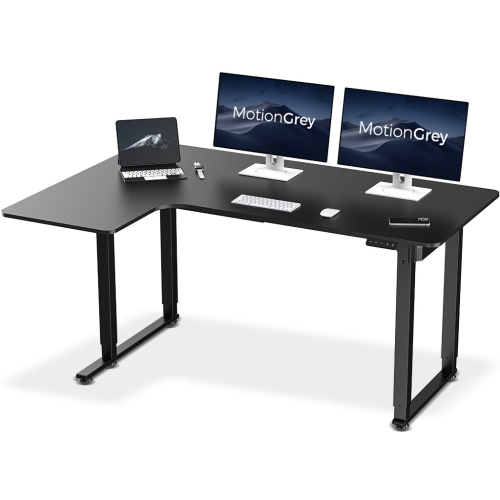
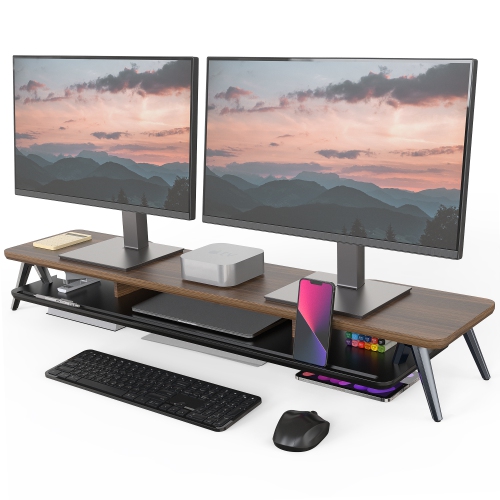
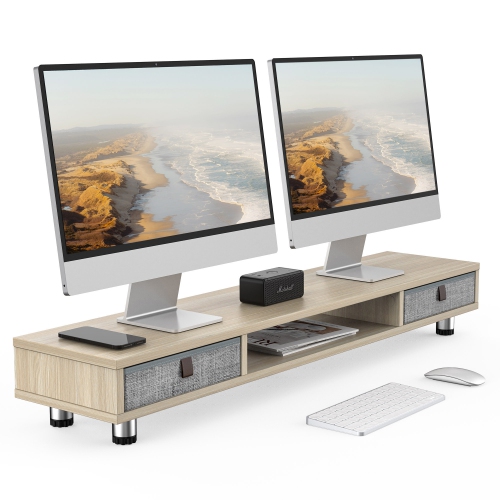
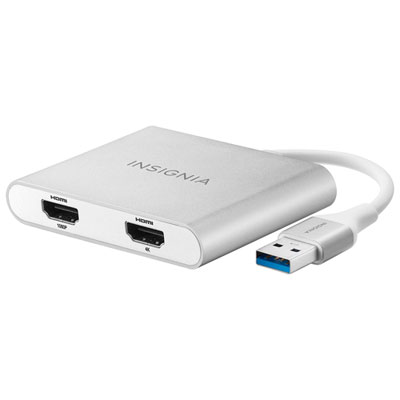
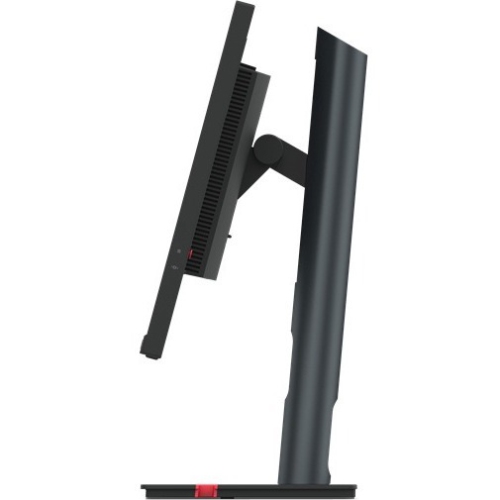
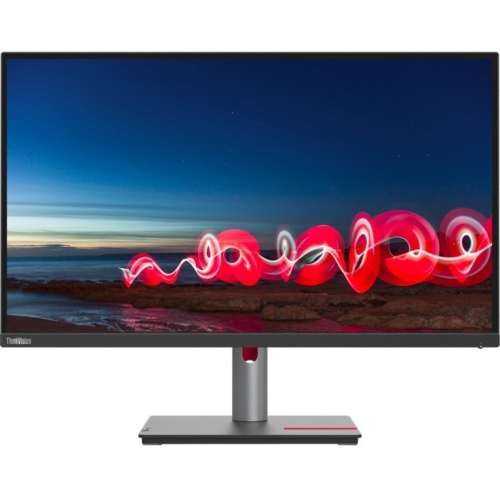
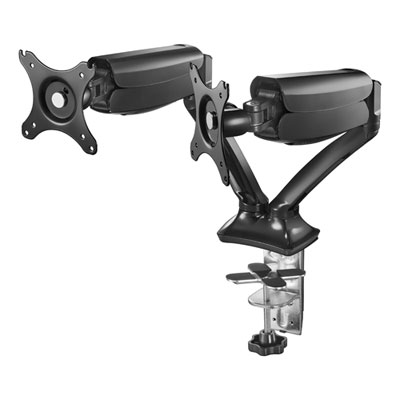
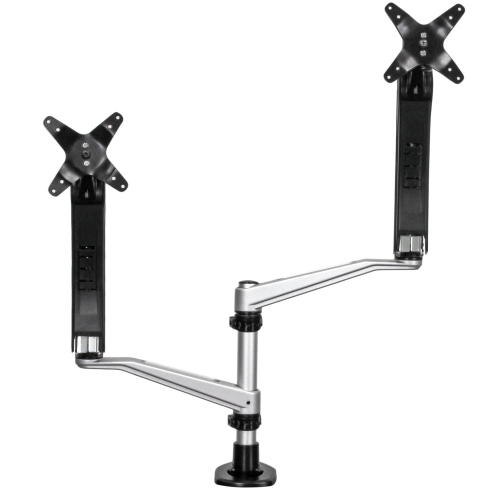
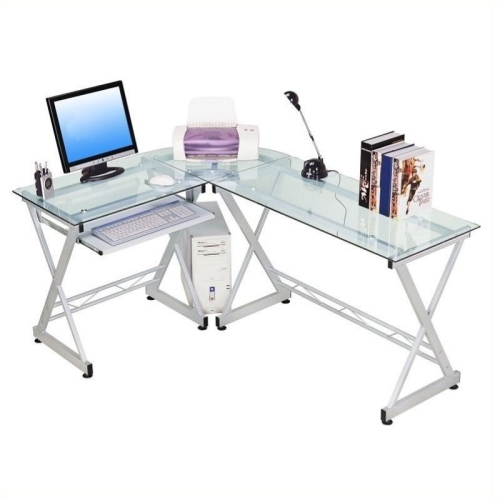
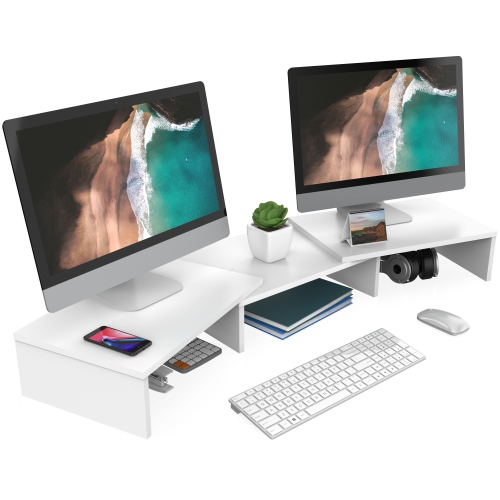
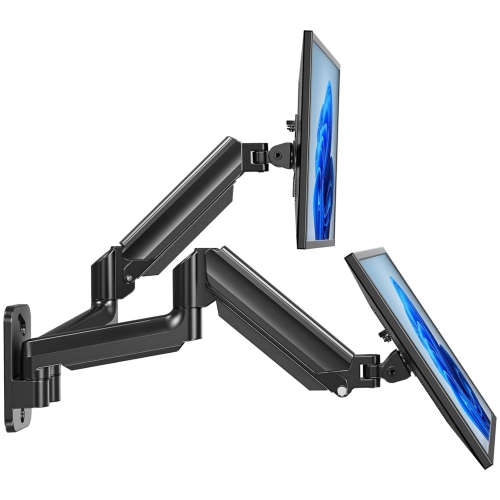
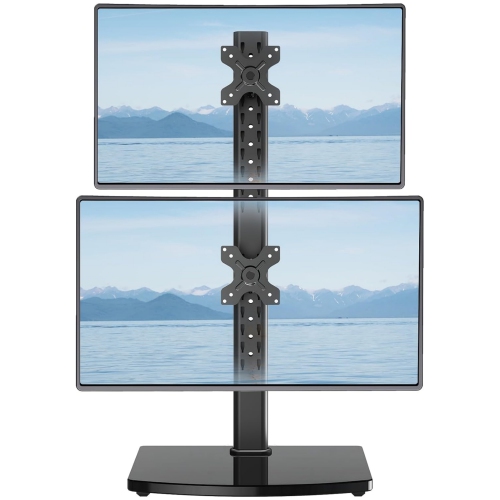
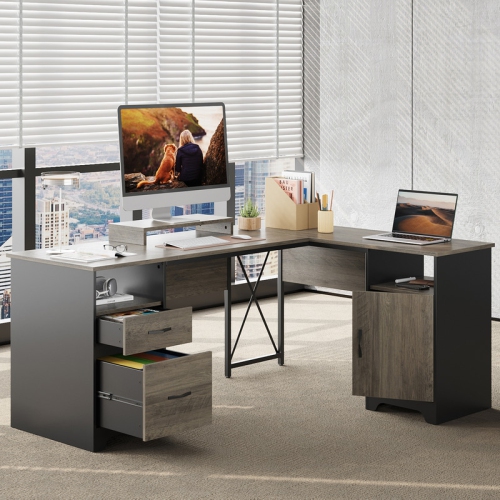
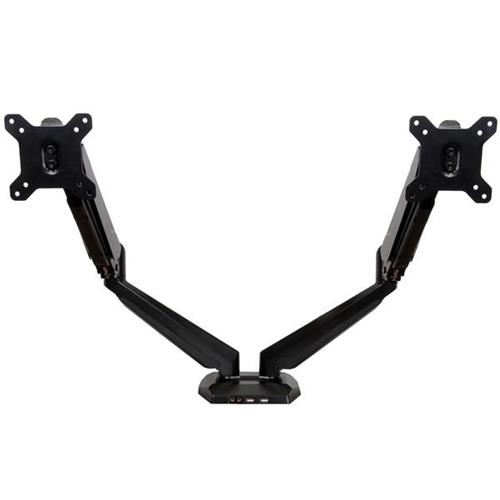
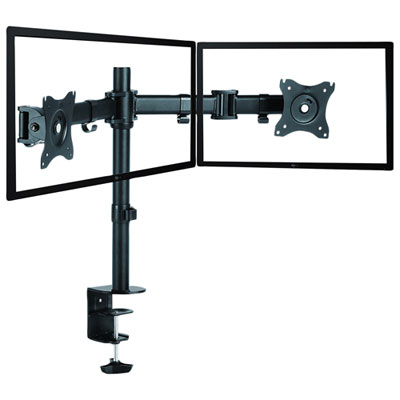
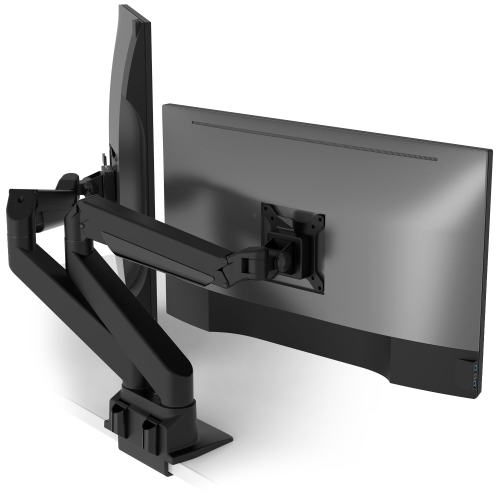
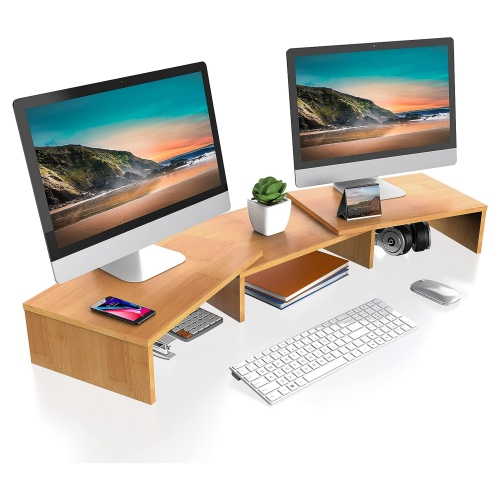
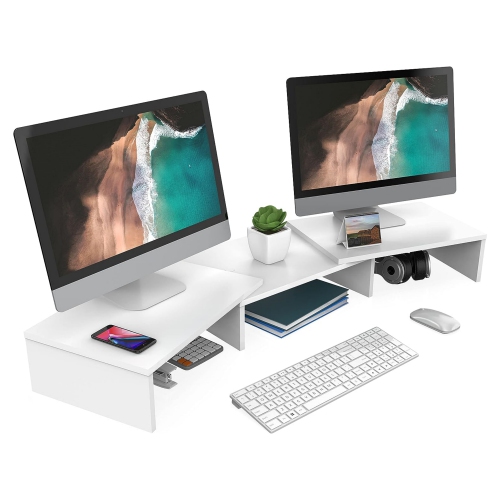
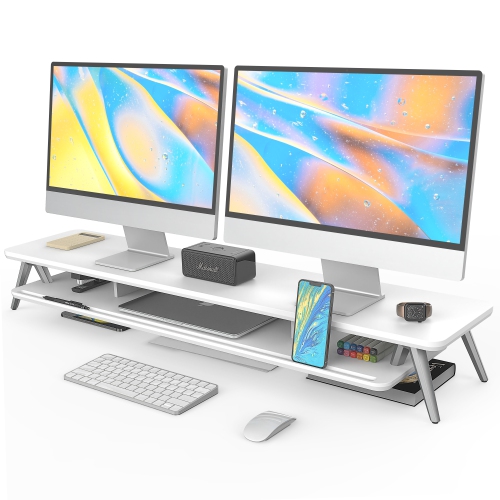
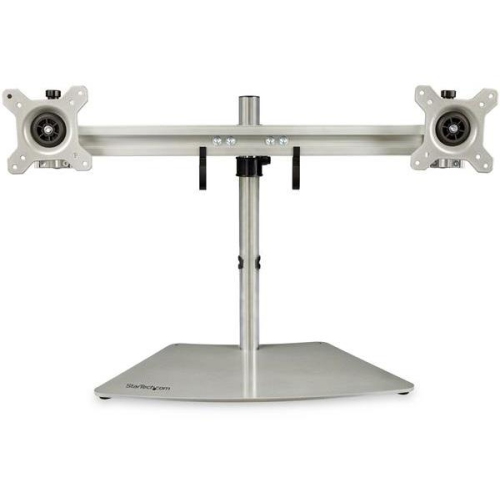
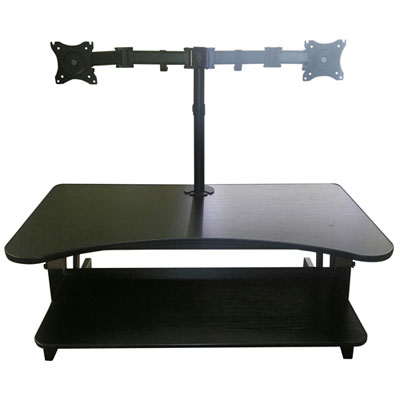
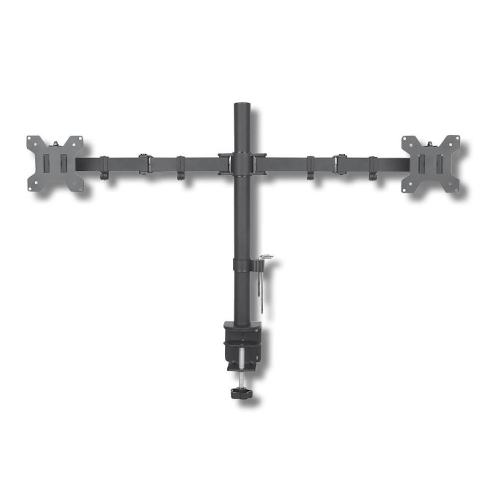
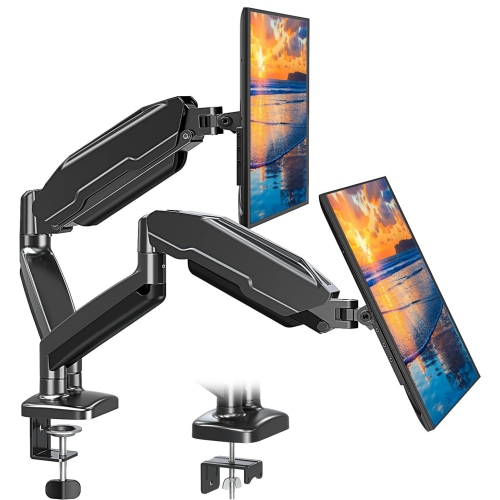
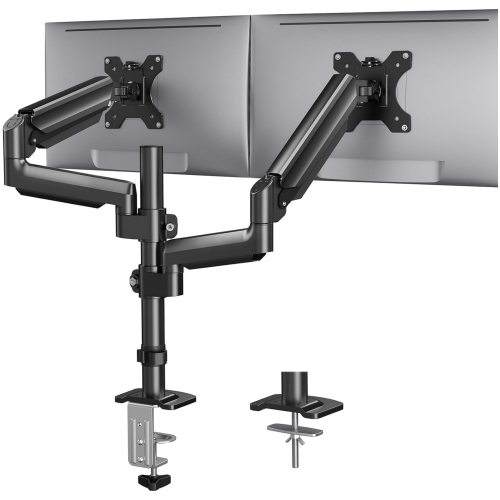
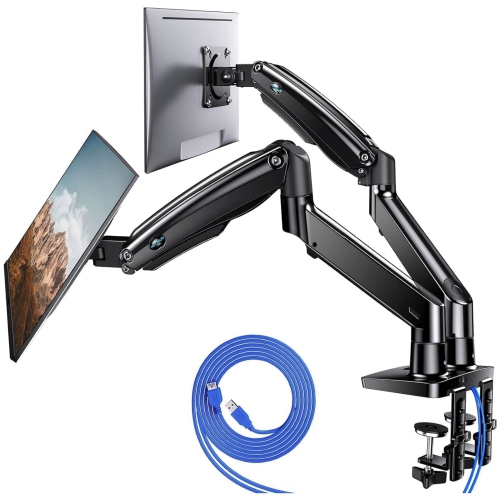
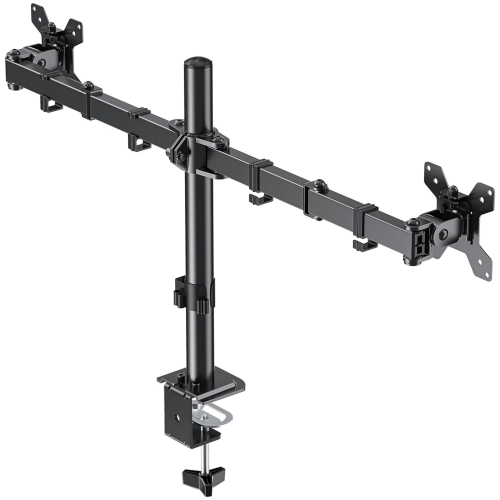
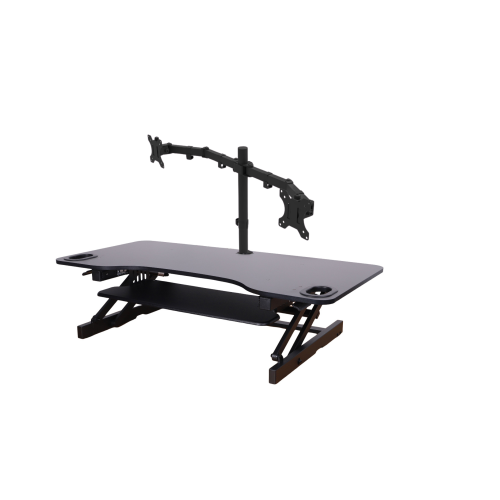
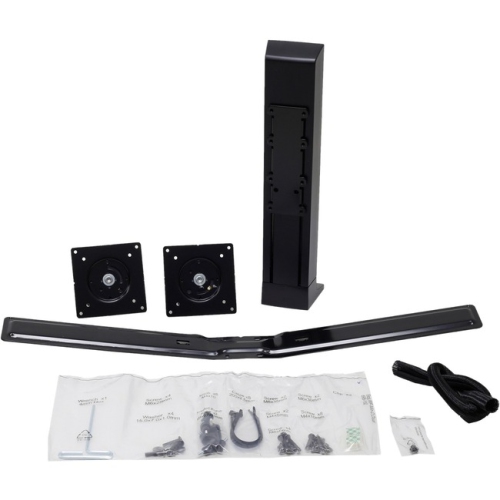
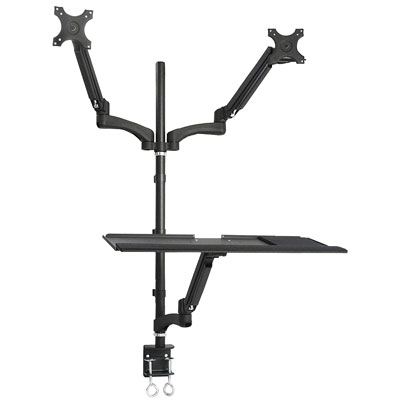
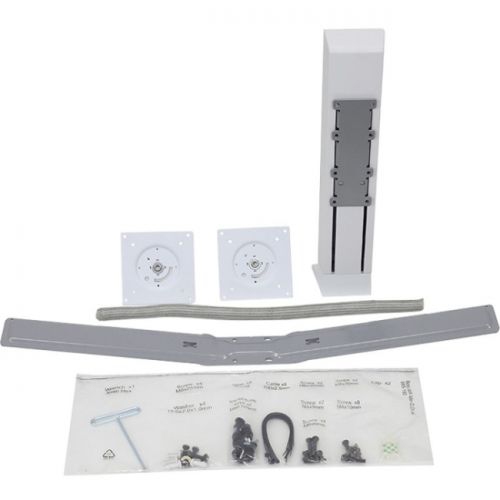
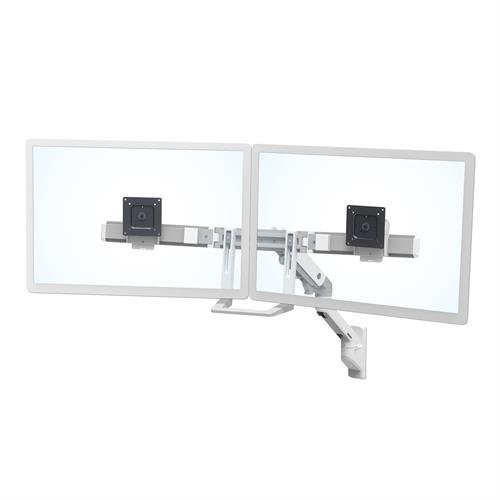
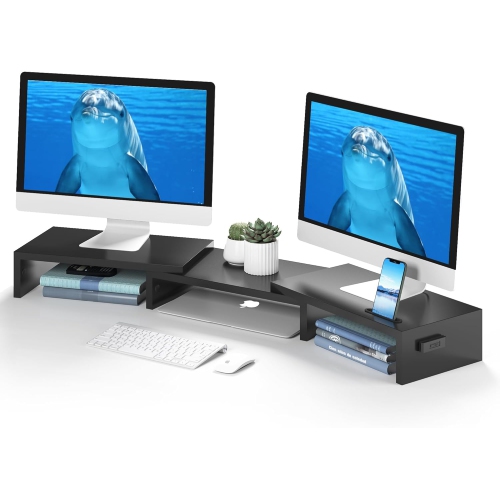
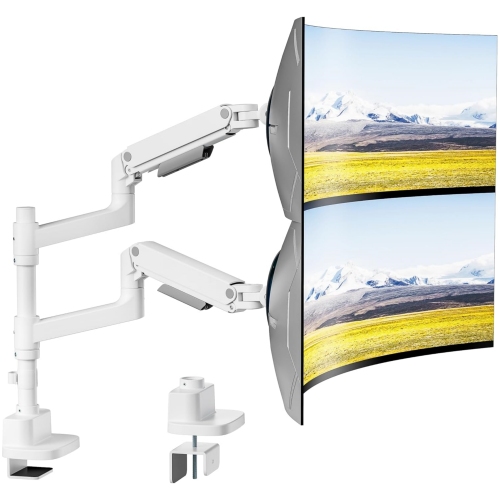
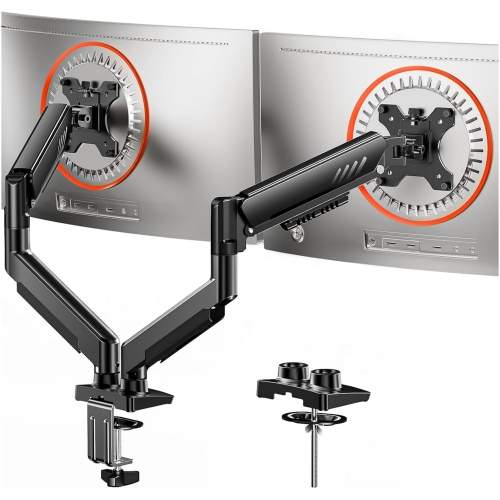
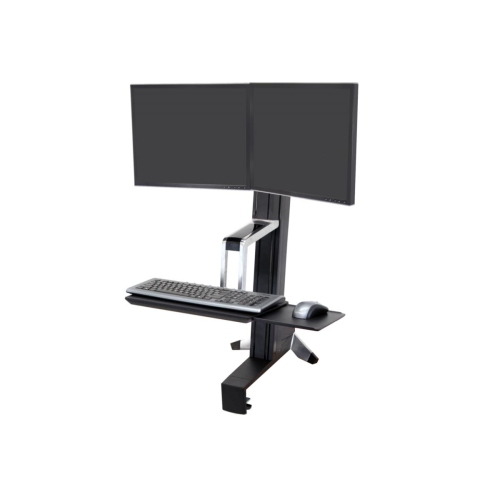
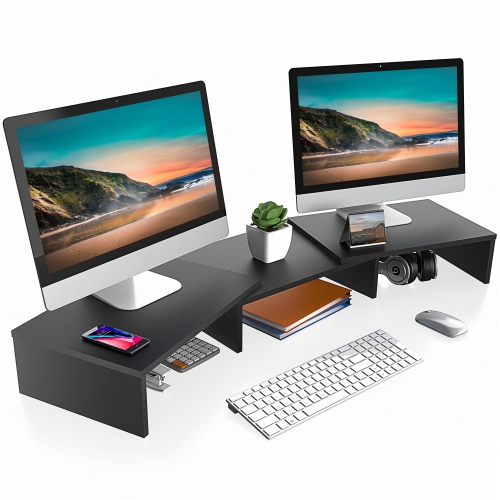
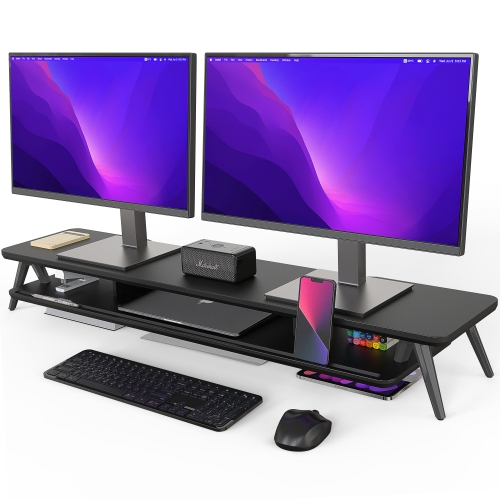
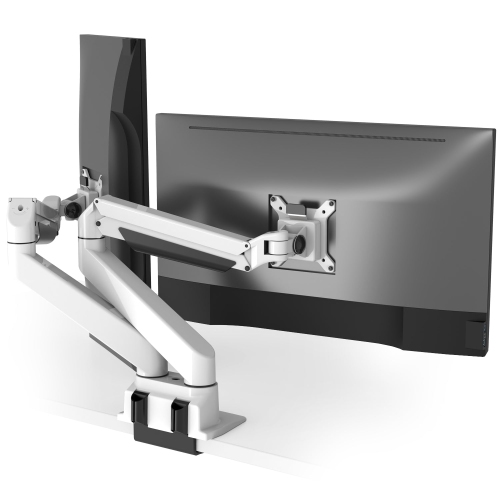
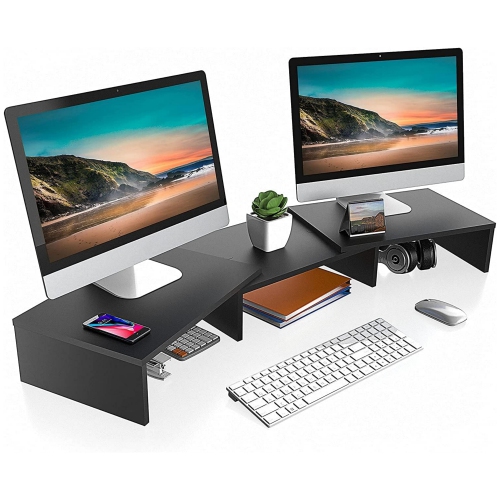
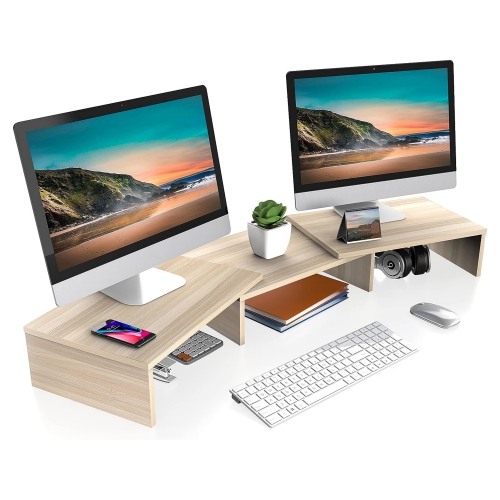
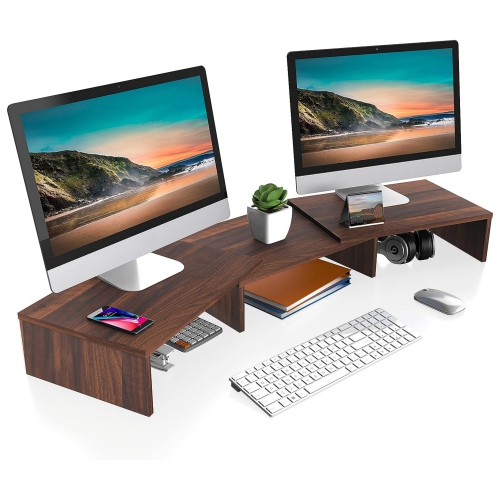
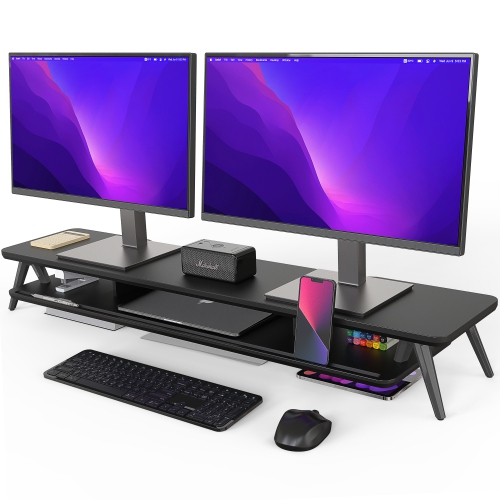
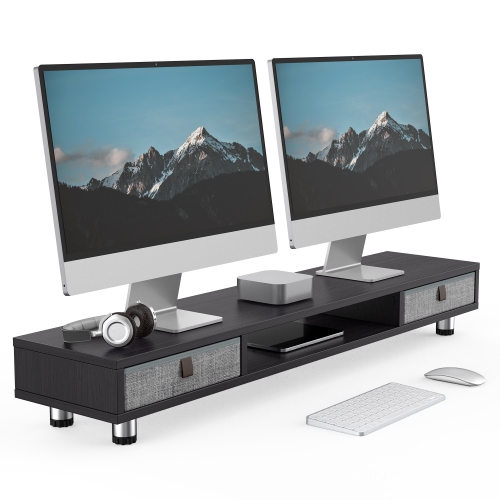

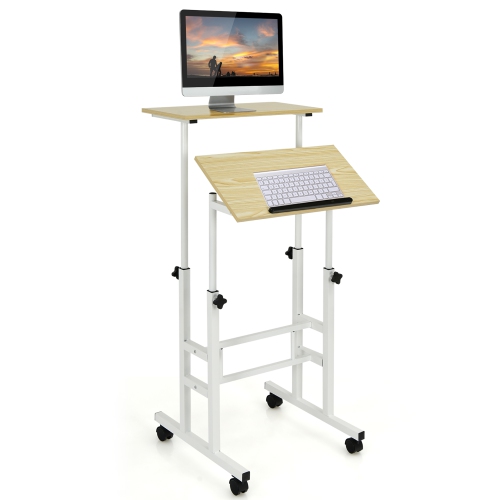
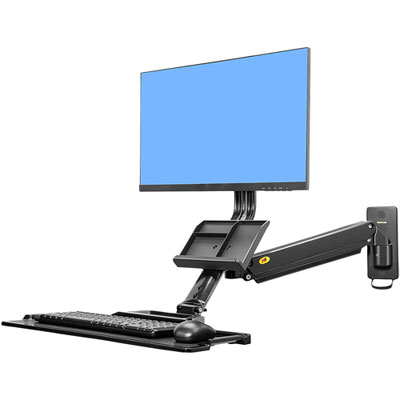

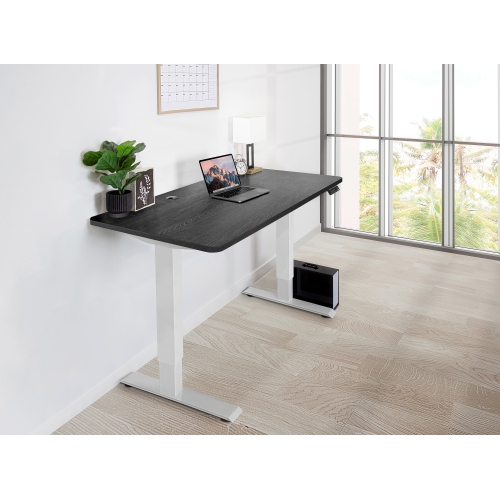

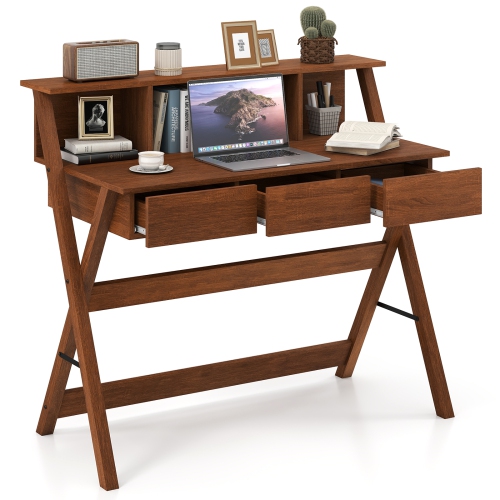


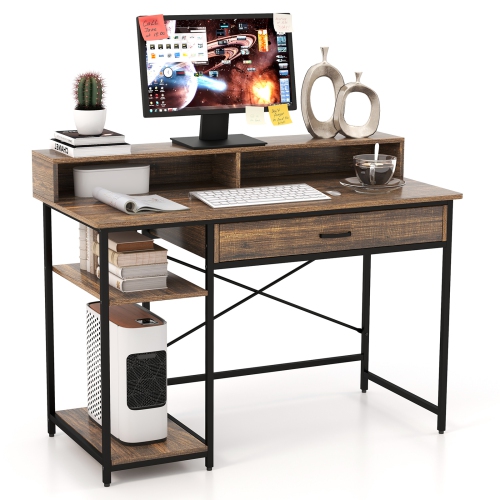
More screen space for focused, comfortable home office work
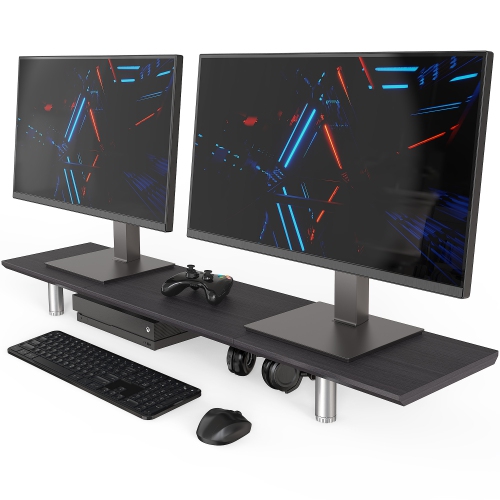
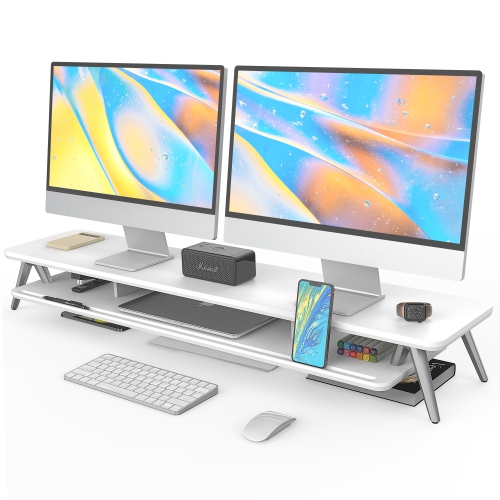
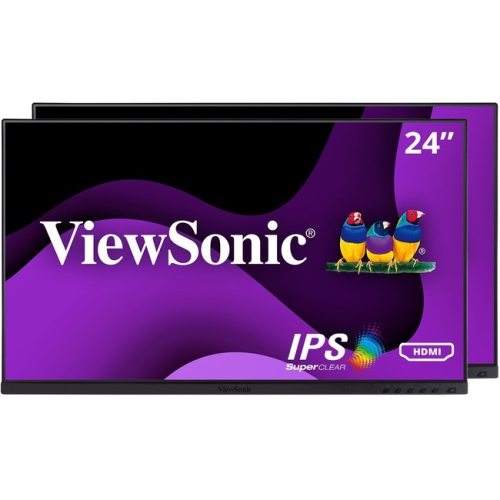
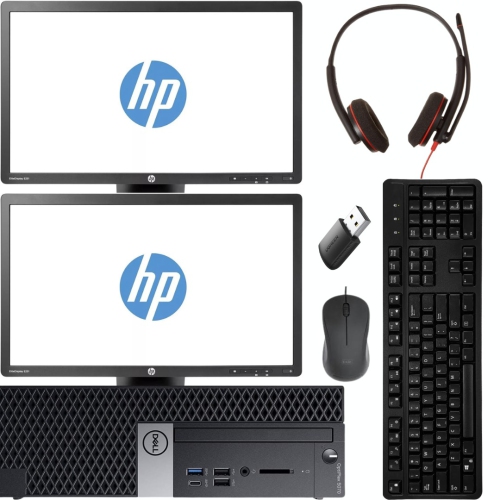
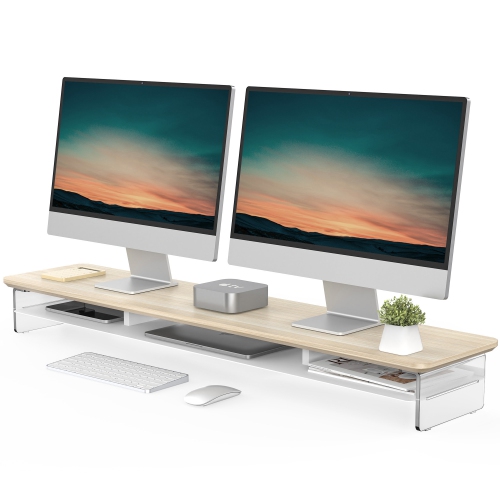
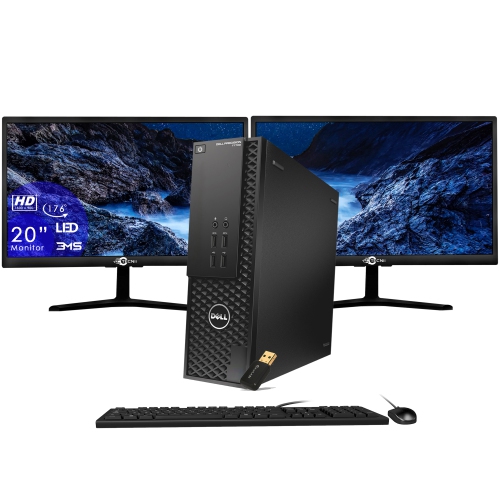
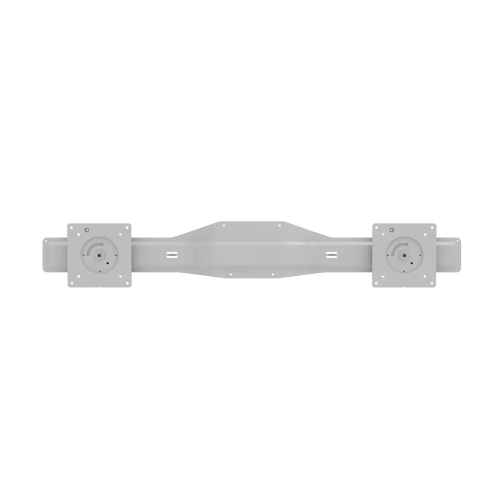
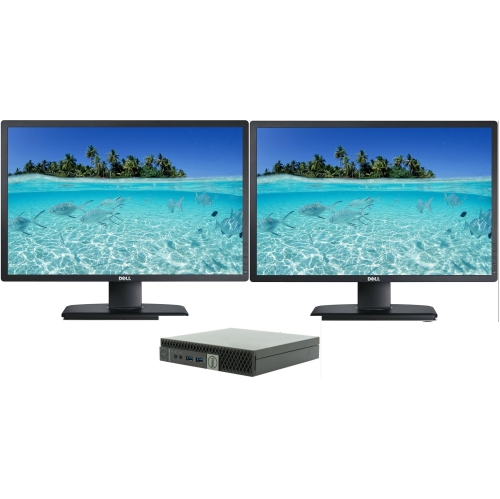
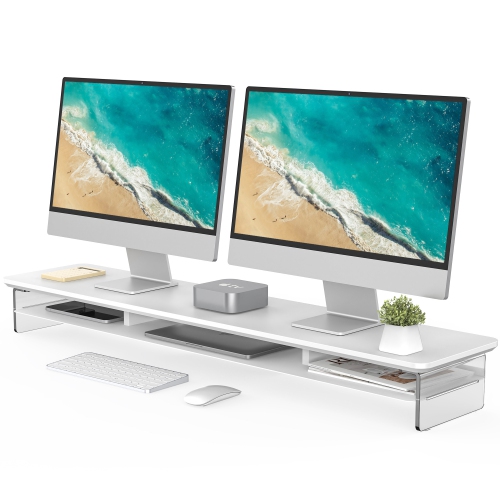
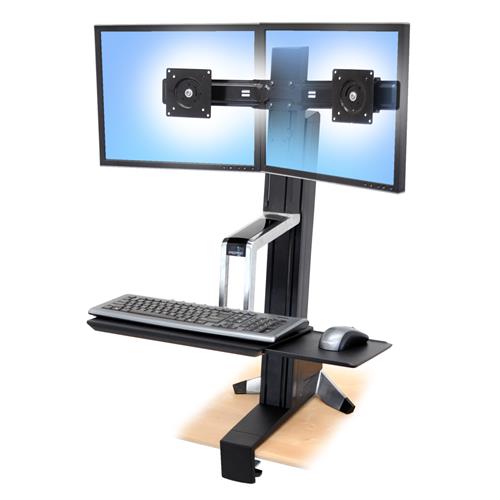
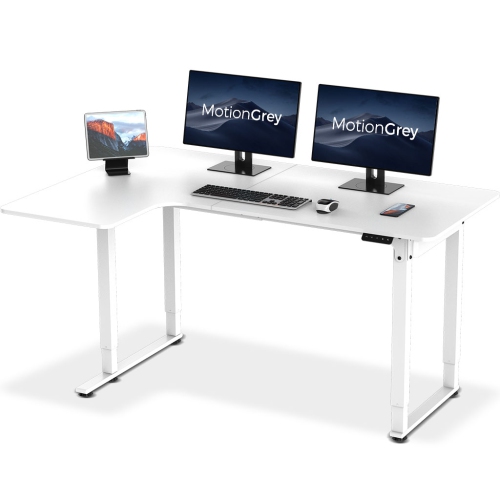
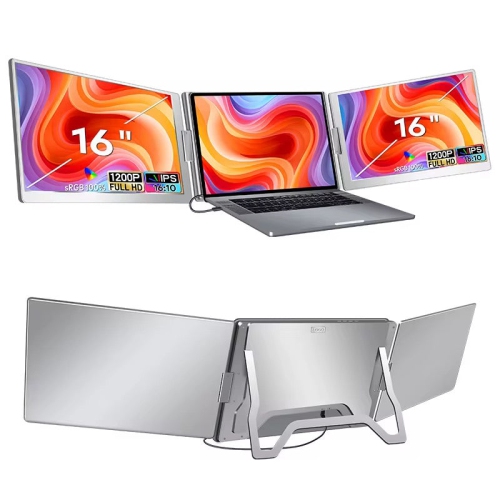
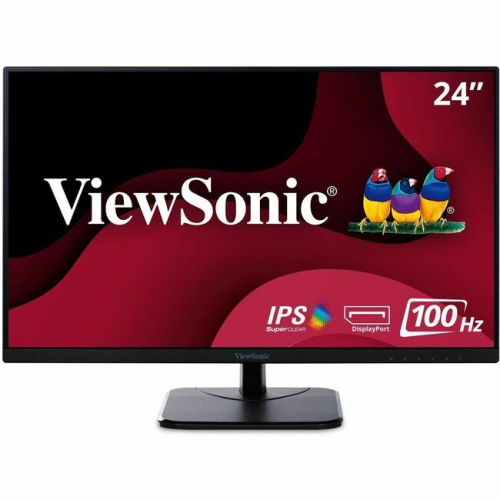
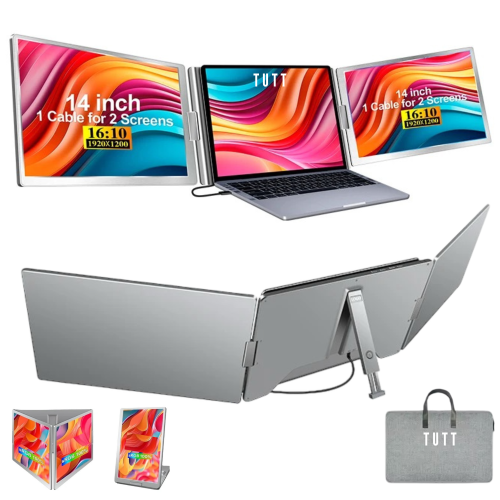
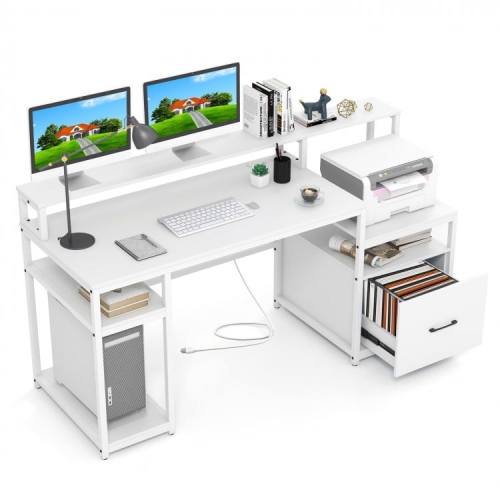
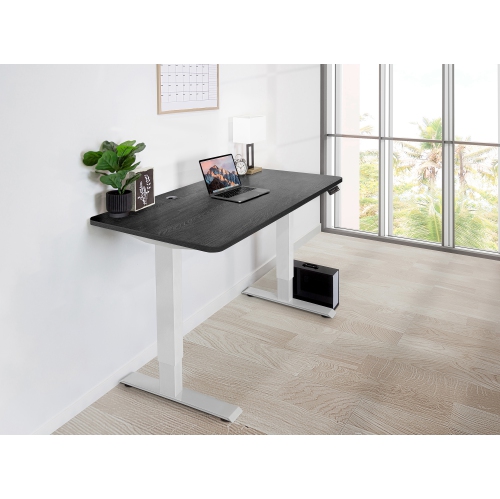
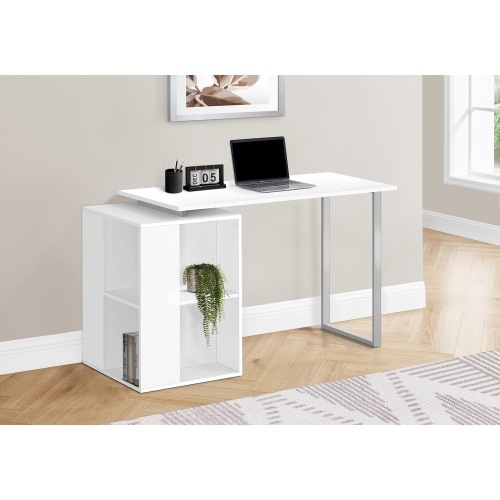
Whether you’re building a new workspace or upgrading your current setup, a dual monitor home office arrangement can transform the way you work, study, or create. The appeal of dual monitors for home office use is clear: more screen real estate means less time toggling between windows and more room to spread out your projects, whether you’re analysing spreadsheets, editing photos, or managing video calls alongside research. Many remote professionals, students, and creative enthusiasts find that a dual monitor package is the missing piece for a productive and comfortable workflow. As the days of February still bring shorter daylight hours and chilly mornings, having a well-organized, efficient workspace at home becomes even more essential. Dual monitors allow you to keep your main tasks front and centre, while secondary screens can display reference materials, communication tools, or timelines, making multitasking feel seamless and natural.
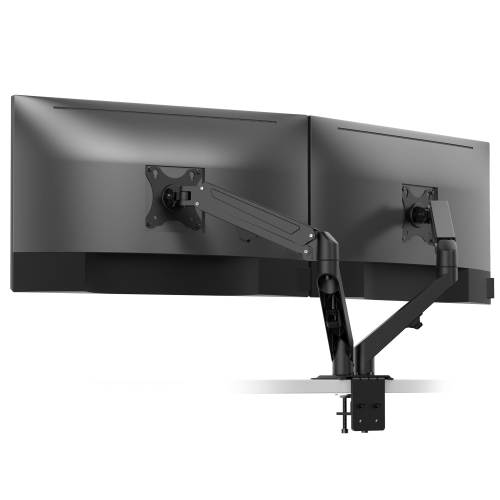
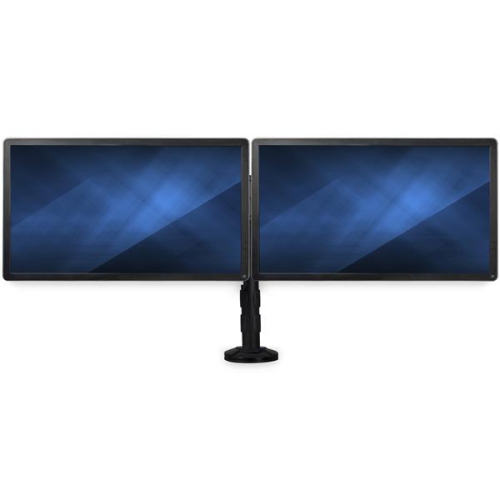
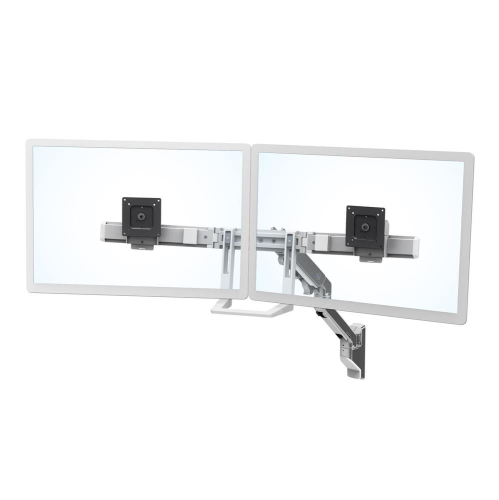
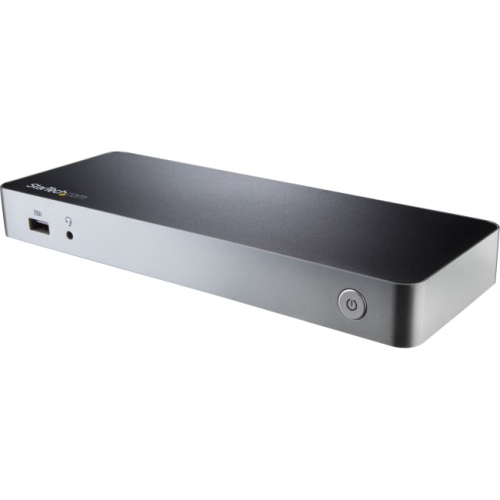
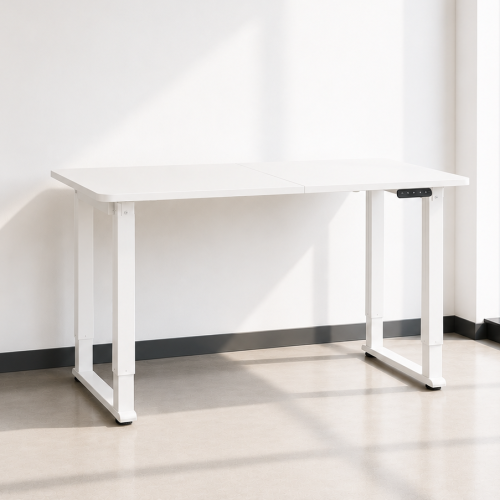
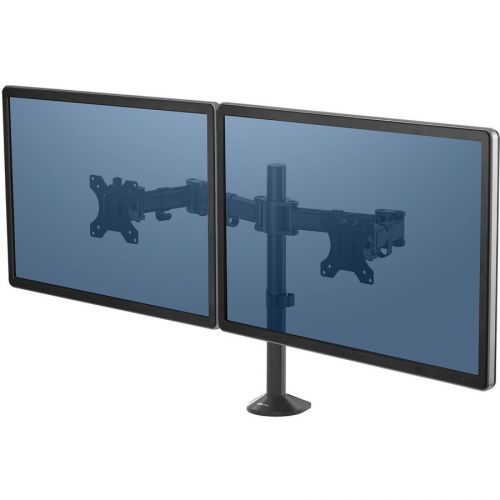
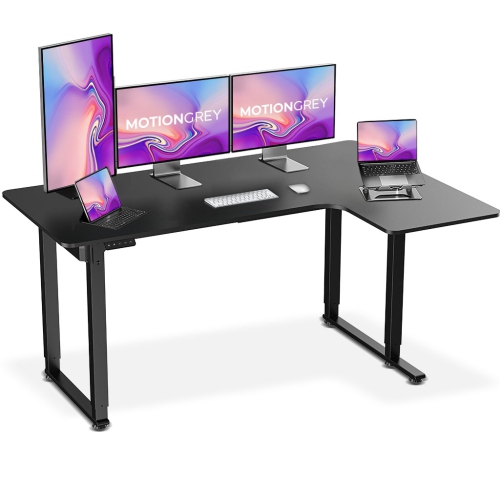
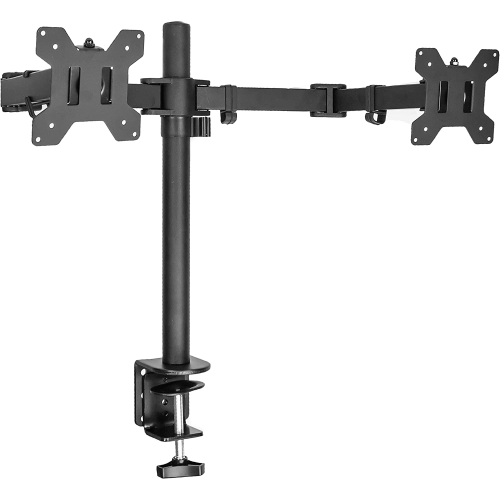
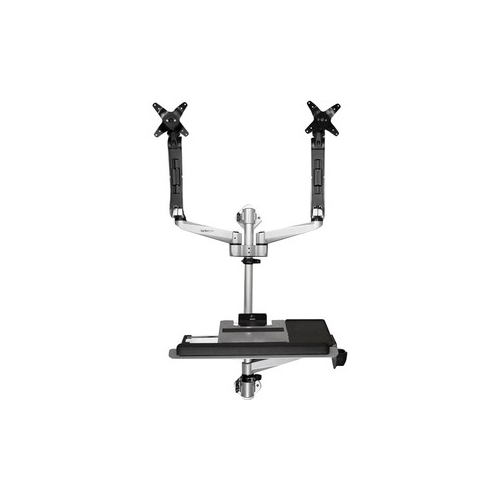
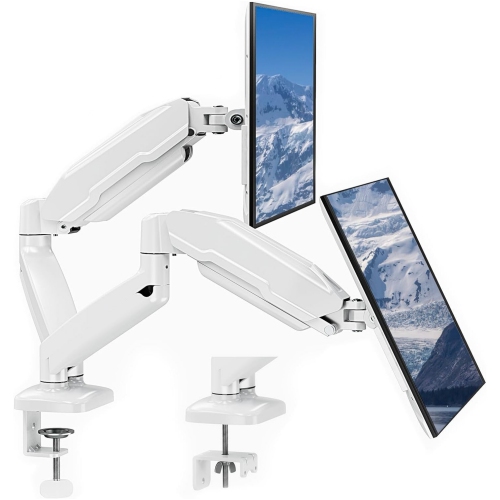
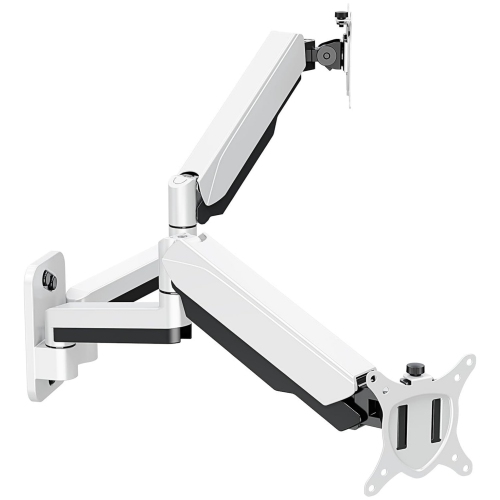
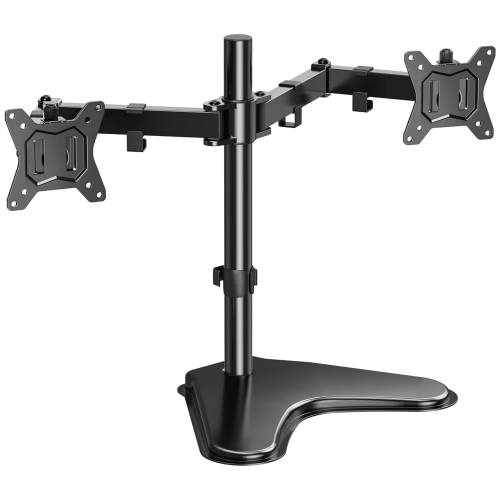
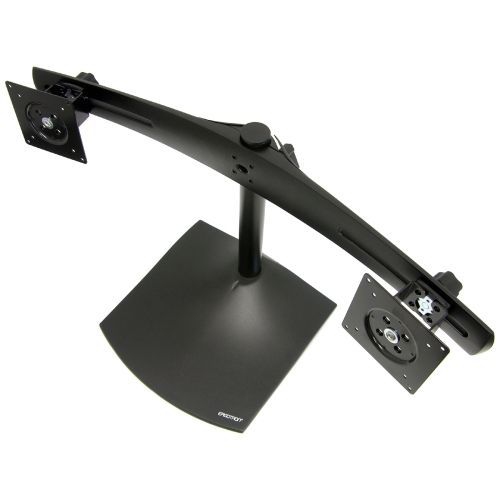
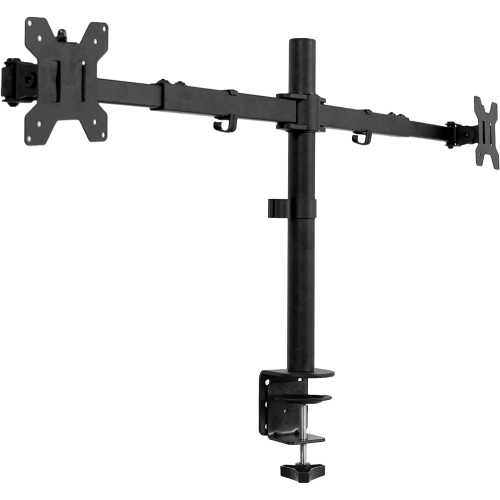
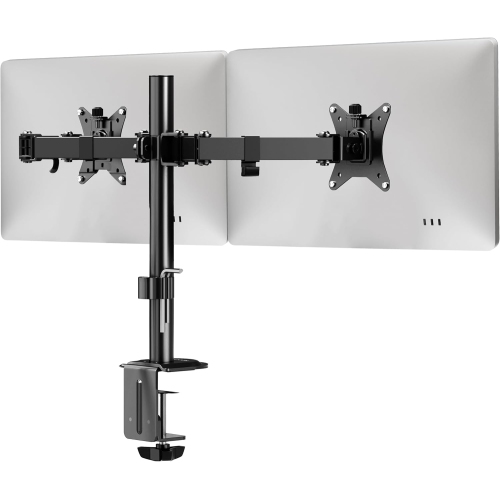
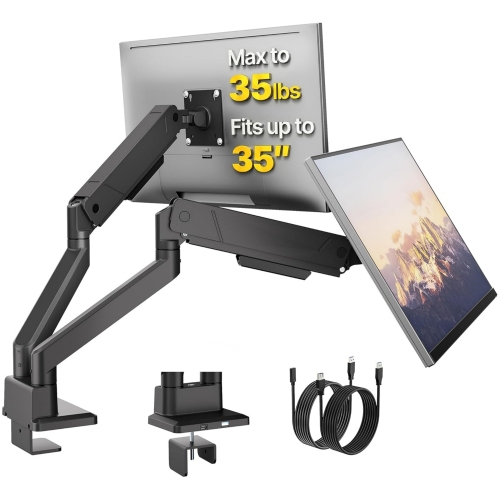
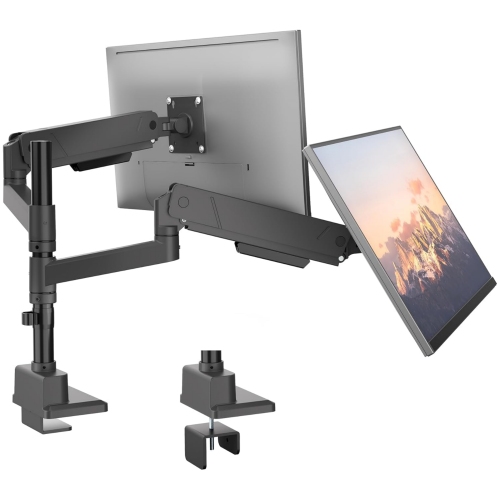
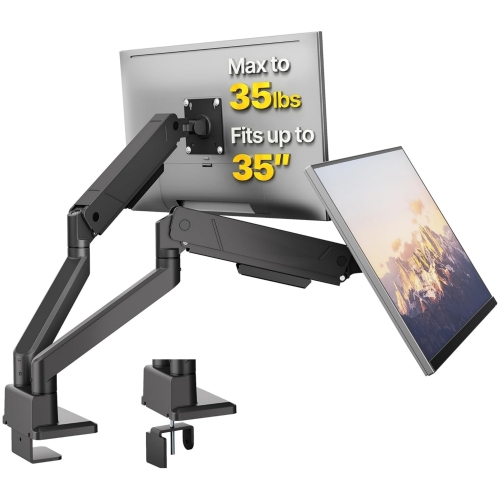
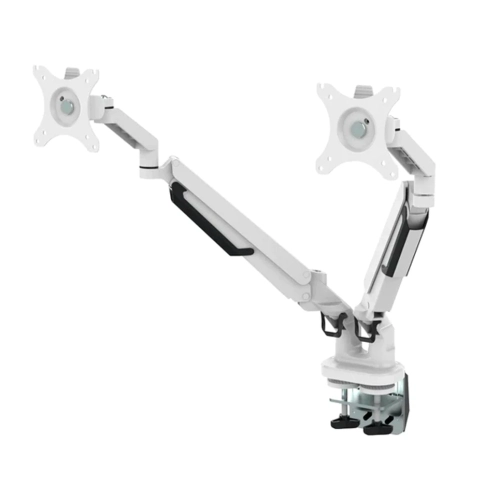
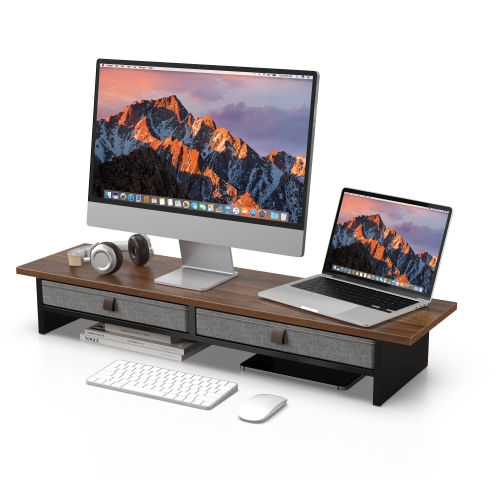
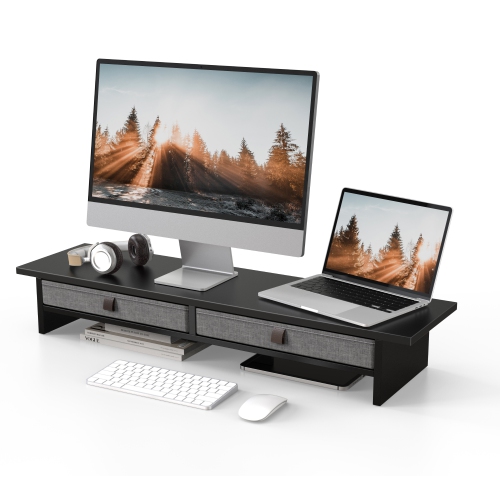
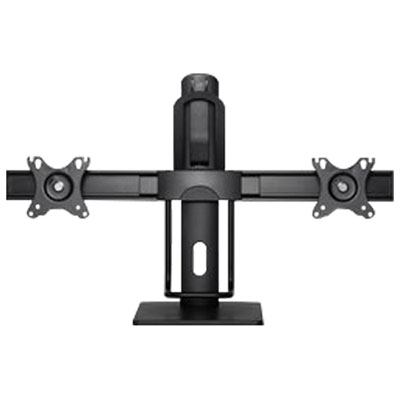
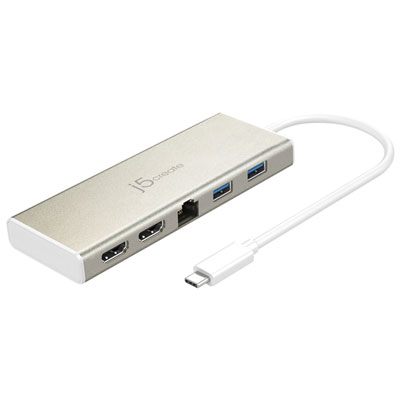
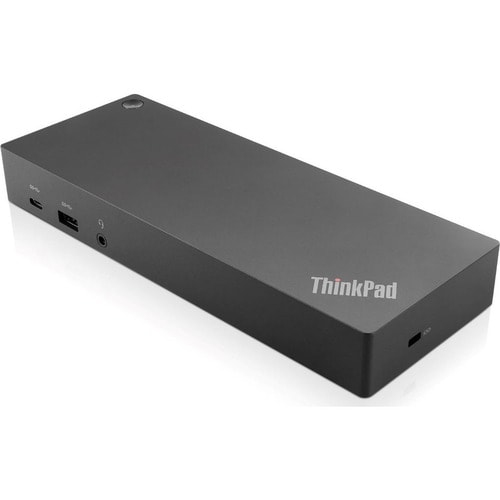
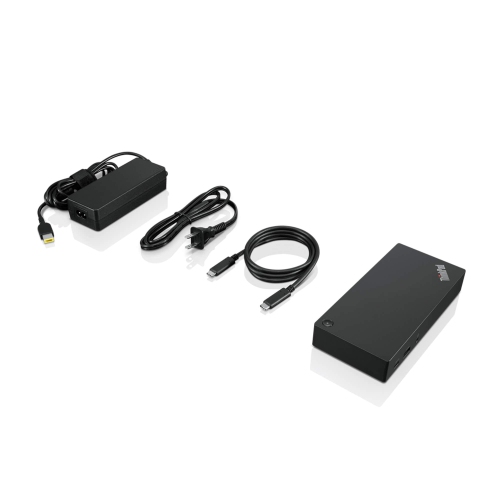
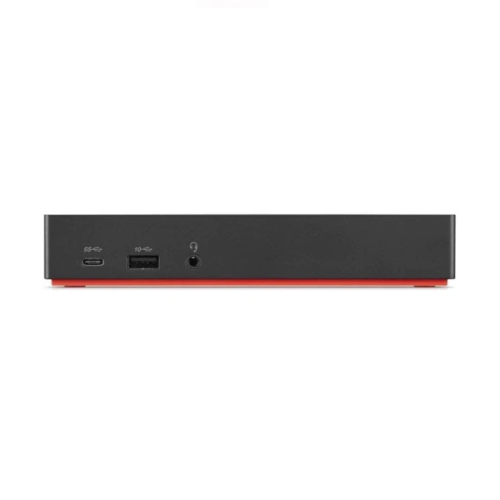
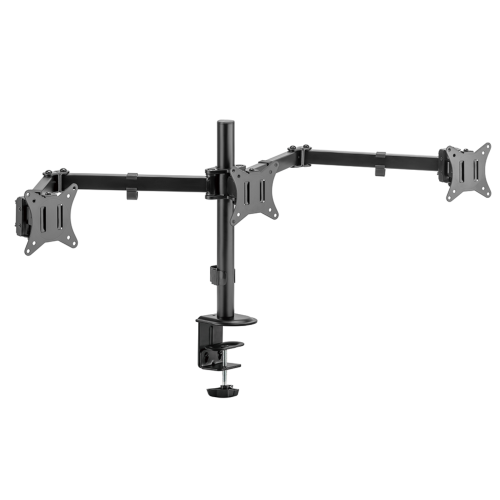
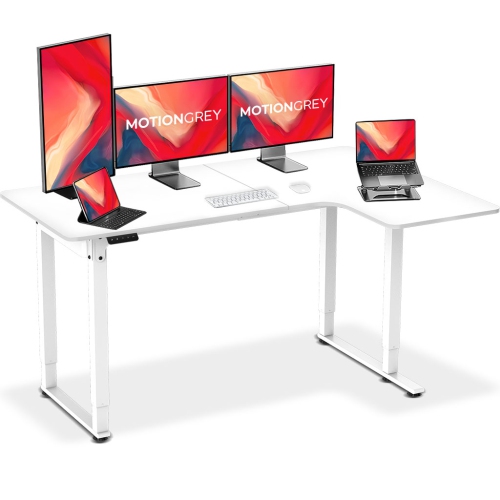
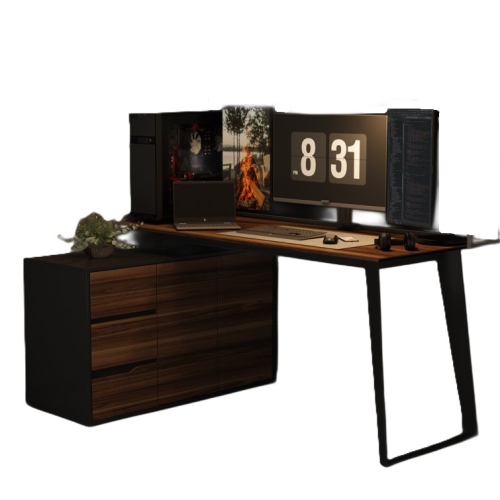
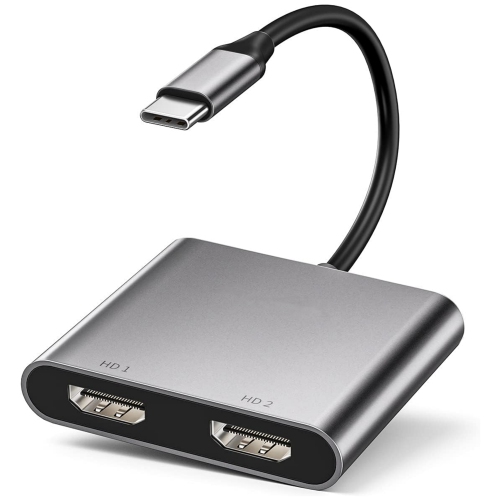
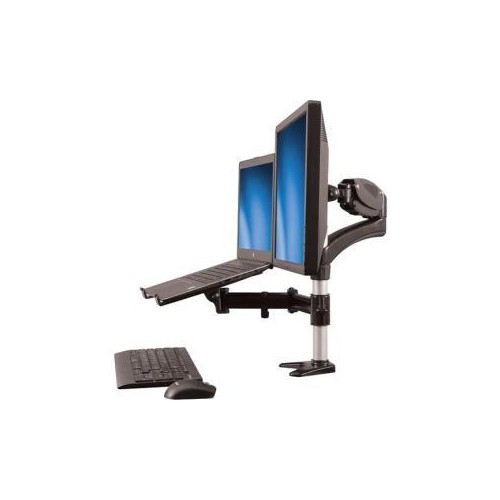
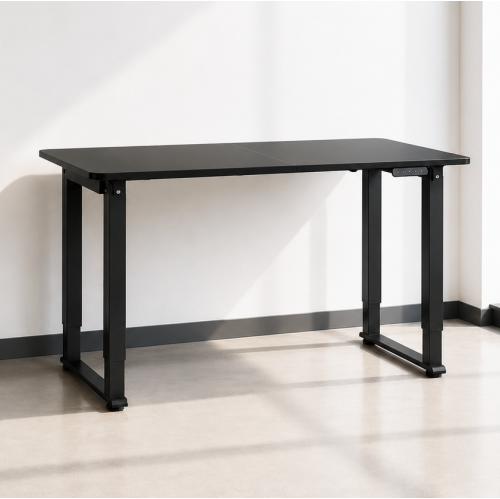
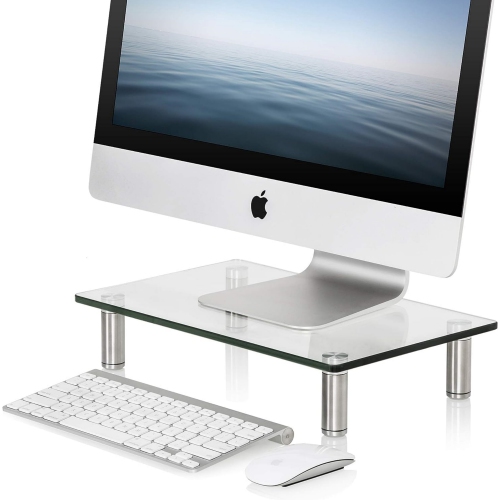
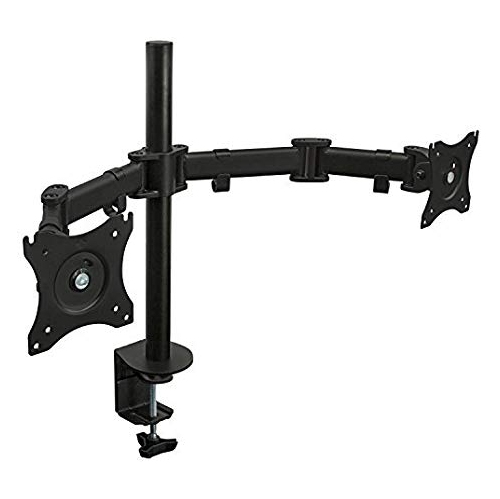
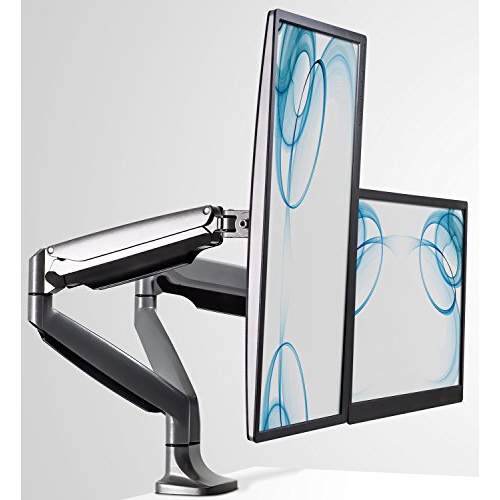
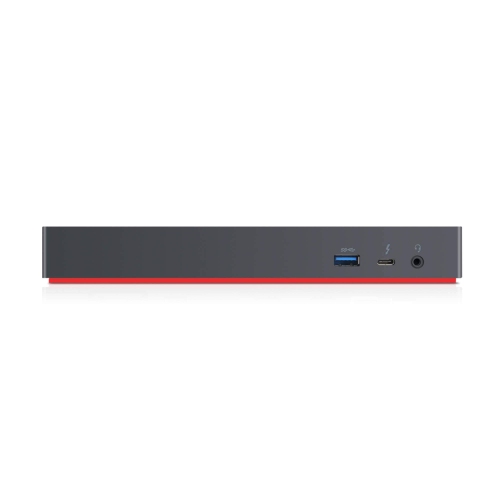
When considering the best buy dual monitors for your home office, think about how you plan to use your screens and the physical space available. A desk that’s at least 55 inches wide gives plenty of room for two monitors, but even in smaller spaces, careful placement and the right mounting solutions—like dual monitor arms or stands—can maximize your setup. Ergonomics play a key role in long-term comfort: position your primary monitor directly in front of you at eye level, with the second angled slightly inward to create a gentle, concave display. This arrangement helps reduce neck strain and keeps your posture in check during long work sessions. For an even more tailored fit, adjustable arms allow you to fine-tune the height and angle of each monitor, freeing up valuable desk space for your keyboard, notepad, or a favourite mug of coffee. Cable management is another important detail; ensuring your computer has the necessary ports—HDMI, DisplayPort, or USB-C—or using a docking station can keep your workspace tidy and functional.
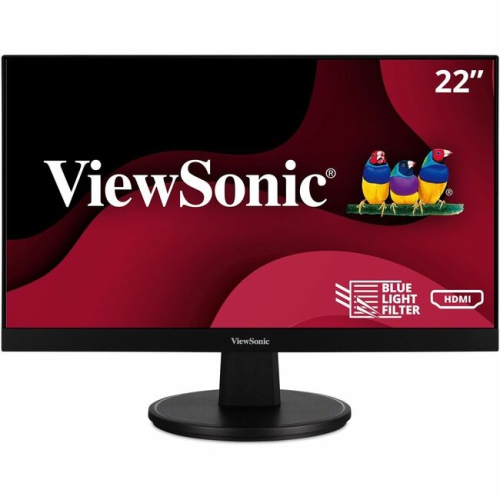
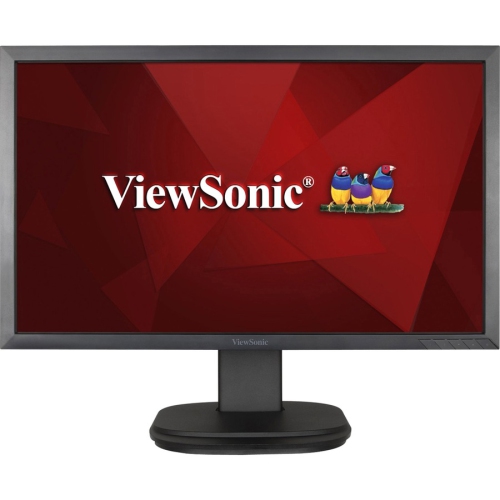
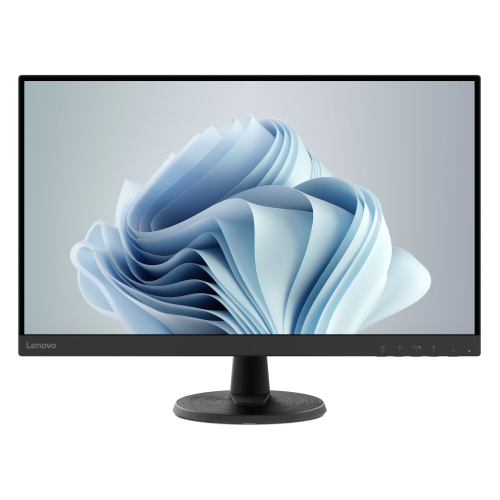
Selecting the right computer monitor for dual screen use often means matching resolutions for a seamless visual experience, though modern operating systems handle different resolutions with ease. Screen size is another consideration; 24- to 27-inch monitors are popular choices, offering a balance between immersive viewing and efficient use of desk space. A dual monitor setup isn’t just for professionals—students attending virtual classes, gamers wanting to stream while playing, and anyone who enjoys a clutter-free digital life can all benefit. It also makes a thoughtful gift for a recent graduate, someone starting a new job, or a loved one who works from home. For more inspiration and to explore the latest options, visit Monitors for Home Office Upgrade to discover how the right dual monitors can elevate your home office setup.
When considering the best buy dual monitors for your home office, think about how you plan to use your screens and the physical space available. A desk that’s at least 55 inches wide gives plenty of room for two monitors, but even in smaller spaces, careful placement and the right mounting solutions—like dual monitor arms or stands—can maximize your setup. Ergonomics play a key role in long-term comfort: position your primary monitor directly in front of you at eye level, with the second angled slightly inward to create a gentle, concave display. This arrangement helps reduce neck strain and keeps your posture in check during long work sessions. For an even more tailored fit, adjustable arms allow you to fine-tune the height and angle of each monitor, freeing up valuable desk space for your keyboard, notepad, or a favourite mug of coffee. Cable management is another important detail; ensuring your computer has the necessary ports—HDMI, DisplayPort, or USB-C—or using a docking station can keep your workspace tidy and functional.
Selecting the right computer monitor for dual screen use often means matching resolutions for a seamless visual experience, though modern operating systems handle different resolutions with ease. Screen size is another consideration; 24- to 27-inch monitors are popular choices, offering a balance between immersive viewing and efficient use of desk space. A dual monitor setup isn’t just for professionals—students attending virtual classes, gamers wanting to stream while playing, and anyone who enjoys a clutter-free digital life can all benefit. It also makes a thoughtful gift for a recent graduate, someone starting a new job, or a loved one who works from home. For more inspiration and to explore the latest options, visit Monitors for Home Office Upgrade to discover how the right dual monitors can elevate your home office setup.
Top selling and popular products
-
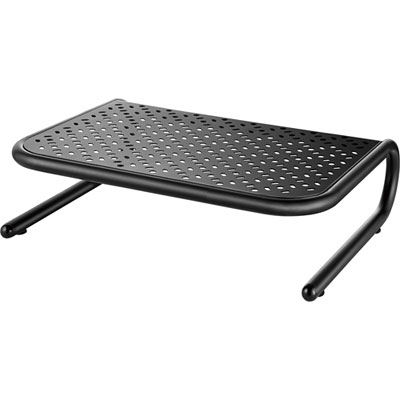 Your price for this item is $34.95
 -
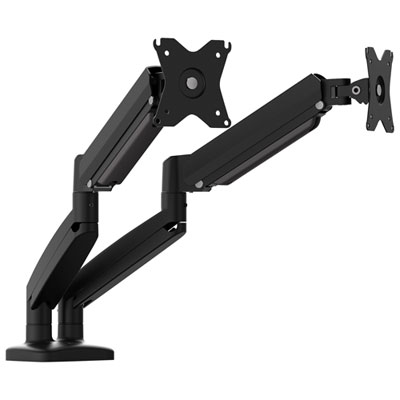 Your price for this item is $129.99
 -
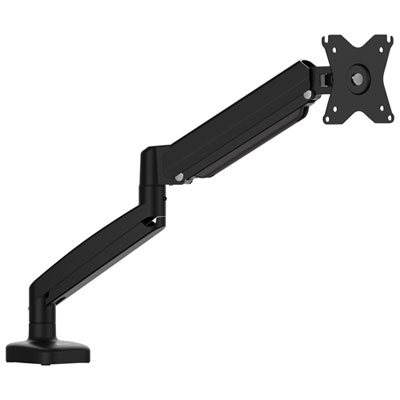 Your price for this item is $69.99
 -
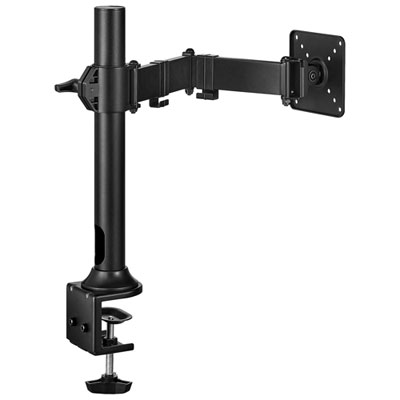 Your price for this item is $69.99
 -
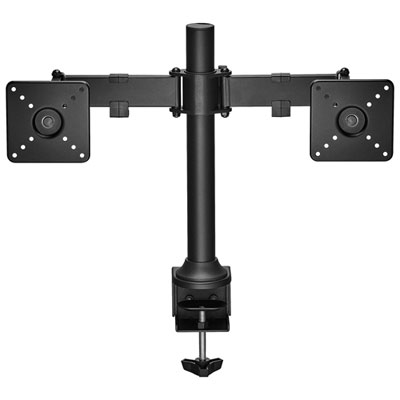 Your price for this item is $99.99
 -
 Your price for this item is $124
 -
 Your price for this item is $256.68
 -
 Your price for this item is $300
Discover more categories related to Dual Monitors Home Office Setup
Top Collections:
Pokemon Centers, Kindle Devices, Best Budget Office Chairs, Apple iPhones 16, Best Laptops for Writers, iPhone 15 Apple, Canon G7X Cameras, Refurbished Apple Laptops, Alarm Clock, Motorola Razr Phones
Some products may be subject to Environmental Handling Fees
(EHF) depending on your province.
Learn more about EHFs.