Guitar Audio Interfaces
Looking to take your guitar playing to the next level? Look no further than our wide selection of guitar audio interfaces. These versatile devices allow you to connect your guitar directly to your computer, opening up a world of possibilities for recording, editing, and creating music. Whether you're a seasoned musician or just starting out, our collection of guitar audio interfaces offers something for everyone. From compact and portable options to high-performance models with advanced features, you'll find the perfect interface to suit your needs. Get ready to unleash your creativity and elevate your guitar playing experience with our top-notch selection of guitar audio interfaces.
Sort
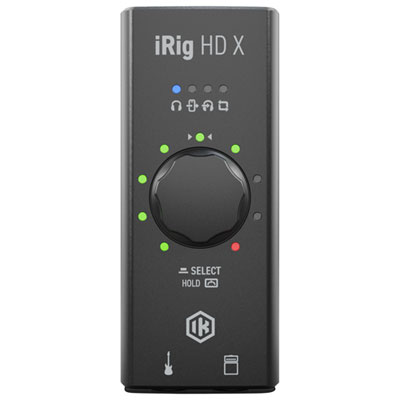
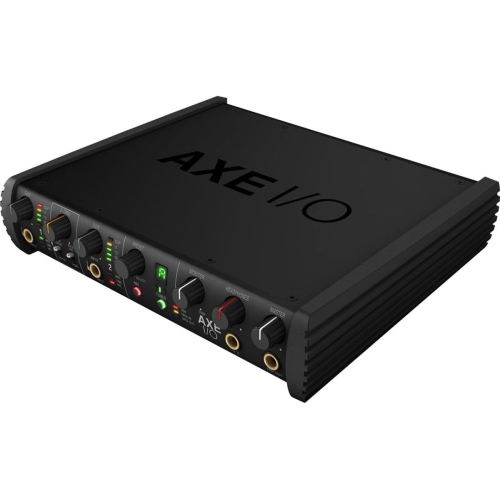
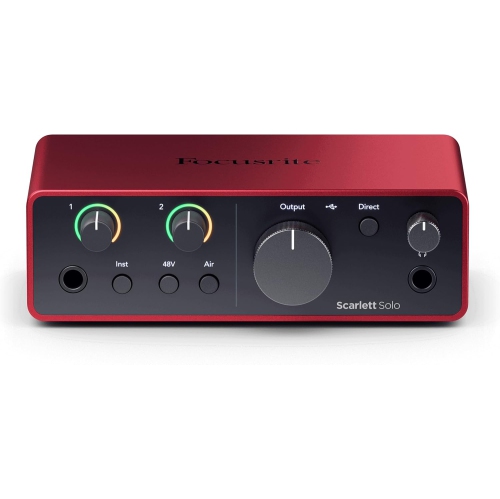
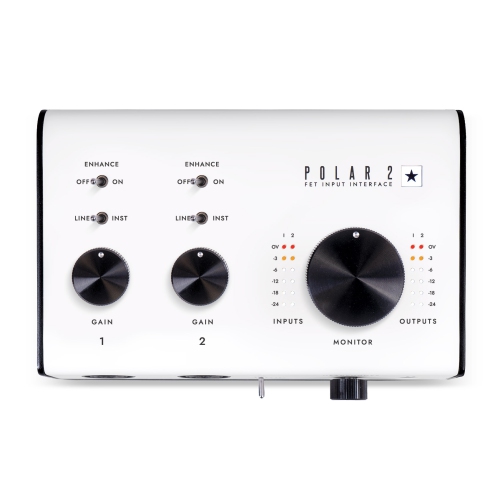
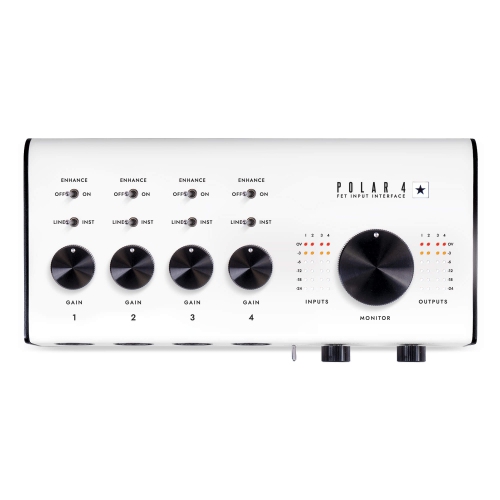
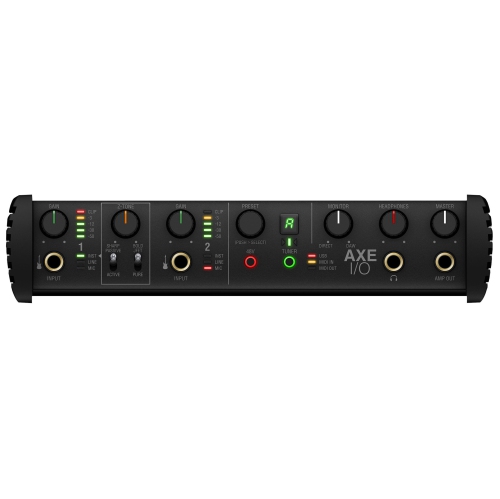
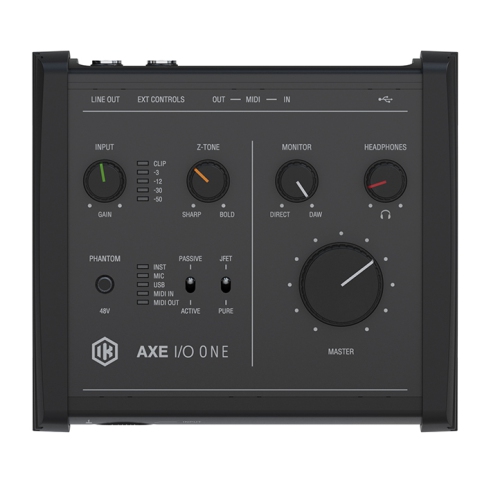
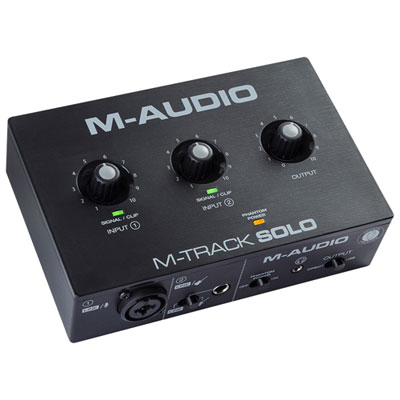

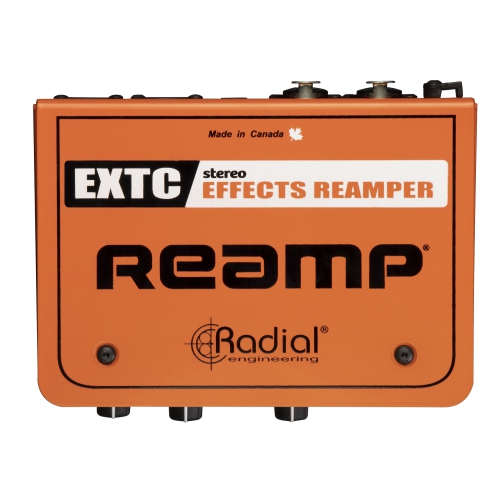

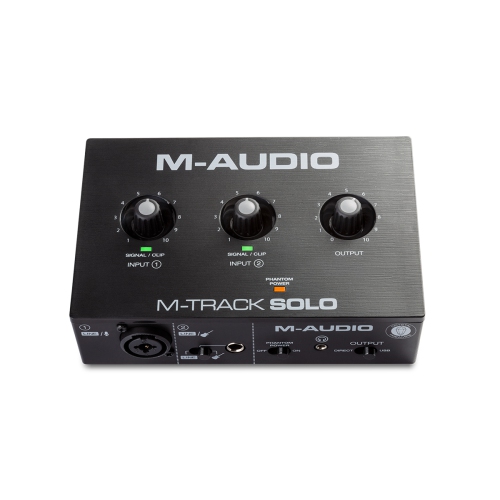
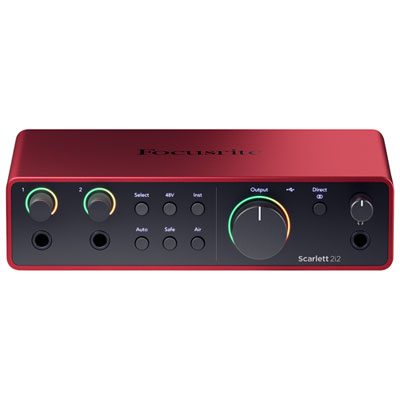
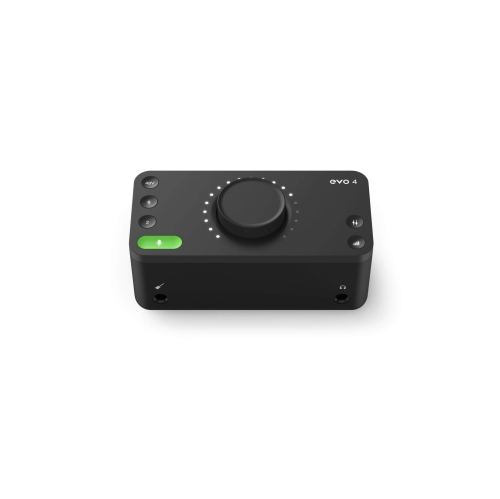
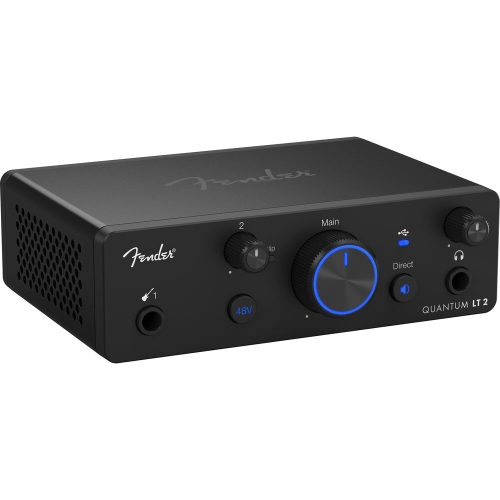
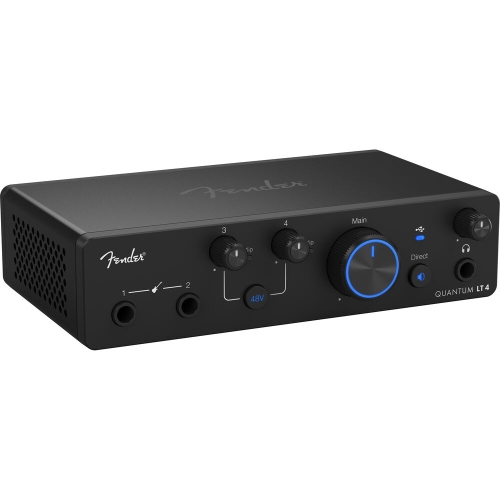
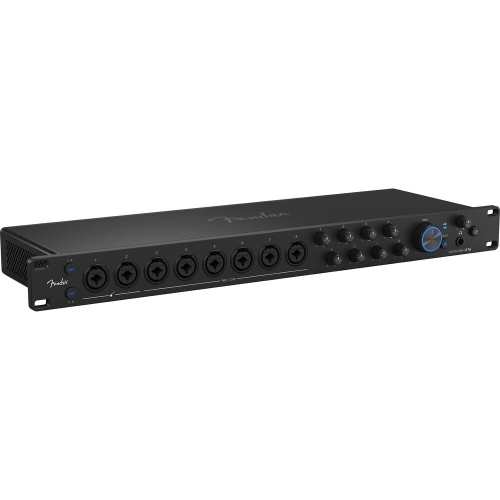
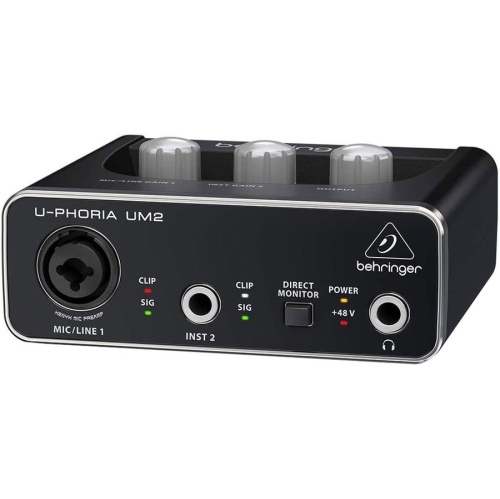
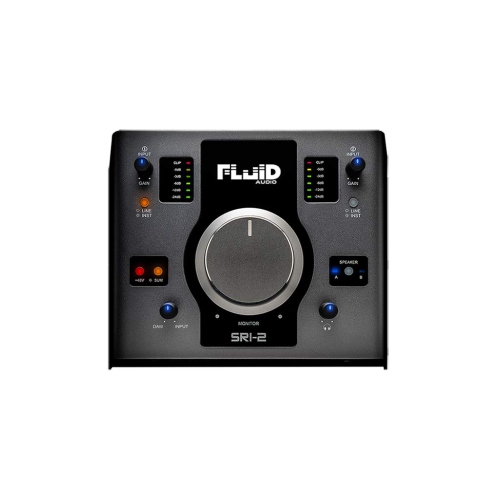
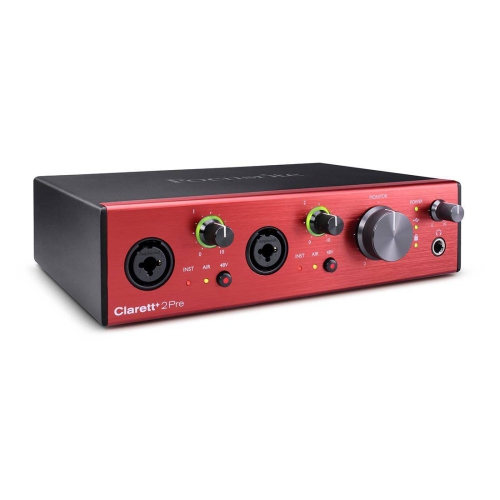

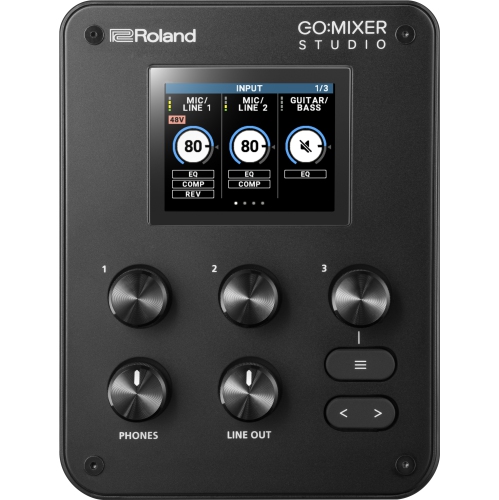
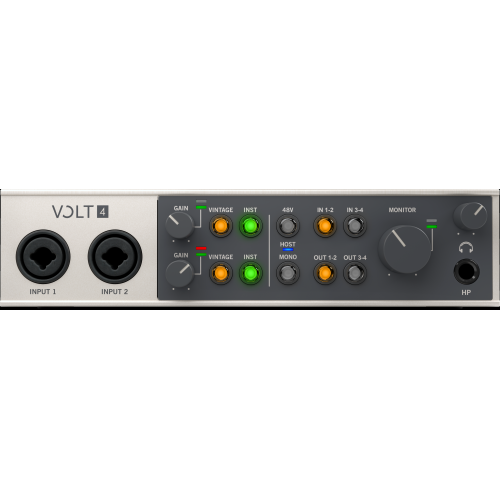
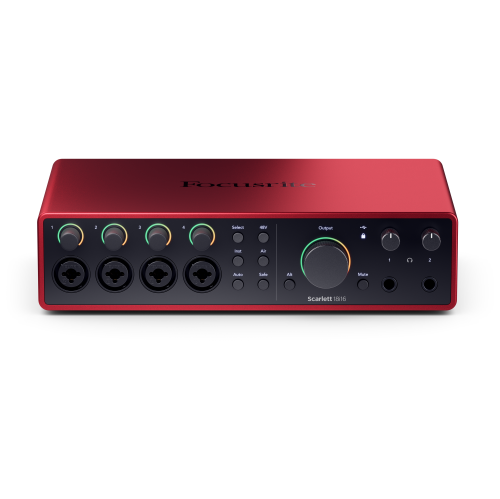
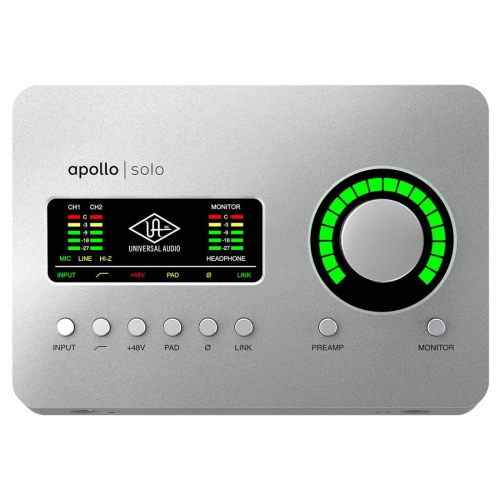
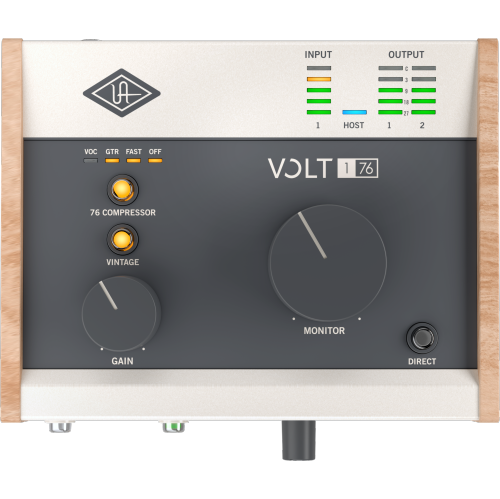
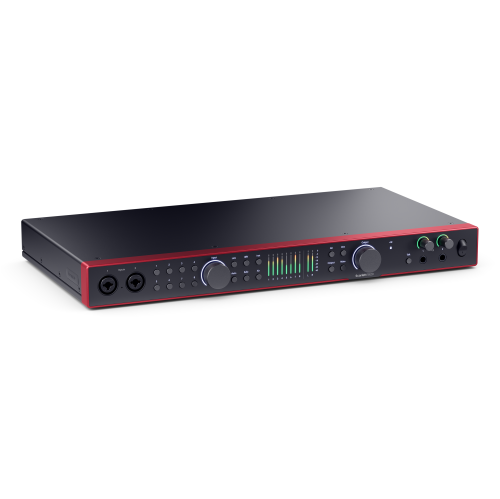
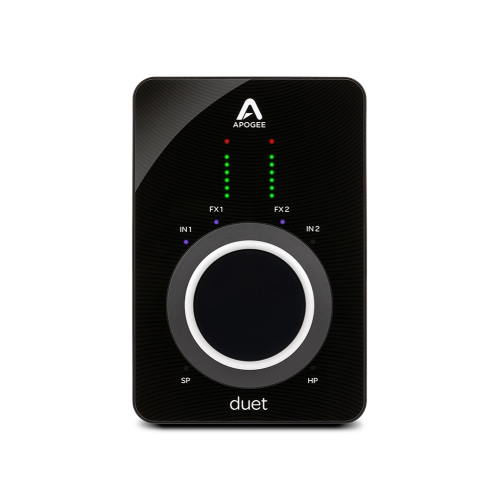


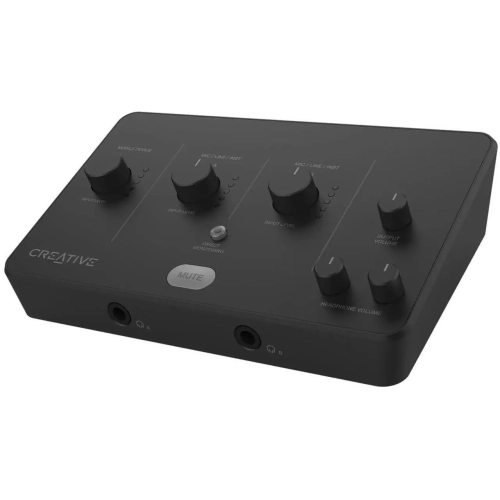
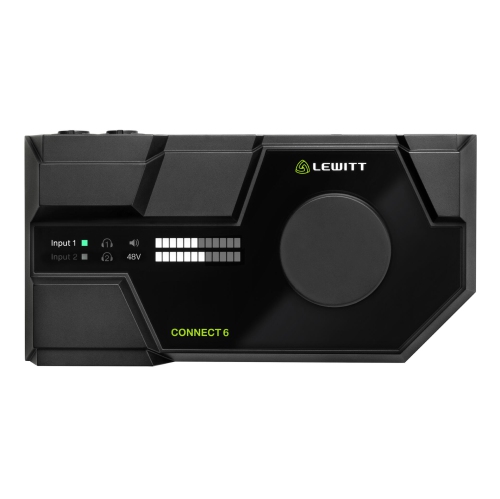
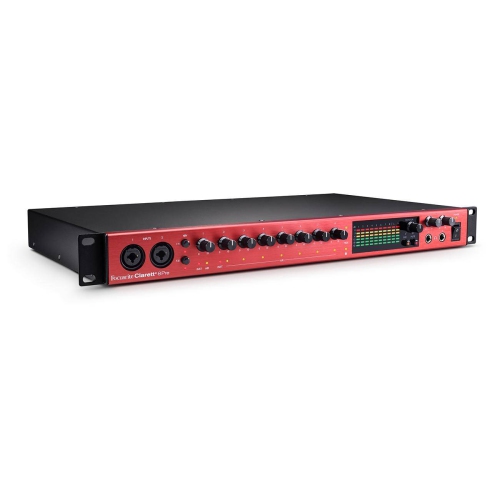
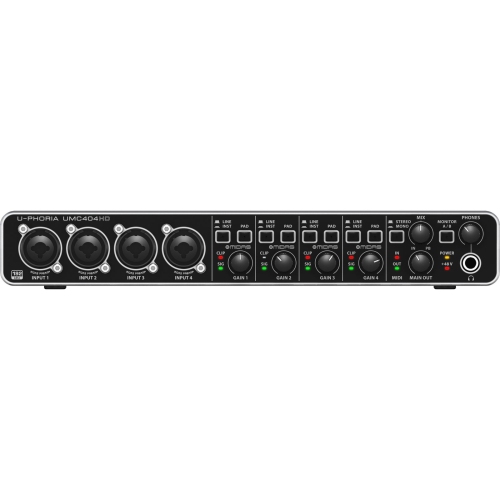
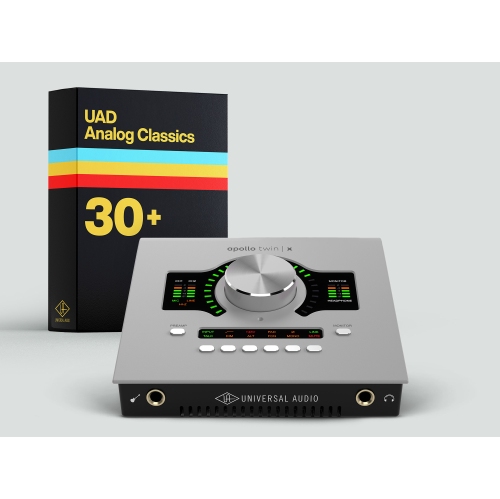
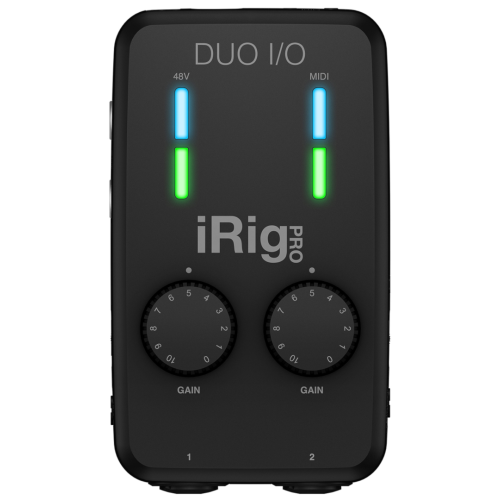
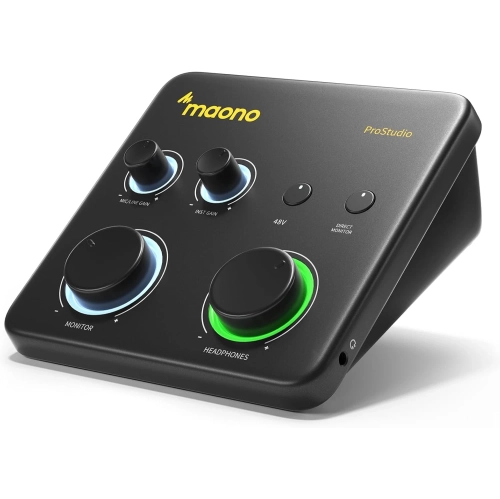
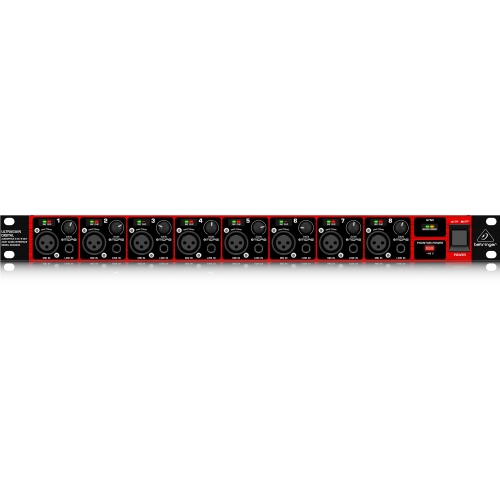
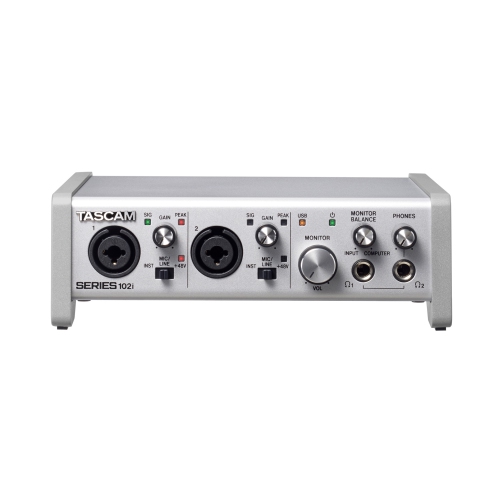
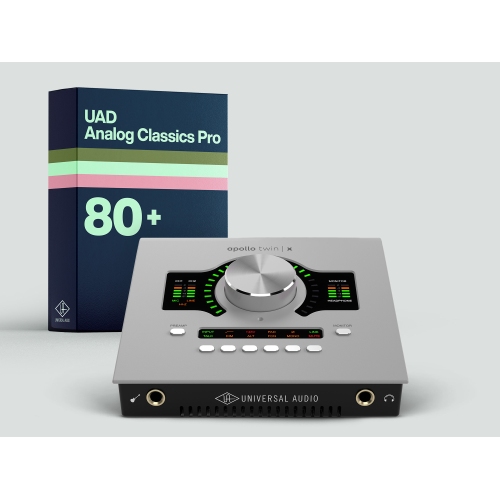
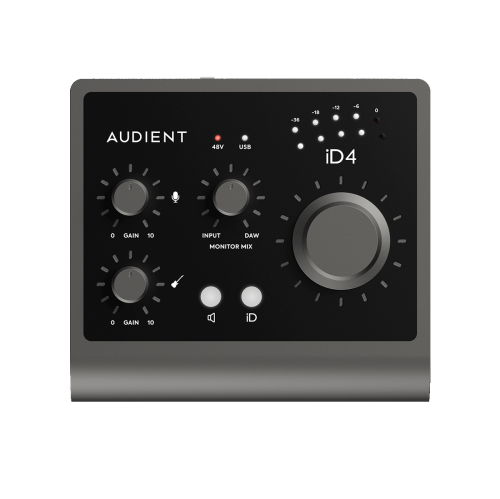
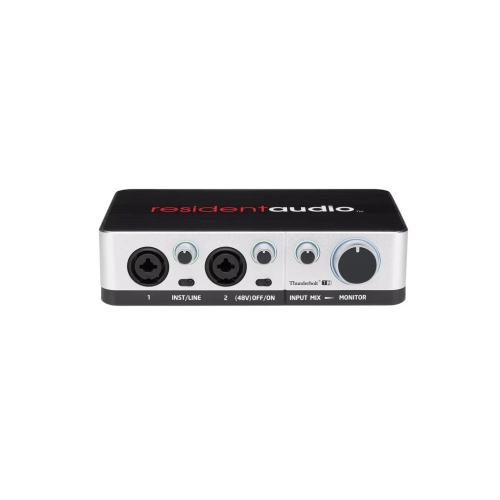
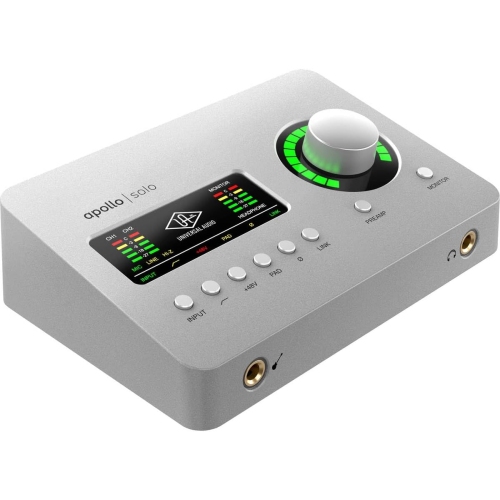
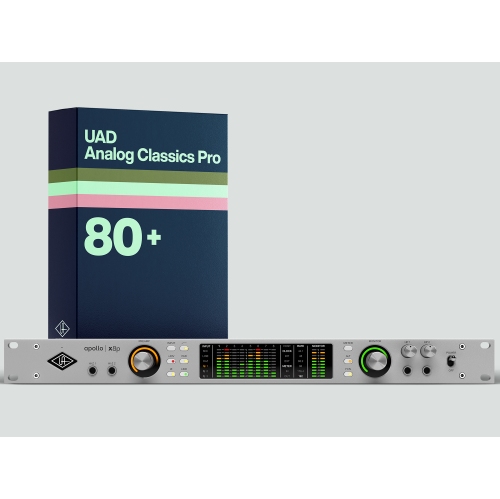
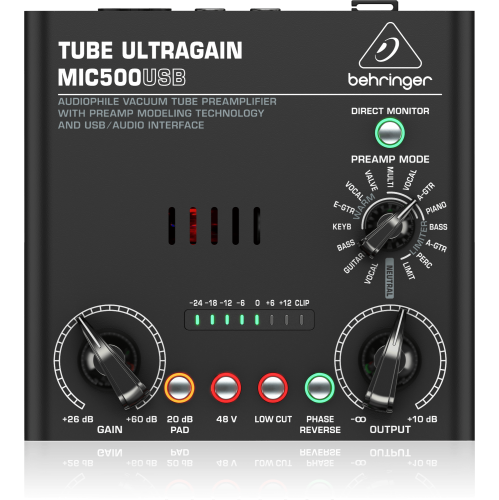
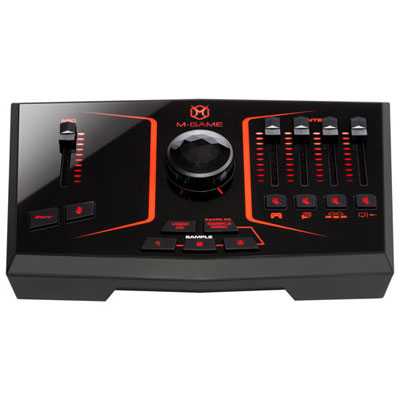
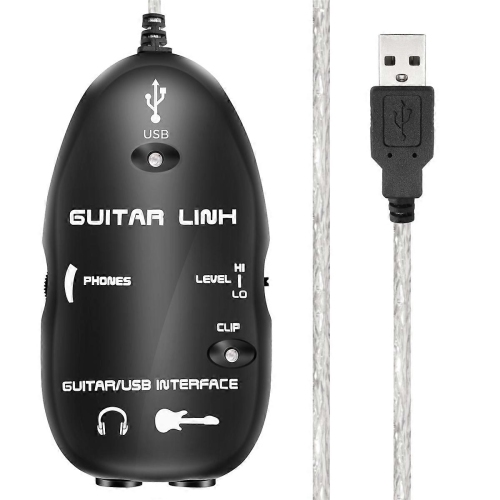
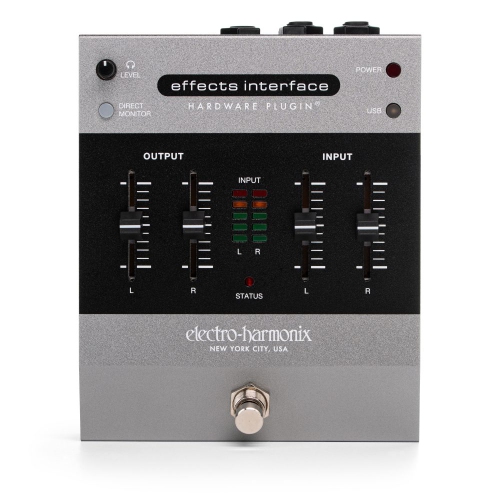

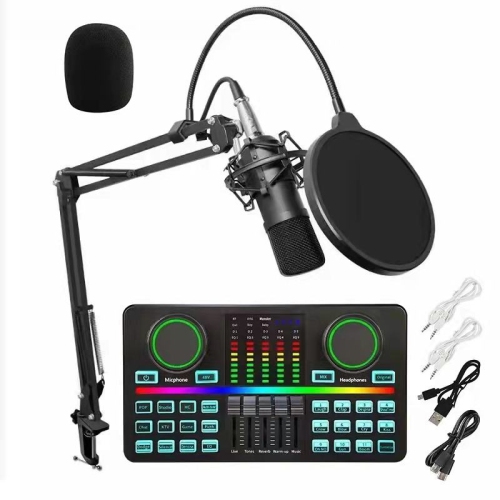
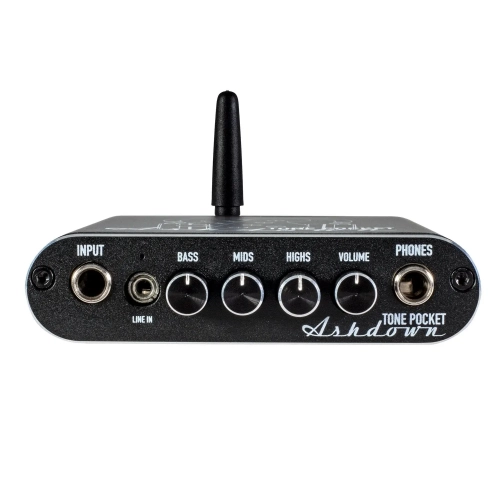
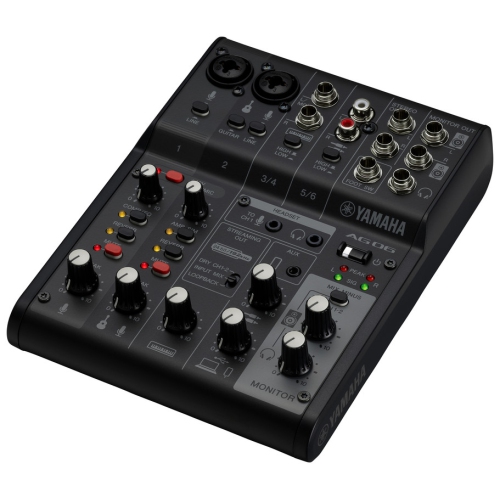
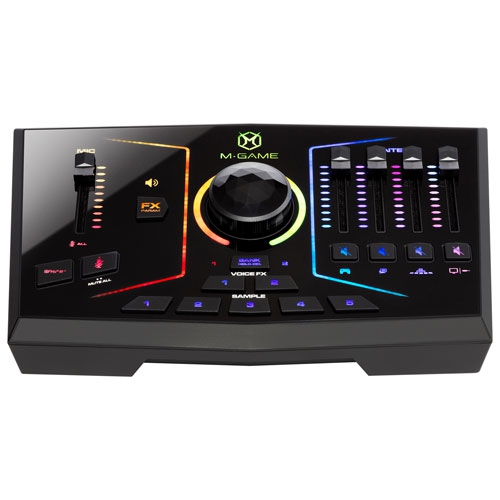
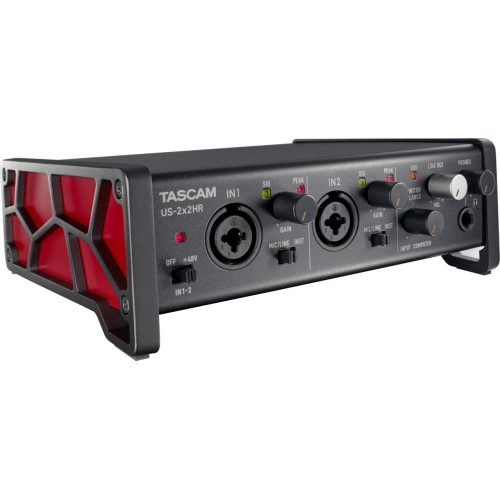
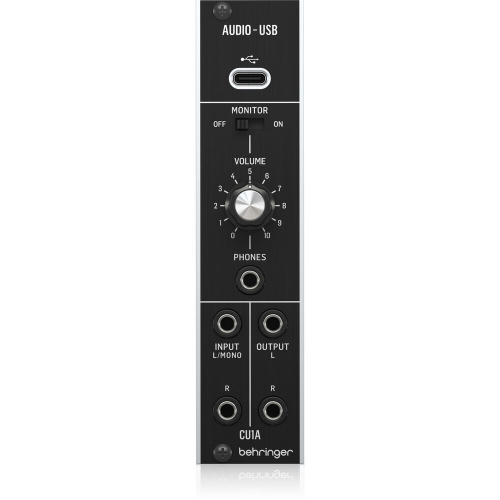
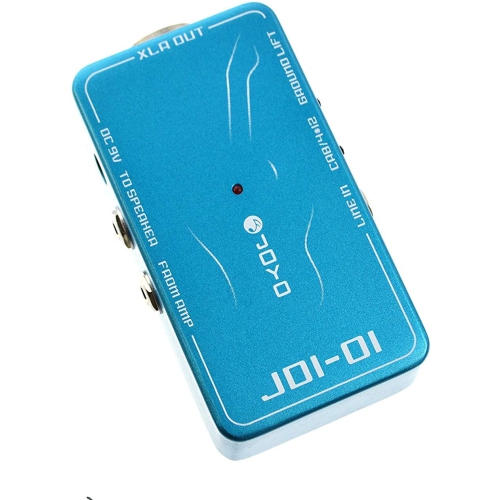
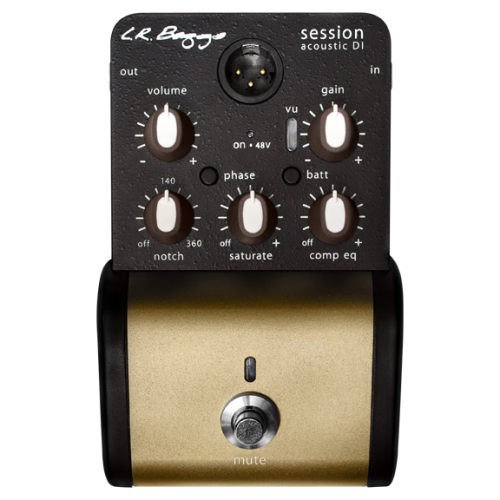


Where your next guitar riff becomes a recording
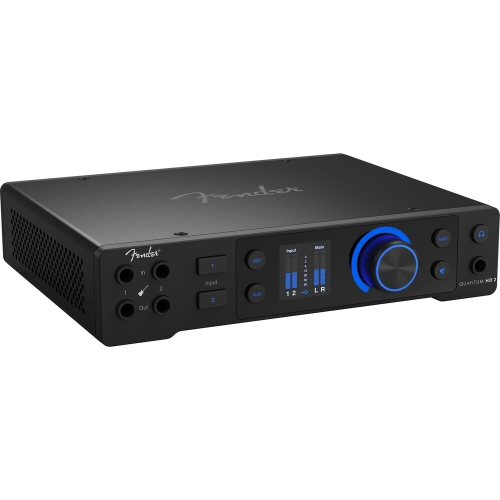
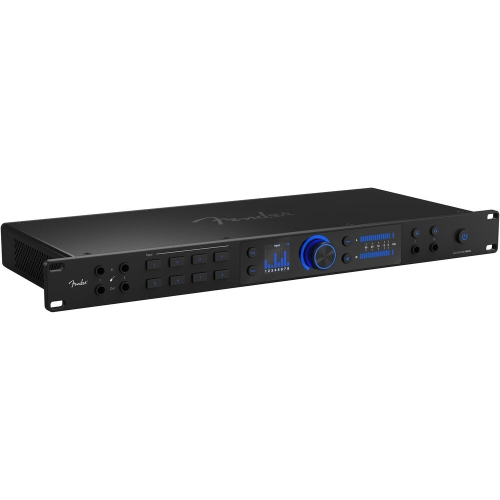
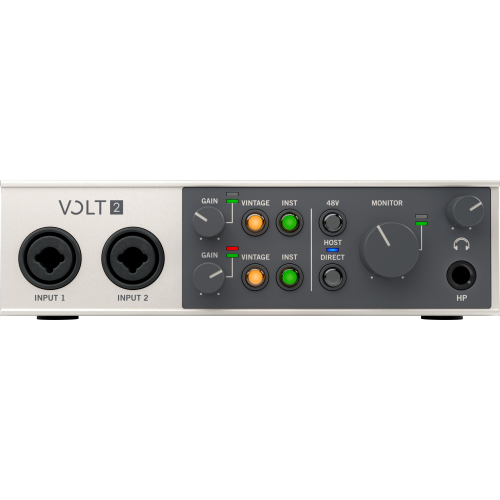
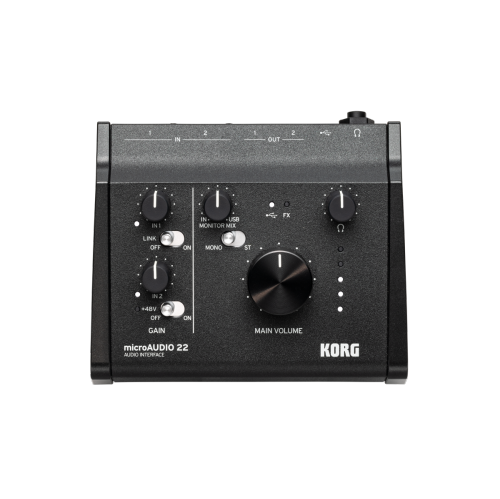
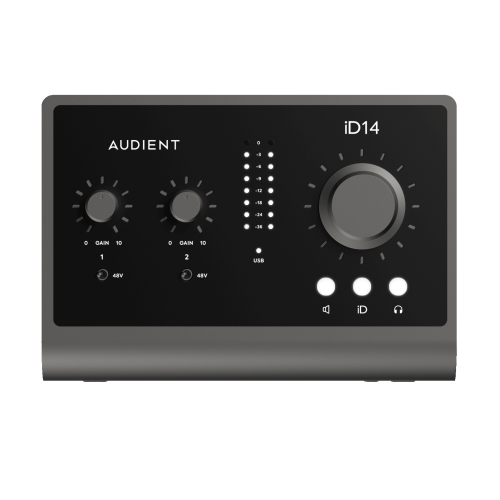
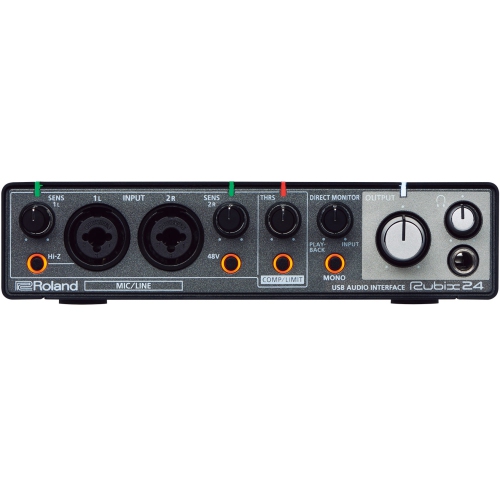
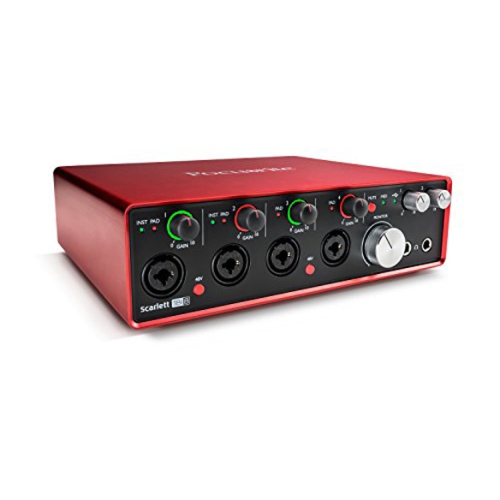
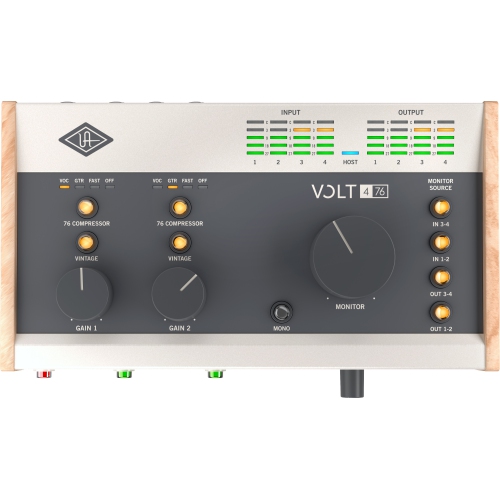
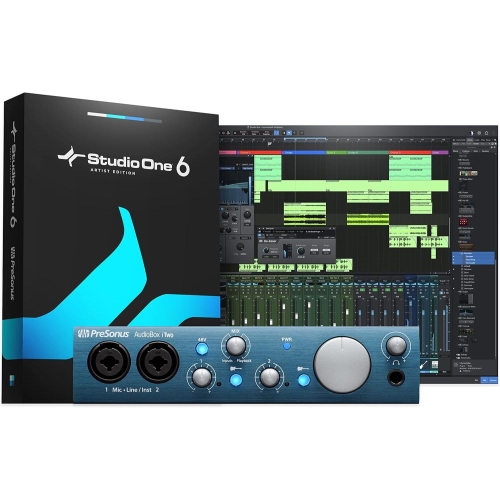
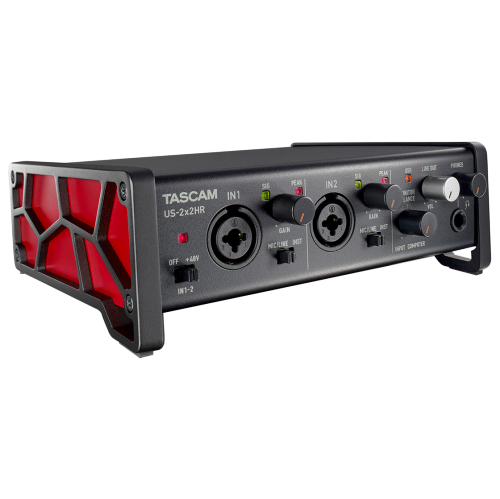
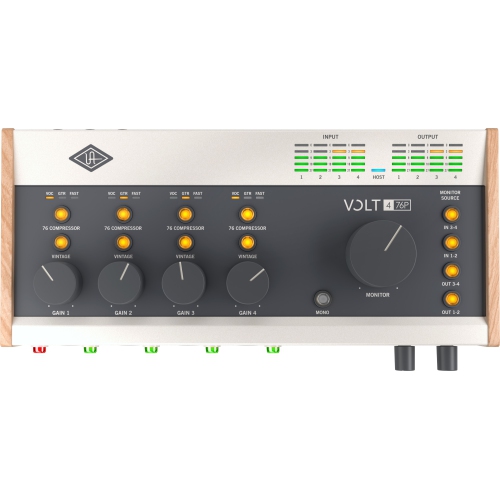
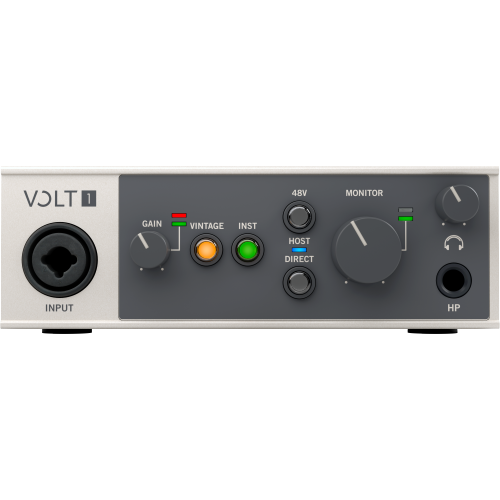
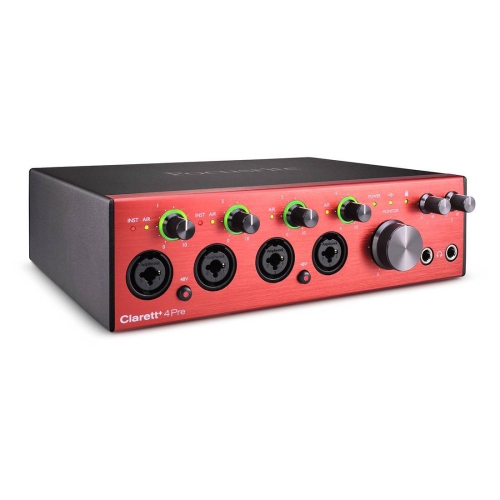
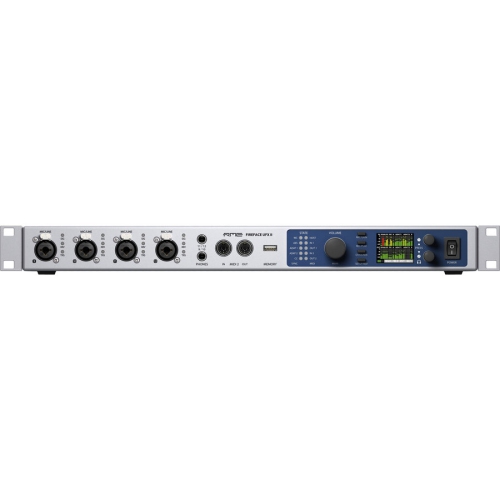
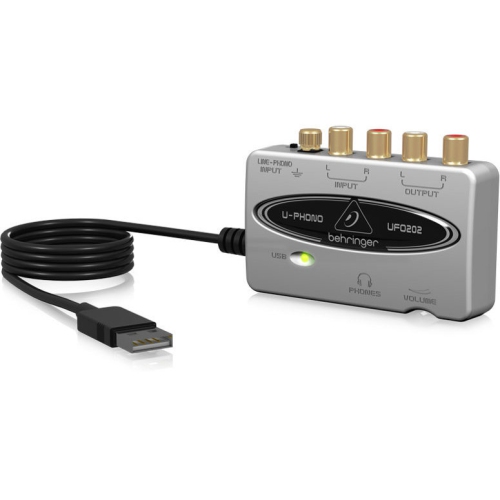
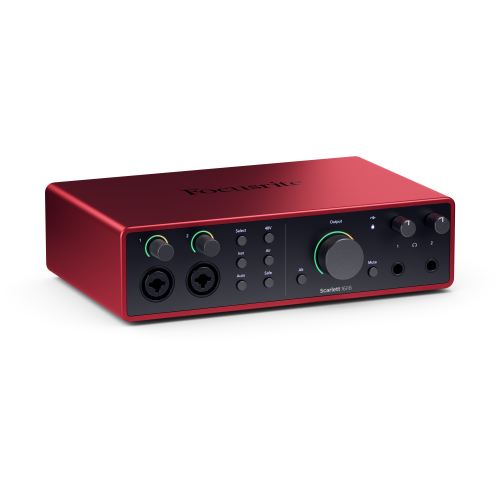
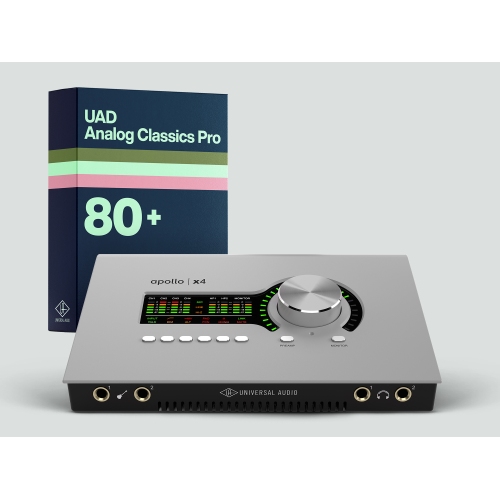
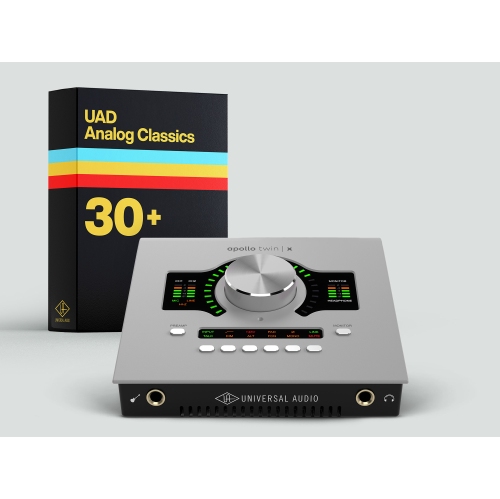
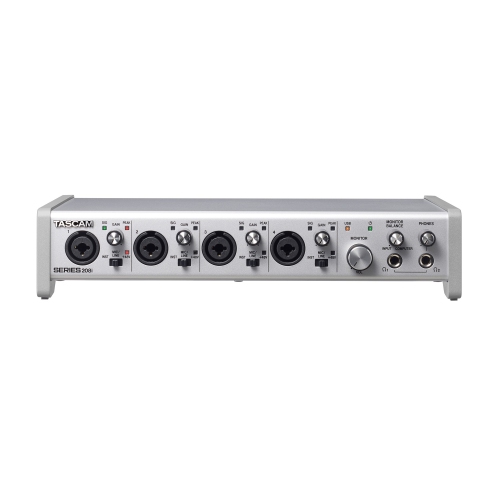
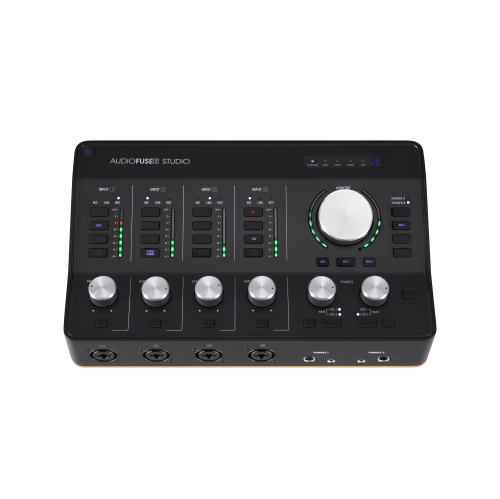
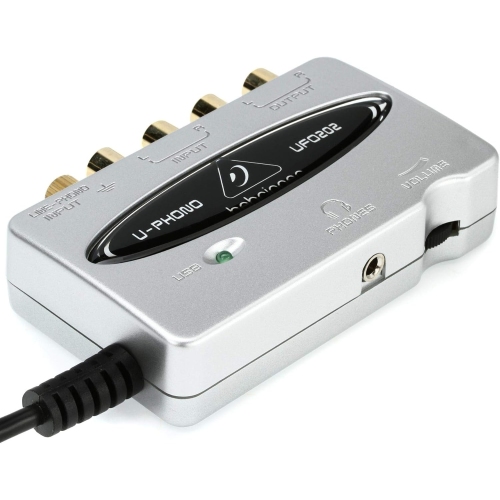
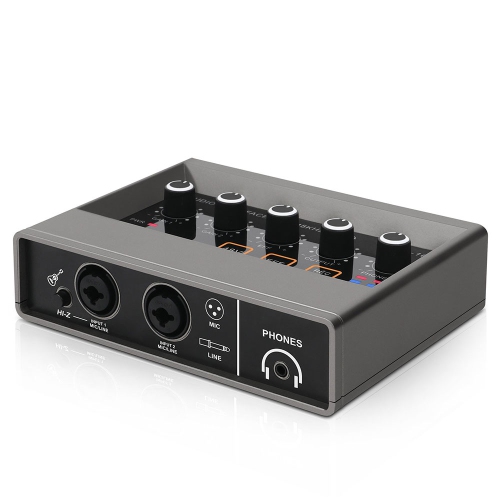
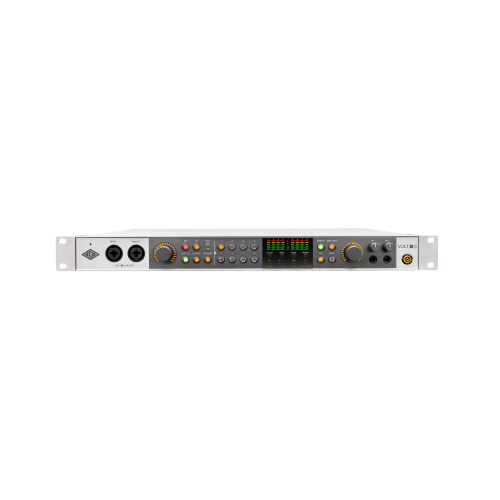
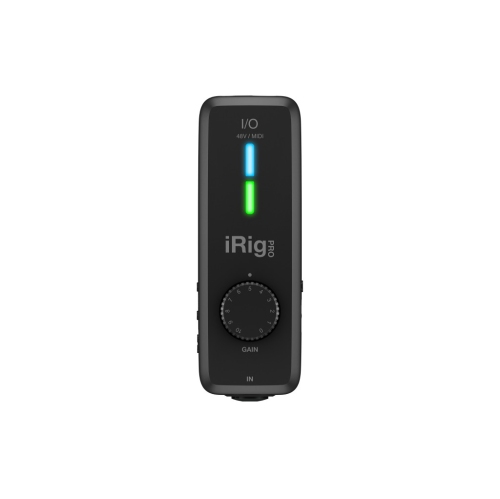
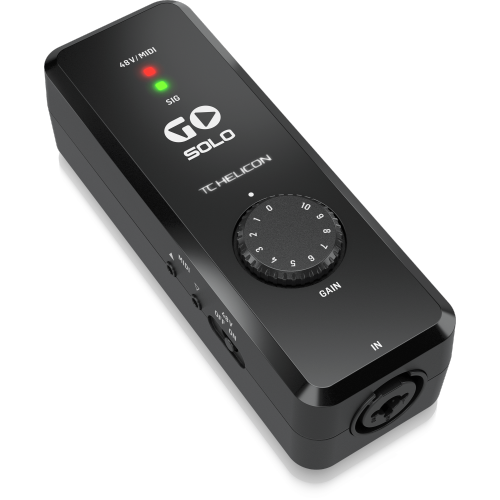
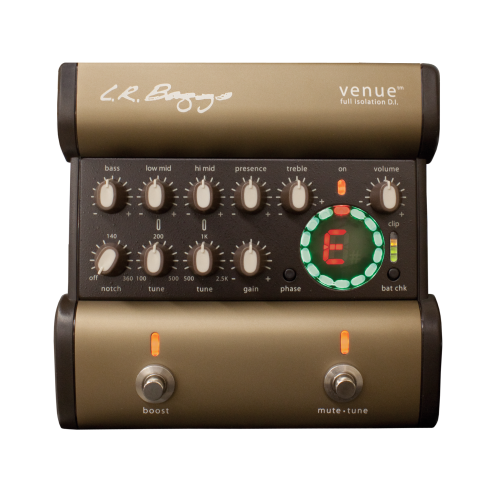
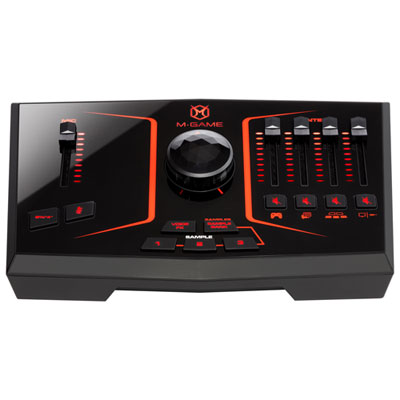
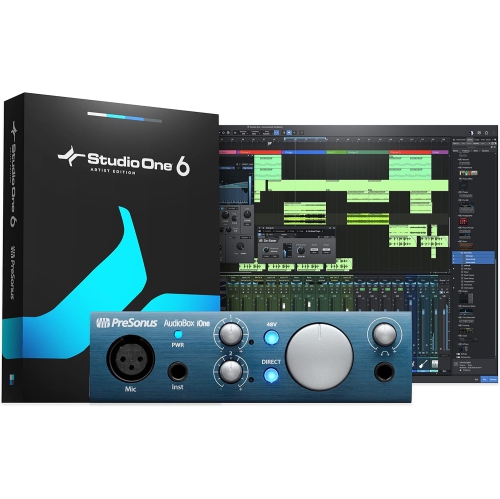
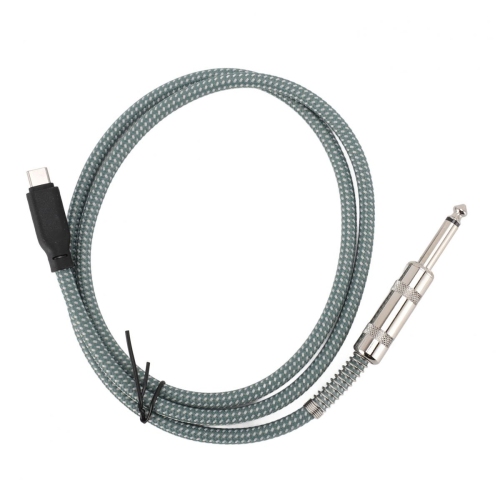
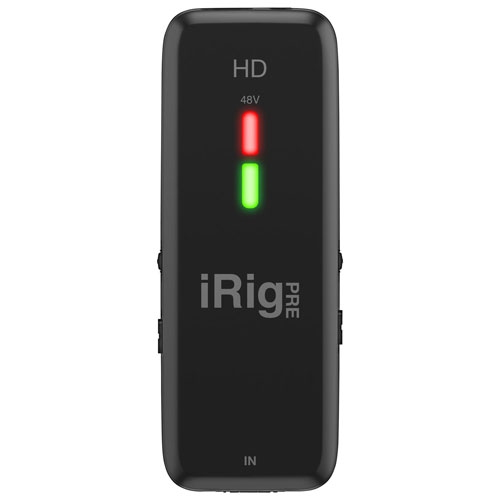
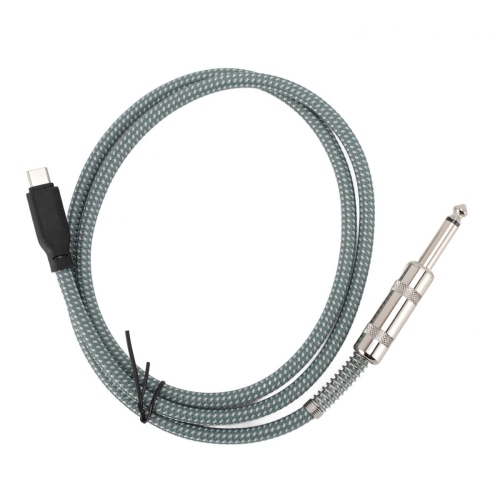
Guitar audio interfaces connect an electric guitar, bass, or acoustic-electric guitar to a computer or compatible mobile device, converting the instrument’s analogue signal into digital audio for recording, amp simulation, and mixing. They give guitarists a way to capture a riff, build layered arrangements, or practise through headphones using recording software and virtual amplifiers. A dedicated high-impedance instrument input, often labelled Hi-Z, is an important feature for plugging a guitar directly into an interface. It is designed to work with instrument signals, particularly those from passive pickups, helping preserve the clarity and response that can be lost through an unsuitable input. Although microphone, line, and instrument connections may share a socket, they serve different purposes; a selectable instrument mode makes that distinction especially relevant. Input count also shapes how an interface fits into a musician’s routine. A single instrument input can suit someone recording guitar parts individually, while additional inputs allow a singer-songwriter to capture a vocal microphone and guitar together. Recording a stereo effects processor or more than one microphone on an amplifier requires enough suitable inputs for those signals. Acoustic guitars without built-in pickups can be recorded with a microphone through an interface equipped with a microphone preamp. Some microphones also require phantom power, which is a microphone feature rather than something a standard guitar connection needs. Headphone outputs support private practice and close listening, while dedicated monitor outputs connect to compatible powered speakers for playback and mixing. Separate headphone and speaker level controls make it easier to move between listening methods without repeatedly adjusting the software. For a guitarist working at a desk, recording lessons, or sharing song ideas with bandmates, an interface provides a practical connection between the instrument and the recording session. Its value lies not just in capturing sound, but in making the process repeatable: a guitar can remain ready to plug in, a vocal microphone can have its own channel, and an unfinished idea can become a recording before the details slip away.
The feel of playing through a guitar audio interface depends partly on monitoring, which is how the player hears the incoming signal. Direct monitoring sends the input to headphones or speakers without waiting for the computer to process it, reducing the distracting delay known as latency. On many interfaces, that direct signal is dry, so it will not include an amp simulator or effects running in the recording software. Hearing those software sounds while playing involves monitoring through the computer, where the interface driver, buffer setting, processing load, and computer performance all influence the response. A smaller buffer can make the sound feel more immediate, while a larger buffer can provide more processing headroom during a busy mix. Interfaces with onboard processing may offer another monitoring option, although the available effects and routing vary. These differences matter when a tightly picked rhythm needs to feel connected to the hands, or when a sustained lead part relies on delay and reverb for its character. Clean input levels are equally useful. Strong strums and hard-picked notes should have room below clipping, since distortion caused by overloading the input is different from the intentional drive of a virtual amplifier. Clear meters, accessible gain controls, and an input pad where provided can help accommodate different pickup outputs. Recording a clean guitar signal also leaves room to change amplifier and cabinet settings later without performing the part again. Some setups support reamping through suitable outputs and a reamp box or dedicated reamping connection, allowing a recorded performance to pass through physical guitar equipment. Compatibility remains central to all of these uses. A matching cable connector alone does not confirm that an interface will work with a particular computer, tablet, or phone; supported operating systems, driver requirements, mobile-device support, and power needs all matter. For musicians who also stream performances or record demonstrations, loopback can route computer playback into a recording or broadcast application on interfaces that support it. That feature is distinct from the physical guitar input and is most useful when its routing and software compatibility suit the intended workflow.
Physical design makes a noticeable difference once an interface becomes part of everyday playing. A compact unit can fit beside a laptop or travel in a padded compartment, while a larger desktop format may offer more space around controls and connections. Metal housings can provide useful protection against knocks, but socket mounting, knob construction, and the way cables sit on the desk also contribute to long-term durability. Front-facing instrument and headphone sockets are convenient for frequent changes; rear connections can keep a more permanent setup tidy. Enough space around the controls helps when adjusting gain with a guitar still strapped on, and visible meters are easier to check without leaning across the desk. Bus-powered interfaces draw power through their data connection, reducing the number of separate power leads, although some mobile setups need additional power or an adapter. Models with external power have different placement needs, so desk space and access to connections are part of the fit. Routine care is straightforward: a soft, dry cloth removes dust, liquids belong away from sockets, and cables last better when they are unplugged by the connector rather than pulled by the lead. Relieving cable strain is particularly helpful when a guitar cable runs from a seated player to a lightweight interface. Suitable monitoring equipment also shapes the experience. Headphones make quiet practice possible, while compatible powered monitors can make it easier to assess a full arrangement. An amplifier’s speaker output must never be connected to a standard interface input; recording an amplifier requires an appropriate microphone or an output specifically designed for that purpose. Guitar audio interfaces complement the instruments and recording essentials in Guitars Audio, supporting setups for learners, home-recording enthusiasts, teachers, and experienced players developing new material. As a gift, an interface is most useful when its connections match the recipient’s guitar, computer, and recording habits. A straightforward layout can make a first recording setup approachable, while additional inputs, flexible monitoring, and more routing options can support a musician whose projects involve several sound sources.
Top selling and popular products
-
 Your price for this item is $989
-
 Your price for this item is $699
-
 Your price for this item is $329.99
-
 Your price for this item is $799.99
-
 Your price for this item is $69
-
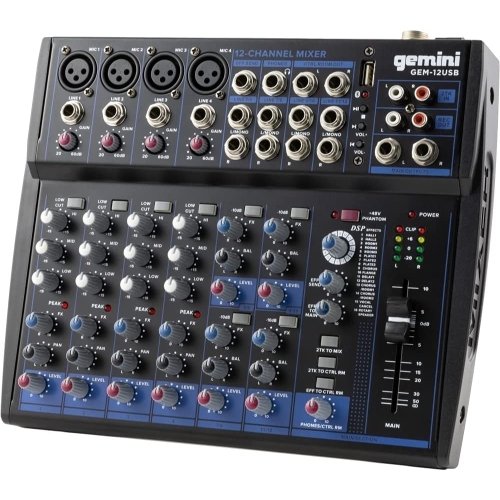 Your price for this item is $205.95
-
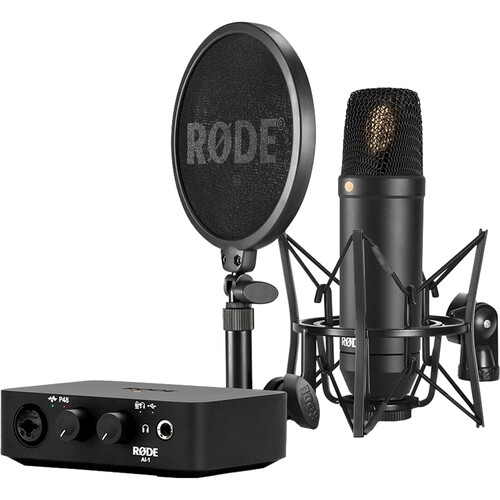 Your price for this item is $199
-
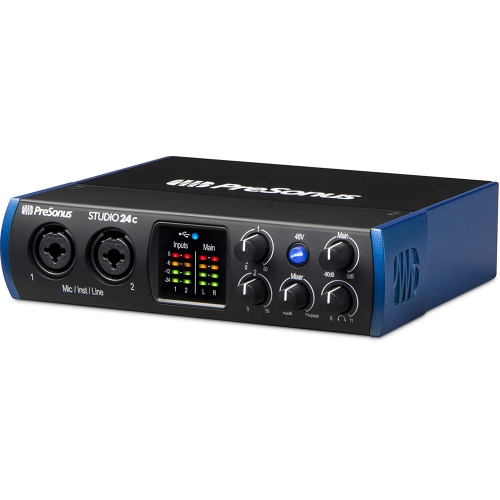 Your price for this item is $241.49
Discover more categories related to Guitar Audio Interfaces
Top Collections:
Best Black Friday Deals This Year, Best Black Friday Deals On Electronics, Kindle Devices, Pokemon Centers, Best Black Friday Deals On Apple Products, Best Cameras for Sports Photography, Dyson Airwrap, Pokémon 30th Celebration Cards, Apple iPhone 17 Pro, Canon G7X Cameras
Some products may be subject to Environmental Handling Fees
(EHF) depending on your province.
Learn more about EHFs.