Cheap Microphones for Youtube
Our selection of affordable microphones for YouTube is perfect for content creators on a budget. Whether you're vlogging, podcasting, or recording voiceovers, these budget-friendly options deliver crystal-clear sound quality and professional results. With a variety of styles and features to choose from, finding the perfect microphone for your YouTube channel has never been easier. Get ready to elevate your audio game without emptying your wallet!
Sort

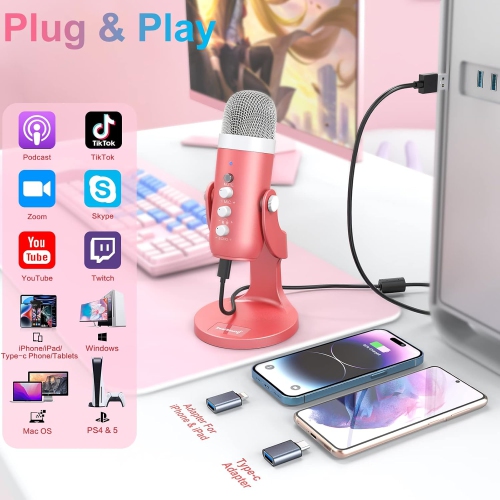

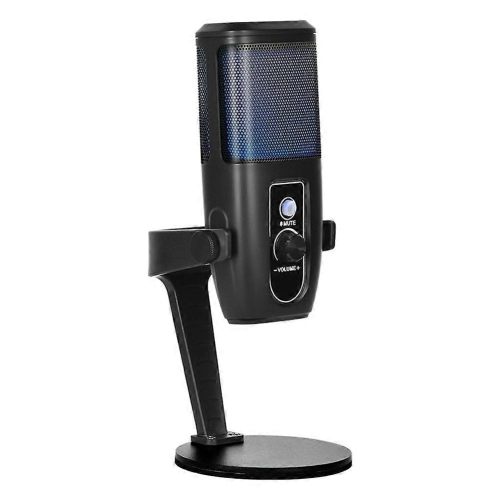
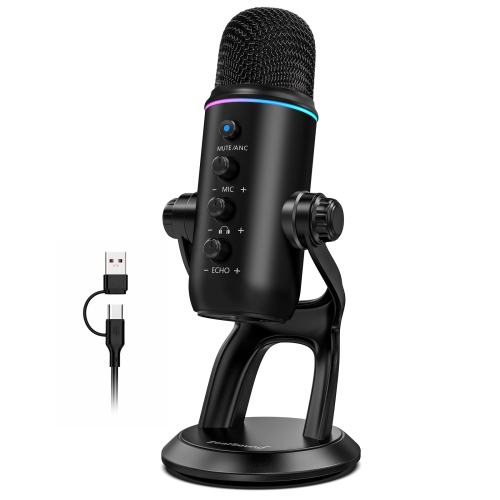

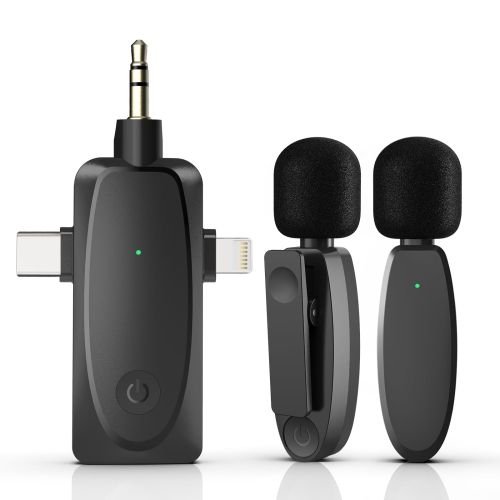
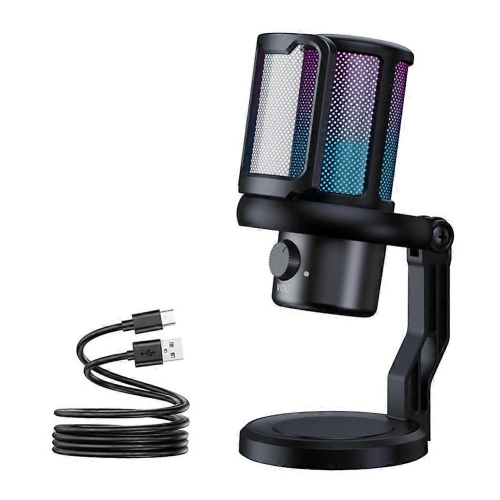
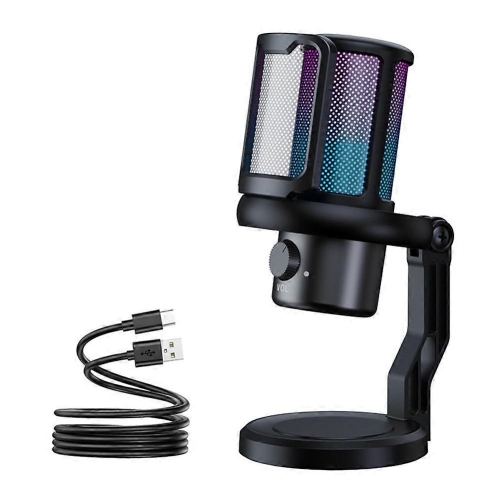
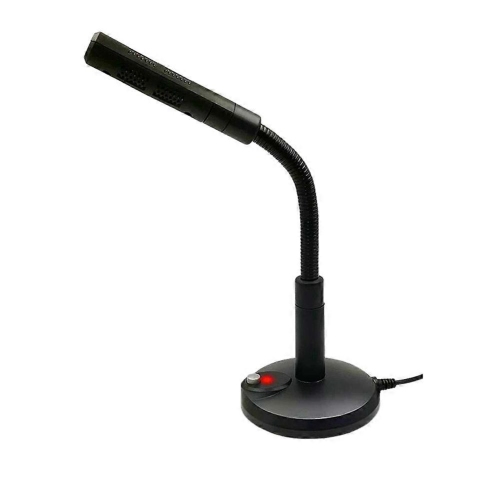
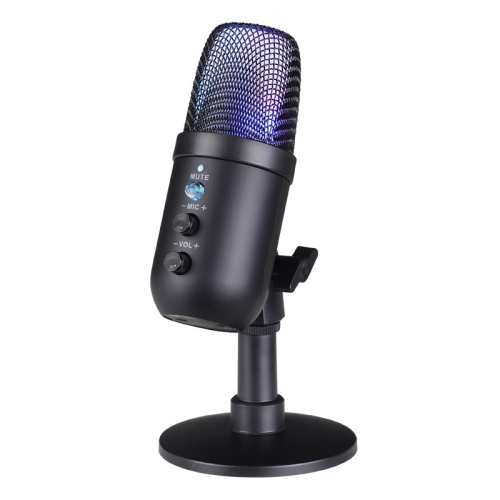
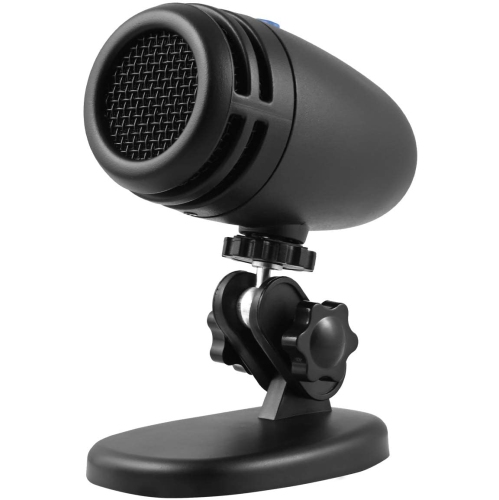
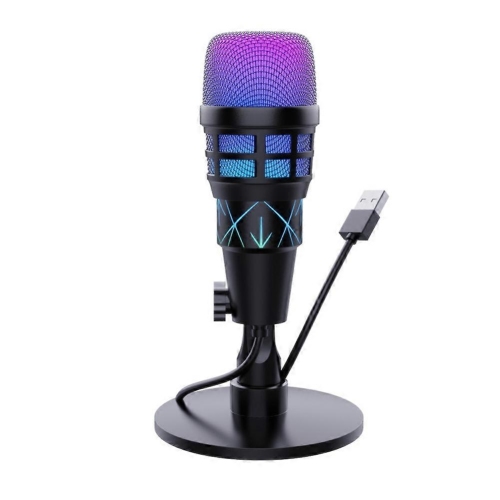
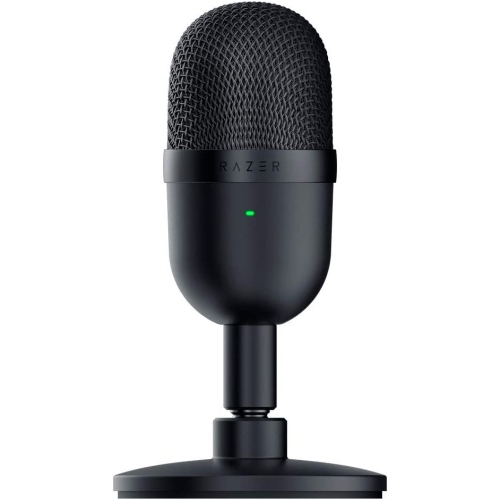

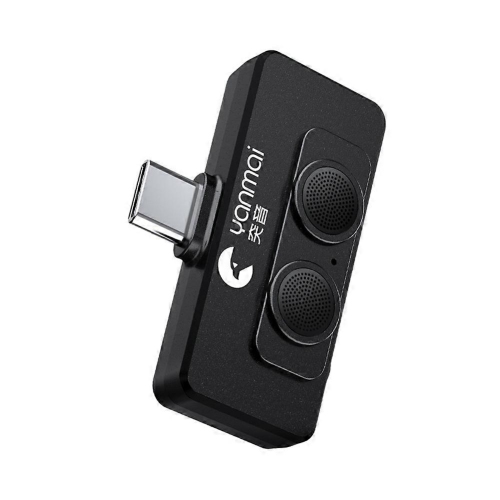
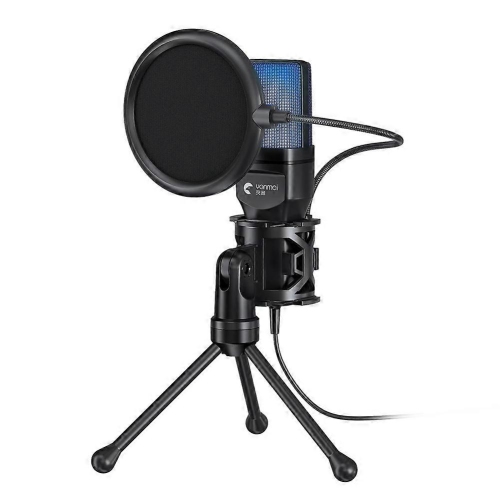
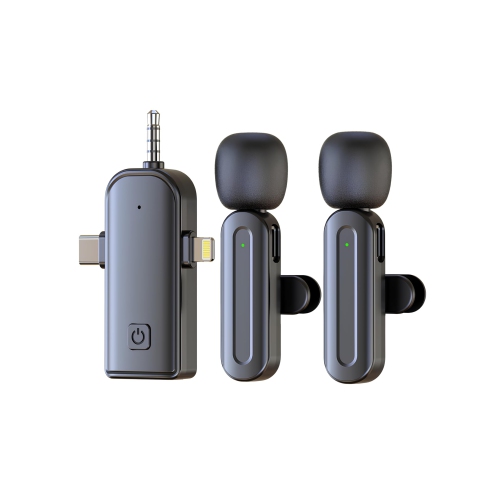
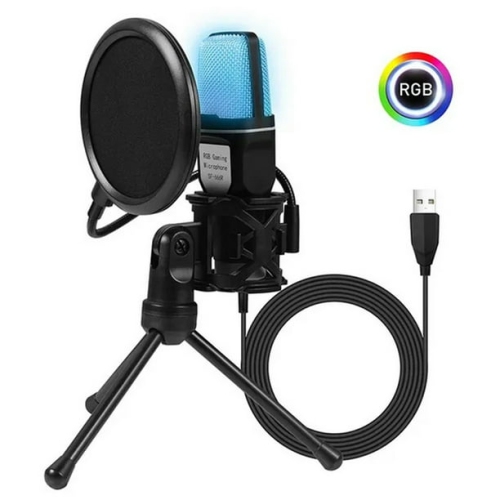
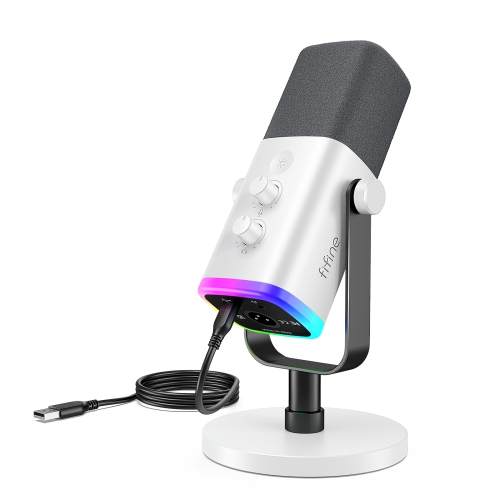
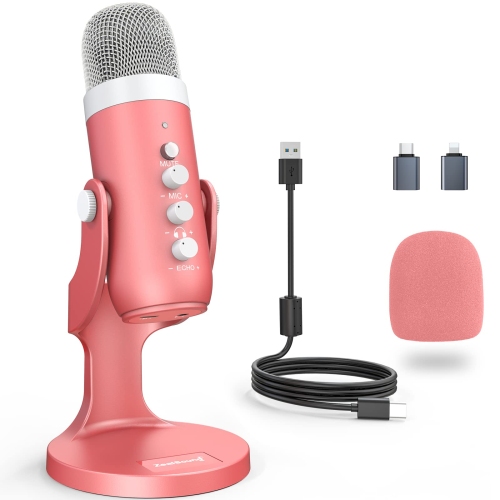
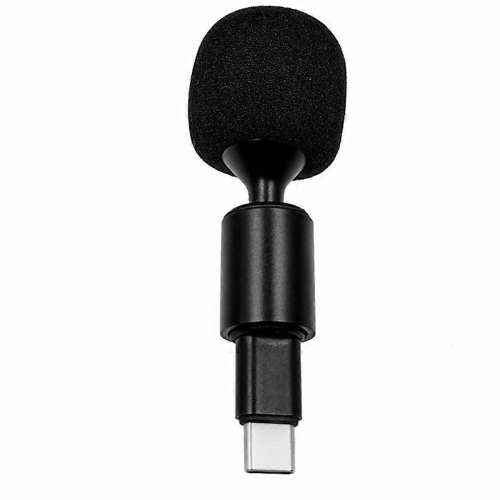
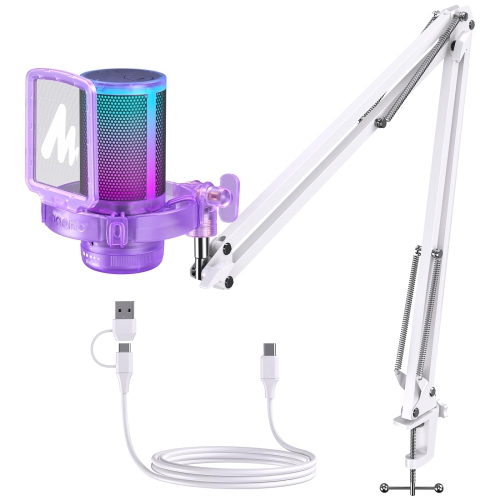

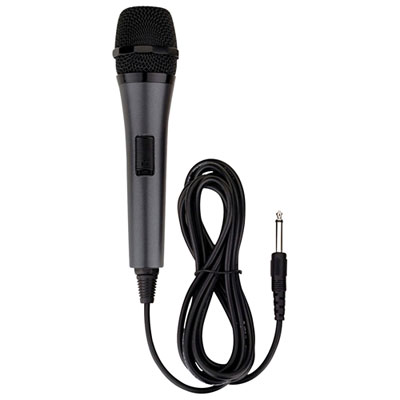
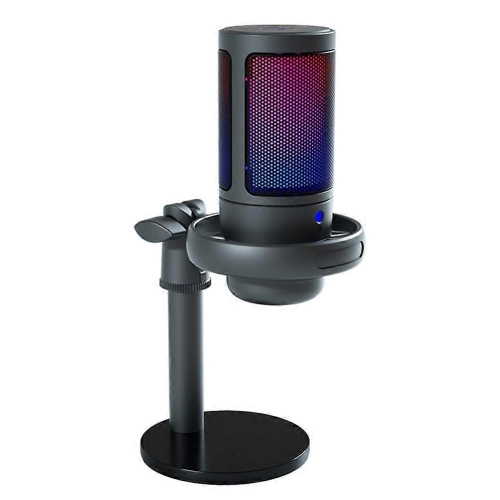
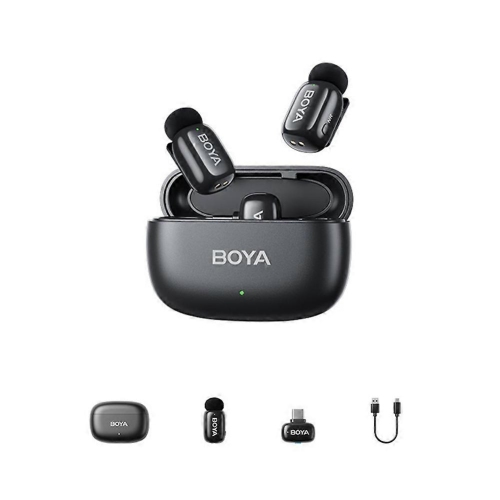
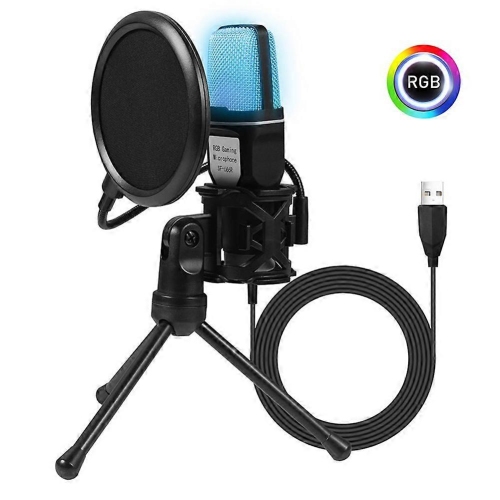
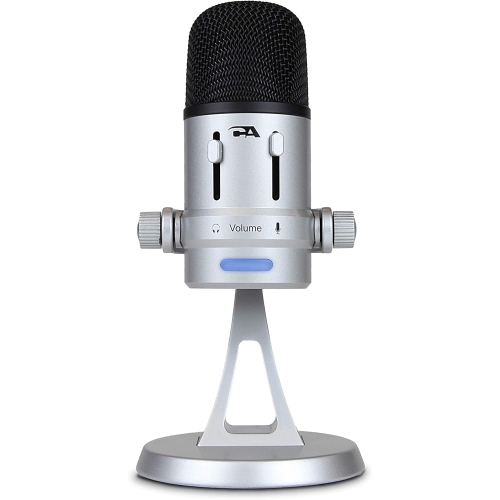
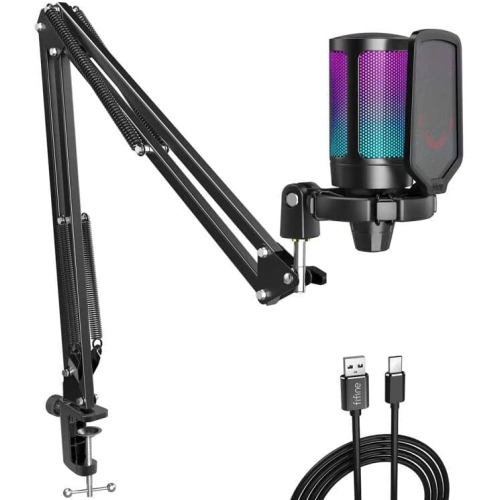
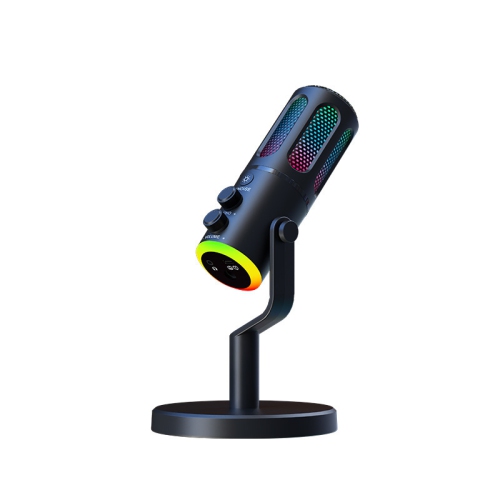
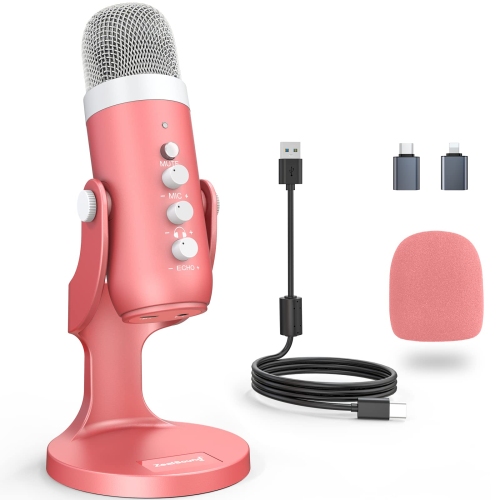
Clearer YouTube audio without a complicated studio setup
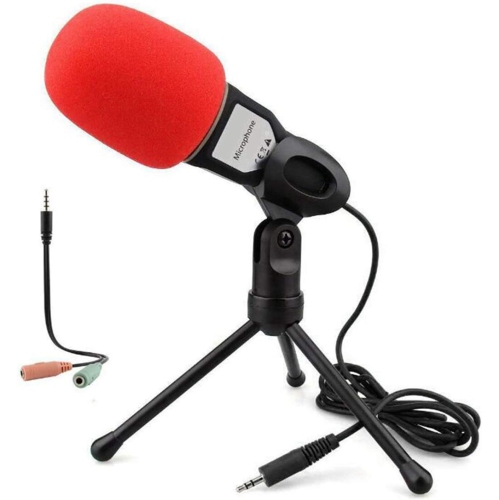
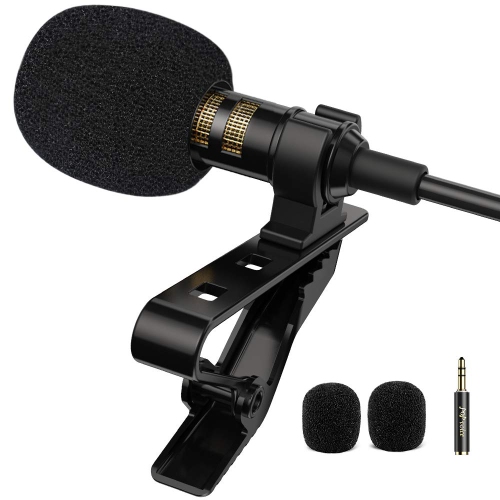
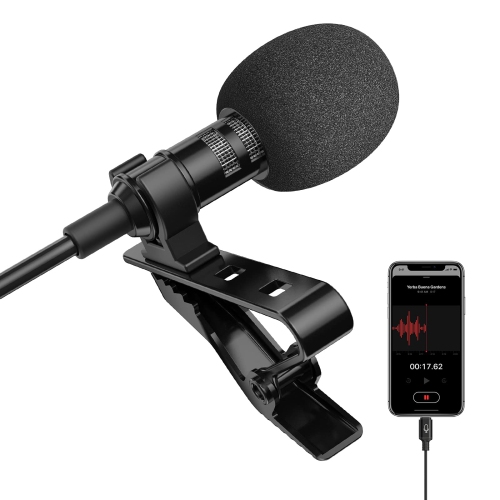
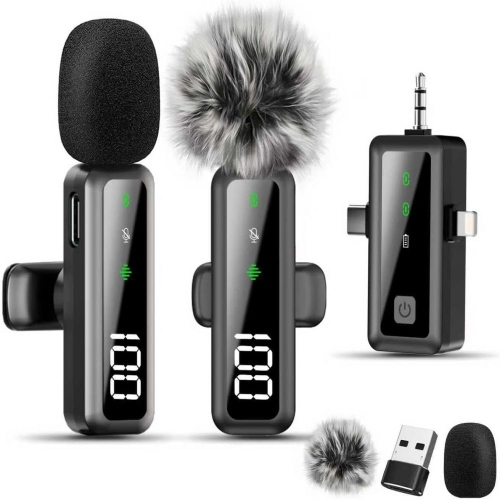
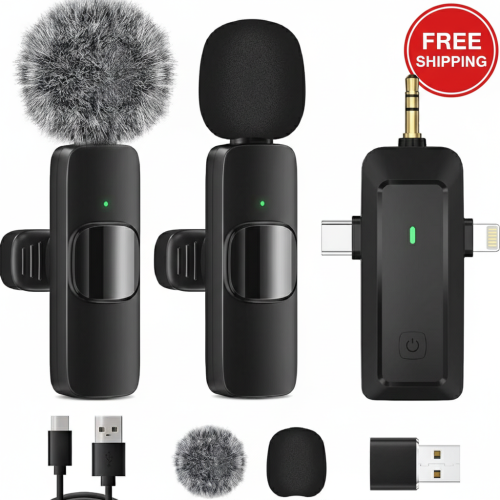
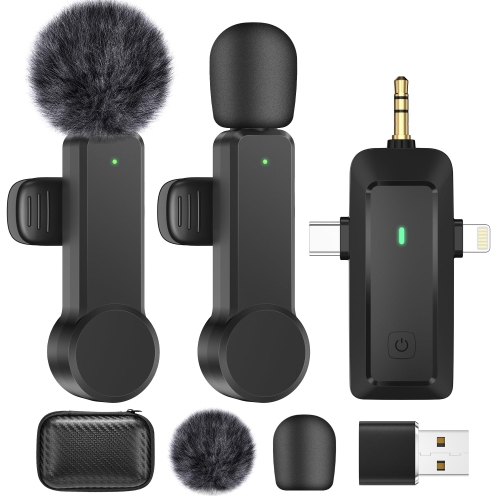
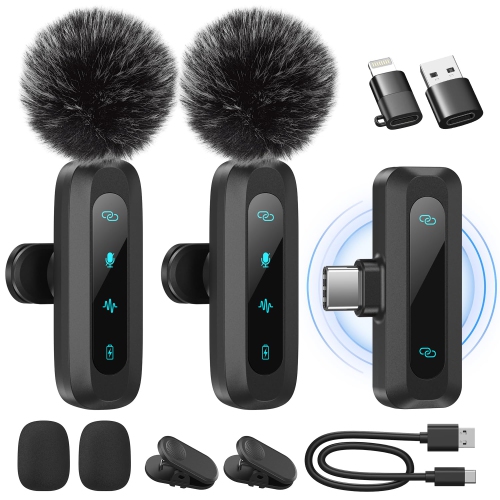
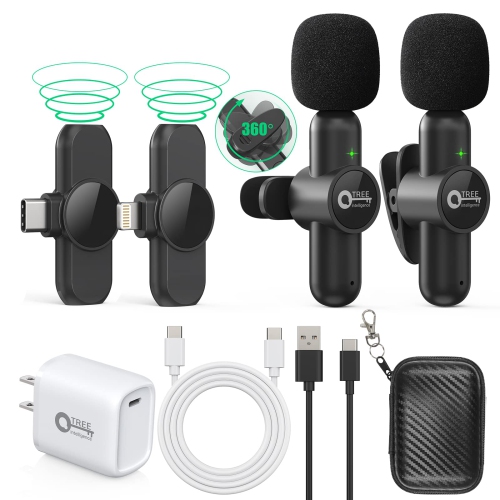
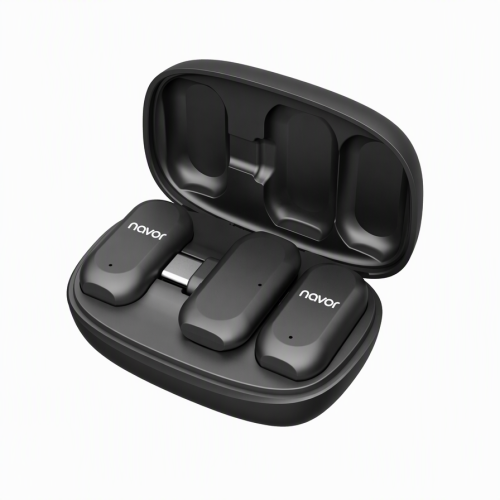
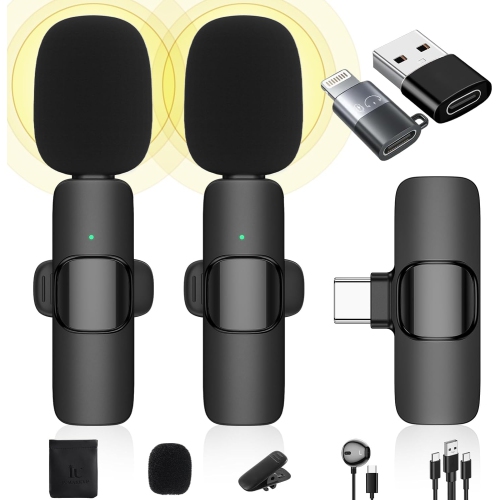
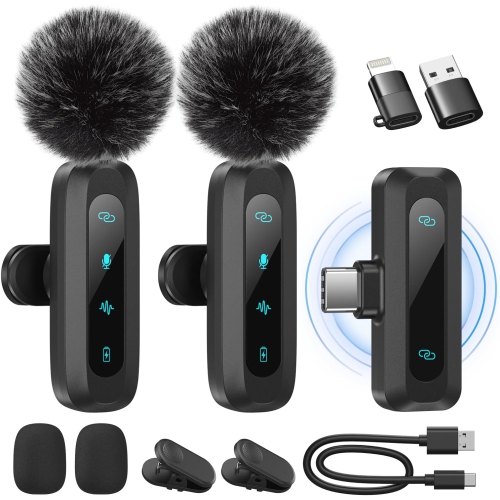
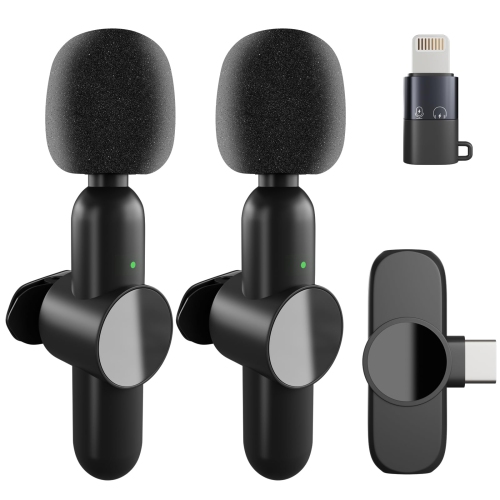
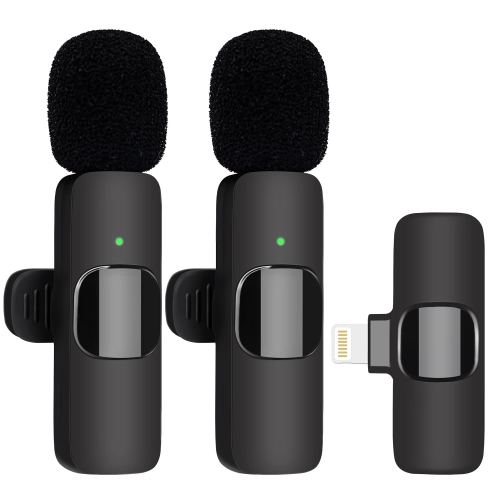
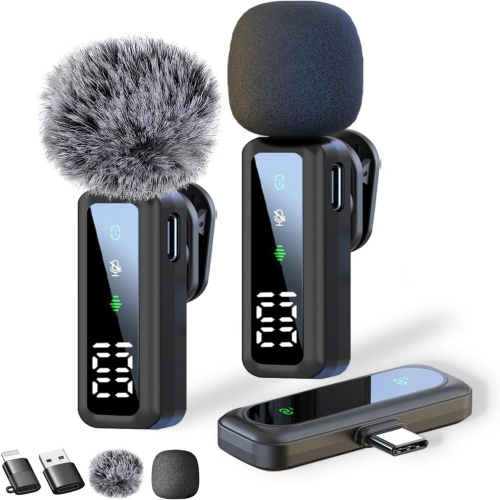
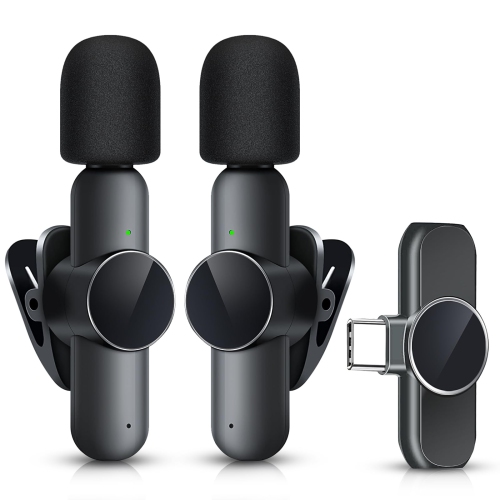
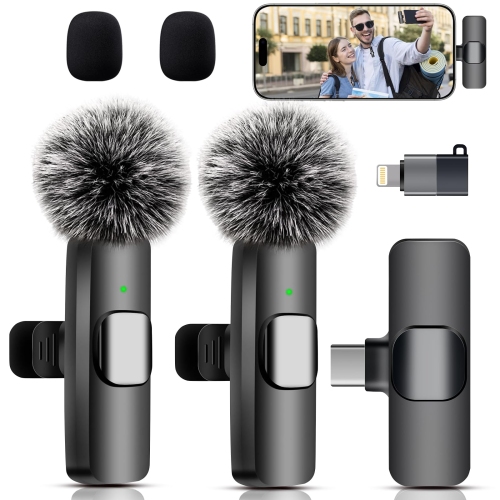
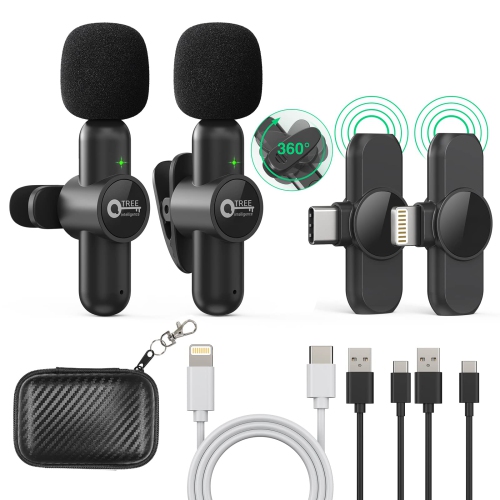
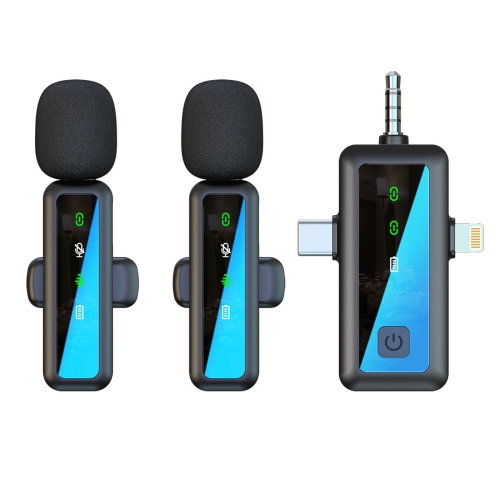
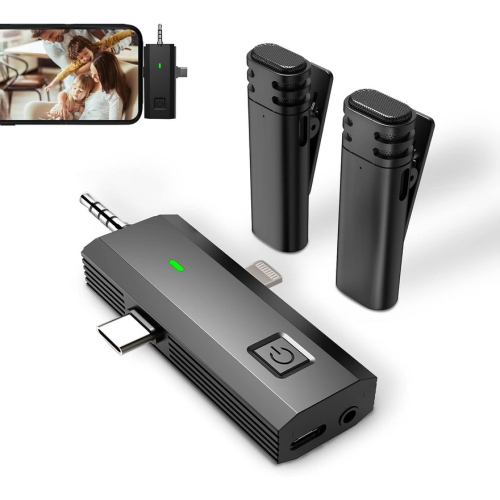
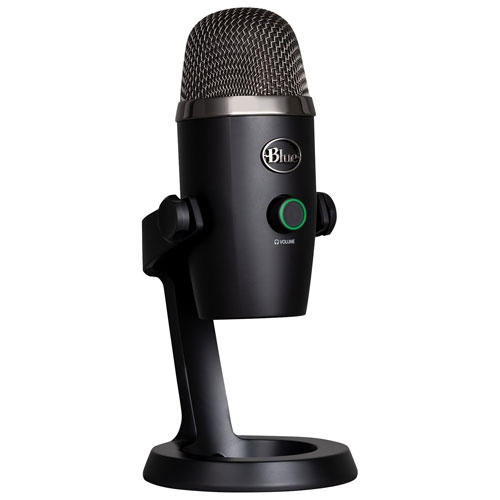
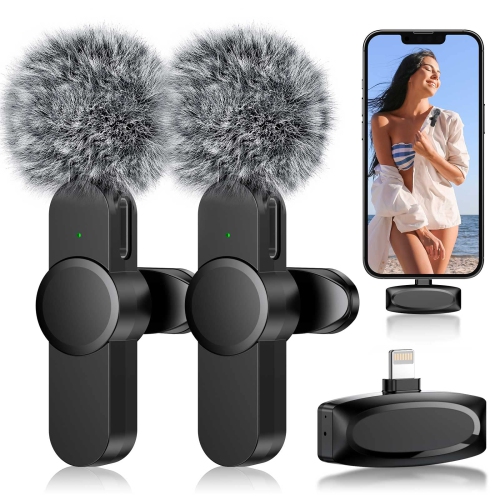
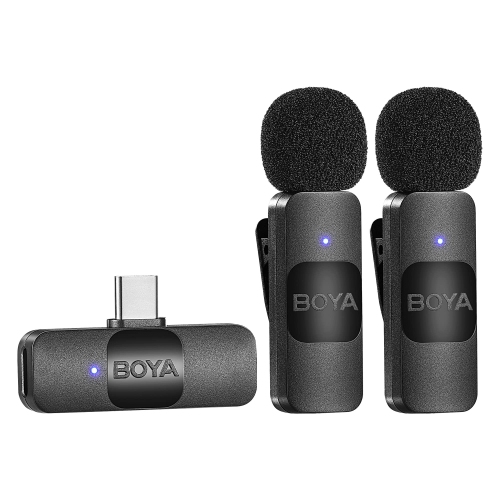
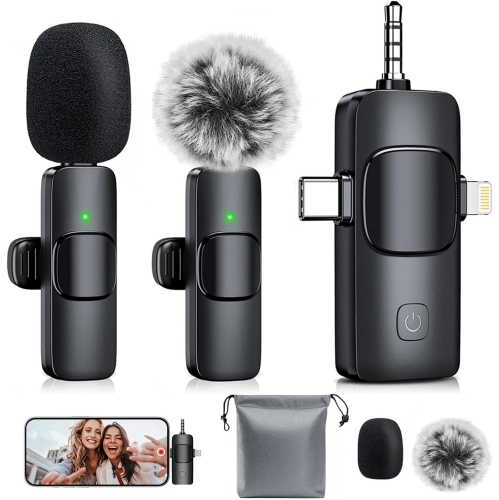
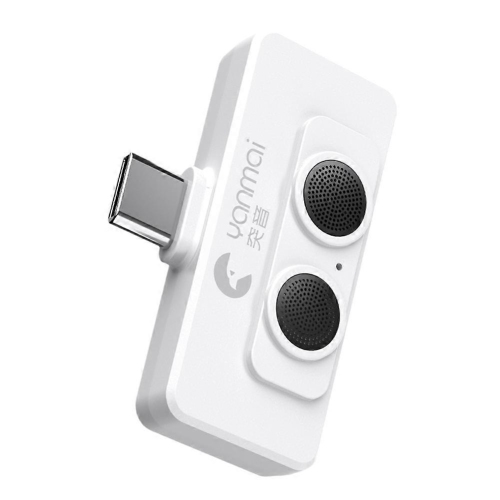
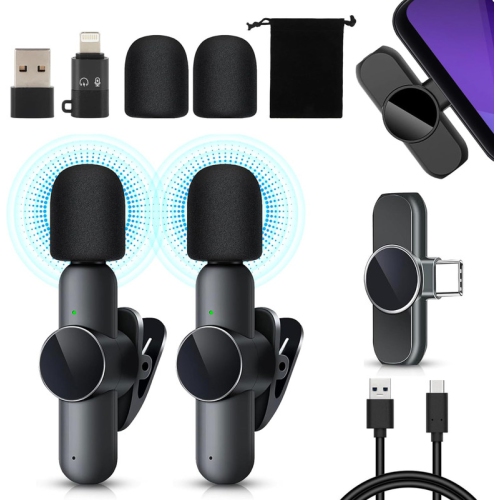
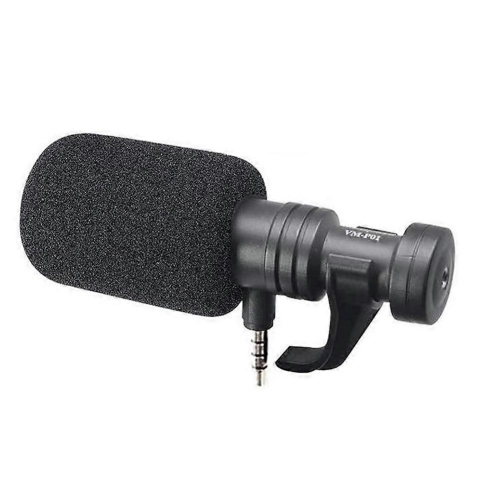
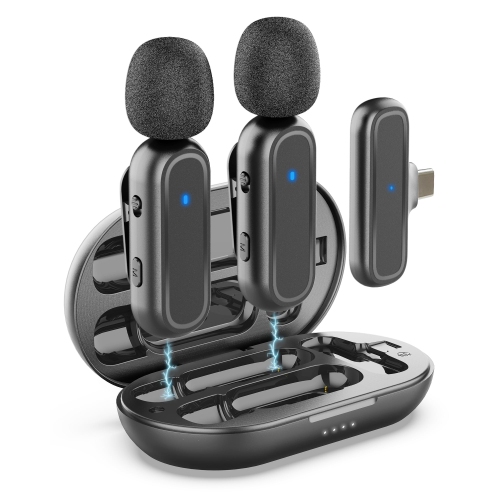
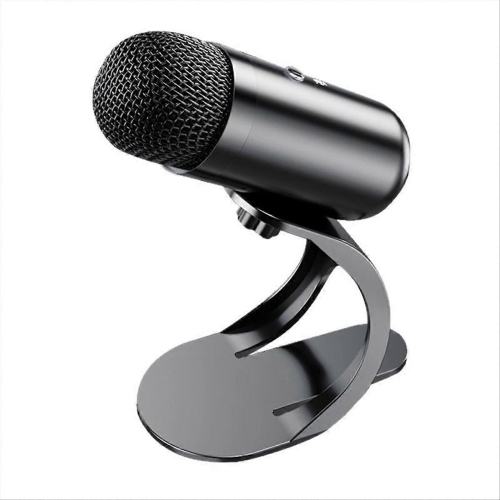
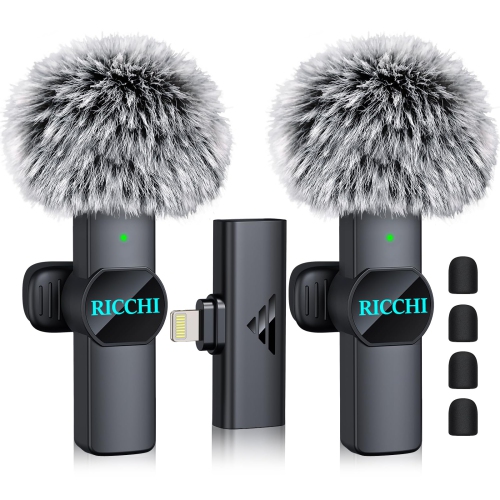
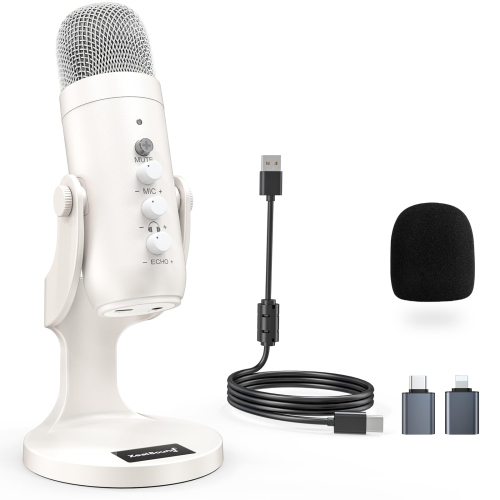
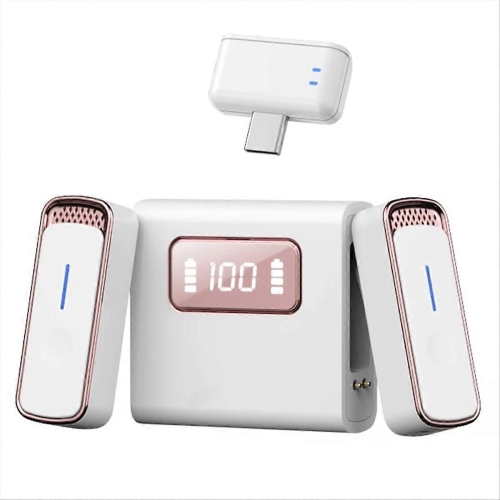
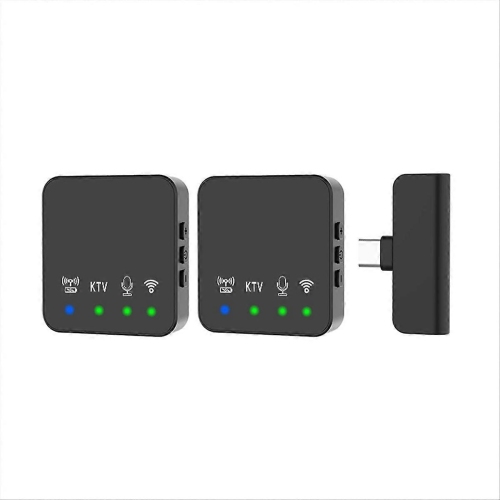
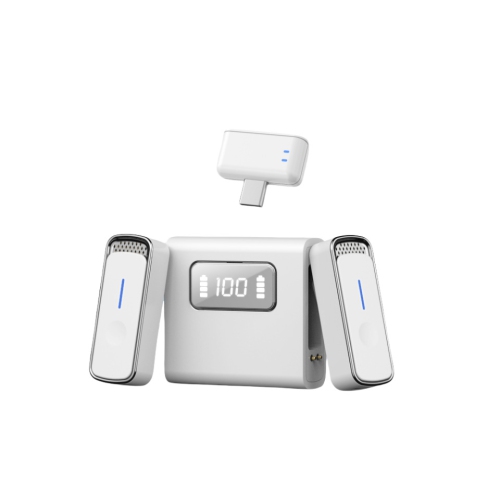
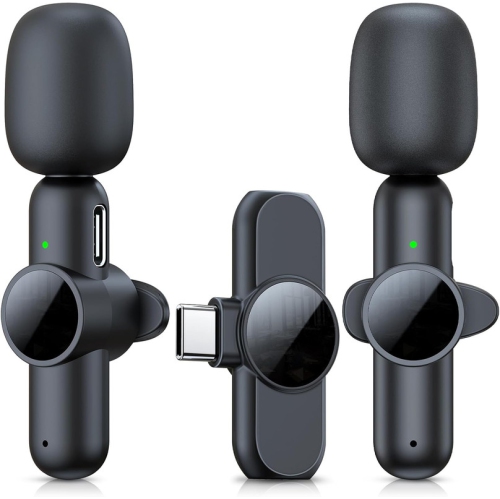
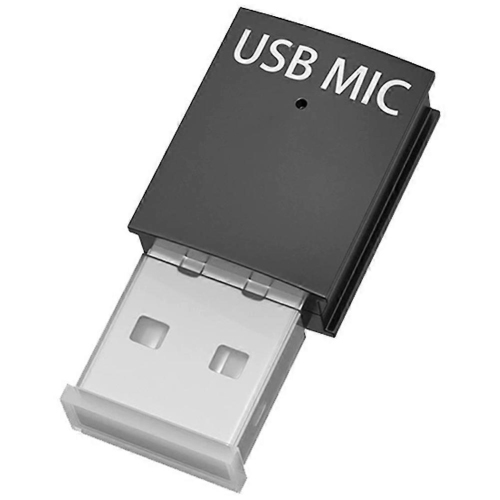
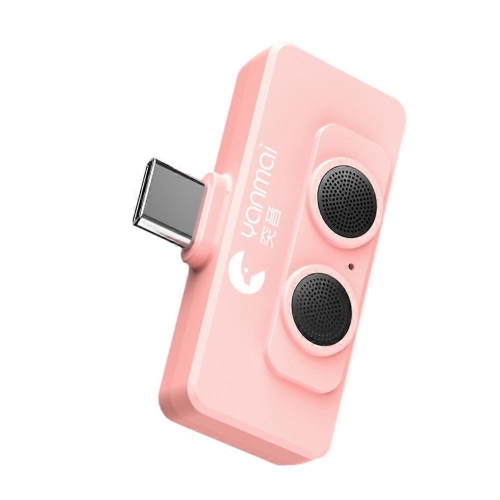
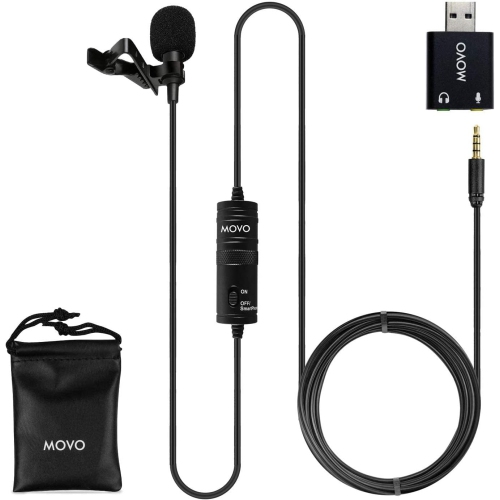
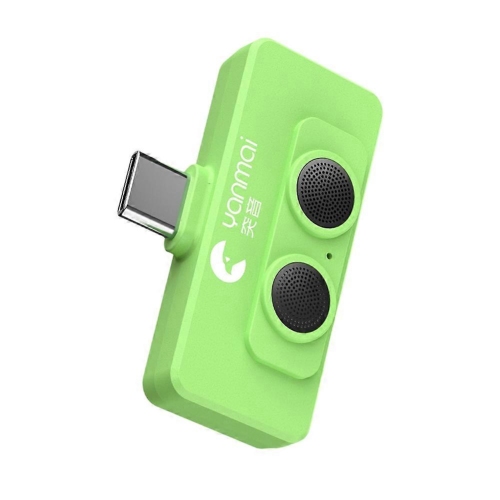
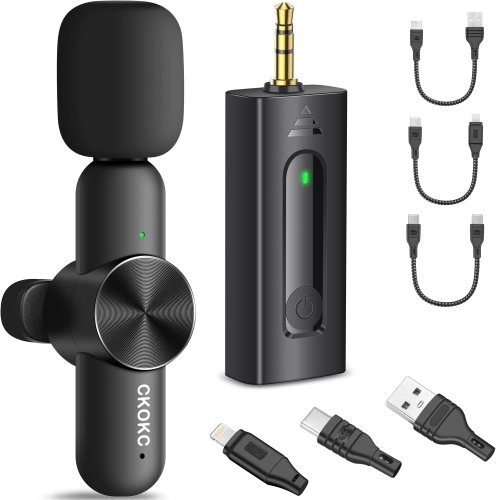
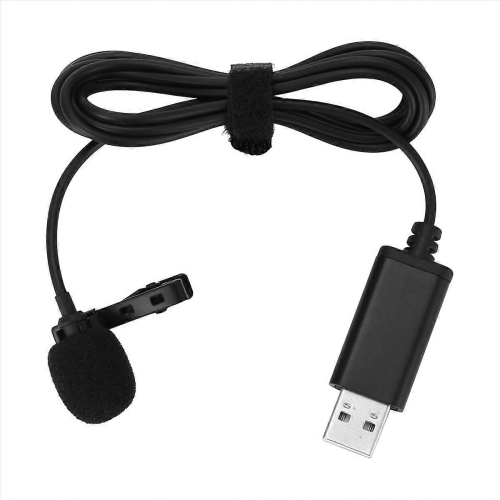
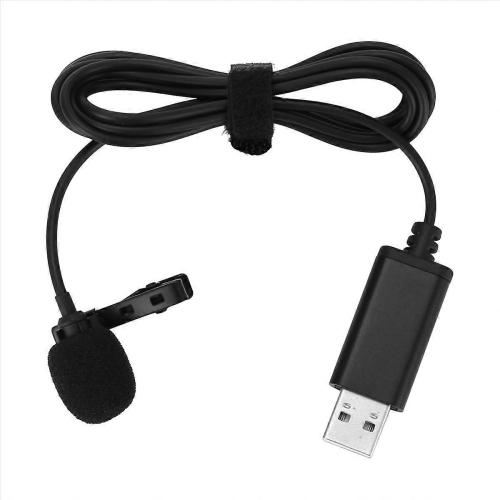
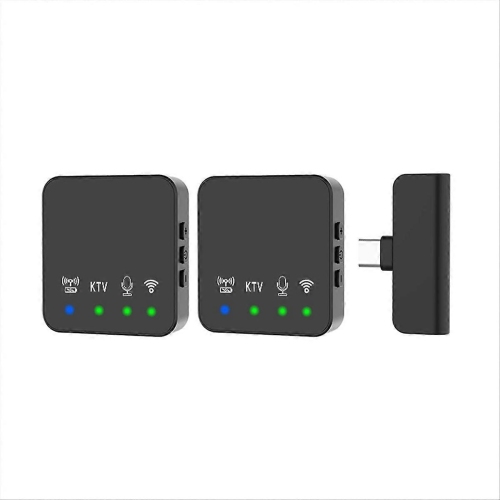
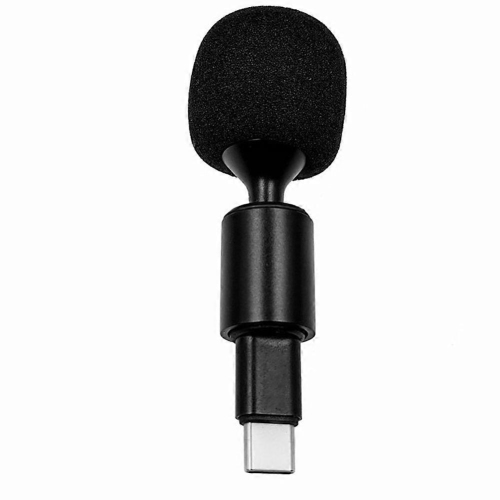
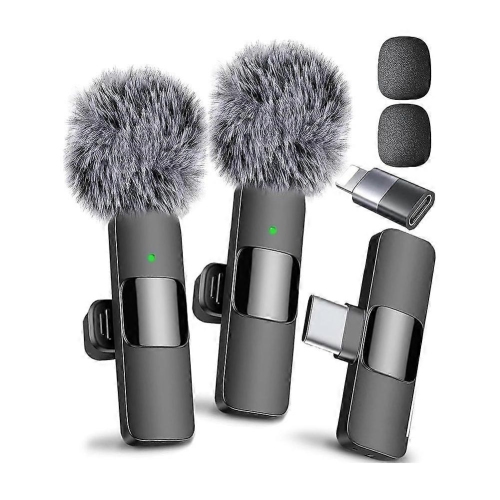
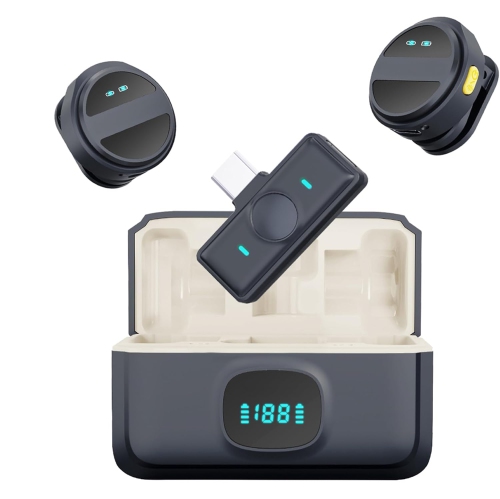
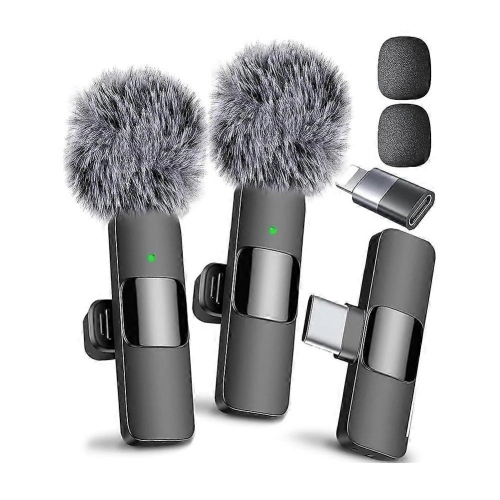
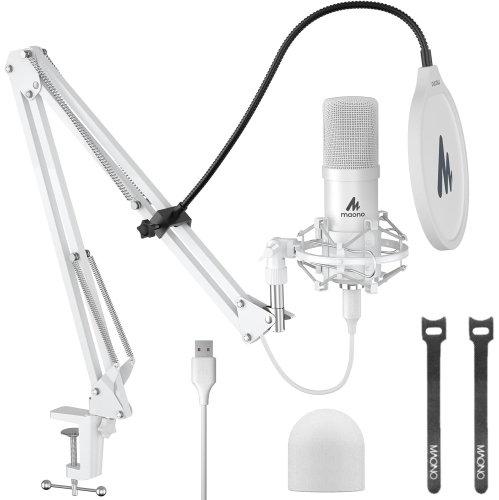
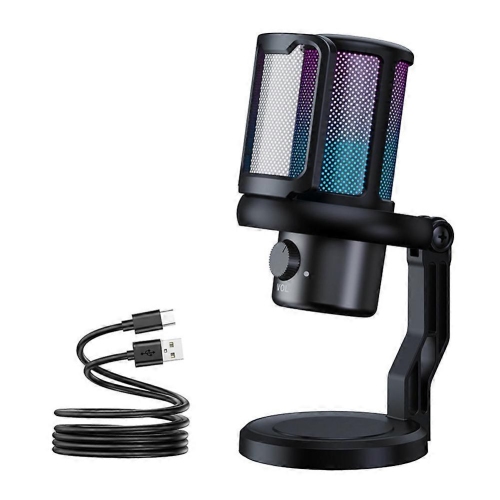
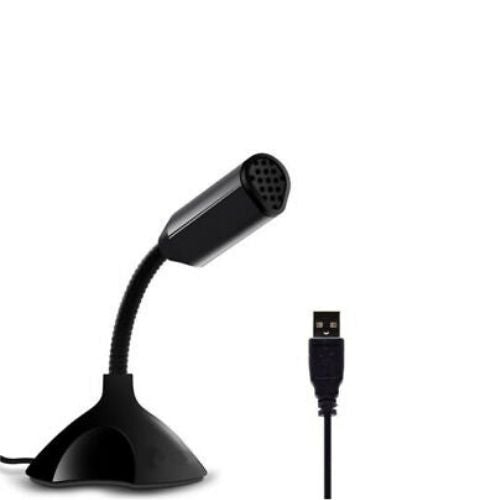
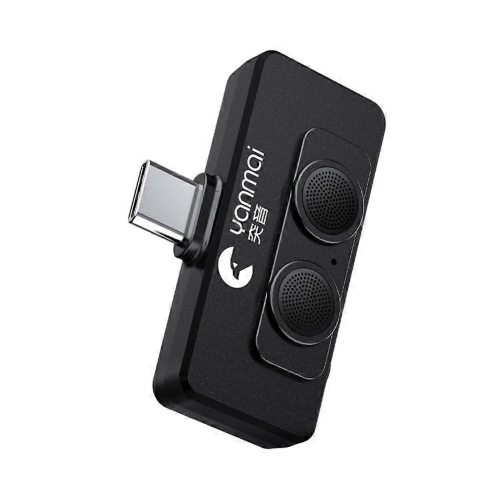
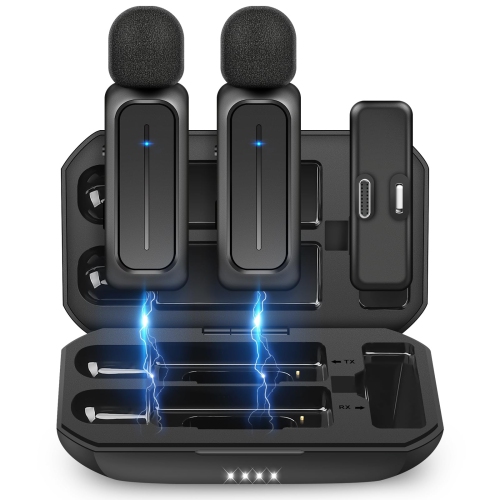
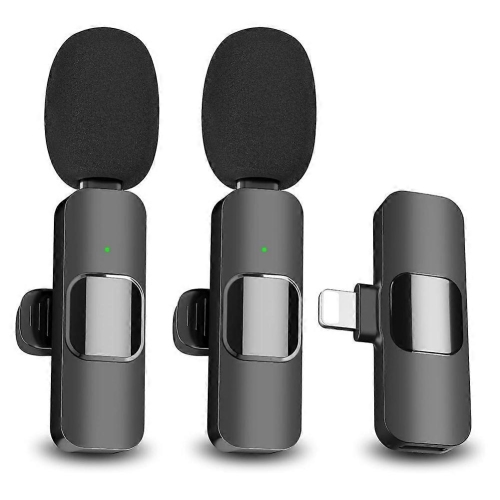
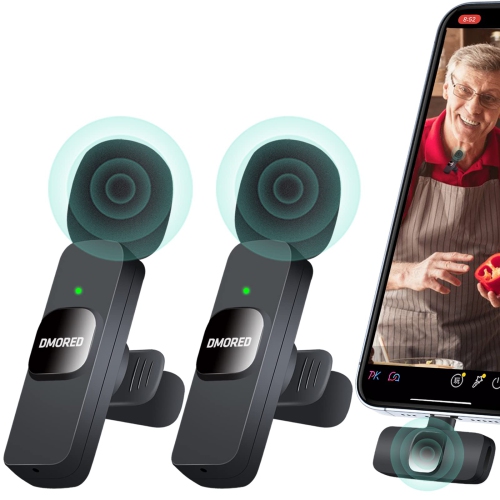
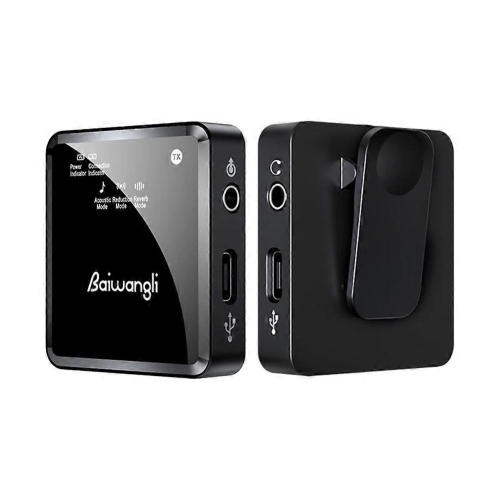
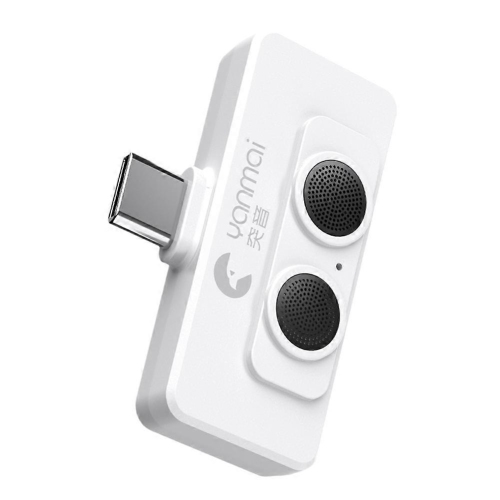
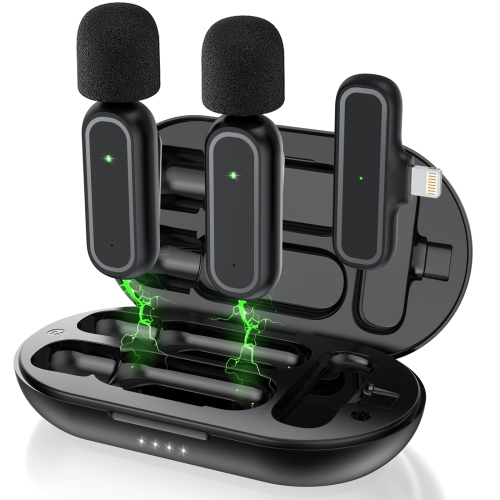
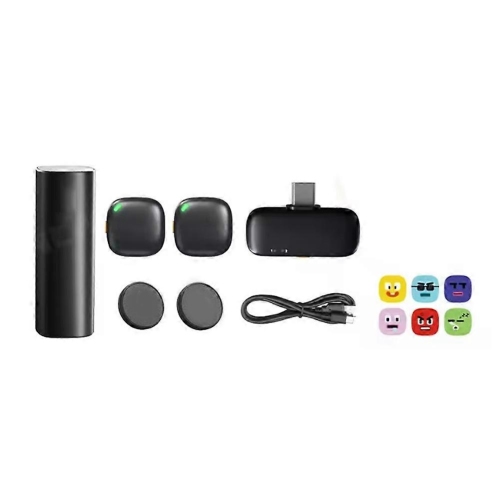
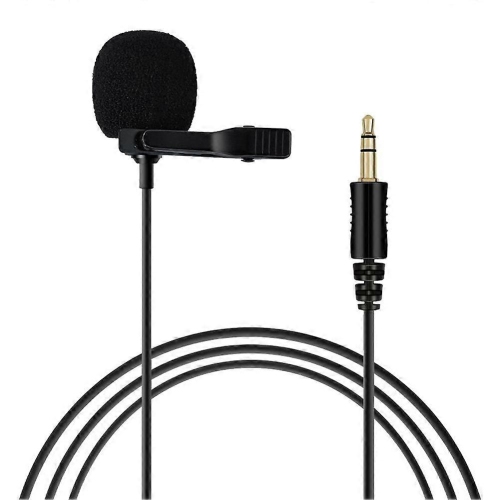
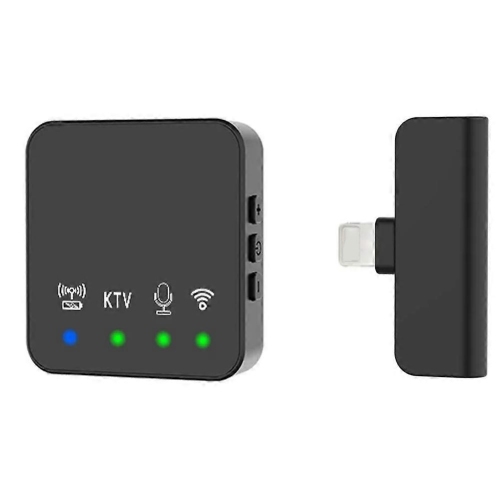
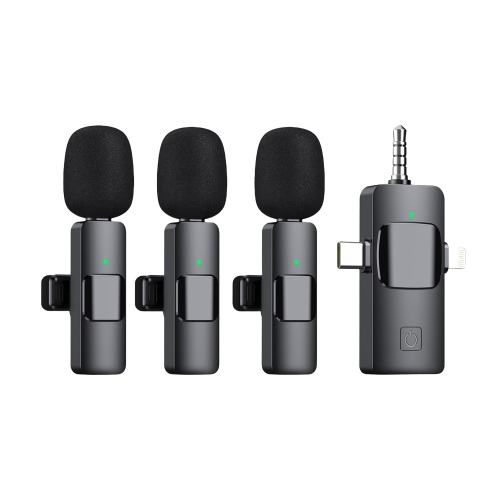
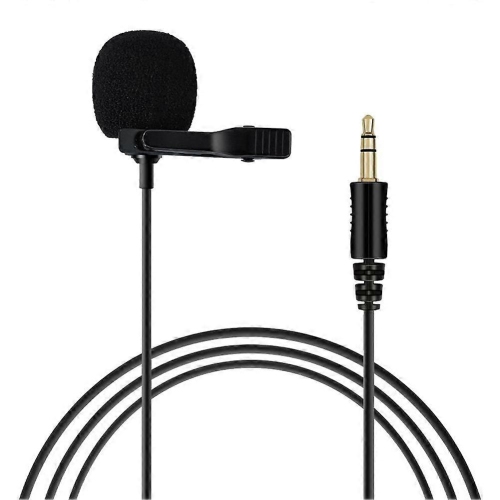
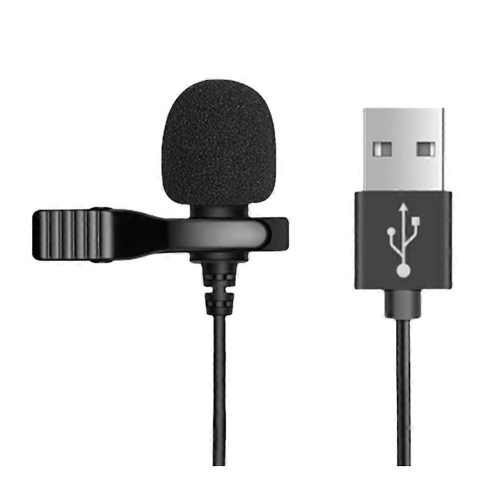
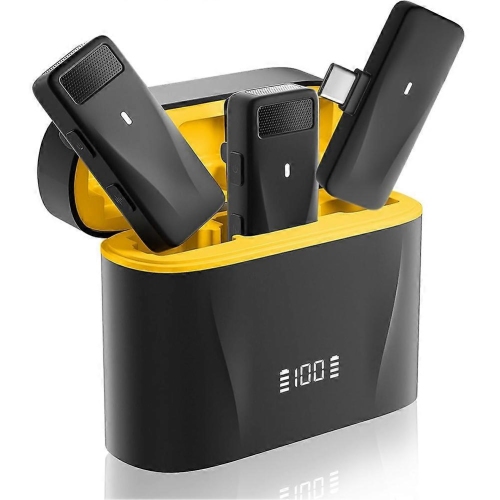
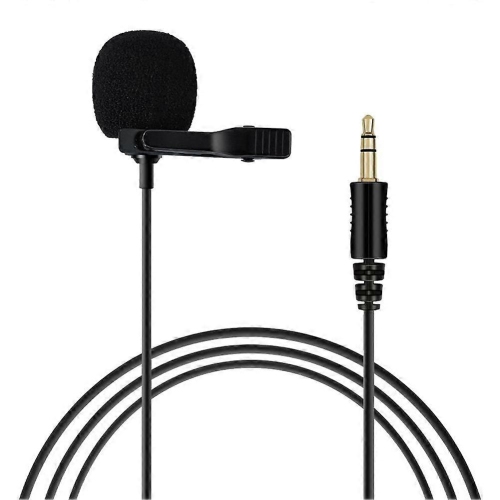
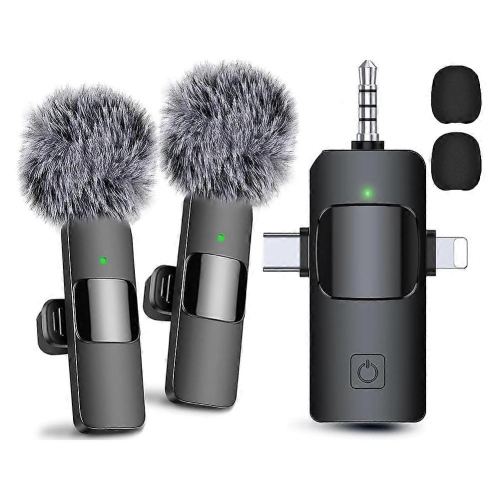
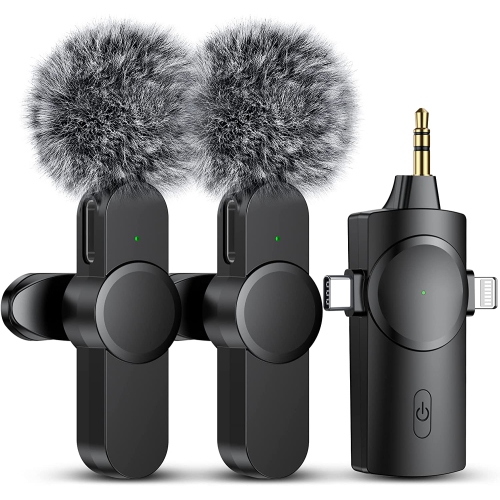
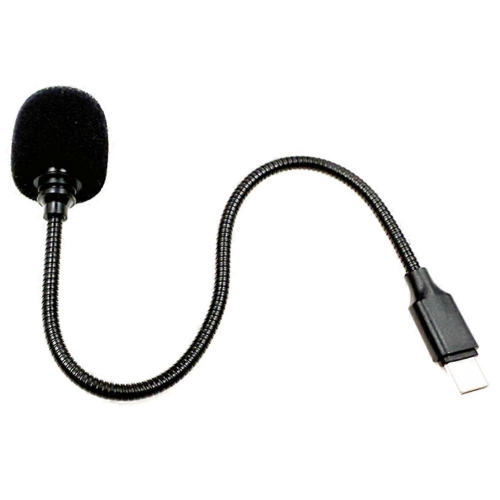
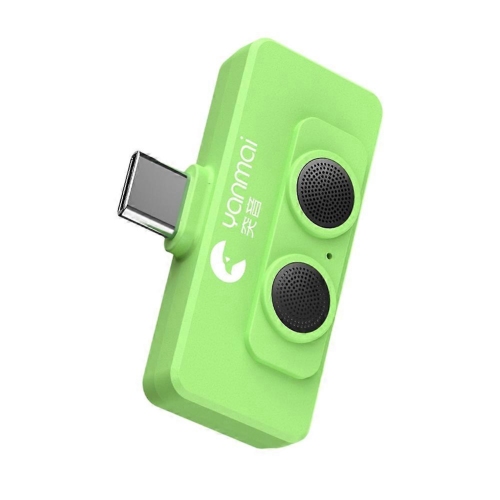
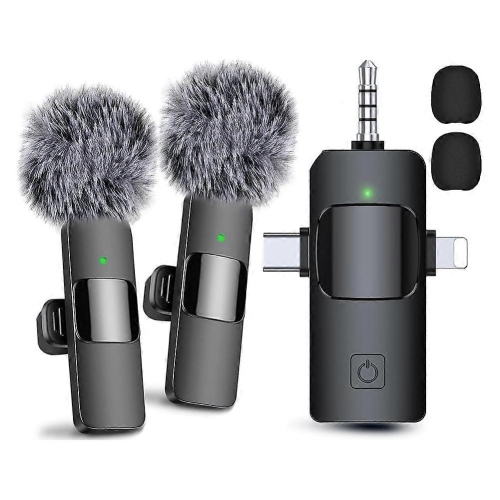
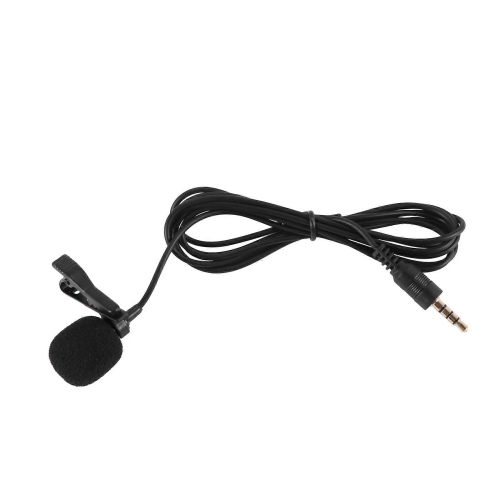
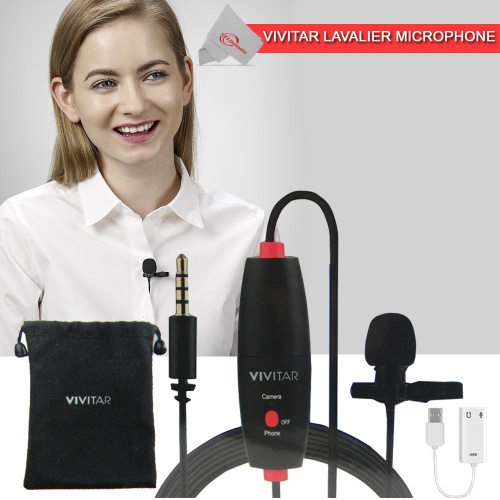
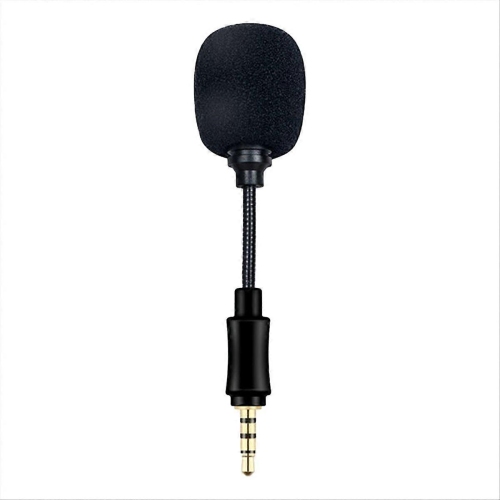
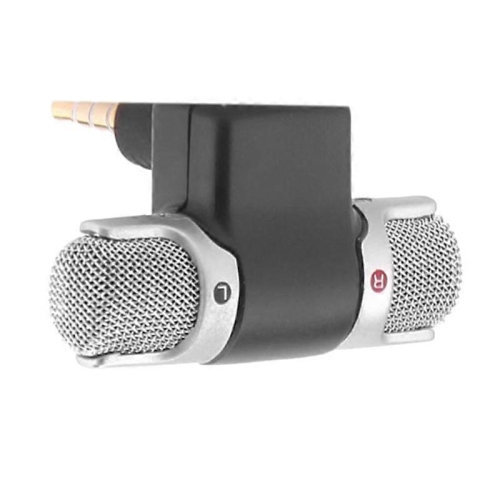
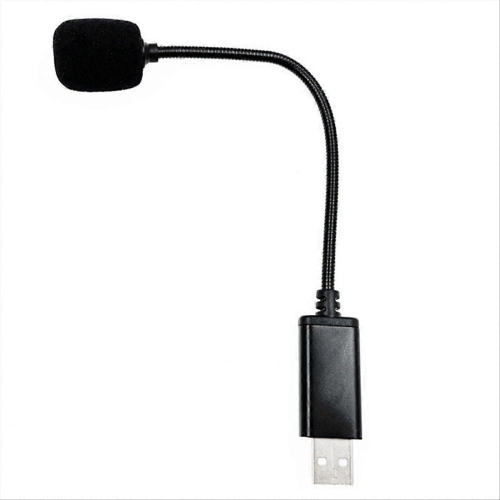
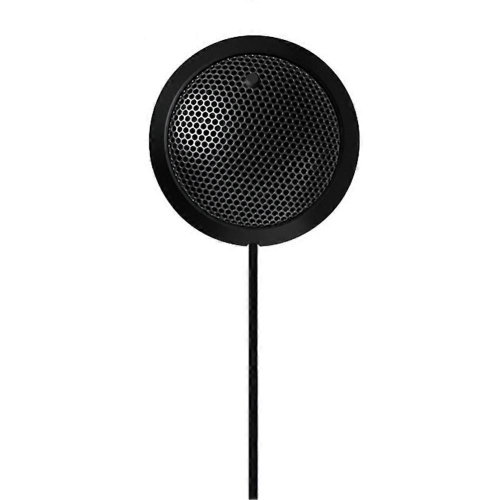
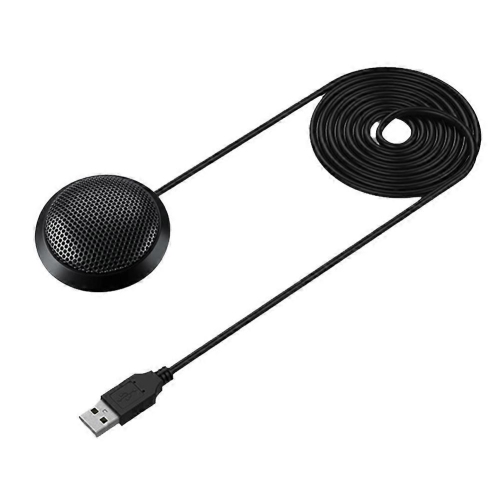
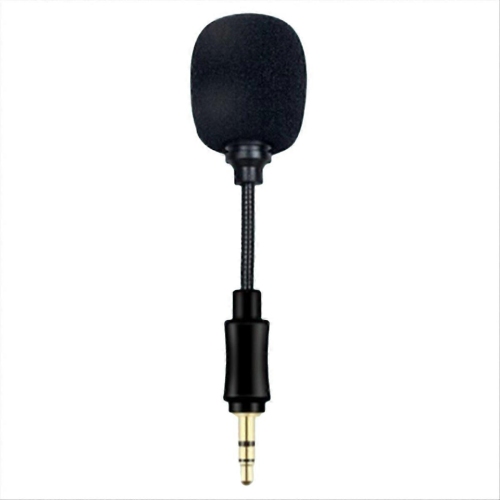
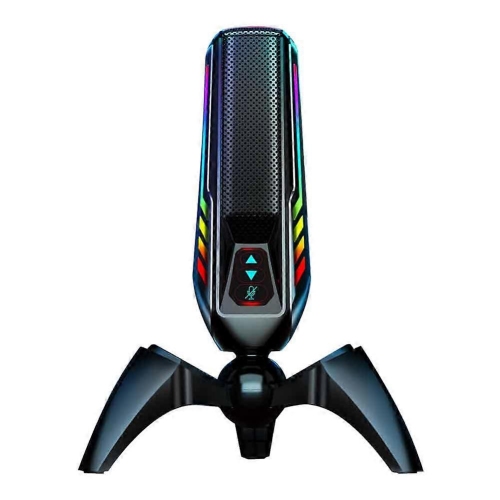
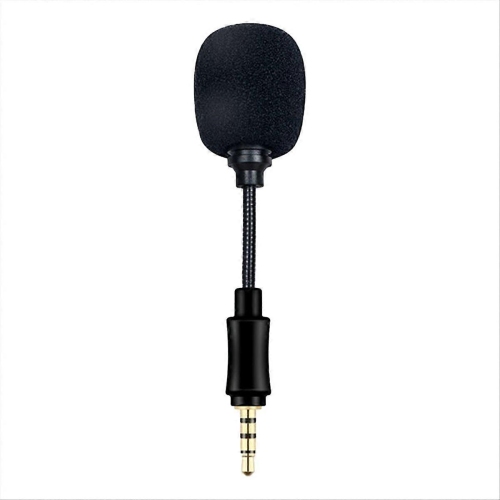
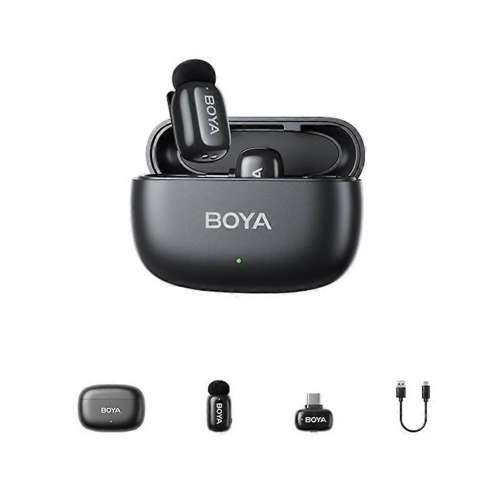
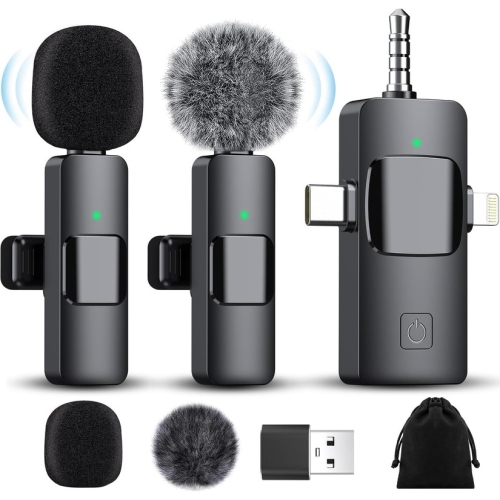
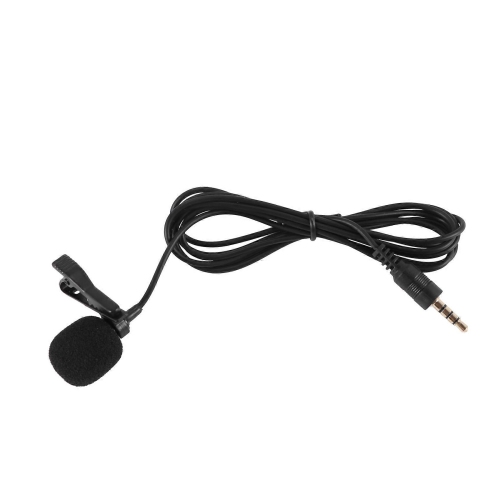
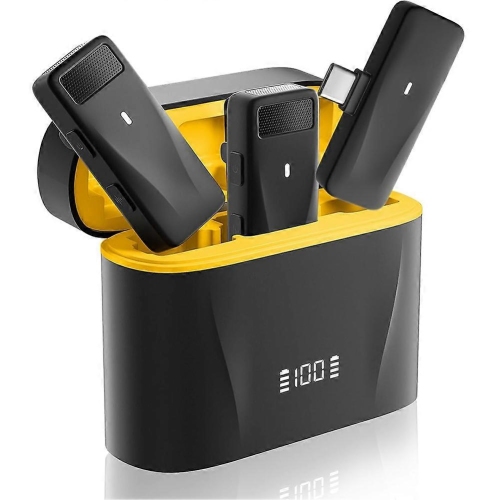
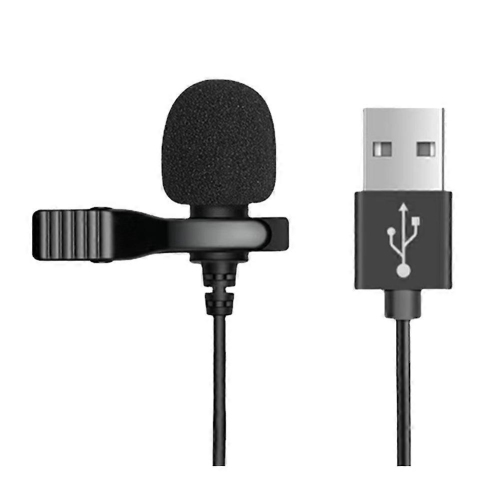
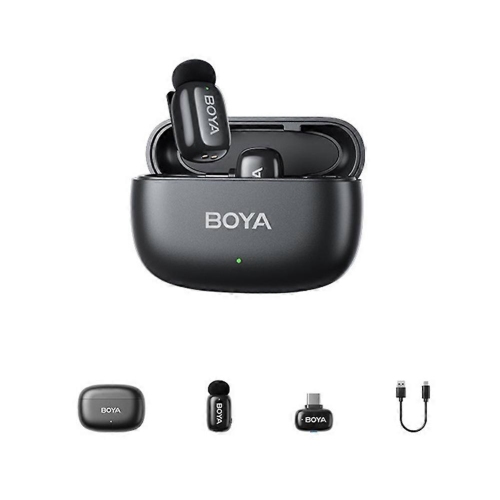
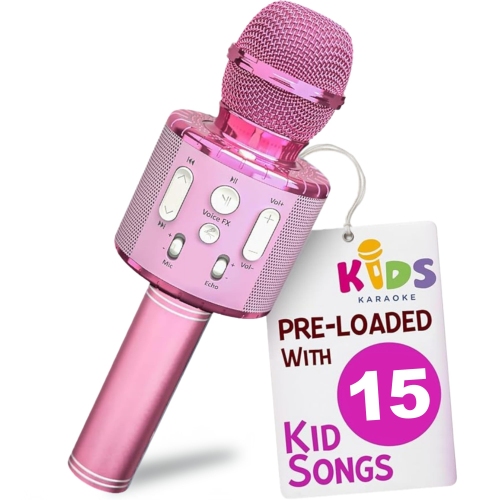
Cheap microphones for YouTube can make a noticeable difference to the way videos sound, whether you are recording a first channel introduction, a gaming stream, a cooking demonstration, a product review, or a series of relaxed videos from a home office. Viewers may forgive a simple backdrop or basic lighting, but muffled dialogue, distracting room echo, and uneven volume can make even an engaging video difficult to follow. The right budget microphone brings your voice closer to the listener and helps speech sound clearer, more consistent, and easier to understand. For mobile vlogs, interviews, tutorials, and videos where you need to move around, a clip-on lavalier microphone is a practical choice. Its small capsule can attach to a shirt, jacket, or collar and stay close to your mouth while your hands remain free for demonstrations. An omnidirectional lavalier can capture your voice naturally as you turn your head, making it useful for walking tours, crafts, fitness instruction, and casual conversations. Wired options are often among the least expensive microphones for YouTube, with entry-level models sometimes available for around $5 to $20, although the final cost depends on the connector, included accessories, and compatibility with your camera, phone, or computer. Check whether the microphone uses a 3.5 mm plug, USB connection, or a mobile-device connector, and consider whether an adapter is needed before recording. A small foam windscreen can help reduce harsh breath sounds and light air movement outdoors, while a clip and a cable long enough for your setup can make filming much more comfortable.
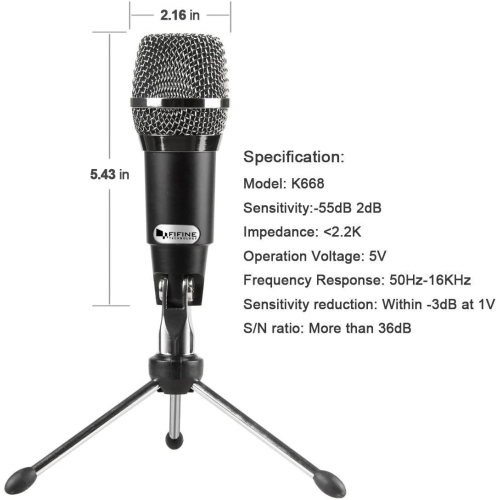
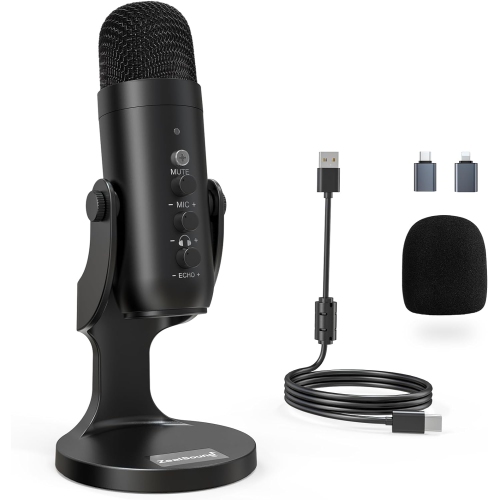
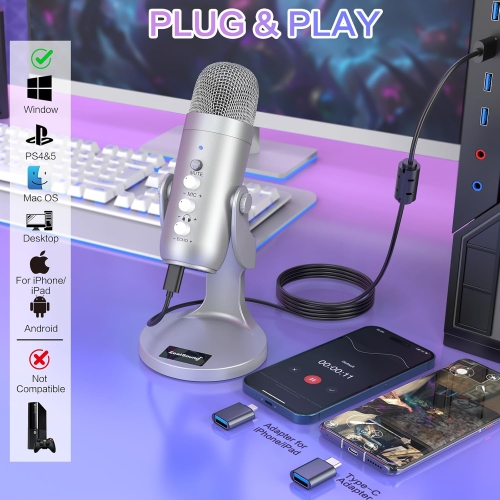
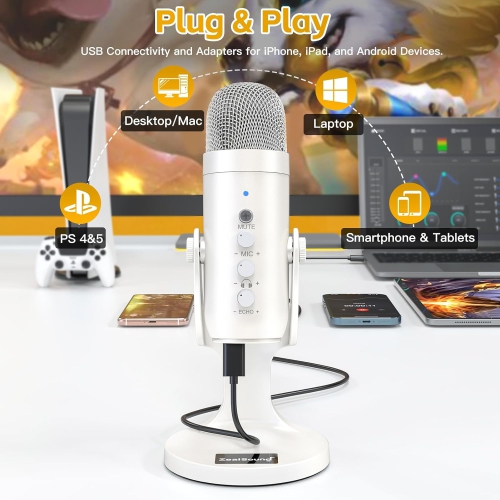
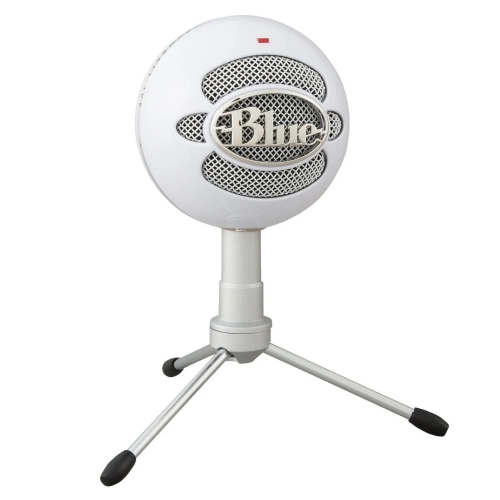
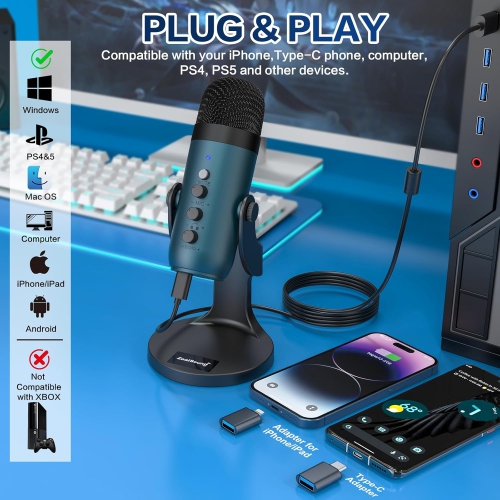
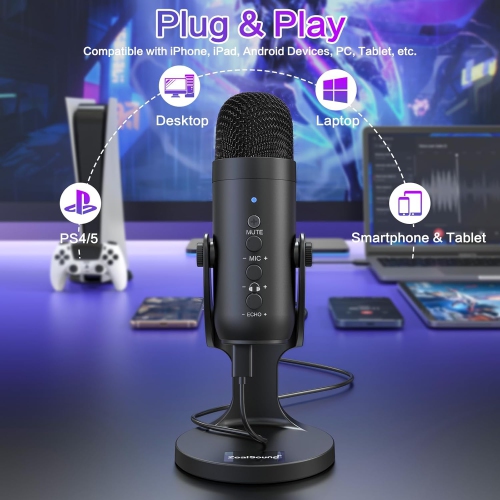
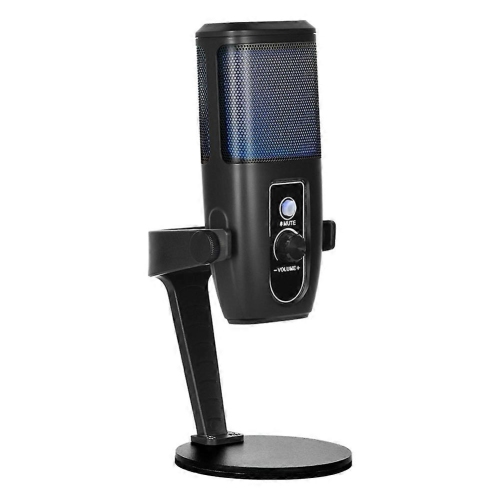
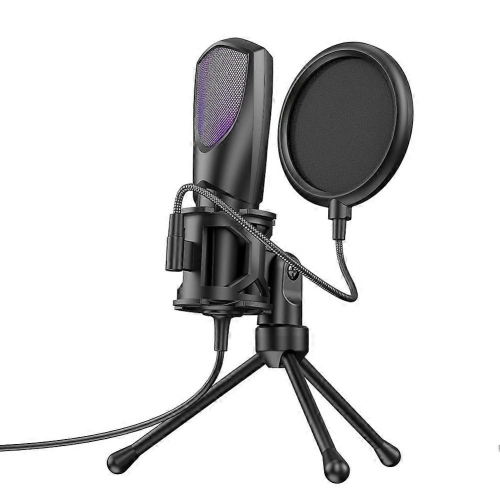
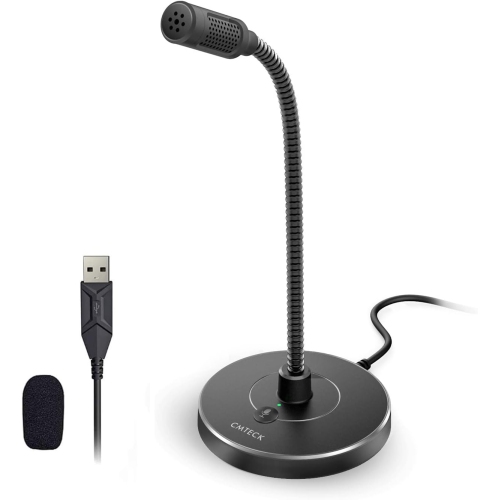
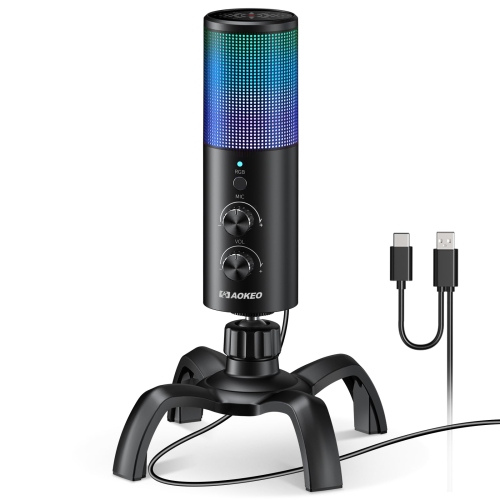
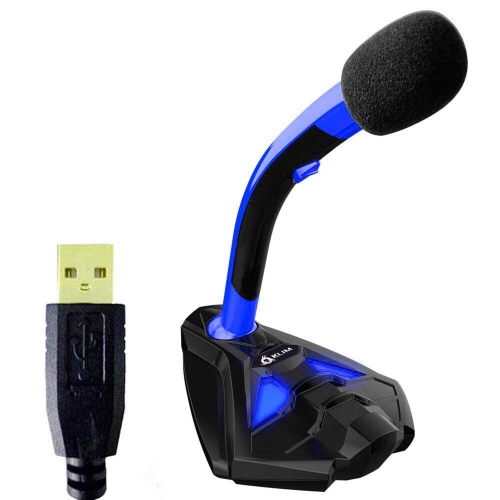
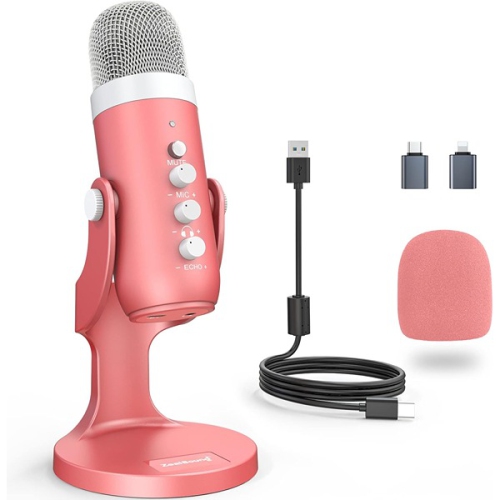
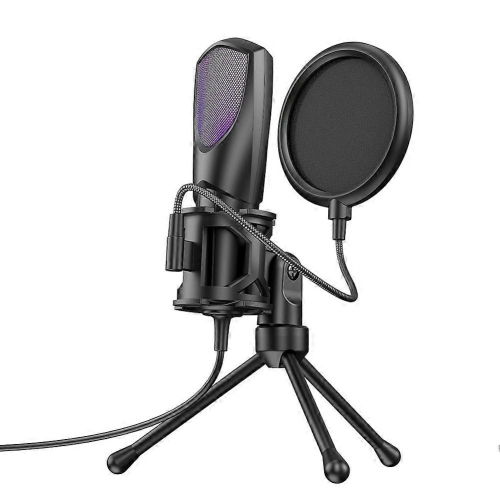
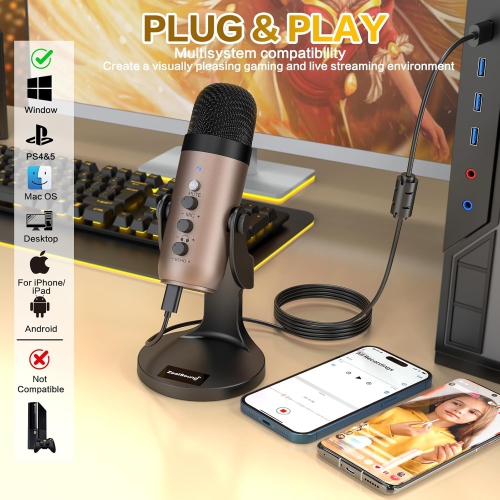
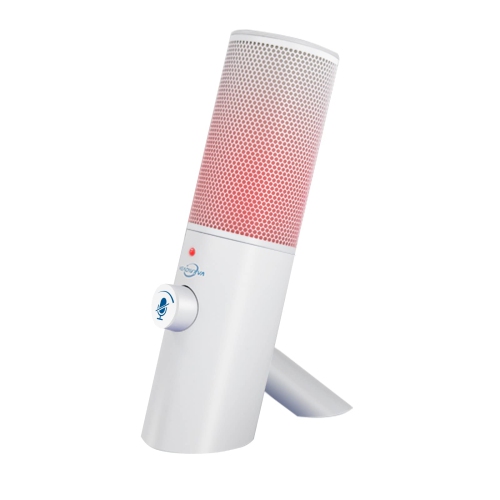
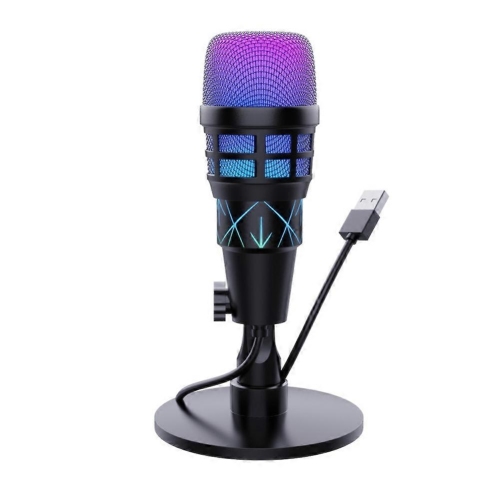
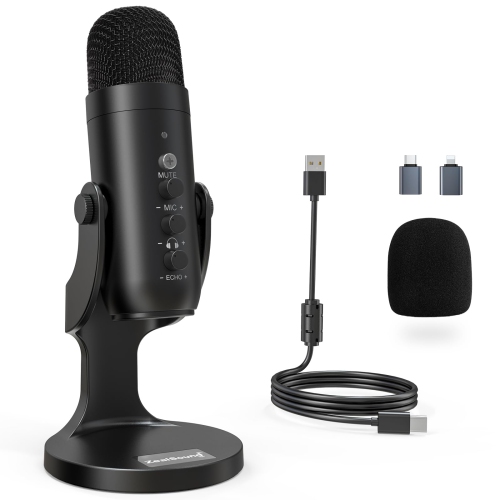
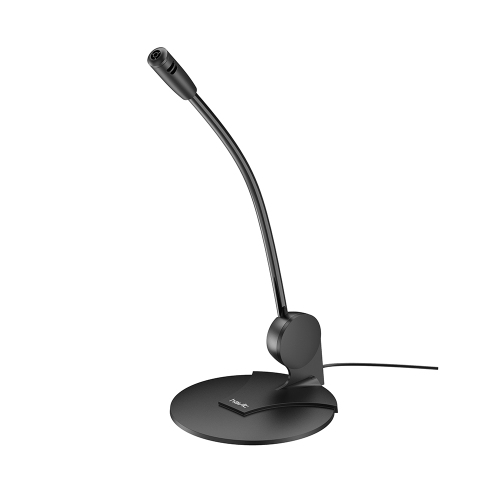
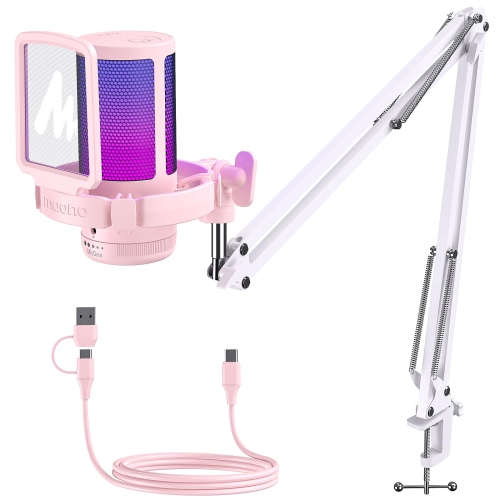
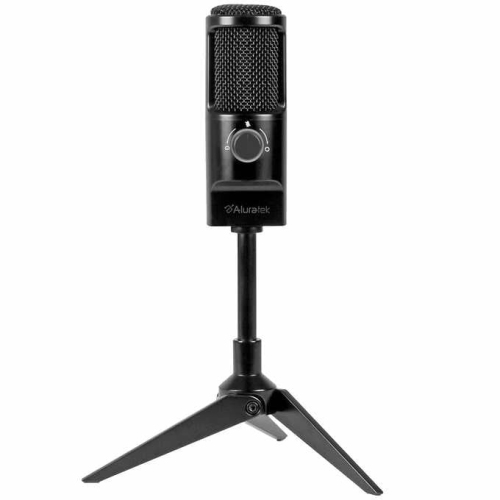
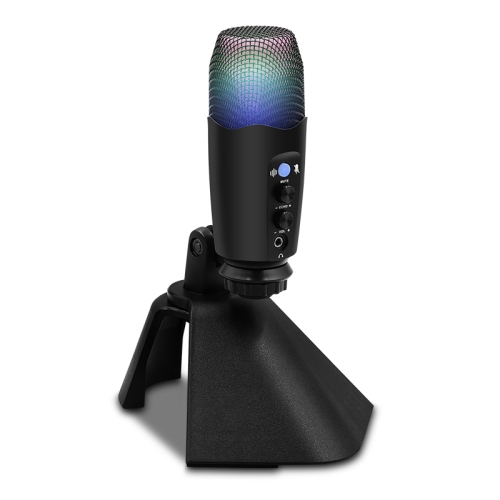
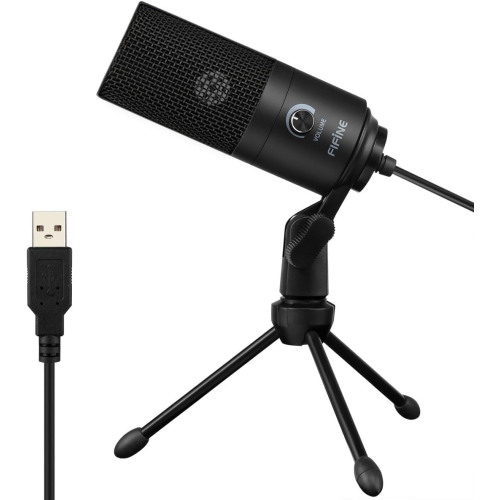
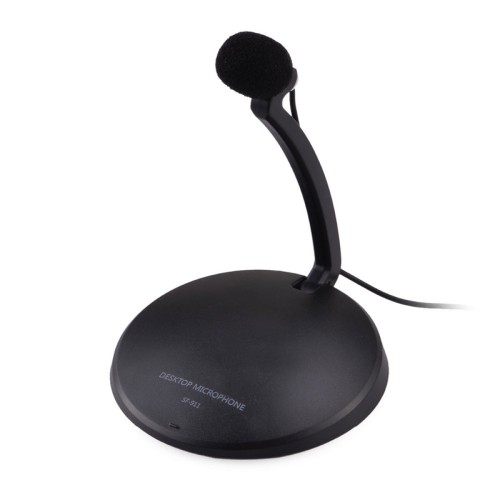
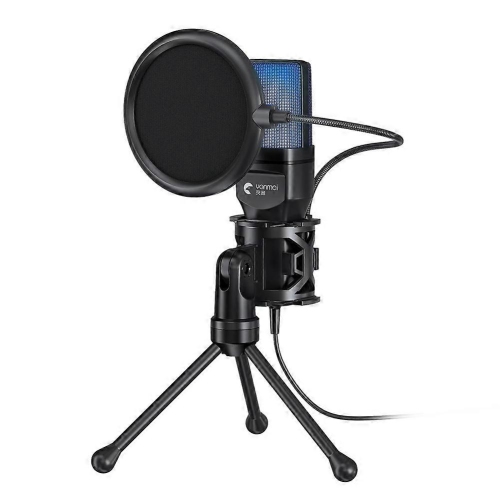
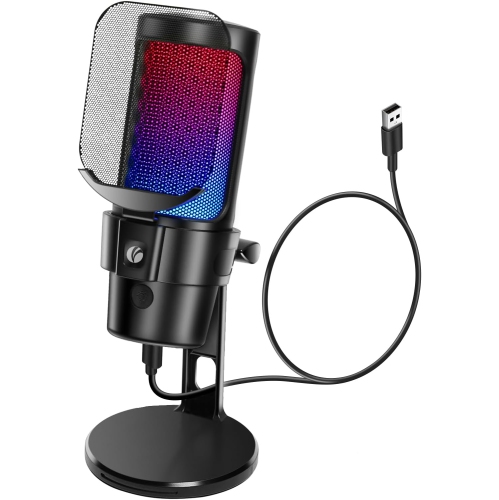
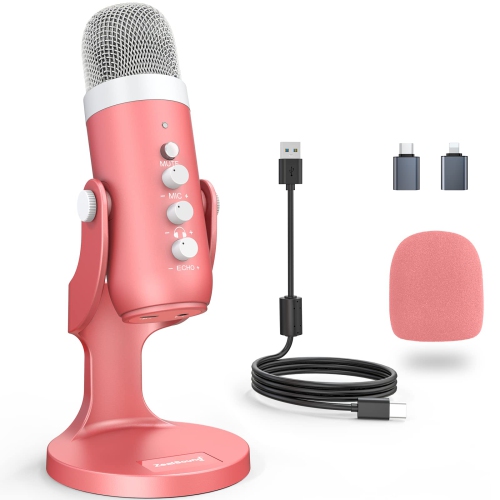
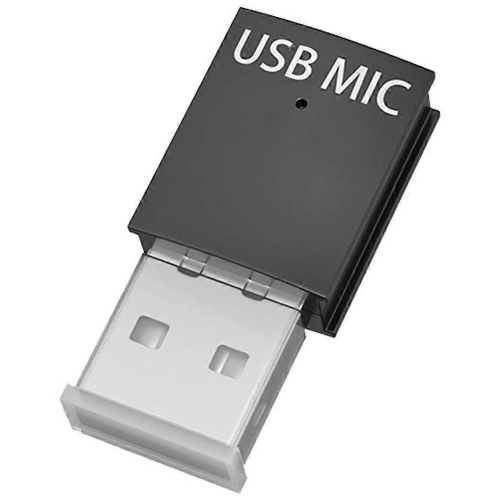
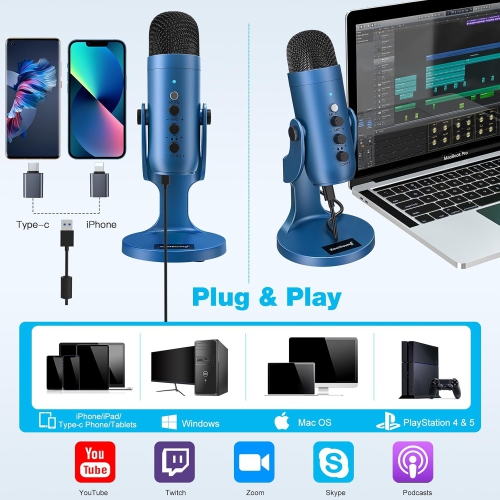
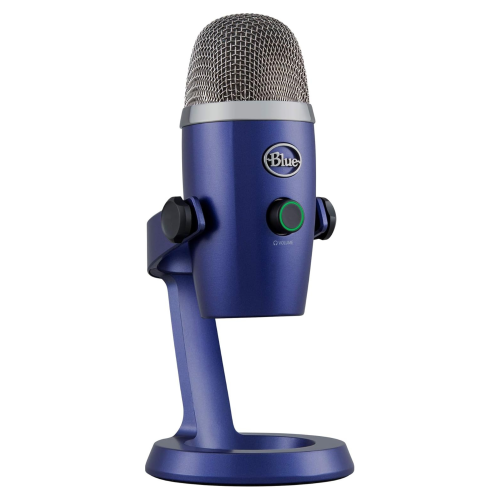
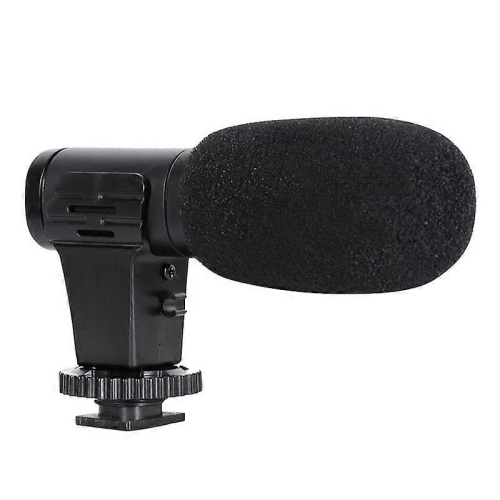
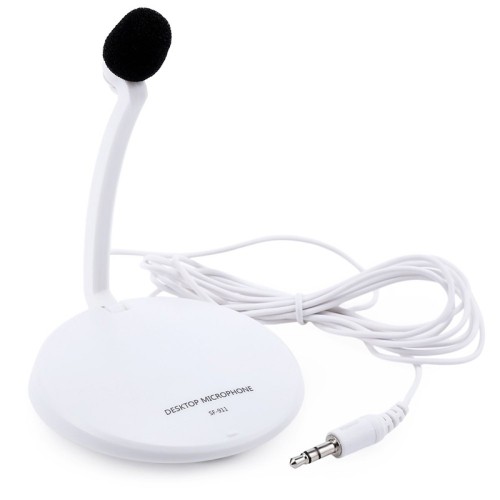
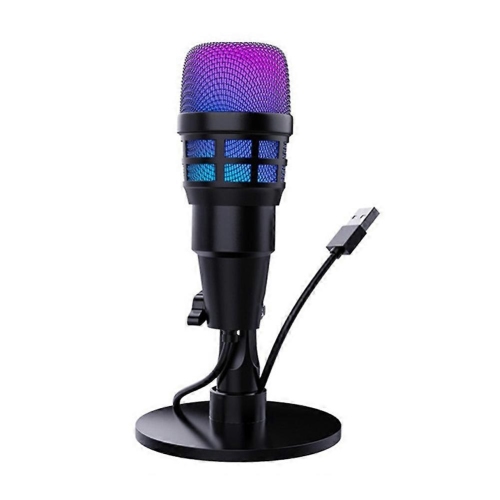
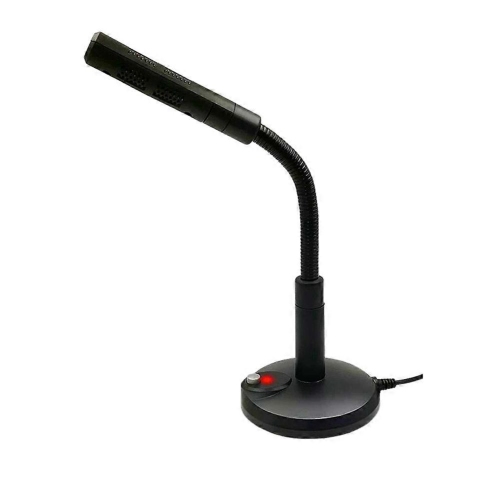
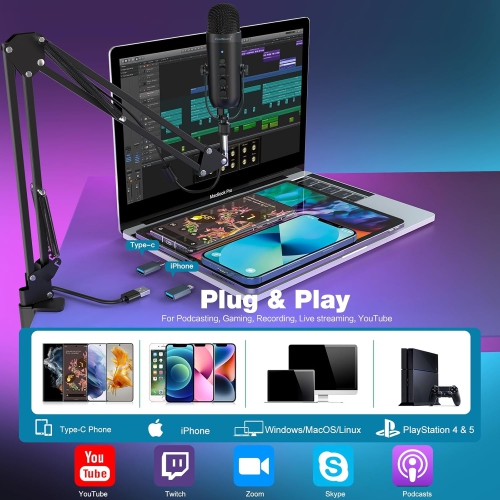
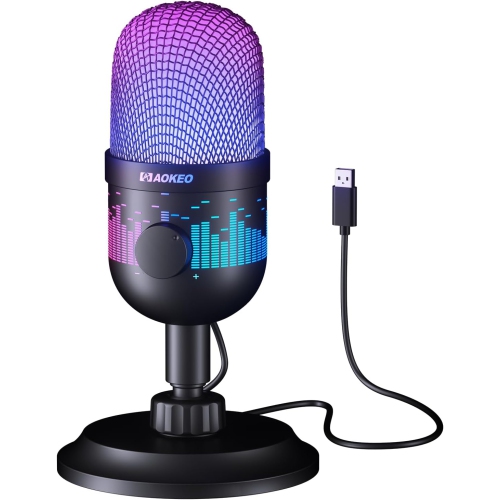
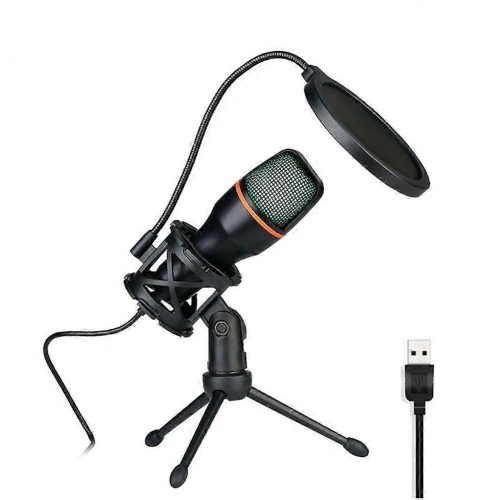
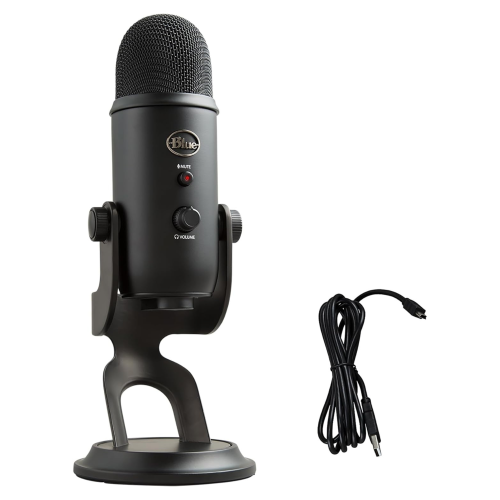
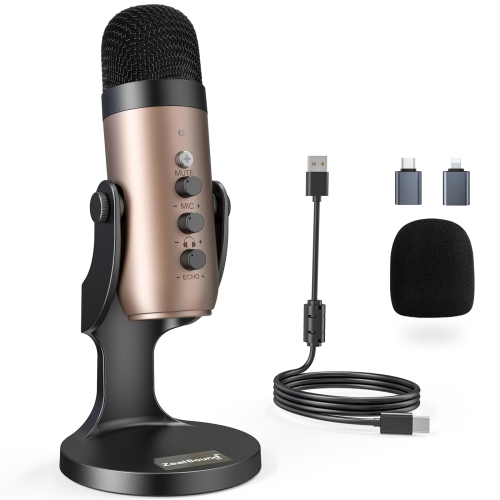
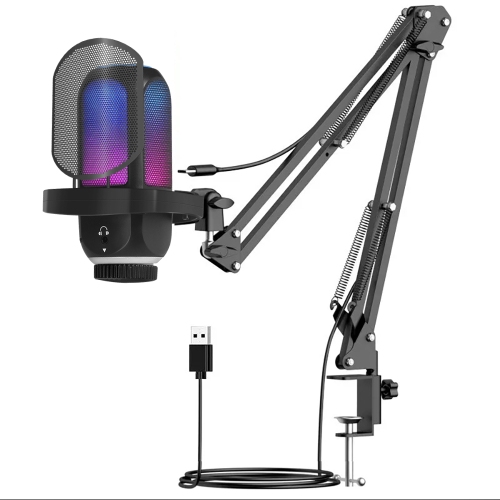
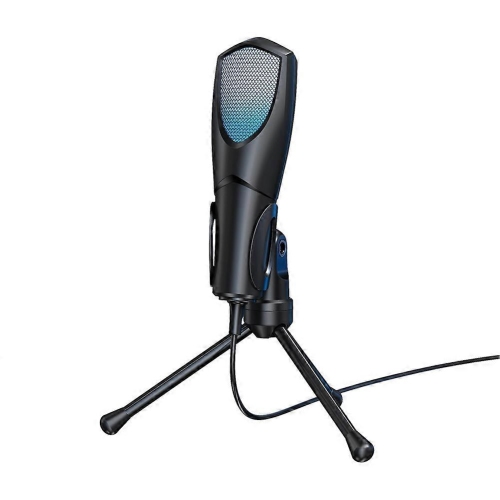
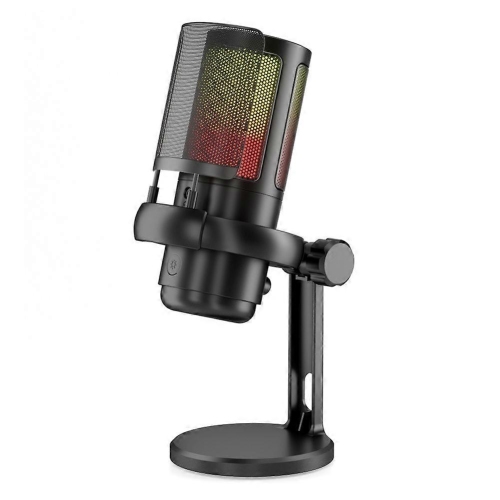
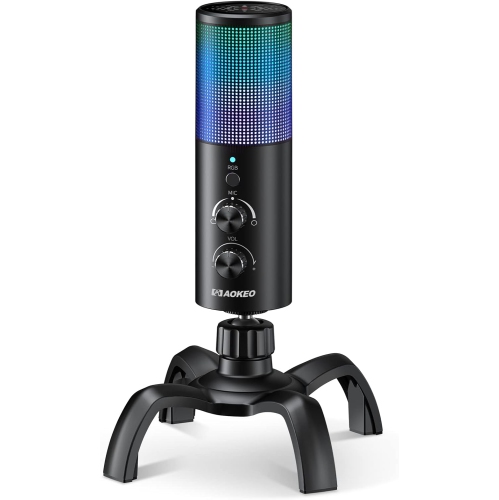
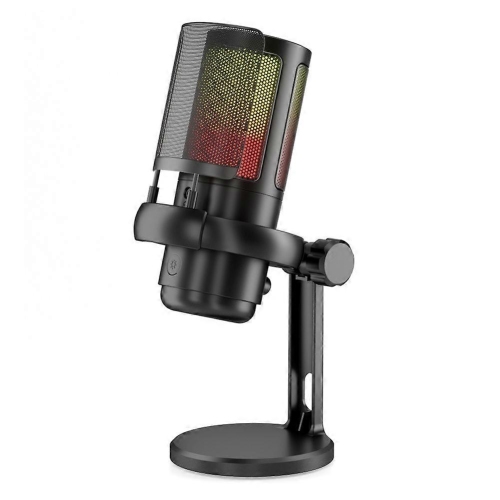
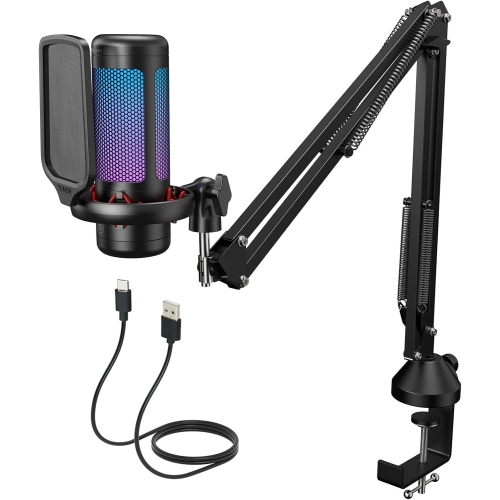
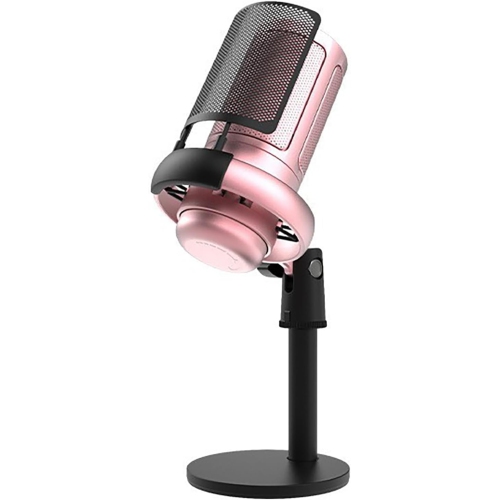
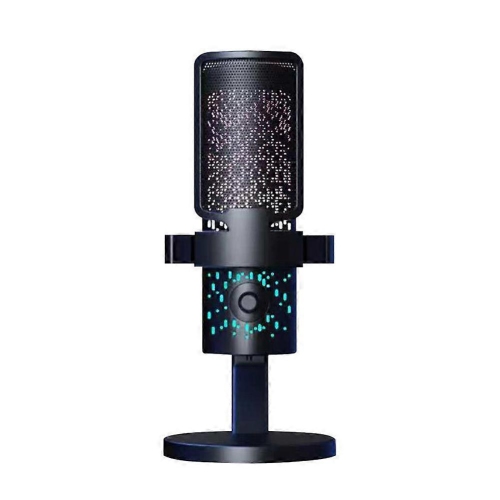
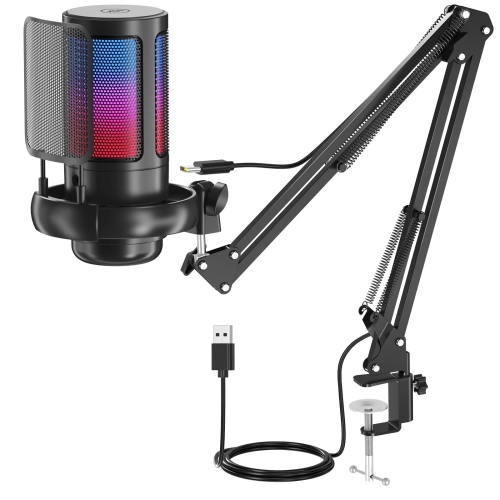
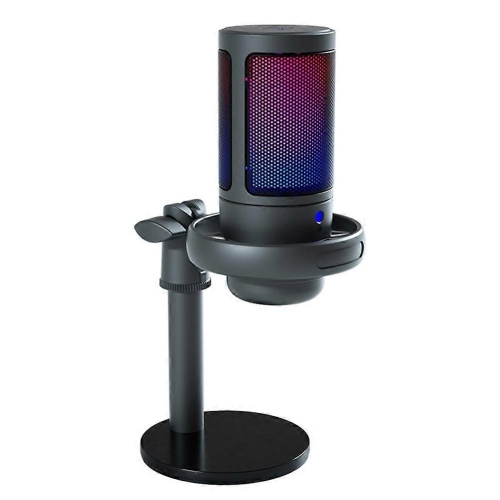
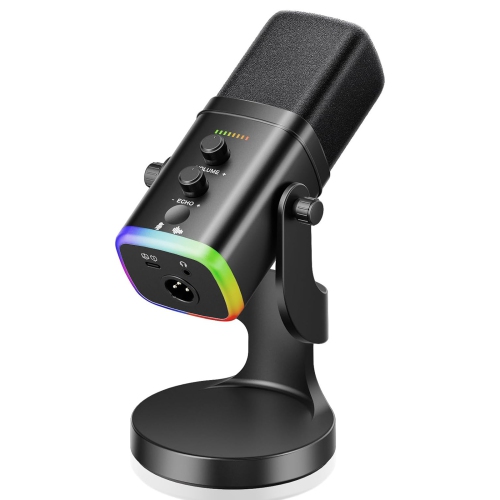
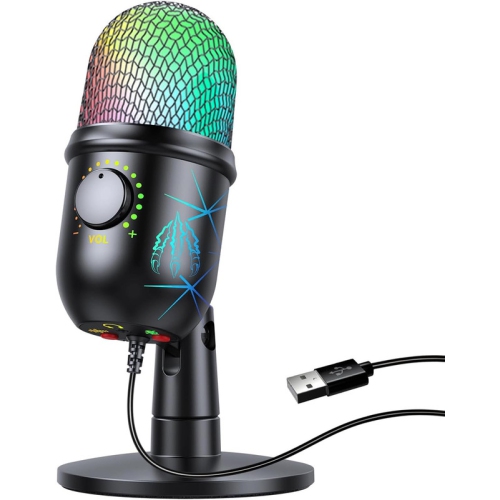
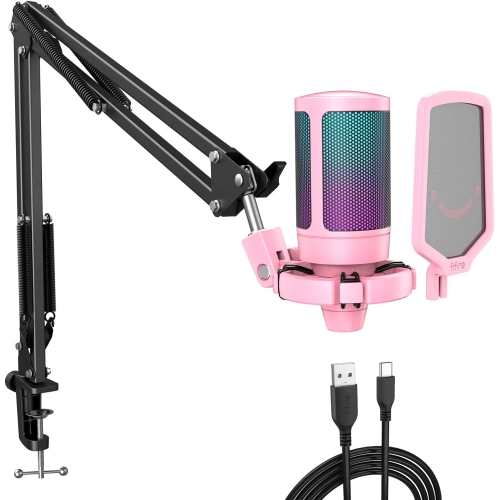
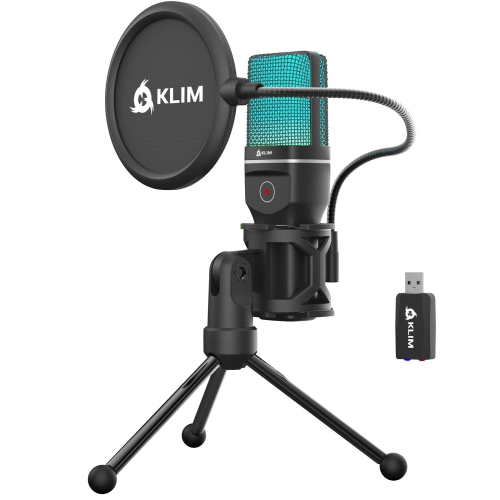
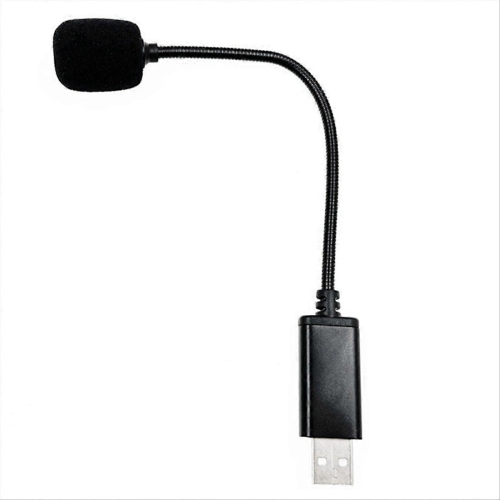
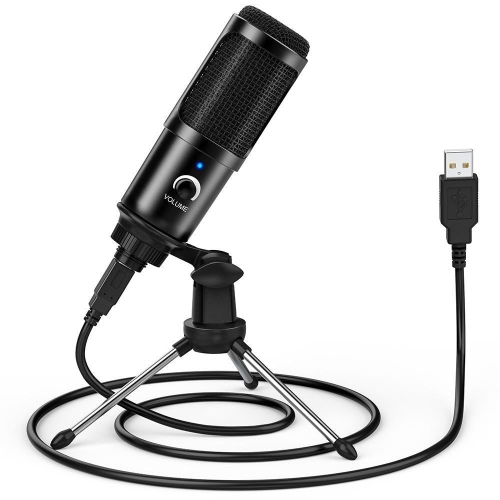
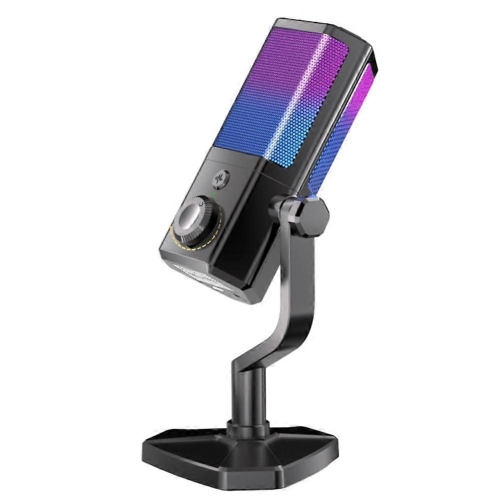
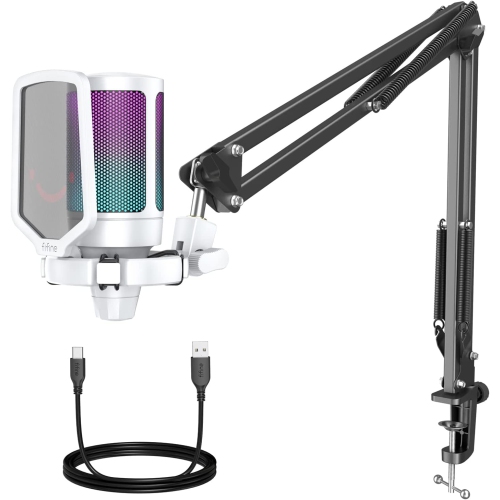
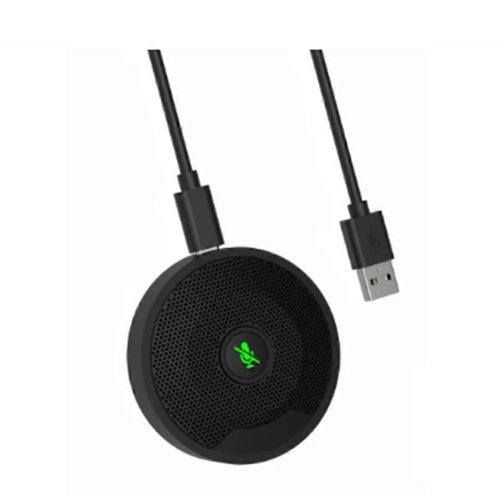
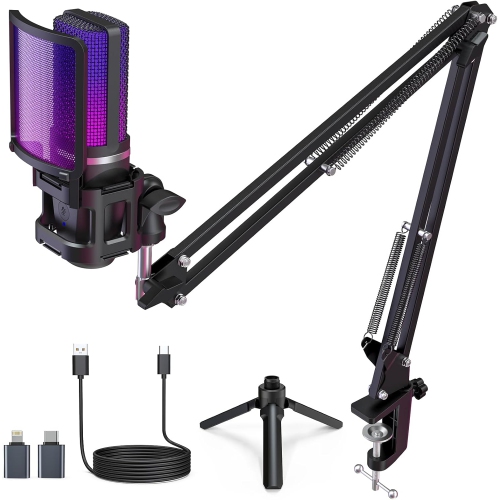
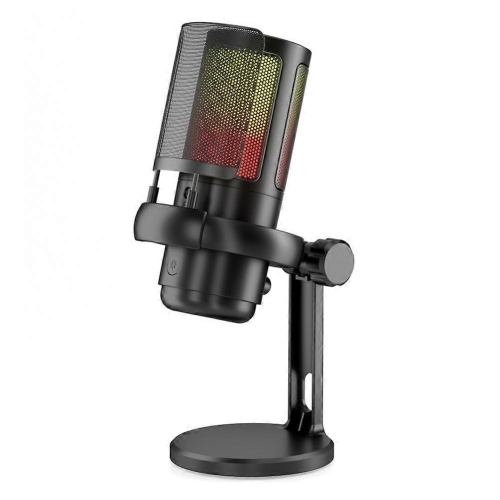
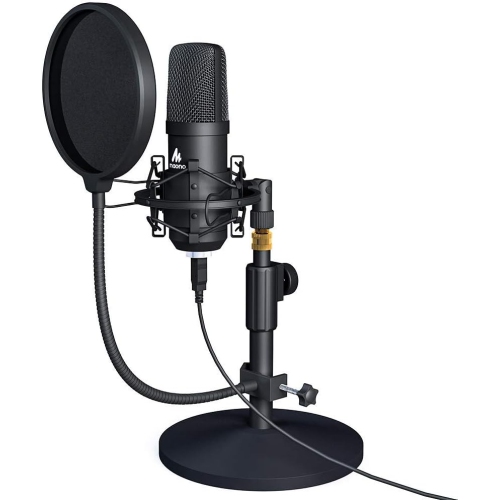
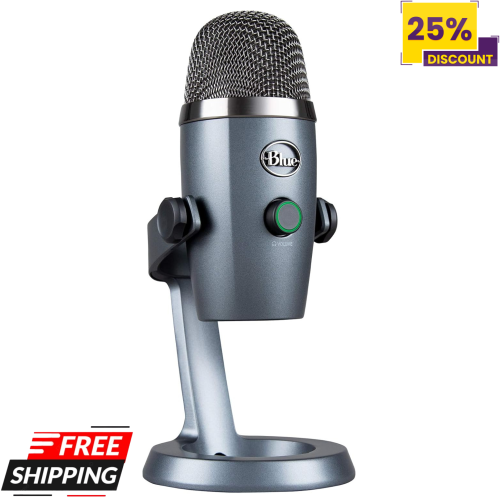
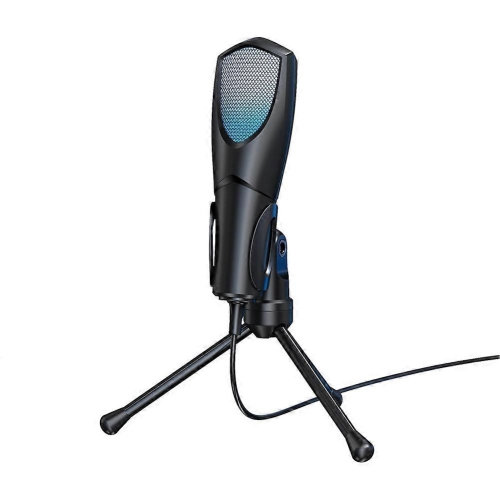
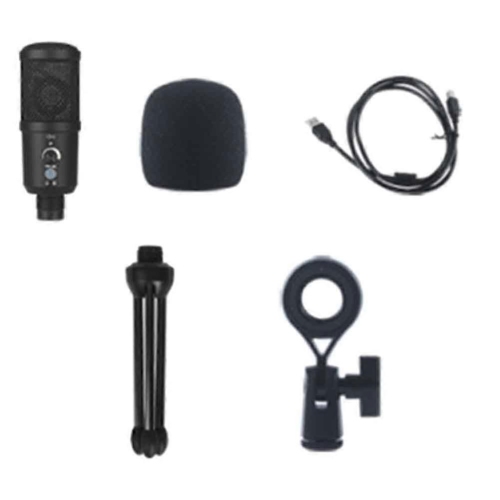
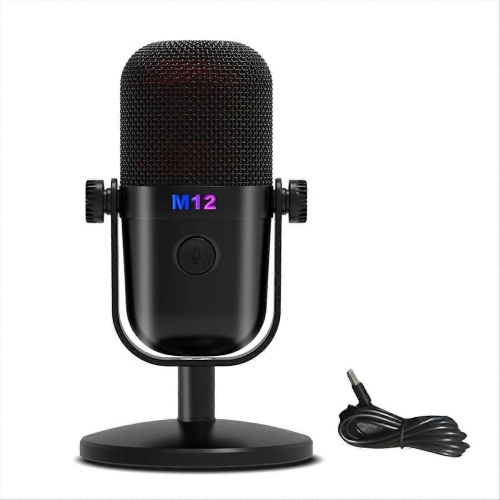
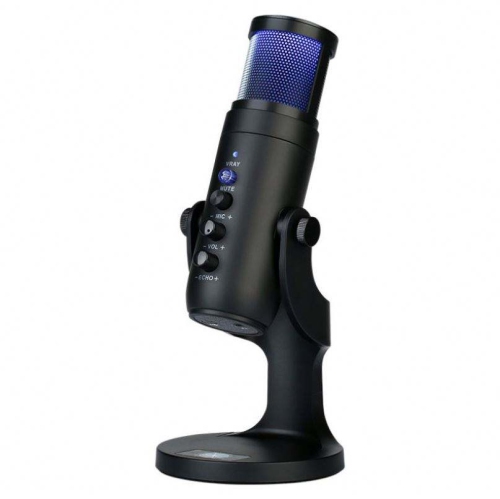
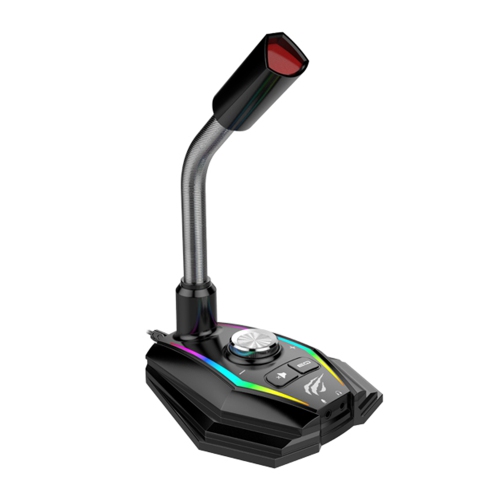
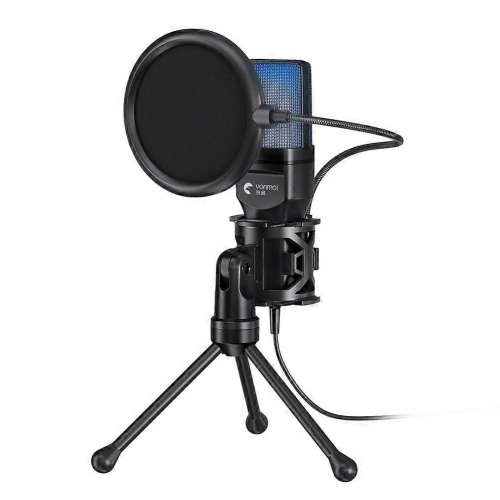
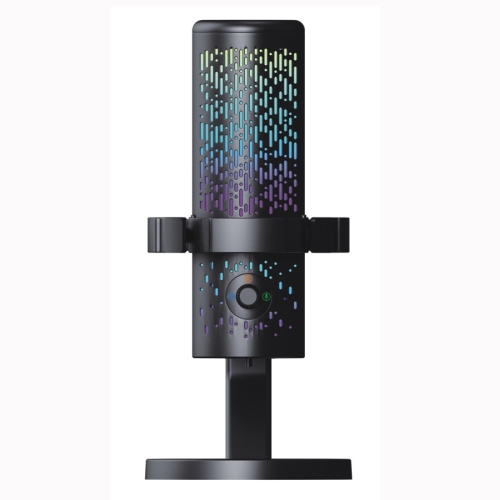
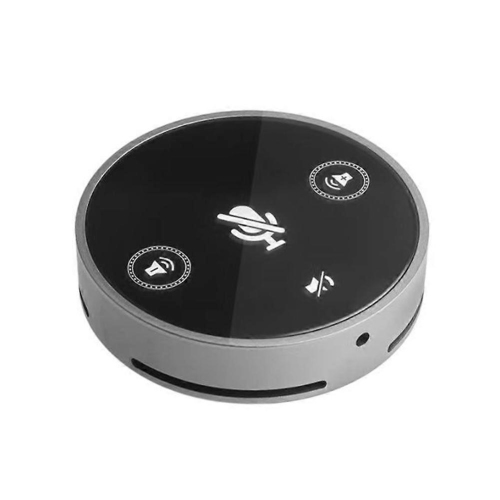
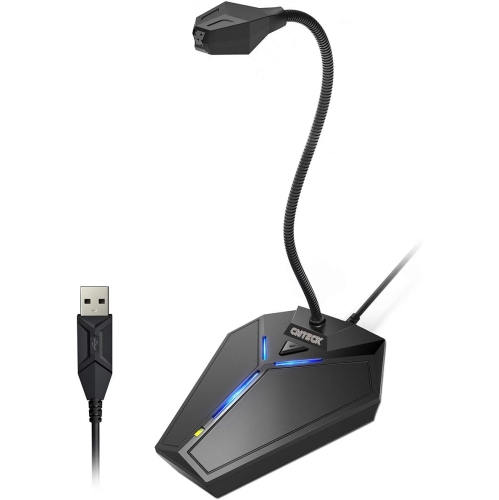
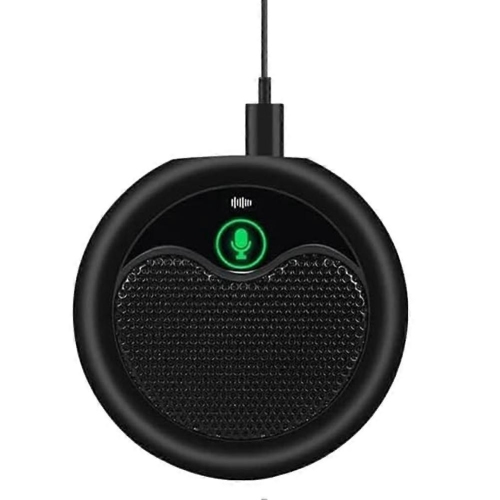
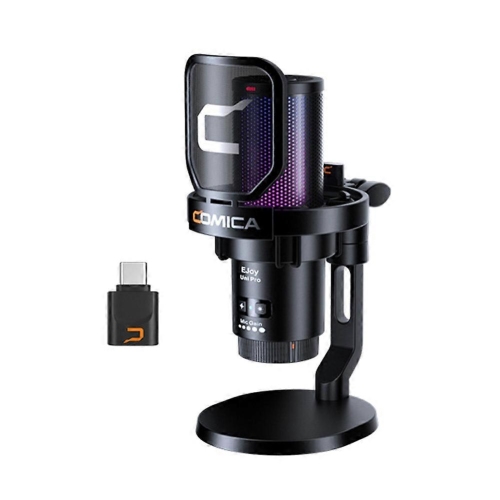
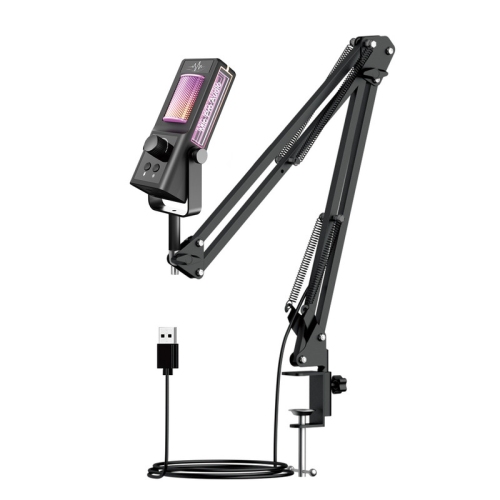
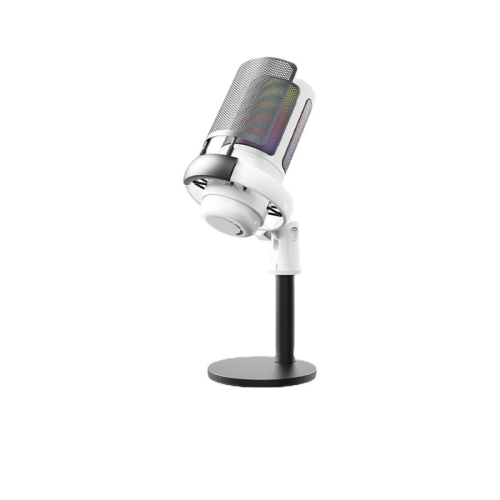
Desk microphones are well suited to talking-head videos, podcasts, voiceovers, livestreams, online lessons, gaming commentary, and video calls. USB microphones are especially approachable for new creators because they connect directly to a computer and usually avoid the need for a separate audio interface, mixer, or complicated configuration. This makes them a convenient starting point for students, home-based creators, hobbyists, and anyone building a channel around a desk. A microphone with a headphone output allows you to monitor your voice as you record, helping you catch buzzing, cable problems, overly loud levels, or a fan humming in the background before finishing a full take. Some affordable microphones also include a mute control, volume adjustment, tripod, desk stand, or adjustable mount, which can be helpful when space and budget are limited. Condenser microphones can capture detailed, bright vocal sound and are often a good fit for controlled indoor rooms, while dynamic microphones tend to reject more surrounding noise and can be useful in rooms with computer fans, air conditioners, family activity, or untreated hard surfaces. Cardioid pickup patterns focus primarily on sound in front of the microphone, so positioning matters: speak toward the front of the capsule, keep it a consistent distance from your mouth, and place the back of the microphone toward the loudest unwanted sound. A pop filter or foam cover can soften sharp bursts of air from sounds such as “p” and “b,” and a stable stand can prevent the low thumps created when a desk is bumped. For a broader selection of straightforward computer setups, explore USB Microphones for YouTube Videos.
When comparing cheap microphones for YouTube, look beyond the lowest listed price and match the design to the way you plan to create. A compact clip-on model is easy to pack for travel and can be a thoughtful gift for someone who enjoys recording short videos, interviewing friends, documenting hobbies, or sharing tutorials from a phone. A USB desk microphone may be more suitable for a student starting a study channel, a gamer adding spoken commentary, a musician recording ideas, or a family member who wants to improve the sound of livestreams and video calls. If you expect your setup to grow, a microphone offering both USB and XLR connectivity can provide flexibility: USB can handle simple computer recording today, while XLR can connect to an audio interface later for more control over gain and multiple microphones. Pay attention to the included cable, mounting thread, stand footprint, and operating-system compatibility, especially if you switch between a laptop, desktop computer, tablet, or gaming console. Good technique often matters as much as the microphone itself. Place the capsule slightly to one side of your mouth to reduce breath noise, keep the microphone close enough for a full voice without crowding the frame, and record a short test while listening through headphones. Curtains, rugs, bookshelves, and upholstered furniture can soften reflections in a room that otherwise sounds like an empty kitchen or hallway. During warmer weather, outdoor creators may benefit from a windscreen and a secure cable, while cooler months spent indoors are a good opportunity to position the microphone away from heating vents and rattling surfaces. With a modest microphone, thoughtful placement, and a few minutes of testing, new and experienced creators can produce voice recordings that feel more direct, comfortable, and polished without turning a simple YouTube setup into a complicated studio project.
Desk microphones are well suited to talking-head videos, podcasts, voiceovers, livestreams, online lessons, gaming commentary, and video calls. USB microphones are especially approachable for new creators because they connect directly to a computer and usually avoid the need for a separate audio interface, mixer, or complicated configuration. This makes them a convenient starting point for students, home-based creators, hobbyists, and anyone building a channel around a desk. A microphone with a headphone output allows you to monitor your voice as you record, helping you catch buzzing, cable problems, overly loud levels, or a fan humming in the background before finishing a full take. Some affordable microphones also include a mute control, volume adjustment, tripod, desk stand, or adjustable mount, which can be helpful when space and budget are limited. Condenser microphones can capture detailed, bright vocal sound and are often a good fit for controlled indoor rooms, while dynamic microphones tend to reject more surrounding noise and can be useful in rooms with computer fans, air conditioners, family activity, or untreated hard surfaces. Cardioid pickup patterns focus primarily on sound in front of the microphone, so positioning matters: speak toward the front of the capsule, keep it a consistent distance from your mouth, and place the back of the microphone toward the loudest unwanted sound. A pop filter or foam cover can soften sharp bursts of air from sounds such as “p” and “b,” and a stable stand can prevent the low thumps created when a desk is bumped. For a broader selection of straightforward computer setups, explore USB Microphones for YouTube Videos.
When comparing cheap microphones for YouTube, look beyond the lowest listed price and match the design to the way you plan to create. A compact clip-on model is easy to pack for travel and can be a thoughtful gift for someone who enjoys recording short videos, interviewing friends, documenting hobbies, or sharing tutorials from a phone. A USB desk microphone may be more suitable for a student starting a study channel, a gamer adding spoken commentary, a musician recording ideas, or a family member who wants to improve the sound of livestreams and video calls. If you expect your setup to grow, a microphone offering both USB and XLR connectivity can provide flexibility: USB can handle simple computer recording today, while XLR can connect to an audio interface later for more control over gain and multiple microphones. Pay attention to the included cable, mounting thread, stand footprint, and operating-system compatibility, especially if you switch between a laptop, desktop computer, tablet, or gaming console. Good technique often matters as much as the microphone itself. Place the capsule slightly to one side of your mouth to reduce breath noise, keep the microphone close enough for a full voice without crowding the frame, and record a short test while listening through headphones. Curtains, rugs, bookshelves, and upholstered furniture can soften reflections in a room that otherwise sounds like an empty kitchen or hallway. During warmer weather, outdoor creators may benefit from a windscreen and a secure cable, while cooler months spent indoors are a good opportunity to position the microphone away from heating vents and rattling surfaces. With a modest microphone, thoughtful placement, and a few minutes of testing, new and experienced creators can produce voice recordings that feel more direct, comfortable, and polished without turning a simple YouTube setup into a complicated studio project.
Top selling and popular products
-
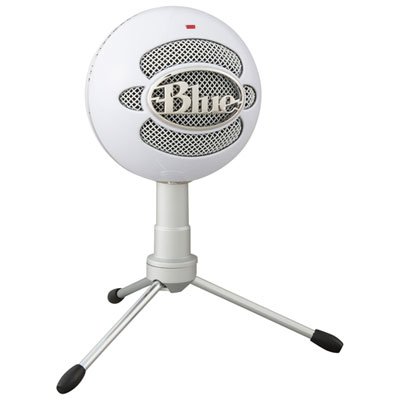 Your price for this item is $59.99
 -
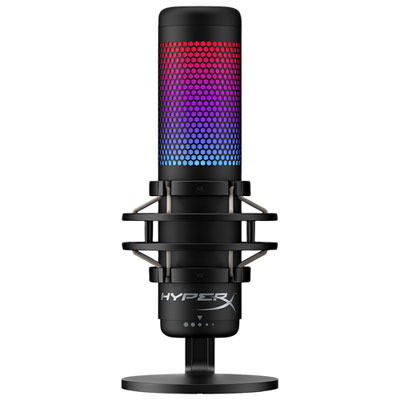 Your price for this item is $209.99
 -
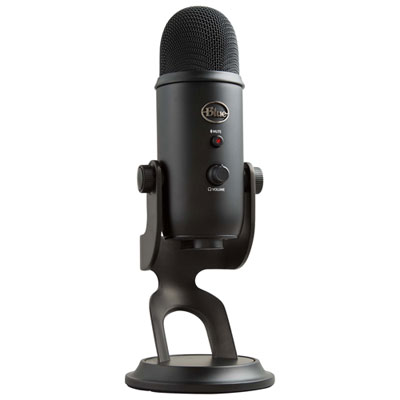 Your price for this item is $129.98
 -
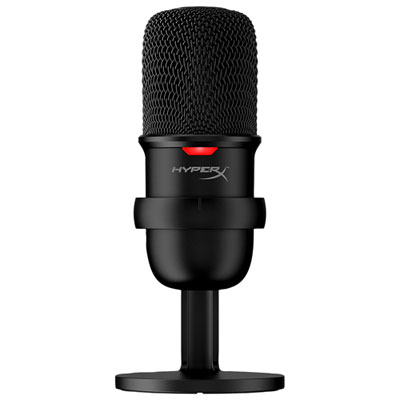 Your price for this item is $54.99
 -
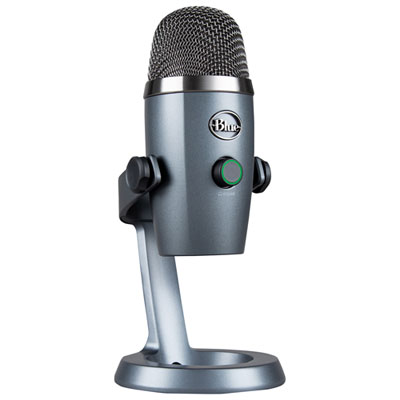 Your price for this item is $109.98
 -
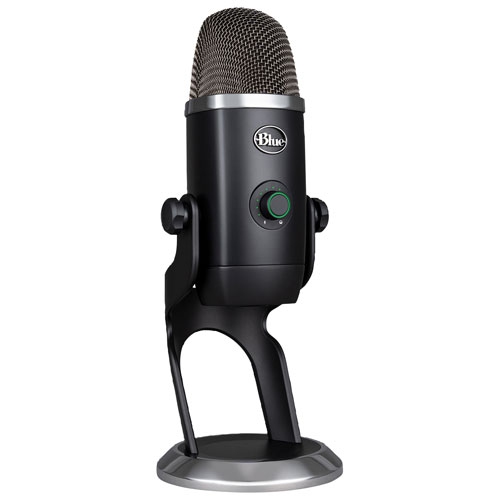 Your price for this item is $292.68
 -
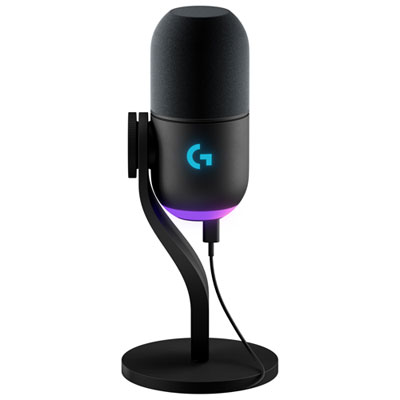 Your price for this item is $199.99
 -
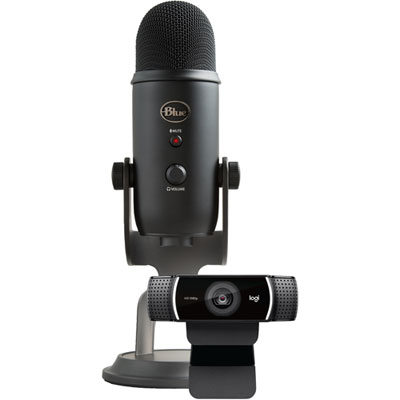 Your price for this item is $279.99
Discover more categories related to Cheap Microphones for Youtube
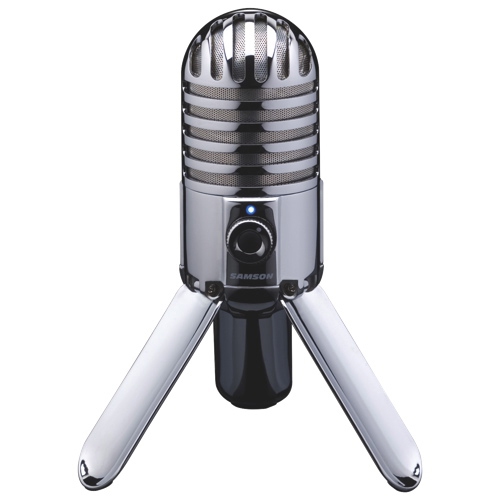
Top Collections:
Pokemon Centers, Best Cameras for Sports Photography, Kindle Devices, Samsung Galaxy Phones, Canon G7X Cameras, Pokémon 30th Celebration Cards, Refurbished Apple Laptops, iPhone 15 Apple, Laptops for Students, Budget Smartphones
Some products may be subject to Environmental Handling Fees
(EHF) depending on your province.
Learn more about EHFs.