USB C Audio Interfaces
Upgrade your audio experience with USB-C audio interfaces, the perfect solution for musicians, podcasters, content creators, and anyone looking to enhance their sound quality. These versatile devices offer seamless connectivity to your computer or mobile device, allowing you to record, mix, and produce professional-grade audio with ease. Whether you're a seasoned pro or just starting out, USB-C audio interfaces provide the high-quality audio performance and flexibility you need to bring your creativity to life.
Sort
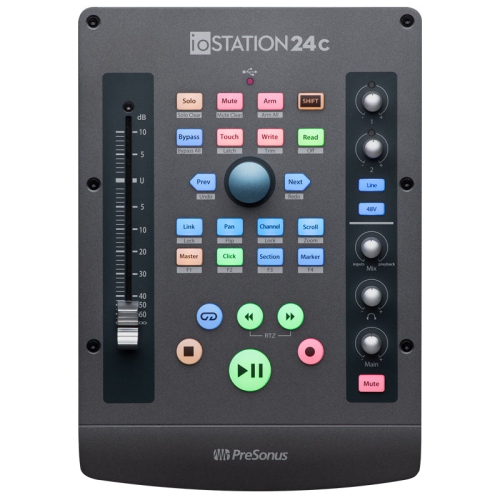
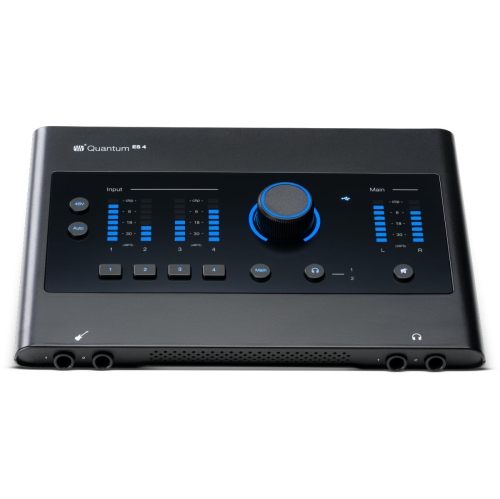
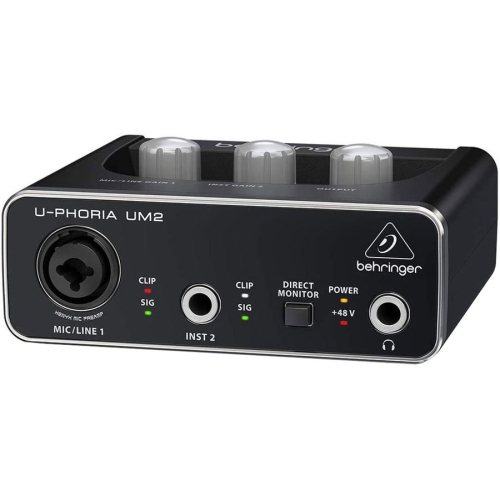
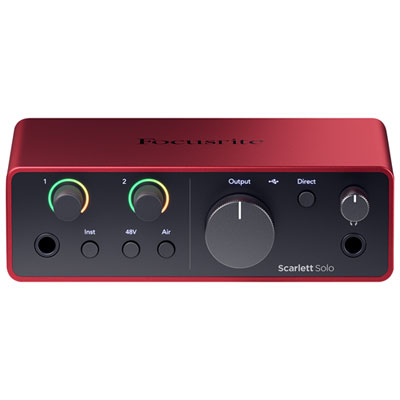
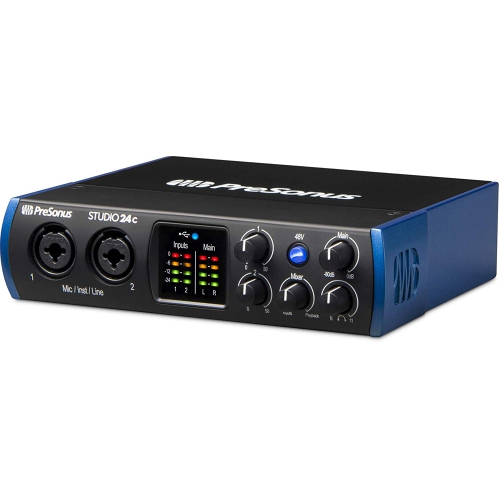
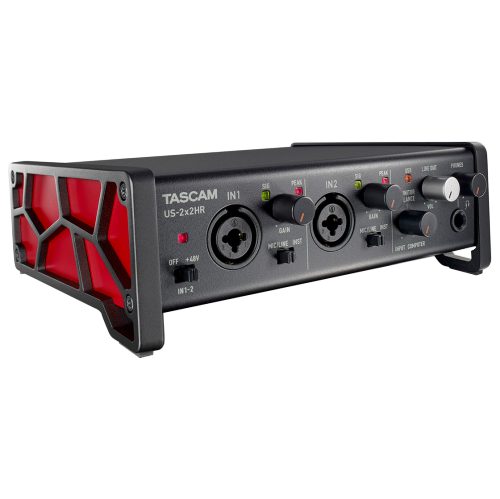
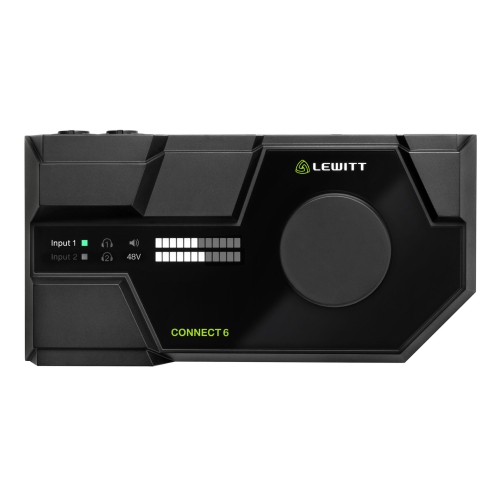
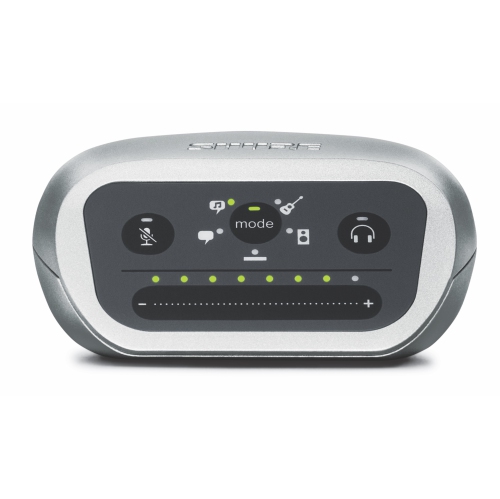
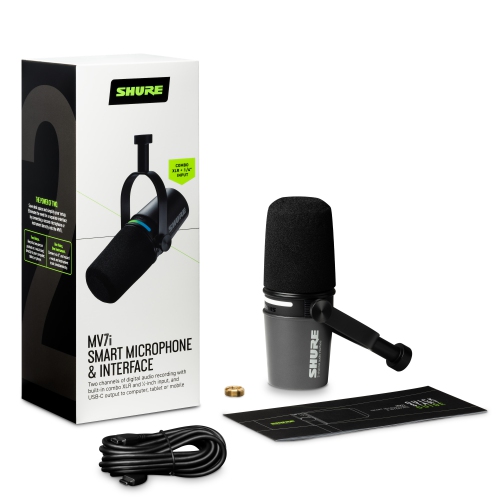
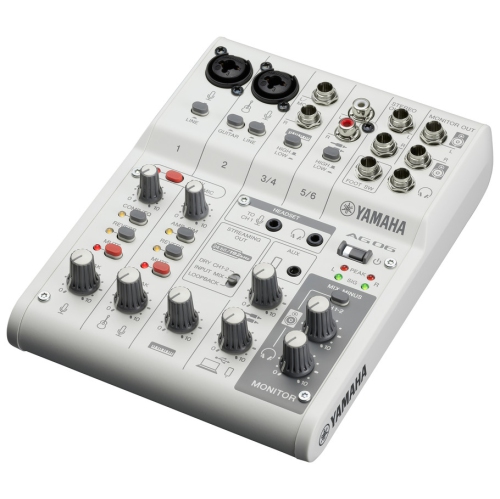
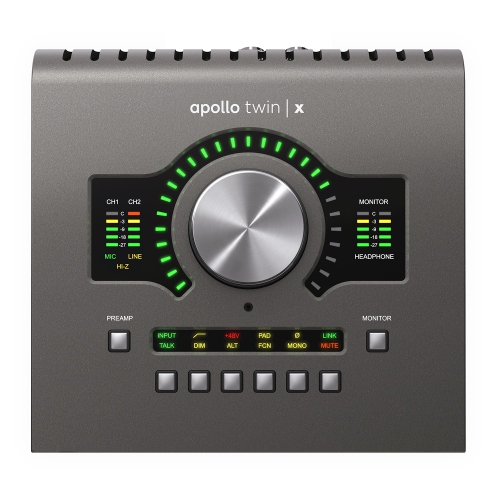
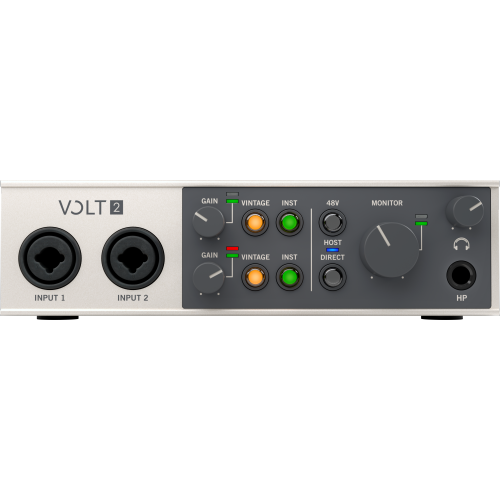
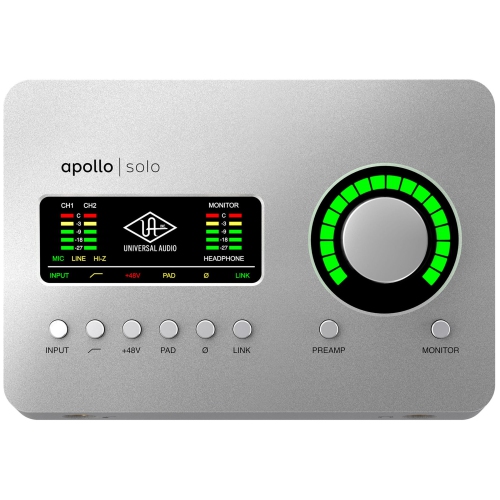
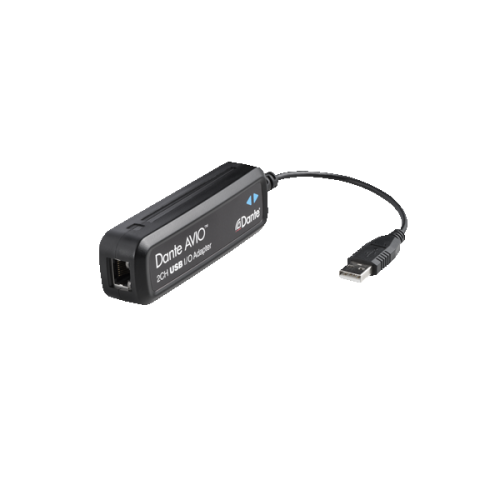
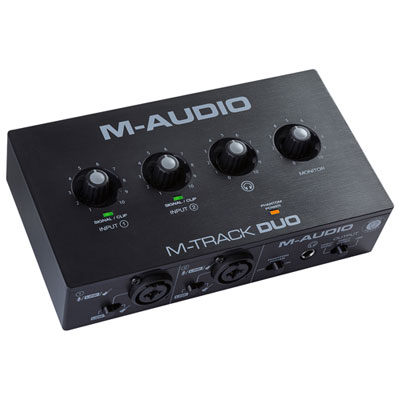
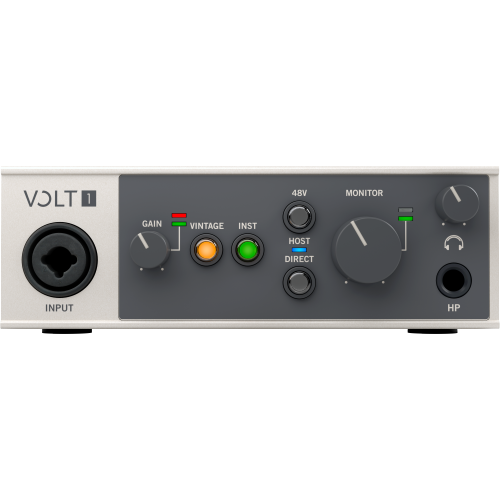
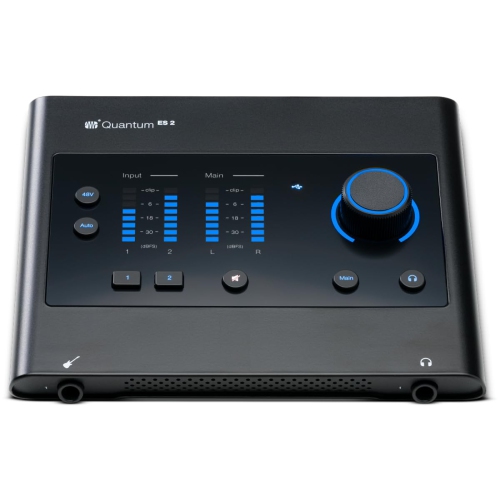
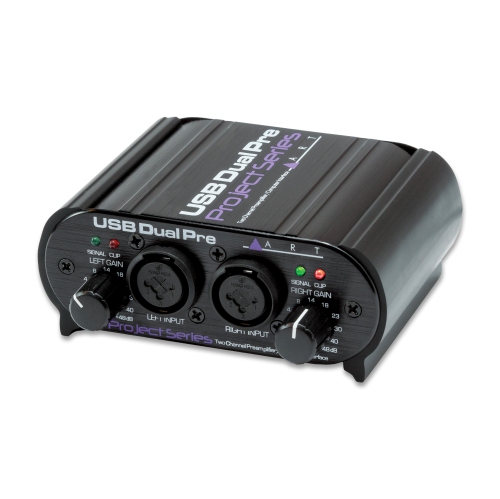
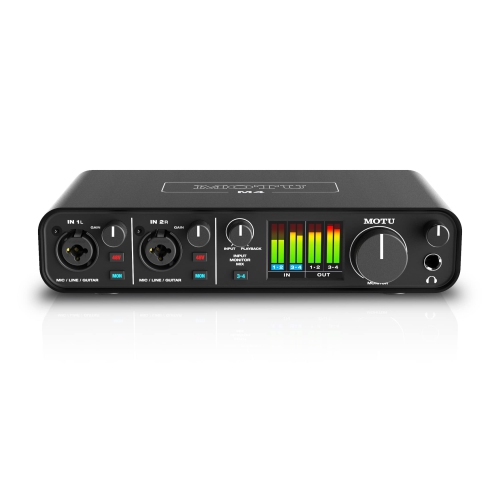
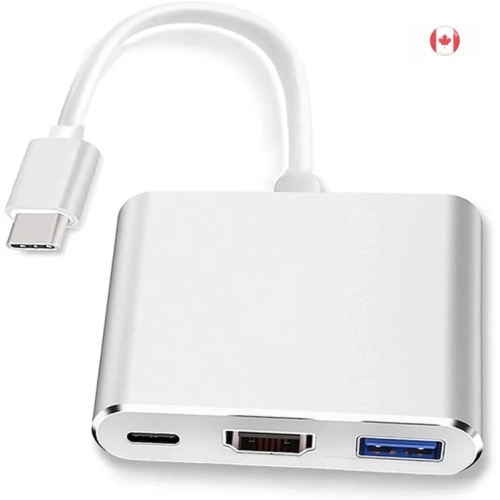
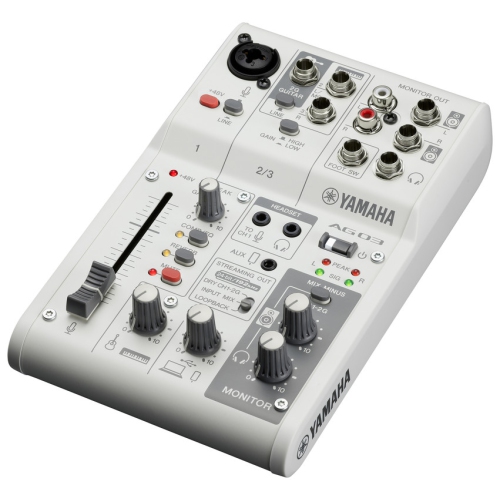
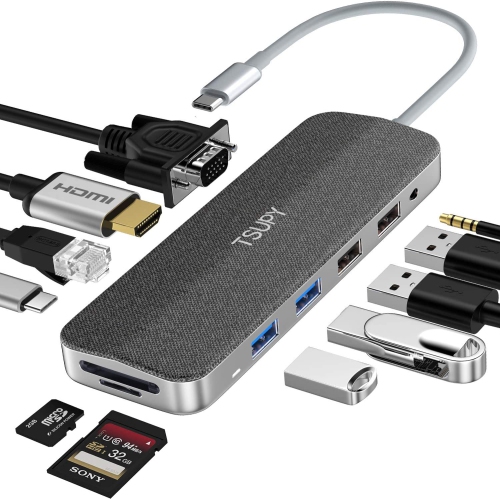
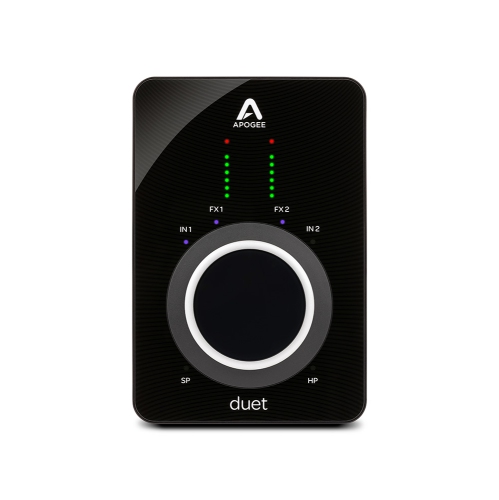
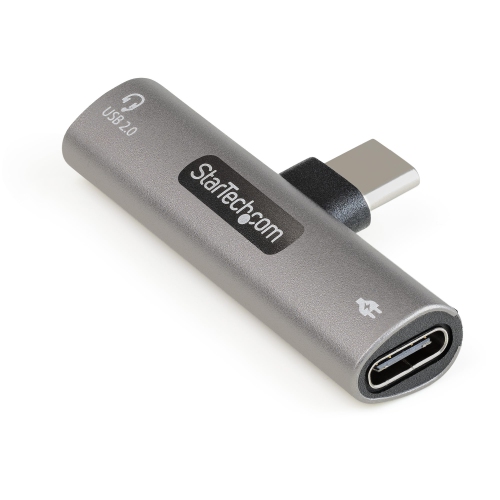
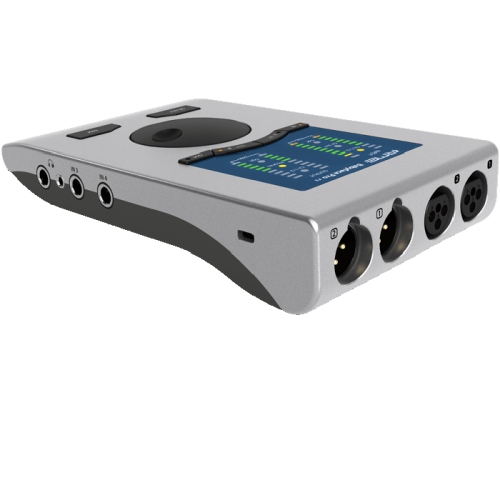
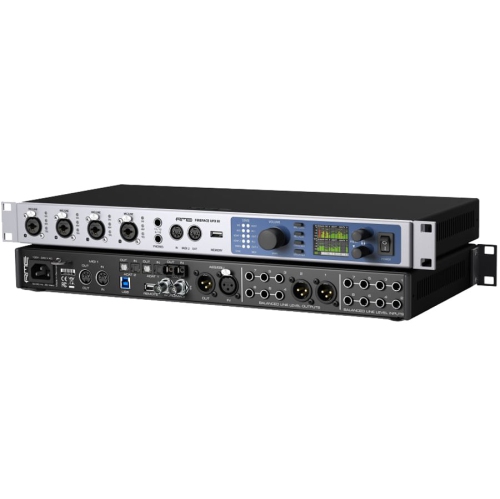
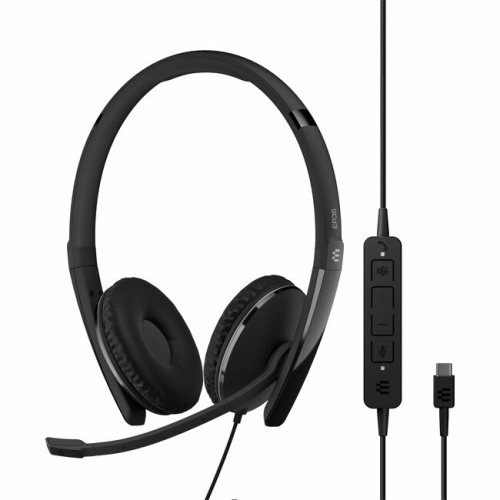
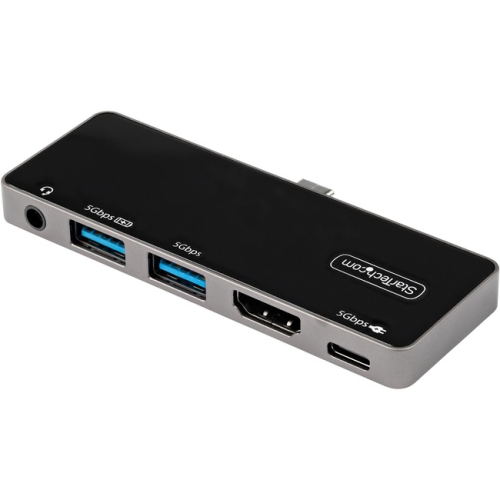
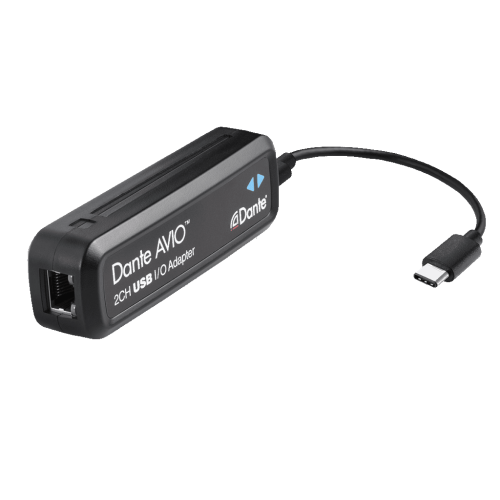
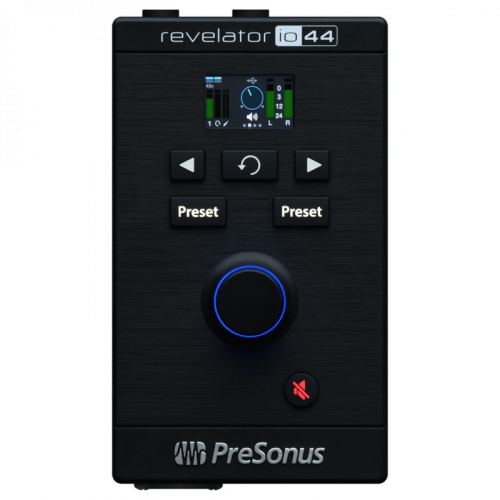

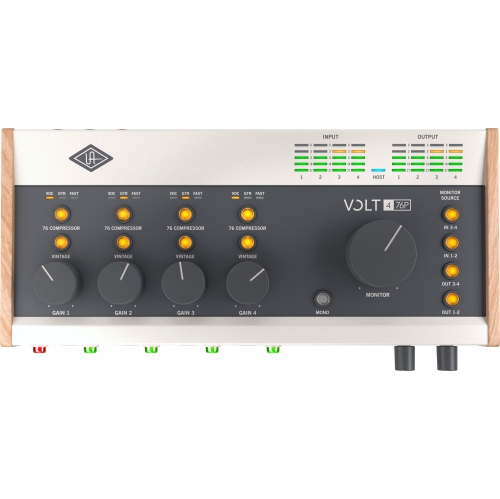
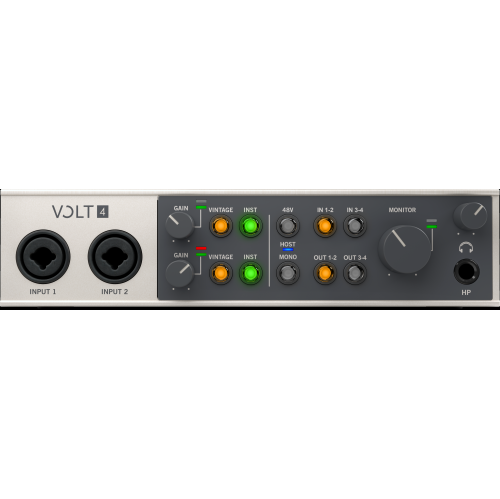
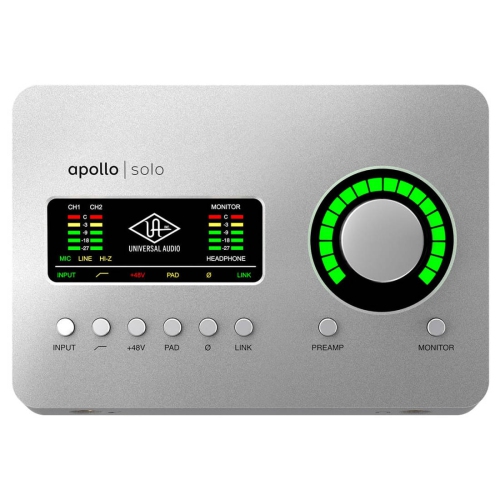

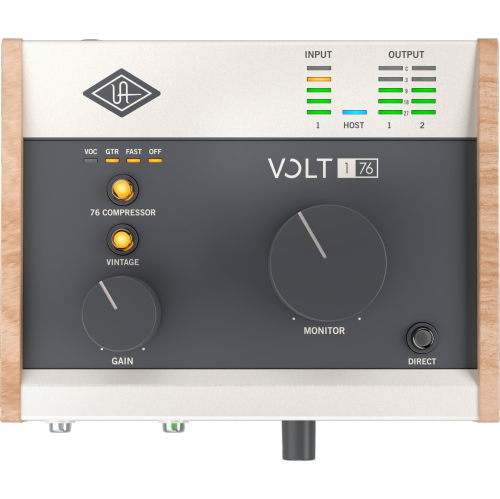
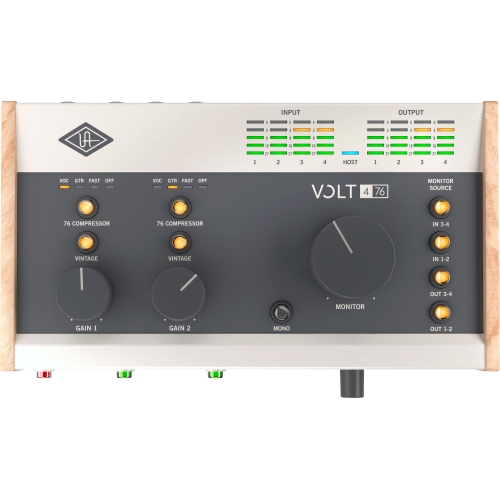
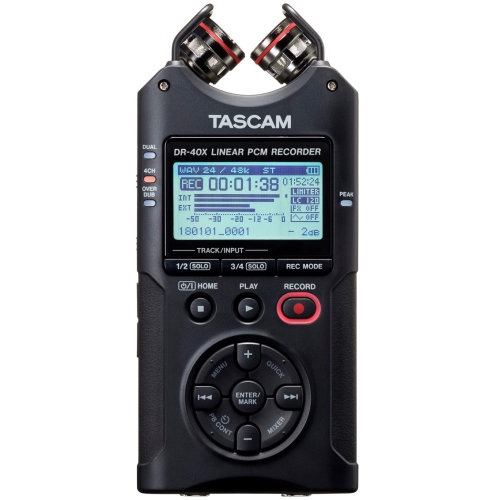
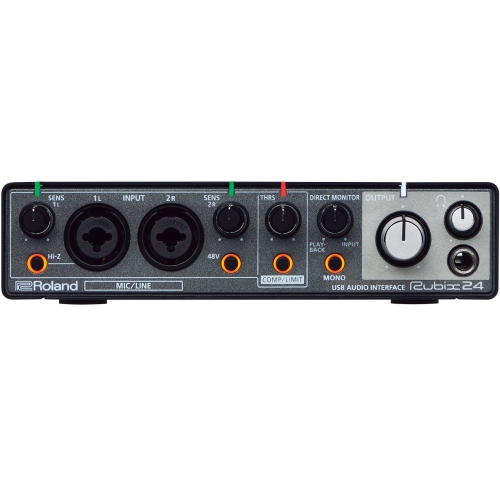

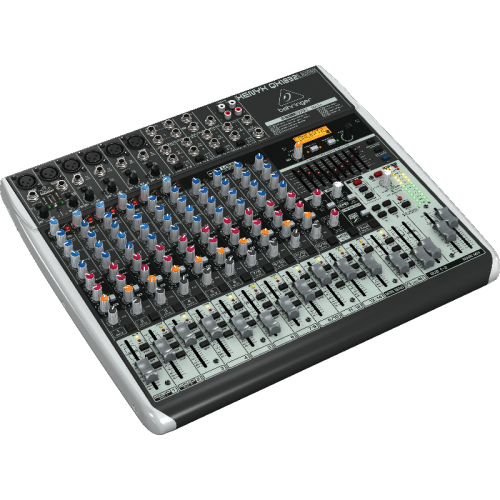
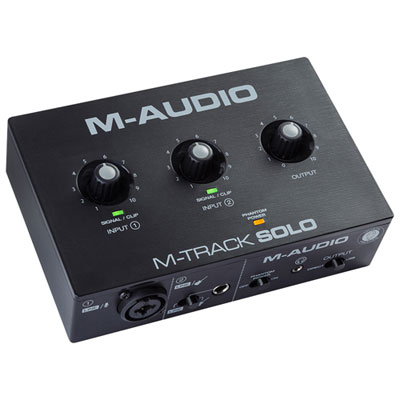
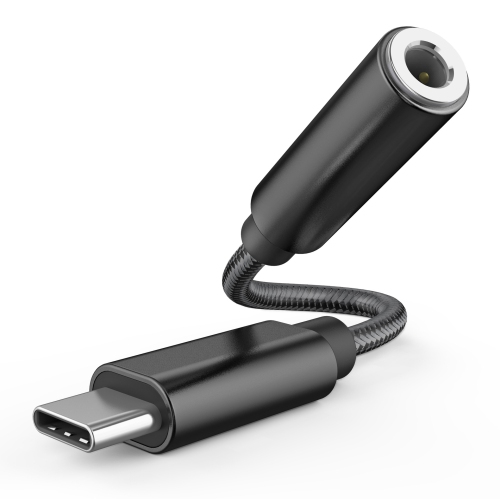
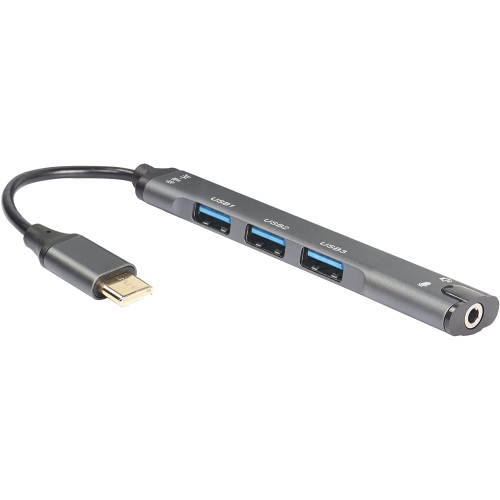
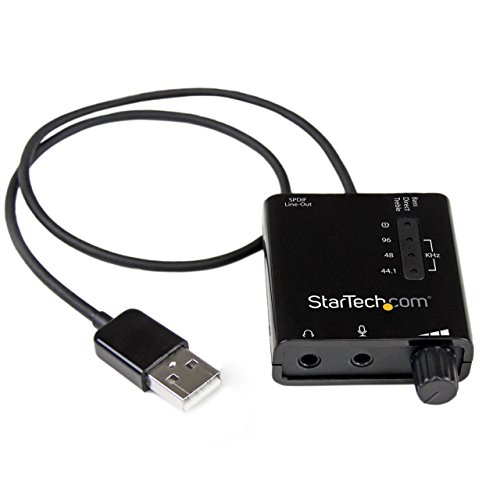
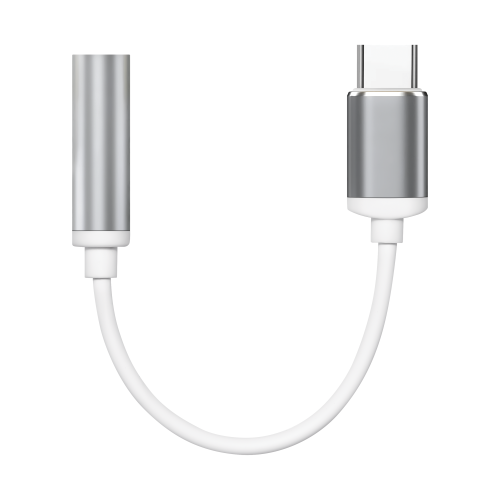
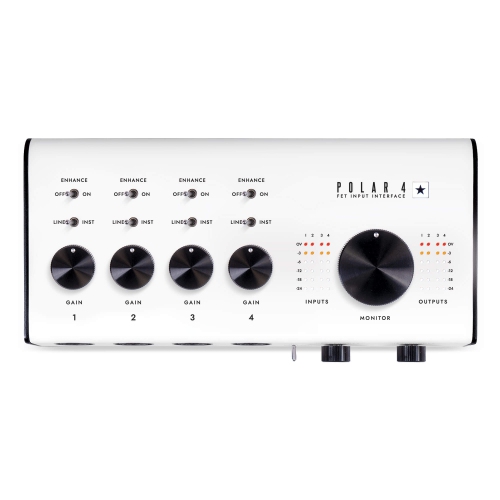
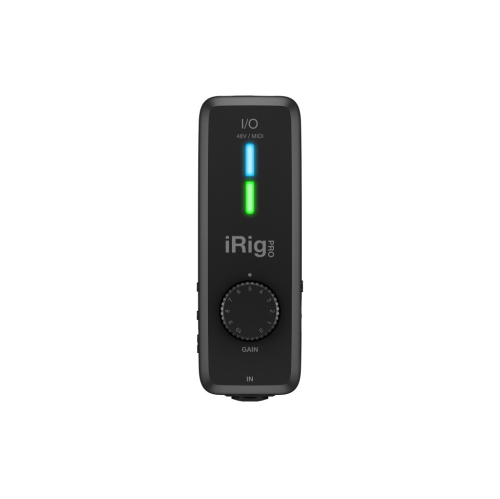
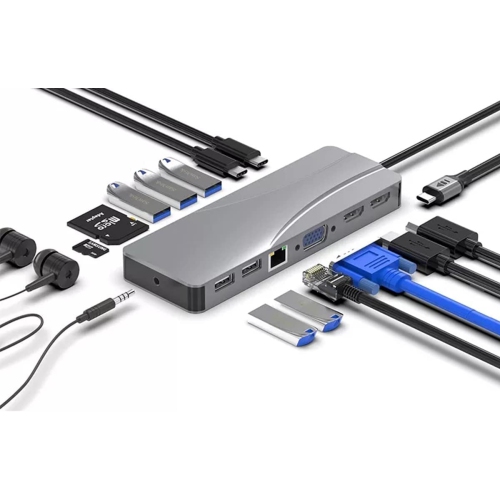
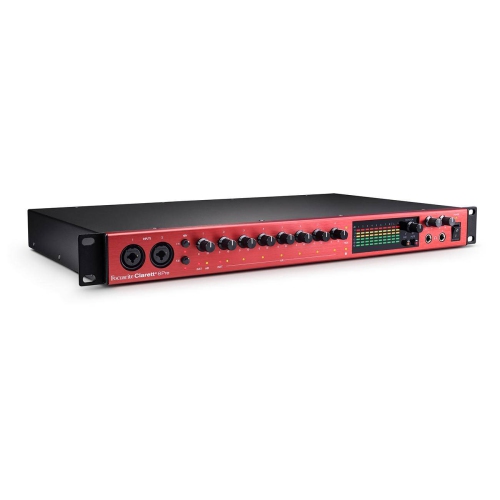
Flexible connections for recording, streaming and music production
USB-C audio interfaces provide a practical connection between microphones, instruments and digital devices, giving musicians, podcasters, streamers, voice-over artists and content creators a more controlled way to capture sound. Instead of relying on the basic microphone input built into a computer or mobile device, an interface can offer dedicated inputs, microphone preamps, headphone monitoring and outputs for speakers or other recording equipment. The USB-C connection is well suited to modern laptops, desktop computers, tablets and compatible phones, with a single cable carrying audio data between the interface and the host device. Many models are compact enough to keep beside a laptop on a desk, making them useful for a bedroom recording corner, a home office, a podcast setup or a small rehearsal space. A singer-songwriter may connect a microphone and an acoustic or electric guitar at the same time, while a podcast host may use multiple microphone inputs for a conversation. A student learning music production can use one to explore recording software, virtual instruments and basic mixing without needing a complicated studio rack. For people who make videos, livestreams or online presentations, an interface can help deliver a fuller, clearer vocal sound than a built-in computer microphone. During the cooler months, when more creative time may be spent indoors, a USB-C audio interface can become the centre of a flexible setup for recording demos, practising with headphones, producing lessons or keeping in touch with collaborators.
The right USB-C audio interface depends largely on what you plan to connect and how you expect your setup to grow. Start with the input and output configuration. A compact two-input interface may be well suited to one vocalist and one instrument, stereo recording, a two-person podcast or a small home project. Models with more microphone or line inputs can accommodate a larger group, several instruments or a permanent workstation where cables do not need to be changed between sessions. Combination inputs that accept microphone, line or instrument connections offer extra flexibility, particularly for guitarists and bass players who want to plug in directly. Look for microphone preamps with enough gain for the microphones you intend to use, along with phantom power when working with compatible condenser microphones. Independent gain controls, clear level meters and separate volume controls for headphones and speakers make it easier to monitor a recording without guesswork. Direct monitoring can reduce the delay between playing or speaking and hearing the result, which is especially helpful when recording vocals or acoustic instruments. Some interfaces also include MIDI connections for keyboards, drum pads and other controllers, while others focus on a streamlined audio-only design. If you record livestreams, video calls or gaming commentary, loopback can be an important feature because it can combine microphone audio with sound from the computer for a broadcast or recording. Built-in effects, one-touch controls and dedicated monitor mixing can also be useful for live content, though a straightforward interface may be preferable for someone who wants to learn recording fundamentals with fewer controls to manage. Check the included cable and device compatibility before purchasing, since some computers and mobile devices may require an adapter, hub or additional power source. Bus-powered USB-C models can draw power from a connected computer, which helps keep a desk tidy and makes the interface easier to move between rooms, but power requirements can vary when connecting to tablets or phones. A model with dependable driver or software support can make setup smoother, while broad compatibility with common recording applications gives you more freedom to choose the workflow that feels natural.
USB-C audio interfaces can also make thoughtful gifts for musicians, aspiring producers, podcasters and anyone turning a creative interest into a regular hobby. They suit a wide range of experience levels: a beginner can start with one microphone and a pair of headphones, while a more experienced user can build a setup around multiple inputs, studio monitors, instruments and recording software. A compact interface may fit in a backpack for rehearsals, songwriting sessions or remote recording, and a more fully featured unit can stay connected to a desktop workstation for frequent production. Pairing an interface with suitable headphones can make late-night editing and detailed listening more comfortable; explore USB C Headphones for Studio for another part of a personal monitoring setup. Before choosing, consider whether the main priority is vocal recording, guitar and instrument tracking, podcasting, streaming, online teaching or general music production. Think about the number of people who may record together, whether speakers will be connected, how much desk space is available and whether the setup needs to travel. A first interface often becomes the foundation for a creative workspace: a microphone on a stand, a guitar resting nearby, a laptop displaying recording tracks and headphones ready for playback. With the appropriate inputs, monitoring features and USB-C connectivity, it can make recording feel more immediate and organized, helping users capture ideas while they are fresh and return to them for editing, mixing and sharing.
The right USB-C audio interface depends largely on what you plan to connect and how you expect your setup to grow. Start with the input and output configuration. A compact two-input interface may be well suited to one vocalist and one instrument, stereo recording, a two-person podcast or a small home project. Models with more microphone or line inputs can accommodate a larger group, several instruments or a permanent workstation where cables do not need to be changed between sessions. Combination inputs that accept microphone, line or instrument connections offer extra flexibility, particularly for guitarists and bass players who want to plug in directly. Look for microphone preamps with enough gain for the microphones you intend to use, along with phantom power when working with compatible condenser microphones. Independent gain controls, clear level meters and separate volume controls for headphones and speakers make it easier to monitor a recording without guesswork. Direct monitoring can reduce the delay between playing or speaking and hearing the result, which is especially helpful when recording vocals or acoustic instruments. Some interfaces also include MIDI connections for keyboards, drum pads and other controllers, while others focus on a streamlined audio-only design. If you record livestreams, video calls or gaming commentary, loopback can be an important feature because it can combine microphone audio with sound from the computer for a broadcast or recording. Built-in effects, one-touch controls and dedicated monitor mixing can also be useful for live content, though a straightforward interface may be preferable for someone who wants to learn recording fundamentals with fewer controls to manage. Check the included cable and device compatibility before purchasing, since some computers and mobile devices may require an adapter, hub or additional power source. Bus-powered USB-C models can draw power from a connected computer, which helps keep a desk tidy and makes the interface easier to move between rooms, but power requirements can vary when connecting to tablets or phones. A model with dependable driver or software support can make setup smoother, while broad compatibility with common recording applications gives you more freedom to choose the workflow that feels natural.
USB-C audio interfaces can also make thoughtful gifts for musicians, aspiring producers, podcasters and anyone turning a creative interest into a regular hobby. They suit a wide range of experience levels: a beginner can start with one microphone and a pair of headphones, while a more experienced user can build a setup around multiple inputs, studio monitors, instruments and recording software. A compact interface may fit in a backpack for rehearsals, songwriting sessions or remote recording, and a more fully featured unit can stay connected to a desktop workstation for frequent production. Pairing an interface with suitable headphones can make late-night editing and detailed listening more comfortable; explore USB C Headphones for Studio for another part of a personal monitoring setup. Before choosing, consider whether the main priority is vocal recording, guitar and instrument tracking, podcasting, streaming, online teaching or general music production. Think about the number of people who may record together, whether speakers will be connected, how much desk space is available and whether the setup needs to travel. A first interface often becomes the foundation for a creative workspace: a microphone on a stand, a guitar resting nearby, a laptop displaying recording tracks and headphones ready for playback. With the appropriate inputs, monitoring features and USB-C connectivity, it can make recording feel more immediate and organized, helping users capture ideas while they are fresh and return to them for editing, mixing and sharing.
Top selling and popular products
-
 Your price for this item is $989
 -
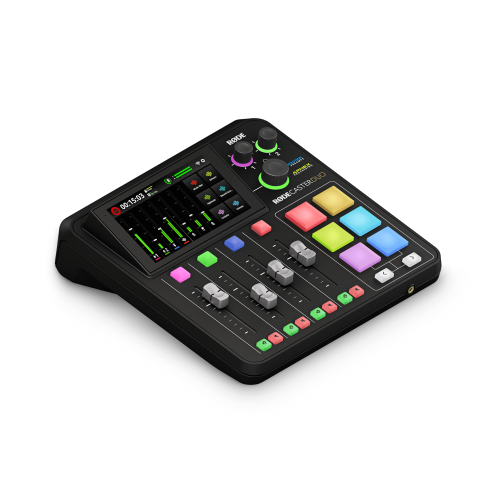 Your price for this item is $699
 -
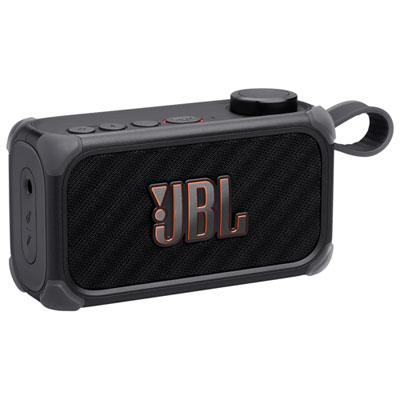 Your price for this item is $329.99
 -
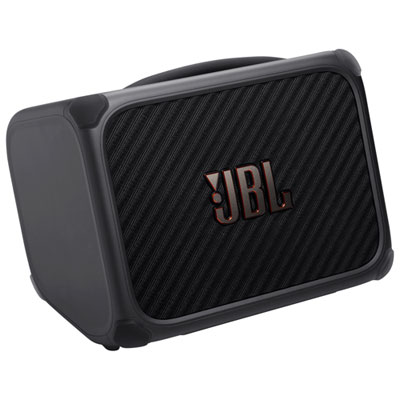 Your price for this item is $799.99
 -
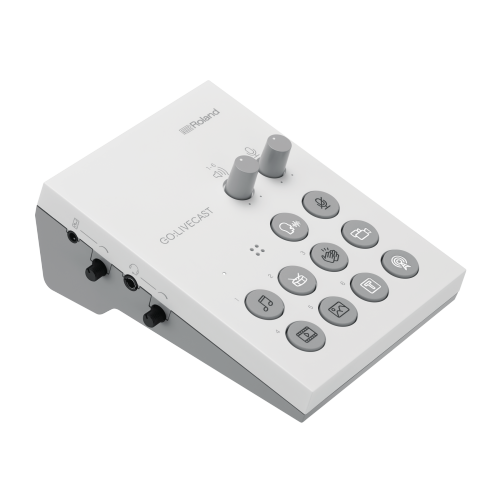 Your price for this item is $69
 -
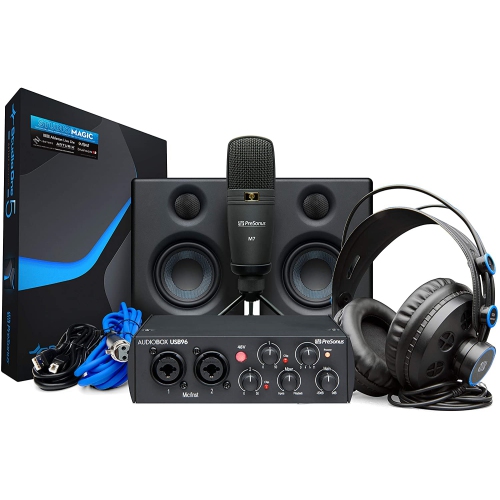 Your price for this item is $459.99
 -
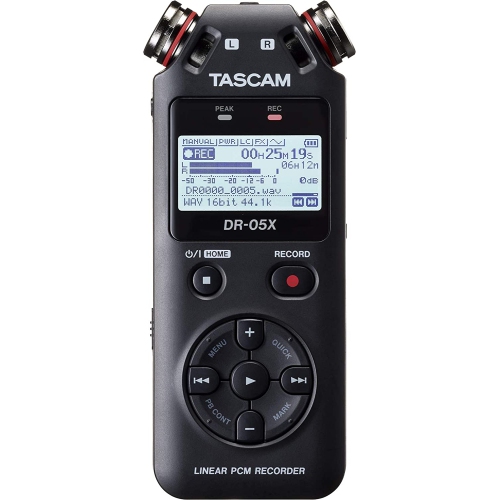 Your price for this item is $299
 -
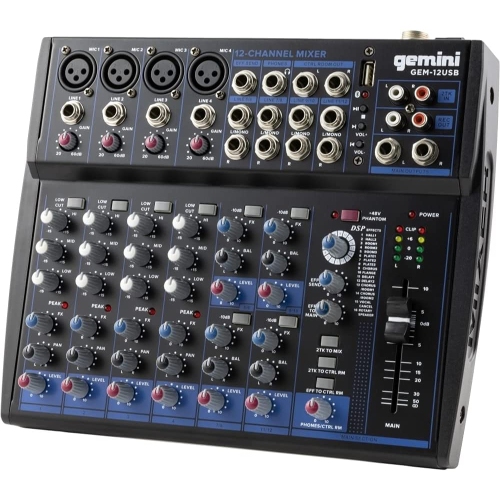 Your price for this item is $205.95
Discover more categories related to USB C Audio Interfaces
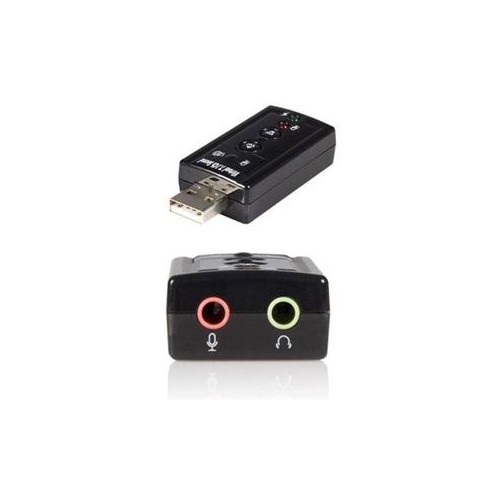
Top Collections:
Pokemon Centers, Kindle Devices, Best Budget Office Chairs, Apple iPhones 16, Best Laptops for Writers, iPhone 15 Apple, Canon G7X Cameras, Refurbished Apple Laptops, Alarm Clock, Motorola Razr Phones
Some products may be subject to Environmental Handling Fees
(EHF) depending on your province.
Learn more about EHFs.