Brother DR 730 Toners
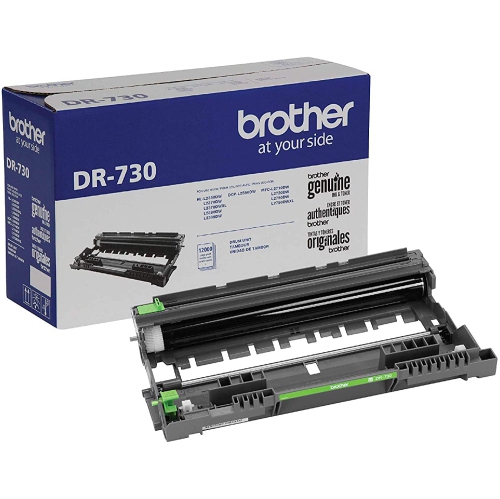
Brother DR 730 Toner is designed to help keep your printer running smoothly and efficiently, making it a popular choice for both home offices and busy workplaces. Whether you’re printing important documents or everyday paperwork, the Brother DR 730 Toner offers reliable performance for all your printing needs. Explore a range of options to find the right toner solution that fits your workflow and helps maintain consistent print quality.
Sort




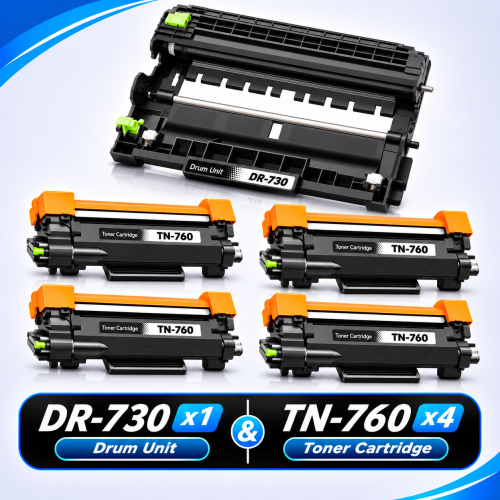
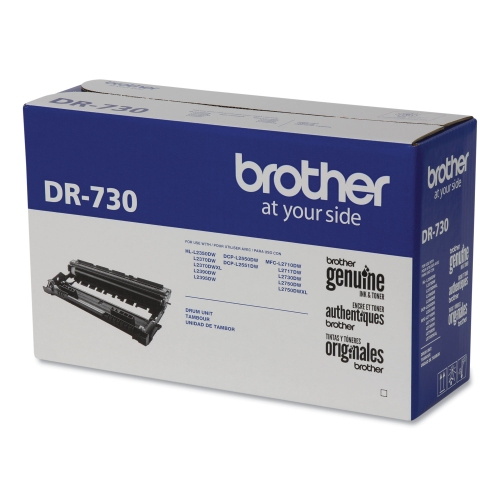
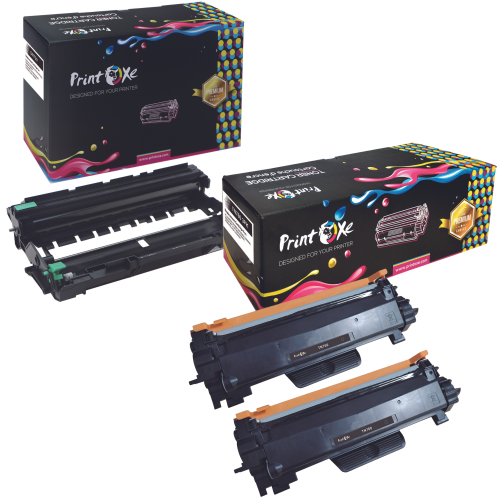
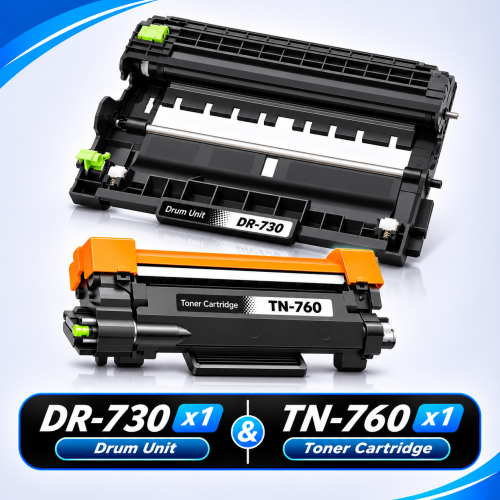
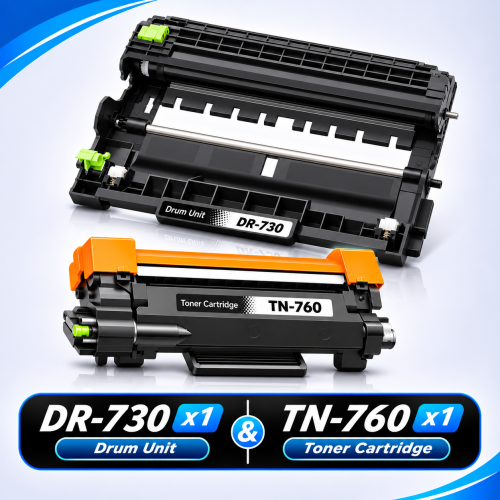
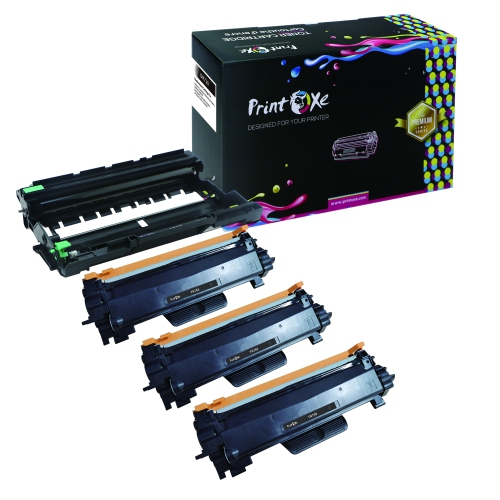
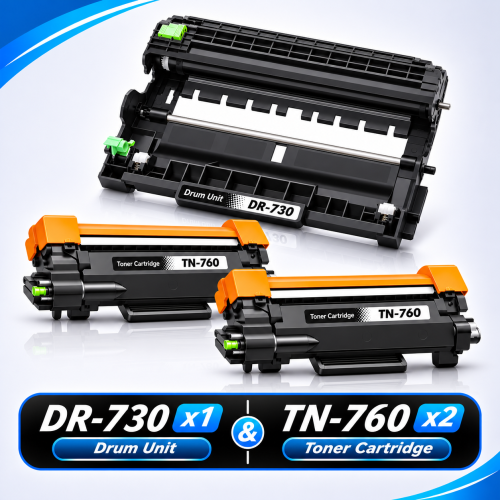

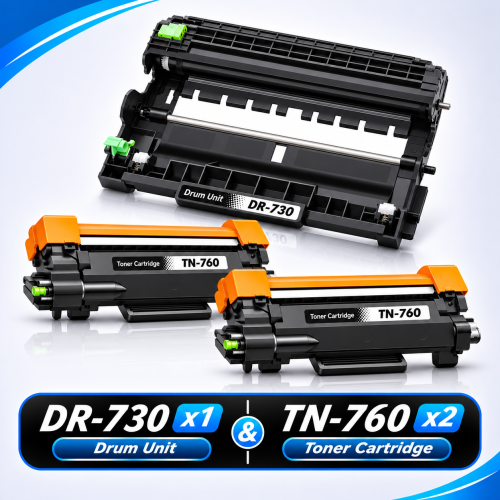

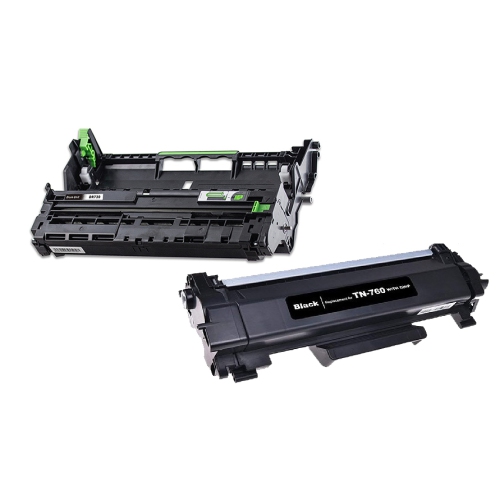
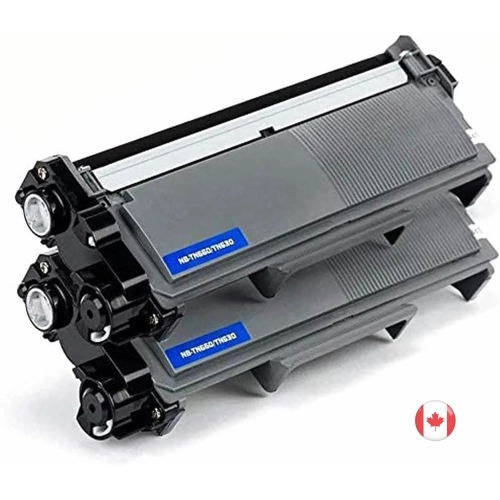

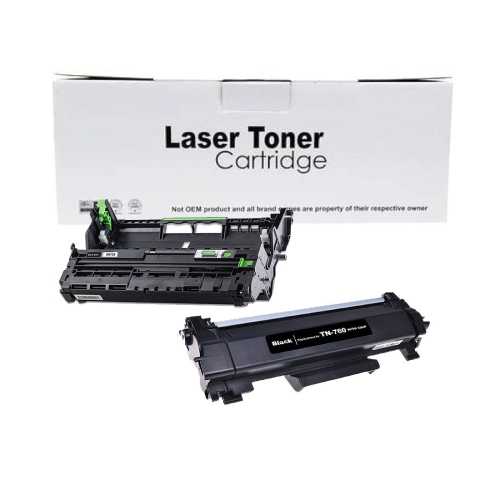

Why replacing toner will not fix a worn drum
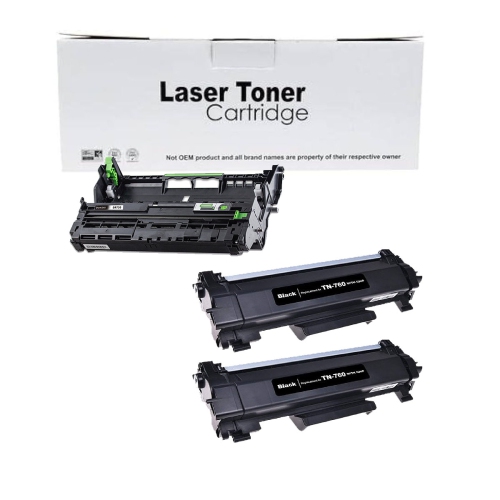
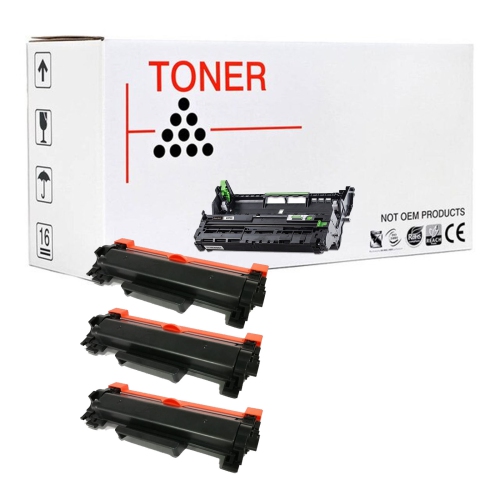
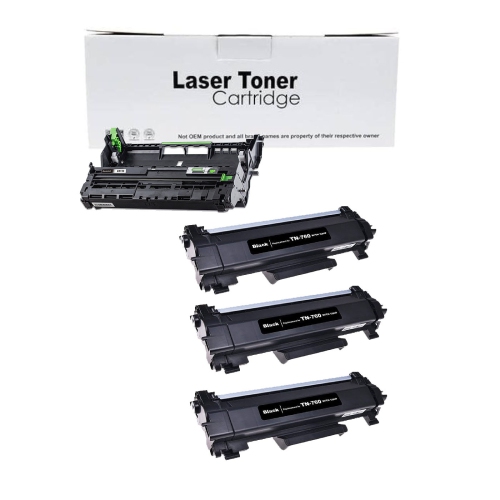
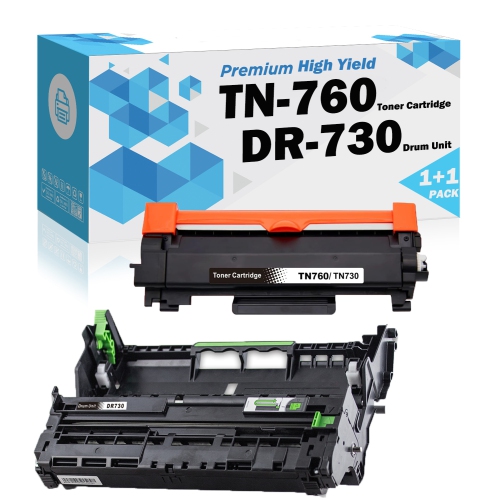
A laser printer drum unit is an imaging component, not a toner cartridge: its light-sensitive surface helps form the image that toner transfers onto paper. Although the two supplies work together, they perform different jobs and usually follow different replacement schedules in printers that use separate drum and toner assemblies. Toner is the fine powder that becomes the printed text or image, while the drum helps place that powder accurately before the printer’s fuser bonds it to the page. This distinction matters when choosing supplies for a monochrome laser printer, particularly when a printer displays a replacement message but still has toner remaining. Adding toner will not resolve a worn drum, and replacing a drum will not replenish an empty toner cartridge. For a home office producing invoices, a student printing reading assignments, or a small business preparing appointment schedules, the right replacement component helps maintain clear lettering, readable tables, and consistent black-and-white output. Separate drum assemblies are designed to remain in service through multiple toner changes, although their actual working life depends on the printer, the component’s rated capacity, and printing habits. A household that prints a few documents at a time may have different replacement needs from an office running lengthy batches every day. Published page yields provide a useful reference, but they are estimates rather than a promise that every user will print the same number of pages. Job length, the number of printing cycles, and operating conditions can affect drum life, while toner use also varies with how much of each page contains text or graphics. Understanding which component needs attention makes the selection more precise and helps avoid treating every print-quality issue as a toner problem. These supplies are practical essentials for people who rely on a laser printer for paperwork, whether that means shipping labels printed on approved sheets, client correspondence, classroom handouts, or records that need crisp, legible text.
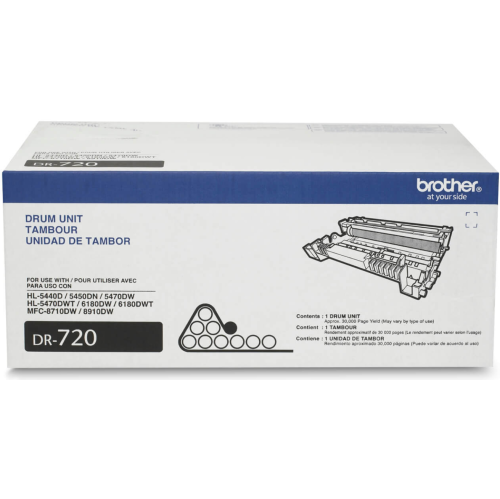
Compatibility is the most important consideration when comparing replacement drum units and related toner supplies. A cartridge or drum may look almost identical to another assembly yet use different locating tabs, gears, electrical contacts, or recognition features. The full printer model number, including any letters at the end, is a more dependable starting point than appearance or a general description such as “black laser toner.” That information is commonly printed on the printer’s front panel, rear label, or settings page. Matching it against the replacement component’s stated compatibility helps establish whether the assembly is intended for the machine. The same care applies when browsing Brother DR730 Compatible options, where the distinction between a drum assembly and a toner cartridge remains essential. Package contents also deserve attention because a drum-only replacement, a toner-only replacement, and a package containing both serve different needs. A drum unit should not be assumed to include toner unless the description expressly says so. In many separate-component systems, the toner cartridge fits into the drum assembly, and the combined assembly slides into the printer; other designs differ, making the printer documentation the best reference for installation details. Construction typically includes a protective plastic housing, mechanical drive parts, and a coated imaging cylinder. The cylinder’s surface is carefully finished for its role in the printing process, so durability depends on more than how sturdy the outer frame feels. Accurate alignment and a consistent imaging surface help support clean output across repeated jobs. Manufacturer-made and third-party replacements can also differ in their stated yield, warranty terms, included components, and support arrangements. Clear compatibility information and plainly described package contents make comparisons more useful than broad performance claims alone. For shared printers, noting the exact supply reference alongside the printer model can also simplify repeat purchases, especially when several machines in the same workplace use similar-looking but incompatible consumables. Keeping those details together reduces confusion when a printer message calls for one component rather than the other.
Care and handling help protect the delicate parts inside a drum assembly throughout its working life. The imaging surface is sensitive to light and physical contact, so a replacement is best kept in its protective packaging until installation. Fingerprints, scratches, and prolonged exposure to strong light can affect that surface and may lead to marks on printed pages. Handling the assembly by its designated grip points, rather than touching the cylinder, helps preserve the finish. Unopened supplies belong in a clean, dry storage area where the packaging will not be crushed or exposed to moisture. During installation, protective covers and packing pieces need to be removed as directed, and the assembly should settle into its intended position without being forced. A separate toner cartridge may need to be transferred into the new drum housing, depending on the printer’s design. Any drum-counter reset should follow the printer manufacturer’s replacement procedure; clearing a message alone does not repair a worn imaging surface. Once the printer is back in use, the appearance of the page offers useful clues about performance. Repeated marks at regular intervals can point to an imaging-surface issue, while pale printing, streaking, or loose toner may have several possible causes, including toner supply, paper choice, or another printer component. The printer’s troubleshooting information can help distinguish these symptoms before another supply is purchased. Cleaning methods also vary, and household sprays, abrasive materials, or improvised solvents can damage sensitive parts. Only the maintenance methods specified for the printer should be used. Suitable paper is another part of dependable everyday printing: sheets should meet the machine’s requirements, and labels or specialty media must be approved for laser use. For anyone printing forms, reports, or correspondence, a correctly matched drum and toner combination supports the details that matter on the finished page, from fine lines in a spreadsheet to the small text beneath a mailing address. Careful selection and straightforward handling help keep those everyday documents sharp and readable.
Top selling and popular products
-
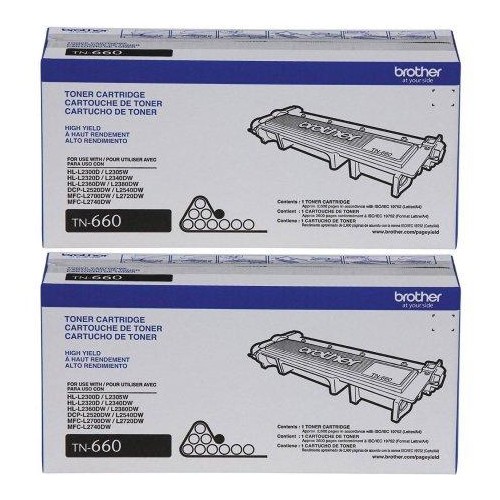 Your price for this item is $157.94
-
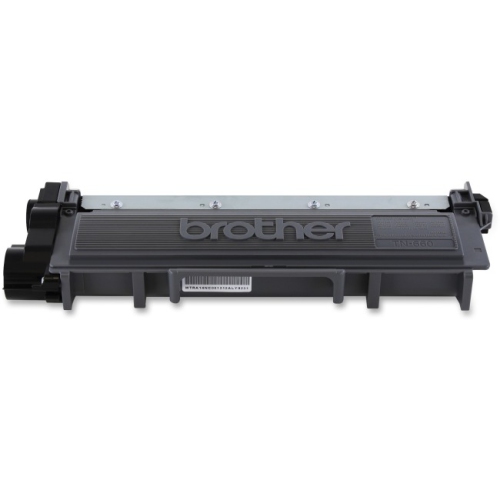 Your price for this item is $74.99
-
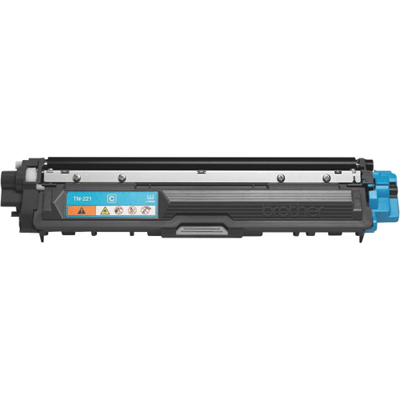 Your price for this item is $102.99
-
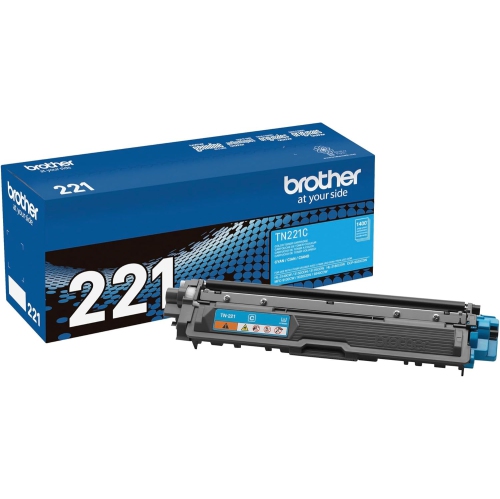 Your price for this item is $115.02
-
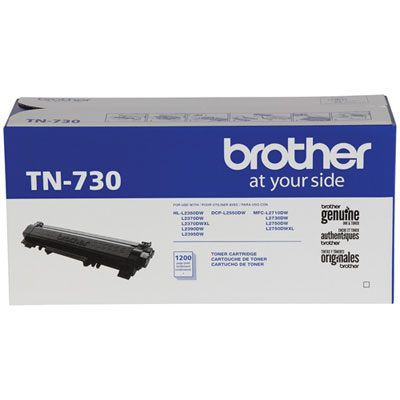 Your price for this item is $72.99
-
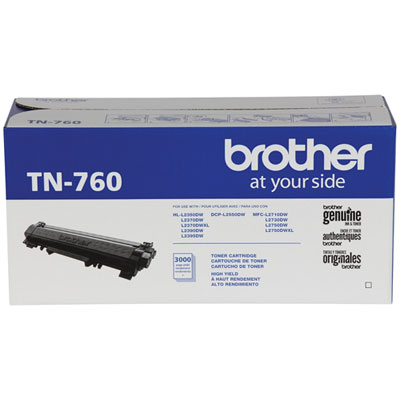 Your price for this item is $115.99
-
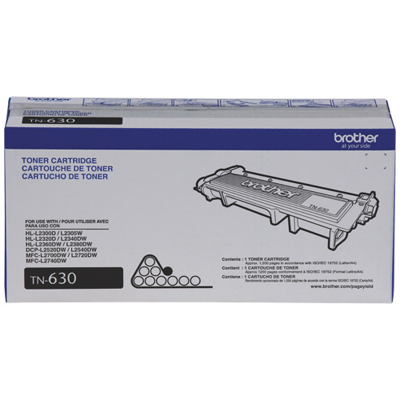 Your price for this item is $72.99
-
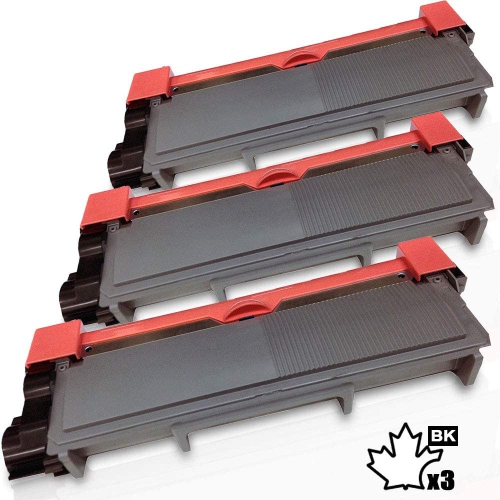 Your price for this item is $58.2
Discover more categories related to Brother DR 730 Toners

Top Collections:
Best Black Friday Deals This Year, Best Black Friday Deals On Electronics, Kindle Devices, Pokemon Centers, Best Black Friday Deals On Apple Products, Best Cameras for Sports Photography, Dyson Airwrap, Pokémon 30th Celebration Cards, Apple iPhone 17 Pro, Canon G7X Cameras
Some products may be subject to Environmental Handling Fees
(EHF) depending on your province.
Learn more about EHFs.