Brother DR630 Drum Units
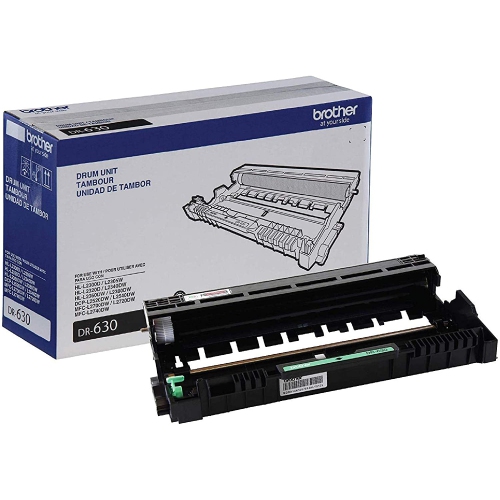
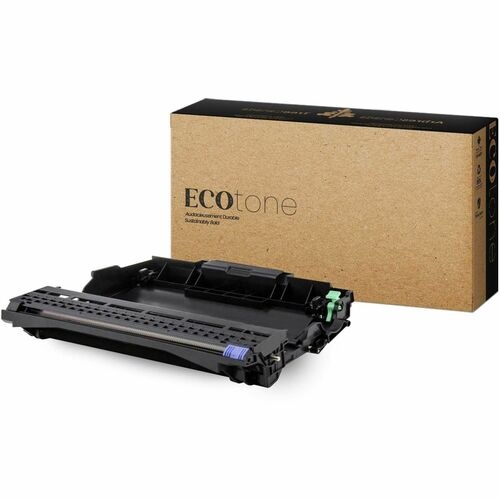
The Brother DR630 Drum Unit is designed to help keep your printer running smoothly and efficiently. Ideal for both home offices and professional environments, this drum unit offers reliable performance for consistent print quality. Whether you need to handle everyday documents or important projects, the Brother DR630 Drum Unit provides an essential component for maintaining your printer’s output. Explore options to find the right fit for your printing needs and enjoy dependable results with every page.
Sort









Why drum replacement is different from changing toner
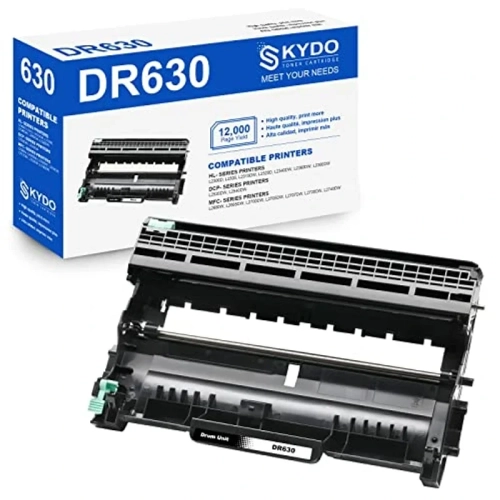
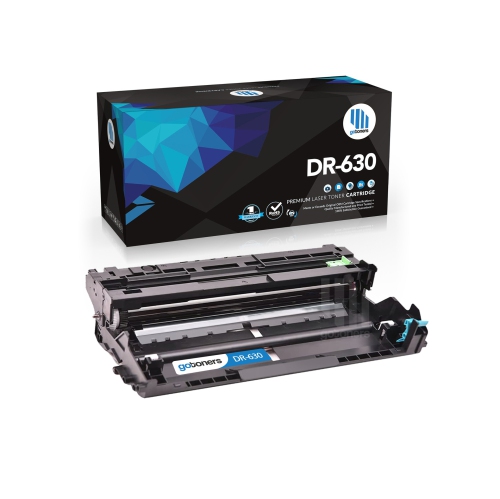
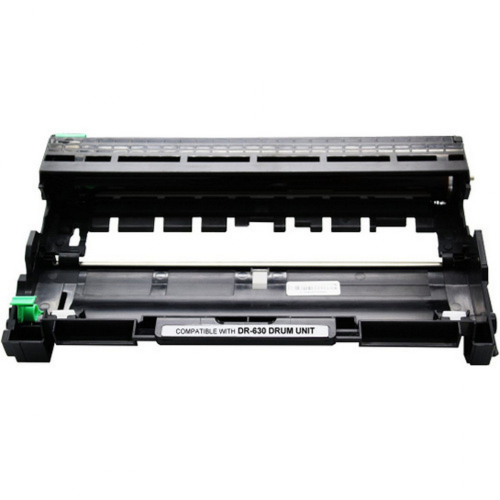
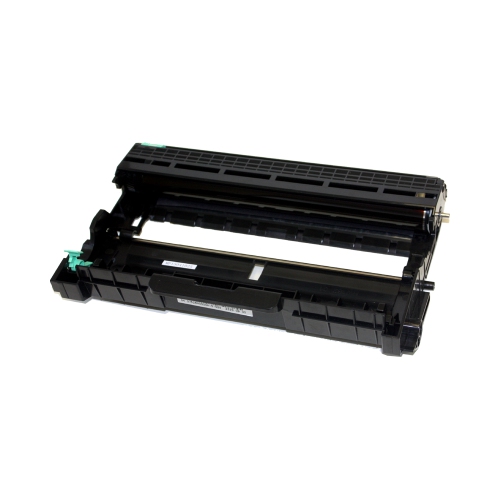
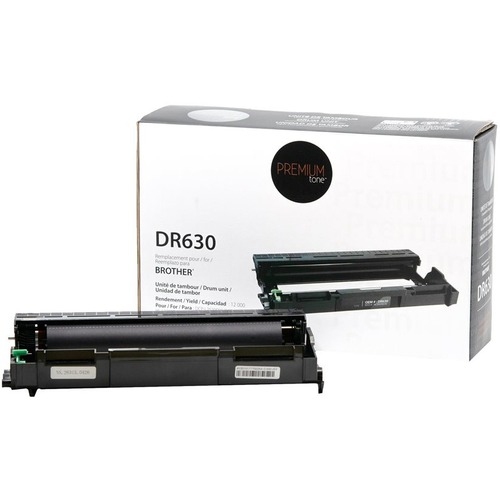
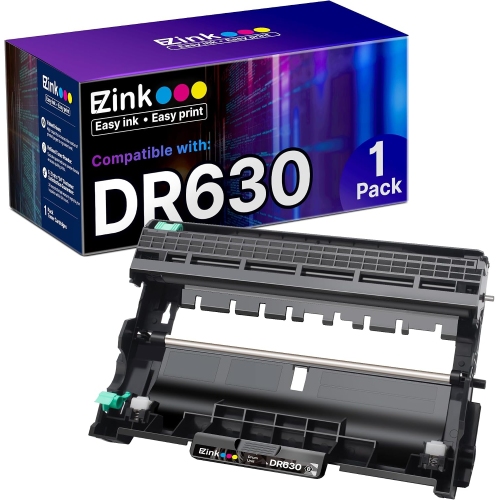
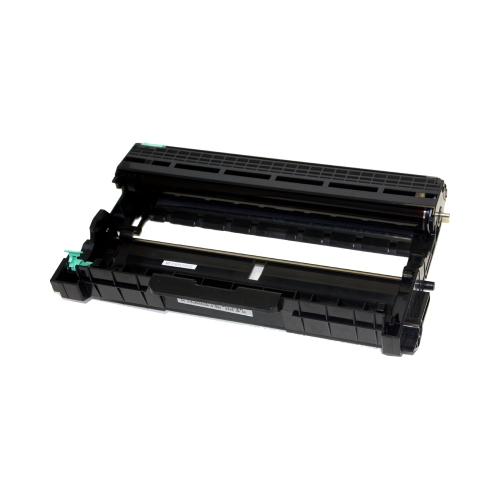
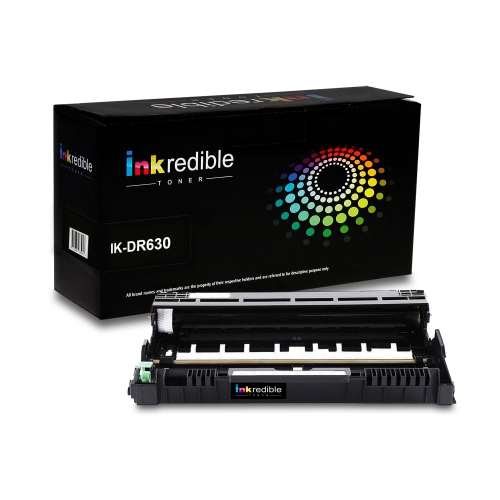
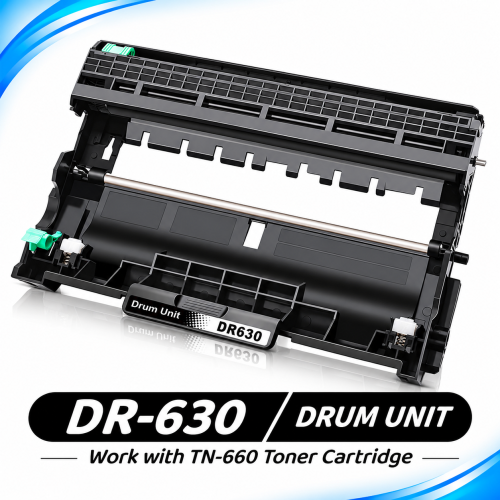
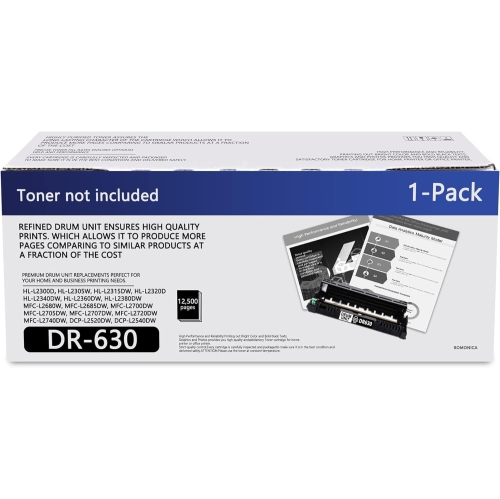
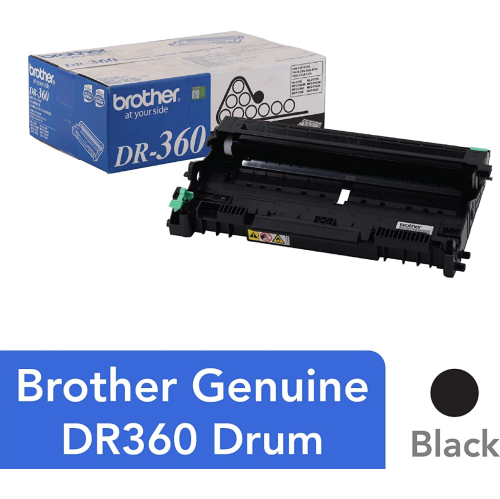
A replacement laser printer drum unit is the imaging component that works with a separate toner cartridge to produce text and graphics on compatible monochrome printers. Although the two parts fit together, they perform different jobs: the toner cartridge holds the powder used to form the printed image, while the drum’s light-sensitive surface helps transfer that image onto paper before it is fixed in place. This distinction matters when a printer displays a replacement message, because a toner warning and a drum warning do not call for the same supply. In printers with separate components, the drum can often remain in service through several toner changes, depending on its rated life and how the printer is used. A stated yield of up to 12,000 pages provides a useful reference for planning, but it is an estimate under specified test conditions rather than a guaranteed replacement interval. Actual drum life can vary with print-job length, printing frequency and the machine’s operating cycles. A household printing occasional school forms has a different pattern of use from a small office producing batches of invoices, even when both eventually print the same number of pages. These replacement components are particularly relevant to home offices, shared workspaces and administrative desks where clear black text matters more than colour output. Everyday documents such as appointment schedules, shipping records, meeting agendas and classroom handouts depend on consistent imaging, especially when small type or fine lines need to remain readable. Keeping toner and drum requirements distinct also makes printer upkeep easier to understand: replacing an empty toner cartridge supplies more printing powder, but it does not renew a worn drum surface. Equally, a drum replacement does not refill a toner cartridge that is nearly empty. For printers designed around this two-part arrangement, choosing the correct replacement supports continued use of a familiar machine without changing the way documents are prepared, scanned or copied. The same imaging system serves printed pages and the output from a compatible multifunction printer’s copying function, making dependable drum performance relevant to more than documents sent from a computer.
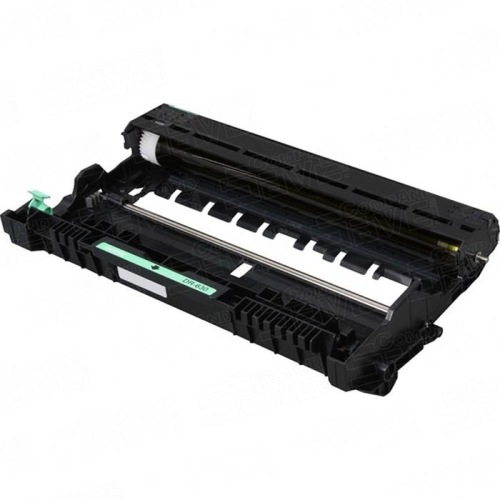
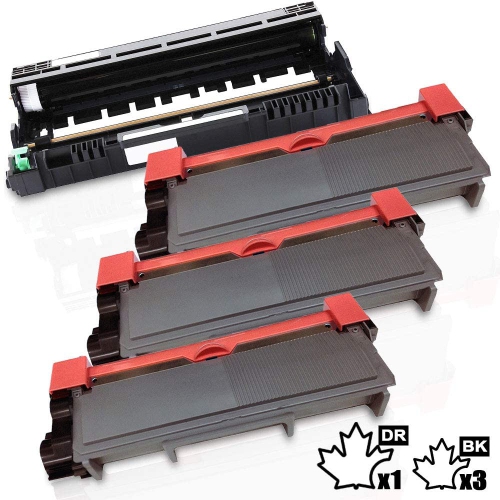
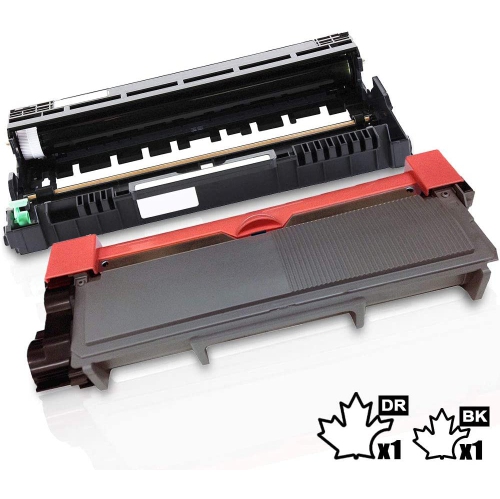
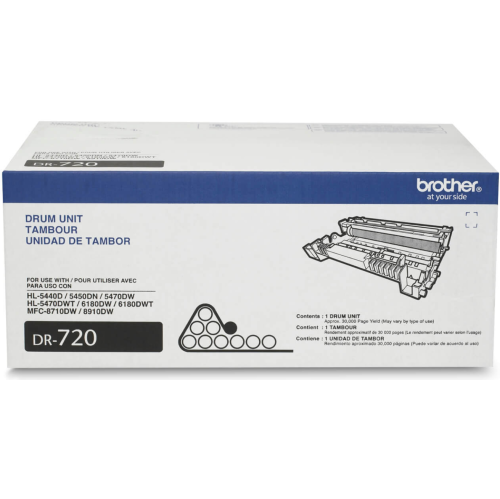
Fit is the most important consideration for any replacement drum unit. Compatibility depends on the printer’s exact model and specified drum reference, not simply the manufacturer’s name, the printer’s appearance or a matching toner family. Machines with similar names can use different internal assemblies, and a toner cartridge reference is not a substitute for the drum reference. The printer label, its documentation and the replacement unit’s compatibility information provide the details needed to make that distinction. Related drum families such as Brother DR720 have their own fit requirements; similar naming does not make separate families interchangeable. The physical construction also explains why an exact match matters. A drum assembly typically combines a rigid housing, a coated imaging cylinder, gears and electrical contacts, all positioned to work within a particular printer mechanism. Correct alignment allows the toner cartridge to seat properly and the assembly to move through its operating cycle as intended. Original-manufacturer and third-party replacements may differ in their construction, testing and stated performance, so clear compatibility details and documented yield are more useful than appearance alone. Package contents deserve attention as well, since a drum-only replacement is different from toner supplied separately or a package containing both components. Careful handling helps protect the surfaces that make precise imaging possible. The drum’s coated cylinder is not an ordinary roller: fingerprints, scratches and prolonged exposure to bright light can affect its performance. Protective packaging is useful until installation, and the assembly’s designated handles or grip points help keep fingers away from sensitive areas. Storage in a clean, dry location, away from dust and direct sunlight, helps preserve an unused replacement. During fitting, the printer manufacturer’s instructions remain the appropriate reference for seating the toner cartridge, removing protective pieces and completing any required drum-counter reset. These details are specific to the machine, and forcing a part that does not sit correctly can damage either the replacement assembly or the printer.
Durability is best understood as a combination of rated service life, handling and everyday printing habits. The drum surface is used repeatedly as pages pass through the printer, so wear develops through normal operation even when the housing still looks intact. Long runs of documents and frequent short print jobs can place different demands on that surface, which is one reason page-yield figures should be treated as planning estimates. A busy reception desk printing a few pages at a time may reach a replacement point differently from a workspace producing longer reports in batches. Print quality can offer clues about the imaging system, but a streak, grey background or repeating mark is not proof by itself that the drum needs replacing. Toner condition, paper, debris and other printer components can also affect the finished page. Built-in maintenance information and the manufacturer’s troubleshooting instructions help distinguish normal cleaning needs from component wear. Where the printer includes a user-cleanable charging wire, following its prescribed cleaning method can address some quality issues without treating every mark as a reason for replacement. Ordinary care also includes using supported paper, keeping the paper path free of loose scraps and avoiding contact with the drum surface when changing toner. These habits matter in shared spaces, where several people may handle supplies but no single person sees every maintenance message. A simple record of installation dates and approximate page counts can make future replacement needs easier to anticipate, particularly for a home business or small administrative team. For someone printing contracts, lesson materials or client correspondence, the practical benefit is consistent, legible output from equipment already suited to the task. A replacement drum is a functional maintenance supply rather than a general-purpose accessory, and its usefulness rests on a precise match to the printer. Clear identification, realistic yield expectations and careful handling all support that purpose, whether the machine handles occasional household paperwork or a steady flow of business documents.
Top selling and popular products
-
 Your price for this item is $157.94
-
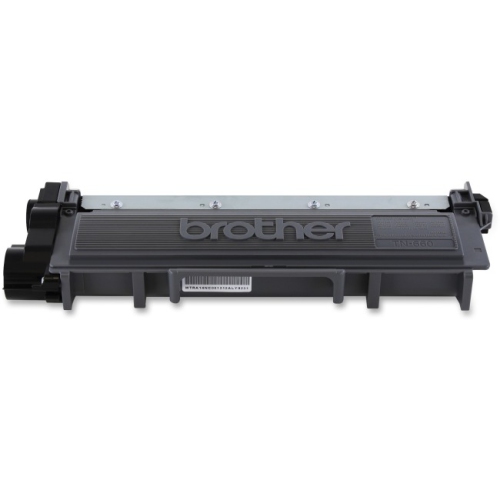 Your price for this item is $74.99
-
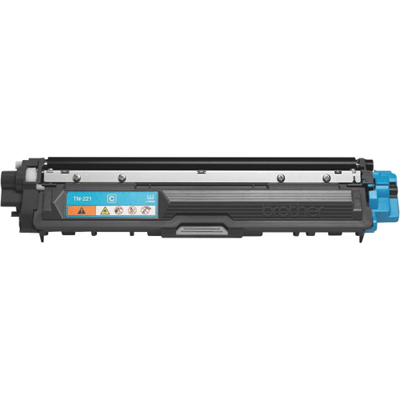 Your price for this item is $102.99
-
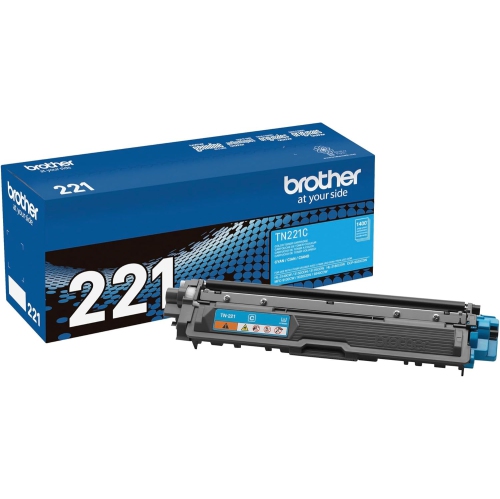 Your price for this item is $115.02
-
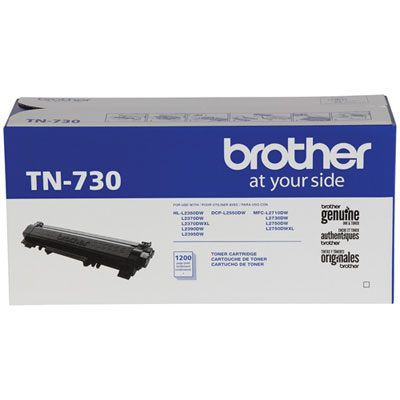 Your price for this item is $72.99
-
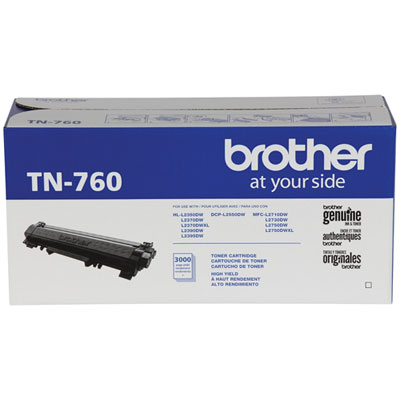 Your price for this item is $115.99
-
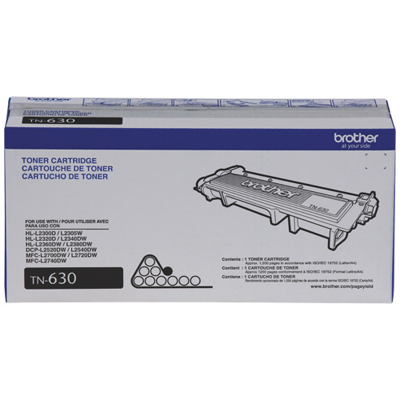 Your price for this item is $72.99
-
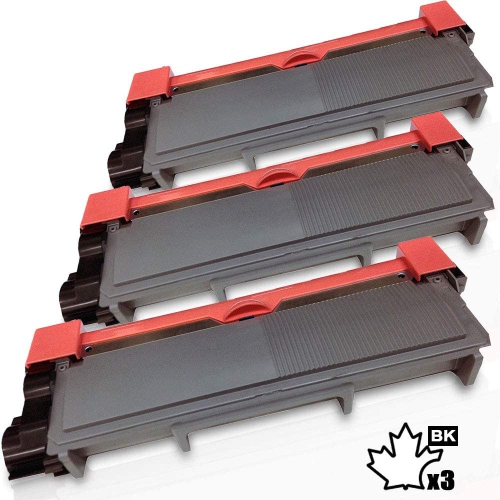 Your price for this item is $58.2
Discover more categories related to Brother DR630 Drum Units
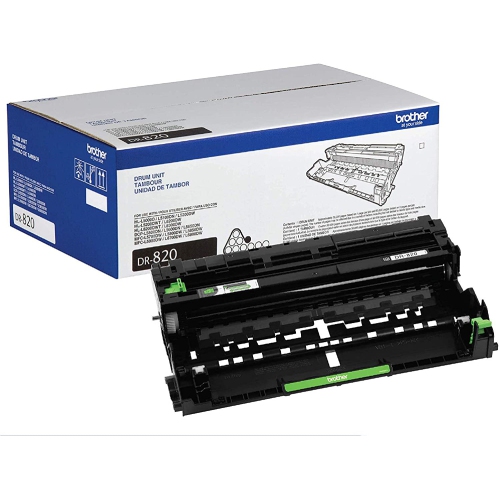

Top Collections:
Best Black Friday Deals This Year, Best Black Friday Deals On Electronics, Kindle Devices, Pokemon Centers, Best Black Friday Deals On Apple Products, Best Cameras for Sports Photography, Dyson Airwrap, Pokémon 30th Celebration Cards, Apple iPhone 17 Pro, Canon G7X Cameras
Some products may be subject to Environmental Handling Fees
(EHF) depending on your province.
Learn more about EHFs.