Brother DR720
Brother DR720 supplies are essential for keeping your office or home printer running smoothly. Designed to deliver reliable performance, these products help ensure consistent print quality for all your important documents. Whether you’re handling everyday printing tasks or preparing professional materials, Brother DR720 options provide the dependable results you need. Explore a range of choices to find the right fit for your printing requirements.
Sort
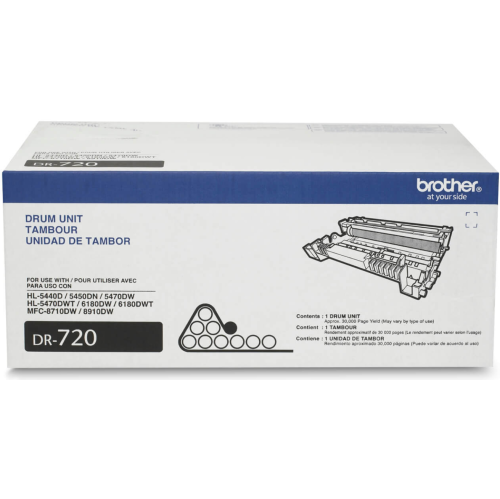
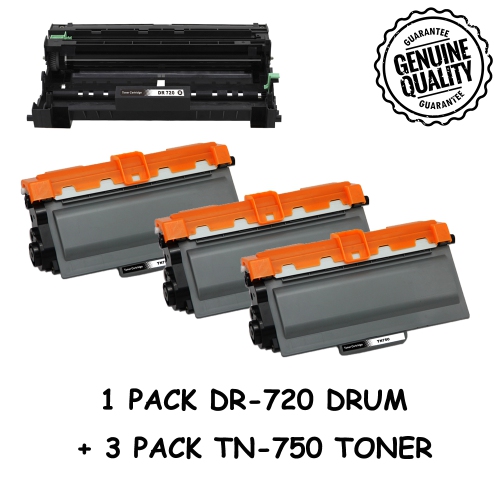
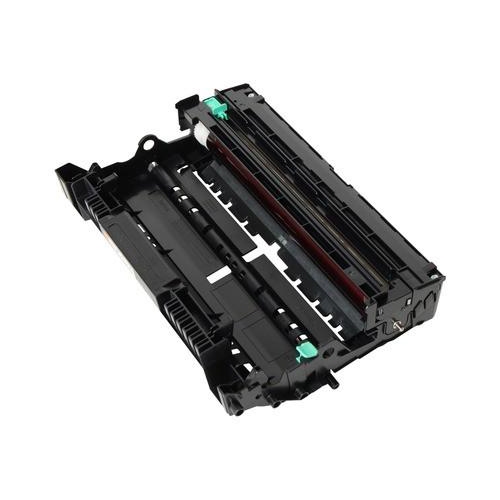
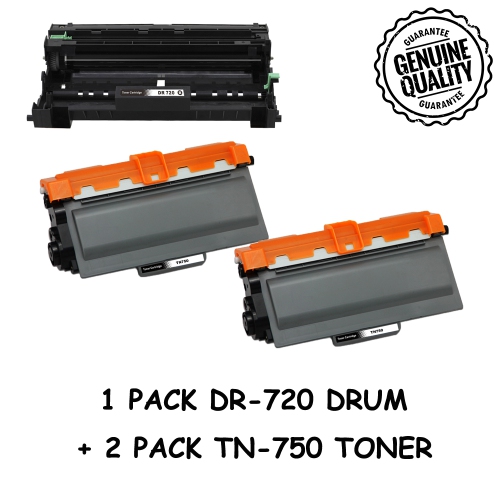
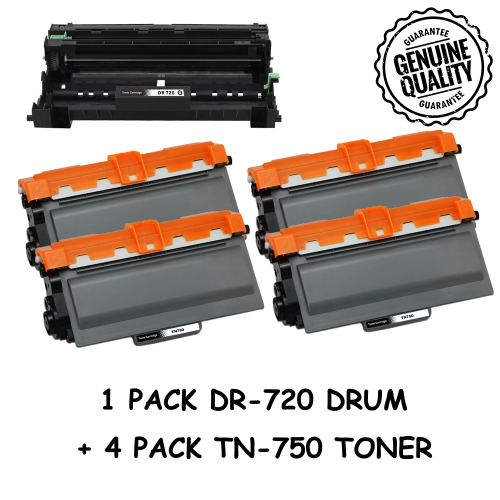
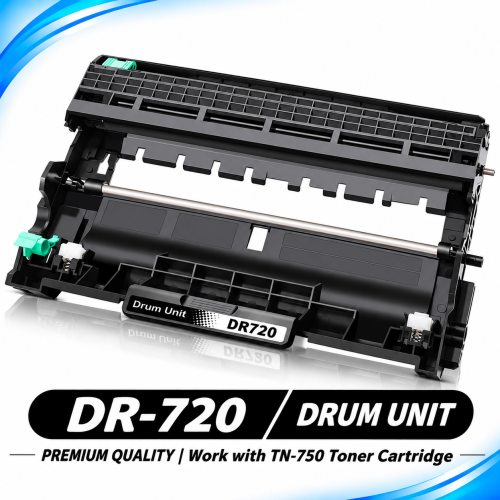
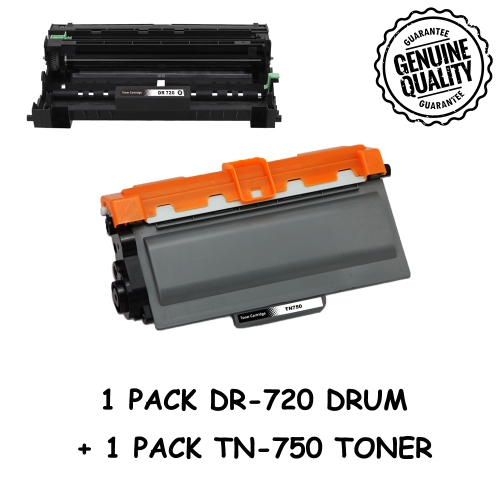


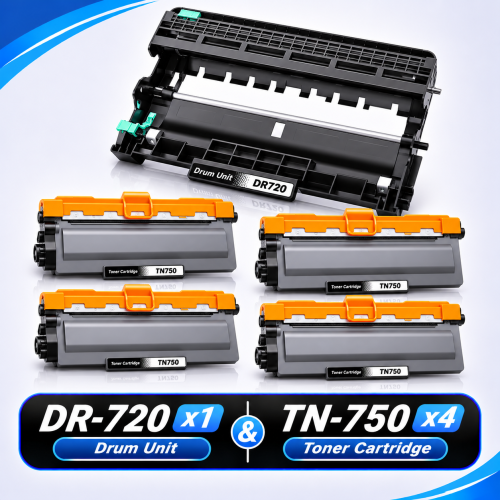
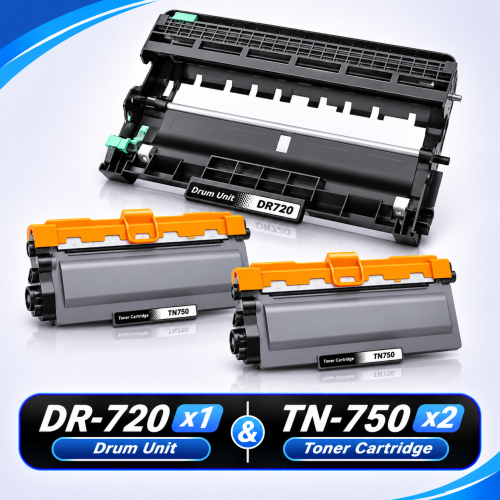
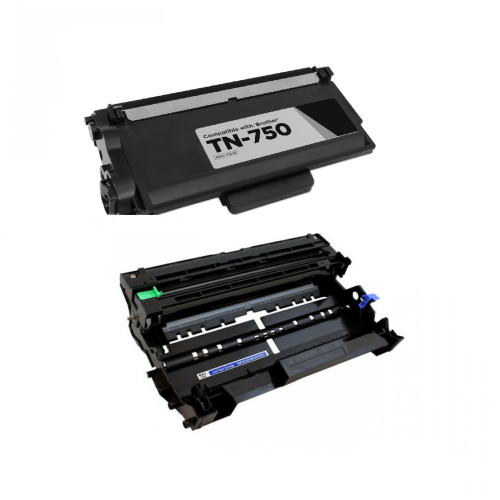
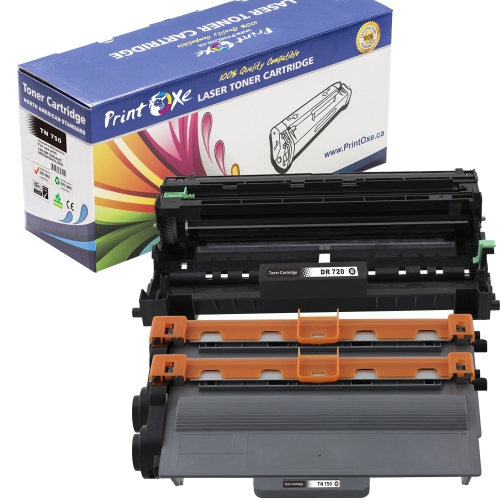



How printer drums help deliver clear everyday documents
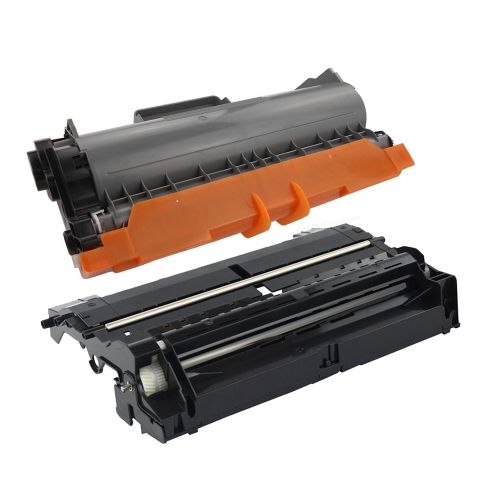
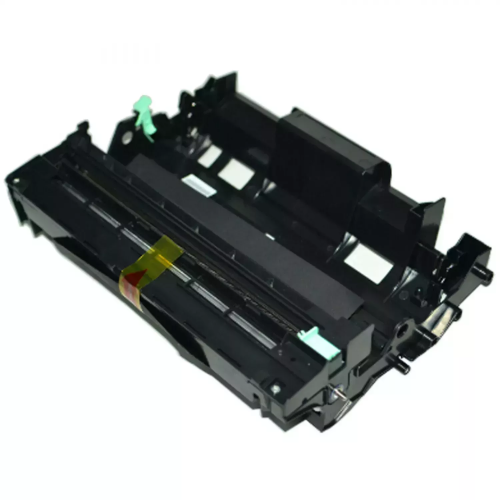
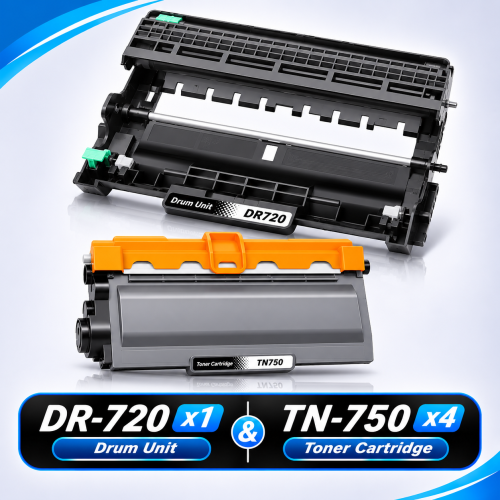
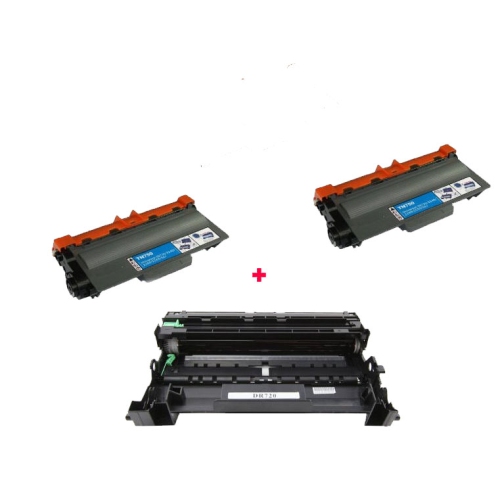
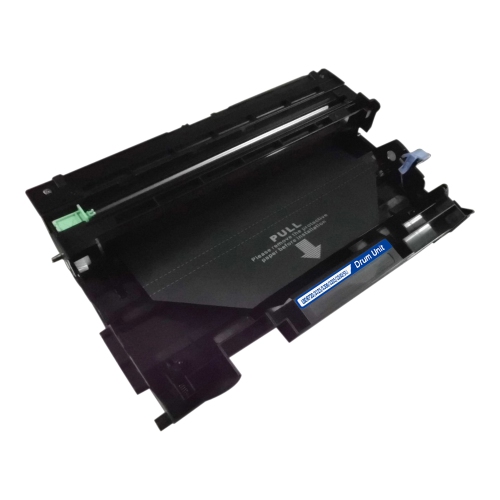
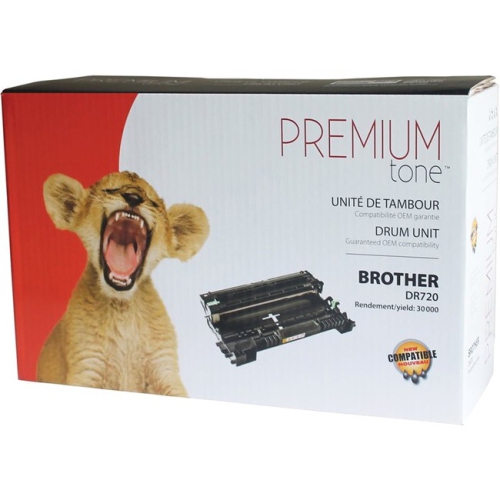
A black laser printer drum unit is a replaceable imaging component used in compatible monochrome laser printers and multifunction printers. Its job is different from that of a toner cartridge: toner supplies the fine powder that forms printed text and graphics, while the drum helps transfer that powder onto paper in the required pattern. During printing, a laser creates an image on the drum’s light-sensitive surface, toner adheres to that image, and the toner is transferred to the sheet before heat and pressure bond it in place. This makes the drum an important part of producing readable small type, defined lines, and clear document layouts. In printers with separate toner and drum components, the two parts have different replacement schedules, so replacing toner does not automatically mean the drum needs replacing too. Replacement drum units are practical maintenance supplies for home offices, small businesses, shared workspaces, and households that regularly print documents. They support everyday tasks such as preparing invoices, printing shipping labels on approved media, assembling meeting handouts, and keeping paper copies of forms or correspondence. A student printing lengthy readings may value consistent text across many pages, while a busy reception desk needs legible appointment details and dependable document output throughout the working day. The drum contributes to those results, although print quality also depends on toner condition, suitable paper, printer settings, and the condition of other internal components. Because this is a monochrome printing component, its intended use is black text and greyscale output rather than colour printing. It also serves a different printing process from an inkjet cartridge. Understanding that distinction helps keep the selection focused on the correct type of replacement part, especially in homes or offices with more than one printer technology. For document-heavy routines, a correctly matched drum helps maintain the familiar output expected from an existing laser printer without changing how everyday files are prepared.
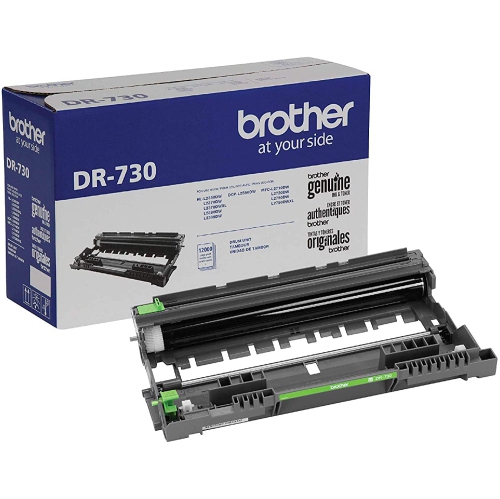
Compatibility is the most important consideration when choosing a replacement drum unit. The printer’s complete model designation matters more than its appearance, size, or general description as a laser printer. Machines that look nearly identical can use different imaging components, and a drum designed for one model family may not fit another. Compatibility categories such as Brother DR730 Compatible identify particular replacement families rather than a universal fit for monochrome printers. The approved replacement designation in the printer documentation provides a more reliable reference than a similar-looking name. Physical fit involves several details working together: the dimensions of the assembly, the position of gears and electrical contacts, and the way the toner cartridge connects to the drum housing. Where toner and drum are separate, the existing toner cartridge must also be designed for that same assembly. Typical construction combines a rigid housing, often made from moulded plastic, with a cylindrical metal drum carrying a specialised light-sensitive coating. The housing supports alignment inside the printer, while the coated surface performs the imaging work. That surface is delicate even though the complete assembly is built for repeated use. Descriptions may distinguish original-manufacturer drum units from third-party compatible replacements; in either case, the stated printer compatibility and installation requirements deserve close attention. Estimated page yield is another useful comparison point, but it is a test-based indication of service life, not a promise that every printing routine will produce the same total. Job length, the number of separate print cycles, and operating conditions can affect actual drum life. An office producing batches of multipage documents may place different demands on its imaging components than a household printing a few individual sheets at a time. For that reason, matching the assembly correctly and understanding its rated use are more meaningful than choosing by appearance alone. Clear compatibility information also makes repeat purchasing easier when several people share responsibility for office supplies.
Care and handling help protect the imaging surface before installation and throughout the drum’s working life. Protective packaging is intended to shield the component from light, dust, and accidental contact, so an unopened replacement is best kept in its original packaging until it is needed. A clean storage area away from direct sunlight and airborne debris helps preserve its condition. During handling, the frame or designated grip points provide support without touching the coated cylinder. Fingerprints, scratches, and contamination on that surface can interfere with printing, sometimes leaving marks that repeat down the page. This is especially noticeable on documents with wide blank margins, where even a small repeating spot can stand out beside otherwise clear text. Printer-specific handling and cleaning directions matter because the drum coating is not a surface for general household cleaners, abrasive cloths, or improvised treatments. If the assembly includes a cleaning slider or another maintenance feature, its use and final position depend on the manufacturer’s instructions. Replacement may also involve a drum-counter reset, but the procedure varies by printer and is distinct from simply fitting the component into place. Print defects need some context before they are attributed to drum wear: repeated marks, streaks, or uneven output can also relate to toner, paper, or other parts of the paper path. A printer’s drum-life message and its documented maintenance information provide useful context alongside the appearance of printed pages. In a shared workspace, noting when a drum was installed can make later maintenance decisions less dependent on memory. Suitable paper and correctly seated components also help support consistent operation during ordinary printing. For a home office preparing client paperwork or a small business handling daily administrative tasks, a compatible drum unit is a functional replacement part rather than an accessory chosen for looks. Its value lies in accurate fit, careful handling, and reliable imaging performance within the printer system it was designed to support.
Top selling and popular products
-
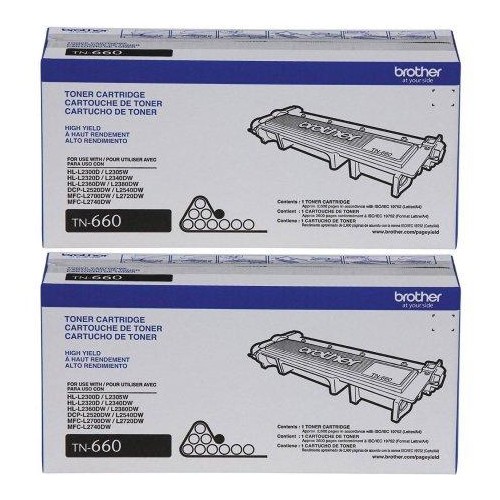 Your price for this item is $157.94
-
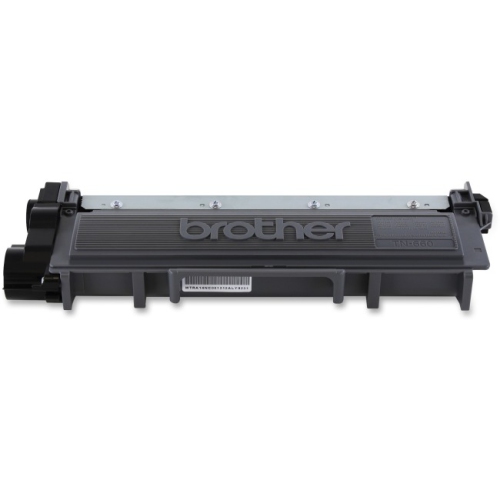 Your price for this item is $74.99
-
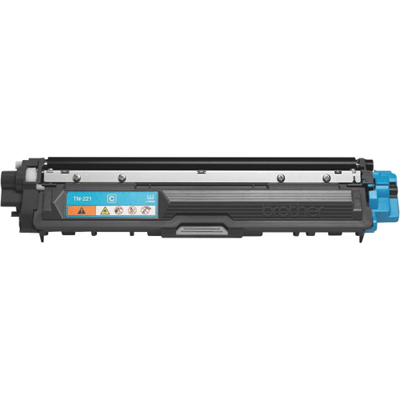 Your price for this item is $102.99
-
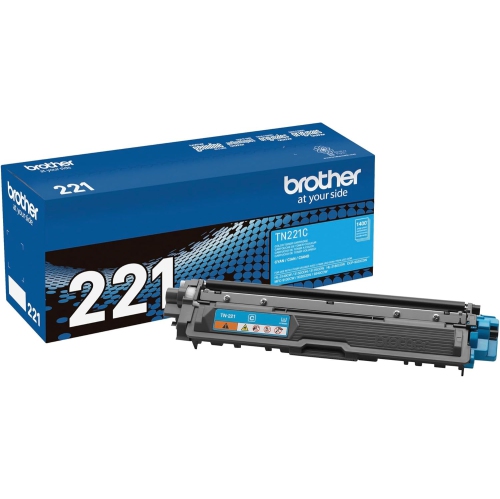 Your price for this item is $115.02
-
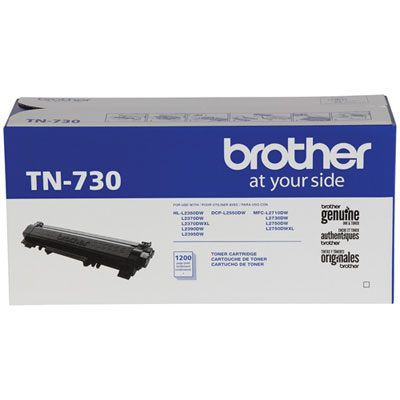 Your price for this item is $72.99
-
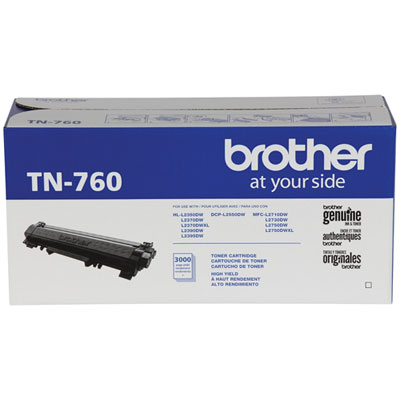 Your price for this item is $115.99
-
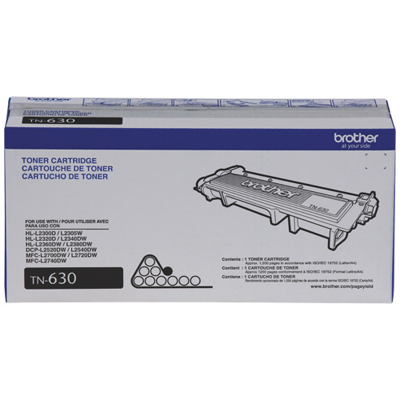 Your price for this item is $72.99
-
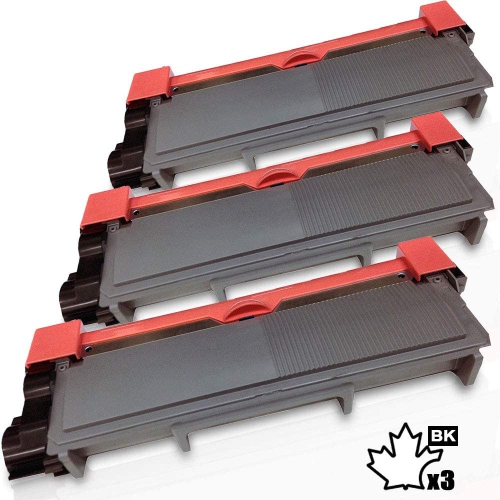 Your price for this item is $58.2
Discover more categories related to Brother DR720
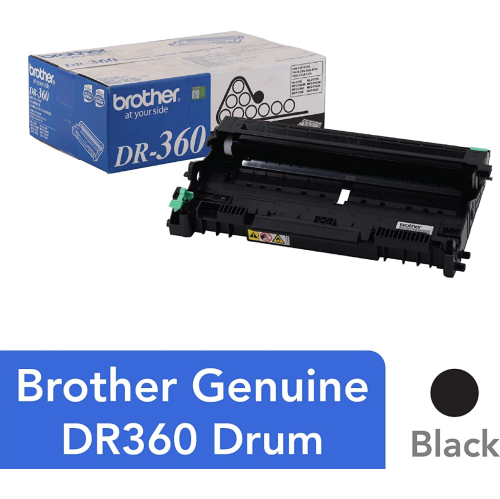

Top Collections:
Best Black Friday Deals This Year, Best Black Friday Deals On Electronics, Kindle Devices, Pokemon Centers, Best Black Friday Deals On Apple Products, Best Cameras for Sports Photography, Dyson Airwrap, Pokémon 30th Celebration Cards, Apple iPhone 17 Pro, Canon G7X Cameras
Some products may be subject to Environmental Handling Fees
(EHF) depending on your province.
Learn more about EHFs.