Brother DR730 Compatible
Discover reliable printing solutions with our selection of Brother DR730 Compatible products. Designed to meet your office and home printing needs, these options provide dependable performance for a variety of tasks. Explore choices that fit seamlessly into your workflow, ensuring consistent results every time you print. Find the Brother DR730 Compatible products that help keep your documents sharp and your projects on track.
Sort







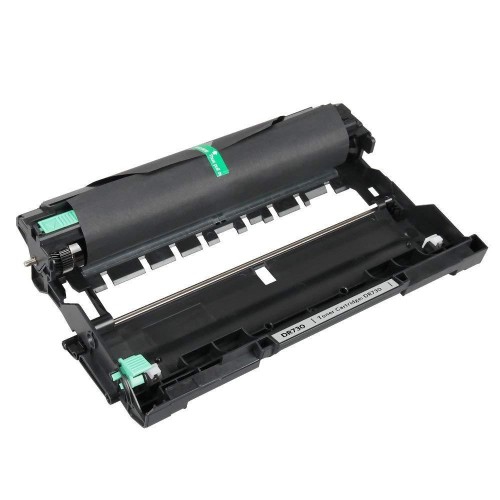


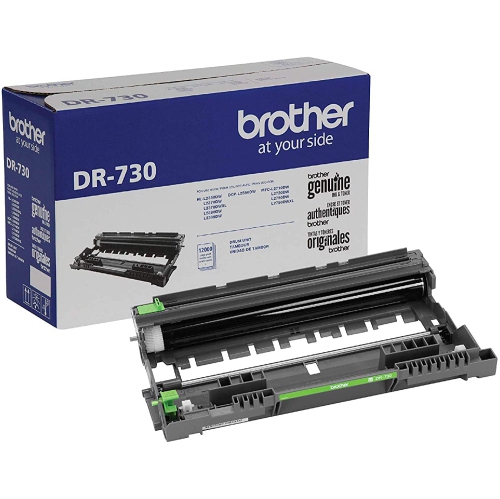

Why new toner won’t fix a worn drum
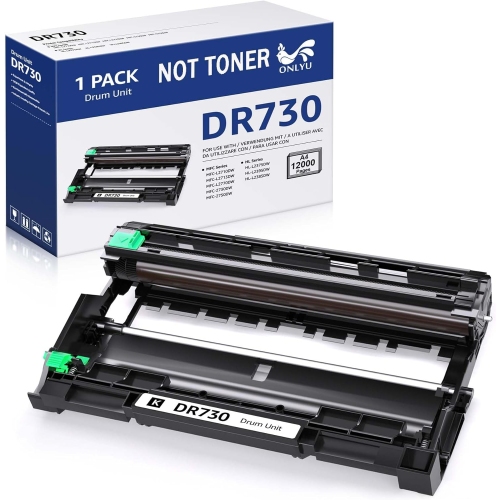
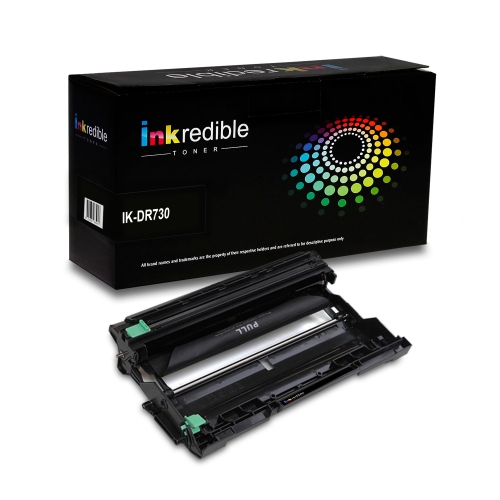
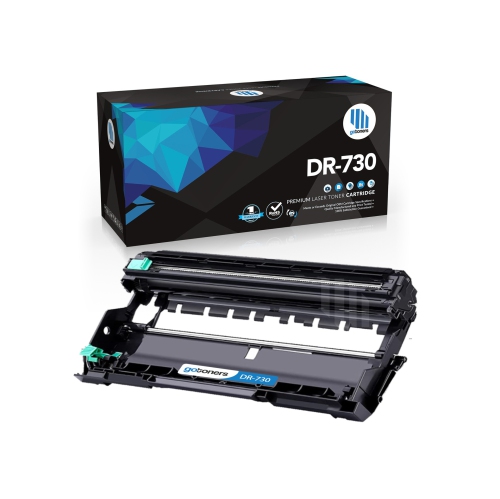
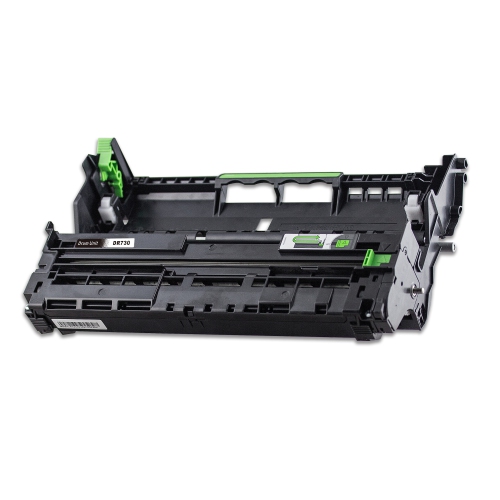
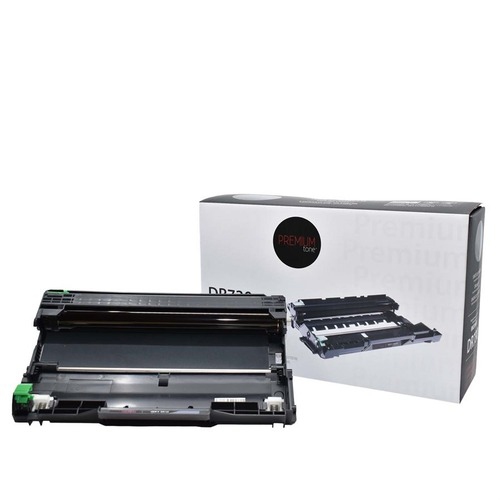
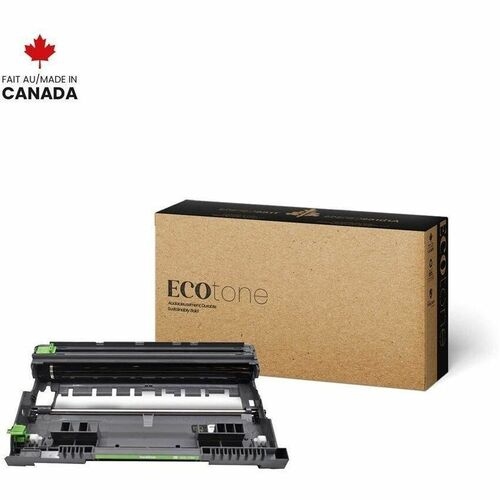
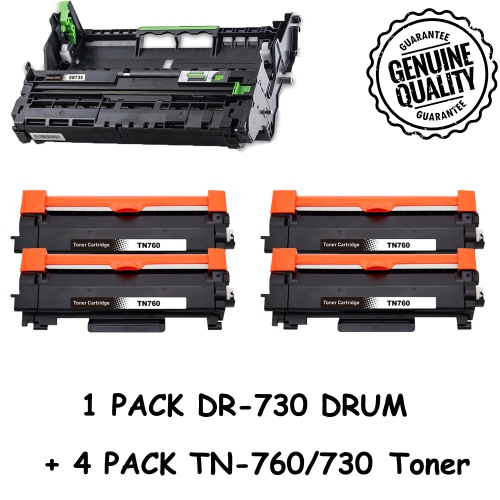
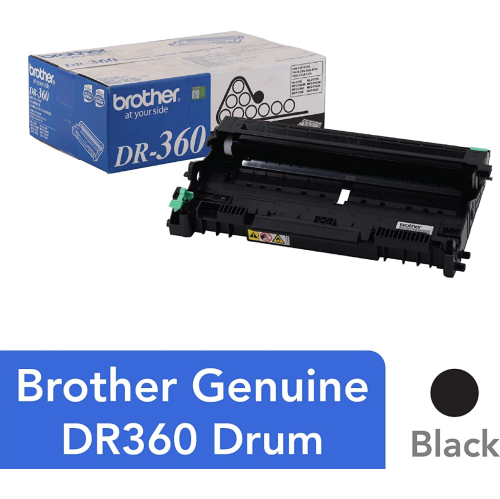
Compatible replacement drum units are imaging components for designated monochrome laser printers, not toner cartridges. A drum works alongside a separate toner cartridge to produce printed text and graphics: the toner supplies the powder, while the light-sensitive drum helps form and transfer the image onto paper before the printer’s fusing system bonds it in place. This distinction matters when a printer displays a maintenance message, because replacing toner does not necessarily resolve a worn drum, and replacing the drum does not replenish an empty toner cartridge. These replacement components suit everyday document printing in home offices, small businesses, shared workspaces, and study areas where clear black text is more important than colour output. Typical uses include invoices, course readings, meeting agendas, application forms, and multipage reports. Fit is the first consideration, since a drum that looks similar to another unit may have different locating tabs, gears, or electrical contacts. The complete printer model number, usually found on the machine’s identification label or in its settings, provides a more dependable reference than appearance alone. Compatibility information should explicitly include that model, including any suffix that distinguishes one version from another. Printers within the same family can use different supplies, and matching a toner reference alone is not enough to establish that a drum will fit. A suitable replacement also needs to accommodate the intended toner cartridge and seat correctly in the printer’s drum-and-toner assembly. Some listings describe a drum by itself, while others describe a combination containing more than one component, so the contents matter as much as the headline description. For anyone maintaining a printer used by several people, knowing which part is being replaced helps keep routine upkeep straightforward and avoids confusing an imaging component with the consumable that supplies the ink-like powder. It also makes maintenance records more useful when the next service message appears.
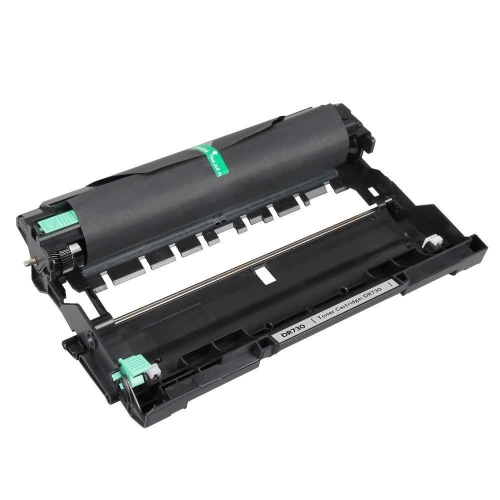
Print quality and expected service life are important considerations when comparing compatible drums. A stated yield of up to 12,000 pages is common in this replacement category, but it is an estimate under specified test conditions rather than a guaranteed page count for every printer or workload. The number of pages in each print job can affect drum life: frequent single-page jobs may involve more starting and stopping than longer batches, changing how much work the drum performs relative to the number of sheets produced. The printer’s operating conditions and the replacement manufacturer’s testing method also matter, making the stated yield and its accompanying conditions useful to read together. A drum unit typically combines a moulded housing with a coated imaging cylinder, drive components, and contact points that must line up accurately with the printer. Sound construction helps the assembly remain properly seated and move as intended, while the imaging surface needs protection from scratches, fingerprints, and unnecessary light exposure. Consistent text edges, readable small print, and clean margins are practical qualities to consider for documents such as client correspondence or spreadsheets with closely spaced figures. Repeated marks at regular intervals, streaking, or persistent background shading can be associated with drum problems, but they can also have other causes. Toner condition, paper choice, contamination, and other printer components may produce similar symptoms. A maintenance message, the printer’s troubleshooting information, and a test page provide better context than assuming that every faded or marked sheet calls for a new drum. Toner and drum replacement schedules are separate, so it is normal for a drum to remain in service through more than one toner cartridge. For a household printing occasional forms, that can mean a different replacement pattern from an office producing lengthy document sets. The most relevant comparison is how a component fits the actual workload and printer, rather than treating its maximum page rating as a precise replacement date.
Handling and care help preserve a replacement drum’s condition before and after installation. Protective packaging is useful until the unit is needed, and a clean, dry storage space away from direct sunlight helps protect its sensitive surface. During handling, the designated grip areas keep fingers away from the imaging cylinder and electrical contacts. A drum should sit securely in its intended assembly without being forced; resistance can indicate a misaligned component, packaging that has not been removed, or an incorrect fit. Any protective pieces, cleaning controls, or maintenance settings should be addressed according to the instructions for the particular printer and replacement unit. Some assemblies include a sliding corona-wire cleaner, for example, but that feature is not a reason to touch or wipe the drum surface itself. Household cleaners, abrasive cloths, and improvised tools can damage the coating or introduce residue. Where a drum counter reset is required, the correct procedure belongs with the printer’s maintenance instructions and should follow an actual replacement rather than being used to dismiss a warning without checking the component. For related supplies, Brother DR 730 Toners offers another way to explore the category, with the distinction between toner cartridges and drum units remaining important when reading individual descriptions. Keeping the printer model and supply references together can be helpful in a busy office, especially when different machines share a work area. A clearly labelled maintenance record can also track when the drum was installed and whether recurring print defects appeared before or after the change. For students, remote workers, administrative teams, and anyone preparing documents regularly, a correctly matched drum supports the familiar expectation that text will be legible and pages will look consistent from beginning to end. The strongest fit is a component whose compatibility, construction, stated service life, and handling requirements suit the printer already in use.
Top selling and popular products
-
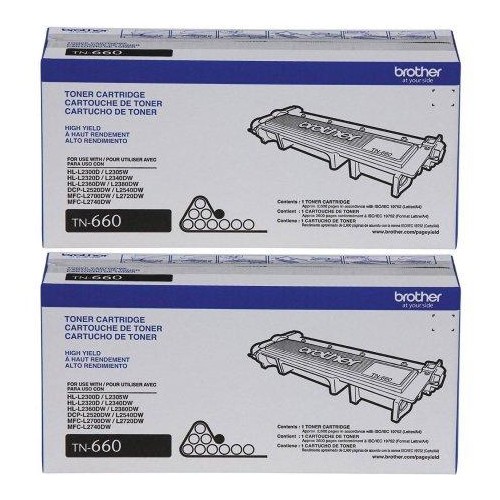 Your price for this item is $157.94
-
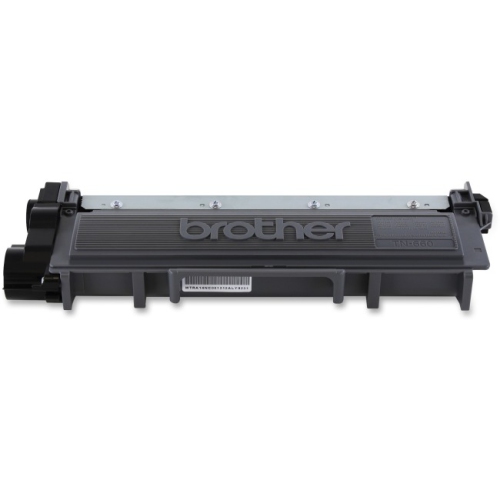 Your price for this item is $74.99
-
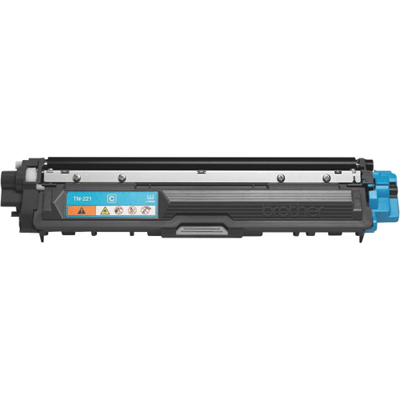 Your price for this item is $102.99
-
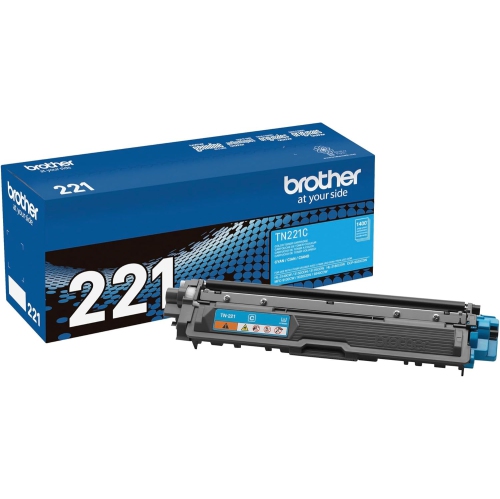 Your price for this item is $115.02
-
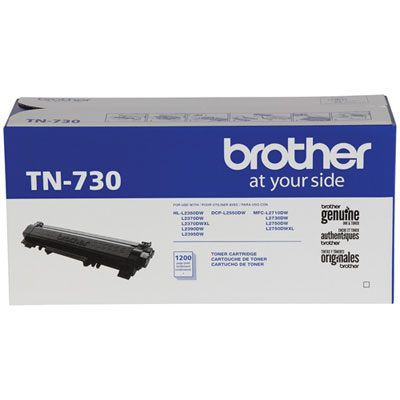 Your price for this item is $72.99
-
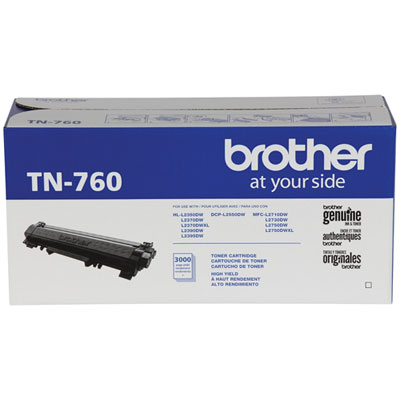 Your price for this item is $115.99
-
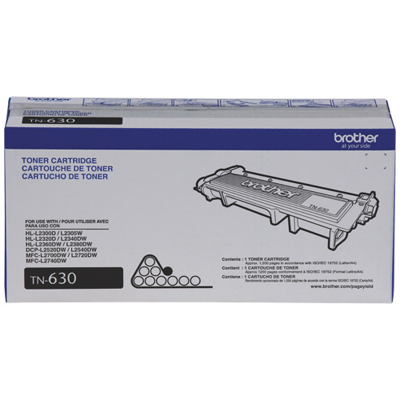 Your price for this item is $72.99
-
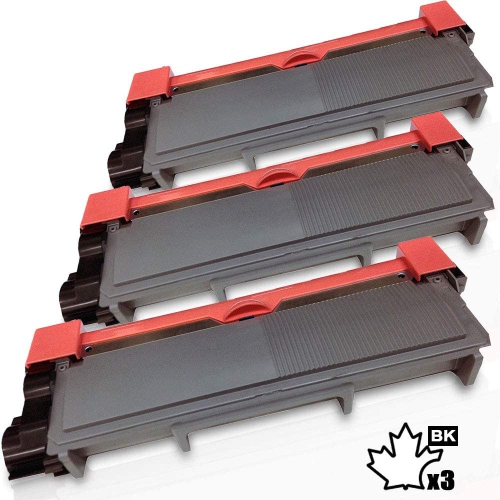 Your price for this item is $58.2
Discover more categories related to Brother DR730 Compatible

Top Collections:
Best Black Friday Deals This Year, Best Black Friday Deals On Electronics, Kindle Devices, Pokemon Centers, Best Black Friday Deals On Apple Products, Best Cameras for Sports Photography, Dyson Airwrap, Pokémon 30th Celebration Cards, Apple iPhone 17 Pro, Canon G7X Cameras
Some products may be subject to Environmental Handling Fees
(EHF) depending on your province.
Learn more about EHFs.