Brother DR223CL Drum
The Brother DR223CL Drum is designed to help keep your printer running smoothly and efficiently. Ideal for both home offices and business environments, this essential component supports consistent print quality and reliable performance. Find the right Brother DR223CL Drum for your device and enjoy hassle-free printing with every page. Shop a selection of options to suit your needs and experience dependable results every time you print.
Sort












Why fresh toner cannot fix every print defect
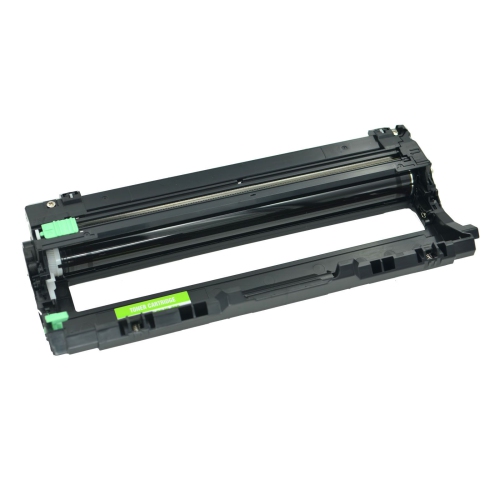
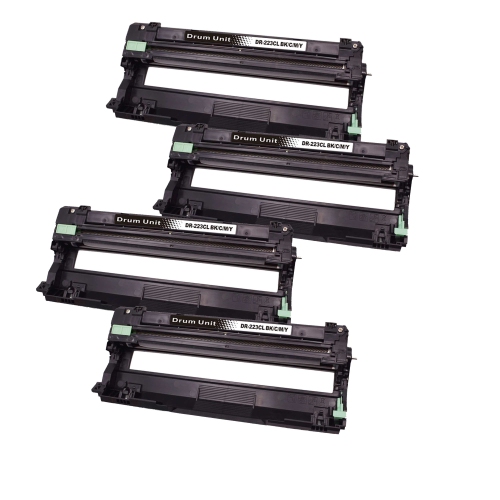
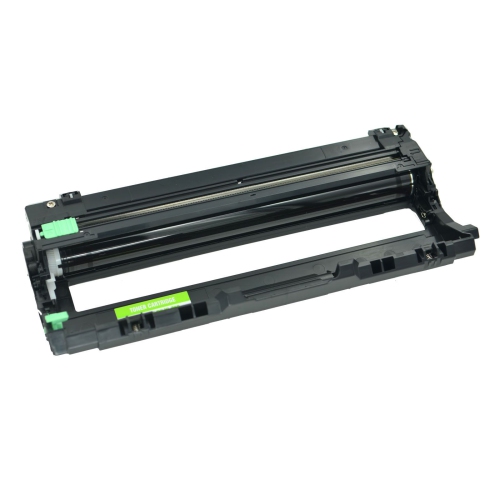
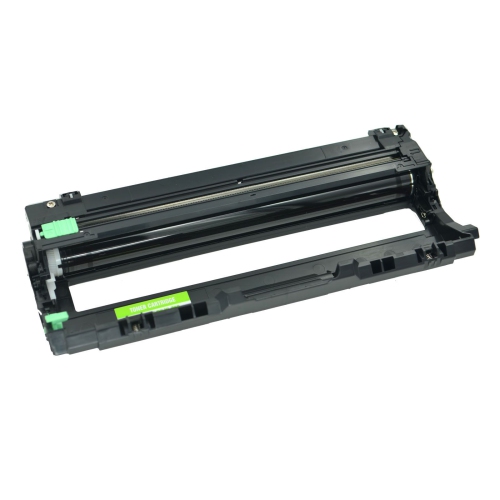
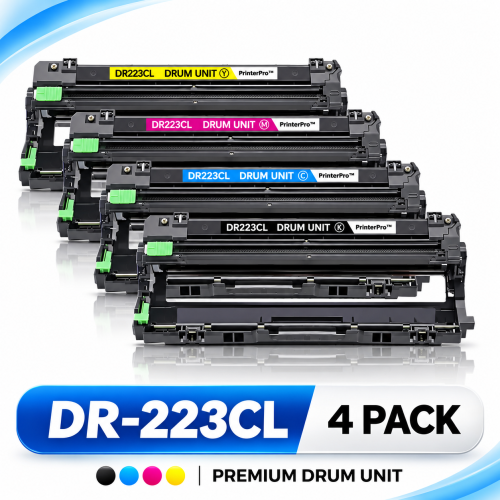
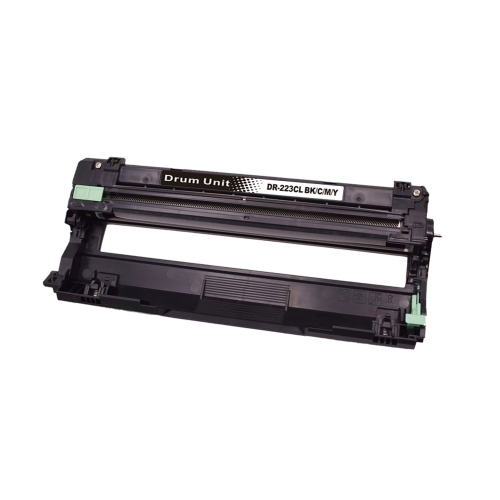
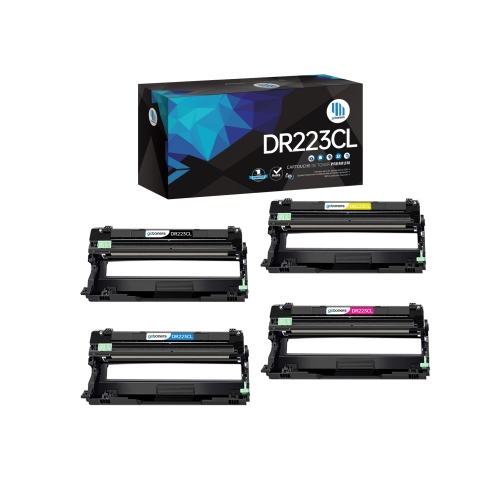
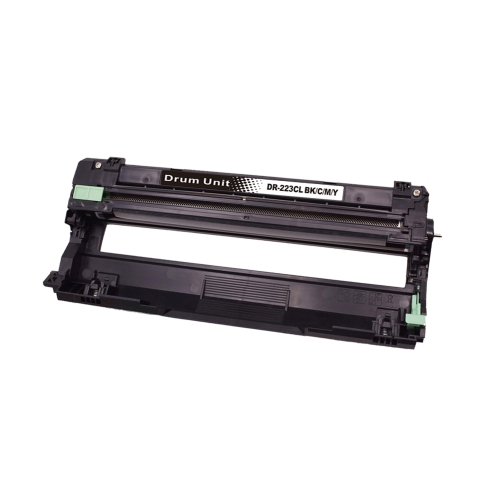
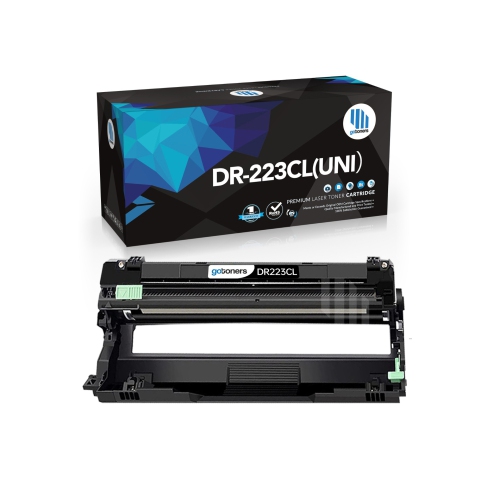
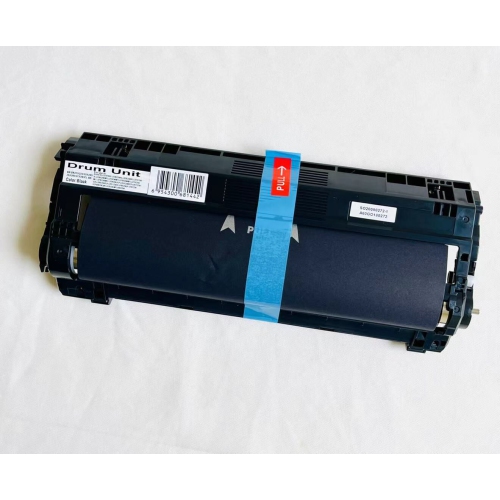
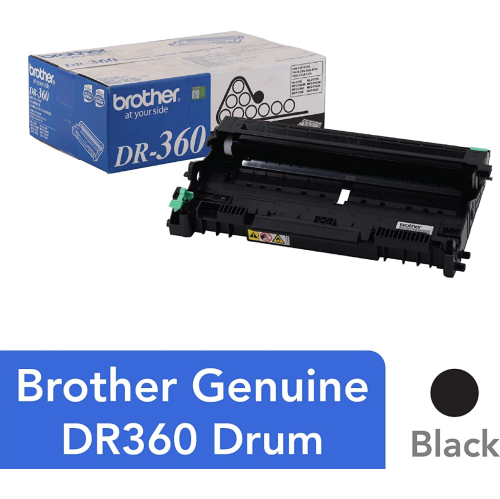
Replacement imaging drums help compatible colour laser and LED printers produce sharp text, defined graphics, and consistent colour documents. Unlike toner, which supplies the fine powder used to form an image, a separate drum unit provides the light-sensitive surface that helps transfer that image onto paper. The two components work together but have different replacement cycles, so a low-toner message does not automatically mean the drum needs replacing, and installing fresh toner will not resolve every drum-related print defect. In printers built around separate colour imaging units, individual drums serve the black, cyan, magenta, and yellow printing channels. A complete set can support maintenance across all four channels, while the printer’s design and maintenance instructions determine whether an individual unit can be replaced separately. This distinction matters in a home office producing invoices and shipping documents, a classroom preparing illustrated handouts, or a small business printing charts and customer presentations. Clear lettering and even colour coverage make those everyday documents easier to read and more suitable for sharing. The working surface of an imaging drum has a specialized coating, while its surrounding housing supports positioning, handling, and alignment inside the printer. Because that surface is sensitive to scratches, fingerprints, and prolonged light exposure, careful handling matters more than the outward appearance of the housing. These are precision replacement components rather than interchangeable office supplies: a drum that looks similar to another may still have different contact points, mounting features, or dimensions. Intended use should therefore start with the printer itself, followed by the type and volume of documents it produces. Occasional household printing, regular administrative work, and shared-office document production can all call for imaging drum maintenance, but the appropriate replacement depends on the machine’s specifications rather than on a broad description such as “colour printer.” A correctly matched drum helps maintain the relationship between the imaging system, toner, and paper path that reliable printing depends on.
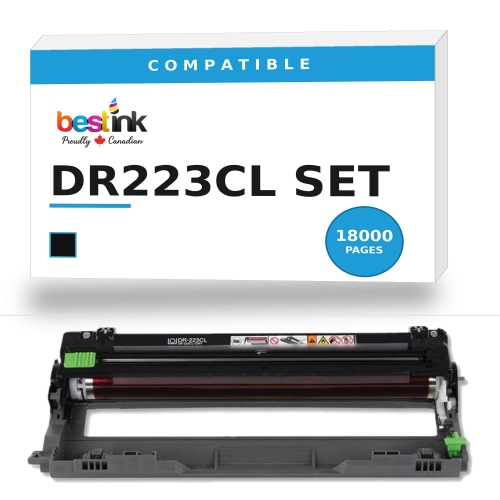
Compatibility is the most important consideration when comparing replacement imaging drums. When browsing Brother Printer Drums, check the complete printer model shown on the machine’s identification label or in its settings, including any letters at the end of the model number. Closely related printers can use different consumables, and matching only part of a model name can lead to an unsuitable choice. The printer manual and the replacement component’s compatibility information should agree before installation. Package contents also deserve attention: a drum set, an individual drum, and a toner cartridge are different supplies, even when their packaging refers to the same printer family. For a four-colour printing system, confirm whether the package contains the full set of imaging units or a replacement for one colour position. A separate drum generally does not replace the need for toner, and existing toner cartridges may need to be transferred into new drum assemblies according to the printer’s instructions. Published page yield provides useful context for maintenance planning, but it is not a guaranteed replacement interval. A nominal yield such as approximately 18,000 pages per drum should be considered alongside the manufacturer’s testing conditions and the way the printer is used. Job length, the frequency of printing, and the machine’s operating behaviour can affect drum service life; page coverage is more directly associated with toner consumption and should not be treated as an equivalent measure of drum wear. A printer that handles many separate one-page jobs may place different demands on its imaging components than one printing longer batches. For an office administrator, this makes maintenance records useful: noting installation dates, page counts, and recurring print issues can help distinguish routine wear from an isolated paper or toner problem. Original-manufacturer and third-party replacements should both be assessed against explicit compatibility information, installation requirements, and applicable warranty terms rather than appearance alone. Fit includes the internal connections and operating requirements that allow the printer to recognize and use the component, not simply whether it slides into the machine.
Careful installation and routine attention help protect a replacement drum’s usable life. Keep a new unit in its protective packaging until it is needed, and follow the printer’s preparation steps before opening the machine or removing an assembly. A clean, stable work surface with a disposable sheet underneath can help contain loose toner during the change. Handle the assembly by its designated grips, avoid touching the coated drum surface or electrical contacts, and keep removed components away from bright light while completing the procedure. Where the design requires moving a toner cartridge from an old drum to a new one, release and secure it using the specified latch rather than forcing the parts together. Some printers also require cleaning a corona wire with a built-in slider and returning that slider to its marked position; this step applies only where the manufacturer provides that feature. After installation, follow the model-specific process for resetting the drum counter when a new drum has actually been fitted. Resetting the counter without replacing a worn component can make maintenance messages less useful. A test page containing text, solid colour areas, and simple graphics can then help reveal whether the assembly is seated properly and producing an even result. Repeated marks at regular intervals, persistent streaks, or uneven colour may point to an imaging-system issue, but paper, toner, internal contamination, and other components can cause similar symptoms. Checking the printer’s troubleshooting instructions before replacing further parts helps avoid treating every print-quality problem as drum failure. Use only approved cleaning methods; household sprays, abrasive cloths, and improvised solvents can damage sensitive surfaces. For shared printers, keeping a brief maintenance record beside other device information makes it easier for the next person to understand what was changed and when. With the correct fit, careful handling, and maintenance suited to the printer’s design, replacement imaging drums support the dependable document quality needed for readable forms, polished reports, school materials, and everyday business correspondence.
Top selling and popular products
-
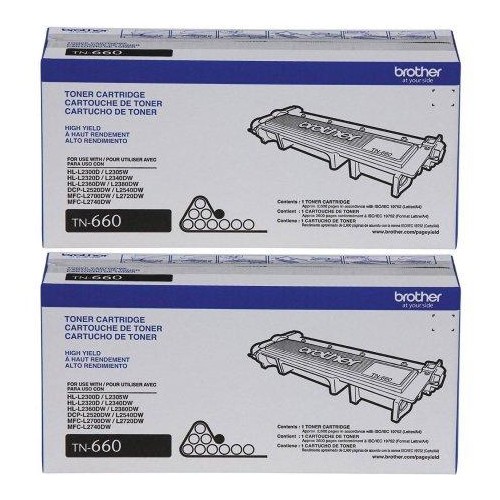 Your price for this item is $157.94
-
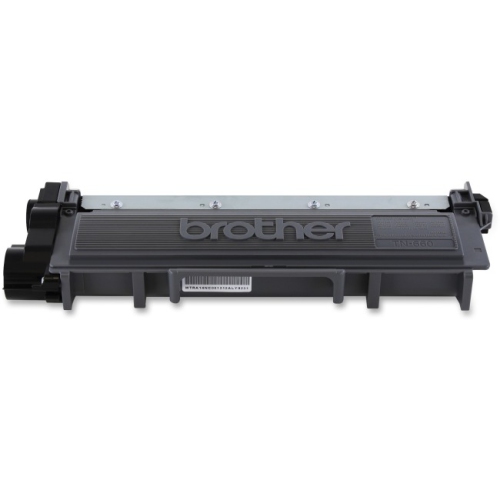 Your price for this item is $74.99
-
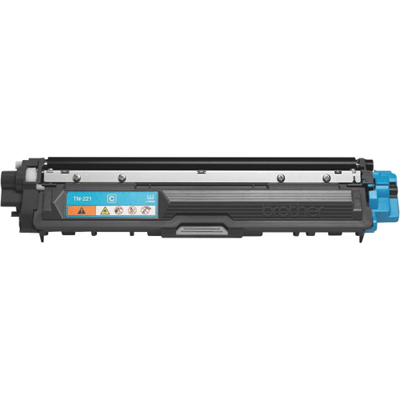 Your price for this item is $102.99
-
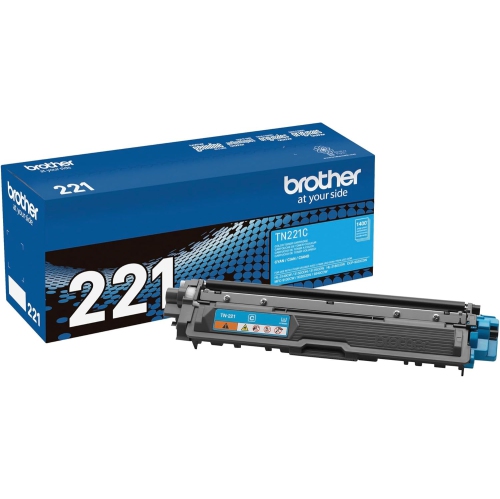 Your price for this item is $115.02
-
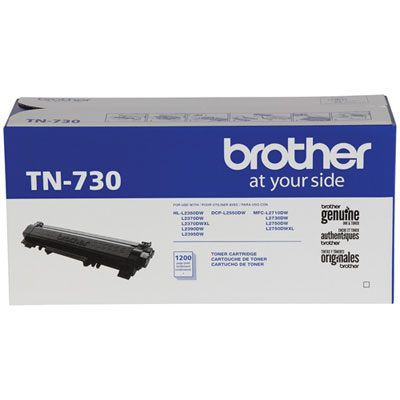 Your price for this item is $72.99
-
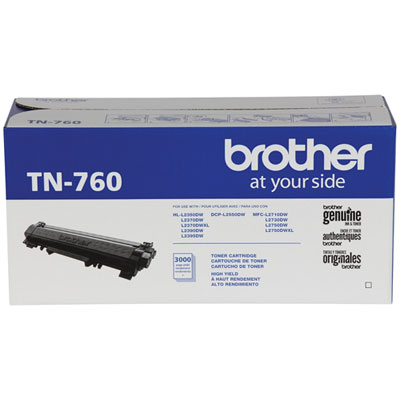 Your price for this item is $115.99
-
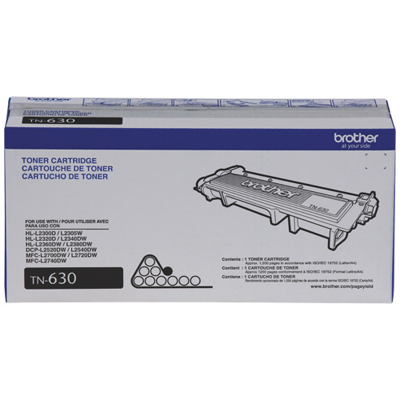 Your price for this item is $72.99
-
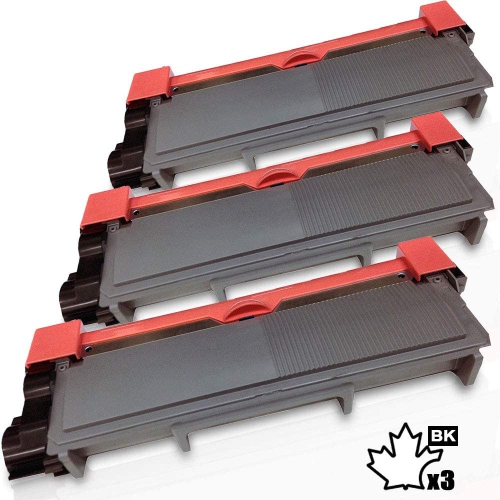 Your price for this item is $58.2
Discover more categories related to Brother DR223CL Drum

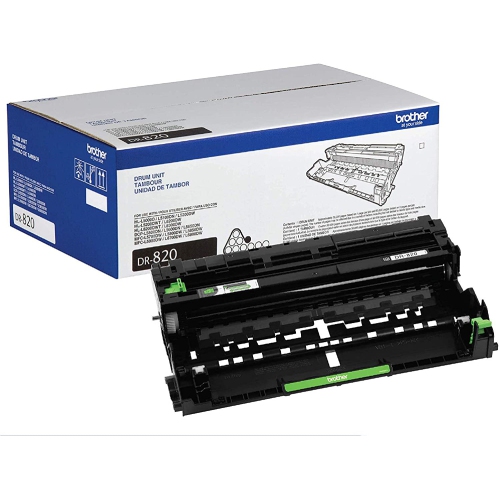

Top Collections:
Best Black Friday Deals This Year, Best Black Friday Deals On Electronics, Kindle Devices, Pokemon Centers, Best Black Friday Deals On Apple Products, Best Cameras for Sports Photography, Dyson Airwrap, Pokémon 30th Celebration Cards, Apple iPhone 17 Pro, Canon G7X Cameras
Some products may be subject to Environmental Handling Fees
(EHF) depending on your province.
Learn more about EHFs.