Brother DR360
Discover reliable options for your printing needs with the Brother DR360. Designed to support smooth and consistent performance, these products help keep your office or home workspace running efficiently. Explore a selection of compatible choices to find the right fit for your device and enjoy hassle-free printing every time. Shop Brother DR360 solutions to maintain productivity and quality in every print job.
Sort
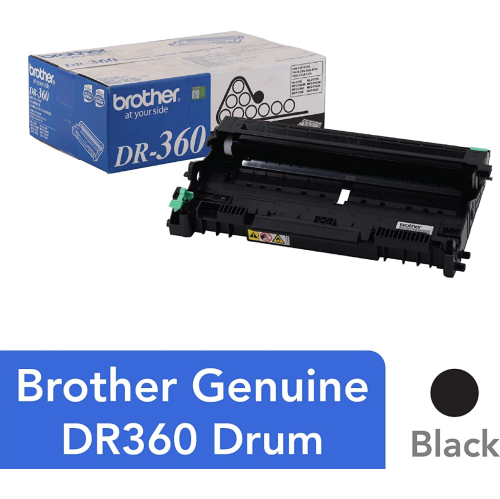
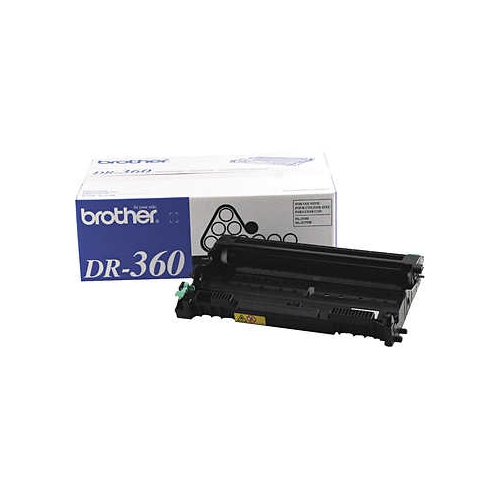
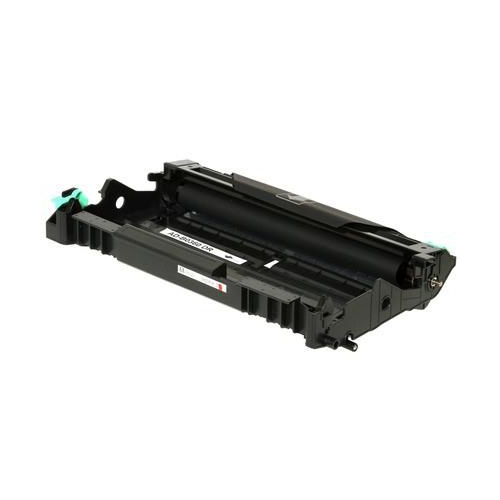

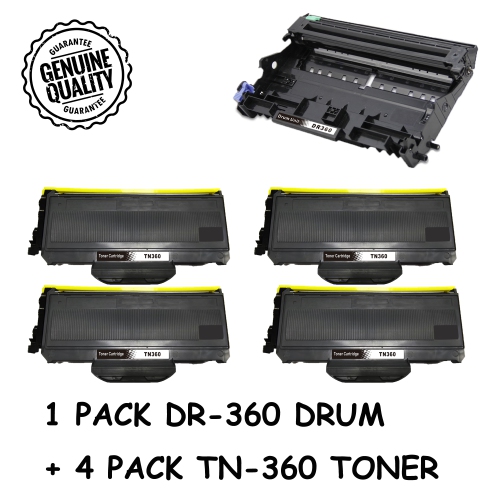
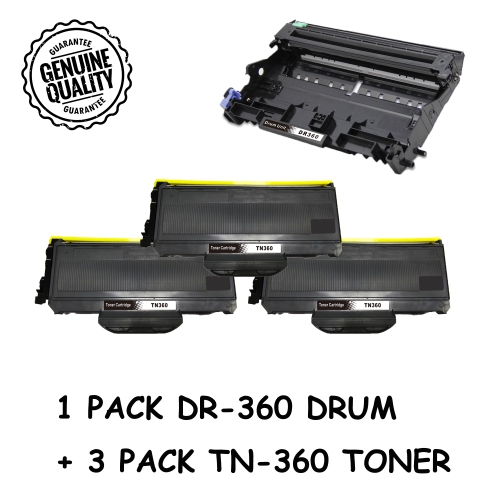
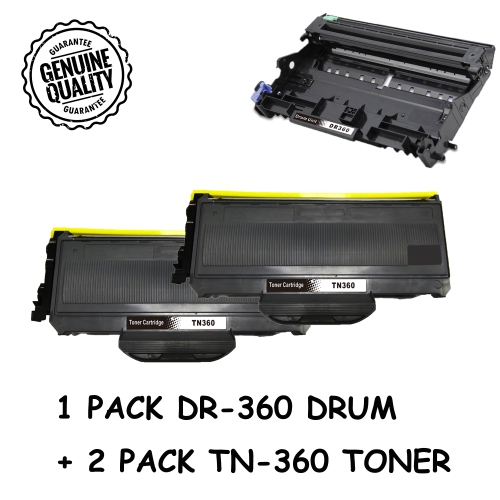
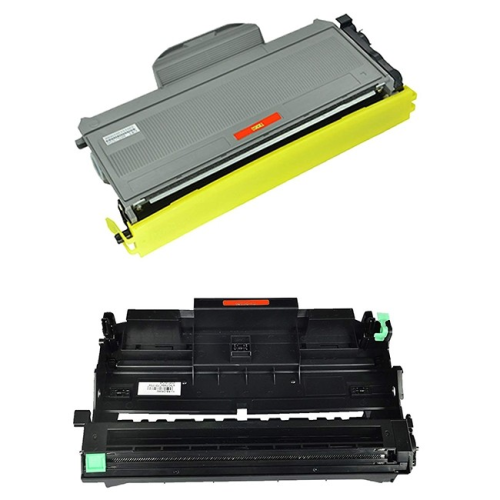
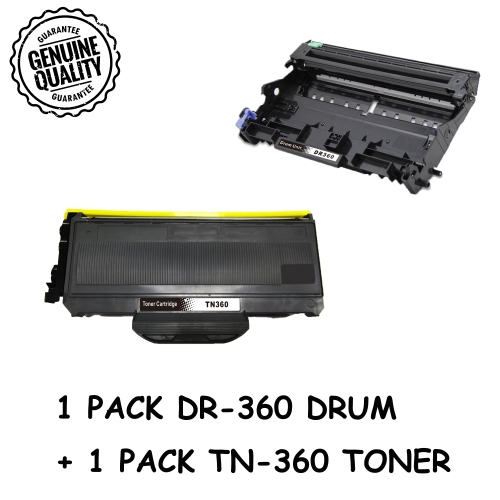

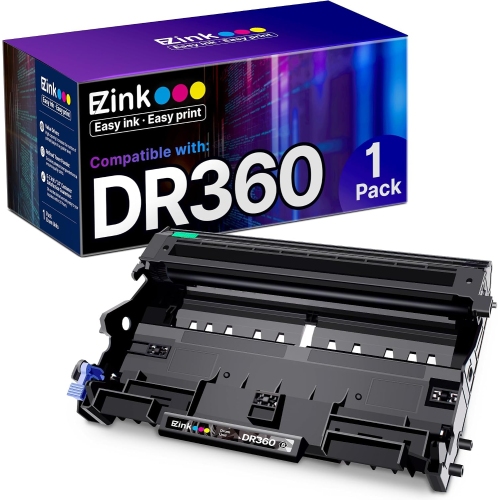
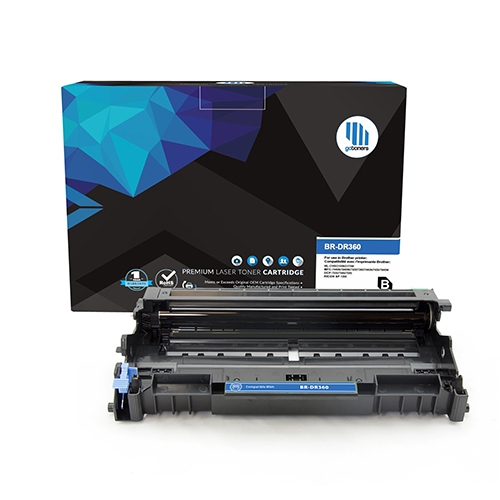
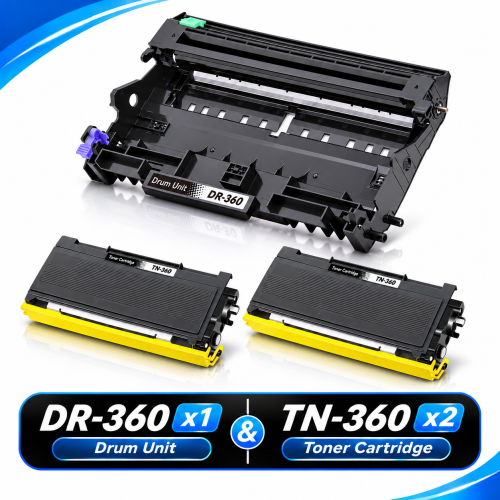
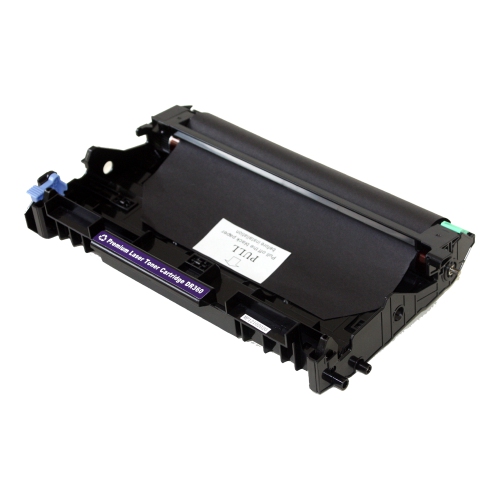
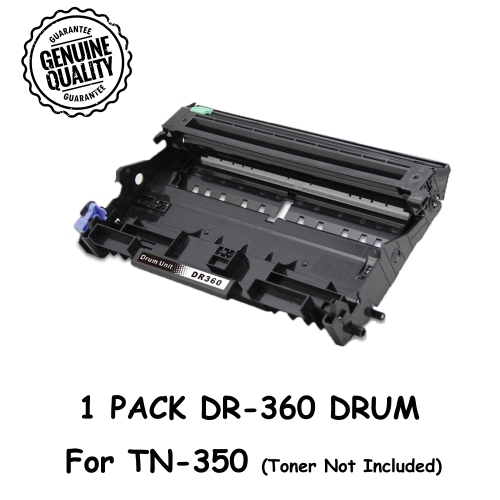
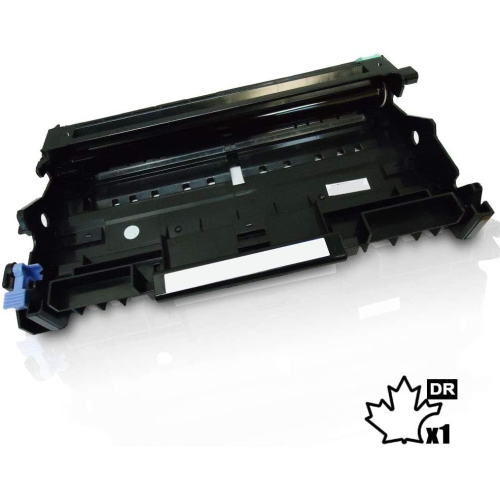
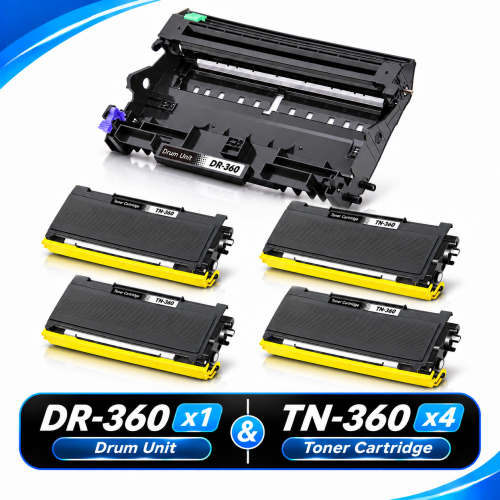
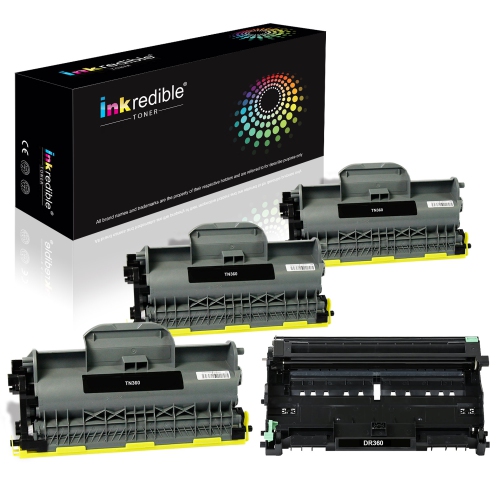
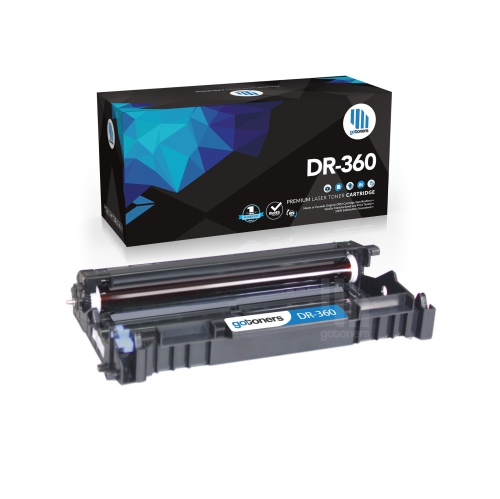
How drum units differ from toner cartridges
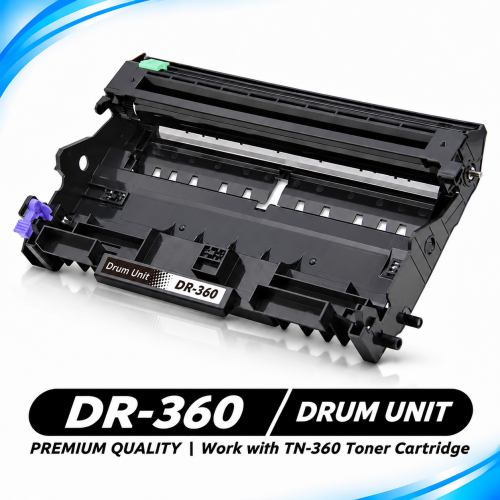
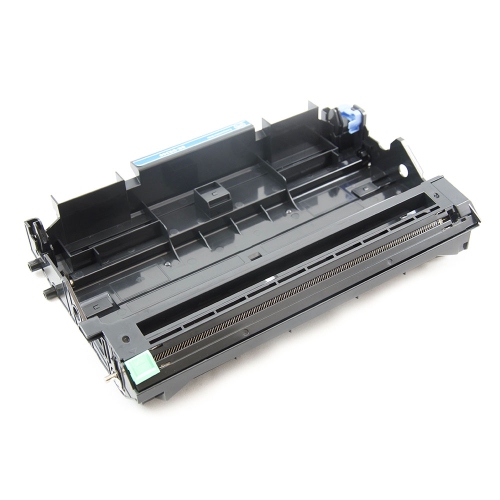
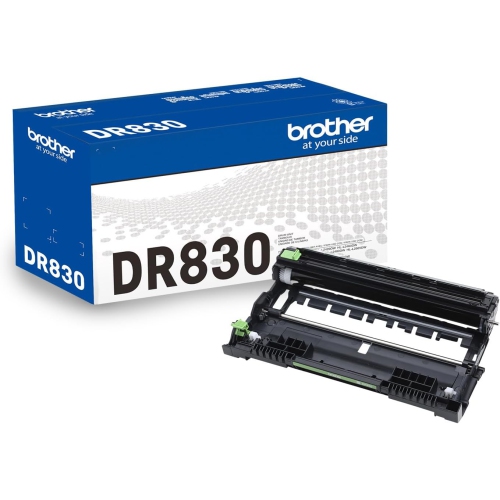
Replacement drum units for monochrome laser printers help produce clear black text, defined lines, and readable everyday documents. A drum is the imaging component that works with toner to place an image onto paper; it is not an ink cartridge or a container of toner powder. Inside a laser printer, the drum’s light-sensitive surface receives an electrostatic image, attracts toner in the required pattern, and transfers it to the sheet before the printer’s fusing system bonds the toner to the paper. That distinction matters when replacing supplies, because a low-toner message and a drum replacement message refer to different components. In printers designed with separate toner cartridges and drum units, each part has its own replacement cycle, and a drum may remain in service through several toner changes. This arrangement suits the steady document printing common in home offices, reception areas, small businesses, and study spaces. Invoices, shipping paperwork, school assignments, meeting notes, and forms all benefit from consistent, legible output without requiring colour printing. Drum life is usually expressed as an estimated page yield. Where a drum is rated for up to 12,000 pages, that figure describes performance under defined test conditions rather than a guaranteed number of finished documents. Print-job length, printer operation, and usage patterns can affect the actual replacement interval. A household printing a few pages at a time may experience a different service life from an office regularly producing longer batches. The stated yield is therefore useful for planning, but the printer’s messages and the condition of printed pages also matter. A replacement drum addresses wear in the imaging assembly; it does not increase toner capacity or change the printer’s speed, resolution, or supported paper sizes. For anyone maintaining a familiar monochrome printer, understanding that role makes it easier to distinguish the imaging supply needed for continued use from the other consumables involved in everyday printing.
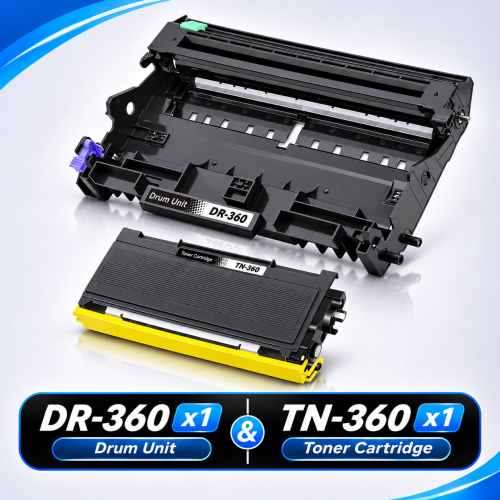
Compatibility is the most important consideration when comparing replacement laser drum units. The complete printer model matters, including any letters or suffixes that distinguish one machine from another. Printers with similar names can use different imaging assemblies, while a single drum family may serve several related single-function printers and multifunction machines. A correct match depends on the stated compatibility list, not simply on the printer’s appearance or the fact that it prints in black. The drum housing, locating tabs, electrical contacts, and toner-cartridge connection must all work with the printer’s internal design. A cartridge that looks close in size is not necessarily a suitable fit, and a drum should never need to be forced into place. Drum-only packaging also differs from a complete toner-and-drum assembly, so the package contents deserve attention when comparing supplies. A separate drum generally requires a compatible toner cartridge to complete the assembly; replacing the drum does not mean fresh toner is included. Genuine replacement drums are made by the printer manufacturer, while compatible alternatives come from other manufacturers and should explicitly identify the printers they support. Clear compatibility information, a stated yield, installation documentation, and warranty terms provide more useful comparison points than appearance alone. For a shared office machine, keeping the full printer model in a supply record can prevent confusion when different staff members handle ordering and maintenance. The same care applies when maintaining several printers in one workspace: similar-looking supplies should remain clearly labelled for their intended machines. Related families, including Brother DR630 Drum Units, have their own compatibility requirements and should not be treated as interchangeable based on naming alone. A well-matched replacement is designed to seat correctly, engage with the toner cartridge, and communicate with the printer as intended. Those practical details are especially important where a compact desktop printer handles both occasional personal documents and time-sensitive business paperwork, leaving little room for an incorrectly matched supply.
Drum units combine a rigid protective housing with a precisely finished, light-sensitive imaging surface, making careful handling important to their useful life. The housing provides a practical way to hold the assembly without touching the drum itself. Fingerprints, scratches, and prolonged exposure to bright light can affect the imaging surface, so unopened protective packaging is useful until installation. A spare drum belongs in a clean, dry storage area, away from direct sunlight and places where its box could be crushed. Once installed, the assembly is largely protected inside the printer, but paper dust, unsuitable media, and rough handling can still interfere with dependable printing. Paper that meets the printer’s specifications supports consistent feeding and output; a new drum cannot correct problems caused by unsupported labels, damaged sheets, or worn parts elsewhere in the machine. Repeating marks or streaks can sometimes indicate a drum issue, although toner, debris, and other components can produce similar symptoms. Checking the printer’s documentation before replacing a supply helps separate normal maintenance from a fault that needs further attention. Cleaning methods are also model-specific, and household cleaners or abrasive cloths can damage delicate surfaces. Installation may involve transferring an existing compatible toner cartridge into the new drum and resetting the printer’s drum counter, depending on the machine. That counter tracks drum use rather than directly measuring every aspect of print quality, so it should only be reset as directed after a replacement has actually been fitted. For a home office, dependable drum performance means a signed form remains readable after scanning or a shipping barcode prints with defined edges. In a small workplace, it supports consistent copies of schedules, order sheets, and customer documents across repeated print runs. Useful durability is therefore about more than a headline page count: it also depends on correct fit, sensible handling, and maintenance suited to the printer. Together, these considerations help match a replacement imaging assembly to the machine’s needs and the kinds of documents it produces every day.
Top selling and popular products
-
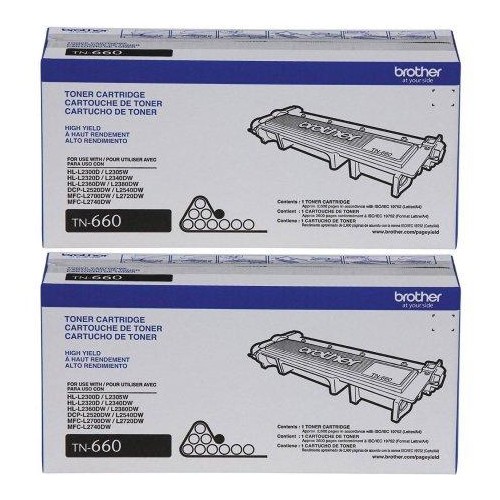 Your price for this item is $157.94
-
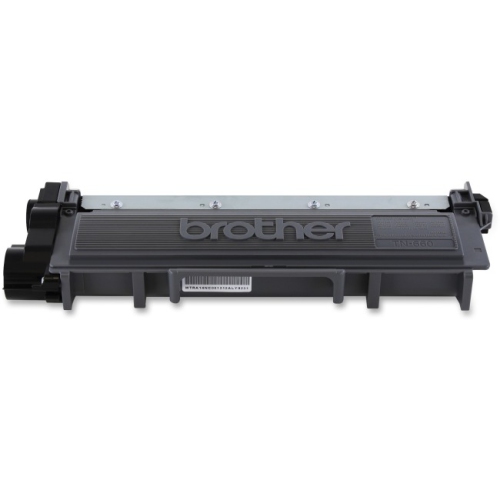 Your price for this item is $74.99
-
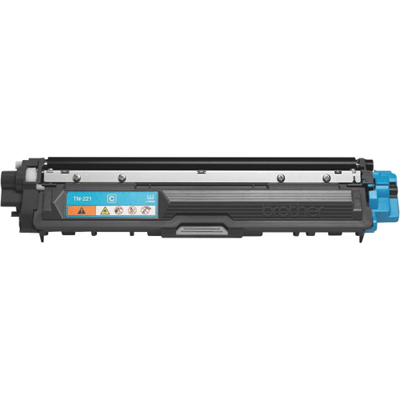 Your price for this item is $102.99
-
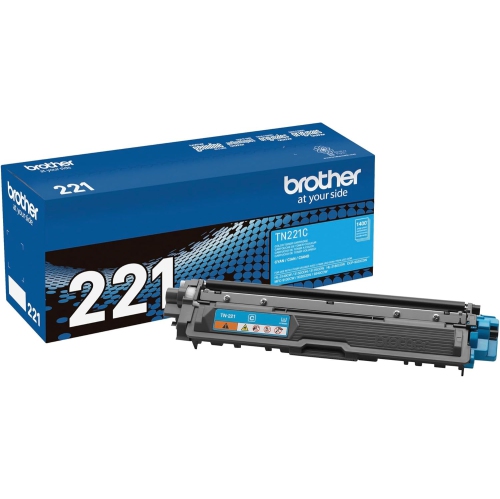 Your price for this item is $115.02
-
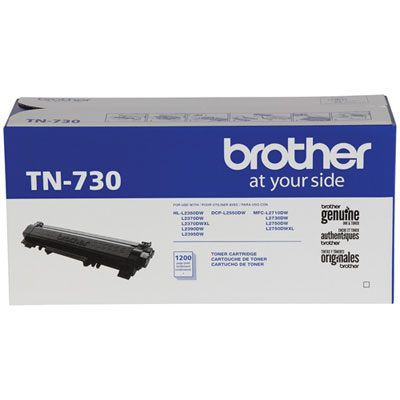 Your price for this item is $72.99
-
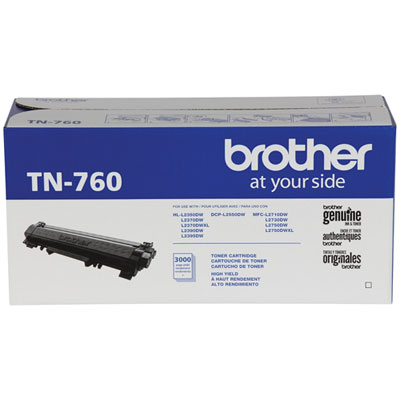 Your price for this item is $115.99
-
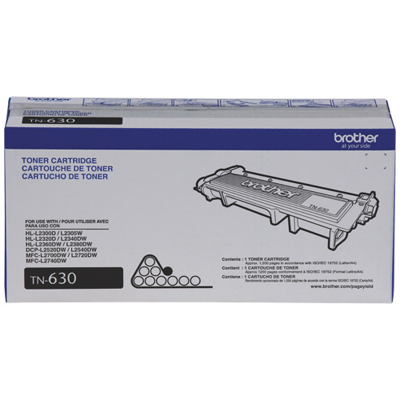 Your price for this item is $72.99
-
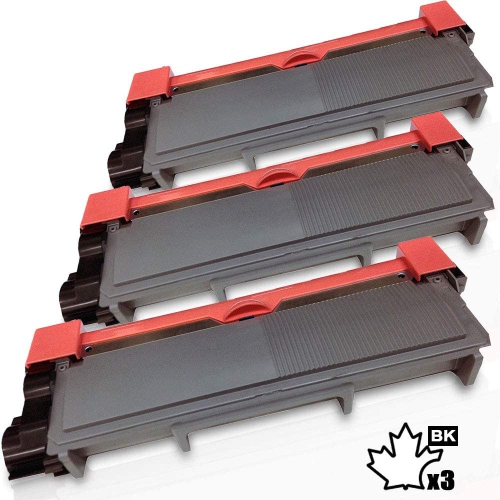 Your price for this item is $58.2
Discover more categories related to Brother DR360
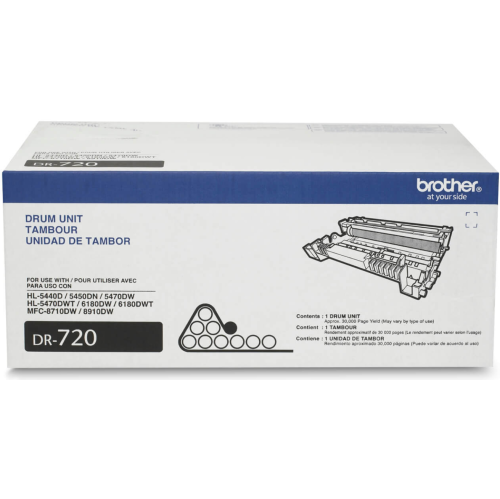
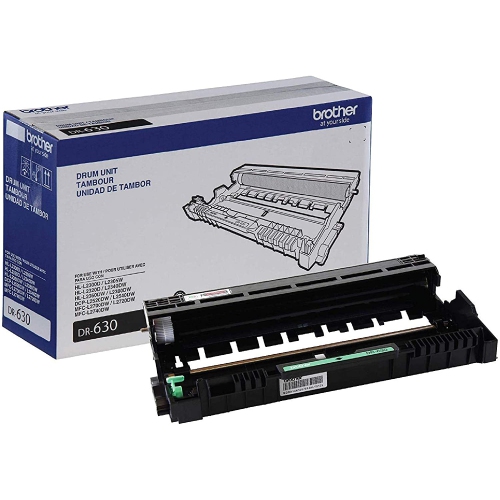

Top Collections:
Best Black Friday Deals This Year, Best Black Friday Deals On Electronics, Kindle Devices, Pokemon Centers, Best Black Friday Deals On Apple Products, Best Cameras for Sports Photography, Dyson Airwrap, Pokémon 30th Celebration Cards, Apple iPhone 17 Pro, Canon G7X Cameras
Some products may be subject to Environmental Handling Fees
(EHF) depending on your province.
Learn more about EHFs.