HP Cartridge Refills
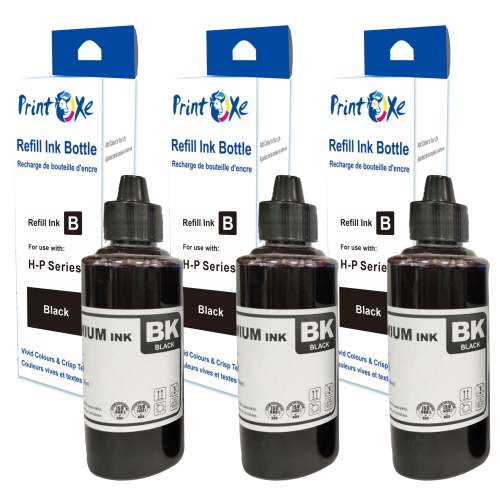
Looking to keep your printer running smoothly and producing high-quality prints? Our selection of HP cartridge refills offers a cost-effective and environmentally friendly solution to ensure your documents and photos look their best. With easy-to-use refill kits available, you can save money and reduce waste by refilling your printer cartridges instead of purchasing new ones. Explore our range of cartridge refills to find the perfect option for your printing needs.
Sort
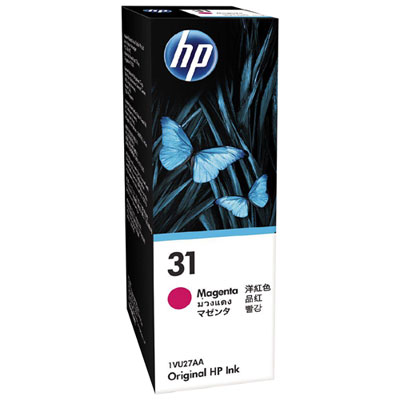
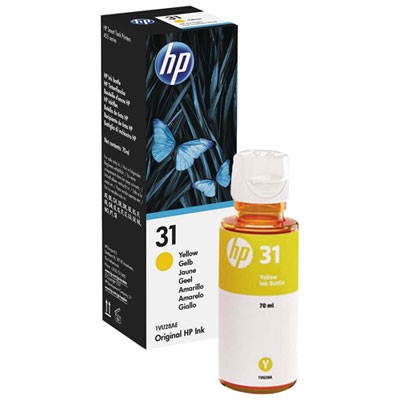
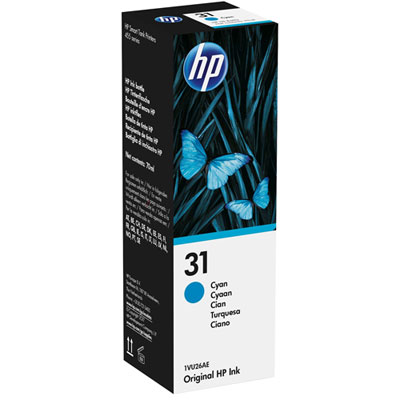
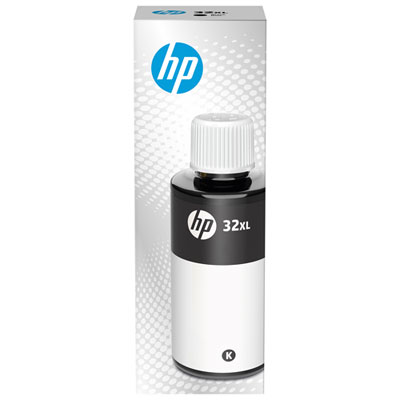
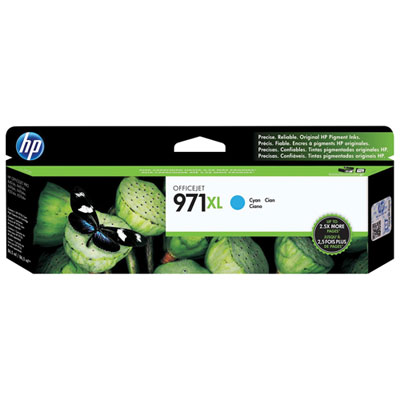
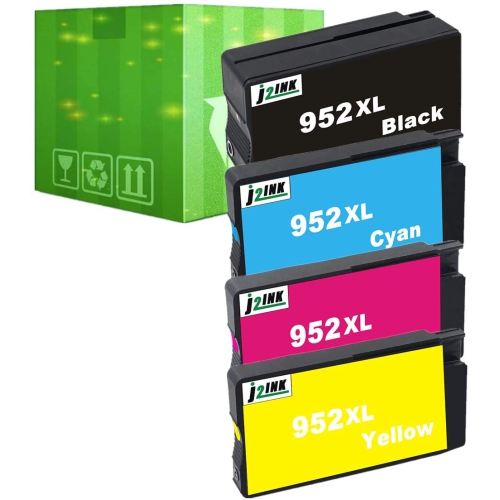
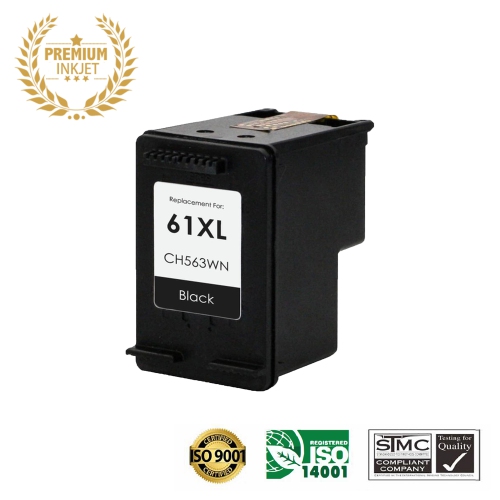
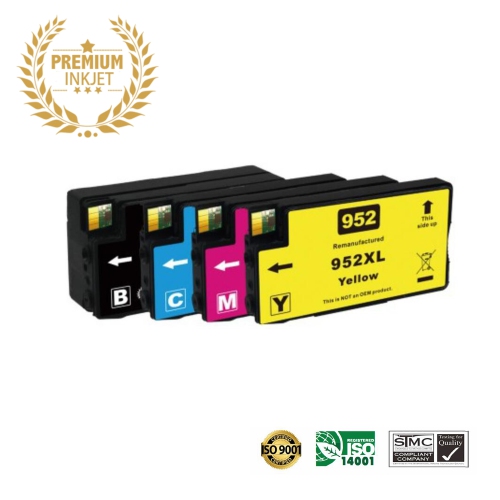
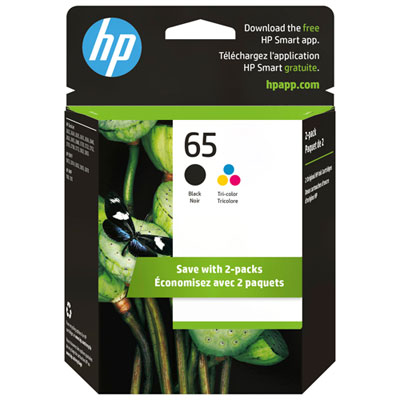
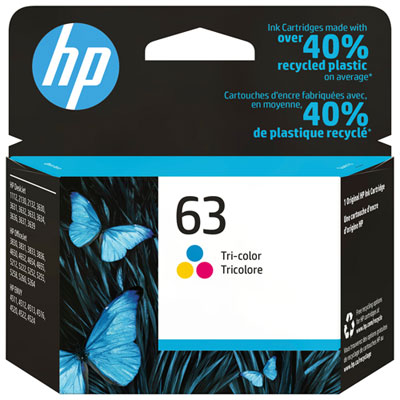
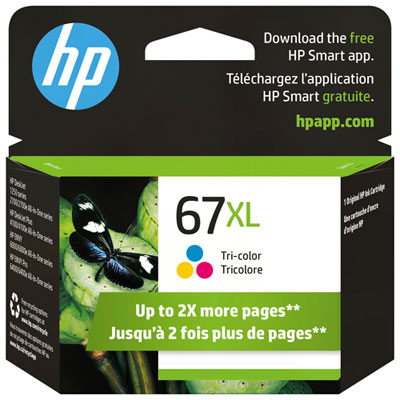
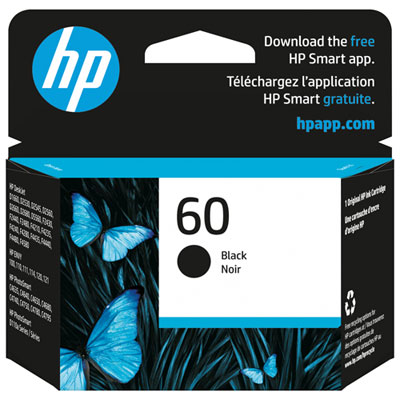
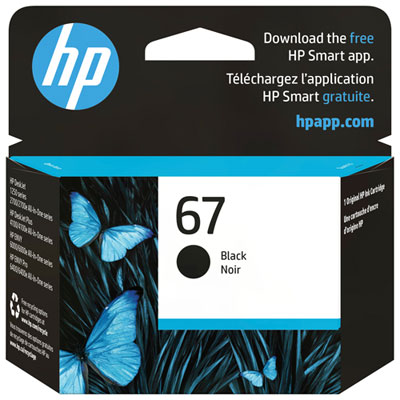
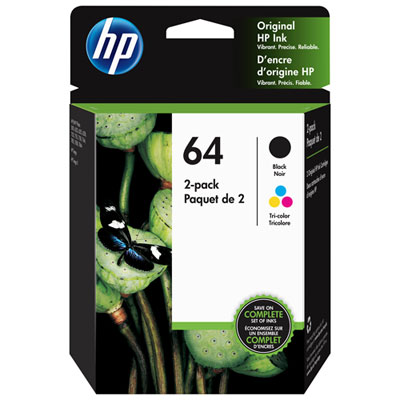
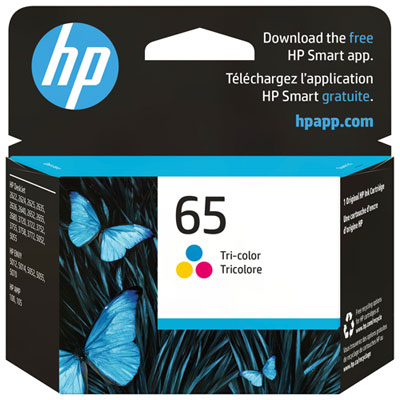
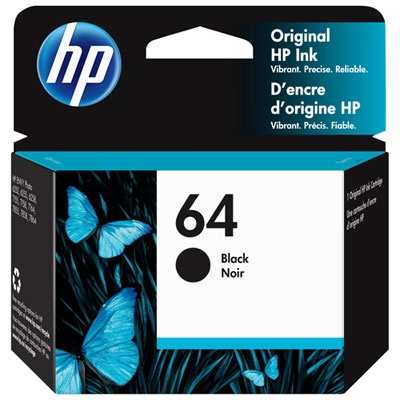
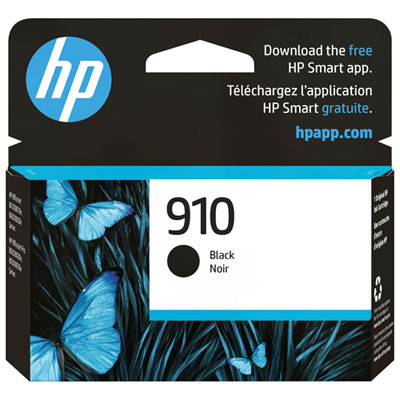
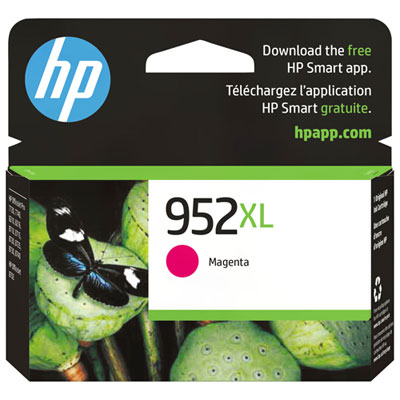
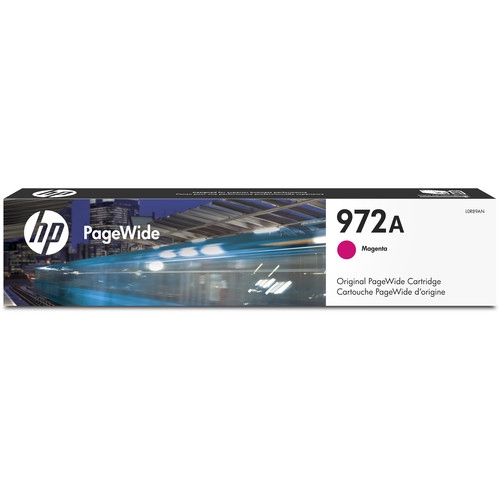
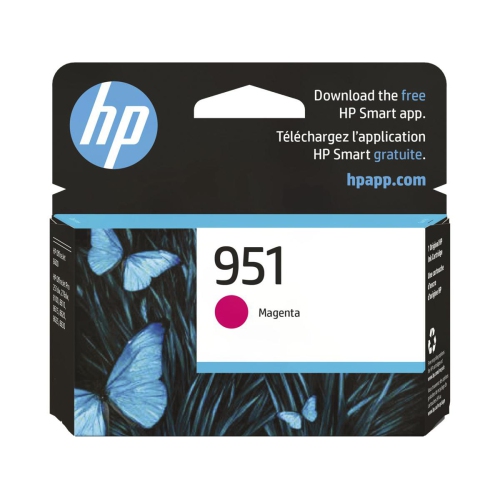
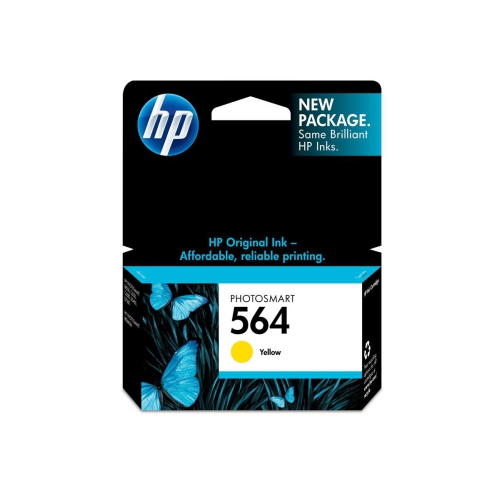
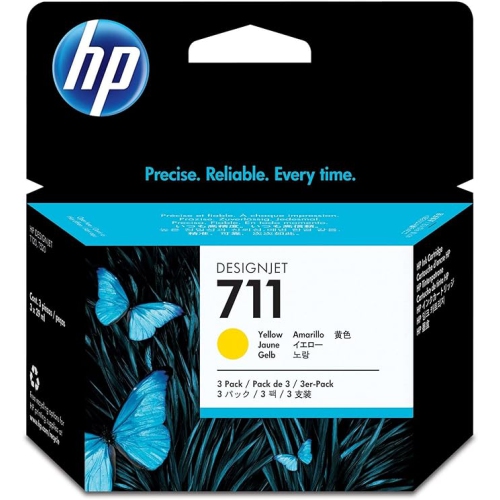
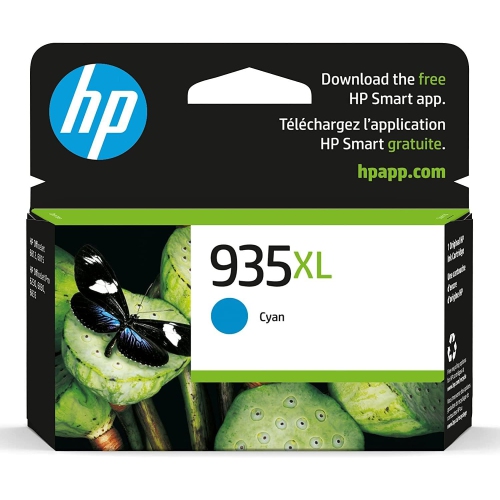
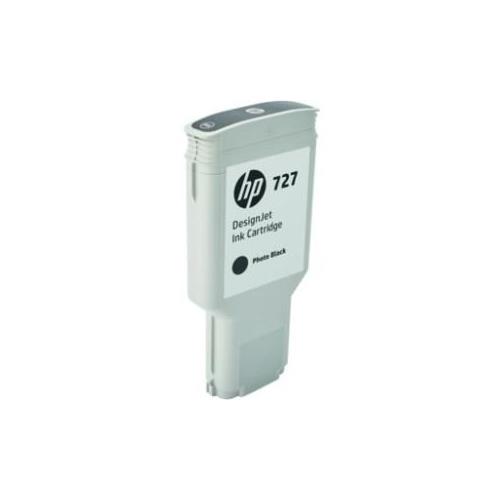


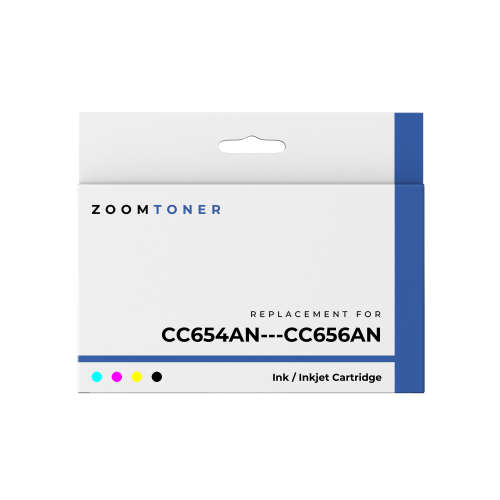
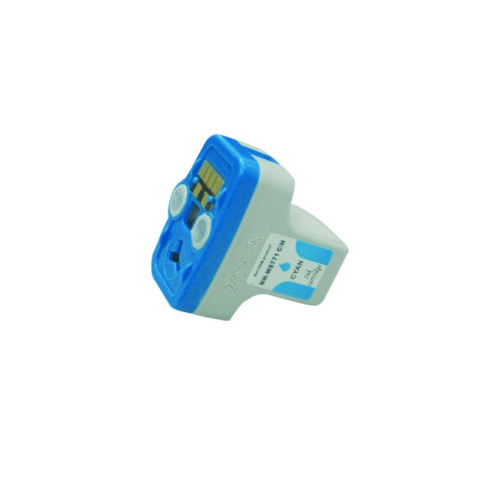
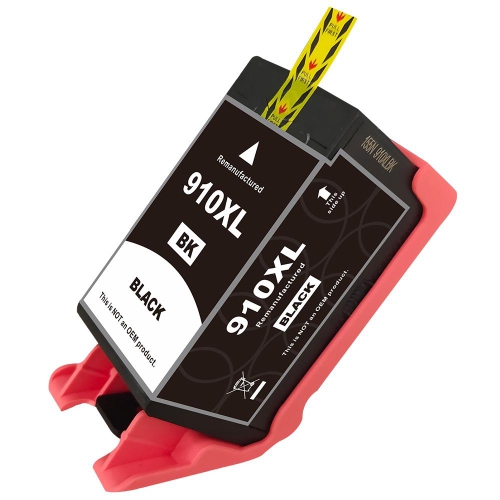

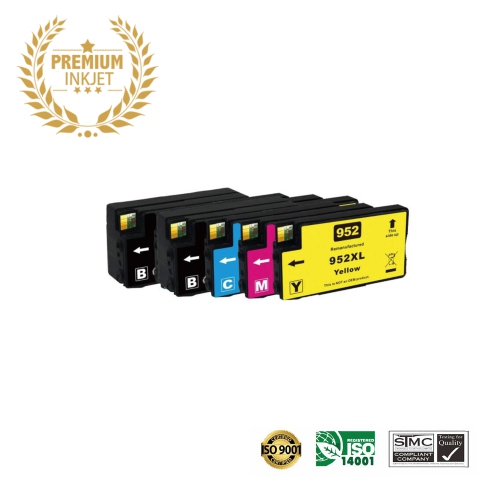
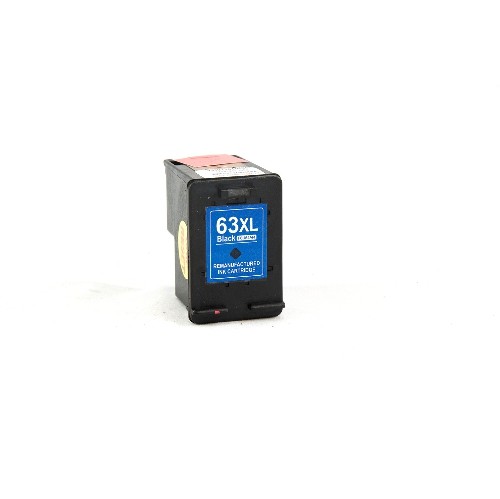
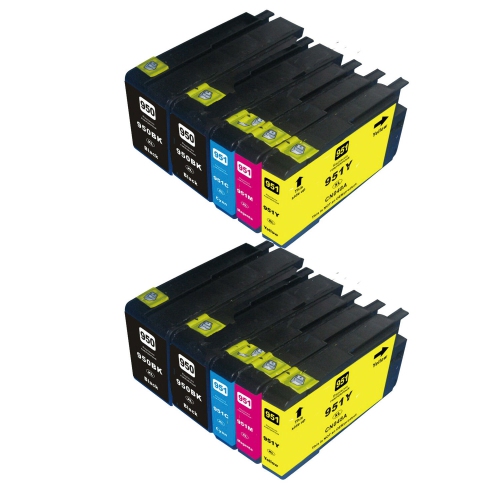
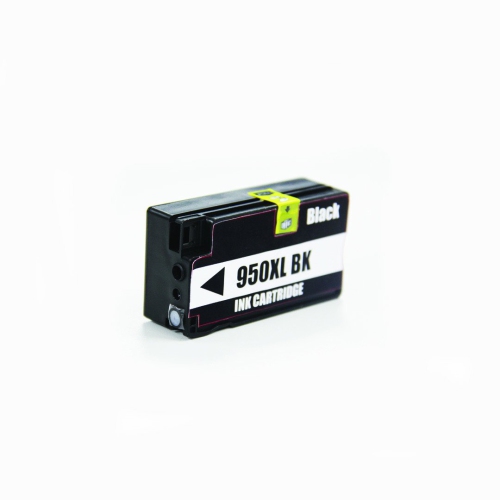
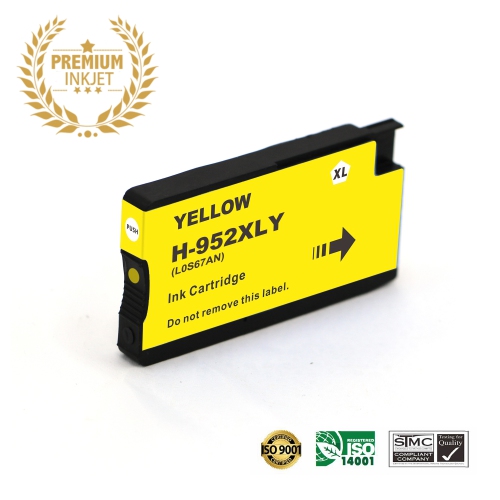
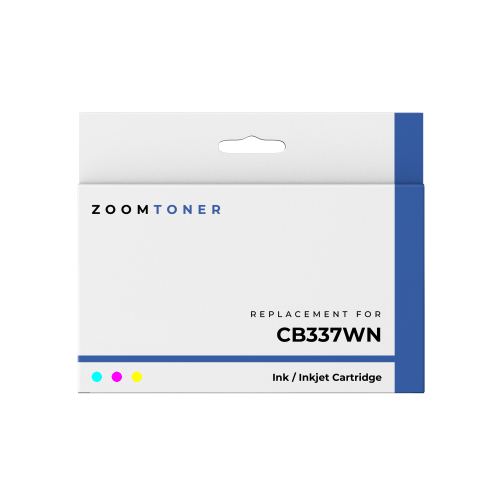
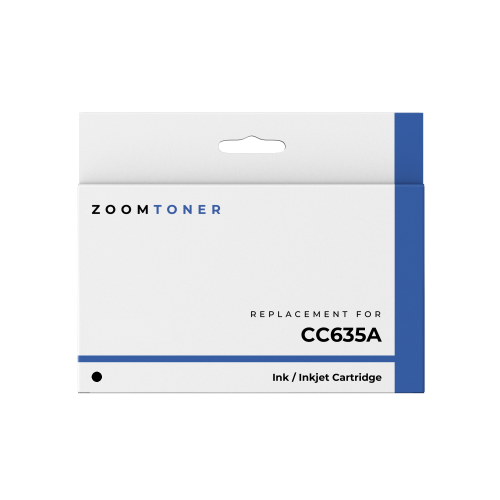
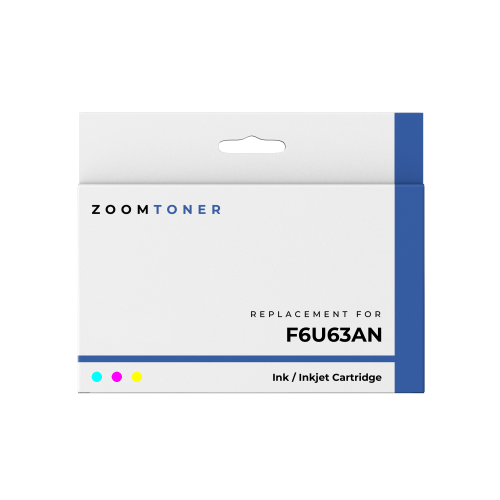
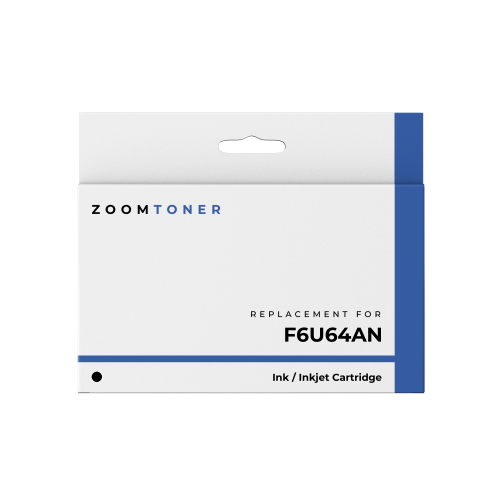
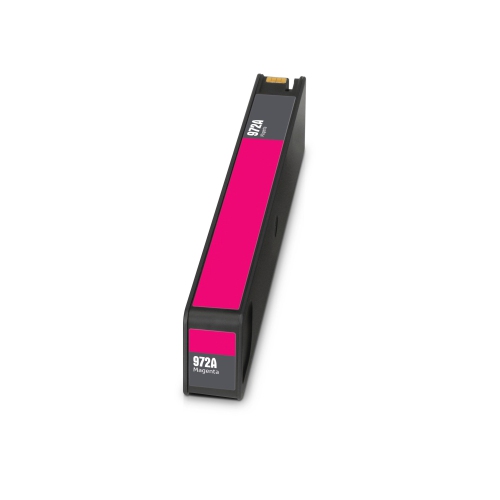
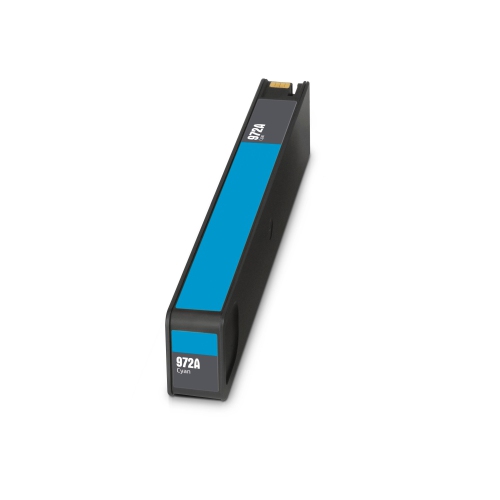
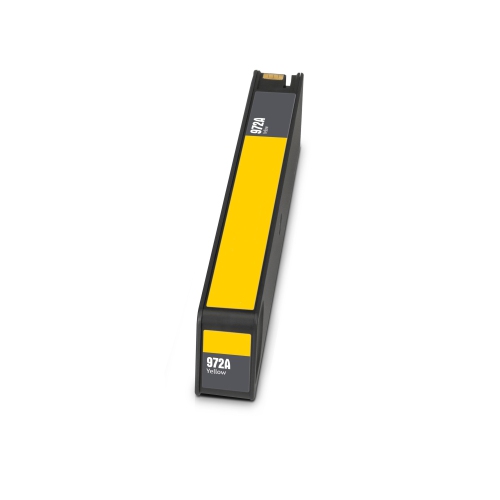
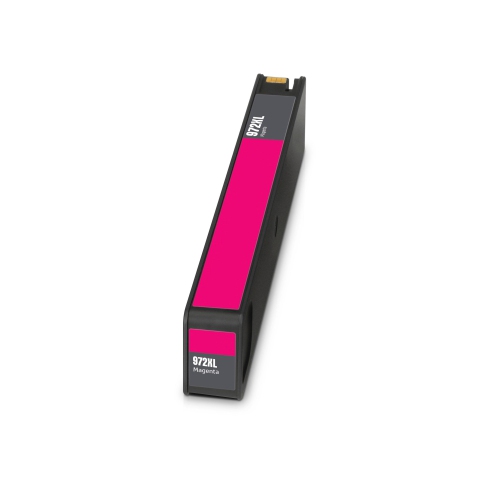
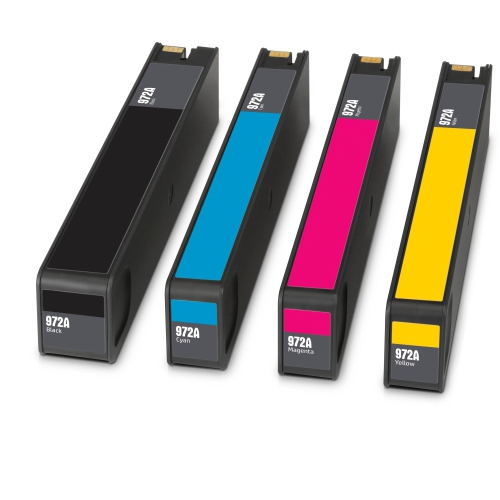
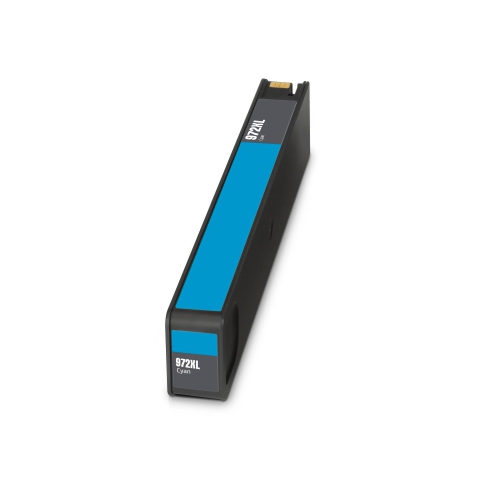
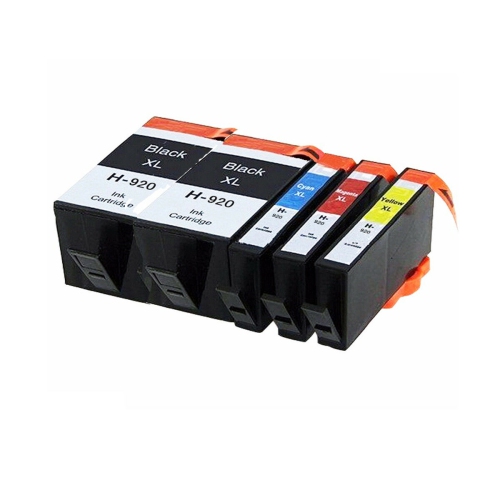
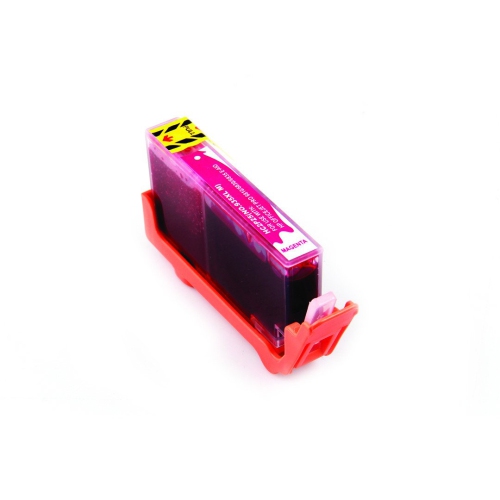
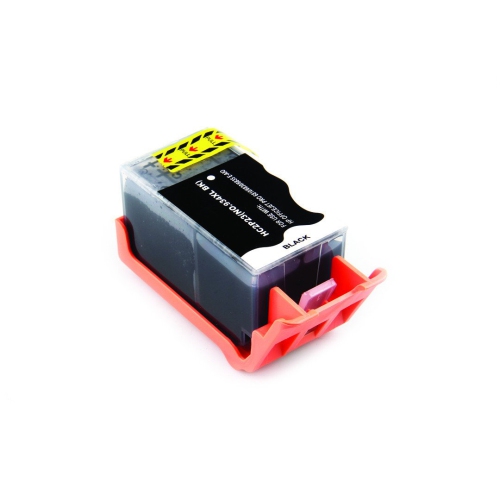
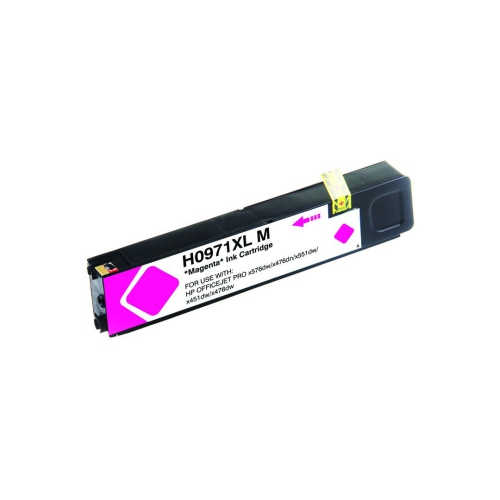

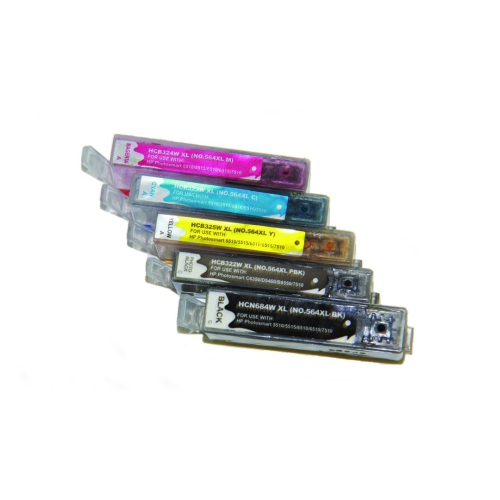
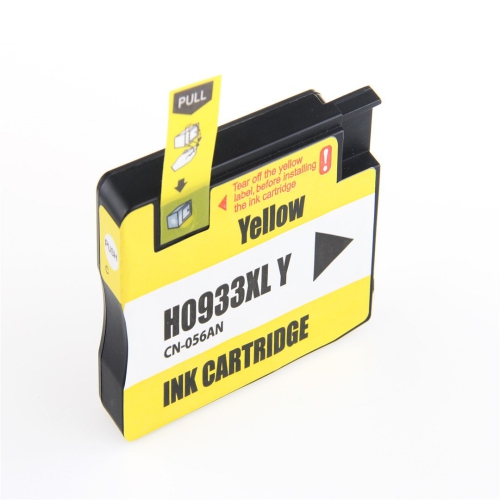
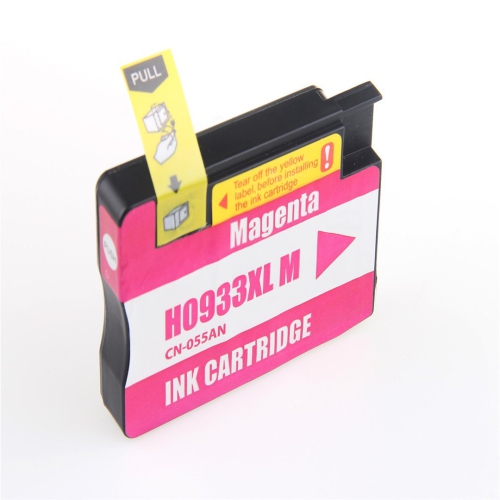
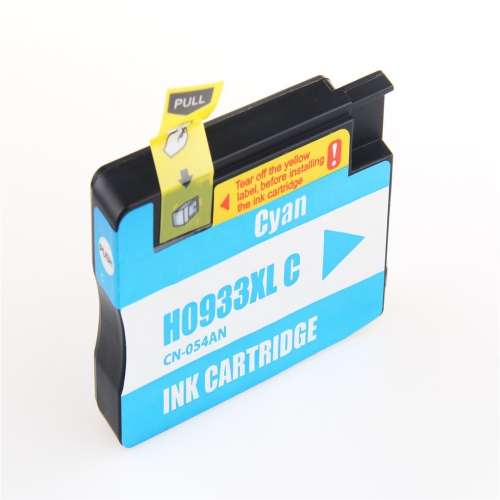
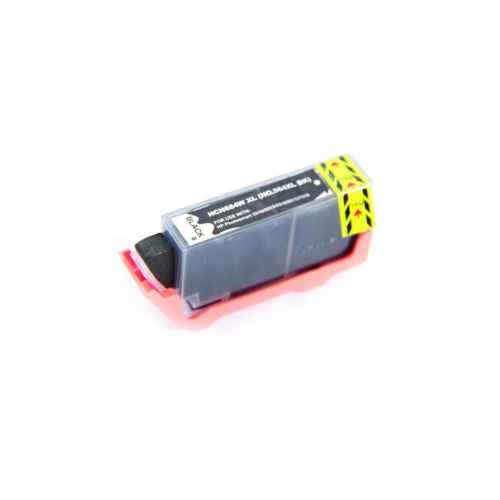
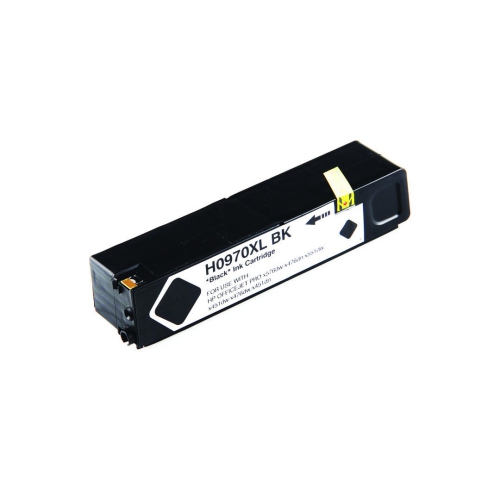
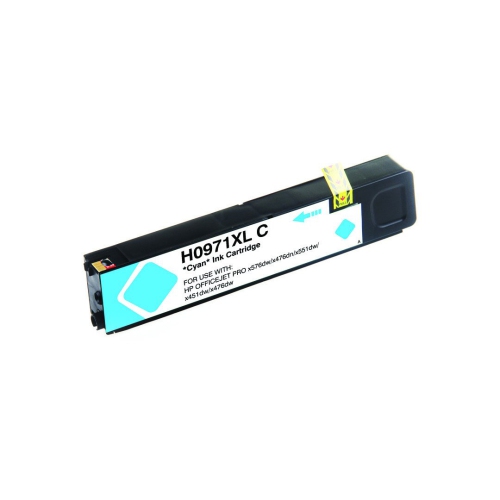
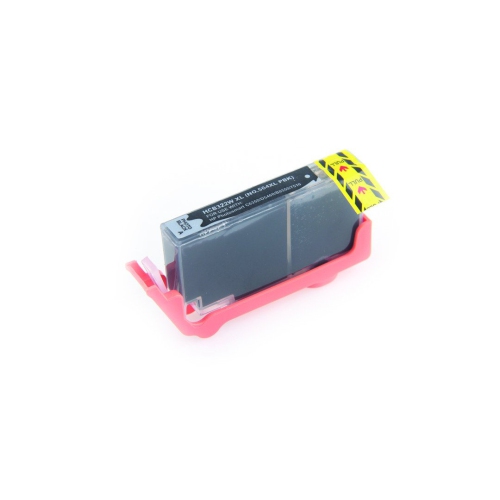
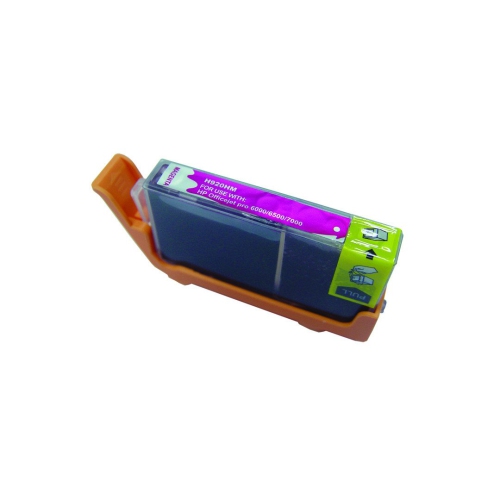
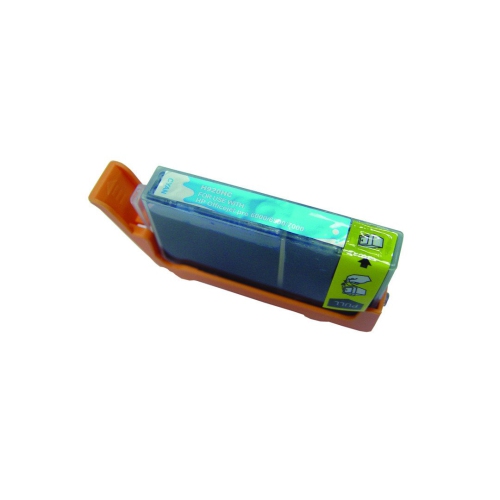
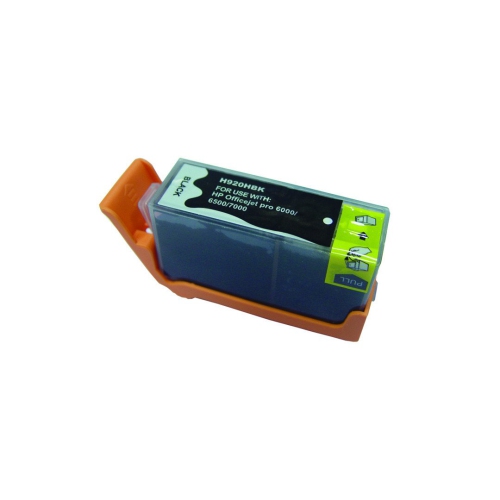
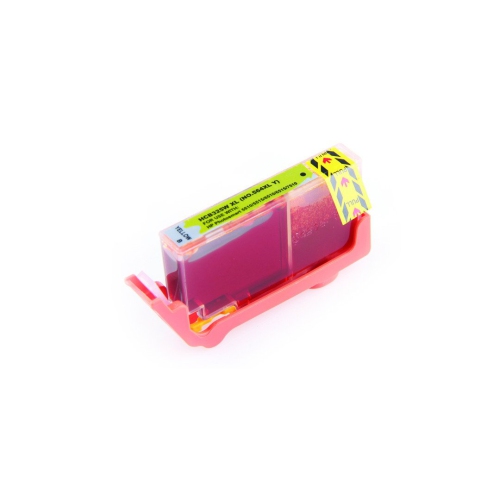
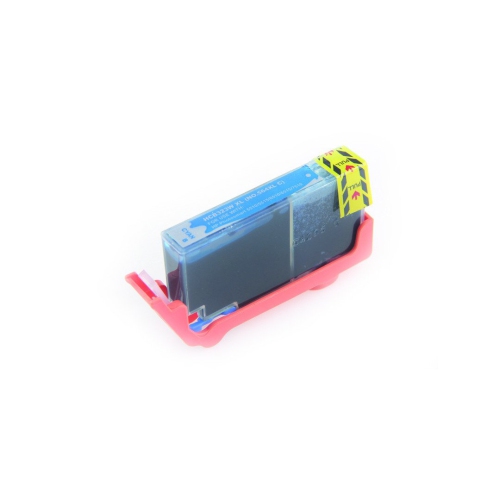
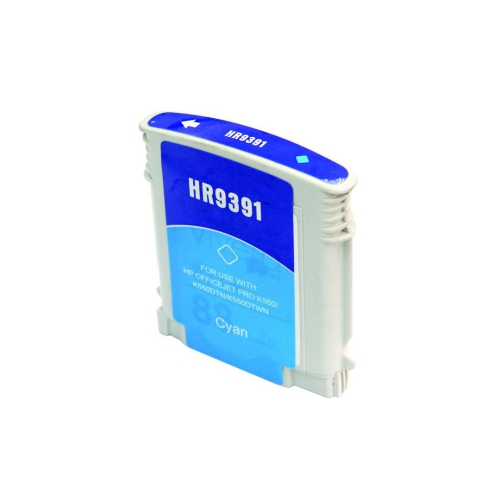
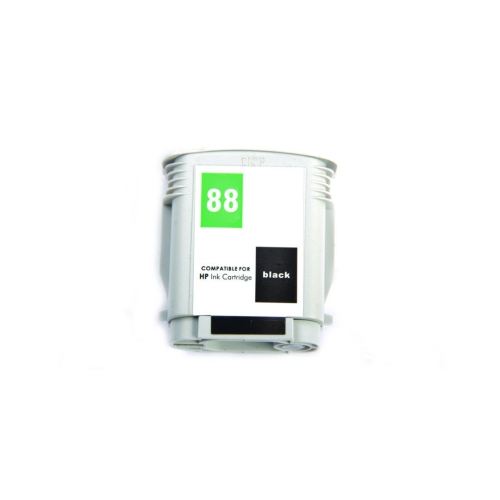
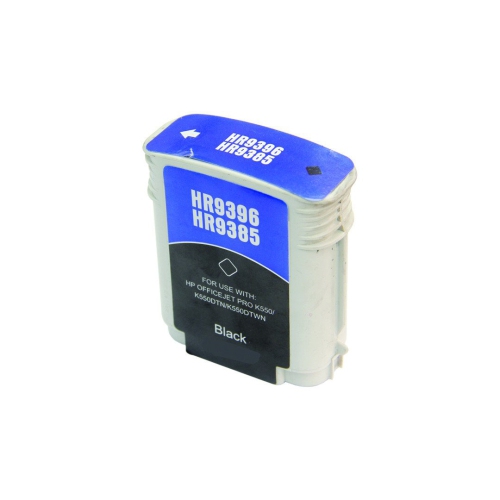
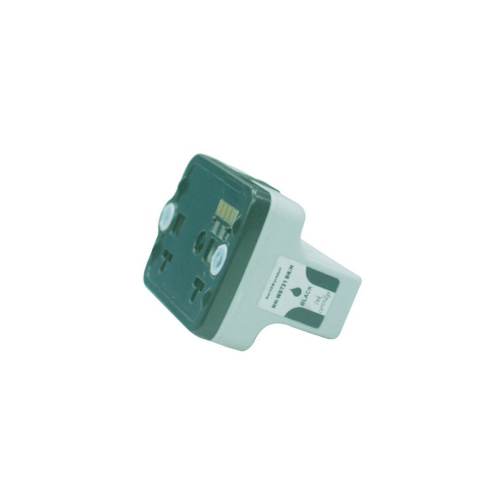

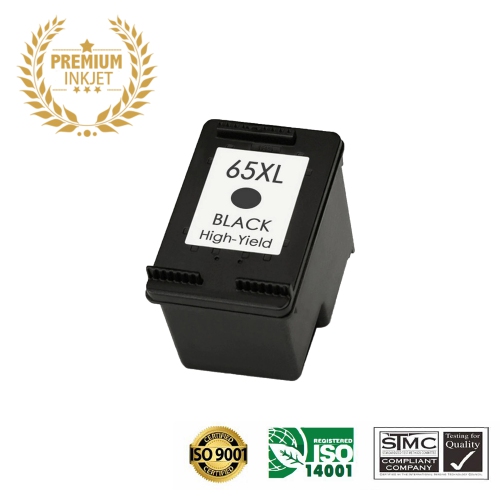
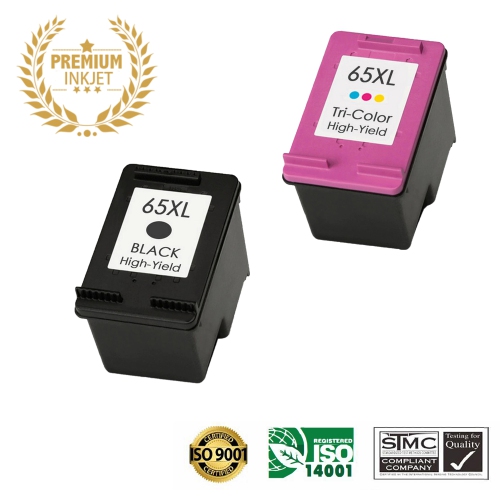
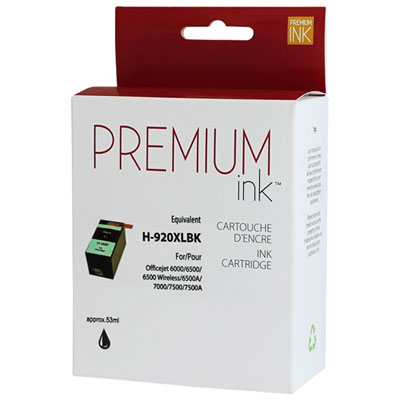

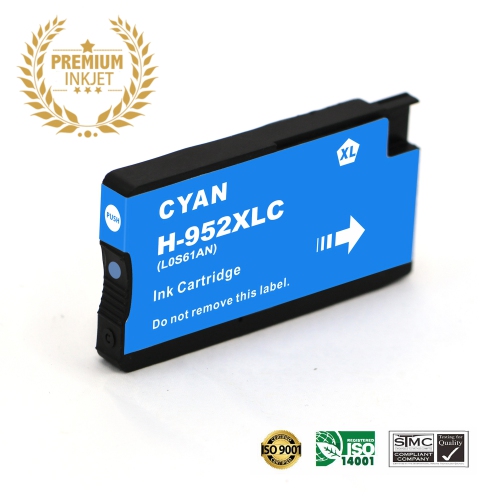
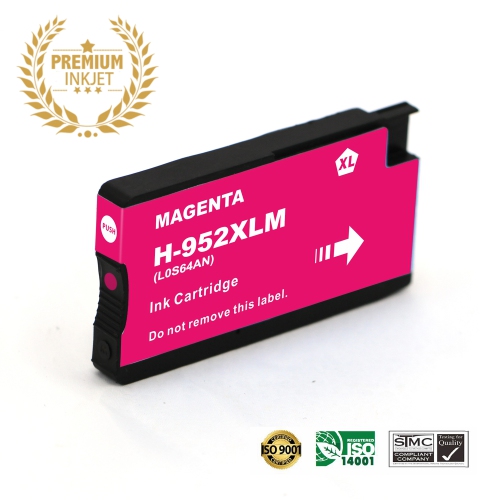
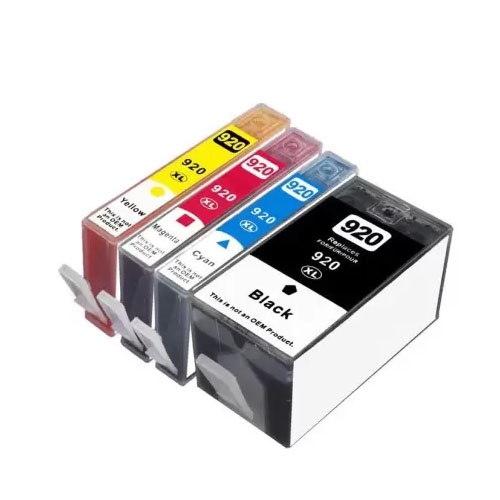
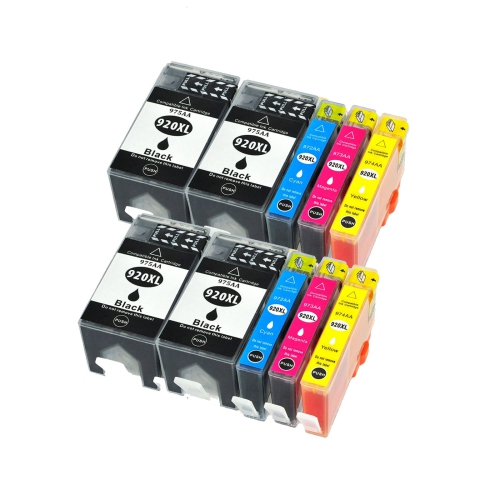
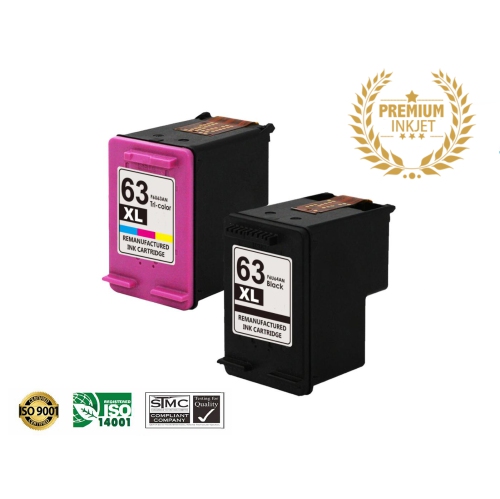
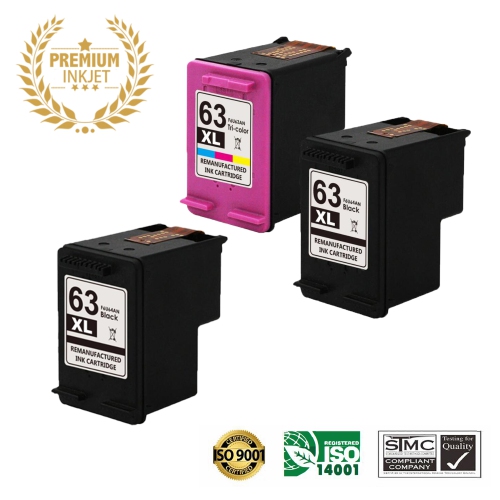
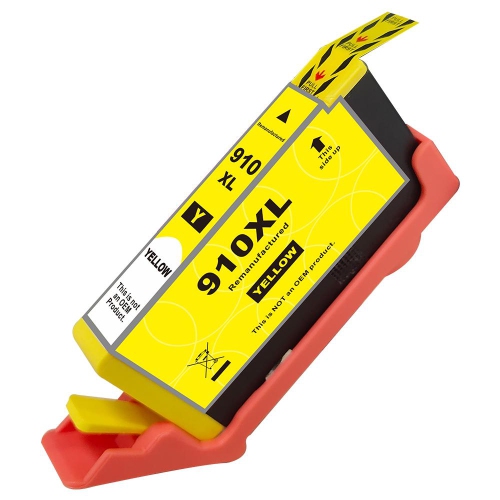
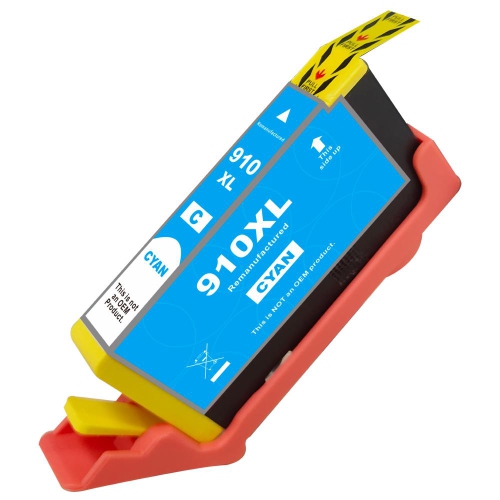
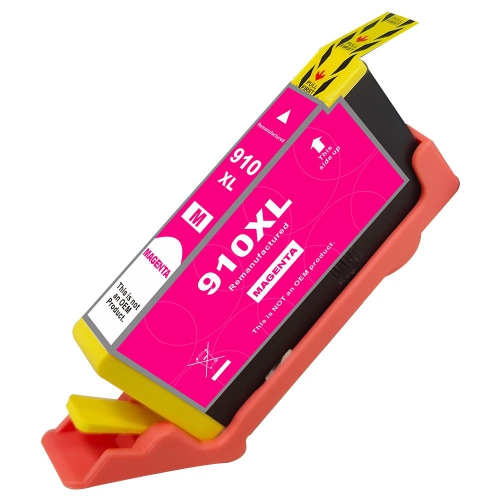
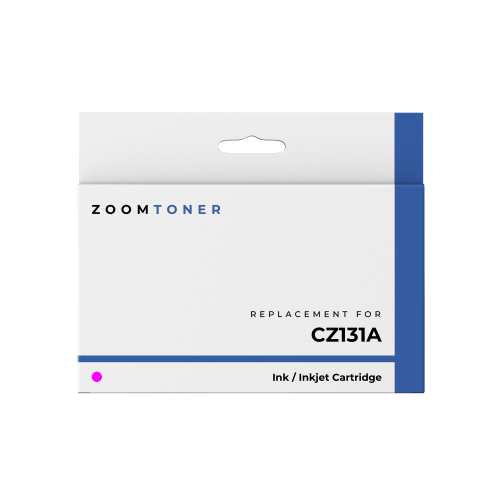
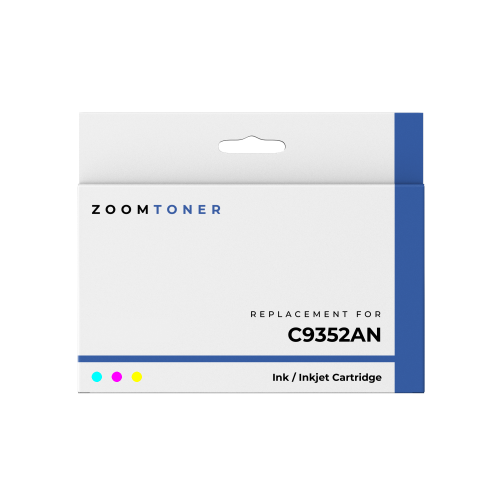
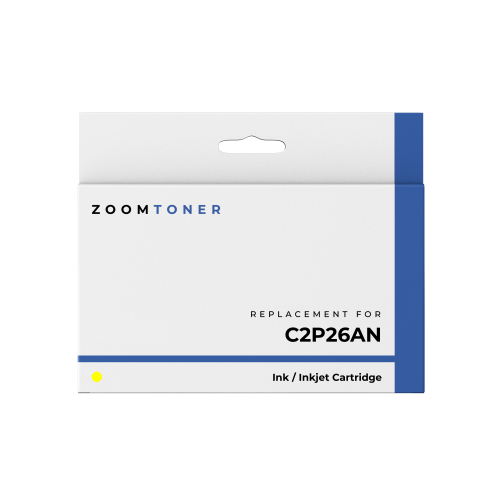
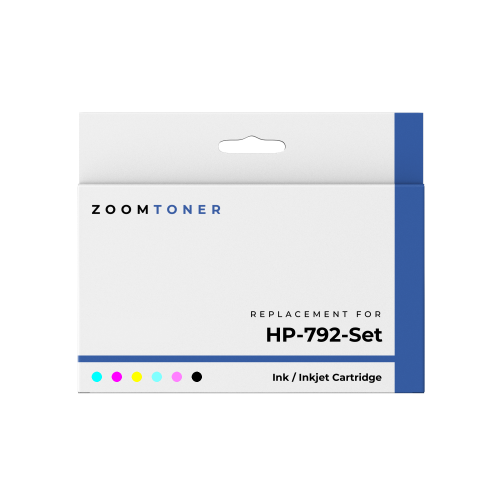

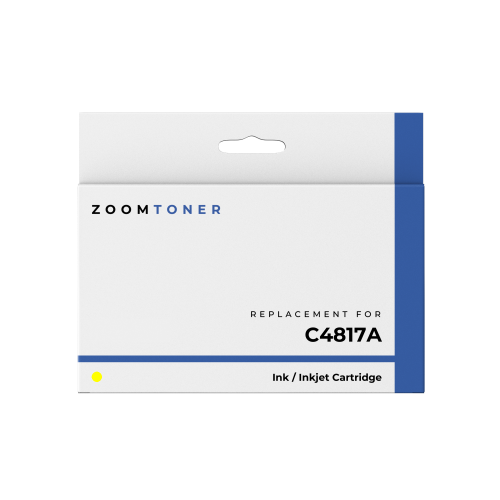
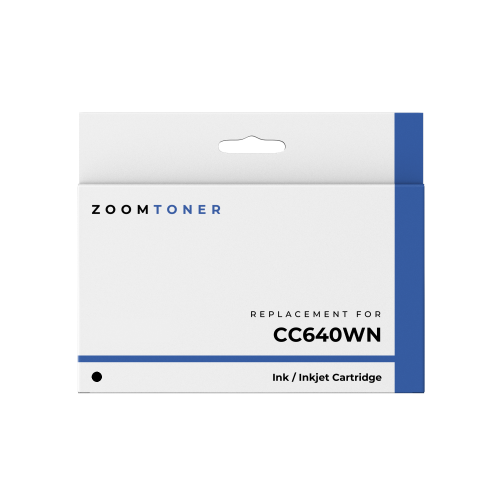
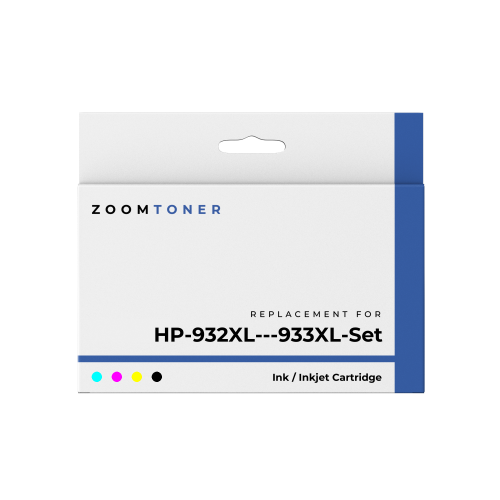
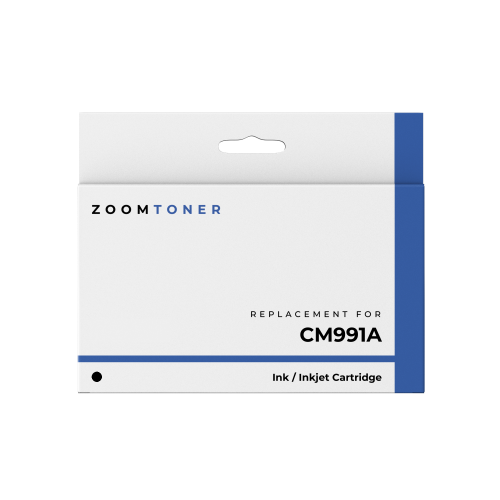
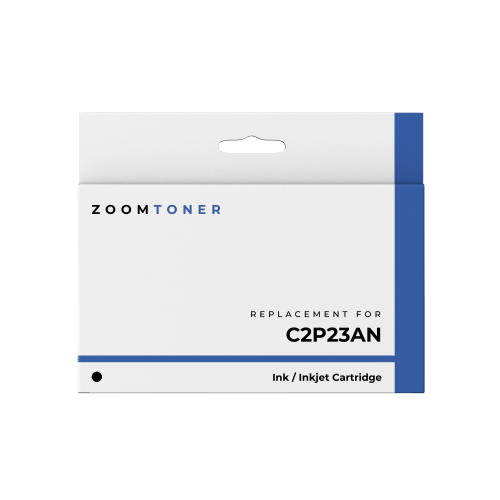
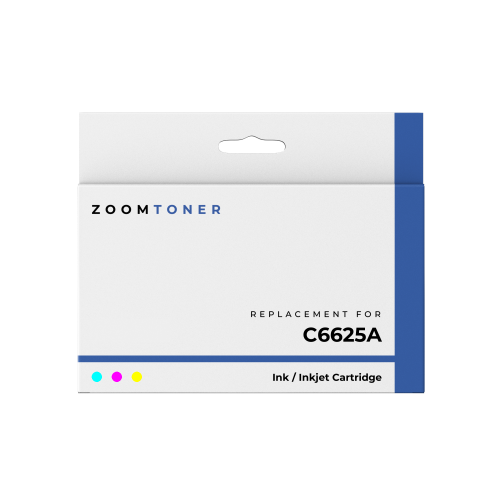
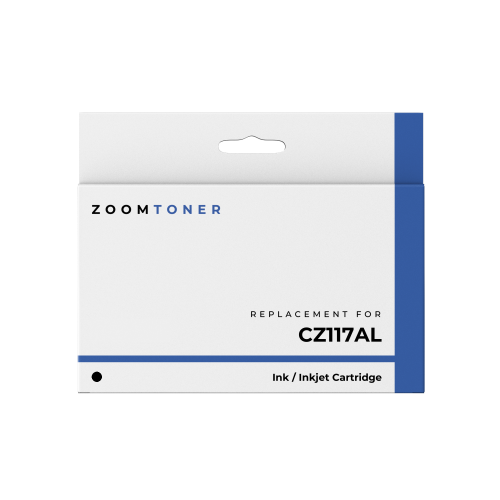
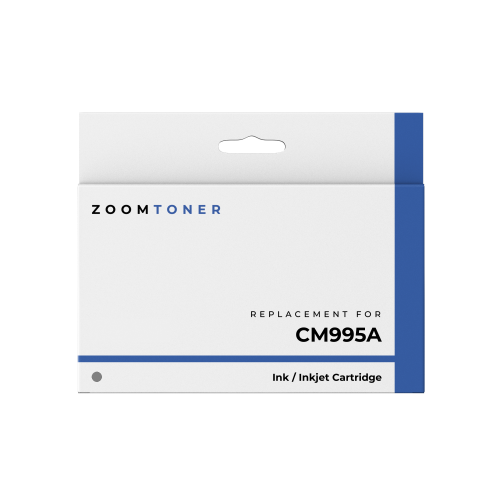
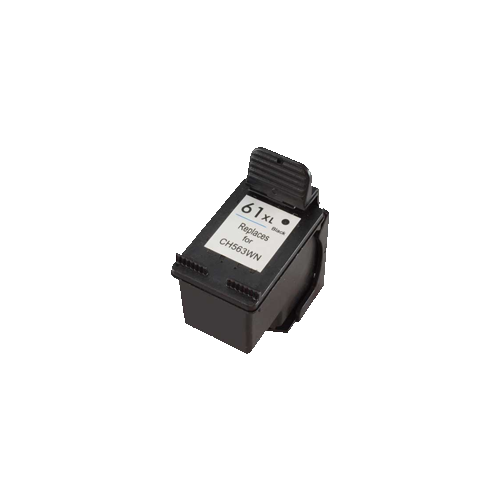
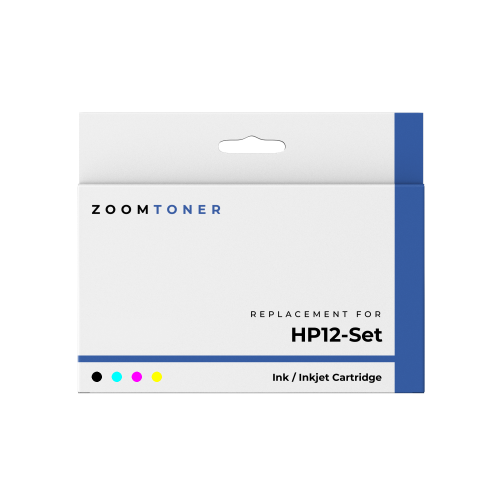

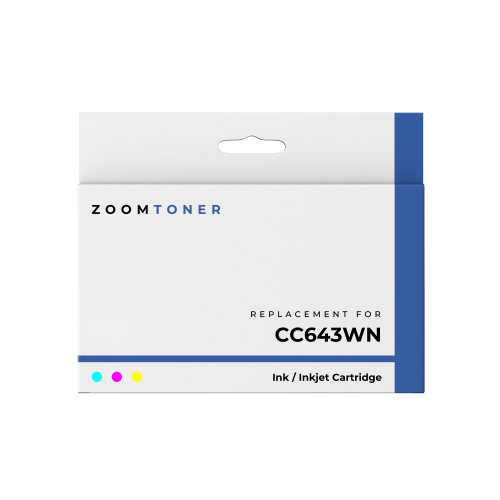
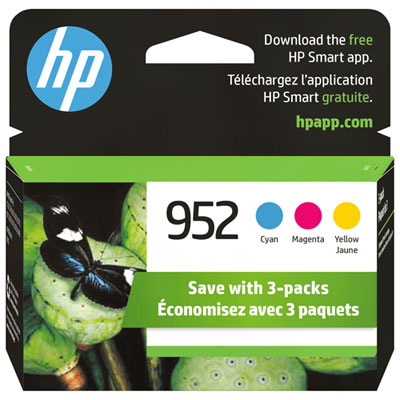
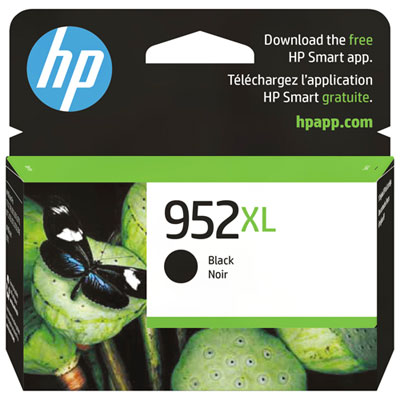

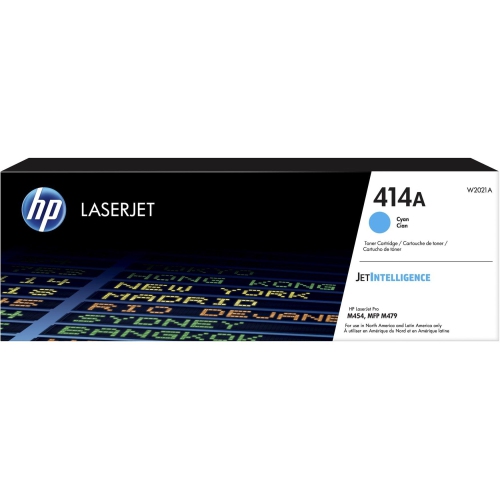
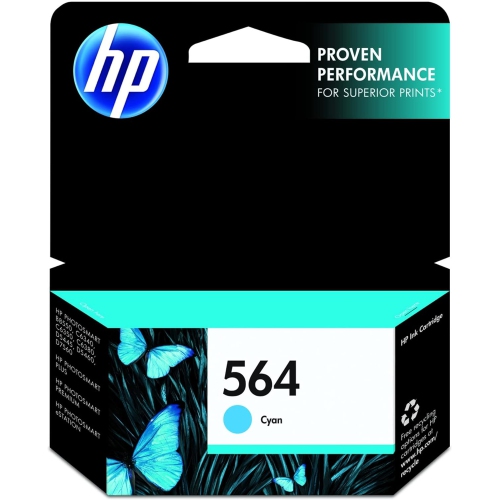
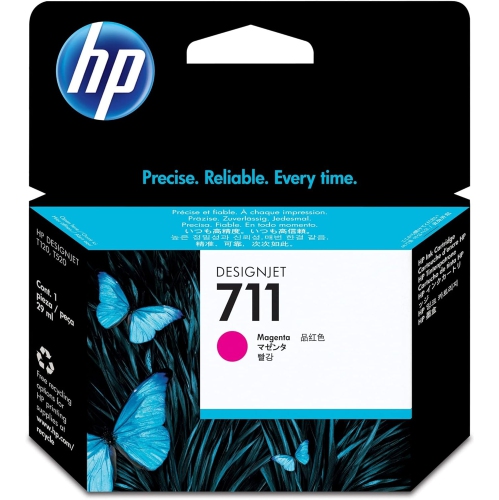
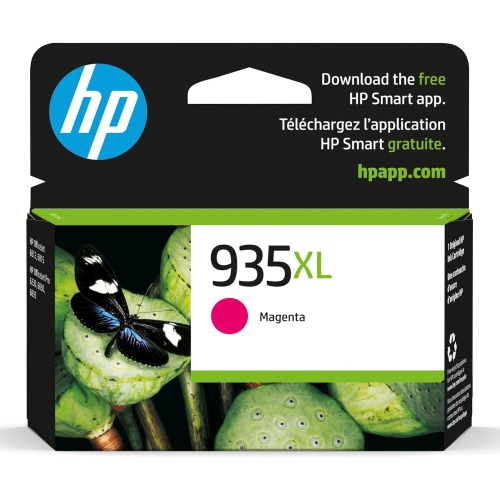
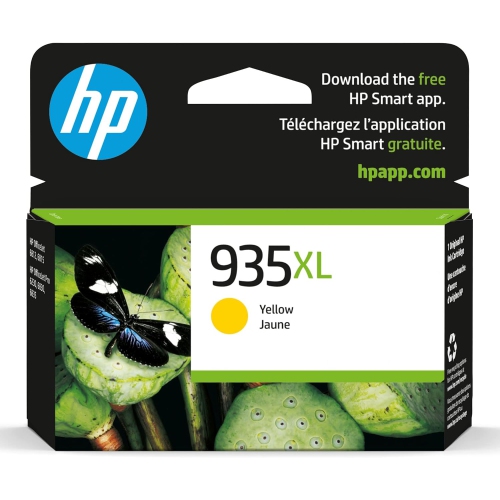
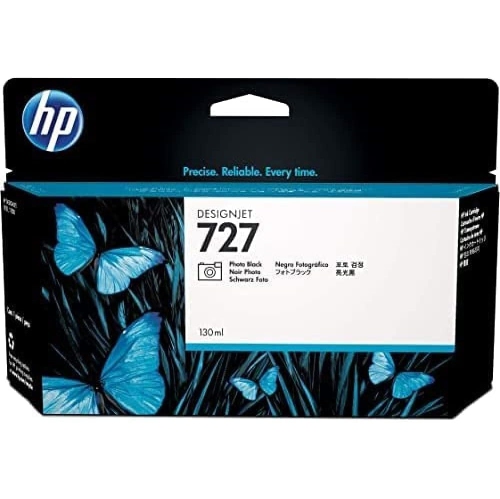
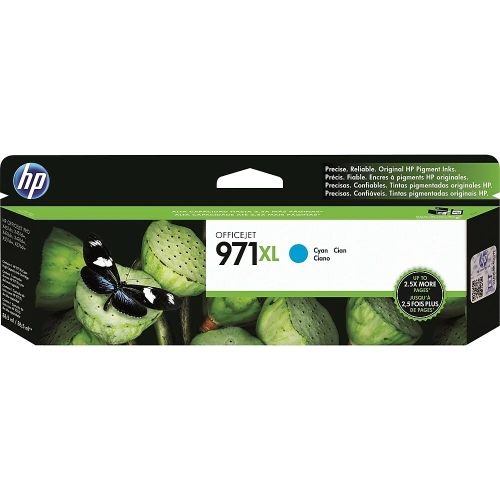
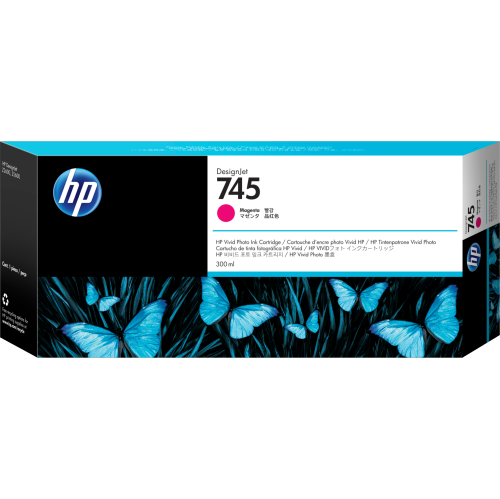
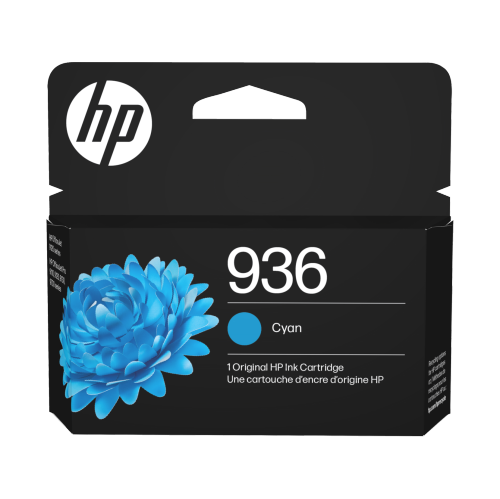
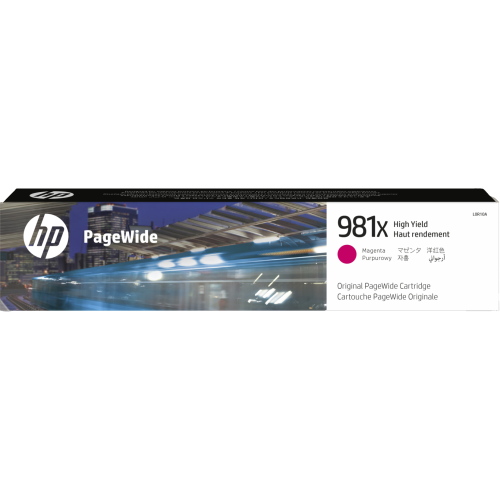
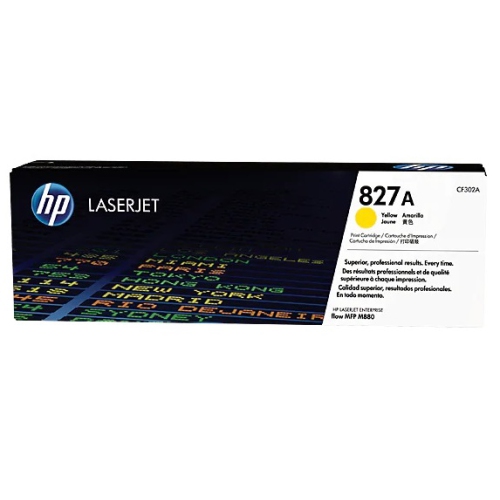
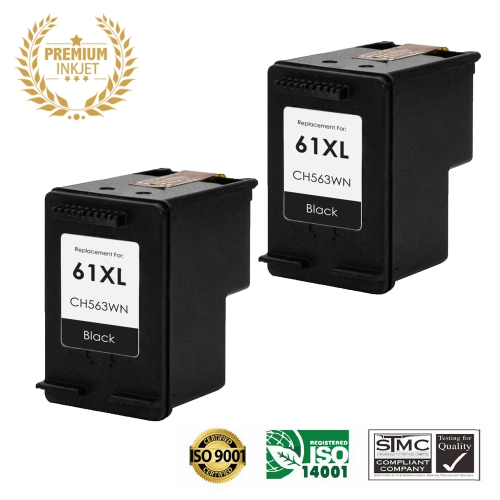
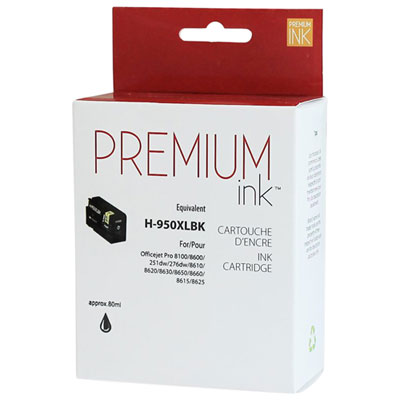
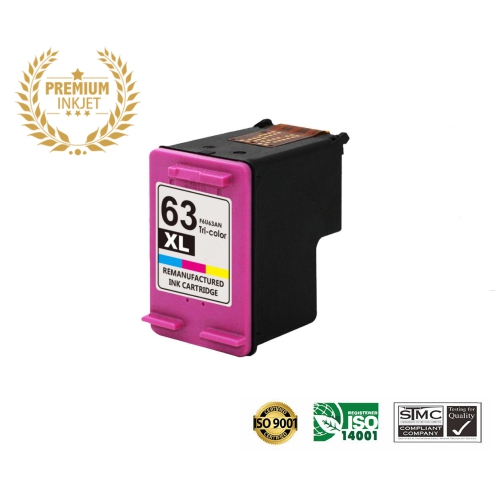
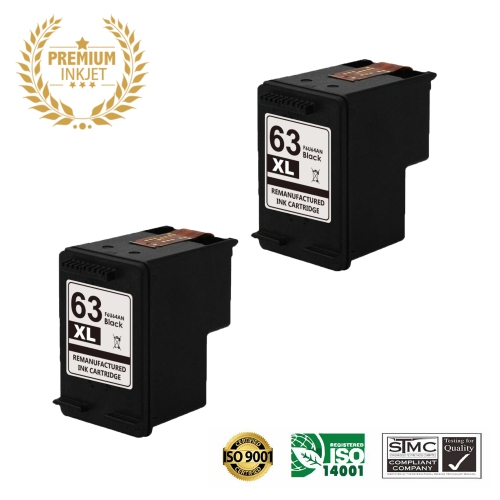
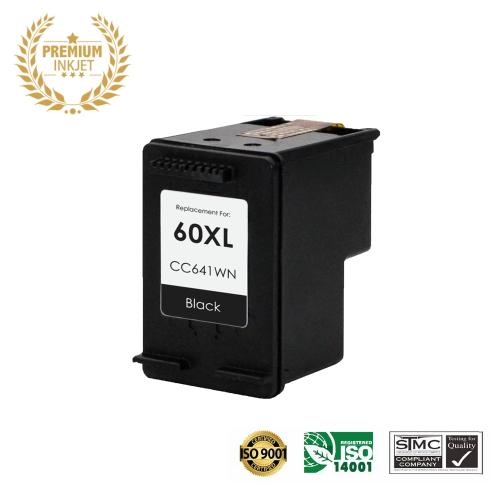

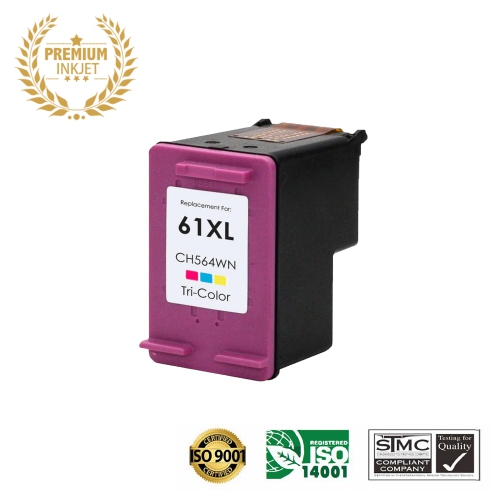
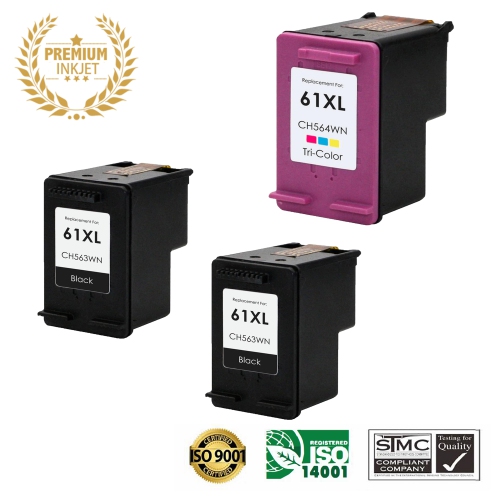
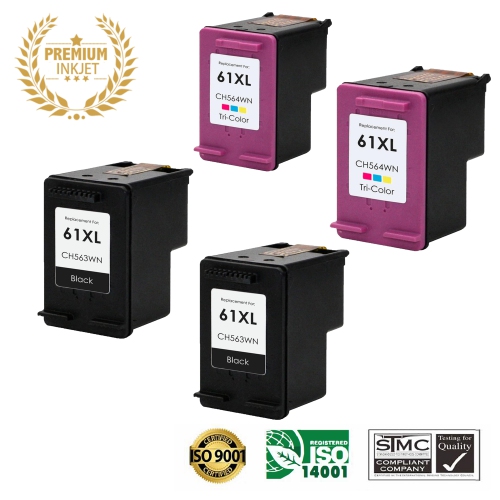
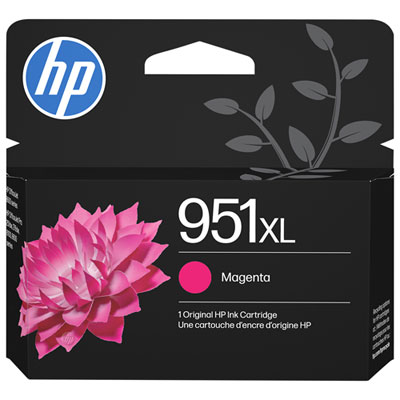
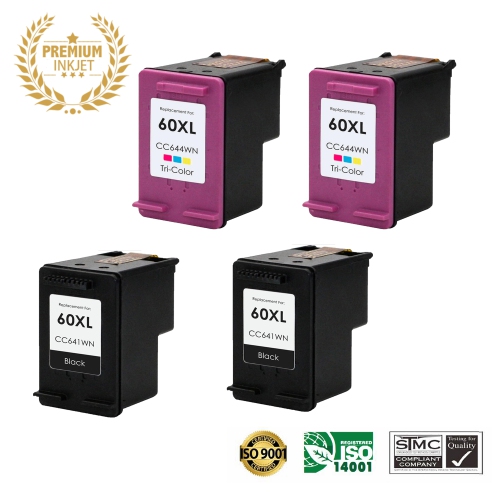
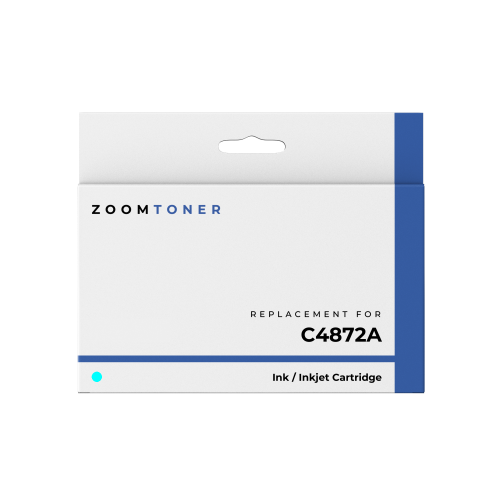
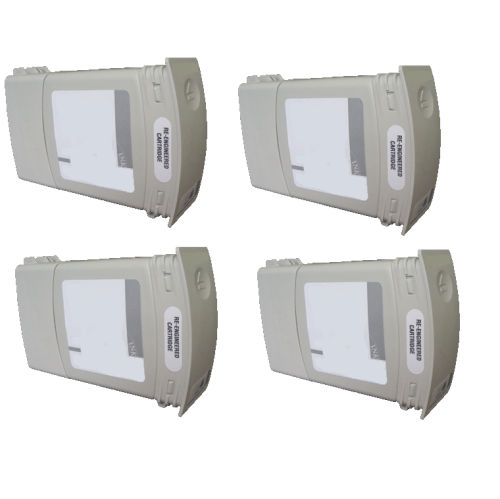
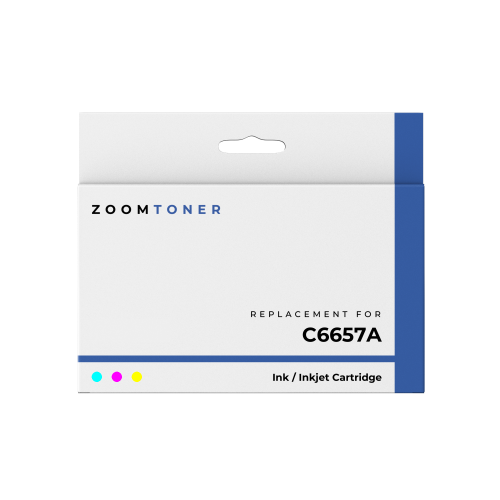
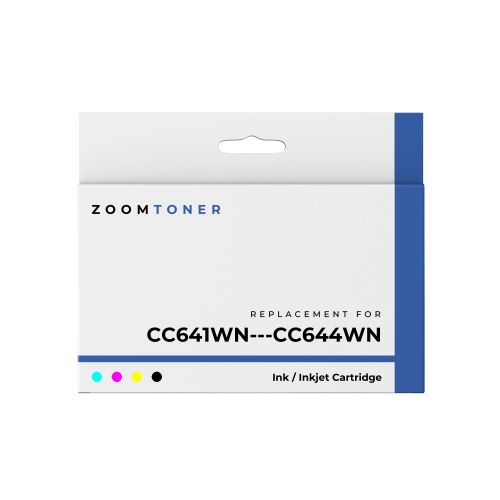
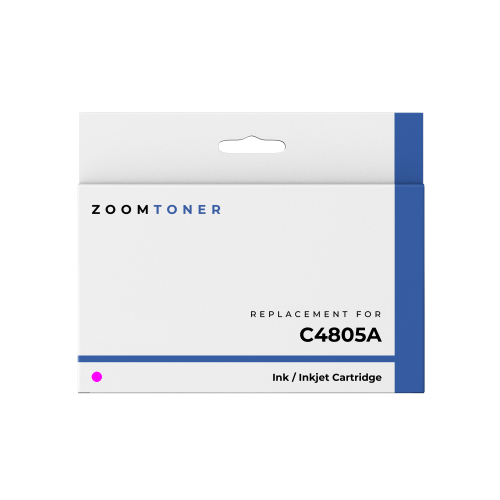
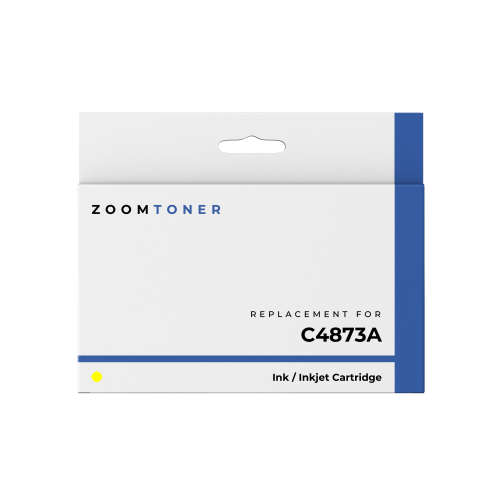
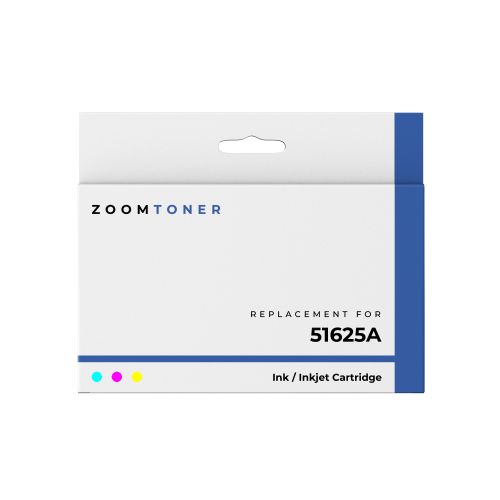
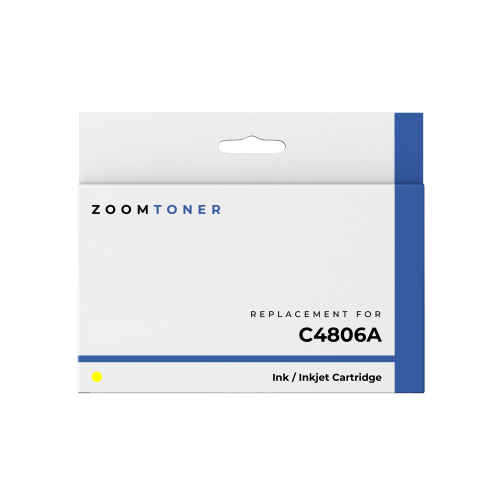
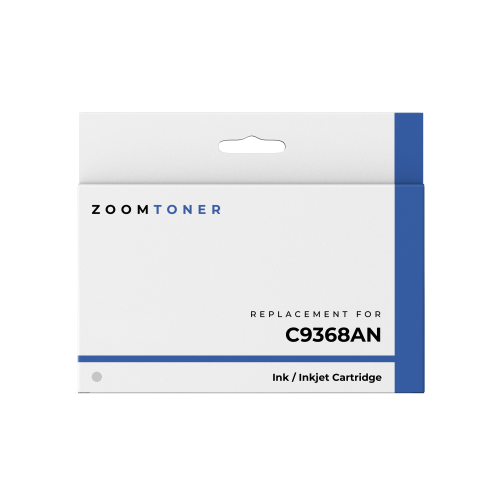
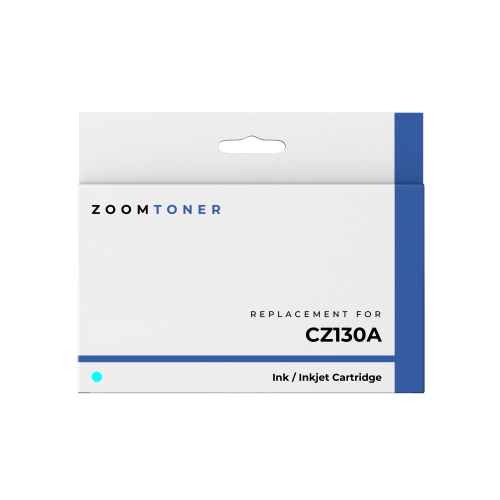
Refilling tips for reliable everyday printing
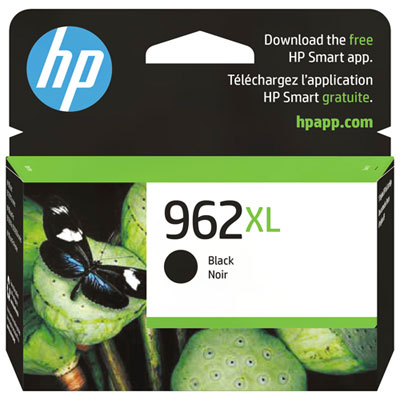
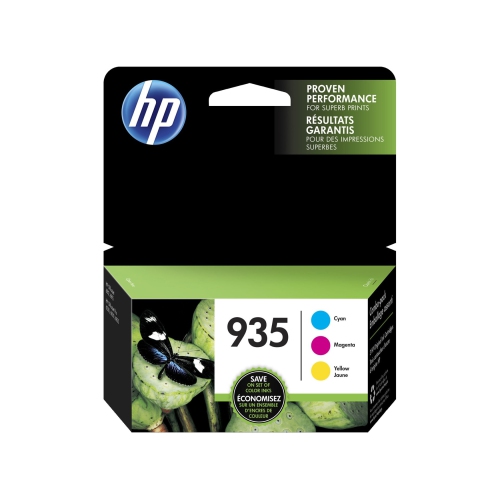
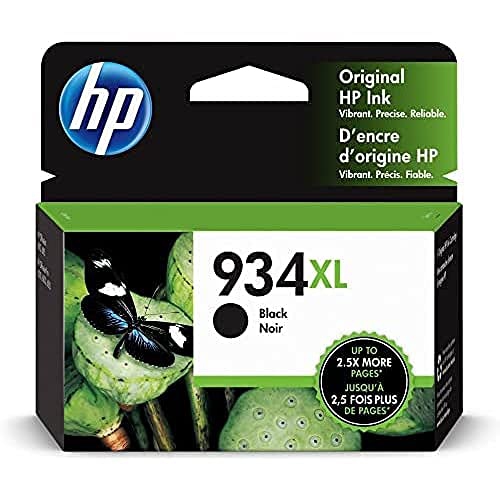
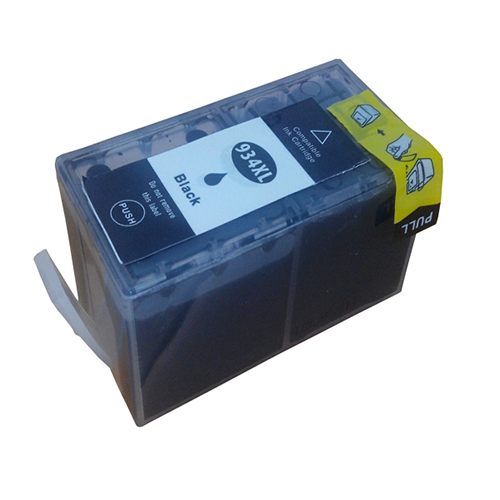
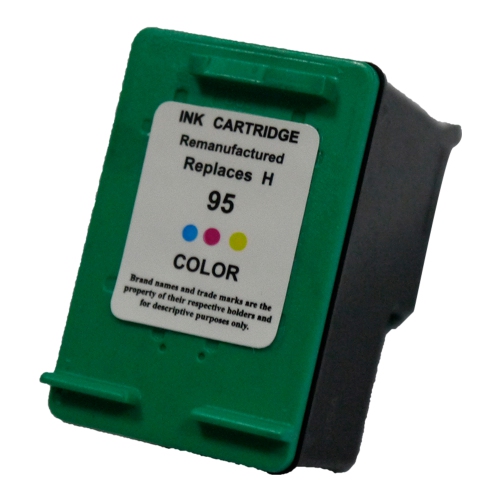
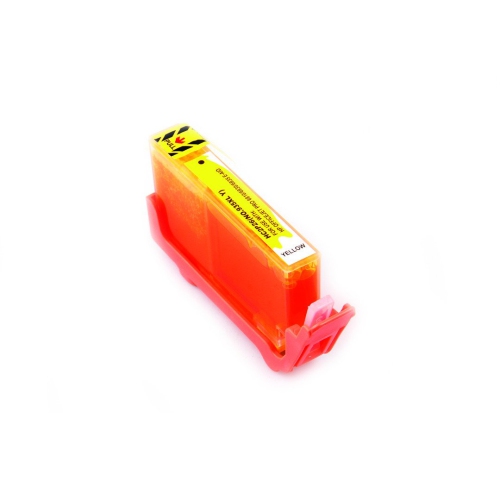
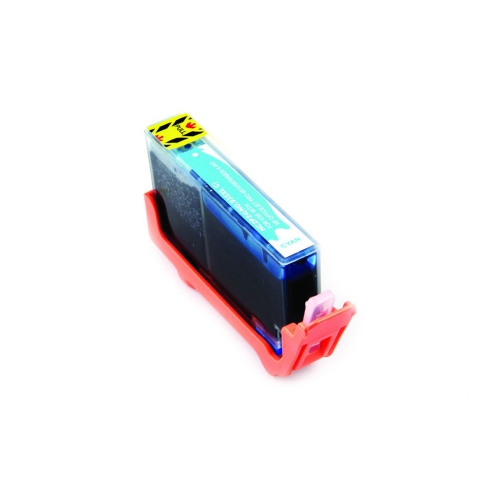
HP cartridge refills can be a practical choice for people who print regularly at home, in a small office, or at a study desk. They are designed to replenish compatible ink cartridges so you can continue producing sharp documents, colourful school projects, forms, recipes, labels, and everyday reference pages without replacing the entire cartridge each time it runs low. The right refill depends on the cartridge type, printer model, colour configuration, and ink formulation, so check the packaging and compatibility details carefully before making a purchase. Black ink refills are commonly used for letters, invoices, homework, shipping information, and other text-heavy pages, while colour refills are useful for charts, presentations, craft projects, photos, and printed images. Some cartridges use separate reservoirs for cyan, magenta, and yellow, while others combine colours in a single cartridge. Matching the refill ink to the correct chamber is important for accurate colour and reliable printing. It is also worth checking whether the cartridge has a built-in print head, whether it has been used before, and whether the refill method is intended for that particular cartridge design. A cartridge that has been left empty for a long period may have dried ink in the print head or sponge, and a refill alone may not restore perfect results. For a broader selection of compatible options, browse Printer Ink Refills and compare cartridge compatibility, colour type, refill quantity, and included accessories before ordering. These supplies can be especially useful for families preparing for a new school term, students printing assignments during the cooler months, home offices handling paperwork, or anyone who prefers to keep a spare refill nearby before an important document is due.
Refilling an ink cartridge is a hands-on task, so prepare a clean, stable workspace before beginning. Cover the surface with old newspaper or several layers of paper towel, put on disposable rubber gloves to protect your hands from stains, and keep a damp paper towel close by for quick clean-up. Remove the cartridge from the printer and set it on a paper towel with the print head facing down, taking care not to touch the electrical contacts or the print head itself. Many refillable cartridges have small fill holes beneath the top label or sticker. Peel the label back carefully rather than removing it completely, and inspect the cartridge to identify the appropriate opening. For a tri-colour cartridge, the chambers must be identified correctly because cyan, magenta, and yellow ink need to go into their matching sections. A small pin can help locate the openings, but work gently to avoid damaging the cartridge. Use the syringe supplied with the refill kit, draw up the recommended amount of the correct colour, and insert the needle only slightly into the internal sponge. The exact volume varies by cartridge capacity and refill design; some instructions suggest approximately 3 to 5 ml for a particular chamber, but the kit’s directions should take priority. Press the plunger slowly so the sponge can absorb the ink. Stop immediately if ink begins to pool, leak, or rise toward the opening, since overfilling can cause messy installation and poor print quality. Blot away excess ink with a clean paper towel, then cover the fill holes with the original label or a small piece of suitable tape to help prevent drying. Keep the cartridge upright or in the position recommended by the refill instructions until it is ready to reinstall. Avoid shaking it, squeezing the body, or leaving exposed ink near children, pets, paper, clothing, or unprotected surfaces.
After the refill is complete, place the cartridge back into the printer and make sure it clicks securely into position. Run the printer’s built-in cleaning or print-head alignment cycle, then print a nozzle check or test page. The first page may show uneven lines, pale sections, or missing colours while ink moves through the print head. If that happens, run the cleaning cycle again according to the printer’s instructions and allow a short pause between cycles rather than repeatedly cleaning without checking the result. A refill may not reset the cartridge’s electronic ink-level indicator, so the printer can continue to display a low or empty warning even when ink has been added. Treat the warning as an estimate, watch the printed results, and keep an eye out for streaking, smudging, faded text, or unexpected colour changes. If the cartridge leaks, remains blocked, or produces poor results after proper cleaning, remove it and check that the refill holes were sealed and that the correct ink was used. Store unused refill bottles in a cool, dry place away from direct sunlight, with their caps secured tightly, and follow the handling and storage information supplied with the refill. HP cartridge refills can be helpful for people who print often and want a convenient supply available for routine documents, creative projects, household organisation, and schoolwork. They may also make a useful practical gift for a student, remote worker, teacher, or home administrator who regularly reaches for a printer and appreciates having essential supplies ready when the next stack of pages is waiting.
Refilling an ink cartridge is a hands-on task, so prepare a clean, stable workspace before beginning. Cover the surface with old newspaper or several layers of paper towel, put on disposable rubber gloves to protect your hands from stains, and keep a damp paper towel close by for quick clean-up. Remove the cartridge from the printer and set it on a paper towel with the print head facing down, taking care not to touch the electrical contacts or the print head itself. Many refillable cartridges have small fill holes beneath the top label or sticker. Peel the label back carefully rather than removing it completely, and inspect the cartridge to identify the appropriate opening. For a tri-colour cartridge, the chambers must be identified correctly because cyan, magenta, and yellow ink need to go into their matching sections. A small pin can help locate the openings, but work gently to avoid damaging the cartridge. Use the syringe supplied with the refill kit, draw up the recommended amount of the correct colour, and insert the needle only slightly into the internal sponge. The exact volume varies by cartridge capacity and refill design; some instructions suggest approximately 3 to 5 ml for a particular chamber, but the kit’s directions should take priority. Press the plunger slowly so the sponge can absorb the ink. Stop immediately if ink begins to pool, leak, or rise toward the opening, since overfilling can cause messy installation and poor print quality. Blot away excess ink with a clean paper towel, then cover the fill holes with the original label or a small piece of suitable tape to help prevent drying. Keep the cartridge upright or in the position recommended by the refill instructions until it is ready to reinstall. Avoid shaking it, squeezing the body, or leaving exposed ink near children, pets, paper, clothing, or unprotected surfaces.
After the refill is complete, place the cartridge back into the printer and make sure it clicks securely into position. Run the printer’s built-in cleaning or print-head alignment cycle, then print a nozzle check or test page. The first page may show uneven lines, pale sections, or missing colours while ink moves through the print head. If that happens, run the cleaning cycle again according to the printer’s instructions and allow a short pause between cycles rather than repeatedly cleaning without checking the result. A refill may not reset the cartridge’s electronic ink-level indicator, so the printer can continue to display a low or empty warning even when ink has been added. Treat the warning as an estimate, watch the printed results, and keep an eye out for streaking, smudging, faded text, or unexpected colour changes. If the cartridge leaks, remains blocked, or produces poor results after proper cleaning, remove it and check that the refill holes were sealed and that the correct ink was used. Store unused refill bottles in a cool, dry place away from direct sunlight, with their caps secured tightly, and follow the handling and storage information supplied with the refill. HP cartridge refills can be helpful for people who print often and want a convenient supply available for routine documents, creative projects, household organisation, and schoolwork. They may also make a useful practical gift for a student, remote worker, teacher, or home administrator who regularly reaches for a printer and appreciates having essential supplies ready when the next stack of pages is waiting.
Top selling and popular products
-
 Your price for this item is $109.99
 -
 Your price for this item is $40.99
 -
 Your price for this item is $101.99
 -
 Your price for this item is $129.99
 -
 Your price for this item is $109.99
 -
 Your price for this item is $89.99
 -
 Your price for this item is $90.99
 -
 Your price for this item is $57.99
Discover more categories related to HP Cartridge Refills
Top Collections:
Pokemon Centers, Kindle Devices, Best Budget Office Chairs, Apple iPhones 16, Best Laptops for Writers, iPhone 15 Apple, Canon G7X Cameras, Refurbished Apple Laptops, Alarm Clock, Motorola Razr Phones
Some products may be subject to Environmental Handling Fees
(EHF) depending on your province.
Learn more about EHFs.