Small Business Phones
In the fast-paced world of small business, effective communication is key to success. Upgrade your office with our selection of small business phones designed to keep you connected and productive. Whether you need a reliable corded phone for your reception area or a versatile wireless system for your team, we have the perfect solution to meet your business needs. Stay connected with clients, colleagues, and suppliers with our range of innovative small business phone systems that offer crystal-clear sound quality and advanced features to streamline your daily operations.
Sort
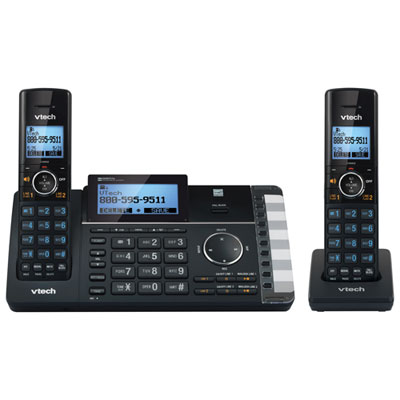
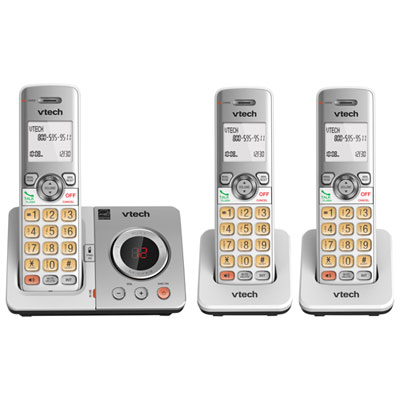
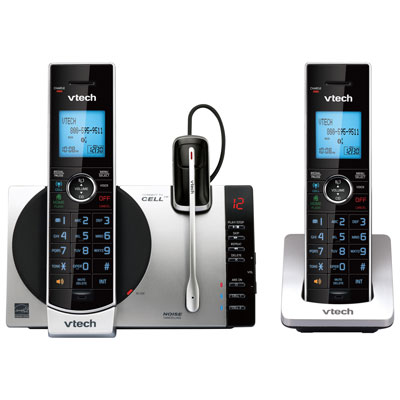
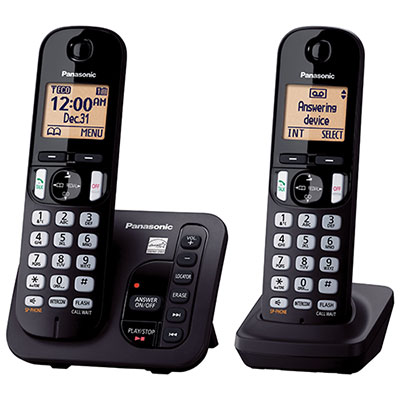
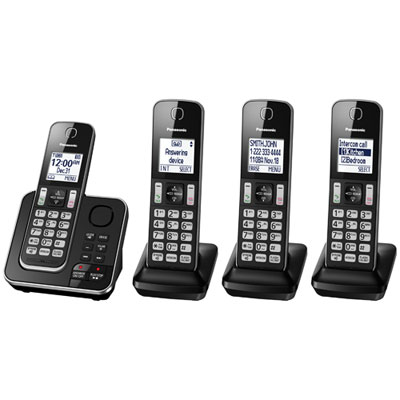
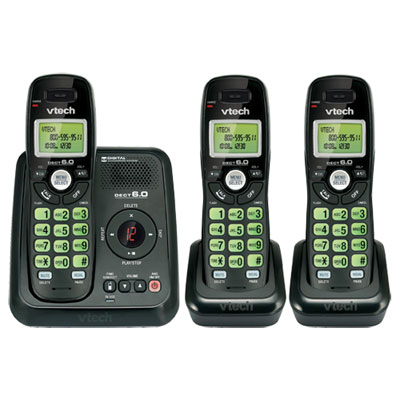
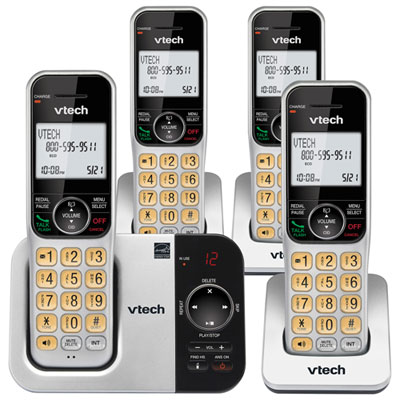
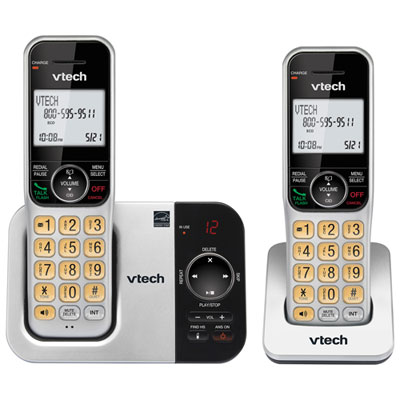
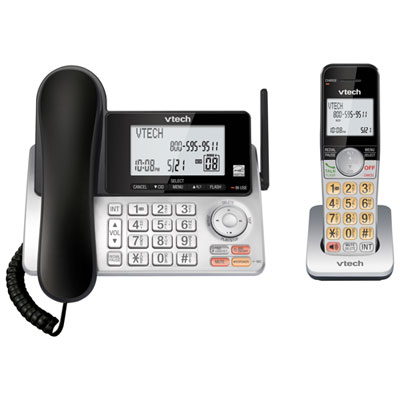
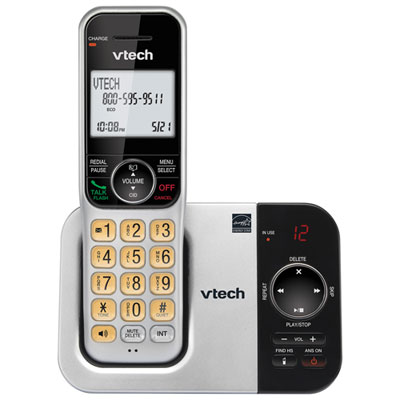
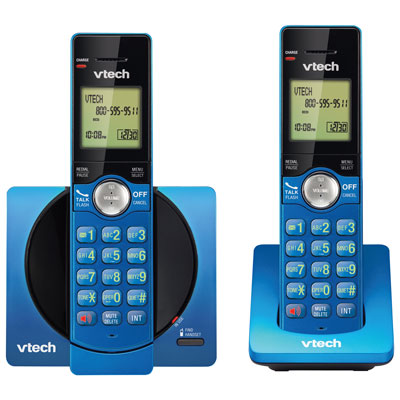
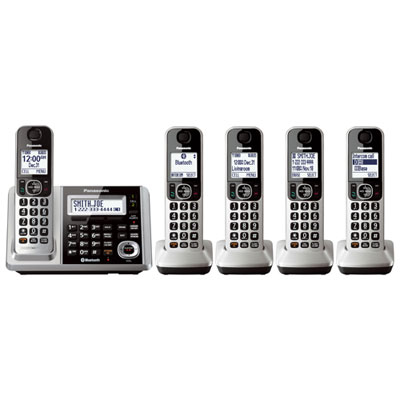
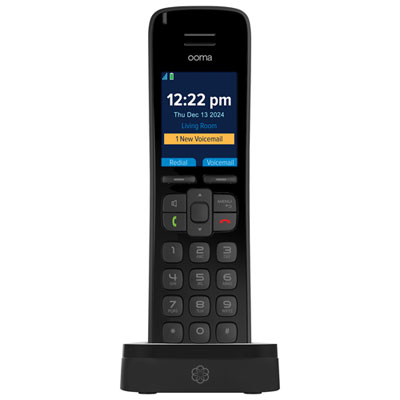
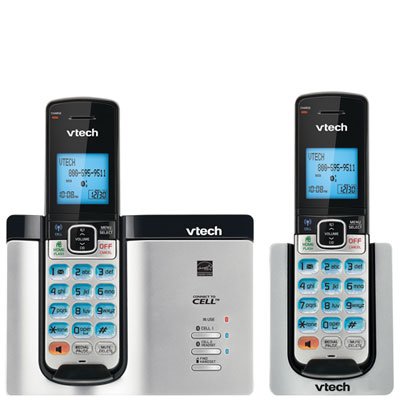
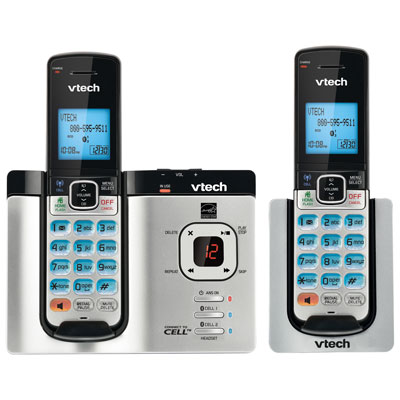
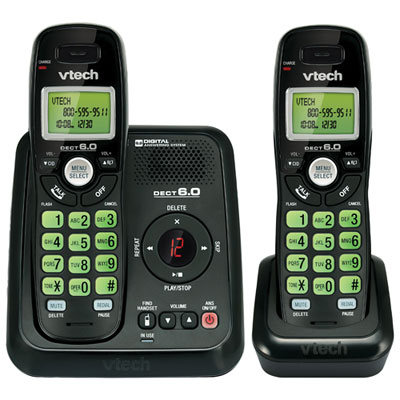
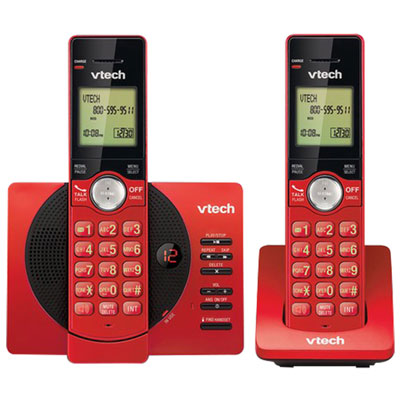
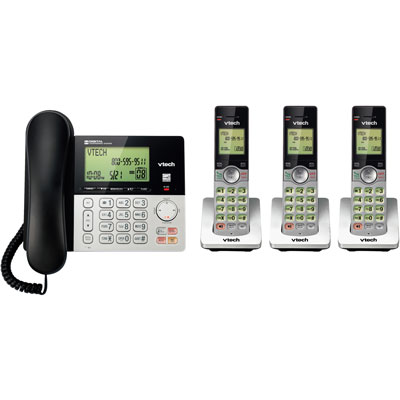
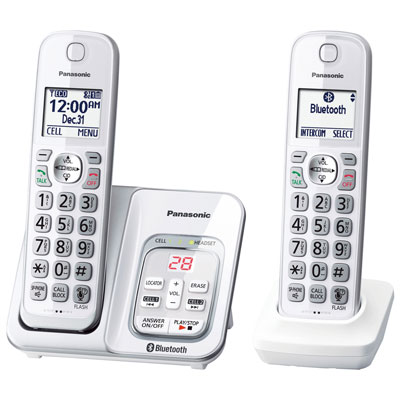
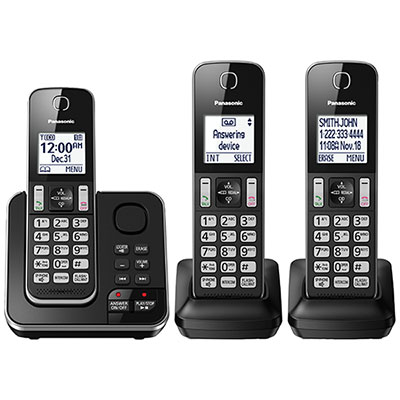
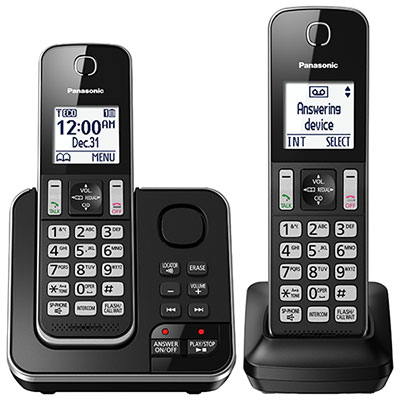
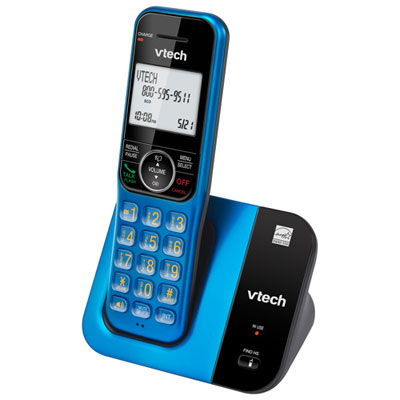
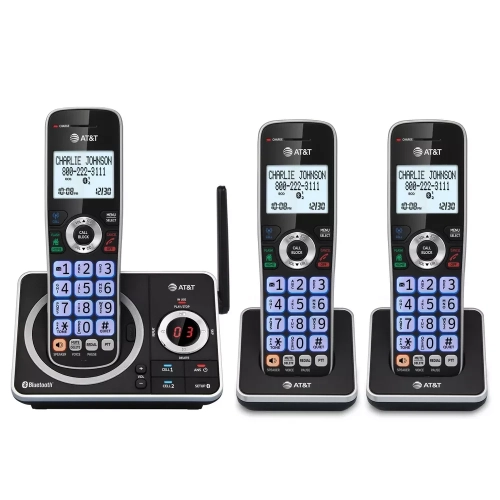
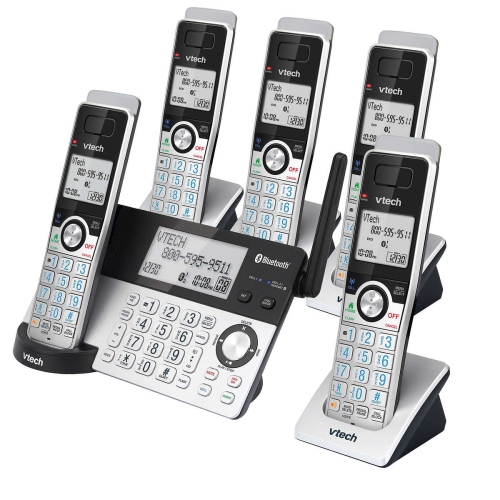
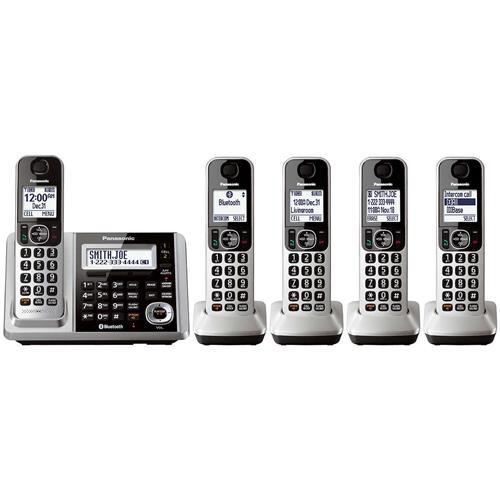
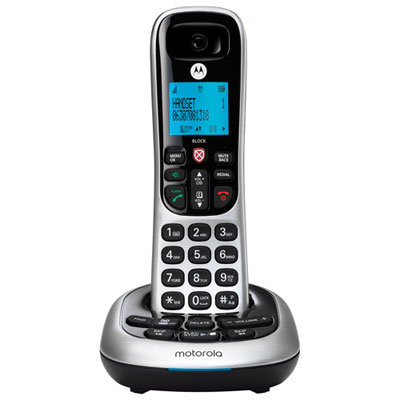
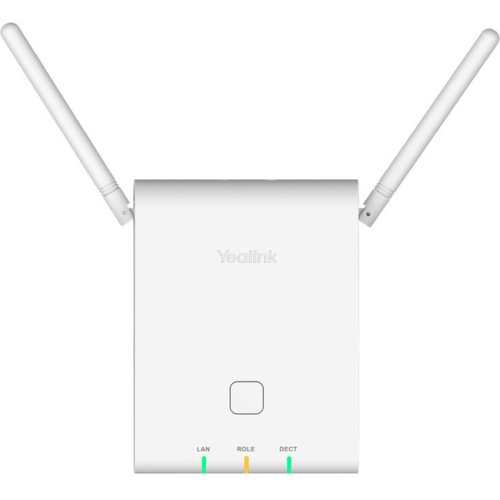
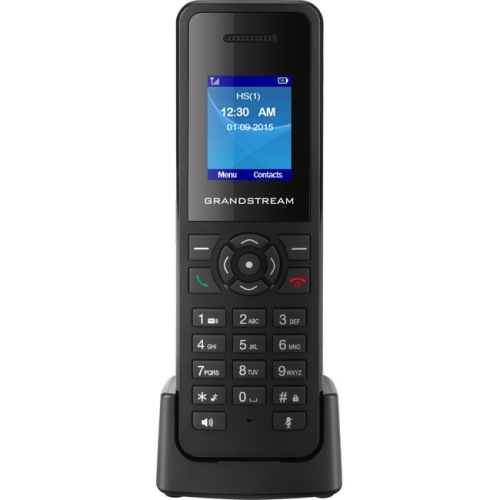
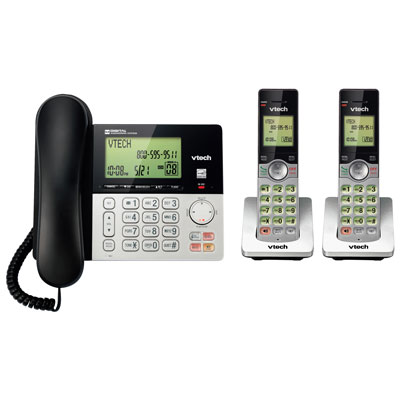
Phone setups that fit how your workplace handles calls
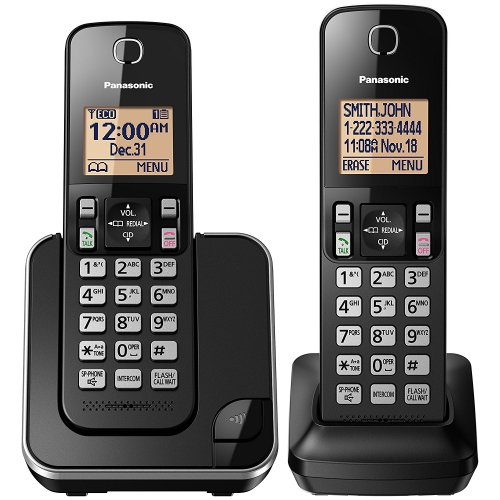
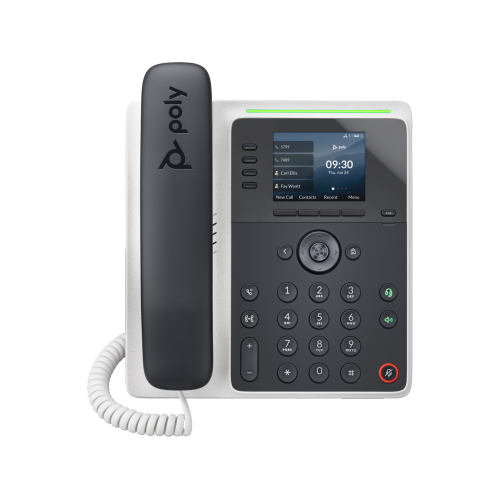
Small business phones give customers, suppliers, and colleagues a clear way to reach the right person, whether the workplace is a quiet home office, a busy reception desk, or a shop with staff moving between the counter and the back room. The main types include traditional corded landline phones, cordless office phones, multi-line systems, and IP desk phones that work with compatible Voice over Internet Protocol, or VoIP, services. Each suits a different calling setup. A single-line phone can be enough for an independent professional who handles one conversation at a time, while a multi-line system can support separate incoming lines for a shared office. An IP phone sends calls over an internet connection through a compatible phone service or business telephone system, with calling features determined by both the handset and the platform behind it. For businesses keeping an existing telephone connection, Landline Phones for Small Businesses are a relevant starting point, particularly when familiar controls and straightforward daily calling matter most. Compatibility deserves close attention: an analogue phone, an IP desk phone, and a handset designed for a particular cordless base are not automatically interchangeable. The number of people using the phones also differs from the number of simultaneous calls a system can handle. A workplace may need several extensions but only a few outside calls at once, while a booking desk may need several active calls during its busiest periods. Expansion capacity matters when an extra workstation or another room becomes part of the business. Depending on the system, adding a phone may require a compatible base, additional network connections, or configuration through the service provider. The most useful setup fits the way calls actually move through the workplace, from the first ring to a transfer, a returned message, or a conversation that needs a little more time.
Everyday call handling is where small business phone features make their biggest difference. At a front desk, clearly labelled line keys and extension buttons help staff see which calls are active and transfer a caller without searching through several menus. In a small professional office, hold, mute, redial, a searchable directory, and an easy-to-read caller display can keep routine conversations moving smoothly. Caller ID and some other functions depend on the connected service, so a feature listed on a handset does not necessarily work with every telephone setup. An auto-attendant, sometimes called a virtual receptionist, answers with a recorded greeting and directs callers to an extension or department; it is generally a function of the phone system or service rather than the desk phone alone. Voicemail, call queues, after-hours routing, and mobile app access can also depend on that underlying platform. These distinctions matter for a team that wants calls to reach the shop counter during opening hours and a designated person when staff are away from their desks. Call forwarding can direct incoming calls elsewhere, but it does not guarantee that every call will be answered. Sound quality is just as practical as routing. A well-positioned microphone, adjustable handset volume, and a capable speakerphone help make names, appointment times, and order details easier to understand. Full-duplex speakerphones allow both sides to speak at once, which can make brief team conversations feel more natural. Headset compatibility is useful for someone who types notes or checks a schedule while talking, although connector types and wireless headset support vary. Cordless handsets offer freedom to move around a workplace, but walls, shelving, and the distance from the base can affect reception. For shared spaces, distinctive ring tones and adjustable ringer levels help staff identify the right phone without making every incoming call disruptive. A readable display with good contrast is particularly helpful when checking missed calls or finding an extension at a glance.
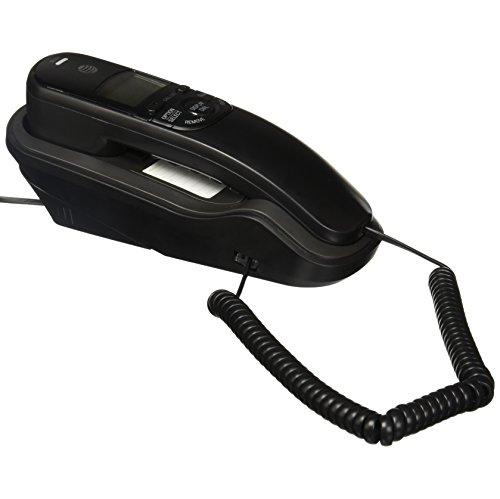
The physical design of a business phone affects how comfortably it fits into a working day. Most desk phones use moulded plastic housings, with differences in weight, surface finish, keypad feel, and base stability that become noticeable with frequent use. A steady base is helpful on a smooth reception counter, while a compact footprint leaves room for a keyboard, appointment book, and paperwork. An adjustable stand can improve the viewing angle, and wall-mounting support may suit a stockroom or service counter where desk space is limited. Handsets should feel comfortable during longer conversations, with buttons that are easy to distinguish and a cord long enough for the intended position. For cordless phones, battery talk time, standby time, charging arrangements, and replacement battery compatibility all contribute to everyday usefulness. Returning a handset to its charging cradle between tasks can help keep it ready for the next call. Durability is also about matching the phone to its setting: a standard office handset should not be assumed to resist moisture, dust, or drops unless the manufacturer specifies that protection. Routine care usually involves a soft cloth and cleaning methods approved for the device, keeping liquid out of openings and checking cords for wear or strain. Connection and power requirements deserve the same attention as the hardware. Some IP phones support Power over Ethernet, which can carry power and data through one network cable when compatible equipment is in place; others need a separate power adaptor. Wi-Fi support can offer more flexibility in positioning an IP phone, but it is not a standard feature on every model. Internet-based calling relies on the network and connected equipment, while cordless bases require power even when the handset battery is charged. A basic corded analogue phone may operate during a power outage on a traditional powered telephone line, but service delivered through a modem or terminal depends on that equipment having power. These practical details help shape a phone setup that suits both the people answering calls and the customers relying on a familiar business number.
Everyday call handling is where small business phone features make their biggest difference. At a front desk, clearly labelled line keys and extension buttons help staff see which calls are active and transfer a caller without searching through several menus. In a small professional office, hold, mute, redial, a searchable directory, and an easy-to-read caller display can keep routine conversations moving smoothly. Caller ID and some other functions depend on the connected service, so a feature listed on a handset does not necessarily work with every telephone setup. An auto-attendant, sometimes called a virtual receptionist, answers with a recorded greeting and directs callers to an extension or department; it is generally a function of the phone system or service rather than the desk phone alone. Voicemail, call queues, after-hours routing, and mobile app access can also depend on that underlying platform. These distinctions matter for a team that wants calls to reach the shop counter during opening hours and a designated person when staff are away from their desks. Call forwarding can direct incoming calls elsewhere, but it does not guarantee that every call will be answered. Sound quality is just as practical as routing. A well-positioned microphone, adjustable handset volume, and a capable speakerphone help make names, appointment times, and order details easier to understand. Full-duplex speakerphones allow both sides to speak at once, which can make brief team conversations feel more natural. Headset compatibility is useful for someone who types notes or checks a schedule while talking, although connector types and wireless headset support vary. Cordless handsets offer freedom to move around a workplace, but walls, shelving, and the distance from the base can affect reception. For shared spaces, distinctive ring tones and adjustable ringer levels help staff identify the right phone without making every incoming call disruptive. A readable display with good contrast is particularly helpful when checking missed calls or finding an extension at a glance.
The physical design of a business phone affects how comfortably it fits into a working day. Most desk phones use moulded plastic housings, with differences in weight, surface finish, keypad feel, and base stability that become noticeable with frequent use. A steady base is helpful on a smooth reception counter, while a compact footprint leaves room for a keyboard, appointment book, and paperwork. An adjustable stand can improve the viewing angle, and wall-mounting support may suit a stockroom or service counter where desk space is limited. Handsets should feel comfortable during longer conversations, with buttons that are easy to distinguish and a cord long enough for the intended position. For cordless phones, battery talk time, standby time, charging arrangements, and replacement battery compatibility all contribute to everyday usefulness. Returning a handset to its charging cradle between tasks can help keep it ready for the next call. Durability is also about matching the phone to its setting: a standard office handset should not be assumed to resist moisture, dust, or drops unless the manufacturer specifies that protection. Routine care usually involves a soft cloth and cleaning methods approved for the device, keeping liquid out of openings and checking cords for wear or strain. Connection and power requirements deserve the same attention as the hardware. Some IP phones support Power over Ethernet, which can carry power and data through one network cable when compatible equipment is in place; others need a separate power adaptor. Wi-Fi support can offer more flexibility in positioning an IP phone, but it is not a standard feature on every model. Internet-based calling relies on the network and connected equipment, while cordless bases require power even when the handset battery is charged. A basic corded analogue phone may operate during a power outage on a traditional powered telephone line, but service delivered through a modem or terminal depends on that equipment having power. These practical details help shape a phone setup that suits both the people answering calls and the customers relying on a familiar business number.
Top selling and popular products
-
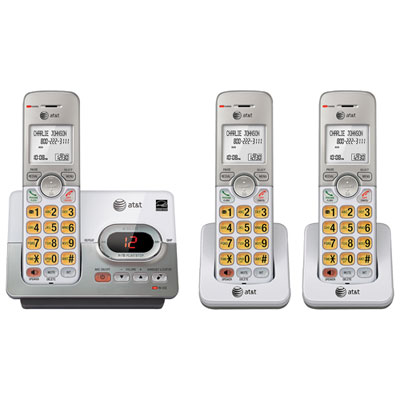 Your price for this item is $76.98
 -
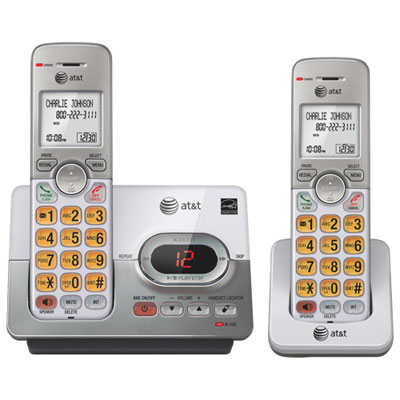 Your price for this item is $54.99
 -
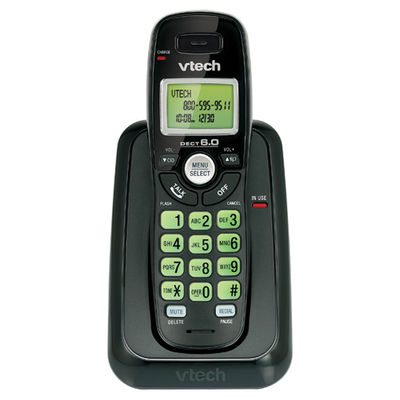 Your price for this item is $17.88
 -
 Your price for this item is $45.98
 -
 Your price for this item is $69.99
 -
 Your price for this item is $59.99
 -
 Your price for this item is $79.99
 -
 Your price for this item is $99.99
Discover more categories related to Small Business Phones
Top Collections:
Pokemon Centers, Budget 4K TVs, Best Budget Office Chairs, Kindle Devices, Canon G7X Cameras, Apple iPhones 16, iPhone 15 Apple, Laptops for Business Work, Xiaomi Phones, Flip Phones
Some products may be subject to Environmental Handling Fees
(EHF) depending on your province.
Learn more about EHFs.