Optoma 1080p 3D Projectors
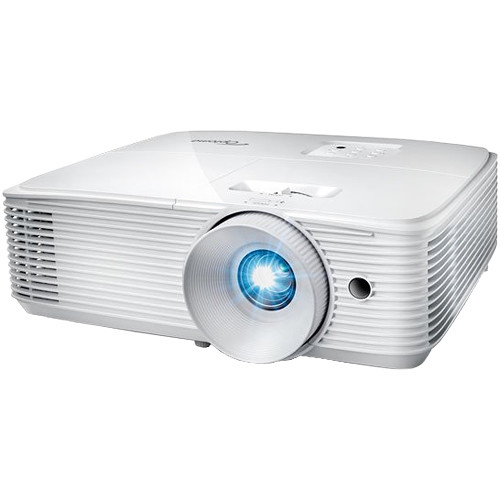
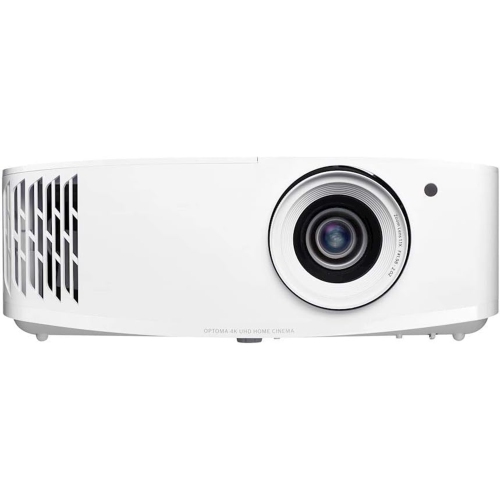
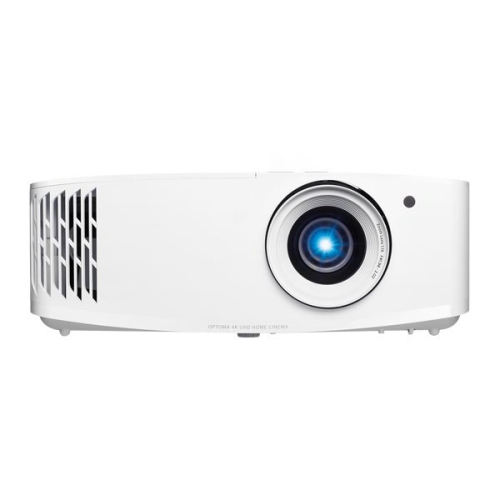
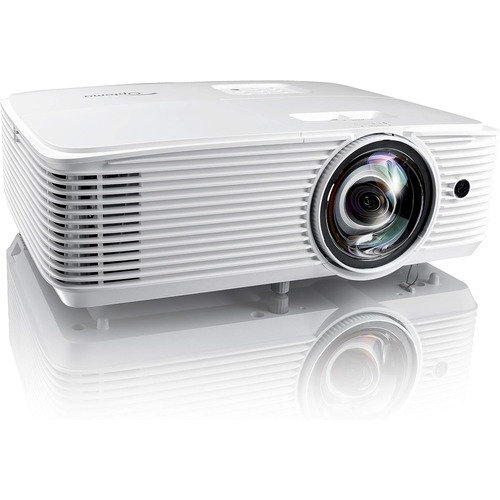
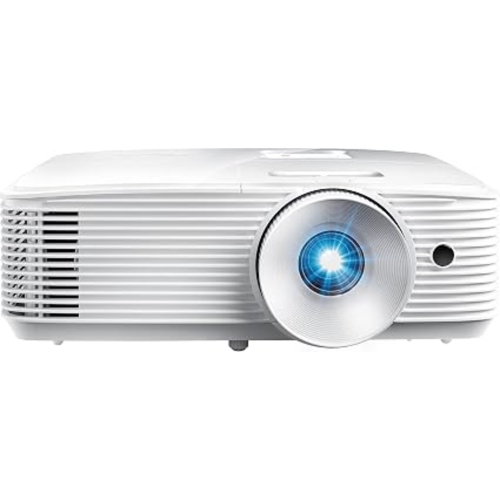
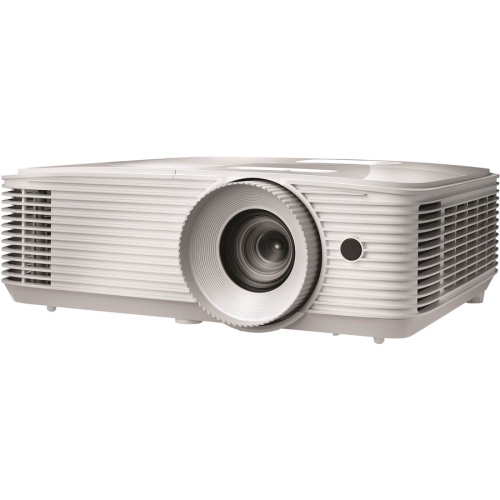
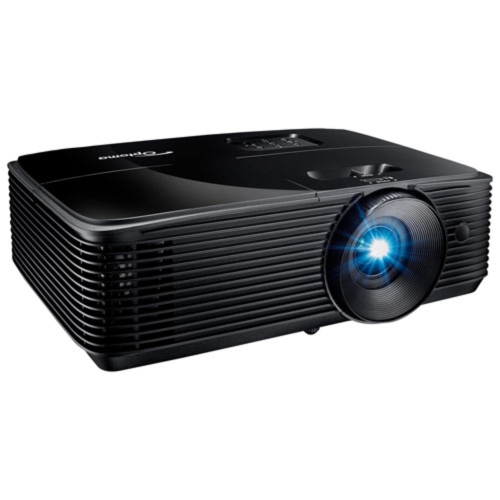
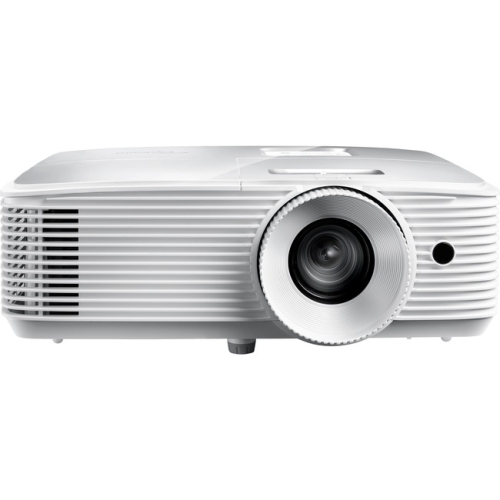
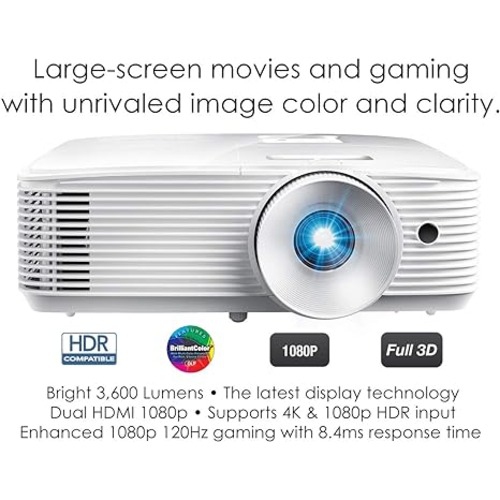
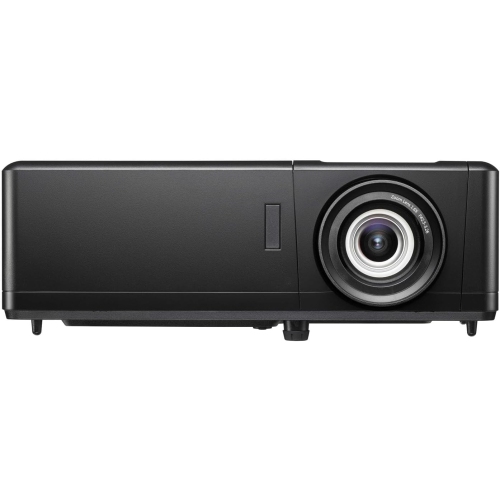
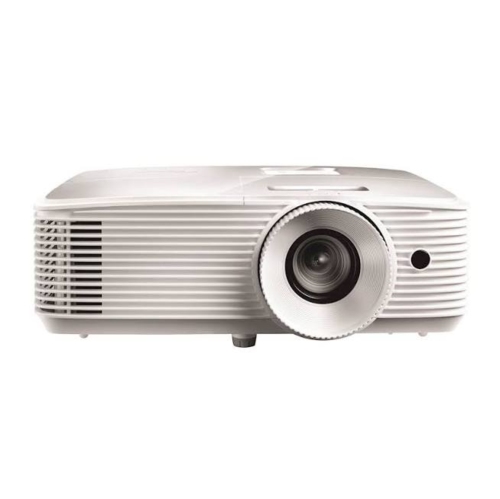
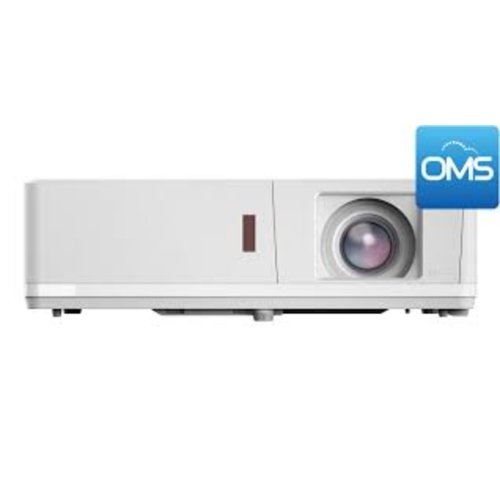
Explore Optoma 1080p 3D projectors for Full HD movies and compatible 3D entertainment at home. Compare brightness, throw distance, and connection options to find a fit for your room and devices, and check each model’s supported 3D formats and glasses requirements before choosing.



FAQ
You need 3D content, a playback device that supports the content’s 3D format, a compatible connection, and 3D glasses that work with the projector. Check the projector’s supported formats and connection requirements, as not every streaming service or playback device supports 3D output.
3D-capable projectors generally also display standard 2D content, including movies, TV shows, presentations, and video games. You do not need 3D glasses for 2D viewing. Depending on the projector and source, you may need to switch the display mode when changing between 2D and 3D content.
The glasses must match the projector’s supported 3D synchronization system, such as DLP Link. Passive glasses used in many cinemas are not interchangeable with active-shutter glasses. Check the projector’s documentation for the required glasses type rather than assuming all 3D glasses are compatible.
Supported formats vary by model and may include frame-packed, side-by-side, and top-and-bottom 3D video. Compatibility also depends on the input resolution and refresh rate. Match the source device’s output settings to a format listed in the projector’s documentation.
You can route audio through a compatible AV receiver while sending video to the projector, or use a supported audio output if the projector has one. If video passes through an AV receiver, the receiver must support the source’s 3D signal. Available connections vary, so check the ports and supported signal formats on your equipment.
Top selling and popular products
Discover more categories related to Optoma 1080p 3D Projectors
Some products may be subject to Environmental Handling Fees (EHF) depending on your province. Learn more about EHFs.