Auto Tracking Cameras
Capture every moment on the road with these auto-tracking cameras. These innovative devices are designed to provide you with a clear and comprehensive view of your surroundings while driving. Whether you're looking for added security, want to record your scenic road trips, or simply need evidence in case of an accident, these auto-tracking cameras have got you covered. With their advanced features and cutting-edge technology, you can trust these cameras to deliver high-quality footage and peace of mind on every journey.
Sort
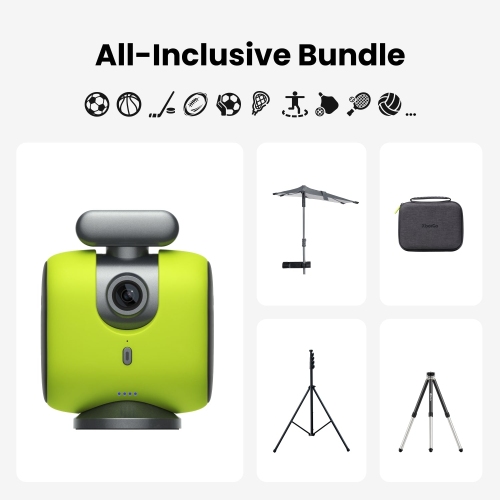
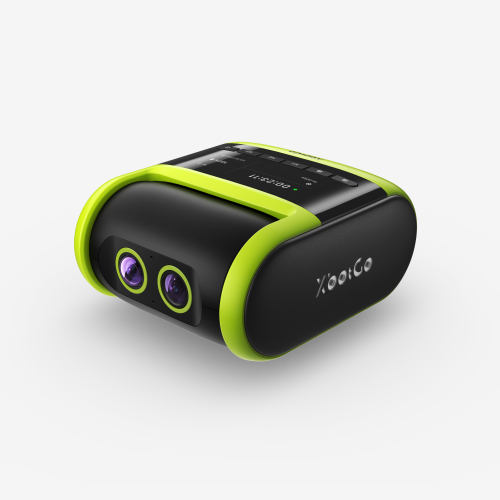
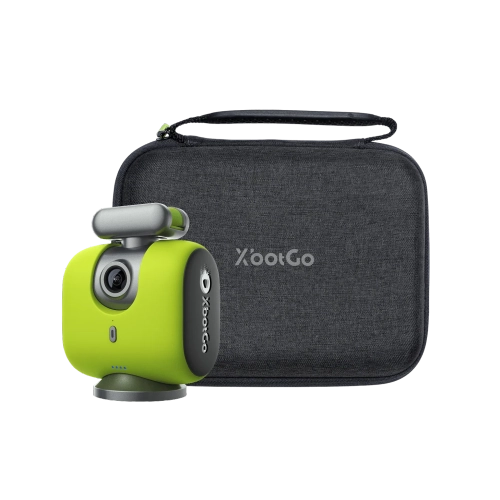
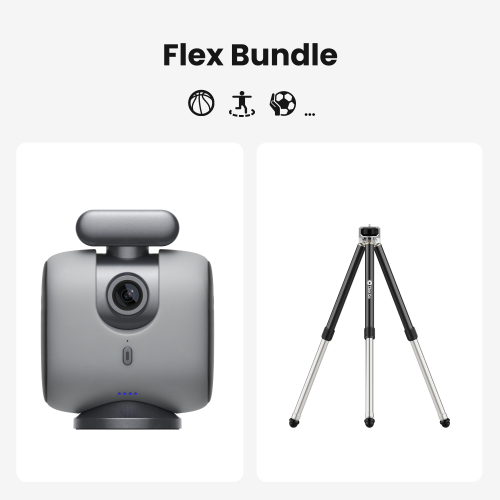
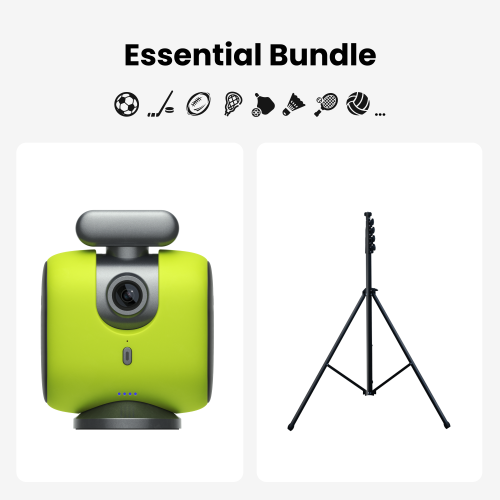
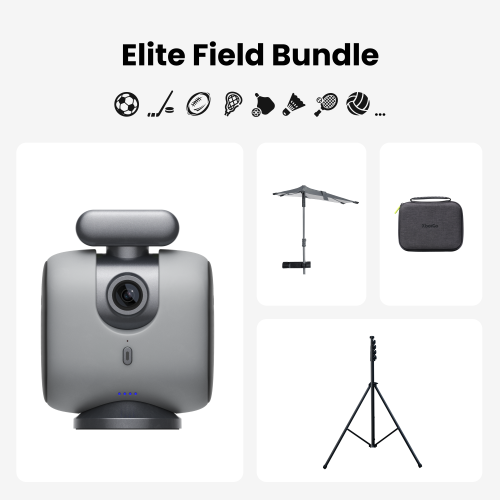
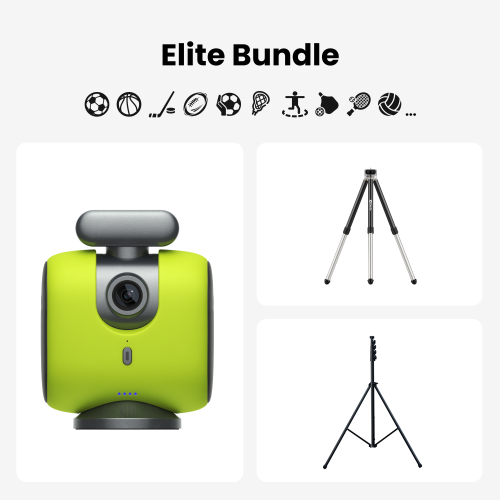
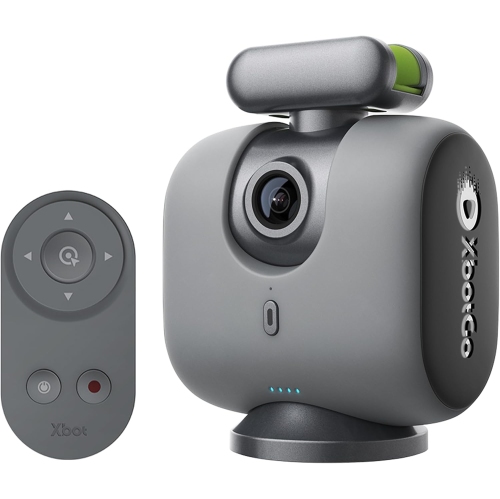
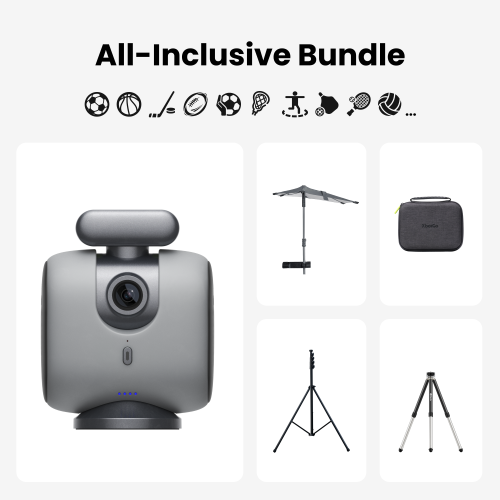
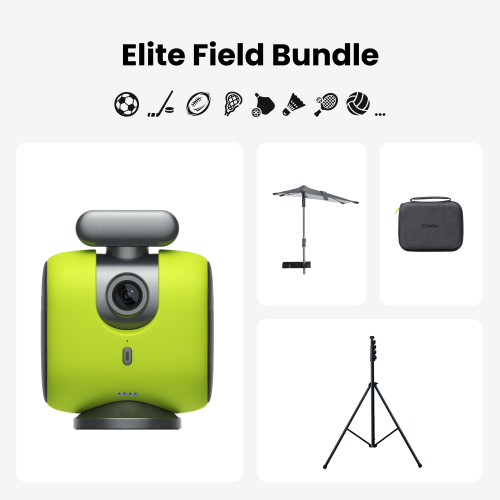
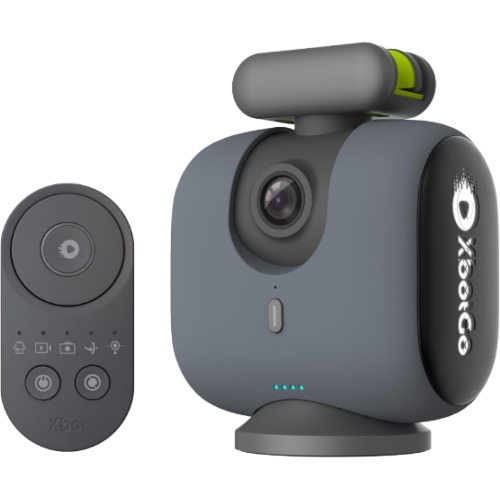
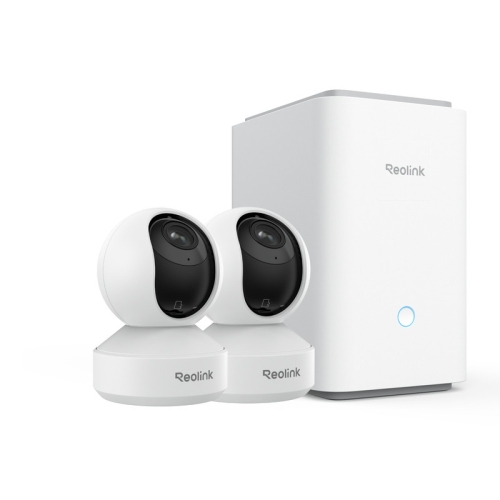
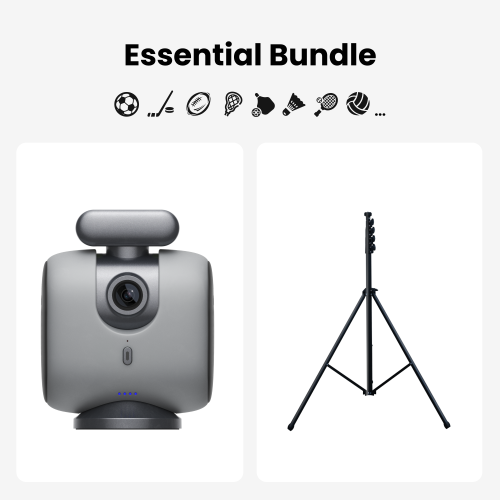
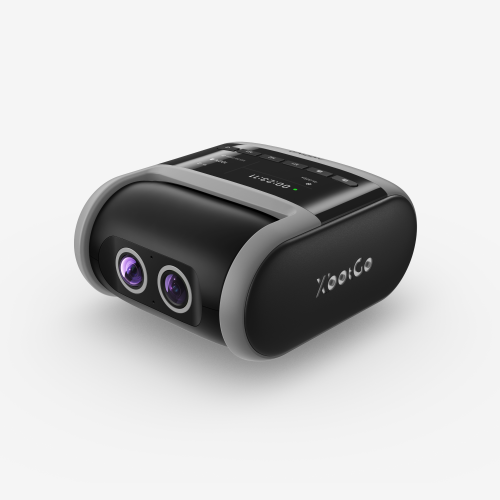

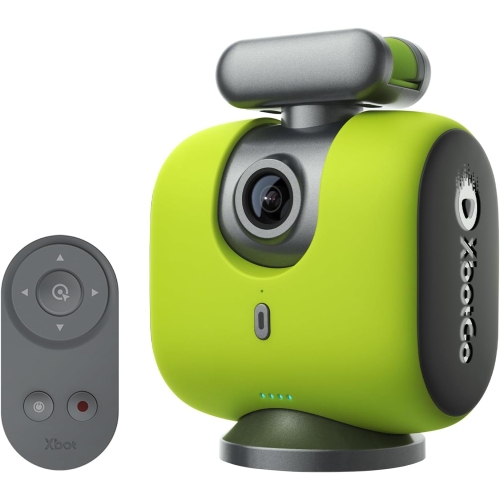
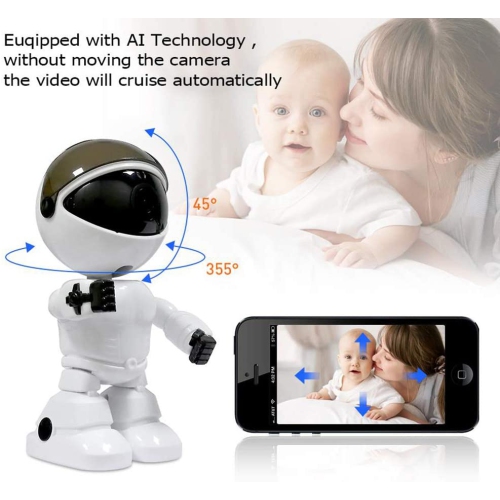
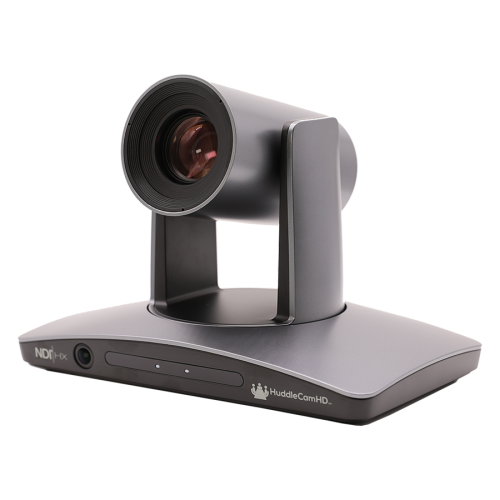
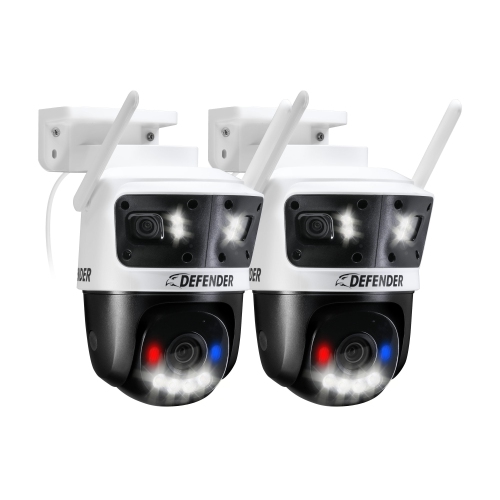
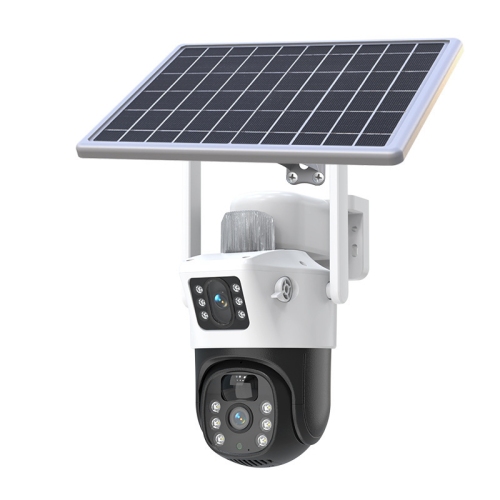
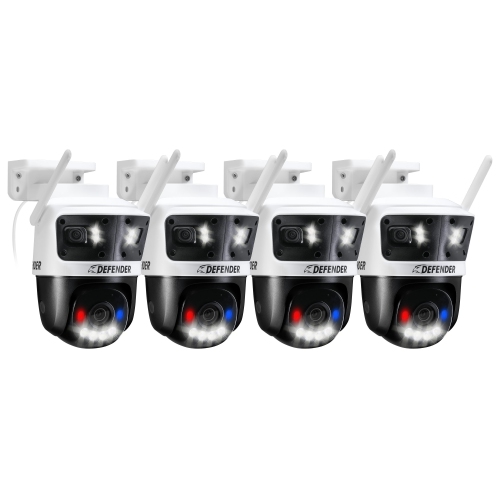
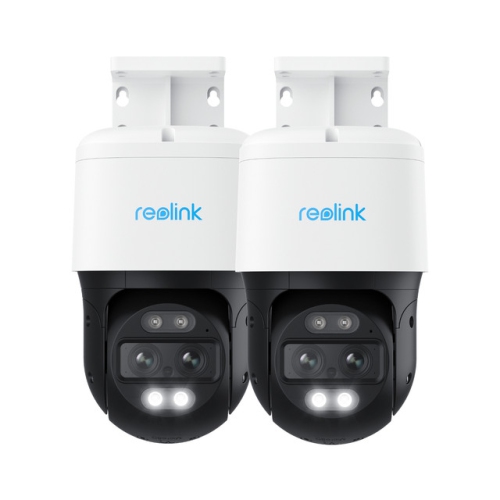
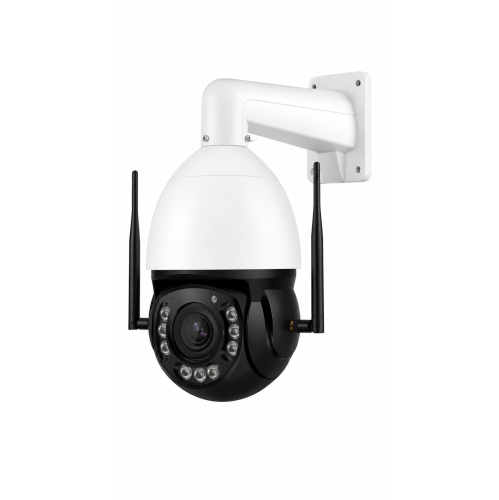
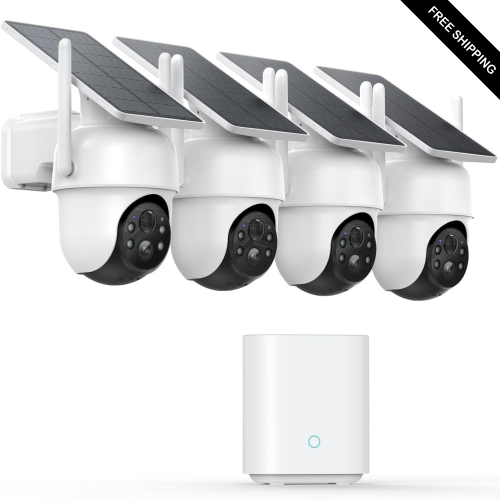
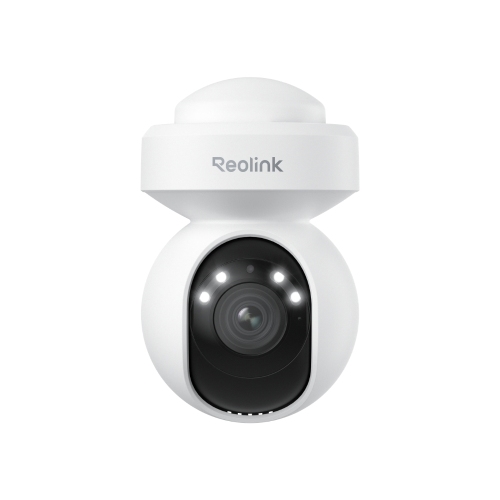
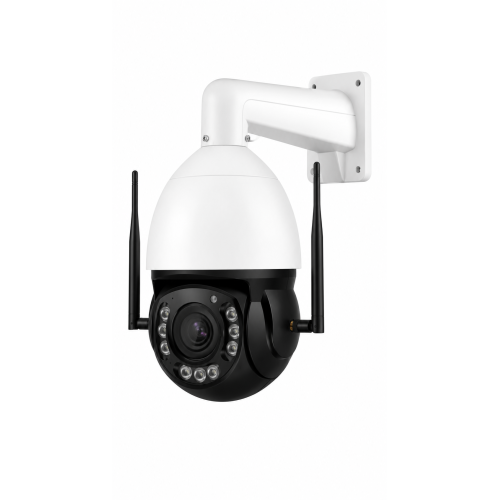
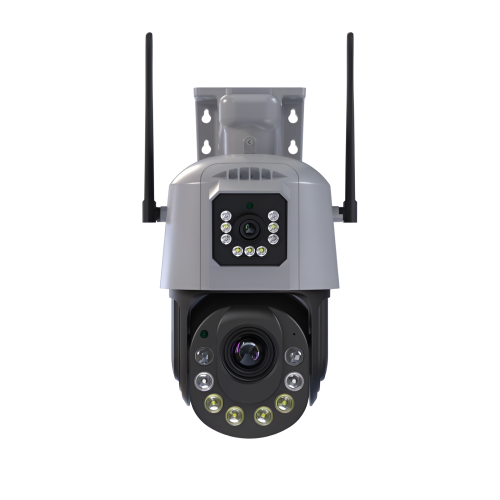
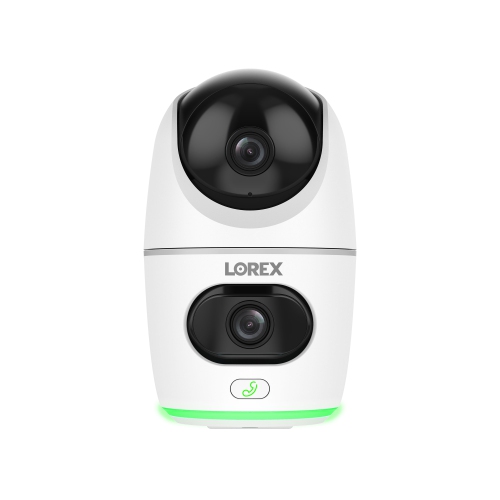
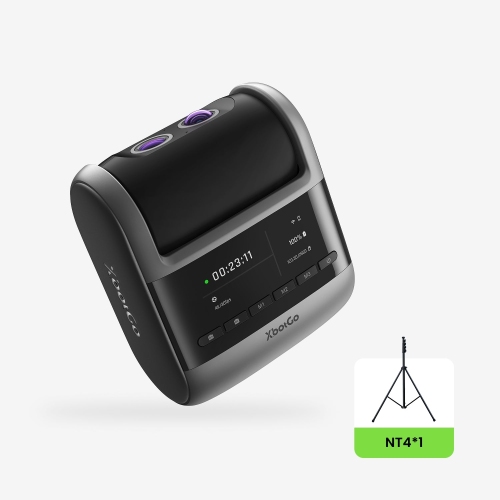
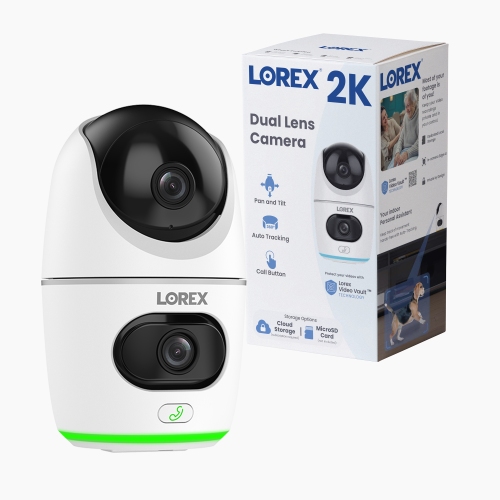
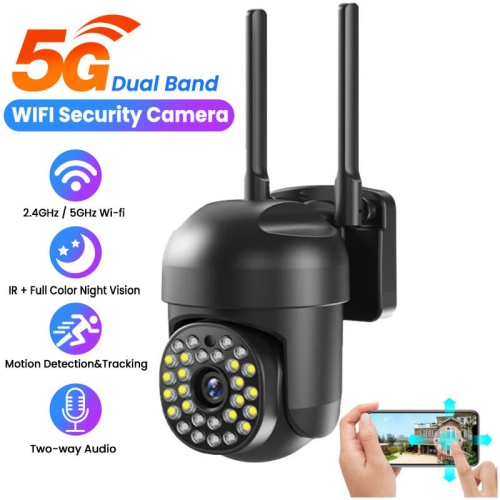
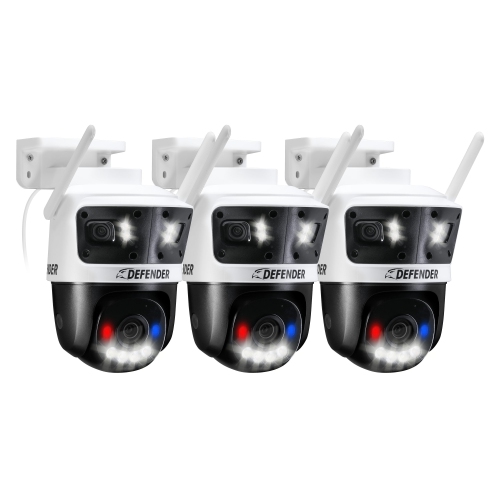
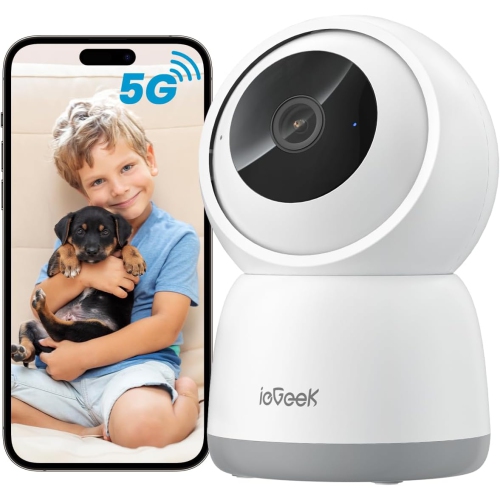
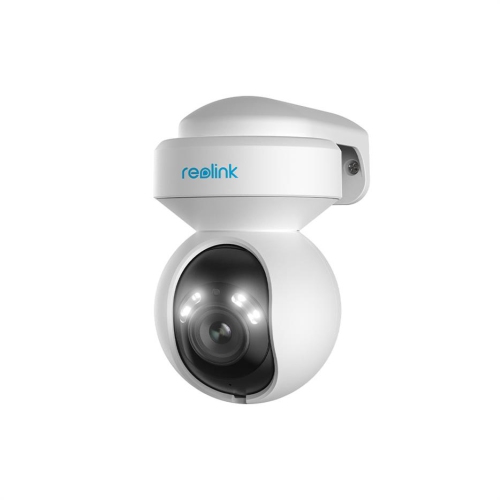
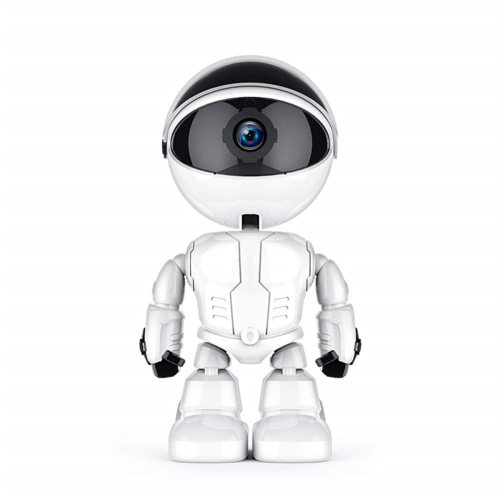
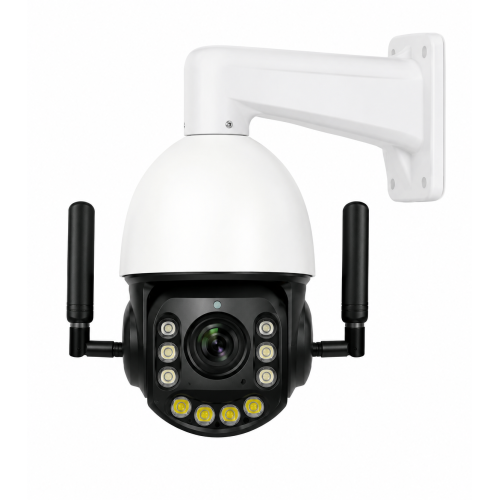
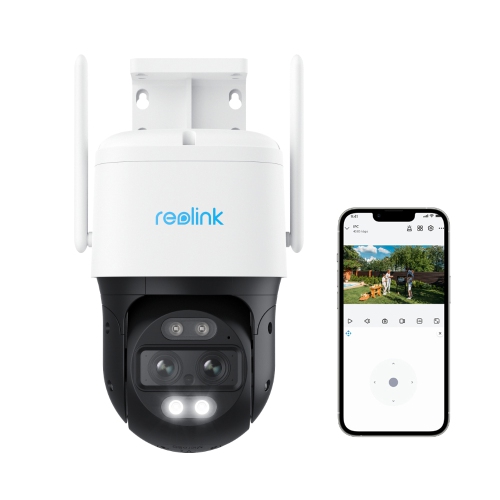
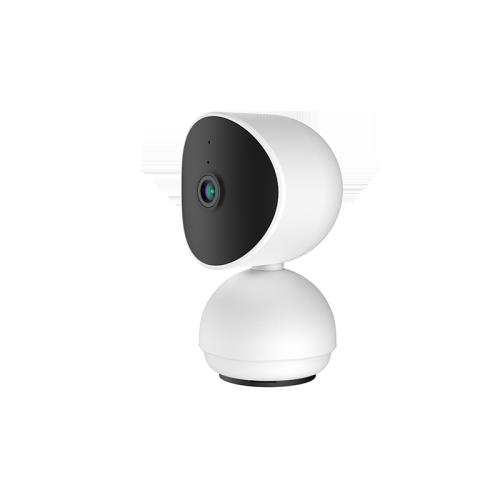
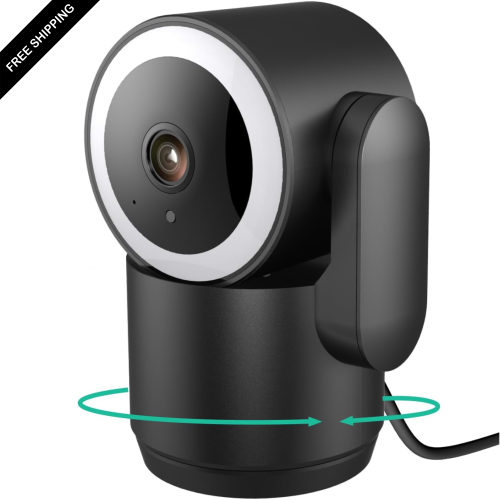
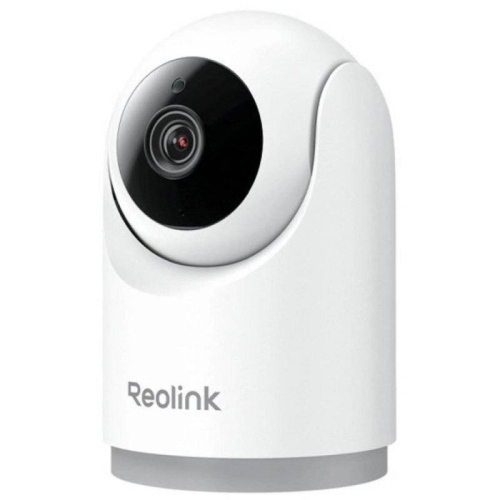
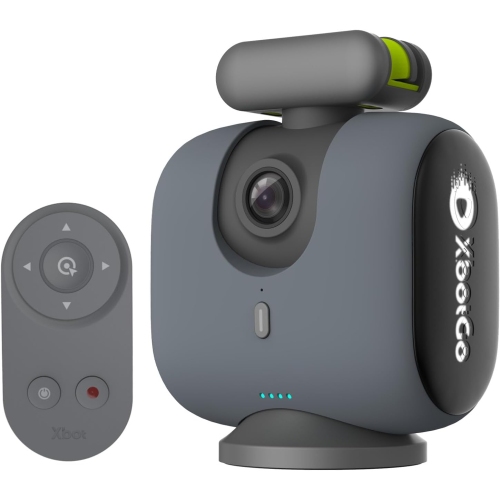
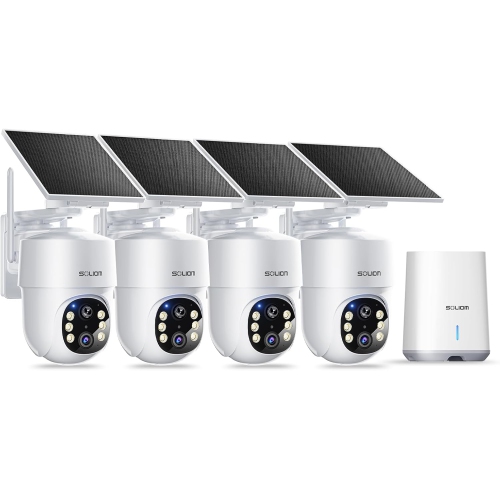
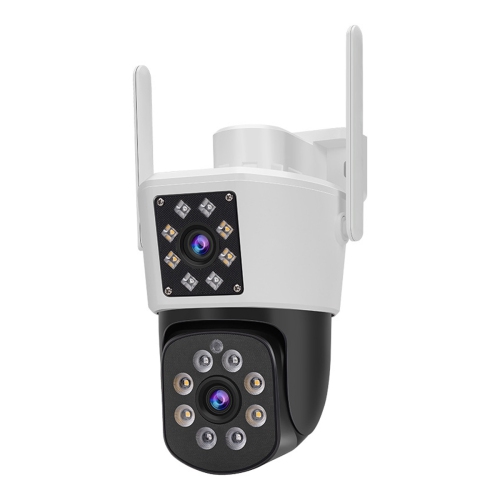
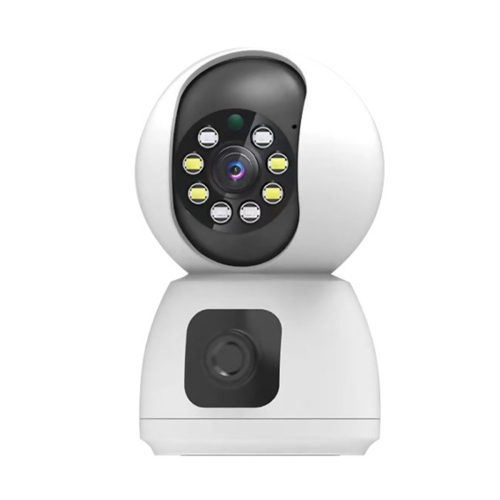
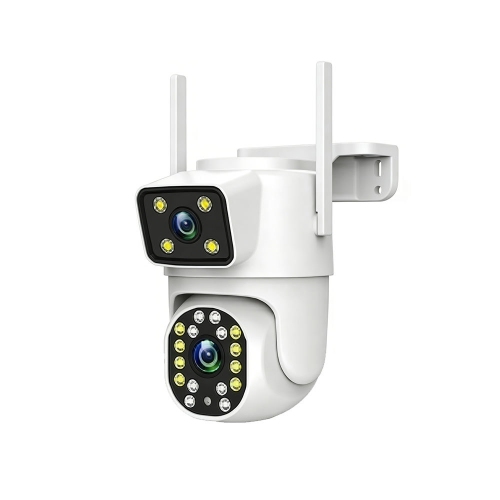
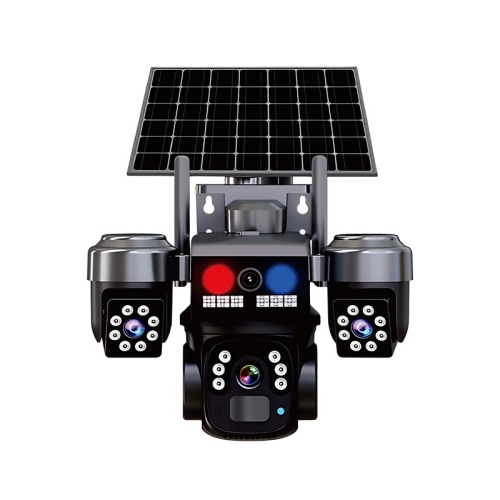
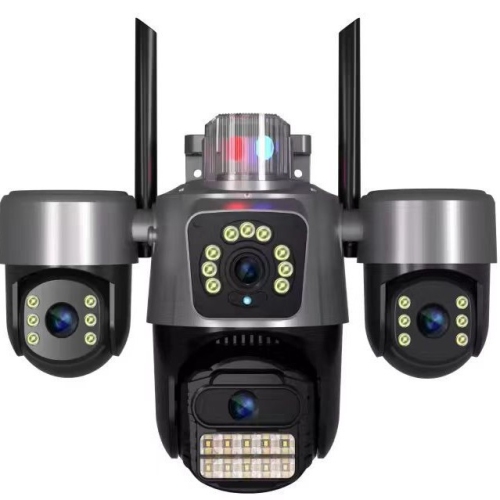
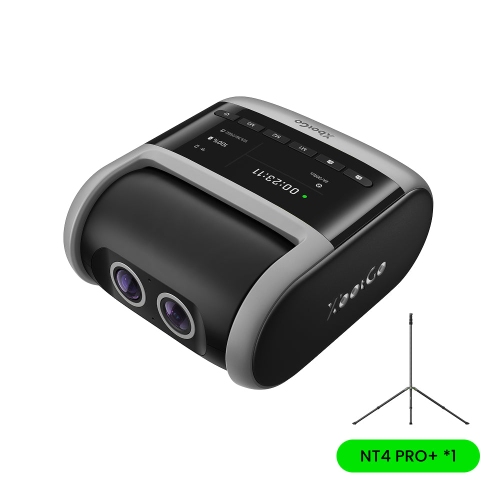
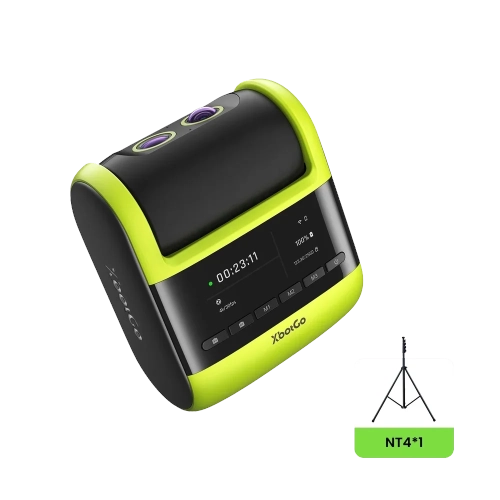
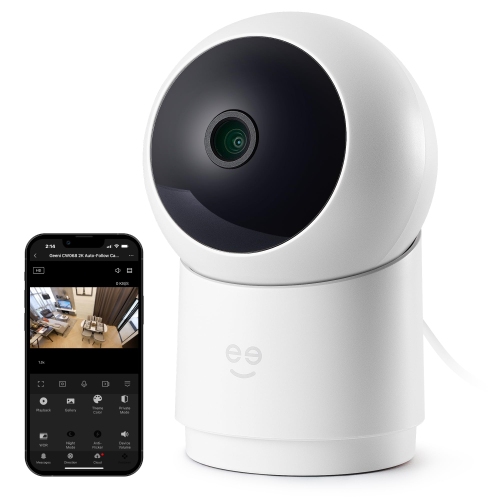
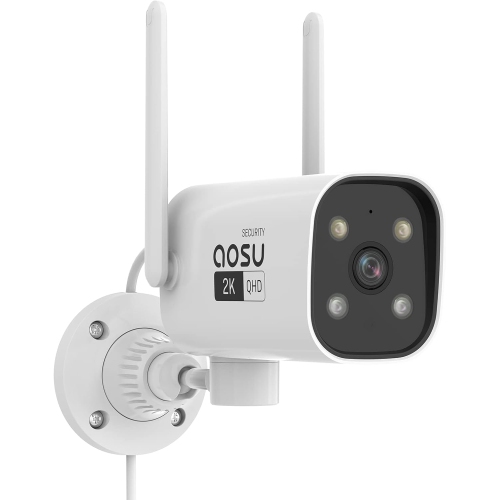
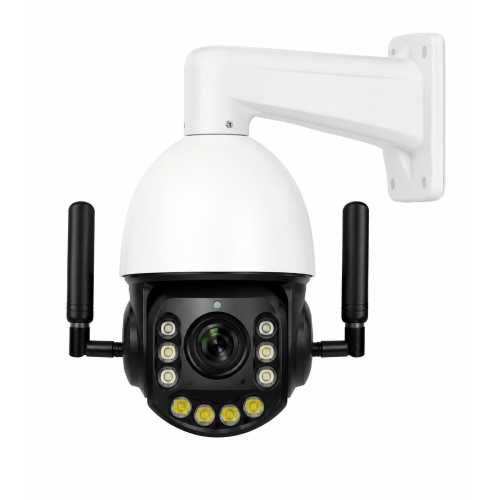
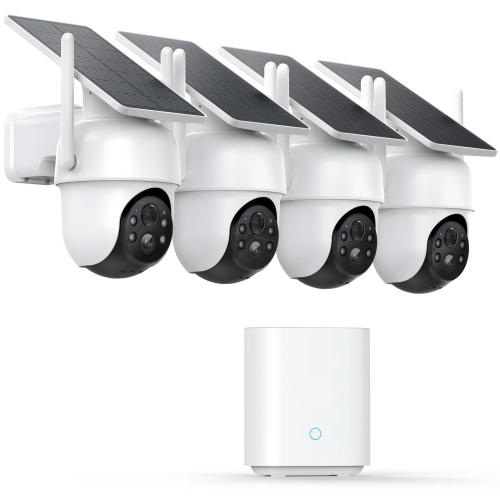
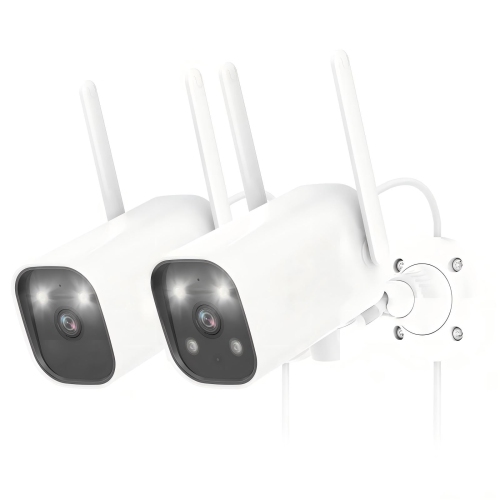
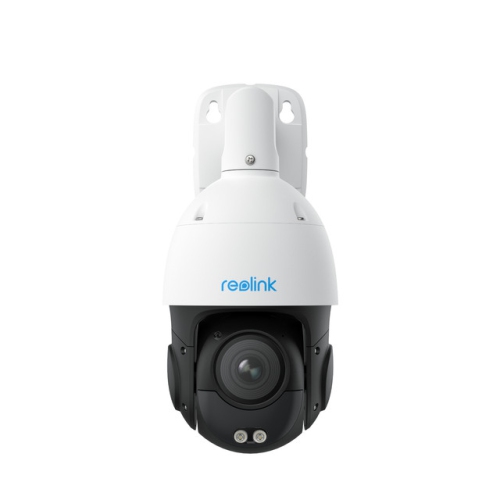
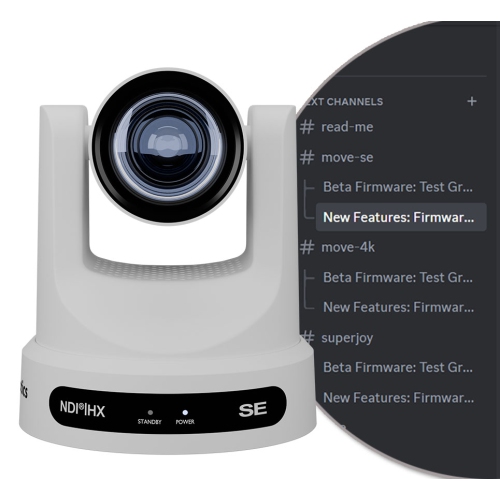
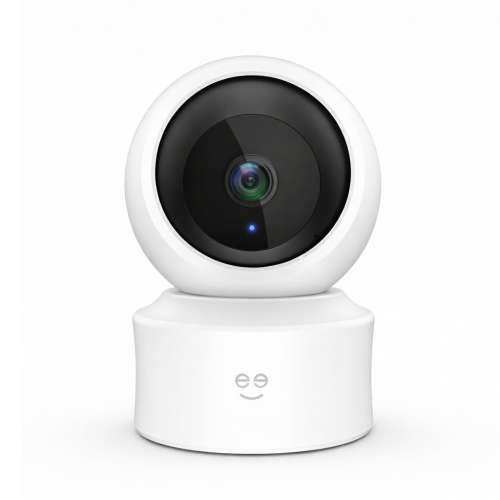
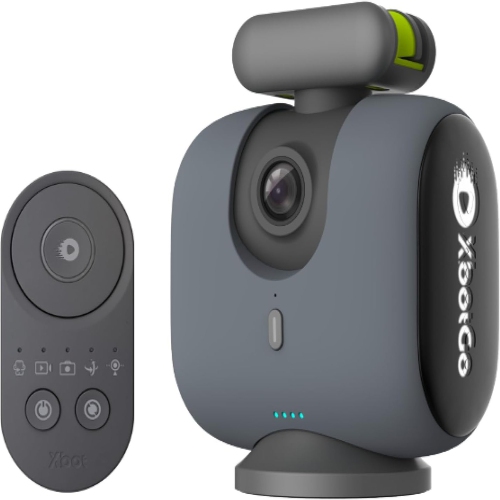
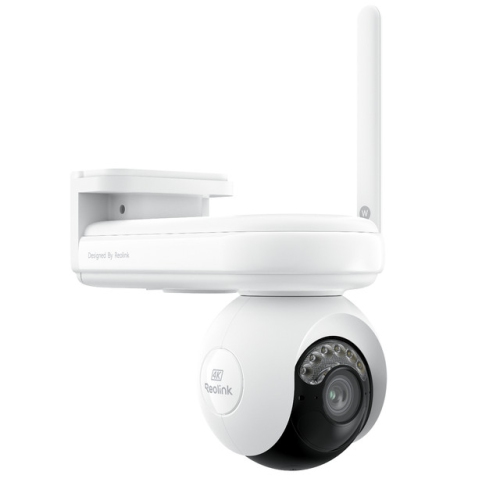
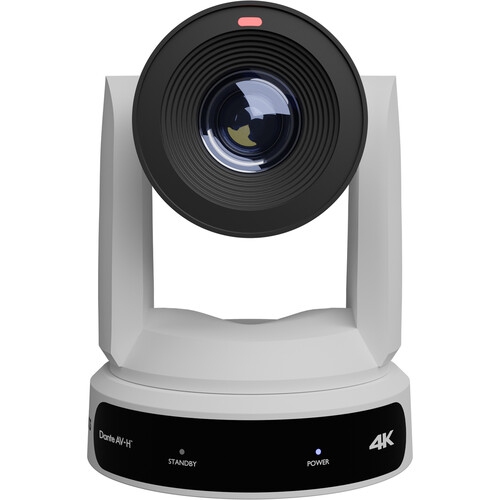
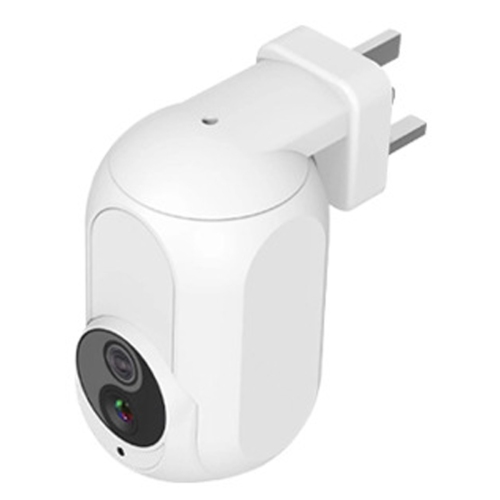
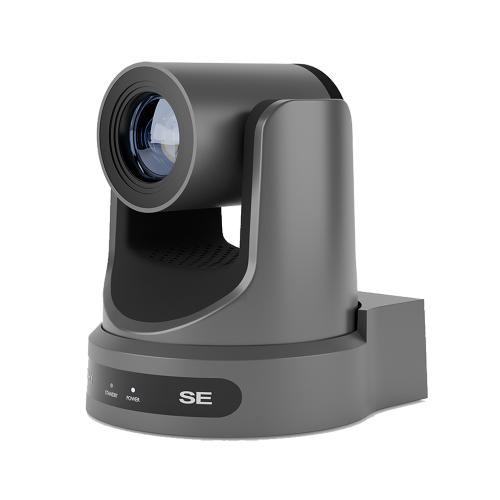
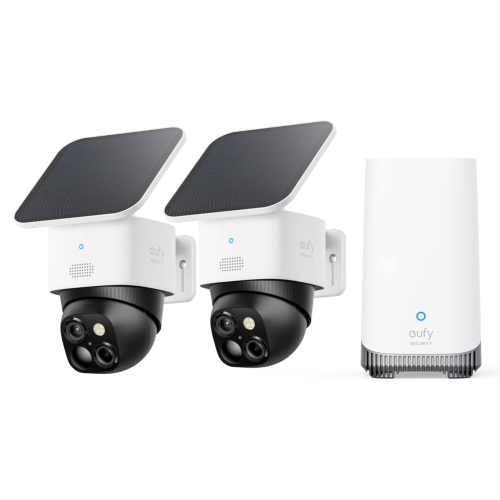
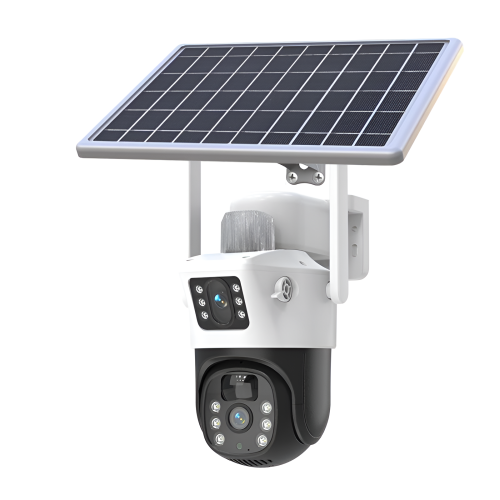
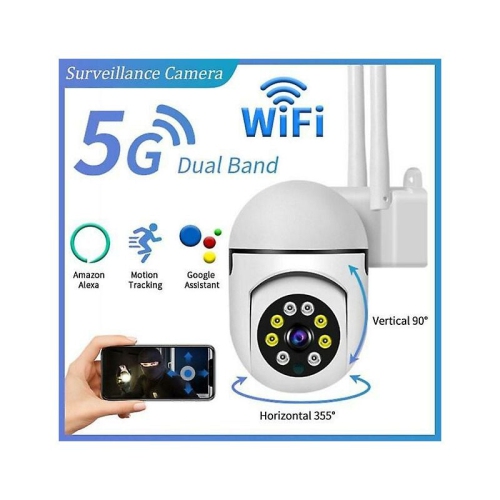
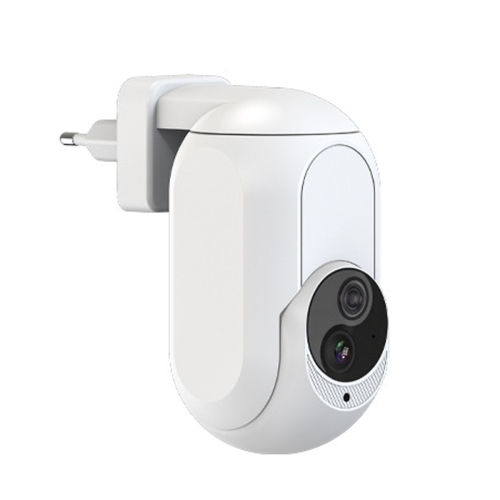
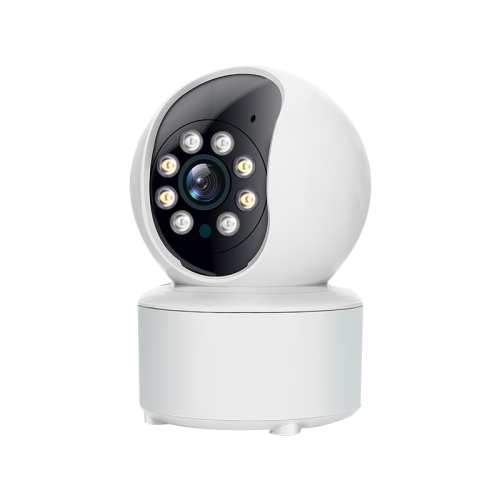
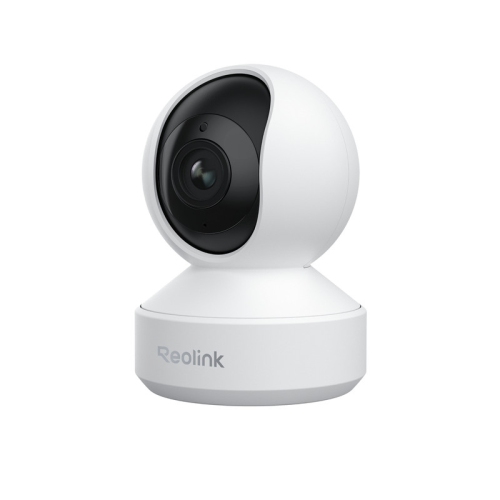
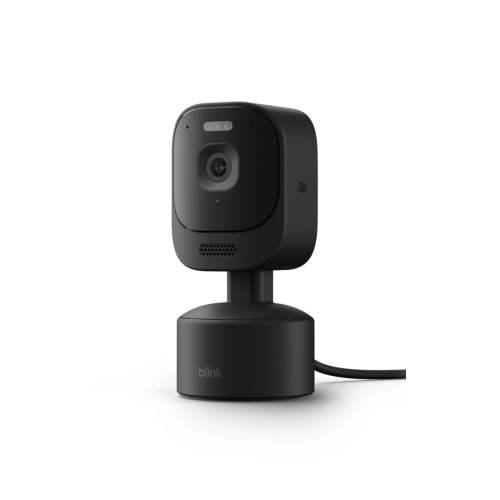
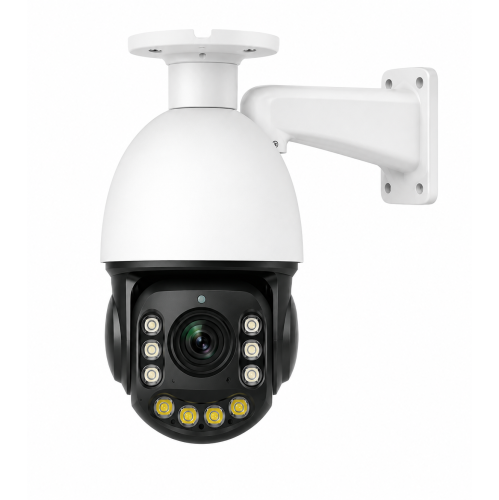
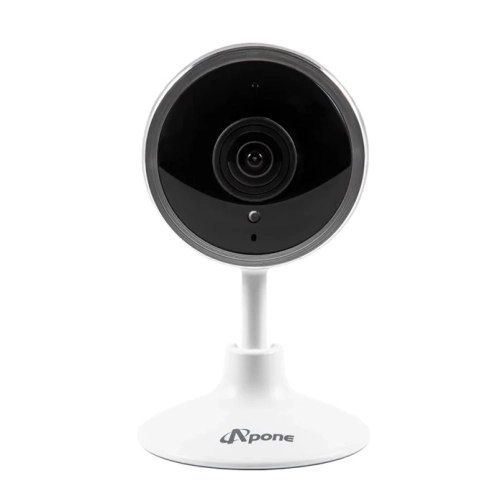
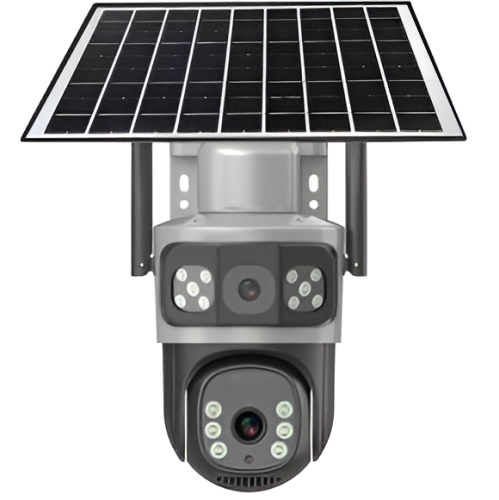
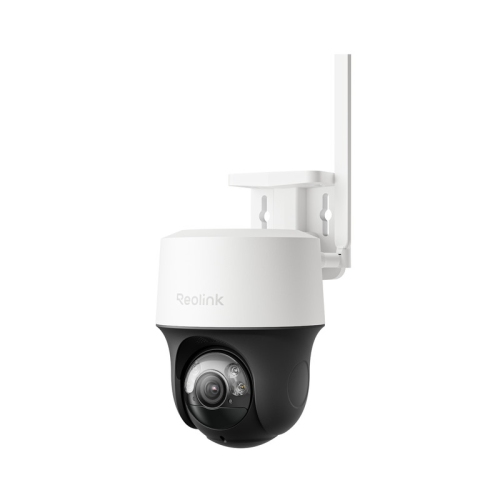
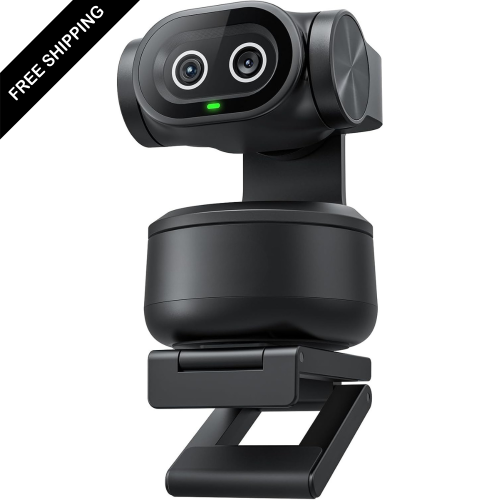
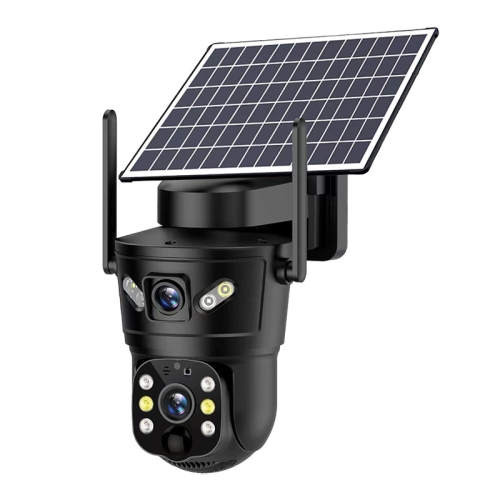
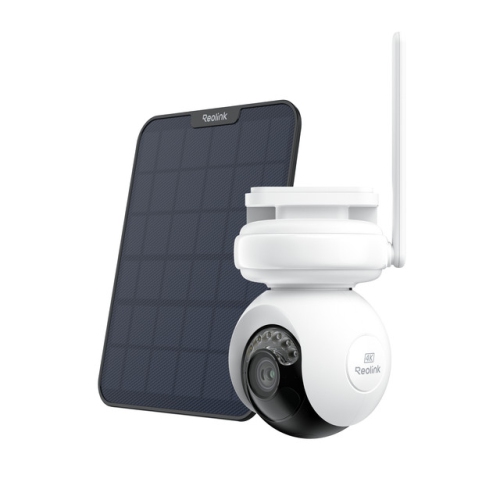
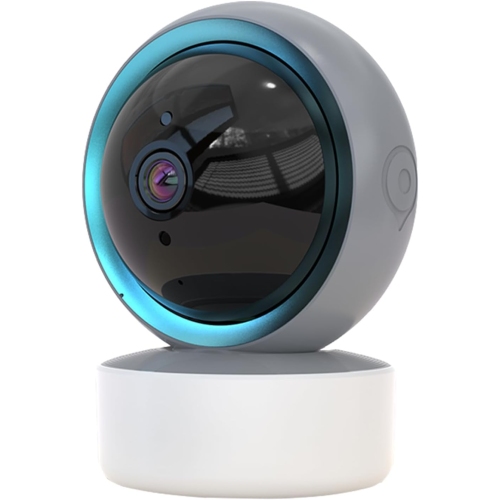
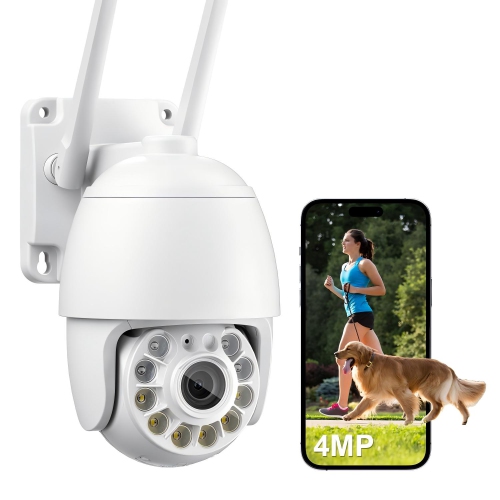
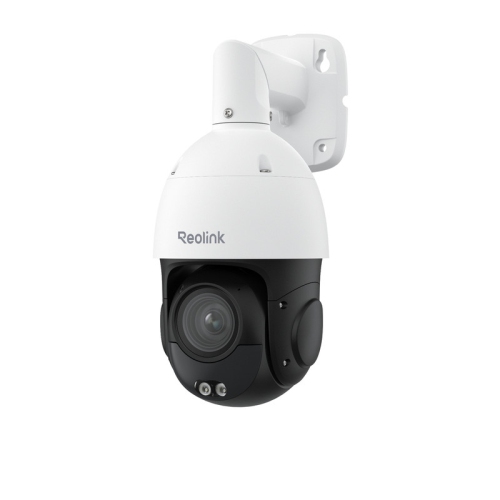
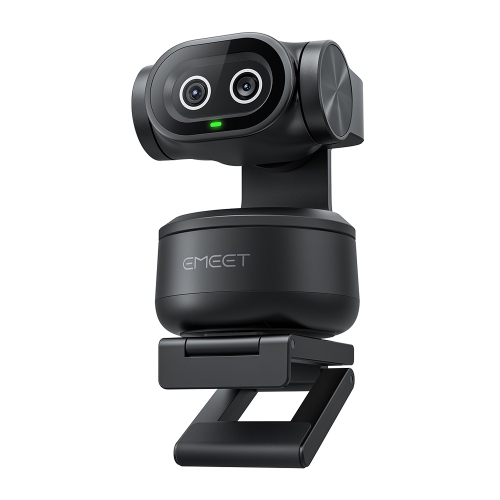
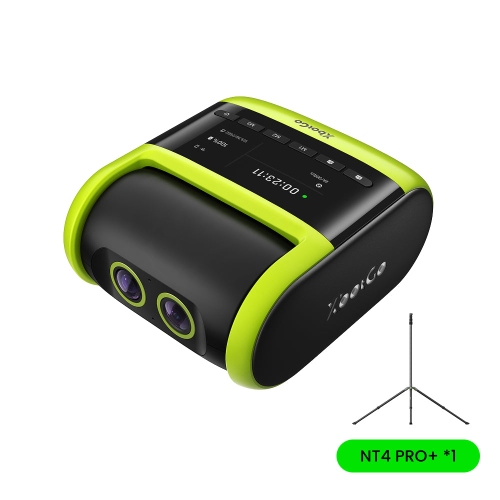
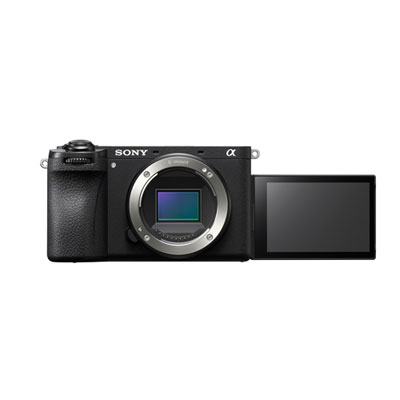
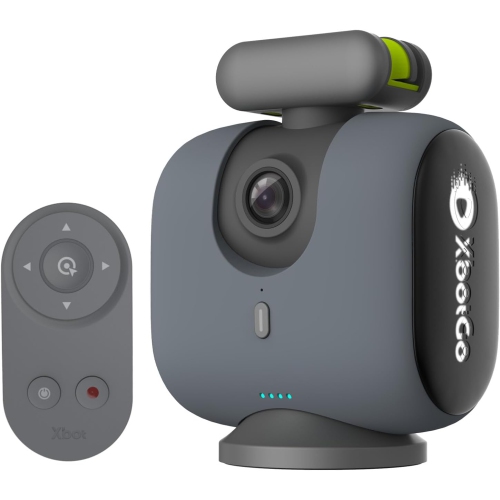
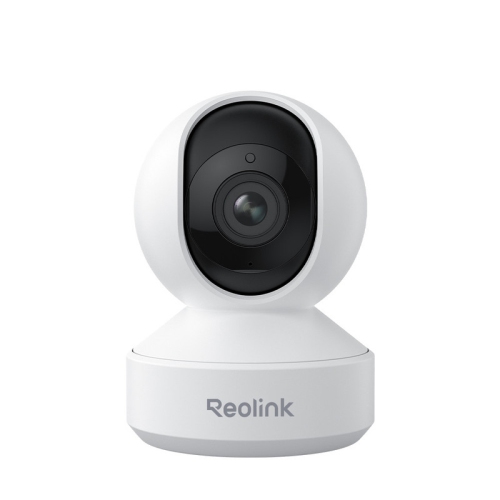
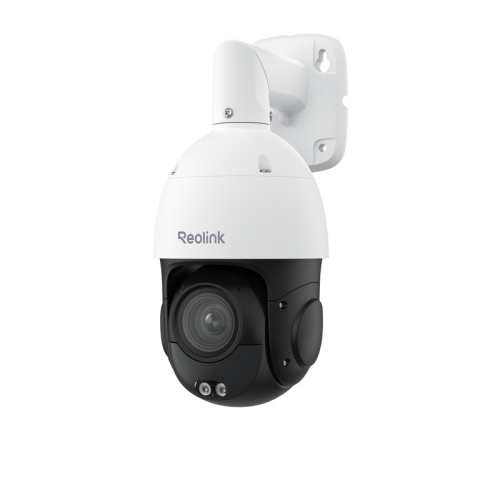
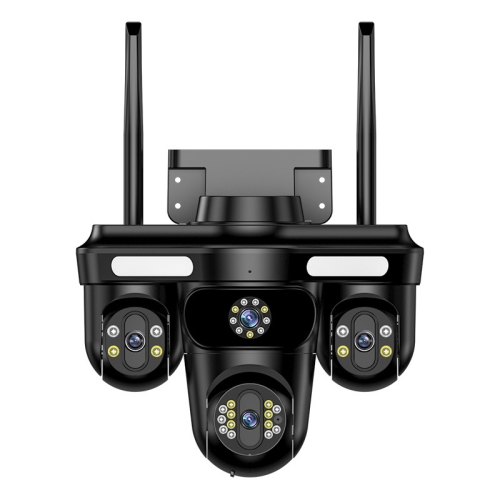
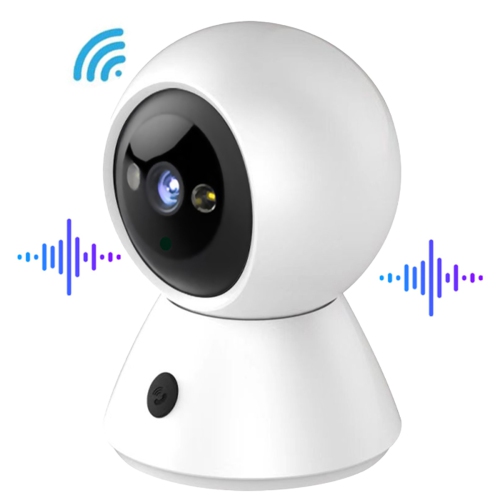
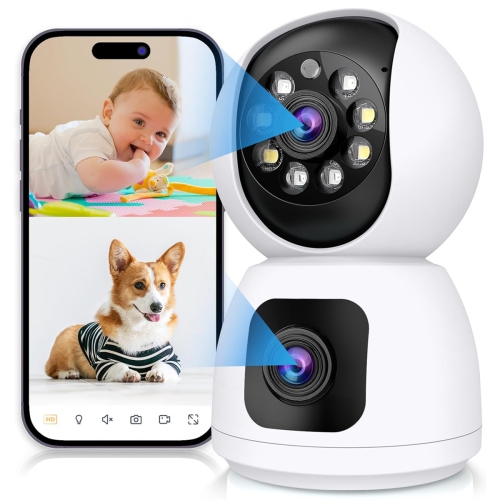
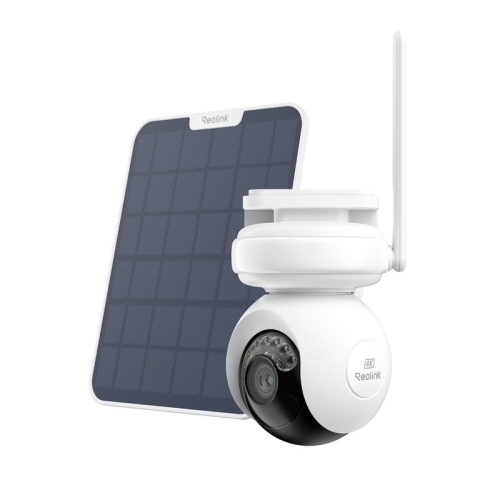
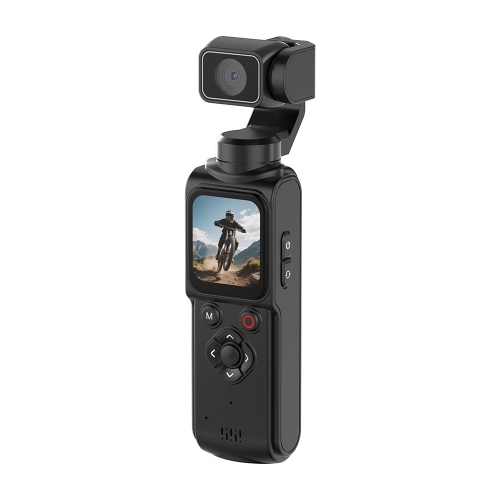
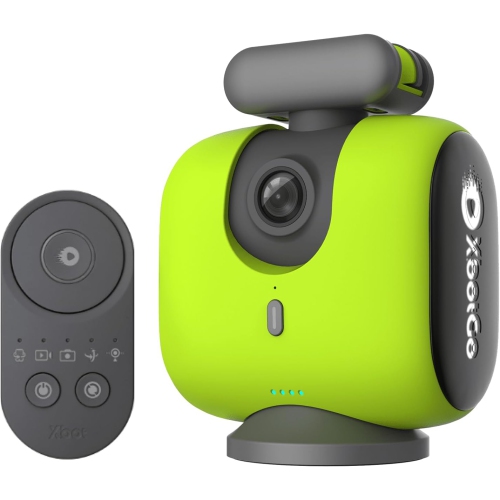
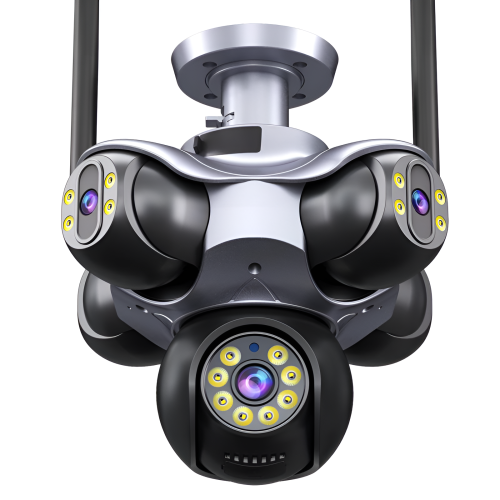
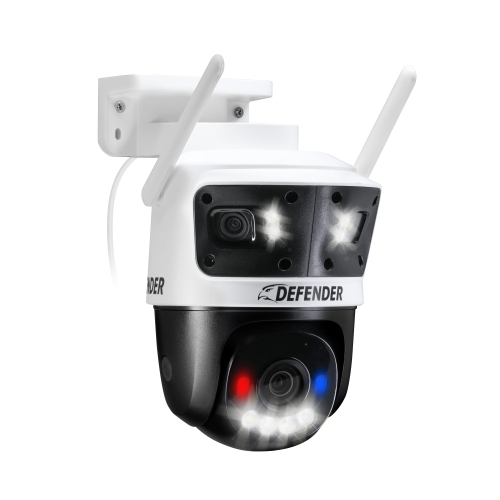
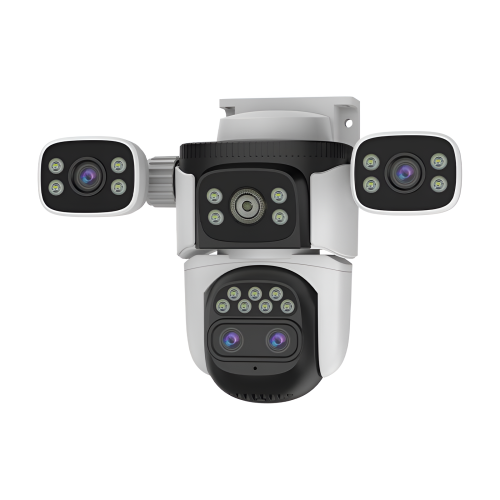
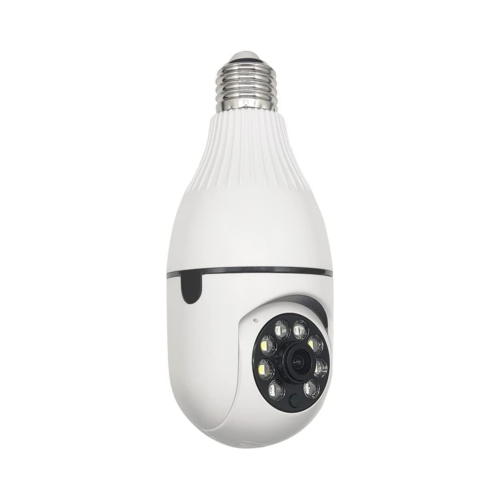
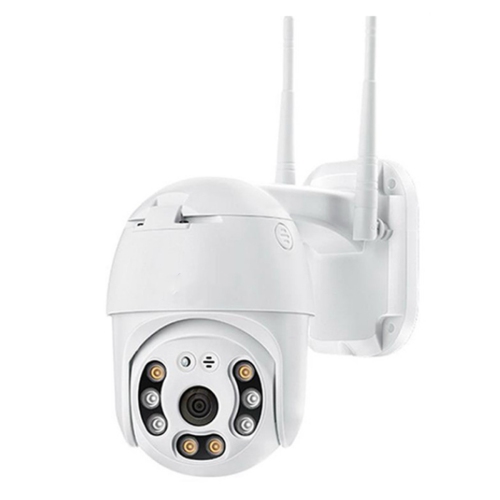
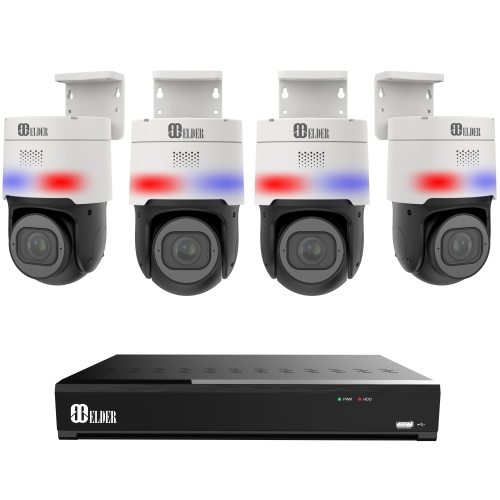
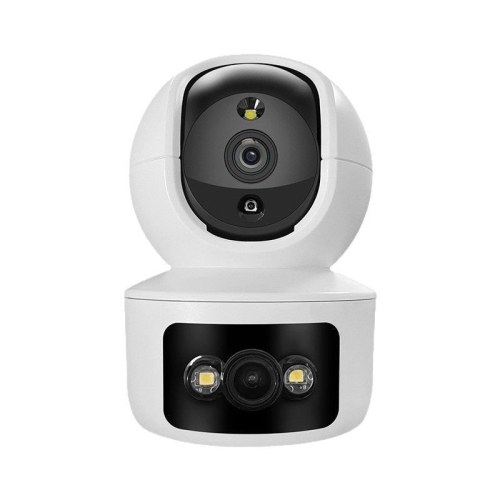
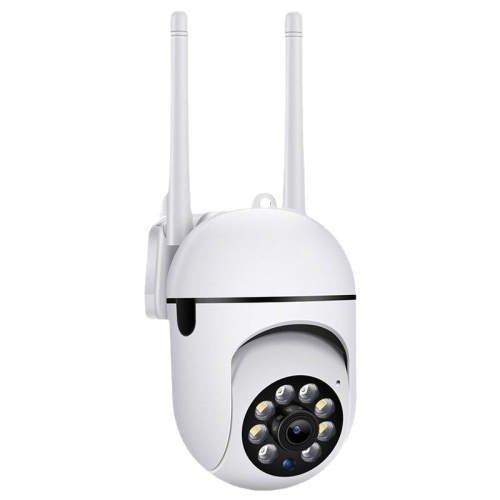
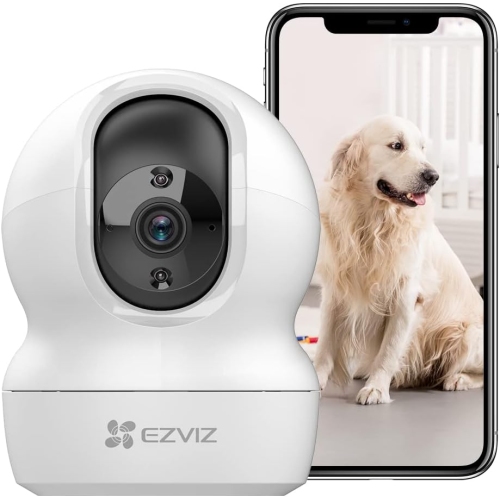
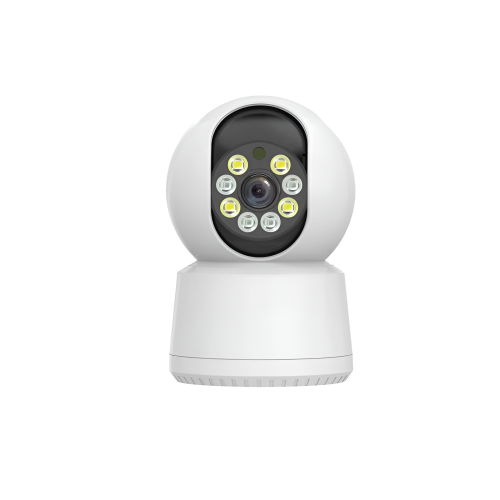
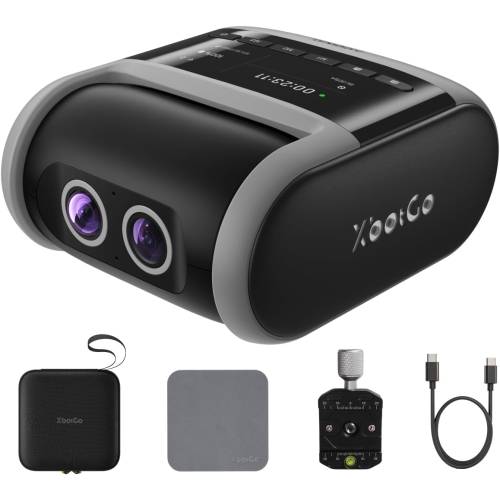
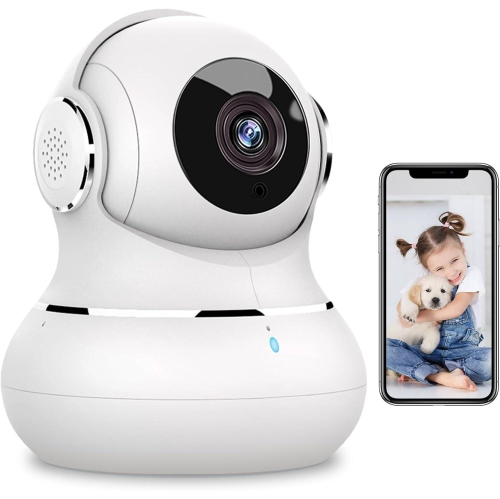
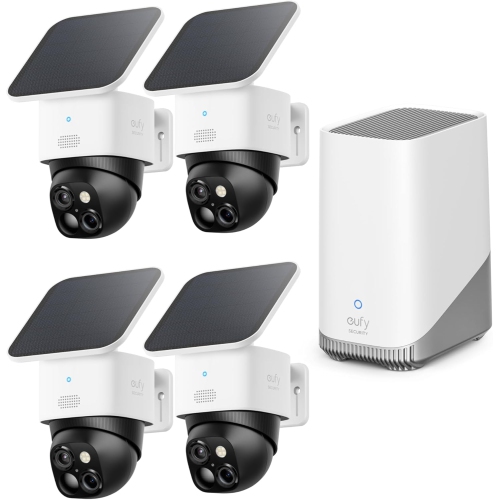
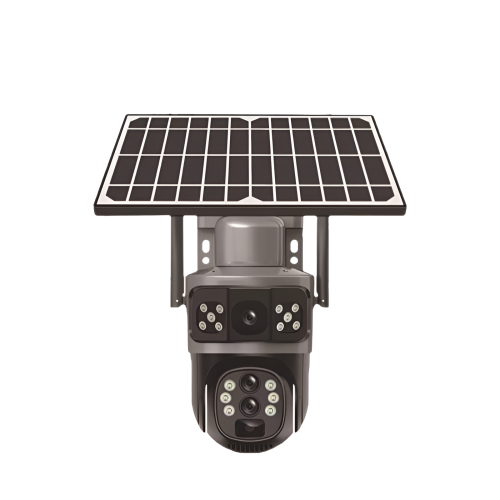
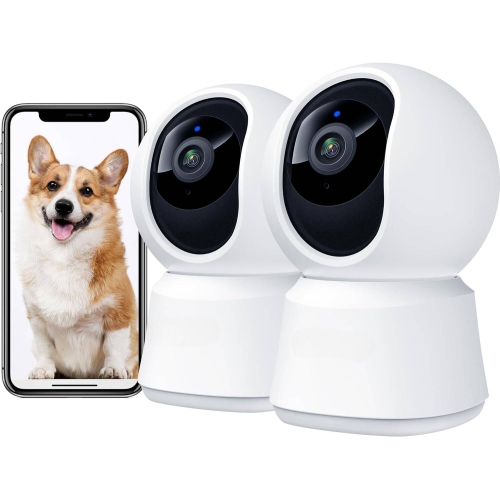
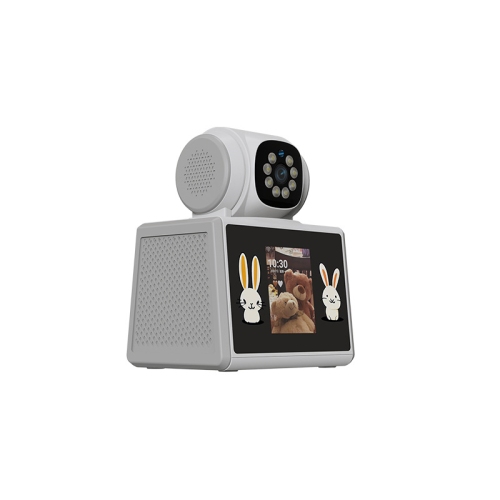
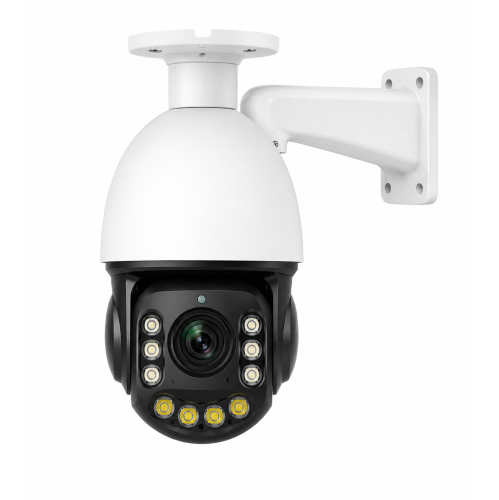
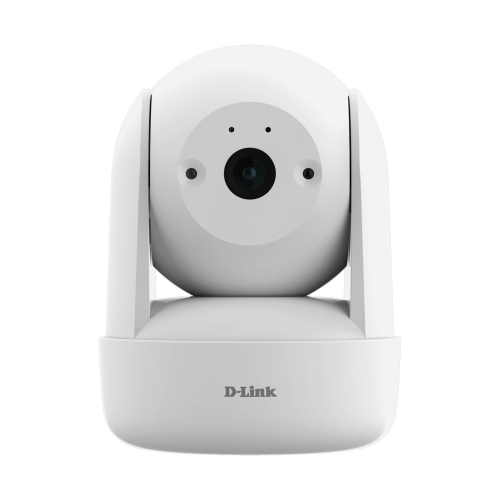
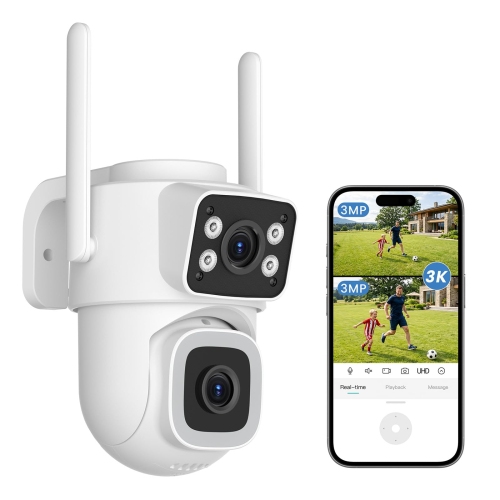
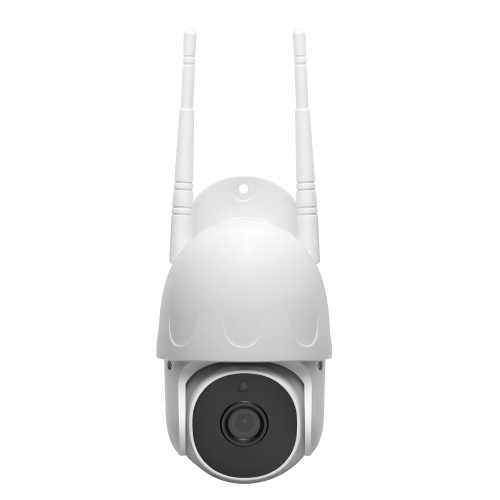
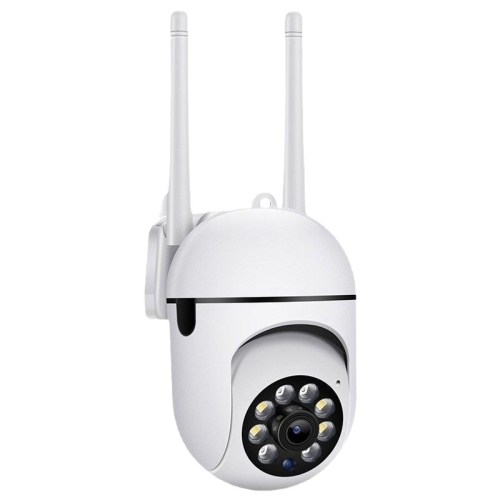
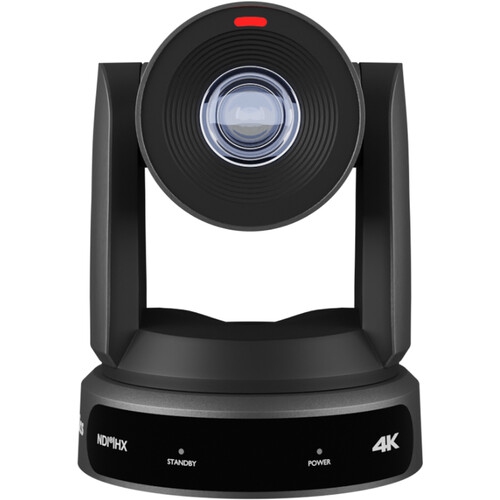
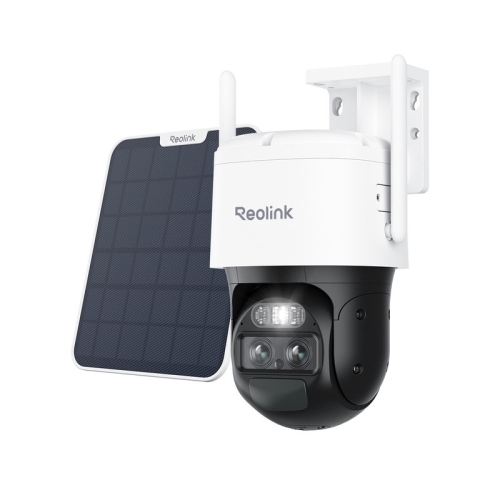
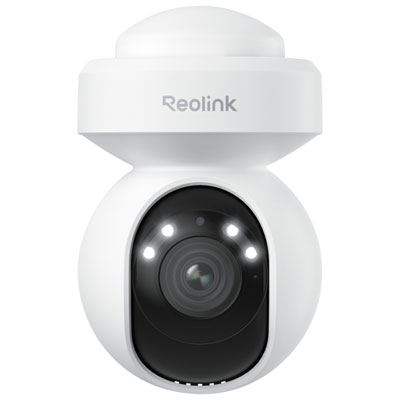
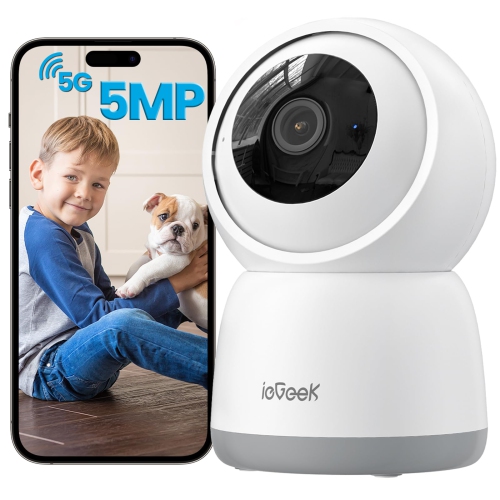
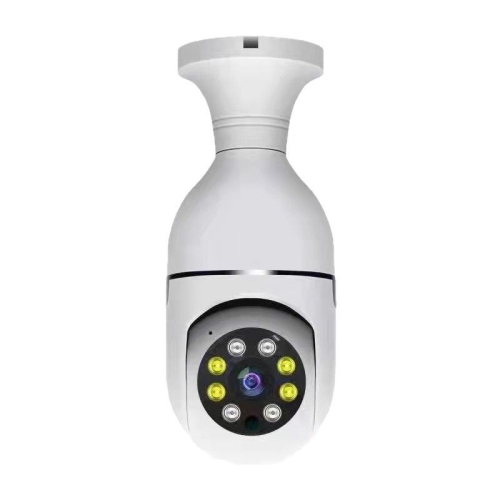
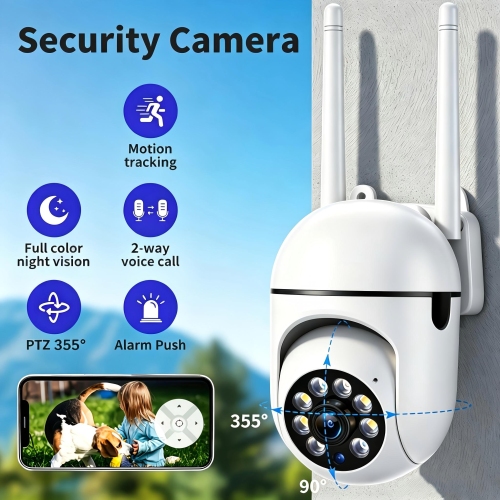
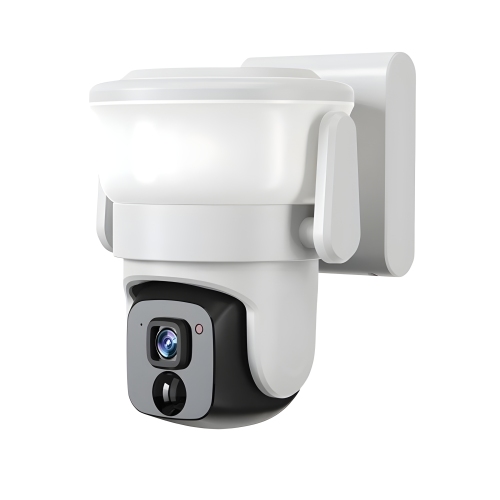
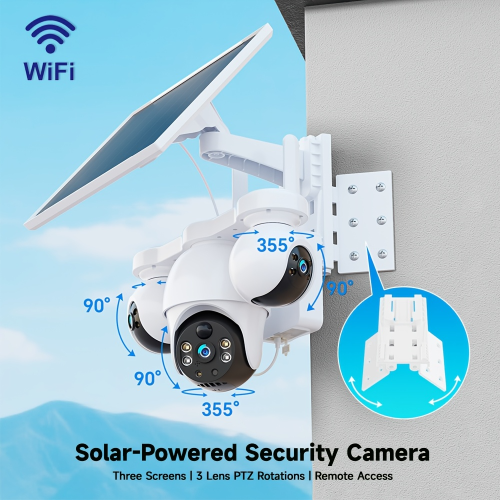
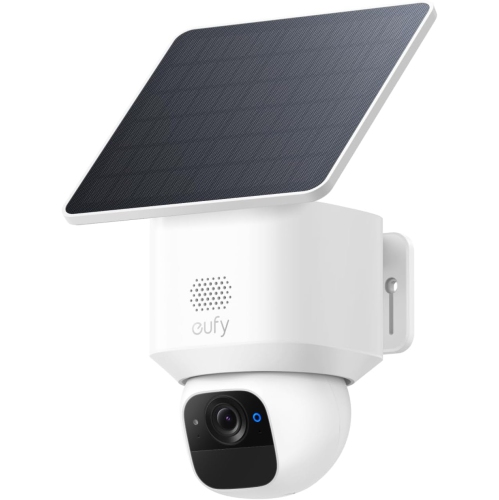
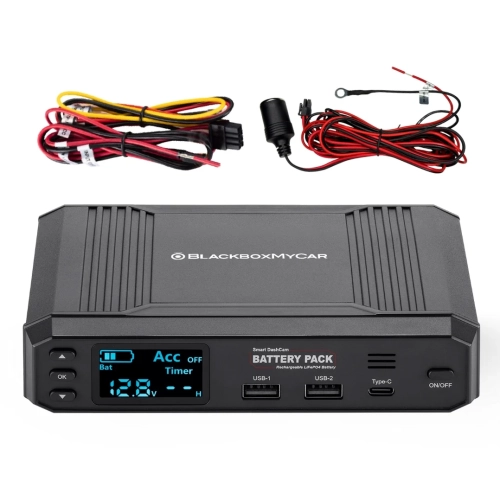
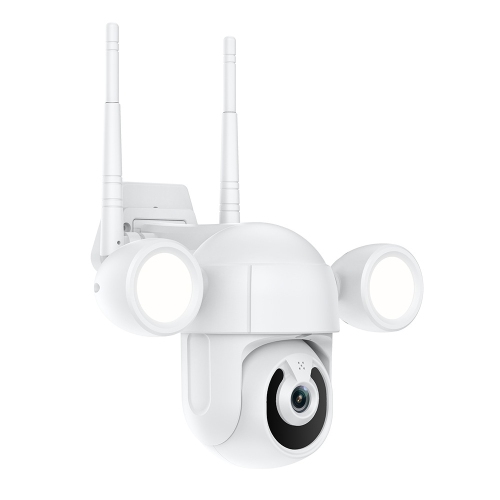
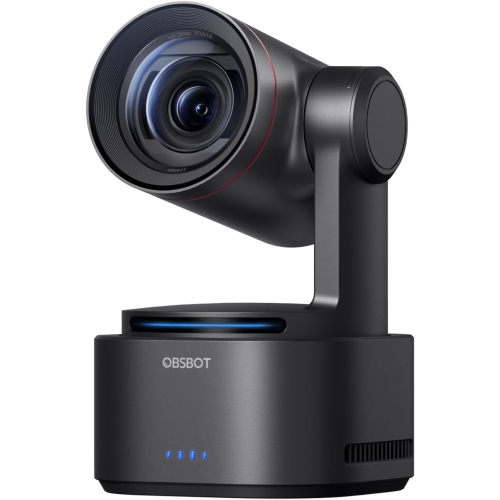
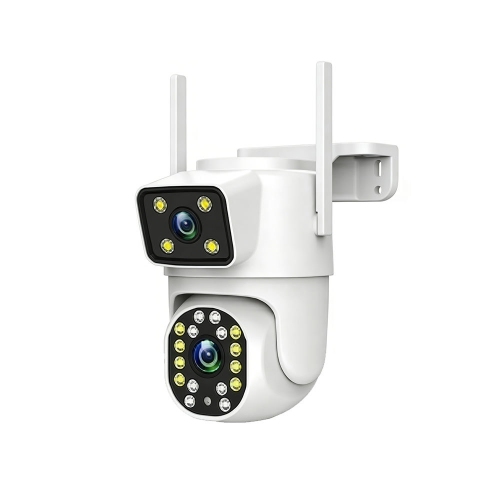
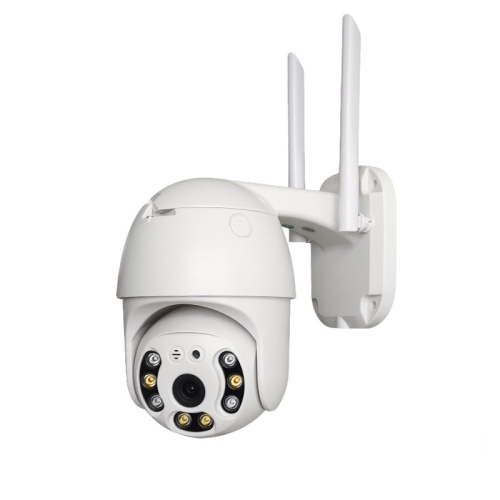
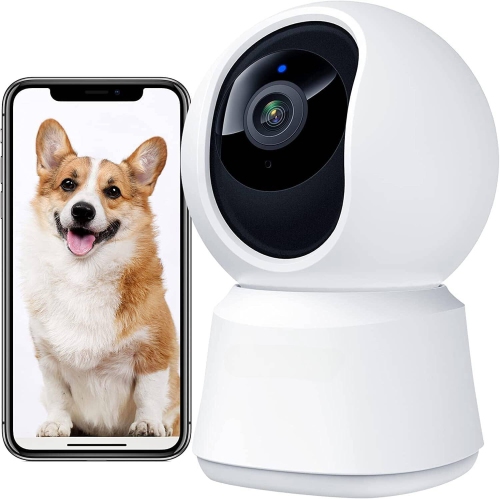
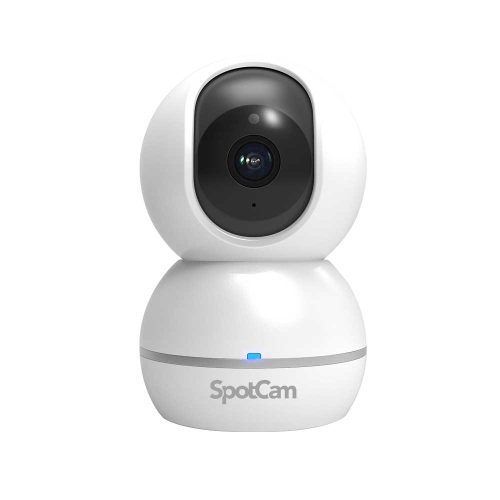
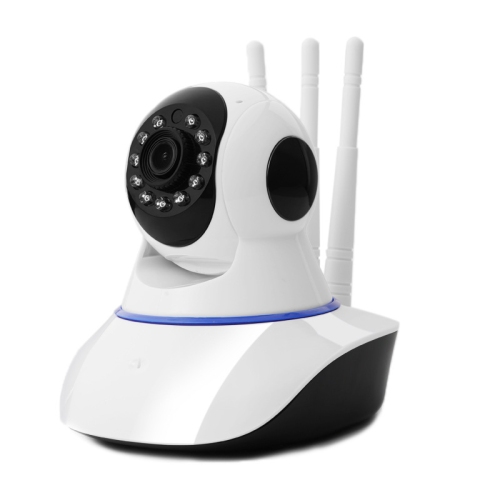
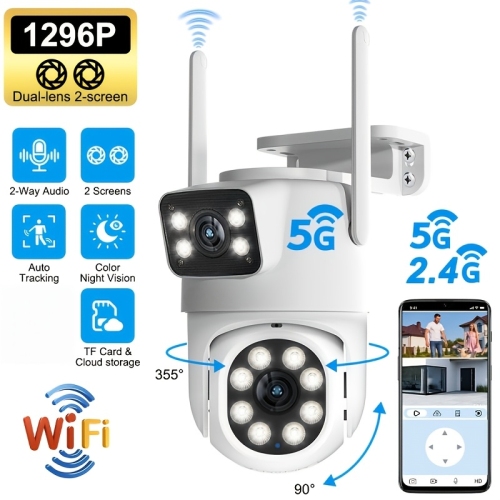
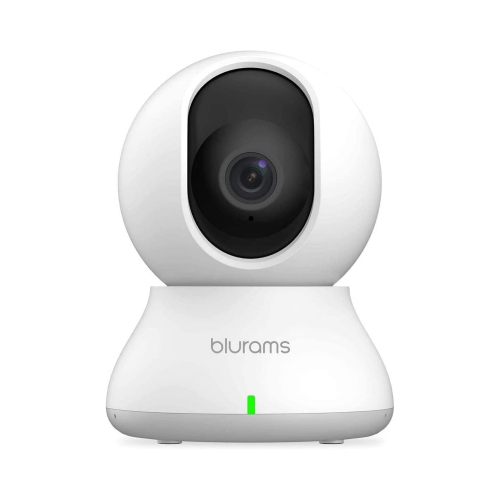
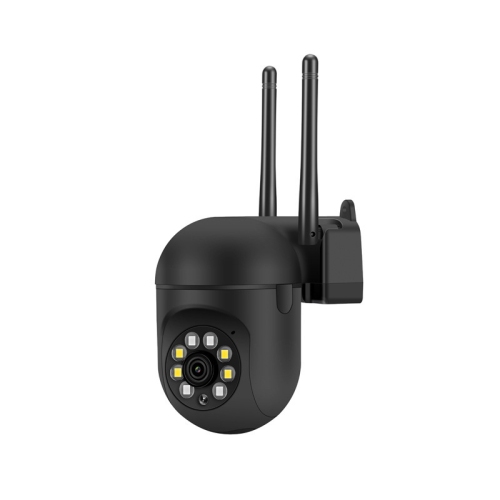
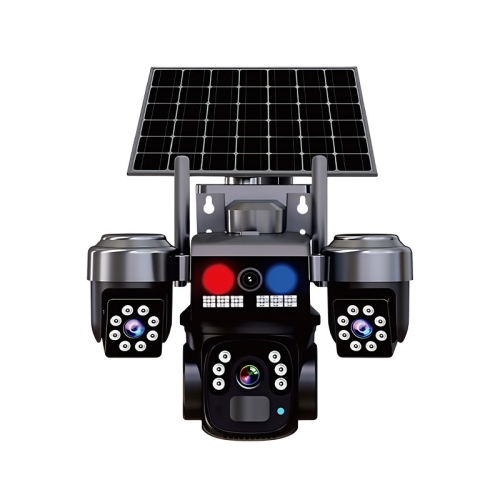
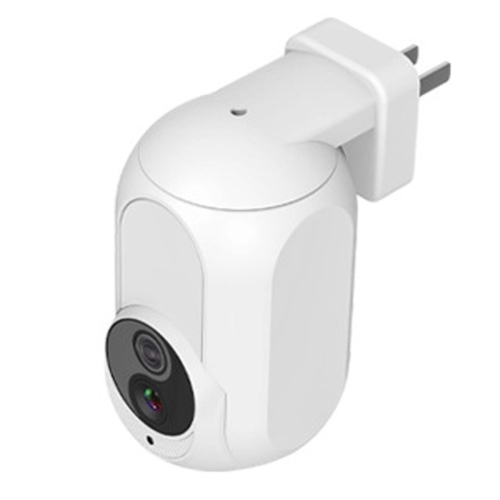
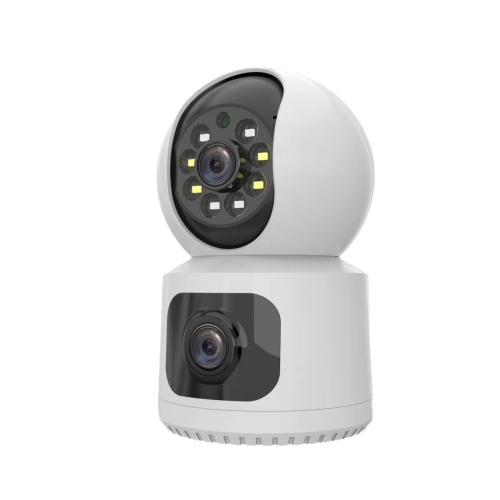
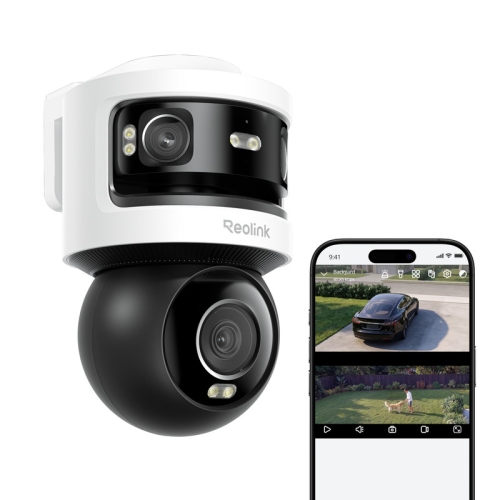
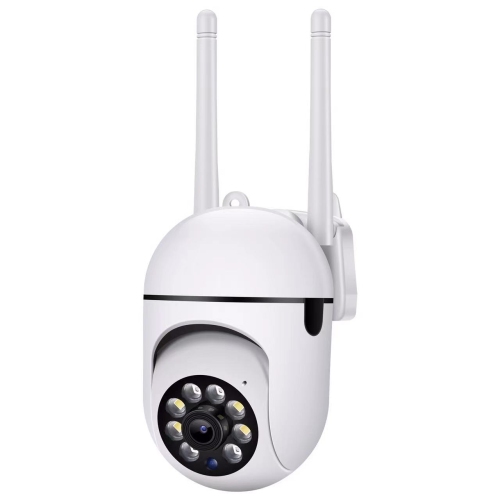
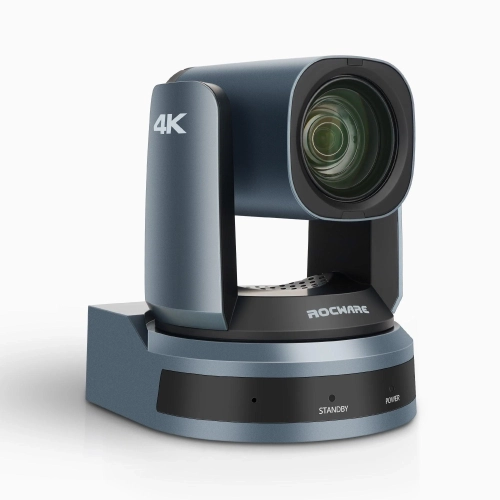
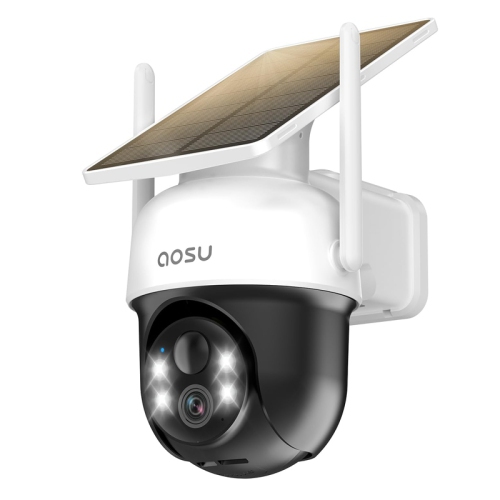
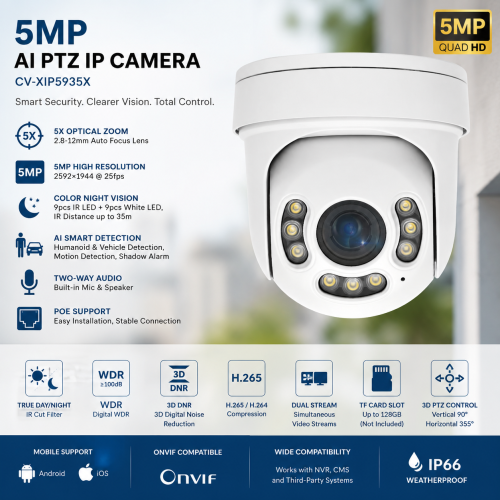
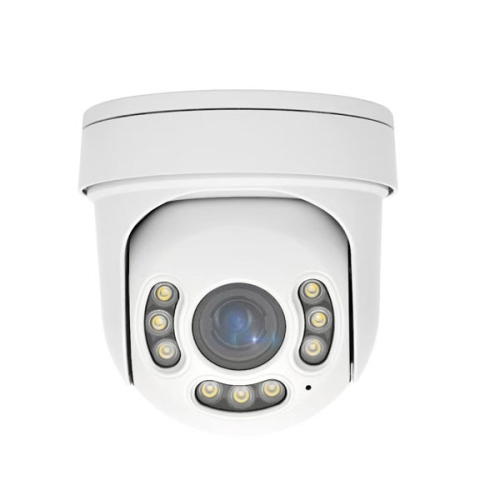
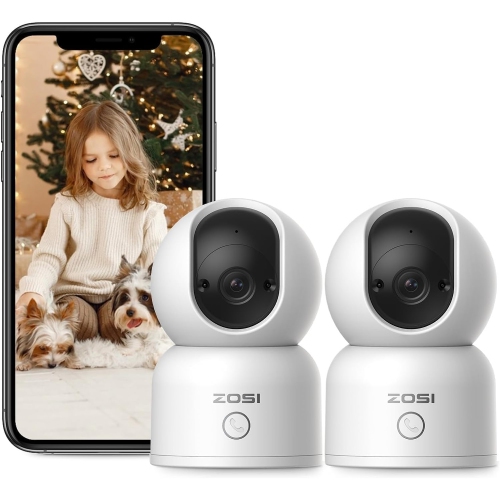
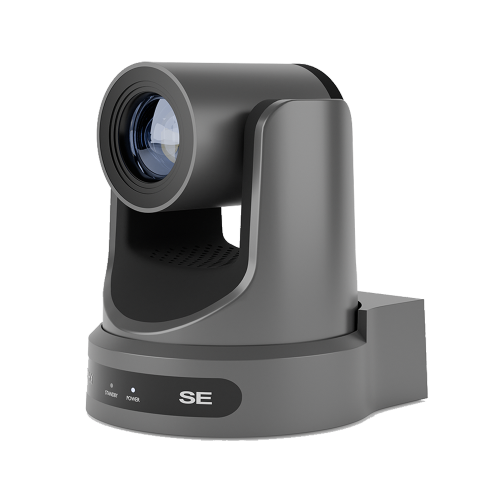
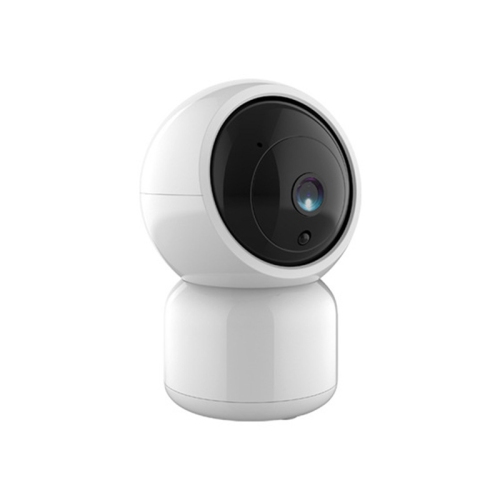
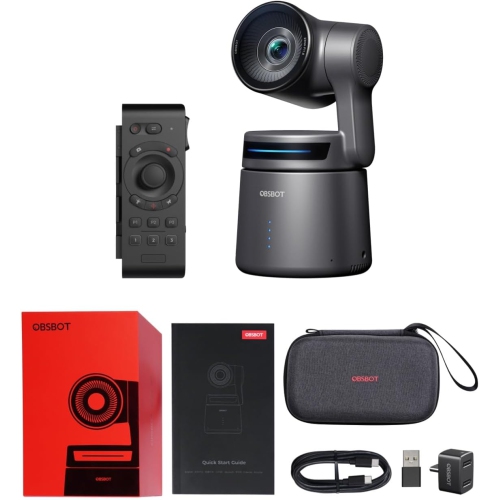
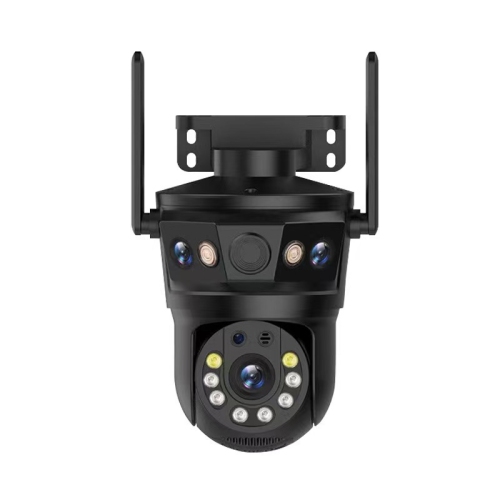

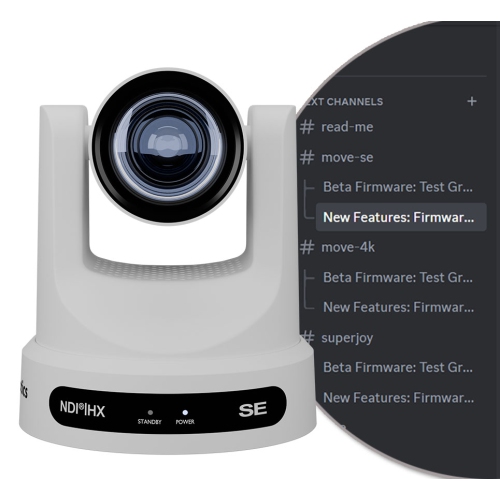
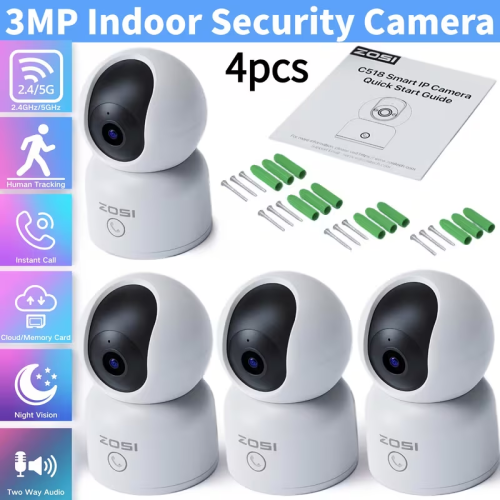
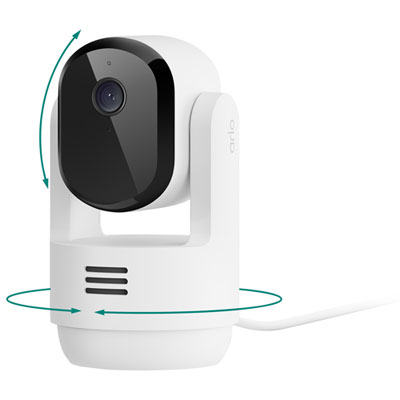
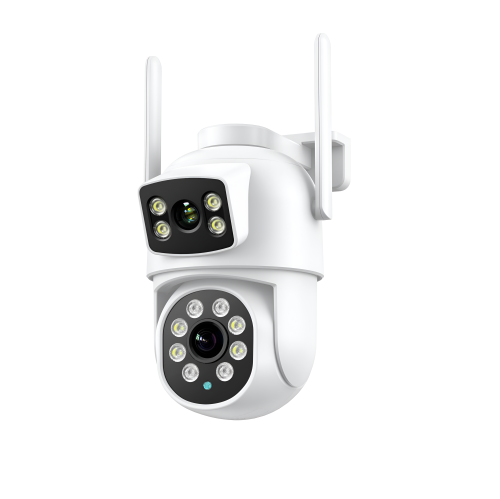
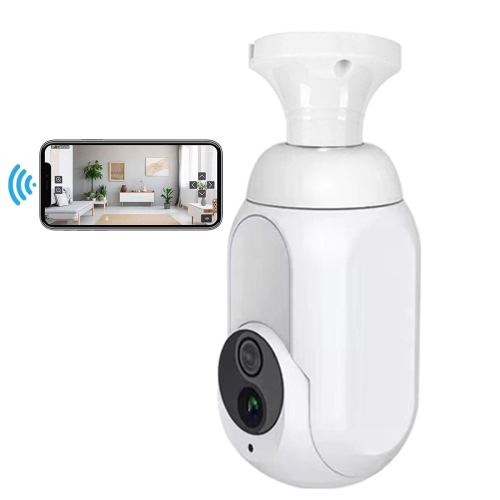
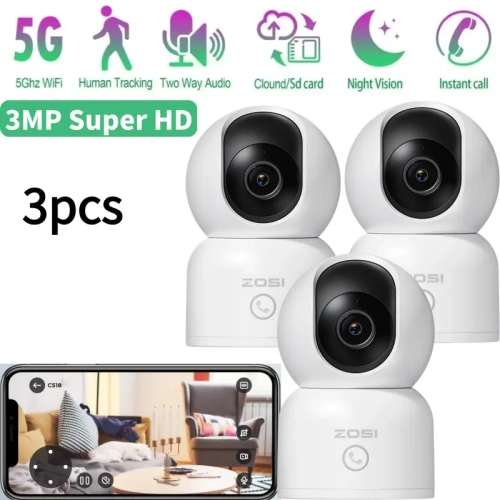
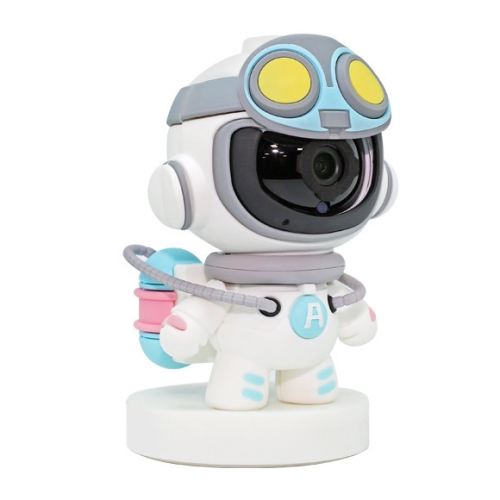
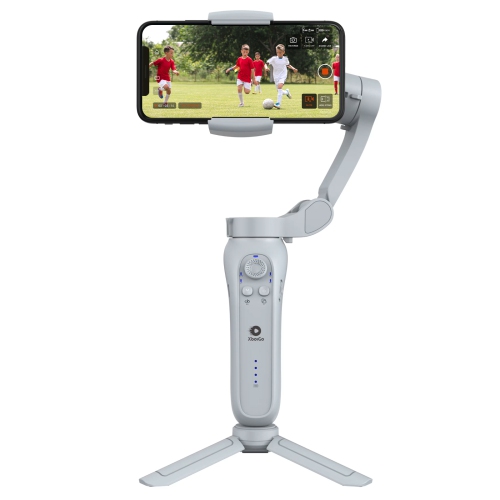
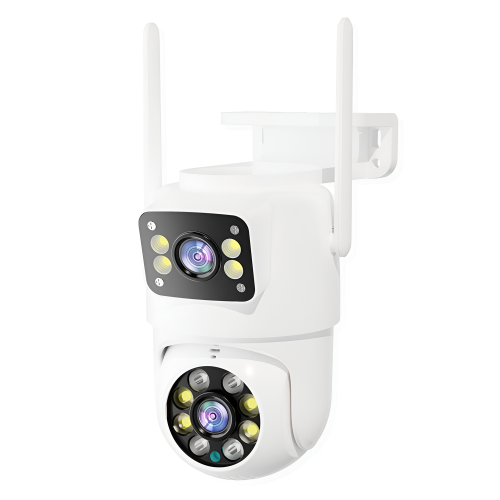
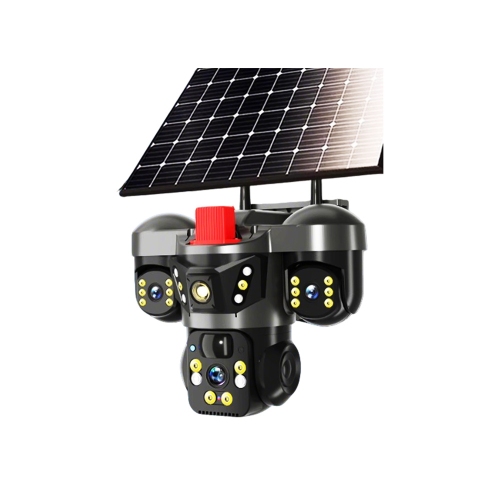
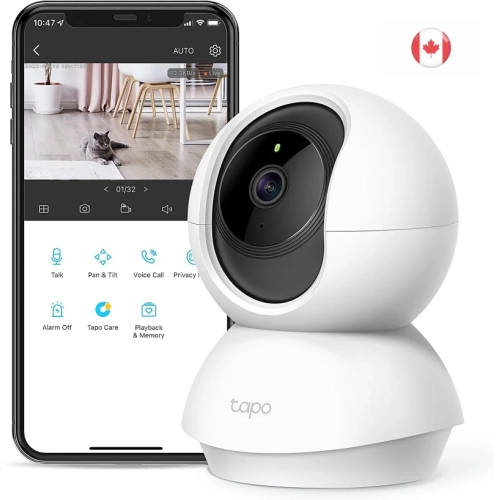
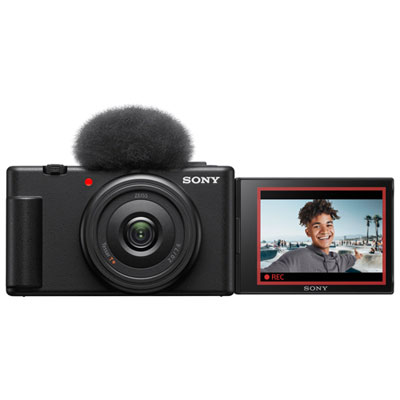
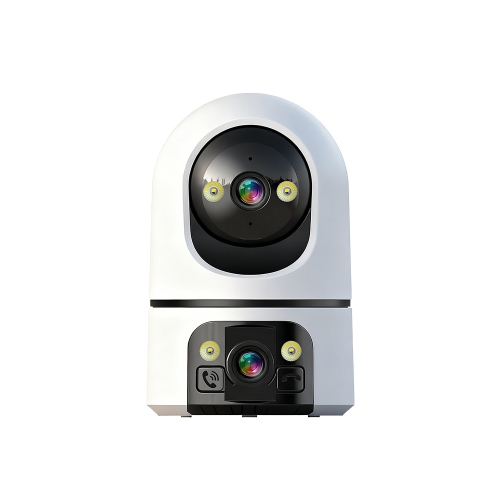
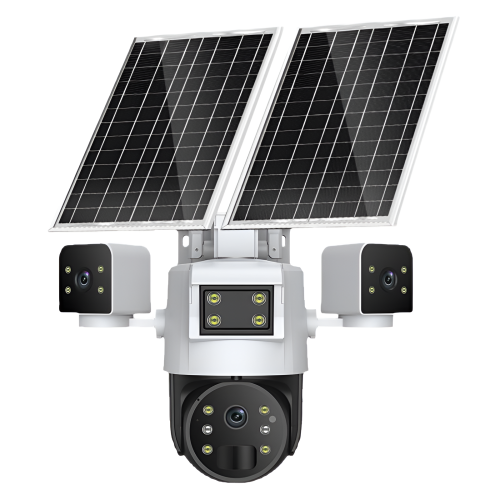
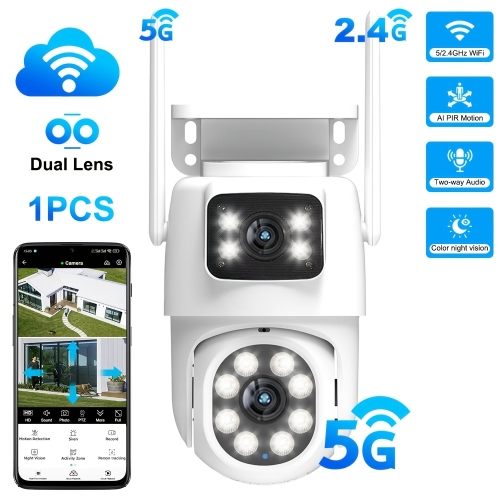
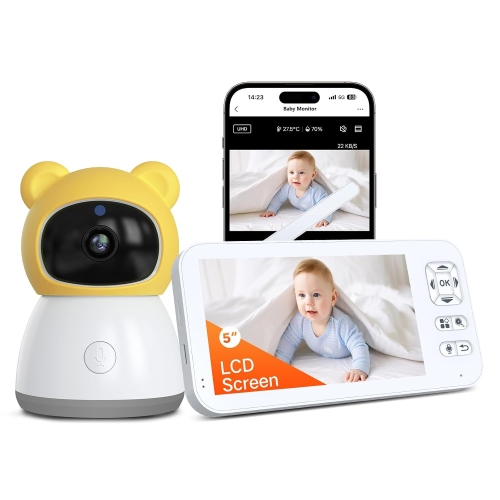
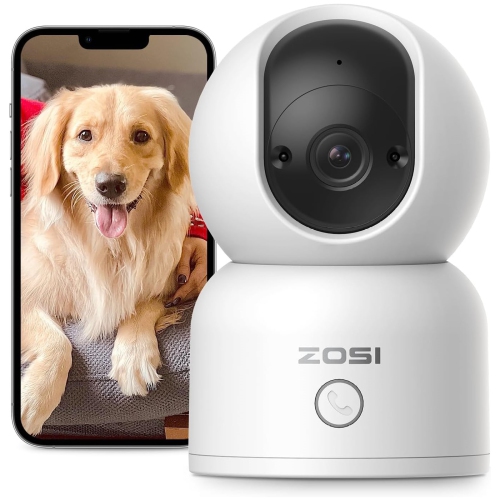
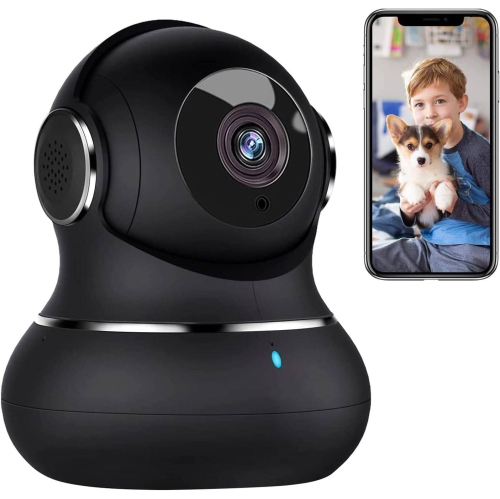
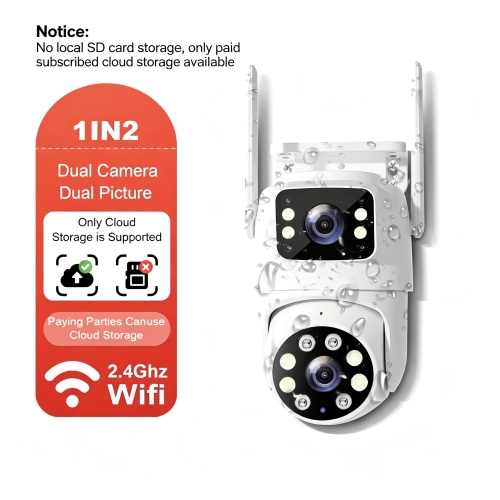
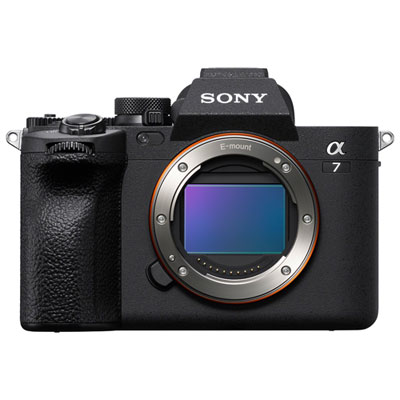
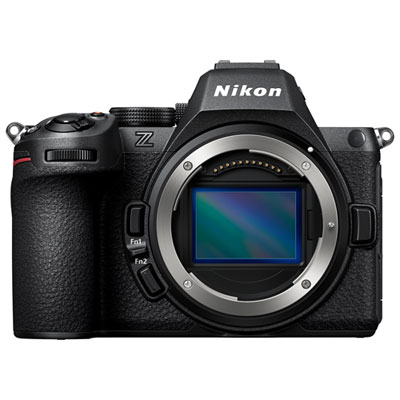
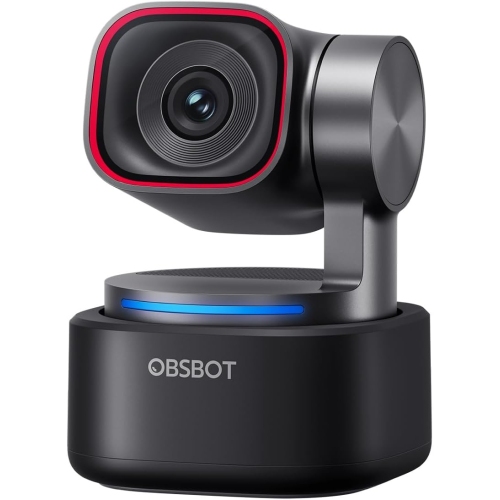
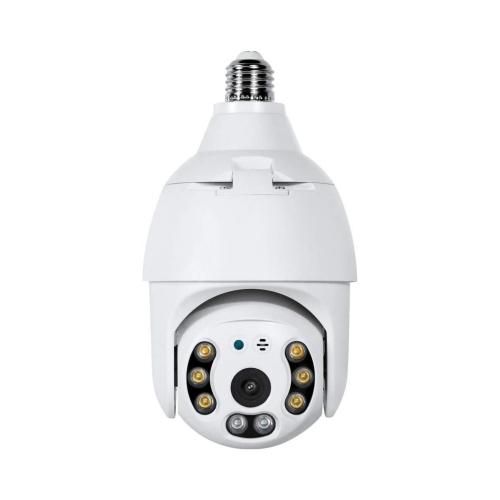



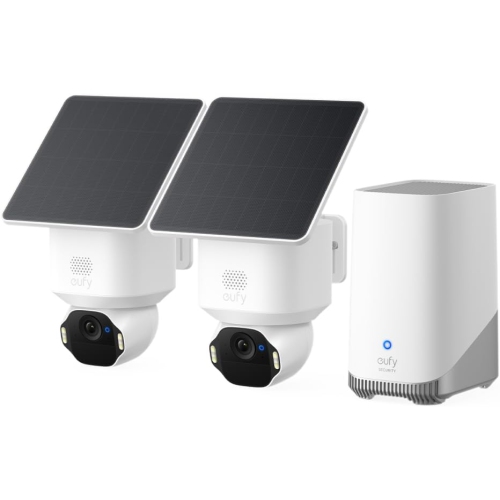
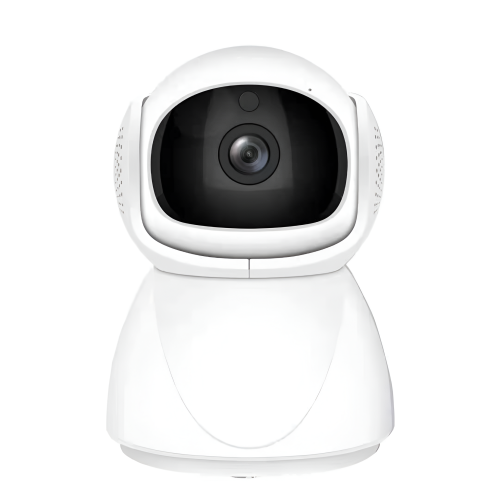
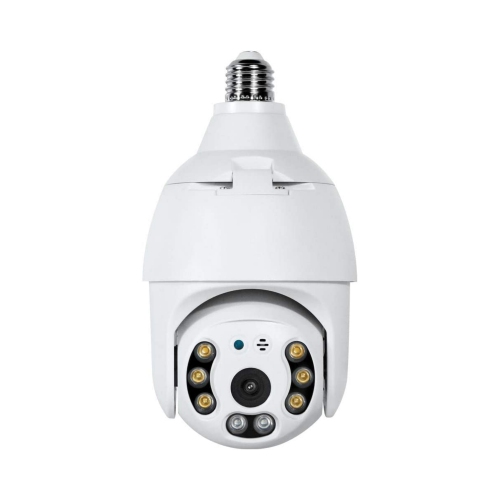
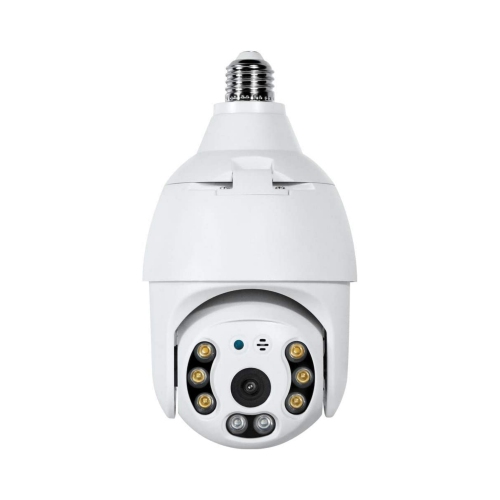
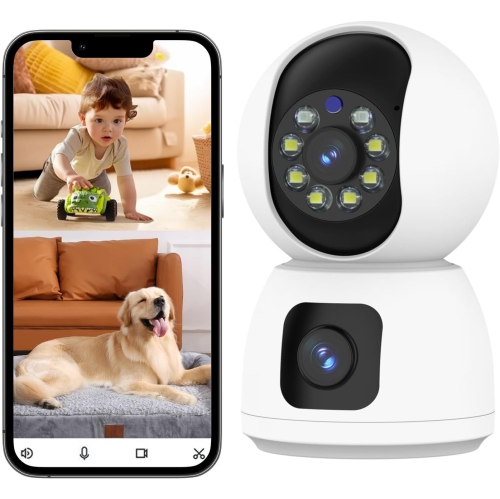
How cameras follow movement without constant manual adjustments
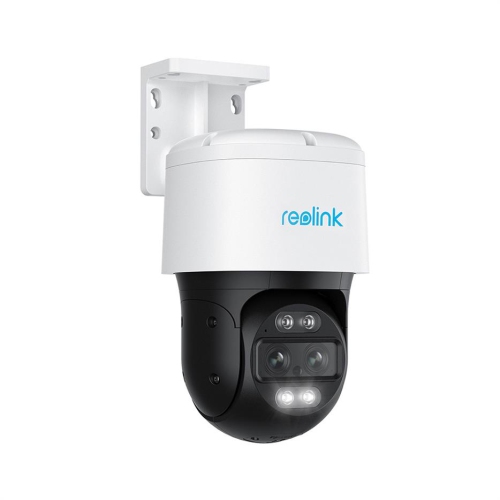
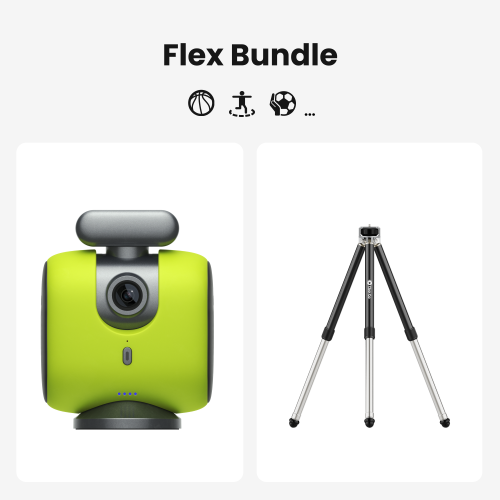
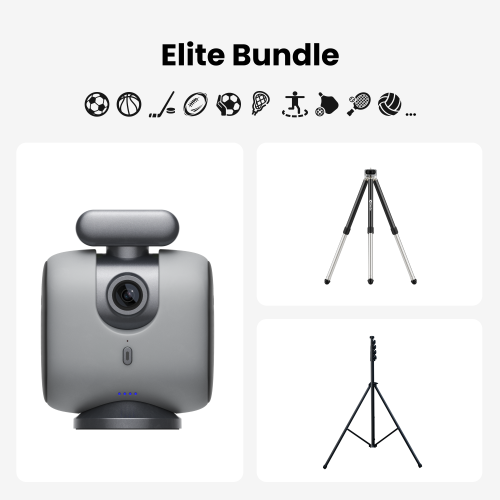
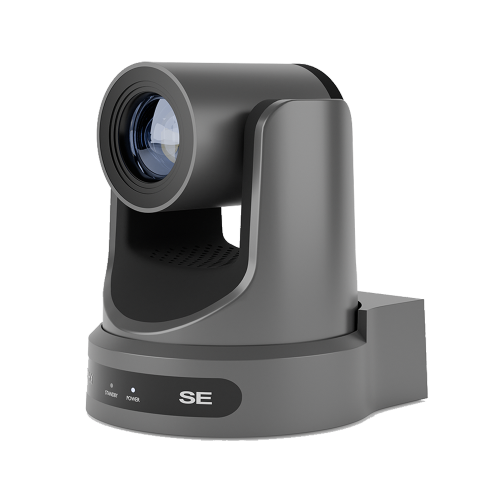
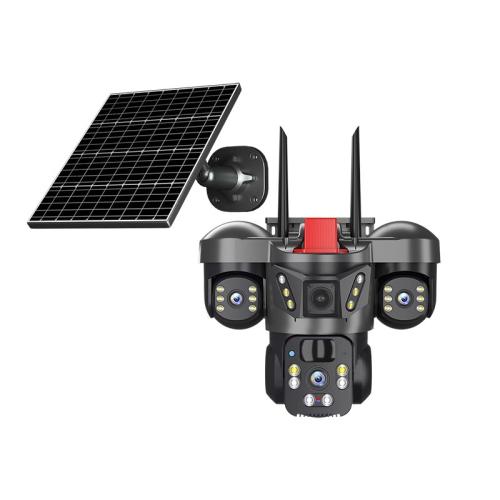
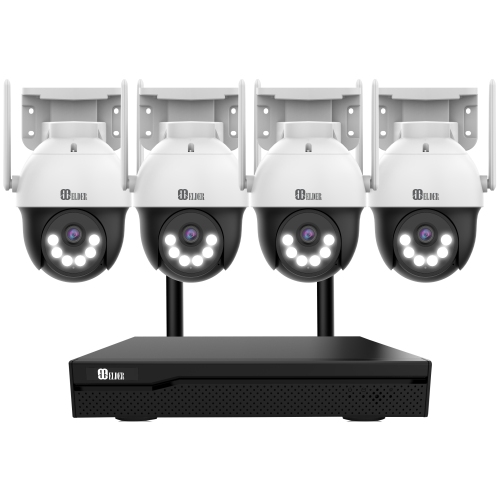
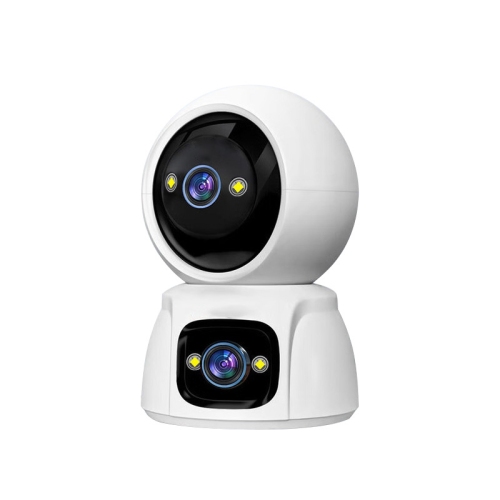
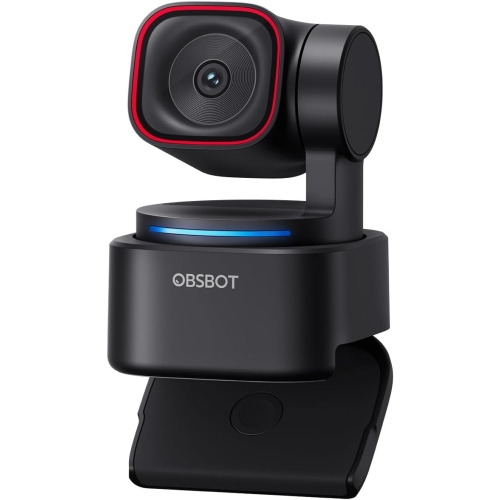
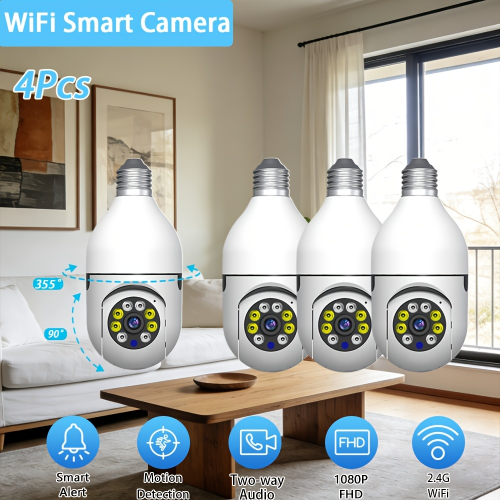
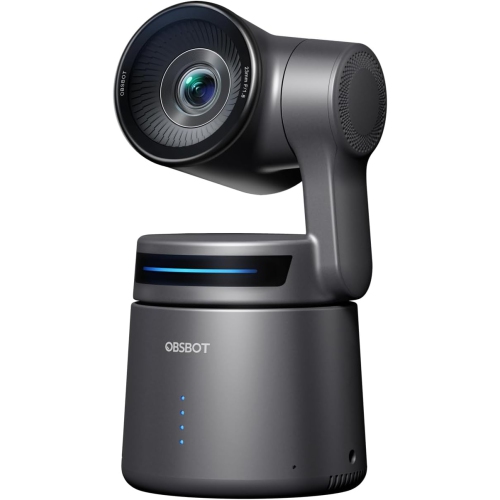
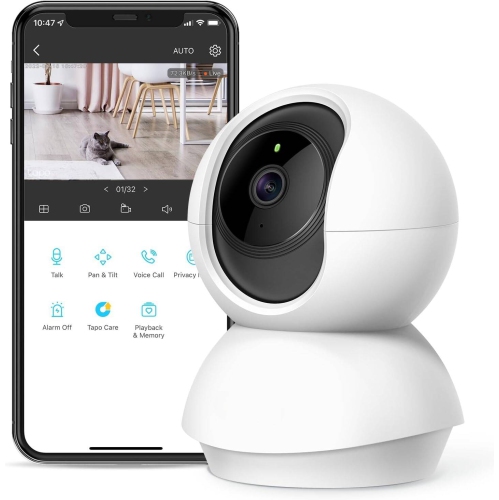
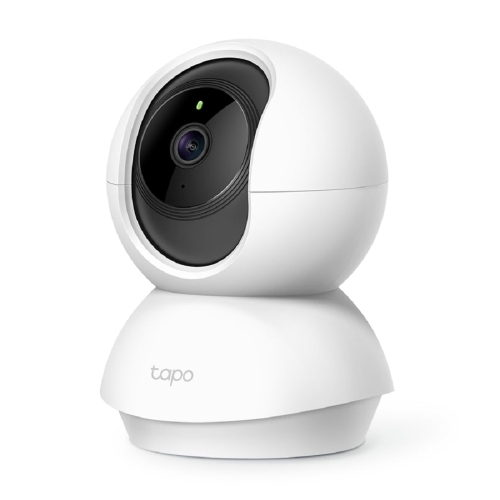
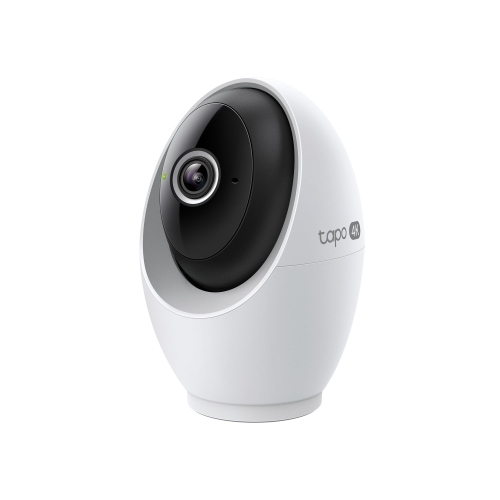
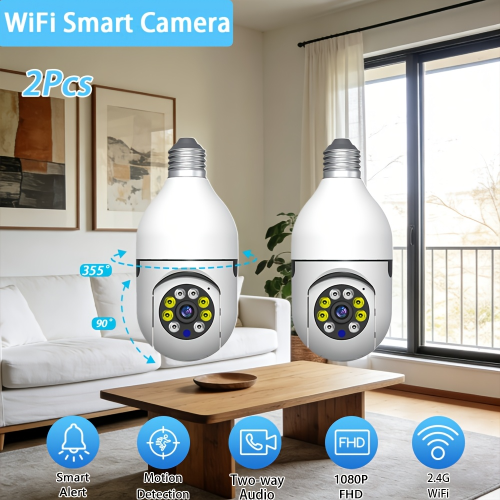
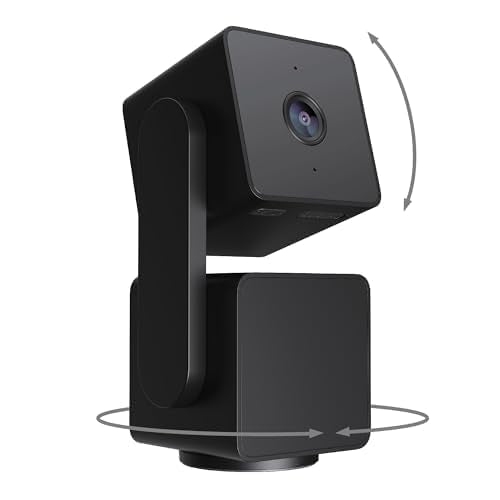
Auto tracking cameras automatically adjust their view to follow a moving subject, helping keep a person, pet, or vehicle within the frame without someone continually repositioning the camera. Depending on the design, tracking may use subject-detection software, motorized pan and tilt movements, automatic zoom, or digital cropping within a wider image. Pan moves the view horizontally, tilt moves it vertically, and zoom changes how closely the subject appears. These functions are related but not interchangeable: a camera with remote pan and tilt controls does not necessarily offer automatic tracking, and a fixed camera can provide digital tracking without physically moving. The practical benefit is easier coverage of activity that does not stay in one place, whether that means a presenter walking between a desk and a whiteboard, a pet crossing a living room, or someone approaching an entrance. Security cameras, conferencing cameras, and sports cameras can all use tracking, but each serves a different purpose. Security-focused designs typically emphasize motion events, alerts, and recorded footage; conferencing designs prioritize clear communication and framing; sports-focused designs aim to capture movement across a playing area. Detection capabilities also vary. Some cameras identify people or vehicles, while others respond more broadly to motion, and not every camera can follow every type of subject. Background activity, overlapping subjects, and an obstructed view can affect how reliably tracking works. For a household checking on a pet, smooth movement and a useful room-wide view may matter more than a tight close-up. For a teacher demonstrating a task, keeping both the speaker and the demonstration area visible can be more important than following every small movement. Matching the tracking mode to the activity helps avoid a view that feels too busy or too narrow. Features such as adjustable tracking sensitivity, subject selection, preset viewing positions, and a return-to-home position can provide more control, where supported. A return position is particularly useful when the subject leaves the frame and the camera needs to resume watching a doorway or another designated area.
Image quality and placement work together to determine how useful an auto tracking camera will be. Higher resolution can retain more detail, but a sharp image also depends on the lens, lighting, compression, and how far the subject is from the camera. Optical zoom changes magnification through the lens, while digital zoom enlarges part of the image and can make fine detail less distinct. A wide field of view helps capture a room or playing area, although a person at the far edge may occupy only a small part of the picture. Tracking range is another consideration: the lens may see broadly, yet the camera’s movement limits, mounting angle, or nearby obstructions can prevent it from following a subject throughout the entire space. A stable mounting point with a clear sightline usually produces more consistent results than a crowded shelf beside a lamp or a doorway where people repeatedly block the view. For security use, a moving lens may follow one person away from another important area, so tracking should not be assumed to provide uninterrupted coverage of everything around it. Where supported, activity zones can limit which areas trigger alerts, while privacy masks can obscure selected portions of the image; these controls serve different functions and warrant separate attention. Low-light performance matters in dim hallways and rooms with uneven lighting. Infrared night vision typically produces monochrome footage, while colour night recording depends on the camera’s capabilities and available light. Audio features may include a microphone, a speaker, or two-way communication, but their usefulness depends on placement and background noise. Storage deserves similar attention. Local memory cards, compatible recorders, and cloud services offer different ways to retain footage, with recording schedules, capacity limits, account requirements, and playback tools varying by system. Continuous recording and motion-triggered clips also serve different needs: one preserves a broader sequence, while the other centres recordings on detected events. Clear retention settings and controlled account access help keep personal footage manageable.
For video calls, teaching, demonstrations, and sports recording, the best fit depends as much on the workflow as on the camera itself. A presenter moving between a lectern and a display benefits from measured tracking that keeps gestures visible without abrupt changes in framing. Group calls may call for automatic framing of everyone at a table rather than tracking a single speaker, and those are distinct capabilities. A sports setup needs enough viewing width and a suitable vantage point to capture play; person tracking alone does not guarantee that a camera can follow a ball or understand the action of a particular sport. Frame rate, tracking responsiveness, and the ability to recover a subject after an obstruction can all affect the viewing experience. Compatibility should extend to the computer, calling platform, recording software, or mobile device being used. USB, HDMI, Ethernet, and Wi-Fi connections serve different purposes, and the presence of a port does not establish support for every workflow. Power arrangements also shape placement. Some cameras use a wall adapter, some rely on batteries, and compatible Power over Ethernet designs can receive both data and power through an Ethernet cable with suitable network equipment. Battery-powered operation may have different recording and tracking limits from continuously powered operation. Physical construction matters for daily handling: compact housings can suit a desk or shelf, while secure brackets, sound mounting hardware, and a sturdy support help prevent vibration. Check dimensions, mounting threads, cable clearance, and total weight when pairing a camera with a stand or bracket. Keep the lens clean with a suitable soft cloth, avoid forcing motorized parts by hand, and follow the manufacturer’s care instructions. Firmware updates and secure passwords are also part of ongoing upkeep. For creators exploring other ways to capture demonstrations, performances, or everyday stories, Creative Cameras offers a related direction to explore. Whether the camera is for personal use, a shared workspace, or a gift for someone who teaches or films regularly, the most useful features are those that suit their space, connected equipment, and usual recording routine.
Top selling and popular products
-
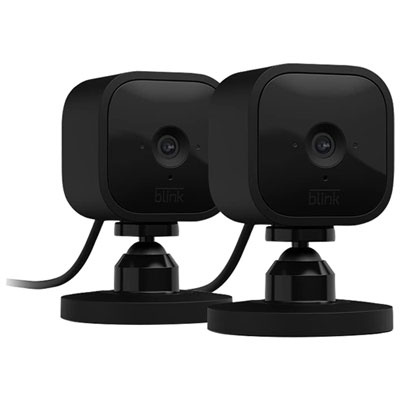 Your price for this item is $59.99
-
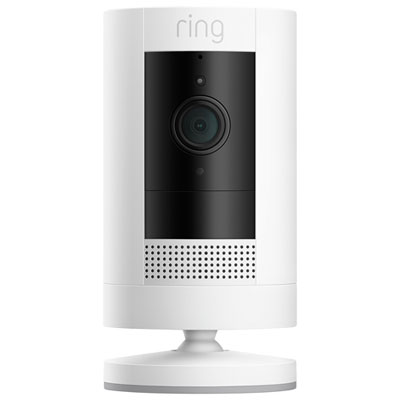 Your price for this item is $109.99
-
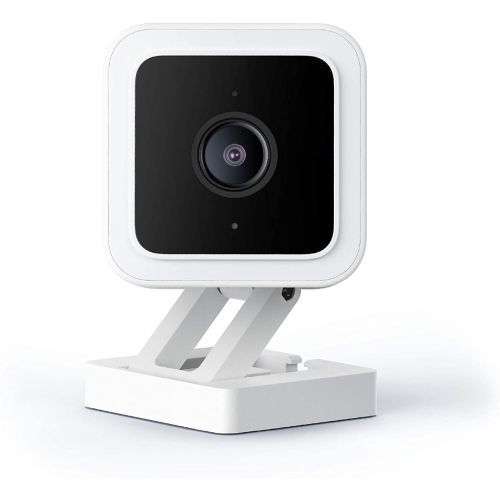 Your price for this item is $95.99
-
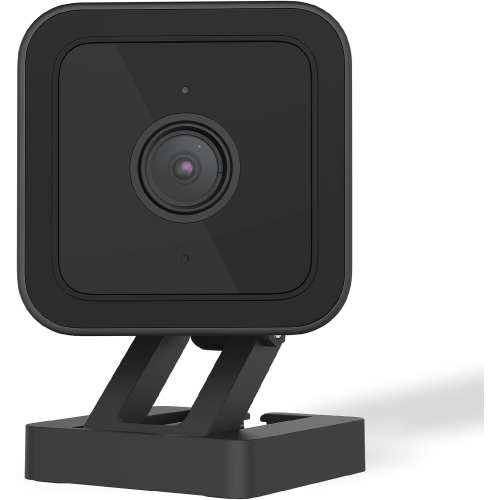 Your price for this item is $89.49
-
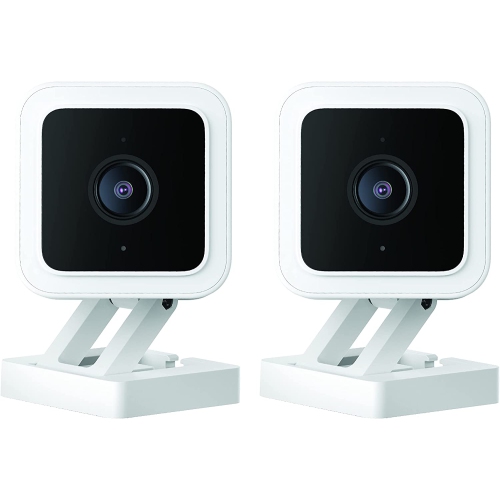 Your price for this item is $97.99
-
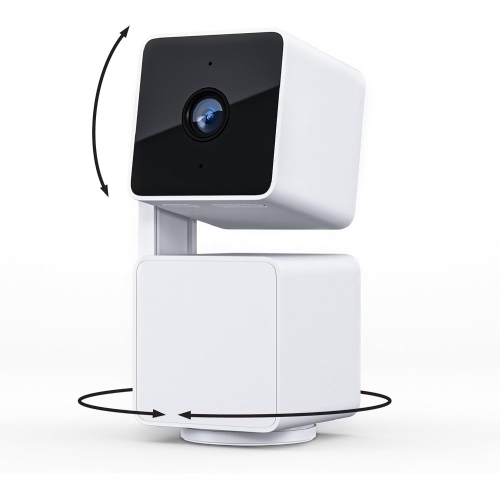 Your price for this item is $107.49
-
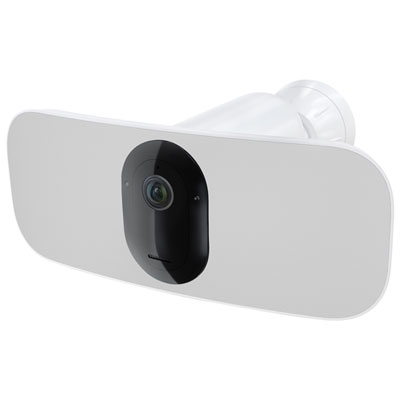 Your price for this item is $329.95
-
 Your price for this item is $96.49
Discover more categories related to Auto Tracking Cameras
Top Collections:
Best Black Friday Deals This Year, Best Black Friday Deals On Electronics, Kindle Devices, Pokemon Centers, Best Black Friday Deals On Apple Products, Best Cameras for Sports Photography, Dyson Airwrap, Pokémon 30th Celebration Cards, Apple iPhone 17 Pro, Canon G7X Cameras
Some products may be subject to Environmental Handling Fees
(EHF) depending on your province.
Learn more about EHFs.