Sonos TV Surround Sound
Explore Sonos TV surround sound options for building or expanding your home theatre setup. Compare TV connectivity, speaker configurations, and placement needs to find a setup that suits your room, and check compatibility with any Sonos components you already own.









FAQ
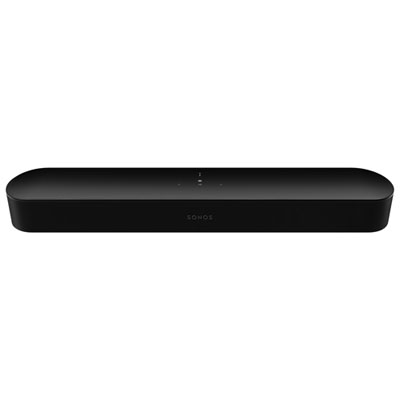
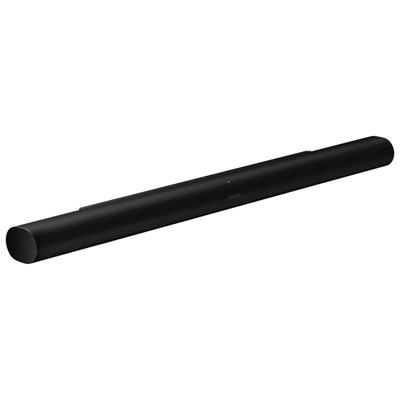
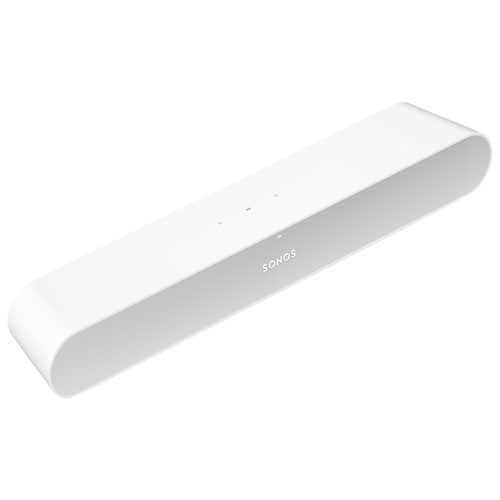
A compatible Sonos soundbar typically connects through the TV’s HDMI ARC or eARC port. Some setups can use an optical audio connection with an appropriate adapter, depending on the soundbar. Check the connection requirements for both the TV and soundbar.
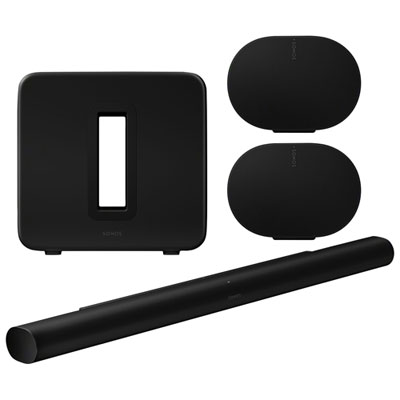
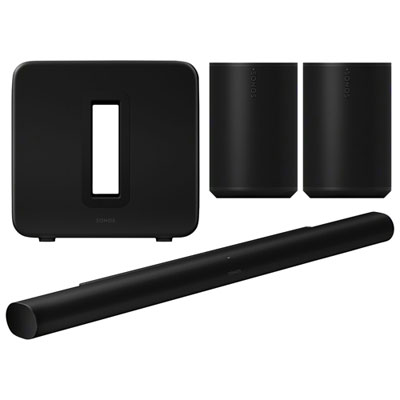
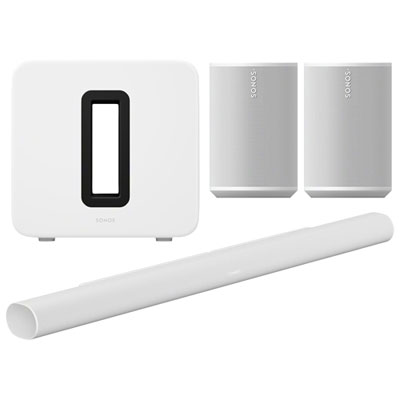
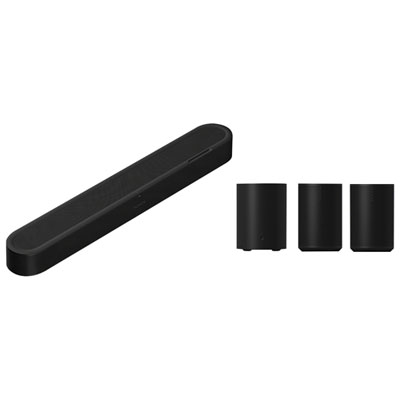
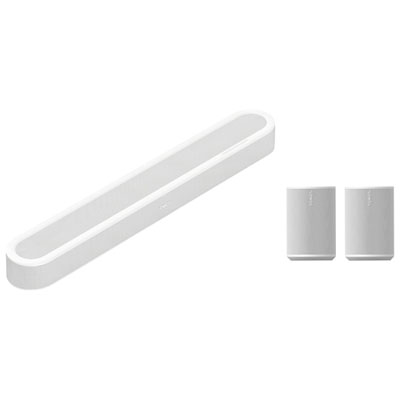
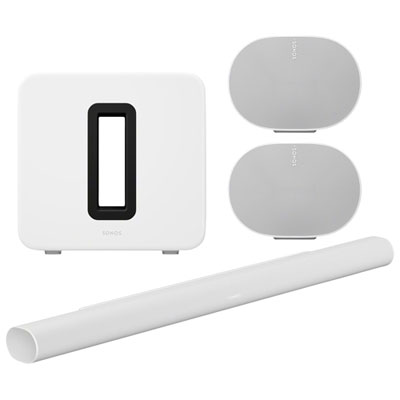
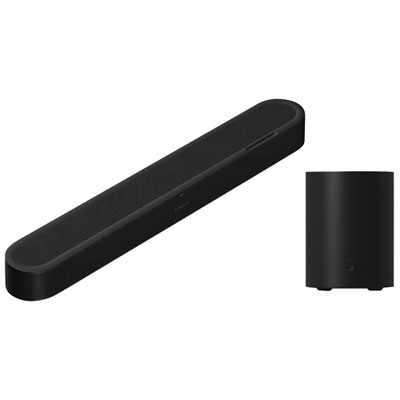
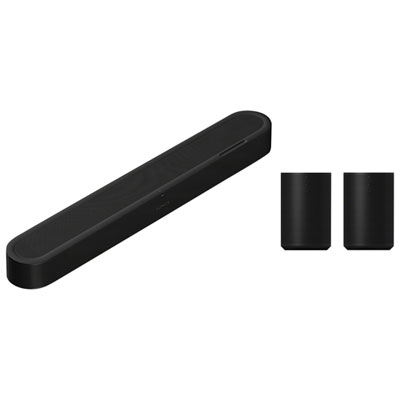
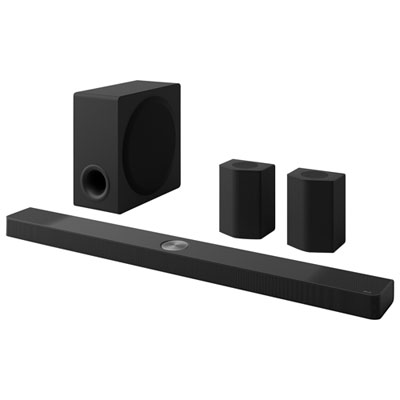
A typical setup includes a compatible Sonos soundbar and a compatible pair of speakers assigned as rear surrounds. A compatible Sonos subwoofer can also be added. Supported combinations depend on the components you choose.
Rear surround speakers are added through the Sonos app and assigned to the same home theatre room as the soundbar. The speakers must form a supported surround pair, so confirm compatibility before combining components.
Supported formats vary by soundbar and may include Dolby Digital or Dolby Atmos. The format available also depends on the TV, its audio settings, the connection type, and the source content. Check the audio specifications for your setup.
Many compatible setups let you adjust volume using your TV remote through HDMI-CEC or supported infrared control. Available controls depend on the TV, remote, and soundbar. The Sonos app also provides volume controls and home theatre settings.
Top selling and popular products
Discover more categories related to Sonos TV Surround Sound
Some products may be subject to Environmental Handling Fees (EHF) depending on your province. Learn more about EHFs.