Digital Notebooks for Remote Workers
Digital notebooks for remote workers offer a convenient way to stay organized, productive, and connected from anywhere. Perfect for managing tasks, taking notes during virtual meetings, and collaborating with team members, these innovative tools help streamline your workflow in any remote work environment. Explore a wide selection of digital notebooks designed to fit the needs of today’s professionals and enhance your remote working experience.
Sort
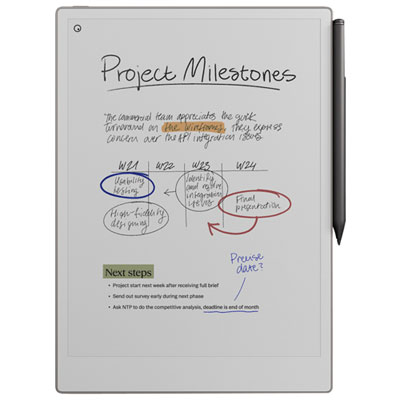
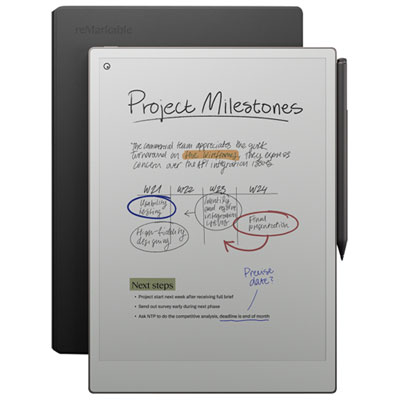
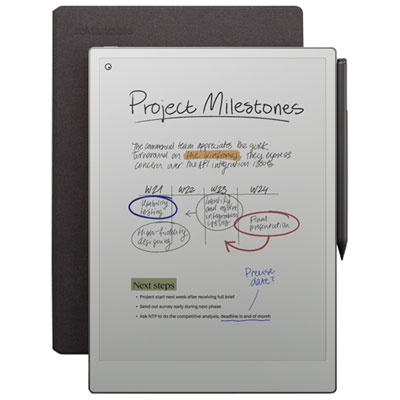
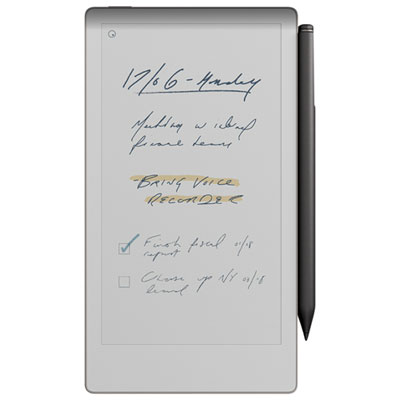
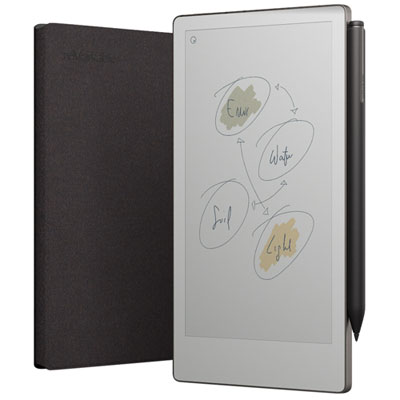
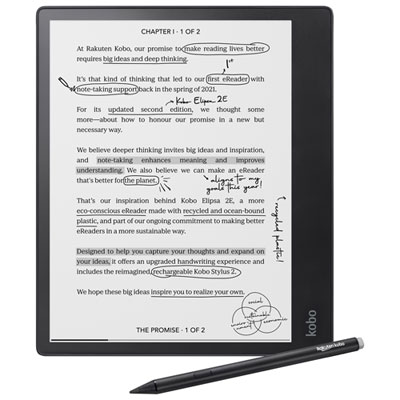
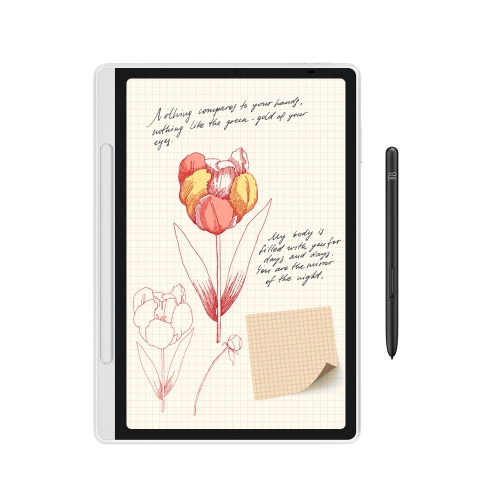
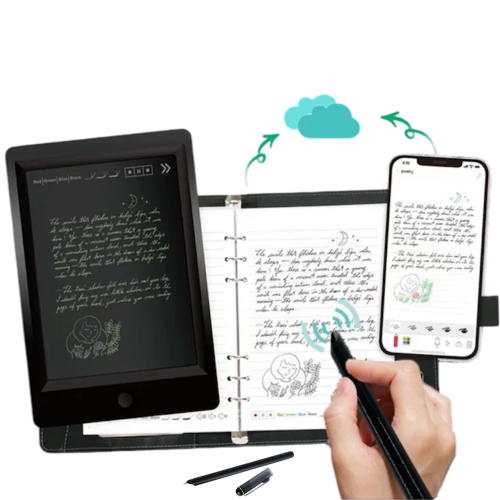



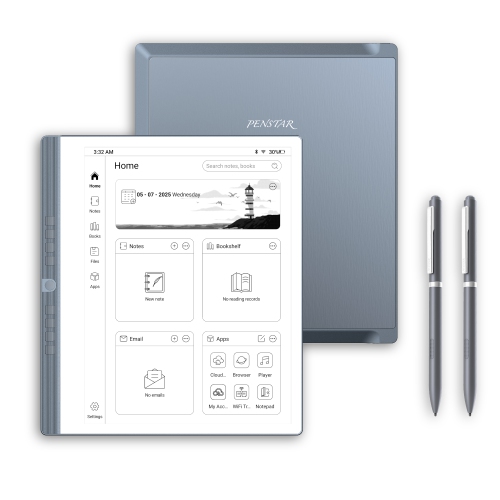
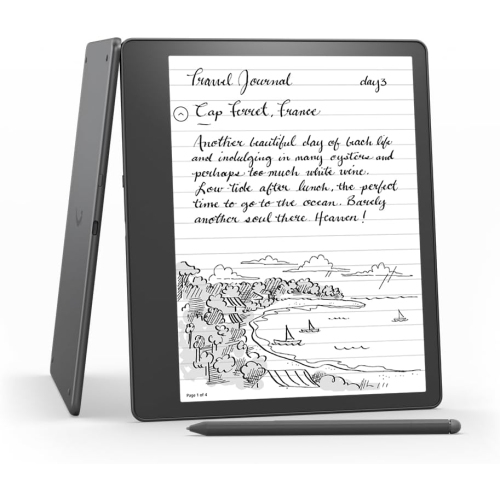
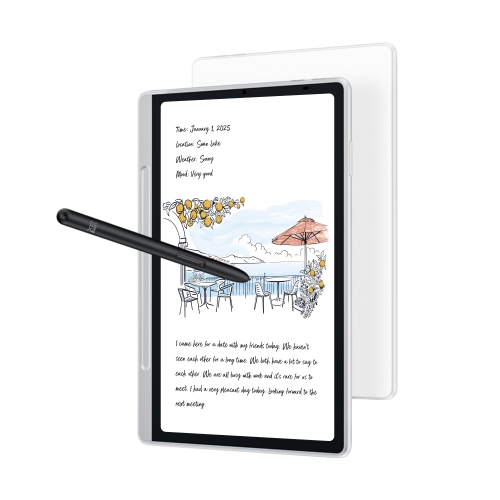
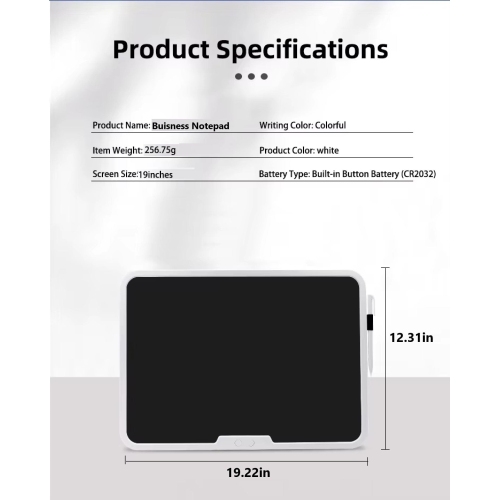
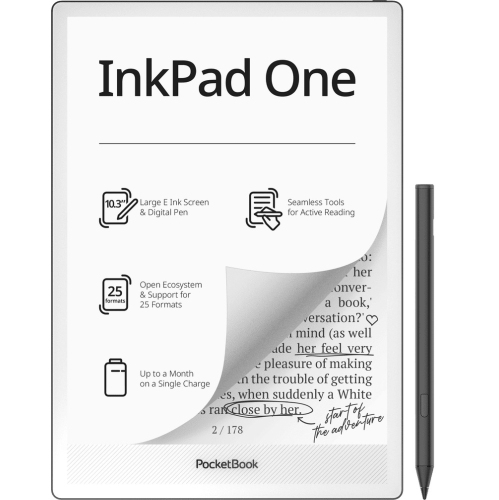

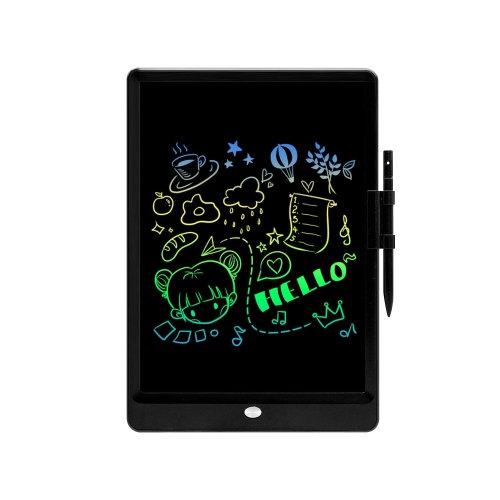
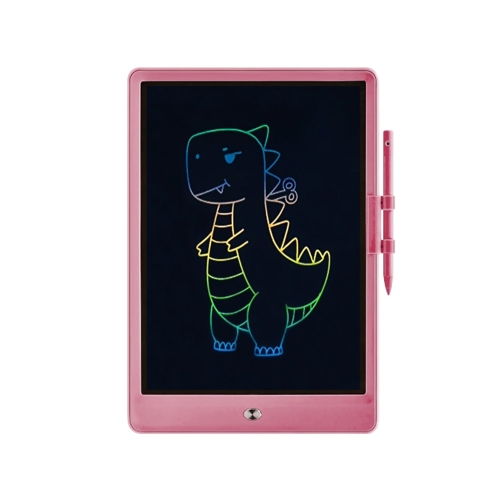
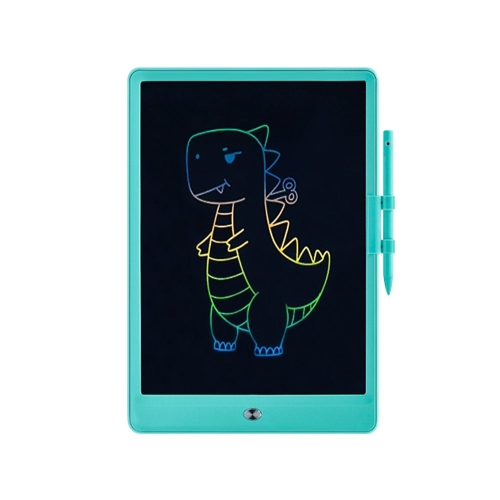
From handwritten meeting notes to organised shared files
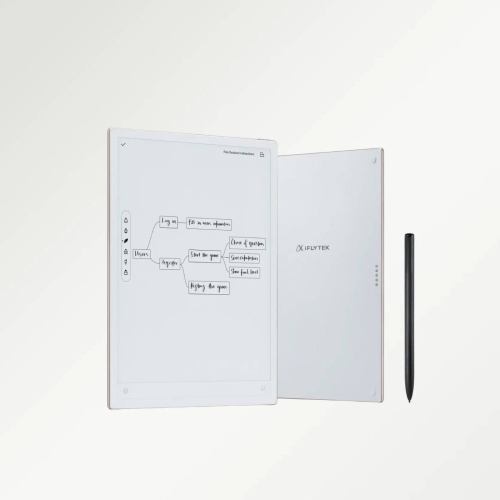
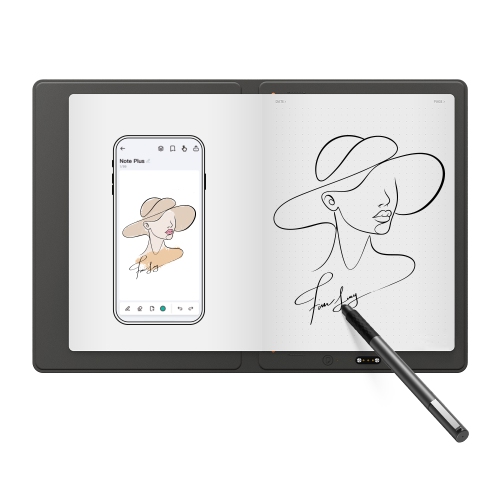
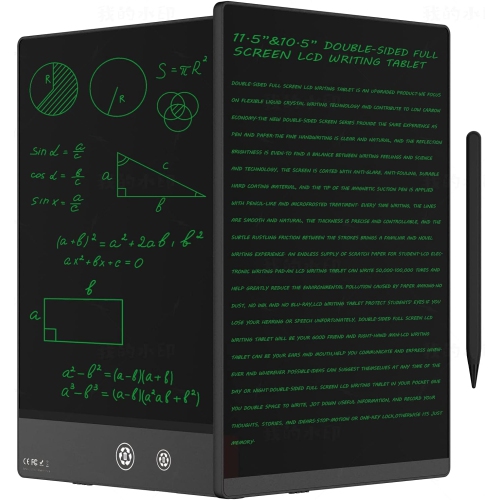
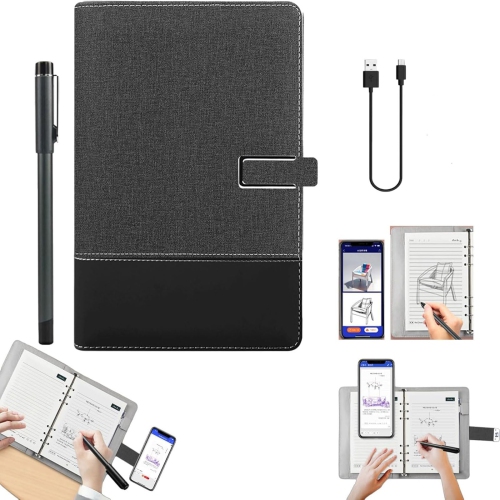
Digital notebooks for remote workers are designed to bring the focus of handwriting together with the convenience of digital storage, making them useful for home offices, shared workspaces, cafés, and flexible work arrangements. Depending on the format, they may use an e-ink display that feels closer to writing on paper, or reusable pages that can be written on, scanned, erased, and used again. Both styles provide a dedicated place for meeting notes, project outlines, daily priorities, brainstorming, and personal reminders without requiring a stack of paper or a browser window filled with distractions. An e-ink digital notebook can be especially helpful for people who spend much of the day switching between video calls and documents, since its pared-back interface keeps attention on the page rather than notifications, social media, or unrelated apps. A reusable notebook may suit workers who prefer the physical feel of a pen and paper but still want to send handwritten pages to cloud storage or share them with colleagues. For someone working from a kitchen table during the cooler months, a digital notebook can provide a simple, consistent work surface that is easy to move between rooms and ready for the next call. It can also be a thoughtful gift for a remote employee, student, freelancer, consultant, or small-business owner who keeps notes in several places and would benefit from a more organised routine.
When choosing among digital notebooks for remote work, start with the way notes are captured and used after a meeting ends. Writers who want a natural, paper-like experience may prefer a responsive e-ink screen, low-glare display, adjustable lighting, and a pen that supports precise writing, highlighting, and sketching. Those who regularly review briefs, contracts, reports, or digital reading material may place greater value on document import, PDF annotation, searchable pages, and a display large enough for comfortable reading. A reusable smart notebook can be a practical choice for people who enjoy handwriting but want to scan notes to services such as Google Drive, Dropbox, or email; check whether the required app works with the devices and accounts already used for work. Storage capacity, battery life, charging method, page-turning speed, and the ability to organise notes into folders are also worth considering. Handwriting-to-text conversion can turn written notes into editable text, while voice recording and transcription features may help capture the substance of a discussion when permitted by everyone involved. Keep in mind that transcription quality can vary with background noise, accents, overlapping speakers, and microphone placement, so it should support—not replace—careful note-taking. For remote teams, reliable file sharing and common formats can matter as much as the writing surface. A worker who sends action items to a shared folder may need different tools from someone who keeps a private project journal, while a manager who reviews documents on the go may prioritise annotation and reading features over drawing tools. The best fit is the one that matches the full note-taking routine, from the first handwritten line to the final shared file.
A digital notebook can help establish a repeatable rhythm for remote work. Before a video meeting, use a fresh page to record the purpose of the call, names of participants, and decisions that need to be made. During the conversation, simple headings such as “decisions,” “questions,” and “next steps” make it easier to find the important details later. Afterward, handwritten notes can be converted to text, filed with the relevant project, or sent to a colleague while the discussion is still fresh. For independent work, a digital notebook can hold a morning task list, rough diagrams, content ideas, client feedback, and end-of-day notes in one portable place. A person who moves between a home office and a shared workspace may appreciate having the same notebooks available without carrying binders, while a frequent traveller may look for a slim design, durable construction, and a battery that lasts through a full day of work. Consider the writing area as well: a compact screen may be comfortable for quick notes and commuting, whereas a larger format can make diagrams, long-form writing, and document markup feel less cramped. Pens, replacement tips, folios, keyboard accessories, and screen lighting can affect the overall experience, so check what is included and which extras are compatible. People whose work involves confidential client information should also review device security, account controls, sync settings, and where files are stored before enabling automatic uploads. Those comparing options for a more structured professional workflow can also explore Digital Notebooks for Business Professionals. Whether it is given as a practical gift or chosen as a personal workspace essential, a digital notebook can make remote work feel more deliberate by giving ideas, instructions, and priorities a clear place to land.
When choosing among digital notebooks for remote work, start with the way notes are captured and used after a meeting ends. Writers who want a natural, paper-like experience may prefer a responsive e-ink screen, low-glare display, adjustable lighting, and a pen that supports precise writing, highlighting, and sketching. Those who regularly review briefs, contracts, reports, or digital reading material may place greater value on document import, PDF annotation, searchable pages, and a display large enough for comfortable reading. A reusable smart notebook can be a practical choice for people who enjoy handwriting but want to scan notes to services such as Google Drive, Dropbox, or email; check whether the required app works with the devices and accounts already used for work. Storage capacity, battery life, charging method, page-turning speed, and the ability to organise notes into folders are also worth considering. Handwriting-to-text conversion can turn written notes into editable text, while voice recording and transcription features may help capture the substance of a discussion when permitted by everyone involved. Keep in mind that transcription quality can vary with background noise, accents, overlapping speakers, and microphone placement, so it should support—not replace—careful note-taking. For remote teams, reliable file sharing and common formats can matter as much as the writing surface. A worker who sends action items to a shared folder may need different tools from someone who keeps a private project journal, while a manager who reviews documents on the go may prioritise annotation and reading features over drawing tools. The best fit is the one that matches the full note-taking routine, from the first handwritten line to the final shared file.
A digital notebook can help establish a repeatable rhythm for remote work. Before a video meeting, use a fresh page to record the purpose of the call, names of participants, and decisions that need to be made. During the conversation, simple headings such as “decisions,” “questions,” and “next steps” make it easier to find the important details later. Afterward, handwritten notes can be converted to text, filed with the relevant project, or sent to a colleague while the discussion is still fresh. For independent work, a digital notebook can hold a morning task list, rough diagrams, content ideas, client feedback, and end-of-day notes in one portable place. A person who moves between a home office and a shared workspace may appreciate having the same notebooks available without carrying binders, while a frequent traveller may look for a slim design, durable construction, and a battery that lasts through a full day of work. Consider the writing area as well: a compact screen may be comfortable for quick notes and commuting, whereas a larger format can make diagrams, long-form writing, and document markup feel less cramped. Pens, replacement tips, folios, keyboard accessories, and screen lighting can affect the overall experience, so check what is included and which extras are compatible. People whose work involves confidential client information should also review device security, account controls, sync settings, and where files are stored before enabling automatic uploads. Those comparing options for a more structured professional workflow can also explore Digital Notebooks for Business Professionals. Whether it is given as a practical gift or chosen as a personal workspace essential, a digital notebook can make remote work feel more deliberate by giving ideas, instructions, and priorities a clear place to land.
Top selling and popular products
-
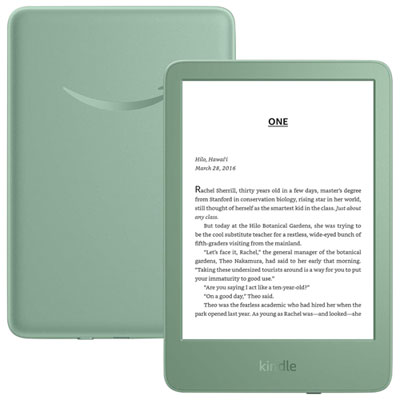 Your price for this item is $189.99
 -
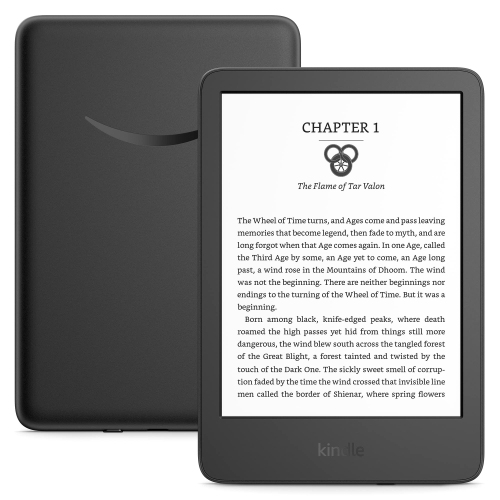 Your price for this item is $201.09
 -
 Your price for this item is $399.99
 -
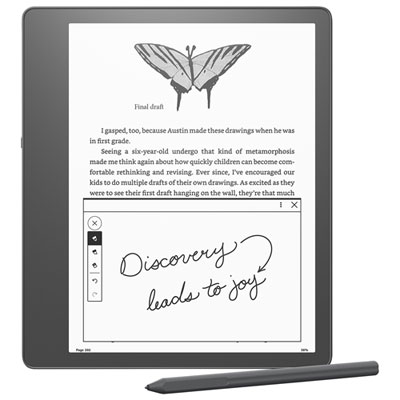 Your price for this item is $509.99
 -
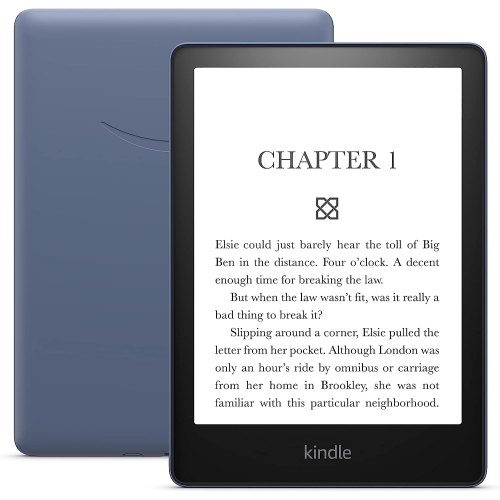 Your price for this item is $295.2
 -
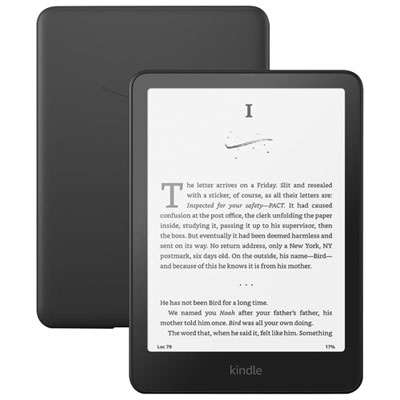 Your price for this item is $279.99
 -
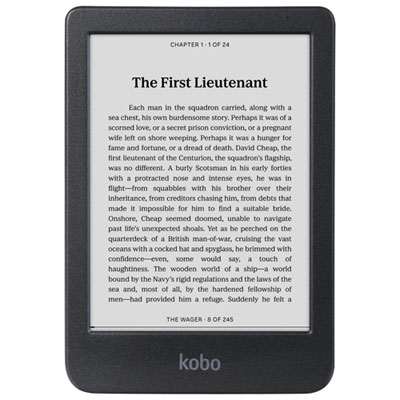 Your price for this item is $179.99
 -
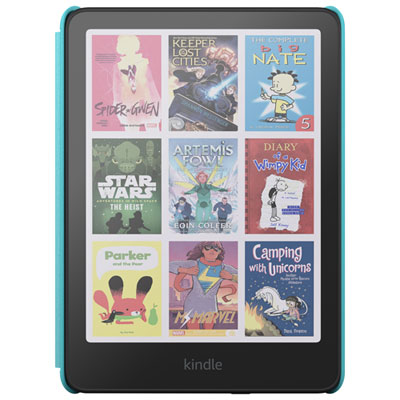 Your price for this item is $249.99
Discover more categories related to Digital Notebooks for Remote Workers
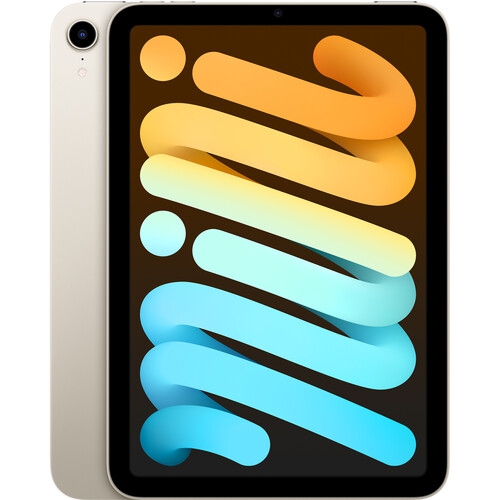



Top Collections:
Pokemon Centers, Budget 4K TVs, Best Budget Office Chairs, Kindle Devices, Canon G7X Cameras, Apple iPhones 16, iPhone 15 Apple, Laptops for Business Work, Xiaomi Phones, Flip Phones
Some products may be subject to Environmental Handling Fees
(EHF) depending on your province.
Learn more about EHFs.