Digital Notebooks for Business Professionals
Digital notebooks for business professionals offer a streamlined way to organize notes, manage tasks, and enhance productivity in fast-paced work environments. Designed with the needs of modern professionals in mind, these innovative tools make it easy to capture ideas, collaborate with colleagues, and keep important information at your fingertips. Explore a wide selection of digital notebooks for business professionals and find the perfect solution to support your workflow and help you stay ahead in today’s competitive landscape.
Sort


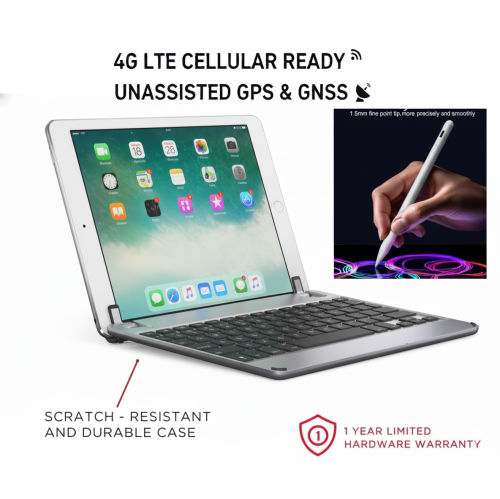
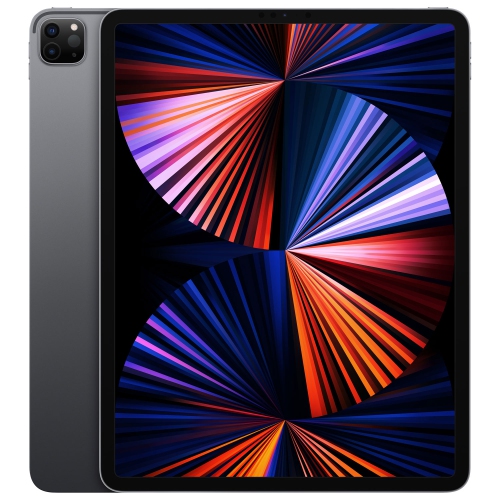
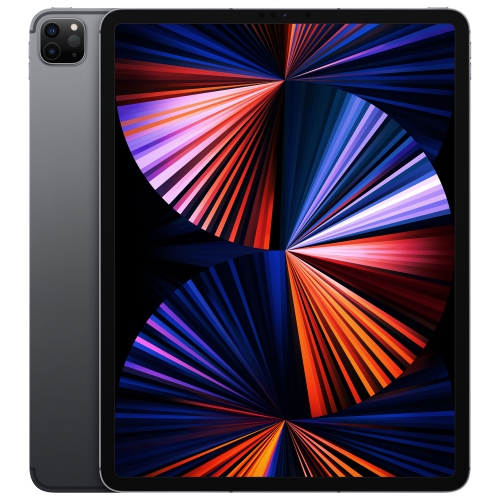

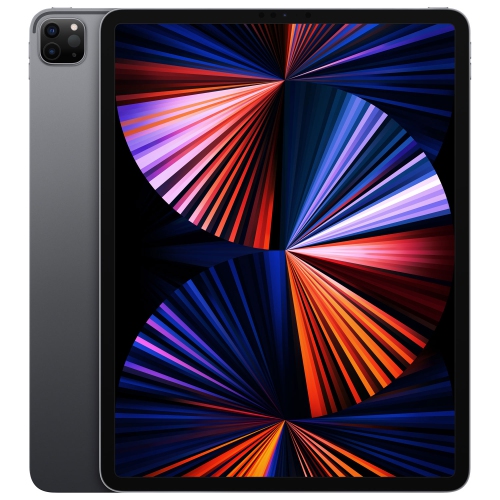
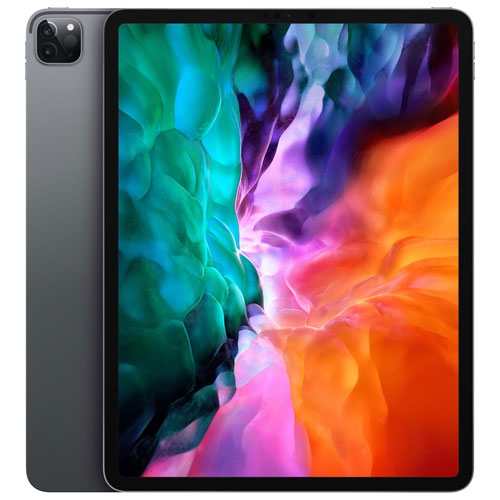

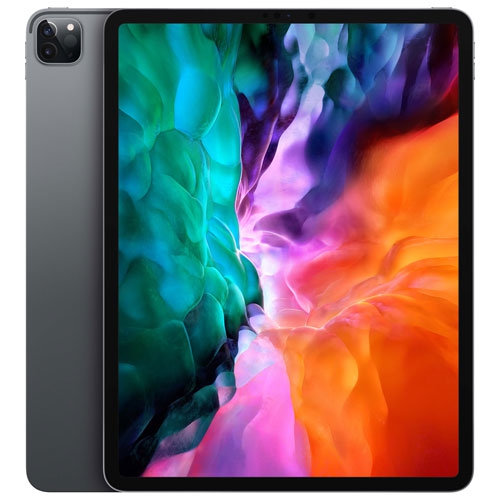
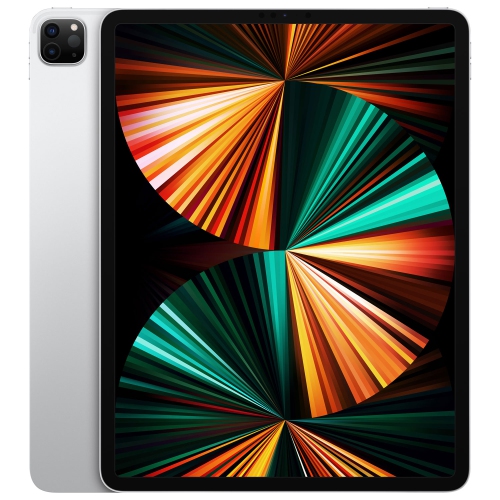
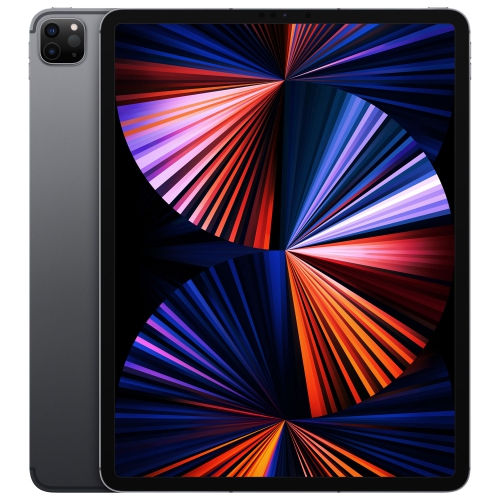
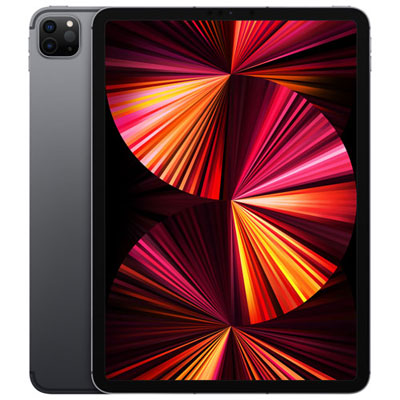
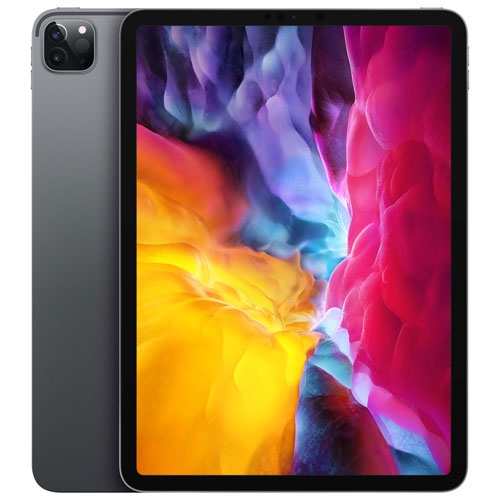
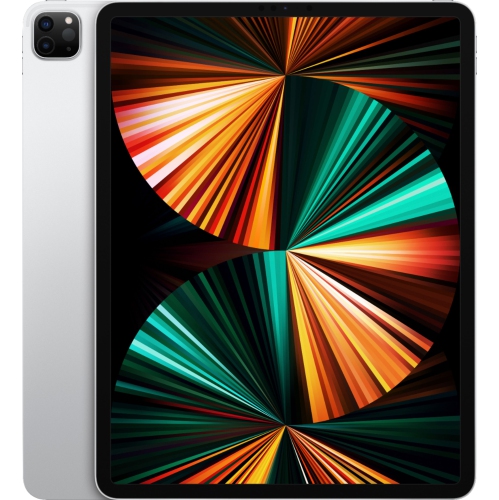
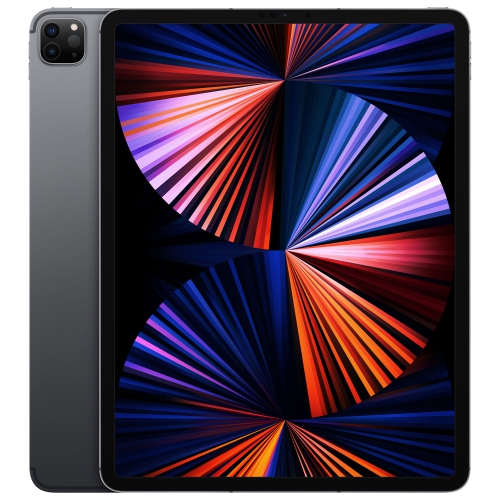
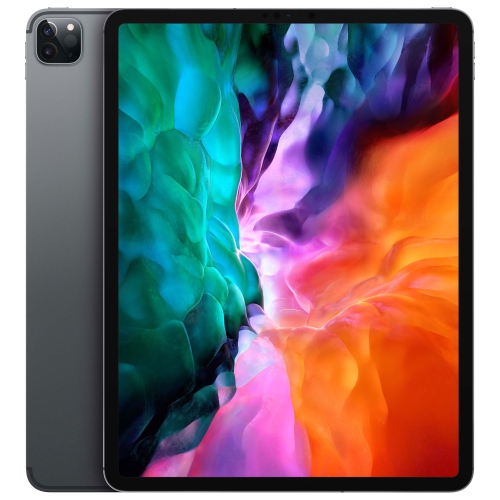
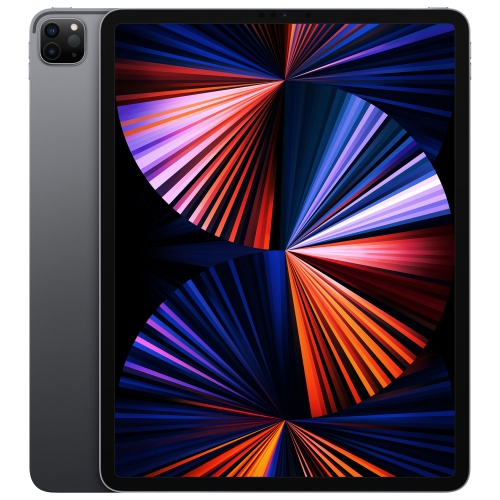
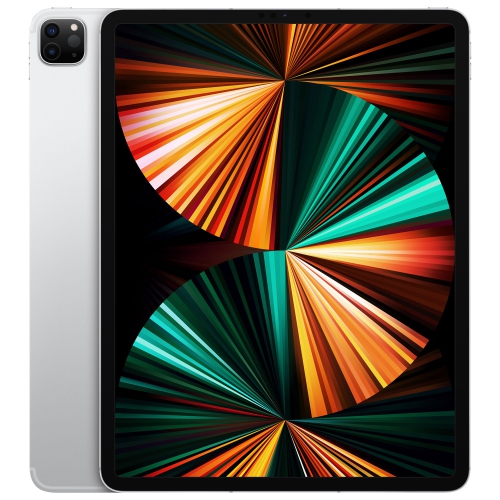
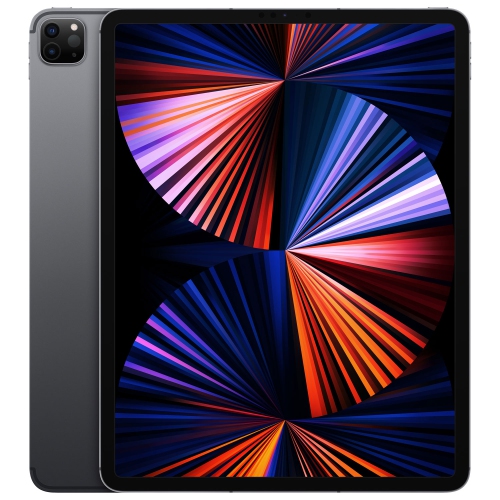
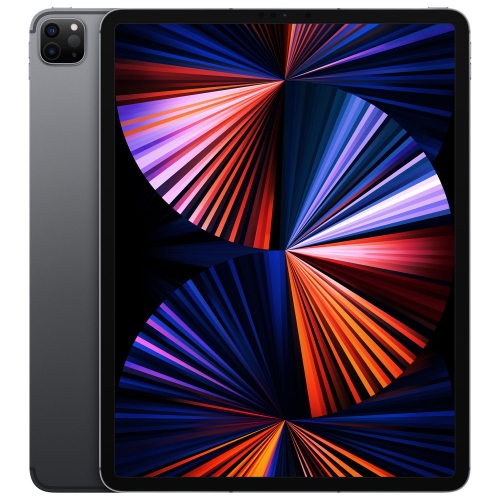
A focused writing tool for meetings and document review
Digital notebooks for business professionals offer a focused way to capture ideas, organise meetings, review documents, and carry essential work notes without relying on stacks of paper. With a writing experience designed to feel closer to pen and paper than a traditional computer, these devices can fit naturally into a busy workday, whether you are moving between conference rooms, travelling to client appointments, or working from a home office during the cooler months. A digital notebook can be used for handwritten meeting notes, project outlines, interview preparation, brainstorming, daily planning, checklists, and personal reminders. Many models also support PDF viewing and markup, making it easier to review contracts, presentation drafts, reports, floor plans, or financial documents while keeping annotations connected to the original file. Instead of searching through a notebook for a note made several weeks ago, users can often arrange pages into folders, notebooks, or tags and locate information digitally. Handwriting conversion can turn written notes into typed text for easier sharing, while calendar integration can help place meeting notes alongside appointments and schedules. For professionals who spend much of the day listening, thinking, and writing, a digital notebook can create a quieter and more organised workflow than constantly switching between paper, a laptop, and a phone. The products gathered on this page are suited to business use and can also make thoughtful gifts for graduates, managers, consultants, sales professionals, designers, educators, and anyone beginning a new role that involves frequent meetings or document review. For people comparing digital devices for work, it may also be useful to explore Notebooks for Business when a full keyboard, desktop software, or broader multitasking capability is a higher priority.
Screen size is one of the first practical considerations when choosing a digital notebook for professional use. A display in the 10 to 11.8 inch range provides room for comfortable handwriting, diagrams, side-by-side document review, and split-screen work without becoming difficult to carry. Larger screens can be especially helpful for people who annotate detailed PDFs, sketch process maps, or write extensive notes by hand at a desk. More compact options, including sizes around 7.3 inches, can be convenient for travel and quick reference, fitting into a jacket pocket, small bag, or crowded commuter case. A glare-free display can make reading more comfortable under office lighting or near a bright window, while an adjustable reading light can help when working in dim meeting rooms, on an evening flight, or at home after a long day. Consider the feel and responsiveness of the included pen as carefully as the screen itself. A comfortable stylus with low writing latency can make quick notes feel natural, while pressure sensitivity may matter for sketching, marking up diagrams, or creating visual concepts. Storage capacity is important for professionals who expect to keep years of notes, downloaded documents, and templates on the device. Battery life also deserves attention, particularly for people who work away from a charger or move between appointments. Before choosing, think about how files will move between the digital notebook and the rest of the working day. Support for Google Drive, Dropbox, Microsoft Word, email, or other familiar services can simplify exporting notes to colleagues and storing important documents in an established workflow. Some devices offer audio recording for meetings, split-screen viewing for comparing notes with source material, or handwriting-to-text tools that reduce the time spent preparing follow-up messages. Organisation features such as searchable handwriting, folders, tags, templates, and automatic summaries can be valuable for turning a busy notebook into an accessible reference library.
The best digital notebook for a business professional depends on the balance between focused writing, document work, portability, and connected productivity. People who want a paper-like experience may prefer a streamlined device that keeps distractions to a minimum and makes it easy to write, read, and organise. Professionals who work with shared files or Android applications may place greater value on app compatibility, flexible file transfers, multitasking, and the ability to mark up PDFs while consulting another document. A person who spends most of the day at a desk may appreciate a larger writing surface, whereas a consultant, field worker, or frequent traveller may prioritise a lightweight design that is easy to carry from one appointment to the next. It is also worth considering the type of information being recorded. Meeting notes may benefit from calendar links and searchable handwriting; creative planning may call for templates and a responsive pen; legal, technical, or financial work may require clear PDF annotation and dependable export options. Professionals handling confidential information should review available security controls, account settings, cloud storage practices, and sharing permissions before bringing a device into sensitive meetings. Accessories can shape the experience as well, with folios offering protection during travel and spare pen tips helping maintain a consistent writing feel over time. Digital notebooks can support a more deliberate routine: reviewing an agenda before a meeting, recording decisions as they happen, adding action items immediately afterwards, and keeping reference material in one place. As work patterns shift between offices, client sites, home workspaces, and travel, a well-chosen device can help reduce clutter while keeping ideas, documents, and follow-ups close at hand. Consider the applications already used by your team, the size that feels comfortable for your writing style, the storage and battery capacity required, and the level of connectivity you expect before selecting a digital notebook for business.
Screen size is one of the first practical considerations when choosing a digital notebook for professional use. A display in the 10 to 11.8 inch range provides room for comfortable handwriting, diagrams, side-by-side document review, and split-screen work without becoming difficult to carry. Larger screens can be especially helpful for people who annotate detailed PDFs, sketch process maps, or write extensive notes by hand at a desk. More compact options, including sizes around 7.3 inches, can be convenient for travel and quick reference, fitting into a jacket pocket, small bag, or crowded commuter case. A glare-free display can make reading more comfortable under office lighting or near a bright window, while an adjustable reading light can help when working in dim meeting rooms, on an evening flight, or at home after a long day. Consider the feel and responsiveness of the included pen as carefully as the screen itself. A comfortable stylus with low writing latency can make quick notes feel natural, while pressure sensitivity may matter for sketching, marking up diagrams, or creating visual concepts. Storage capacity is important for professionals who expect to keep years of notes, downloaded documents, and templates on the device. Battery life also deserves attention, particularly for people who work away from a charger or move between appointments. Before choosing, think about how files will move between the digital notebook and the rest of the working day. Support for Google Drive, Dropbox, Microsoft Word, email, or other familiar services can simplify exporting notes to colleagues and storing important documents in an established workflow. Some devices offer audio recording for meetings, split-screen viewing for comparing notes with source material, or handwriting-to-text tools that reduce the time spent preparing follow-up messages. Organisation features such as searchable handwriting, folders, tags, templates, and automatic summaries can be valuable for turning a busy notebook into an accessible reference library.
The best digital notebook for a business professional depends on the balance between focused writing, document work, portability, and connected productivity. People who want a paper-like experience may prefer a streamlined device that keeps distractions to a minimum and makes it easy to write, read, and organise. Professionals who work with shared files or Android applications may place greater value on app compatibility, flexible file transfers, multitasking, and the ability to mark up PDFs while consulting another document. A person who spends most of the day at a desk may appreciate a larger writing surface, whereas a consultant, field worker, or frequent traveller may prioritise a lightweight design that is easy to carry from one appointment to the next. It is also worth considering the type of information being recorded. Meeting notes may benefit from calendar links and searchable handwriting; creative planning may call for templates and a responsive pen; legal, technical, or financial work may require clear PDF annotation and dependable export options. Professionals handling confidential information should review available security controls, account settings, cloud storage practices, and sharing permissions before bringing a device into sensitive meetings. Accessories can shape the experience as well, with folios offering protection during travel and spare pen tips helping maintain a consistent writing feel over time. Digital notebooks can support a more deliberate routine: reviewing an agenda before a meeting, recording decisions as they happen, adding action items immediately afterwards, and keeping reference material in one place. As work patterns shift between offices, client sites, home workspaces, and travel, a well-chosen device can help reduce clutter while keeping ideas, documents, and follow-ups close at hand. Consider the applications already used by your team, the size that feels comfortable for your writing style, the storage and battery capacity required, and the level of connectivity you expect before selecting a digital notebook for business.
Top selling and popular products
-
 Your price for this item is $1449.99
 -
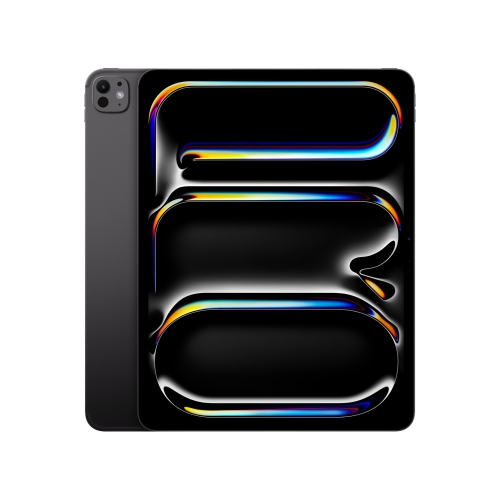 Your price for this item is $1949.88
 -
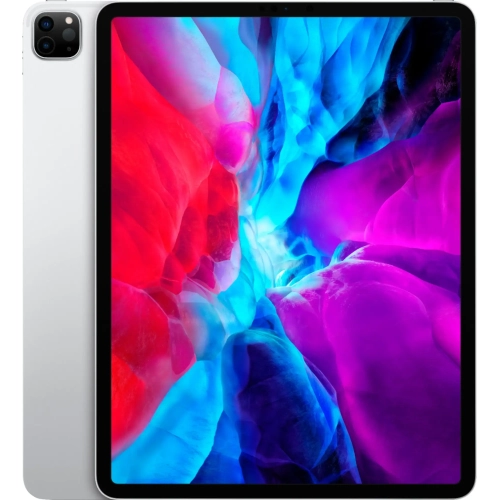 Your price for this item is $2429.99
 -
 Your price for this item is $1849.99
 -
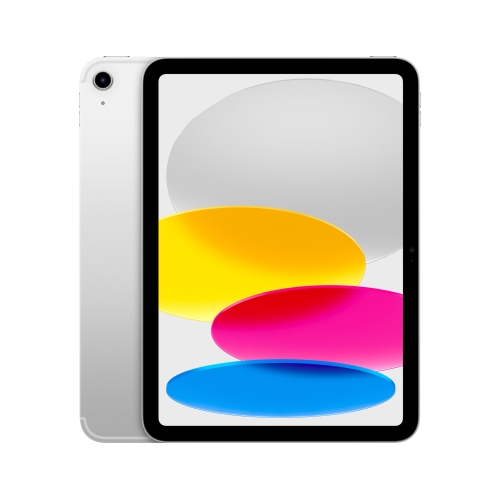 Your price for this item is $829
 -
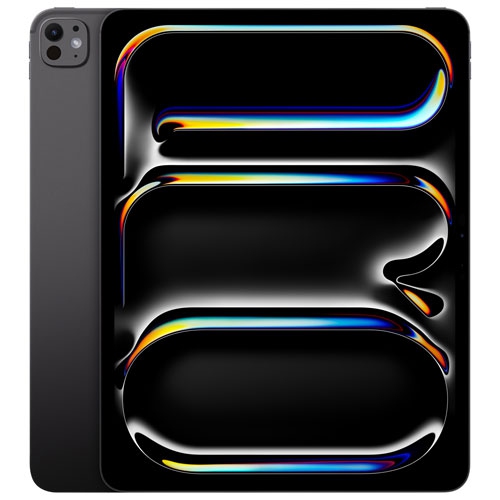 Your price for this item is $1699.99
 -
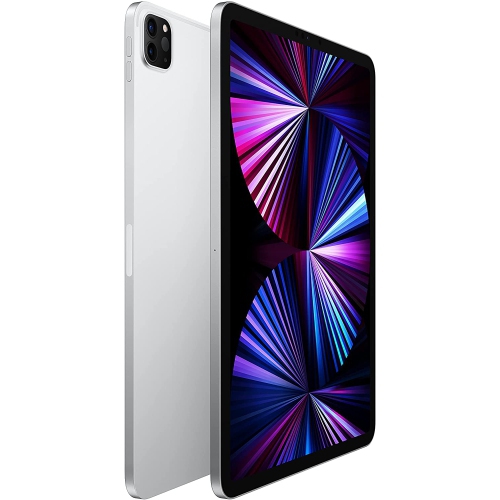 Your price for this item is $1799
 -
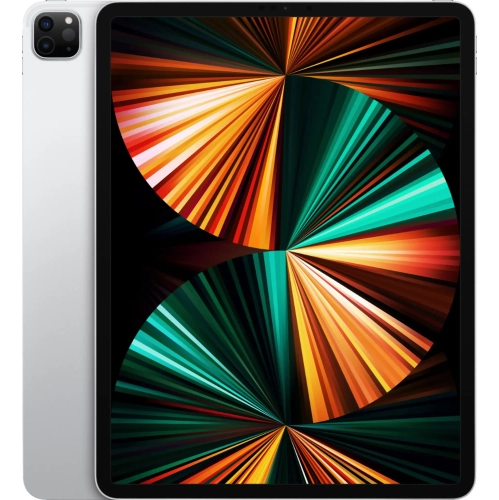 Your price for this item is $3299.99
Discover more categories related to Digital Notebooks for Business Professionals

Top Collections:
Pokemon Centers, Budget 4K TVs, Best Budget Office Chairs, Kindle Devices, Canon G7X Cameras, Apple iPhones 16, iPhone 15 Apple, Laptops for Business Work, Xiaomi Phones, Flip Phones
Some products may be subject to Environmental Handling Fees
(EHF) depending on your province.
Learn more about EHFs.