Tools for Architecture Students
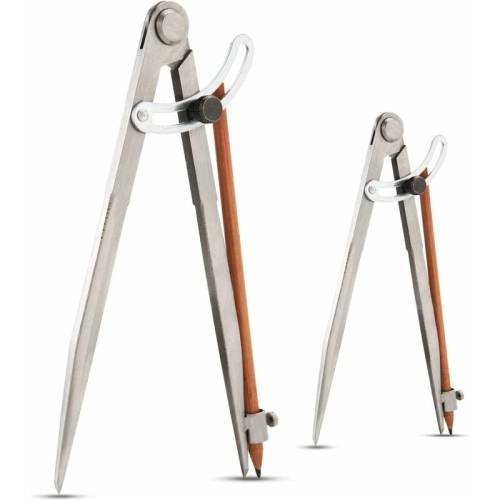
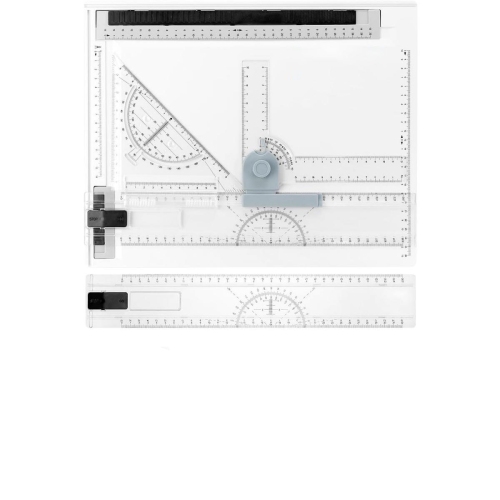
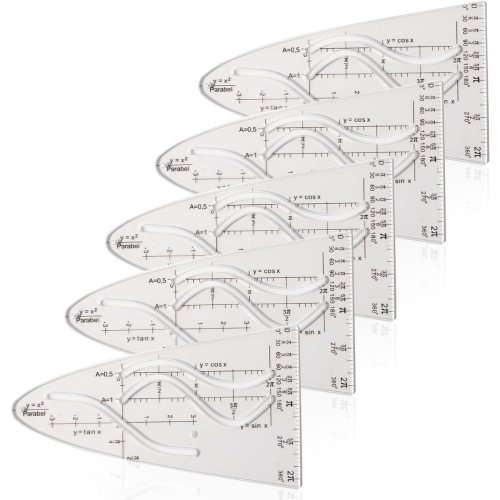
Find tools for architecture students suited to drafting, design coursework, and project presentations. Browse with your studio supply list in mind, comparing options for detailed work, portability, and available desk space. For digital drafting and 3D modelling, check your program’s software and hardware requirements before choosing.












FAQ
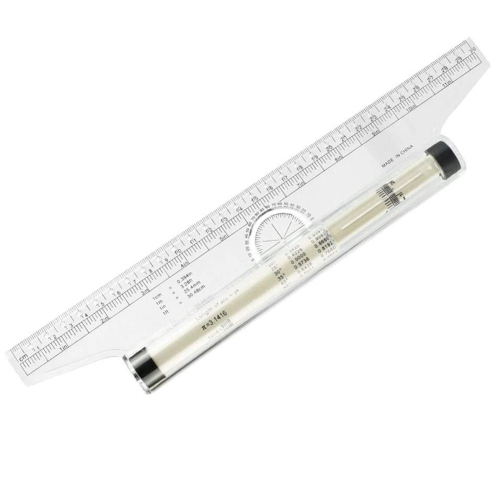
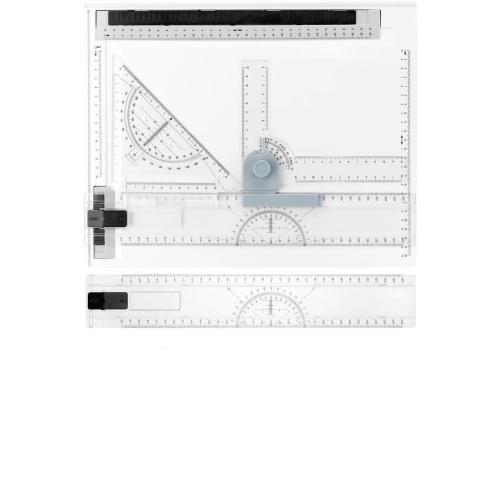
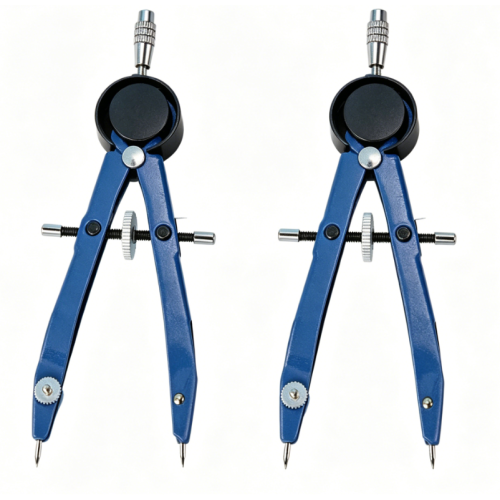
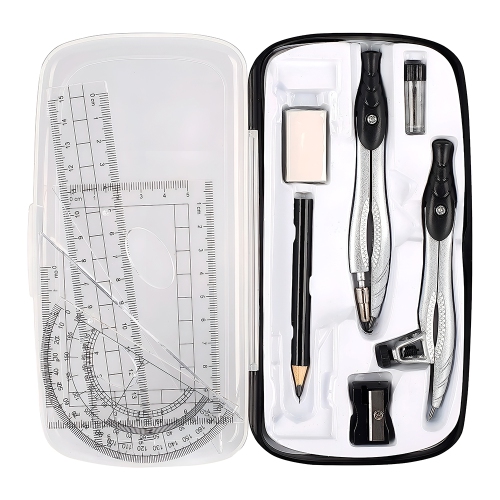
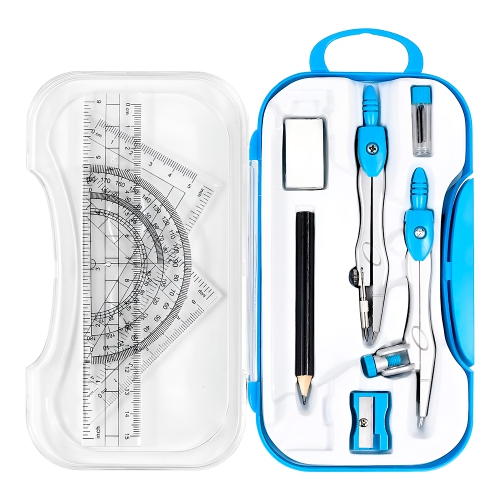
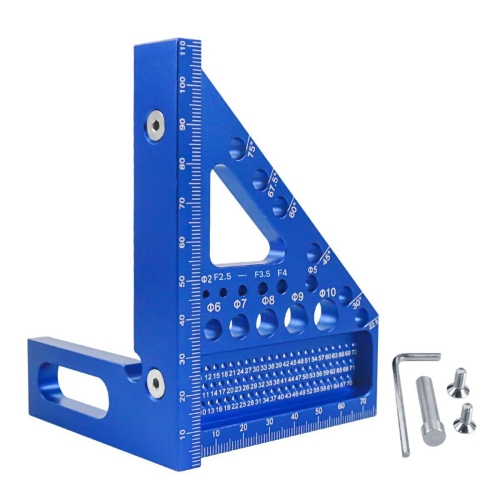
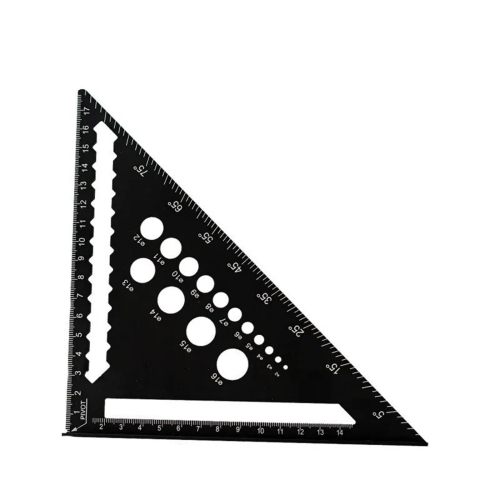
Architecture students commonly use sketchbooks, drawing pencils, technical pens, architectural scales, rulers, set squares, and cutting mats. A laptop, mouse, and external storage support digital drafting, 3D modelling, presentations, and file management. Course requirements can help you decide which tools to gather first.
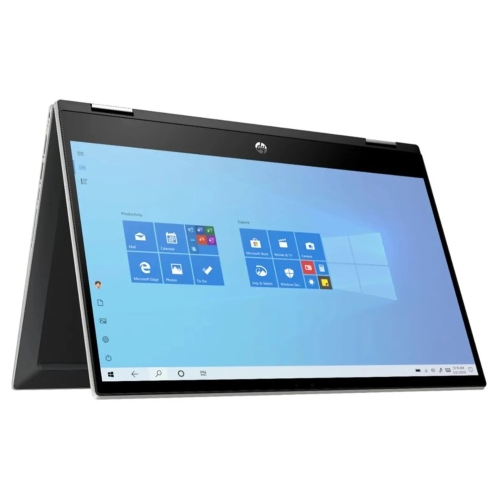
Look for a computer with a capable processor, ample RAM, and solid-state storage for design files and applications. A dedicated graphics card may be required for certain 3D modelling and rendering programs. Check your school’s software list and each application’s operating system and hardware requirements before choosing a computer.
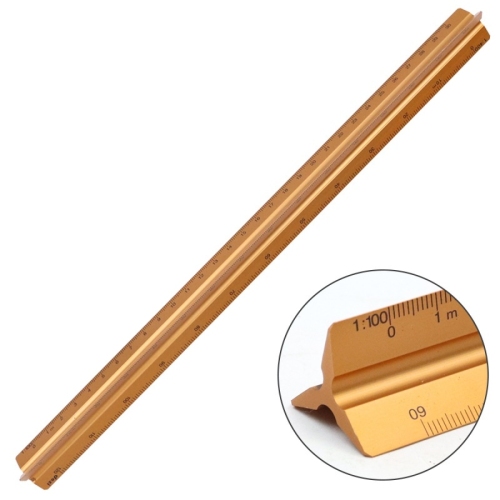
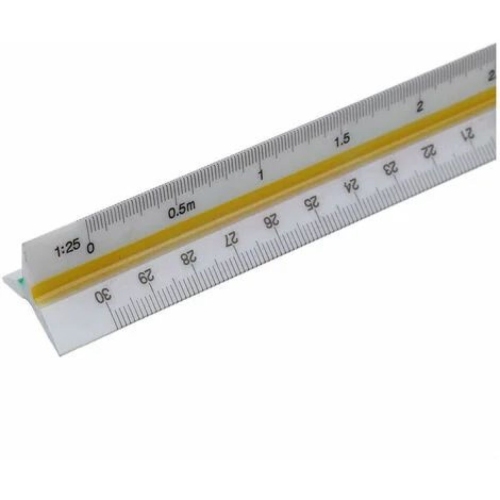
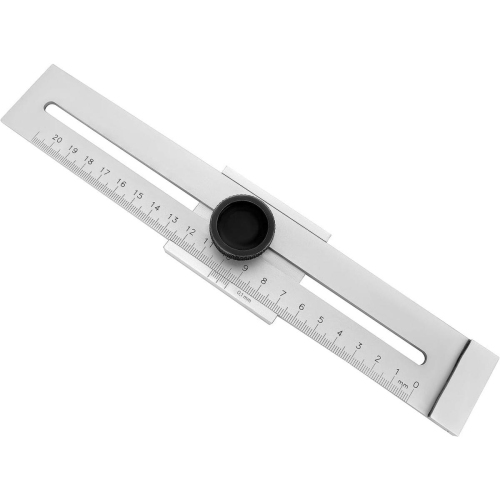
An architectural scale has markings for reading and drawing at set ratios, allowing students to represent buildings on paper. A regular ruler measures distances directly. Courses may use metric scales, imperial scales, or both, so choose markings that match your assignments.
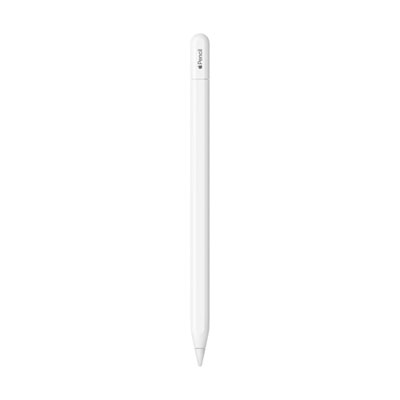
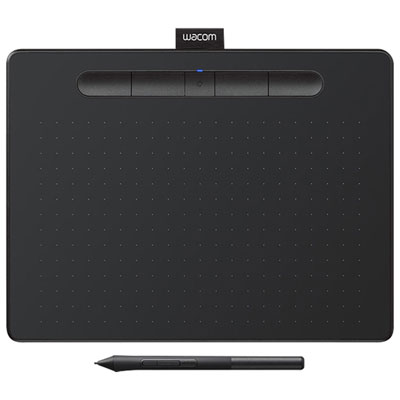
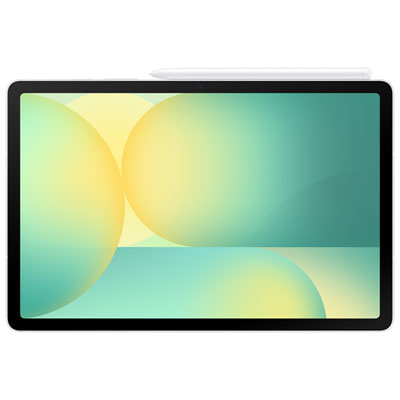
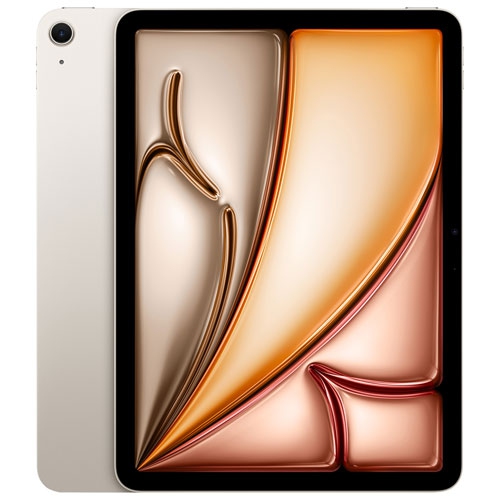
A pen tablet captures stylus movements on a drawing surface while you view the result on a separate monitor. A pen display lets you draw directly on its screen. Both can be used for digital sketching, annotating drawings, and presentation work, depending on software compatibility.
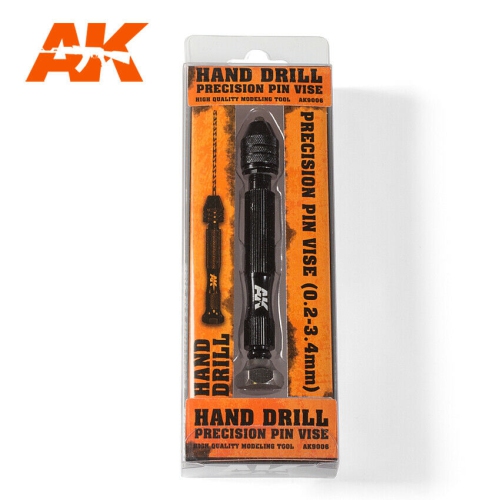
Common model-making supplies include chipboard, foam board, card stock, balsa wood, basswood, and acetate sheets. Students also use rulers, cutting mats, craft knives, adhesives, and drafting pencils. Material choices depend on whether the assignment calls for a conceptual study, a site model, or a detailed presentation model.
Top selling and popular products
Discover more categories related to Tools for Architecture Students

Some products may be subject to Environmental Handling Fees (EHF) depending on your province. Learn more about EHFs.