42 Inch TVs
Upgrade your home entertainment setup with our selection of 42 in TVs. Perfectly sized for bedrooms, apartments, or smaller living spaces, these TVs offer a great balance between screen size and versatility. Discover options that fit seamlessly into your lifestyle, whether you’re catching up on your favorite shows, gaming, or watching movies. Explore the latest models and find the ideal 42 in TV to enhance your viewing experience at home.
Sort
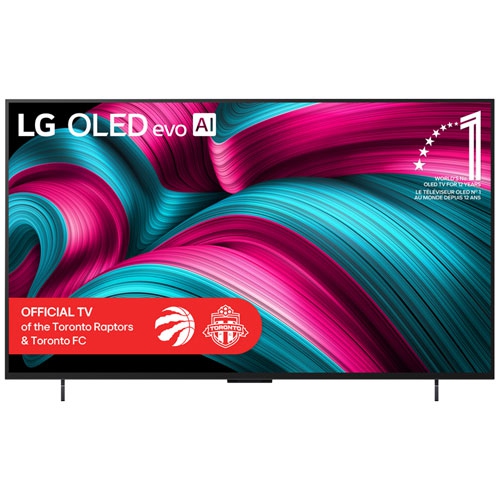

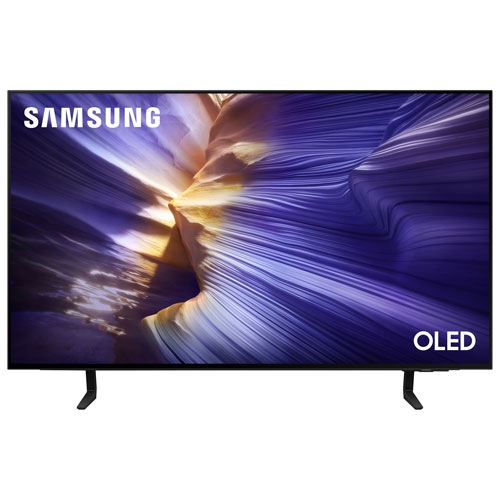
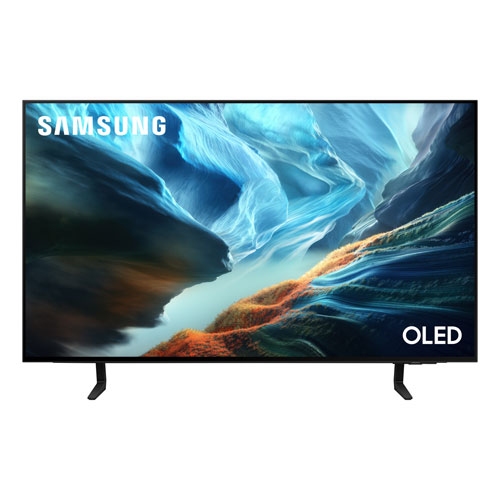
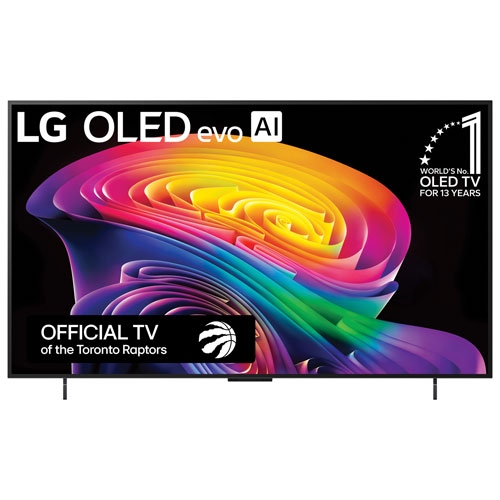
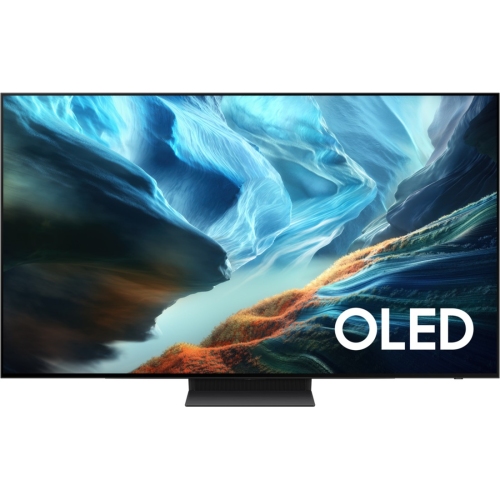
Comfortable viewing without rearranging your entire room
42-inch TVs offer a useful balance between comfortable viewing and a manageable footprint, making them well suited to bedrooms, smaller living rooms, apartments, and multipurpose spaces. The 42-inch measurement refers to the screen’s diagonal, not the television’s width. A typical widescreen panel of this size measures approximately 37 inches wide and 21 inches high before accounting for the bezel, stand, or other parts of the housing. Overall dimensions vary, so the full width, height, and depth matter more than the diagonal when fitting a television into an existing media unit. Stand design also makes a practical difference: widely spaced feet need a broad supporting surface, while a central pedestal may fit a narrower cabinet, provided the furniture can safely support the television. Leave the ventilation clearances specified by the manufacturer, along with room to reach connections without sharply bending cables. For wall mounting, check the television’s weight and mounting-hole pattern against the bracket specifications, and use hardware appropriate for the wall construction. Positioning the centre of the screen near seated eye level generally creates a more relaxed viewing setup than placing it high above a dresser. A 42-inch TV can work particularly well when seating is relatively close, such as an armchair across a bedroom or a sofa in a compact den. The ideal distance depends on resolution, eyesight, and personal preference; subtitles and small on-screen menus should remain easy to read without leaning forward. In a room where the sofa sits much farther from the television, 58-inch TVs provide a larger picture, although their cabinet and mounting requirements also need consideration. For a first apartment, a guest room, or a shared family space, a 42-inch screen can provide a dedicated place for films, television, and games without requiring the room to be arranged entirely around it.
Picture quality on 42-inch TVs depends on more than screen size. Full HD resolution can suit everyday television and casual streaming, while 4K resolution provides more pixels for fine detail in compatible films, games, and other content. That extra detail is often easier to appreciate at closer seating distances, especially when reading small text or using the television with a computer. Lower-resolution programmes can be processed to fit a higher-resolution screen, but that processing cannot fully replace detail absent from the original source. Display technology also affects how the picture looks. LED-backlit LCD screens use a backlight to illuminate the image, while OLED screens use pixels that produce their own light and can switch off individually for deep blacks. Where supported, local dimming on an LCD television adjusts the backlight in separate areas to improve contrast, with results depending on the implementation. Dark film scenes, bright sports broadcasts, and games with small illuminated details each reveal different strengths. Room lighting deserves attention as well: reflections from a window or a lamp opposite the screen can make an otherwise clear picture harder to see. Screen finish, reflection handling, and brightness all contribute to daytime readability. Wider viewing angles are useful when people watch from different seats rather than directly in front of the television. High dynamic range, or HDR, can add depth to highlights, shadows, and colour when both the television and the source support it, though HDR performance varies considerably between displays. For gaming, look beyond resolution to input lag, native refresh rate, and compatibility with the console or computer. A supported 120 Hz signal can deliver smoother motion than 60 Hz in compatible games, while variable refresh rate can help reduce visible tearing. A low-latency game mode helps keep controller input feeling responsive. Check which HDMI inputs support the desired resolution and refresh rate, since ports on the same television may have different capabilities. For desktop use, clear text reproduction and comfortable placement matter as much as cinematic contrast; a 42-inch screen occupies a substantial portion of the view on a shallow desk.
Everyday convenience often comes down to the features used after the television is installed. A 42-inch smart TV can bring streaming apps, search, and connected features together on one screen, but app support, account requirements, and menu layouts differ between platforms. A straightforward home screen and a remote with clearly separated buttons may be more useful for a guest bedroom than a long list of features that rarely get used. Wi-Fi offers flexible placement, while an Ethernet connection, where supported, provides a wired alternative when wireless reception is unreliable. Streaming quality still depends on the service, internet connection, and source material, and some services require separate subscriptions. Count the HDMI connections needed for a game console, streaming device, and other equipment before settling on a setup. If a soundbar is part of the plan, HDMI ARC or eARC can simplify audio connections and may allow volume control through the television remote when supported by both devices. Built-in speakers may be sufficient for casual viewing, but dialogue clarity is worth considering in a room with background noise or seating farther from the screen. Headphone support and accessibility settings, such as captions and spoken menus, can make shared viewing more comfortable, although the available options vary. Physical construction matters too: slim panels and lightweight housings still need careful handling, and metal trim alone does not indicate overall durability. Lift the television according to its handling instructions rather than gripping or pressing the screen, secure it against tipping where appropriate, and keep cables away from walkways. For routine care, switch the television off and use a clean, dry microfibre cloth, following the manufacturer’s directions for stubborn marks. Avoid spraying liquid directly onto the panel. On OLED displays, use the built-in panel-care features and follow guidance about prolonged static images, particularly when displaying desktop taskbars or game interfaces. As a gift for someone setting up a home or adding a bedroom television, a 42-inch TV is most useful when its dimensions, connections, controls, and viewing features fit the recipient’s daily routine.
Top selling and popular products
-
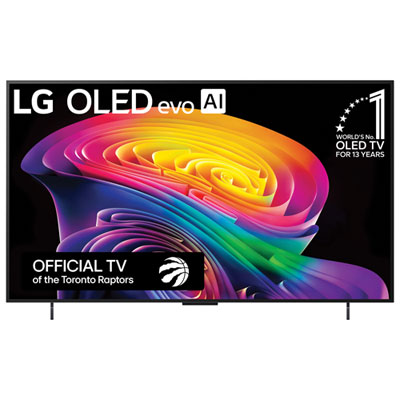 Your price for this item is $1199.99
-
 Your price for this item is $299.99
-
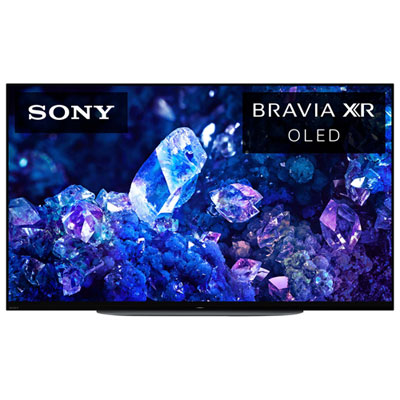 Your price for this item is $1619.95
-
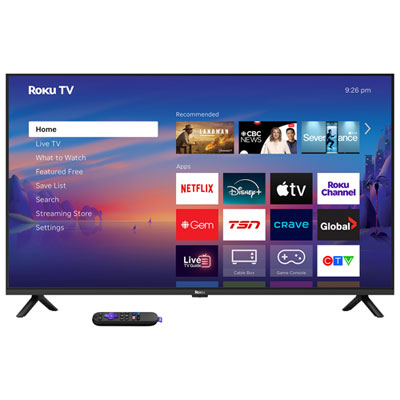 Your price for this item is $189.99
-
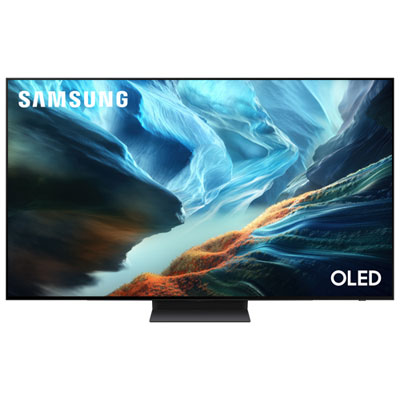 Your price for this item is $1199.99
-
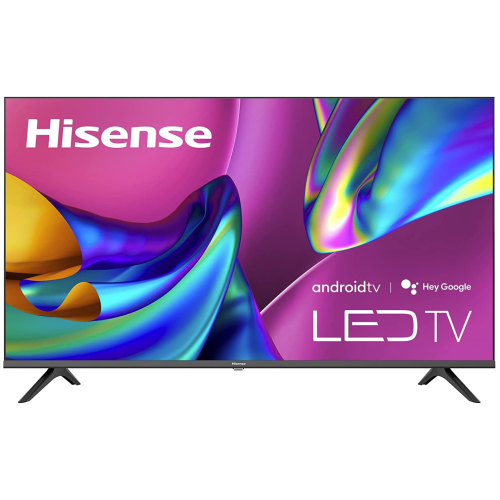 Your price for this item is $479.99
-
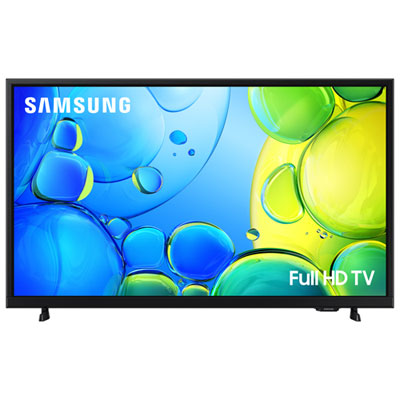 Your price for this item is $299.99
-
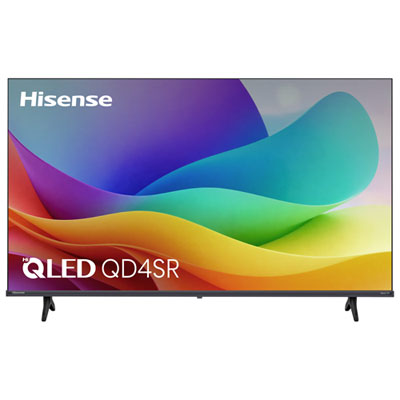 Your price for this item is $259.99
Discover more categories related to 42 Inch TVs
Top Collections:
Best Black Friday Deals This Year, Best Black Friday Deals On Electronics, Kindle Devices, Pokemon Centers, Best Black Friday Deals On Apple Products, Best Cameras for Sports Photography, Dyson Airwrap, Pokémon 30th Celebration Cards, Apple iPhone 17 Pro, Canon G7X Cameras
Some products may be subject to Environmental Handling Fees
(EHF) depending on your province.
Learn more about EHFs.