42 Inch LG TVs
Experience an impressive blend of style and performance with a 42-inch LG TV, the perfect centerpiece for any living room, bedroom, or entertainment space. Offering a sleek design and ideal screen size, these televisions provide an immersive viewing experience for your favorite shows, movies, and games. Explore a range of models to find the right fit for your home setup and enjoy reliable quality that elevates every moment on screen. Discover how a 42-inch LG TV can transform your daily entertainment routine.
Sort
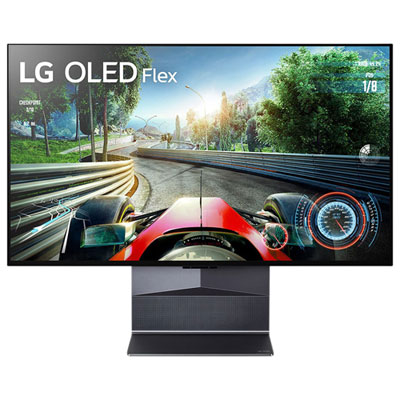

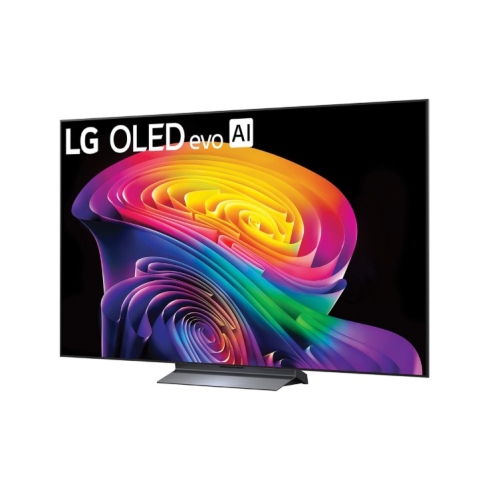

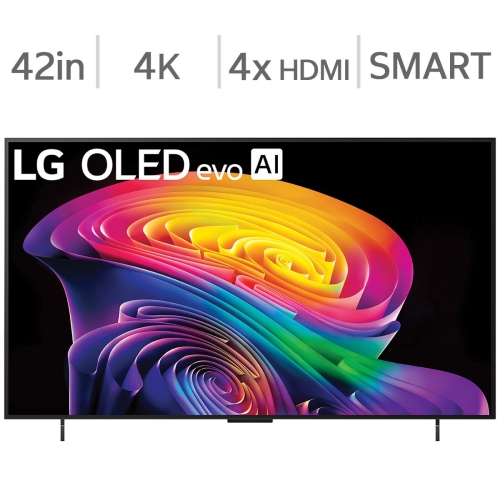
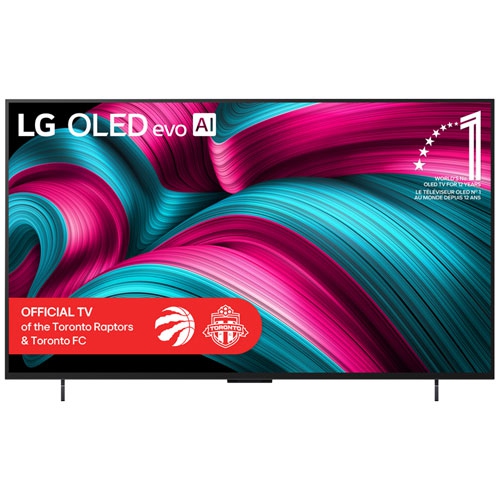
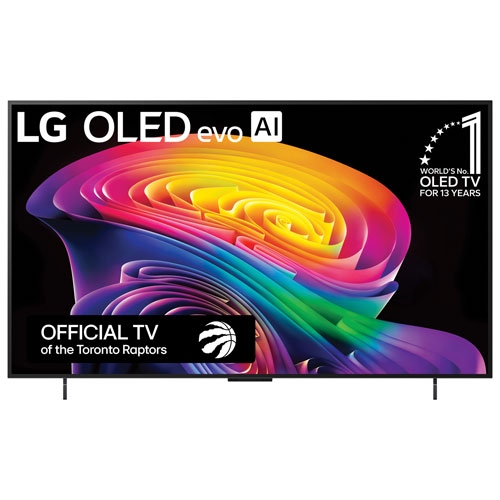
The right TV fit goes beyond screen size
A 42-inch TV offers a useful middle ground between a compact screen and a larger home theatre display, with enough picture area for films, sports, and gaming while remaining manageable in a bedroom, apartment living room, or multipurpose space. The measurement describes the screen’s diagonal, not its width: a typical 42-inch widescreen picture is approximately 93 cm wide and 52 cm high, before accounting for the frame and stand. Those proportions make this size worth considering for a narrow media unit, a seating area with limited viewing distance, or a desk used for both entertainment and computer tasks. For a 4K screen, a viewing distance of roughly 1.3 to 1.8 metres can be a practical starting point, although eyesight, seating position, and personal preference all affect comfort. A sofa directly opposite the screen creates different requirements from a bedroom where viewing happens from an angle. Measure the furniture as carefully as the wall space, including the stand’s footprint, clearance beneath the picture, and room for cables behind the cabinet. A centre-mounted stand and widely spaced feet can fit very differently on the same surface. Slim bezels and understated finishes help a television sit comfortably alongside shelving, framed artwork, or a desktop setup, while the construction of the stand affects how securely it rests on furniture. Wall mounting can free up surface space, provided the bracket matches the television’s mounting pattern and weight and is secured to an appropriate wall structure. Positioning the screen near seated eye level helps reduce neck strain during longer viewing sessions. Exploring the broader 42 Inch TVs category can also help clarify which display features matter most when the screen size is already decided.
Picture quality depends on more than the diagonal measurement, particularly when a 42-inch television will be viewed at close range. A 4K panel has a resolution of 3,840 × 2,160 pixels, allowing fine detail in compatible films, games, and other high-resolution content to remain distinct. Lower-resolution broadcasts and older videos rely on processing to fit the screen; upscaling can improve their presentation, but it cannot recreate every detail that was absent from the original source. OLED technology is particularly relevant to this size category because its self-lit pixels can switch off individually, producing deep blacks without a separate backlight. That pixel-level control can make bright subtitles against a dark scene look more precise and preserve the contrast of a night-time film sequence. Other display technologies manage light differently, so panel type, brightness, reflection handling, and viewing angles deserve attention alongside resolution. A screen facing a window may need different placement from one used mainly with controlled lighting. High dynamic range, or HDR, can reveal a wider range of highlights and shadow detail when the television, content, and playback settings support compatible formats. Colour accuracy and restrained picture settings also matter: an intensely vivid preset may catch the eye but make skin tones less natural. For gaming, distinguish the panel’s native refresh rate from motion-processing labels, and check which resolutions and refresh rates its inputs actually accept. Variable refresh rate can reduce visible tearing with compatible hardware, while automatic low-latency mode can switch to settings that reduce processing delay. These features depend on the television, console or computer, cable, and input being used together. Fast-paced games benefit from responsive controls, whereas story-driven adventures may place greater emphasis on contrast, colour, and fine scenery. When a television doubles as a computer display, text clarity, supported computer input settings, and viewing distance become especially important. A 42-inch screen covers a substantial portion of a desk, so there should be enough depth to read comfortably without repeatedly turning the head.
Everyday convenience comes from how well the television fits the rest of the setup. Count the HDMI connections needed for a console, streaming device, television receiver, or computer, and consider whether those connections remain accessible after wall mounting. An HDMI connection with eARC can carry compatible audio from the television to a suitable soundbar or receiver, helping simplify a home theatre arrangement without requiring every source to connect directly to the audio system. Built-in speakers may suit casual viewing, but a separate audio setup can make dialogue easier to follow and give films or games greater depth. Allow enough clearance so a soundbar does not cover the lower edge of the picture or block the remote-control sensor. Smart TV features can bring streaming, search, and device control together, although app compatibility, account requirements, subscriptions, and software support differ. Wi-Fi is convenient when the router is nearby and the signal is reliable; a wired network connection, where supported, can be useful for a fixed setup. Accessibility features such as captions, spoken menus, and adjustable text can make shared viewing more comfortable, especially when choosing a television as a gift for a family member. Care is straightforward but should follow the manufacturer’s directions. Switch the television off before cleaning, use a clean, soft microfibre cloth, and avoid pressing on the panel or spraying liquid directly onto it. Leave the specified ventilation space around the cabinet and handle thin screens by their supported edges rather than gripping the display surface. For OLED screens, varied content and the built-in panel-care features help manage the effects of prolonged static images; computer taskbars, channel logos, and game interfaces deserve particular attention during extended use. Keep automatic maintenance functions enabled as directed, and install appropriate software updates. A stable stand or correctly fitted wall mount, tidy cable routing, and suitable anti-tip precautions complete a setup designed for comfortable, dependable daily use.
Top selling and popular products
-
 Your price for this item is $1199.99
-
 Your price for this item is $299.99
-
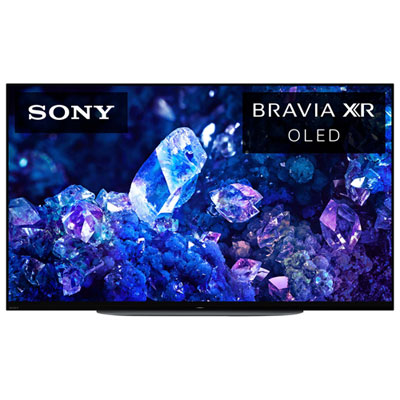 Your price for this item is $1619.95
-
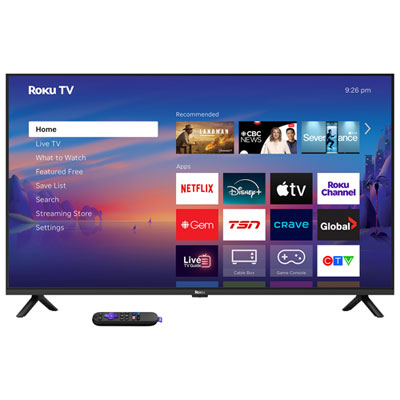 Your price for this item is $189.99
-
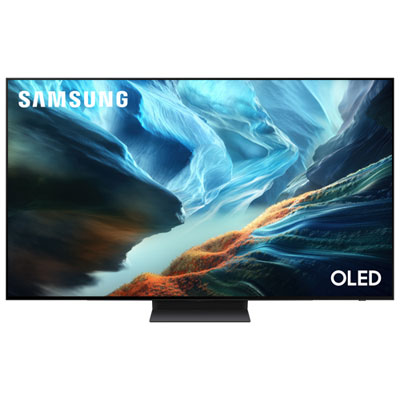 Your price for this item is $1199.99
-
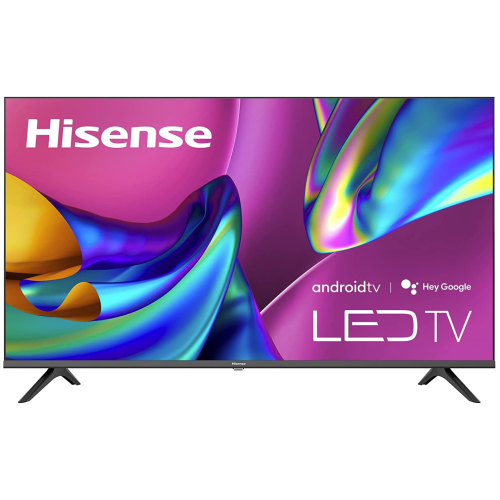 Your price for this item is $479.99
-
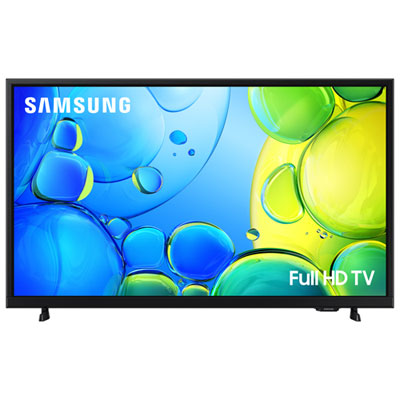 Your price for this item is $299.99
-
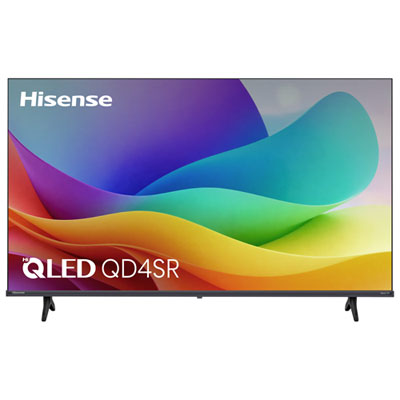 Your price for this item is $259.99
Discover more categories related to 42 Inch LG TVs
Top Collections:
Best Black Friday Deals This Year, Best Black Friday Deals On Electronics, Kindle Devices, Pokemon Centers, Best Black Friday Deals On Apple Products, Best Cameras for Sports Photography, Dyson Airwrap, Pokémon 30th Celebration Cards, Apple iPhone 17 Pro, Canon G7X Cameras
Some products may be subject to Environmental Handling Fees
(EHF) depending on your province.
Learn more about EHFs.