Business Presentations
Looking to make a lasting impression during your next business presentation? Elevate your professional image with our selection of top-notch tools and accessories designed to enhance your delivery and captivate your audience. From sleek presentation remotes to high-quality projectors and everything in between, we have everything you need to deliver a polished and impactful presentation that will leave a lasting impression. Browse our range of business presentation essentials to take your meetings and pitches to the next level.
Sort

























![SHERVIN HDMI to VGA 6 Feet Cable, [Uni-Directional] HDMI Computer to VGA Monitor Cable [Male to Male] Compatible for Computer, Laptop, PC, Monitor](https://multimedia.bbycastatic.ca/multimedia/products/500x500/194/19498/19498579.jpeg)


Presentation technology that fits the room and the audience
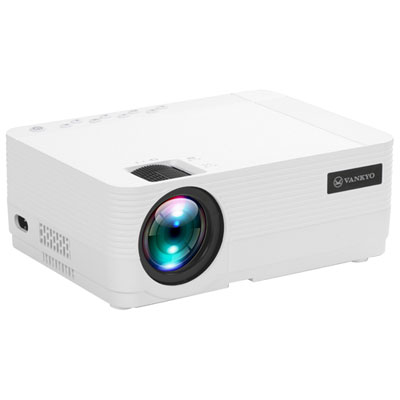
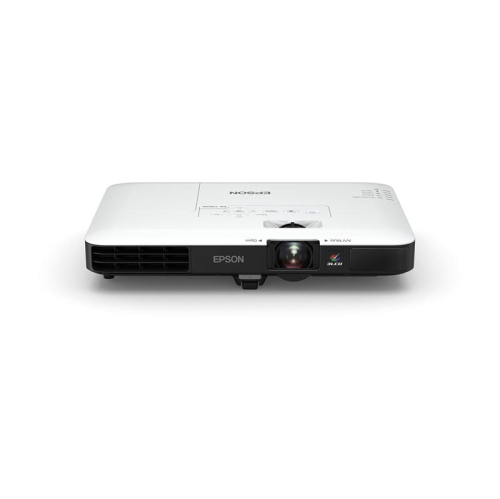
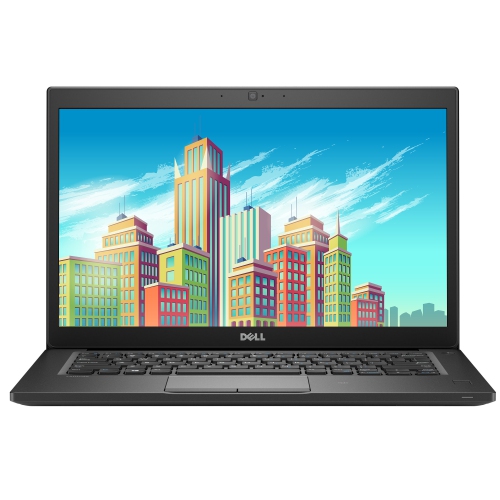
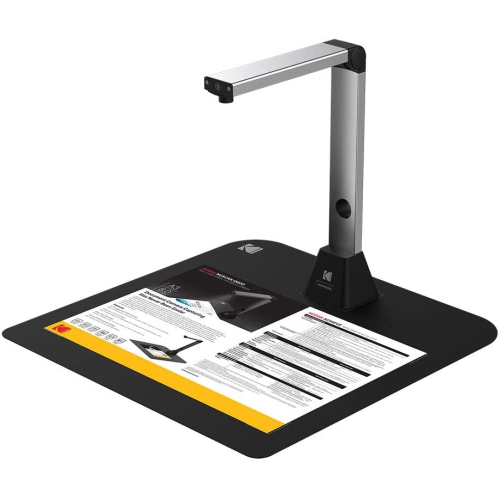
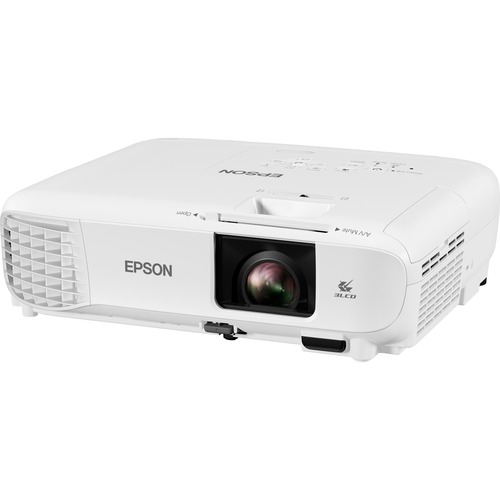
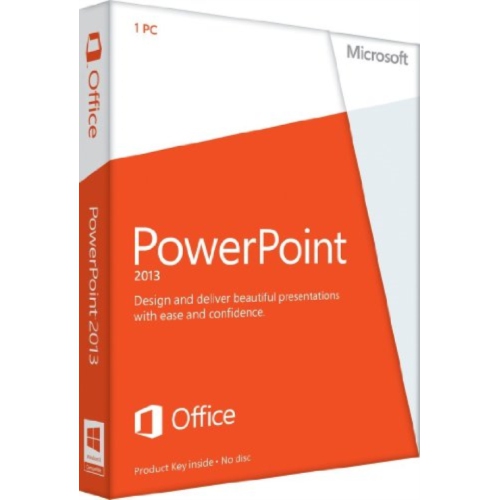
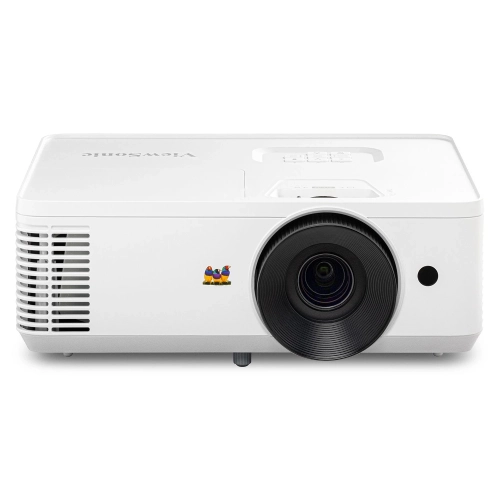
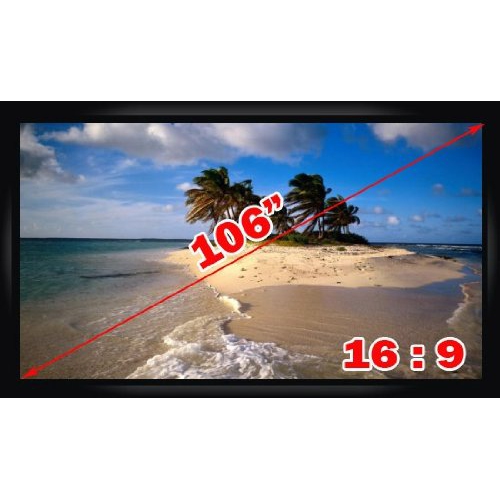
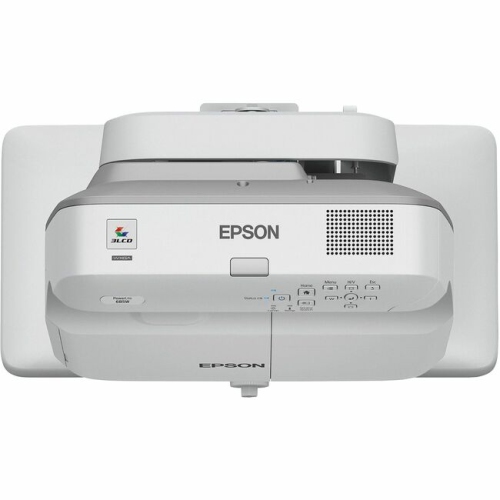
Business presentations bring together clear ideas, readable visuals, and dependable technology so an audience can follow a proposal, understand results, or agree on a next step. The equipment behind them supports everything from a short sales pitch across a meeting table to a training session with colleagues joining remotely. For office teams, consultants, educators, and small business owners, the most useful setup is one that suits the room, the audience, and the way the presenter works. A compact meeting space may call for a shared display with straightforward laptop connectivity, while a larger room may benefit from projection and separate audio equipment. Screen size, viewing distance, and ambient light all affect how easily people can read a chart or compare figures. Fine spreadsheet details place different demands on a display than a slide with a single photograph and a few words, making resolution and text clarity important considerations. With projectors, brightness, placement distance, and the dimensions of the projection surface influence the result; a bright room with windows can make a faint image difficult to follow. A suitable screen or smooth, neutral surface also helps preserve legibility and colour consistency. The source computer needs to support the intended display connection and presentation software, with enough capacity for the actual workload. Advancing a simple slide deck is different from playing embedded video while sharing a screen and keeping reference documents open. Portable computers suit people who move between client sites, whereas equipment that stays in a meeting room can make repeated sessions more consistent. A broader selection of Presentation Materials can complement the main display and computer, supporting the practical details around setup and delivery. Across these uses, presentation technology serves a straightforward purpose: keeping the message visible, the speaker audible, and the meeting focused on the discussion rather than the connections behind the screen.
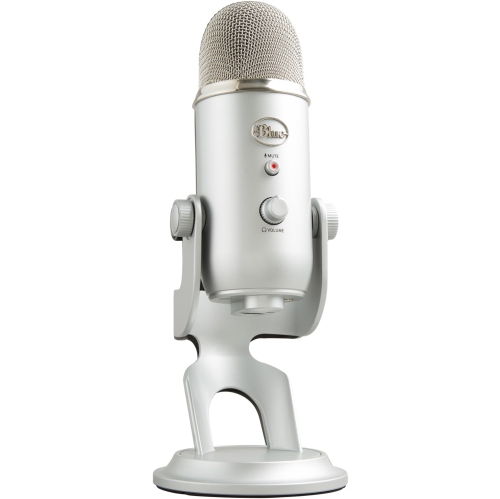
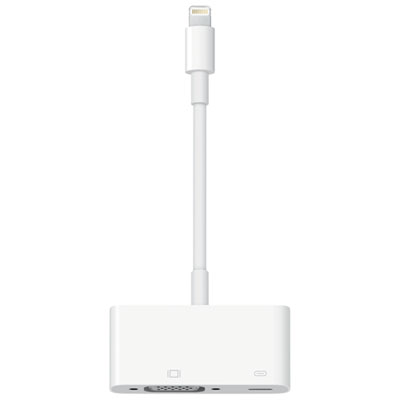
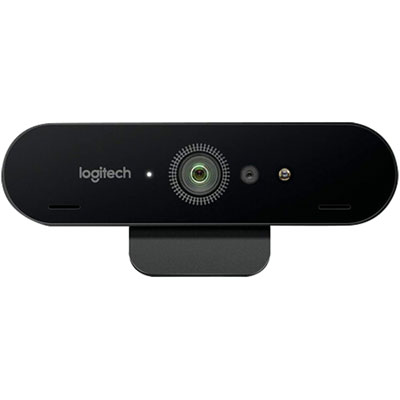
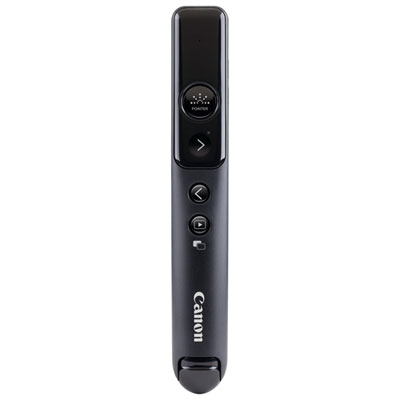
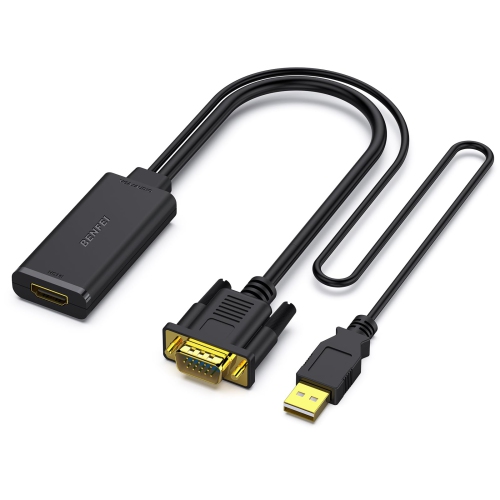
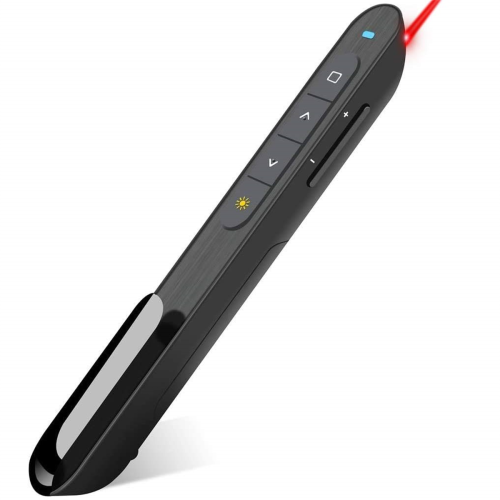
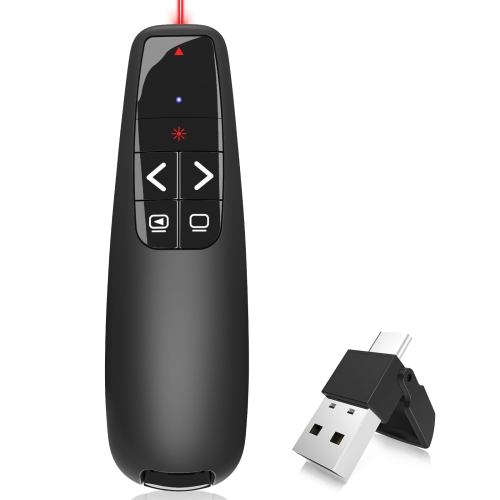
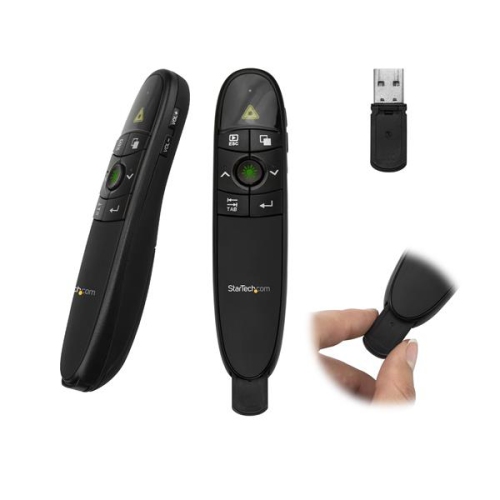
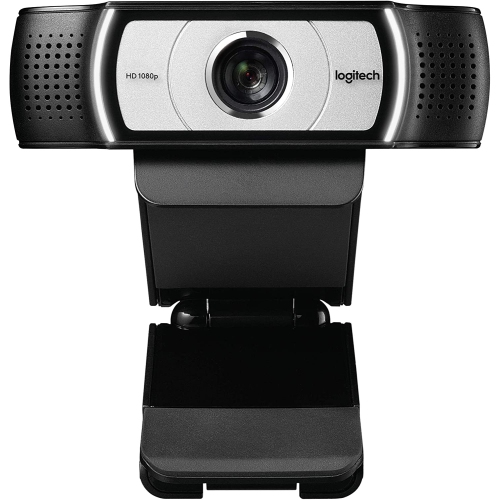
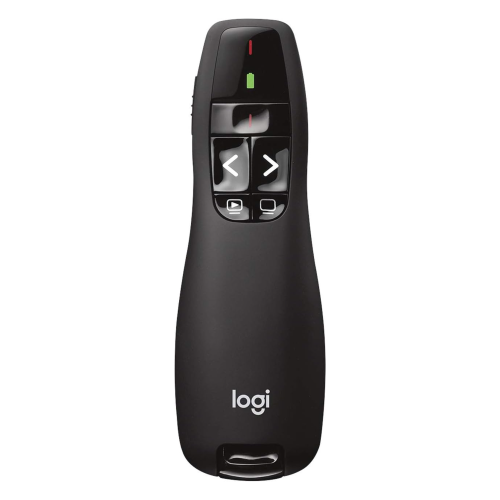
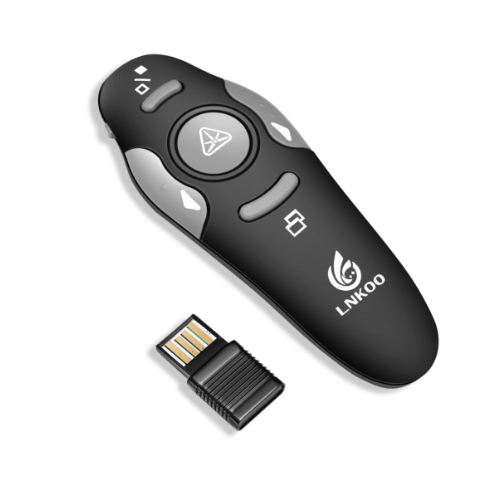
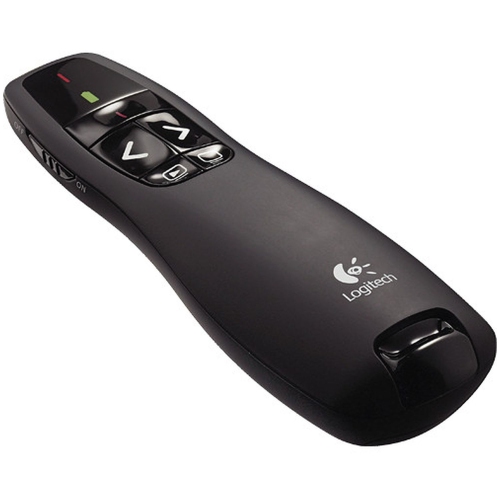
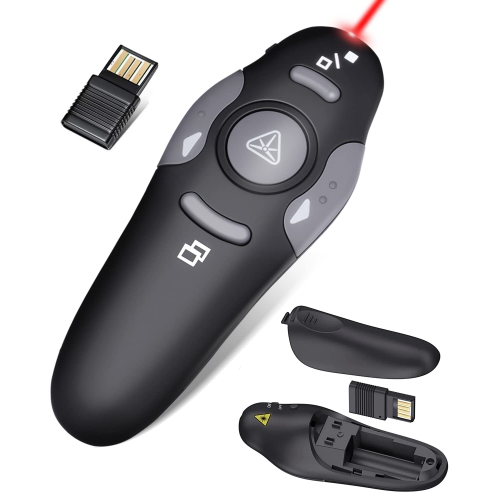
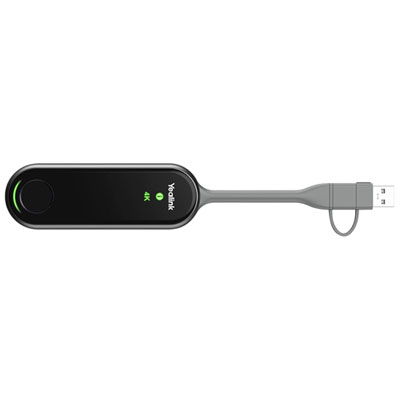
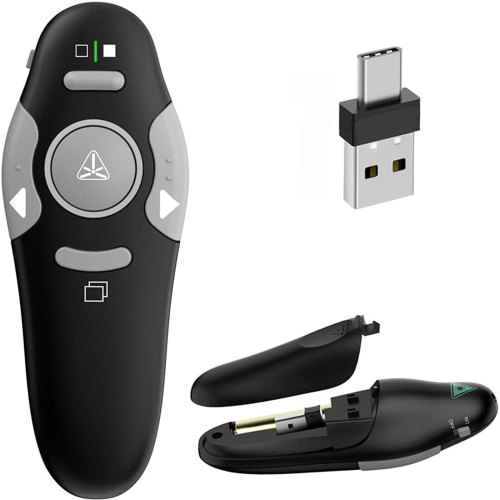
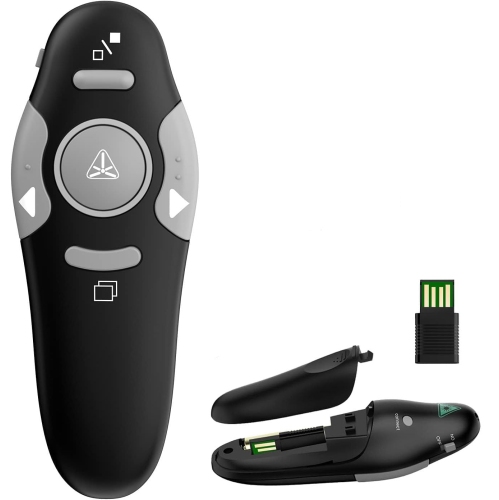
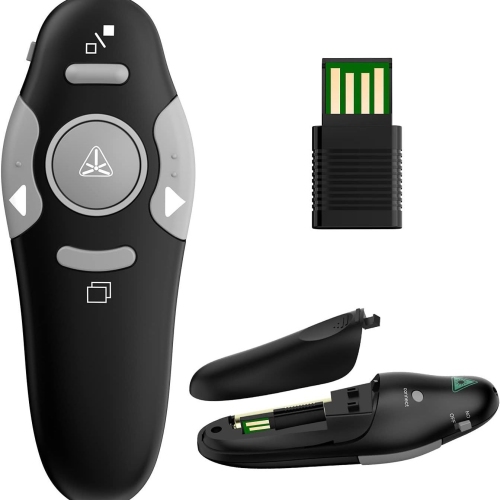
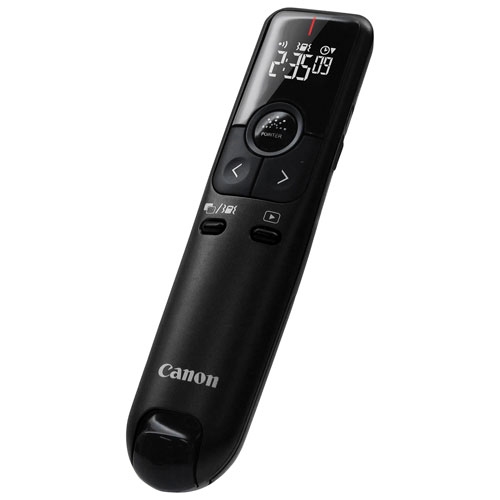
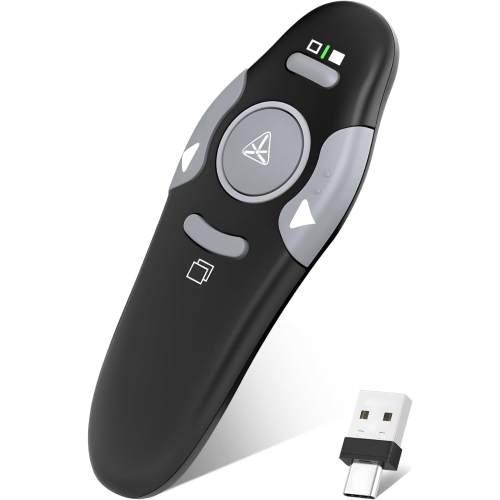
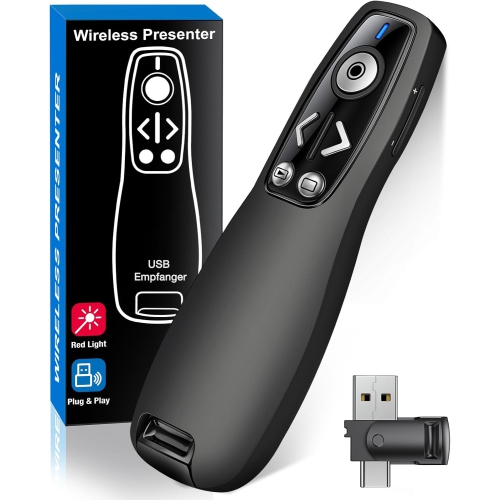
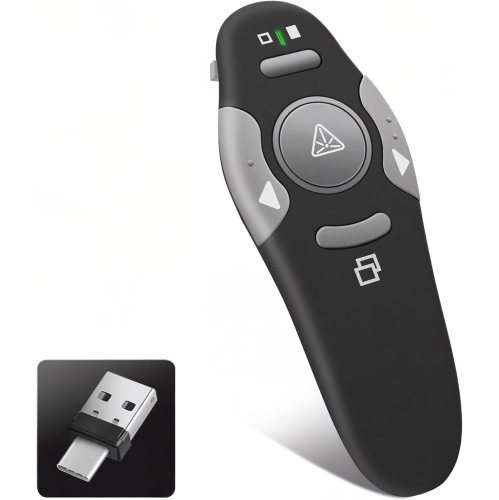
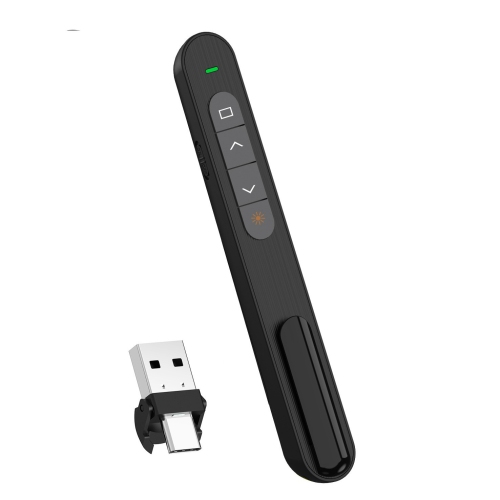
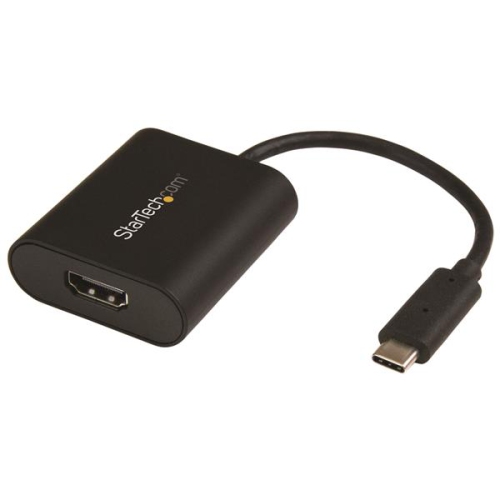
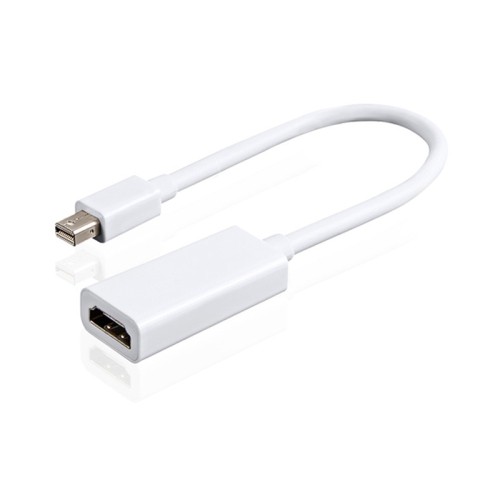
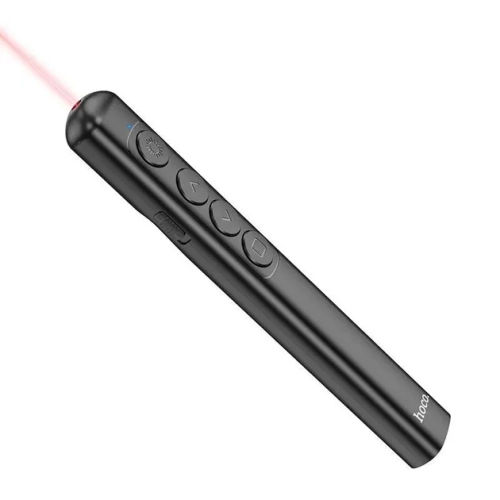
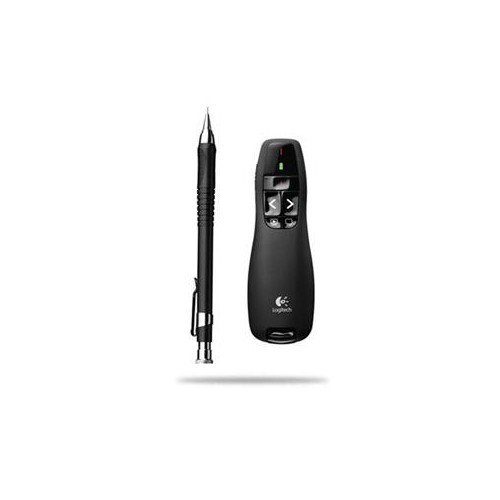
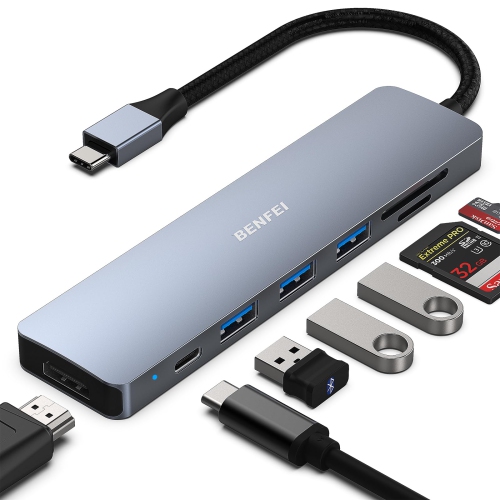
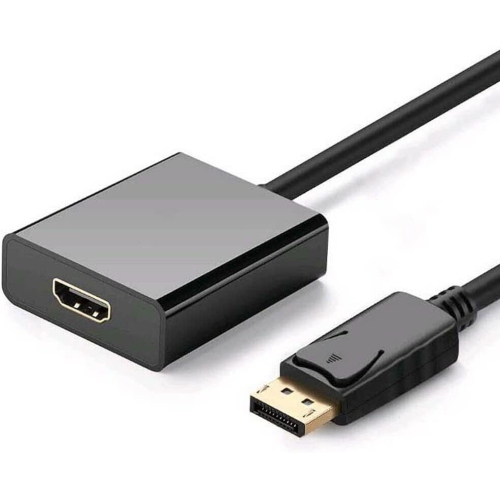
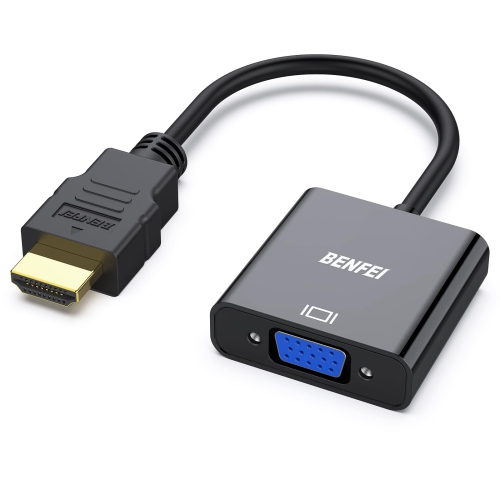
Compatibility often matters as much as individual features when choosing equipment for business presentations. The connections on a laptop, display, projector, and docking station need to work together, particularly when several presenters bring different computers to the same room. Connector shape alone does not establish capability: a USB-C port, for example, does not always support video output, and an adapter must support the required signal and resolution. Cable length matters too. A connection that comfortably reaches a display beside a desk may not suit a meeting table several metres away, while an unnecessarily long cable can leave loose loops under chairs. In a shared space, a tidy connection point and clearly organized accessories make handovers less awkward. Wireless presentation features can reduce cable handling, but their usefulness depends on device compatibility, network access, and workplace security requirements. Reliable Wi-Fi is particularly relevant when slides, video calls, or shared documents depend on an online connection. Presentation remotes offer another kind of flexibility, allowing a speaker to move away from the computer without returning to the keyboard for every slide. Comfortable button placement, a practical operating range, and compatibility with the intended software are more useful than extra controls that rarely get used. Audio deserves the same attention as the picture. In a hybrid meeting, remote participants need to hear questions from around the table, not just the person seated closest to the computer. Microphone pickup patterns, speaker placement, and room acoustics influence speech clarity, while appropriate echo cancellation can help prevent distracting feedback between connected devices. Camera field of view also affects whether remote attendees see the whole group or only part of it. These details become especially noticeable during a product demonstration, a client review, or a staff workshop, when people speak from different positions and attention moves between the presenter, the screen, and the room.
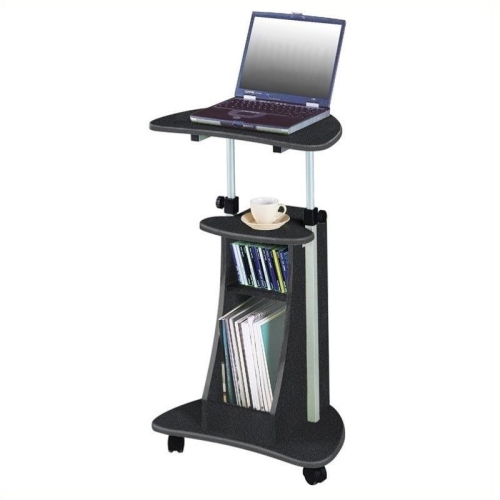
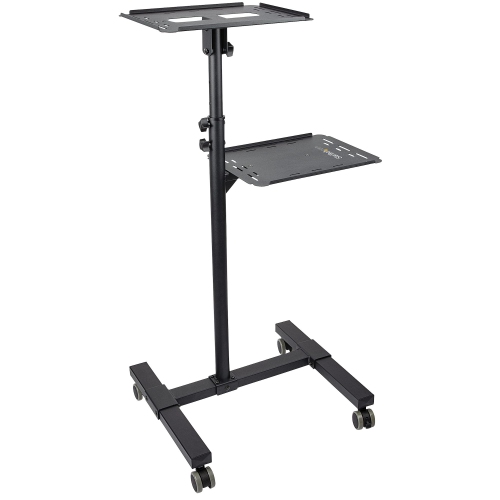
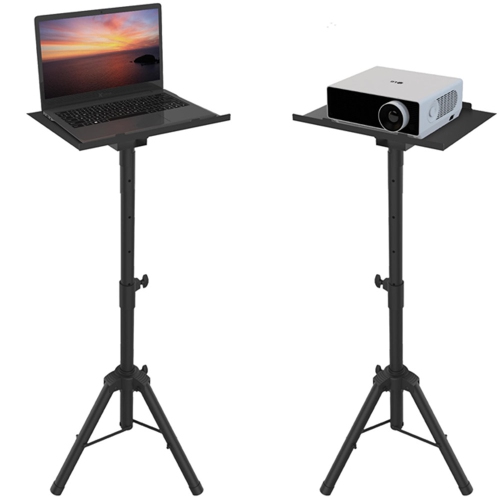
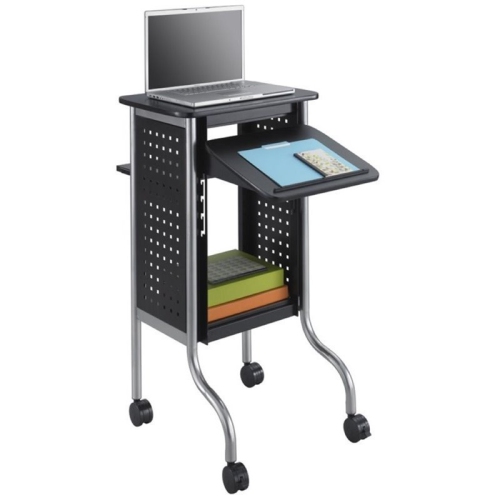
The physical design of presentation equipment affects how well it fits into everyday work. For someone travelling between offices, a manageable weight, compact dimensions, and a protective carrying case can matter as much as display performance. A case should fit the equipment without forcing connectors against its sides, with padding around vulnerable surfaces and separate compartments for cables and adapters. Tough fabric, reinforced seams, dependable zips, and comfortable handles are useful details for frequent carrying. Equipment that remains in one location has different demands: stable bases, secure mounting options, accessible controls, and a layout that leaves ventilation openings clear. A display mount needs to match the screen’s mounting pattern and weight, and its position should give seated attendees a comfortable view without blocking movement around the room. Adjustable stands can help accommodate different presenters or table heights, provided they remain steady during use. Durability also shows up in smaller details, such as secure hinges, well-supported cable connections, and controls that feel easy to operate repeatedly. Care is generally straightforward but should follow the manufacturer’s instructions. Screens and lenses need suitable cleaning materials, liquid should stay away from openings, and cables are best stored without sharp bends or strain at the connectors. Rechargeable equipment benefits from a charging routine that suits the working day, while battery-powered accessories need a practical plan for longer sessions. For a trainer running repeated workshops, easy transport and quick setup may take priority; for an executive presenting detailed reports, sharp text and reliable screen sharing may be more important. A sales representative demonstrating an application may need smooth video playback, while a distributed team may place greater value on clear two-way audio. The strongest fit is equipment matched to these real situations, rather than a collection of features with little connection to the task. When the practical pieces work together, a business presentation can move naturally from the opening point through supporting evidence to a clear decision, with less interruption between an idea and the people considering it.
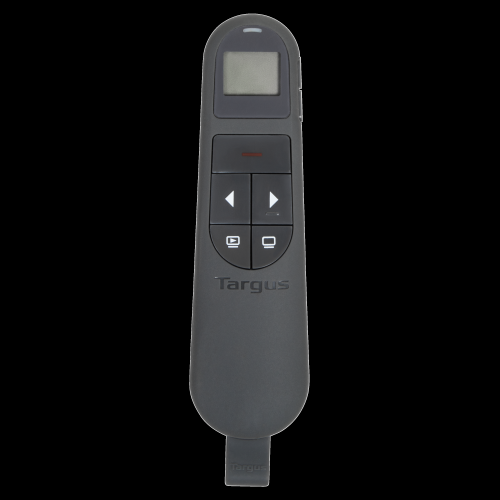
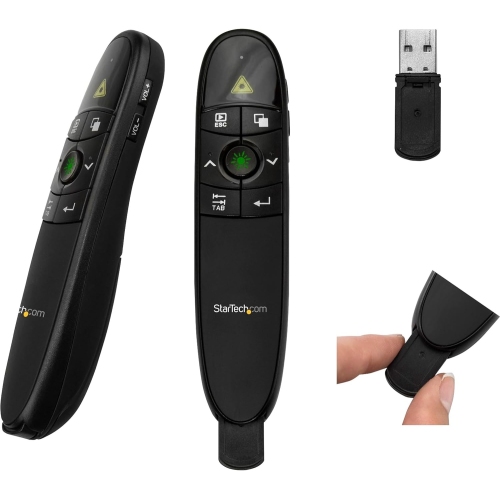
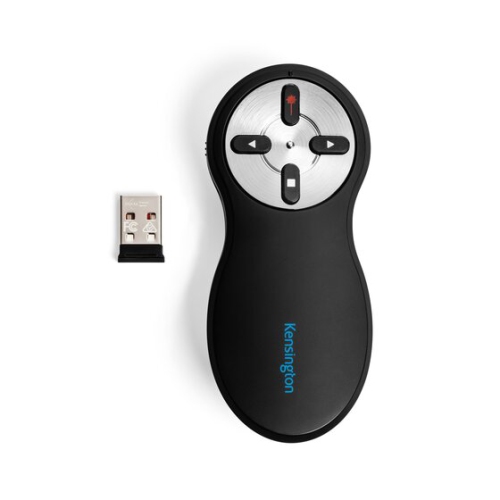
Compatibility often matters as much as individual features when choosing equipment for business presentations. The connections on a laptop, display, projector, and docking station need to work together, particularly when several presenters bring different computers to the same room. Connector shape alone does not establish capability: a USB-C port, for example, does not always support video output, and an adapter must support the required signal and resolution. Cable length matters too. A connection that comfortably reaches a display beside a desk may not suit a meeting table several metres away, while an unnecessarily long cable can leave loose loops under chairs. In a shared space, a tidy connection point and clearly organized accessories make handovers less awkward. Wireless presentation features can reduce cable handling, but their usefulness depends on device compatibility, network access, and workplace security requirements. Reliable Wi-Fi is particularly relevant when slides, video calls, or shared documents depend on an online connection. Presentation remotes offer another kind of flexibility, allowing a speaker to move away from the computer without returning to the keyboard for every slide. Comfortable button placement, a practical operating range, and compatibility with the intended software are more useful than extra controls that rarely get used. Audio deserves the same attention as the picture. In a hybrid meeting, remote participants need to hear questions from around the table, not just the person seated closest to the computer. Microphone pickup patterns, speaker placement, and room acoustics influence speech clarity, while appropriate echo cancellation can help prevent distracting feedback between connected devices. Camera field of view also affects whether remote attendees see the whole group or only part of it. These details become especially noticeable during a product demonstration, a client review, or a staff workshop, when people speak from different positions and attention moves between the presenter, the screen, and the room.
The physical design of presentation equipment affects how well it fits into everyday work. For someone travelling between offices, a manageable weight, compact dimensions, and a protective carrying case can matter as much as display performance. A case should fit the equipment without forcing connectors against its sides, with padding around vulnerable surfaces and separate compartments for cables and adapters. Tough fabric, reinforced seams, dependable zips, and comfortable handles are useful details for frequent carrying. Equipment that remains in one location has different demands: stable bases, secure mounting options, accessible controls, and a layout that leaves ventilation openings clear. A display mount needs to match the screen’s mounting pattern and weight, and its position should give seated attendees a comfortable view without blocking movement around the room. Adjustable stands can help accommodate different presenters or table heights, provided they remain steady during use. Durability also shows up in smaller details, such as secure hinges, well-supported cable connections, and controls that feel easy to operate repeatedly. Care is generally straightforward but should follow the manufacturer’s instructions. Screens and lenses need suitable cleaning materials, liquid should stay away from openings, and cables are best stored without sharp bends or strain at the connectors. Rechargeable equipment benefits from a charging routine that suits the working day, while battery-powered accessories need a practical plan for longer sessions. For a trainer running repeated workshops, easy transport and quick setup may take priority; for an executive presenting detailed reports, sharp text and reliable screen sharing may be more important. A sales representative demonstrating an application may need smooth video playback, while a distributed team may place greater value on clear two-way audio. The strongest fit is equipment matched to these real situations, rather than a collection of features with little connection to the task. When the practical pieces work together, a business presentation can move naturally from the opening point through supporting evidence to a clear decision, with less interruption between an idea and the people considering it.
Top selling and popular products
-
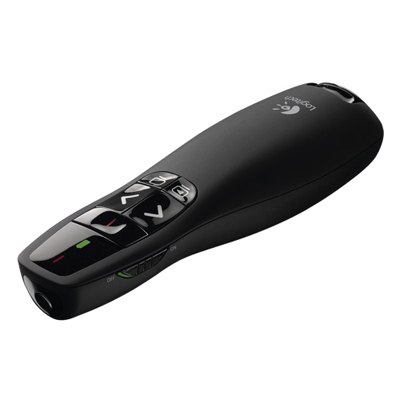 Your price for this item is $44.98
 -
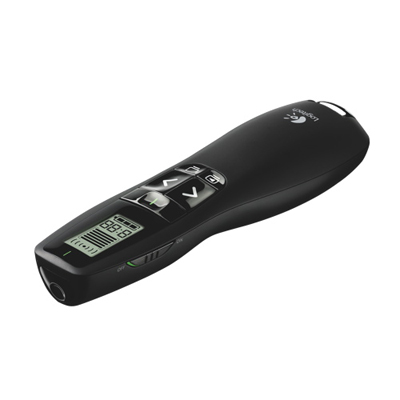 Your price for this item is $69.99
 -
 Your price for this item is $130.99
 -
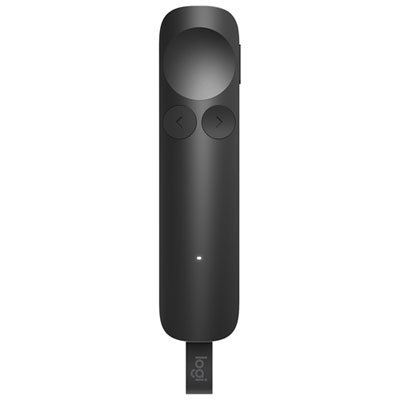 Your price for this item is $179.99
 -
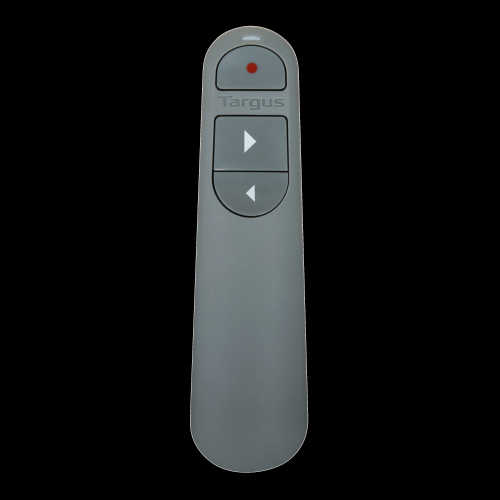 Your price for this item is $67
 -
 Your price for this item is $46.99
 -
 Your price for this item is $55.99
 -
 Your price for this item is $54.99
Discover more categories related to Business Presentations

Top Collections:
Pokemon Centers, Kindle Devices, Best Budget Office Chairs, Apple iPhones 16, Best Laptops for Writers, iPhone 15 Apple, Canon G7X Cameras, Refurbished Apple Laptops, Alarm Clock, Motorola Razr Phones
Some products may be subject to Environmental Handling Fees
(EHF) depending on your province.
Learn more about EHFs.