Control Devices
Discover the ultimate convenience and efficiency with a wide selection of control devices designed to seamlessly integrate into your lifestyle. Whether you're looking to enhance your entertainment system, streamline your home automation, or simply add a touch of modernity to your daily routine, these cutting-edge devices offer intuitive solutions for every need. Explore options that cater to various preferences and requirements, all crafted to provide ease of use and elevate your experience. Embrace the power of technology and transform the way you interact with your environment today.
Sort
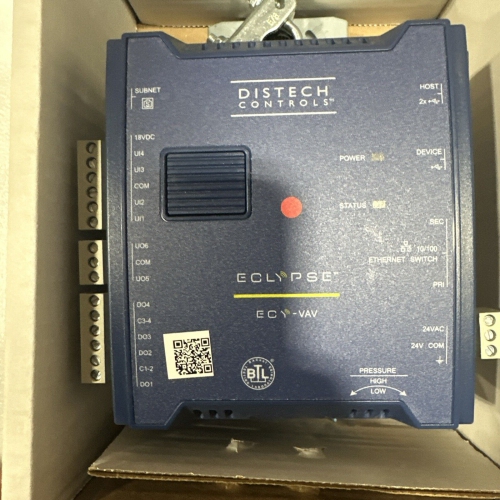
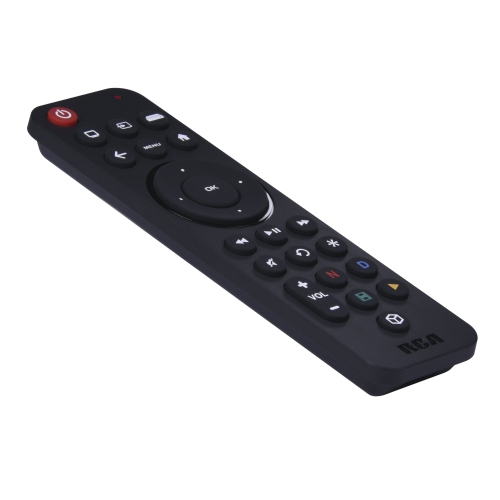
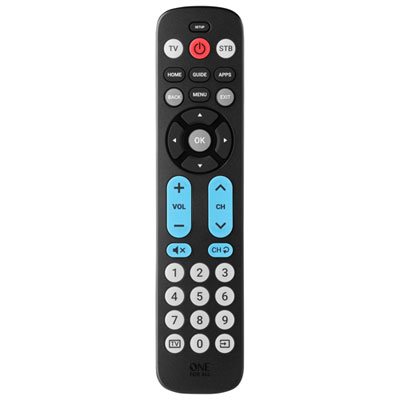
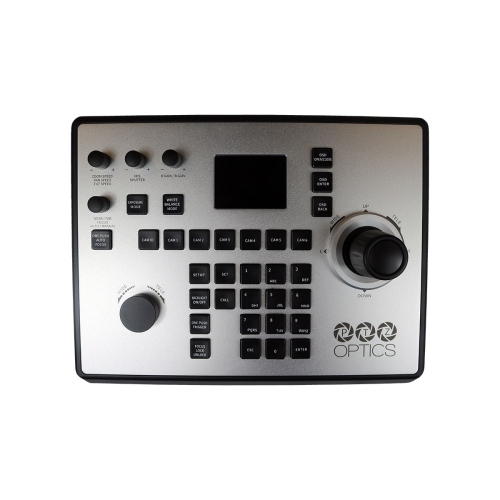
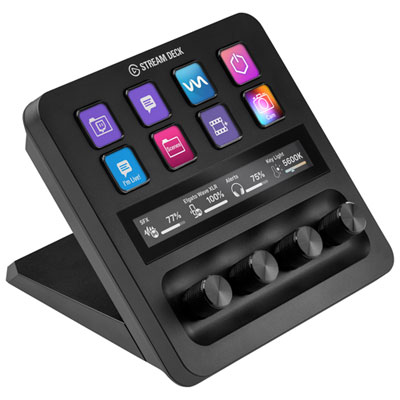
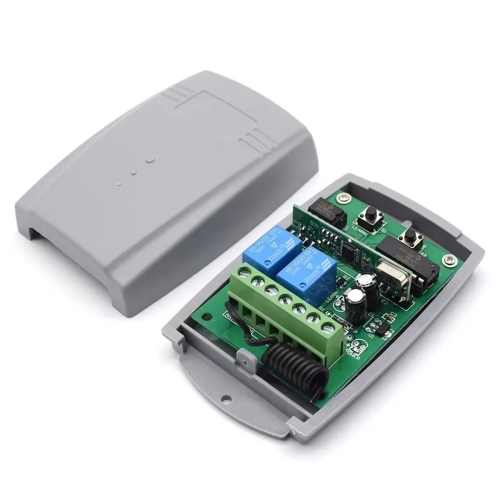
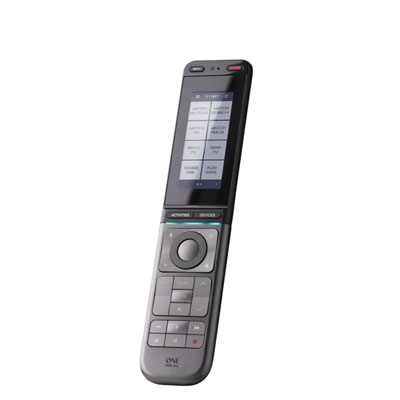
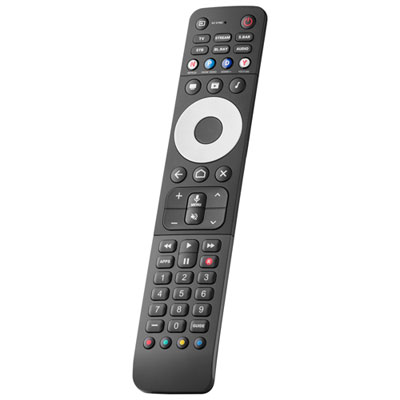



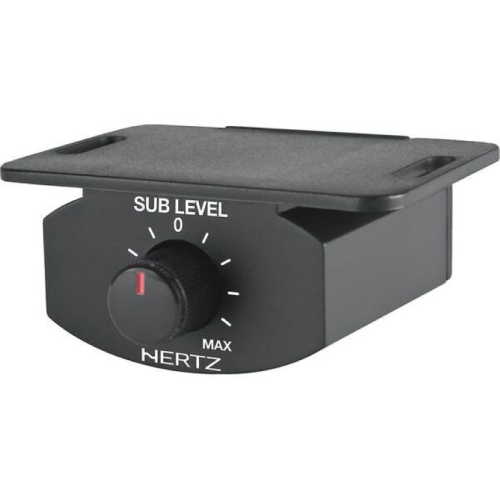
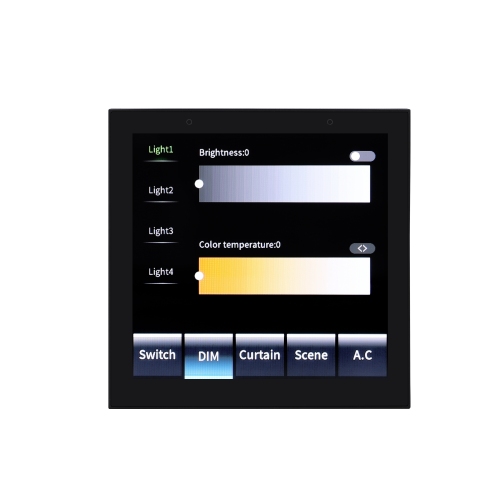
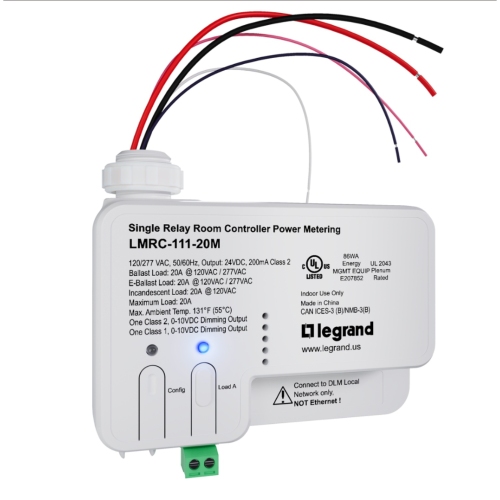
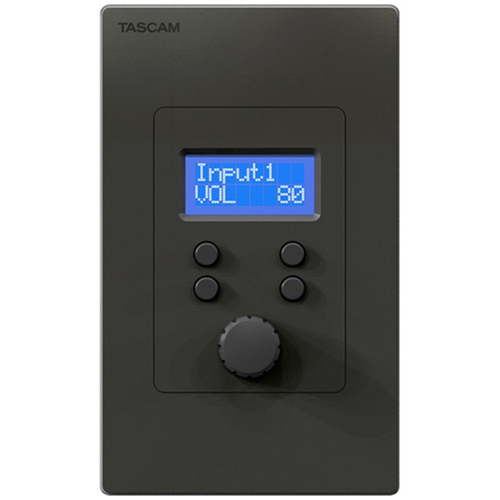


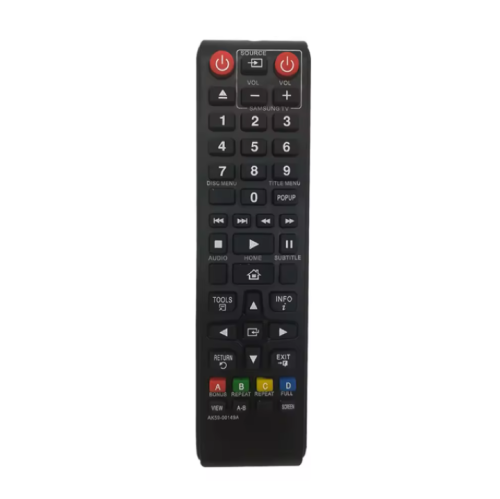
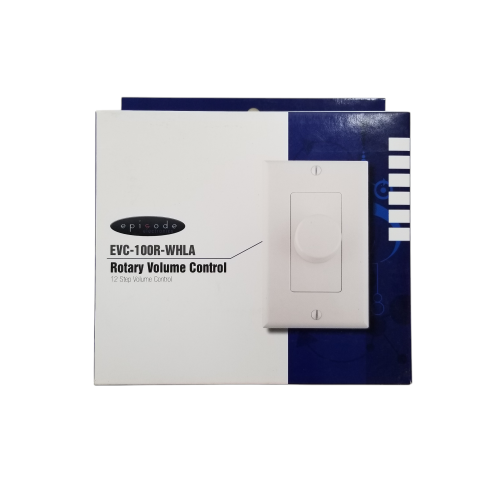
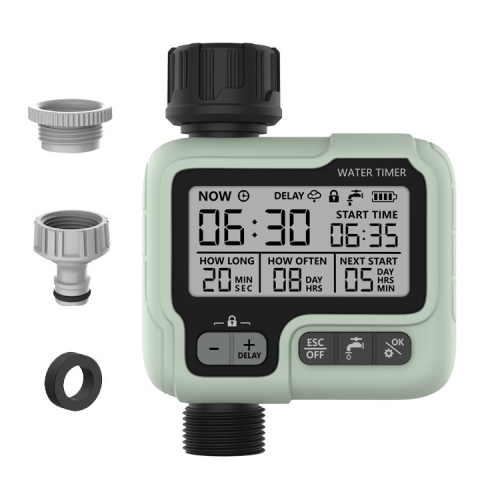
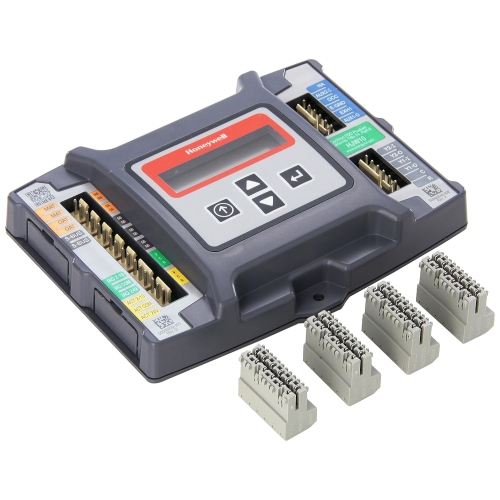
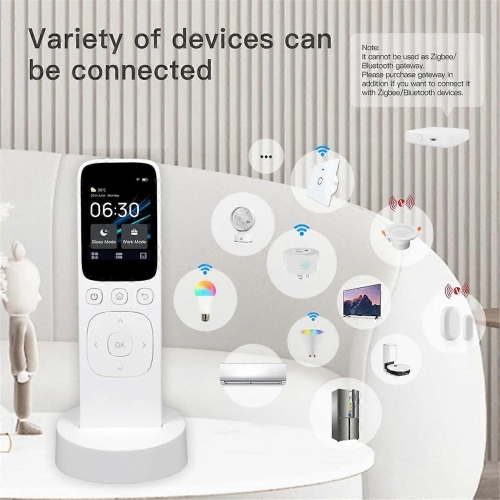
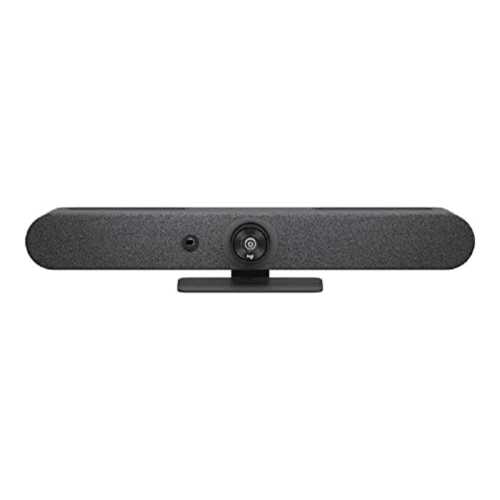
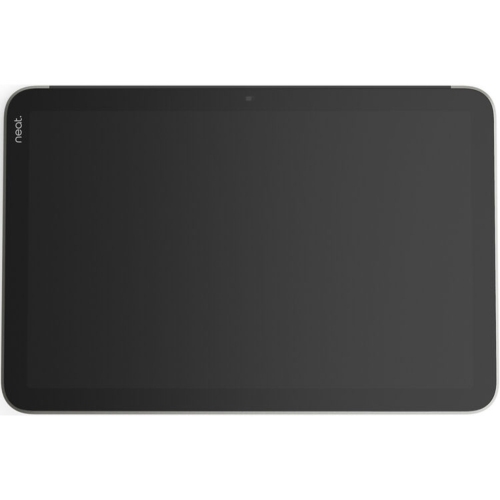
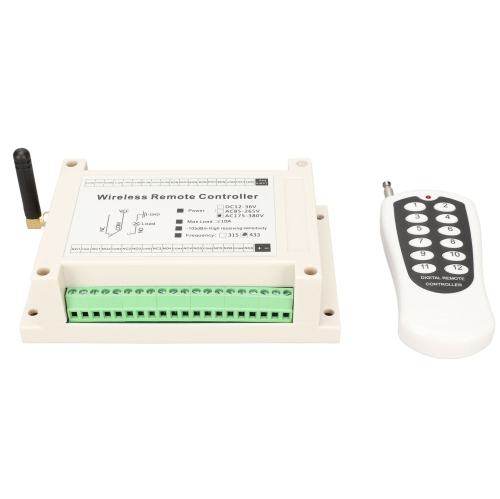
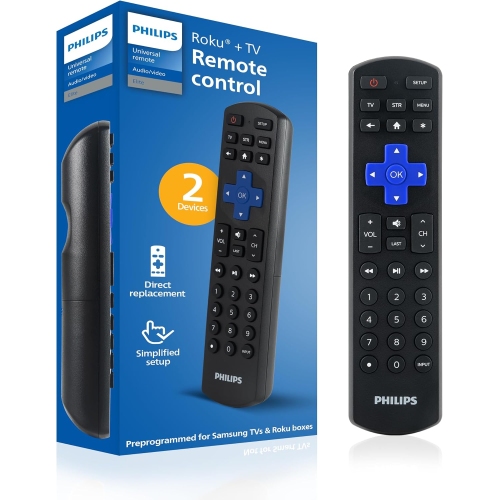
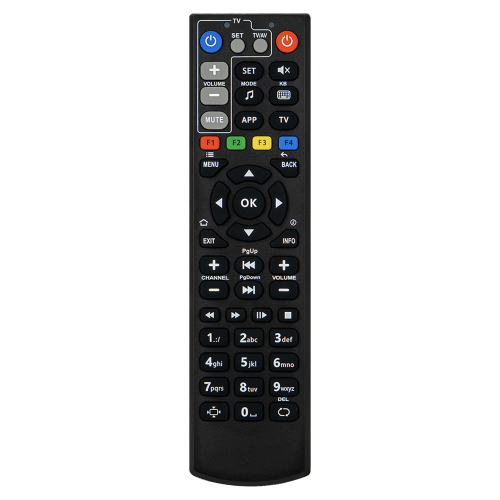
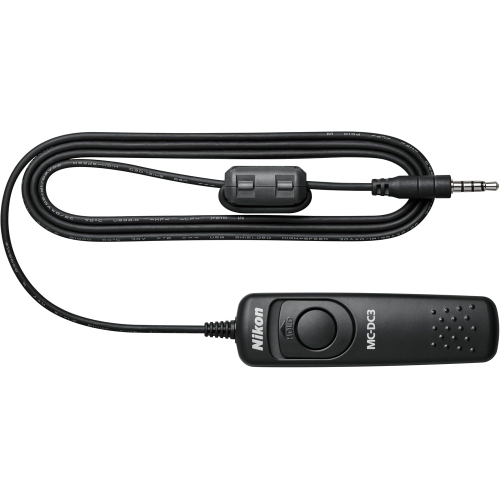

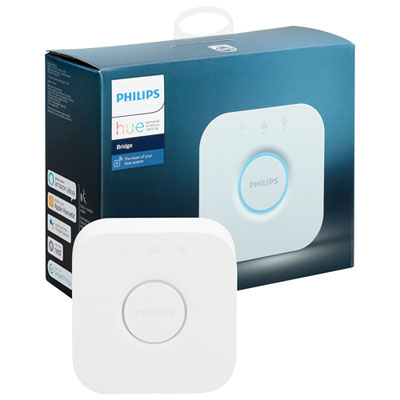
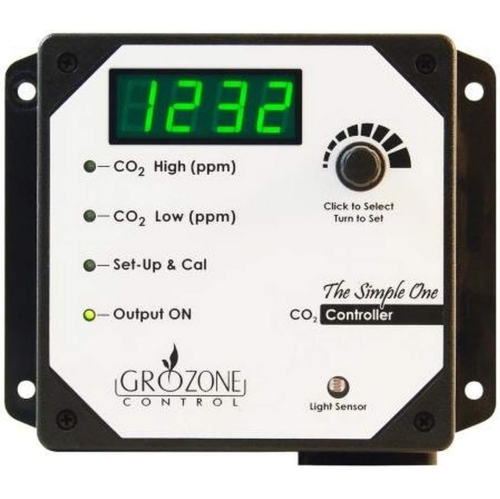
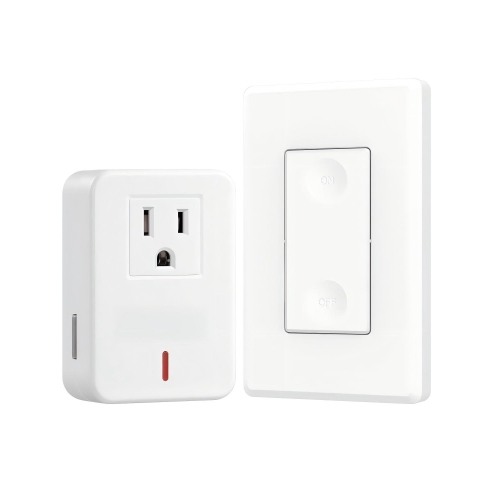
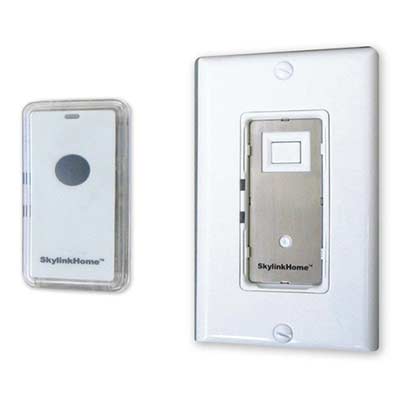
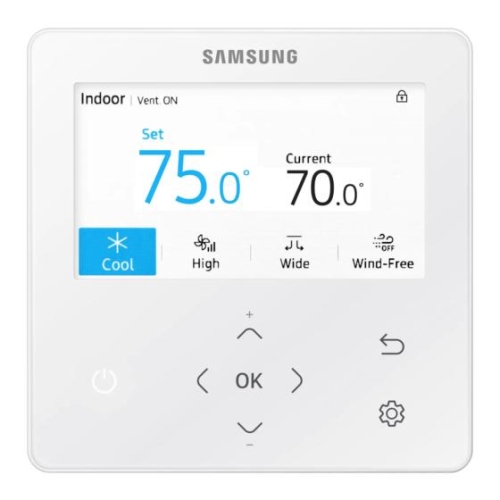
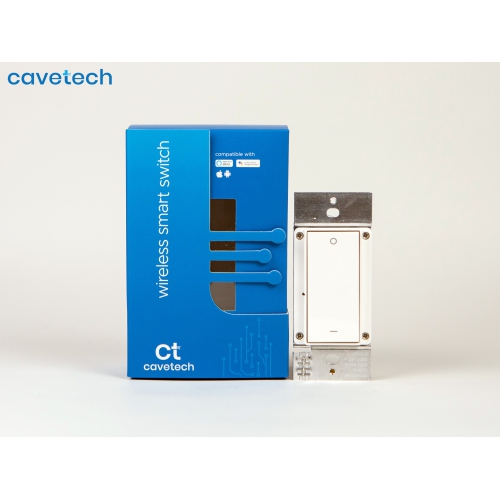
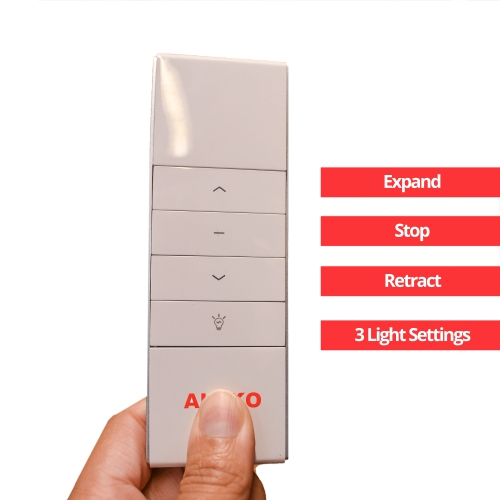
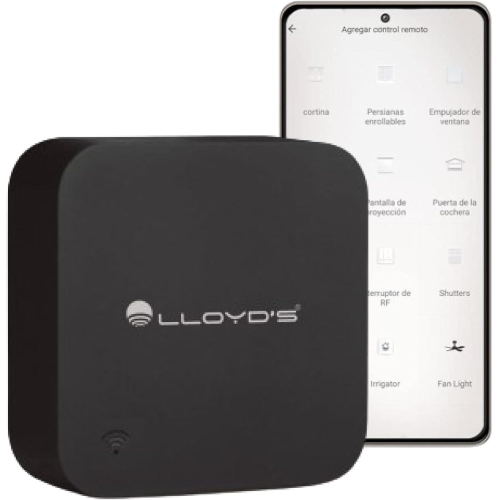
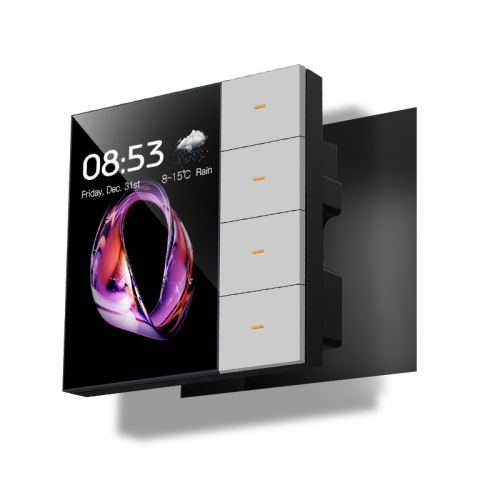

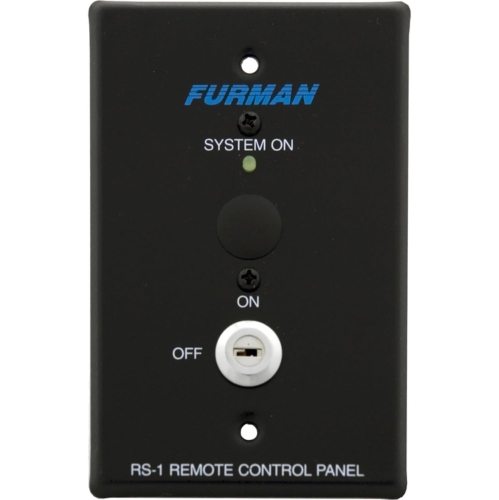
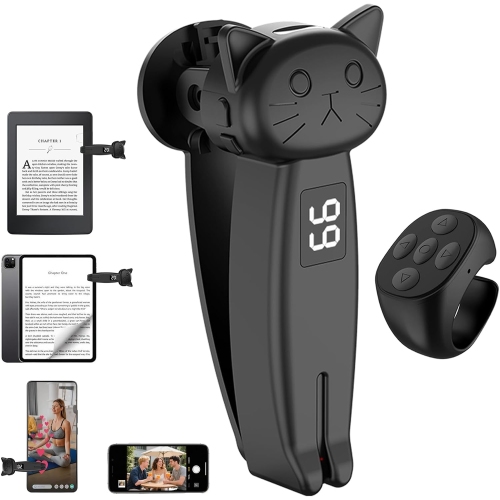
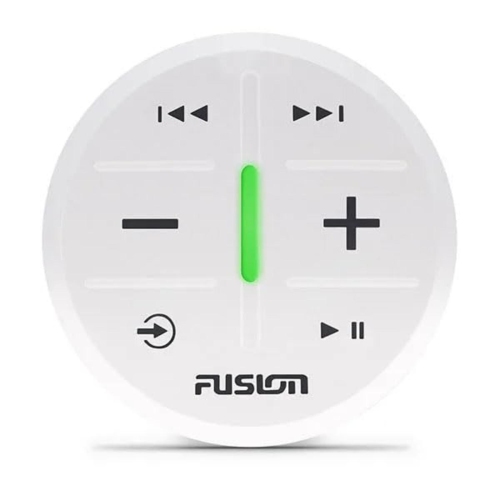
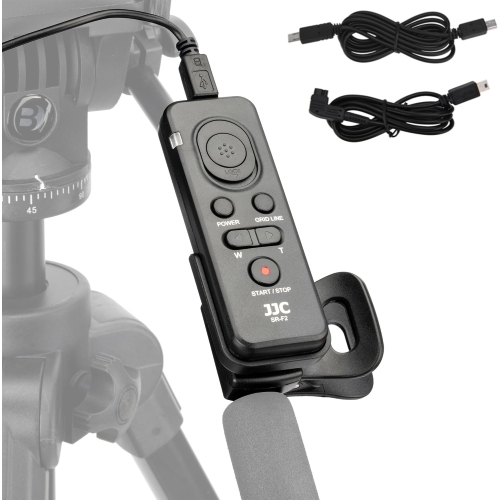
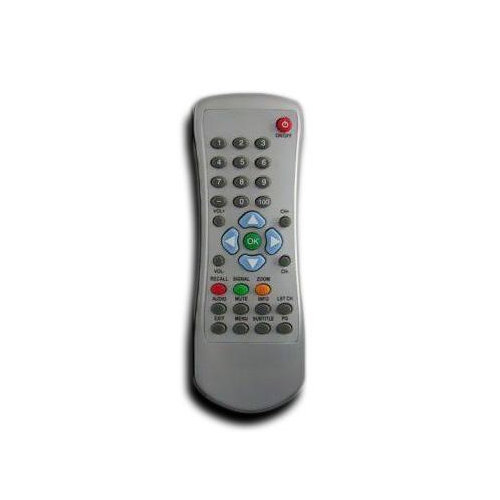
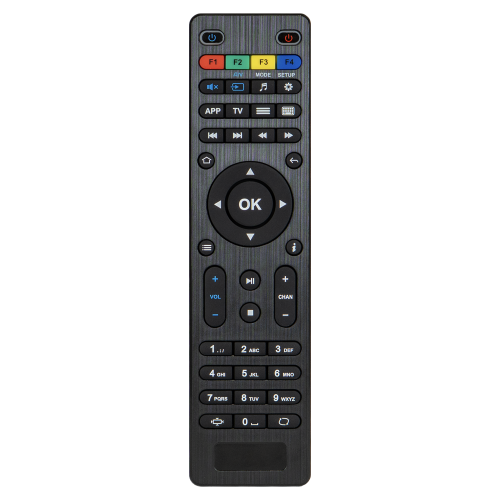
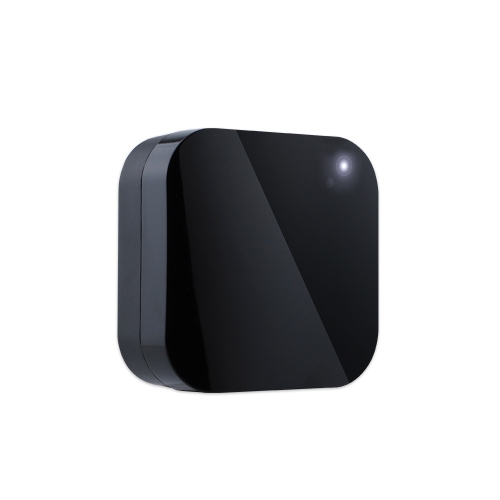
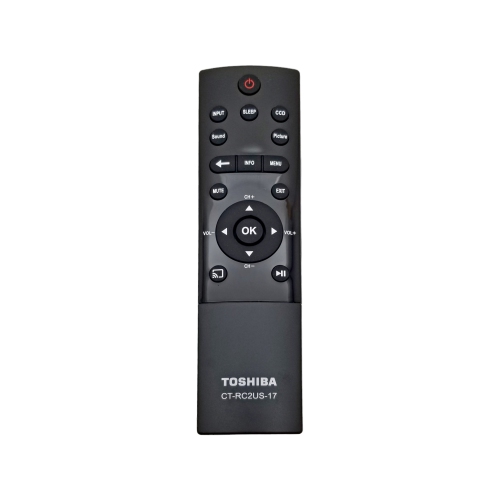
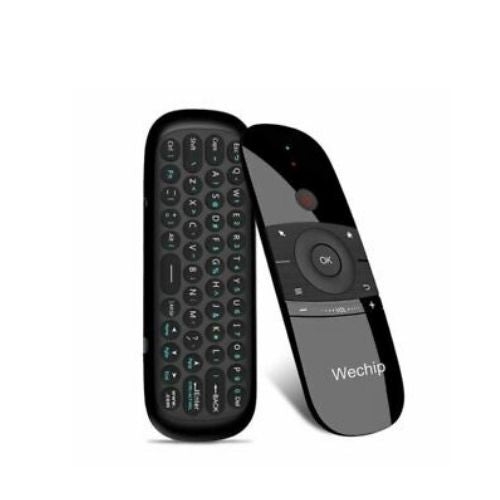
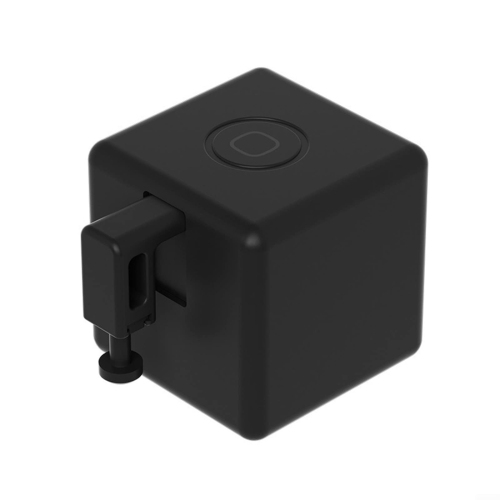
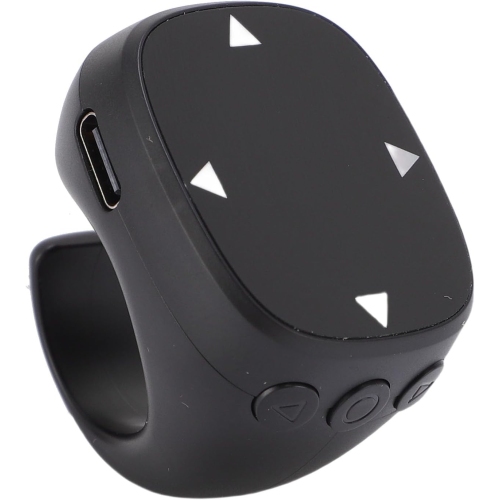
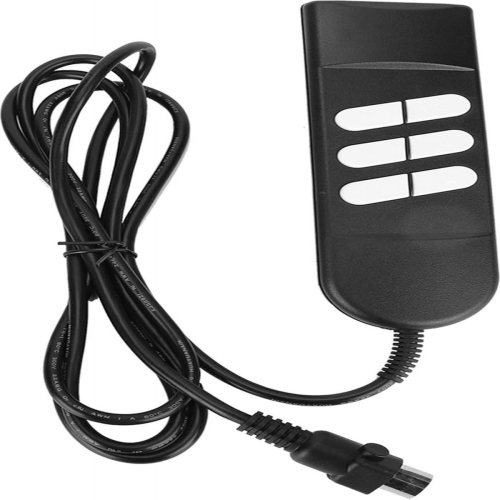
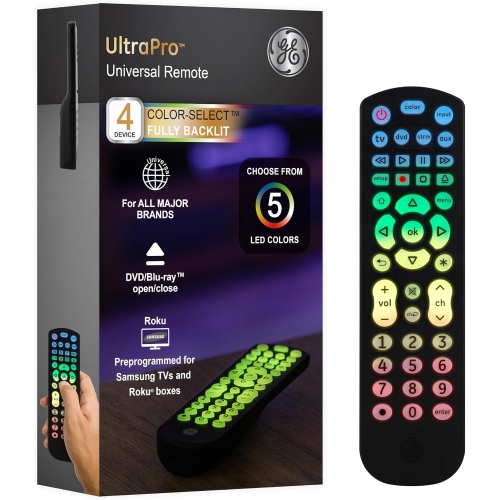
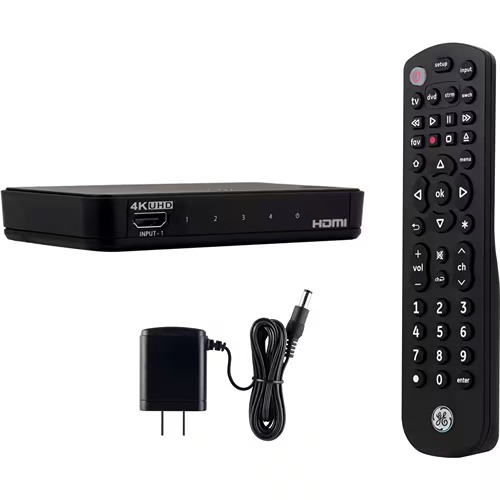
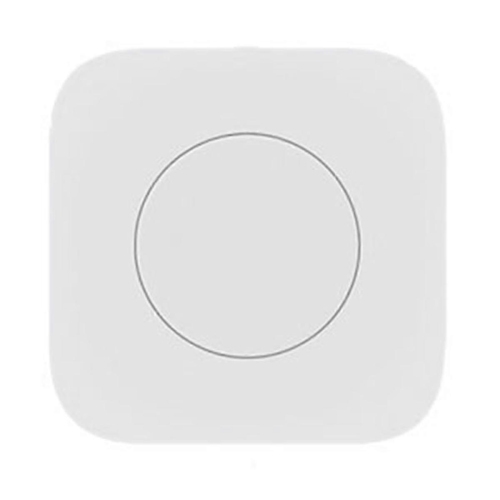
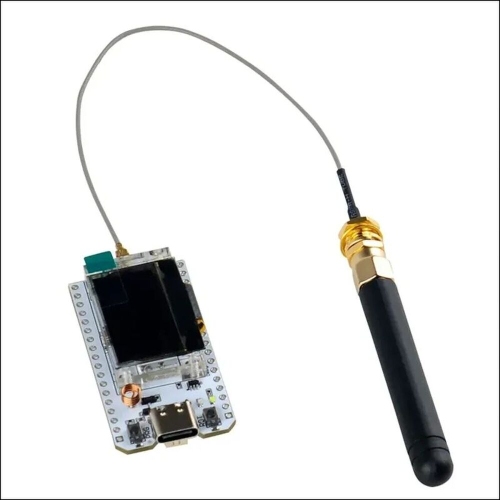
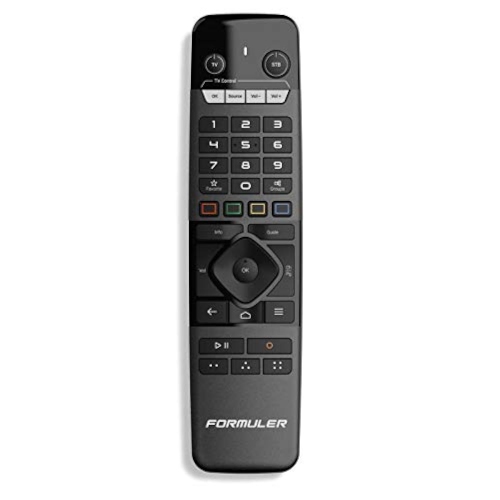
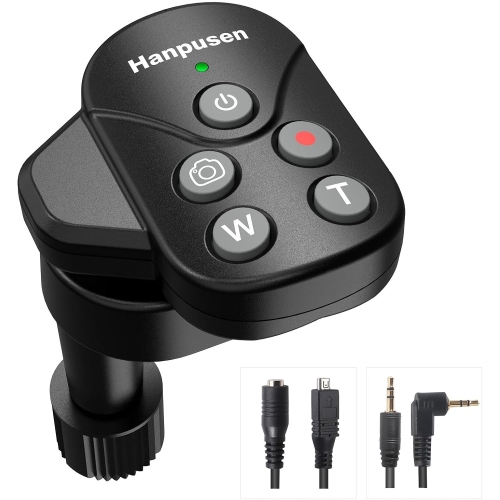
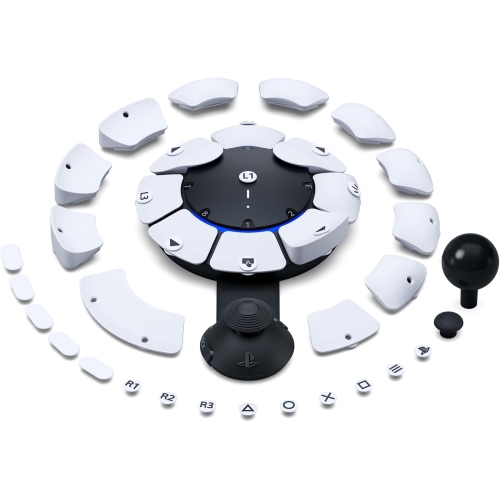
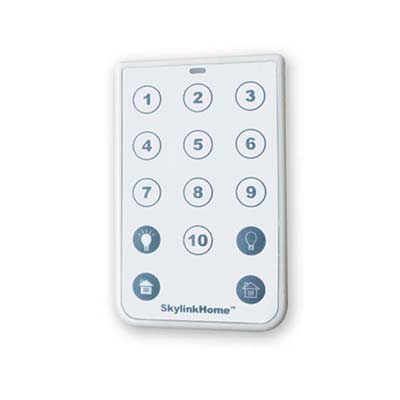


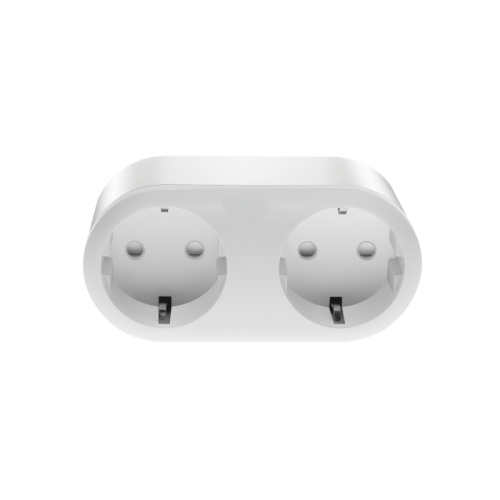
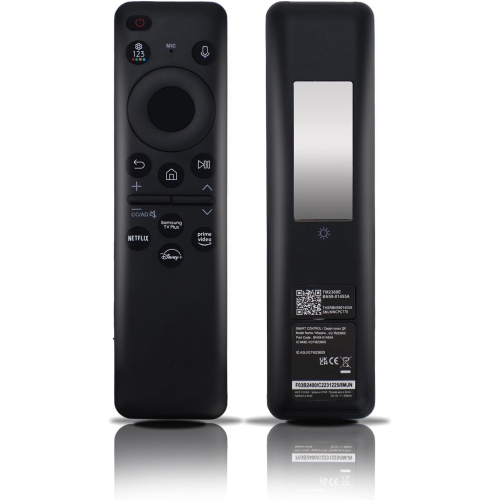
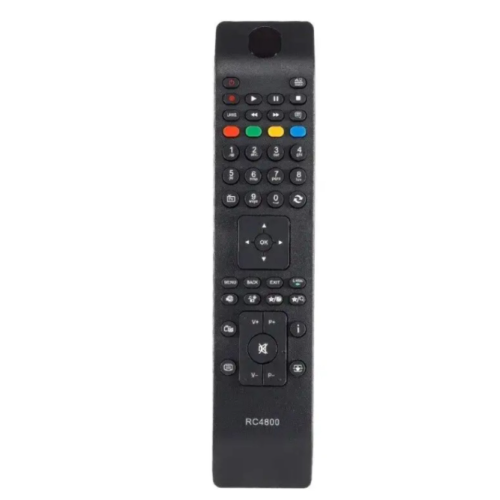


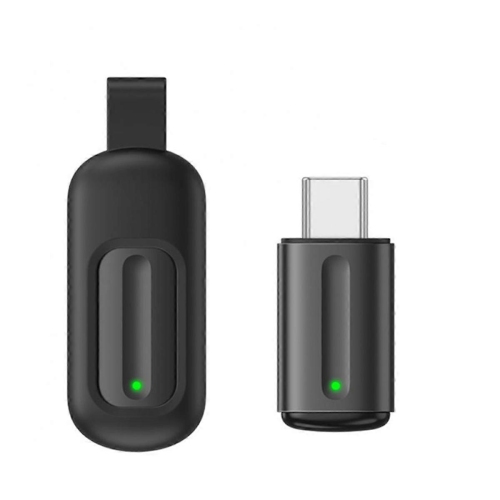
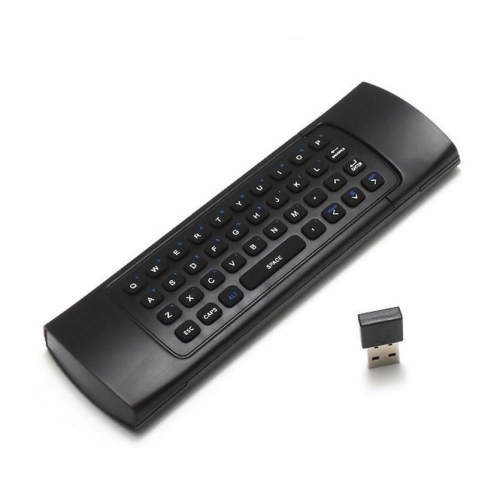
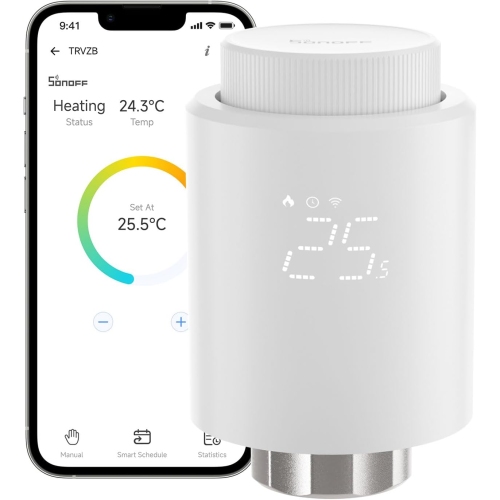
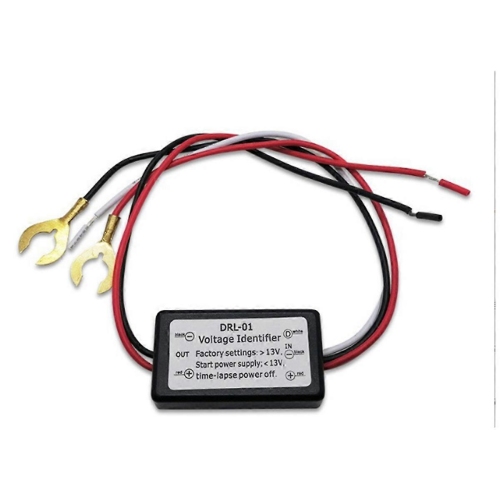
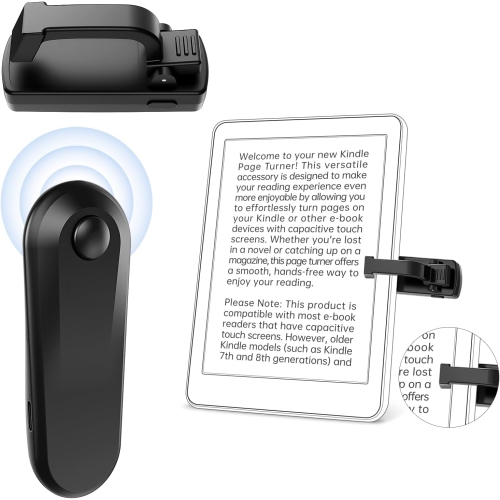
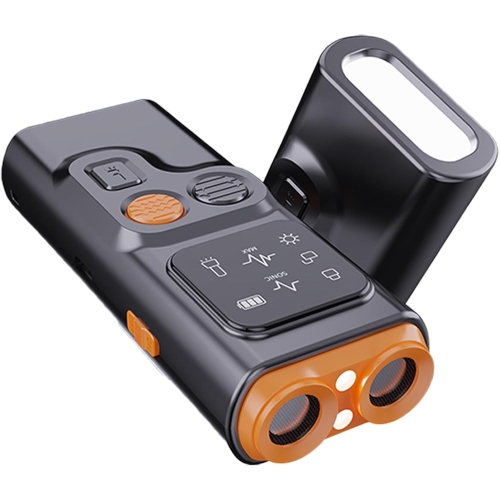
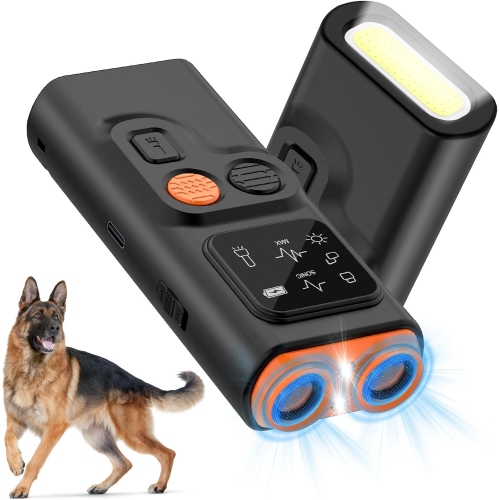
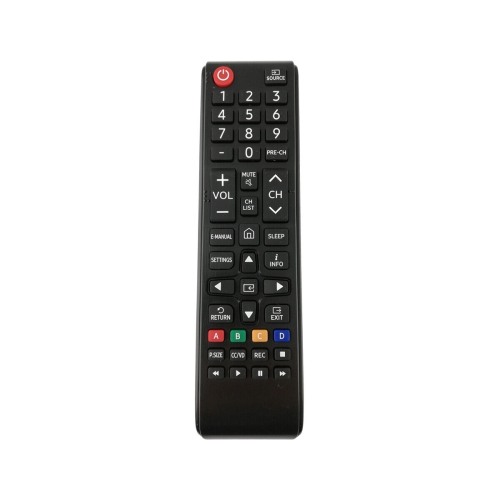
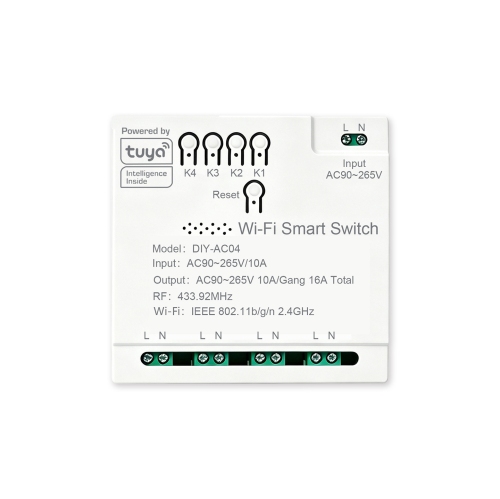
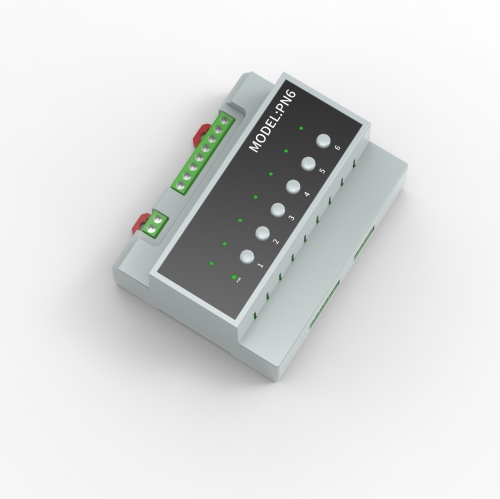
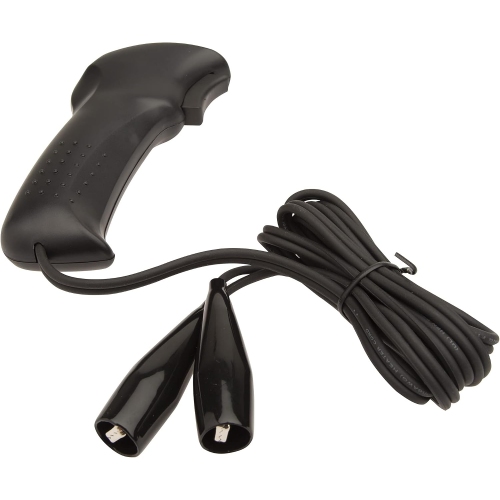
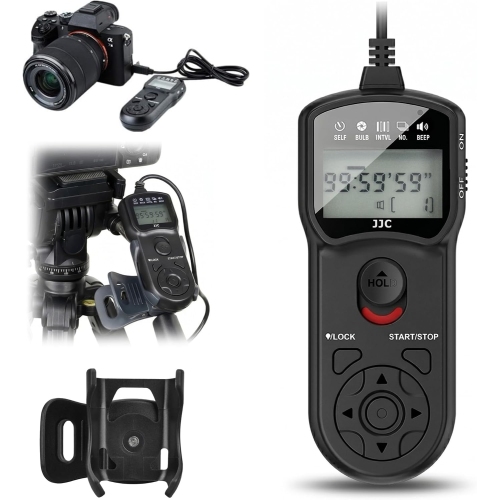
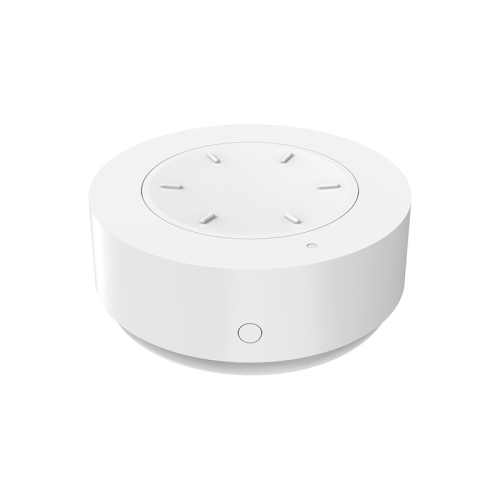
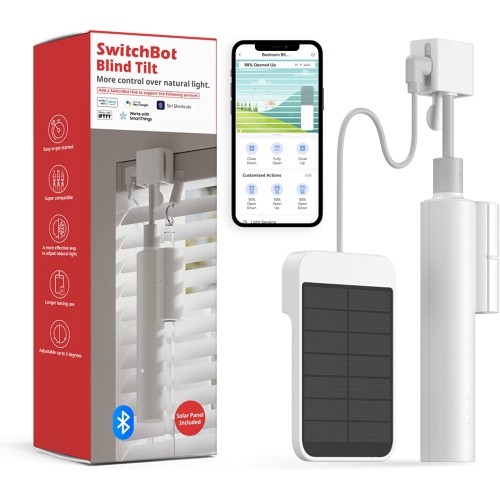
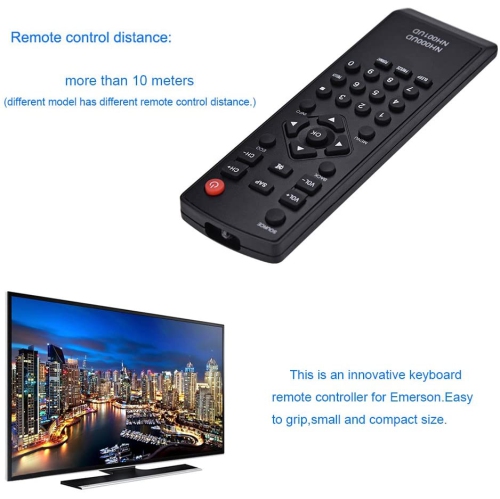
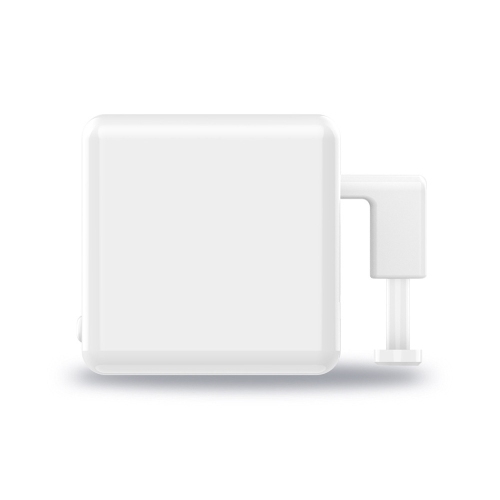
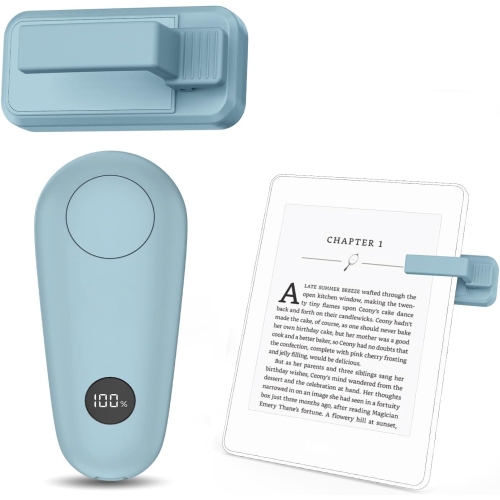
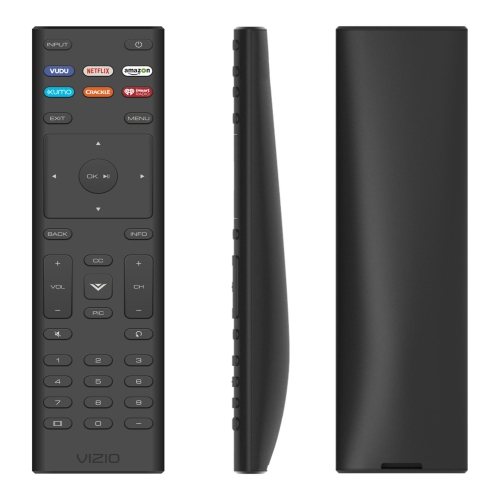
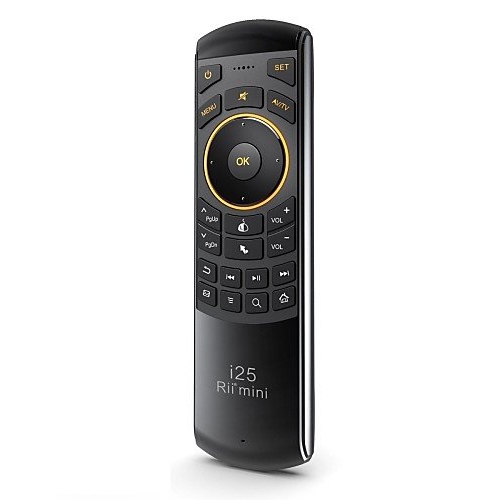

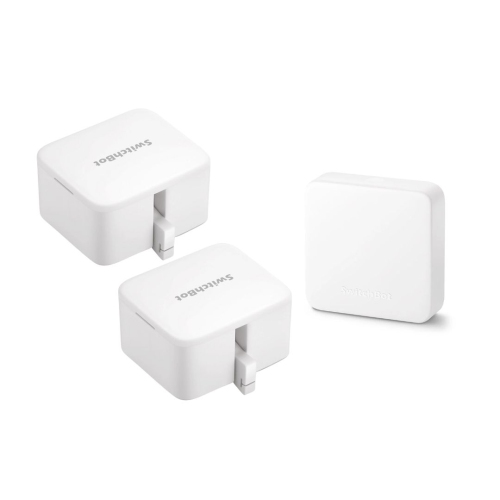
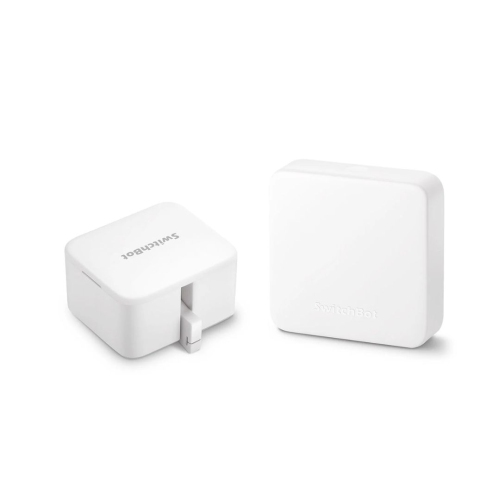
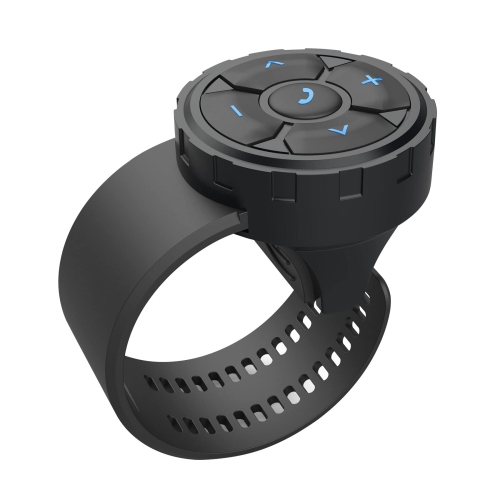
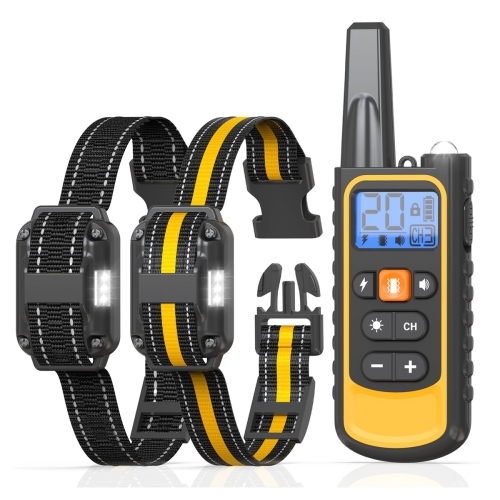
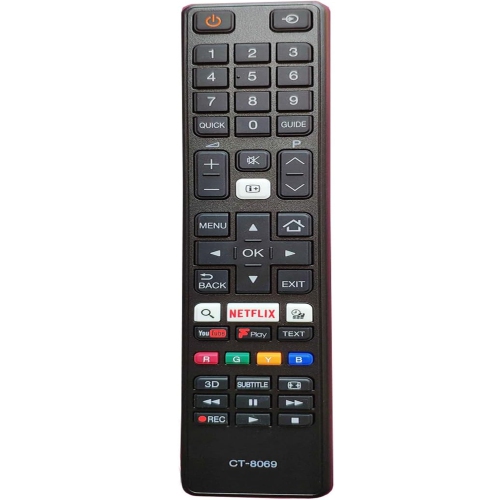
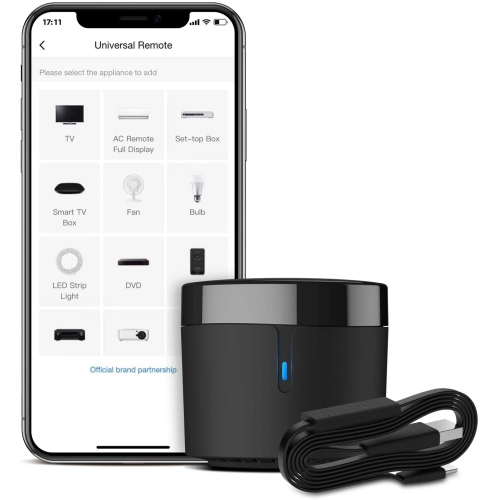


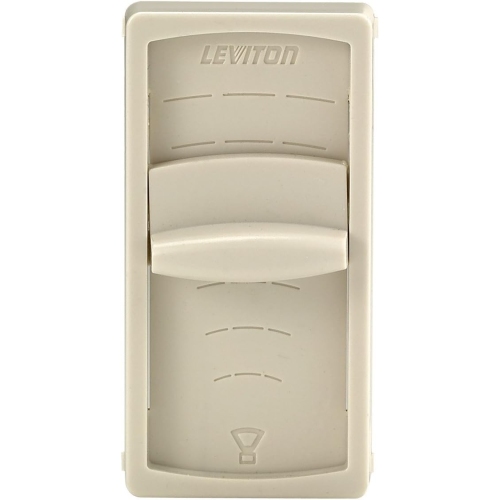
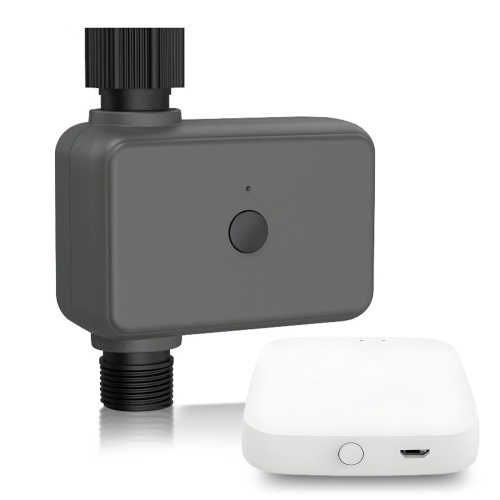
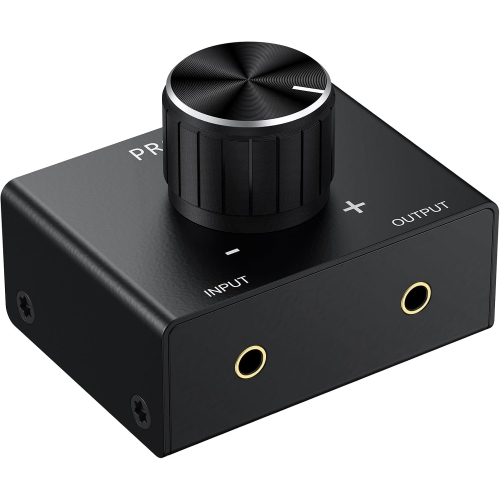
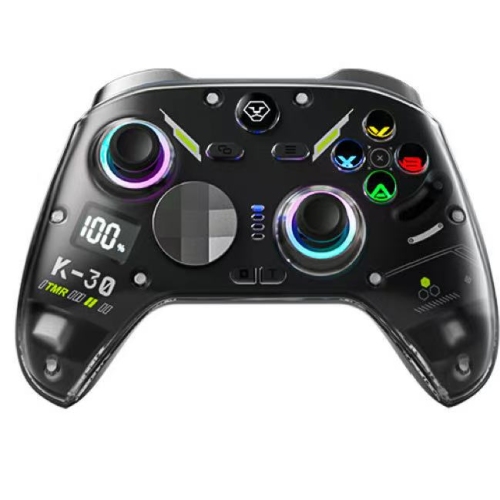
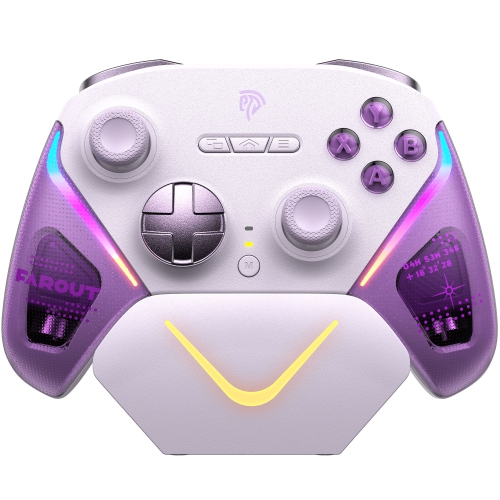
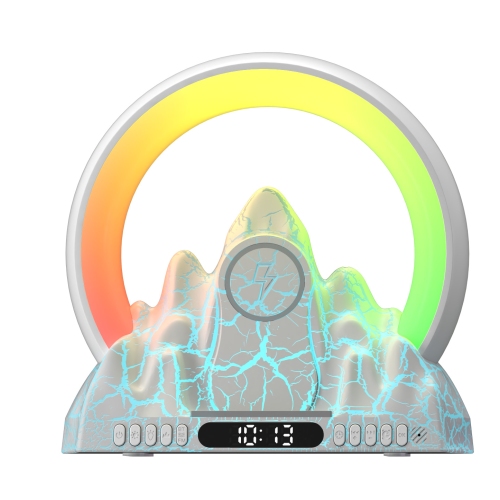

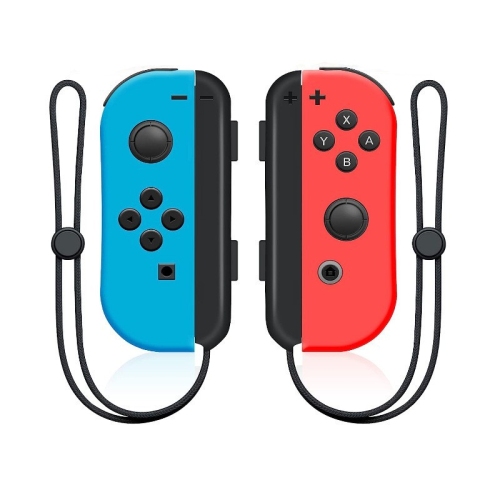
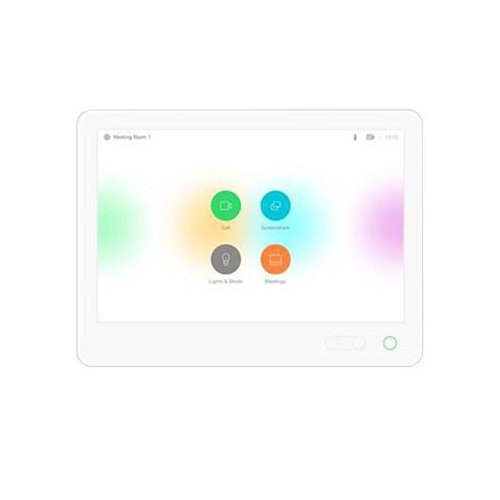

What puts lighting and sound within easy reach
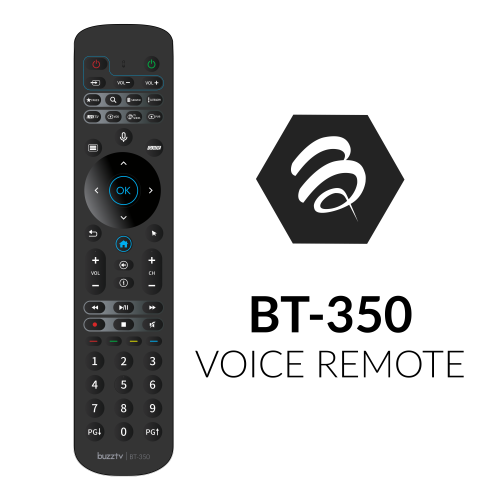
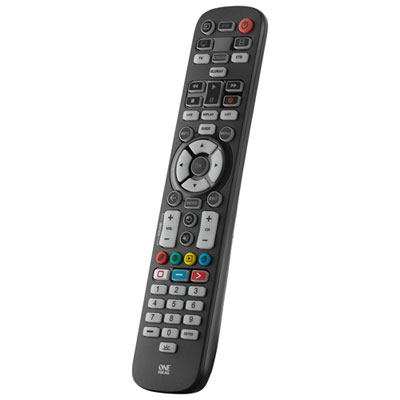
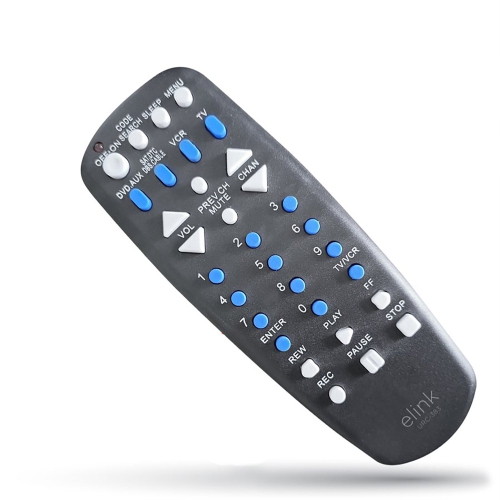
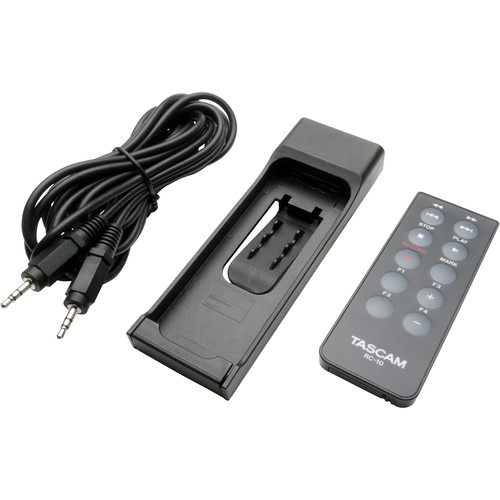
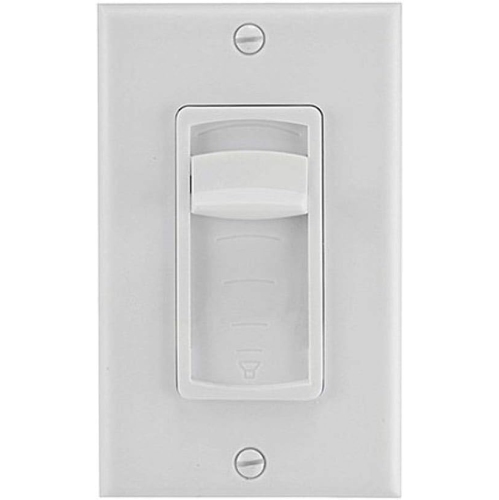
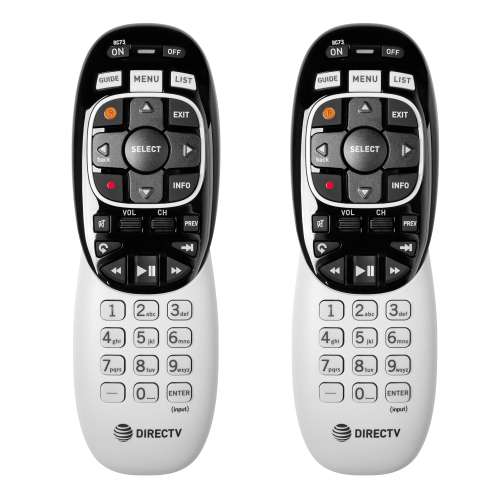
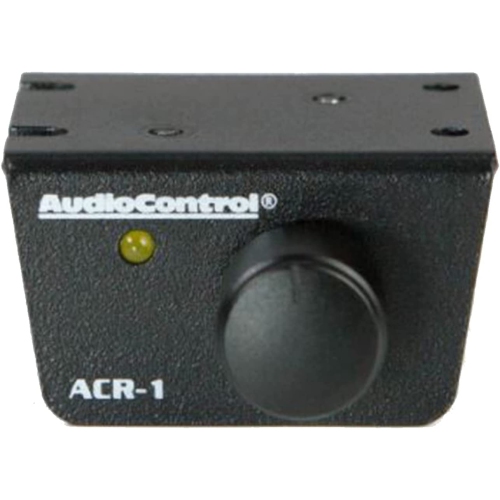
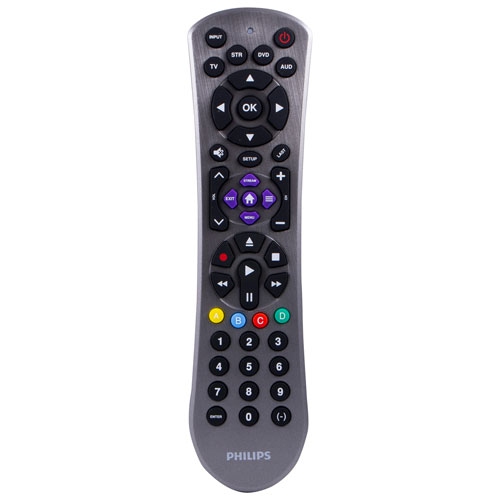
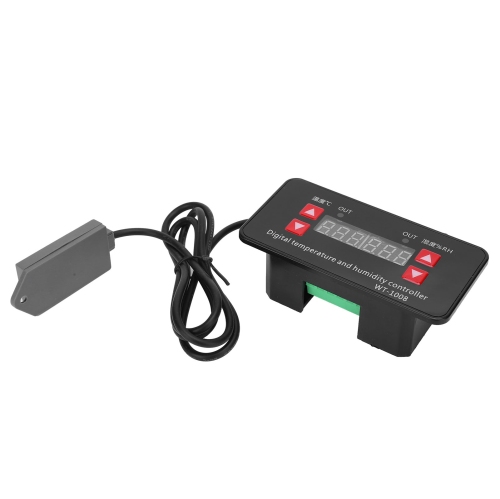
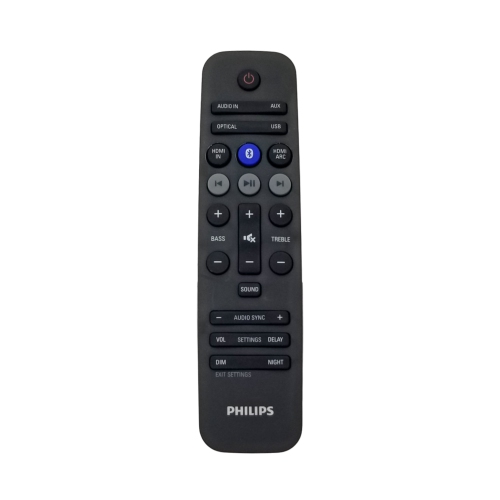
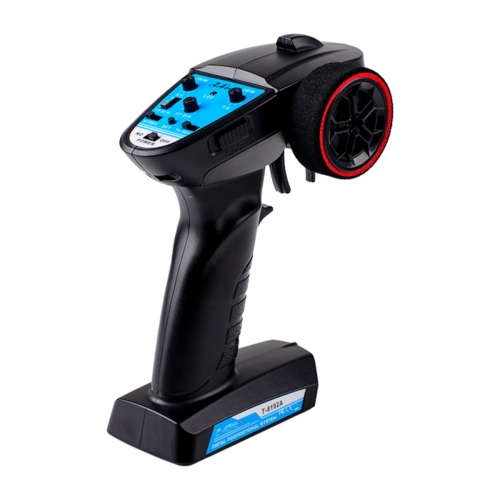
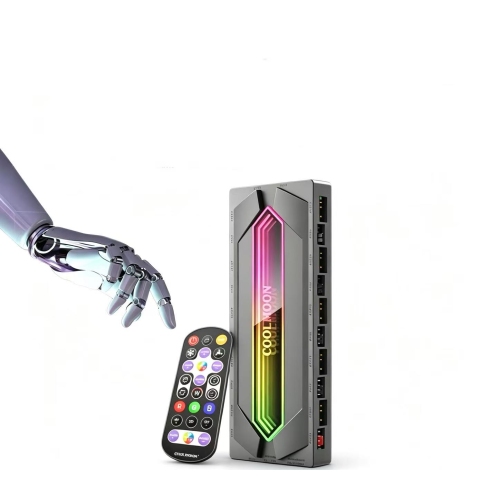
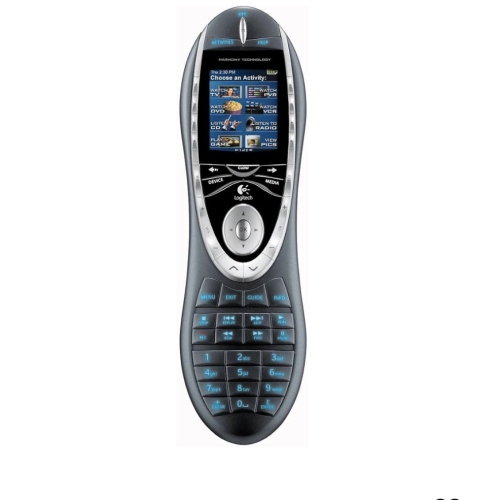
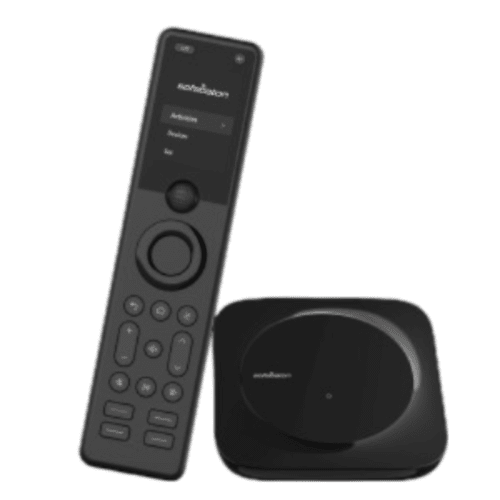
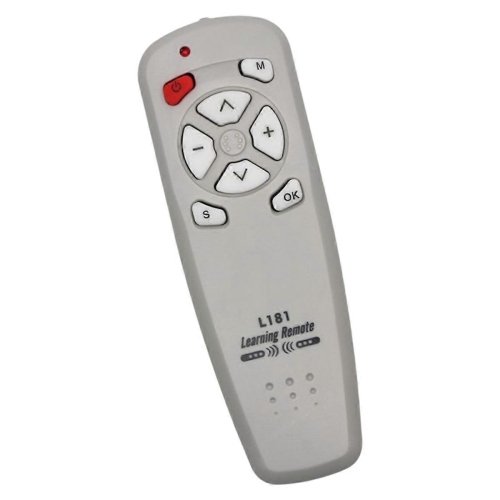
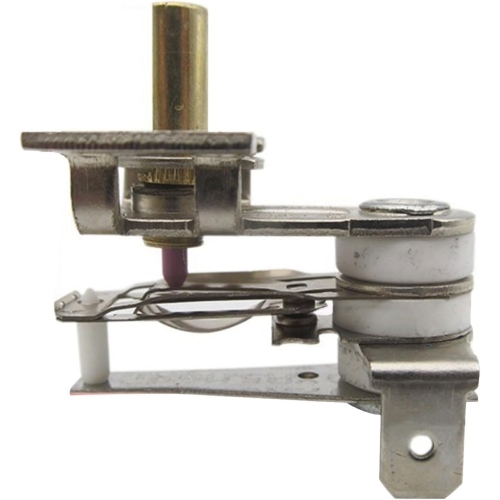
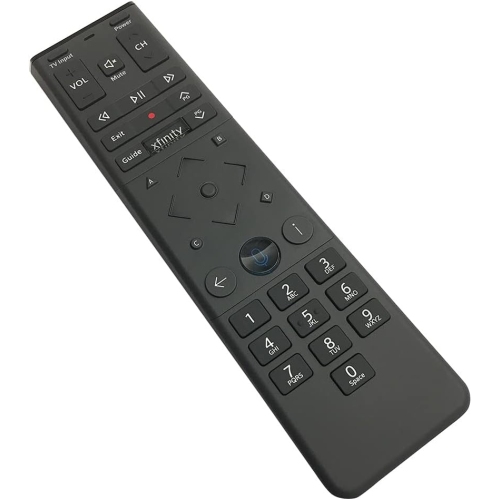
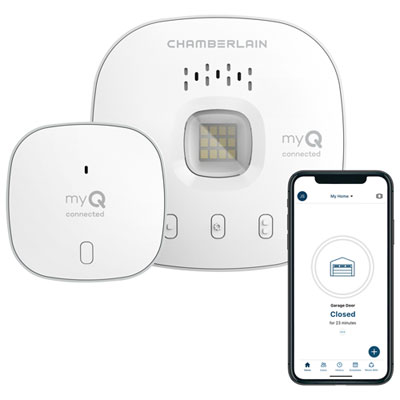
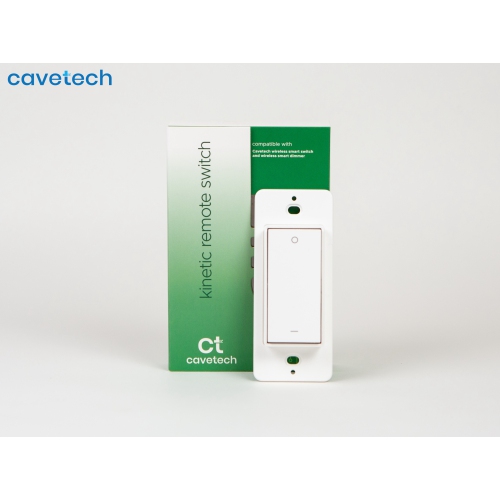
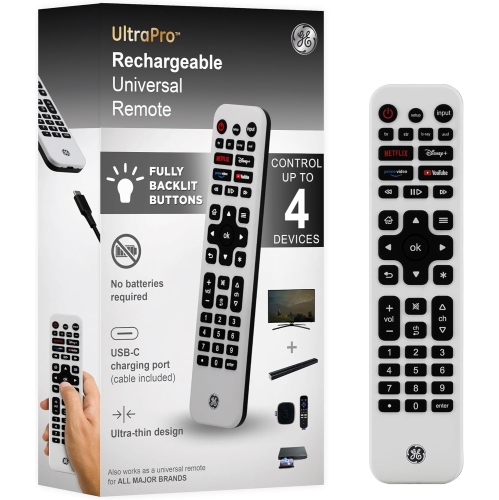
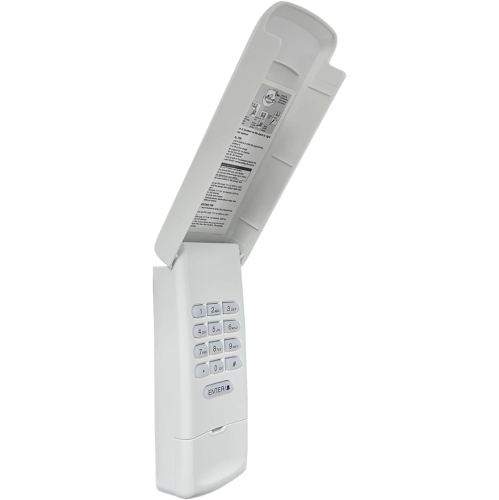
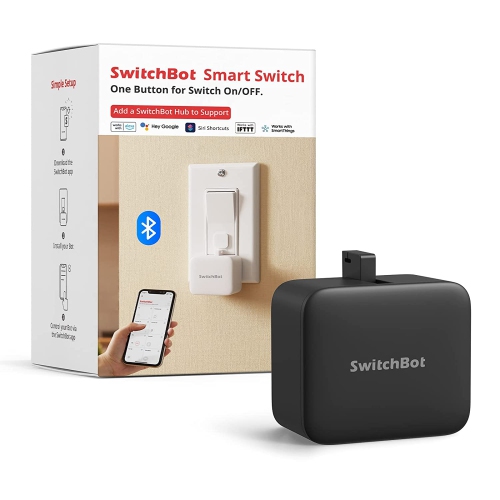
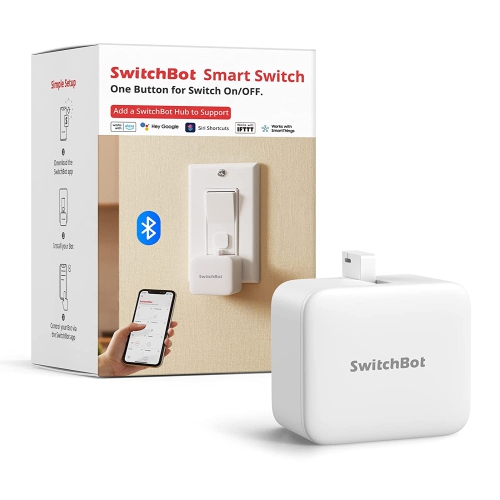
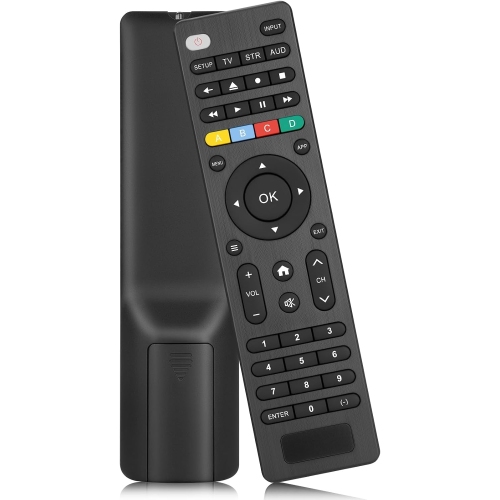
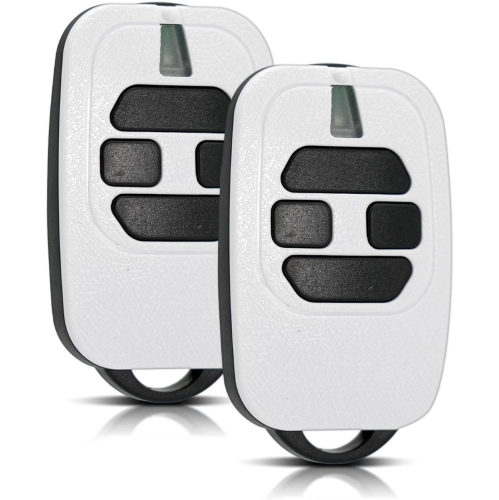
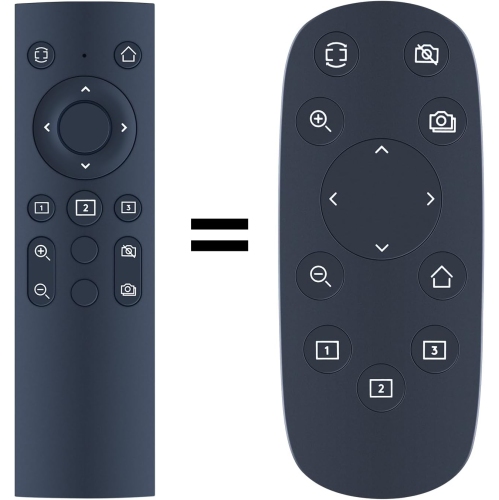
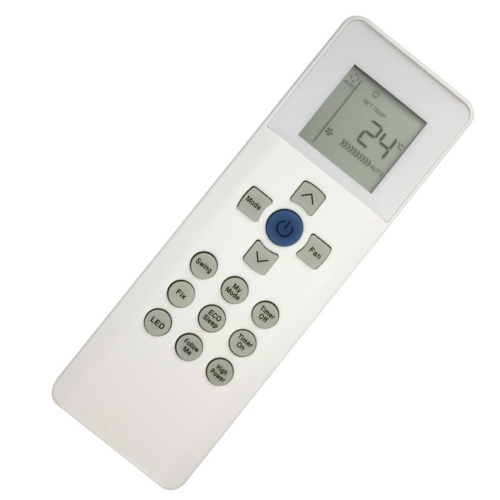
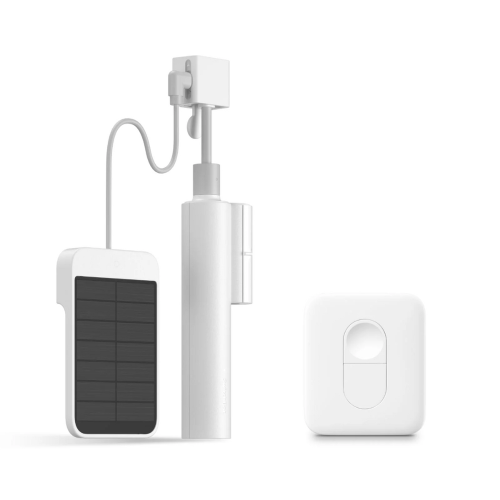
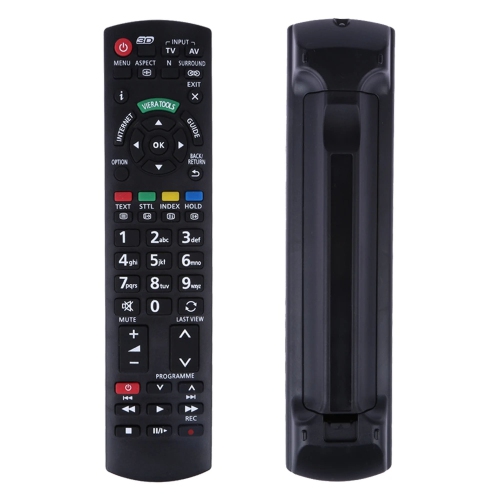
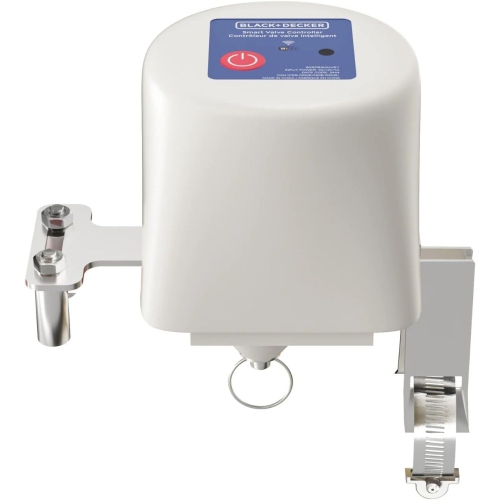
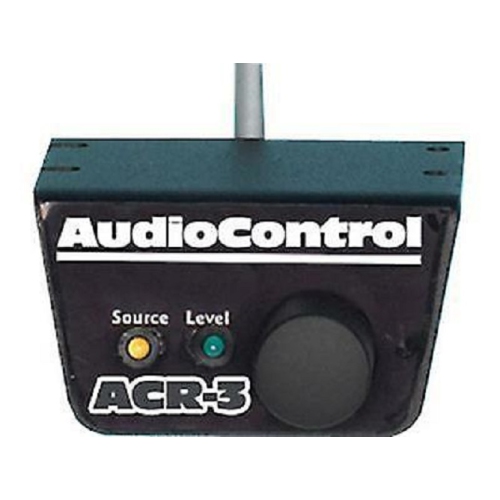
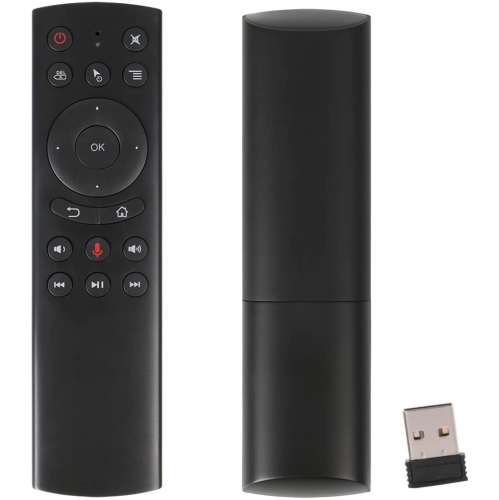
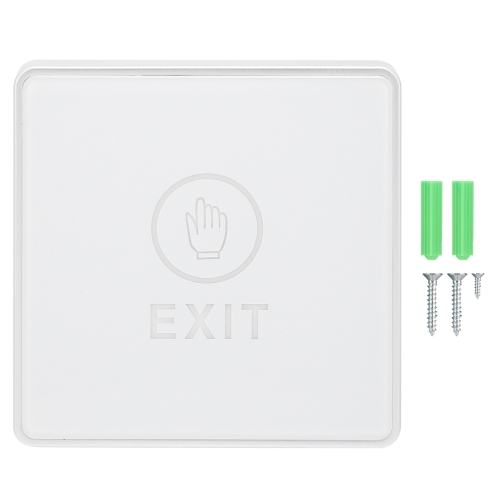
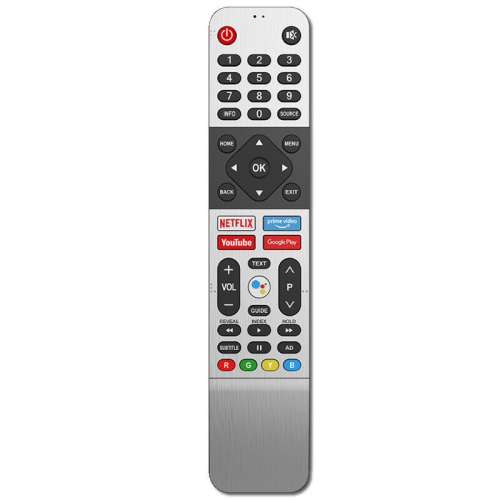
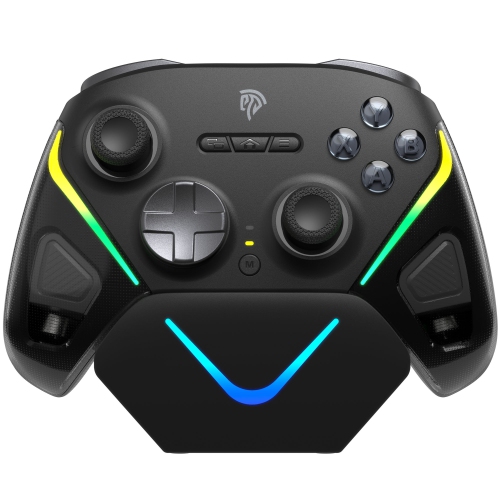
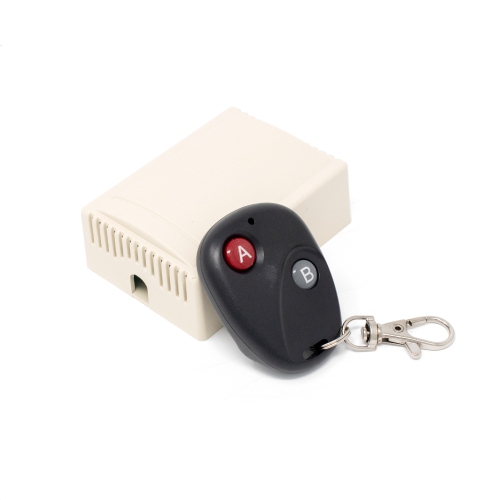
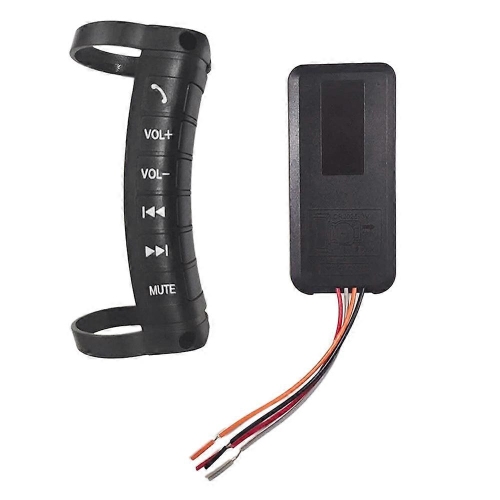
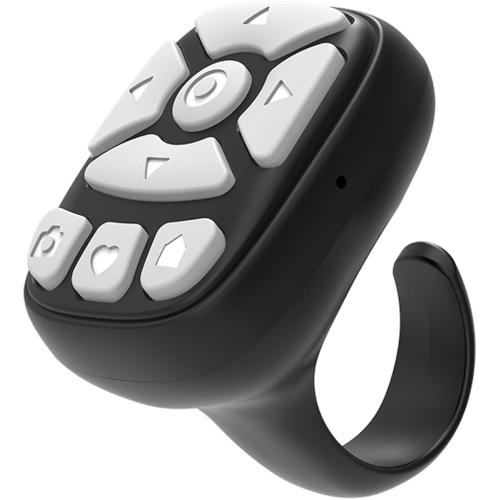
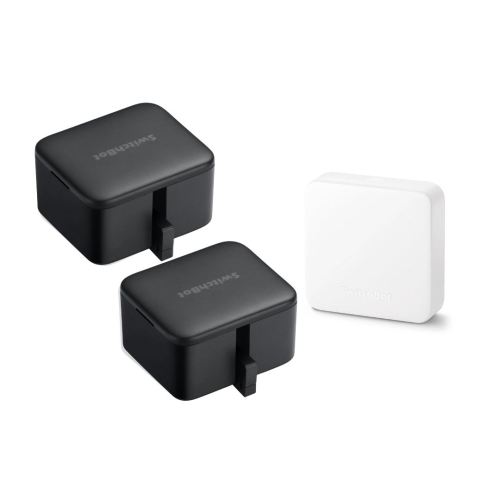
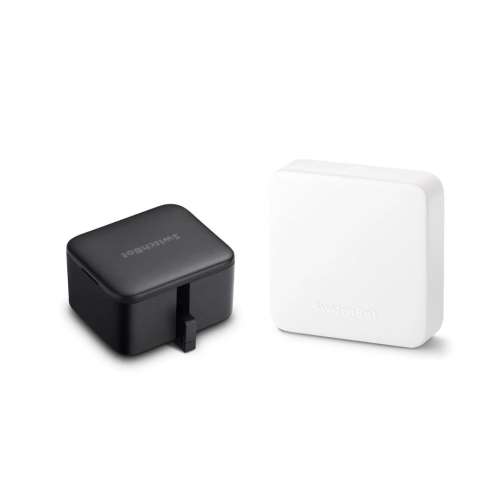
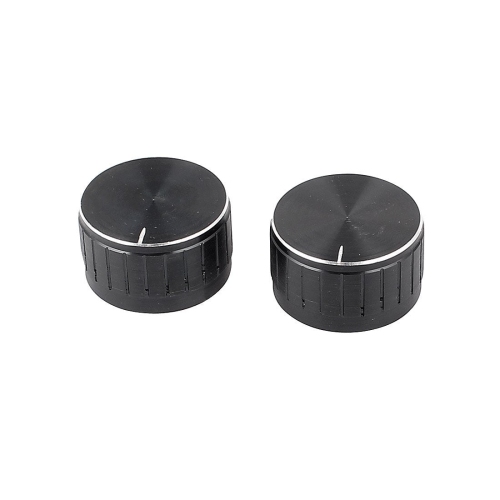
Control devices let people operate equipment, adjust a setting, or change how a system behaves without having to interact with the equipment itself. A control device can be mechanical, electrical, or electronic. It takes an input, such as a button press, a dial adjustment, or a signal from a sensor, and uses it to produce an output. That output might turn a light on, raise the volume, or keep a setting at a chosen level. The term also applies to industrial controls that regulate flow or pressure, but in a home it more often refers to remote controls, wall switches, dimmers, and smart home controllers. A television remote and a wall dimmer do very different jobs, yet both put a frequently used function within easy reach. The best fit depends on what the device needs to control and where people will use it. In a living room, a handheld remote with distinct buttons makes it easier to find volume or pause by touch, even with the lights dimmed. In a hallway, a wall control in the usual spot may make more sense than an app, especially when guests or family members need to use it without a phone. The type of signal matters, too. Infrared remotes typically need a clear line of sight to the equipment, so a closed cabinet door can be enough to block a command. Some wireless controls can reach compatible equipment without being pointed directly at it, though walls, distance, and interference can affect performance. Compatibility can also vary by function. A remote may handle power and volume but leave picture settings or other menus to the original controls. In a room with a television, a sound system, and a separate media source, it helps to know which functions a controller can manage across all three. Switching inputs and adjusting sound are often more useful in daily use than having a long list of buttons for features that rarely get touched.
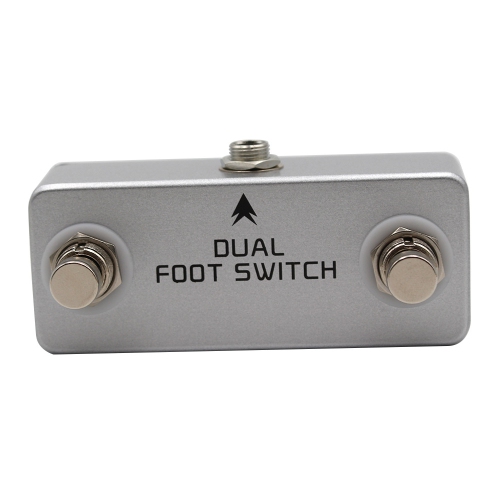
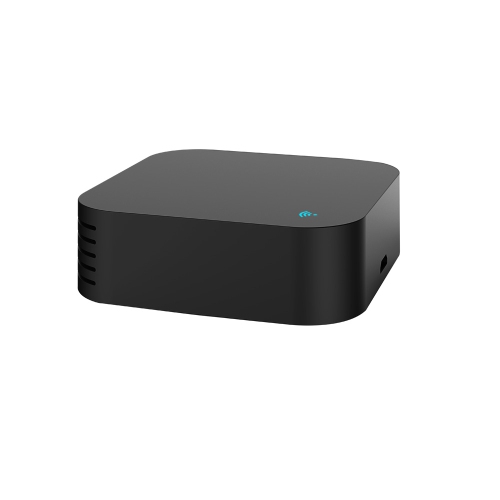
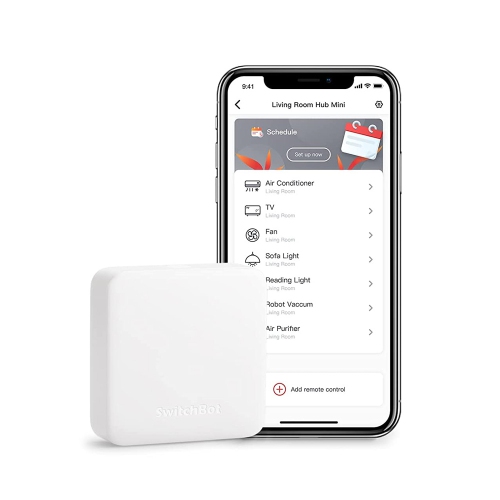
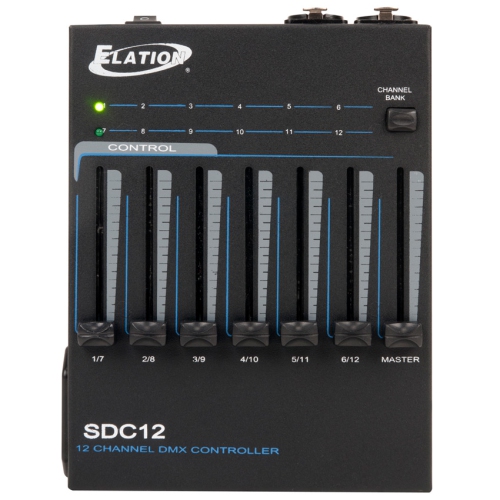
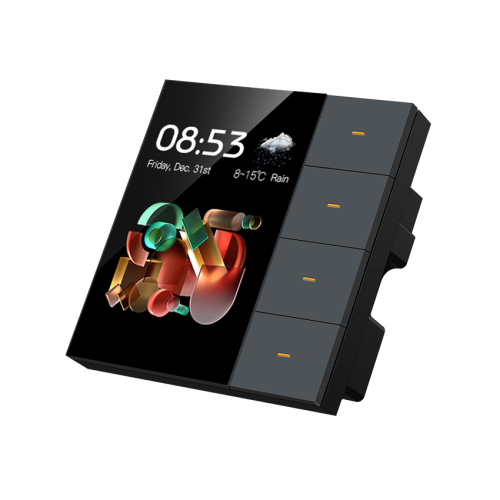
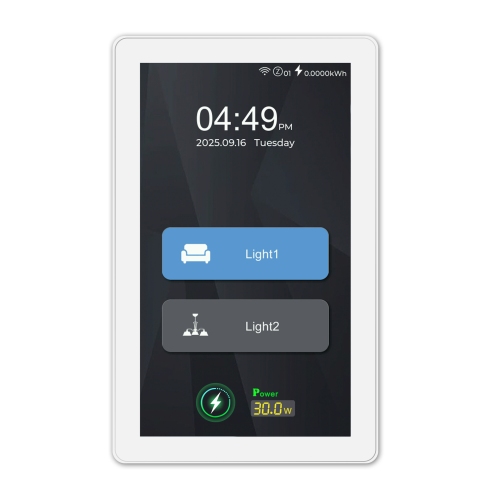
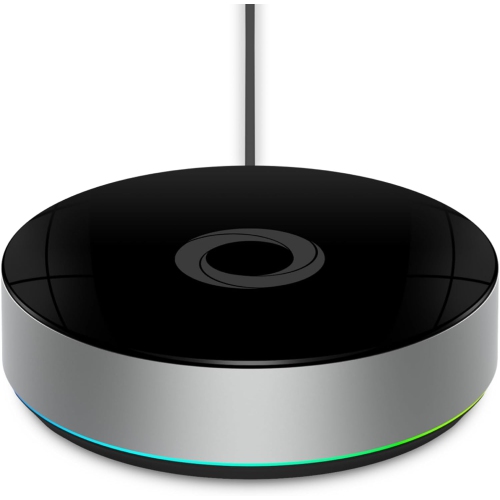
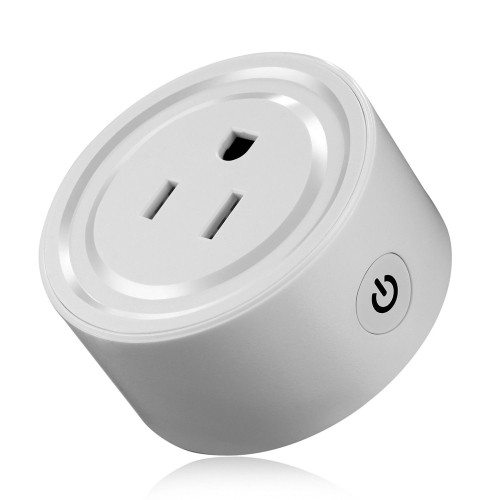
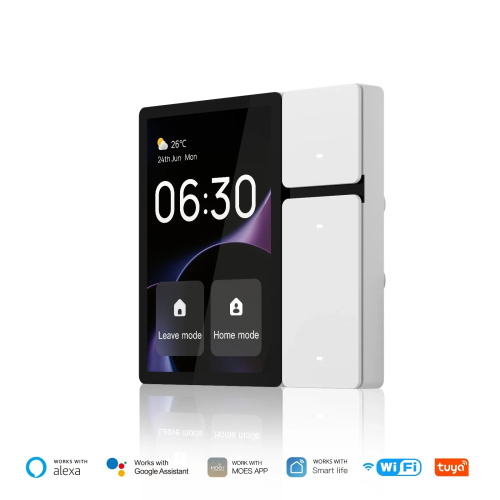
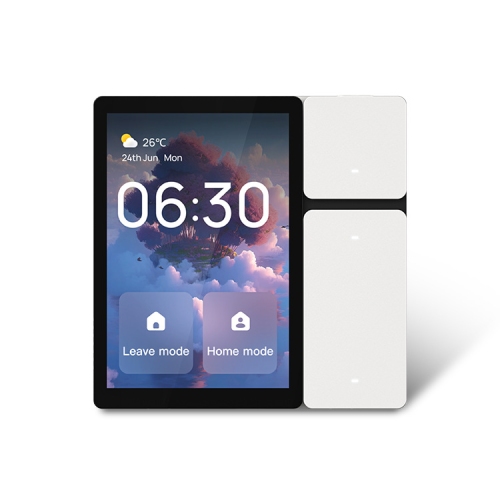
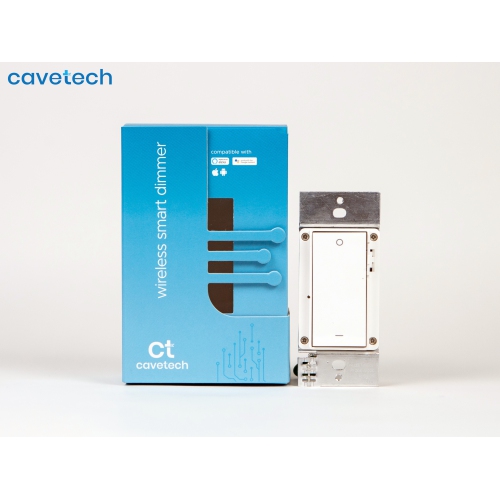
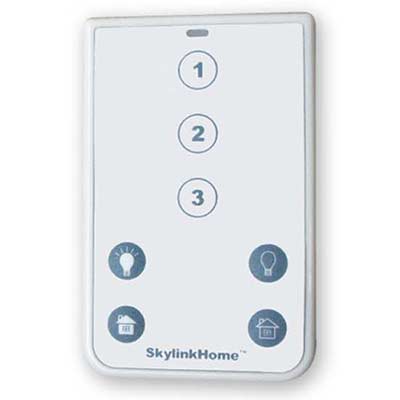
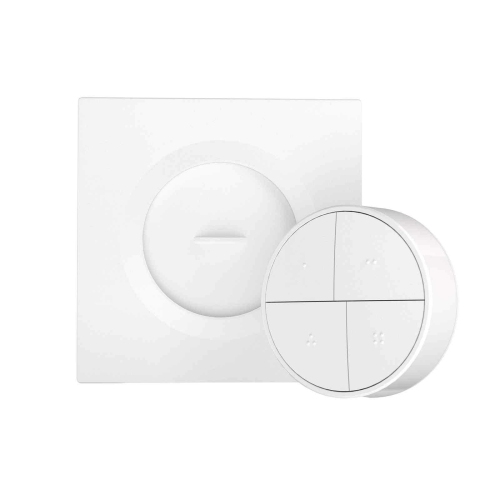
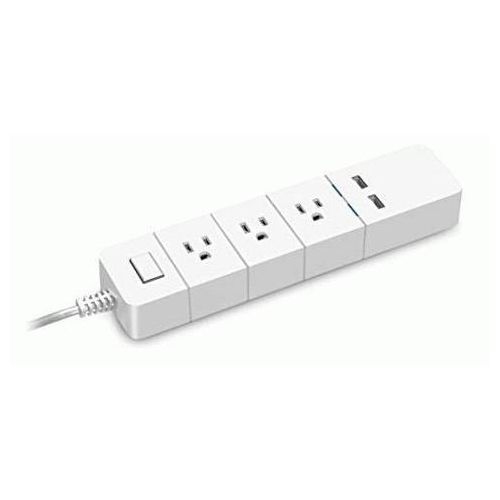
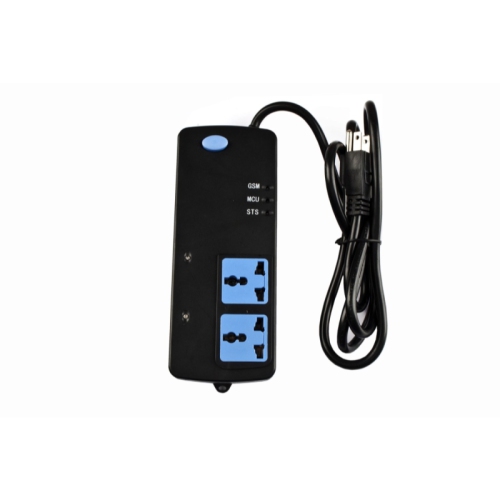
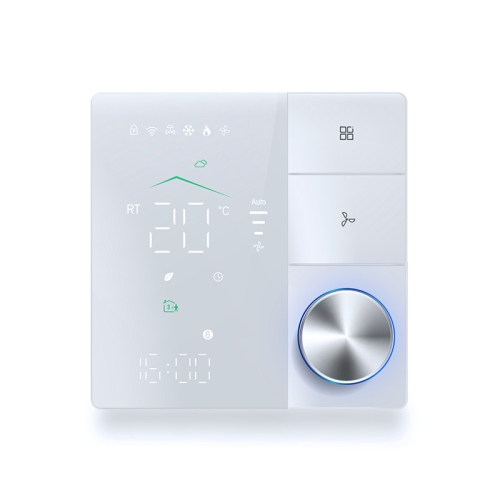
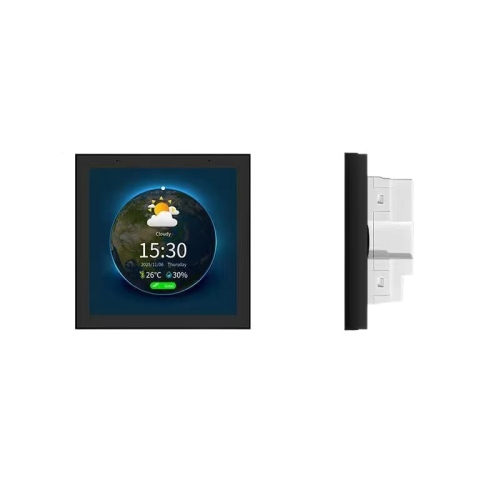
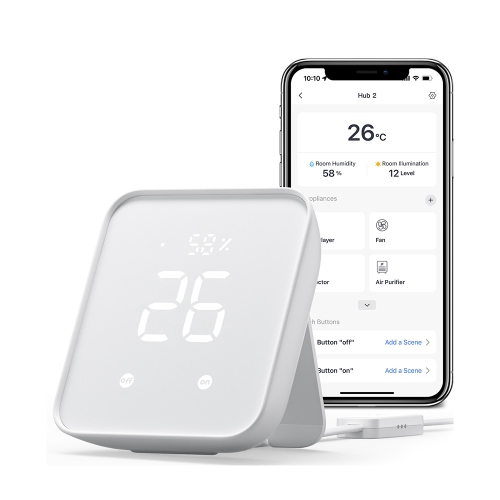
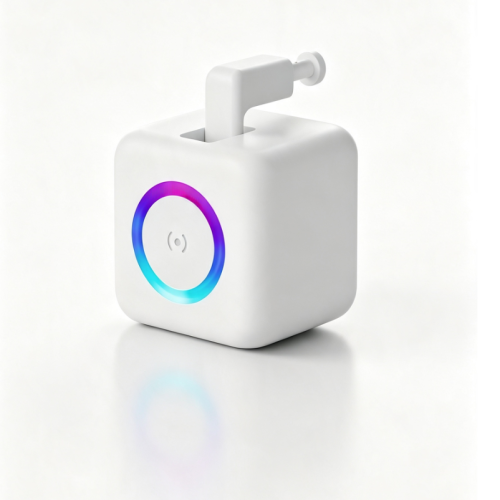
For smart home control devices, a useful distinction is whether the control acts on a direct command or can also respond to a schedule, sensor, or routine. Tapping a button to switch off a group of lights is direct control. Having those lights turn on at a set time or when a compatible sensor detects motion is automation. Programmable Devices are relevant when a household wants the same action to happen repeatedly without someone having to remember it each time. Direct control still has a place in an automated setup. A reading lamp on a schedule is more useful when there is also a simple way to turn it on from the chair, and a programmed shutoff is less intrusive if someone can override it without opening an app. Some connected controls communicate directly with compatible equipment, while others rely on a home network or a separate hub. Not every function works the same way if the internet connection drops, and app control from outside the home is different from tapping a physical switch while standing next to it. For shared spaces, physical controls can make the difference between a setup everyone uses and one that only makes sense to the person who installed it. Fit matters in a more literal sense as well. A plug-in control can take up enough room to crowd the neighbouring outlet, and an in-wall control must suit the electrical box, the existing wiring, and the connected load. With dimming, the light source and the dimmer need to work together; a mismatch can show up as flickering or an uneven change in brightness. For controls that switch power to equipment, the electrical rating and intended use matter as much as whether the plug fits. Those details help distinguish a control intended for a small lamp from one rated for a different kind of load.
Materials, layout, and upkeep shape how a control device feels after the novelty of a new setup has passed. A textured plastic housing can be easier to grip than a smooth finish, while well-spaced buttons with clear markings can help people with limited dexterity or reduced vision. A firm click or a small ridge on a frequently used button gives useful feedback without requiring a glance at the controller. For handheld controls that get passed around a room, a snug battery cover and a shape that rests securely on a side table are practical details. On a fixed control, a faceplate that sits flush and buttons that respond consistently are more important than the finish alone. Any control meant for a location where it could be exposed to moisture or dust should be rated for that use rather than judged by how sturdy it looks. Routine care is generally simple: follow the manufacturer’s cleaning directions, keep liquid out of openings, and check batteries or charging connections if a handheld control starts responding intermittently. A weak battery and a blocked signal can feel much the same from the sofa, even though neither means the equipment itself has failed. Control devices can serve a wide range of people, from someone simplifying a home theatre to a household that wants lighting to be easier to operate from more than one spot. A compatible remote can be a thoughtful housewarming gift for someone setting up a media room, especially when the equipment and the functions they use most are already known. For a person who prefers simple controls, clear labels and a familiar layout may be more welcome than extra settings. For someone who enjoys customizing a setup, the ability to group actions or change what a button does may be more valuable. In either case, a well-matched control makes an everyday action feel straightforward, whether that means pausing a show mid-conversation or turning on a light without getting up from a favourite chair.
Top selling and popular products
-
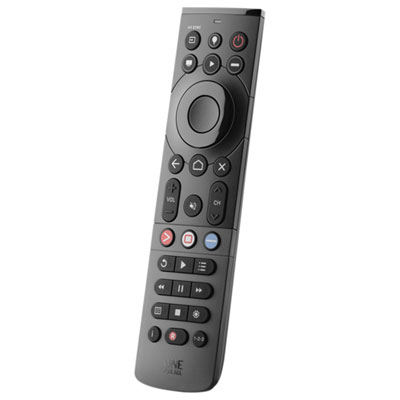 Your price for this item is $49.99
-
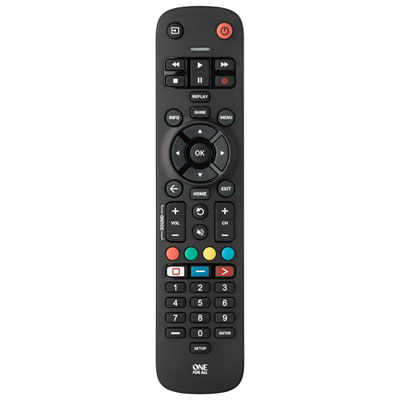 Your price for this item is $16.99
-
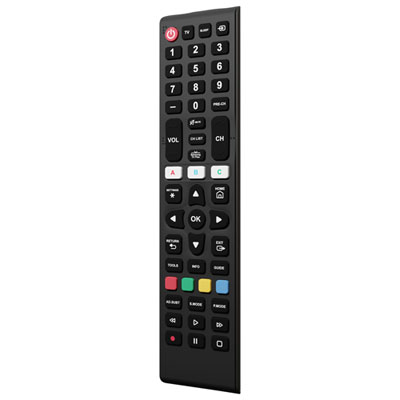 Your price for this item is $24.99
-
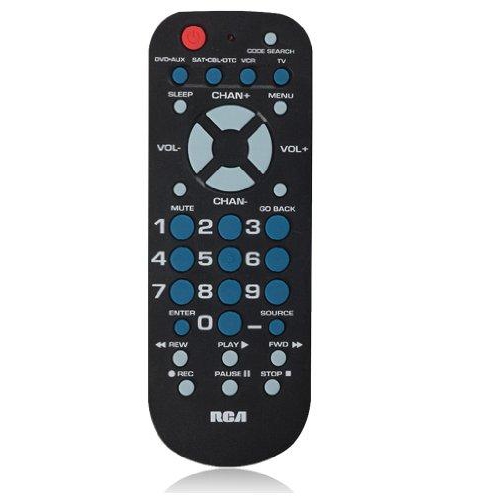 Your price for this item is $14.99
-
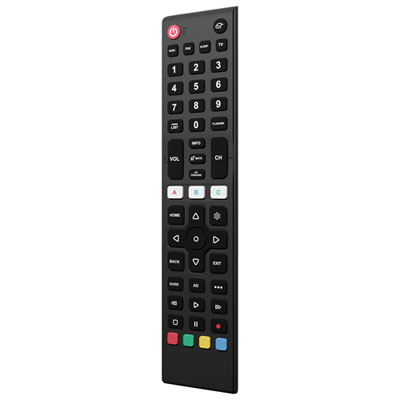 Your price for this item is $24.99
-
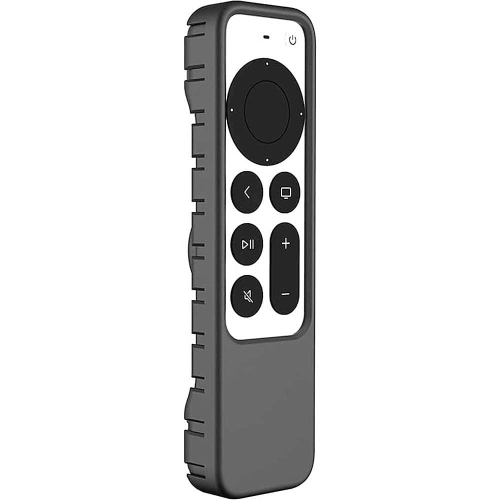 Your price for this item is $52
-
 Your price for this item is $29.99
-
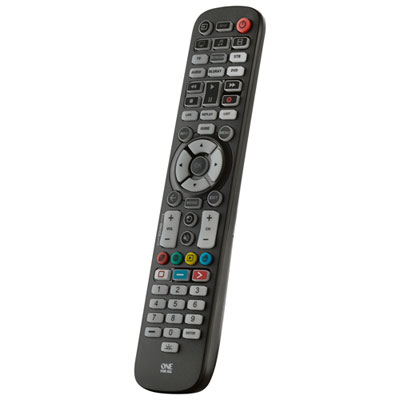 Your price for this item is $39.99
Discover more categories related to Control Devices


Top Collections:
Best Black Friday Deals This Year, Best Black Friday Deals On Electronics, Kindle Devices, Dyson Airwrap, Best Cameras for Sports Photography, Best Budget Office Chairs, Canon G7X Cameras, PS5 Pro Consoles, Best Black Friday Deals On Apple Products, XBOX One S Consoles
Some products may be subject to Environmental Handling Fees
(EHF) depending on your province.
Learn more about EHFs.