Input Devices
Enhance your digital experience with our diverse selection of input devices designed to elevate your productivity and gaming prowess. From ergonomic keyboards and precision mice to advanced graphics tablets and responsive styluses, our range of input devices offers something for every user's needs and preferences. Whether you're a professional seeking seamless workflow integration or a gamer craving lightning-fast responsiveness, we have the tools to help you achieve your goals with precision and comfort. Explore our collection of cutting-edge input devices to find the perfect match for your setup.
Sort



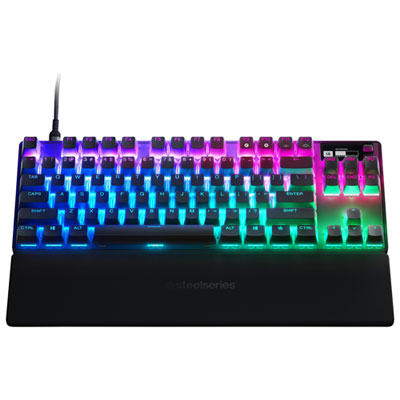

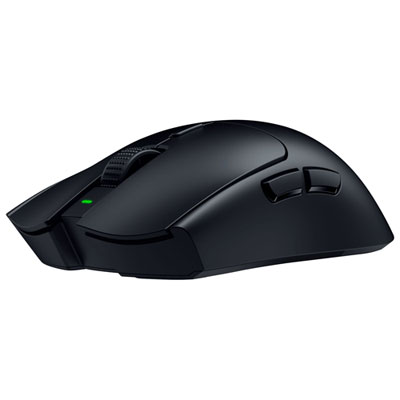
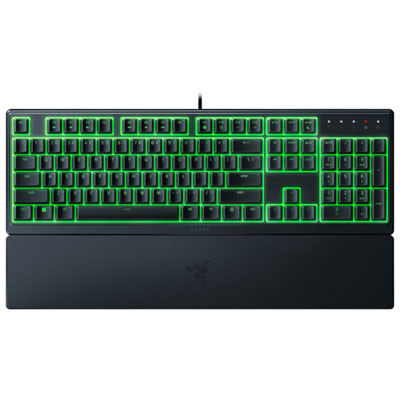
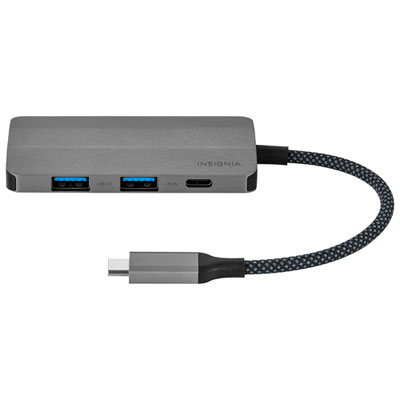
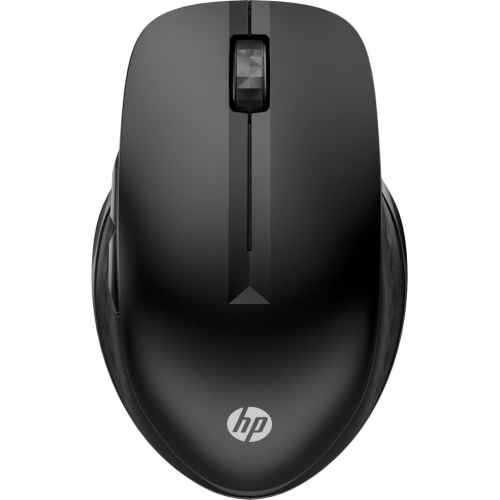
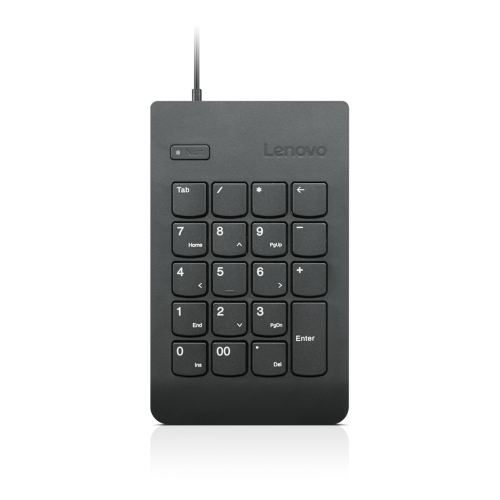
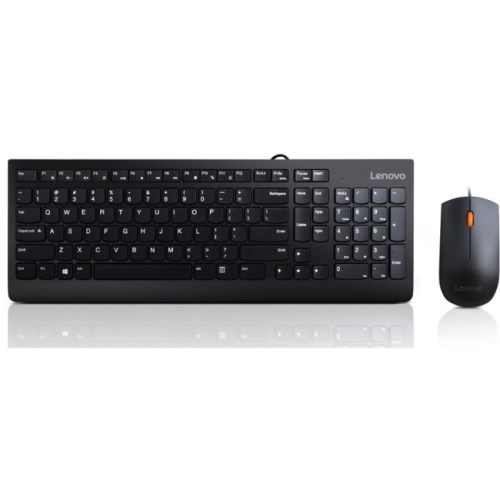
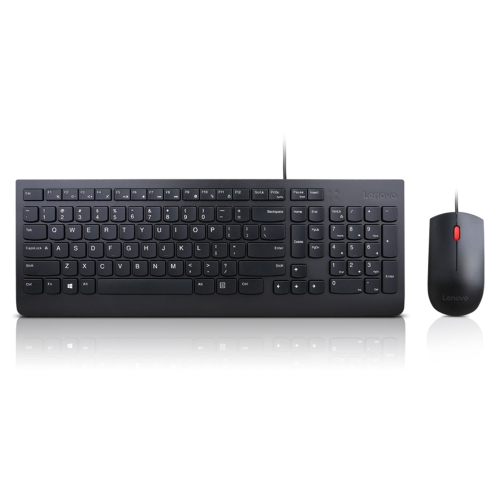
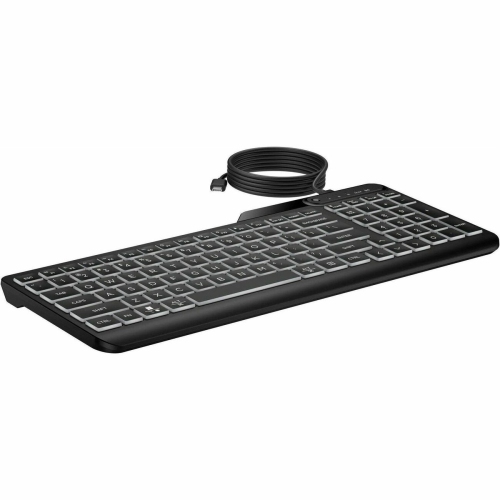
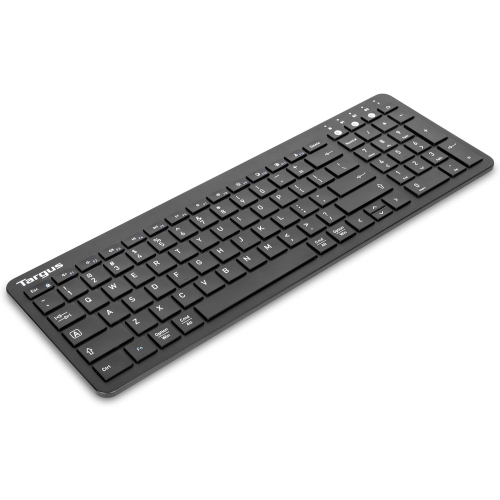
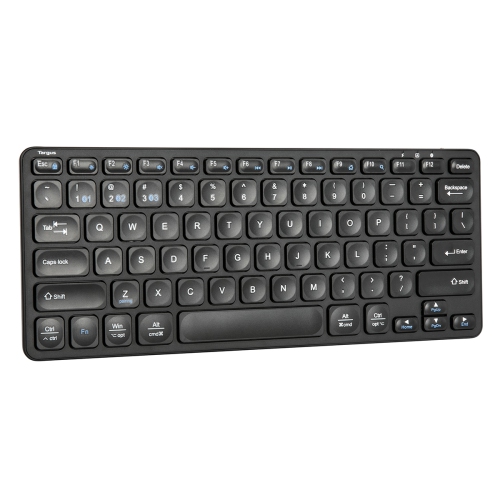
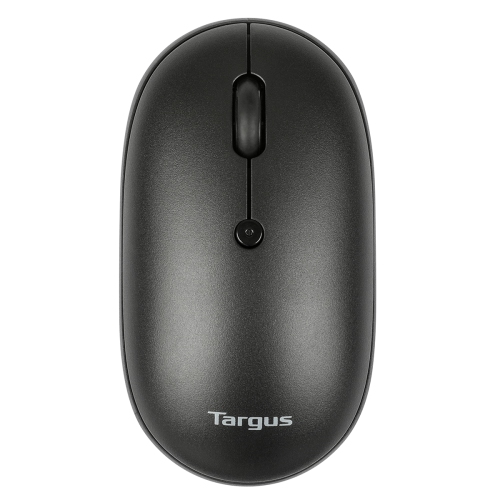
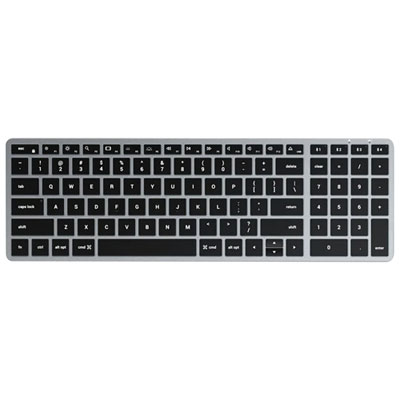
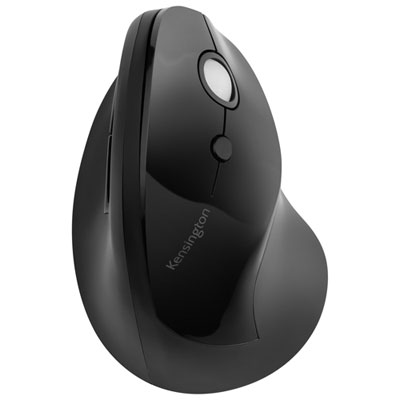
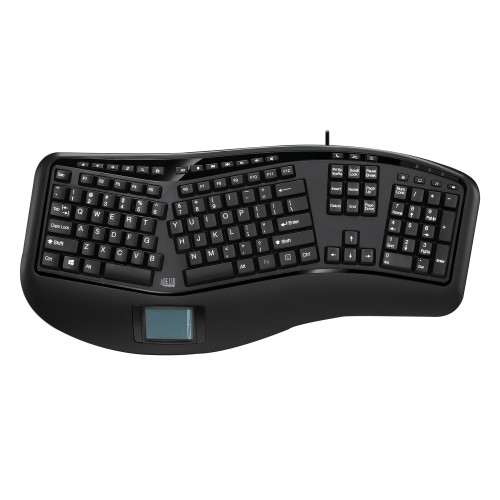
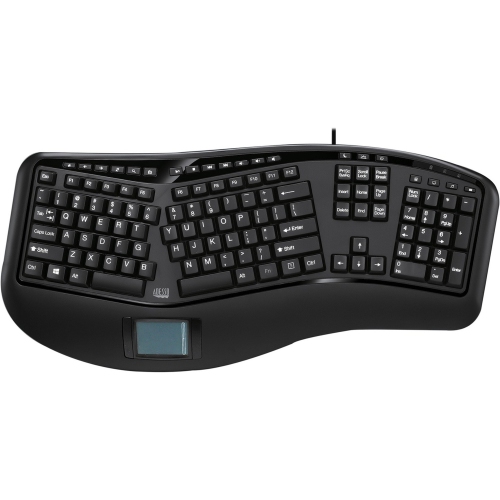
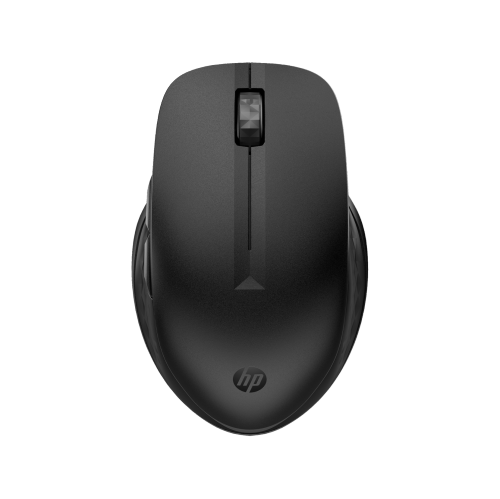
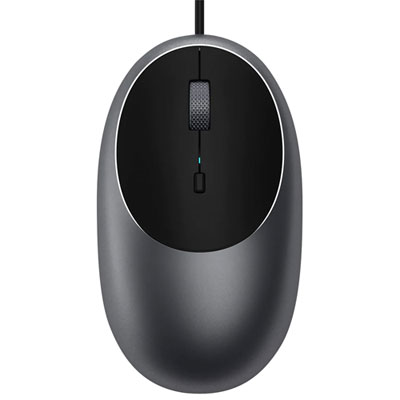
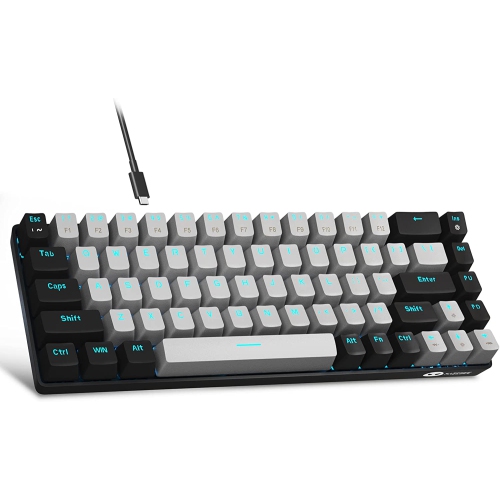
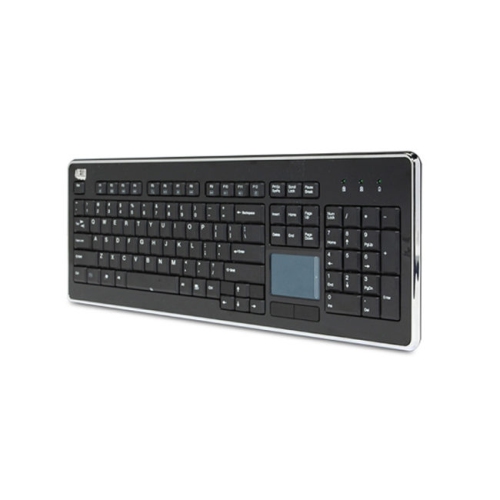
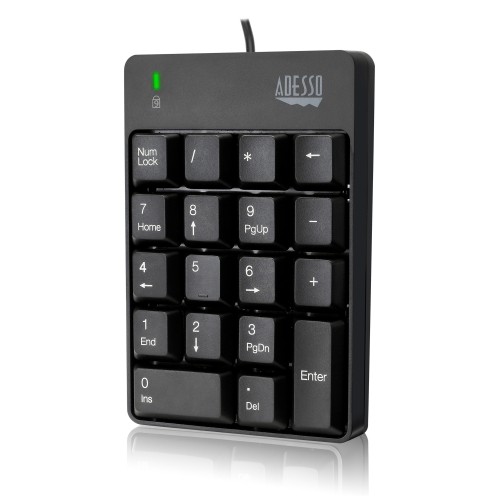
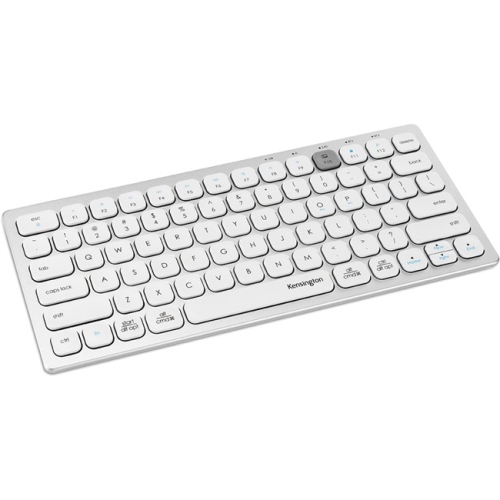

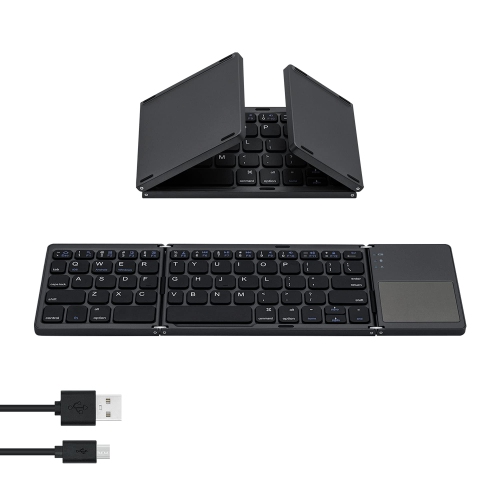
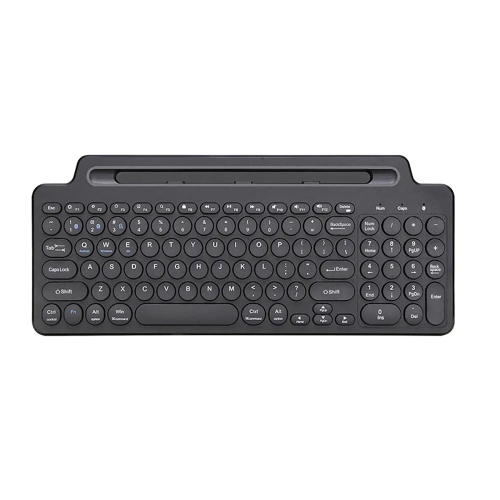
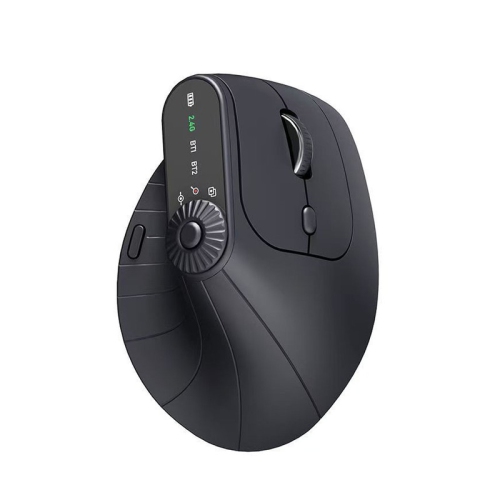
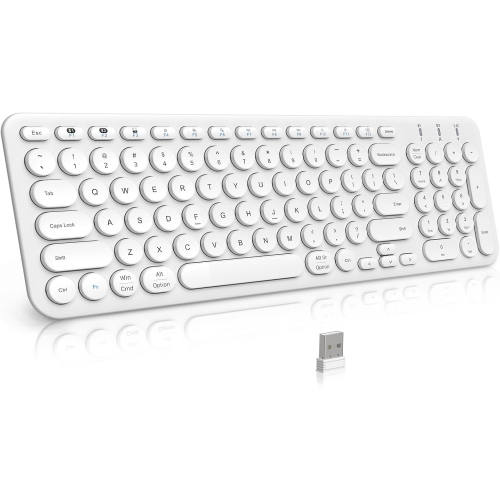
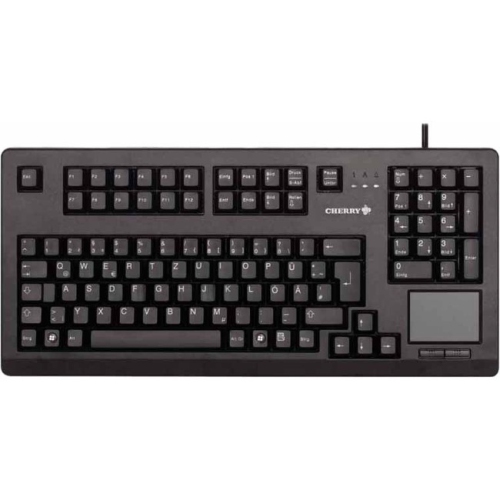
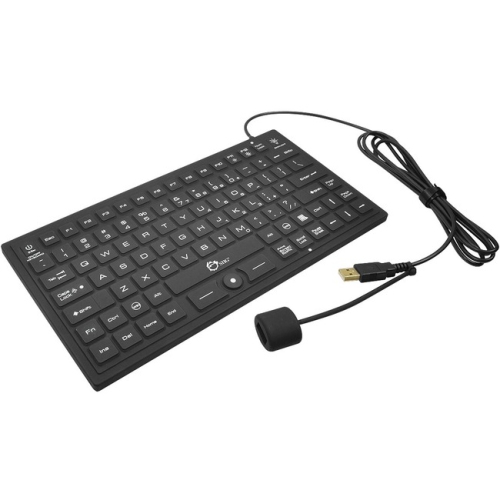
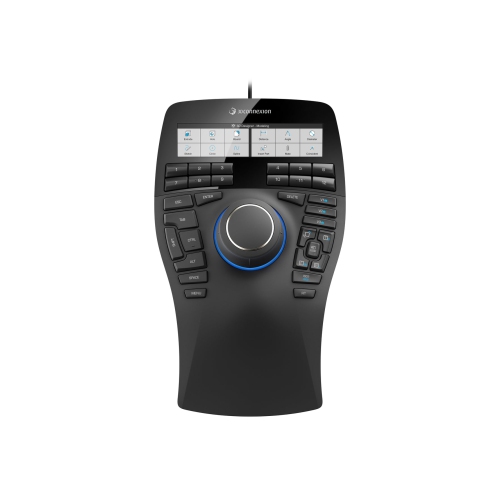
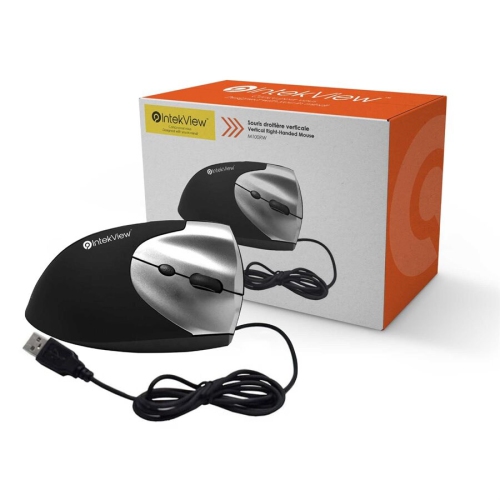
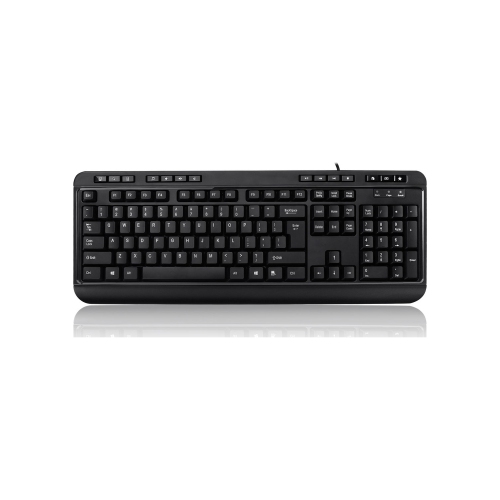
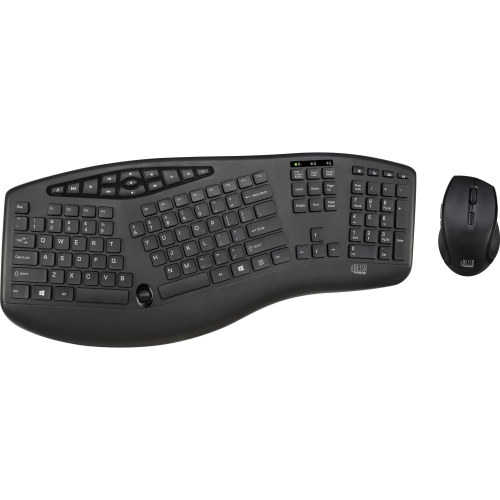
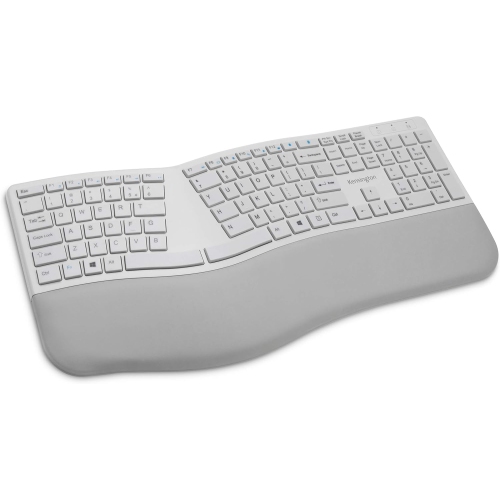
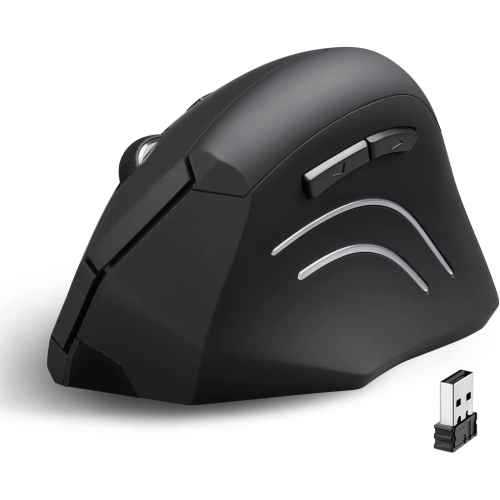
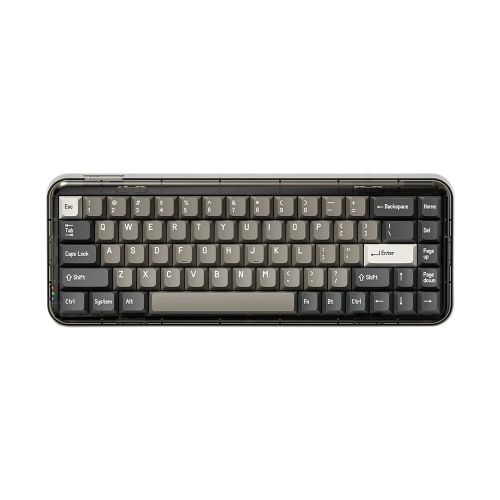
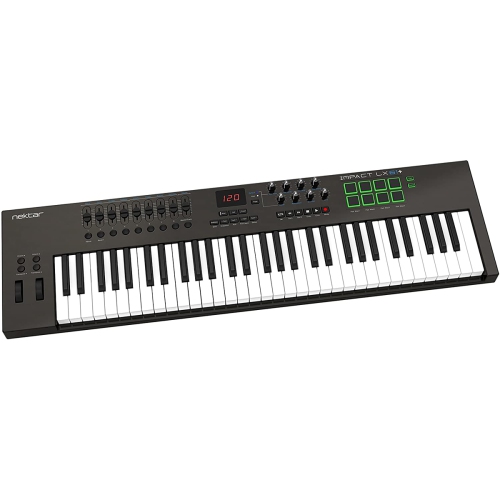
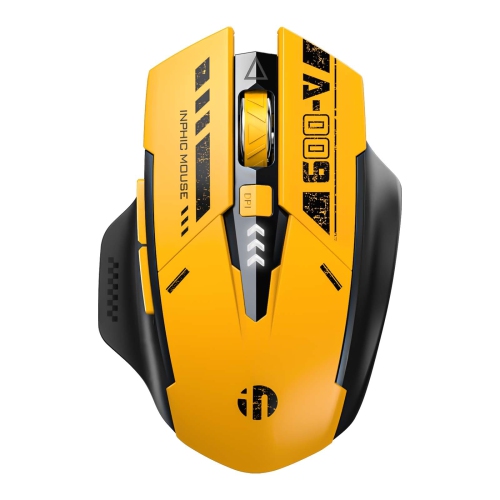
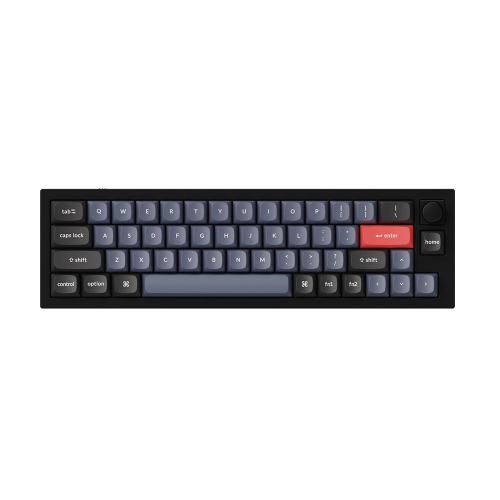
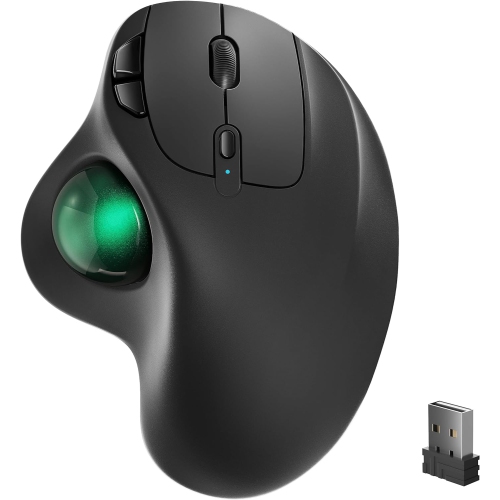
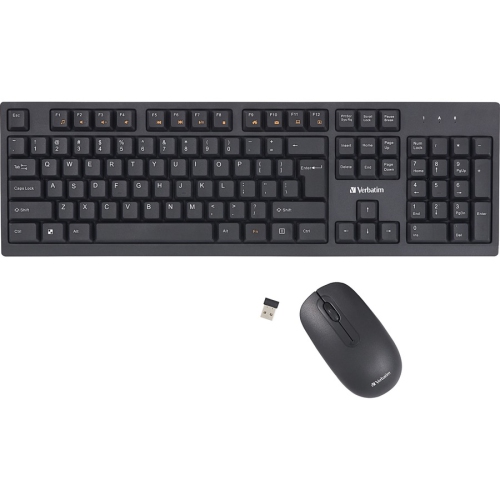
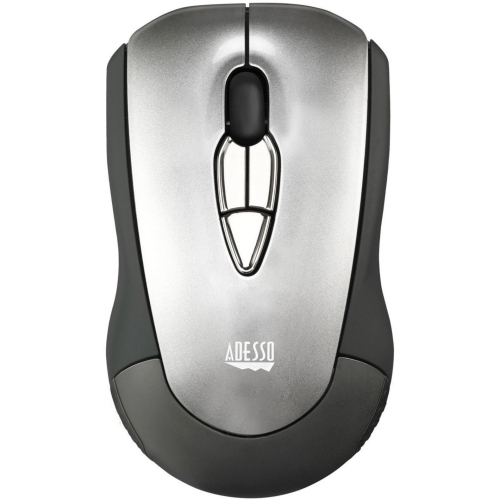
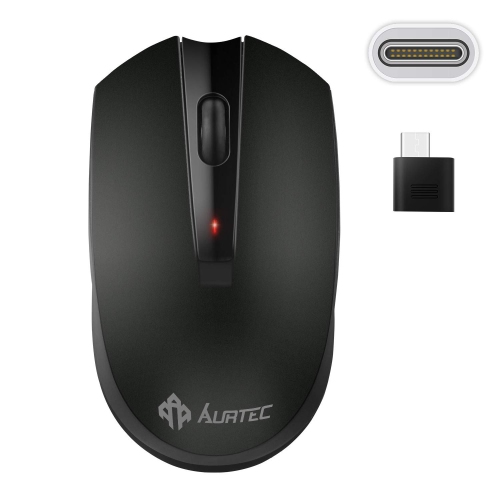
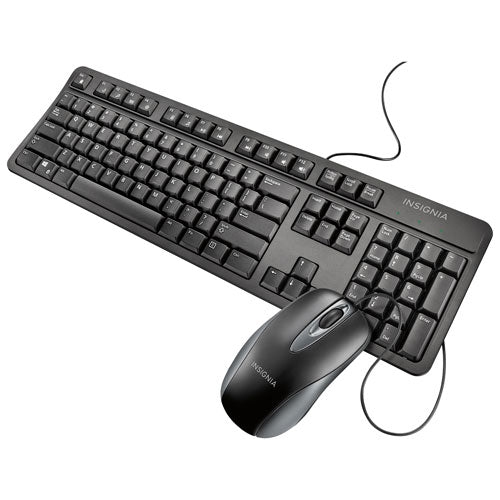
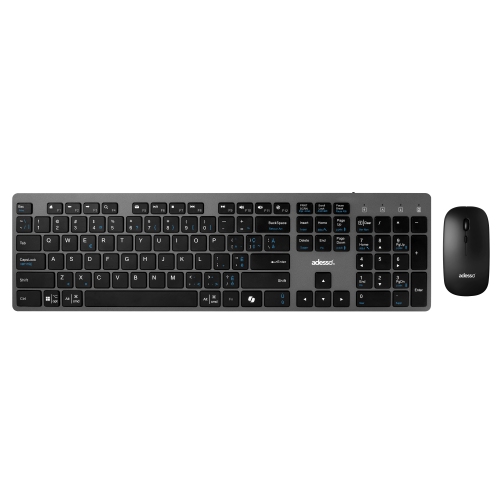
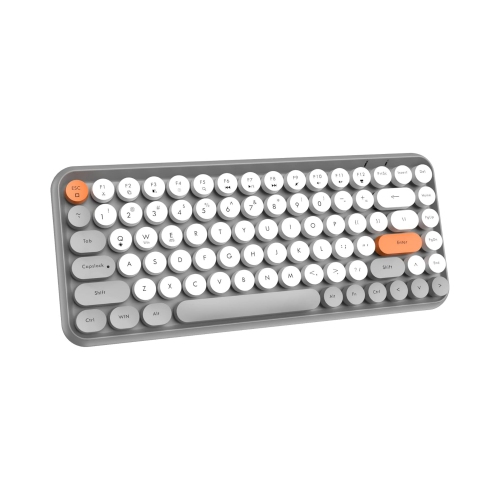
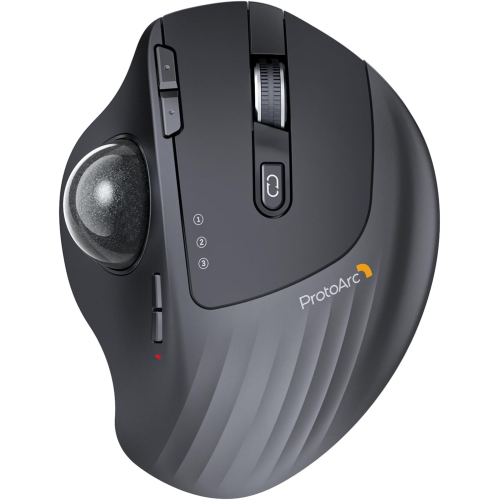

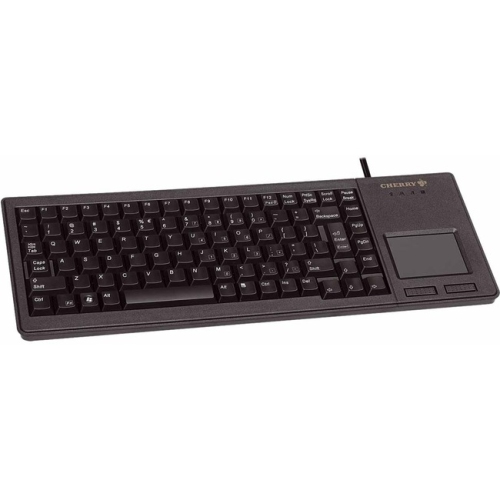

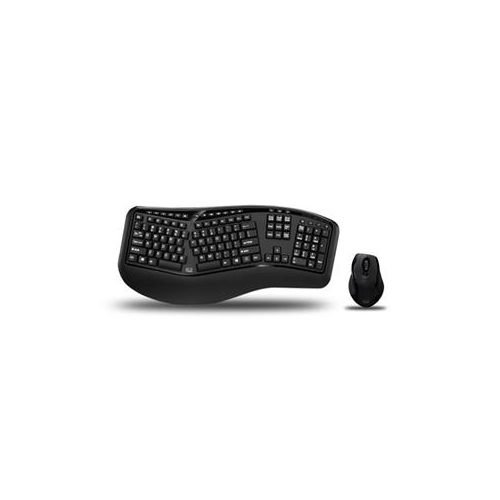
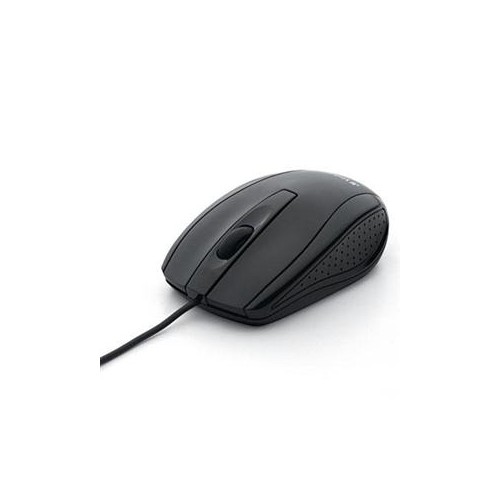
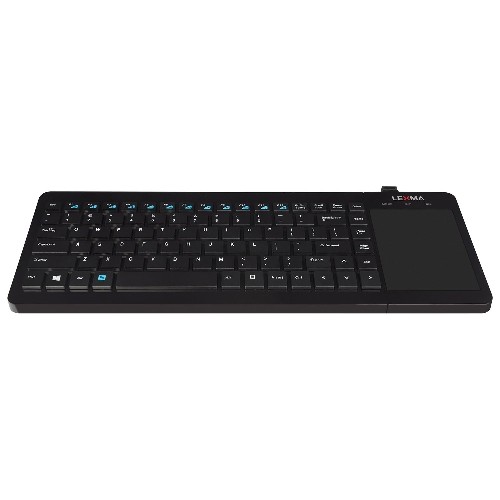

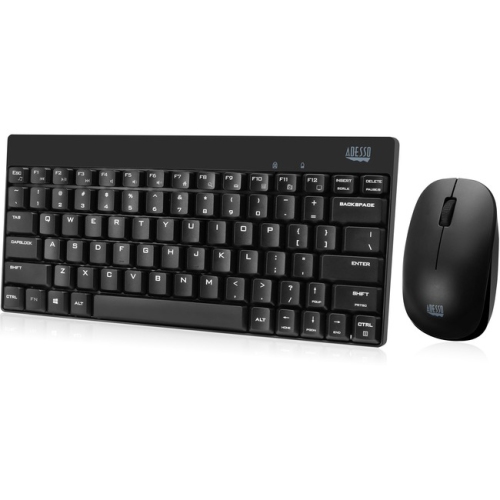
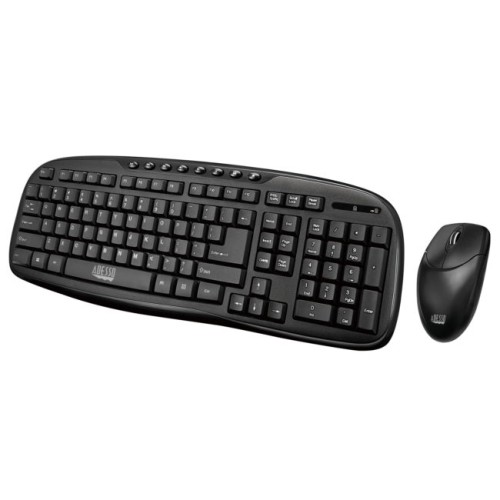
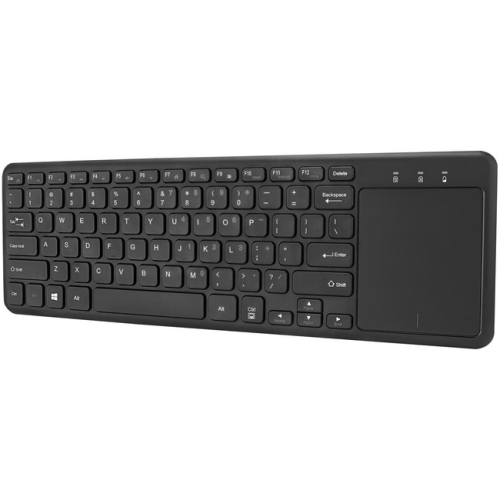
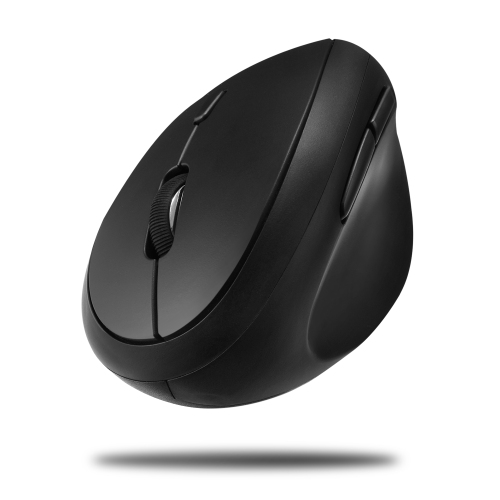
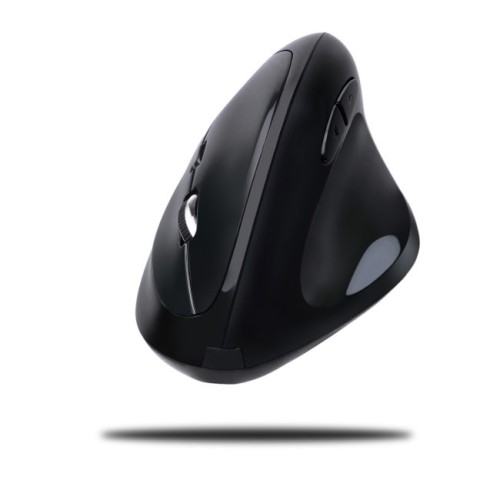
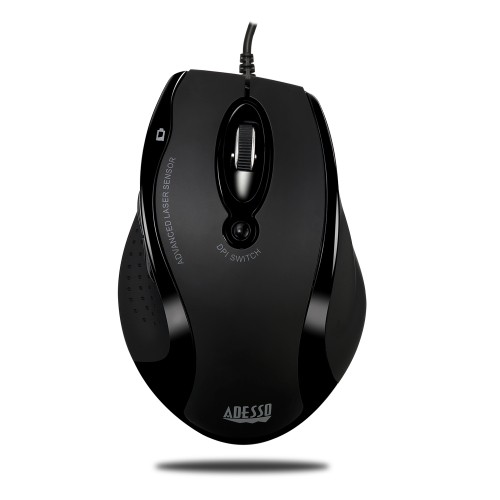
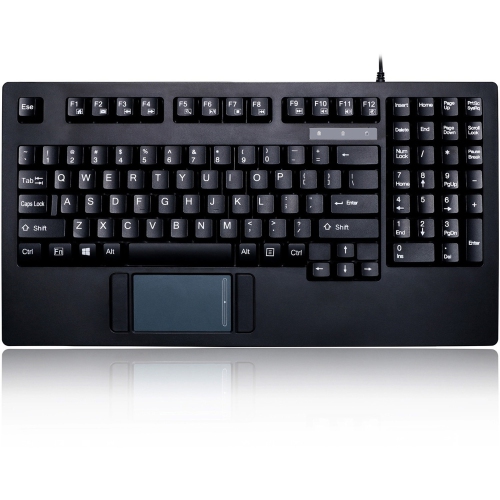
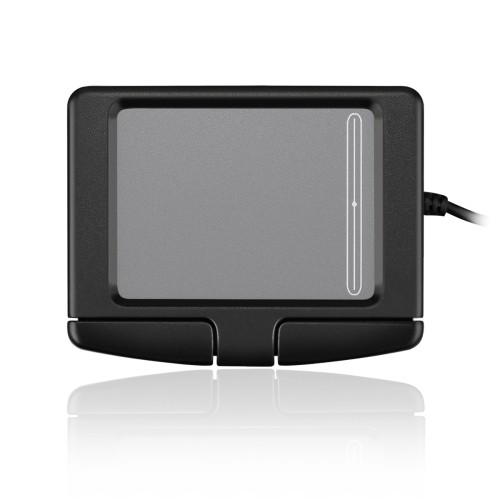
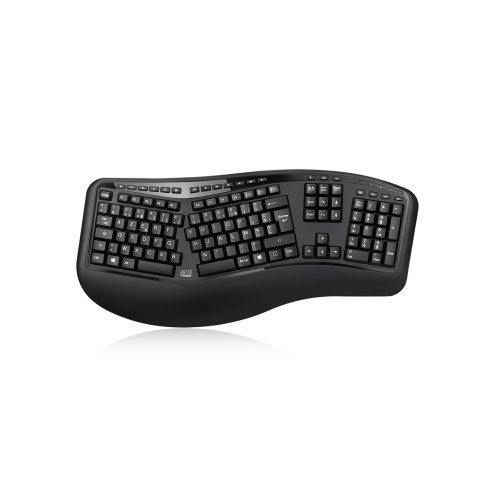


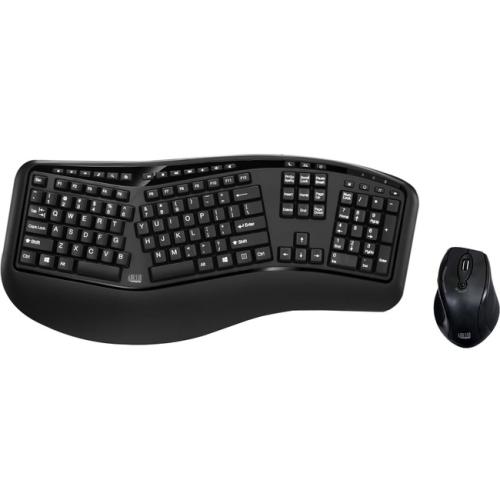
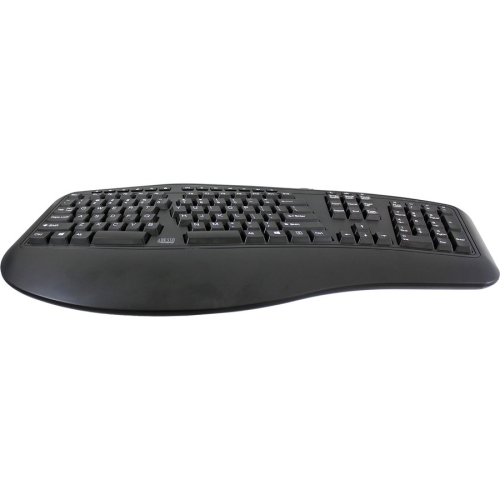

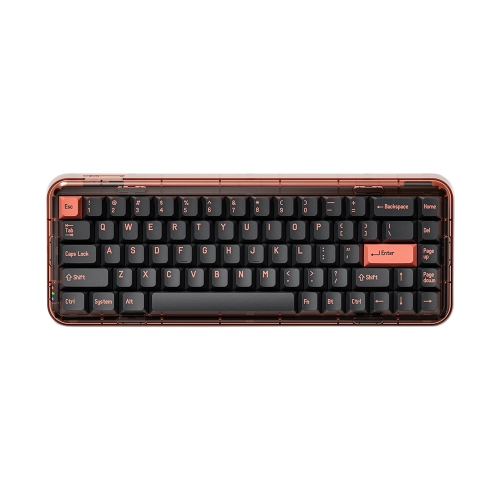
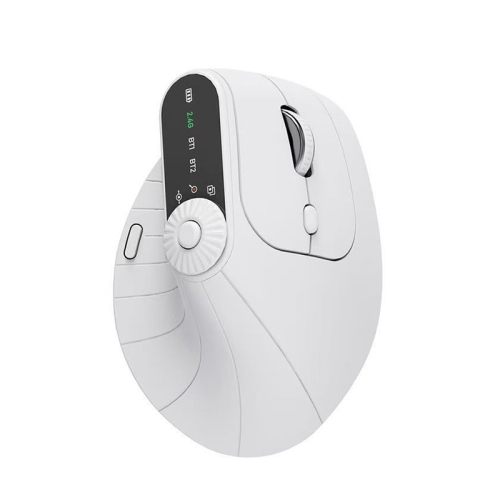
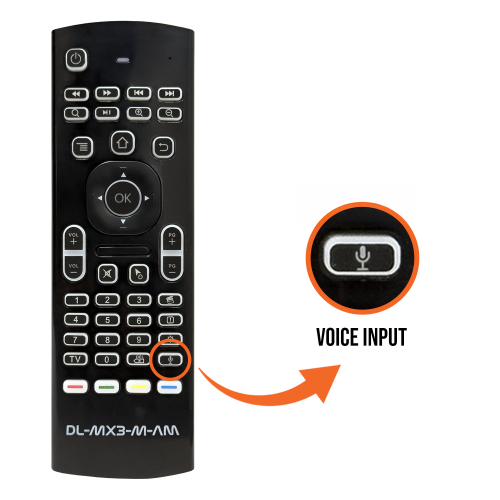
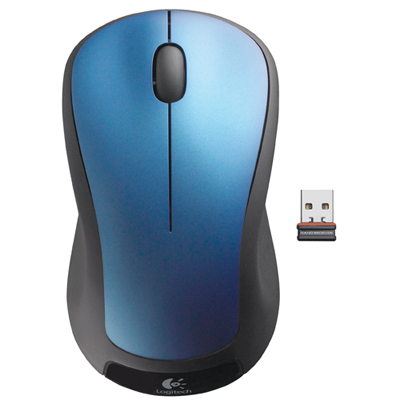
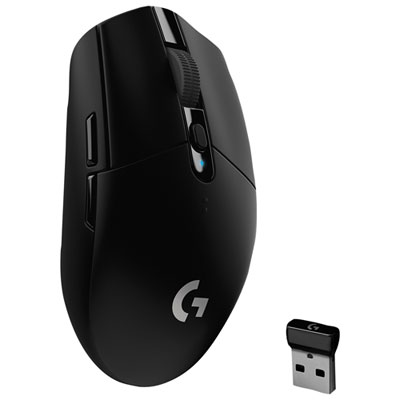
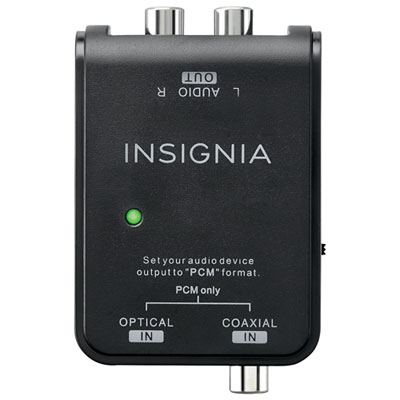


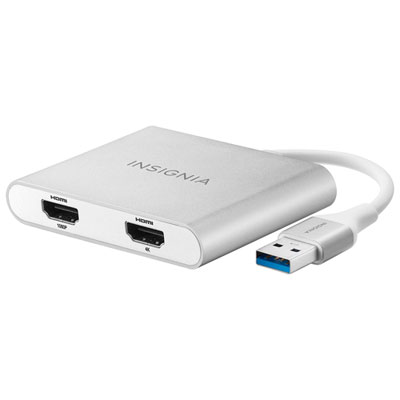
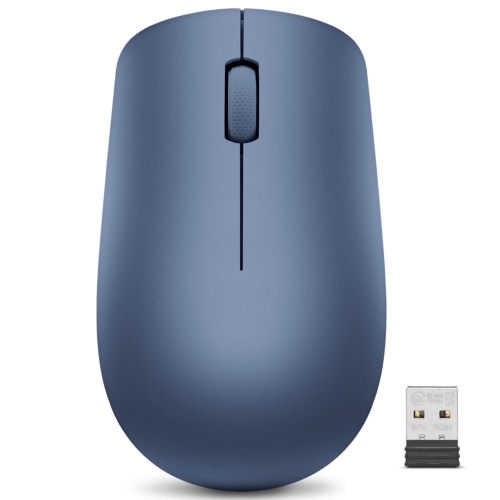
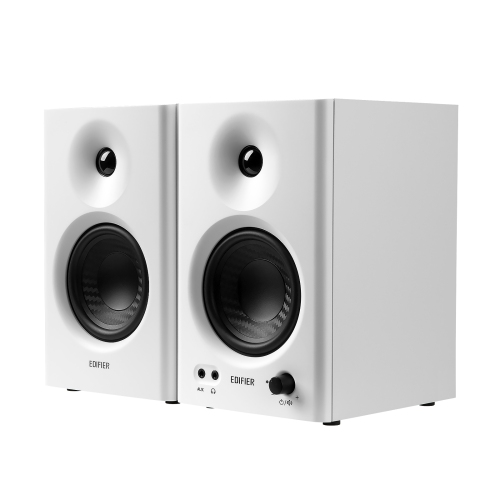
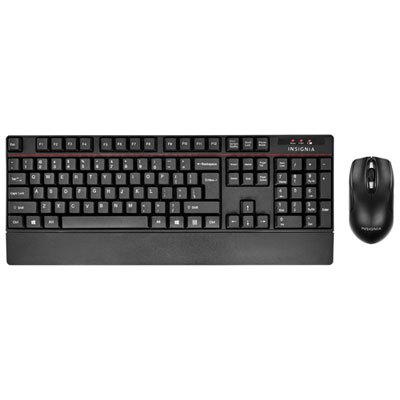
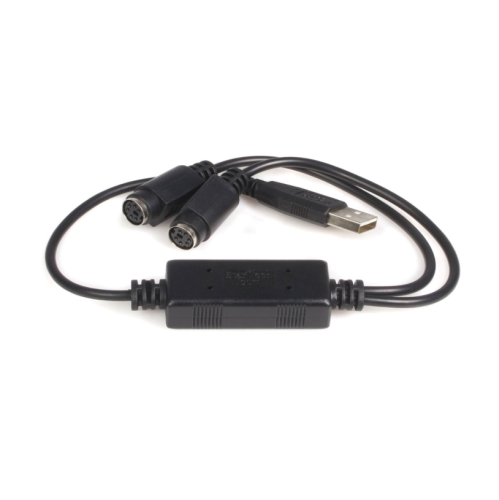
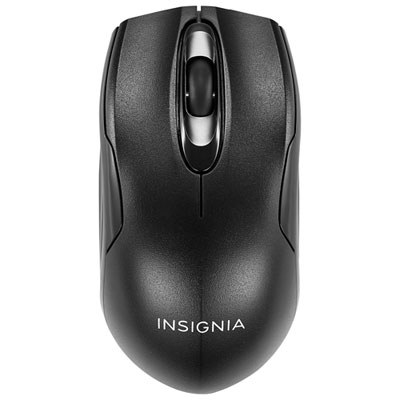
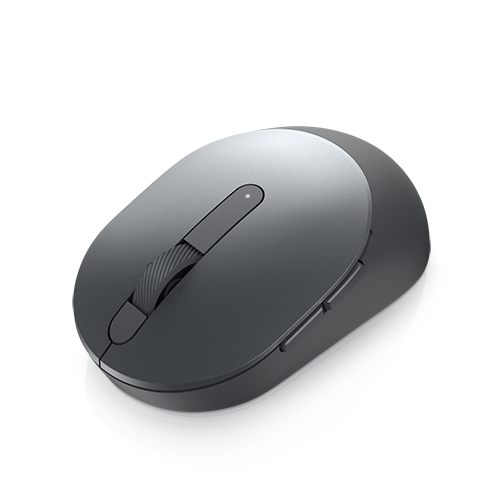

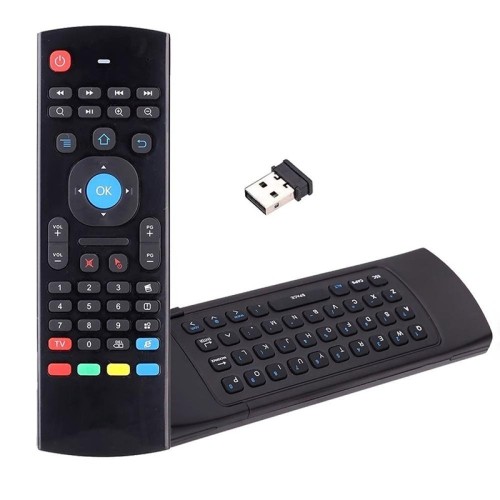
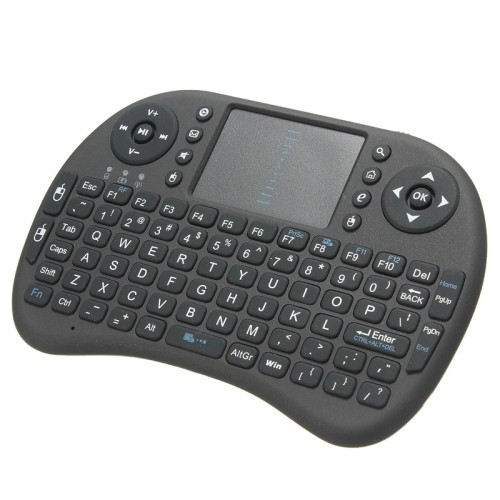
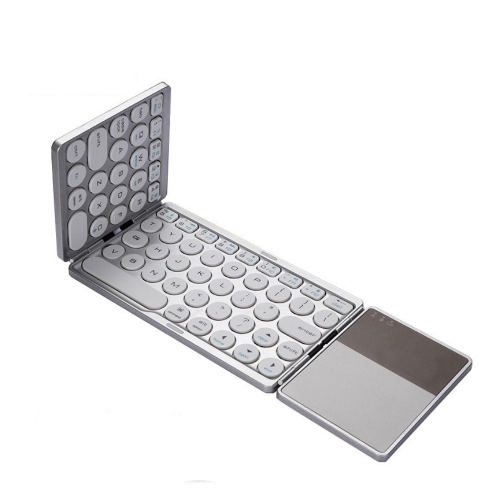
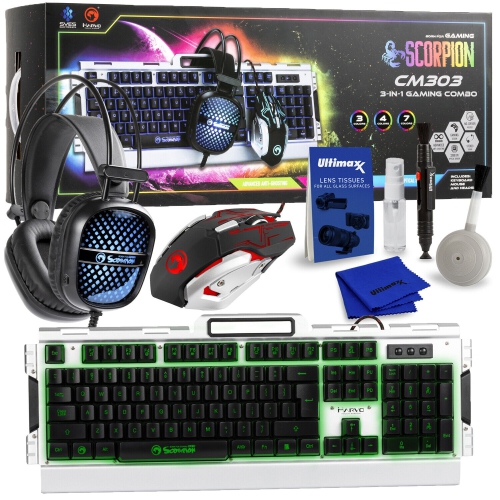
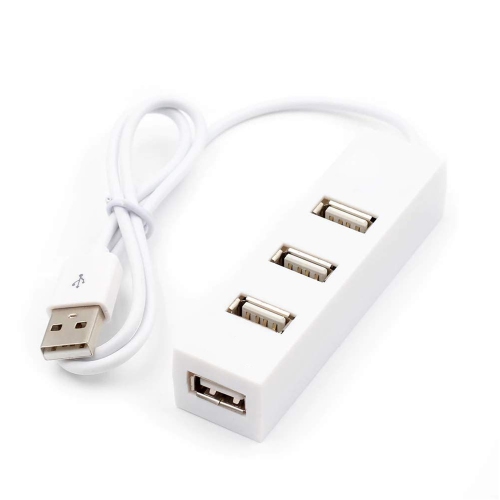
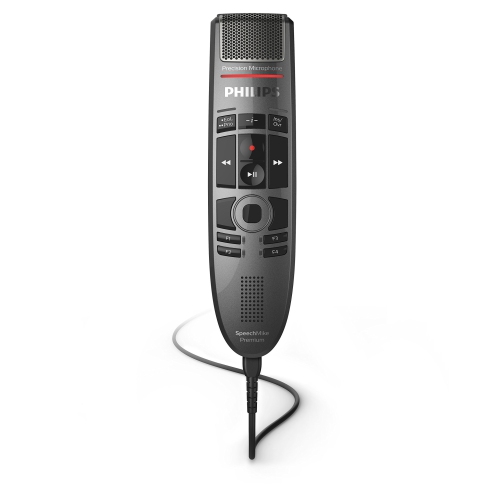

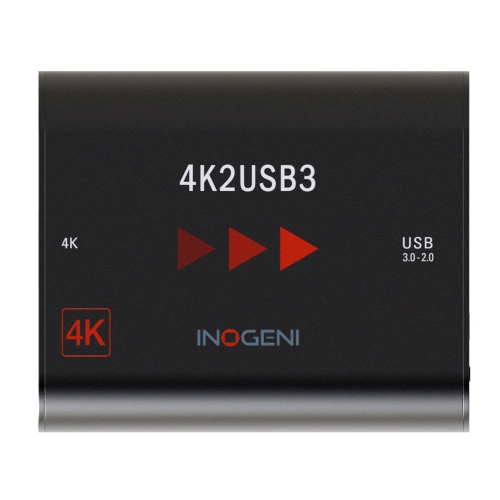
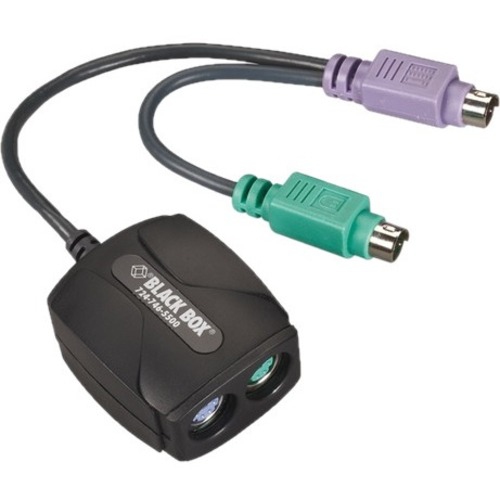
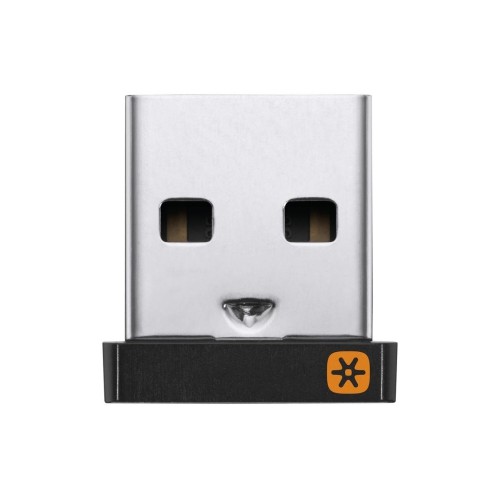
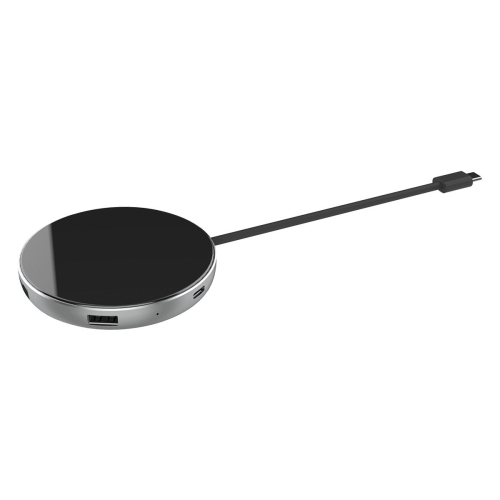
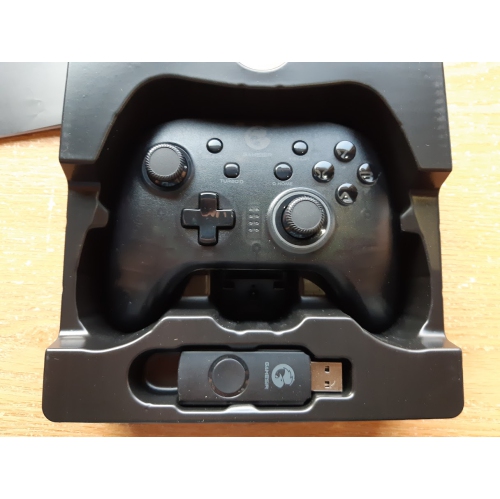
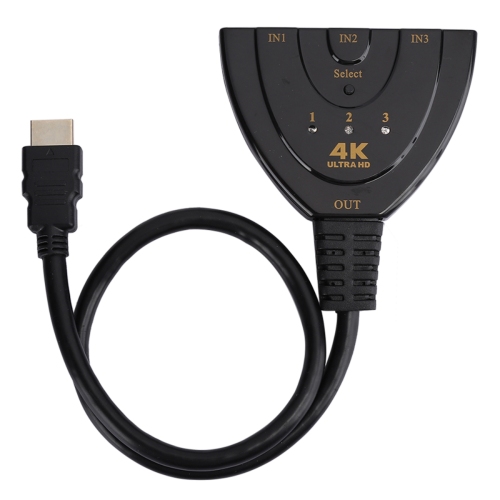



How different devices support work, study, play, and connection
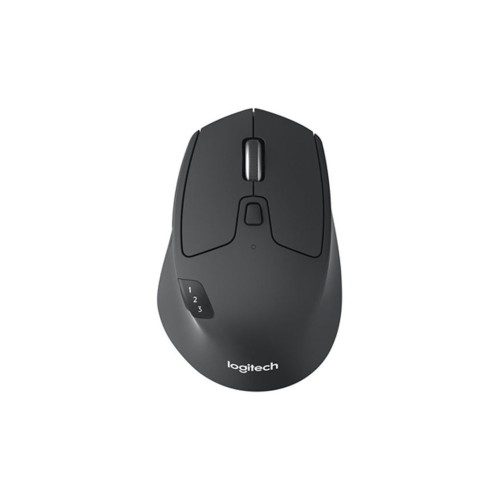
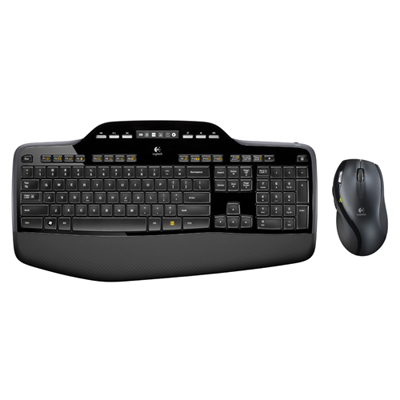
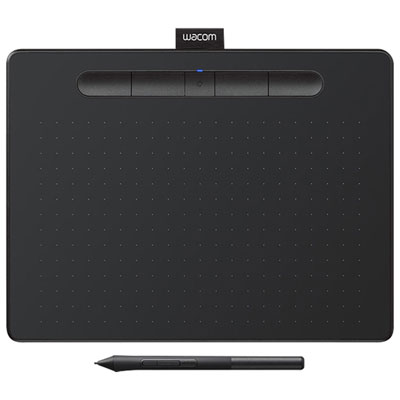
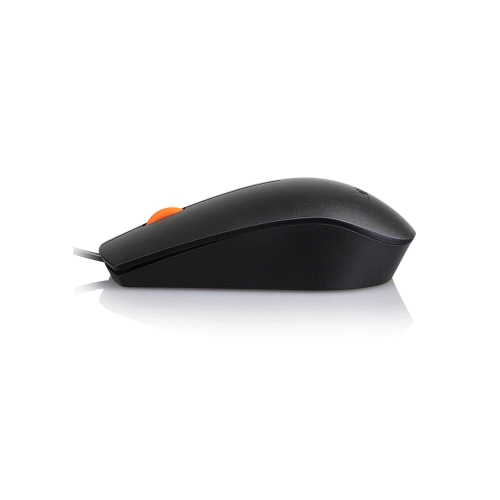
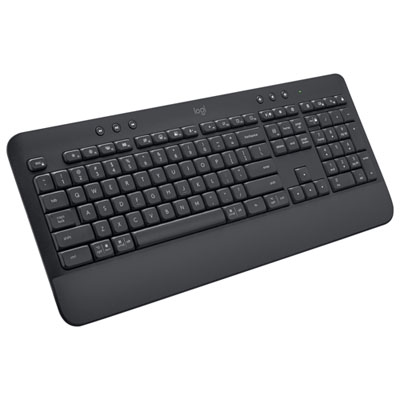
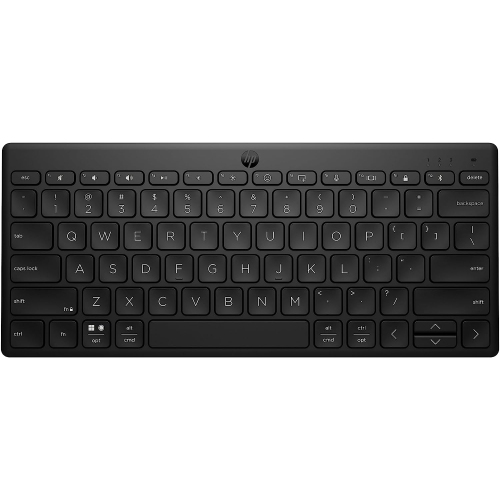
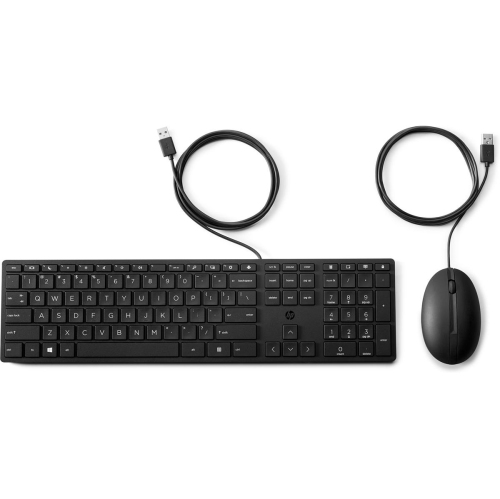
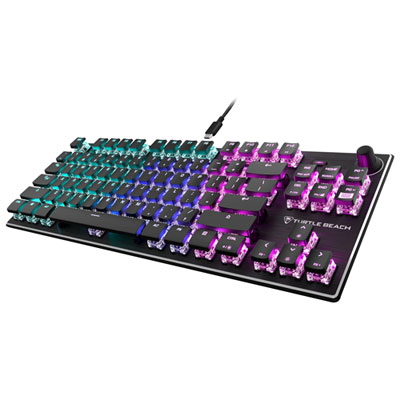
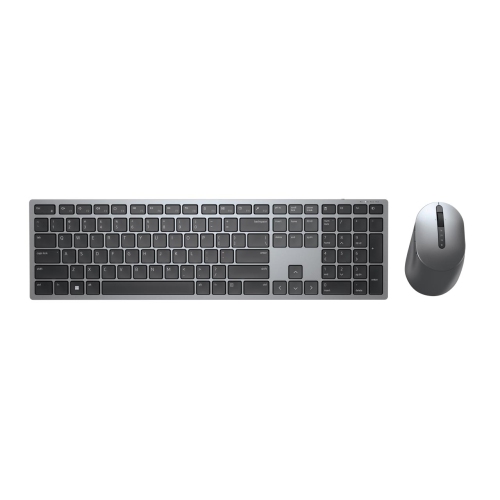
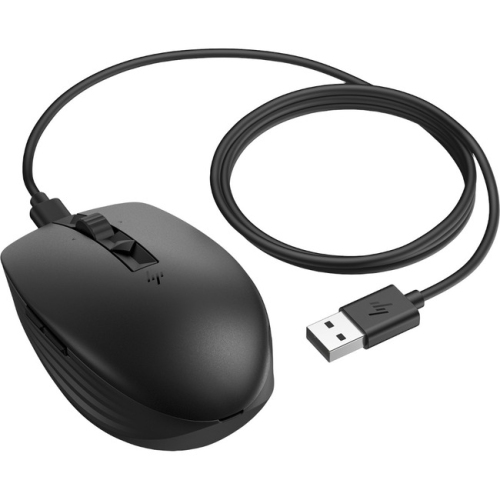
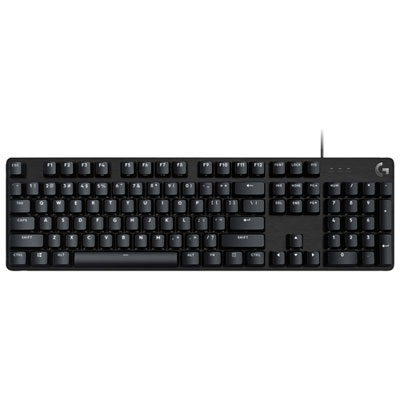
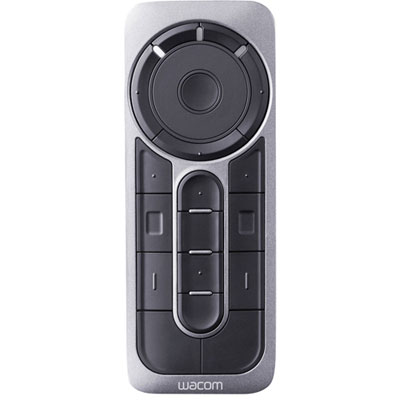
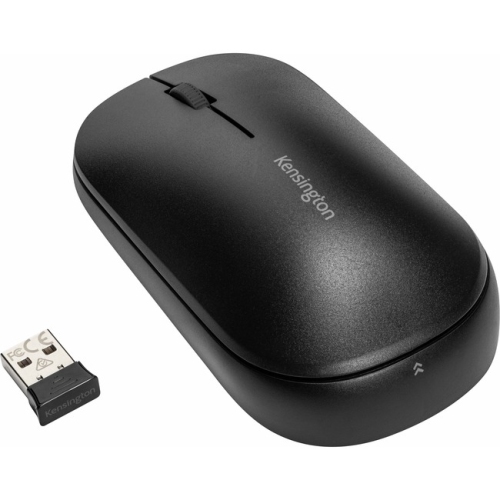
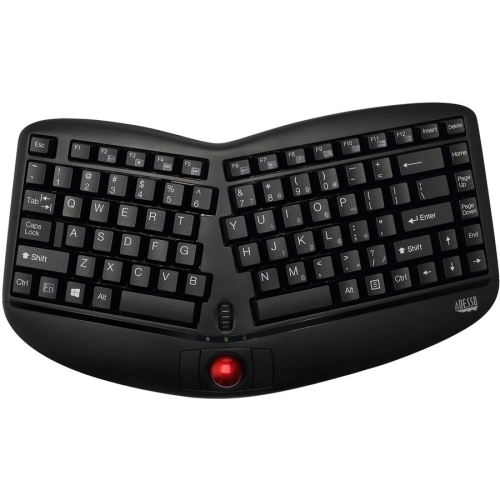
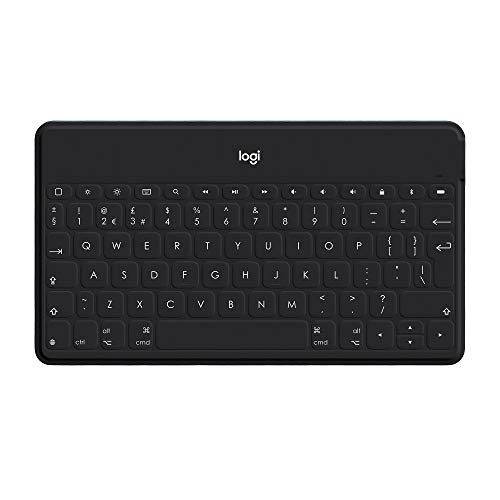
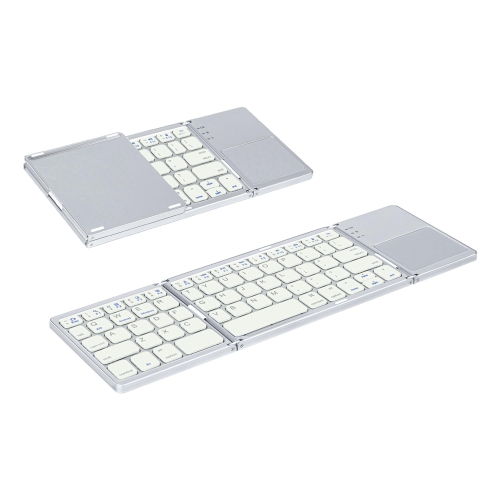
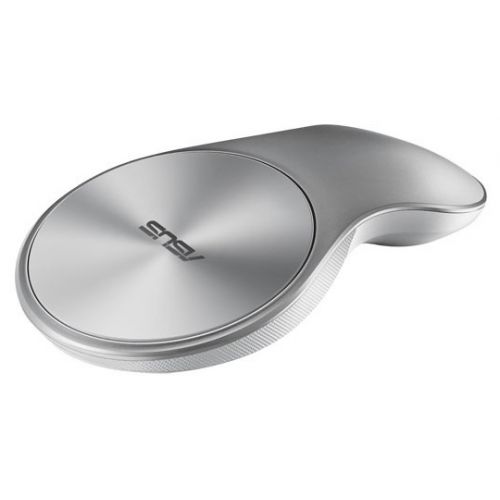
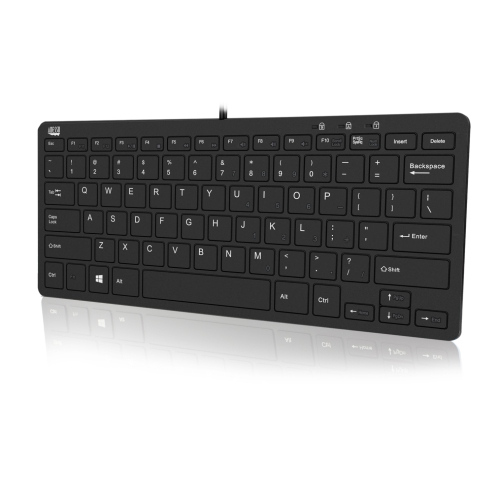
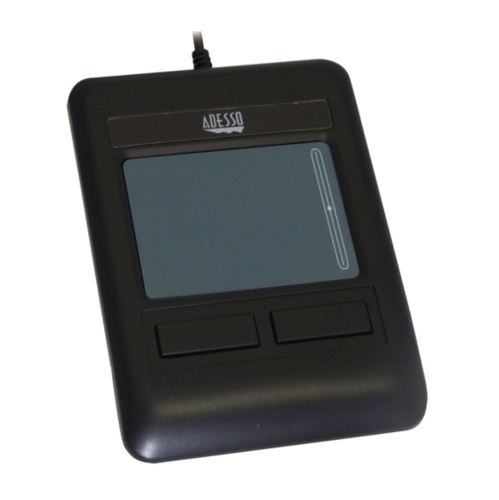
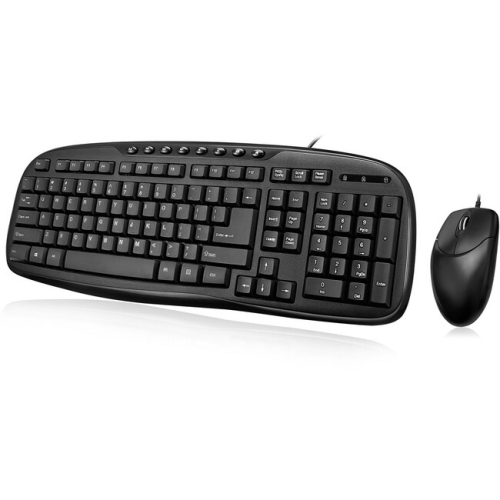
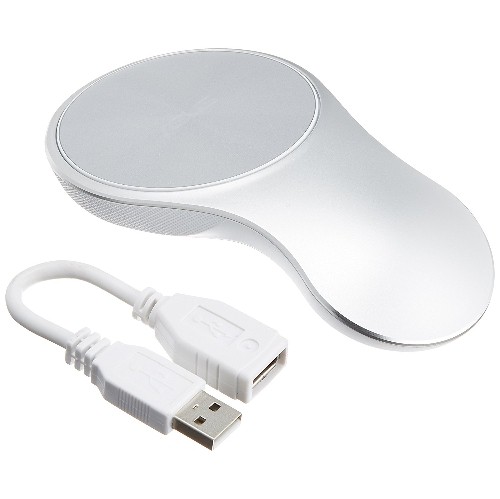
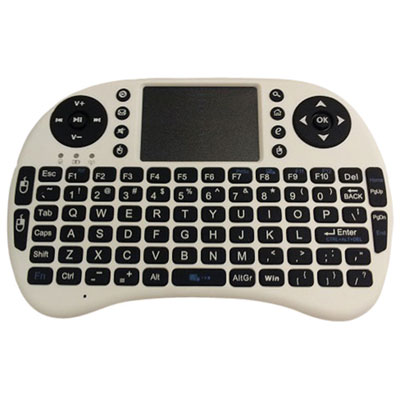
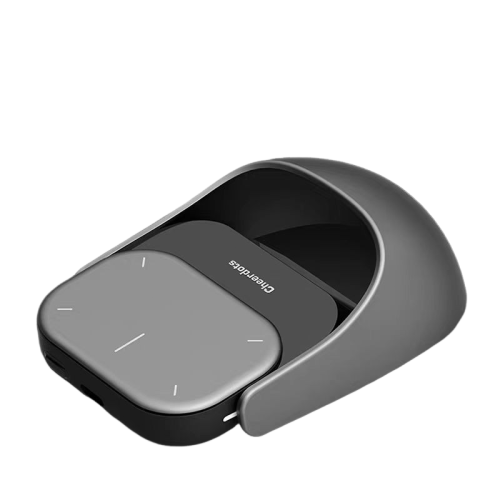
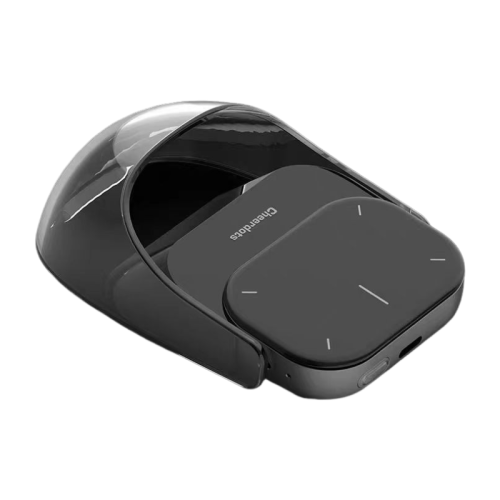
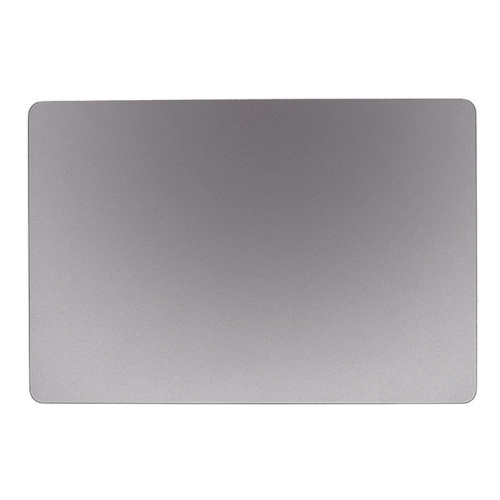
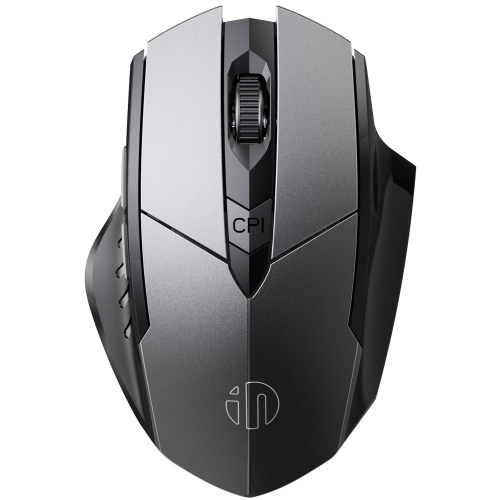
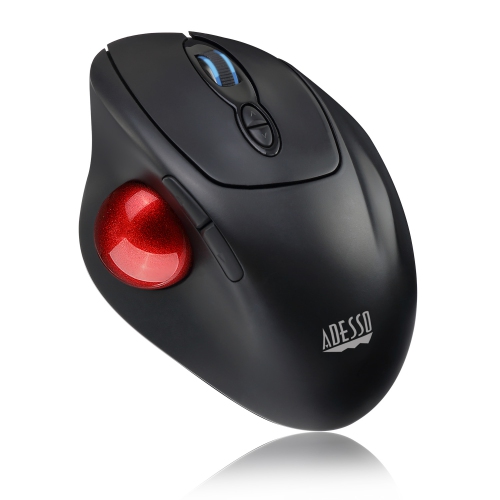
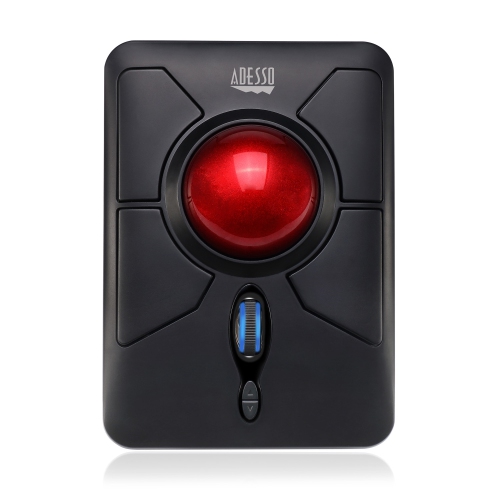
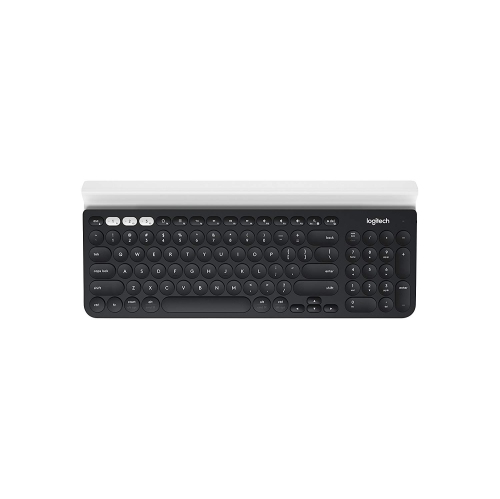
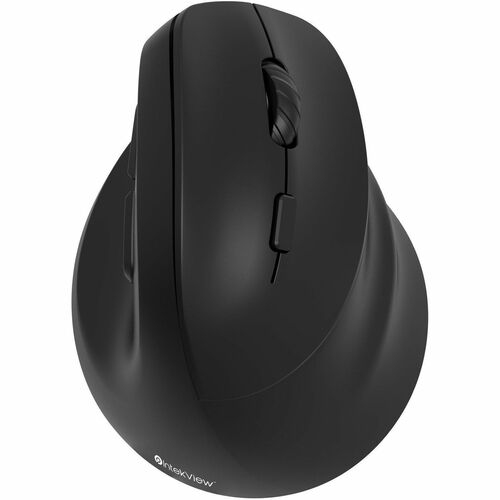
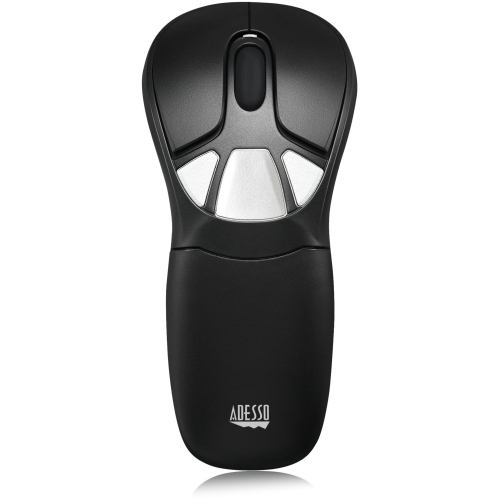
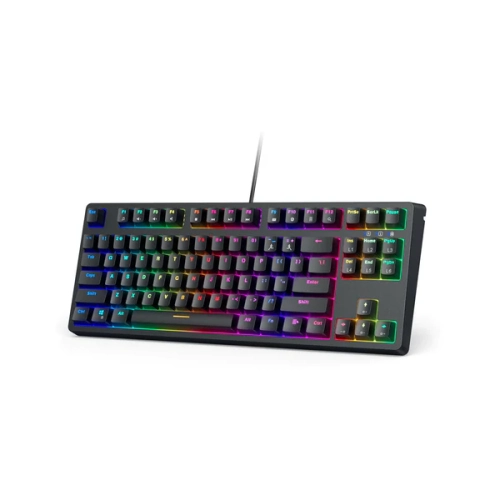
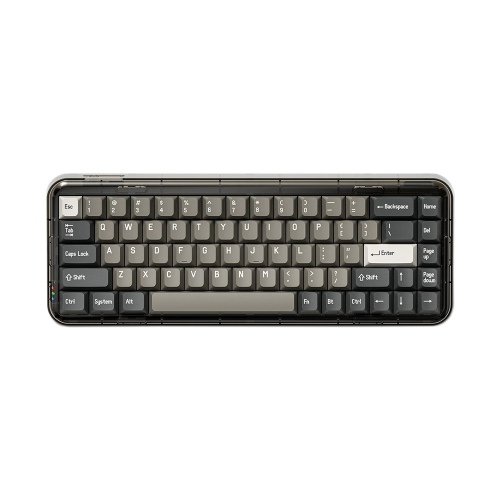
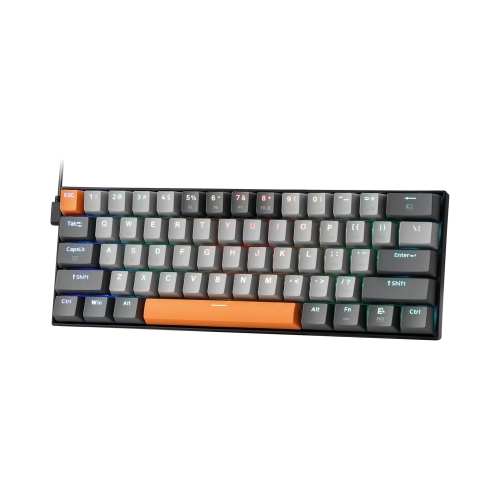
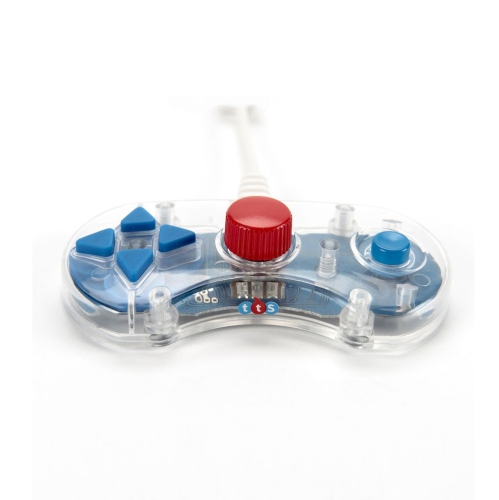
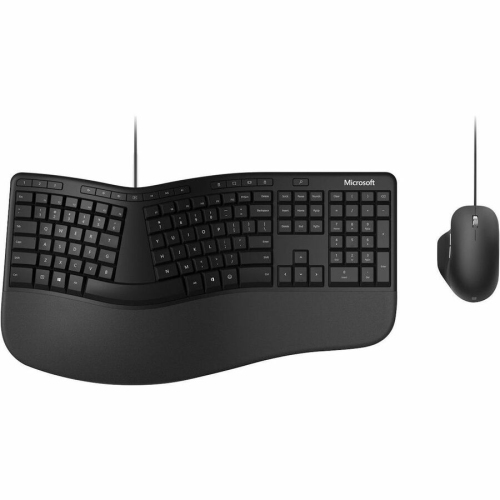
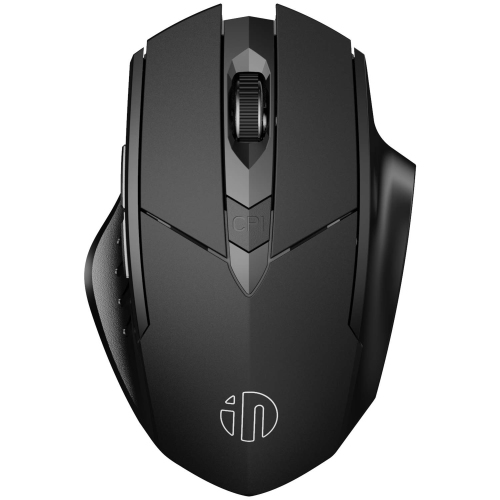
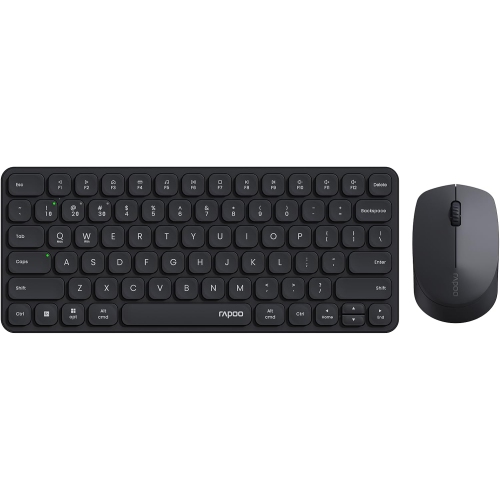
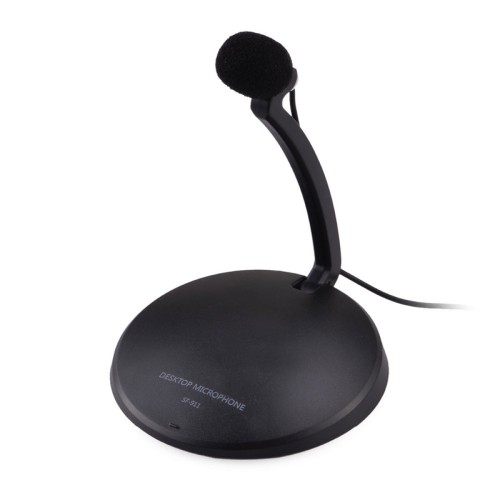
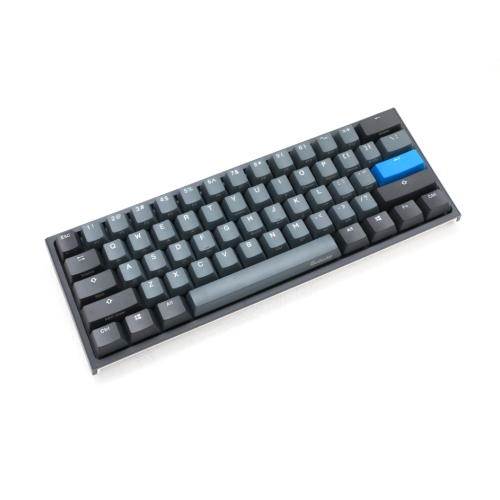
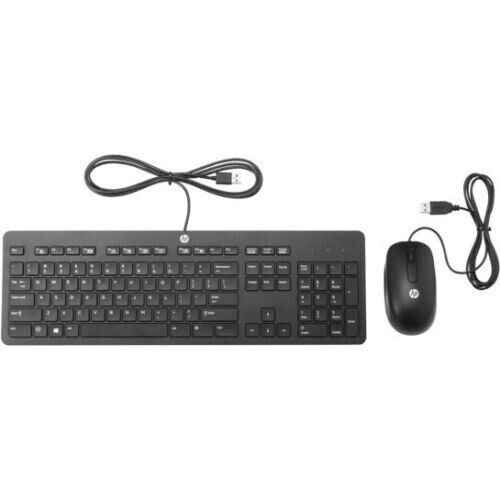
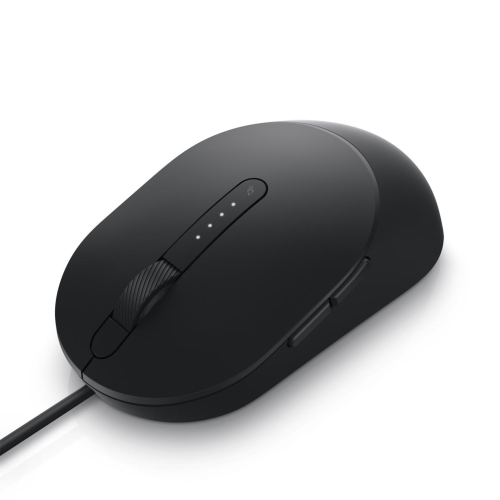
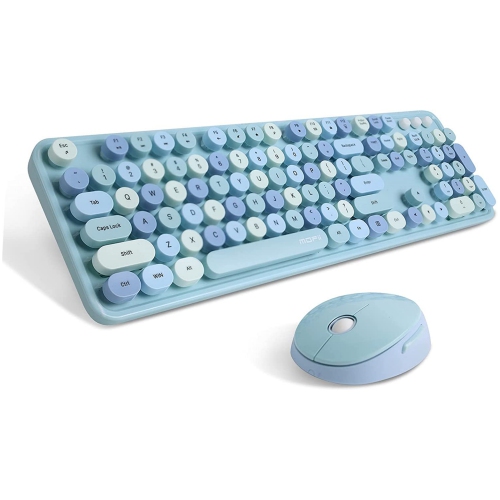
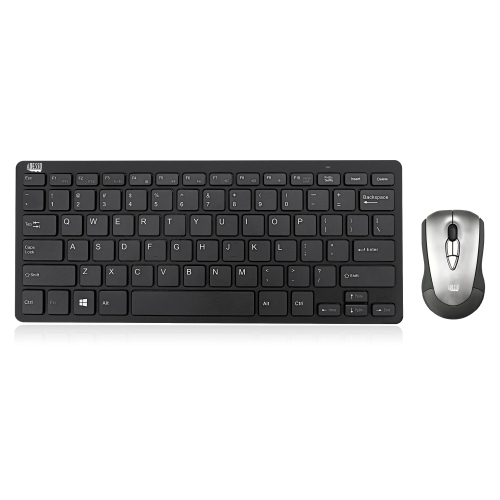
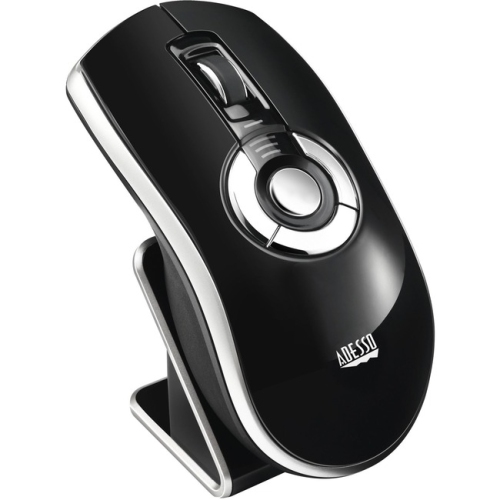
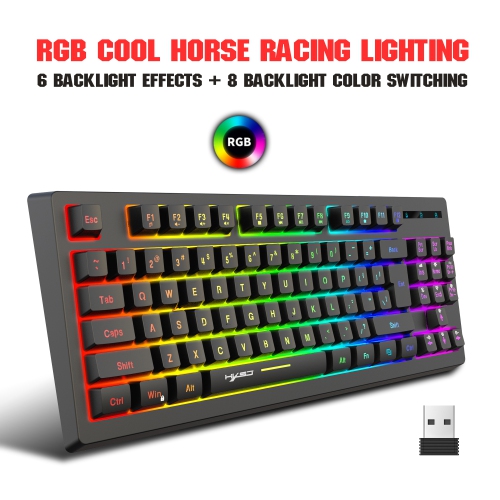
Input devices are hardware components that let people enter data, commands, images, sound, or movement into a computer, tablet, gaming system, smart display, or other digital equipment. They translate physical actions or captured information into signals that a device can process. A keyboard turns typed letters, numbers, and shortcut commands into digital text; a mouse or trackpad moves a pointer and selects items on screen; a microphone captures speech for calls, recordings, dictation, and voice commands; and a webcam records live video for meetings, classes, streaming, and personal conversations. Other input devices are designed to bring physical information into a digital format. Scanners and readers can capture printed pages, photographs, barcodes, or identification details, while touchscreens allow users to tap, swipe, draw, and enter information directly with a finger or stylus. Game controllers, steering wheels, flight sticks, and other specialised controllers provide responsive directional and functional input for games, simulations, training applications, and creative software. Some control devices are intended primarily to operate equipment rather than enter information into a computer, so browsing Control Devices can help when the main need is managing a television, home theatre setup, or another compatible system.
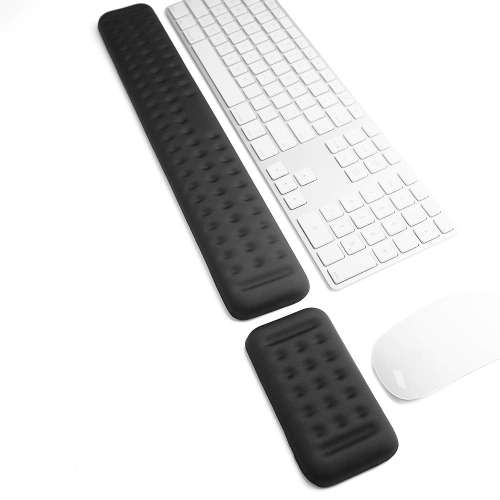
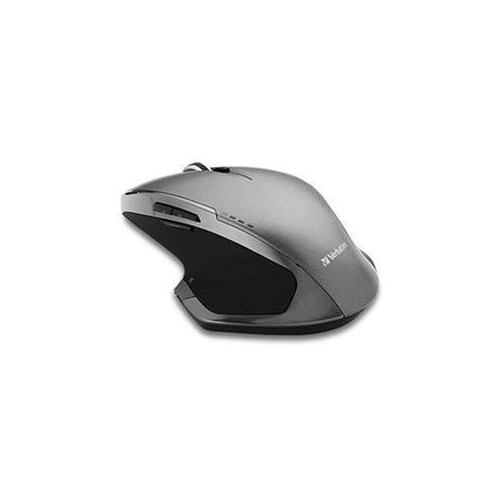
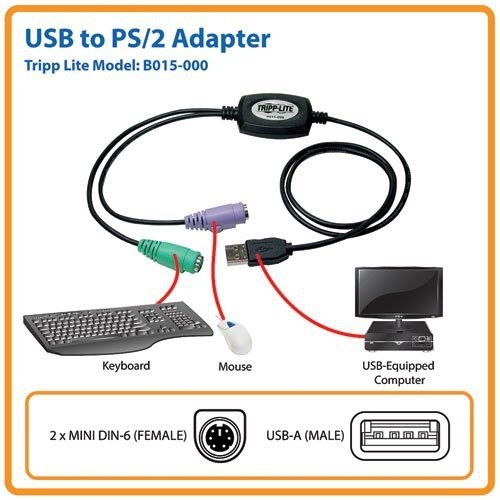
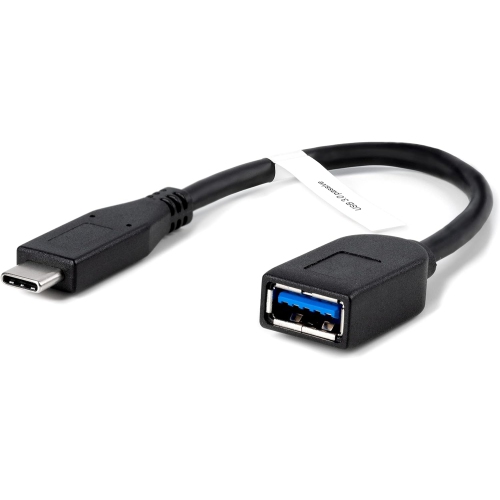
Choosing an input device starts with the way it will be used. Someone who spends long stretches writing, studying, coding, or working from home may appreciate a keyboard with a comfortable layout, clearly marked keys, useful shortcut access, and a design that suits the available desk space. A compact model can leave more room for a mouse and other accessories, while a full-size layout with a number pad may be helpful for budgets, spreadsheets, and detailed data entry. For cursor control, consider the size and shape of the device, the sensitivity of its tracking, the surface it can use, and whether a wired or wireless connection better fits the workspace. A trackpad may suit a portable setup, especially when moving between rooms or working at a kitchen table, while a mouse can provide precise control for creative tasks, detailed documents, and extended desktop use. Audio and video input deserve similar attention. A microphone should match the setting, whether it is being used for clear voice calls, casual recording, lessons, presentations, or online games, and a webcam should offer a suitable field of view, image quality, mounting option, and privacy feature for the space. For scanning and reading tasks, look at the type and size of material being captured, the desired resolution, connection method, and software compatibility. Touch and stylus input can be especially useful for drawing, annotating documents, navigating a shared display, or helping children interact with learning content. Before choosing, check compatibility with the operating system and ports, along with battery requirements, included cables, wireless range, adjustment options, and the amount of room available where the device will be used.
Input devices can make thoughtful gifts because they support hobbies, study, work, communication, and play without requiring a complete change to an existing setup. A student heading into a new term may value a dependable keyboard, a comfortable pointing device, a webcam for remote classes, or a microphone for presentations and group work. For someone setting up a home office during the cooler months, an ergonomic input device can make a desk feel more personal and practical, particularly when paired with a chair, monitor, or laptop already in use. Creative family members may enjoy a stylus, drawing input tool, scanner, or camera accessory that helps turn sketches, photographs, and ideas into editable files. A gamer or simulation enthusiast may appreciate a controller designed around a preferred style of play, while a family member who stays connected from a distance may benefit from a webcam and microphone that make conversations feel more natural. When buying for someone else, consider the device they already own, how much space they have, whether they prefer wired or wireless accessories, and which activities they enjoy most. Small details often make the largest difference: a quiet keyboard may be better for shared rooms, adjustable sensitivity can help with precise control, and simple plug-and-play setup can be valuable for users who want to get started without a lengthy configuration process. With options for typing, pointing, speaking, scanning, viewing, touching, and controlling movement, input devices can make everyday technology easier to use and better suited to the person behind the screen.
Choosing an input device starts with the way it will be used. Someone who spends long stretches writing, studying, coding, or working from home may appreciate a keyboard with a comfortable layout, clearly marked keys, useful shortcut access, and a design that suits the available desk space. A compact model can leave more room for a mouse and other accessories, while a full-size layout with a number pad may be helpful for budgets, spreadsheets, and detailed data entry. For cursor control, consider the size and shape of the device, the sensitivity of its tracking, the surface it can use, and whether a wired or wireless connection better fits the workspace. A trackpad may suit a portable setup, especially when moving between rooms or working at a kitchen table, while a mouse can provide precise control for creative tasks, detailed documents, and extended desktop use. Audio and video input deserve similar attention. A microphone should match the setting, whether it is being used for clear voice calls, casual recording, lessons, presentations, or online games, and a webcam should offer a suitable field of view, image quality, mounting option, and privacy feature for the space. For scanning and reading tasks, look at the type and size of material being captured, the desired resolution, connection method, and software compatibility. Touch and stylus input can be especially useful for drawing, annotating documents, navigating a shared display, or helping children interact with learning content. Before choosing, check compatibility with the operating system and ports, along with battery requirements, included cables, wireless range, adjustment options, and the amount of room available where the device will be used.
Input devices can make thoughtful gifts because they support hobbies, study, work, communication, and play without requiring a complete change to an existing setup. A student heading into a new term may value a dependable keyboard, a comfortable pointing device, a webcam for remote classes, or a microphone for presentations and group work. For someone setting up a home office during the cooler months, an ergonomic input device can make a desk feel more personal and practical, particularly when paired with a chair, monitor, or laptop already in use. Creative family members may enjoy a stylus, drawing input tool, scanner, or camera accessory that helps turn sketches, photographs, and ideas into editable files. A gamer or simulation enthusiast may appreciate a controller designed around a preferred style of play, while a family member who stays connected from a distance may benefit from a webcam and microphone that make conversations feel more natural. When buying for someone else, consider the device they already own, how much space they have, whether they prefer wired or wireless accessories, and which activities they enjoy most. Small details often make the largest difference: a quiet keyboard may be better for shared rooms, adjustable sensitivity can help with precise control, and simple plug-and-play setup can be valuable for users who want to get started without a lengthy configuration process. With options for typing, pointing, speaking, scanning, viewing, touching, and controlling movement, input devices can make everyday technology easier to use and better suited to the person behind the screen.
Top selling and popular products
-
 Your price for this item is $29.99
 -
 Your price for this item is $50.44
 -
 Your price for this item is $39.99
 -
 Your price for this item is $49.99
 -
 Your price for this item is $159.95
 -
 Your price for this item is $44.68
 -
 Your price for this item is $44.68
 -
 Your price for this item is $31
Discover more categories related to Input Devices

Top Collections:
Pokemon Centers, Budget 4K TVs, Kindle Devices, Canon G7X Cameras, Apple iPhones 16, iPhone 15 Apple, Laptops for Business Work, Flip Phones, Xiaomi Phones, Refurbished Apple Laptops
Some products may be subject to Environmental Handling Fees
(EHF) depending on your province.
Learn more about EHFs.