Phone To HDMI Cables
Transform your smartphone into a multimedia powerhouse with HDMI cables. Whether you're looking to stream movies, play games, or give presentations on a larger screen, these innovative cables allow you to connect your phone to almost any HDMI-compatible display. With a phone-to-HDMI cable, the possibilities are endless, from sharing photos and videos with friends and family to showcasing your work in crisp, clear detail. Here are some great options available.
Sort
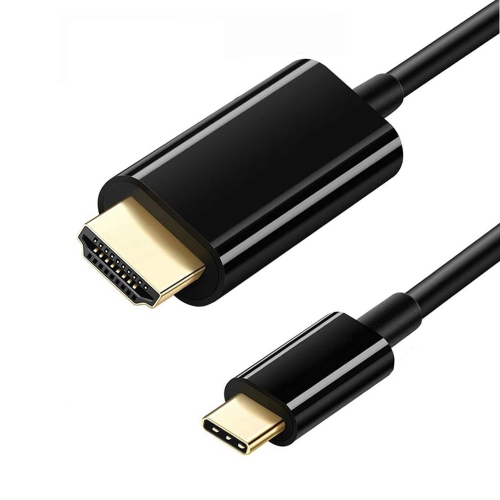
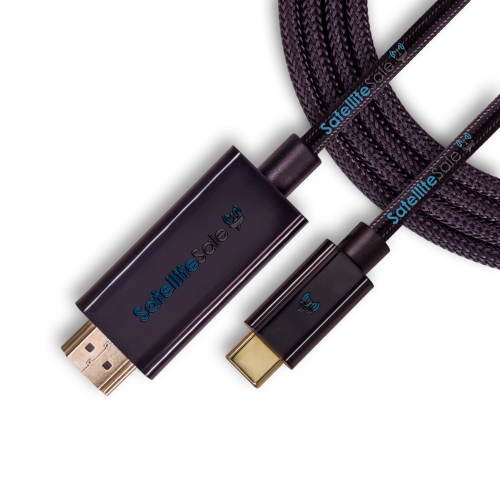
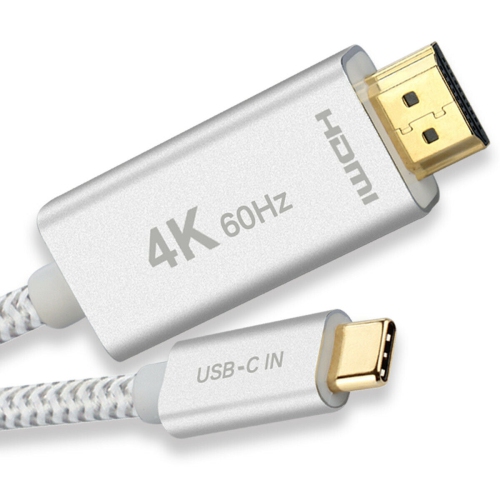
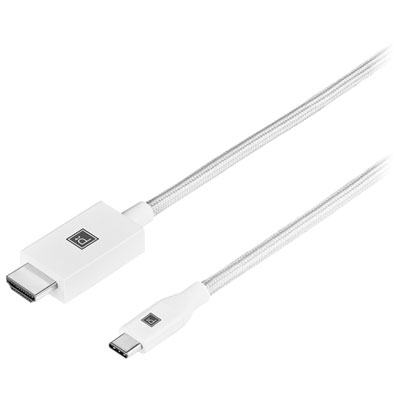
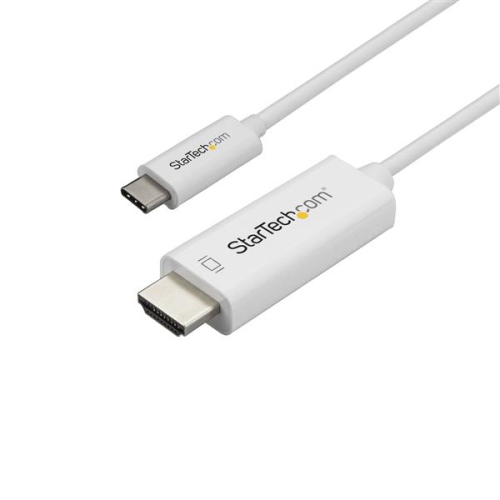
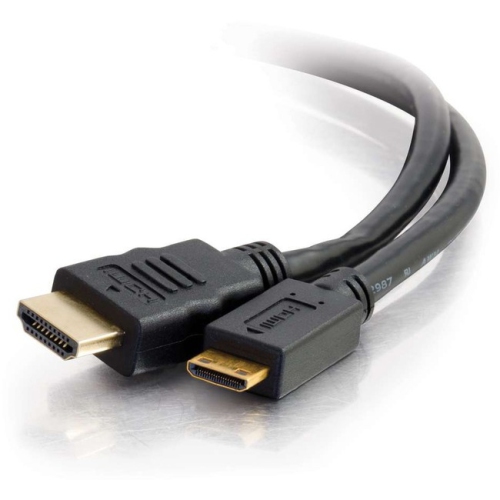
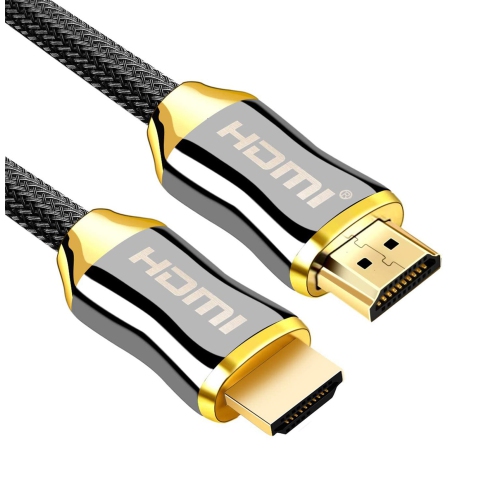
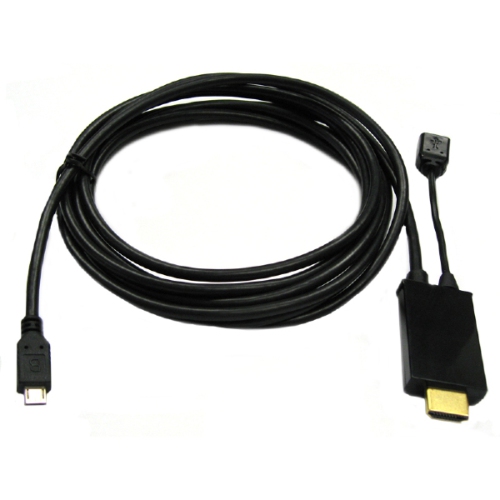
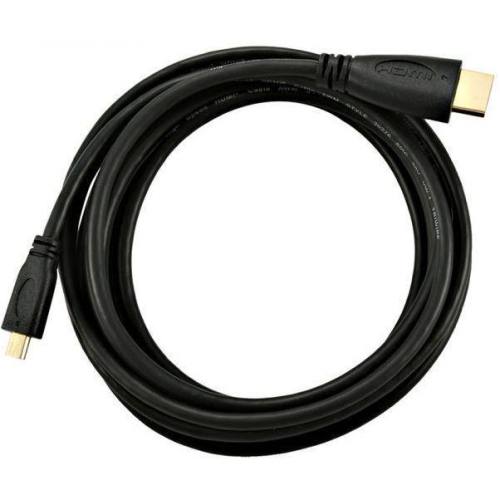
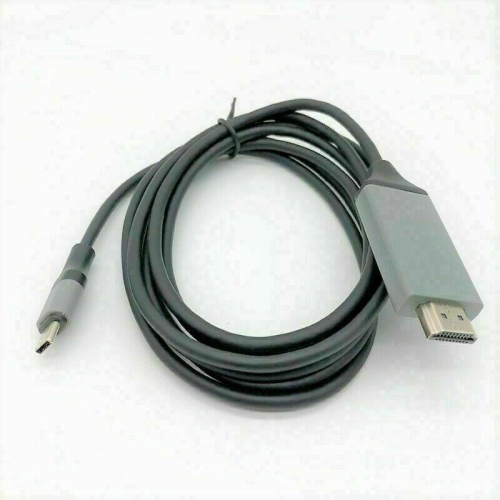
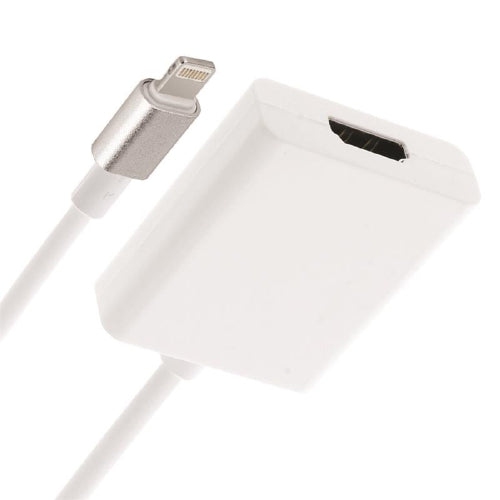
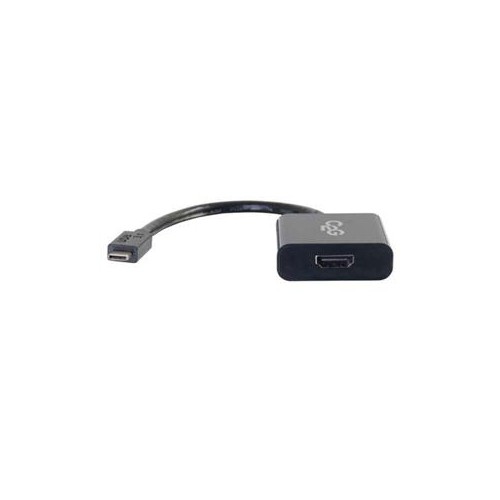
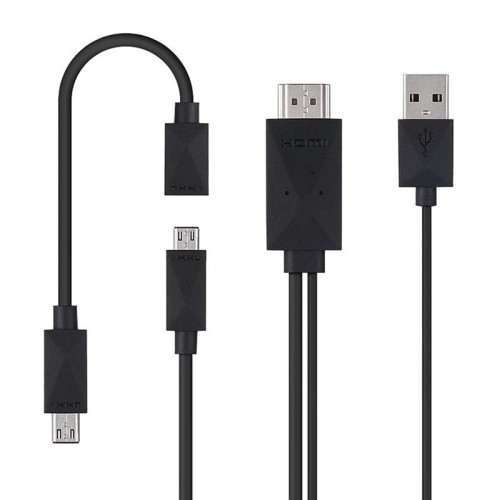
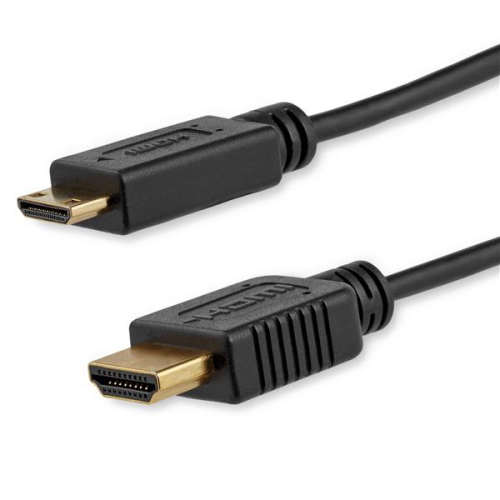
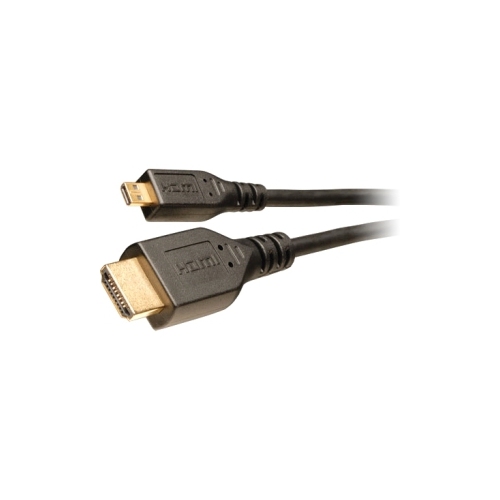
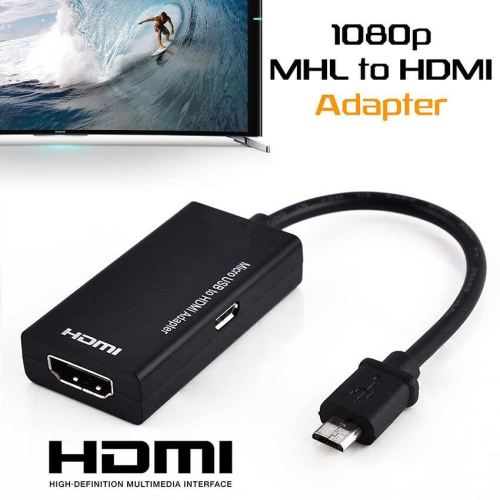
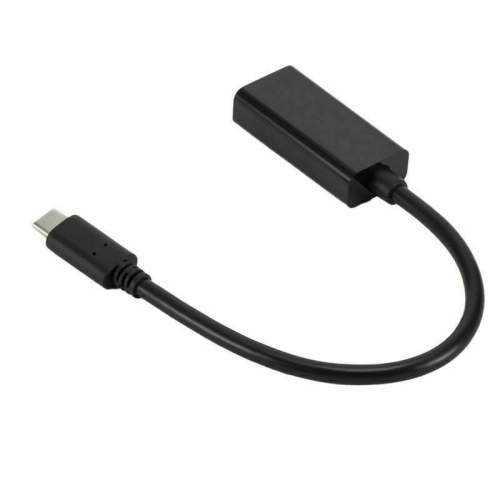
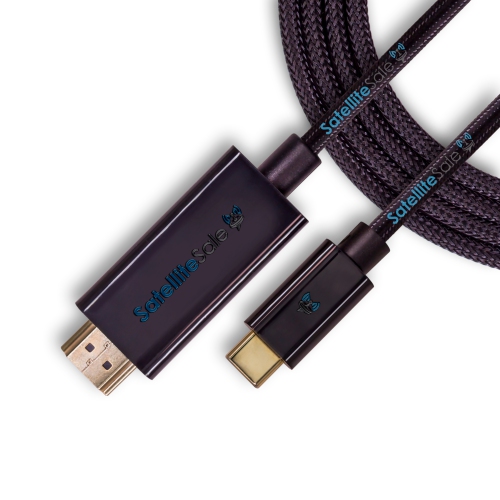
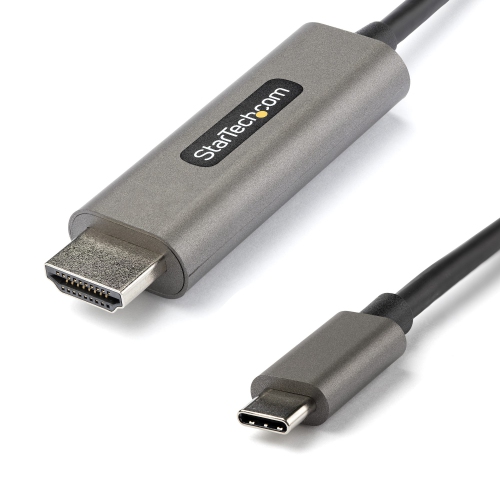
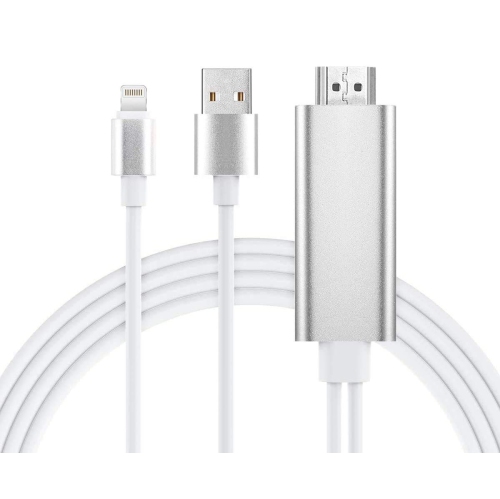

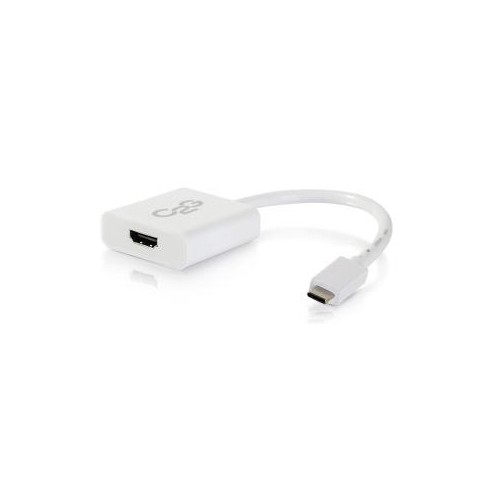
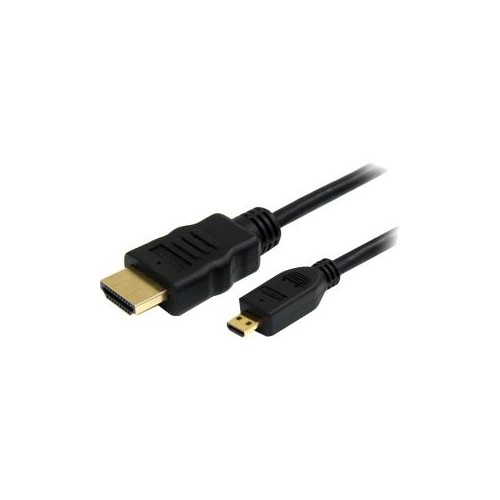
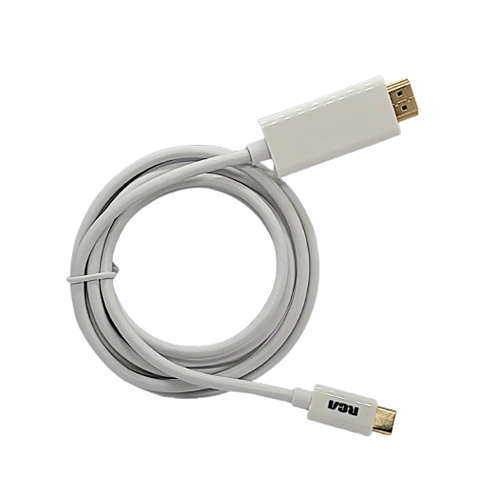
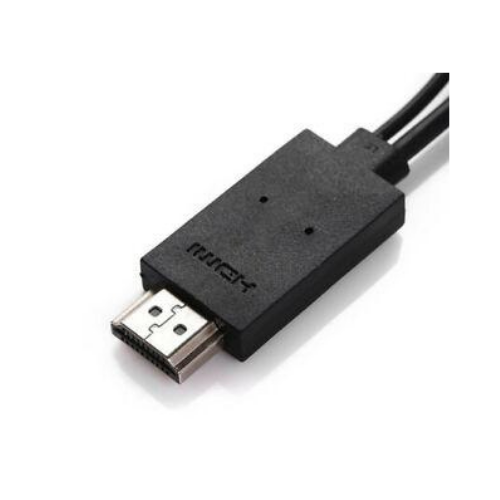

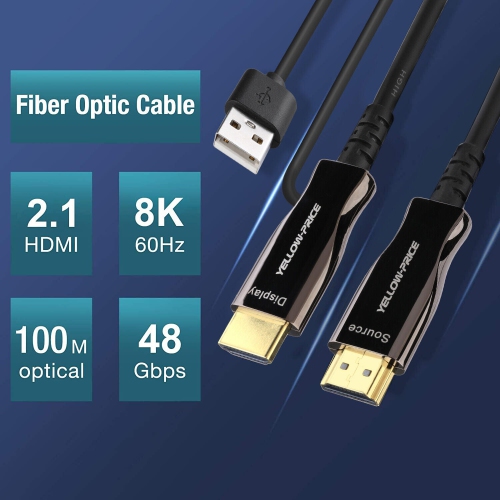
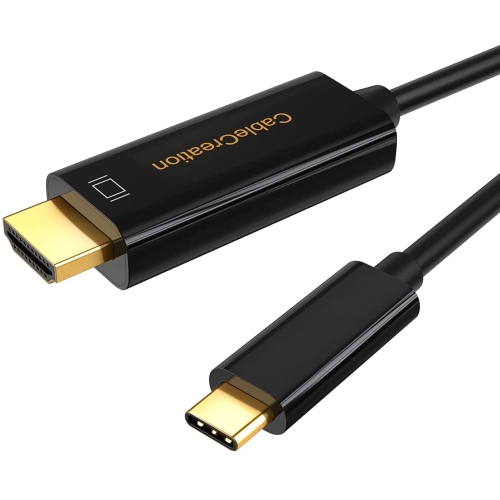
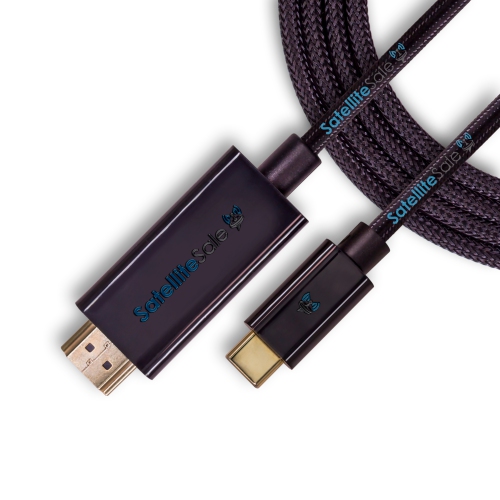
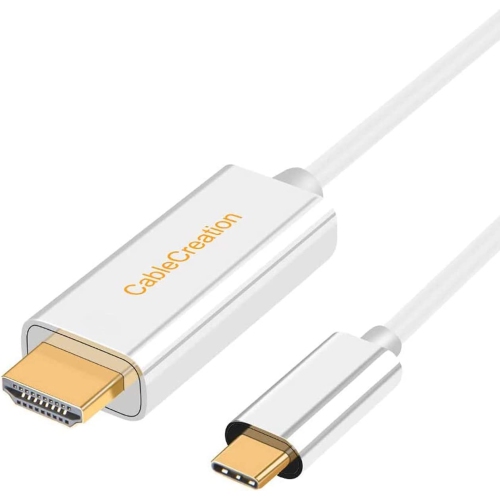
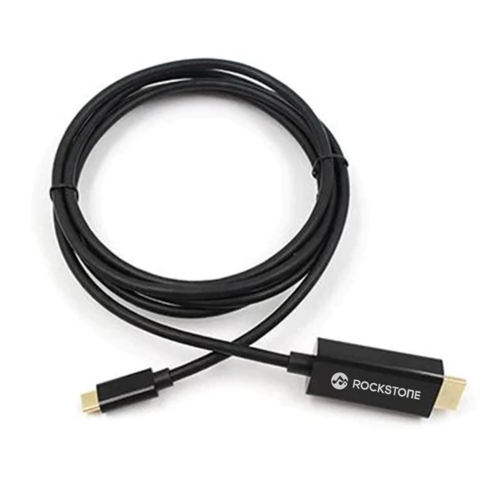
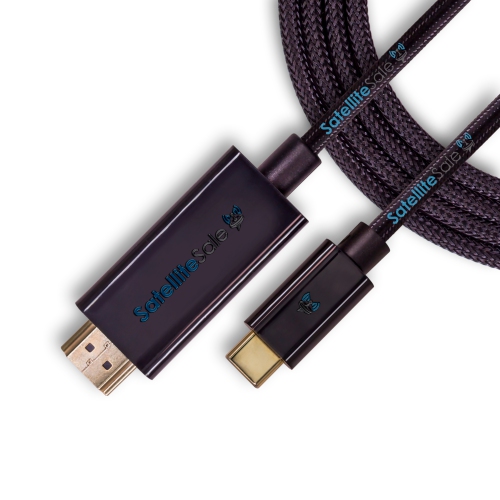
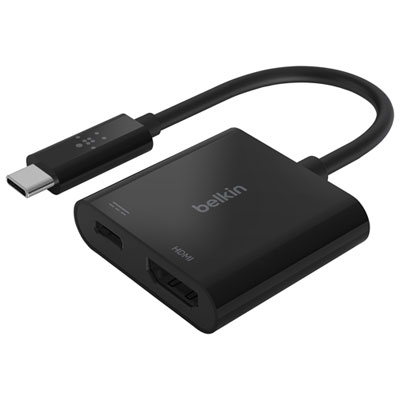
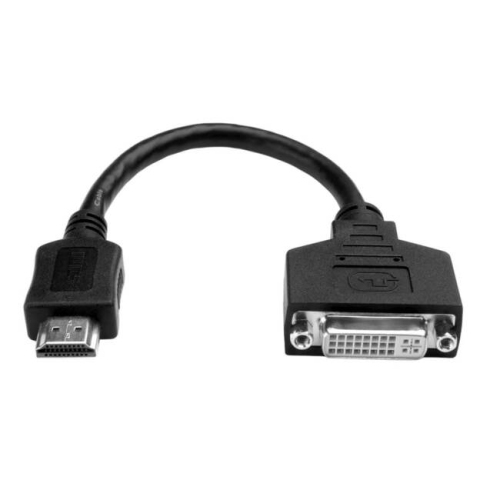
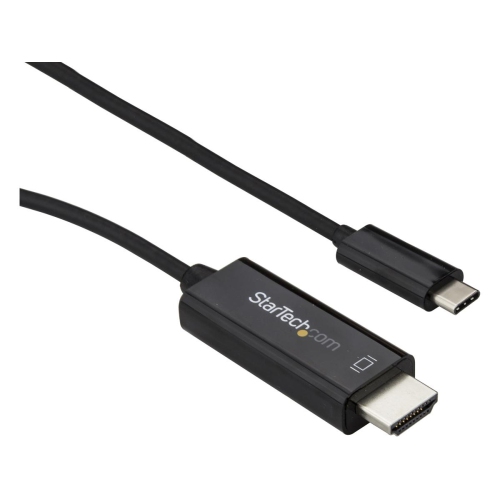
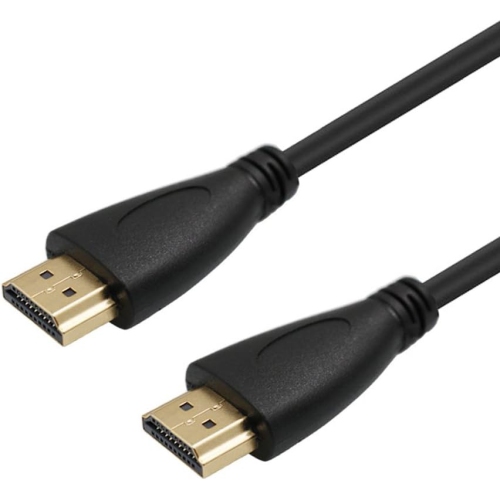
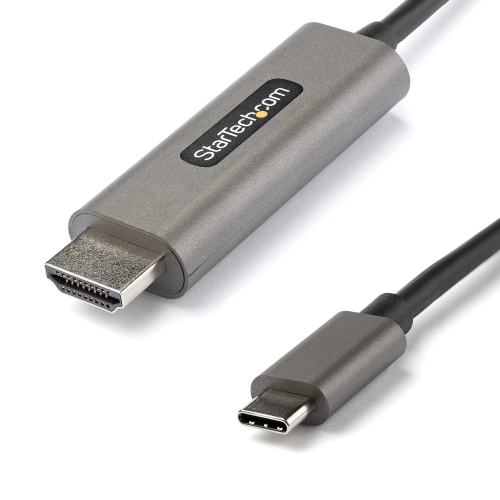
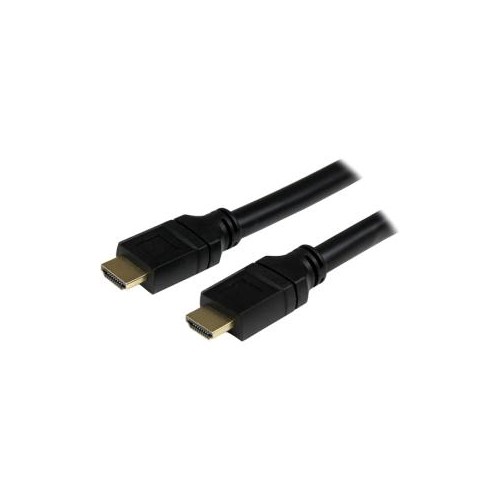
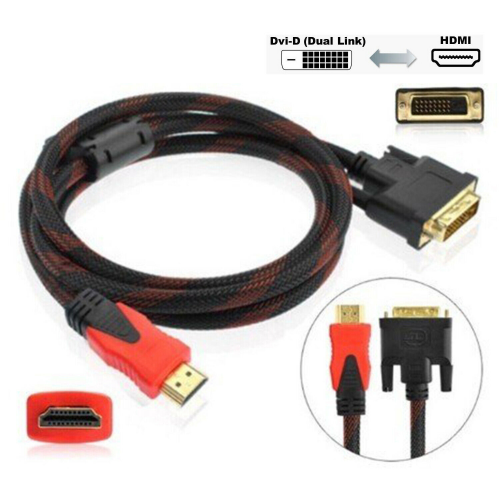
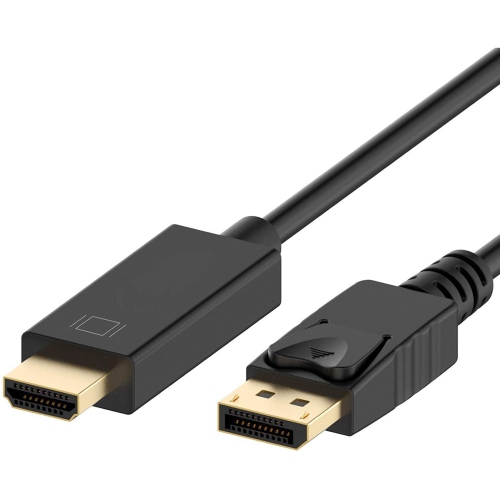
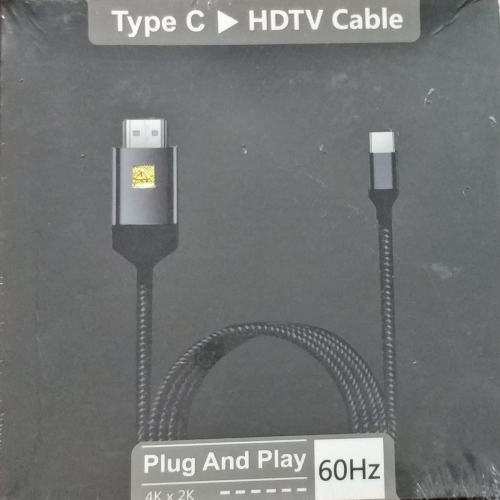
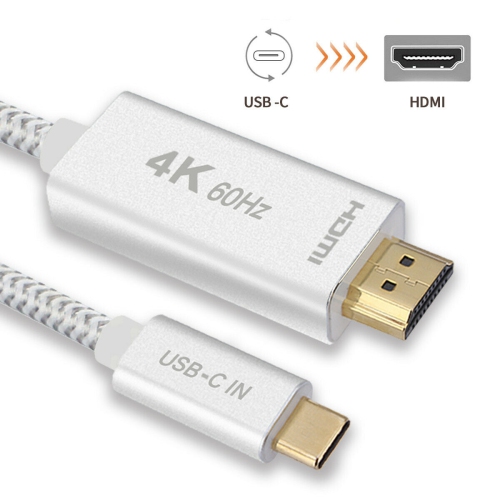
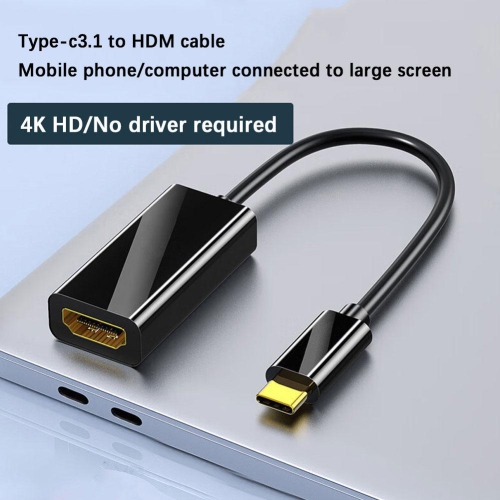
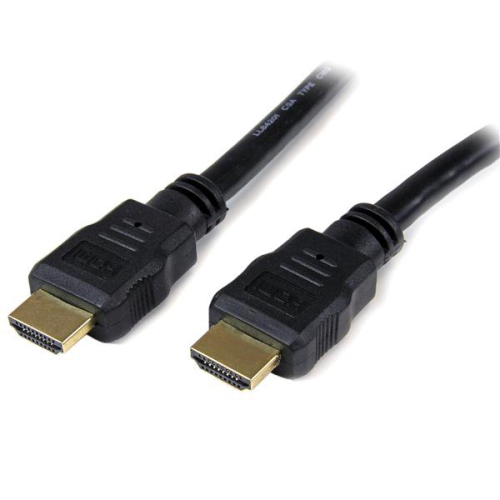
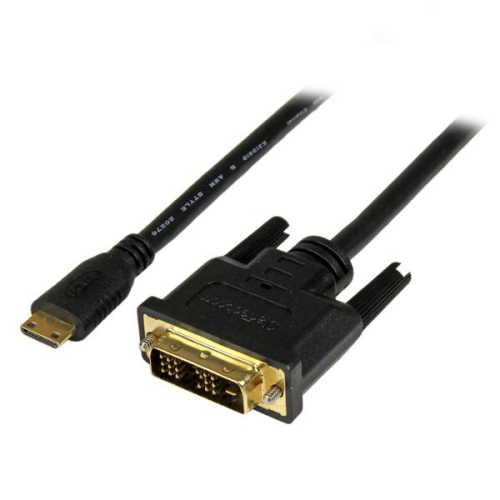
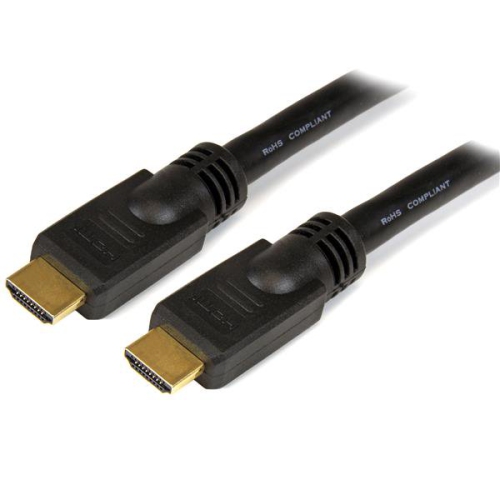
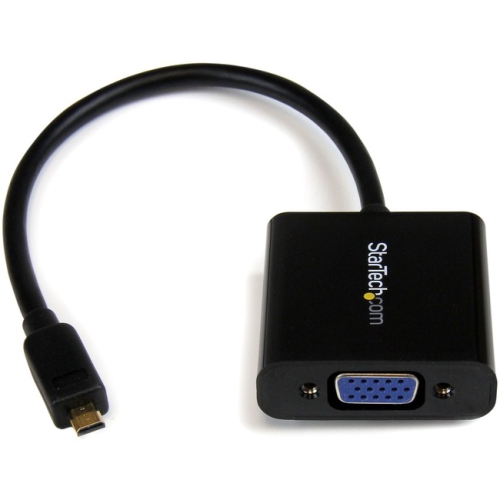
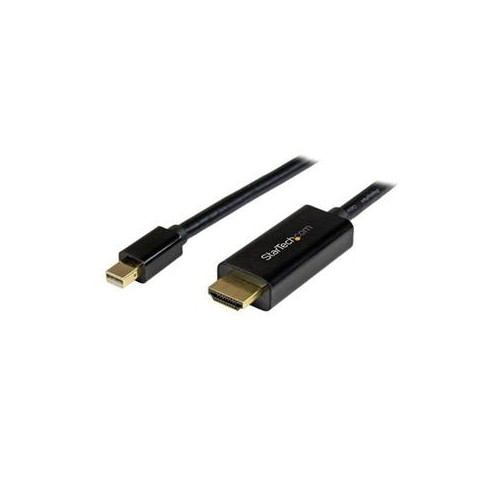
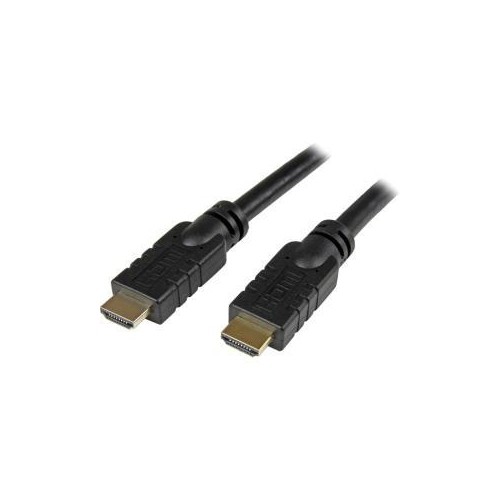
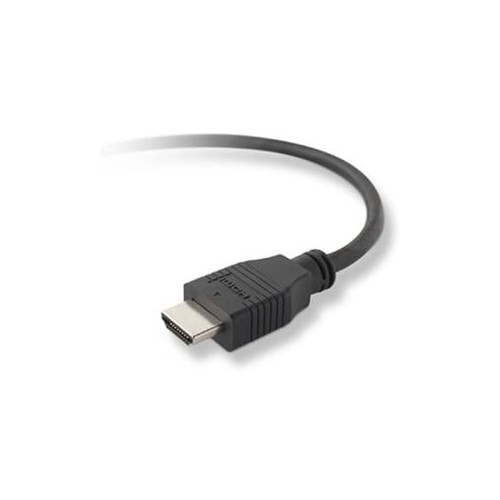
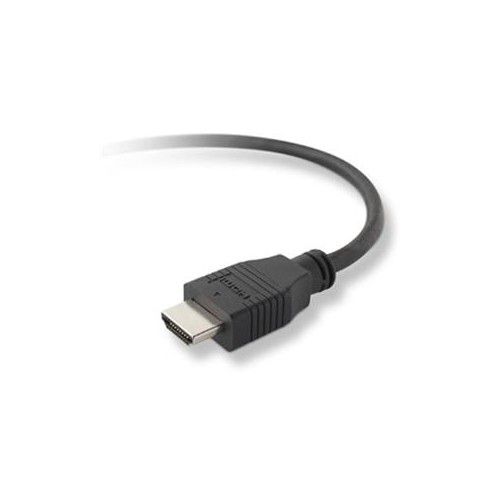
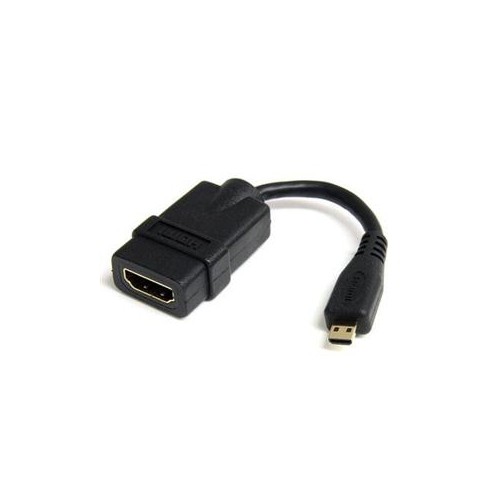
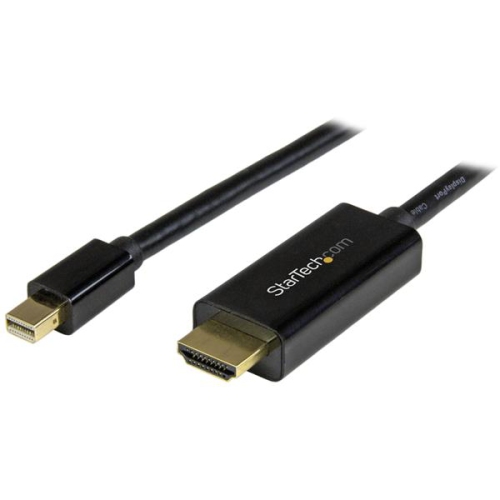

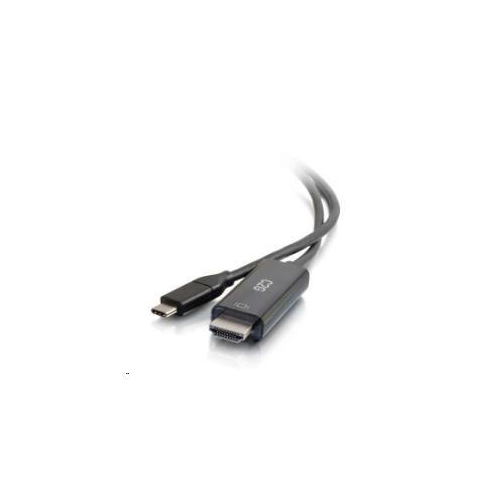
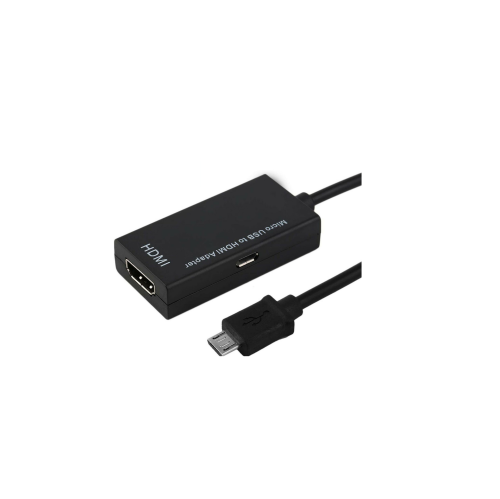
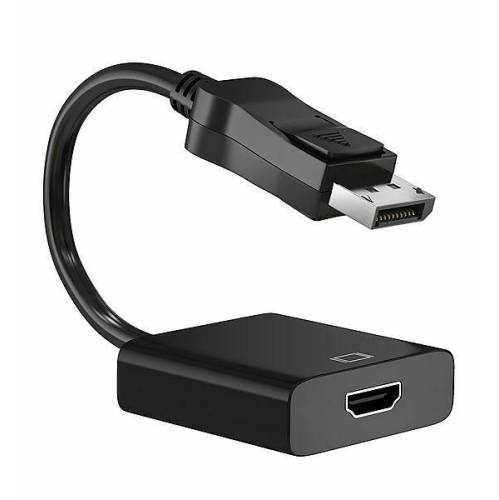
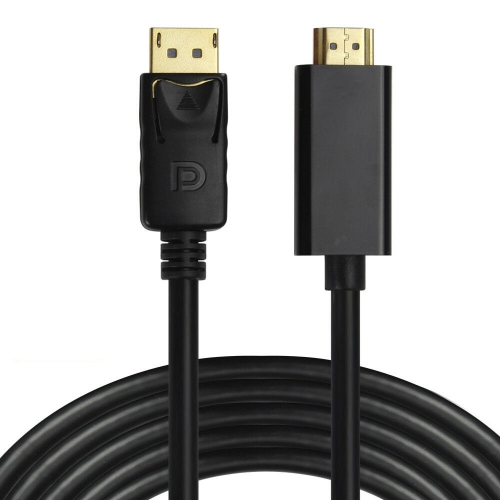

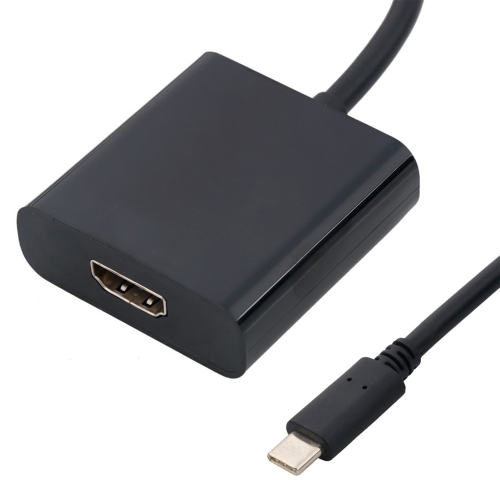

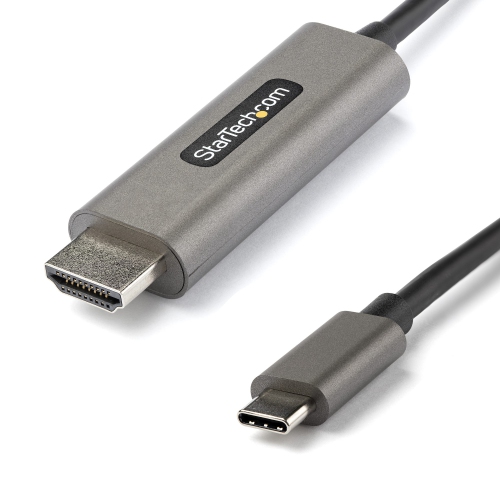
Wired viewing for compatible phones and larger HDMI screens
Phone-to-HDMI cables provide a straightforward way to display content from a compatible mobile phone on a television, computer monitor, projector, or other HDMI-equipped screen. Instead of relying on wireless casting, they send the phone’s video and, in many cases, audio through a wired connection, which can be useful when a stable image is important or when a display does not support the same casting platform as the phone. Common uses include showing holiday photos and home videos to a group, watching downloaded films during travel, presenting slides from a phone, following a recipe on a larger kitchen screen, playing supported mobile games, or turning a phone into a convenient source for a classroom or meeting-room display. Connection type is the first detail to check. Some newer phones use USB-C, while older phones and certain other models use Lightning. A USB-C-to-HDMI cable or adapter only works for video when the phone’s USB-C port supports video output, commonly described as DisplayPort Alt Mode; a USB-C charging or data connection alone does not guarantee that feature. Many entry-level or older phones do not include wired video output, even when their connector looks identical to one found on a compatible model. Phones with Lightning ports generally require a Lightning-to-HDMI digital AV adapter rather than a simple passive cable, and the adapter may also need power through a separate charging connection for dependable operation. Checking the exact phone model in its technical specifications or manufacturer support information before purchasing can help avoid an incompatible connection. It is also worth confirming the display’s available input and the cable length needed for the room. A short cable can work well when the phone is beside a monitor, while a longer option offers more flexibility when the television is mounted across the room, though extra length can make cable management more important. If a device uses a small HDMI port rather than a phone connector, browse Micro HDMI Cables for the appropriate connection type.
Using a phone-to-HDMI connection is usually simple once the hardware is compatible. Plug the HDMI end into an open HDMI port on the television, monitor, or projector, then connect the USB-C or Lightning end, or the appropriate digital adapter, to the phone. Turn on the display and use its input or source control to select the HDMI port in use. The phone may begin mirroring automatically, or it may show a prompt asking for permission, such as trusting the connected display or allowing an accessory to communicate. Follow the on-screen instructions, and make sure the phone is unlocked if the connection does not start immediately. Some adapters include a separate power input; connecting a wall charger or power bank can help maintain the phone’s battery while streaming, presenting, or playing for an extended period. Resolution depends on the phone, adapter, cable, display, and content being shown. Many basic connections support Full HD at 1080p, which is well suited to video playback, photographs, web pages, and presentations. Certain compatible phones and adapters can support 4K output, sometimes at refresh rates up to 60 Hz, but a 4K television alone cannot create a 4K signal if the phone or adapter does not provide it. The final image may also be limited by the application or video itself. A cable that supports higher bandwidth can be a sensible choice for a newer phone and 4K display, while a basic 1080p setup may be sufficient for an older television, occasional presentations, or sharing family images. Sound normally travels through HDMI to the display’s built-in speakers or a connected audio system, although phone and display settings may determine where audio is sent. If the picture is missing, confirm that the selected HDMI input matches the port in use, reseat both ends, remove any unnecessary hub from the connection, and check whether the phone supports wired video output. A blank screen, charging-only behaviour, or an unsupported-accessory message can indicate that the phone needs a different cable or a powered adapter rather than a simple connection fault.
These cables and adapters can be useful for households with several screens, commuters who present from a phone, students who carry course material on a mobile device, and travellers who want a familiar wired option for a compatible hotel or rental-room television. They can also make thoughtful practical gifts for someone who enjoys taking photos, records live events, works away from a desk, or frequently shares content with friends and family. A parent may use one to display a child’s recorded performance on the living-room television, while a host can connect a phone to a projector for a slideshow during a gathering. During the warmer months, a compatible setup can bring a phone’s downloaded entertainment to a cottage or outdoor gathering where wireless networks are inconsistent; during the cooler months, it can make indoor movie nights, recipe demonstrations, and family photo sessions easier to organize. Before choosing a cable, identify the phone’s exact connector and model, confirm support for HDMI video output, determine whether an adapter and external power are required, and match the expected resolution to the display. Consider whether the phone case will interfere with the connector, whether the cable will be moved often, and whether a right-angle or longer design would suit the available space. It is also helpful to leave room for the phone’s charging needs, since screen mirroring can use more battery than ordinary browsing. For a phone that does not support wired video output, a cable will not add that capability; a compatible wireless casting solution may be more appropriate. With the right connection, a phone-to-HDMI cable offers an uncomplicated bridge between a small personal screen and a larger shared display, making everyday content easier to view, present, and enjoy.
Using a phone-to-HDMI connection is usually simple once the hardware is compatible. Plug the HDMI end into an open HDMI port on the television, monitor, or projector, then connect the USB-C or Lightning end, or the appropriate digital adapter, to the phone. Turn on the display and use its input or source control to select the HDMI port in use. The phone may begin mirroring automatically, or it may show a prompt asking for permission, such as trusting the connected display or allowing an accessory to communicate. Follow the on-screen instructions, and make sure the phone is unlocked if the connection does not start immediately. Some adapters include a separate power input; connecting a wall charger or power bank can help maintain the phone’s battery while streaming, presenting, or playing for an extended period. Resolution depends on the phone, adapter, cable, display, and content being shown. Many basic connections support Full HD at 1080p, which is well suited to video playback, photographs, web pages, and presentations. Certain compatible phones and adapters can support 4K output, sometimes at refresh rates up to 60 Hz, but a 4K television alone cannot create a 4K signal if the phone or adapter does not provide it. The final image may also be limited by the application or video itself. A cable that supports higher bandwidth can be a sensible choice for a newer phone and 4K display, while a basic 1080p setup may be sufficient for an older television, occasional presentations, or sharing family images. Sound normally travels through HDMI to the display’s built-in speakers or a connected audio system, although phone and display settings may determine where audio is sent. If the picture is missing, confirm that the selected HDMI input matches the port in use, reseat both ends, remove any unnecessary hub from the connection, and check whether the phone supports wired video output. A blank screen, charging-only behaviour, or an unsupported-accessory message can indicate that the phone needs a different cable or a powered adapter rather than a simple connection fault.
These cables and adapters can be useful for households with several screens, commuters who present from a phone, students who carry course material on a mobile device, and travellers who want a familiar wired option for a compatible hotel or rental-room television. They can also make thoughtful practical gifts for someone who enjoys taking photos, records live events, works away from a desk, or frequently shares content with friends and family. A parent may use one to display a child’s recorded performance on the living-room television, while a host can connect a phone to a projector for a slideshow during a gathering. During the warmer months, a compatible setup can bring a phone’s downloaded entertainment to a cottage or outdoor gathering where wireless networks are inconsistent; during the cooler months, it can make indoor movie nights, recipe demonstrations, and family photo sessions easier to organize. Before choosing a cable, identify the phone’s exact connector and model, confirm support for HDMI video output, determine whether an adapter and external power are required, and match the expected resolution to the display. Consider whether the phone case will interfere with the connector, whether the cable will be moved often, and whether a right-angle or longer design would suit the available space. It is also helpful to leave room for the phone’s charging needs, since screen mirroring can use more battery than ordinary browsing. For a phone that does not support wired video output, a cable will not add that capability; a compatible wireless casting solution may be more appropriate. With the right connection, a phone-to-HDMI cable offers an uncomplicated bridge between a small personal screen and a larger shared display, making everyday content easier to view, present, and enjoy.
Top selling and popular products
-
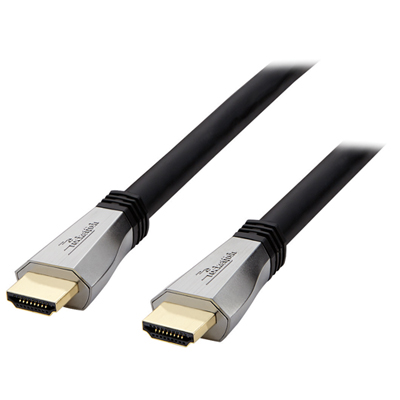 Your price for this item is $119.99
 -
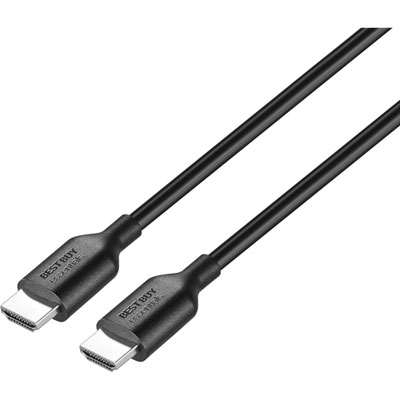 Your price for this item is $9.99
 -
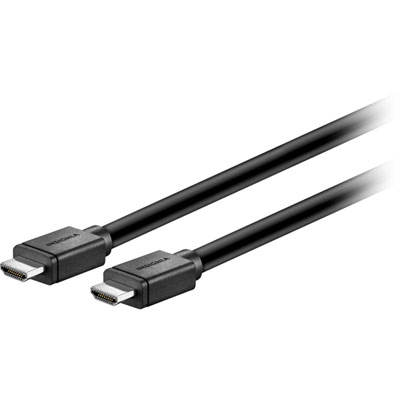 Your price for this item is $129.99
 -
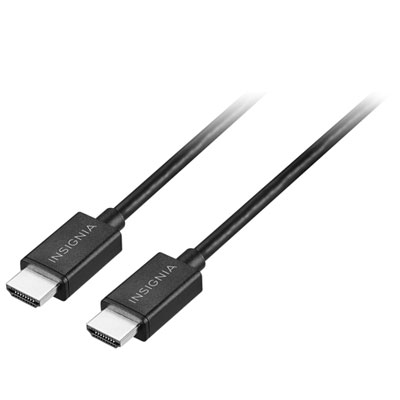 Your price for this item is $19.99
 -
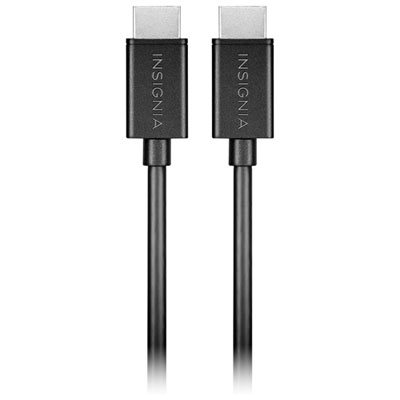 Your price for this item is $29.99
 -
![BDA / POWER A HDMI Cable Ps5 10 Ft [Power A]](https://multimedia.bbycastatic.ca/multimedia/products/500x500/176/17616/17616431.jpeg) Your price for this item is $59.99
Your price for this item is $59.99 -
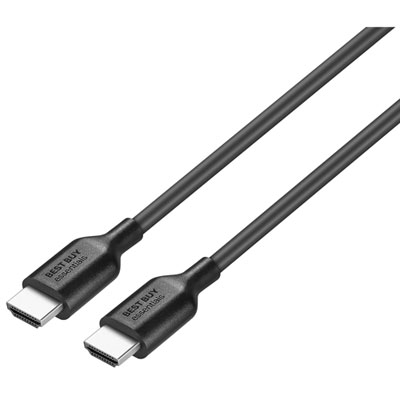 Your price for this item is $19.99
 -
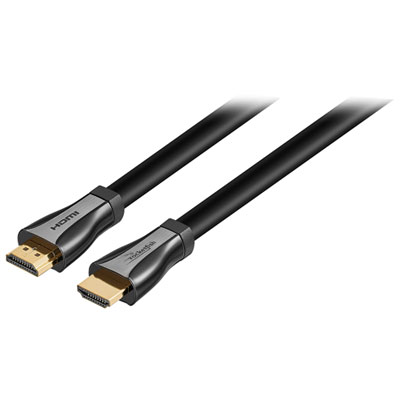 Your price for this item is $119.99
Discover more categories related to Phone To HDMI Cables
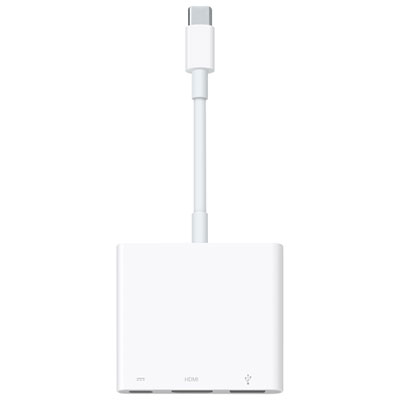

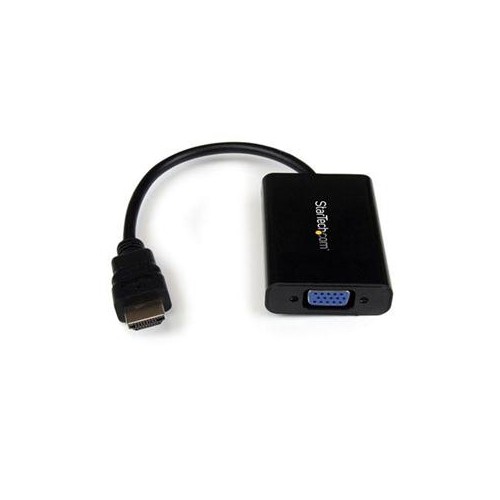
Top Collections:
Pokemon Centers, Kindle Devices, Best Budget Office Chairs, Apple iPhones 16, Best Laptops for Writers, iPhone 15 Apple, Canon G7X Cameras, Refurbished Apple Laptops, Alarm Clock, Motorola Razr Phones
Some products may be subject to Environmental Handling Fees
(EHF) depending on your province.
Learn more about EHFs.