Wide TVs
Upgrade your home entertainment experience with a Wide TV, designed to bring stunning visuals and immersive viewing to any room. Whether you're creating a cinematic setup in your living room or enhancing your gaming sessions, a wide-screen television offers expansive display options to suit every need. Explore a variety of sizes and styles to find the perfect fit for your space and enjoy sharp images, vibrant colors, and seamless connectivity. Discover the advantages of choosing a Wide TV for your next upgrade and transform the way you watch, play, and connect.
Sort
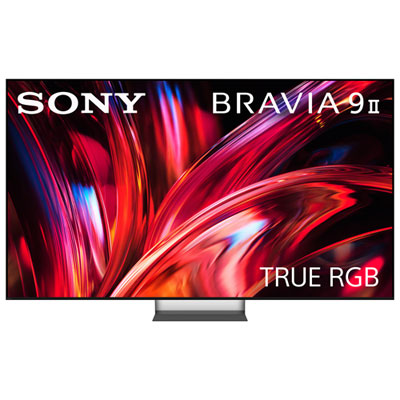






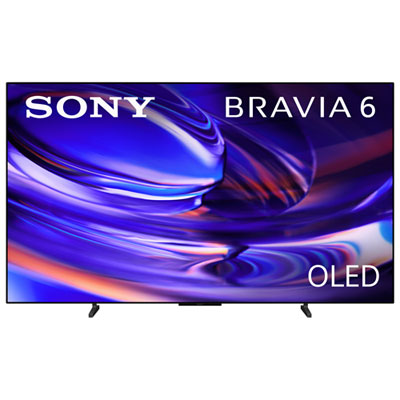



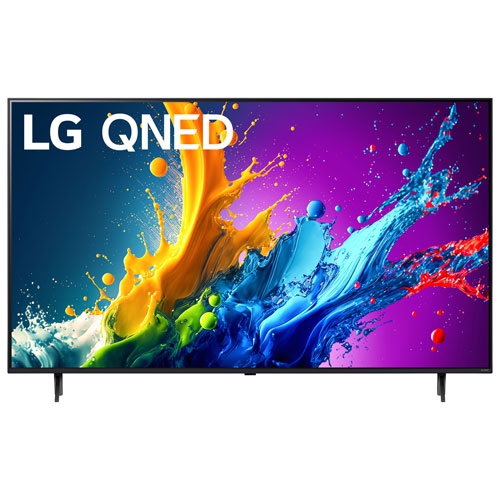
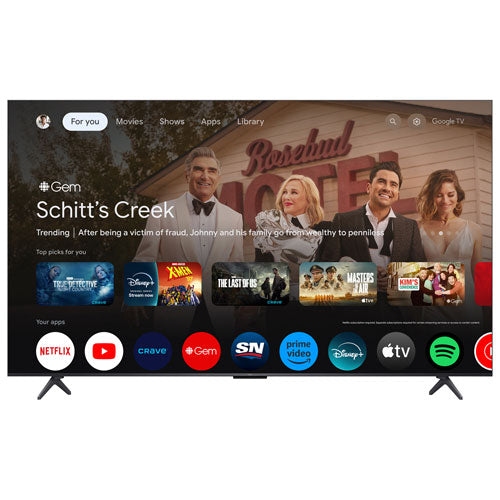







A cinematic picture takes more than a wider screen
Wide TVs bring a broad, cinematic shape to everyday entertainment, giving everything from a sweeping landscape to a split-screen game room to breathe. Most televisions use a 16:9 widescreen format, which suits much of the programming produced for television, streaming services, and gaming consoles. Films made in wider theatrical formats may still show black bars above and below the picture, while older programmes can leave bars at the sides. Those borders preserve the original proportions rather than stretching faces or cropping the scene. A wide screen can feel equally at home in a dedicated home theatre, an open-plan living area, or a bedroom where the television sits opposite the bed. The right fit depends on the room as much as the diagonal measurement on the screen. A television’s stated size runs from one corner of the display to the opposite corner, not across its full width, so the outside dimensions are more useful when matching it to a cabinet, alcove, or wall. For perspective, a 55-inch widescreen display is approximately 48 inches wide before accounting for its frame. Stand width, stand depth, and the space beneath the screen also affect how comfortably it fits alongside a soundbar or other equipment. A low, wide media console can create a balanced arrangement, provided it supports the television’s weight and accommodates its feet without overhang. Wall mounting keeps the surface below clear, but the television’s mounting pattern, weight, wall construction, and cable access all matter. Seating position adds another practical consideration: a screen that feels immersive from the sofa may feel overwhelming from a chair much closer to it. In a room with several viewing spots, picture quality from an angle deserves attention alongside the view from the centre seat. Slim frames and understated finishes help a large display sit comfortably with furniture, while sufficient clearance around ventilation openings supports normal operation.
Picture quality shapes the experience just as much as screen width. A detailed image makes it easier to appreciate fine textures in costumes, distant scenery in a game, or small lettering on a sports broadcast. Resolution describes how many pixels form that image, with 4K screens providing substantially more detail than lower-resolution displays when the content and viewing distance allow the difference to show. The source still matters: a high-resolution television cannot turn a heavily compressed stream into the equivalent of a pristine recording, although image processing can help lower-resolution material look cleaner. Screen technology also influences the picture. LCD televisions use a backlight, and some incorporate quantum dots to expand colour performance; OLED televisions use pixels that produce their own light. Brightness, black levels, reflections, and viewing angles vary between displays, so the most useful characteristics depend on where and how the television will be watched. A bright living room with windows beside the sofa places different demands on a screen than a home theatre with controlled lighting. Reflection handling can make daytime viewing more comfortable, while strong contrast helps preserve detail in a dimly lit film scene. High dynamic range, or HDR, can add brighter highlights and a broader range of tones when both the television and the content support it, though the visible result depends on the display’s capabilities. Motion handling matters for hockey, racing, and fast-moving games, where the puck, cars, or characters need to remain easy to follow. Native refresh rate and motion processing are separate features, and a higher advertised motion figure does not necessarily mean a higher native refresh rate. Film fans may prefer a more natural presentation with less motion smoothing, while gamers may value low input lag, variable refresh rate, and support for their console’s output settings. These differences help distinguish a screen intended mainly for casual television from one that will also handle regular gaming sessions or movie nights.
Connections, sound, and everyday upkeep round out the experience of living with a wide TV. Several HDMI inputs make it easier to leave a streaming device, game console, and cable receiver connected rather than swapping cables behind the screen. Port placement becomes especially important with a close-fitting wall mount, where side-facing connections may be easier to reach than rear-facing ones. A compatible HDMI ARC or eARC connection can carry television audio to a soundbar or receiver, with supported audio formats depending on the equipment at both ends. Built-in speakers may be sufficient for everyday programmes, but a separate sound system can give dialogue greater presence and make a broad screen feel more closely matched by the sound. Smart features are another part of daily use: app support, menu layout, voice controls, captions, and accessibility settings can matter as much as a specification that rarely gets used. Stable Wi-Fi or a wired network connection helps streaming run smoothly, although picture quality also depends on the service and internet connection. For a smaller secondary viewing space where basic television takes priority over fine image detail, 720p TVs offer a different resolution category to consider alongside screen dimensions and seating distance. Physical care remains important regardless of resolution. Television screens and their surface coatings need gentle handling; a clean, dry microfibre cloth is generally suitable for light dust, with the manufacturer’s cleaning instructions taking priority for fingerprints or marks. Spraying liquid directly onto the panel, pressing firmly, or using household glass cleaner can damage some screens. The panel should also be protected from knocks, and an appropriate restraint or secure installation is particularly important in homes with children or pets. For televisions that display static logos or game interfaces for long periods, the manufacturer’s care guidance and any built-in panel-protection features deserve attention. A wide television can be a thoughtful shared household gift, especially for someone setting up a living room or enjoying films with family, but its dimensions, connections, and installation requirements need to suit the recipient’s space. Those practical details help a large screen feel like a comfortable part of the room rather than an awkward addition.
Top selling and popular products
-
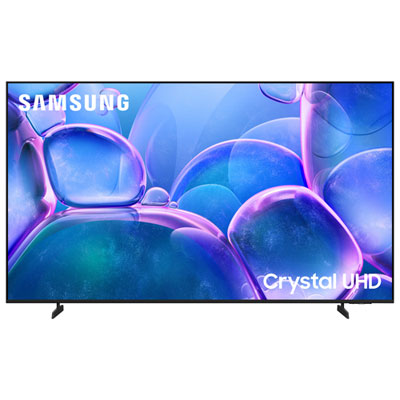 Your price for this item is $824.95
-
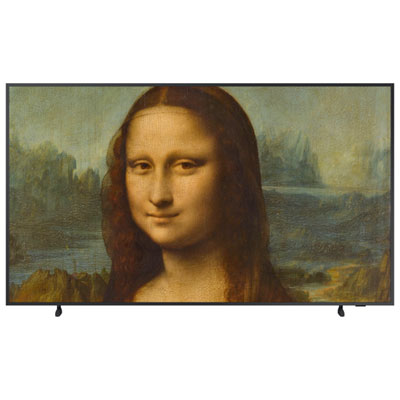 Your price for this item is $1439.97
-
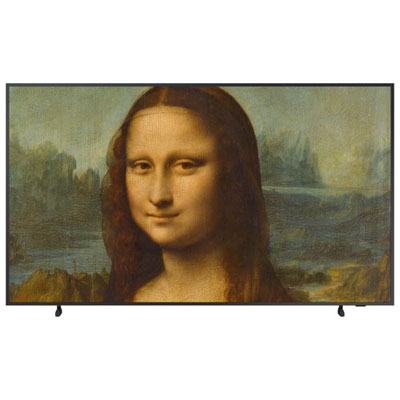 Your price for this item is $1619.97
-
 Your price for this item is $2999.99
-
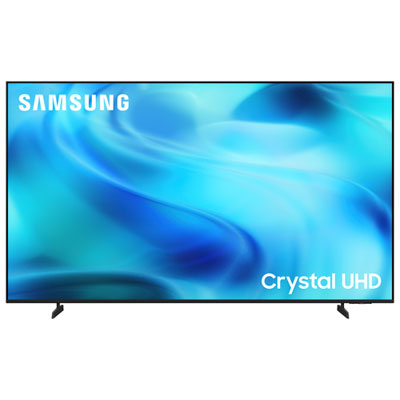 Your price for this item is $999.99
-
 Your price for this item is $5999.99
-
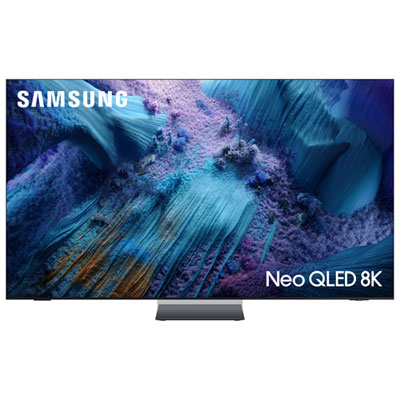 Your price for this item is $4649.95
-
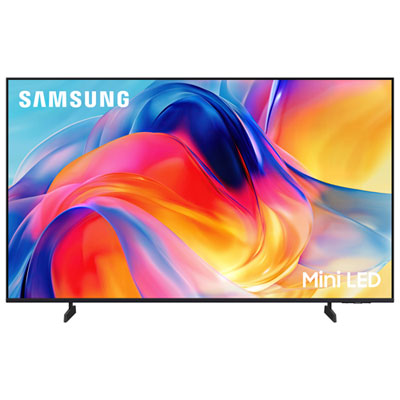 Your price for this item is $999.99
Discover more categories related to Wide TVs

Top Collections:
Best Black Friday Deals This Year, Best Black Friday Deals On Electronics, Kindle Devices, Pokemon Centers, Best Black Friday Deals On Apple Products, Best Cameras for Sports Photography, Dyson Airwrap, Pokémon 30th Celebration Cards, Apple iPhone 17 Pro, Canon G7X Cameras
Some products may be subject to Environmental Handling Fees
(EHF) depending on your province.
Learn more about EHFs.