32 Inch Tvs Recommended for Streaming Services
If you're looking for a new TV, you've probably noticed that most of them are bigger than the TVs of yesteryear. That's because streaming services like Netflix and Hulu now take up a lot of space on your screen. If you're looking for a TV that can handle 4K resolution and HDR, here are some of the best 32-inch TVs for streaming services.
Sort
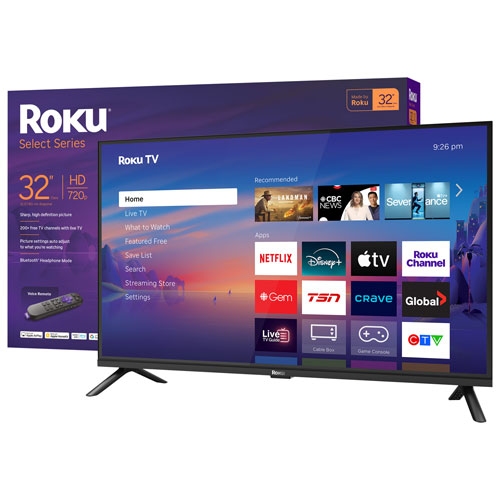
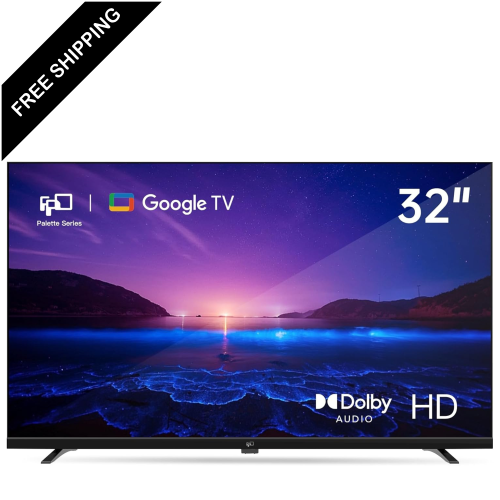
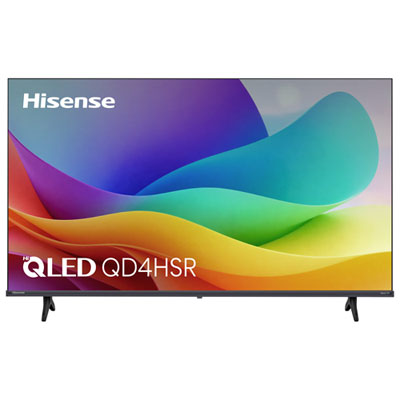



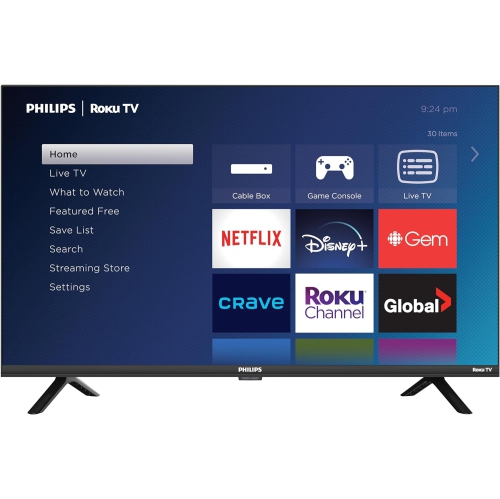





Small-space streaming depends on more than screen size
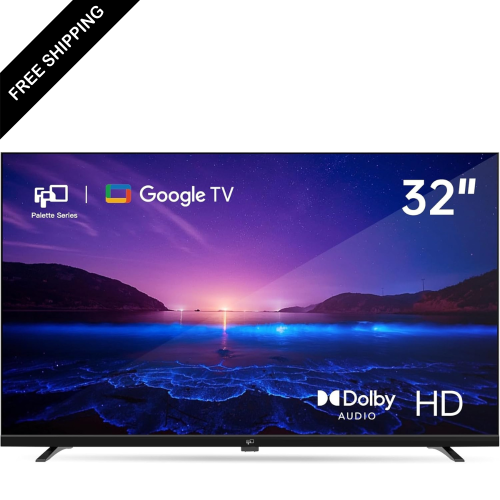
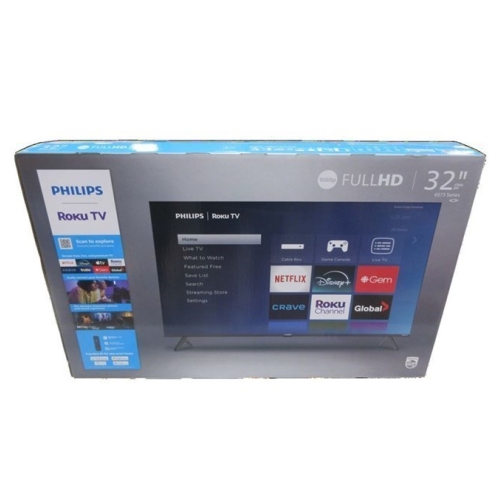
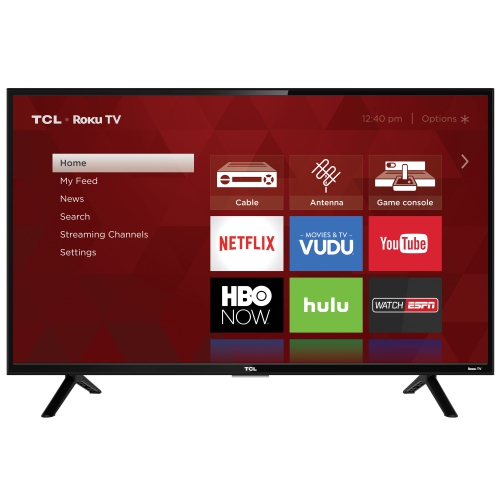
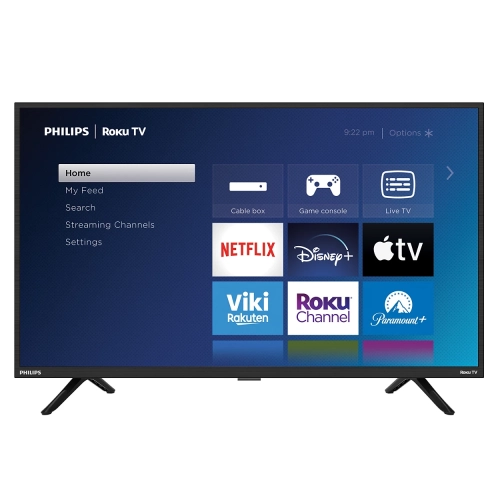
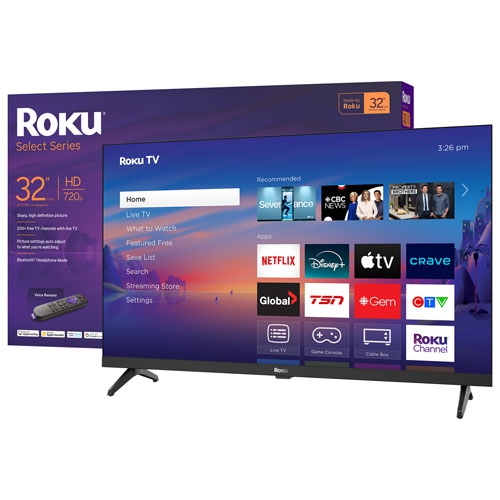
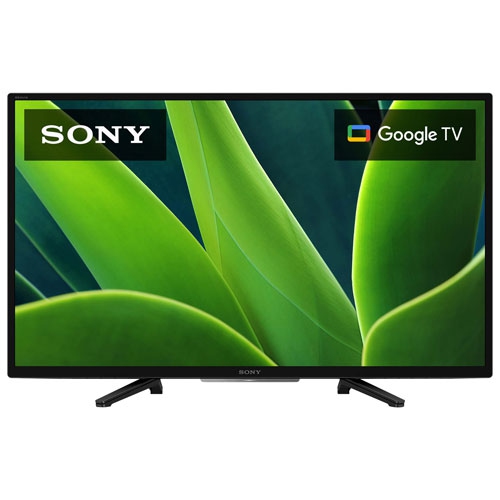
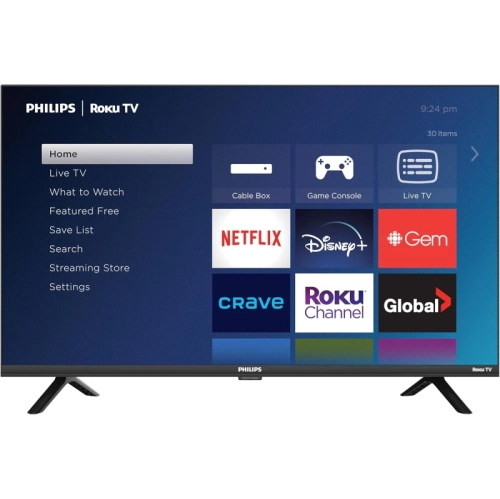
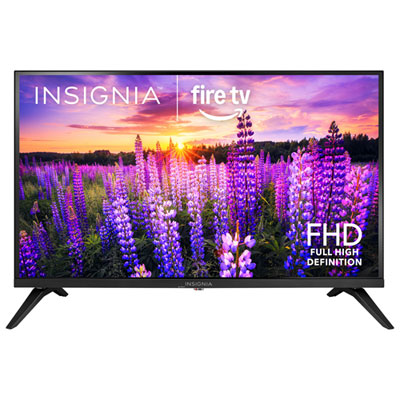
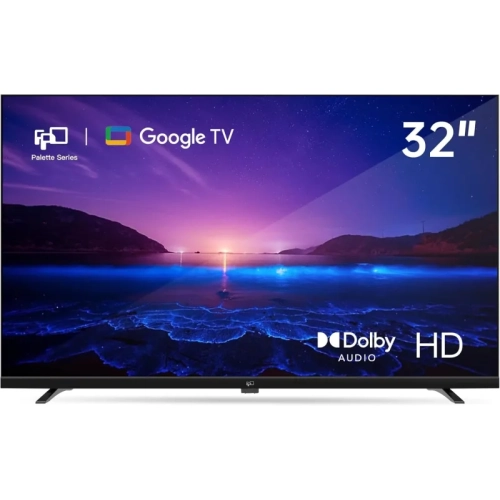
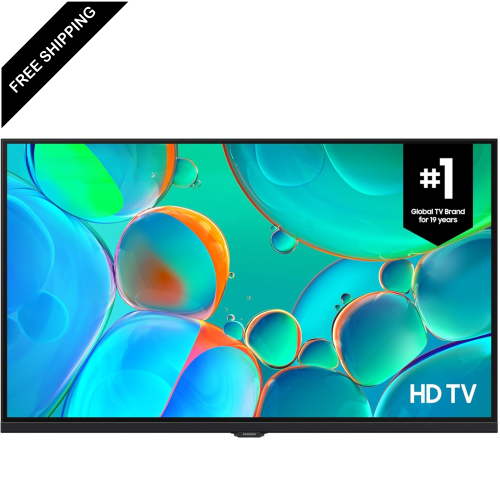
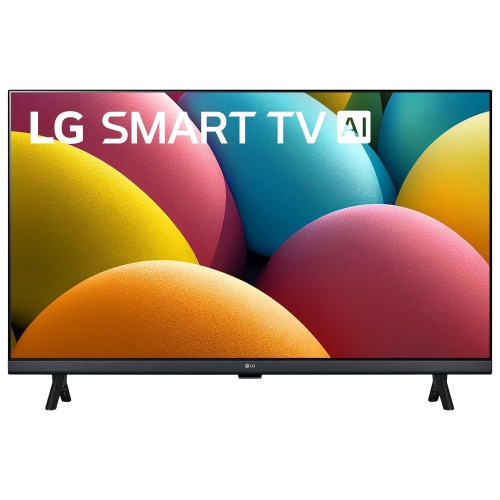
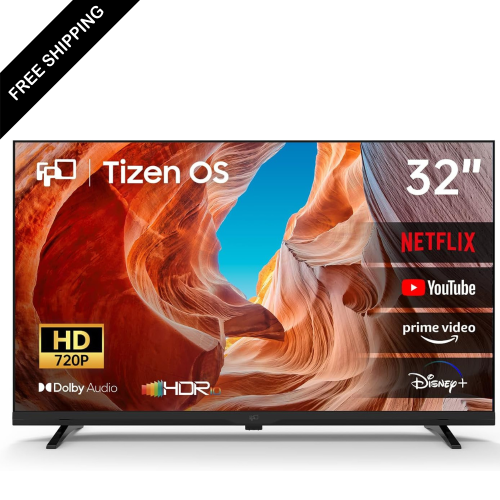
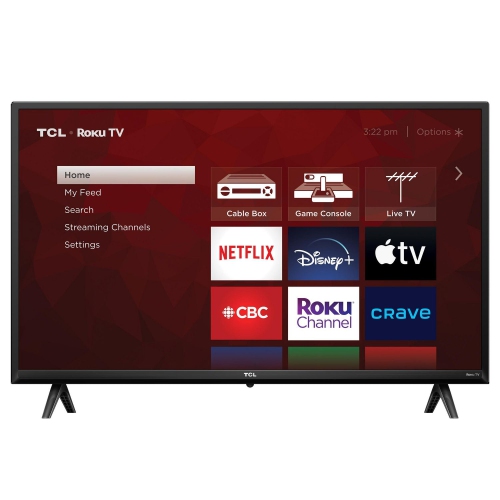
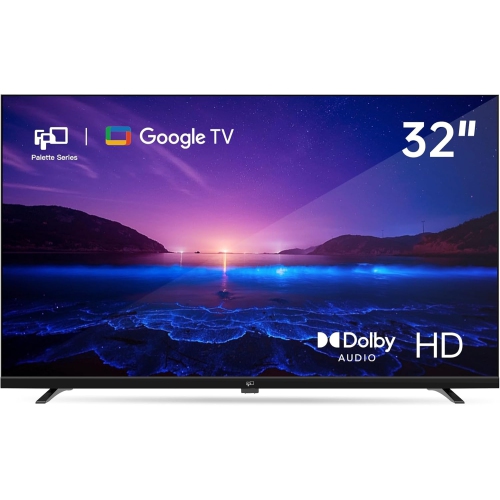
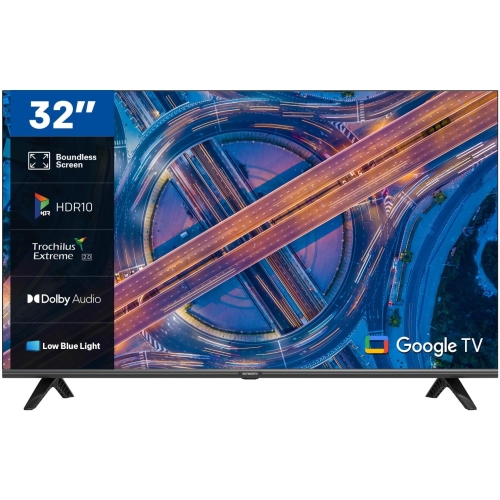
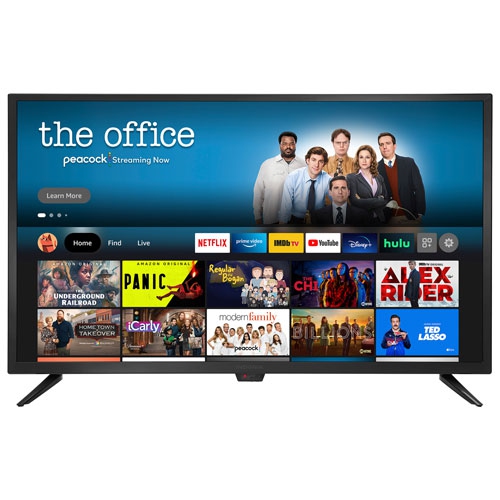
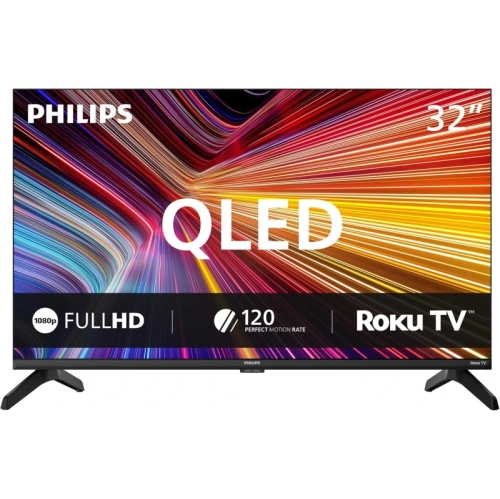
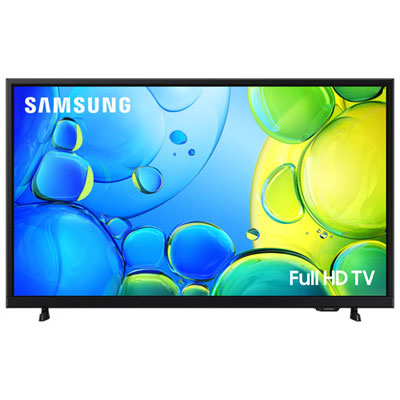
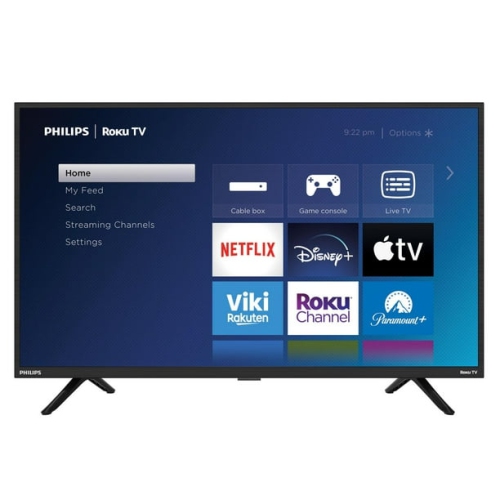
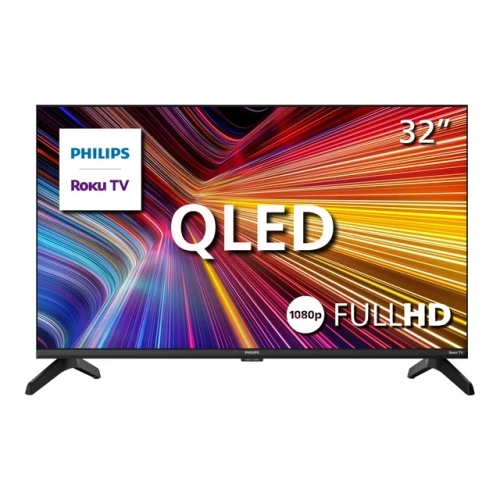
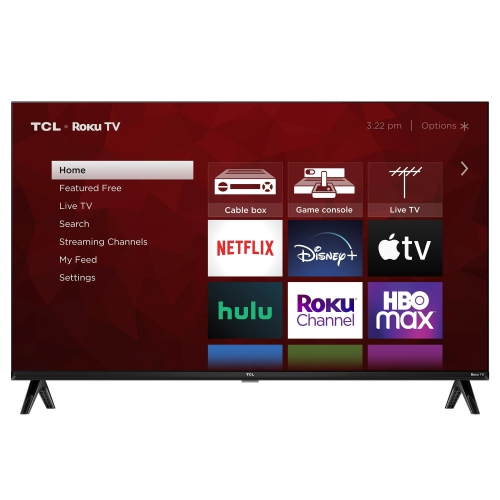
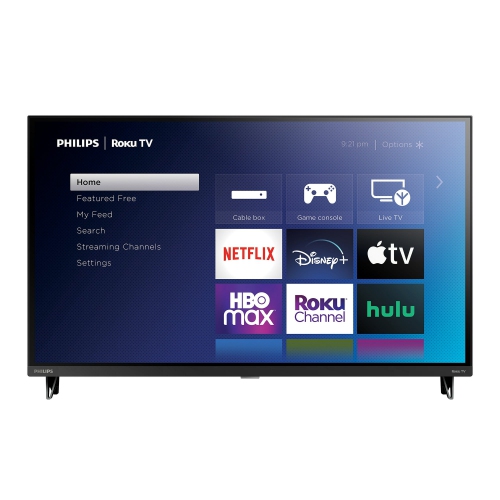
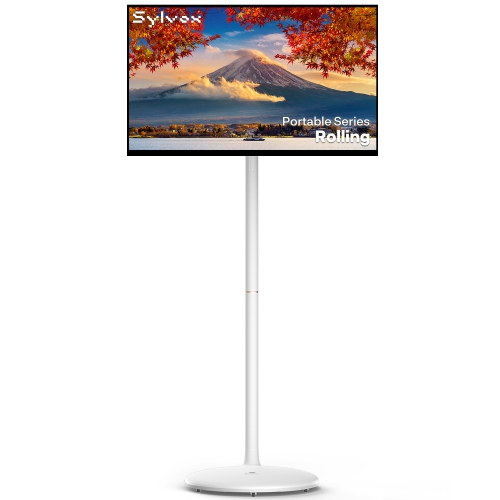
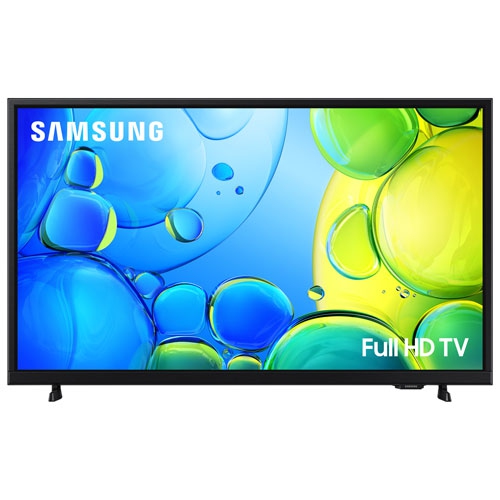
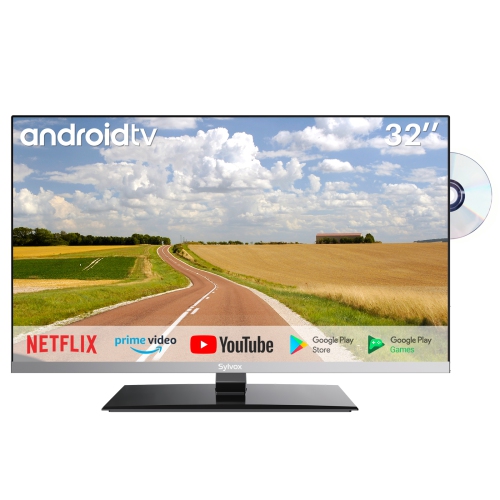
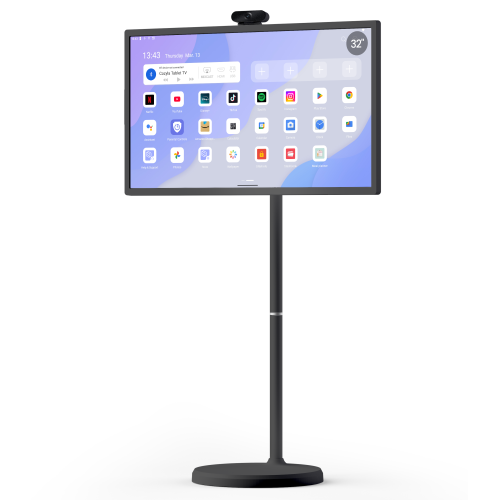
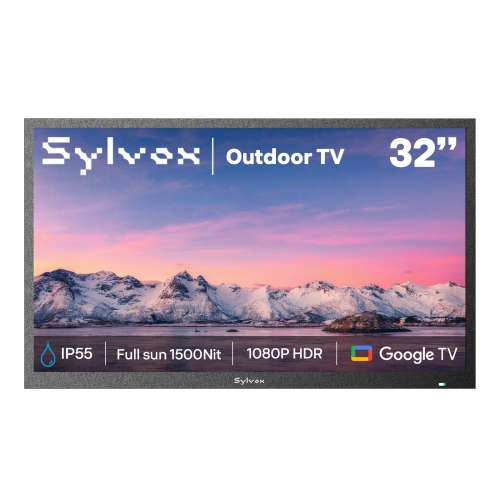
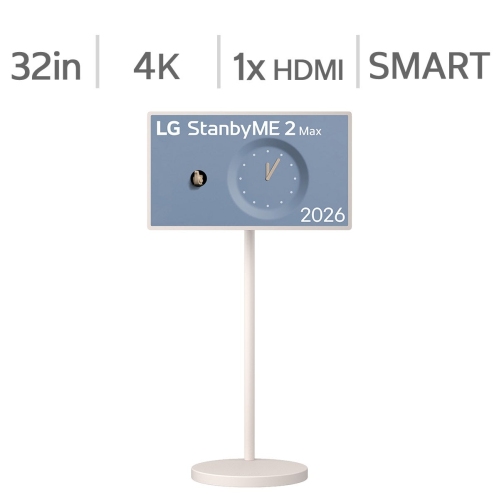
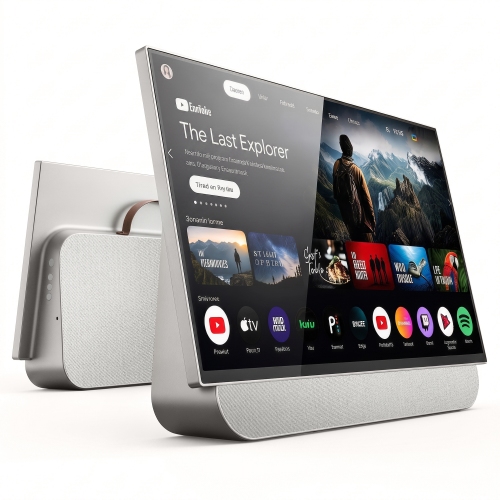
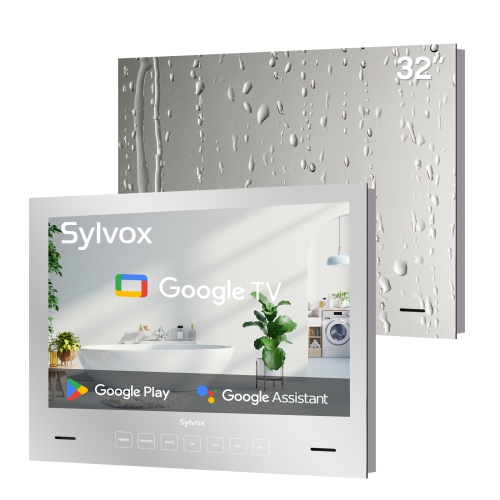
32-inch TVs for streaming services bring on-demand shows, films, live channels, and video apps to spaces where a larger screen would dominate the room. Their compact size suits bedrooms, smaller living rooms, student residences, and home offices, with enough screen space to follow subtitles or settle into a favourite series without relying on a phone or laptop. For streaming, the most useful combination is a clear picture, dependable internet connectivity, and a smart TV platform that supports the services a household actually watches. Full HD 1080p resolution is a strong fit for this screen size, particularly at closer viewing distances, where text, faces, and fine details can look sharper than on a 720p display. A 720p screen can still suit casual viewing from farther away, but resolution alone does not determine picture quality. Contrast, brightness, colour accuracy, and viewing angles all affect how a scene looks, whether it is a dimly lit mystery or a bright animated film. Panel technologies and picture-processing features vary between models, so terms such as QLED or HDR describe particular capabilities rather than guaranteeing the same results across every screen. HDR playback also depends on compatible content and app support, while the visible effect depends on the display’s brightness and contrast capabilities. Streaming quality is shaped by the source as well: a higher-resolution panel cannot restore detail missing from a low-quality video feed. For a chair beside a bookcase or a bed facing a narrow dresser, a 32-inch TV can create a comfortable, dedicated viewing spot without requiring a full entertainment unit. It can also be a thoughtful gift for someone furnishing a first apartment or wanting a separate screen for favourite programmes. In either case, familiar controls and compatibility with existing streaming accounts can matter more in daily use than a long list of features that rarely get used.
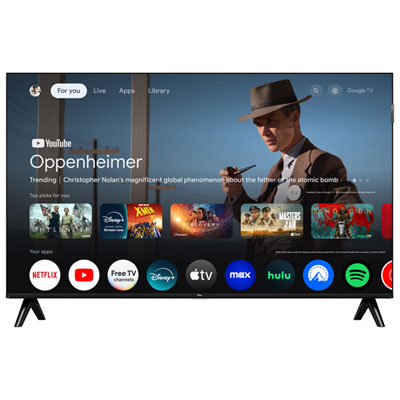
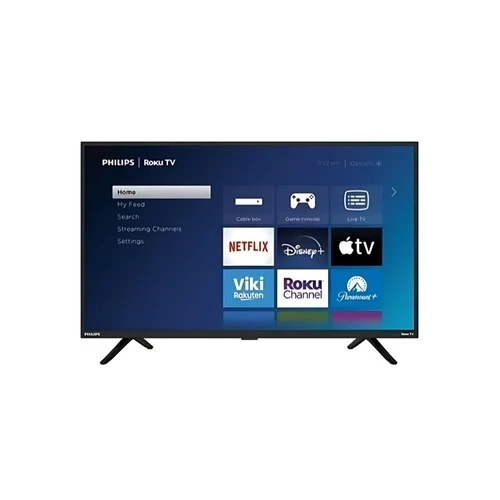
The smart TV platform is central to how a streaming television feels from the moment it turns on. A straightforward home screen, readable menus, and quick access to frequently used apps make it easier to move from an evening drama to a live broadcast or a short cooking video. App support varies by operating system, model, and region, making Canadian service compatibility an important detail rather than something to assume from the smart TV label. Some services require separate subscriptions or accounts, and individual features, including live channels, playback resolution, and accessibility options, may differ between apps. A remote with clearly separated buttons can be easier to navigate in a dim room, while voice search on supported models can reduce the need to type programme titles with an on-screen keyboard. Voice features may require an internet connection, account setup, or additional permissions. Closed captions, audio descriptions, and screen-reading functions can also make a meaningful difference, although support depends on both the television and the streaming service. Household profiles and parental controls help keep viewing preferences distinct when several people share one screen. Reliable Wi-Fi supports steady playback, but signal strength at the television matters more than how well a connection performs beside the router. A bedroom at the far end of a home may have different reception from the living room, especially with several walls in between. Where a TV includes an Ethernet port, a wired connection offers another way to connect it to the home network. HDMI inputs provide flexibility for an external streaming player, game console, or other compatible source, and an external player can offer a different interface if the built-in platform does not support a preferred app. Casting and screen mirroring are useful extras when supported by both devices, though they are not interchangeable and do not work identically with every service. Software updates help maintain functionality and security, while app support can change over the television’s lifespan.
Physical fit deserves just as much attention as streaming features, particularly when a television shares space with books, a desk lamp, or everyday bedroom essentials. The 32-inch measurement describes the screen diagonally, not the overall width, and the frame, stand, and rear connections add to the space required. Two televisions with the same screen size can have different stand footprints: widely spaced feet need a sufficiently broad surface, while a centre stand may fit a narrower piece of furniture. The supporting surface still needs to accommodate the television safely, with no overhang and enough depth for stable placement. For wall mounting, compatible mounting patterns, television weight, wall construction, and access to connections all matter. Allowing room for ventilation and cable routing helps prevent a neat-looking installation from becoming cramped behind the screen. Lightweight cabinets and slim frames are common in this category, but durability also depends on stable support, careful handling, and protection from knocks. A TV positioned near a kitchen should remain away from sinks, steam, grease, and heat sources; an ordinary indoor television is not designed to withstand those conditions. For routine care, a clean, dry microfibre cloth used according to the manufacturer’s directions helps remove dust without scratching the display. Cleaning liquid should never be sprayed directly onto the screen. Sound is another practical consideration in a smaller setup. Built-in speakers may be sufficient for close-range listening, while supported dialogue settings can make speech easier to follow. For fuller sound or private listening, compatible audio outputs, HDMI ARC, headphone connections, or Bluetooth support provide options, but these features are not universal. Keeping the screen near seated eye level and away from strong reflections makes extended viewing more comfortable. A 32-inch display works particularly well where seating is relatively close; a larger shared room with a distant sofa may call for a different size. For that layout, Best 70-inch TVs for Streaming Services offers a larger-screen alternative. Matching screen size, placement, app compatibility, and everyday controls helps create a setup that feels comfortable to use, whether it is reserved for quiet solo viewing or shared with a partner.
The smart TV platform is central to how a streaming television feels from the moment it turns on. A straightforward home screen, readable menus, and quick access to frequently used apps make it easier to move from an evening drama to a live broadcast or a short cooking video. App support varies by operating system, model, and region, making Canadian service compatibility an important detail rather than something to assume from the smart TV label. Some services require separate subscriptions or accounts, and individual features, including live channels, playback resolution, and accessibility options, may differ between apps. A remote with clearly separated buttons can be easier to navigate in a dim room, while voice search on supported models can reduce the need to type programme titles with an on-screen keyboard. Voice features may require an internet connection, account setup, or additional permissions. Closed captions, audio descriptions, and screen-reading functions can also make a meaningful difference, although support depends on both the television and the streaming service. Household profiles and parental controls help keep viewing preferences distinct when several people share one screen. Reliable Wi-Fi supports steady playback, but signal strength at the television matters more than how well a connection performs beside the router. A bedroom at the far end of a home may have different reception from the living room, especially with several walls in between. Where a TV includes an Ethernet port, a wired connection offers another way to connect it to the home network. HDMI inputs provide flexibility for an external streaming player, game console, or other compatible source, and an external player can offer a different interface if the built-in platform does not support a preferred app. Casting and screen mirroring are useful extras when supported by both devices, though they are not interchangeable and do not work identically with every service. Software updates help maintain functionality and security, while app support can change over the television’s lifespan.
Physical fit deserves just as much attention as streaming features, particularly when a television shares space with books, a desk lamp, or everyday bedroom essentials. The 32-inch measurement describes the screen diagonally, not the overall width, and the frame, stand, and rear connections add to the space required. Two televisions with the same screen size can have different stand footprints: widely spaced feet need a sufficiently broad surface, while a centre stand may fit a narrower piece of furniture. The supporting surface still needs to accommodate the television safely, with no overhang and enough depth for stable placement. For wall mounting, compatible mounting patterns, television weight, wall construction, and access to connections all matter. Allowing room for ventilation and cable routing helps prevent a neat-looking installation from becoming cramped behind the screen. Lightweight cabinets and slim frames are common in this category, but durability also depends on stable support, careful handling, and protection from knocks. A TV positioned near a kitchen should remain away from sinks, steam, grease, and heat sources; an ordinary indoor television is not designed to withstand those conditions. For routine care, a clean, dry microfibre cloth used according to the manufacturer’s directions helps remove dust without scratching the display. Cleaning liquid should never be sprayed directly onto the screen. Sound is another practical consideration in a smaller setup. Built-in speakers may be sufficient for close-range listening, while supported dialogue settings can make speech easier to follow. For fuller sound or private listening, compatible audio outputs, HDMI ARC, headphone connections, or Bluetooth support provide options, but these features are not universal. Keeping the screen near seated eye level and away from strong reflections makes extended viewing more comfortable. A 32-inch display works particularly well where seating is relatively close; a larger shared room with a distant sofa may call for a different size. For that layout, Best 70-inch TVs for Streaming Services offers a larger-screen alternative. Matching screen size, placement, app compatibility, and everyday controls helps create a setup that feels comfortable to use, whether it is reserved for quiet solo viewing or shared with a partner.
Top selling and popular products
-
 Your price for this item is $379.99
 -
 Your price for this item is $229.99
 -
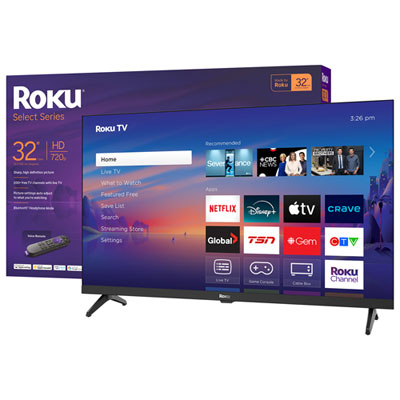 Your price for this item is $169.95
 -
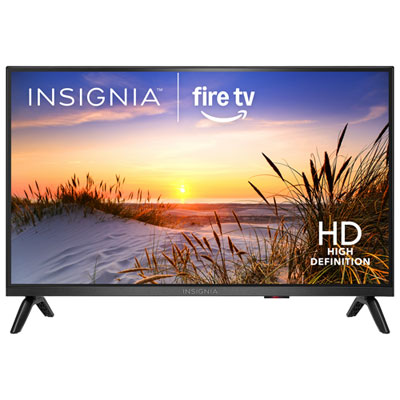 Your price for this item is $199.99
 -
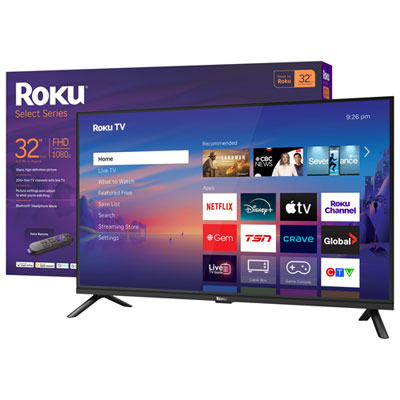 Your price for this item is $159.99
 -
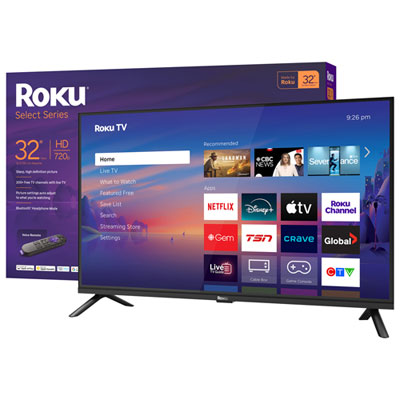 Your price for this item is $199.99
 -
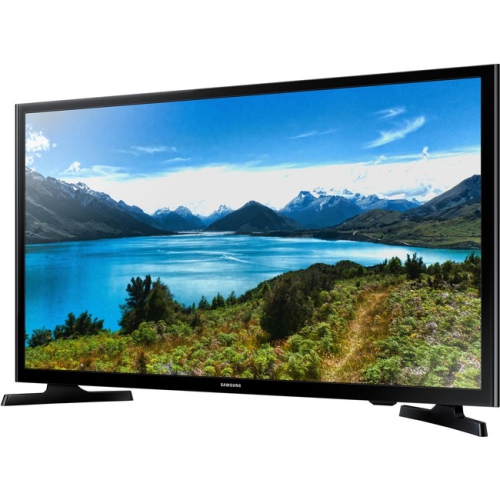 Your price for this item is $349.99
 -
 Your price for this item is $4999.99
Discover more categories related to 32 Inch Tvs Recommended for Streaming Services


Top Collections:
Pokemon Centers, Best Cameras for Sports Photography, Kindle Devices, Samsung Galaxy Phones, Canon G7X Cameras, Pokémon 30th Celebration Cards, Refurbished Apple Laptops, iPhone 15 Apple, Laptops for Students, Budget Smartphones
Some products may be subject to Environmental Handling Fees
(EHF) depending on your province.
Learn more about EHFs.