32 Inch Monitors for Work
Upgrade your workspace with 32 inch monitors for work, designed to help you stay productive and organized throughout your day. A 32 inch screen offers ample viewing area, making it easier to manage multiple tasks, compare documents side by side, or enjoy a more immersive experience during video calls and presentations. Whether setting up a home office or refreshing your business workstation, discover a range of options that can support your workflow and enhance your comfort. Explore the selection of 32 inch monitors for work at Best Buy Canada to find the ideal fit for your professional needs.
Sort
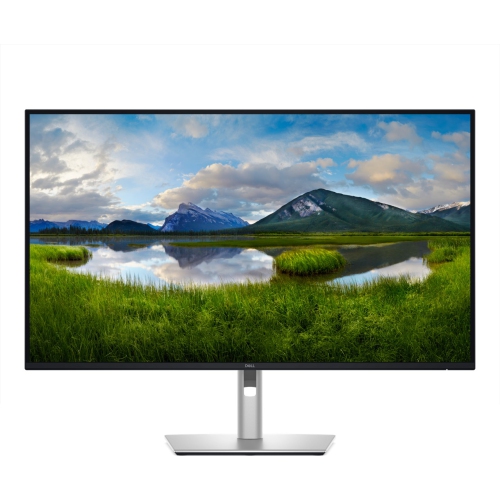
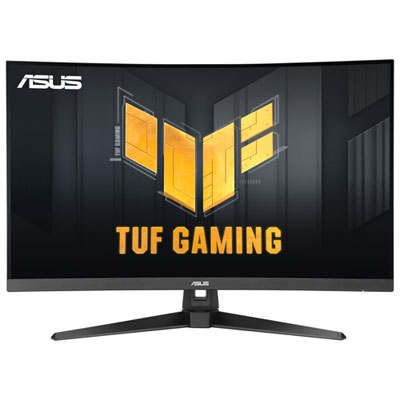
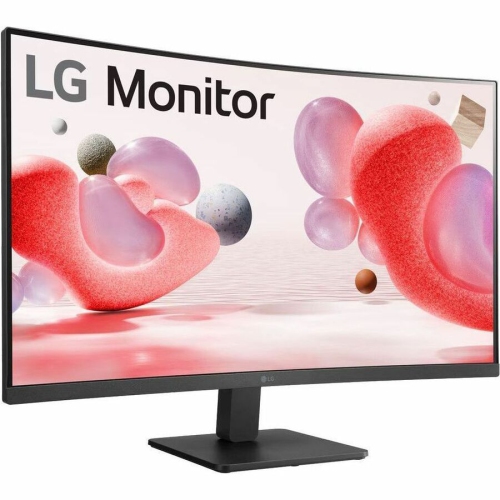
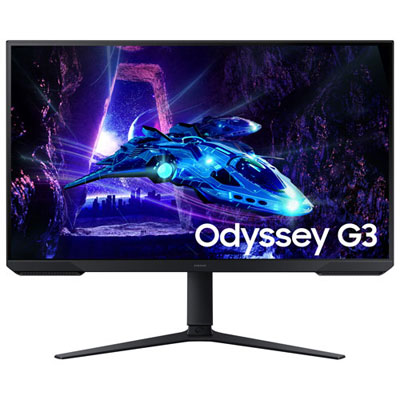

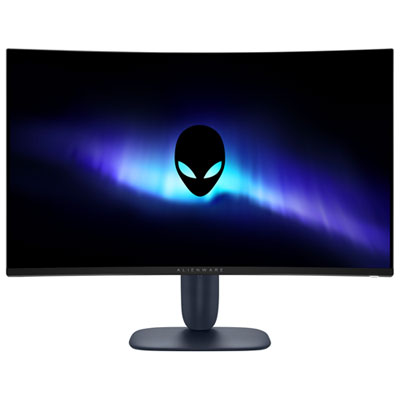
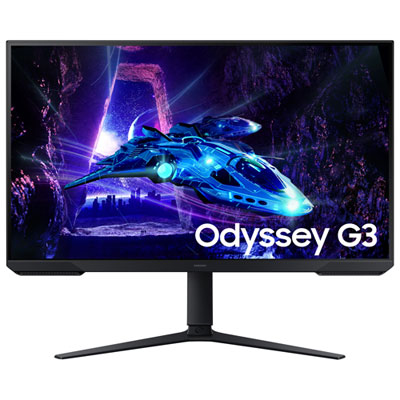
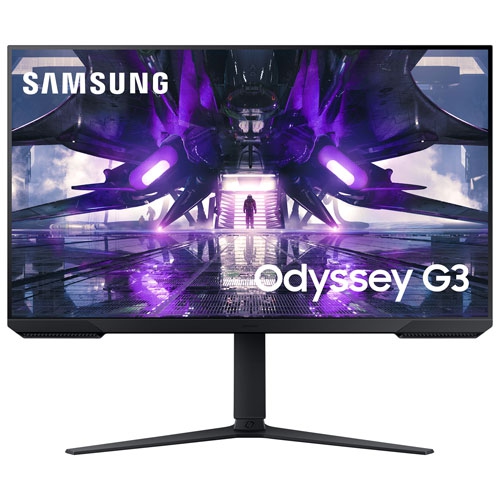
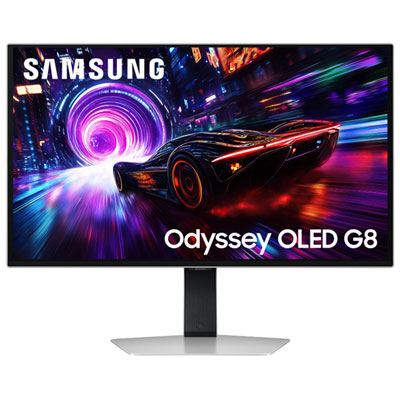
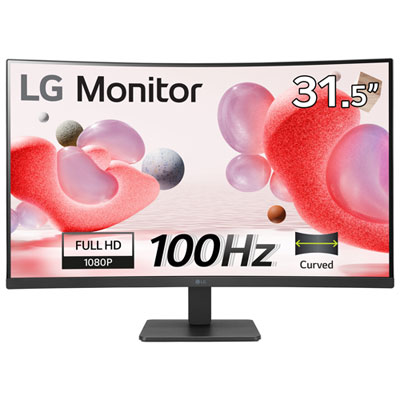
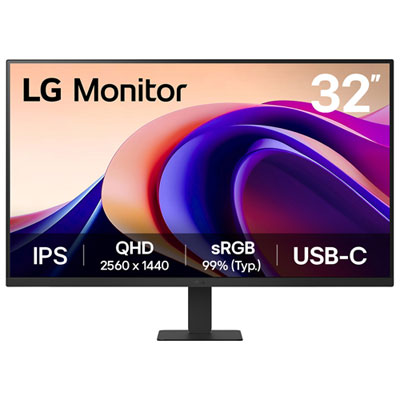
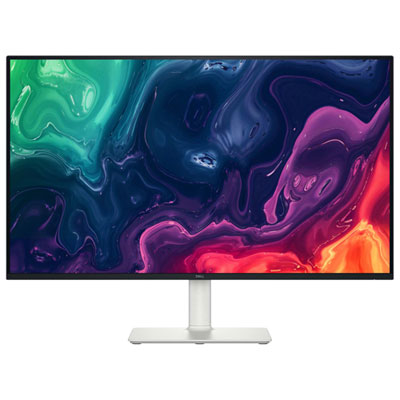
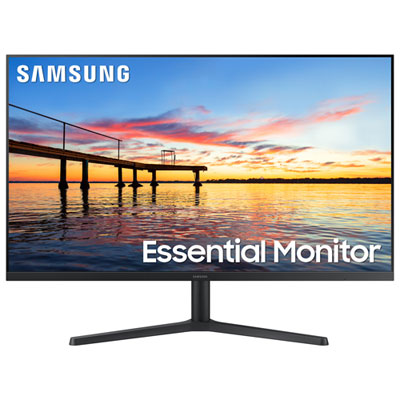
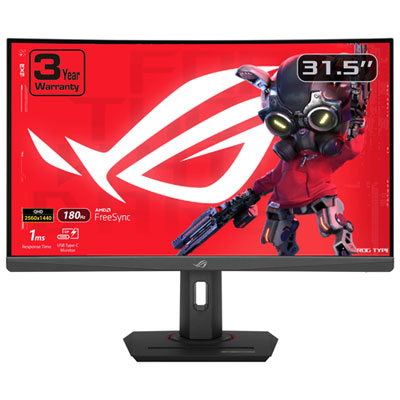
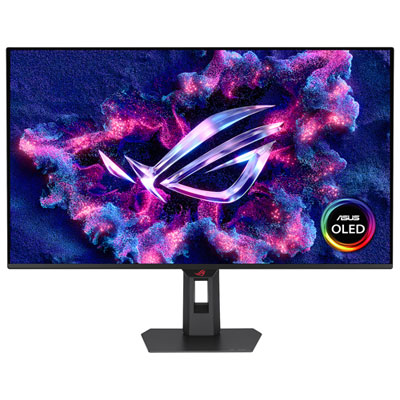
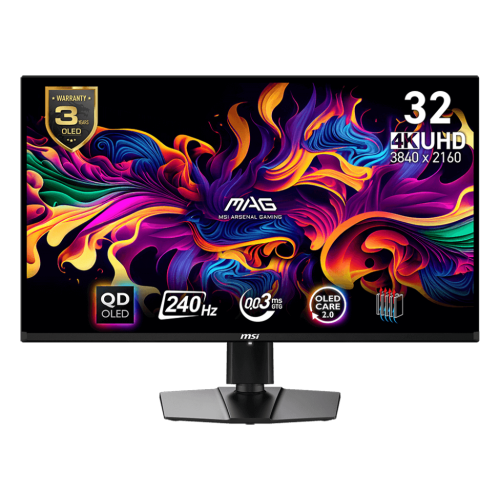
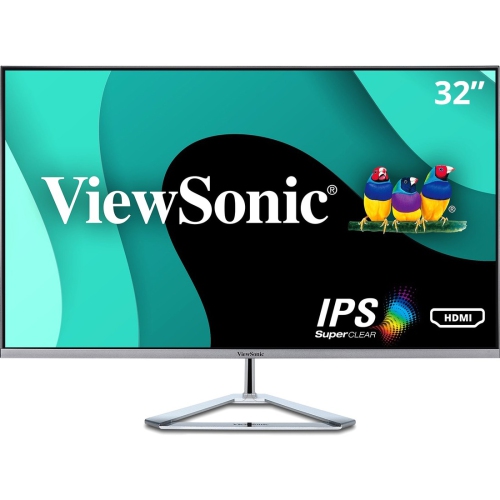
More workspace for documents and meetings side by side
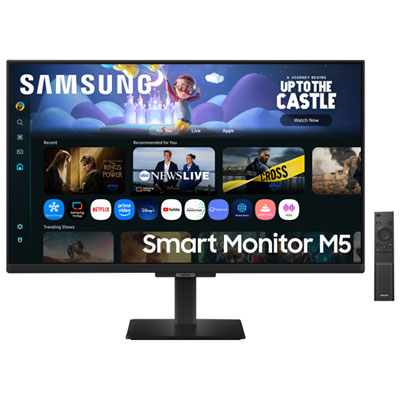
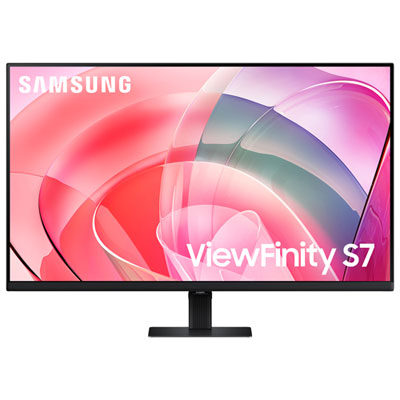
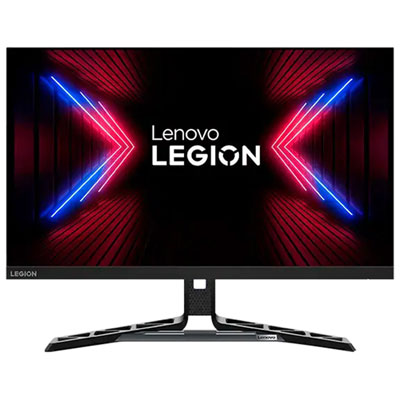
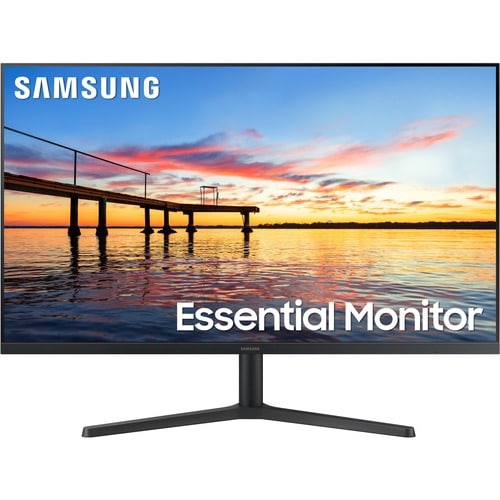
A 32-inch monitor for work gives you generous room to spread out without needing a multi-monitor arrangement. The larger display area is especially helpful for comparing documents, keeping a video call visible while taking notes, or viewing a wide spreadsheet without constantly collapsing columns. It can also make a home office feel more like a dedicated workstation, particularly when paired with a comfortable desk and an adjustable chair. For many people, the most noticeable benefit is simply having space to see more at once: an email and calendar can sit side by side, a research document can remain open beside a presentation, and a project dashboard can stay visible while other tasks move across the screen. A 32-inch monitor can suit employees working from home, students managing coursework, freelancers handling creative or administrative projects, and professionals who spend long stretches reviewing data, writing reports, or attending virtual meetings. It can be a thoughtful gift for someone setting up a first home office, upgrading a shared study area, or replacing an older display that feels cramped. Before choosing, consider the desk depth and viewing distance, since this screen size is most comfortable when there is enough space to sit back rather than leaning close to the panel. A height-adjustable stand, tilt adjustment, slim frame, and VESA compatibility can also make it easier to position the display properly or mount it on an arm.
Resolution plays an important role in how much detail and usable workspace a 32-inch monitor provides. A 4K UHD display with a 3840 x 2160 resolution shows noticeably sharper text, fine lines, charts, and high-resolution images, making it a strong choice for detailed office work, design tasks, photo editing, and anyone who prefers crisp lettering. QHD, also called 1440p, uses a 2560 x 1440 resolution and can offer a practical balance between clarity, performance, and price for everyday documents, web applications, scheduling, and video calls. When comparing models, look beyond resolution alone. A matte or glare-free finish can help reduce distracting reflections from windows and lamps, while brightness and contrast affect how comfortably content appears throughout the day. An IPS-style panel is often valued for consistent colour and wide viewing angles, which is useful when collaborating with someone seated nearby. A refresh rate around 100Hz or higher can make scrolling, moving windows, and general onscreen navigation feel smoother, even when the monitor is used primarily for office work rather than gaming. If colour accuracy matters for presentations, branding, photography, or design, review the monitor’s colour coverage and factory calibration information. For long work sessions, features such as a low blue light mode, flicker reduction, and a comfortable brightness range can help you tailor the display to changing room conditions. The best fit depends on how you work: a spreadsheet-heavy role may benefit most from high resolution and a sharp text display, while a creative workflow may place greater emphasis on colour performance, contrast, and smooth movement.
Connectivity can make a major difference in how a 32-inch monitor fits into a modern workspace. A USB-C connection may carry video, data, and power through one cable, allowing a compatible laptop to connect to the display while charging at the same time. Check the monitor’s power delivery rating, since higher-wattage charging is better suited to demanding laptops and may reduce the need for a separate power adapter on the desk. Built-in USB hubs are useful for connecting a keyboard, mouse, webcam, headset, or external storage directly to the monitor, while an Ethernet port can provide a wired network connection for compatible laptops and docking setups. A KVM switch can be valuable for people who move between two computers, such as a personal laptop and a work system, because it can allow one keyboard and mouse to control both connected devices. Thunderbolt connectivity offers another option for compatible computers, with fast data transfer, display support, and power delivery in a single connection. HDMI and DisplayPort remain important for desktops, laptops, and docking stations, so reviewing the available inputs helps avoid adapters and compatibility surprises. Some work-focused monitors include speakers, a microphone, or a built-in webcam, although separate conferencing accessories may offer more flexibility. For shoppers comparing broader screen sizes, the selection of Big Screen Monitors for Work can provide additional options. Whether the display will sit in a quiet home office, a busy family workspace, or a professional environment, consider cable management, built-in controls, warranty coverage, and the connections already used by your computer. A well-matched 32-inch monitor can bring documents, data, meetings, and creative work into one clear, organized view through the changing routines of late summer and the cooler months.
Resolution plays an important role in how much detail and usable workspace a 32-inch monitor provides. A 4K UHD display with a 3840 x 2160 resolution shows noticeably sharper text, fine lines, charts, and high-resolution images, making it a strong choice for detailed office work, design tasks, photo editing, and anyone who prefers crisp lettering. QHD, also called 1440p, uses a 2560 x 1440 resolution and can offer a practical balance between clarity, performance, and price for everyday documents, web applications, scheduling, and video calls. When comparing models, look beyond resolution alone. A matte or glare-free finish can help reduce distracting reflections from windows and lamps, while brightness and contrast affect how comfortably content appears throughout the day. An IPS-style panel is often valued for consistent colour and wide viewing angles, which is useful when collaborating with someone seated nearby. A refresh rate around 100Hz or higher can make scrolling, moving windows, and general onscreen navigation feel smoother, even when the monitor is used primarily for office work rather than gaming. If colour accuracy matters for presentations, branding, photography, or design, review the monitor’s colour coverage and factory calibration information. For long work sessions, features such as a low blue light mode, flicker reduction, and a comfortable brightness range can help you tailor the display to changing room conditions. The best fit depends on how you work: a spreadsheet-heavy role may benefit most from high resolution and a sharp text display, while a creative workflow may place greater emphasis on colour performance, contrast, and smooth movement.
Connectivity can make a major difference in how a 32-inch monitor fits into a modern workspace. A USB-C connection may carry video, data, and power through one cable, allowing a compatible laptop to connect to the display while charging at the same time. Check the monitor’s power delivery rating, since higher-wattage charging is better suited to demanding laptops and may reduce the need for a separate power adapter on the desk. Built-in USB hubs are useful for connecting a keyboard, mouse, webcam, headset, or external storage directly to the monitor, while an Ethernet port can provide a wired network connection for compatible laptops and docking setups. A KVM switch can be valuable for people who move between two computers, such as a personal laptop and a work system, because it can allow one keyboard and mouse to control both connected devices. Thunderbolt connectivity offers another option for compatible computers, with fast data transfer, display support, and power delivery in a single connection. HDMI and DisplayPort remain important for desktops, laptops, and docking stations, so reviewing the available inputs helps avoid adapters and compatibility surprises. Some work-focused monitors include speakers, a microphone, or a built-in webcam, although separate conferencing accessories may offer more flexibility. For shoppers comparing broader screen sizes, the selection of Big Screen Monitors for Work can provide additional options. Whether the display will sit in a quiet home office, a busy family workspace, or a professional environment, consider cable management, built-in controls, warranty coverage, and the connections already used by your computer. A well-matched 32-inch monitor can bring documents, data, meetings, and creative work into one clear, organized view through the changing routines of late summer and the cooler months.
Top selling and popular products
-
 Your price for this item is $299
 -
 Your price for this item is $599
 -
 Your price for this item is $94.99
 -
 Your price for this item is $329.99
 -
 Your price for this item is $499
 -
 Your price for this item is $265.99
 -
 Your price for this item is $1299.97
 -
 Your price for this item is $249.99
Discover more categories related to 32 Inch Monitors for Work

Top Collections:
Pokemon Centers, Kindle Devices, Best Budget Office Chairs, Apple iPhones 16, Best Laptops for Writers, iPhone 15 Apple, Canon G7X Cameras, Refurbished Apple Laptops, Alarm Clock, Motorola Razr Phones
Some products may be subject to Environmental Handling Fees
(EHF) depending on your province.
Learn more about EHFs.