WD Auto Backup External Drives
Explore reliable and efficient storage solutions with the WD Auto Backup External Drive. Perfect for safeguarding your important files, photos, and documents, these drives offer peace of mind and convenient backup options. Whether you need additional space for work, school, or personal use, the WD Auto Backup External Drive provides a dependable way to keep your data organized and easily accessible. Find the right external drive to meet your needs and enjoy hassle-free data management.
Sort
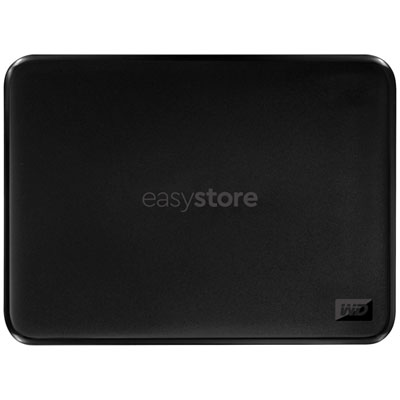
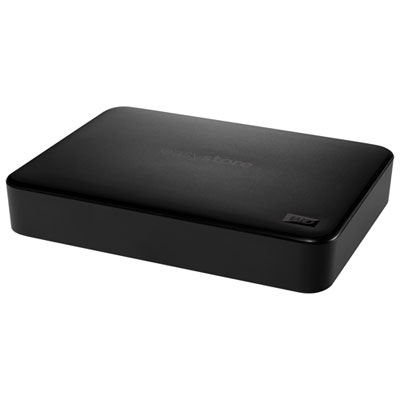
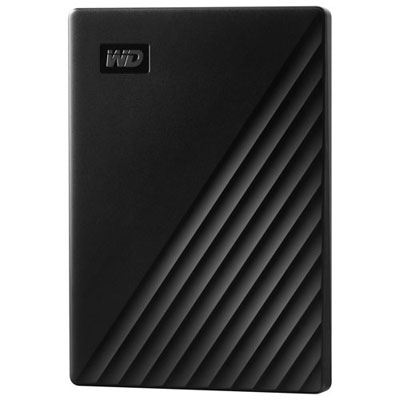
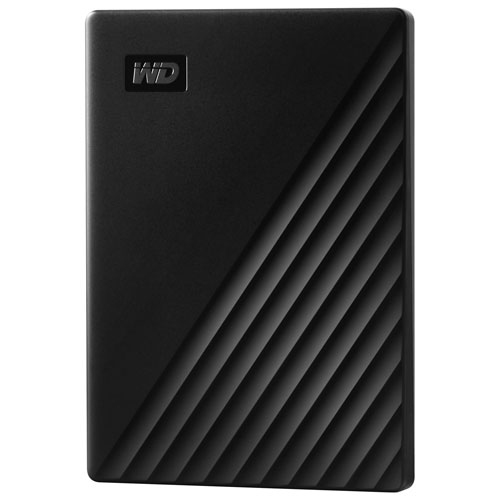
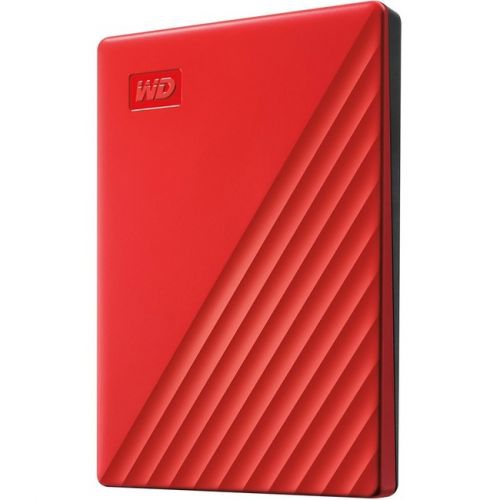
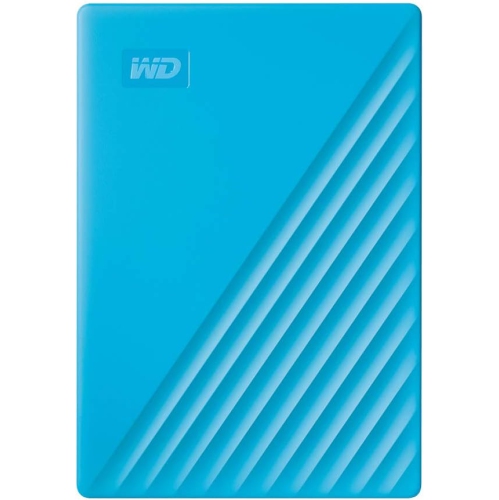

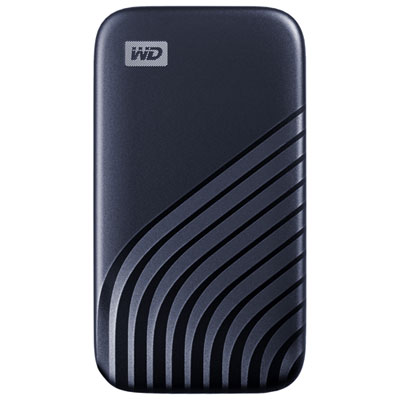
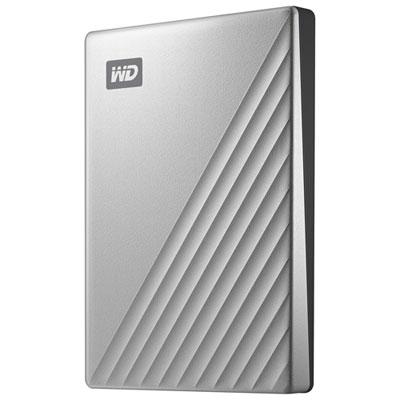
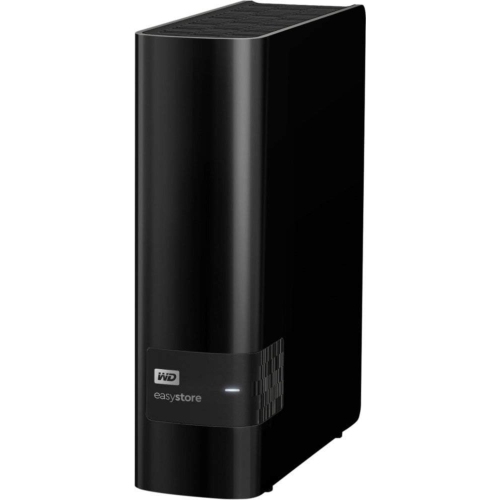
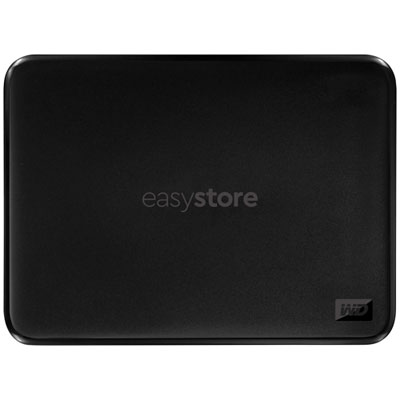
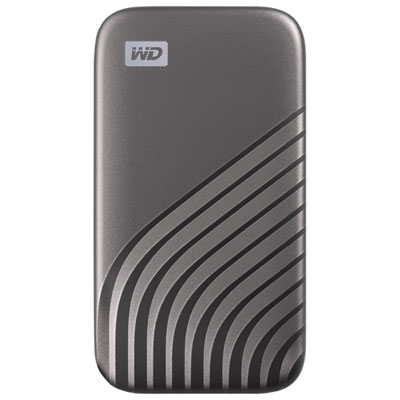
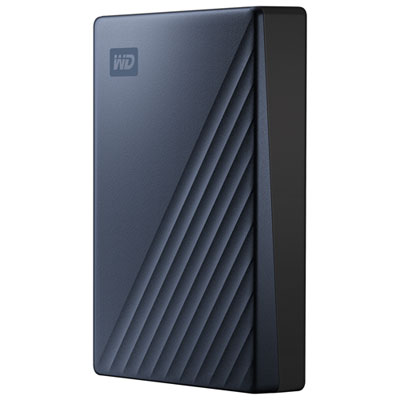
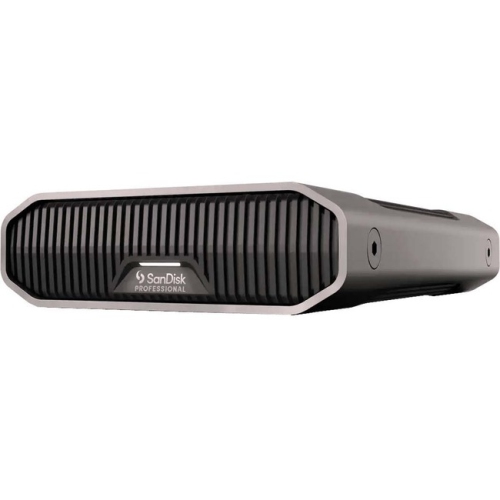
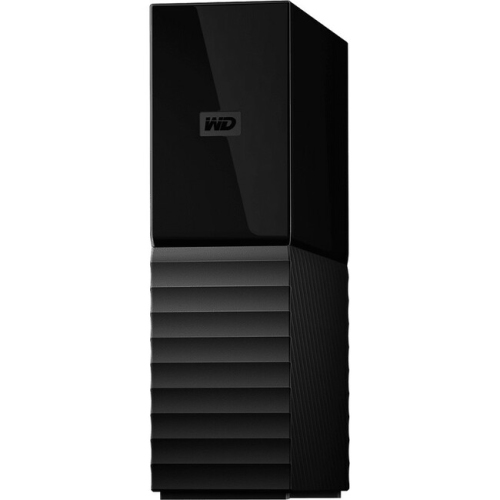
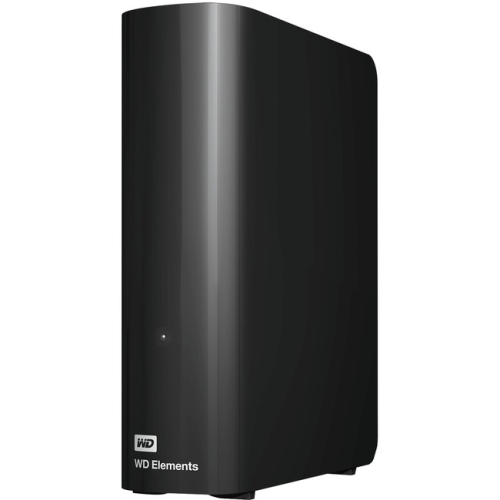
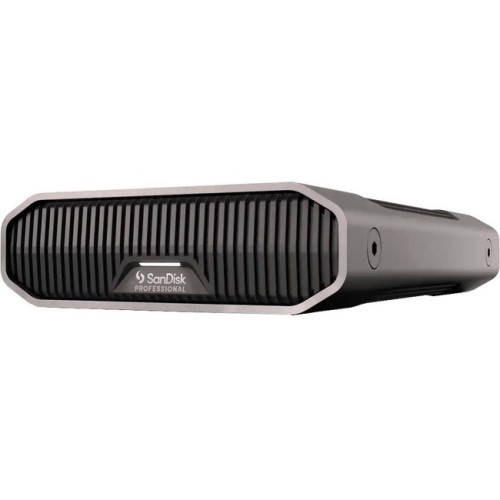
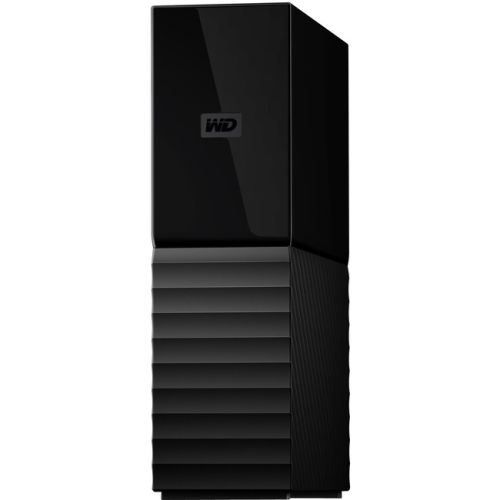
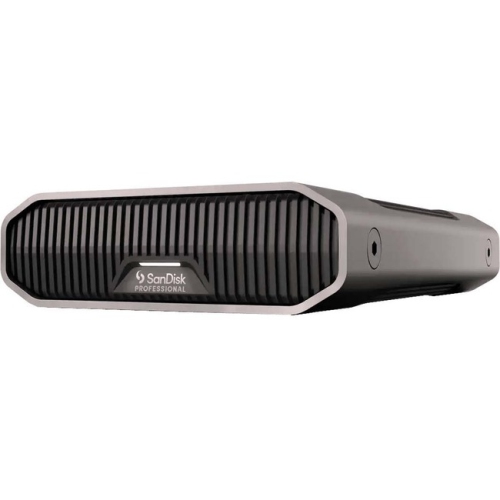
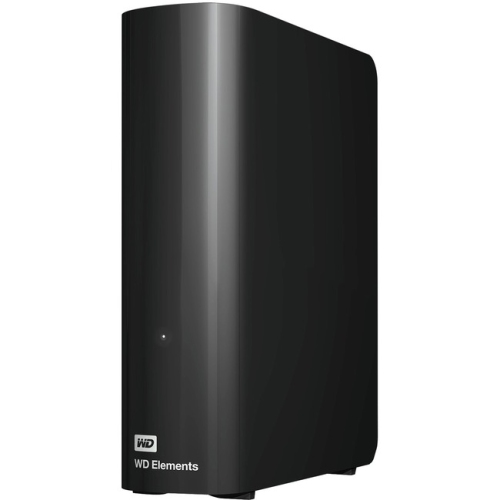
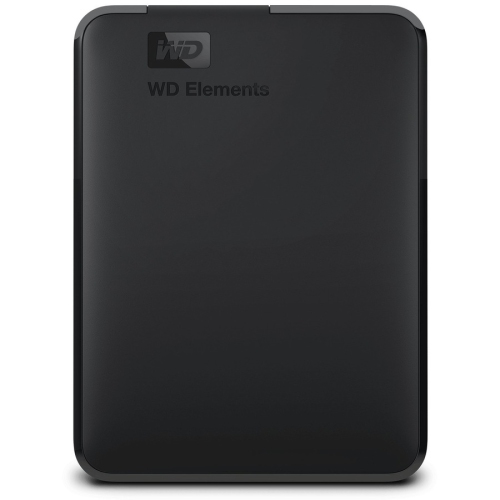
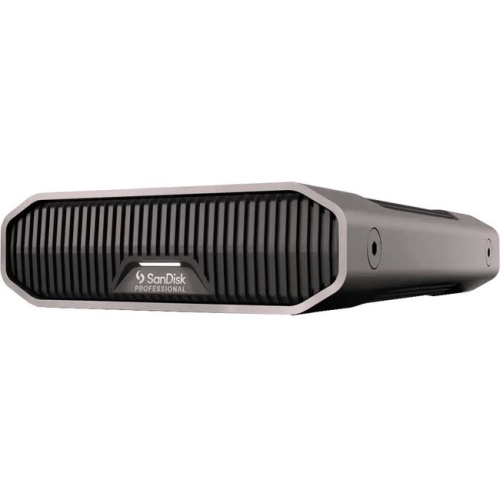
WD Auto Backup External Drives
When it comes to safeguarding irreplaceable digital memories and important files, auto backup external drives provide a reliable, user-friendly solution that fits seamlessly into any routine. These drives are particularly valued by students, professionals, photographers, and families who want to ensure that their photos, videos, documents, and work projects are always protected—without the hassle of manual backups. With automatic backup features, users can schedule recurring or continuous backups, allowing them to focus on their daily activities while their data is consistently and securely saved in the background. This set-it-and-forget-it approach is especially helpful as the weather warms and people find themselves on the go, whether it’s capturing summer adventures, preparing for a new school year, or organizing digital archives during quieter evenings. For anyone managing multiple devices or large volumes of data, the convenience of simply plugging in the drive and letting the backup software handle the rest cannot be overstated.
Security and peace of mind are at the heart of auto backup external drives. Many models are equipped with robust hardware encryption, often 256-bit AES, providing an added layer of protection for sensitive files. This is especially reassuring for those who travel or share workspaces, as the data remains secure even if the drive is misplaced. Compatibility is another key advantage—these drives are designed to work smoothly with both Windows and macOS systems, integrating with built-in backup utilities such as Windows File History or Apple Time Machine. This versatility makes them a thoughtful gift for students heading off to university, professionals setting up home offices, or anyone upgrading their digital storage. The drives are available in a range of capacities, from compact, portable options that slip easily into a bag or backpack, to high-capacity desktop models ideal for backing up entire media libraries or business archives. Most importantly, the absence of subscription fees means users can enjoy ongoing data protection with a one-time purchase, making these drives a cost-effective investment for long-term peace of mind.
Setting up an auto backup external drive is typically straightforward: connect the drive to your computer’s USB port, launch the included software, and customize your backup preferences—whether you want hourly snapshots of your work or daily copies of treasured photos. Many users appreciate the flexibility to select specific folders or file types, ensuring that their most important data is always prioritized. As technology evolves, some drives have transitioned to new backup software, but the core promise remains the same: dependable, automatic protection for your digital life. Whether you’re preparing for a busy season of travel, organizing family photo collections, or simply want to avoid the stress of data loss, auto backup external drives provide a practical solution that fits every lifestyle. For those interested in exploring more options, including models with different features and storage capacities, visit the Best Backup External Hard Drives page for a curated selection to suit every need.
Security and peace of mind are at the heart of auto backup external drives. Many models are equipped with robust hardware encryption, often 256-bit AES, providing an added layer of protection for sensitive files. This is especially reassuring for those who travel or share workspaces, as the data remains secure even if the drive is misplaced. Compatibility is another key advantage—these drives are designed to work smoothly with both Windows and macOS systems, integrating with built-in backup utilities such as Windows File History or Apple Time Machine. This versatility makes them a thoughtful gift for students heading off to university, professionals setting up home offices, or anyone upgrading their digital storage. The drives are available in a range of capacities, from compact, portable options that slip easily into a bag or backpack, to high-capacity desktop models ideal for backing up entire media libraries or business archives. Most importantly, the absence of subscription fees means users can enjoy ongoing data protection with a one-time purchase, making these drives a cost-effective investment for long-term peace of mind.
Setting up an auto backup external drive is typically straightforward: connect the drive to your computer’s USB port, launch the included software, and customize your backup preferences—whether you want hourly snapshots of your work or daily copies of treasured photos. Many users appreciate the flexibility to select specific folders or file types, ensuring that their most important data is always prioritized. As technology evolves, some drives have transitioned to new backup software, but the core promise remains the same: dependable, automatic protection for your digital life. Whether you’re preparing for a busy season of travel, organizing family photo collections, or simply want to avoid the stress of data loss, auto backup external drives provide a practical solution that fits every lifestyle. For those interested in exploring more options, including models with different features and storage capacities, visit the Best Backup External Hard Drives page for a curated selection to suit every need.
Top selling and popular products
-
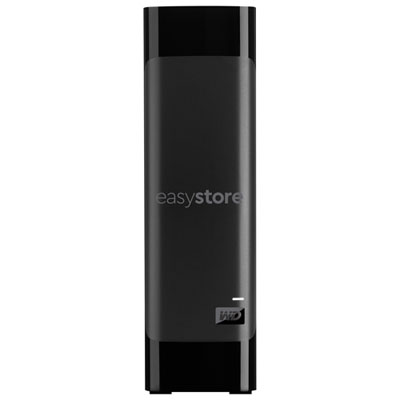 Your price for this item is $844.99
 -
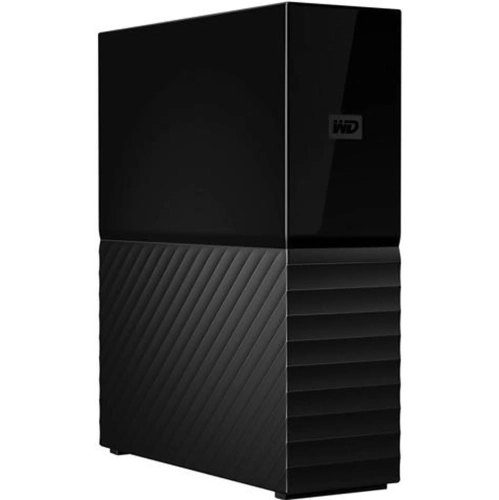 Your price for this item is $574.99
 -
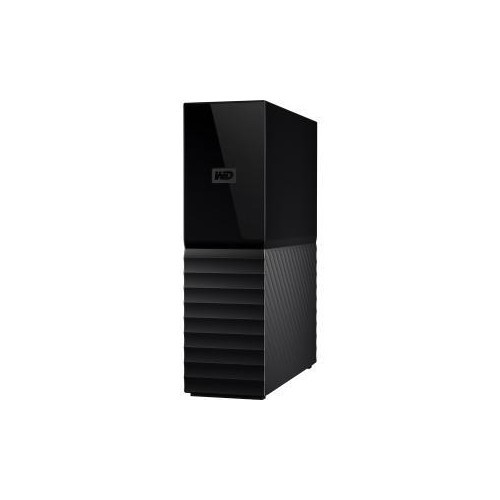 Your price for this item is $643.85
 -
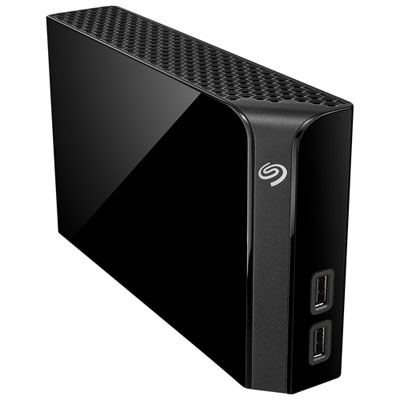 Your price for this item is $279.99
 -
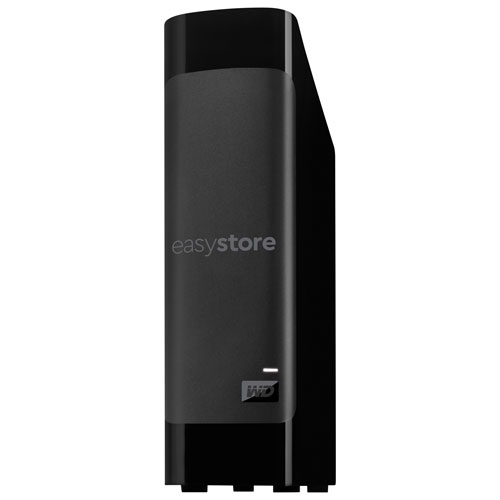 Your price for this item is $949.99
 -
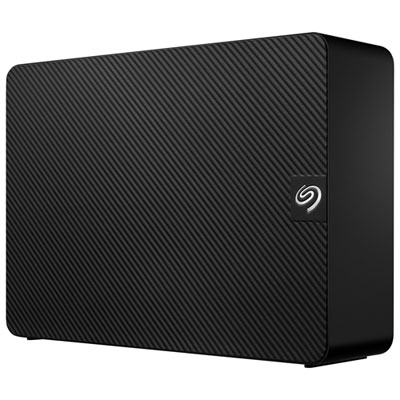 Your price for this item is $1049.99
 -
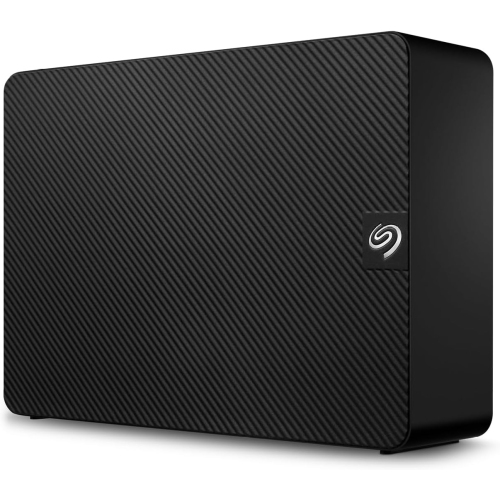 Your price for this item is $569.99
 -
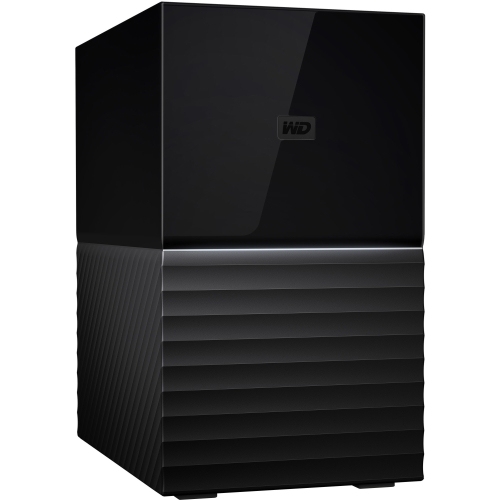 Your price for this item is $2666.03
Discover more categories related to WD Auto Backup External Drives
Top Collections:
RAM Upgrades for PC, Best Vacuum Cleaners, Best Laptops for Home Use, Top Laptops for University Students, Best Type C Hub, Best Wi-Fi Routers, Best Quality Doorbell Cameras, Best Fridges, Kindle Devices, Best Noise Cancelling Headphones
Some products may be subject to Environmental Handling Fees
(EHF) depending on your province.
Learn more about EHFs.