Wi-Fi Extender For Remote Workspace Coverage
Wi-Fi Extender For Remote Workspace Coverage solutions help you maintain a strong and reliable internet connection in every corner of your workspace. Whether you’re working from a home office, a backyard studio, or a converted garage, these devices are designed to support seamless connectivity for all your tasks. Explore options that can enhance your network performance and keep your remote workspace connected throughout the day.
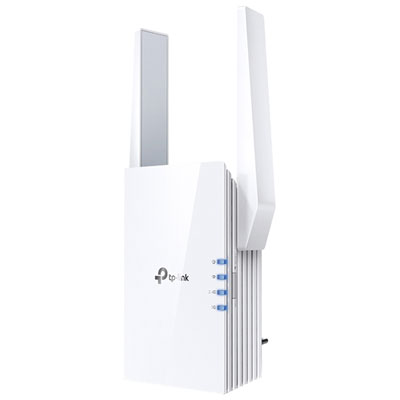
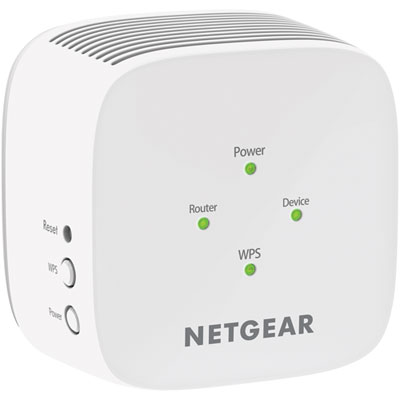
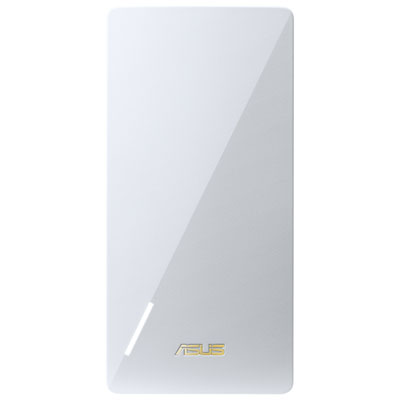
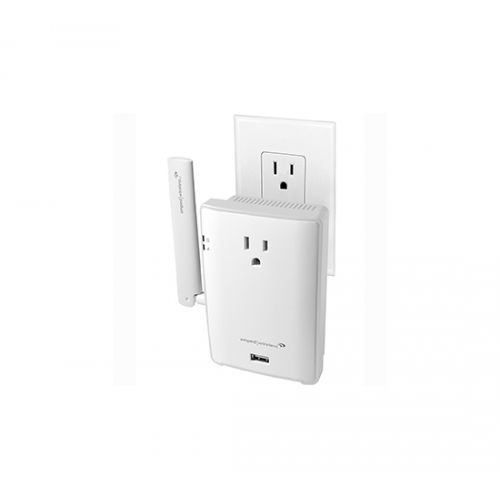
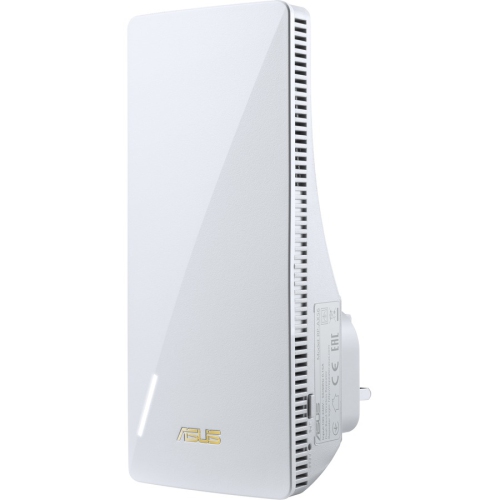
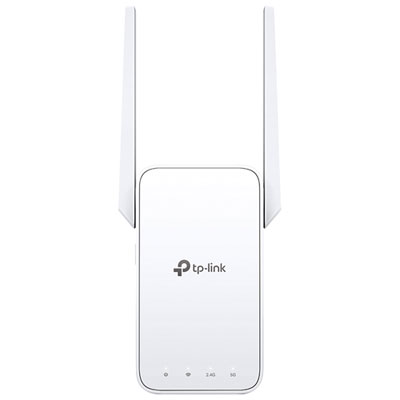
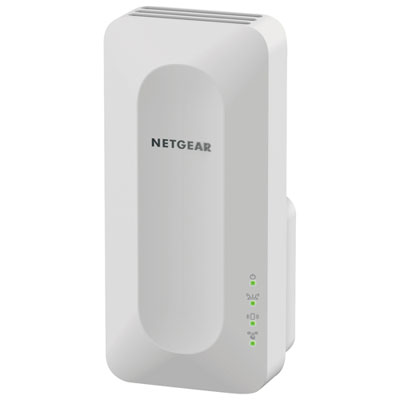
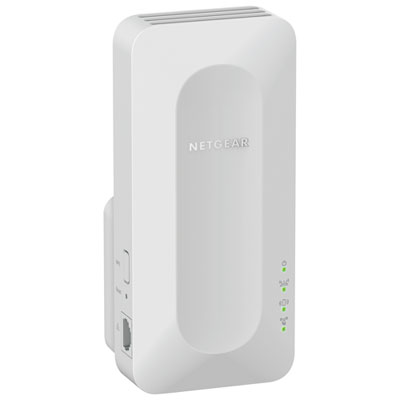
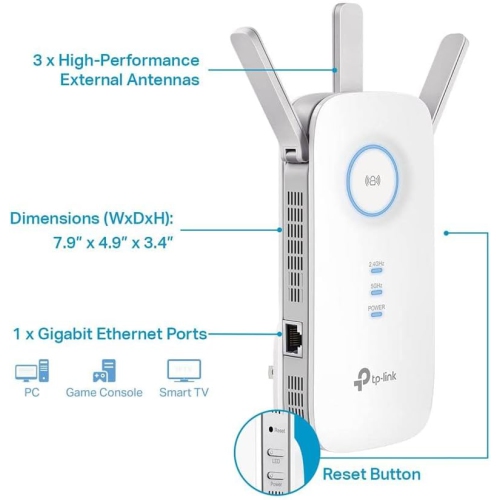
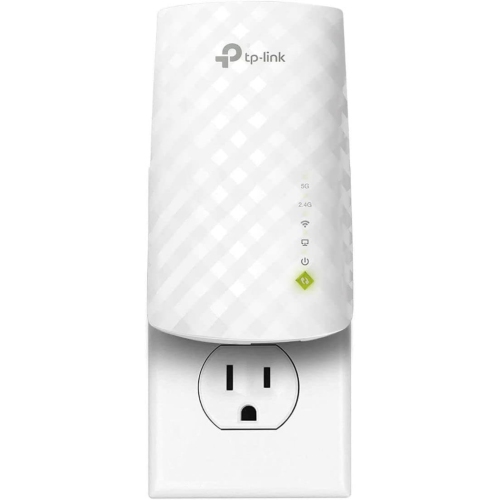
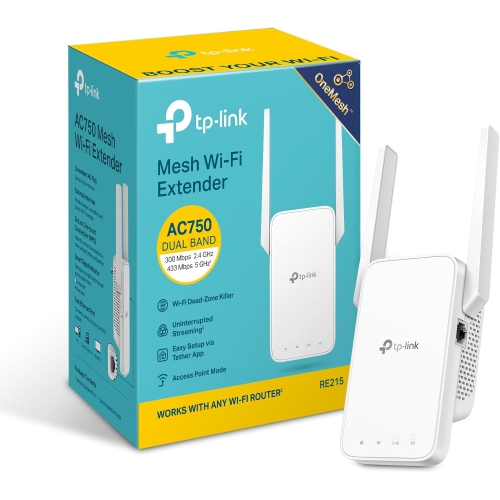
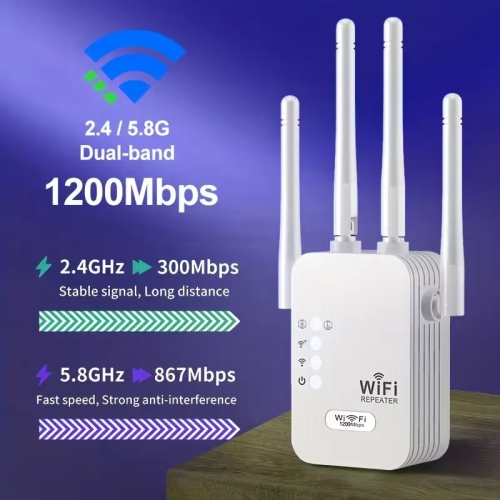
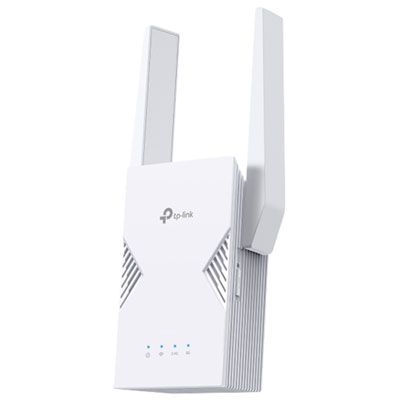
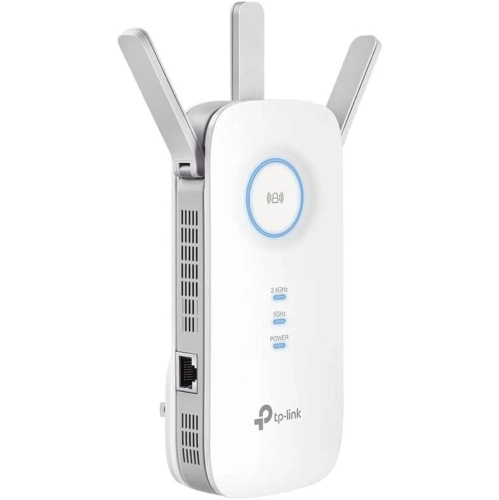
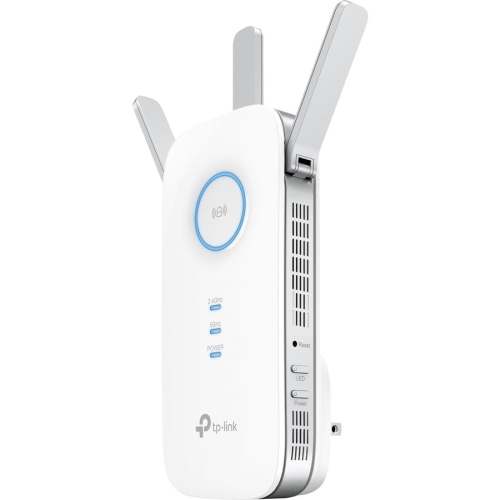
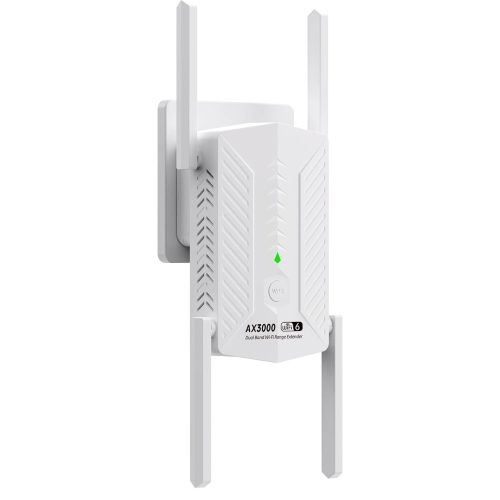
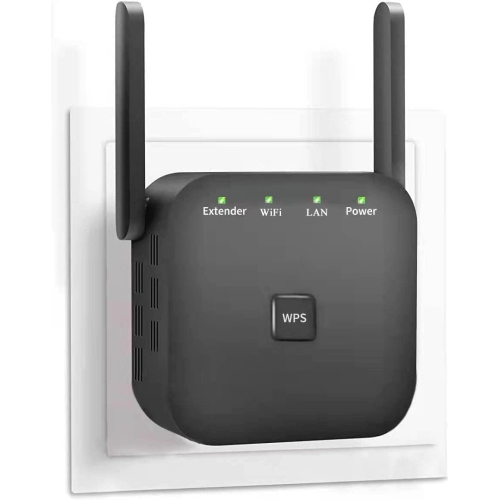
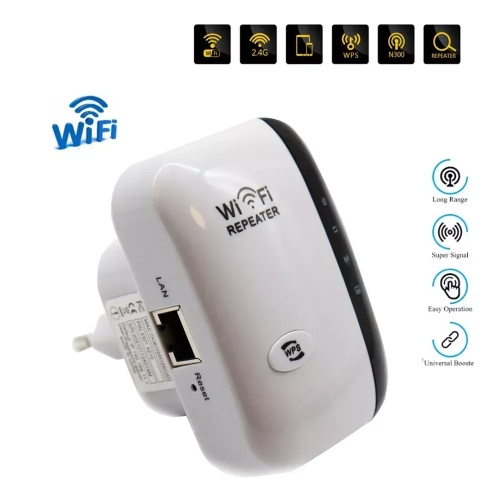
Stay connected through every corner of your home
When choosing a Wi-Fi extender for remote workspace coverage, there are several factors to keep in mind. The size and layout of your home, the location of your router, and the type of devices you use all play a role in determining which solution will work best for you. For larger homes or properties with thick walls, a high-powered extender with dual-band or tri-band support can help distribute the signal more evenly and reduce interference. If you frequently move between indoor and outdoor workspaces, look for a model with a wide coverage range and easy setup, so you can quickly adapt to changing needs as the seasons shift. Security features such as WPA3 encryption and guest network support are also valuable for protecting sensitive work data and managing access for visitors. Many modern extenders offer simple app-based controls, allowing you to monitor performance, manage connected devices, and even schedule downtime for better work-life balance. For those who are setting up a new home office or upgrading their existing setup, exploring the full range of options at Wi-Fi Extenders for Home Office can help you find the perfect match for your unique workspace and lifestyle. Whether you’re working through the cooler months or enjoying the longer days of summer, a reliable Wi-Fi extender ensures that your remote workspace stays connected, productive, and ready for anything.
FAQ
What is a Wi-Fi extender and how does it help with remote workspace coverage?
A Wi-Fi extender, also known as a range extender or repeater, is a device that boosts your existing wireless signal to reach areas of your home or office where the Wi-Fi signal is weak. This can be especially helpful for remote workspaces located far from your main router, ensuring a more reliable internet connection.
How do I set up a Wi-Fi extender in my remote workspace?
Most Wi-Fi extenders are easy to set up. Typically, you plug the extender into an outlet halfway between your router and the area needing better coverage, then follow the manufacturer's instructions to connect it to your existing network—often using a mobile app or web browser setup.
Can I use multiple Wi-Fi extenders to cover a large remote workspace?
Yes, you can use multiple Wi-Fi extenders to improve coverage in larger spaces. However, it's important to position them strategically and ensure they are within range of your main router or another extender to maintain strong signal strength throughout your workspace.
Will a Wi-Fi extender work with any type of router?
Most modern Wi-Fi extenders are compatible with any standard wireless router, regardless of brand. It's always best to check the specifications for compatibility with your specific router model and wireless standards (such as Wi-Fi 5 or Wi-Fi 6).
Do Wi-Fi extenders support both wired and wireless connections for devices in my workspace?
Many Wi-Fi extenders offer both wireless connectivity and Ethernet ports. This allows you to connect devices like computers or printers directly via cable for a more stable connection, while also extending wireless coverage for mobile devices.
Top selling and popular products
-
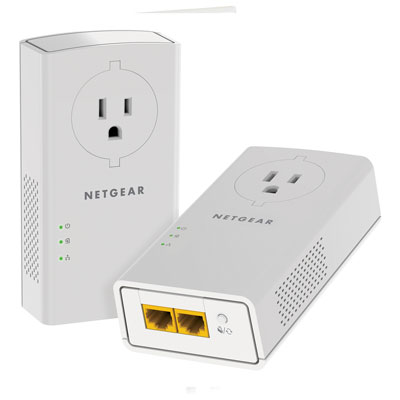 Your price for this item is $139.99
-
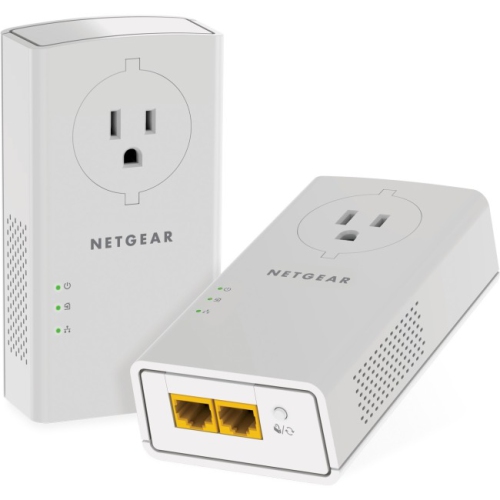 Your price for this item is $182.68
-
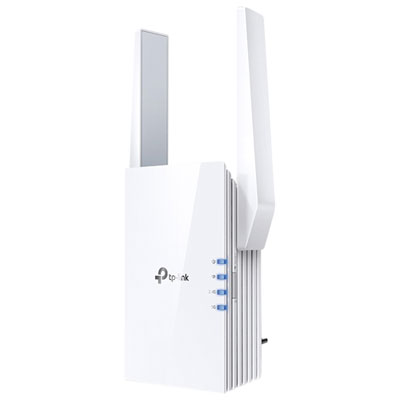 Your price for this item is $69.99
-
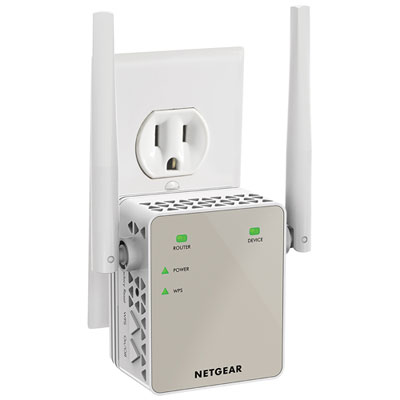 Your price for this item is $79.99
-
 Your price for this item is $45.78
-
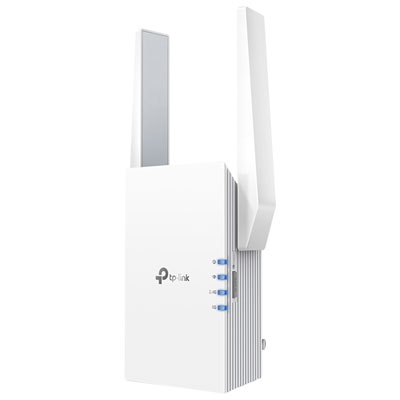 Your price for this item is $109.99
-
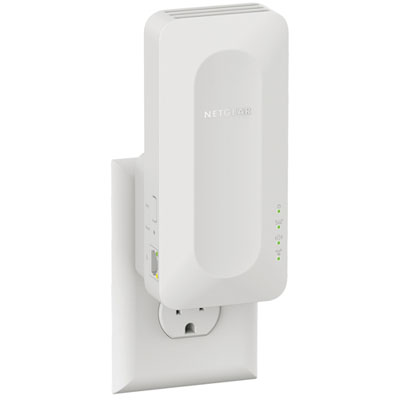 Your price for this item is $79.99
-
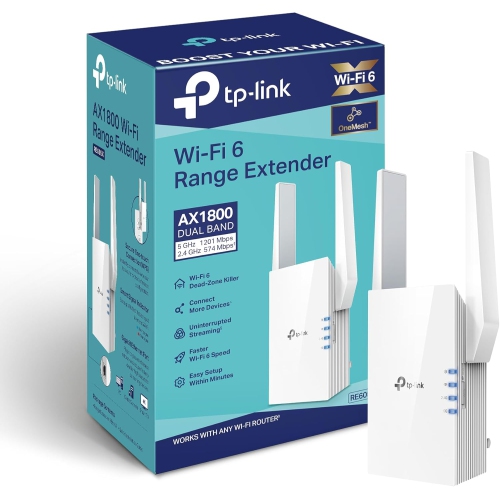 Your price for this item is $147.29