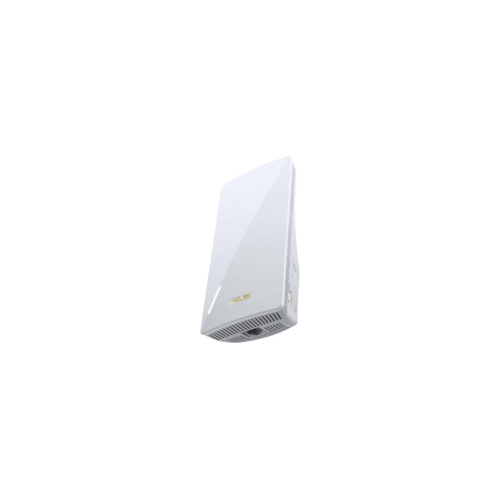
Wi-Fi Extenders for Office
Enhance your workplace connectivity with wi-fi extenders for office environments. Whether you’re supporting multiple devices, conducting video conferences, or ensuring seamless online collaboration, these solutions help reduce dead zones and maintain strong connections throughout your workspace. Find wi-fi extenders for office settings that are easy to set up and designed to help keep your team connected and productive.
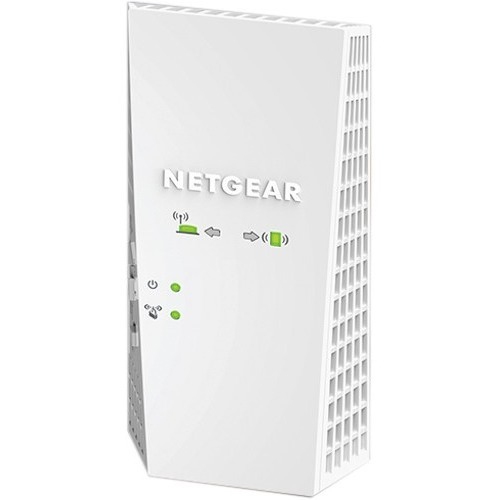
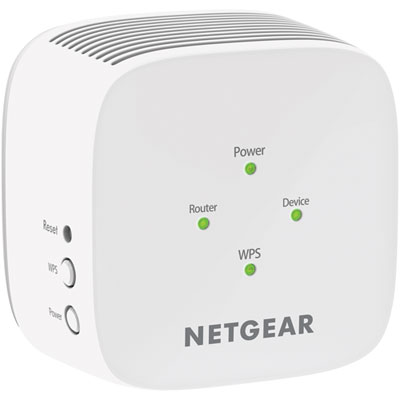
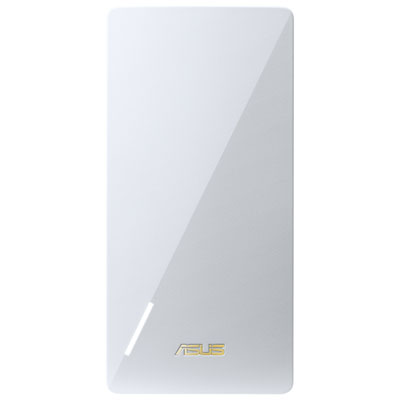
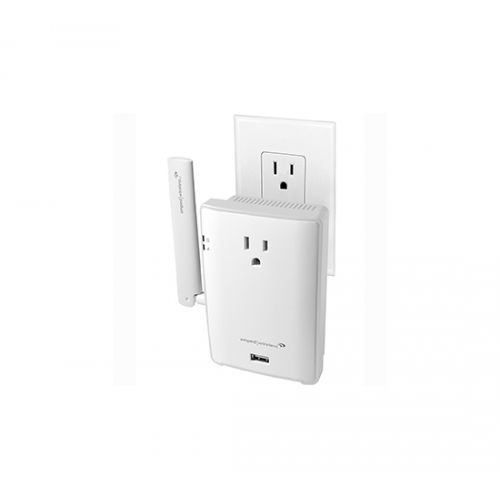
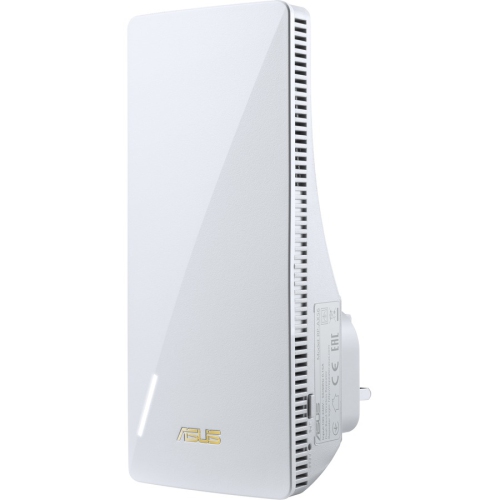
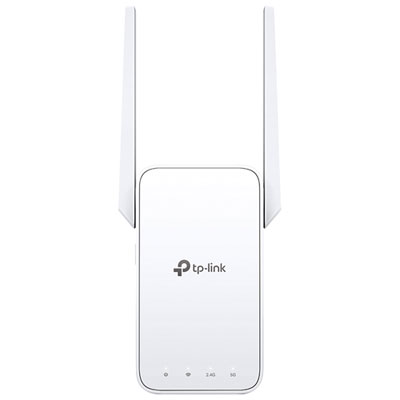
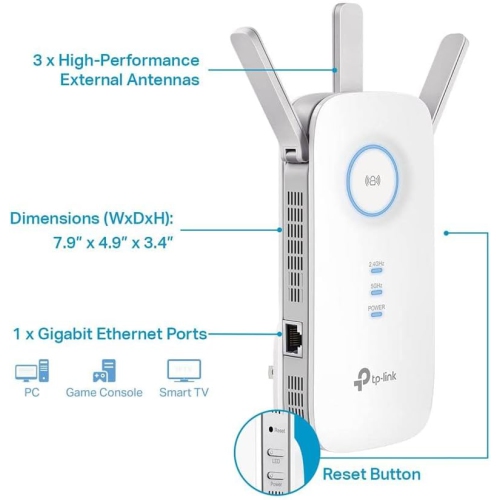
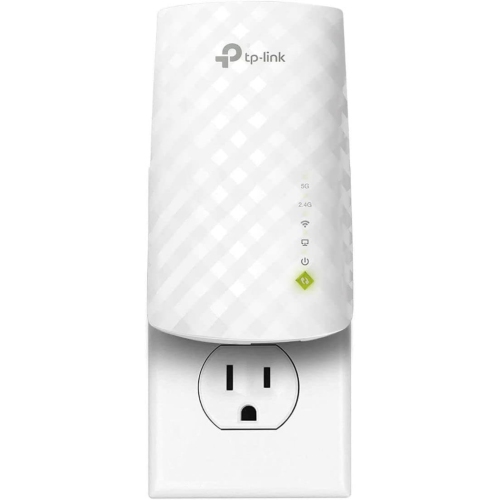
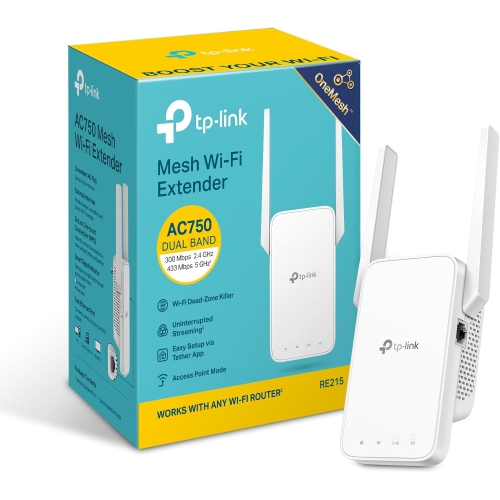
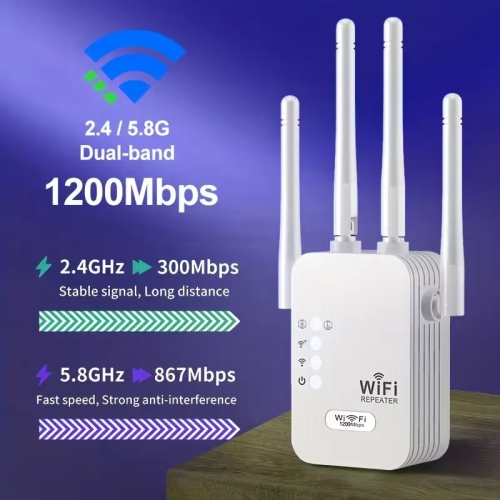
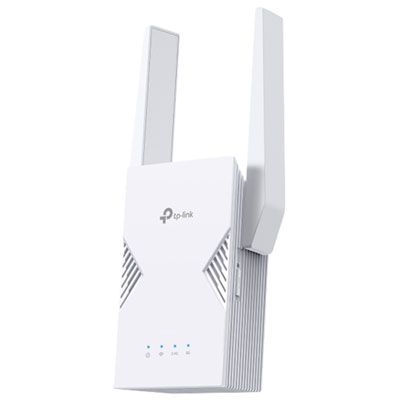
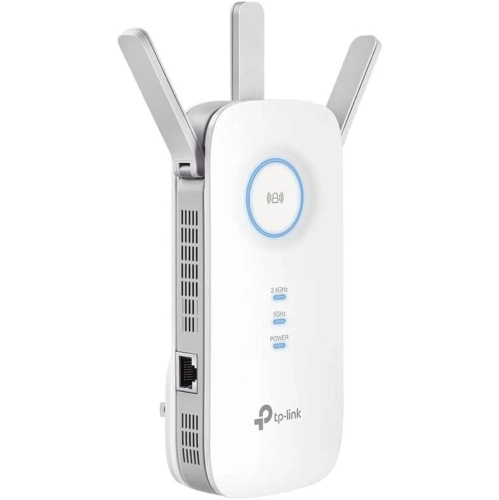
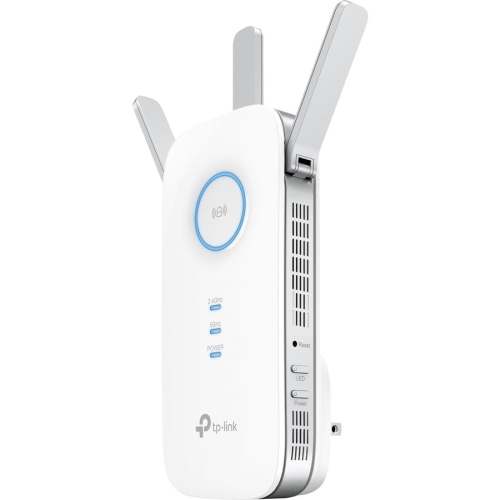
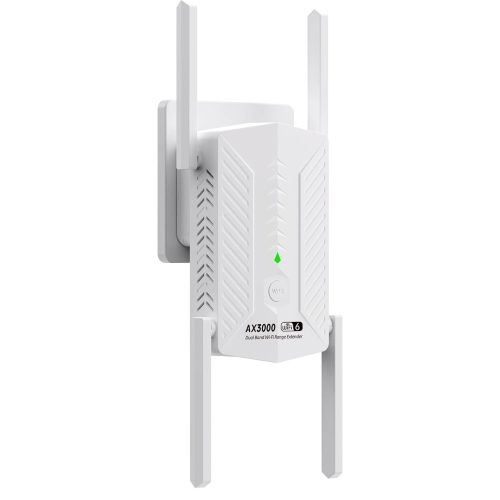
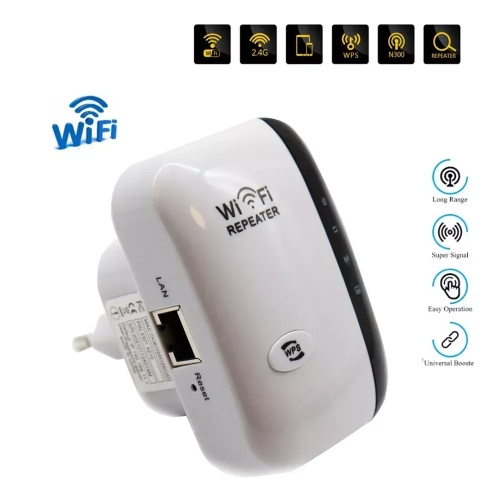

Reliable coverage for every office workspace and workday
When considering a Wi-Fi extender for your office, it’s important to think about the unique needs of your space and staff. For larger offices or those with several connected devices, opting for a model that supports high speeds and multiple connections can make a noticeable difference in daily productivity. Placement is another key factor—strategically situating your extender between your router and the areas with the weakest signal can maximize coverage and minimize interruptions. These devices are also a thoughtful gift for anyone setting up a new workspace, whether it’s a recent graduate starting their first job, a friend launching a home-based business, or a colleague who’s always on the move within the office environment. Wi-Fi extenders are easy to set up and can make a meaningful impact on the workday, ensuring that everyone from interns to executives stays connected and efficient. And for those interested in extending coverage to student spaces, check out our selection of Wi-Fi Range Extenders for Dorm to help students stay online and productive in their campus housing.
FAQ
What is a Wi-Fi extender and how does it work in an office?
A Wi-Fi extender, also known as a range extender or repeater, is a device that amplifies and rebroadcasts your existing wireless signal to cover areas with weak or no Wi-Fi coverage. In an office, it helps ensure all employees have reliable internet access throughout the workspace.
Can I use multiple Wi-Fi extenders in my office for better coverage?
Yes, you can use multiple Wi-Fi extenders to improve coverage in larger offices. However, it's important to position them strategically and avoid overlapping signals to maintain optimal network performance.
Do Wi-Fi extenders support both 2.4GHz and 5GHz networks?
Many modern Wi-Fi extenders are dual-band, meaning they support both 2.4GHz and 5GHz frequencies. This allows for greater flexibility and faster speeds depending on your office's needs and existing router capabilities.
Are Wi-Fi extenders compatible with all types of routers?
Most Wi-Fi extenders are designed to be compatible with the majority of standard routers, regardless of brand. It's recommended to check the specifications of both your router and the extender to ensure compatibility.
How should I position a Wi-Fi extender in my office for best results?
For optimal performance, place the Wi-Fi extender halfway between your router and the area where you need better coverage. Avoid placing it near thick walls, metal objects, or electronic devices that may cause interference.
Top selling and popular products
-
 Your price for this item is $139.99
-
 Your price for this item is $182.68
-
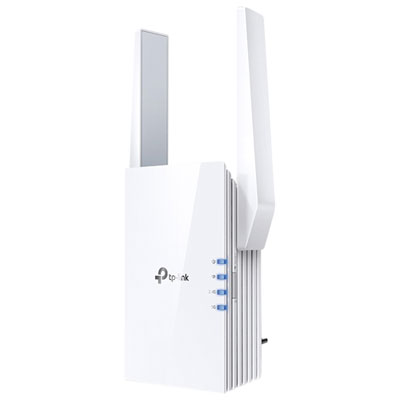 Your price for this item is $69.99
-
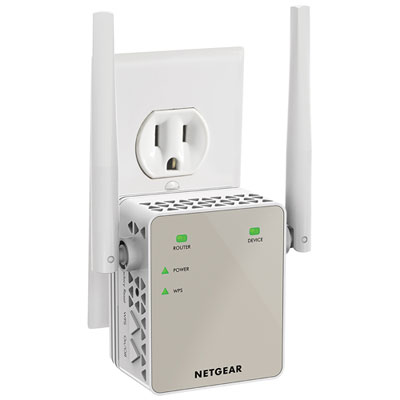 Your price for this item is $79.99
-
 Your price for this item is $45.78
-
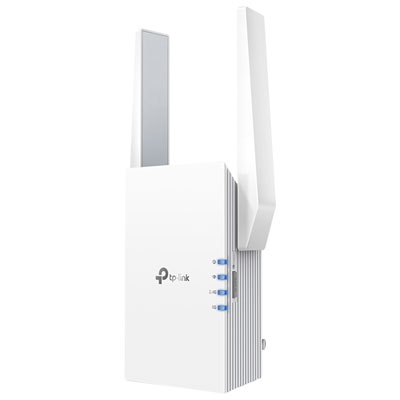 Your price for this item is $109.99
-
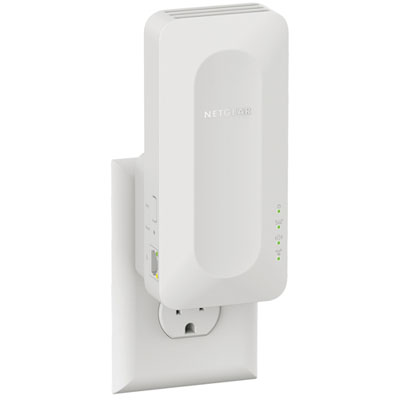 Your price for this item is $79.99
-
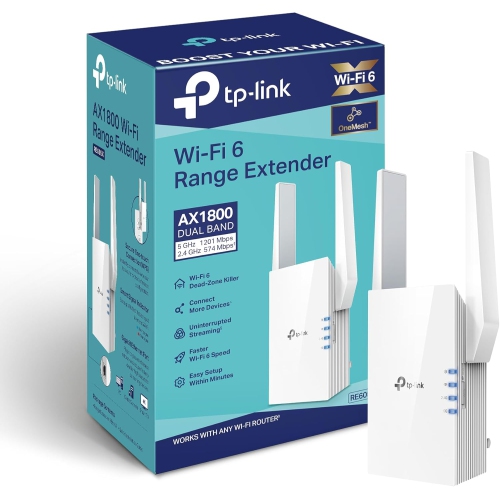 Your price for this item is $147.29