Wi-Fi Extenders For Remote Office Work
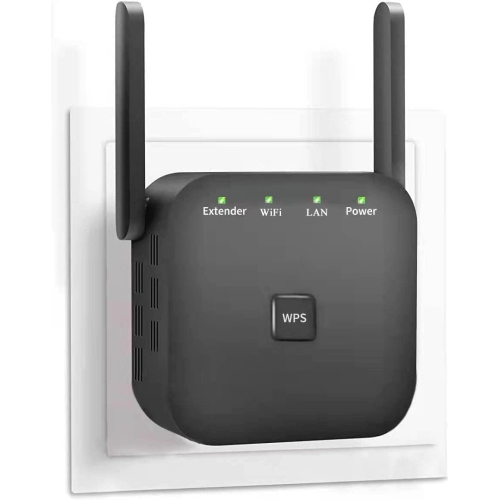
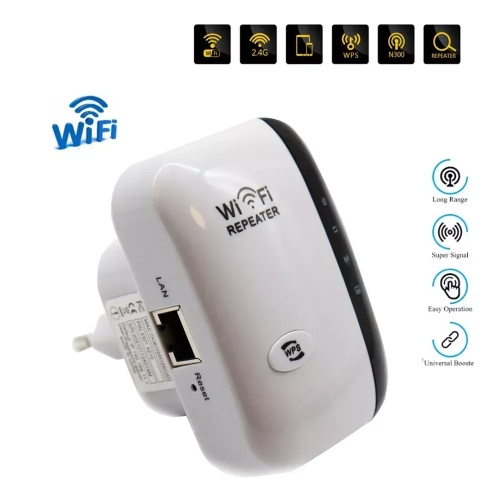
Wi-Fi Extenders For Remote Office Work help improve your wireless connectivity, making it easier to stay productive and connected throughout your workday. Whether you’re setting up a home office in a distant room or need reliable coverage across multiple floors, these devices are designed to enhance your existing network’s reach. Browse a selection of Wi-Fi Extenders For Remote Office Work to find solutions that support seamless video calls, file sharing, and uninterrupted online collaboration in any workspace.
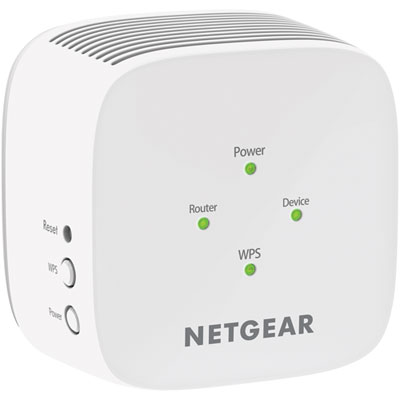
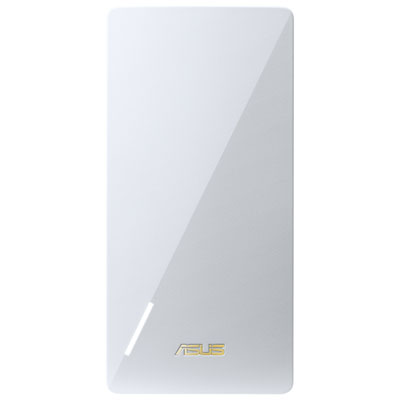
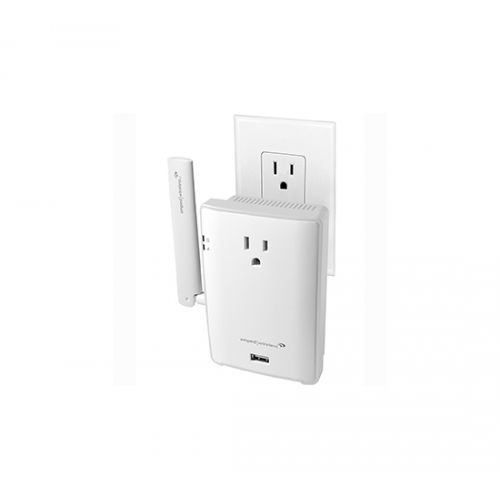
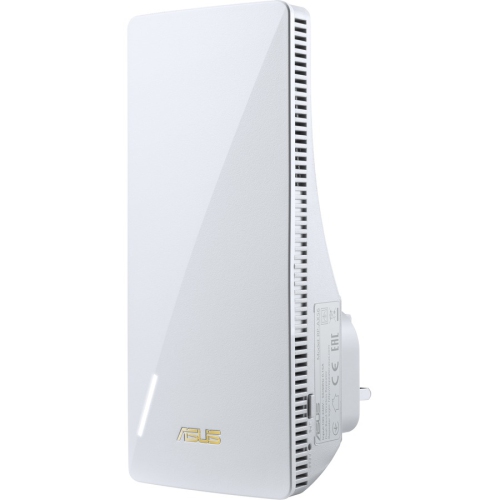
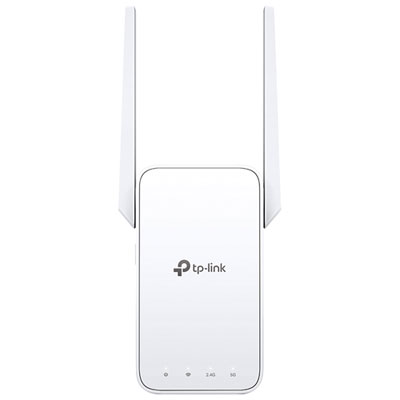
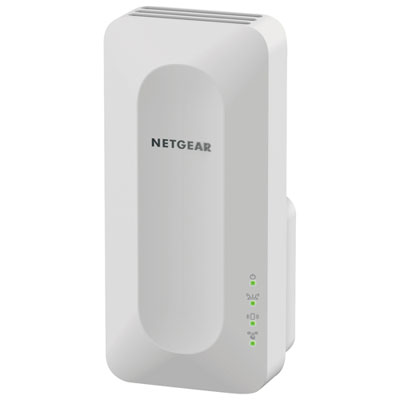
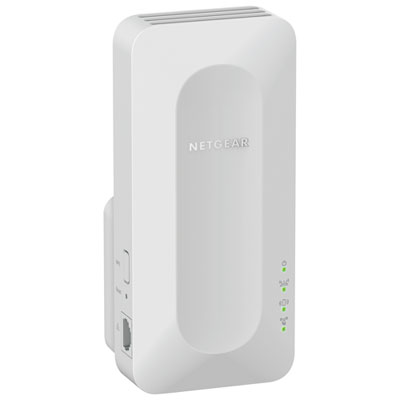
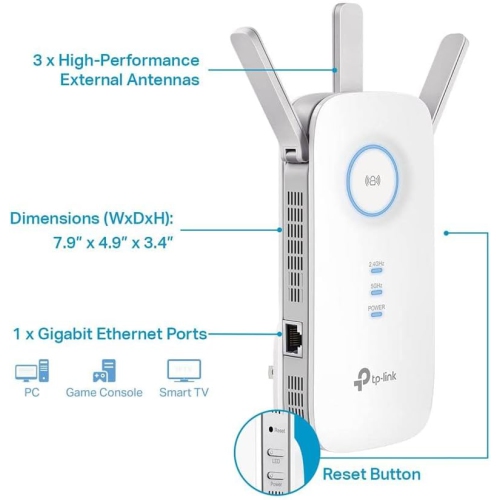
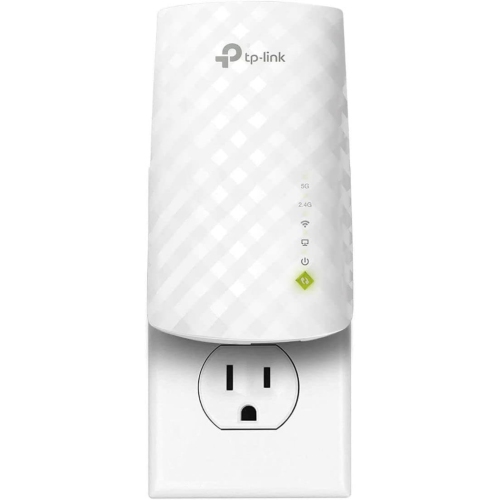
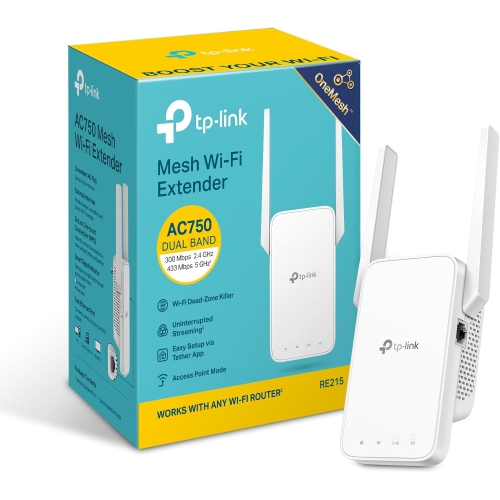
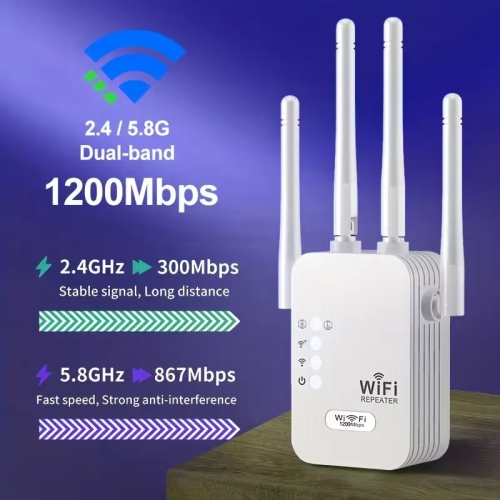
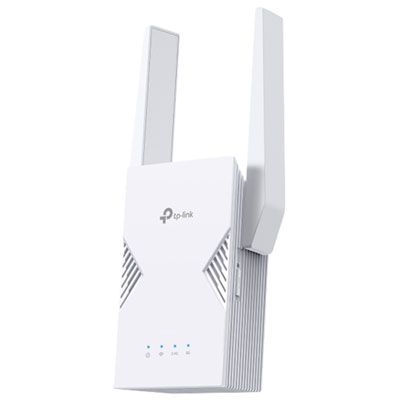
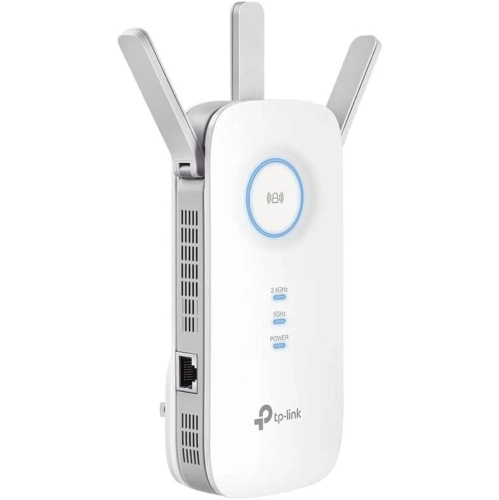
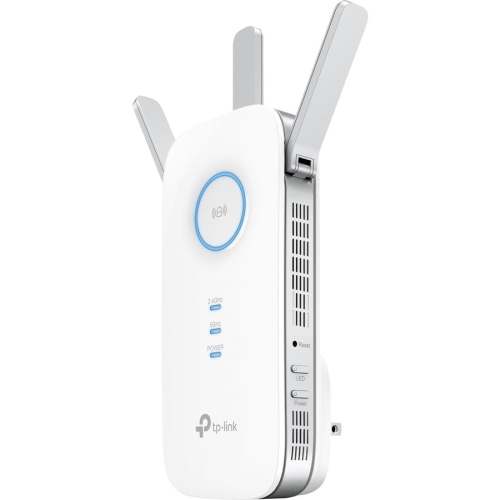
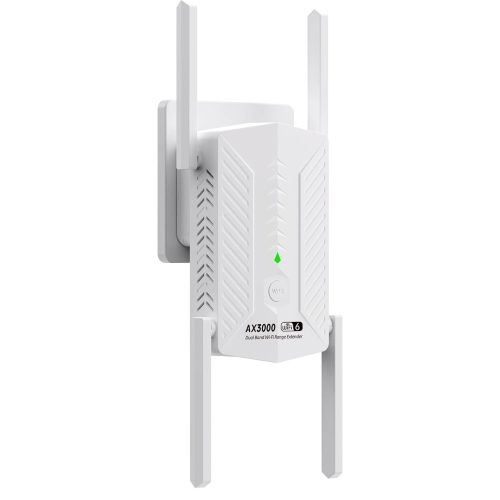
Reliable connections for flexible workspaces at home
Choosing the right Wi-Fi extender involves considering the size and layout of your space, the number of devices you plan to connect, and the internet speeds required for your daily tasks. For those who find themselves moving their workspace from room to room, or even outdoors as the weather allows, a compact and easy-to-install extender can make all the difference. Features such as dual-band connectivity, fast data transfer rates, and simple setup processes are key for anyone looking to minimize downtime and maximize productivity. These devices are also a thoughtful gift for students heading off to university, remote workers settling into a new home office, or anyone who simply wants to enjoy seamless streaming and browsing from every corner of their living space. The ability to maintain a strong connection, whether you’re catching up on emails from the deck or joining a video call from the quietest room in your house, can transform how you experience remote work and leisure alike. For those seeking more information or a curated selection tailored to expanding coverage in dedicated workspaces, visit the Wi-Fi Extender For Remote Workspace Coverage page for additional options and insights.
FAQ
What is a Wi-Fi extender and how does it help with remote office work?
A Wi-Fi extender is a device that boosts the coverage area of your existing wireless network by receiving your router’s signal and rebroadcasting it. This can help eliminate dead zones and provide a more stable internet connection in areas of your home where you work remotely.
Can I use multiple Wi-Fi extenders in my home office setup?
Yes, you can use multiple Wi-Fi extenders to improve coverage throughout your home, including your remote office space. However, for optimal performance, it's important to position them strategically and ensure they are compatible with your main router.
Do Wi-Fi extenders work with all types of routers?
Most Wi-Fi extenders are designed to be compatible with the majority of standard routers, regardless of brand. It's always best to check the specifications to ensure compatibility with your specific router model.
Will using a Wi-Fi extender affect my internet speed during video calls or file uploads?
Wi-Fi extenders can help maintain a strong connection in areas far from your router, but there may be some reduction in speed compared to being directly connected to the main router. For most remote office tasks like video calls or file uploads, a quality extender should provide sufficient bandwidth.
How do I set up a Wi-Fi extender for my remote office?
Setting up a Wi-Fi extender typically involves plugging it into a power outlet between your router and the area where you need better coverage, then following the manufacturer's instructions to connect it to your network. Many models offer easy setup through mobile apps or web interfaces.
Top selling and popular products
-
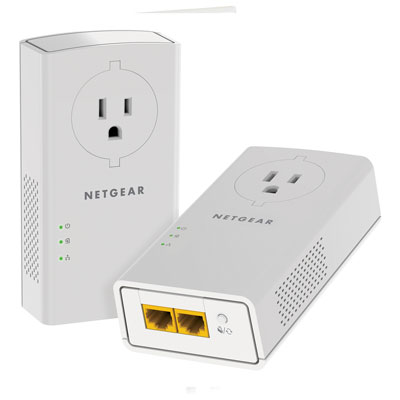 Your price for this item is $139.99
-
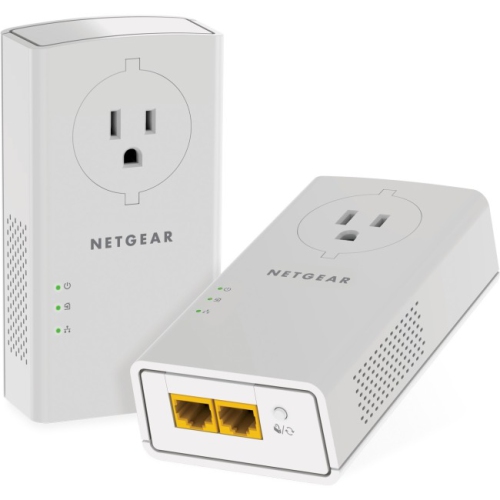 Your price for this item is $182.68
-
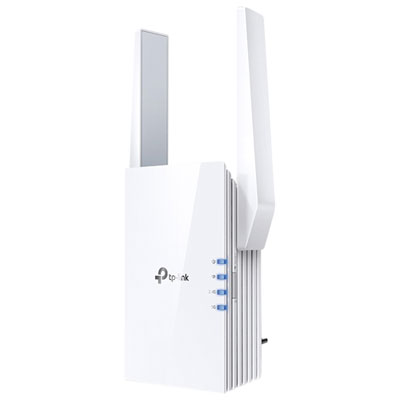 Your price for this item is $69.99
-
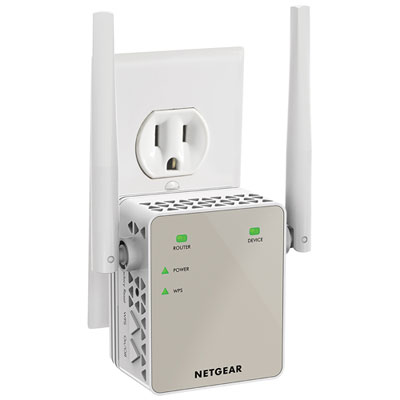 Your price for this item is $79.99
-
 Your price for this item is $45.78
-
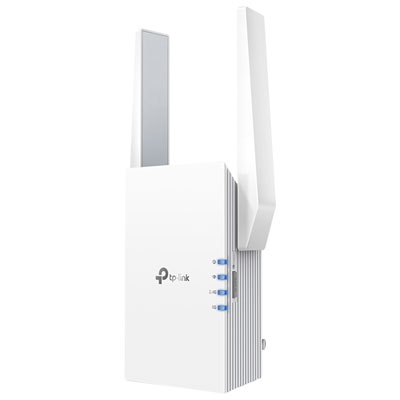 Your price for this item is $109.99
-
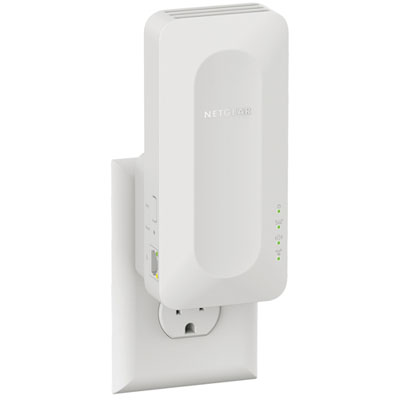 Your price for this item is $79.99
-
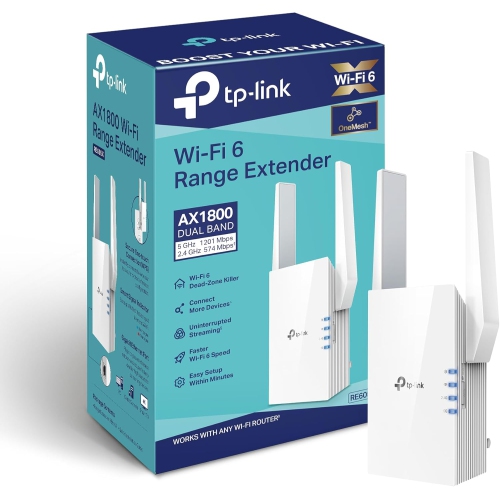 Your price for this item is $147.29