PS3 Speakers
Enhance your gaming experience with PS3 Speakers designed to deliver immersive sound for every adventure. Whether you're diving into action-packed games or enjoying your favorite movies, the right speakers can bring every detail to life. Explore a wide selection of PS3 Speakers that complement your setup and help you get the most out of your entertainment system. Find options that fit your space and elevate your audio performance for hours of enjoyment.
Sort
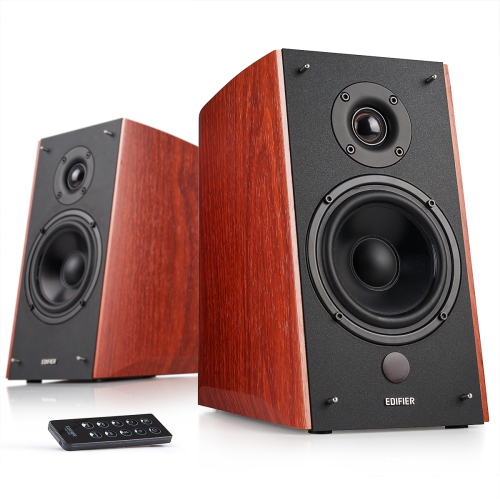
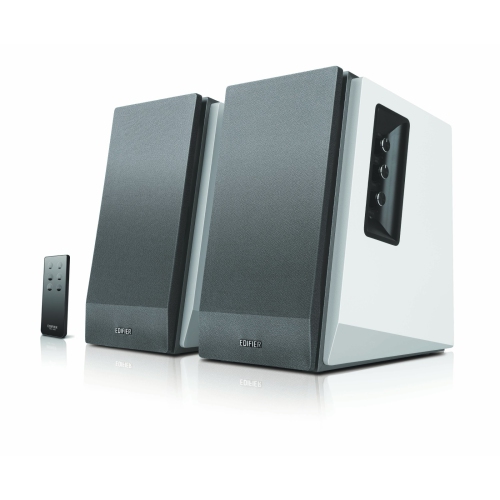
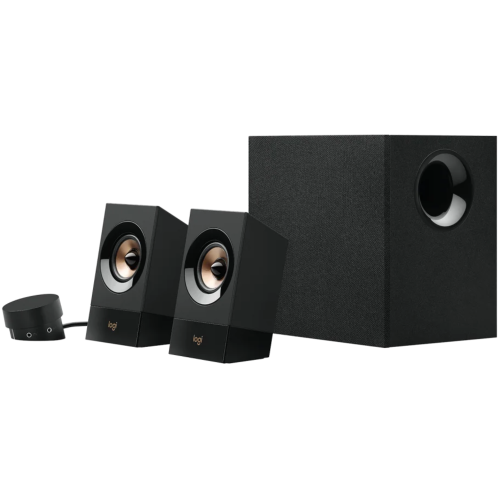
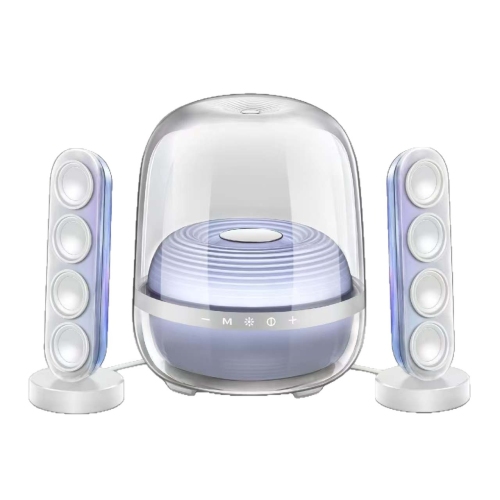

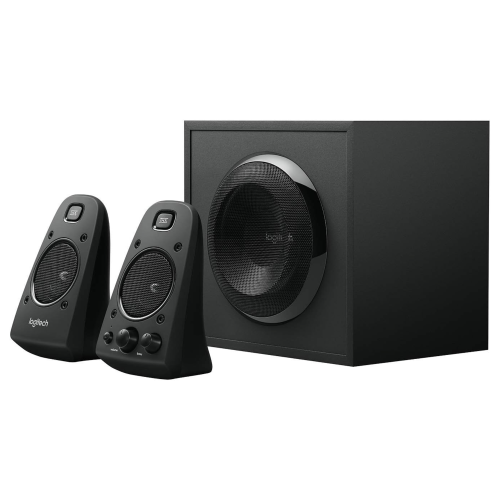
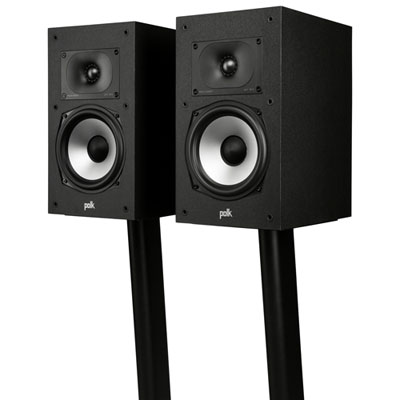
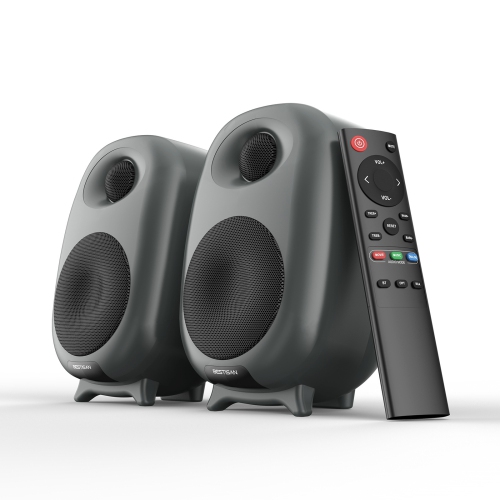
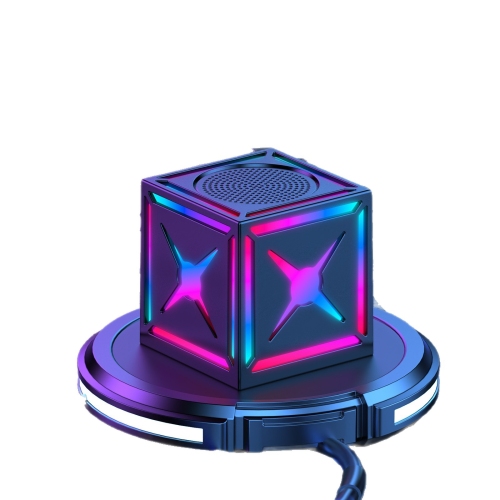
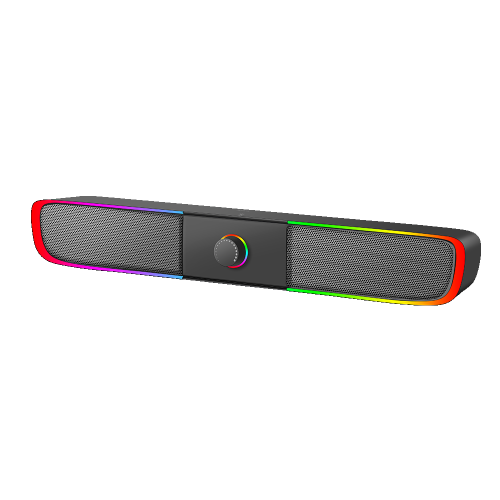

Better sound starts with flexible connections and thoughtful speaker placement
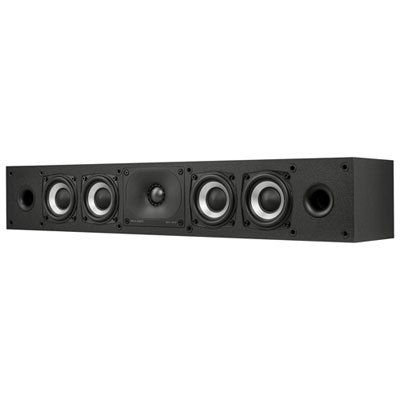
When setting up your PS3 for an immersive gaming or home entertainment experience, choosing the right speakers can make all the difference. Whether you’re reliving classic titles, watching movies, or streaming music, external speakers bring new depth to your audio that built-in TV speakers simply can’t match. Many users connect their PS3 to speakers through the AV Multi Out with RCA cables, or take advantage of the Digital Out (Optical) port for higher fidelity sound. If your display supports HDMI, an HDMI audio extractor can separate the audio signal for use with external speakers. For those who prefer a more straightforward setup, a 3.5mm adapter can allow RCA connections to desktop speakers or compact soundbars. As the weather warms and gatherings move from living rooms to patios or rec rooms, having a flexible speaker setup for your PS3 ensures you can enjoy great sound wherever your gaming or movie nights take you.
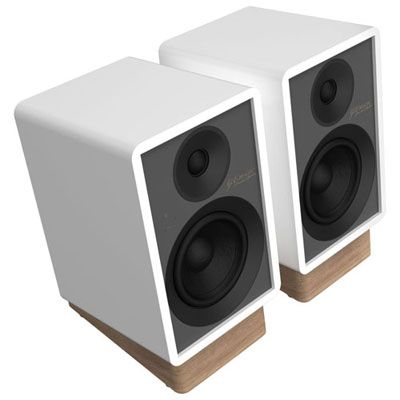
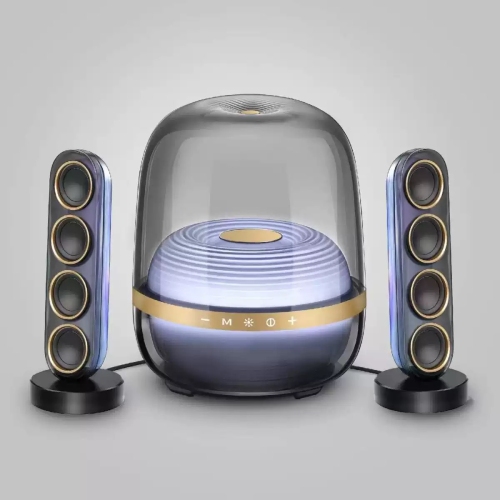
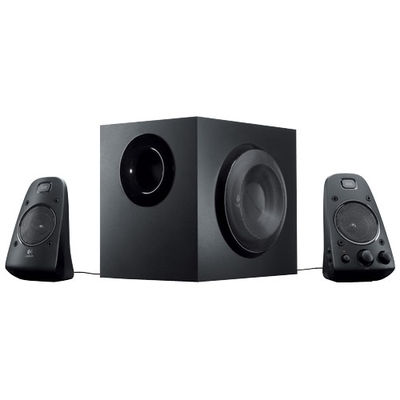
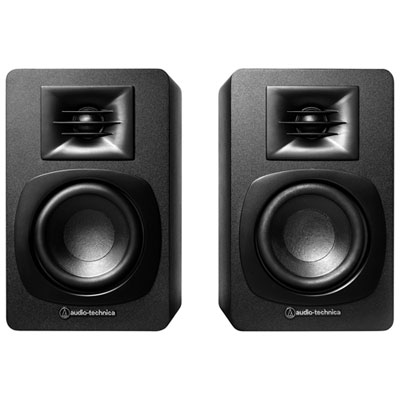
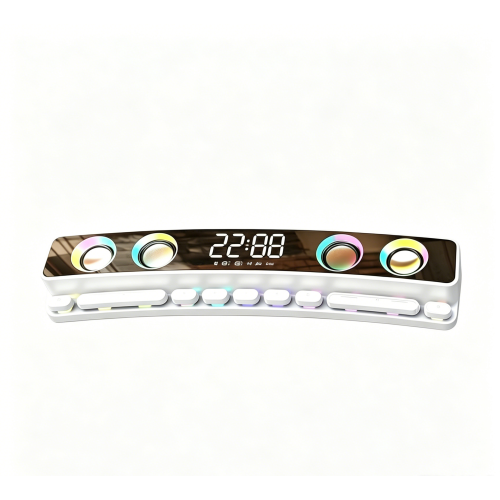
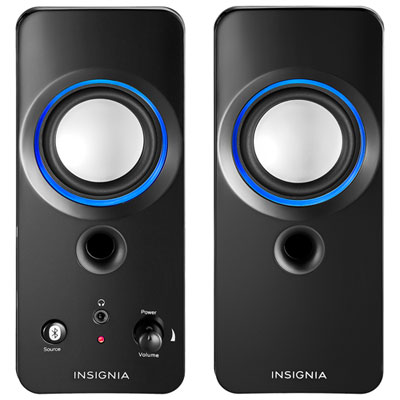
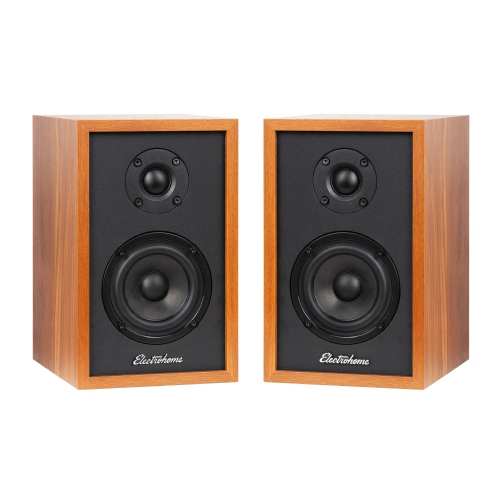
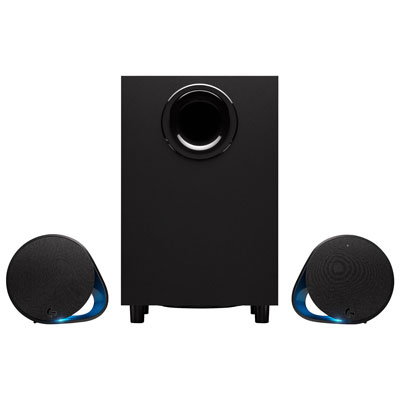
If you’re shopping for PS3 speakers, consider who will be using them and how. For solo gamers, a pair of powered desktop speakers or a small bookshelf system often provides enough punch and clarity to capture every detail, from subtle in-game footsteps to cinematic explosions. Families or roommates who use the PS3 for movie nights or music may appreciate a 2.1 channel system with a dedicated subwoofer for deeper bass and richer soundscapes. Speakers with their own volume controls are especially handy, since the PS3 doesn’t adjust volume output directly—this detail becomes important if you want to quickly lower the sound during late-night sessions or parties. Many modern gaming speakers also support Bluetooth, making it easy to switch between your PS3 and other devices like smartphones or tablets, so you can continue listening to playlists or podcasts when not gaming. These versatile setups make great gifts for students moving into a new dorm, families upgrading their home theatre, or anyone looking to enhance their entertainment space as the days get longer and social gatherings become more frequent.
Setting up PS3 speakers is usually a straightforward process, but a few expert tips can help you get the most out of your investment. Always check the available outputs on your PS3 and the inputs on your chosen speakers to ensure compatibility—most setups will use either RCA, optical, or HDMI extraction. Take a moment to explore the PS3’s audio settings menu, selecting the correct output mode for your connection type so you’re getting the best possible sound. For those who enjoy both gaming and movies, positioning your speakers at ear level and slightly angled toward your main seating area can dramatically improve clarity and immersion. If you’re curious about upgrading or want to compare with options for other consoles, you can explore compatible options on our Sound Systems for PS4 page, which shares many features with PS3 setups. Whether you’re a retro gaming enthusiast, a parent setting up a family entertainment centre, or a student kitting out a new apartment, the right PS3 speakers can transform your audio experience all season long.
If you’re shopping for PS3 speakers, consider who will be using them and how. For solo gamers, a pair of powered desktop speakers or a small bookshelf system often provides enough punch and clarity to capture every detail, from subtle in-game footsteps to cinematic explosions. Families or roommates who use the PS3 for movie nights or music may appreciate a 2.1 channel system with a dedicated subwoofer for deeper bass and richer soundscapes. Speakers with their own volume controls are especially handy, since the PS3 doesn’t adjust volume output directly—this detail becomes important if you want to quickly lower the sound during late-night sessions or parties. Many modern gaming speakers also support Bluetooth, making it easy to switch between your PS3 and other devices like smartphones or tablets, so you can continue listening to playlists or podcasts when not gaming. These versatile setups make great gifts for students moving into a new dorm, families upgrading their home theatre, or anyone looking to enhance their entertainment space as the days get longer and social gatherings become more frequent.
Setting up PS3 speakers is usually a straightforward process, but a few expert tips can help you get the most out of your investment. Always check the available outputs on your PS3 and the inputs on your chosen speakers to ensure compatibility—most setups will use either RCA, optical, or HDMI extraction. Take a moment to explore the PS3’s audio settings menu, selecting the correct output mode for your connection type so you’re getting the best possible sound. For those who enjoy both gaming and movies, positioning your speakers at ear level and slightly angled toward your main seating area can dramatically improve clarity and immersion. If you’re curious about upgrading or want to compare with options for other consoles, you can explore compatible options on our Sound Systems for PS4 page, which shares many features with PS3 setups. Whether you’re a retro gaming enthusiast, a parent setting up a family entertainment centre, or a student kitting out a new apartment, the right PS3 speakers can transform your audio experience all season long.
Top selling and popular products
-
 Your price for this item is $449.99
 -
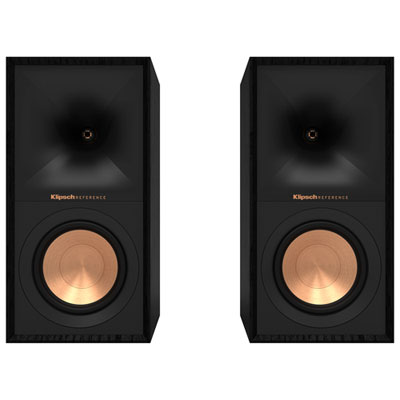 Your price for this item is $548.98
 -
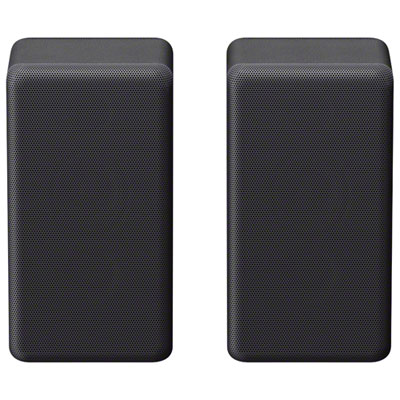 Your price for this item is $314.95
 -
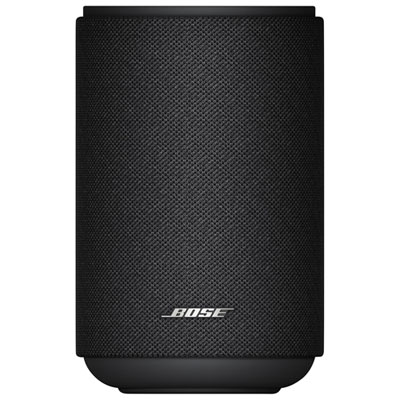 Your price for this item is $449.99
 -
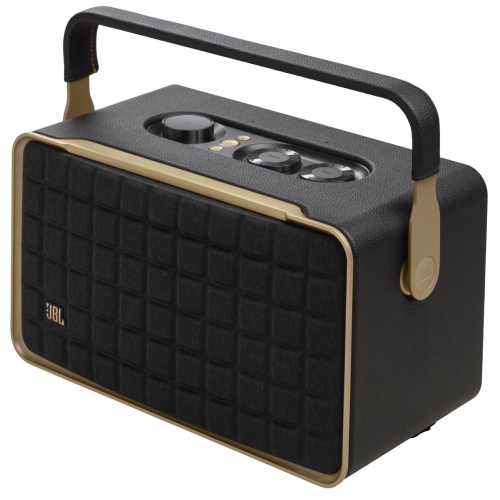 Your price for this item is $399.99
 -
 Your price for this item is $399.99
 -
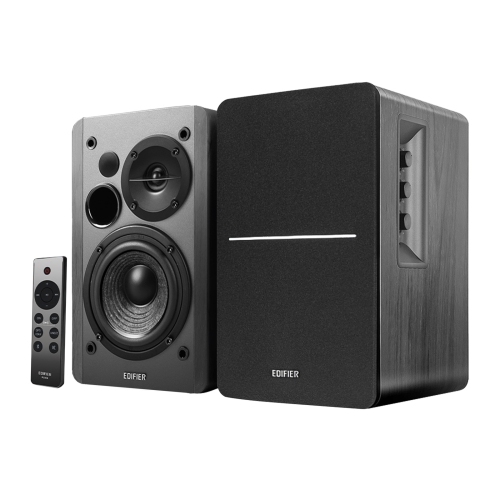 Your price for this item is $199.99
 -
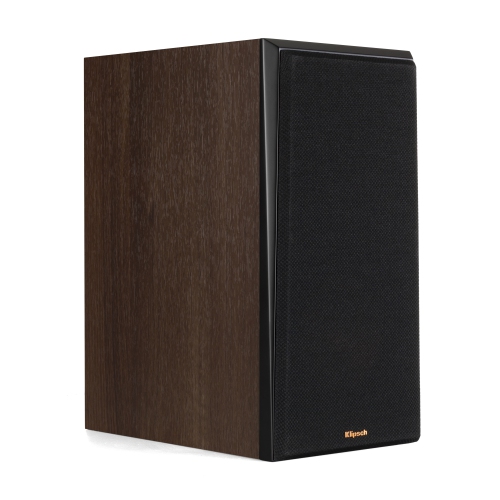 Your price for this item is $949
Discover more categories related to PS3 Speakers
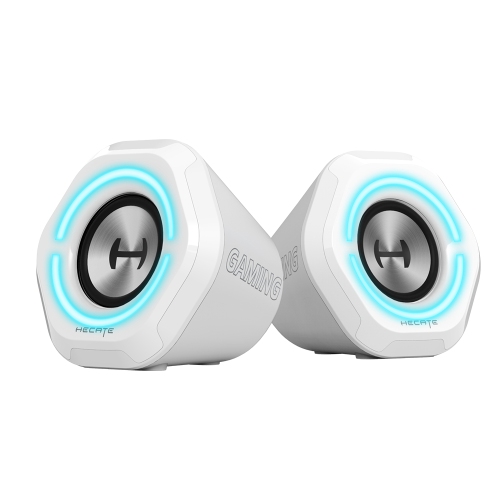


Top Collections:
Pokemon Centers, Best Cameras for Sports Photography, Kindle Devices, Samsung Galaxy Phones, Canon G7X Cameras, Pokémon 30th Celebration Cards, Refurbished Apple Laptops, iPhone 15 Apple, Laptops for Students, Budget Smartphones
Some products may be subject to Environmental Handling Fees
(EHF) depending on your province.
Learn more about EHFs.