Modem for WOW Internet
Upgrade your home or office network with the right modem for WOW Internet. Choosing a compatible modem is essential for enjoying fast and reliable internet connectivity throughout your space. Whether you're streaming, gaming, or working from home, finding the ideal modem for WOW Internet ensures you get the most out of your service. Explore a range of options designed to support your online activities and keep you connected with ease.
Sort




Provider approval matters more than advertised modem speeds
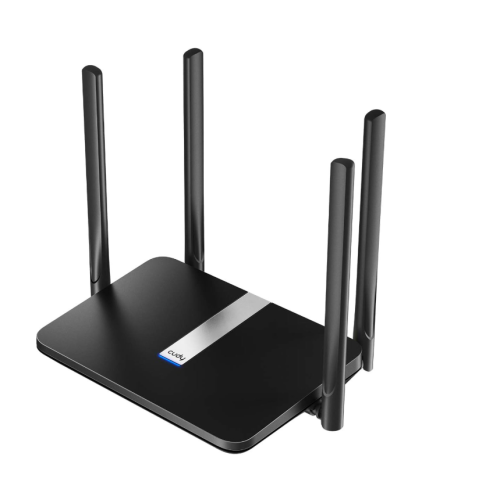
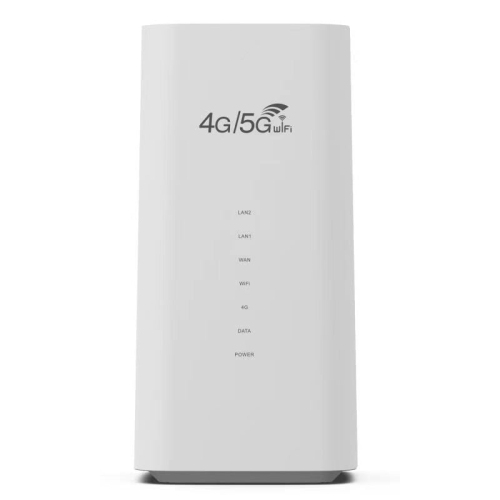
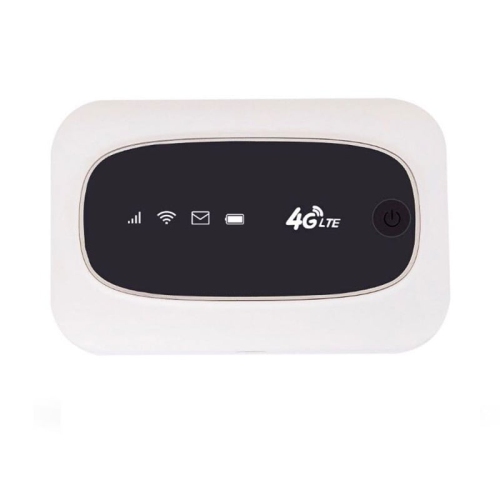
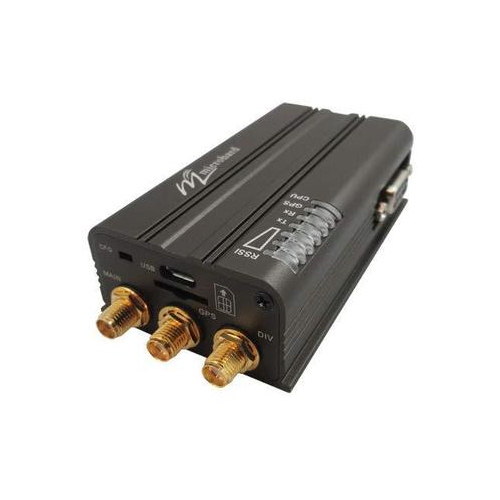
A modem for WOW! Internet connects a compatible cable internet service to a home network, providing the link between the incoming coaxial cable and a router or wired device. For high-speed cable plans, DOCSIS 3.1 is a useful starting point: it supports newer cable-network technology and is commonly associated with gigabit-capable equipment. However, the DOCSIS version alone does not establish compatibility. The exact modem model must meet the provider’s requirements for the service address and subscribed speed tier, and a device’s advertised maximum speed is not a promise of the speed delivered to every connected device. Provider approval matters more than a broad description such as “works with cable internet.” Cable modems are also different from the equipment used for fibre or DSL connections, so the connection type is just as important as the speed specification. A standalone modem generally provides an Ethernet connection rather than Wi-Fi; wireless coverage comes from a separate router connected to it. A modem-router combination brings those functions into one housing, creating a single connection point for the incoming cable, wired devices, and wireless network. Both formats can suit everyday browsing, video calls, streaming, and online gaming when matched appropriately to the service. Households with an internet-based home phone service may need provider-approved equipment with dedicated telephone support, which an ordinary cable modem does not necessarily include. Activation requirements also vary, and an existing modem’s registration cannot simply be assumed to transfer to a replacement. For shoppers comparing equipment, the most meaningful specifications are therefore the supported service type, provider approval, supported plan tier, and Ethernet connection speed. Together, these details describe what a modem can actually contribute to a home network, rather than relying on a large speed figure printed on the packaging.
The choice between a standalone modem and a modem-router combination often comes down to the layout of the home and how the network is used. Separate devices offer flexibility: the modem can stay near the cable outlet while an Ethernet cable connects it to a router positioned where wireless coverage is more useful. That can make a difference when the incoming cable is tucked into a basement corner but video calls take place upstairs, or when a television, game console, and desktop computer sit in different rooms. A combination unit keeps the setup more compact, with fewer separate housings and power adapters to organize, although its location must work for both the cable connection and wireless coverage. Wi-Fi performance depends on the router’s capabilities, the receiving devices, distance, walls, and interference; changing the modem alone will not necessarily improve a weak wireless signal at the far end of a home. For wired connections, the modem’s Ethernet port deserves close attention. A 1-Gigabit Ethernet port can become a limiting link on a plan capable of delivering more than that connection supports, while a 2.5-Gigabit Ethernet port can provide additional capacity when the router and other connected equipment also support it. Multiple Ethernet ports do not automatically combine their speeds or allow several devices to connect directly without the right service and network configuration. Clear specifications are especially helpful for households where several people work, study, stream high-resolution video, or download large files at the same time. A wired connection to a suitable router can provide consistent performance for a workstation or console, while Wi-Fi serves phones, tablets, and portable computers around the home. Faster equipment can remove a hardware bottleneck, but it cannot increase the subscribed service speed or eliminate every source of delay. A well-matched setup balances modem capability, router performance, and the demands of the devices sharing the connection.
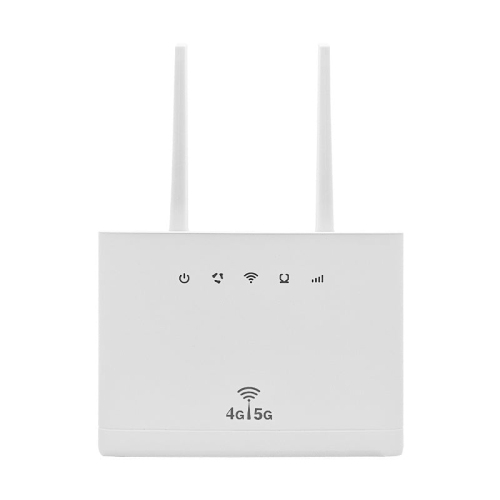
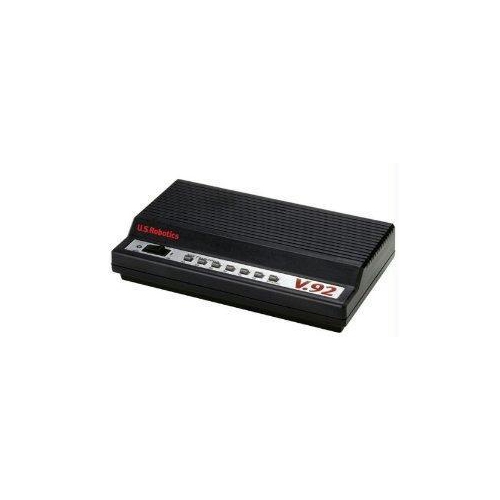
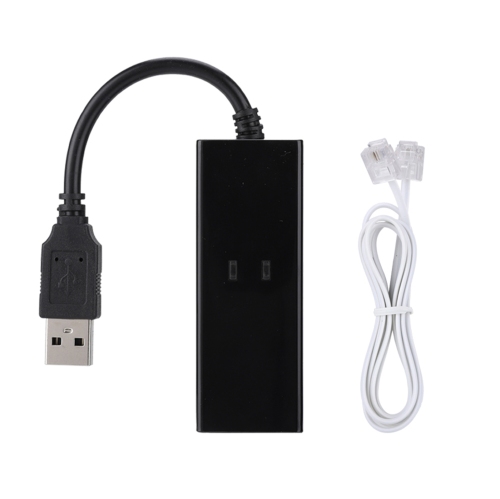
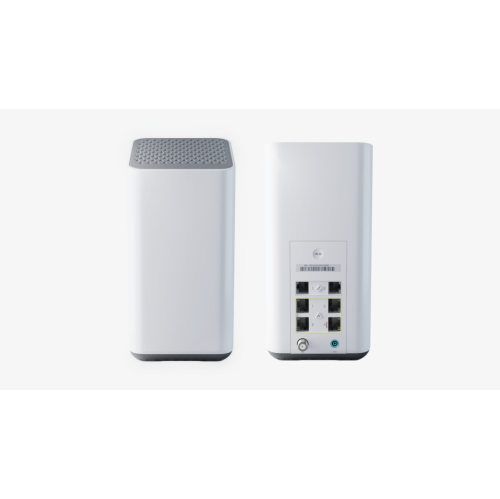
Physical design matters too, particularly for equipment that stays connected throughout the day. Cable modems and combination units commonly use rigid plastic housings with ventilation openings, internal shielding, and a mix of threaded coaxial and Ethernet connections. A sturdy base, accessible ports, and clearly visible status lights can make a device easier to position and check without moving everything on a shelf. Compact dimensions are helpful on a crowded desktop, but the space around the unit still needs to accommodate cables and the ventilation clearances specified by its manufacturer. An open shelf is generally more suitable than a tightly packed cupboard, and stacking other electronics on top can obstruct vents. Coaxial cables need enough room to connect without sharp bends or strain, while Ethernet plugs should seat securely without being pulled sideways by the weight of a hanging cable. Care is usually straightforward: keep openings free of dust, use a dry cloth on the exterior, and follow the manufacturer’s cleaning instructions rather than spraying liquid into vents or ports. The specified power adapter is another important part of dependable operation; an adapter that merely fits the socket may not have the correct electrical rating. Software support also contributes to long-term usefulness. Cable-modem firmware is often managed through the internet provider, while a separate router may have its own update process and settings. Accessible connection indicators can help distinguish a cable-service issue from a local Wi-Fi problem, although their meanings vary by device. For a broader comparison of modem formats and features, the Best Modem page offers another place to explore the category. Within a WOW! Internet setup, the strongest fit remains equipment approved for the exact cable service and speed tier, with suitable connections, a practical footprint, and the flexibility needed for the household’s wired and wireless devices.
Top selling and popular products
-
 Your price for this item is $126.68
-
 Your price for this item is $71.99
-
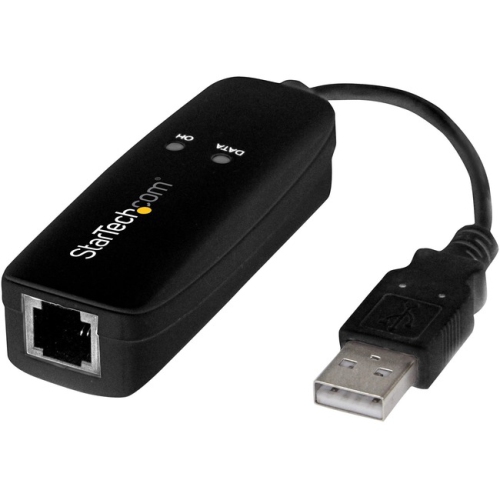 Your price for this item is $70.68
-
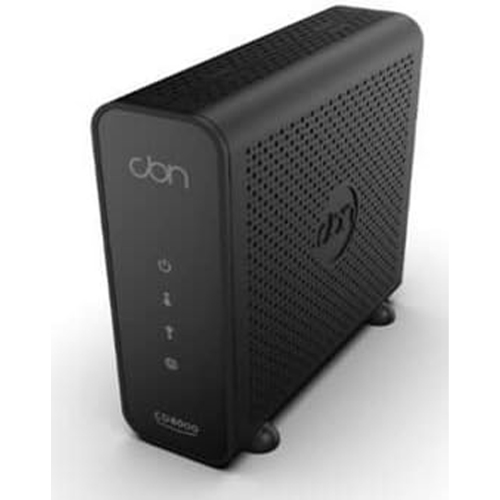 Your price for this item is $219.89
-
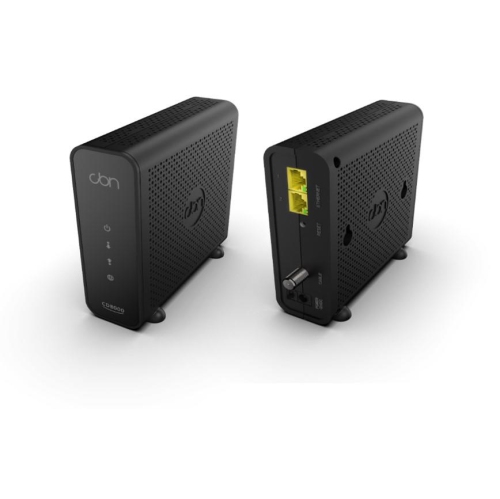 Your price for this item is $222.99
-
 Your price for this item is $229.96
-
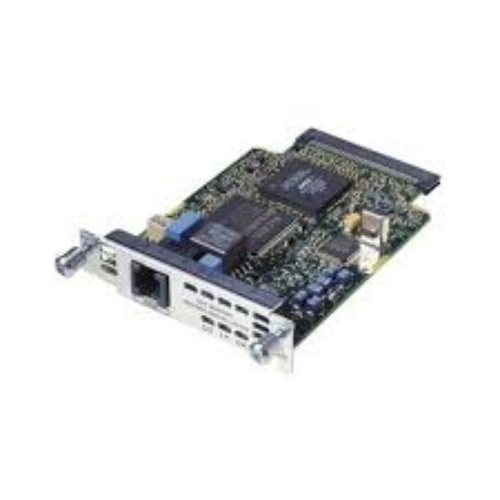 Your price for this item is $10
-
 Your price for this item is $150
Discover more categories related to Modem for WOW Internet
Top Collections:
Best Black Friday Deals This Year, Best Black Friday Deals On Electronics, Kindle Devices, Pokemon Centers, Best Black Friday Deals On Apple Products, Best Cameras for Sports Photography, Dyson Airwrap, Pokémon 30th Celebration Cards, Apple iPhone 17 Pro, Canon G7X Cameras
Some products may be subject to Environmental Handling Fees
(EHF) depending on your province.
Learn more about EHFs.