Best Tablets For Drawing And Creative Students
Bring your ideas to life with the best tablets for drawing and creative students, ranked by user review ratings. Whether you’re sketching illustrations, taking class notes, or building a digital portfolio, explore options that fit your creative workflow and coursework. Compare features such as stylus support, screen size, app compatibility, and battery life to find a tablet that suits your needs and budget.
What to look for in tablets for drawing and creative students
1. Stylus Support and Drawing Feel
2. Display Quality and Workspace
3. Creative Apps and Performance
4. Portability and Study Features
-
1
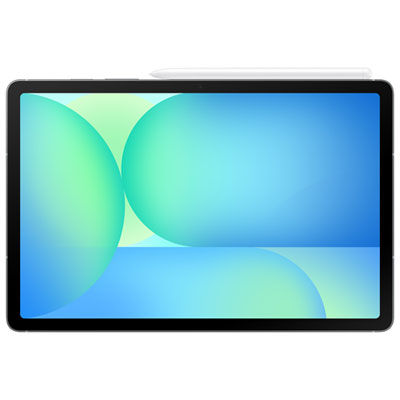
Samsung Galaxy Tab S10 FE 10.9" 128GB Android Tablet with Exynos 1580 Processor - Grey
About this product
A versatile grey tablet featuring a 10.9" display, Exynos 1580 processor, S Pen, and Galaxy AI.
What customers like
(98)$599.99 Your price for this item is $599.99 -
2

XPPEN 22 Inch 130% Srgb Drawing Tablet Display High Colors Accuracy Art Tablet With 16384 Pressure Stylus (Artist 22 Plus)
About this product
A high-colour-accuracy drawing tablet with 130% sRGB and 16,384-pressure-level stylus for creative work.
(1)$569.99Your price for this item is $569.99SAVE $190 -
3

Wacom Intuos 6.0" x 3.7" Graphic Tablet with Stylus (CTL4100WLK0) - Black
About this product
A black Bluetooth-enabled graphic tablet with a precise stylus and 4,096 pressure sensitivity levels.
What customers like
(1,000)$104.99 Your price for this item is $104.99 -
4
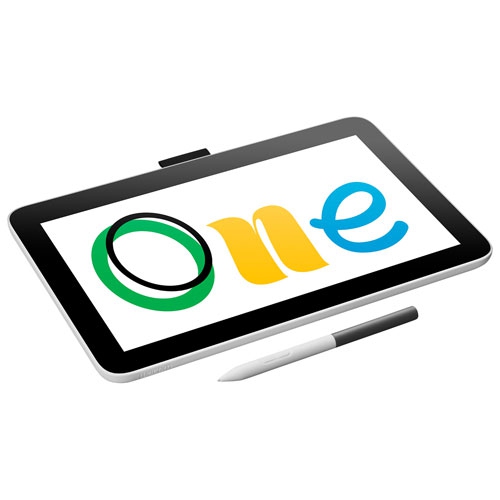
WACOM One Pen Display 12" Graphic Tablet
About this product
A 12" graphic tablet with an HD screen, battery-free pen, and customizable shortcut buttons for artists.
What customers like
(55)$409.99 Your price for this item is $409.99 -
5
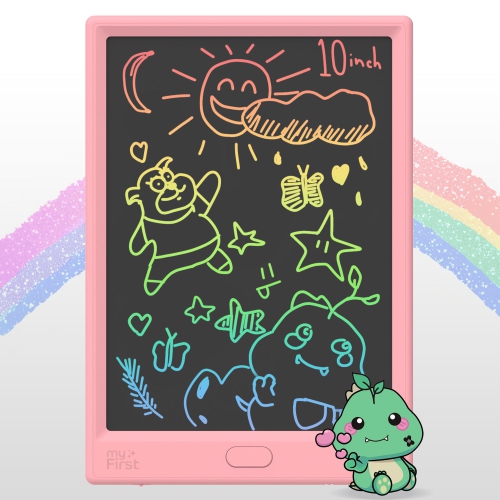
MYFIRST Sketch Pro Neo - Kids' Lcd Writing Tablet, Doodle Board, Drawing Pad, Leather Case - In Pink
About this product
A pink LCD writing tablet with a leather case, perfect for kids to doodle and draw creatively.
(2)$59.90Your price for this item is $59.90SAVE $30 -
6

HUION Kamvas Slate 11 Standalone 11 Inch Tablet Android 14
About this product
An Android 14 tablet with an 11-inch display, designed for creative work and digital drawing.
$680.75Your price for this item is $680.75SAVE $59 -
7
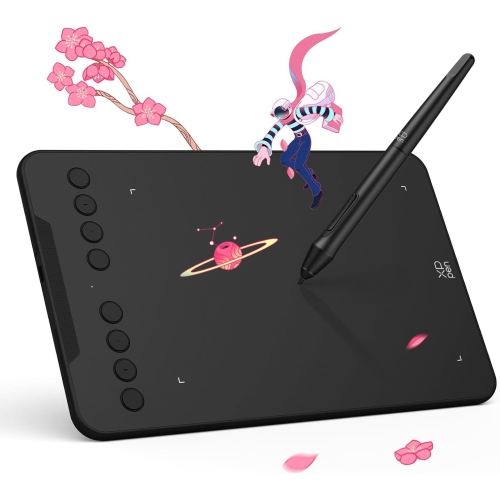
XPPen Deco Mini 7 V2 Graphics Drawing Tablet
About this product
A compact graphics drawing tablet designed for precise digital art and note-taking.
$99.79Your price for this item is $99.79SAVE $8 -
8
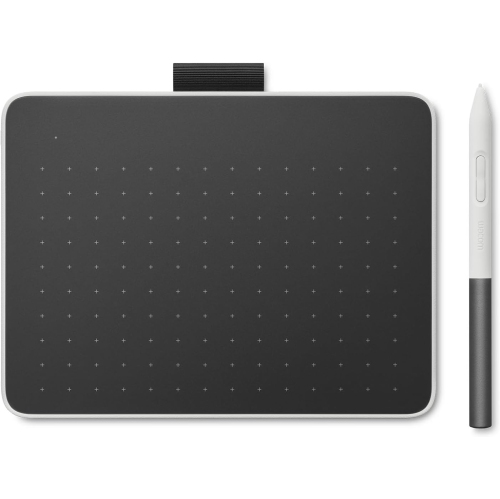
WACOM One Bluetooth 7.4" X 5.5" Drawing Tablet
About this product
A Bluetooth-enabled drawing tablet designed for smooth, precise digital art and note-taking.
$226.69Your price for this item is $226.69SAVE $19 -
9
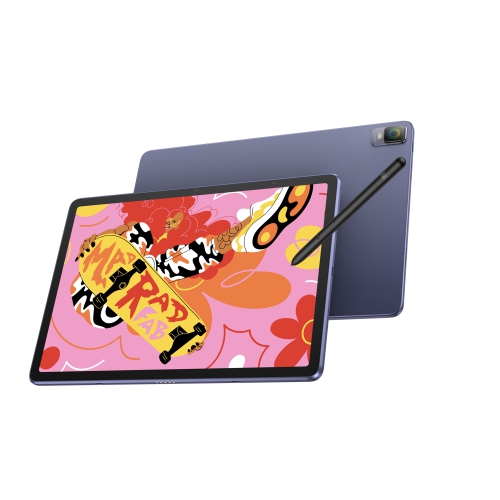
XPPEN Magic Drawing Pad, 12.2 Inch Standalone Drawing Tablet, 16384 Pressure Levels X3 Pro Battery-Free Stylus Paper-Like Screen, Tuv-Certified
About this product
A standalone 12.2-inch drawing tablet with a paper-like screen, 16384 pressure levels, and 256GB storage.
(1)$595.99Your price for this item is $595.99SAVE $94 -
10
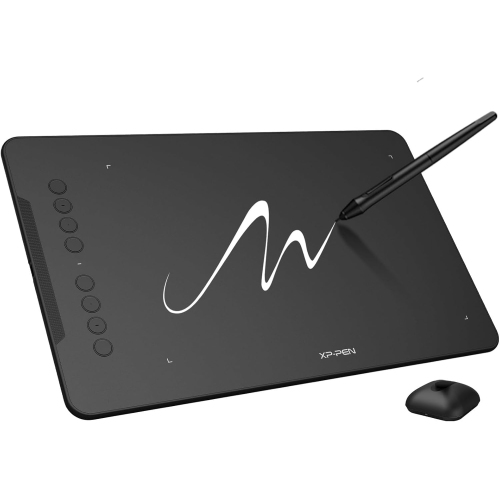
XPPen Deco 03 Digital Graphics Drawing Tablet
About this product
A versatile digital drawing tablet designed for smooth, precise creative work on your computer.
$134.96Your price for this item is $134.96SAVE $11
FAQ
Standalone tablets run drawing apps directly on the device. Pen displays connect to a compatible computer and let you draw on a screen, while graphics tablets capture pen input on a separate drawing surface as you view your work on a computer monitor. Your choice depends on whether you want a self-contained device or a computer-based setup.
Common drawing features include pressure sensitivity, tilt support, programmable buttons and palm rejection. These features vary by tablet, stylus and app. Check compatibility carefully, as not every stylus supports every tablet, and a pen may be included or sold separately.
Start with your program’s required apps and check their operating system requirements. Some illustration, animation and design tools have tablet versions, while others require desktop software. Also check whether the tablet app includes the tools and file export options your coursework requires.
Common formats include PNG and JPEG for images, PDF for sharing layouts, and SVG for vector artwork. Native project formats can preserve editable layers and other app-specific details. Check your instructor’s submission requirements and confirm that your chosen app can export the required formats.
Common accessories include a compatible stylus, replacement pen nibs, a tablet stand, a protective case and a keyboard for written coursework. Computer-connected drawing tablets may also need specific cables or adapters. Check the tablet’s connections and accessory compatibility before choosing your setup.
Top selling and popular products
Discover more categories related to Best Tablets For Drawing And Creative Students



Some products may be subject to Environmental Handling Fees (EHF) depending on your province. Learn more about EHFs.